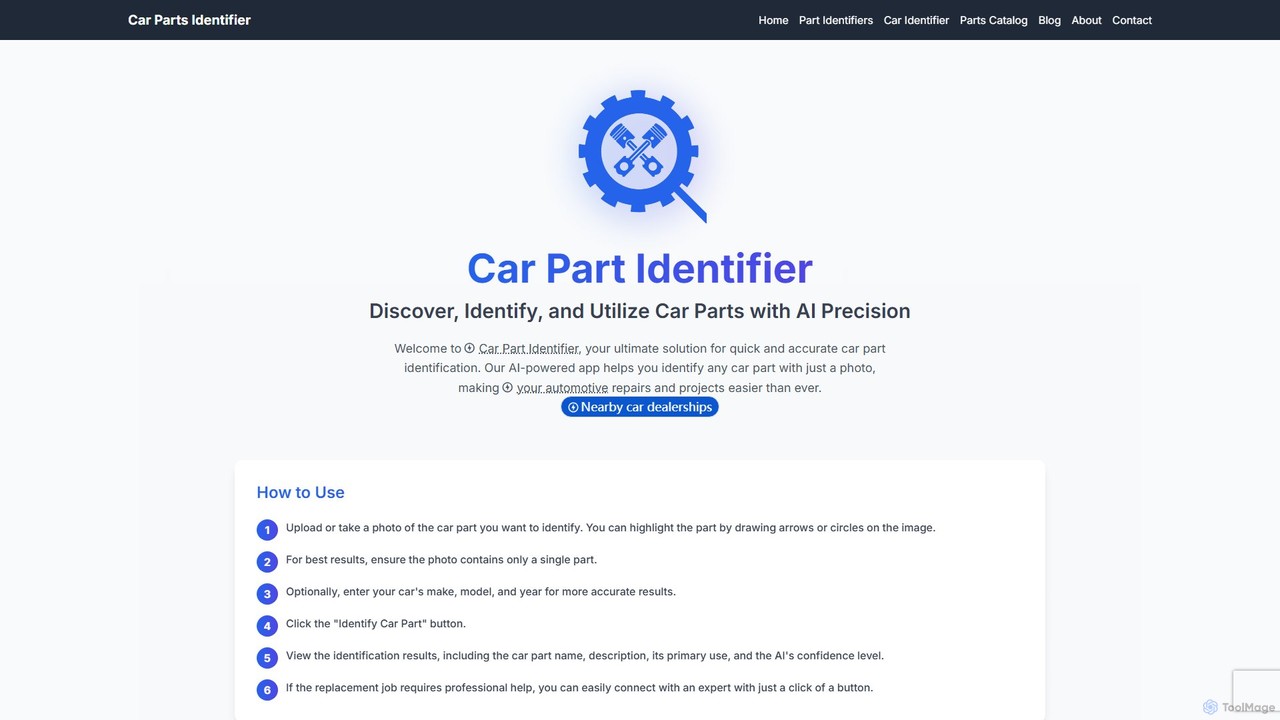
Car Part Identifier
An AI-powered tool that accurately identifies car parts from a photo. Designed for mechanics, DIY enthusiasts, and automotive …
An AI-powered tool that accurately identifies car parts from a photo. Designed for mechanics, DIY enthusiasts, and automotive businesses, it provides part details, usage information, and direct links to purchase.
About Diy
AI DIY (Do-It-Yourself) tools are platforms designed to empower users without coding or data science expertise to build custom AI applications and automate workflows. These tools utilize intuitive, often visual, no-code or low-code interfaces, allowing anyone to assemble pre-built AI modules and logic blocks. Their primary value lies in democratizing access to AI, enabling hobbyists, entrepreneurs, and small teams to create functional solutions for personal projects, business automation, or creative experiments. They abstract away the complexity of model training and deployment, focusing instead on practical application and rapid prototyping.
Core Features
- No-Code/Low-Code Interface: Build applications using drag-and-drop editors, visual flowcharts, and simple configuration forms instead of writing code.
- Pre-built Templates & Models: Start projects quickly with a library of templates for common tasks like chatbots, data classifiers, or automation routines.
- Guided Workflow Creation: Step-by-step wizards and tutorials that guide users through the process of defining a problem and building a solution.
- Simple Integration Connectors: Easily connect your AI application to popular third-party services like Google Sheets, Slack, or social media platforms.
Use Cases
These tools are ideal for individuals and small businesses. For example, a small e-commerce owner can build a simple chatbot to answer frequently asked questions, or a content creator can automate the process of curating and posting content. Hobbyists also use them to create personal assistants or smart home automation projects.
How to Choose
When selecting an AI DIY tool, consider the complexity of your project. Evaluate the platform's learning curve and the quality of its documentation. Check the availability of relevant templates and integrations for your needs. Finally, review the pricing model, paying attention to free tiers or usage limits that align with your budget and expected scale.

DiyUse Cases
Automate Small Business Customer Service
A local bakery owner, with no technical staff, uses a no-code AI DIY tool to build a chatbot for their website. They use a pre-built template, customizing it with their store hours, menu items, and answers to common questions like 'Do you offer gluten-free options?'. The bot is connected to their business's Facebook page and website chat widget. This frees up staff from answering repetitive inquiries, allowing them to focus on baking and serving in-store customers, while providing instant 24/7 support to online visitors.
Create a Personal Project Management Bot
A hobbyist writer uses a low-code DIY platform to build a personal assistant bot. They configure it to connect to their Google Calendar and a Trello board. The writer can text the bot commands like 'add new chapter idea: a mysterious stranger arrives' and the bot automatically creates a new card on their 'Ideas' Trello board. They also set up a daily reminder where the bot sends them a message with their writing goals for the day from their calendar. This custom tool helps them stay organized without needing a complex, expensive project management software.
Build a Custom News & Content Aggregator
A marketing student wants to stay updated on the latest AI trends from specific blogs and Twitter accounts. Using an AI DIY tool, they build a workflow that monitors several RSS feeds and Twitter profiles. When a new article or tweet containing keywords like 'generative AI' or 'LLM' is published, the tool automatically uses an AI model to summarize the content into three bullet points and sends the summary to a dedicated Slack channel. This saves them hours of manual browsing each day and ensures they never miss important industry news.
Design a Smart Home Automation Routine
A tech enthusiast wants to create a 'movie night' routine that goes beyond standard smart home app capabilities. Using a visual AI DIY platform, they create a sequence triggered by the phrase 'start movie night'. The workflow dims the smart lights to 30% blue, turns on the TV and soundbar, and sends a command to their smart blinds to close. It also checks their calendar; if it's a weekday, it sends a notification to their phone reminding them to set a morning alarm. This level of custom logic and multi-device coordination is achieved without writing a single line of code.
Prototype a Simple App Idea Without Code
An entrepreneur has an idea for a mobile app that recommends local restaurants based on user mood. Lacking coding skills, they use an AI DIY app builder. They design a simple interface with a dropdown for 'mood' (e.g., 'celebratory', 'cozy', 'adventurous'). They then connect this to a Google Sheet of local restaurants they've curated, each tagged with moods. The tool's logic filters the sheet based on the user's selection and displays the matching restaurants. This creates a functional prototype in a few hours, allowing them to test the core concept with potential users before investing in full development.
Create a Personalized Learning Flashcard Bot
A student preparing for a history exam uses an AI DIY tool to create a study assistant. They upload their study notes as a text file. They then build a simple bot that they can interact with via a messaging app. The student can send a command like 'quiz me on Chapter 3'. The AI reads the relevant section of the notes, generates a question-and-answer pair in a flashcard format, and sends it to the student. This provides an interactive and personalized study method, transforming static notes into an engaging learning tool without any programming.