

Flowtext Overview
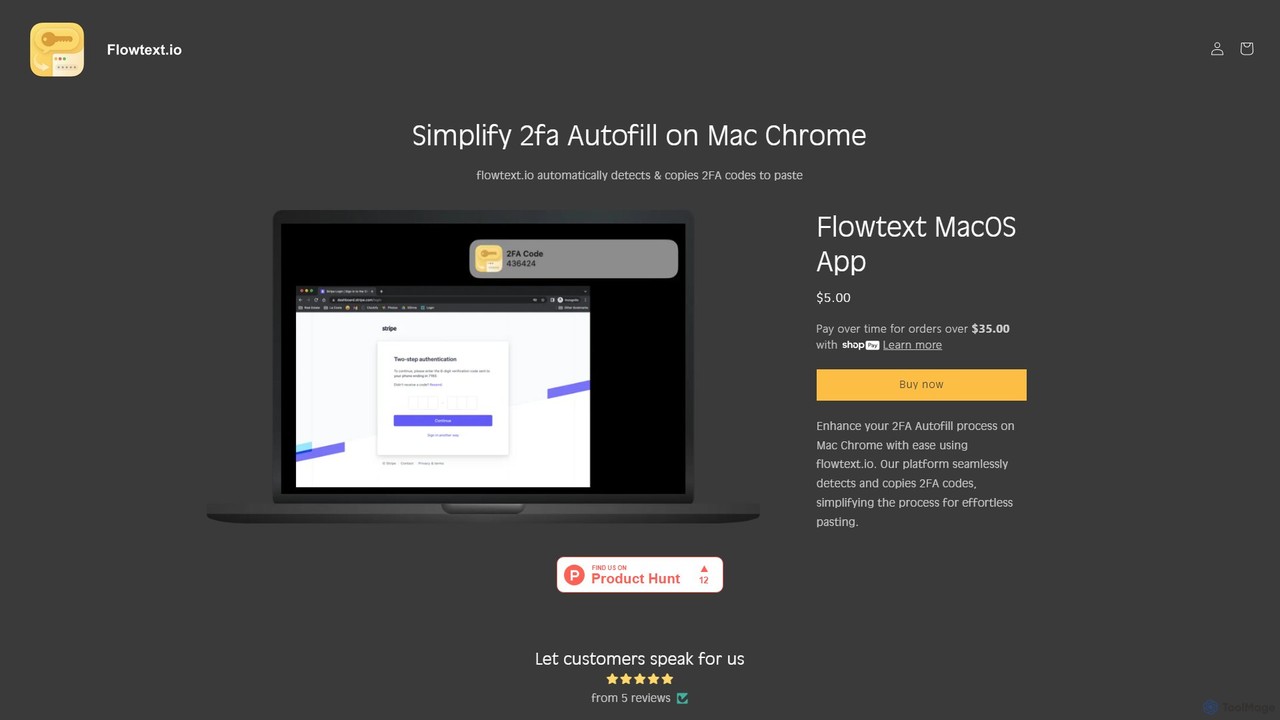
In an era of heightened digital security, two-factor authentication (2FA) has become a standard practice for protecting online accounts. However, this crucial security layer often introduces friction into our daily workflows, requiring us to constantly switch between our browser and messaging app to retrieve and enter codes. Flowtext is a simple yet powerful utility designed specifically for macOS and Google Chrome users to eliminate this hassle. It revolutionizes the 2FA process by automatically detecting authentication codes from SMS messages in iMessage and copying them directly to the clipboard, making logins seamless and effortless.
How to use Flowtext
Getting started with Flowtext is incredibly simple and designed to be non-intrusive. Here’s a step-by-step guide:
- Purchase and Install: Acquire the application from the official Flowtext website and install it on your macOS device like any other app.
- Grant Permissions: Upon first launch, Flowtext will guide you to grant the necessary permissions. It needs access to read your incoming SMS messages to detect the 2FA codes. This process is secure and all processing happens locally.
- Run in the Background: Once set up, the app runs quietly in the background. There's no complex interface to manage.
- Automatic Detection and Copy: When you receive an SMS containing a 2FA code, Flowtext instantly identifies it and copies it to your clipboard. You'll receive a subtle notification confirming the action.
- Paste and Go: Switch to your Chrome browser and simply paste the code (using Command+V or right-click > Paste) into the authentication field to complete your login.
Core Features of Flowtext
- Automatic 2FA Code Detection: Flowtext intelligently scans incoming SMS messages in your macOS Messages app, using the same technology as Safari to accurately identify and extract authentication codes.
- Instant Clipboard Copying: As soon as a code is detected, it's immediately and automatically copied to your system clipboard, ready for you to paste.
- Seamless Chrome Workflow: The tool is specifically built to bridge the gap between iMessage on macOS and the Google Chrome browser, where automatic 2FA code filling is not natively supported like in Safari.
- Broad Service Compatibility: Flowtext works with virtually any service that uses SMS-based 2FA, including Google, GitHub, Instagram, Twitter, online banking portals, and many more.
- Privacy-First Design: Security and privacy are paramount. Flowtext processes all data locally on your Mac. Your messages and authentication codes are never sent to or stored on any external servers, ensuring your sensitive information remains confidential.
- User-Friendly Notifications: The app provides a discreet notification to let you know that a code has been successfully copied, so you're always aware of its operation without it being disruptive.
Use Cases for Flowtext
Flowtext is a valuable tool for a wide range of users who want to improve their digital efficiency and security:
- Developers and IT Professionals: Quickly log into GitHub, AWS, or other development platforms without breaking your coding flow or switching windows.
- Social Media Managers: Effortlessly switch between and log into multiple Instagram, Facebook, and Twitter accounts that are protected by 2FA.
- Financial Management: Securely and quickly access online banking portals, cryptocurrency exchanges, and financial applications without the hassle of manually entering codes.
- General Daily Productivity: For anyone who frequently logs into email, cloud storage, or other online services, Flowtext saves seconds on every login, which adds up to significant time savings and reduced frustration over time.
Advantages of Flowtext
The primary advantage of Flowtext is its ability to transform a tedious process into a seamless one. Key benefits include:
- Boosted Productivity: By eliminating the need for context switching and manual data entry, Flowtext helps you stay focused on your primary task.
- Significant Time Savings: It turns a multi-step process (open Messages, find the code, remember or copy it, switch back, type or paste) into a single, instant paste action.
- Enhanced Security: It reduces the risk of human error, such as typos when entering a code. Automating the copy process also minimizes the time a sensitive code is visible on screen.
- Effortless and Intuitive: The 'set it and forget it' nature of Flowtext means it works seamlessly in the background after a one-time setup, requiring no ongoing user intervention.
Pricing and Plans
Flowtext is available for a simple, one-time purchase of $5.00. There are no subscriptions, hidden costs, or recurring fees. This single payment grants you lifetime access to the application and its core features, making it a highly affordable investment in your daily productivity and online security.
Traffic
Latest traffic
Status
Monthly traffic trend
- 2025-9: 314
- 2026-1: 1.5K
- 2026-2: 1.6K
- 2026-3: 2.1K
- 2026-4: 764
- 2026-5: 1.6K
Geography
Top 5 countries / regions
- 🇺🇸United States100.0%
Top keywords
| Keyword | Cost per click |
|---|---|
| sms autofill chrome mac | $0.00 |
Flowtext Alternatives

Omnipilot
Omnipilot, now part of Highlight, is a powerful AI assistant for Mac & Windows. It works across all your apps, providing context-aware assistance for writing, meetings, and tasks. It understands what's on your screen to reduce context switching and boost productivity without needing to copy-paste.
Utilities
inbox_ai
inbox_ai is a powerful voice-driven AI automation tool for macOS. It allows you to create custom voice commands and build intelligent assistants to streamline your workflow. With features like on-screen quick capture, email filtering, and deep integration with native macOS apps and services like Raycast and PopClip, inbox_ai puts advanced AI capabilities at your fingertips. It operates entirely on-device, ensuring your data remains private and secure, with no login required.
Workflow
DeckAssistant
DeckAssistant is a powerful AI assistant that integrates directly with your Elgato Stream Deck. It allows you to process selected text, generate content, or chat with an AI using a single button press, directly within any application on your macOS. This eliminates context switching and streamlines your workflow for tasks like writing, coding, and content creation.
Workflow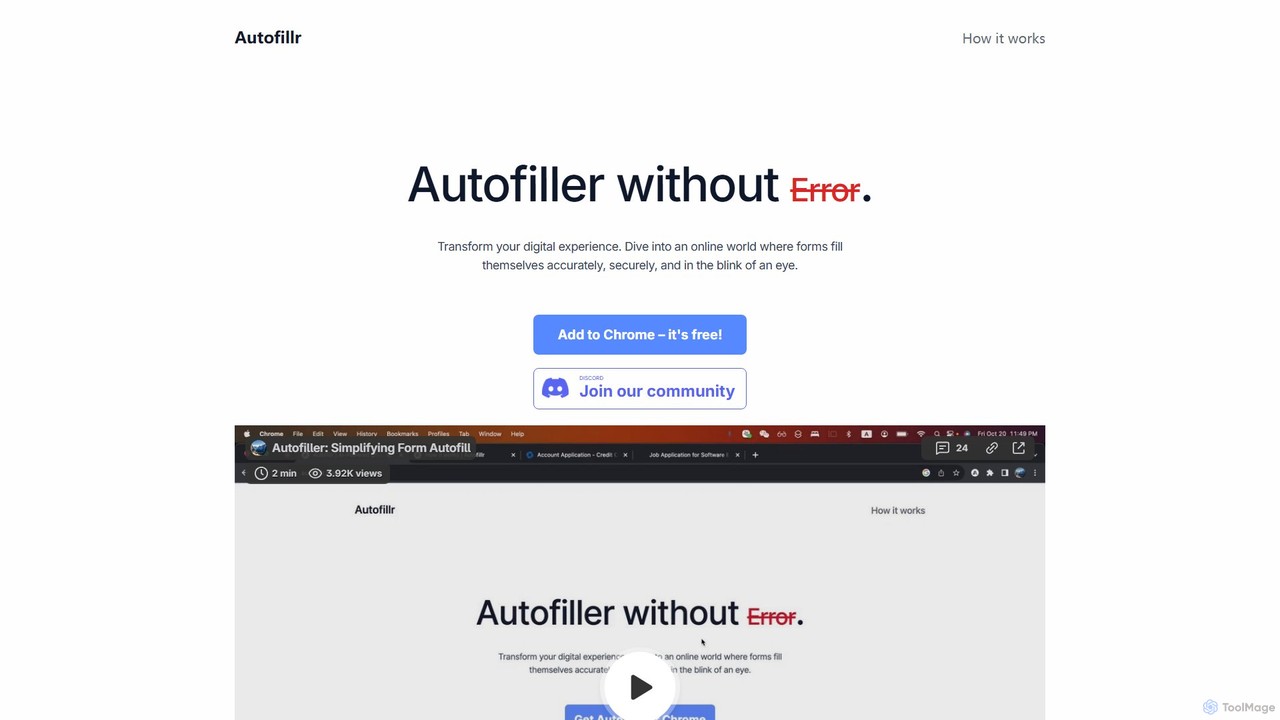
autofillr
autofillr is a free, AI-powered Chrome extension that revolutionizes form filling. It intelligently analyzes any web form to provide fast, accurate, and flawless autofill with a single click. Prioritizing user privacy, all your data is stored locally on your device, never sent to a server. This tool is designed to save you time and eliminate the tedious task of repetitive data entry, making online applications, checkouts, and registrations effortless.
Chrome Extensions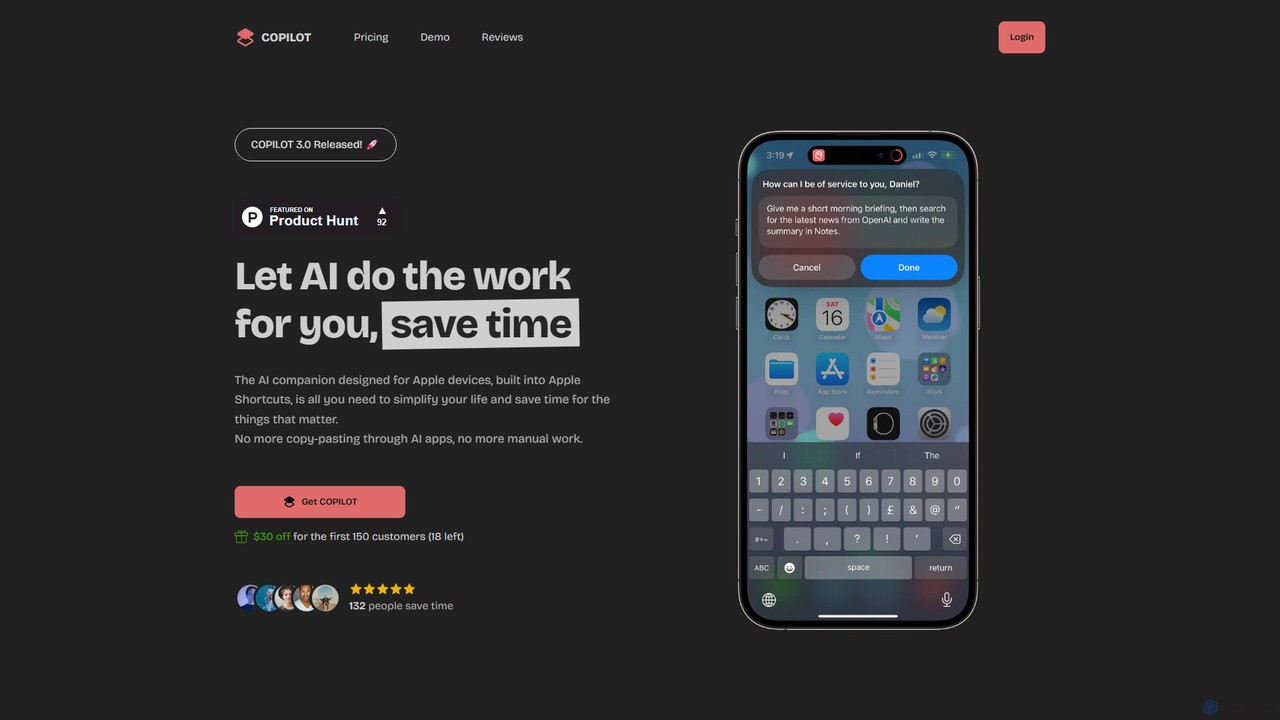
COPILOT
COPILOT is an AI assistant deeply integrated into the Apple ecosystem via Shortcuts. It automates daily tasks like summarizing schedules, browsing the web, writing content, and generating images, all within your favorite apps. Designed for Apple users, it eliminates the need for constant app-switching and copy-pasting, saving you time and streamlining your workflow.
Personal AssistantFlowtext Categories
Flowtext Embed Widget
Copy this embed code to place the badge on your blog, article, or product site and send readers directly to this ToolMage detail page.

Related AI tools
Omnipilot
Omnipilot, now part of Highlight, is a powerful AI assistant for Mac & Windows. It works across all your apps, providing context-aware assistance for writing, meetings, and tasks. It understands what's on your screen to reduce context switching and boost productivity without needing to copy-paste.
Utilitiesinbox_ai
inbox_ai is a powerful voice-driven AI automation tool for macOS. It allows you to create custom voice commands and build intelligent assistants to streamline your workflow. With features like on-screen quick capture, email filtering, and deep integration with native macOS apps and services like Raycast and PopClip, inbox_ai puts advanced AI capabilities at your fingertips. It operates entirely on-device, ensuring your data remains private and secure, with no login required.
WorkflowDeckAssistant
DeckAssistant is a powerful AI assistant that integrates directly with your Elgato Stream Deck. It allows you to process selected text, generate content, or chat with an AI using a single button press, directly within any application on your macOS. This eliminates context switching and streamlines your workflow for tasks like writing, coding, and content creation.
Workflowautofillr
autofillr is a free, AI-powered Chrome extension that revolutionizes form filling. It intelligently analyzes any web form to provide fast, accurate, and flawless autofill with a single click. Prioritizing user privacy, all your data is stored locally on your device, never sent to a server. This tool is designed to save you time and eliminate the tedious task of repetitive data entry, making online applications, checkouts, and registrations effortless.
Chrome ExtensionsCOPILOT
COPILOT is an AI assistant deeply integrated into the Apple ecosystem via Shortcuts. It automates daily tasks like summarizing schedules, browsing the web, writing content, and generating images, all within your favorite apps. Designed for Apple users, it eliminates the need for constant app-switching and copy-pasting, saving you time and streamlining your workflow.
Personal Assistant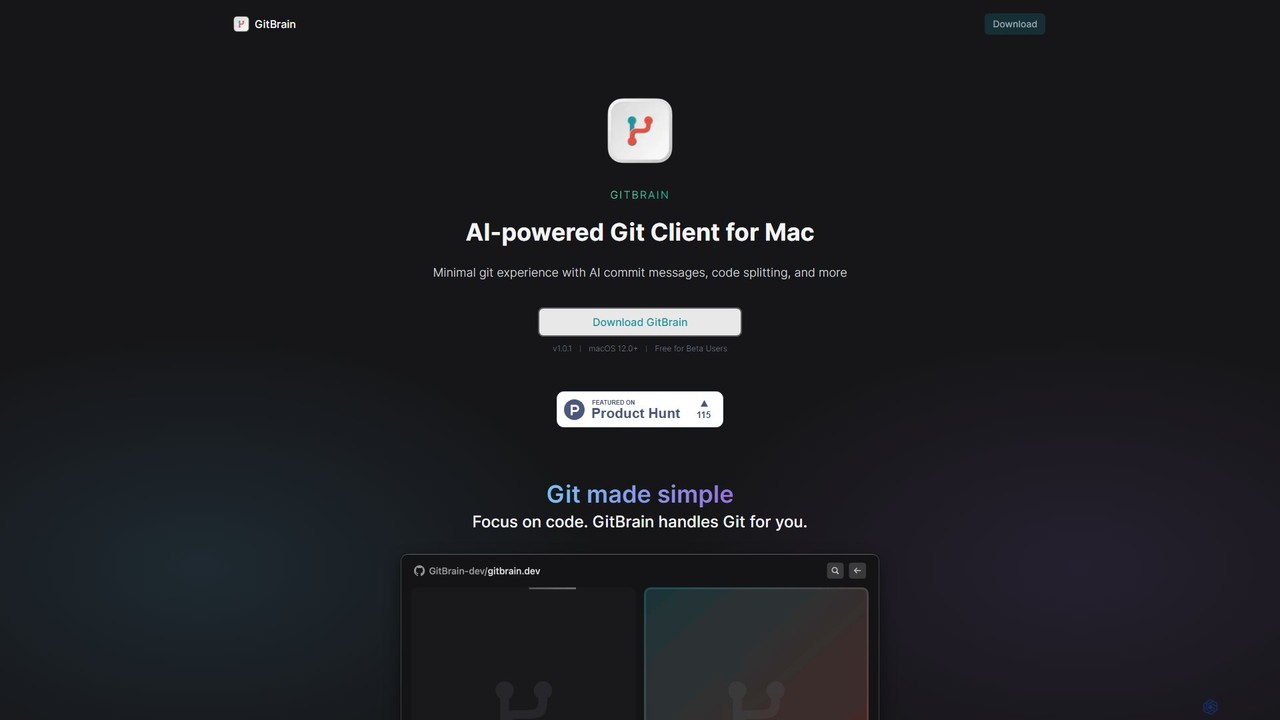
GitBrain
GitBrain is an AI-powered Git client for Mac designed to streamline your workflow. It automatically splits code changes into logical commits, generates clear commit messages, and provides AI-powered code summaries for self-review. With a native macOS interface, IDE integration, and a keyboard-first design, GitBrain simplifies Git management, allowing developers to focus on coding.
Code Assistant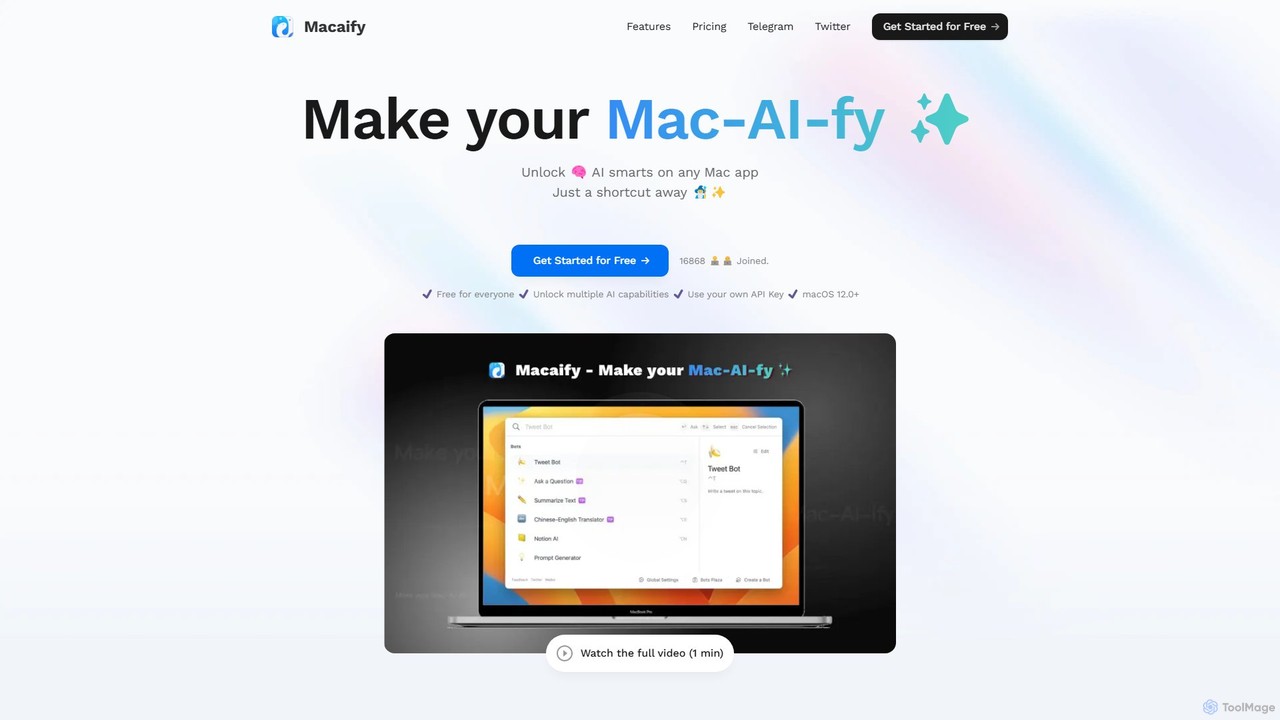
Macaify
Macaify is a native macOS application that integrates AI capabilities into any app on your Mac. With a simple keyboard shortcut, you can select text and instantly perform tasks like writing, translation, code generation, and more, without ever leaving your current application.
Code Assistant
Raycast
Raycast is a blazingly fast, extendable launcher for macOS that supercharges your productivity. It replaces Spotlight with a powerful command-line interface to control your tools, search files, run scripts, and automate tasks. With an integrated AI assistant, a vast store of community-built extensions, and features like Clipboard History, Snippets, and Window Management, Raycast centralizes your workflow, saving you time and context-switching.
Workflow Automation
Den
Den is an AI-powered workspace for macOS that unifies your chats, documents, and AI agents into a single platform. Backed by Y Combinator, it connects to your business tools, understands your company's knowledge, and automates tasks to boost productivity and streamline workflows.
Task Automation
Raycast
Raycast is a blazingly fast, extensible launcher for macOS that supercharges your productivity. It acts as a central command bar to control your tools, with integrated AI, an extensive extension store, and powerful built-in features like window management and clipboard history. It's designed to reduce context switching and keep you in the flow.
Personal Assistant
heyalice
heyalice is a personal AI assistant for your desktop (macOS, Windows, Linux) that centralizes top AI models like GPT-4o and Claude 3.5. It enhances productivity through customizable assistants, reusable prompts (Skills), and seamless integration with automation tools like Zapier and Make. Bring your own API keys to control costs and work faster with powerful keyboard shortcuts, all within a privacy-focused, local application.
Code Assistant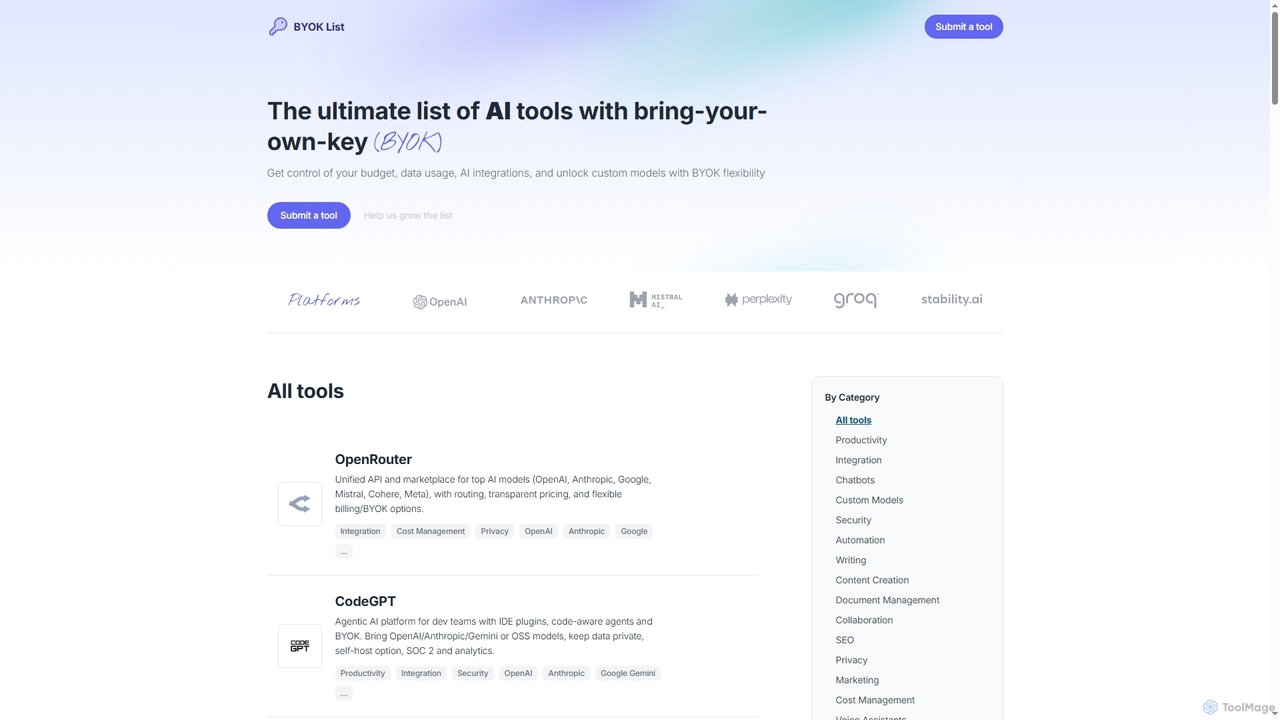
BYOKList
BYOKList is the ultimate directory for discovering AI tools that support Bring-Your-Own-Key (BYOK) functionality. It empowers users to manage their budget, data usage, and AI integrations, while also enabling access to custom models with enhanced flexibility.
Ai Resource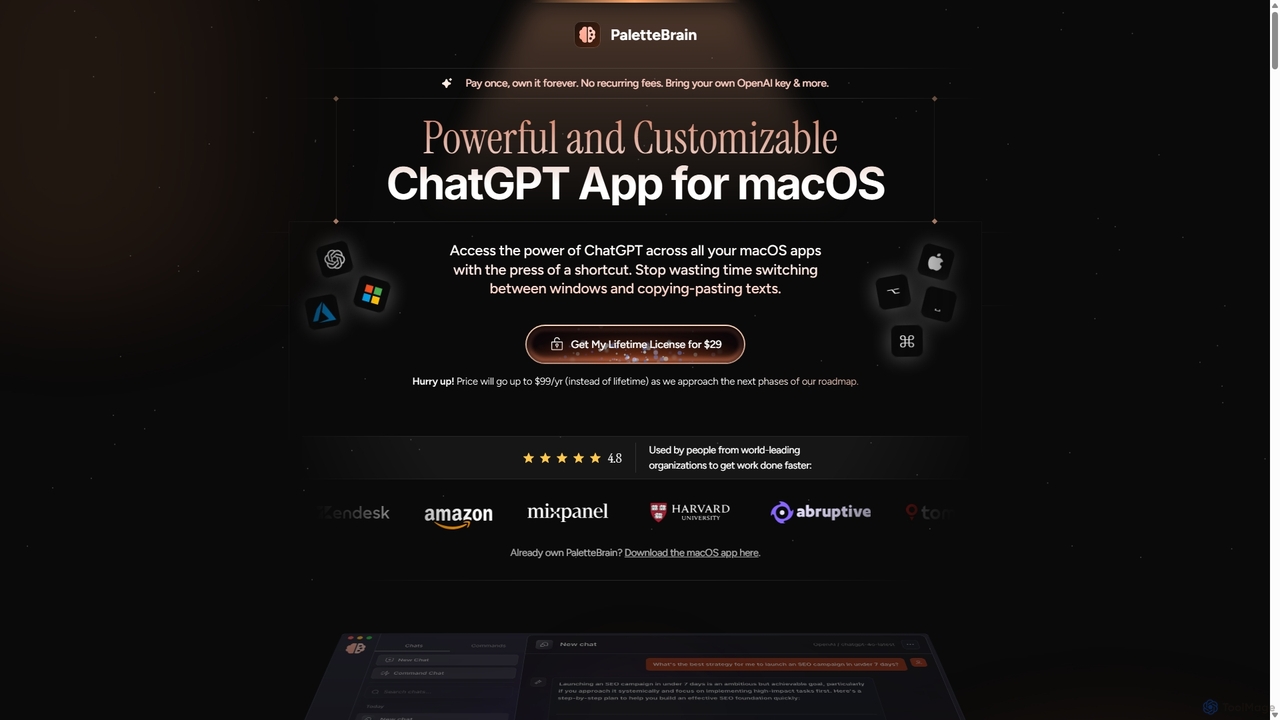
PaletteBrain
PaletteBrain is a native macOS application that integrates the power of ChatGPT directly into your workflow. With a simple keyboard shortcut, you can access AI commands on any selected text within any app, eliminating context switching. It offers customizable prompts, a one-time purchase model, and allows you to use your own OpenAI key for pay-as-you-go usage, making it a cost-effective and efficient productivity booster for writers, developers, and marketers.
Code Assistant
NotesCmdr
NotesCmdr is a powerful macOS extension designed to supercharge the native Apple Notes app. It enhances your note-taking workflow by adding features like slash commands for rapid formatting, a dynamic template system, an inline calculator, and intuitive Markdown-style shortcuts. It's the perfect tool for students, professionals, and anyone looking to boost their productivity within the Apple ecosystem.
Note Taking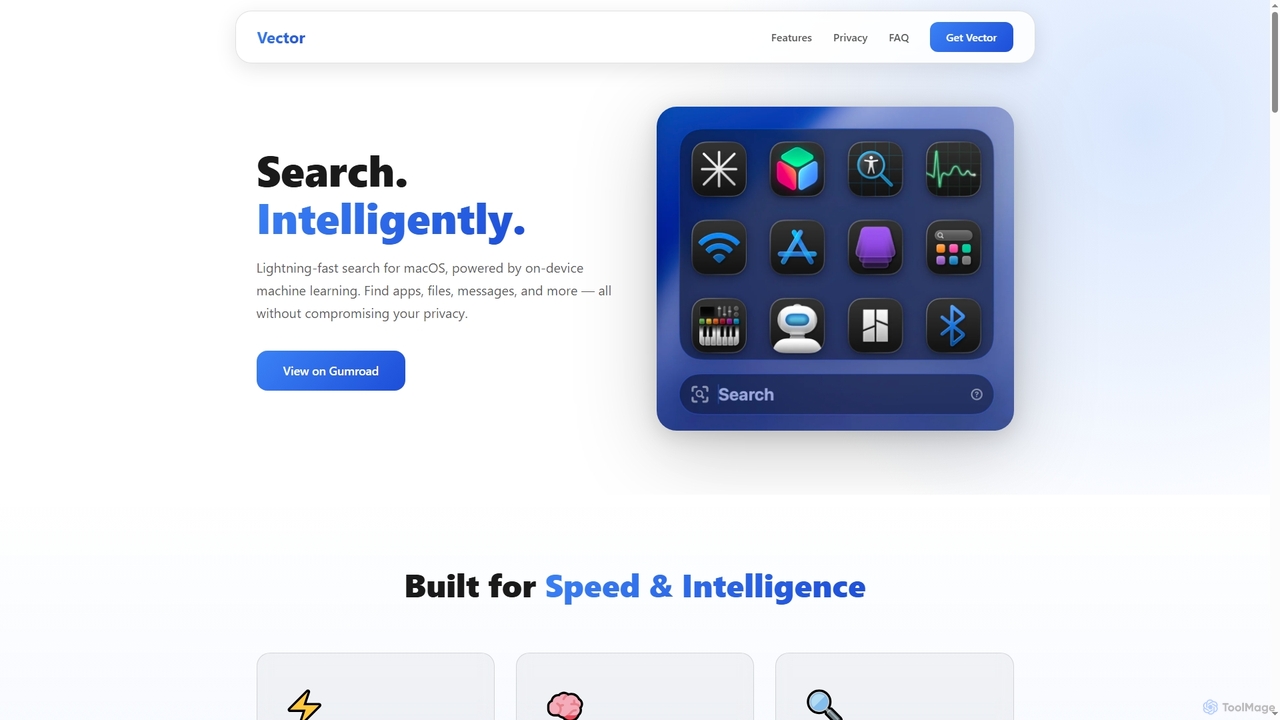
Vector
Vector is an intelligent search application for macOS, leveraging machine learning to provide semantic search capabilities across your iMessage and Files. Designed for Apple Silicon Macs, it offers a more powerful and reliable alternative to traditional system search, optimizing for performance and resource efficiency.
Semantic Search
Flowtext Comments (0)
Sign in to comment.
Sign inNo comments yet.