

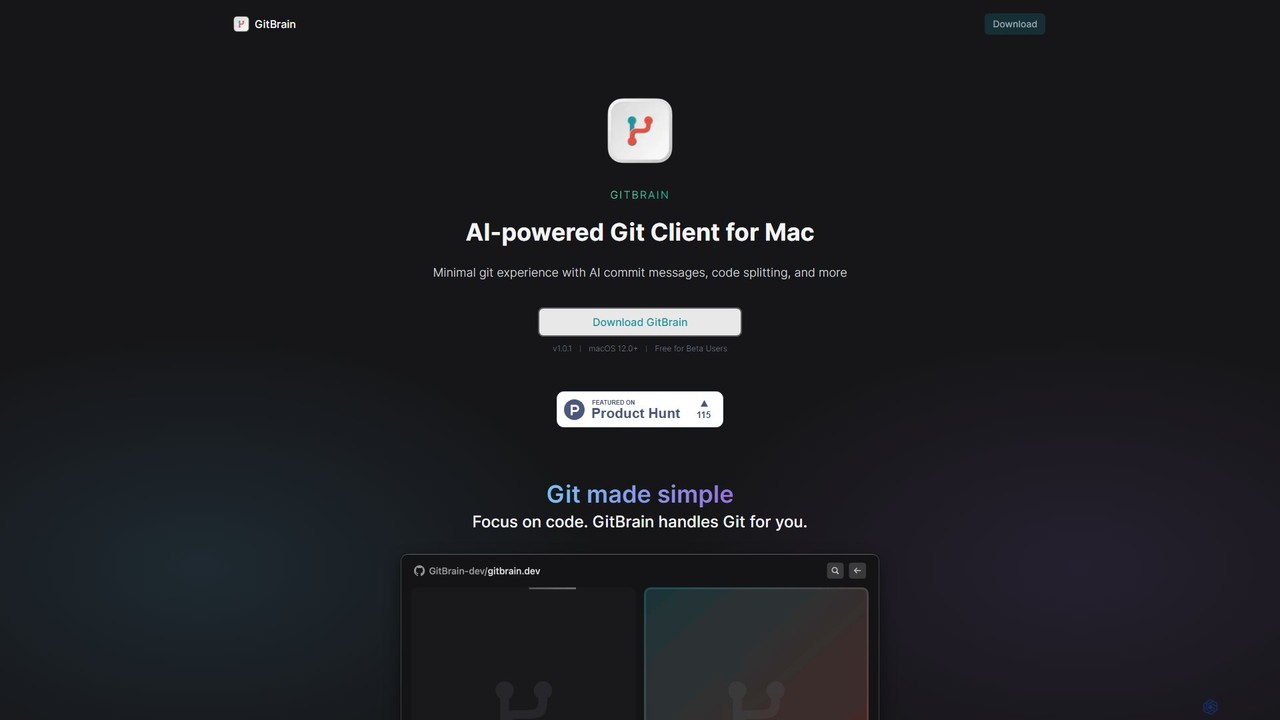
GitBrain Overview
GitBrain is a revolutionary AI-powered Git client built exclusively for macOS. It aims to simplify the entire Git workflow, making developers more productive by automating tedious version control tasks. Instead of manually staging files, writing commit messages, and structuring your commit history, GitBrain handles it for you. It intelligently analyzes your code changes, groups them into logical units, and suggests clean, descriptive commits, allowing you to focus purely on writing great code.
Designed from the ground up as a native Mac application, GitBrain offers a lightweight, fast, and seamless experience. It integrates perfectly with the macOS environment, featuring a menu bar icon, a floating panel, and beautiful light and dark mode themes that match your system's appearance. This focus on native performance ensures that the app is responsive and feels right at home on your Mac.
How to use GitBrain
Using GitBrain is designed to be an intuitive and seamless process that integrates directly into your existing development workflow:
- Download and Install: Get the latest version of GitBrain from the official website and install it on your Mac (requires macOS 12.0+).
- Automatic Project Detection: Once installed, GitBrain intelligently detects the project you are currently working on from your favorite IDEs (like VS Code, Xcode, etc.). When you open the GitBrain panel, your active project will be pre-selected.
- Code as Usual: Write your code and make changes in your editor without worrying about frequent commits.
- Engage the AI: When you're ready to commit, open the GitBrain panel using a custom hotkey. The AI will instantly analyze all your unstaged changes.
- AI-Powered Committing: GitBrain presents your changes as a series of automatically split, logical commits, each with a pre-written, descriptive commit message. You can review these suggestions, edit the messages, reorder the commits, or even merge several suggestions into a single commit.
- Self-Review: Before finalizing, use the AI-generated summary of your changes to perform a quick self-review. This helps you catch unintended changes and ensures your commit is clean.
- Commit with Keystrokes: Thanks to its keyboard-friendly design, you can navigate, approve, and push your commits using simple keyboard shortcuts, making the process incredibly fast.
Core Features of GitBrain
- AI-Powered Code Splitting: Automatically analyzes large sets of changes and intelligently splits them into multiple, atomic commits. This is perfect for when you forget to commit frequently and end up with one massive, hard-to-review change.
- AI-Generated Commit Messages: Generates clear, concise, and conventional commit messages for each suggested commit, saving you time and improving the quality of your Git history.
- Interactive Commit Editing: Provides full control over the AI's suggestions. You can select, reorder, edit, and merge commits interactively before finalizing them.
- AI Code Change Summary: Offers an automatic summary of your code changes for a final review, helping you understand the impact of your work and prevent errors.
- Seamless IDE Integration: Auto-detects your current project from popular IDEs, eliminating the need to manually switch contexts.
- Keyboard-First Design: Optimized for power users with comprehensive keyboard shortcuts for nearly every action, from opening the panel to managing commits.
- Native Mac Experience: Built as a true native app for macOS, ensuring optimal performance, low resource usage, and a familiar UI with features like a menu bar utility and light/dark modes.
Use Cases for GitBrain
GitBrain is ideal for individual developers and teams looking to improve their version control practices:
- Large Feature Development: When working on a complex feature over several hours or days, GitBrain can take the final, large set of changes and structure it into a clean, logical history.
- Maintaining Clean Git History: For teams that enforce strict commit message conventions and atomic commits, GitBrain automates the process, ensuring consistency and readability.
- Rapid Prototyping: During fast-paced development cycles, developers can focus on innovation while GitBrain handles the background task of versioning.
- Pre-Code Review Cleanup: Developers can use GitBrain to organize their work and perform a self-review with the AI summary before submitting a pull request, leading to faster and more effective peer reviews.
Advantages of GitBrain
The primary advantage of GitBrain is its ability to boost developer productivity by abstracting away the complexities of Git. It transforms a command-line-heavy process into an intuitive, AI-assisted experience. This leads to better-organized and more meaningful Git histories, which improves team collaboration and long-term project maintainability. Its native Mac design ensures it's not just powerful but also a pleasure to use.
Pricing and Plans
GitBrain is currently available for free during its Beta period for all users on macOS 12.0 and newer. The developers have indicated this is a promotional offer for early adopters, and pricing plans may be introduced after the official release. Users are encouraged to download and use the tool for free while it's in beta.
GitBrain Alternatives

GiteAI
GiteAI is an AI-powered tool designed for developers to automate and enhance Git commit messages. It analyzes code changes to generate detailed, standardized commits, saving time and improving repository consistency, allowing you to focus more on coding.
Code Assistant
Branch name generator
An AI-powered tool that integrates with Jira to automatically generate consistent and descriptive Git branch names. It analyzes Jira task data to streamline developer workflows, enforce naming conventions, and improve repository clarity.
Version Control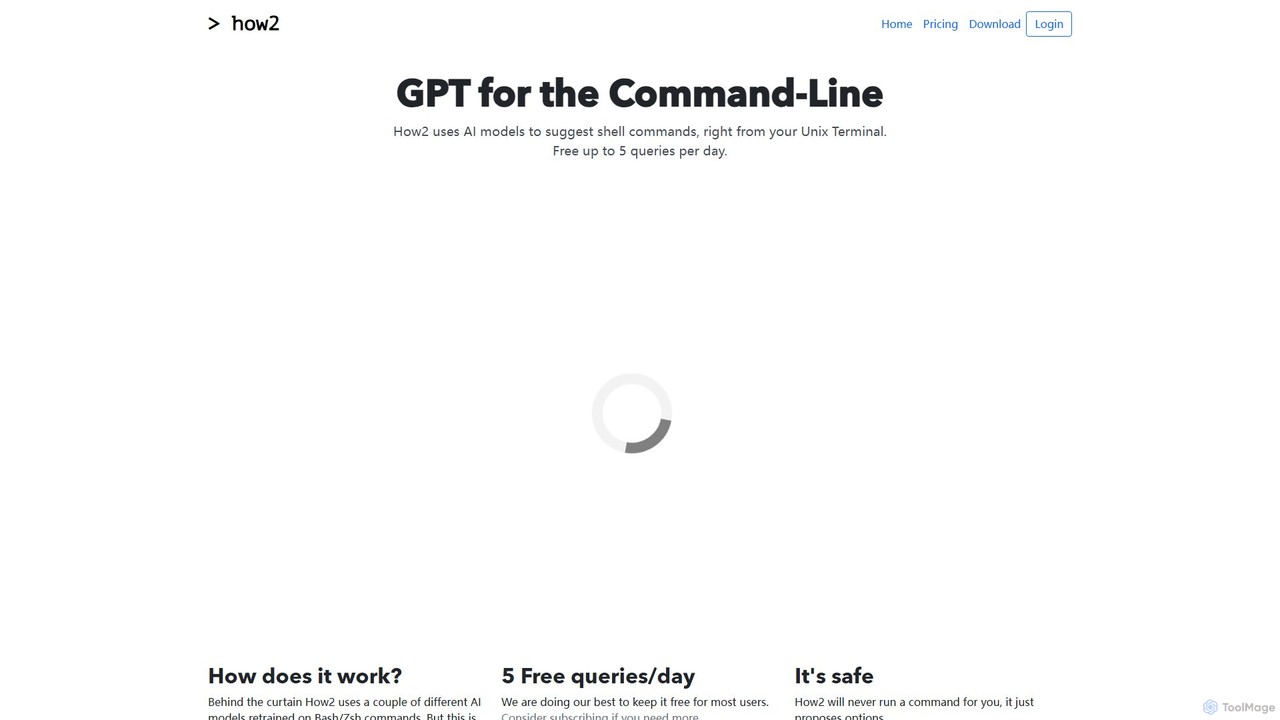
how2terminal
how2terminal is an AI-powered command-line tool that translates natural language queries into shell commands. It works directly in your Unix or PowerShell terminal, suggesting commands for Bash, Zsh, and more, helping developers and sysadmins boost productivity and learn new commands without leaving their workflow.
Code Assistant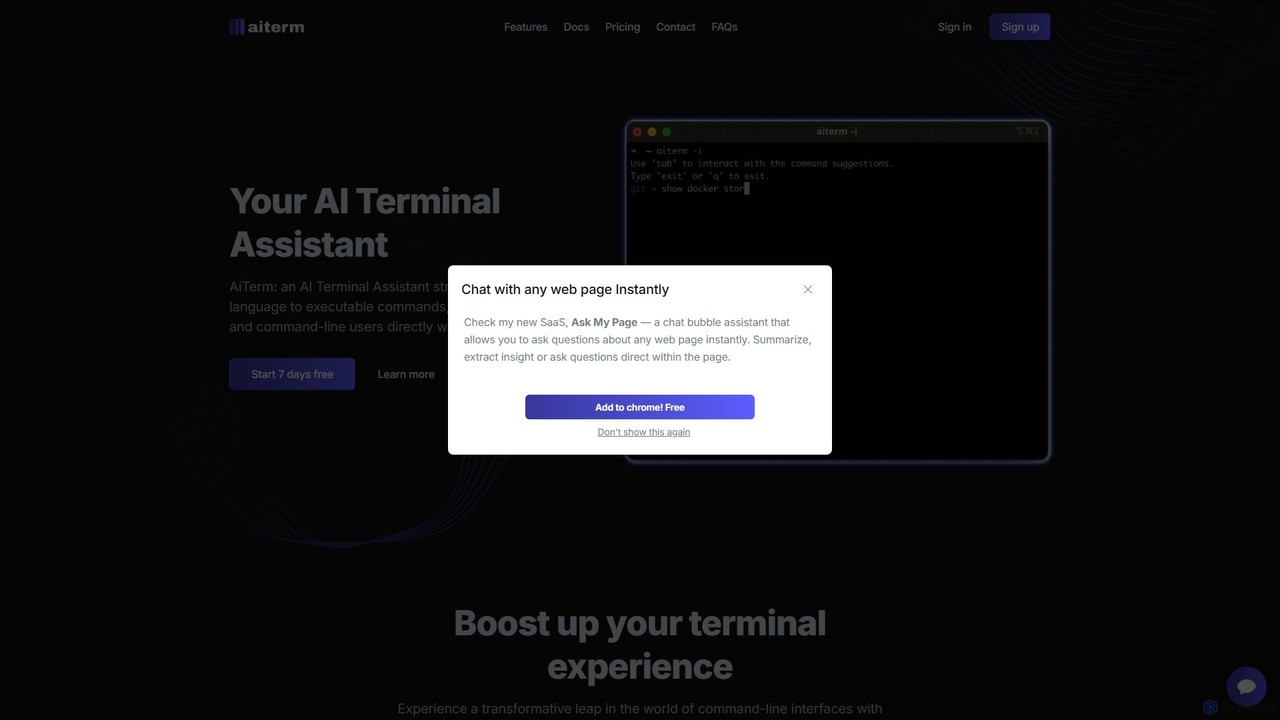
AiTerm
AiTerm is an AI-powered terminal assistant that translates natural language into executable shell commands. It streamlines workflows for developers and command-line users with features like IDE-style autocompletion, command suggestions, and workflow management, all directly within the terminal.
Code Assistant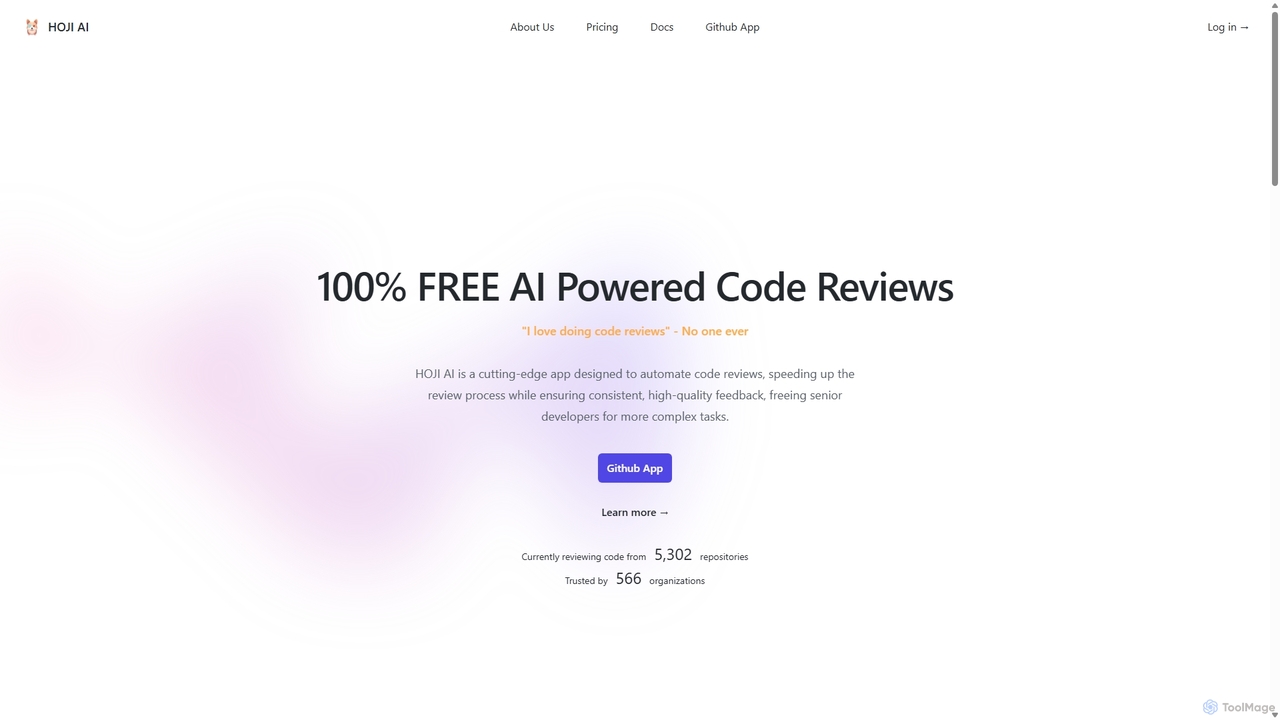
HOJI AI
HOJI AI is a free, AI-powered tool that automates code reviews directly within GitHub. It provides instant, consistent, and high-quality feedback on pull requests, helping development teams increase productivity, improve code quality, and accelerate their development cycles by freeing up senior engineers.
Code AssistantGitBrain Categories
GitBrain Embed Widget
Copy this embed code to place the badge on your blog, article, or product site and send readers directly to this ToolMage detail page.

Related AI tools
GiteAI
GiteAI is an AI-powered tool designed for developers to automate and enhance Git commit messages. It analyzes code changes to generate detailed, standardized commits, saving time and improving repository consistency, allowing you to focus more on coding.
Code Assistant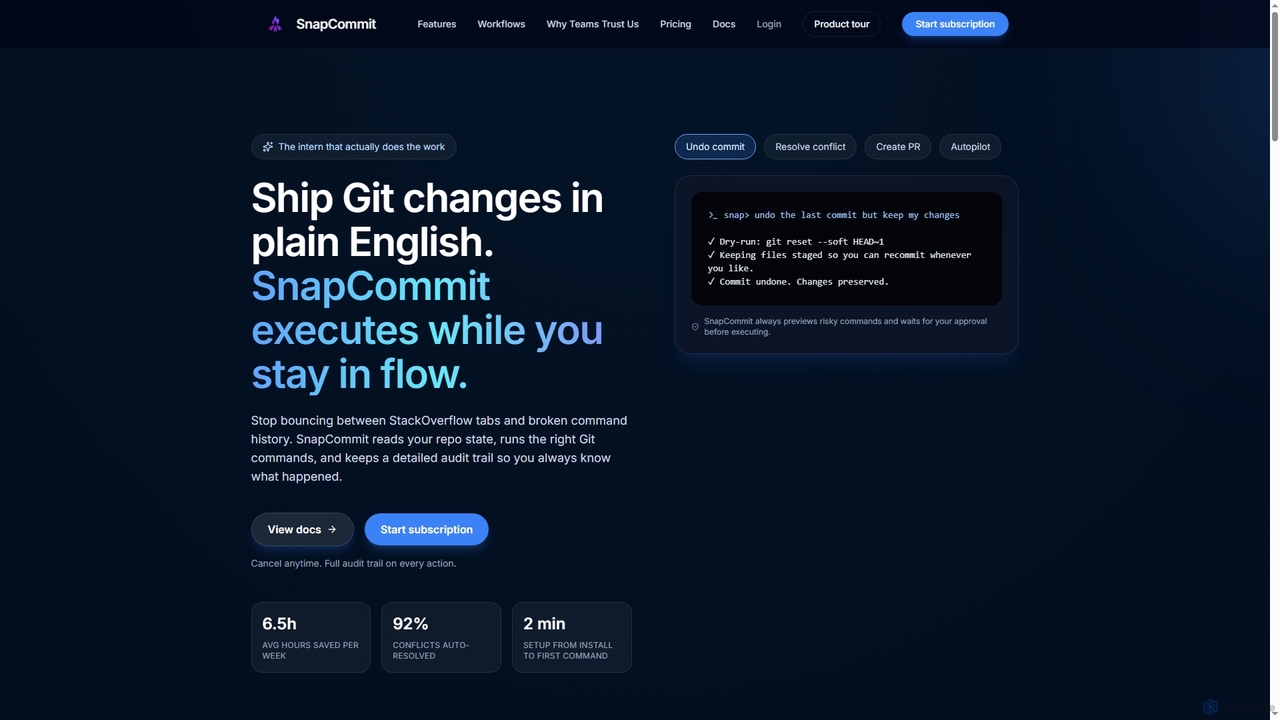
SnapCommit
SnapCommit is an AI-powered terminal Git assistant that allows developers to manage Git operations using plain English commands. It automates complex workflows like committing, resolving conflicts, and creating pull requests, enhancing productivity and ensuring code integrity with dry-run previews and a detailed audit trail.
Code Assistant
AICommit
AICommit is an intelligent IDE plugin that transforms your development workflow by automatically generating precise and meaningful Git commit messages. It analyzes your code changes and uses AI models from OpenAI, Azure, or Google Gemini to create high-quality commits, saving you time and improving repository clarity.
Version Control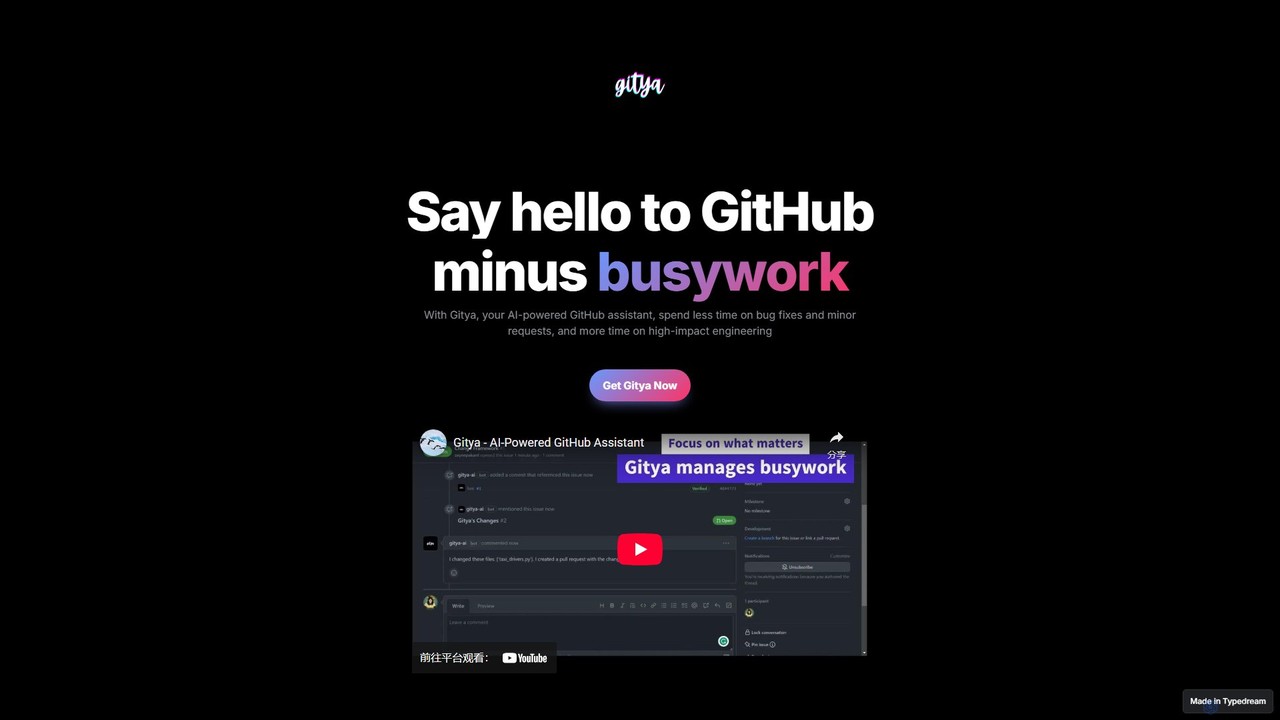
gitya
gitya is an AI-powered GitHub assistant designed to automate routine development tasks. It helps teams by handling minor bug fixes, managing pull requests with automated reviews, and resolving simple tickets, allowing developers to focus on high-impact engineering and innovation.
Version ControlBranch name generator
An AI-powered tool that integrates with Jira to automatically generate consistent and descriptive Git branch names. It analyzes Jira task data to streamline developer workflows, enforce naming conventions, and improve repository clarity.
Version Control
Git Assistant
Git Assistant is an AI-powered tool that integrates with GitHub and ChatGPT to streamline your coding workflow. It allows developers to use natural language prompts to generate, refactor, and iterate on code, and then automatically create pull requests. It's designed to boost productivity by automating repetitive tasks and simplifying version control.
Version Control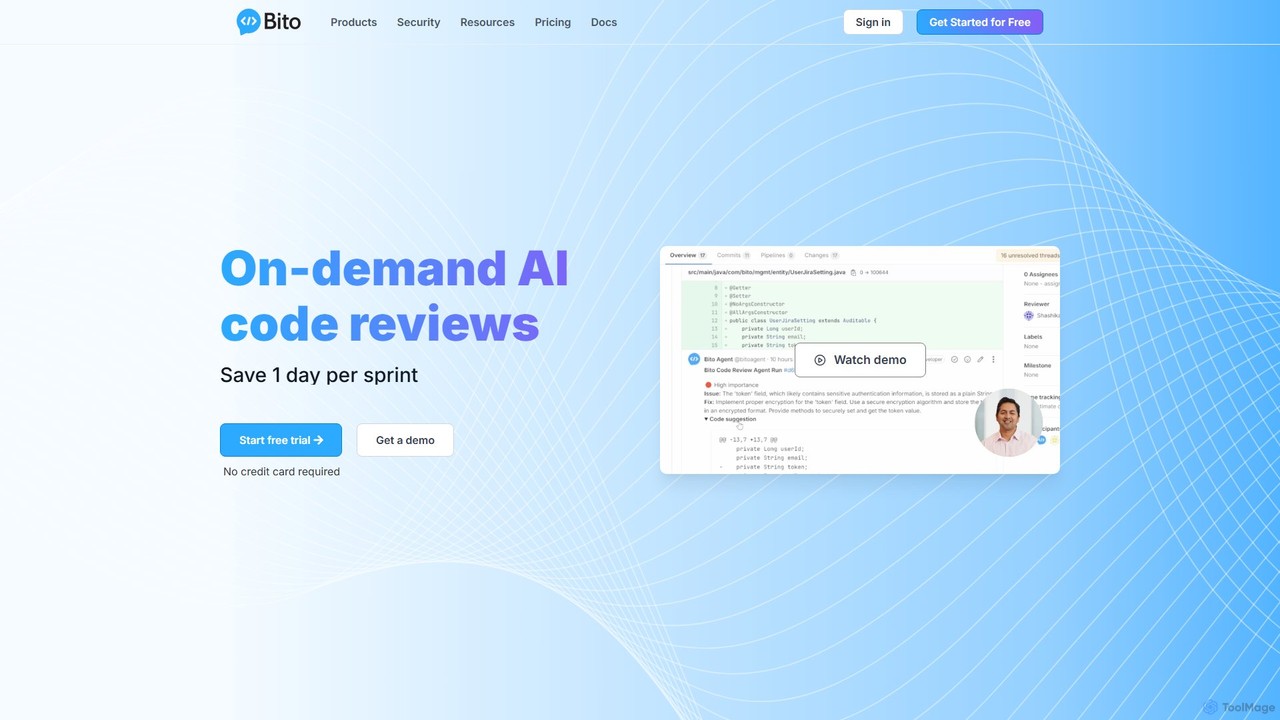
Bito
Bito is an AI-powered code review assistant that integrates directly into your IDE and Git provider. It helps development teams accelerate their workflow, improve code quality, and reduce regressions by providing on-demand, context-aware feedback and suggestions. Bito is designed to save time, upskill junior engineers, and ensure enterprise-grade security.
Code Quality
heyalice
heyalice is a personal AI assistant for your desktop (macOS, Windows, Linux) that centralizes top AI models like GPT-4o and Claude 3.5. It enhances productivity through customizable assistants, reusable prompts (Skills), and seamless integration with automation tools like Zapier and Make. Bring your own API keys to control costs and work faster with powerful keyboard shortcuts, all within a privacy-focused, local application.
Code Assistant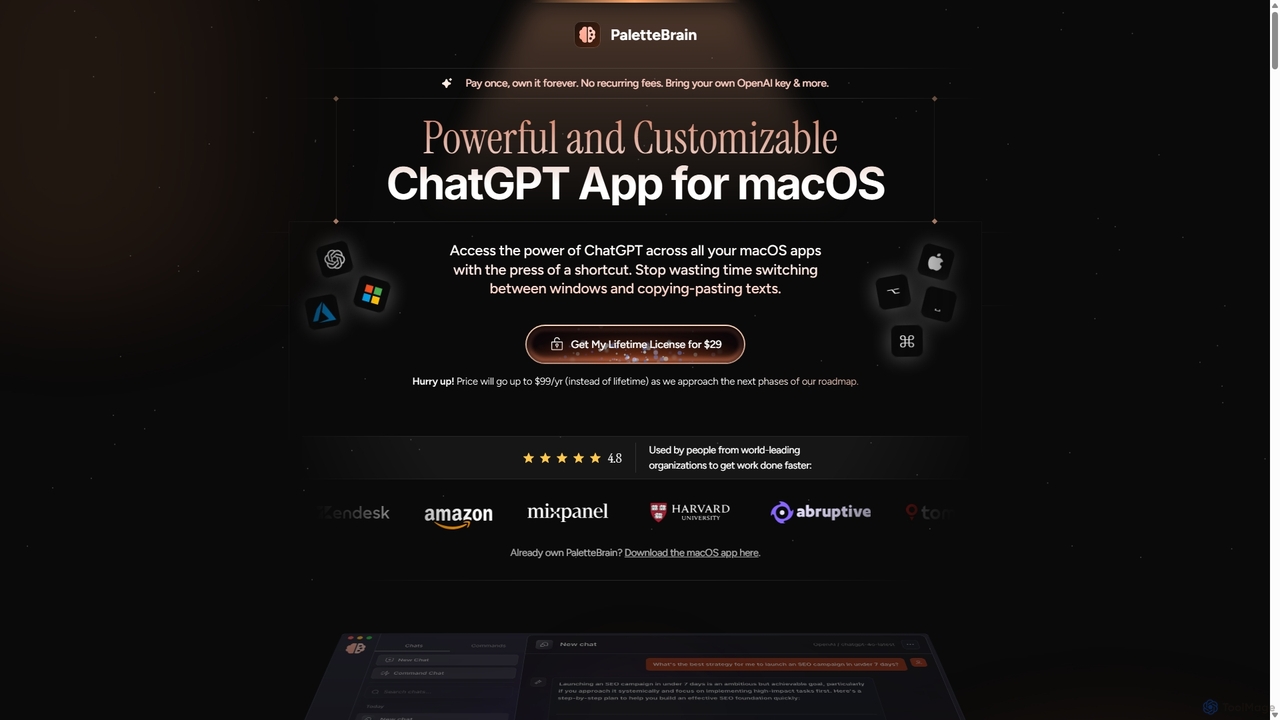
PaletteBrain
PaletteBrain is a native macOS application that integrates the power of ChatGPT directly into your workflow. With a simple keyboard shortcut, you can access AI commands on any selected text within any app, eliminating context switching. It offers customizable prompts, a one-time purchase model, and allows you to use your own OpenAI key for pay-as-you-go usage, making it a cost-effective and efficient productivity booster for writers, developers, and marketers.
Code Assistant
Enso
Enso is an AI-powered development environment designed for developers to parallelize intelligence across multiple AI agents within a single project. It integrates advanced Git control, a robust code editor, and AI-driven code review, offering a seamless workflow with persistent AI sessions for each branch.
Developmenthow2terminal
how2terminal is an AI-powered command-line tool that translates natural language queries into shell commands. It works directly in your Unix or PowerShell terminal, suggesting commands for Bash, Zsh, and more, helping developers and sysadmins boost productivity and learn new commands without leaving their workflow.
Code AssistantAiTerm
AiTerm is an AI-powered terminal assistant that translates natural language into executable shell commands. It streamlines workflows for developers and command-line users with features like IDE-style autocompletion, command suggestions, and workflow management, all directly within the terminal.
Code AssistantHOJI AI
HOJI AI is a free, AI-powered tool that automates code reviews directly within GitHub. It provides instant, consistent, and high-quality feedback on pull requests, helping development teams increase productivity, improve code quality, and accelerate their development cycles by freeing up senior engineers.
Code Assistant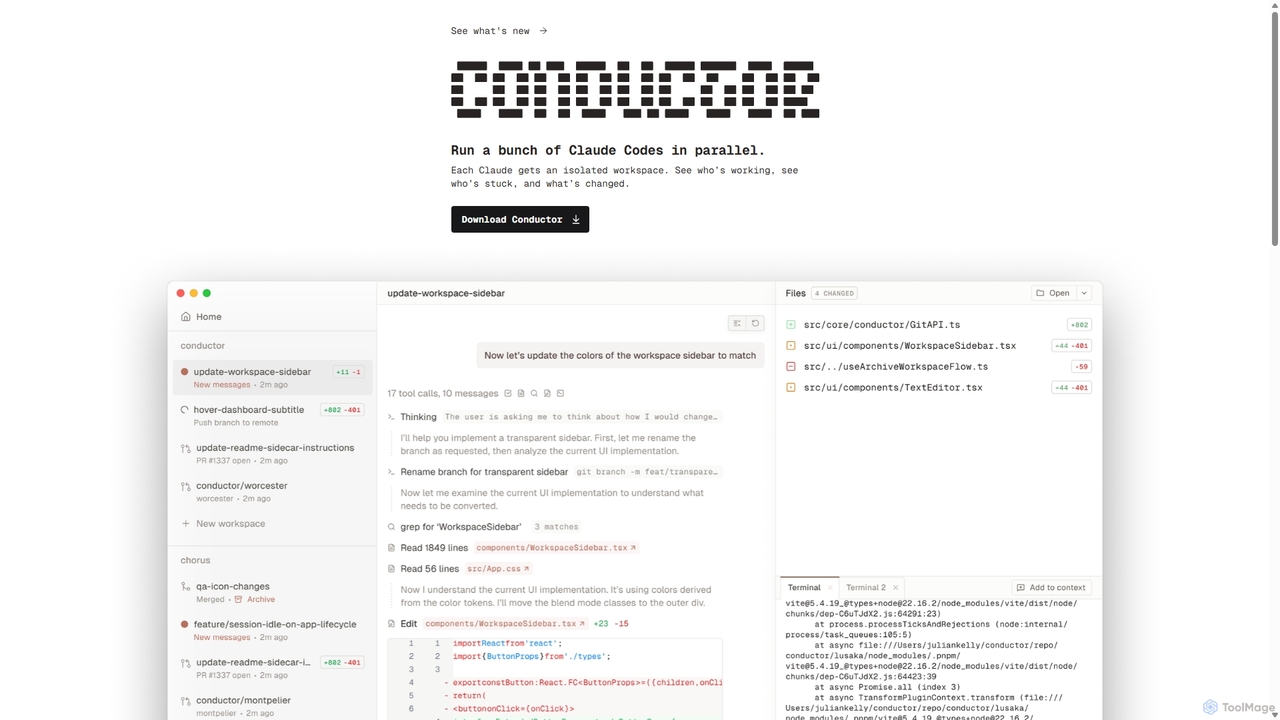
Conductor
A powerful Mac application for orchestrating multiple AI coding agents. Run parallel instances of Claude Code in isolated workspaces to accelerate software development, monitor progress, and review code through a beautiful, intuitive UI.
Code Assistant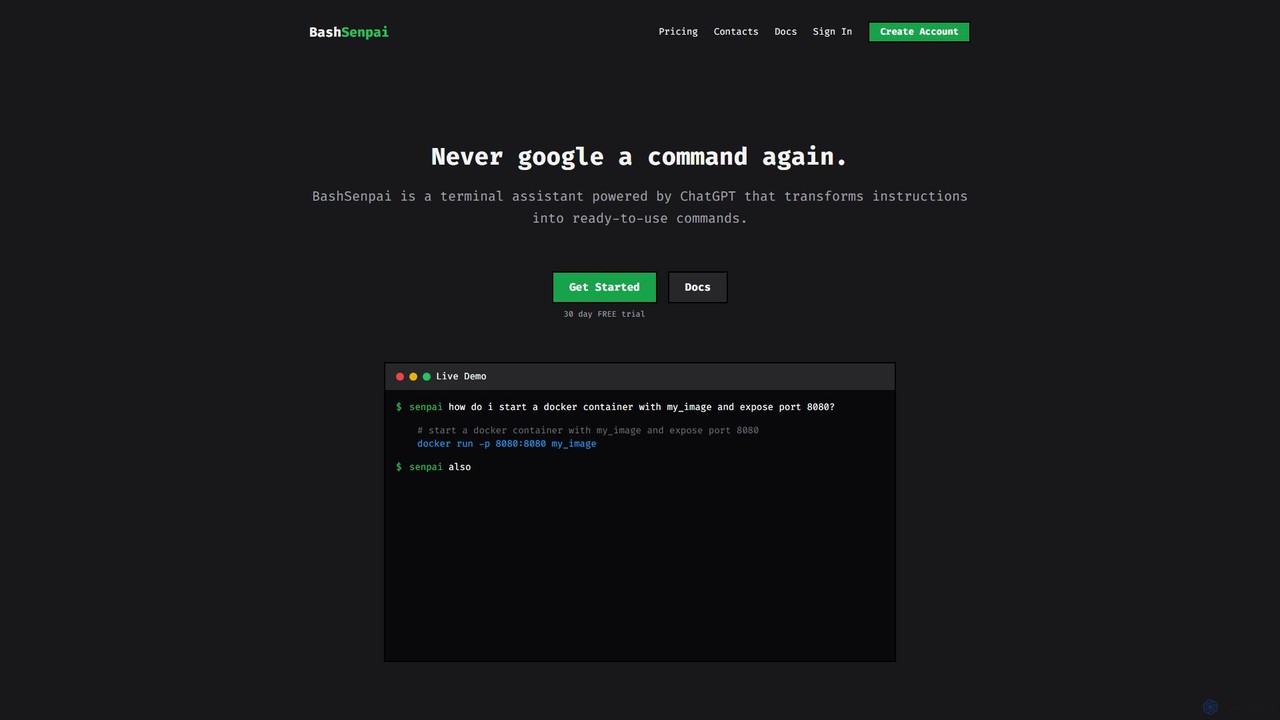
BashSenpai
BashSenpai is a ChatGPT-powered terminal assistant that transforms natural language instructions into ready-to-use shell commands. It operates directly within your terminal, providing context-aware, accurate commands for developers and system administrators, eliminating the need to search online.
Code Assistant
GitBrain Comments (0)
Sign in to comment.
Sign inNo comments yet.