
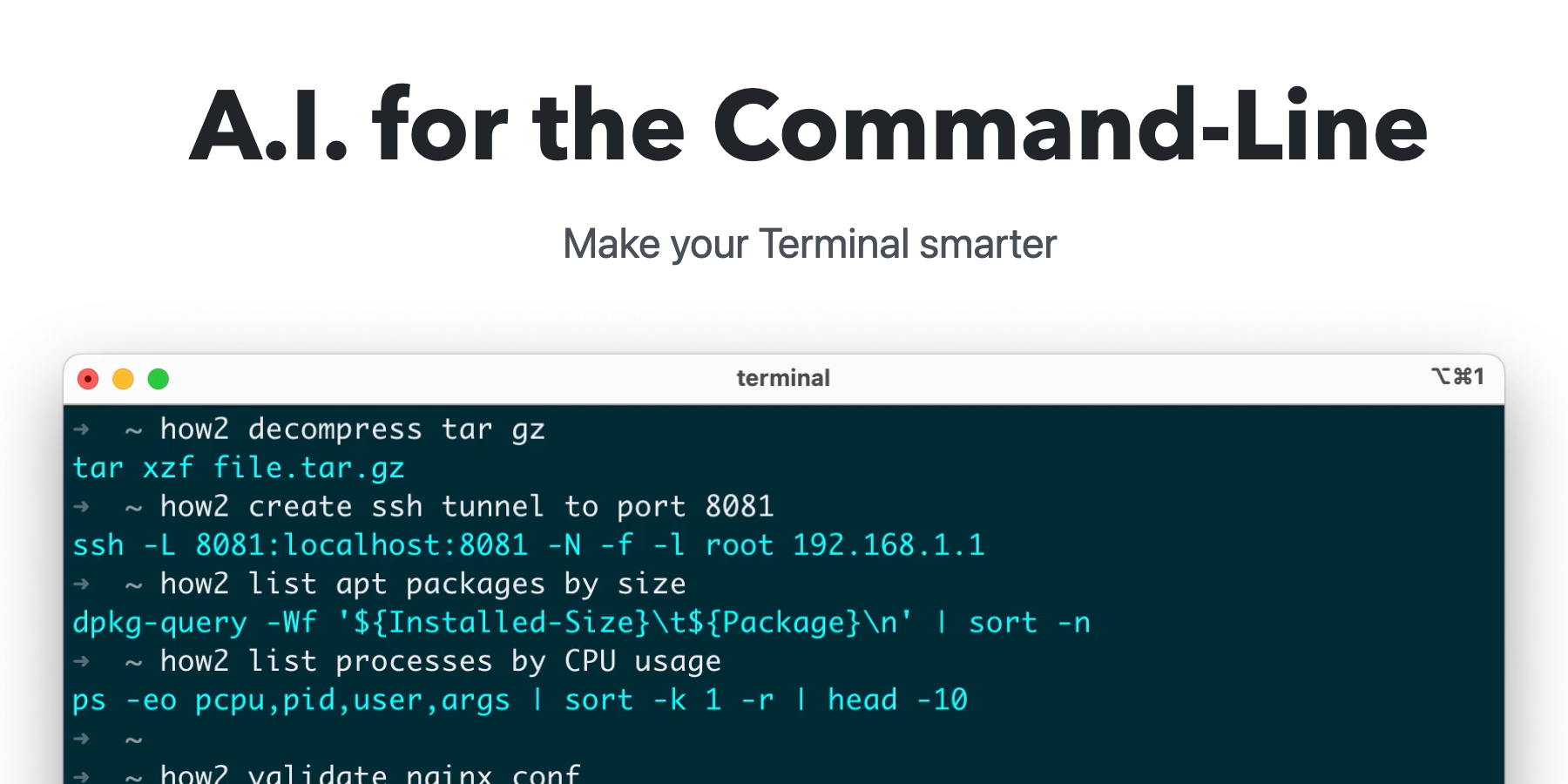
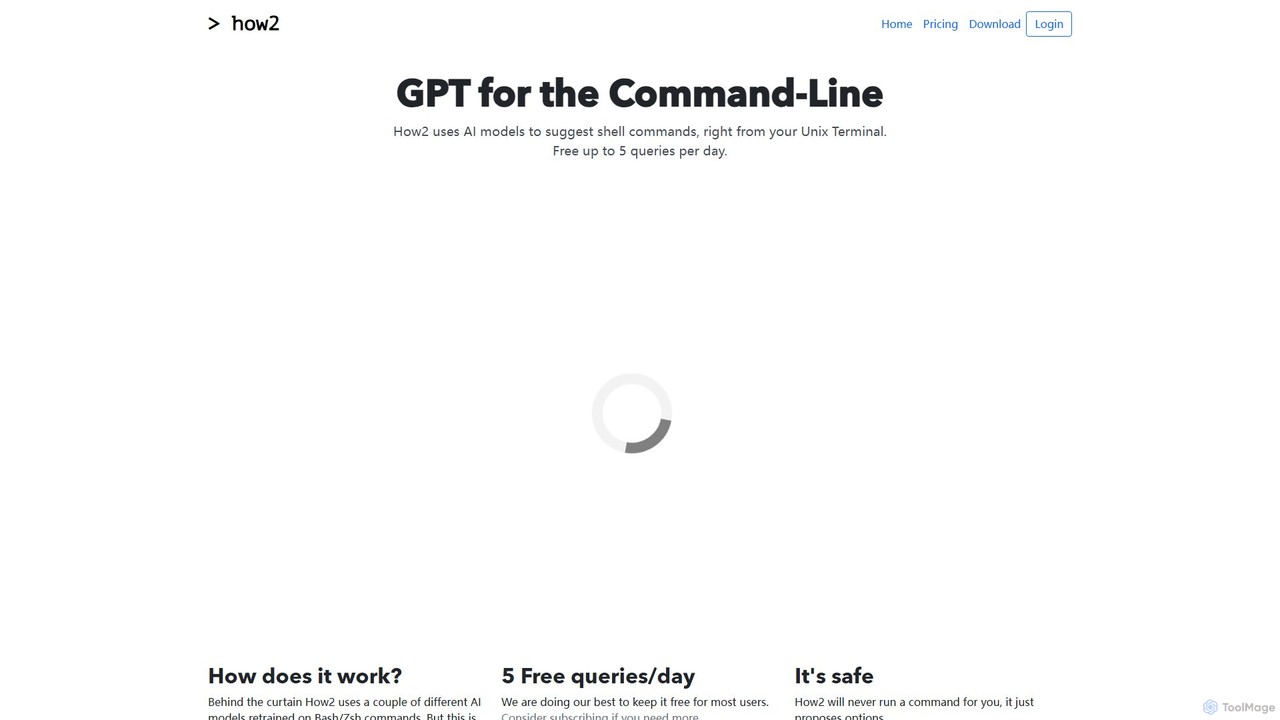
how2terminal Overview
how2terminal is an innovative AI assistant designed to live directly within your command-line interface. It acts as a 'GPT for the Terminal,' empowering developers, system administrators, and command-line enthusiasts to find the correct shell commands using simple, natural language. Instead of breaking your workflow to search Google or StackOverflow, you can ask how2terminal directly for the command you need, whether it's for file manipulation, process management, or complex scripting tasks. The tool is built with a focus on the command-line experience, utilizing AI models specifically retrained on Bash and Zsh commands to provide accurate and relevant suggestions.
How to use how2terminal
Getting started with how2terminal is straightforward. It can be installed on various operating systems using their native package managers or a simple download.
Installation:
- macOS: Use Homebrew with
brew install how2terminal/how2/how2. - Ubuntu/Debian: Download the .deb package from the official website and install it using
sudo dpkg -i how2.deb. - Other Linux: A downloadable binary is available for other distributions.
- Windows/Cross-Platform: It can be installed globally via npm with
sudo npm install -g how2.
Basic Usage:
Once installed, simply type how2 followed by your query in plain English. For example: how2 "find all files larger than 100MB in the current directory".
Advanced Usage:
- To get more specific results, you can refine your prompt. For instance, adding terms like "for loop," "bash script," or "one liner" helps the AI understand the desired output format.
- To search StackOverflow directly from your terminal, use the
-sflag:how2 -s "how to revert a git commit".
Core Features of how2terminal
- Natural Language to Command: Translates plain English descriptions into executable shell commands.
- Multi-Shell Support: Provides suggestions for Bash, Zsh, and works seamlessly with PowerShell.
- AI-Powered Suggestions: Uses fine-tuned AI models trained on a vast corpus of shell commands for high accuracy.
- StackOverflow Integration: Allows users to search StackOverflow for answers using the
-sflag without leaving the terminal. - Script Generation: Capable of generating quick Bash scripts for simple automation tasks.
- Safety First: The tool only suggests commands and never executes them automatically, preventing accidental system changes or security risks.
- Cross-Platform: Available for macOS, Linux, and Windows, ensuring a consistent experience across different environments.
Use Cases for how2terminal
how2terminal is valuable for a wide range of scenarios:
- Developers: Quickly find complex commands for Git, Docker, Kubernetes, or other developer tools.
- System Administrators: Look up syntax for network configuration (
iptables), user management, or file system tasks (find,grep,sed). - Data Scientists: Construct intricate
curlorwgetcommands for data retrieval. - Beginners: A powerful learning tool to understand how to perform tasks on the command line and discover the right commands interactively.
- Scripting and Automation: Generate boilerplate for simple shell scripts to automate repetitive tasks.
Advantages of how2terminal
The primary advantage of how2terminal is its ability to significantly boost productivity by reducing context switching. Users no longer need to open a web browser to find a command, saving valuable time and maintaining focus. It also serves as an excellent educational resource, helping users learn and remember complex commands through practical application. Its safety-first design provides peace of mind, and its cross-platform nature makes it a versatile tool for any developer or sysadmin's toolkit.
Pricing and Plans
how2terminal operates on a freemium model to make it accessible to most users.
- Free Plan: $0/month. Includes up to 5 AI queries per day. All other features, like StackOverflow search, are free forever.
- Hacker Plan: $9/month. Designed for power users, this plan includes up to 100 AI queries per day.
- Enterprise Plan: Coming Soon. This plan will offer bundled accounts for teams and organizations.
Traffic
Latest traffic
Status
Monthly traffic trend
- 2025-9: 379
- 2026-1: 2.0K
- 2026-2: 26
- 2026-3: 1.9K
- 2026-4: 861
- 2026-5: 1.3K
Geography
Top 5 countries / regions
- 🇺🇸United States63.2%
- 🇲🇽Mexico36.8%
Top keywords
| Keyword | Cost per click |
|---|---|
| how2 | $0.00 |
how2terminal Alternatives
BashSenpai
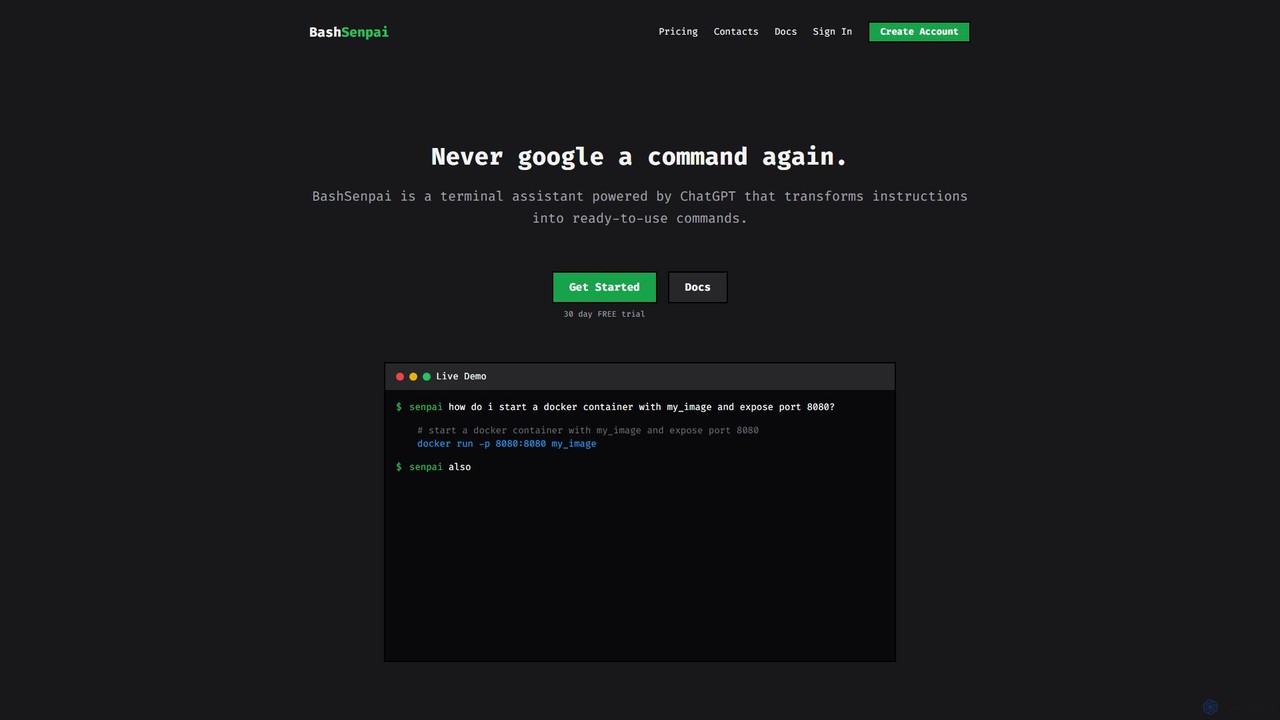
BashSenpai is a ChatGPT-powered terminal assistant that transforms natural language instructions into ready-to-use shell commands. It operates directly within your terminal, providing context-aware, accurate commands for developers and system administrators, eliminating the need to search online.
Code Assistant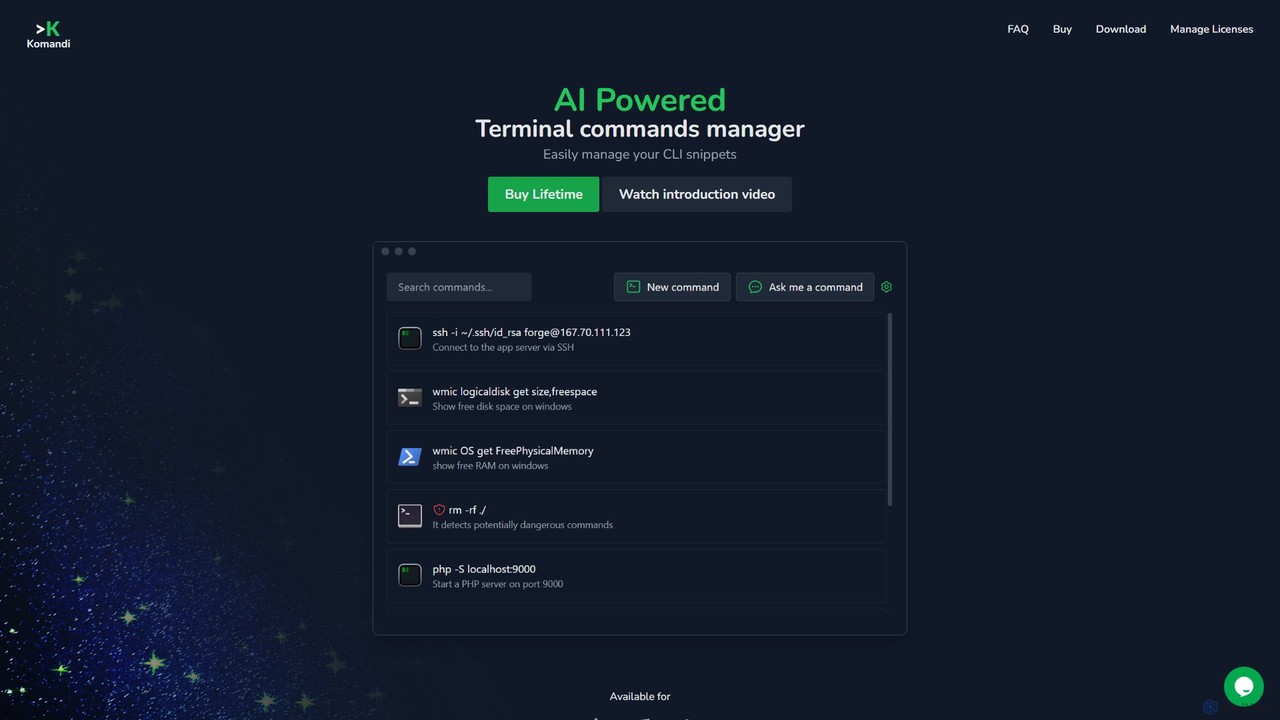
Komandi
Komandi is an AI-powered CLI/terminal command manager for developers and sysadmins. It simplifies command-line operations by allowing you to manage snippets, generate complex commands from natural language, and execute them safely. It supports macOS, Windows, and Linux, streamlining your workflow by organizing frequently used commands and detecting potentially dangerous ones before execution.
Code Assistant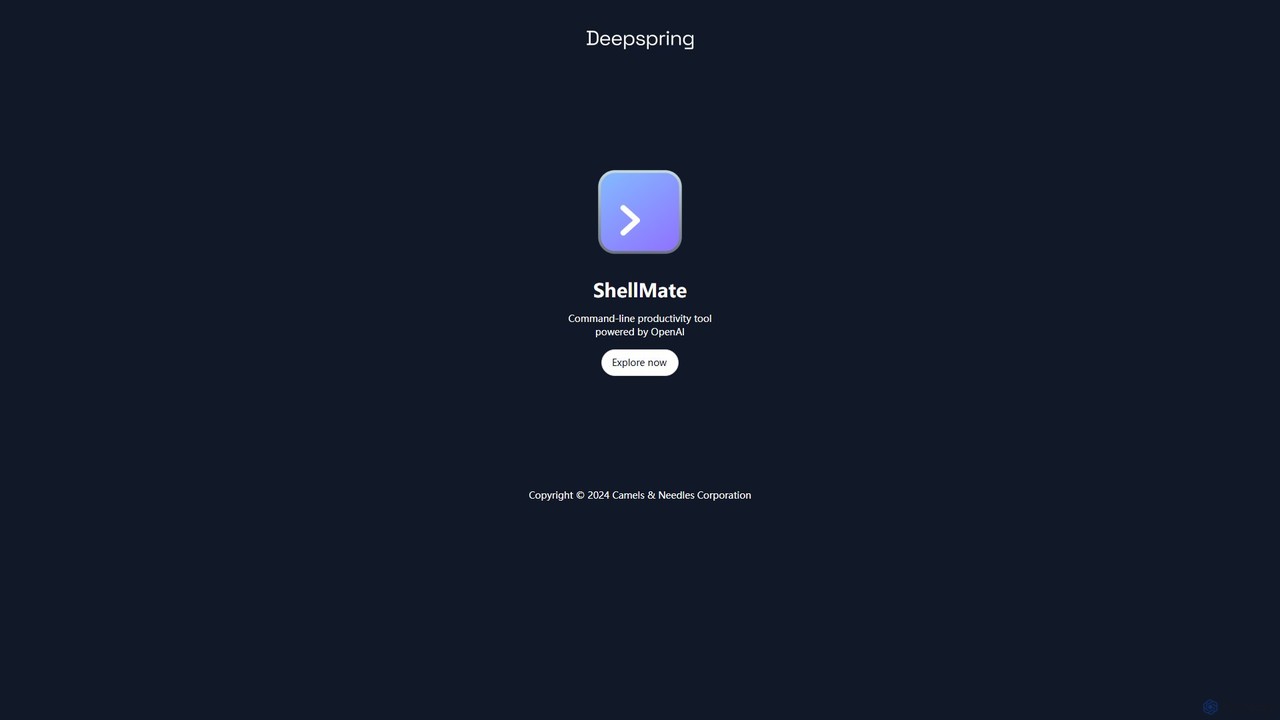
ShellMate
ShellMate is an open-source, AI-powered command-line productivity tool designed for developers and system administrators. Powered by OpenAI, it acts as your terminal's best friend, allowing you to use natural language to find commands, get predictive suggestions based on your history, and receive context-aware help without ever leaving your console. Simply use the `sm` shortcut to boost your command-line efficiency and reduce time spent searching for syntax.
Code Assistant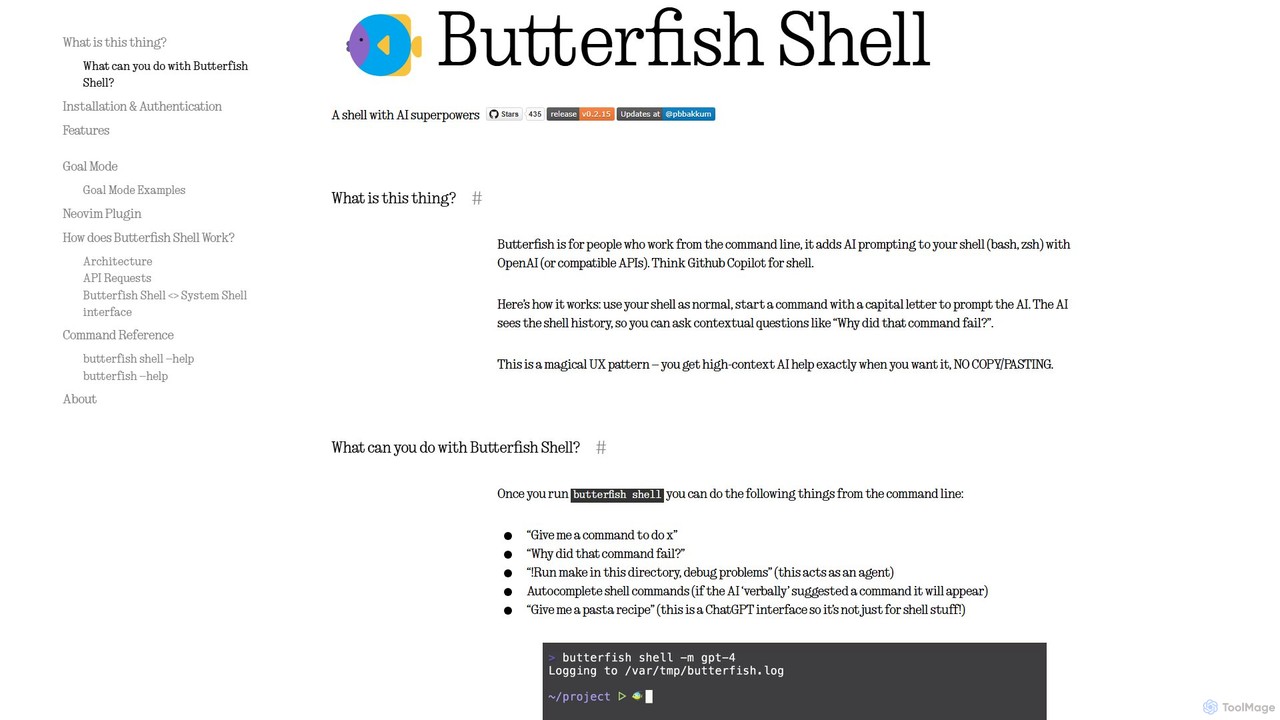
butterfish
butterfish is an open-source CLI tool that supercharges your shell (bash, zsh) with AI capabilities. Acting like GitHub Copilot for the command line, it allows you to generate commands, debug errors, and automate tasks using natural language prompts directly in your terminal. It maintains context from your shell history, providing highly relevant assistance and boosting productivity for developers and sysadmins.
Code Assistant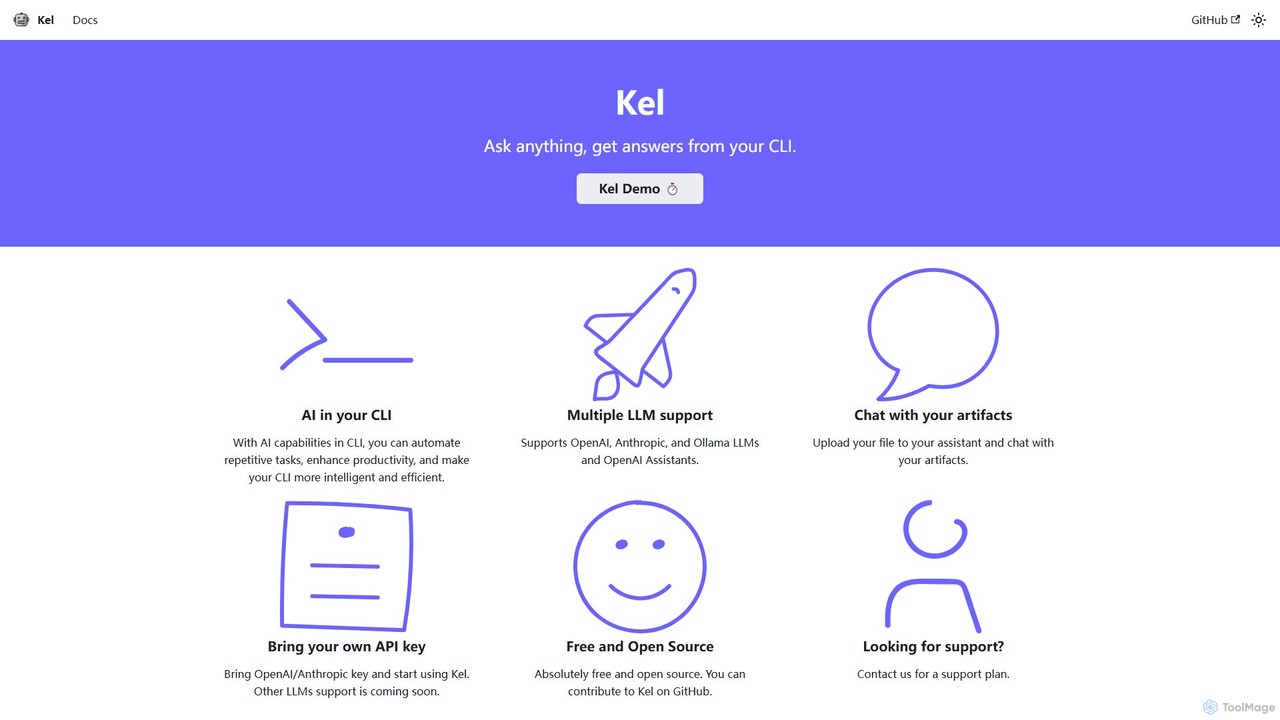
Kel
Kel is a free, open-source AI assistant for your command-line interface (CLI). It integrates with multiple LLMs like OpenAI, Anthropic, and Ollama to help developers and sysadmins automate tasks, generate commands, and even chat with documents directly from the terminal.
Code Assistanthow2terminal Categories
how2terminal Embed Widget
Copy this embed code to place the badge on your blog, article, or product site and send readers directly to this ToolMage detail page.

Related AI tools
BashSenpai
BashSenpai is a ChatGPT-powered terminal assistant that transforms natural language instructions into ready-to-use shell commands. It operates directly within your terminal, providing context-aware, accurate commands for developers and system administrators, eliminating the need to search online.
Code Assistant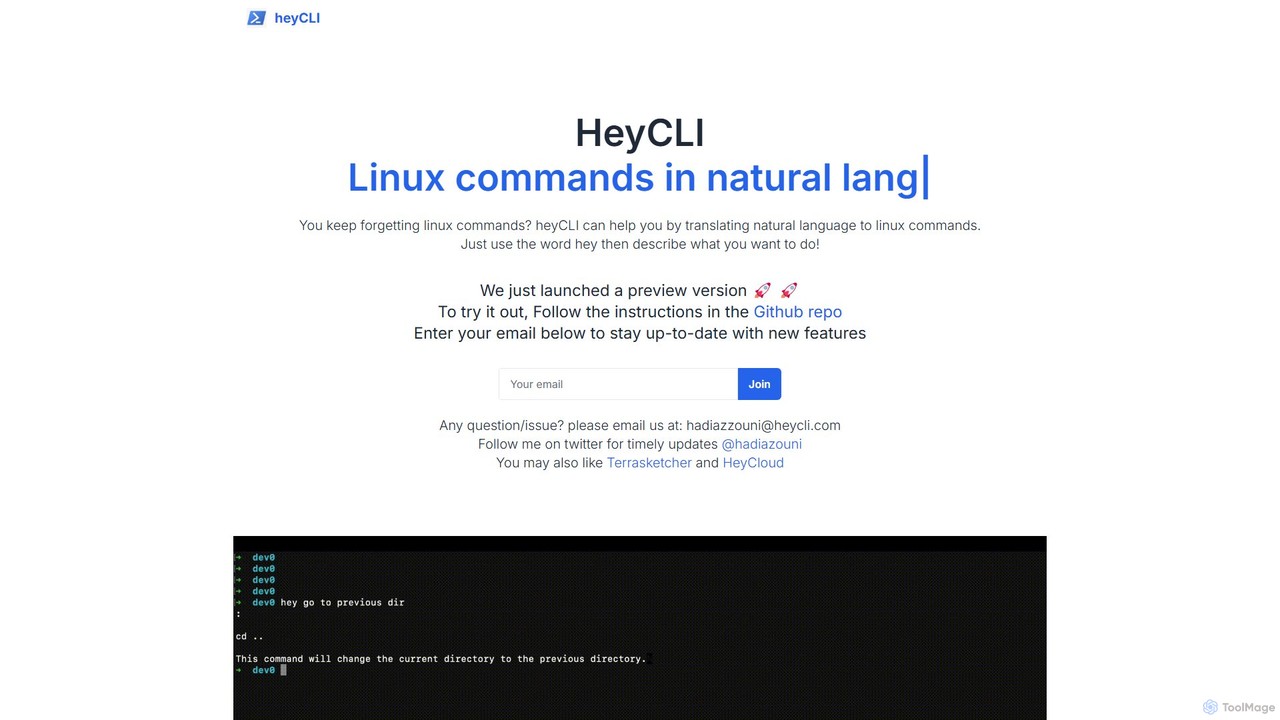
heycli
heycli is an AI-powered copilot for the command line that translates natural language into Linux commands. Simply describe the task you want to perform, and heycli generates the correct command, boosting productivity and reducing the learning curve for developers and sysadmins.
Command LineKomandi
Komandi is an AI-powered CLI/terminal command manager for developers and sysadmins. It simplifies command-line operations by allowing you to manage snippets, generate complex commands from natural language, and execute them safely. It supports macOS, Windows, and Linux, streamlining your workflow by organizing frequently used commands and detecting potentially dangerous ones before execution.
Code AssistantShellMate
ShellMate is an open-source, AI-powered command-line productivity tool designed for developers and system administrators. Powered by OpenAI, it acts as your terminal's best friend, allowing you to use natural language to find commands, get predictive suggestions based on your history, and receive context-aware help without ever leaving your console. Simply use the `sm` shortcut to boost your command-line efficiency and reduce time spent searching for syntax.
Code Assistantbutterfish
butterfish is an open-source CLI tool that supercharges your shell (bash, zsh) with AI capabilities. Acting like GitHub Copilot for the command line, it allows you to generate commands, debug errors, and automate tasks using natural language prompts directly in your terminal. It maintains context from your shell history, providing highly relevant assistance and boosting productivity for developers and sysadmins.
Code Assistant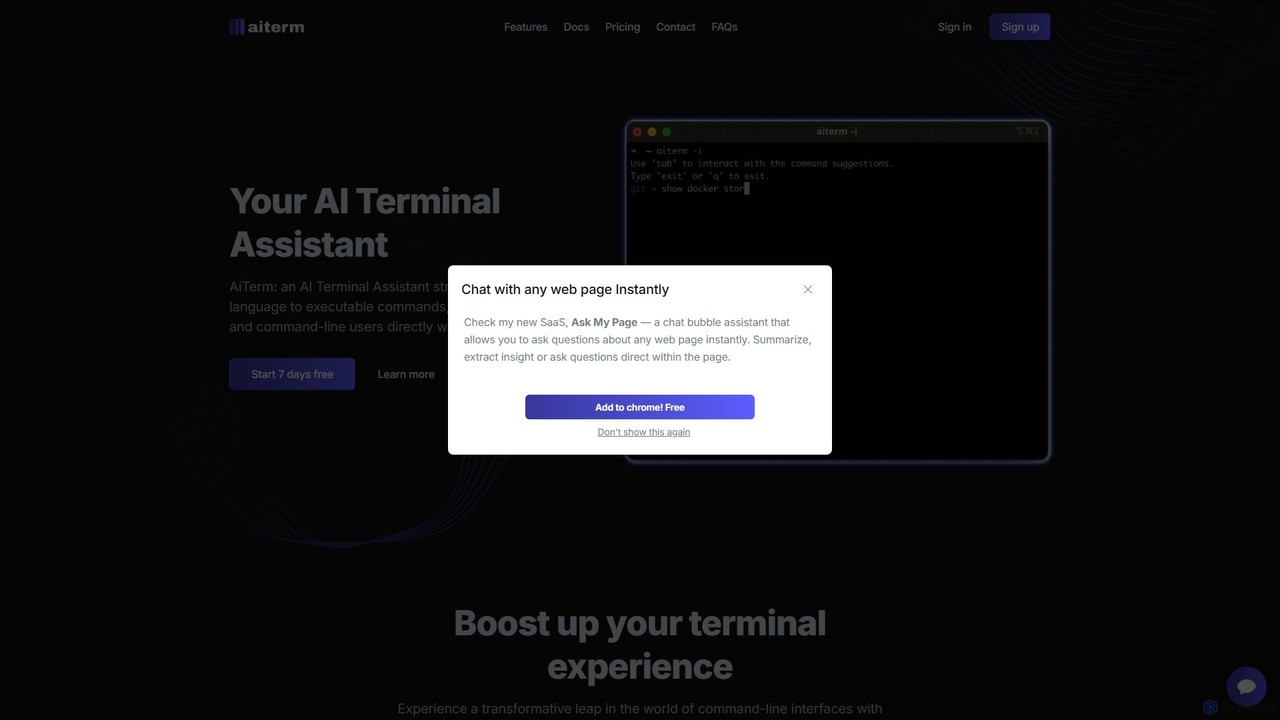
AiTerm
AiTerm is an AI-powered terminal assistant that translates natural language into executable shell commands. It streamlines workflows for developers and command-line users with features like IDE-style autocompletion, command suggestions, and workflow management, all directly within the terminal.
Code AssistantKel
Kel is a free, open-source AI assistant for your command-line interface (CLI). It integrates with multiple LLMs like OpenAI, Anthropic, and Ollama to help developers and sysadmins automate tasks, generate commands, and even chat with documents directly from the terminal.
Code Assistant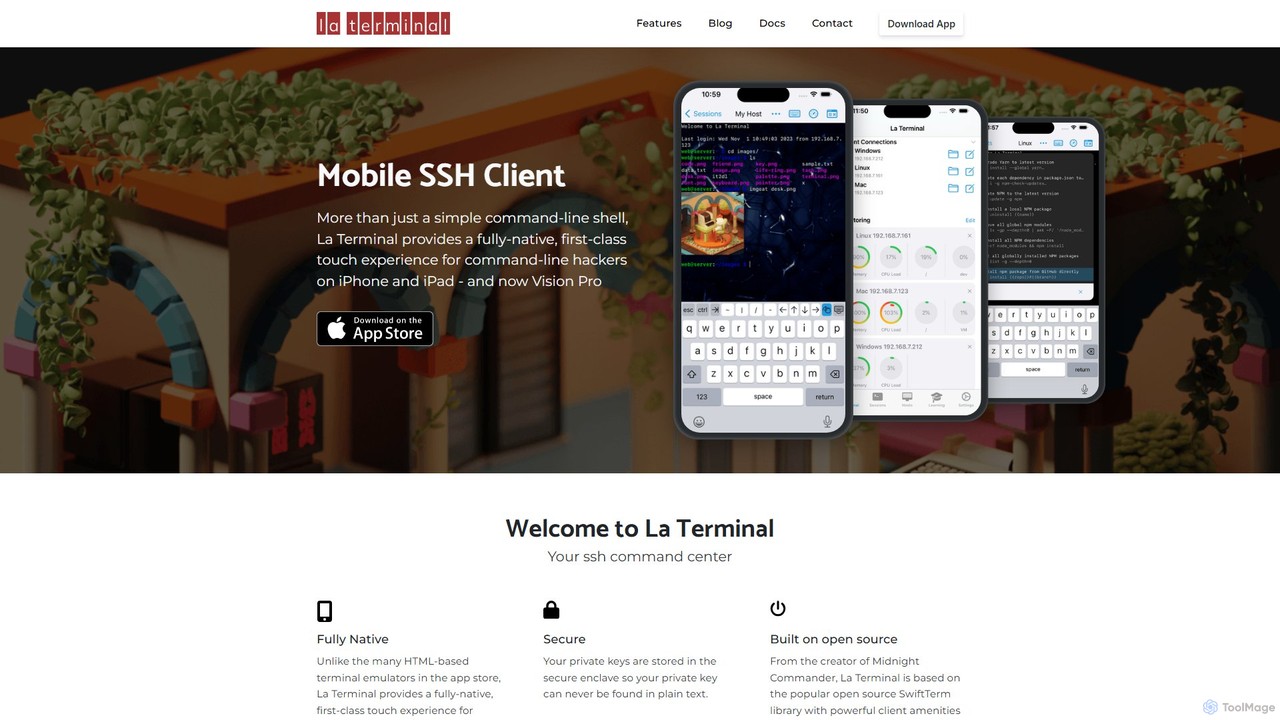
La Terminal
La Terminal is a professional, fully native SSH client for iPhone, iPad, and Vision Pro. It offers a first-class touch experience, seamless iCloud sync for keys and settings, and intelligent host platform awareness for developers and system administrators on the move.
Terminal & Command Line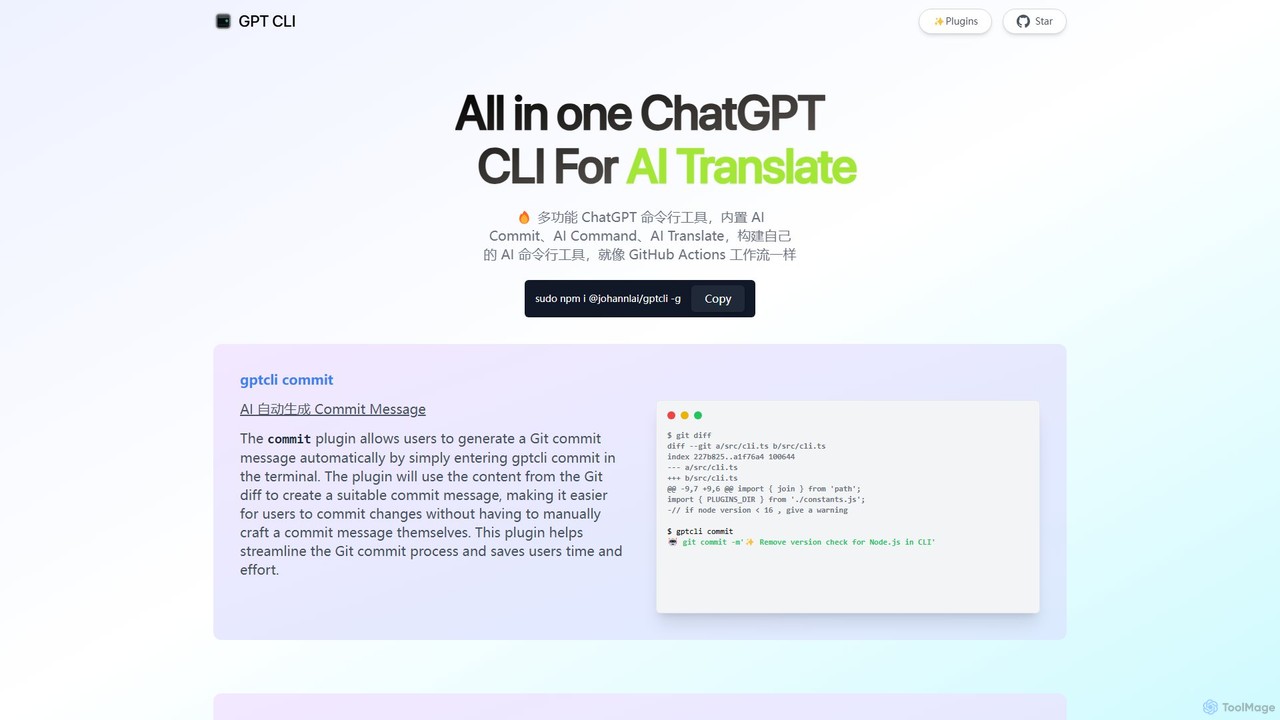
gptcli
gptcli is a versatile, open-source command-line tool that integrates ChatGPT directly into your terminal. It streamlines developer workflows with features like AI-powered Git commits, natural language to shell command translation, and in-terminal chat. With its extensible plugin system, you can build your own custom AI CLI tools, making it the ultimate productivity enhancer for anyone who works extensively with the command line.
Code Assistant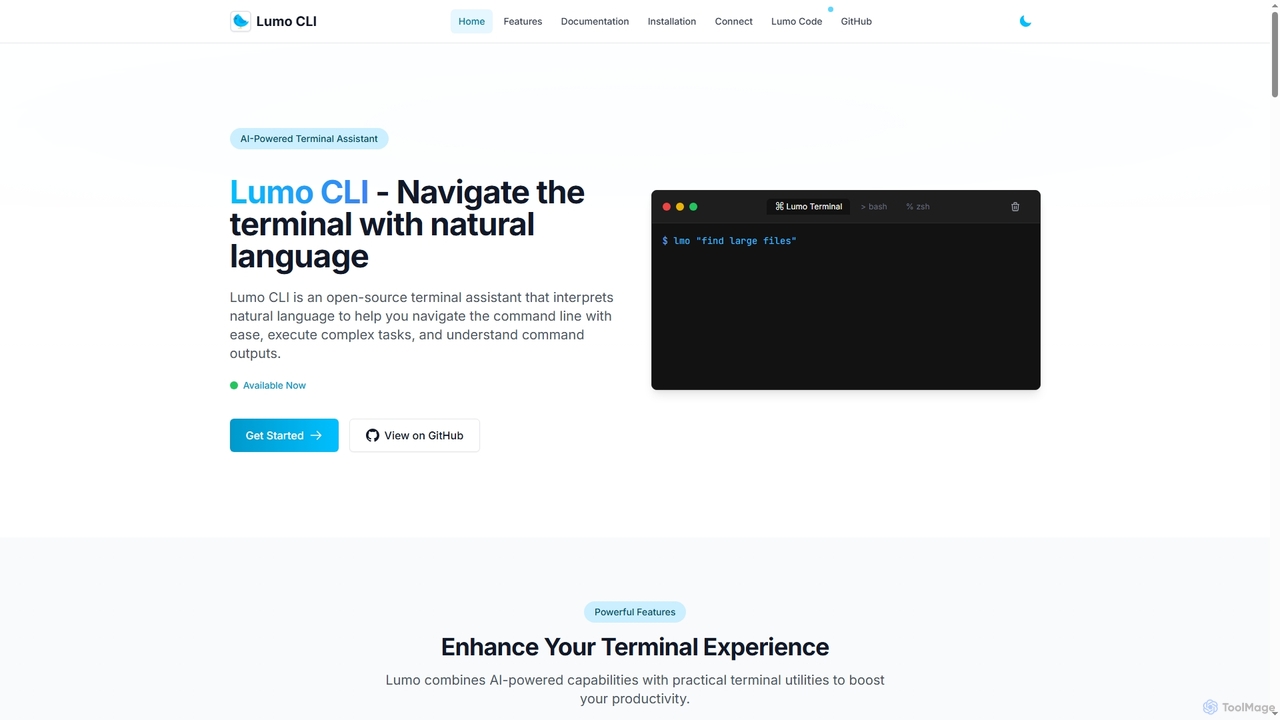
Lumo
Lumo is an open-source, AI-powered terminal assistant that allows users to interact with the command line using natural language. It translates plain English into executable commands, automates complex tasks, monitors system health, and supports multiple AI models including Gemini, OpenAI, and Ollama for local inference.
Code Assistant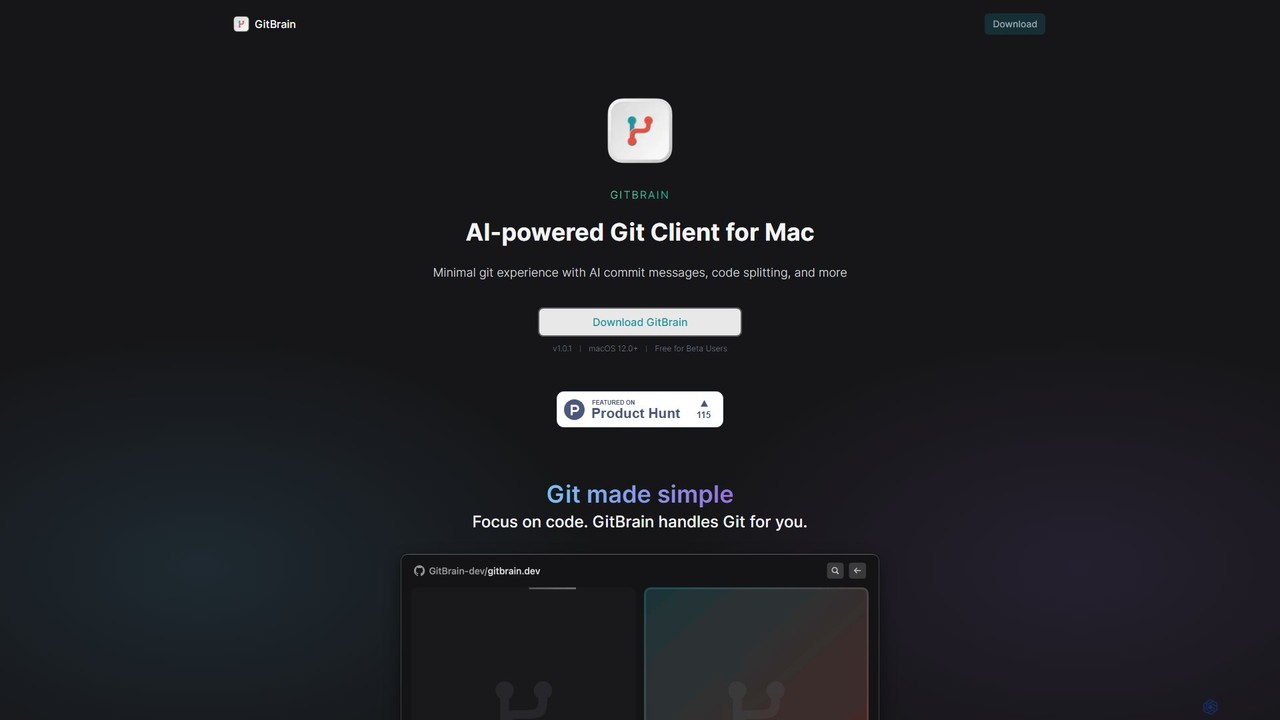
GitBrain
GitBrain is an AI-powered Git client for Mac designed to streamline your workflow. It automatically splits code changes into logical commits, generates clear commit messages, and provides AI-powered code summaries for self-review. With a native macOS interface, IDE integration, and a keyboard-first design, GitBrain simplifies Git management, allowing developers to focus on coding.
Code Assistant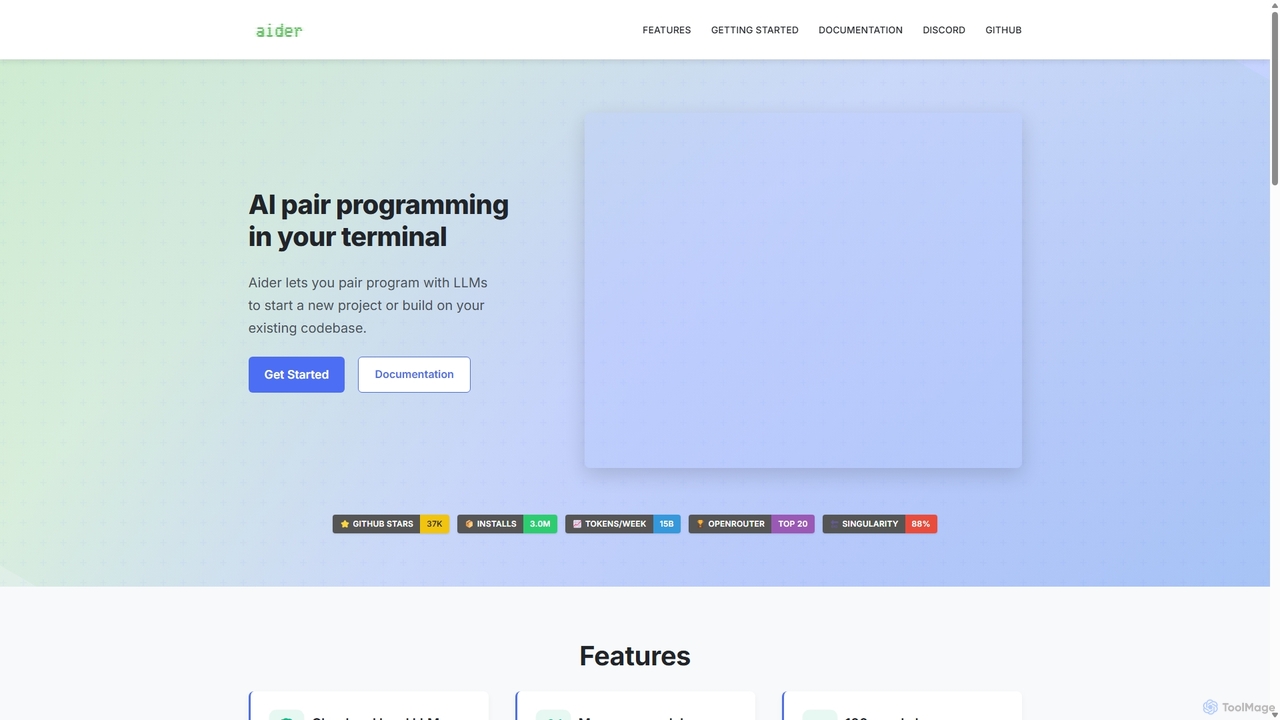
Aider
Aider is an AI-powered pair programmer that operates directly in your terminal. It intelligently maps your entire codebase, providing full project context for complex tasks. Seamlessly integrated with Git, it automates commits and allows you to manage AI-driven changes with familiar tools. Aider supports over 100 programming languages, connects to leading cloud and local LLMs, and even accepts voice and image inputs, making it a versatile and powerful assistant for any developer seeking to accelerate their workflow and improve code quality.
Programming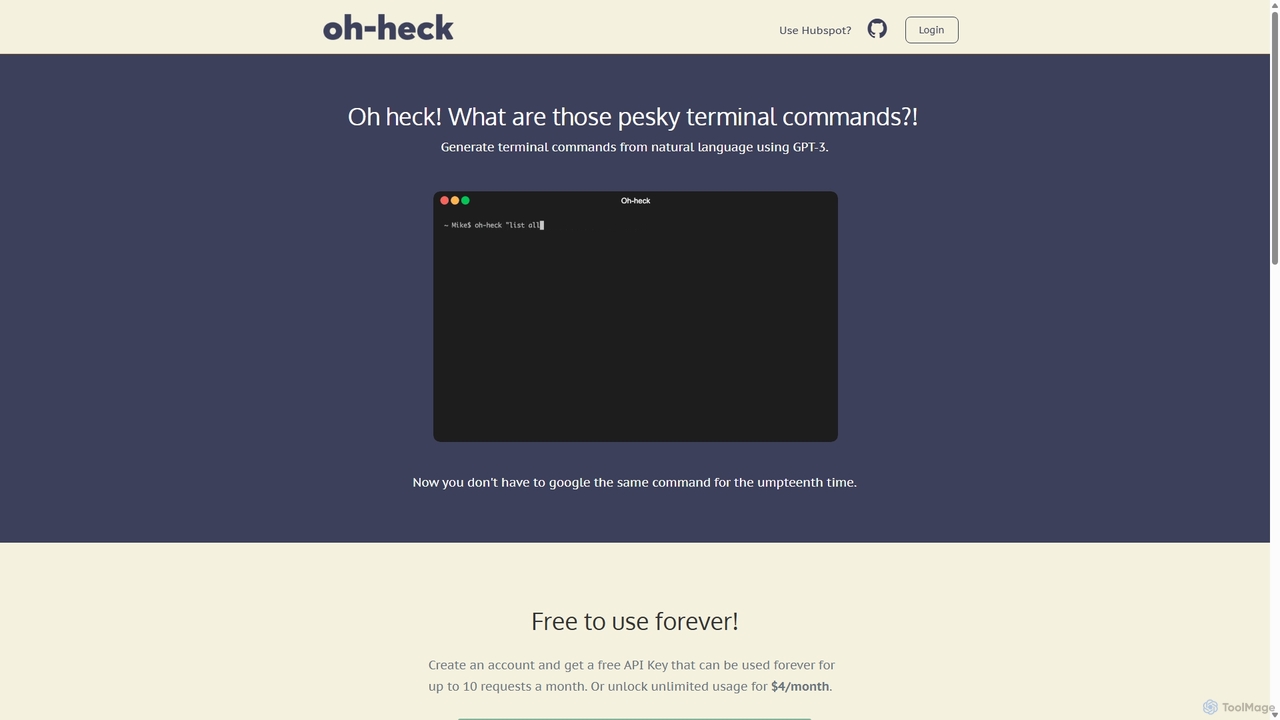
Oh-heck
Oh-heck is a suite of AI-powered productivity tools that convert natural language into terminal commands and generate professional emails directly within your CRM. Powered by GPT-3, it's designed to save time for developers, sales teams, and support agents by simplifying complex and repetitive tasks.
Command Line
Dallecli
A powerful command-line interface (CLI) tool for interacting with OpenAI's DALL-E models. Generate, edit, and manage AI images directly from your terminal, perfect for developers, scripters, and automating creative workflows.
Command Line Interface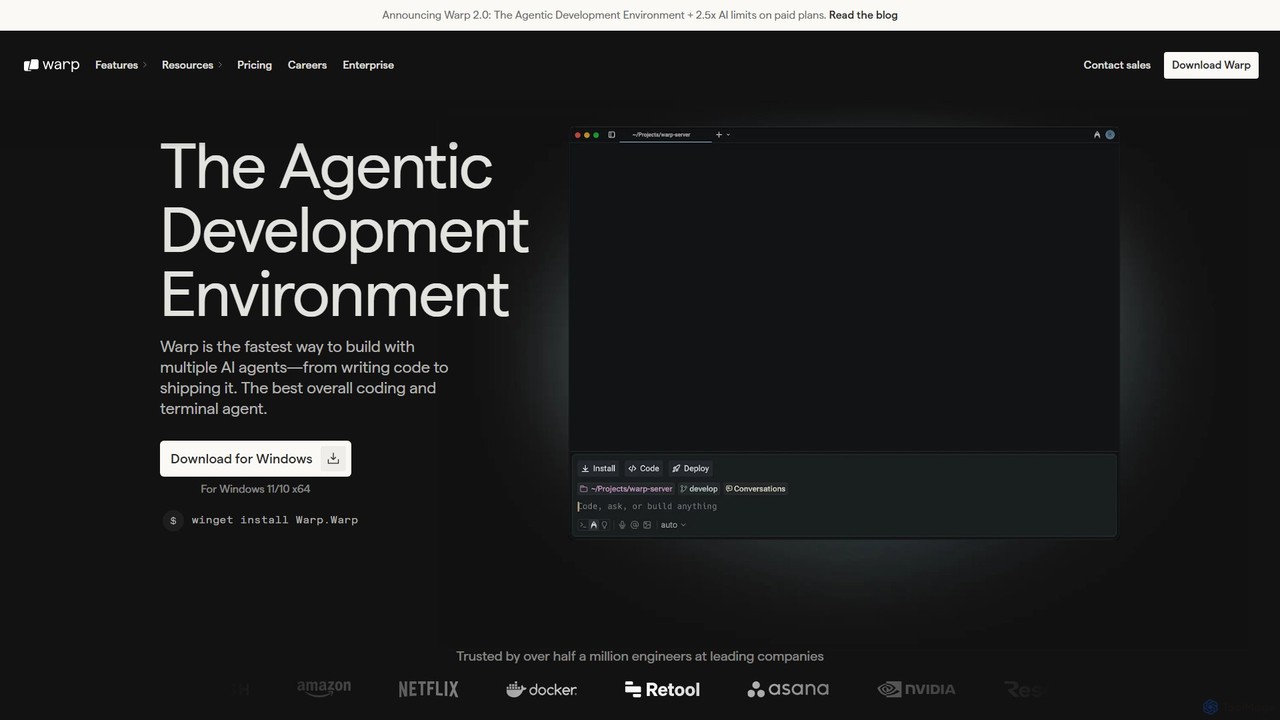
Warp
Warp is an AI-powered, Rust-based terminal reimagined as an Agentic Development Environment (ADE). It enables developers to use natural language to command AI agents for coding, debugging, and deployment. Warp combines a blazingly fast terminal with multi-threaded agent management, allowing you to build, test, and ship software faster by running multiple development tasks in parallel.
Development
how2terminal Comments (0)
Sign in to comment.
Sign inNo comments yet.