

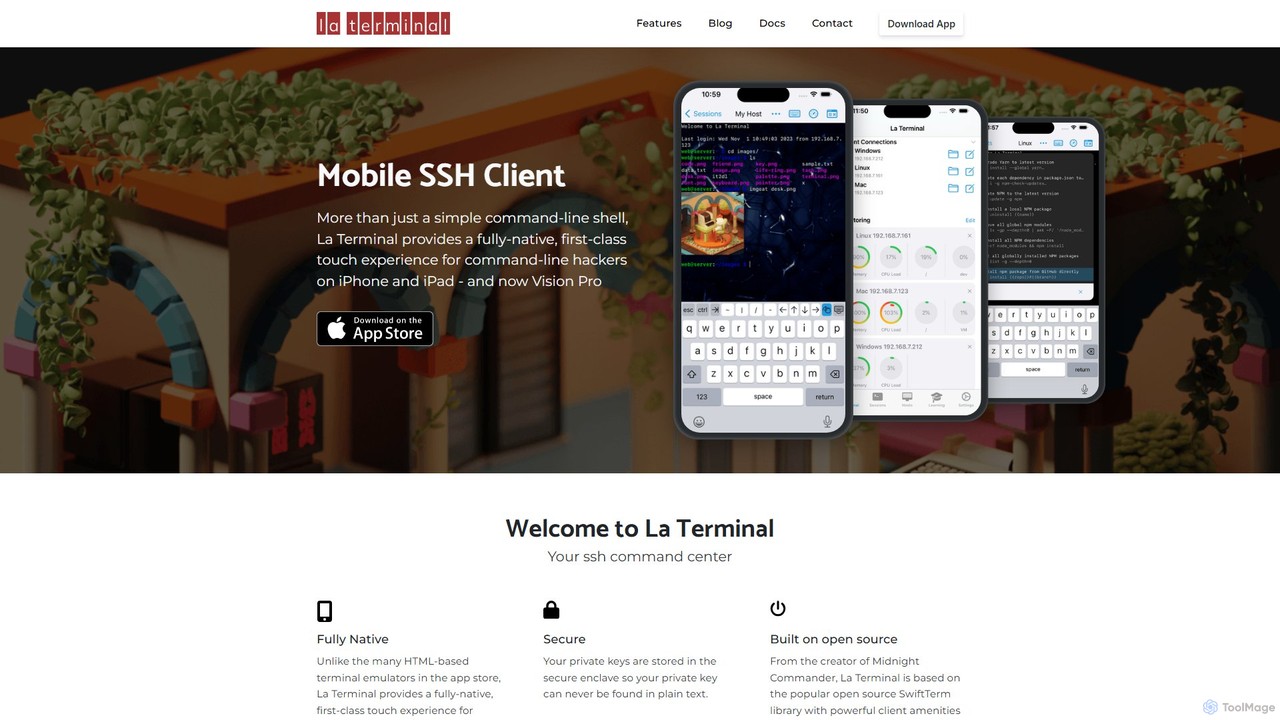
La Terminal Overview
La Terminal is a premium, high-performance SSH client meticulously crafted for Apple's ecosystem, including iPhone, iPad, and the new Vision Pro. Unlike many terminal emulators that are based on web technologies, La Terminal is a fully native application, providing a fast, responsive, and intuitive command-line experience. It is designed for developers, system administrators, DevOps engineers, and tech enthusiasts who require reliable and efficient remote access to their servers and devices from anywhere.
The core philosophy of La Terminal is to provide a desktop-class terminal experience on a mobile device without compromise. It achieves this through a combination of a clean, touch-optimized interface and powerful underlying features. The application is 'Host Platform Aware,' meaning it intelligently adapts to the remote system you are connecting to, whether it's a Linux server on AWS, a Mac running zsh, a Raspberry Pi with bash, or even a Windows machine using PowerShell. This awareness ensures that key mappings and terminal behavior feel natural and productive, regardless of the target environment.
How to use La Terminal
Using La Terminal is straightforward, designed for both beginners and seasoned professionals. Here’s a typical workflow:
- Installation: Download La Terminal from the Apple App Store for your iPhone, iPad, or Vision Pro.
- Connection Setup: Launch the app and add a new host. You will need to provide the server's address (IP or domain name), port number (defaulting to 22 for SSH), and your username.
- Key Management: For secure authentication, you can generate new SSH keys directly within the app or import your existing private keys. La Terminal securely stores these keys in the device's keychain.
- iCloud Sync: Enable iCloud sync to automatically share your hosts, settings, and SSH keys across all your Apple devices. Set up a server on your iPad, and it instantly appears on your iPhone.
- Connect and Interact: Tap on a configured host to initiate an SSH session. You'll be presented with a familiar terminal interface. Use the on-screen keyboard, which includes a special row for common terminal keys like Ctrl, Alt, Tab, and Esc. For more intensive work, connect a hardware keyboard like the Apple Magic Keyboard for a full desktop experience.
- Manage Sessions: Easily switch between multiple active sessions using an intuitive tabbed interface, allowing you to multitask efficiently.
Core Features of La Terminal
- Fully Native Performance: Built from the ground up using native Apple technologies for maximum speed, stability, and energy efficiency.
- Host Platform Awareness: Optimized experience for various operating systems including Linux (bash), macOS (zsh), Raspberry Pi, and Windows (PowerShell).
- Seamless iCloud Sync: Automatically syncs all your hosts, credentials, and settings across iPhone, iPad, and Vision Pro.
- Advanced Key Management: Generate, import, and manage SSH keys (including RSA, ECDSA, and Ed25519) with optional password protection.
- Internationalization Support: Correctly renders international character sets and supports input from various international keyboards, including iOS dictation.
- Customizable Interface: Personalize your terminal with a variety of color themes and fonts to suit your preferences and reduce eye strain.
- Hardware Keyboard Support: Full integration with external keyboards, including modifier keys and shortcuts.
- Touch-Optimized Controls: A special keyboard row provides easy access to control characters, and intuitive gestures simplify scrolling and text selection.
- Port Forwarding: Set up local port forwarding to securely access remote services through an encrypted SSH tunnel.
Use Cases for La Terminal
La Terminal is a versatile tool for a wide range of professional and personal tasks:
- Remote Server Management: System administrators can securely log into production servers on AWS, Azure, or Google Cloud to check logs, restart services, apply security patches, or perform emergency maintenance from anywhere.
- Mobile Development Workflow: Developers can connect to their development machines, manage git repositories, run build scripts, or tail logs without being tied to their desks.
- DevOps and Automation: DevOps engineers can interact with CI/CD pipelines, manage Docker containers, or connect to Kubernetes cluster nodes on the fly.
- IoT and Hobbyist Projects: Enthusiasts can easily SSH into their Raspberry Pi, home servers, or other IoT devices for configuration and programming.
- Network Engineering: Network professionals can configure routers, switches, and firewalls that offer a command-line interface over SSH.
Advantages of La Terminal
The primary advantage of La Terminal is its commitment to a no-compromise, native mobile experience. While other apps are often slow, clunky web wrappers, La Terminal is fluid and responsive. The seamless iCloud sync is a game-changer for anyone working within the Apple ecosystem, eliminating the tedious process of re-configuring connections on each device. Its intelligent platform awareness and robust feature set make it a powerful tool that genuinely enhances productivity for any command-line user on the go.
Pricing and Plans
La Terminal is a premium application available as a one-time purchase on the Apple App Store. There are no subscriptions or hidden fees. This model provides access to all current and future features, ensuring a straightforward and valuable investment for professional users. The exact price may vary by region and can be found on its App Store page.
Traffic
Latest traffic
Status
Monthly traffic trend
- 2025-9: 379
- 2026-1: 1.4K
- 2026-2: 205
- 2026-3: 2.0K
- 2026-4: 2.7K
- 2026-5: 2.7K
Geography
Top 5 countries / regions
- 🇸🇻El Salvador54.9%
- 🇺🇸United States45.1%
Top keywords
| Keyword | Cost per click |
|---|---|
| copiloto | $0.52 |
| la terminal | $0.30 |
| open png from command line | $0.00 |
| terminal app | $2.20 |
| terminal on ipad | $0.00 |
La Terminal Alternatives
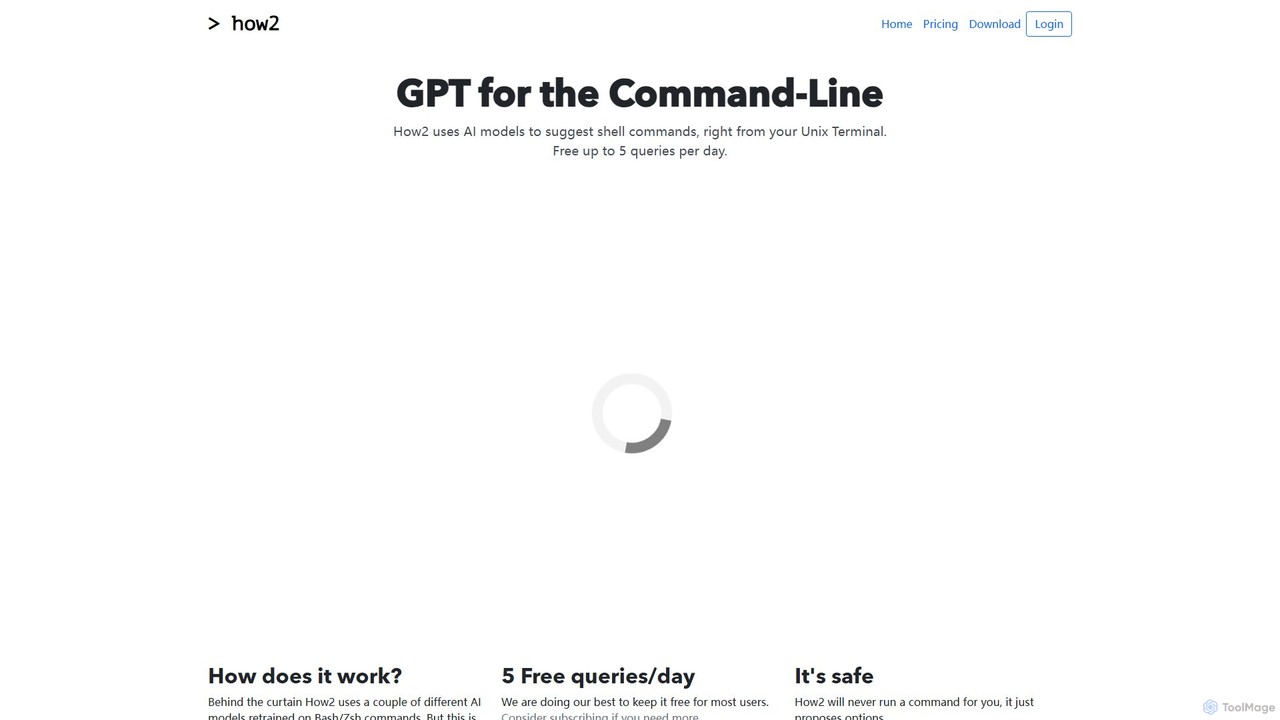
how2terminal
how2terminal is an AI-powered command-line tool that translates natural language queries into shell commands. It works directly in your Unix or PowerShell terminal, suggesting commands for Bash, Zsh, and more, helping developers and sysadmins boost productivity and learn new commands without leaving their workflow.
Code Assistant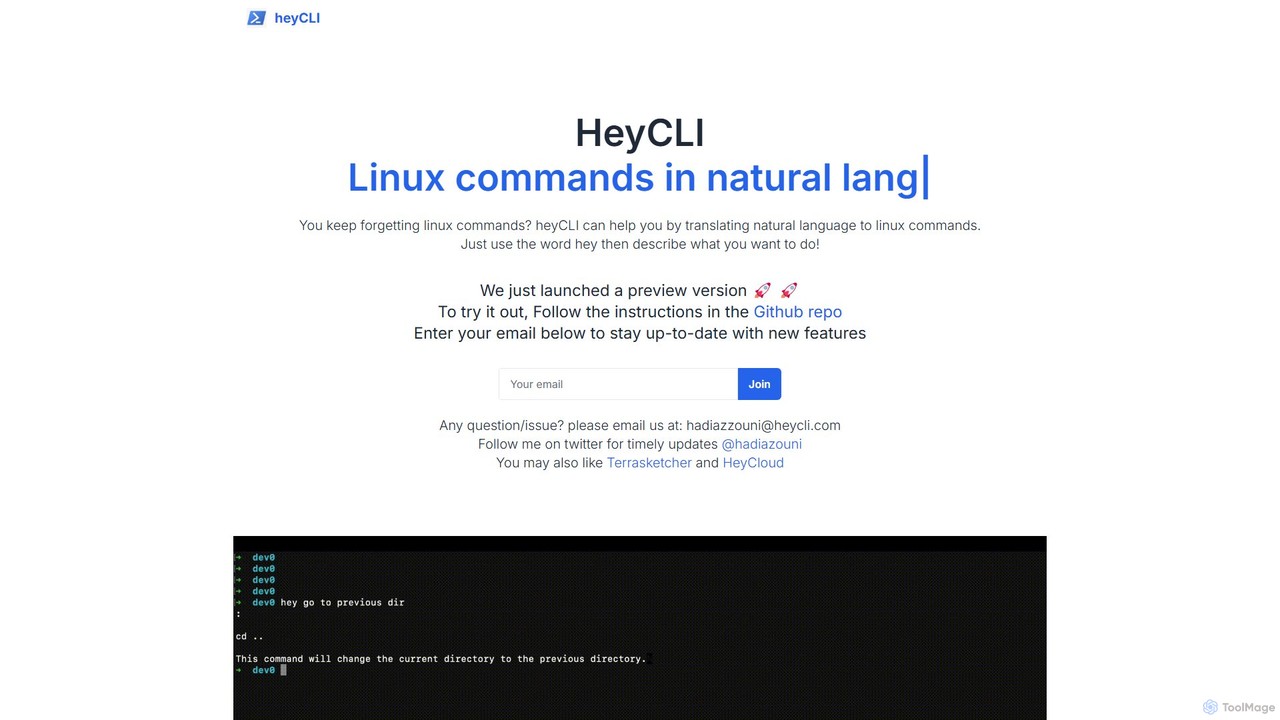
heycli
heycli is an AI-powered copilot for the command line that translates natural language into Linux commands. Simply describe the task you want to perform, and heycli generates the correct command, boosting productivity and reducing the learning curve for developers and sysadmins.
Command Line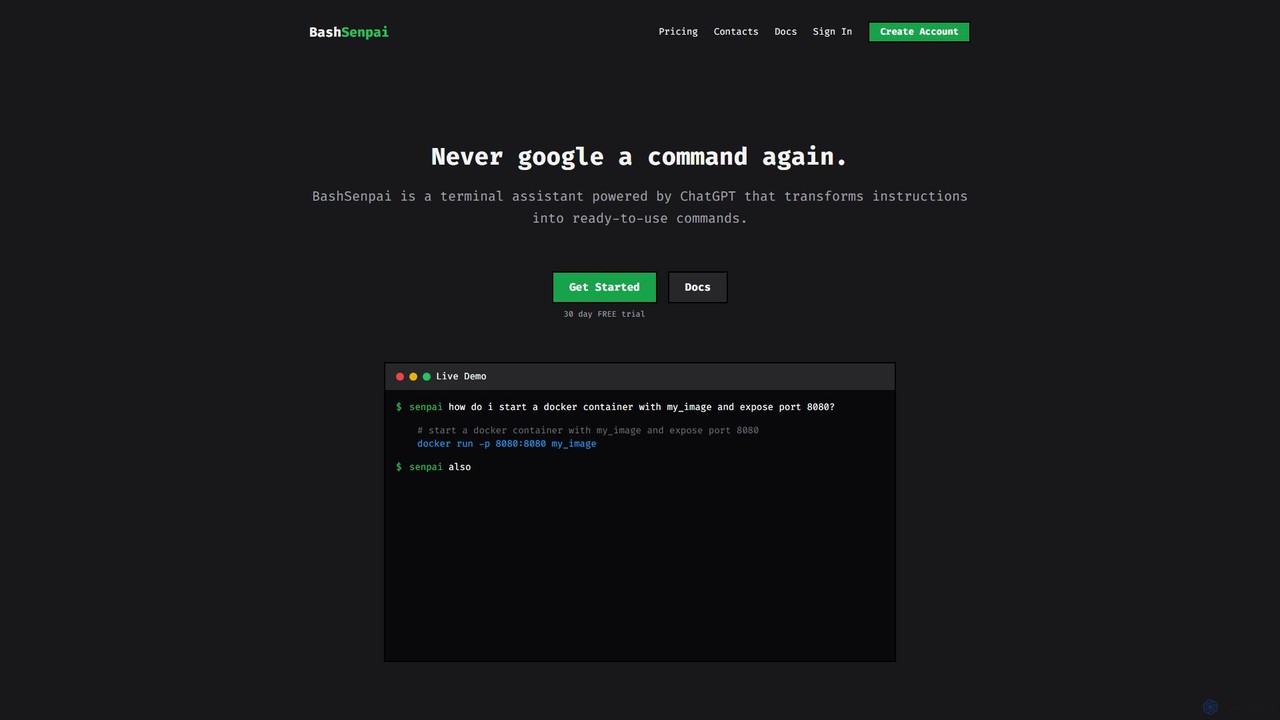
BashSenpai
BashSenpai is a ChatGPT-powered terminal assistant that transforms natural language instructions into ready-to-use shell commands. It operates directly within your terminal, providing context-aware, accurate commands for developers and system administrators, eliminating the need to search online.
Code Assistant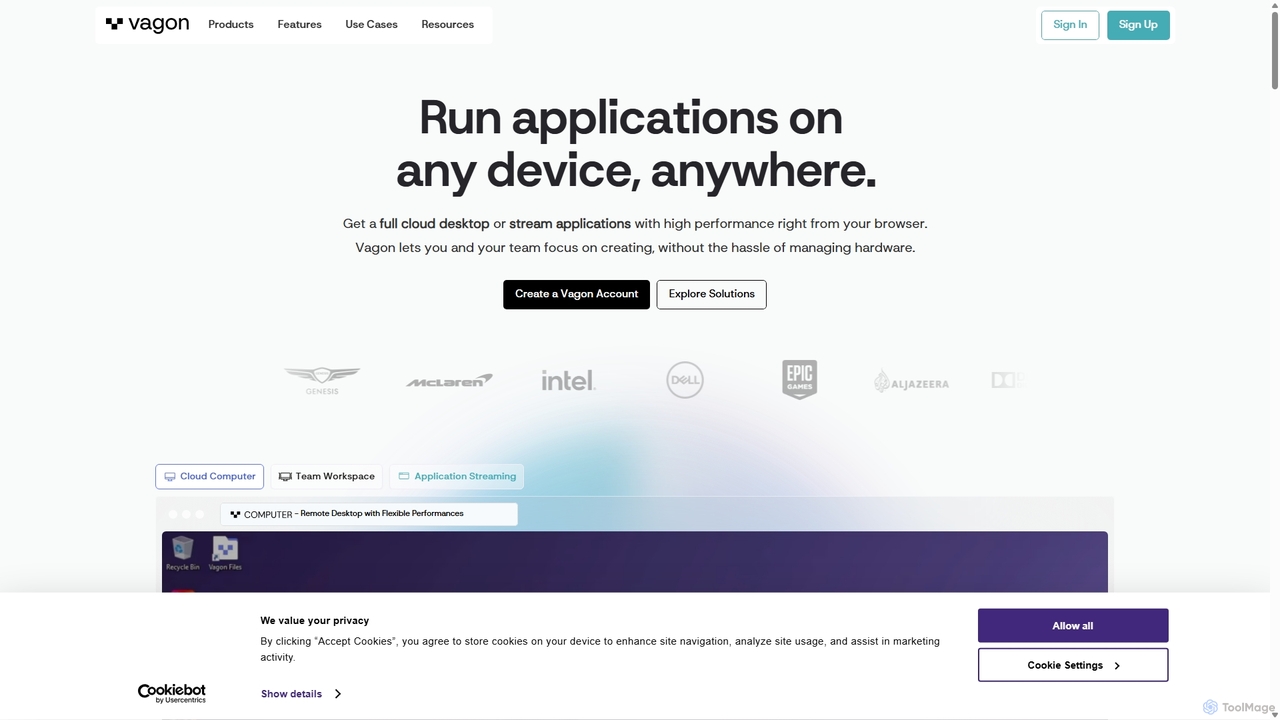
Vagon
Vagon is a high-performance cloud computing platform that provides users with powerful virtual desktops accessible from any device. It's designed for professionals like creatives, engineers, and developers to run demanding applications such as 3D rendering, video editing, and game development without needing expensive local hardware. Vagon offers scalable GPU, CPU, and storage options with a flexible pay-as-you-go model, enabling seamless remote work and collaboration.
Virtual Desktops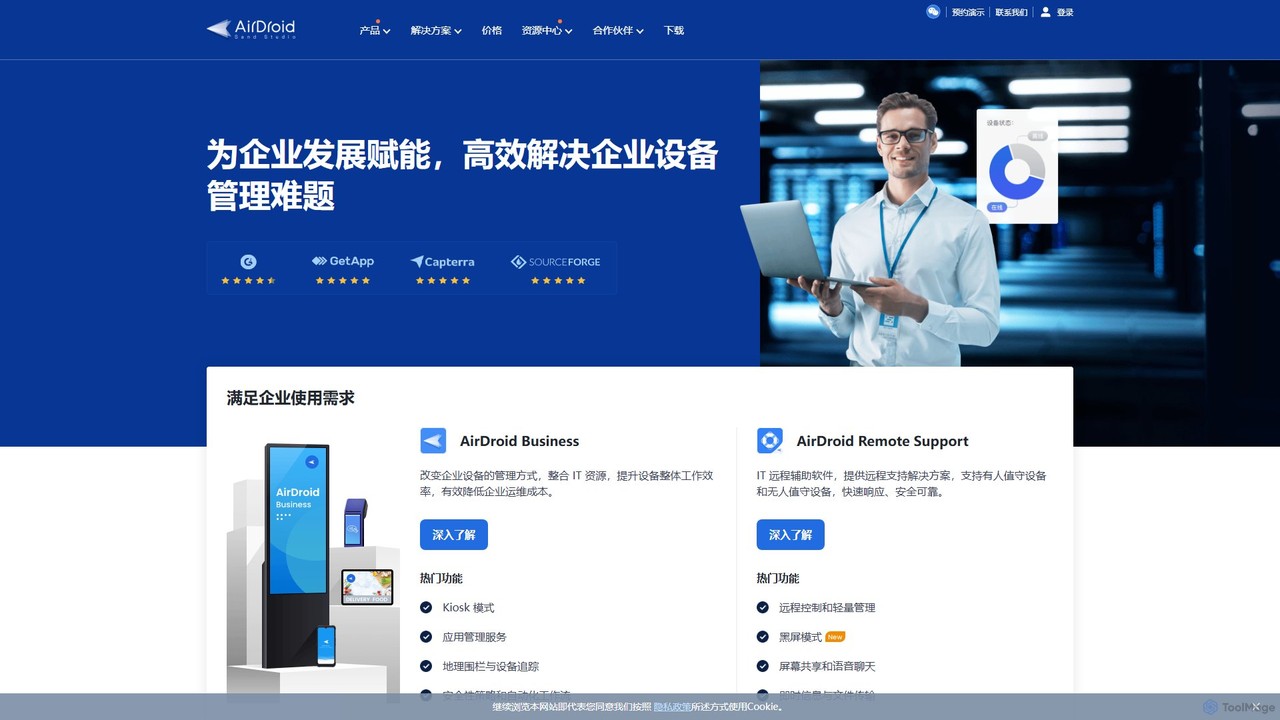
AirDroid
AirDroid is a comprehensive suite of tools for remote control, mobile device management (MDM), and remote support. It caters to both personal and enterprise users, enabling seamless file transfer, screen mirroring, notification management, and robust control over fleets of Android devices.
Device ManagementLa Terminal Categories
La Terminal Embed Widget
Copy this embed code to place the badge on your blog, article, or product site and send readers directly to this ToolMage detail page.

Related AI tools
how2terminal
how2terminal is an AI-powered command-line tool that translates natural language queries into shell commands. It works directly in your Unix or PowerShell terminal, suggesting commands for Bash, Zsh, and more, helping developers and sysadmins boost productivity and learn new commands without leaving their workflow.
Code Assistantheycli
heycli is an AI-powered copilot for the command line that translates natural language into Linux commands. Simply describe the task you want to perform, and heycli generates the correct command, boosting productivity and reducing the learning curve for developers and sysadmins.
Command LineBashSenpai
BashSenpai is a ChatGPT-powered terminal assistant that transforms natural language instructions into ready-to-use shell commands. It operates directly within your terminal, providing context-aware, accurate commands for developers and system administrators, eliminating the need to search online.
Code Assistant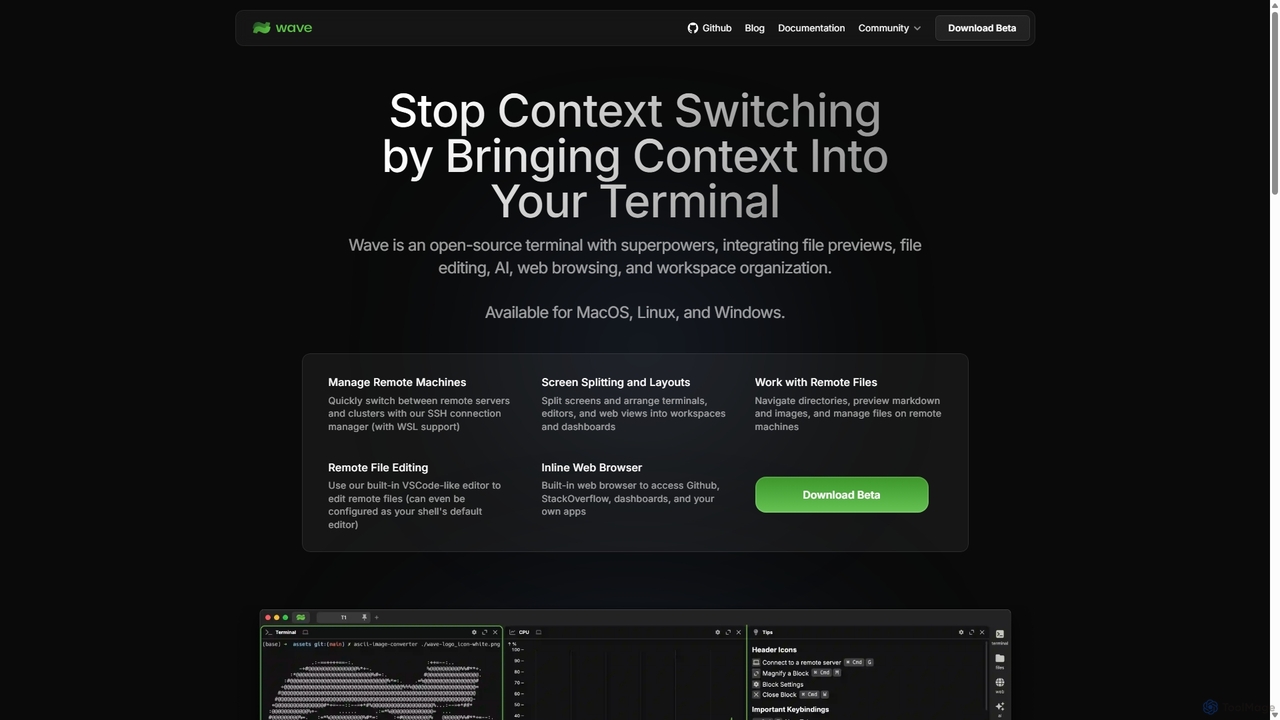
Waveterm
Waveterm is an open-source, modern terminal designed for developers and DevOps engineers. It enhances the command-line experience by integrating AI-powered assistance, a VSCode-like editor, inline file previews, a web browser, and customizable dashboards. This all-in-one workspace reduces context switching and boosts productivity across macOS, Windows, and Linux.
Code Assistant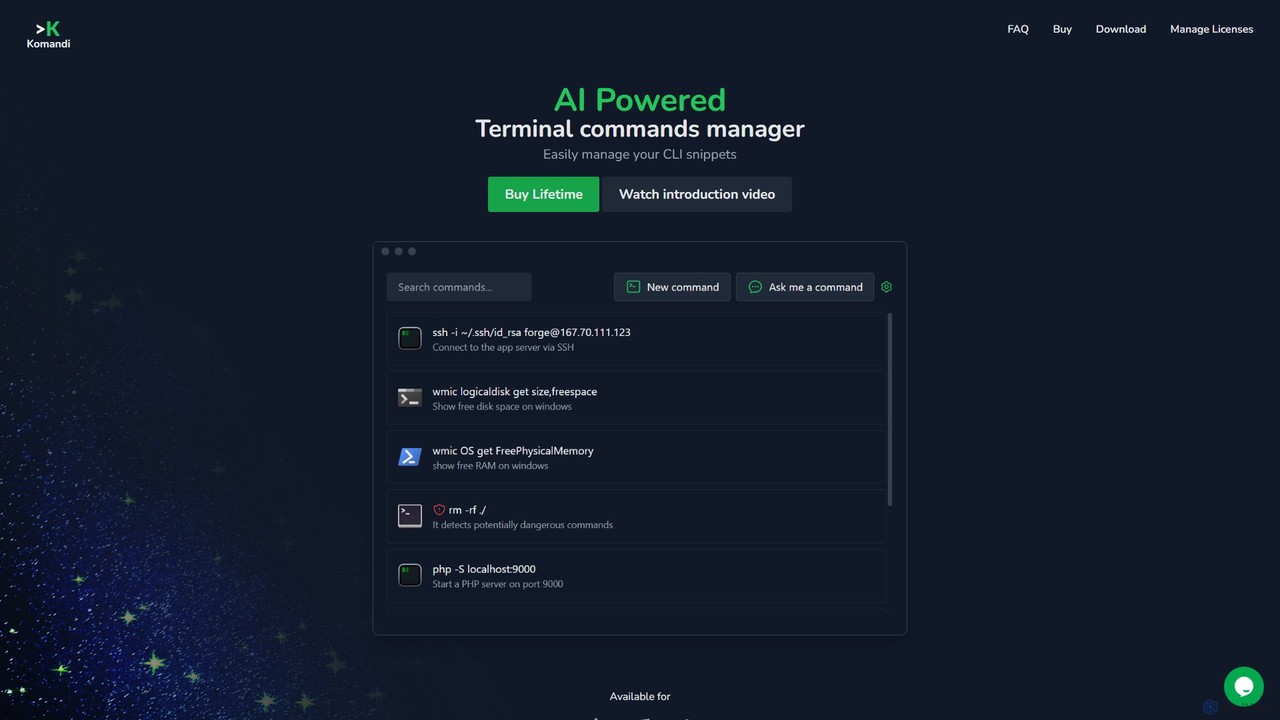
Komandi
Komandi is an AI-powered CLI/terminal command manager for developers and sysadmins. It simplifies command-line operations by allowing you to manage snippets, generate complex commands from natural language, and execute them safely. It supports macOS, Windows, and Linux, streamlining your workflow by organizing frequently used commands and detecting potentially dangerous ones before execution.
Code Assistant
ShellMate
ShellMate is an open-source, AI-powered command-line productivity tool designed for developers and system administrators. Powered by OpenAI, it acts as your terminal's best friend, allowing you to use natural language to find commands, get predictive suggestions based on your history, and receive context-aware help without ever leaving your console. Simply use the `sm` shortcut to boost your command-line efficiency and reduce time spent searching for syntax.
Code Assistant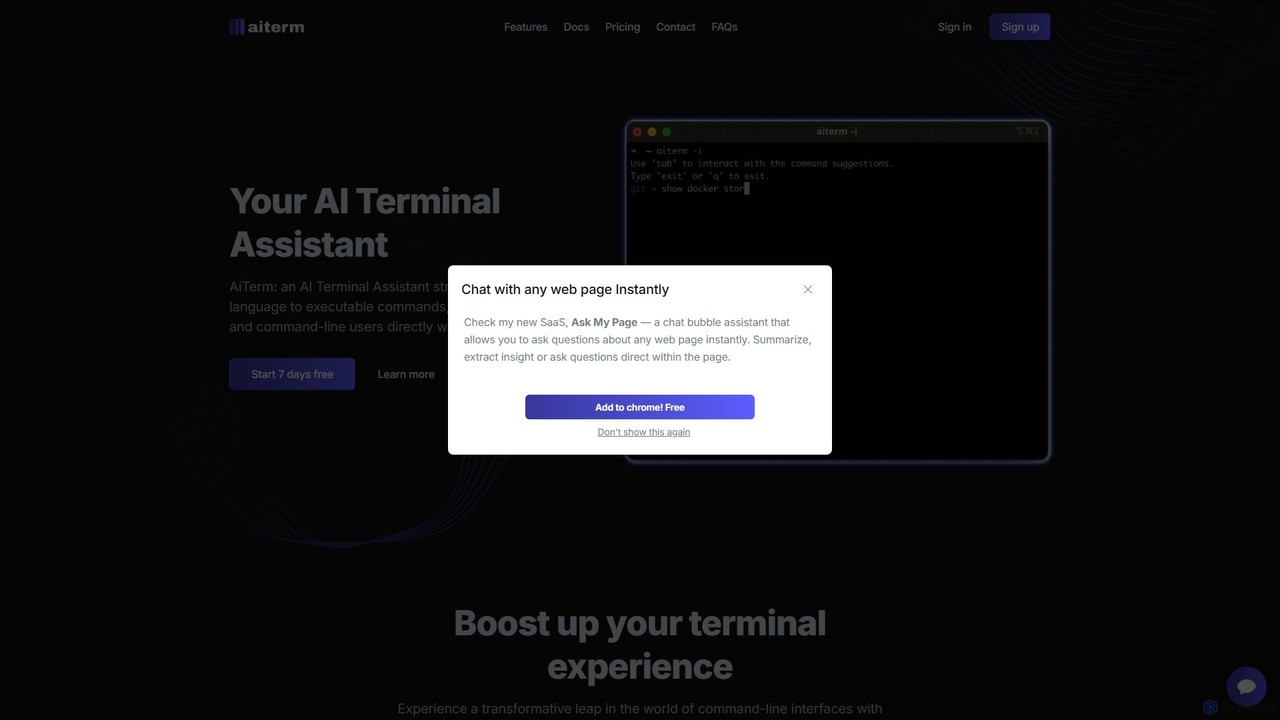
AiTerm
AiTerm is an AI-powered terminal assistant that translates natural language into executable shell commands. It streamlines workflows for developers and command-line users with features like IDE-style autocompletion, command suggestions, and workflow management, all directly within the terminal.
Code Assistant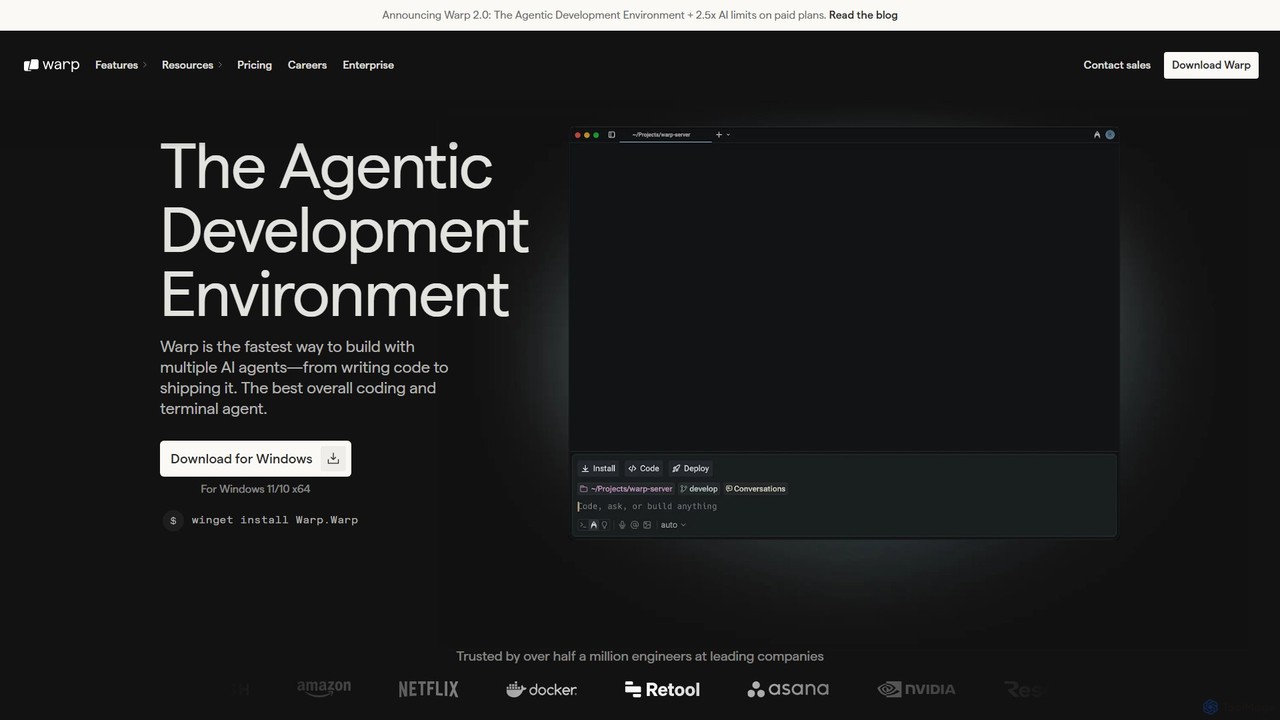
Warp
Warp is an AI-powered, Rust-based terminal reimagined as an Agentic Development Environment (ADE). It enables developers to use natural language to command AI agents for coding, debugging, and deployment. Warp combines a blazingly fast terminal with multi-threaded agent management, allowing you to build, test, and ship software faster by running multiple development tasks in parallel.
Development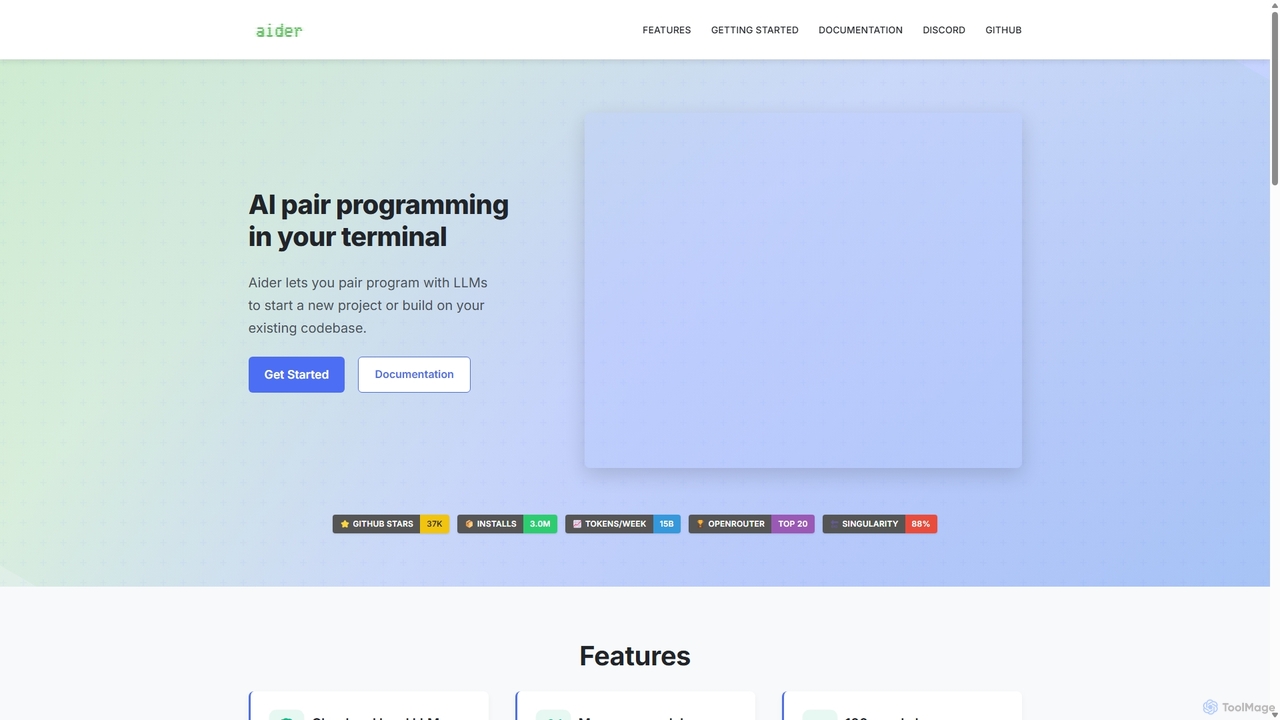
Aider
Aider is an AI-powered pair programmer that operates directly in your terminal. It intelligently maps your entire codebase, providing full project context for complex tasks. Seamlessly integrated with Git, it automates commits and allows you to manage AI-driven changes with familiar tools. Aider supports over 100 programming languages, connects to leading cloud and local LLMs, and even accepts voice and image inputs, making it a versatile and powerful assistant for any developer seeking to accelerate their workflow and improve code quality.
Programming
Charm
Charm is an ecosystem of open-source tools and libraries designed to make the command-line interface (CLI) glamorous and powerful. It provides developers with applications for AI-powered coding (Crush, Mods), beautiful terminal UIs (Bubble Tea), markdown rendering (Glow), and self-hosted Git servers (Soft Serve). Charm empowers developers to build, style, and enhance their terminal workflows with modern, elegant, and highly functional tools.
Code Assistant
Private LLM
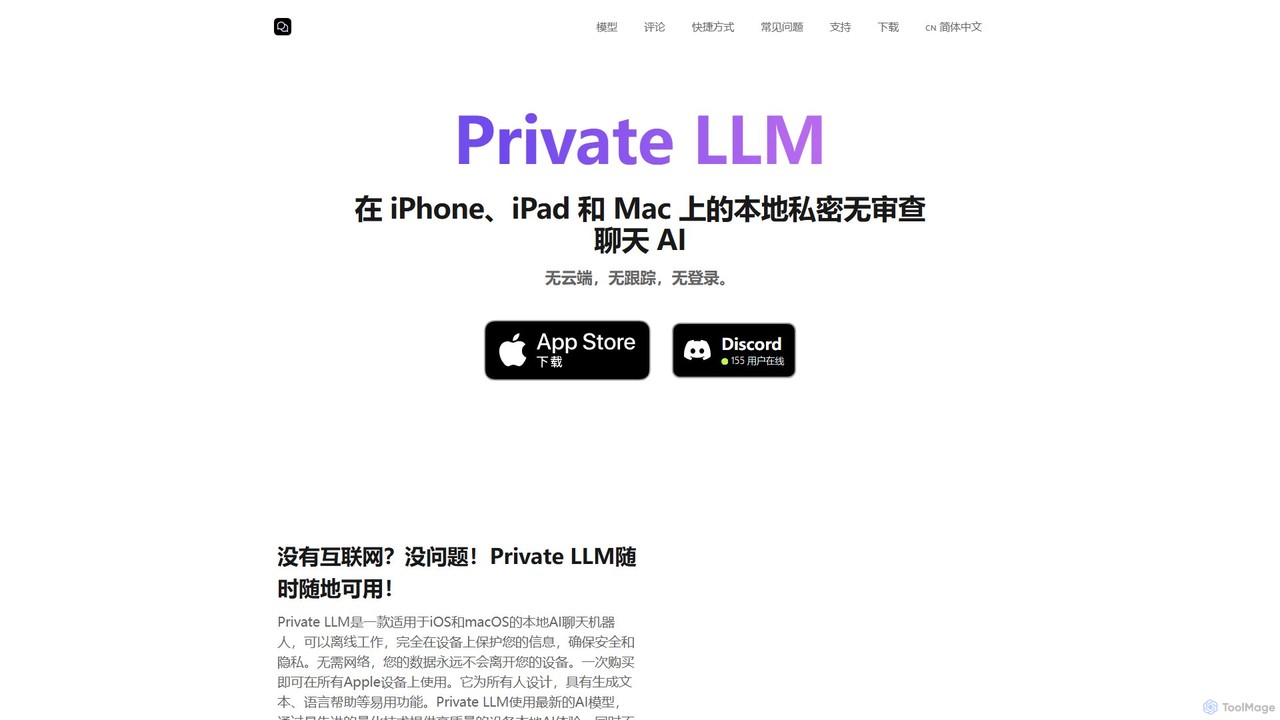
Private LLM is a secure, offline AI chatbot for iPhone, iPad, and Mac. It runs powerful open-source LLMs locally on your device, ensuring 100% privacy with no data tracking or cloud servers. It features a one-time purchase model, deep integration with the Apple ecosystem via Siri and Shortcuts, and offers superior performance through advanced model quantization.
Coding Assistant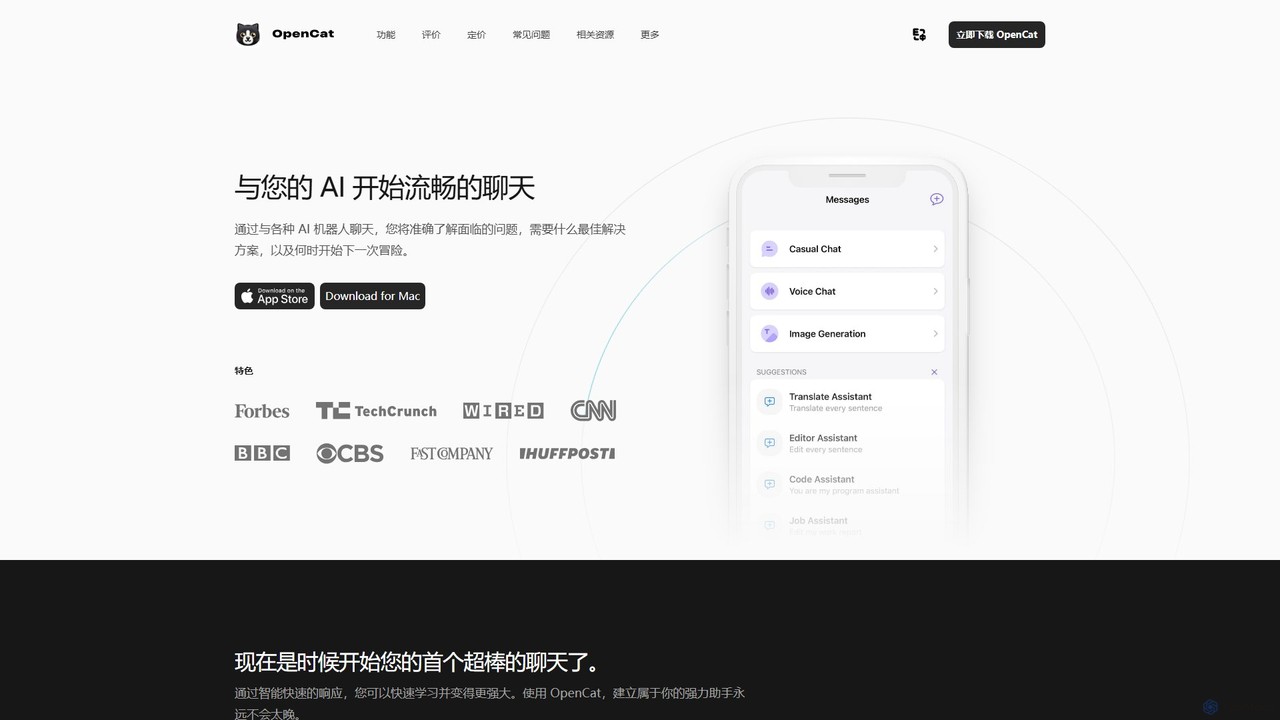
OpenCat
A native, feature-rich AI chat client for Mac, iOS, and iPad. It supports multiple AI models, voice chat, text-to-image, a system-wide keyboard, and Siri integration, offering a seamless AI experience across the Apple ecosystem.
Chatbot Client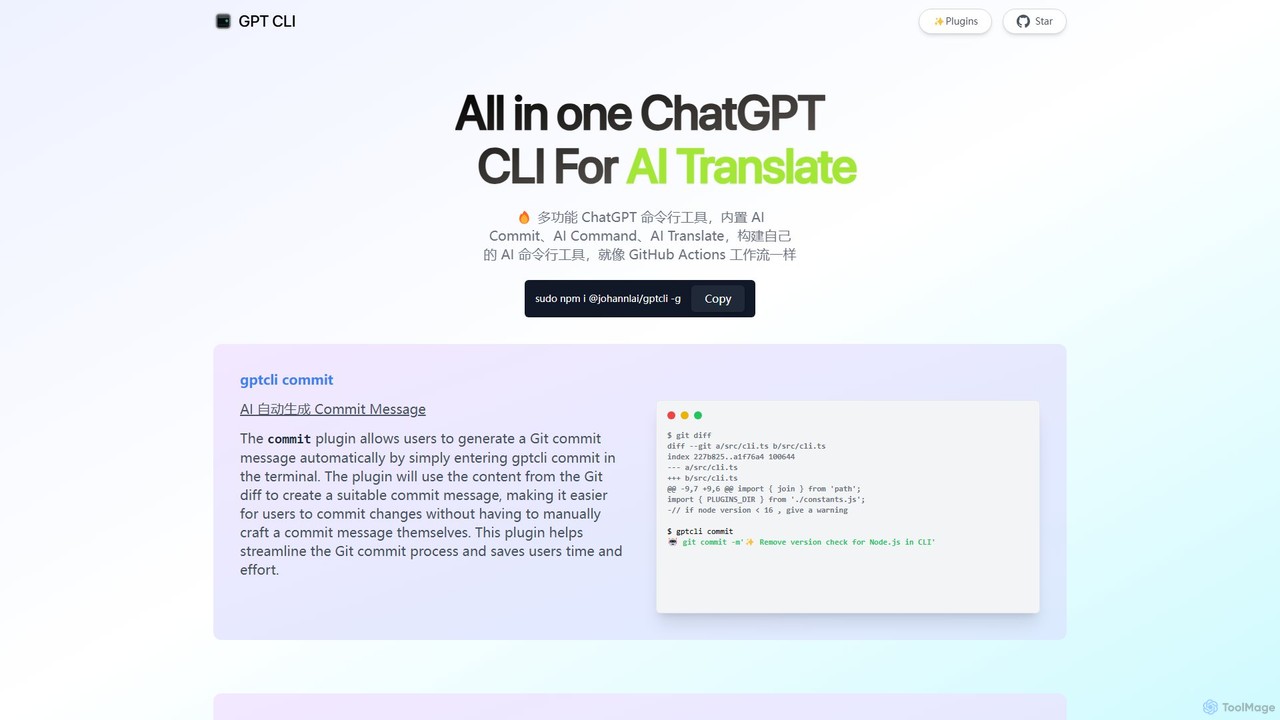
gptcli
gptcli is a versatile, open-source command-line tool that integrates ChatGPT directly into your terminal. It streamlines developer workflows with features like AI-powered Git commits, natural language to shell command translation, and in-terminal chat. With its extensible plugin system, you can build your own custom AI CLI tools, making it the ultimate productivity enhancer for anyone who works extensively with the command line.
Code Assistant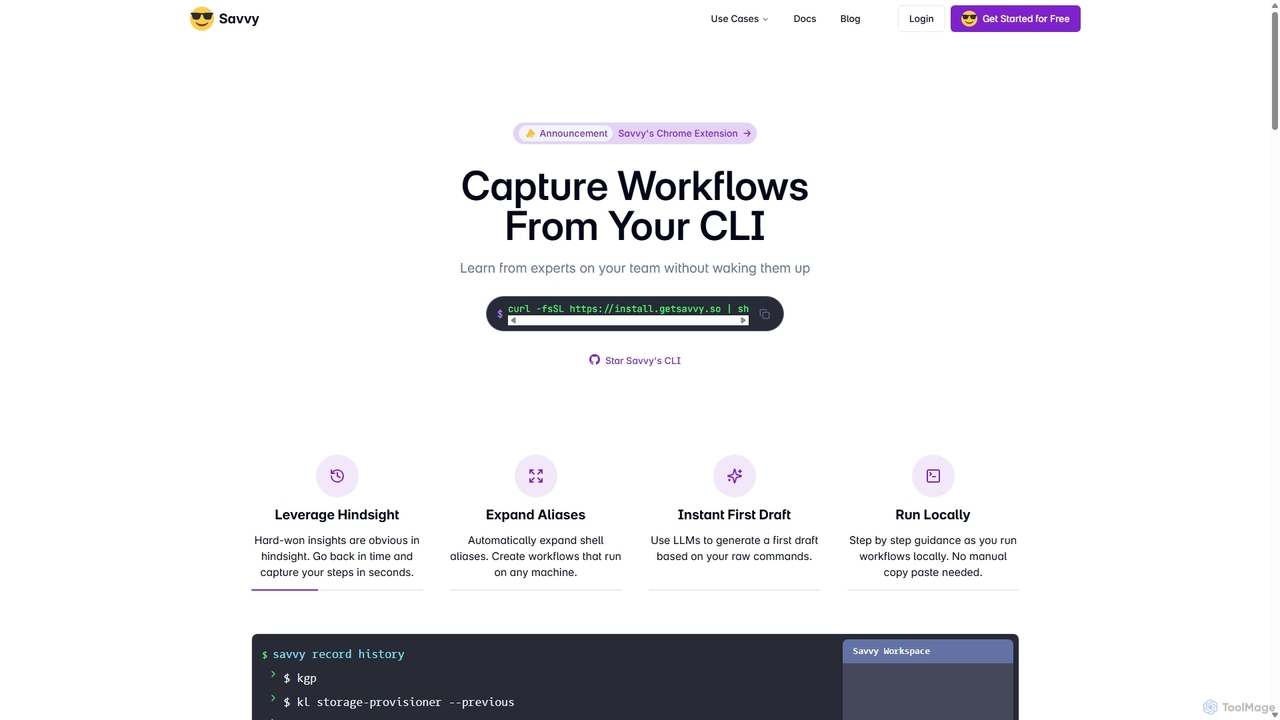
Savvy
Savvy is an AI-powered tool for developers that captures Command Line Interface (CLI) actions to create shareable, step-by-step workflows. It helps teams document tribal knowledge, accelerate new hire onboarding, and resolve incidents faster by turning complex command sequences into easy-to-follow guides. With features like sensitive data redaction and AI-generated documentation, Savvy enhances productivity and collaboration for technical teams.
Command Line
La Terminal Comments (0)
Sign in to comment.
Sign inNo comments yet.