Productivity Best in category 7 results Remote Work AI Tool

Popular AI tools in the Remote Work field of Productivity include AirDroid、Vagon、Enabot、ExamOnline、TripOffice、Roll、La Terminal, etc., helping you quickly improve efficiency.

Vagon

Vagon

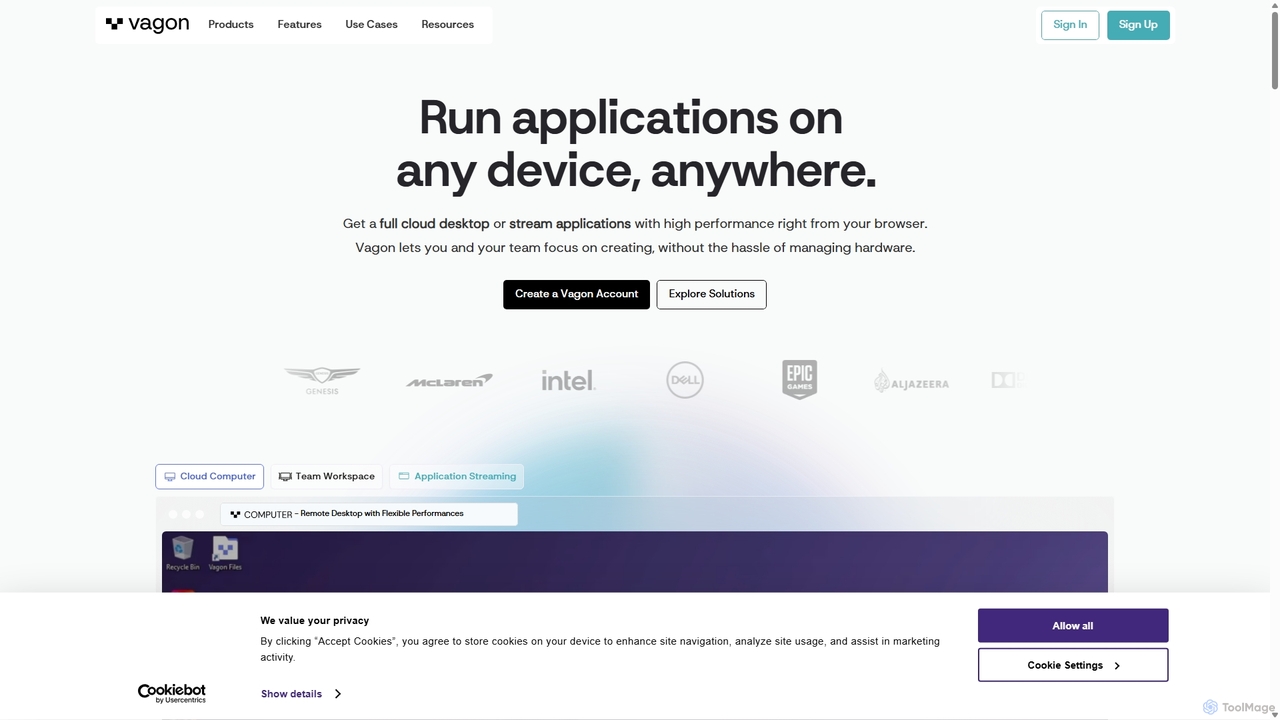
Vagon is a high-performance cloud computing platform that provides users with powerful virtual desktops accessible from any device. …

235.3K
La Terminal

La Terminal

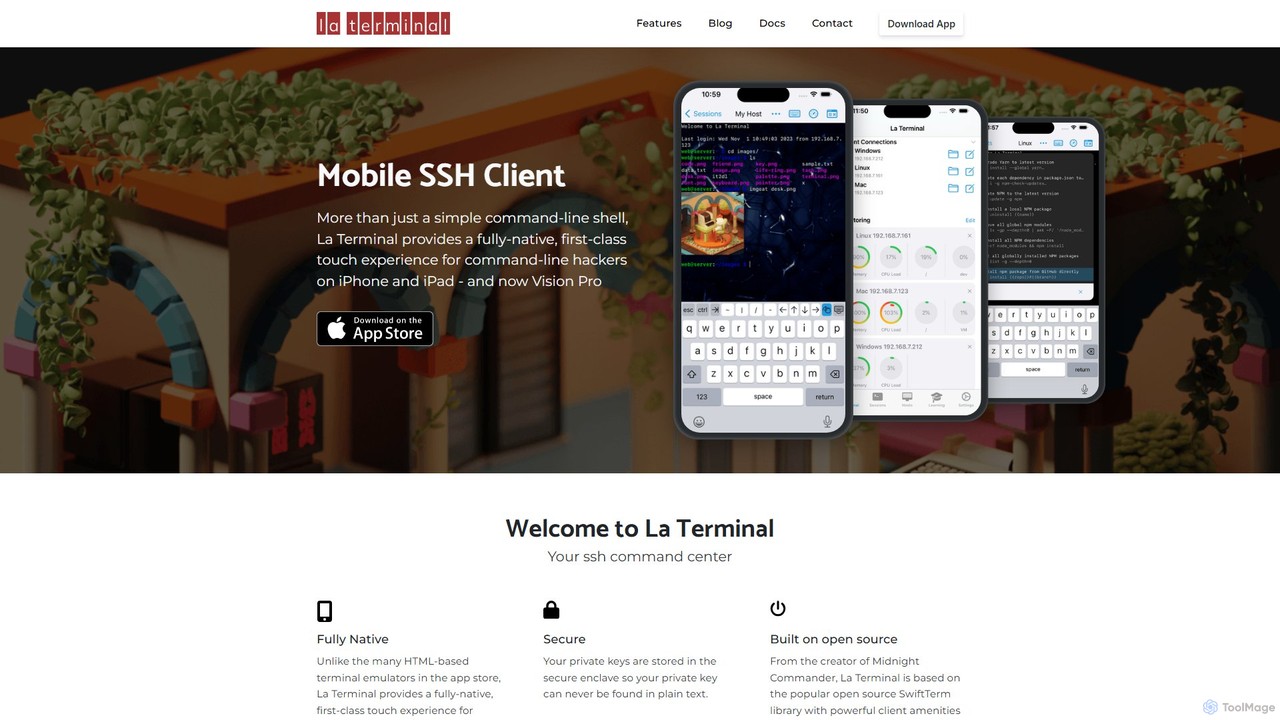
La Terminal is a professional, fully native SSH client for iPhone, iPad, and Vision Pro. It offers a …

5.2K
Roll

Roll

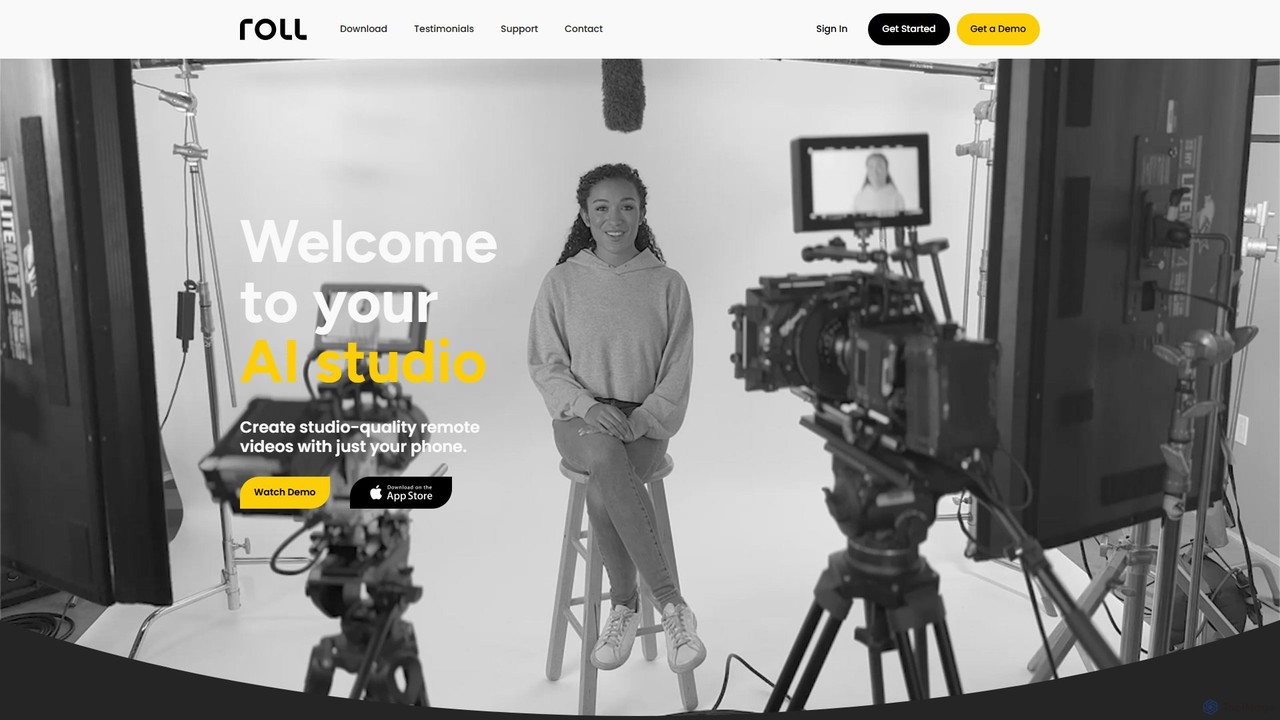
Roll is an AI-powered video production studio that enables you to create professional, studio-quality remote videos using only …

6.8K
Free
TripOffice

TripOffice

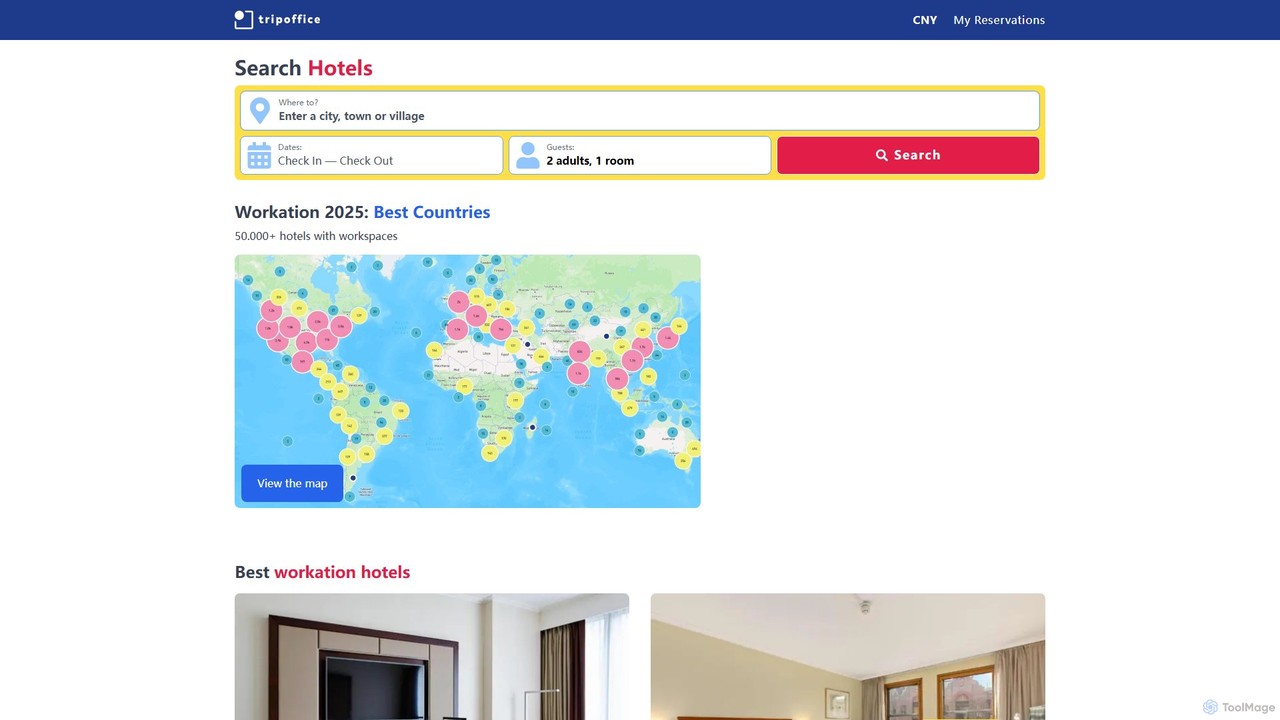
TripOffice is an AI-powered hotel booking platform for digital nomads and remote workers. It uses AI to analyze …

7.5K
Enabot

Enabot

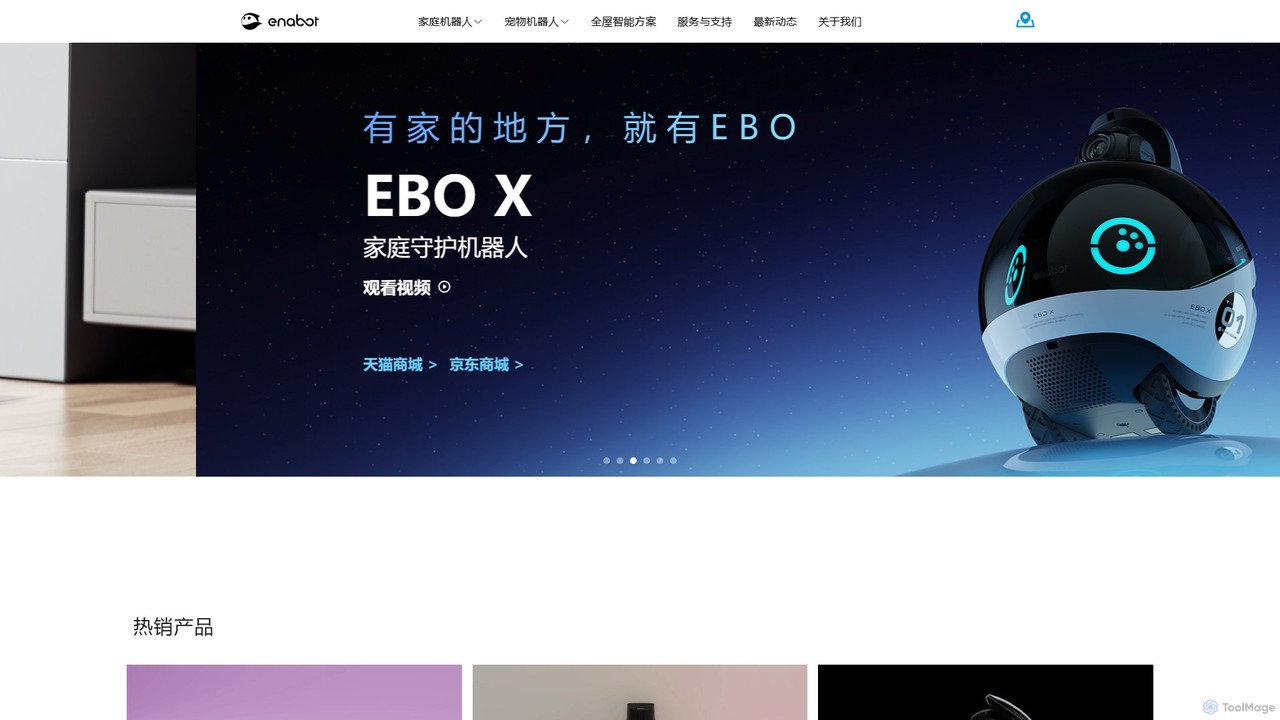
Enabot develops AI-powered companion robots for family and pets. Products like the EBO and ROLA series offer mobile …

136.6K
AirDroid

AirDroid

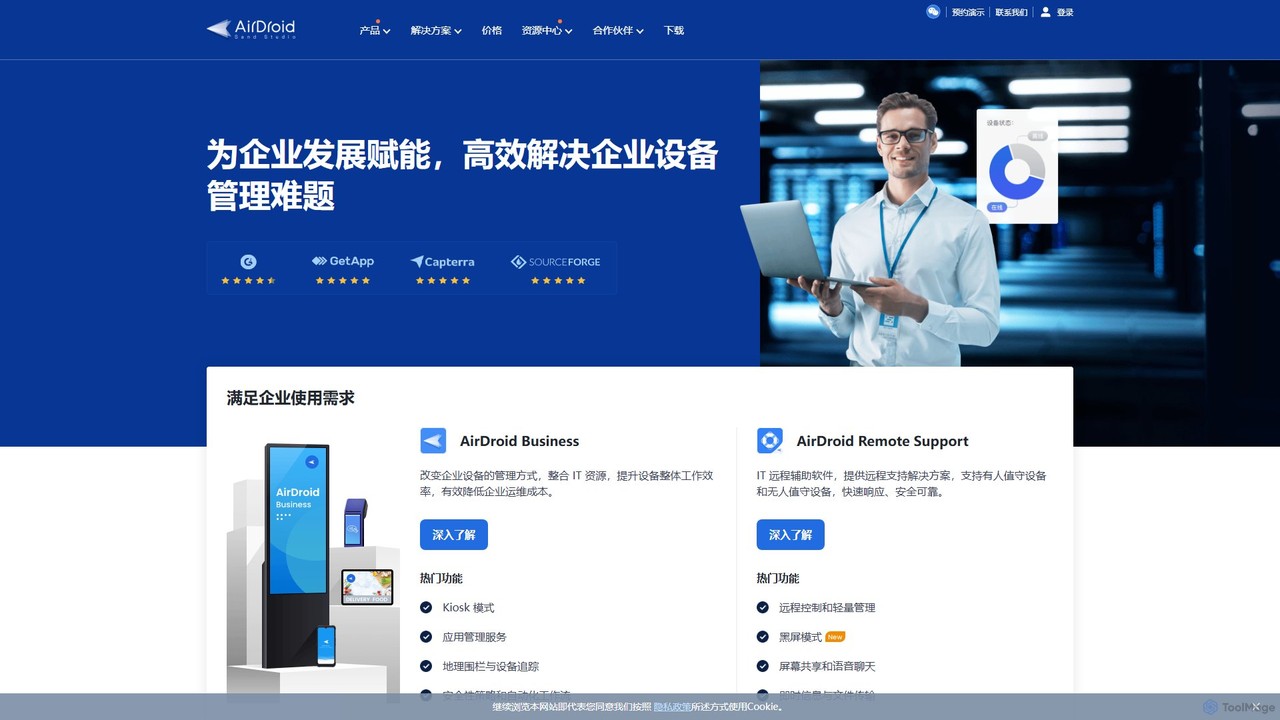
AirDroid is a comprehensive suite of tools for remote control, mobile device management (MDM), and remote support. It …

243.1K
ExamOnline

ExamOnline

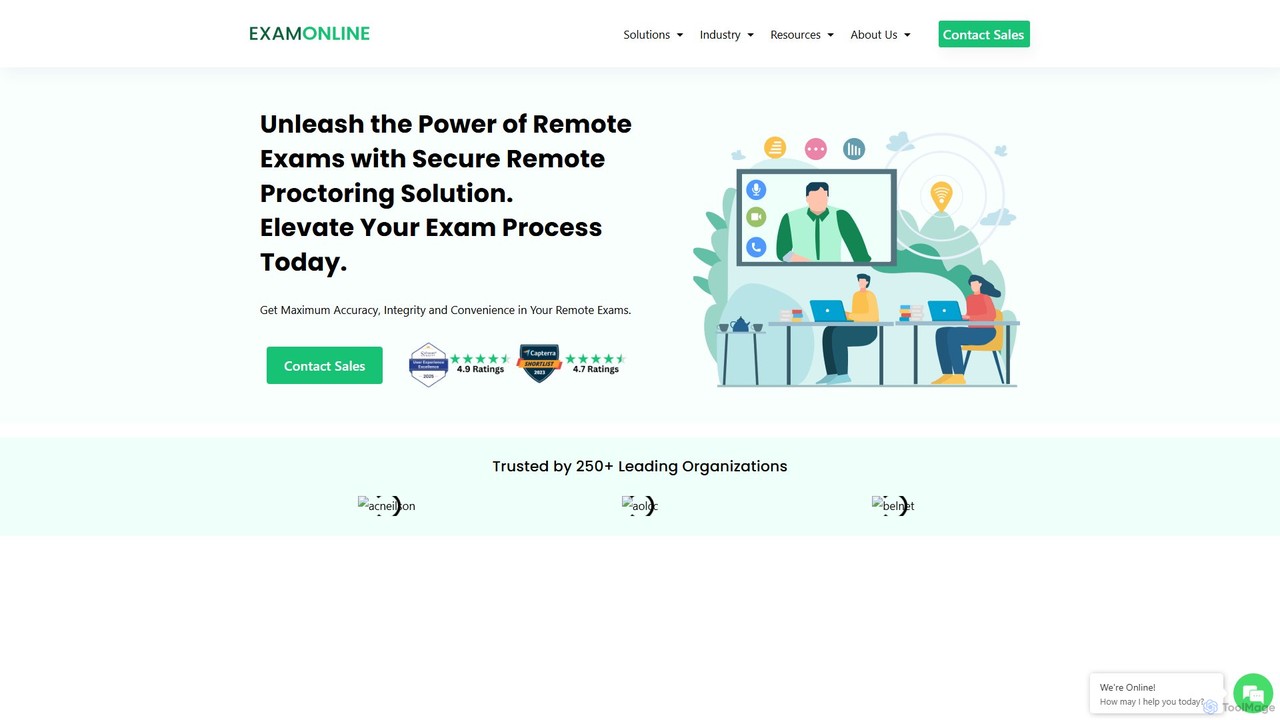
ExamOnline is an AI-powered remote proctoring solution designed to ensure the integrity and security of online examinations. It …

27.1K

About Remote Work

AI Remote Work tools are a specialized category of productivity software designed to address the unique challenges of distributed teams. They leverage artificial intelligence to automate administrative tasks, enhance asynchronous communication, and foster collaboration across different locations and time zones. These tools go beyond simple task management by providing intelligent features like automated meeting summaries, smart scheduling, and virtual presence enhancement, ultimately bridging the physical gap between team members.

Core Features

  • Intelligent Meeting Automation: Automatically transcribes, summarizes, and extracts action items from video calls.
  • Asynchronous Communication Support: Organizes communication threads and suggests optimal times for cross-timezone interactions.
  • Virtual Collaboration Enhancement: Includes AI-powered whiteboards, real-time translation, and engagement analytics for virtual meetings.
  • Personal Productivity Insights: Analyzes work patterns to suggest focus periods and minimize distractions in a home office setting.
  • Automated Progress Reporting: Aggregates updates from various work apps to create seamless status reports without manual input.

Use Cases

These tools are essential for global technology companies, digital marketing agencies, and any organization operating on a hybrid or fully remote model. They are particularly valuable for roles like project managers, team leads, and HR professionals who need to maintain team cohesion and productivity from a distance.

How to Choose

When selecting an AI Remote Work tool, prioritize its integration capabilities with your existing software stack (e.g., Slack, Google Workspace). Evaluate its strengths in either synchronous or asynchronous collaboration to match your team's workflow. Also, consider data privacy policies, scalability for your team size, and the user-friendliness of the interface.

Remote WorkUse Cases

1

Automate Meeting Summaries for Global Teams

A project manager leading a team across San Francisco, London, and Singapore uses an AI meeting assistant. The tool joins their video calls, generates a real-time transcript, and produces a concise summary with key decisions and action items within minutes of the meeting ending. Team members in different time zones can catch up asynchronously without watching the full recording, ensuring everyone stays aligned despite scheduling conflicts.

2

Optimize Cross-Timezone Scheduling

A remote team lead needs to arrange a workshop for members in North America, Europe, and Australia. Instead of manually comparing calendars, they use an AI scheduling tool. The tool analyzes everyone's availability, stated working hours, and meeting load to propose several optimal time slots that minimize disruption for all participants, eliminating the tedious back-and-forth of finding a suitable time.

3

Enhance Virtual Brainstorming Sessions

A fully remote product design team uses an AI-powered virtual whiteboard for a creative session. As the team adds ideas on digital sticky notes, the AI automatically groups related concepts, suggests connections, and helps visualize the flow of thoughts. At the end of the session, it can generate a structured mind map or a summary document, turning a chaotic brainstorm into an actionable plan.

4

Gauge Remote Team Engagement and Well-being

An HR department in a remote-first company uses an AI platform to understand team health without intrusive surveys. The tool analyzes anonymized, aggregated data from public communication channels like Slack to identify trends in sentiment, workload, and collaboration patterns. This provides early warnings of potential burnout or disengagement, allowing managers to offer support proactively.

5

Streamline Asynchronous Project Updates

A software engineer working from home uses an AI assistant integrated with their project management tools. The assistant automatically compiles a draft of their daily or weekly progress report by pulling completed tasks from Jira, code commits from GitHub, and relevant discussions from Slack. This reduces administrative overhead and ensures updates are consistent and data-driven.

6

Improve Focus in a Home Office Environment

A freelance writer working remotely uses an AI-powered focus application to manage their day. The tool blocks distracting websites and notifications during scheduled "deep work" blocks. Based on their work patterns, it intelligently suggests when to take breaks to prevent fatigue and uses ambient sounds to create a more immersive work environment, boosting concentration and output.

Remote WorkFrequently Asked Questions