

heycli Overview
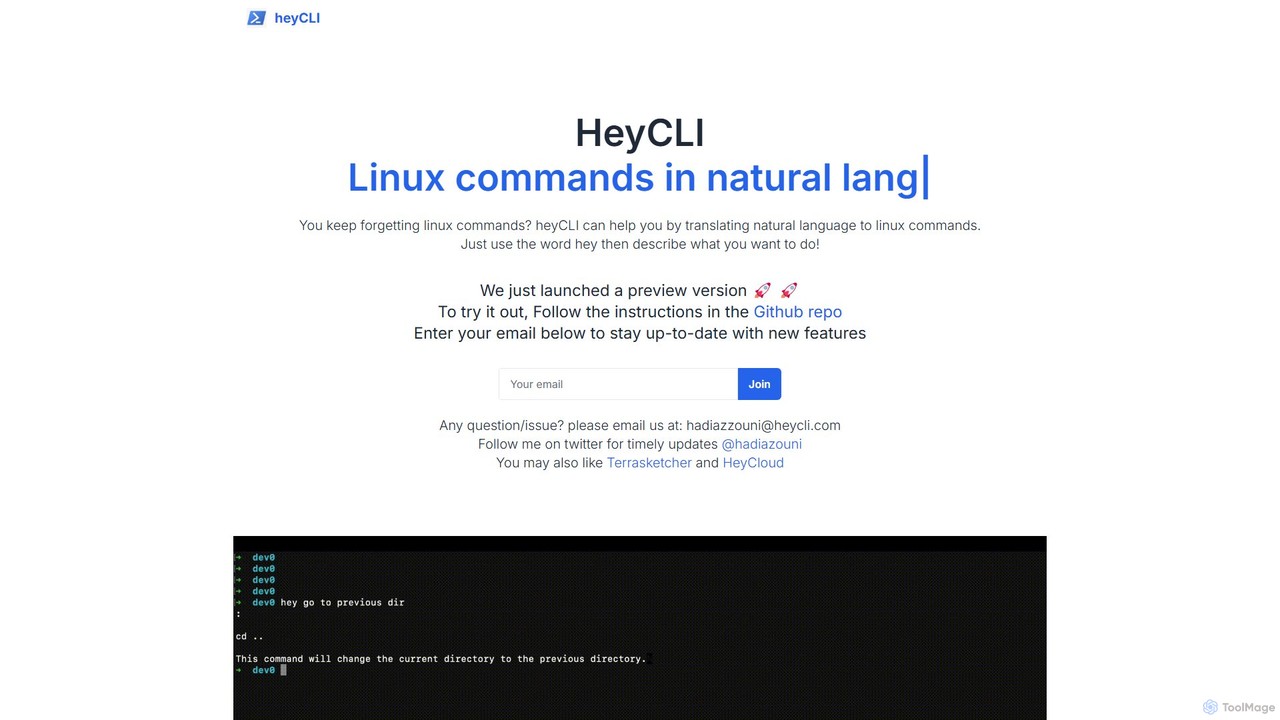
heycli is a revolutionary AI tool designed to act as your personal copilot for the Linux command line. It addresses a common pain point for developers, system administrators, and even seasoned tech professionals: remembering the specific syntax and options for countless Linux commands. With heycli, you no longer need to interrupt your workflow to search Google or sift through `man` pages. Instead, you can describe what you want to do in plain English, and heycli will instantly translate your request into an accurate, ready-to-use shell command.
The tool is built for seamless integration into your terminal environment. By simply prefixing your natural language query with the keyword 'hey', you activate the AI's power to interpret your intent and provide the corresponding command. This intuitive interaction model makes the command line more accessible to beginners and significantly faster for experts, transforming a potentially frustrating experience into a fluid and productive one.
How to use heycli
Using heycli is designed to be straightforward and integrated directly into your command-line workflow. Here’s a typical process:
- Installation: As heycli is a command-line utility, you first need to install it. The process involves visiting its official GitHub repository, where you will find detailed instructions. This usually involves cloning the repository and running an installation script or using a package manager.
- Activation: Once installed, you can invoke heycli directly from your terminal. The tool is activated by using the trigger word 'hey'.
- Querying: After the trigger word, simply type your request in natural language. For example, you could type: `hey find all files larger than 500MB in the home directory` or `hey show me the current CPU usage`.
- Receiving the Command: heycli processes your request and immediately outputs the corresponding Linux command (e.g., `find ~ -type f -size +500M`). Many similar tools also provide a brief explanation of the command and its flags, helping you learn in the process.
- Execution: You can then copy, edit, and execute the generated command as needed.
Core Features of heycli
- Natural Language to Command Translation: The core functionality is its ability to understand plain English and convert it into precise Linux/shell commands.
- Seamless Terminal Integration: Works directly within your existing terminal, eliminating the need to switch between applications and maintaining your workflow.
- Broad Command Support: Capable of generating commands for a wide array of utilities, including file operations (find, grep, awk), system administration (systemctl, df, top), and network management (netstat, ping).
- Educational Tool: By showing the correct command for a described task, it serves as an excellent learning aid for those new to the Linux environment.
- Productivity Enhancement: Saves significant time and mental energy by automating the process of recalling or looking up command syntax.
Use Cases for heycli
heycli is versatile and valuable for a wide range of users and scenarios:
- Developers: Quickly generate complex `git` commands, manage Docker containers, or search through codebases with `grep` and `find` without breaking focus.
- System Administrators & DevOps: Efficiently manage system services, monitor resource usage, configure networks, and automate routine maintenance tasks.
- Data Analysts: Perform quick data manipulation and text processing directly in the terminal using powerful tools like `awk`, `sed`, and `cut`.
- Students and Beginners: An interactive and forgiving way to learn the Linux command line. Users can see the direct link between their intention and the required syntax.
- Occasional Terminal Users: Empowers those who don't live in the terminal to perform necessary tasks without the steep learning curve.
Advantages of heycli
The primary advantage of heycli is its ability to make the command line more human-centric. It boosts efficiency by removing the bottleneck of command recall. It lowers the barrier to entry for new users, making powerful system tools more accessible. For experts, it acts as a quick and reliable assistant for less-frequently used commands, preventing errors and saving time that would otherwise be spent on verification. This leads to a smoother, faster, and less error-prone workflow for anyone interacting with a Linux shell.
Pricing and Plans
Based on the information from its launch, heycli is currently available as a free preview version. The distribution via a GitHub repository suggests an open-source or free-to-use model. Users are encouraged to sign up with their email on the official website to stay informed about new features and future developments, which may include potential premium plans or additional services in the future.
Traffic
Latest traffic
Status
Monthly traffic trend
- 2025-9: 328
- 2026-1: 0
- 2026-2: 515
- 2026-3: 808
- 2026-4: 0
- 2026-5: 222
Geography
Top 5 countries / regions
- 🇮🇳India100.0%
Top keywords
| Keyword | Cost per click |
|---|---|
| hey cli | $0.00 |
heycli Alternatives
BashSenpai
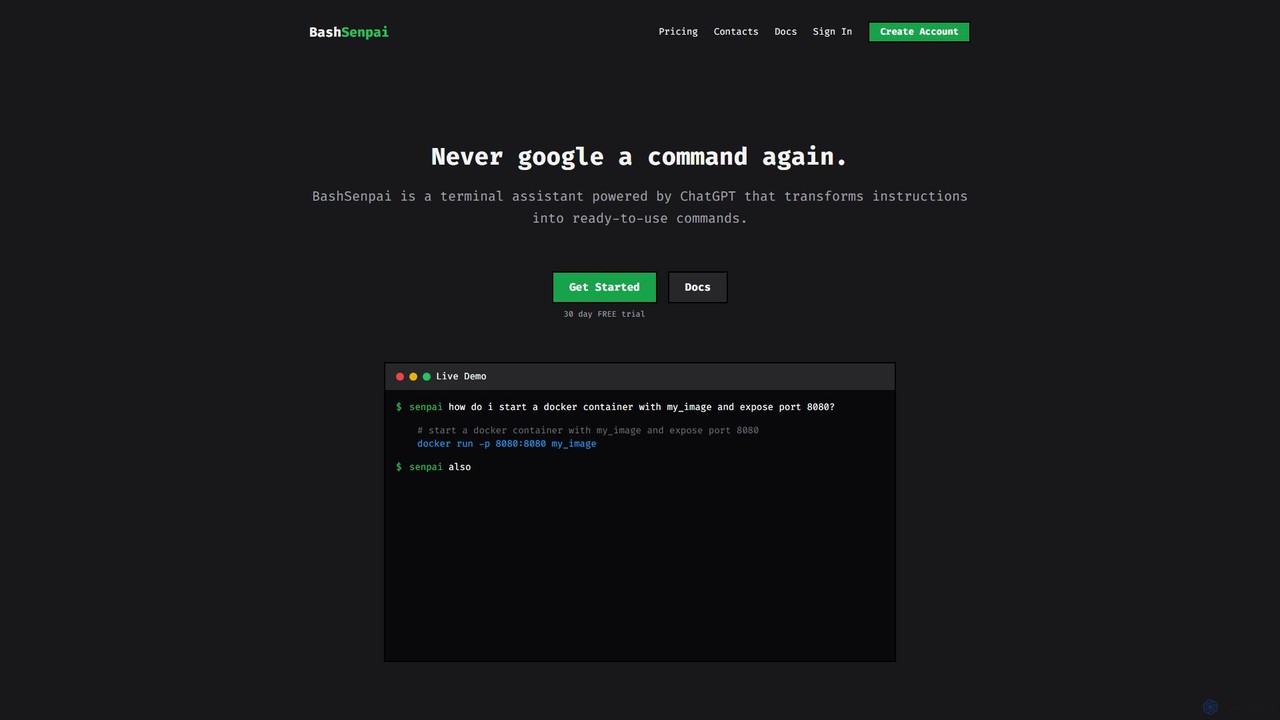
BashSenpai is a ChatGPT-powered terminal assistant that transforms natural language instructions into ready-to-use shell commands. It operates directly within your terminal, providing context-aware, accurate commands for developers and system administrators, eliminating the need to search online.
Code Assistant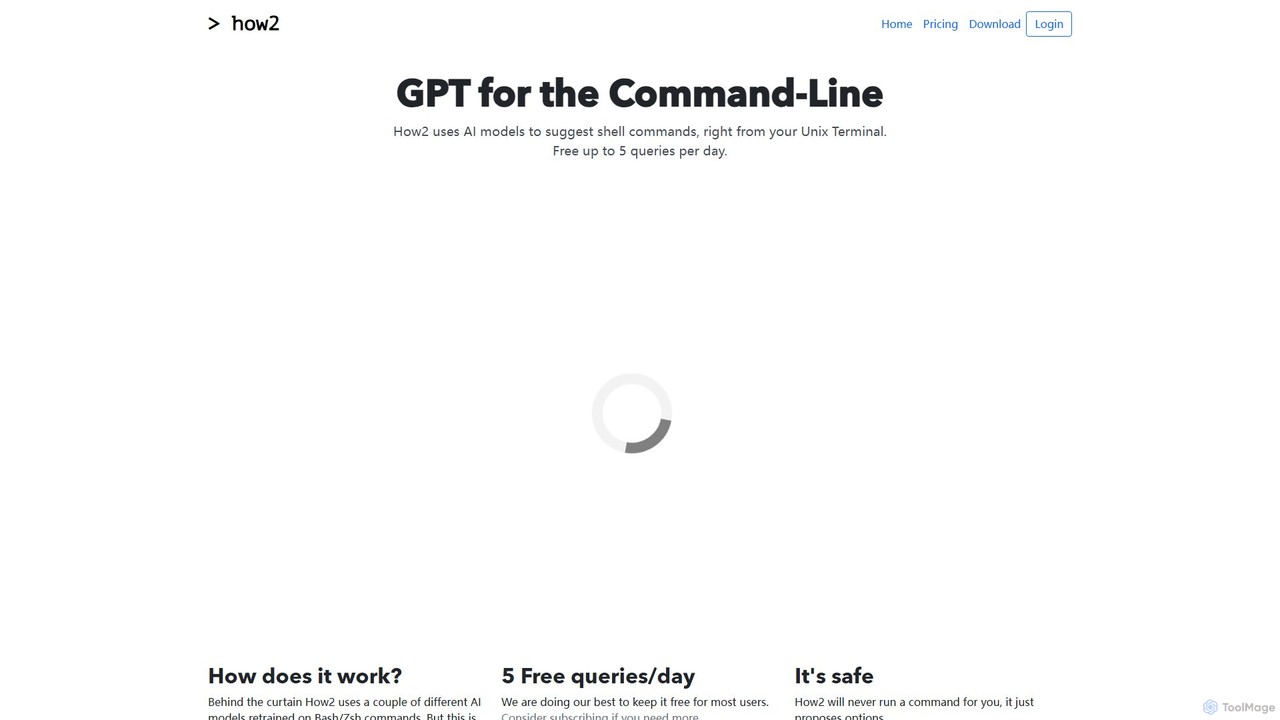
how2terminal
how2terminal is an AI-powered command-line tool that translates natural language queries into shell commands. It works directly in your Unix or PowerShell terminal, suggesting commands for Bash, Zsh, and more, helping developers and sysadmins boost productivity and learn new commands without leaving their workflow.
Code Assistant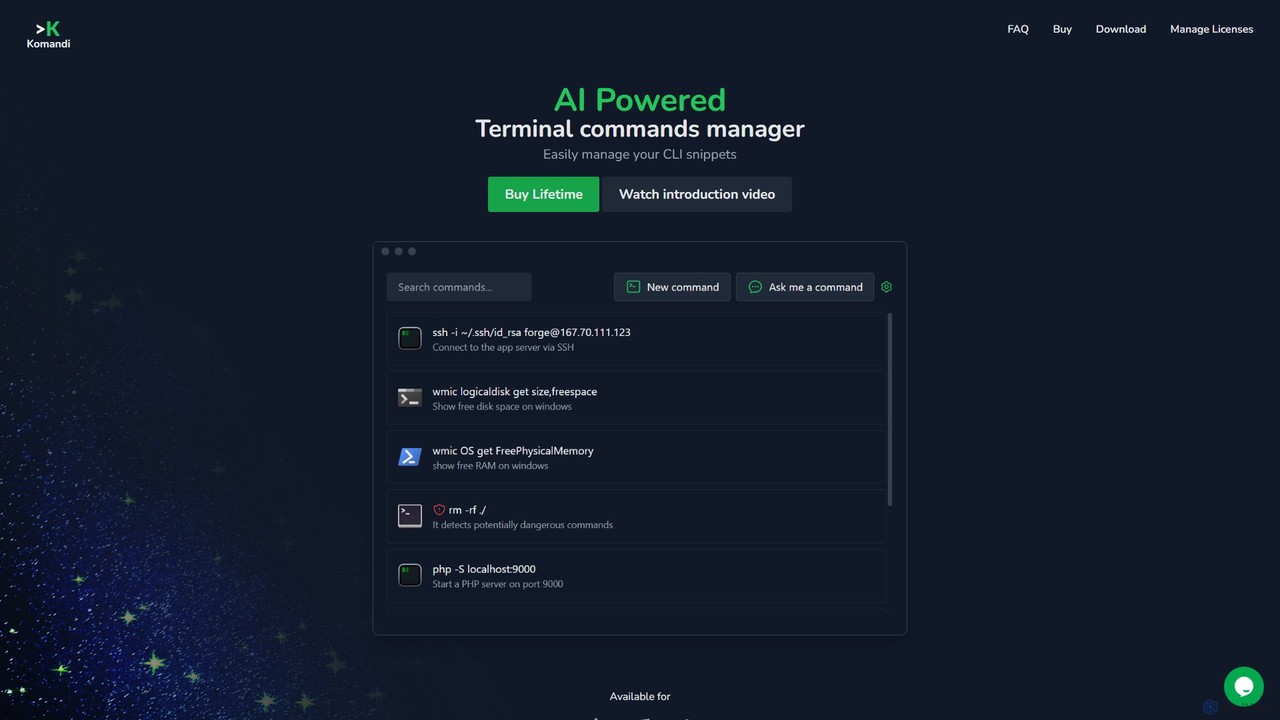
Komandi
Komandi is an AI-powered CLI/terminal command manager for developers and sysadmins. It simplifies command-line operations by allowing you to manage snippets, generate complex commands from natural language, and execute them safely. It supports macOS, Windows, and Linux, streamlining your workflow by organizing frequently used commands and detecting potentially dangerous ones before execution.
Code Assistant
ShellMate
ShellMate is an open-source, AI-powered command-line productivity tool designed for developers and system administrators. Powered by OpenAI, it acts as your terminal's best friend, allowing you to use natural language to find commands, get predictive suggestions based on your history, and receive context-aware help without ever leaving your console. Simply use the `sm` shortcut to boost your command-line efficiency and reduce time spent searching for syntax.
Code Assistant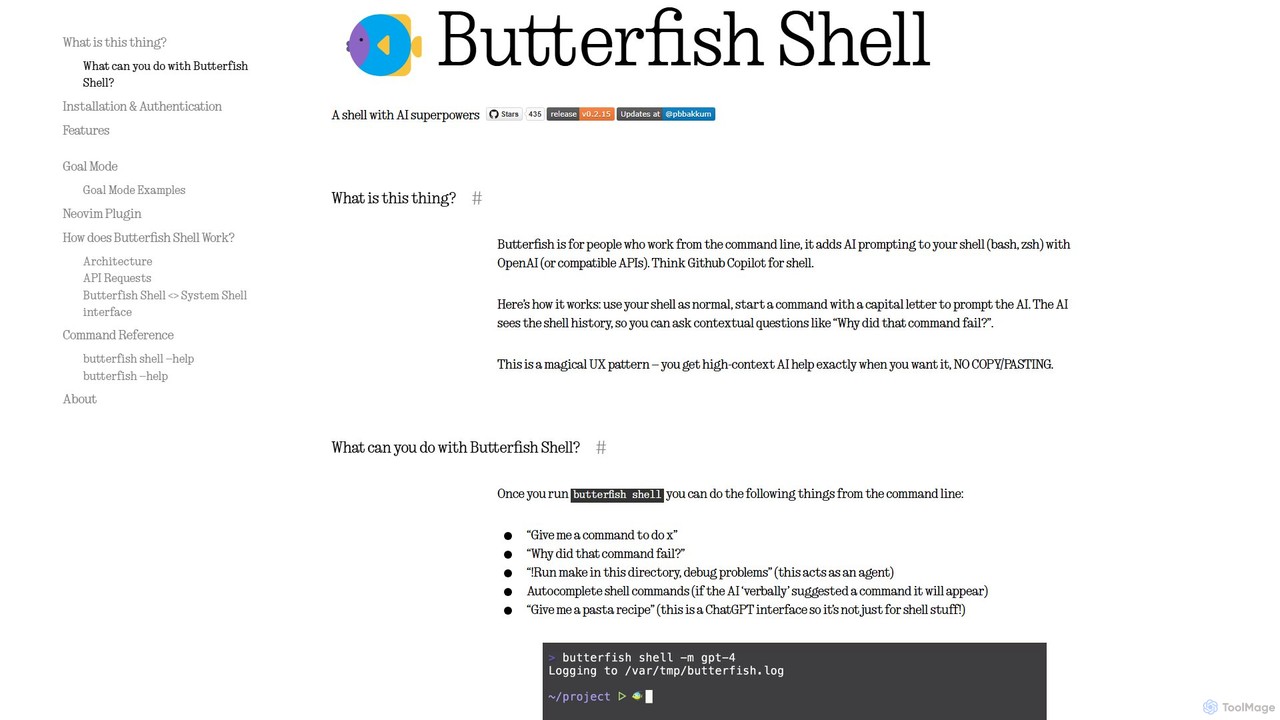
butterfish
butterfish is an open-source CLI tool that supercharges your shell (bash, zsh) with AI capabilities. Acting like GitHub Copilot for the command line, it allows you to generate commands, debug errors, and automate tasks using natural language prompts directly in your terminal. It maintains context from your shell history, providing highly relevant assistance and boosting productivity for developers and sysadmins.
Code Assistantheycli Categories
heycli Embed Widget
Copy this embed code to place the badge on your blog, article, or product site and send readers directly to this ToolMage detail page.

Related AI tools
BashSenpai
BashSenpai is a ChatGPT-powered terminal assistant that transforms natural language instructions into ready-to-use shell commands. It operates directly within your terminal, providing context-aware, accurate commands for developers and system administrators, eliminating the need to search online.
Code Assistant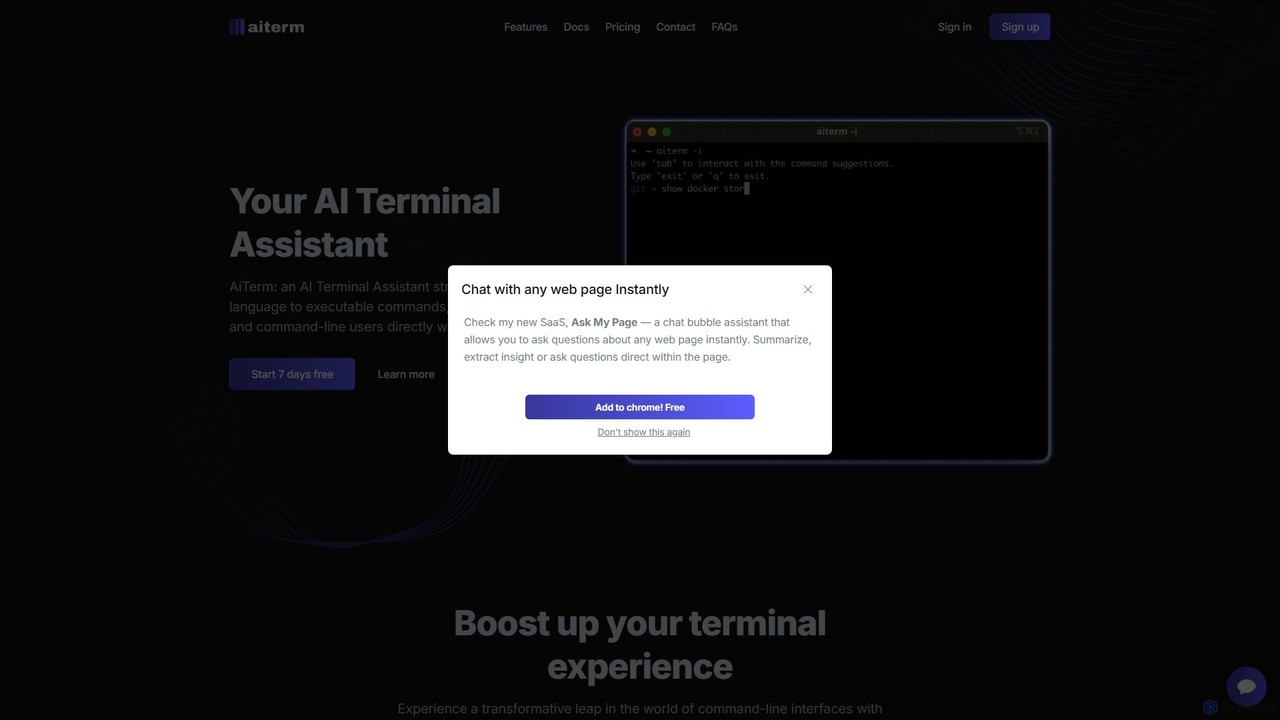
AiTerm
AiTerm is an AI-powered terminal assistant that translates natural language into executable shell commands. It streamlines workflows for developers and command-line users with features like IDE-style autocompletion, command suggestions, and workflow management, all directly within the terminal.
Code Assistanthow2terminal
how2terminal is an AI-powered command-line tool that translates natural language queries into shell commands. It works directly in your Unix or PowerShell terminal, suggesting commands for Bash, Zsh, and more, helping developers and sysadmins boost productivity and learn new commands without leaving their workflow.
Code AssistantKomandi
Komandi is an AI-powered CLI/terminal command manager for developers and sysadmins. It simplifies command-line operations by allowing you to manage snippets, generate complex commands from natural language, and execute them safely. It supports macOS, Windows, and Linux, streamlining your workflow by organizing frequently used commands and detecting potentially dangerous ones before execution.
Code AssistantShellMate
ShellMate is an open-source, AI-powered command-line productivity tool designed for developers and system administrators. Powered by OpenAI, it acts as your terminal's best friend, allowing you to use natural language to find commands, get predictive suggestions based on your history, and receive context-aware help without ever leaving your console. Simply use the `sm` shortcut to boost your command-line efficiency and reduce time spent searching for syntax.
Code Assistantbutterfish
butterfish is an open-source CLI tool that supercharges your shell (bash, zsh) with AI capabilities. Acting like GitHub Copilot for the command line, it allows you to generate commands, debug errors, and automate tasks using natural language prompts directly in your terminal. It maintains context from your shell history, providing highly relevant assistance and boosting productivity for developers and sysadmins.
Code Assistant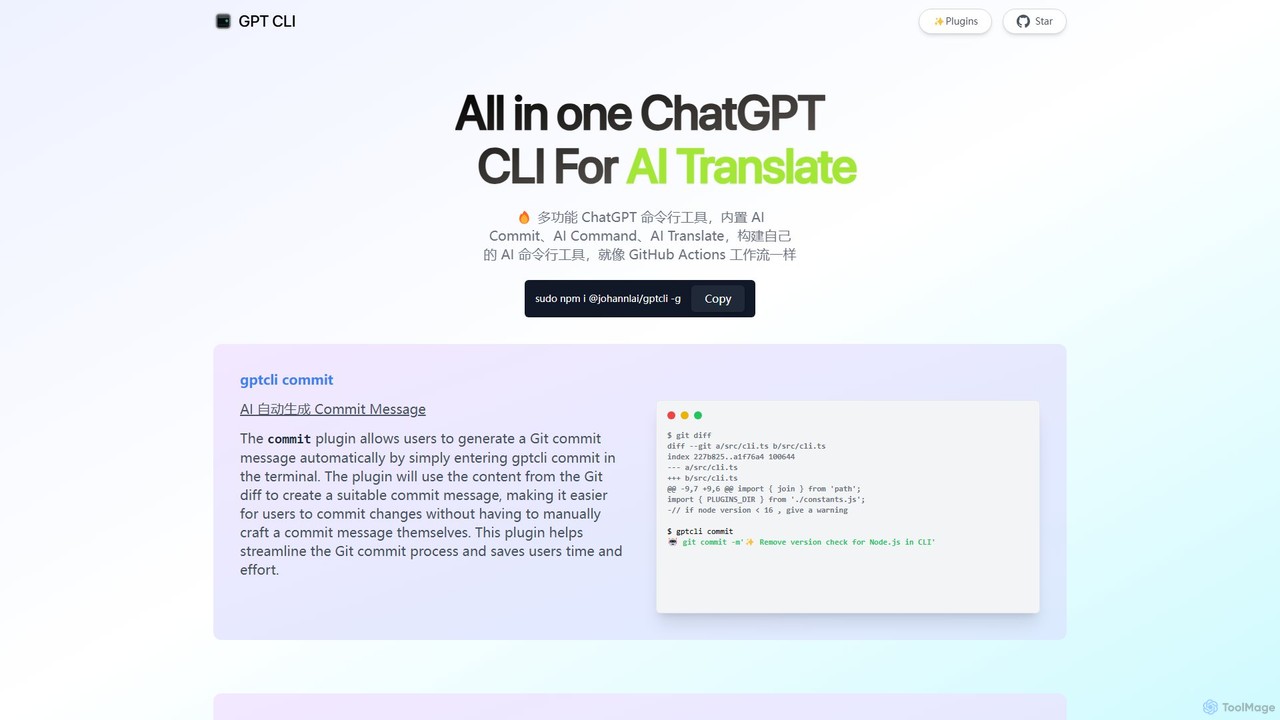
gptcli
gptcli is a versatile, open-source command-line tool that integrates ChatGPT directly into your terminal. It streamlines developer workflows with features like AI-powered Git commits, natural language to shell command translation, and in-terminal chat. With its extensible plugin system, you can build your own custom AI CLI tools, making it the ultimate productivity enhancer for anyone who works extensively with the command line.
Code Assistant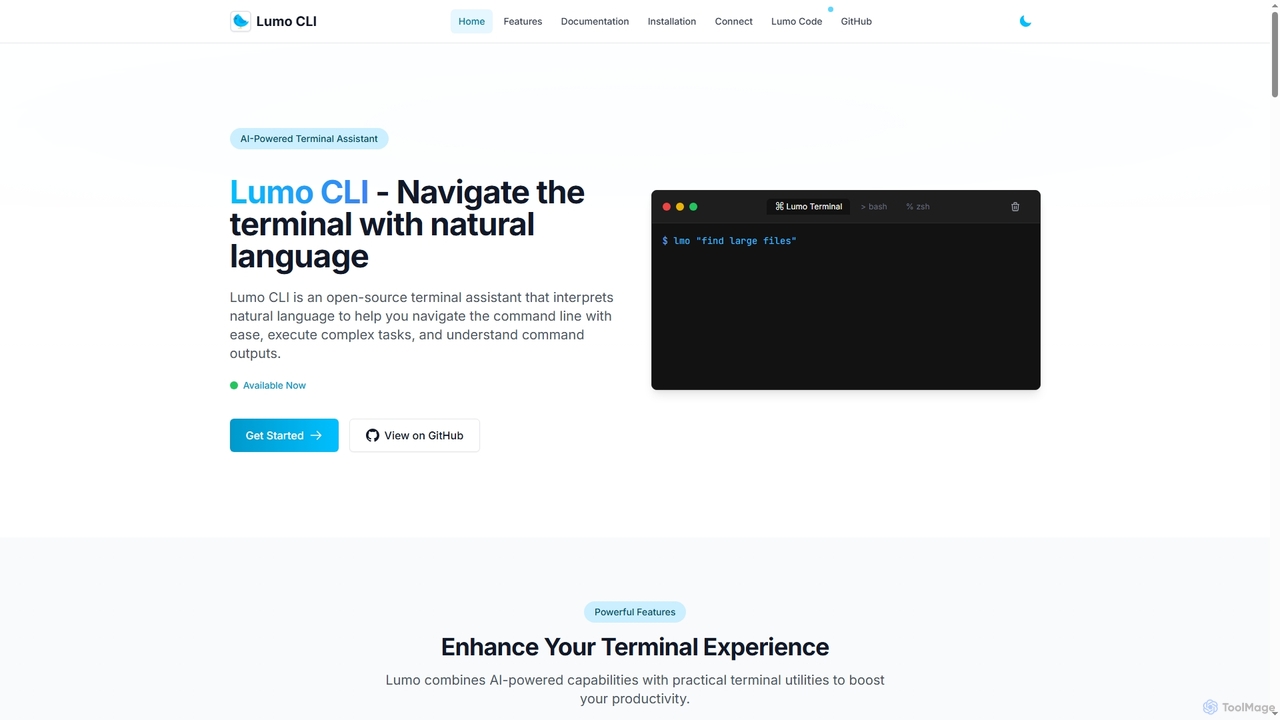
Lumo
Lumo is an open-source, AI-powered terminal assistant that allows users to interact with the command line using natural language. It translates plain English into executable commands, automates complex tasks, monitors system health, and supports multiple AI models including Gemini, OpenAI, and Ollama for local inference.
Code Assistant
cronbuilder
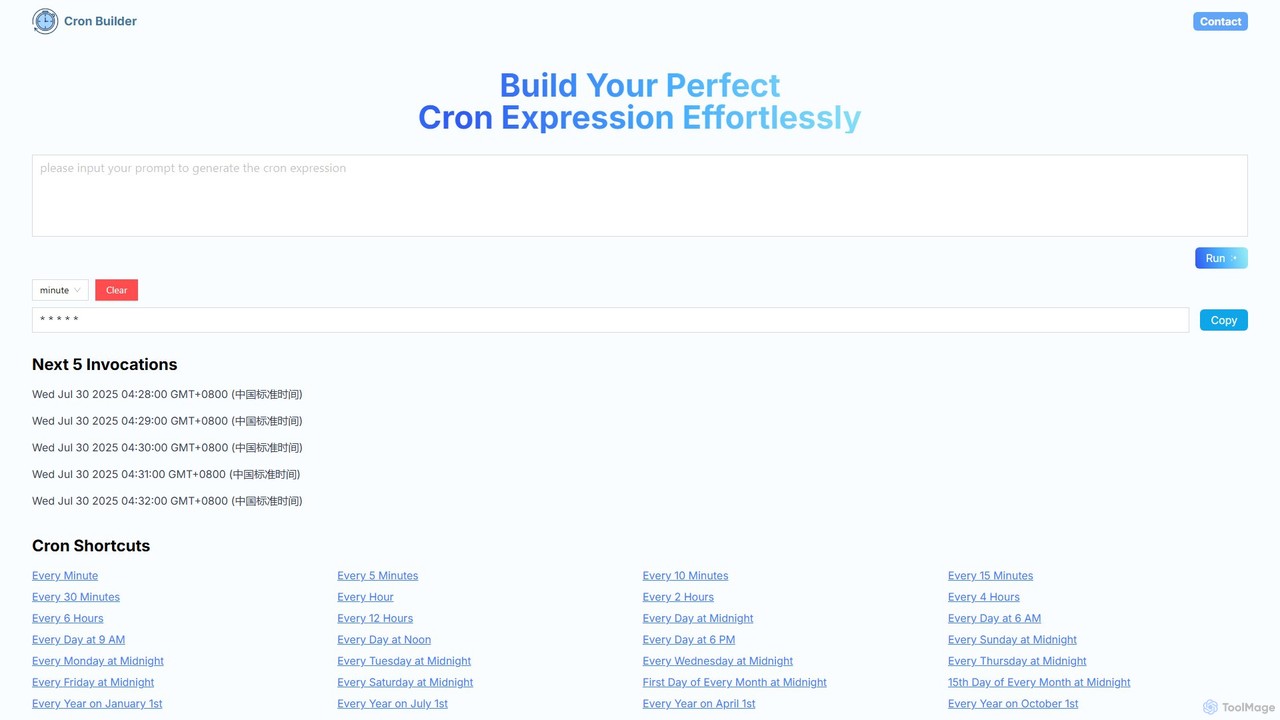
cronbuilder is an AI-powered tool that simplifies the creation of cron expressions. Simply describe your desired schedule in natural language, and the AI will instantly generate the correct cron syntax. It includes real-time validation by showing upcoming execution times and offers a vast library of presets for common tasks, making it ideal for developers, sysadmins, and DevOps engineers.
Task Scheduling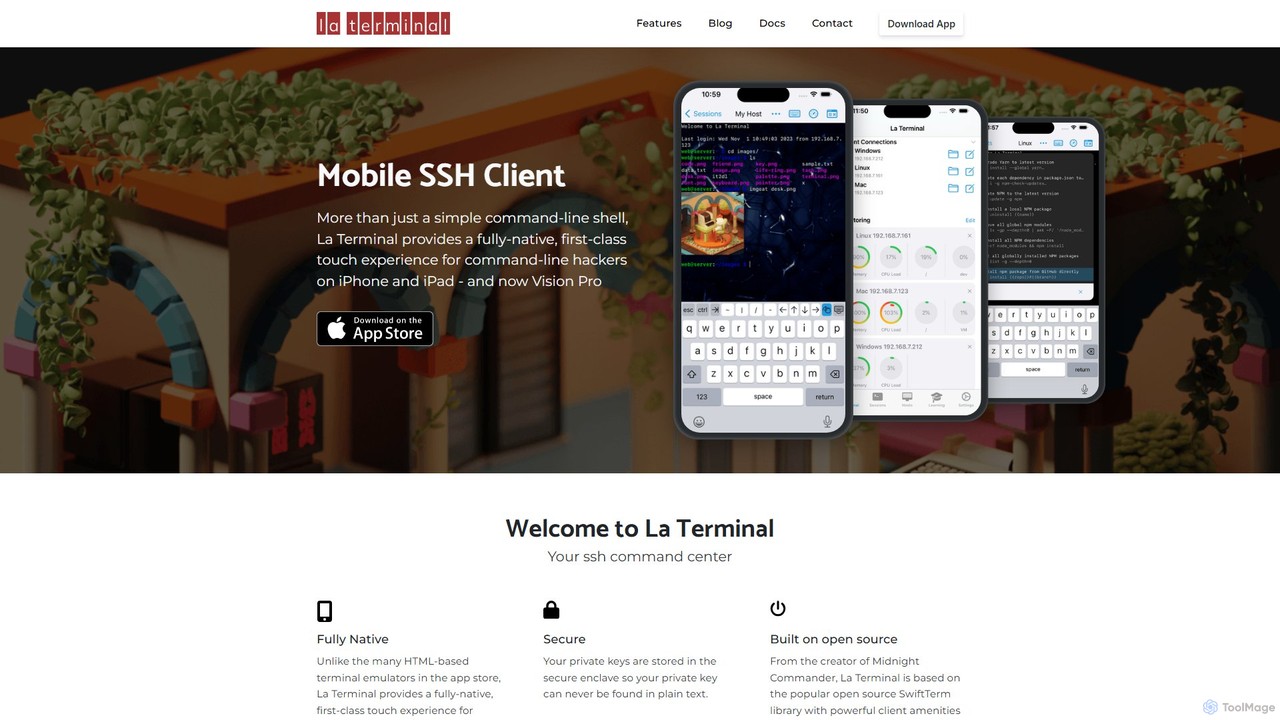
La Terminal
La Terminal is a professional, fully native SSH client for iPhone, iPad, and Vision Pro. It offers a first-class touch experience, seamless iCloud sync for keys and settings, and intelligent host platform awareness for developers and system administrators on the move.
Terminal & Command Line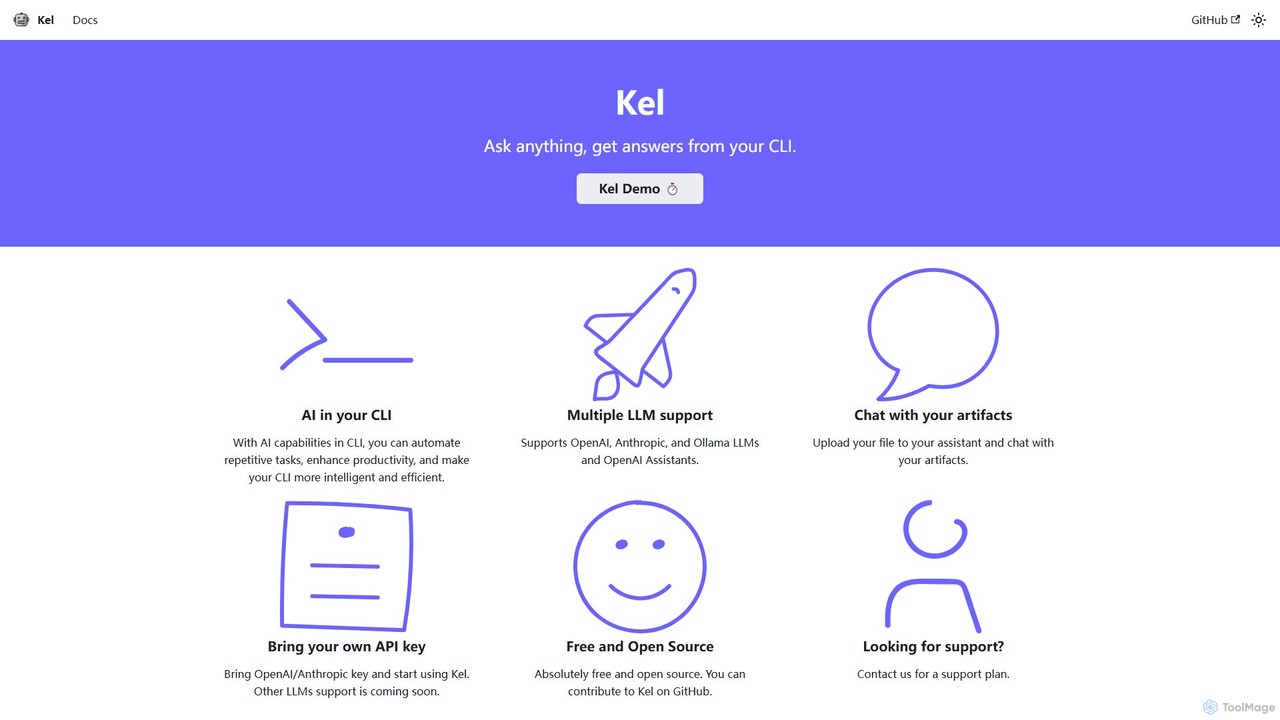
Kel
Kel is a free, open-source AI assistant for your command-line interface (CLI). It integrates with multiple LLMs like OpenAI, Anthropic, and Ollama to help developers and sysadmins automate tasks, generate commands, and even chat with documents directly from the terminal.
Code Assistant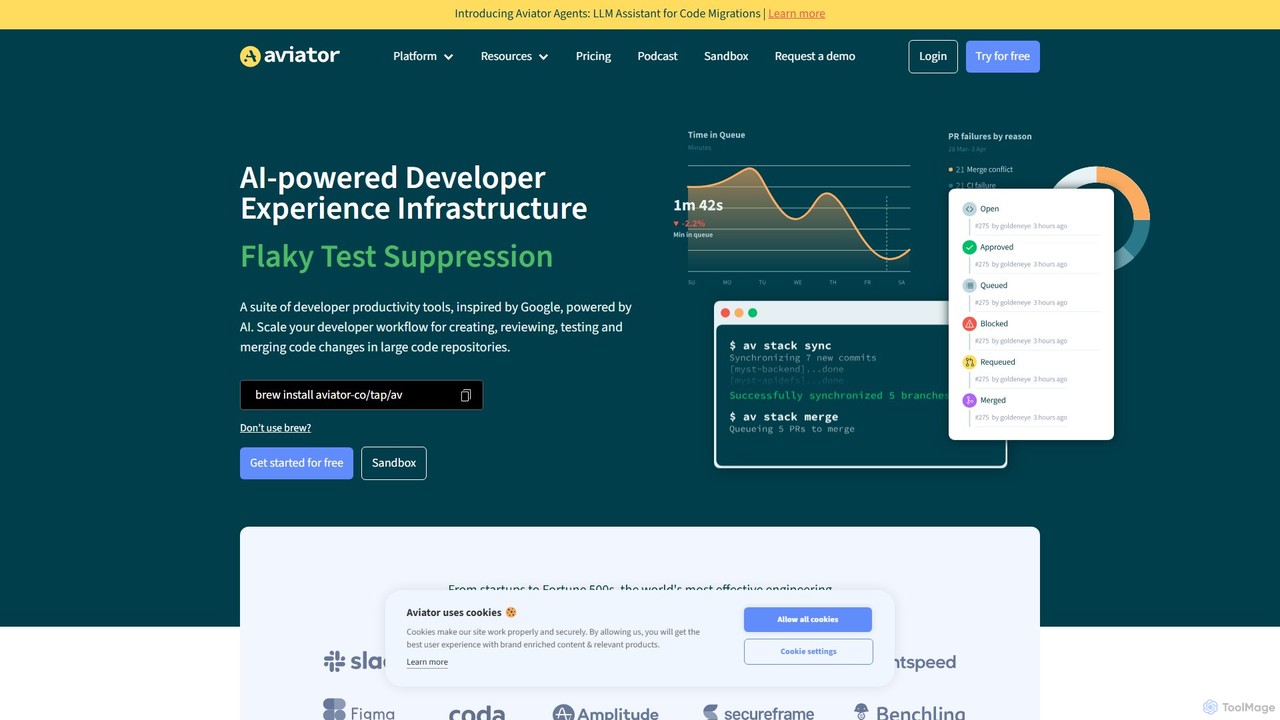
Aviator
Aviator is a developer collaboration suite that automates the CI/CD pipeline, focusing on pull request management. It uses an automated merge queue to test, rebase, and merge code, ensuring the main branch remains stable and deployable, thereby boosting developer productivity and code quality.
Code Collaboration
Charm
Charm is an ecosystem of open-source tools and libraries designed to make the command-line interface (CLI) glamorous and powerful. It provides developers with applications for AI-powered coding (Crush, Mods), beautiful terminal UIs (Bubble Tea), markdown rendering (Glow), and self-hosted Git servers (Soft Serve). Charm empowers developers to build, style, and enhance their terminal workflows with modern, elegant, and highly functional tools.
Code Assistant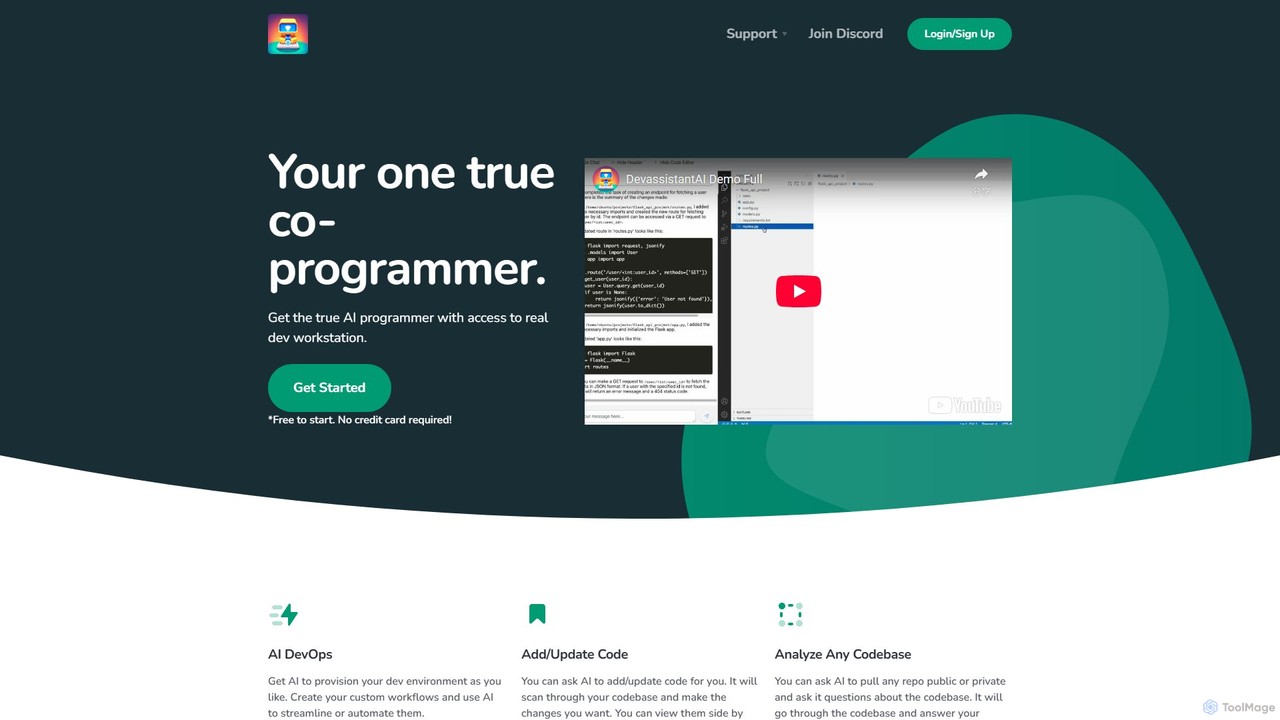
Devassistant.ai
Devassistant.ai is an advanced AI co-programmer that automates DevOps, analyzes entire codebases, and intelligently adds or updates code. It streamlines development workflows by provisioning environments, answering complex questions about your code, and making changes within a cloud-based VS Code interface, boosting productivity and code quality.
Code Assistant
heycli Comments (0)
Sign in to comment.
Sign inNo comments yet.