

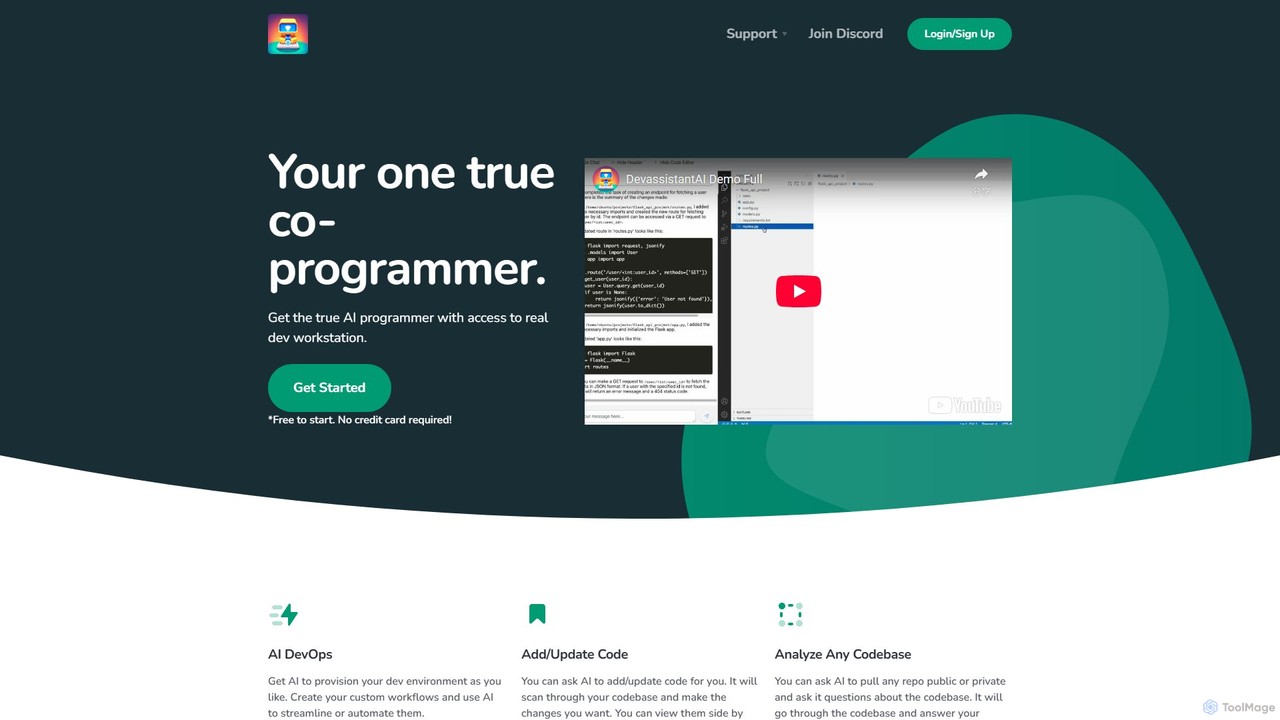
Devassistant.ai Overview
Devassistant.ai positions itself as a comprehensive AI Co-programmer, designed to fundamentally transform the software development lifecycle. It's not just a code completion tool; it's an intelligent partner for developers, DevOps engineers, and technical teams. By integrating deeply into the development workflow, from environment setup to code analysis and generation, Devassistant.ai aims to eliminate tedious tasks, accelerate project timelines, and enhance overall code quality. It operates within a secure, cloud-based environment, providing the power of a sophisticated AI that understands the full context of your private or public repositories.
How to use Devassistant.ai
Getting started with Devassistant.ai is a streamlined process designed for developer efficiency:
- Connect Your Repository: Sign up on the platform and securely connect your Git account (e.g., GitHub, GitLab, Bitbucket). Grant access to the public or private repositories you want the AI to work with.
- Provision Your Environment: Use natural language prompts to instruct the AI on your desired development environment. For example, you could ask it to "Set up a Python 3.10 environment with Django and PostgreSQL." The AI will handle the configuration and provisioning.
- Analyze and Understand: Once a repository is indexed, you can ask complex questions about the codebase. For instance, "Explain the authentication flow in this project" or "Where is the database connection logic defined?" The AI will scan the code and provide detailed, context-aware answers.
- Generate or Modify Code: Interact with the AI to write new code or refactor existing parts. You can issue commands like, "Create a new API endpoint for user profiles with GET and POST methods" or "Refactor this function to be more efficient."
- Review and Commit: All AI-generated changes are presented in a clear, side-by-side diff view within a familiar cloud-based VS Code interface. You can review the suggestions, make manual adjustments, and then commit the changes directly to your repository.
- Automate Workflows: Define custom, multi-step workflows to automate repetitive tasks. You could create a workflow that runs linters, executes unit tests, and then prepares a pull request, all triggered by a single command.
Core Features of Devassistant.ai
- AI-Powered DevOps: Automates the provisioning and management of development environments. The AI can interpret your needs and generate the necessary configuration files (like Dockerfiles) to create a consistent and reproducible environment for your team.
- Intelligent Code Generation & Updates: Goes beyond simple autocompletion. The AI has a holistic understanding of your entire codebase, allowing it to add new features, fix bugs, and refactor code while maintaining consistency with existing patterns and styles.
- Full Codebase Analysis: Ingests and indexes entire repositories, enabling you to ask high-level questions about architecture, data flow, dependencies, or specific implementation details. This is invaluable for onboarding new developers or understanding legacy systems.
- Custom Workflow Automation: Provides a powerful engine to create and execute custom development workflows. Chain together commands to streamline processes like testing, building, and deploying, all orchestrated by the AI.
- Integrated Cloud VS Code Experience: Offers a seamless and familiar development environment in the cloud. The side-by-side diff viewer makes it easy to review, accept, or modify AI-generated code changes before committing.
- Secure and Private: Built with security in mind, ensuring that your private codebases are handled securely and remain confidential.
Use Cases for Devassistant.ai
Devassistant.ai is versatile and can be applied in various scenarios:
- Rapid Prototyping: Quickly scaffold a new application, including the environment, boilerplate code, and basic API endpoints, in a fraction of the time it would take manually.
- Legacy Code Modernization: Analyze and understand complex, poorly documented legacy code. Use the AI to assist in refactoring the code to modern standards and adding comprehensive test coverage.
- Onboarding New Engineers: Drastically reduce the time it takes for new team members to become productive. They can ask Devassistant.ai questions about the codebase instead of interrupting senior developers.
- Complex Feature Development: Delegate the mundane aspects of feature development, such as writing unit tests, creating data models, or setting up new modules, allowing developers to focus on the core business logic.
- Automated Code Review Prep: Use the AI to perform a preliminary review of your code, catching potential bugs, style inconsistencies, and security vulnerabilities before it goes to a human reviewer.
Advantages of Devassistant.ai
By integrating Devassistant.ai into your workflow, you gain several competitive advantages:
- Massive Productivity Boost: Automates time-consuming tasks, freeing up developers to solve more complex problems and innovate.
- Improved Code Quality and Consistency: The AI helps enforce coding standards and can identify potential issues early in the development process.
- Accelerated Development Cycles: From environment setup to deployment, every step is streamlined, leading to faster delivery of features.
- Reduced Knowledge Silos: The AI acts as a central, always-available expert on your codebase, making knowledge accessible to everyone on the team.
Pricing and Plans
Devassistant.ai likely operates on a freemium model, offering different tiers to suit various needs. While specific details should be confirmed on the official website, a typical structure might be:
- Free Plan: Ideal for individual developers or students, offering access to core features with limitations on usage, private repository analysis, or compute time.
- Pro Plan: A paid monthly subscription for professional developers, offering higher usage limits, full support for private repositories, and priority access to new features.
- Team/Enterprise Plan: Custom pricing for organizations, featuring collaborative tools, centralized billing, advanced security controls, dedicated support, and options for on-premise deployment.
For the most accurate and up-to-date pricing information, please visit the official Devassistant.ai website.
Traffic
Latest traffic
Status
Monthly traffic trend
- 2025-9: 349
- 2026-1: 58
- 2026-2: 15
- 2026-3: 568
- 2026-4: 296
- 2026-5: 1.9K
Geography
Top 5 countries / regions
- 🇳🇬Nigeria100.0%
Top keywords
| Keyword | Cost per click |
|---|---|
| dev assist | $0.00 |
| devassist ai | $0.00 |
Devassistant.ai Alternatives
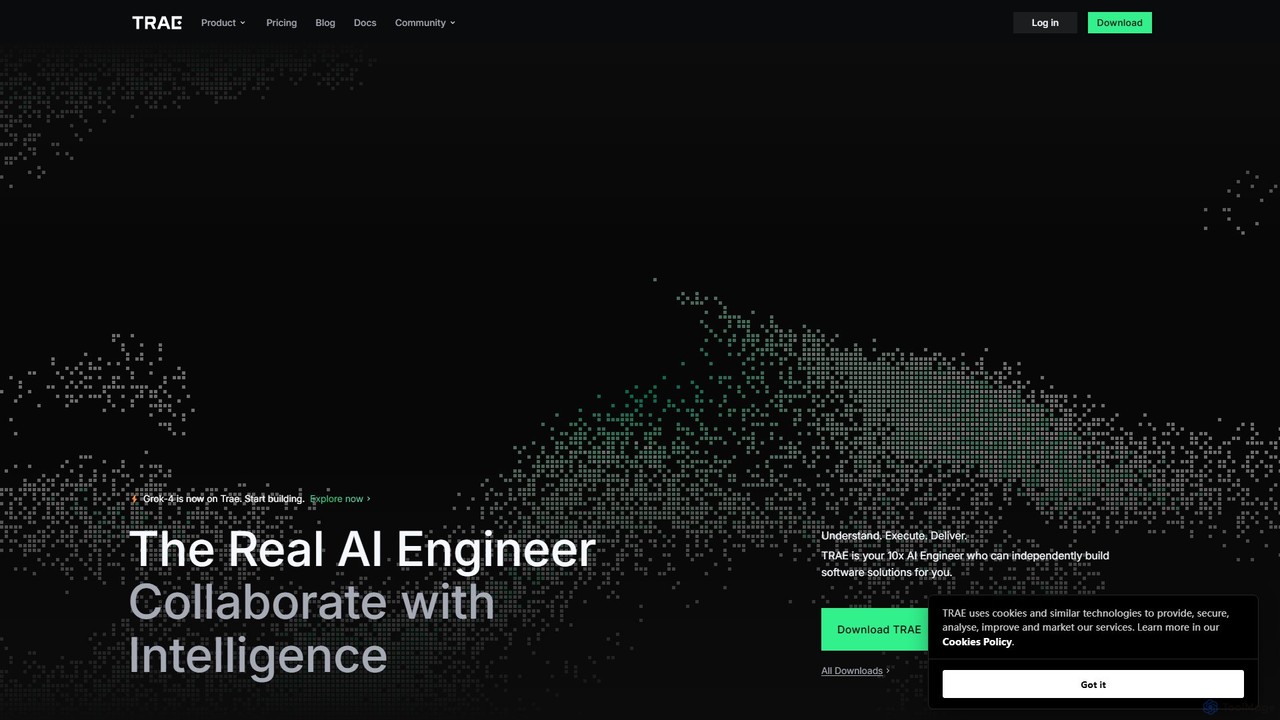
TRAE
TRAE is an AI-powered Integrated Development Environment (IDE) designed to function as a 10x AI Engineer. It automates the entire software development lifecycle, from idea to deployment, by understanding your vision, planning workflows, and executing tasks autonomously. Featuring dual development modes (IDE and SOLO), a customizable agent ecosystem, and deep contextual understanding, TRAE aims to revolutionize human-AI collaboration in coding.
Code Assistant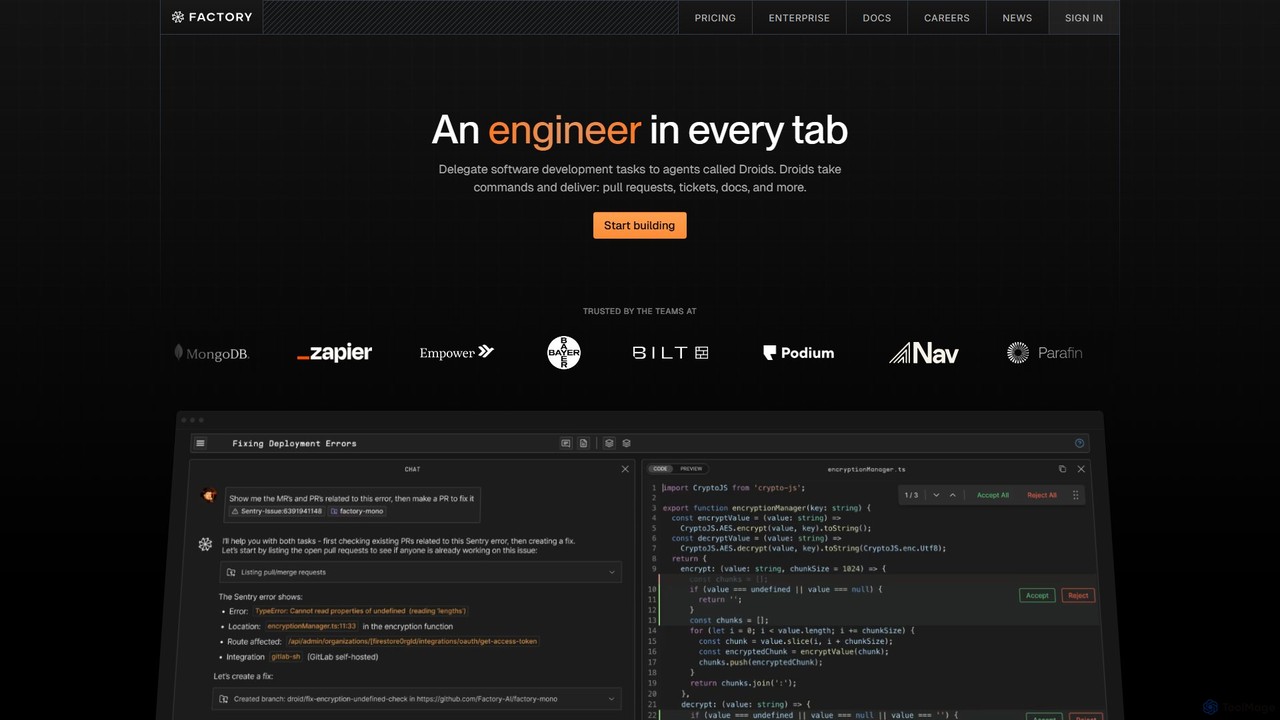
Factory
Factory is an AI-powered software development platform that uses autonomous agents called 'Droids' to automate the entire Software Development Lifecycle (SDLC). From planning and coding to incident response and documentation, Droids handle complex tasks, delivering merge-ready pull requests, detailed reports, and rapid fixes. It's designed to work alongside engineering teams, boosting productivity, accelerating development cycles, and clearing backlogs within a secure, enterprise-grade environment.
Code Assistant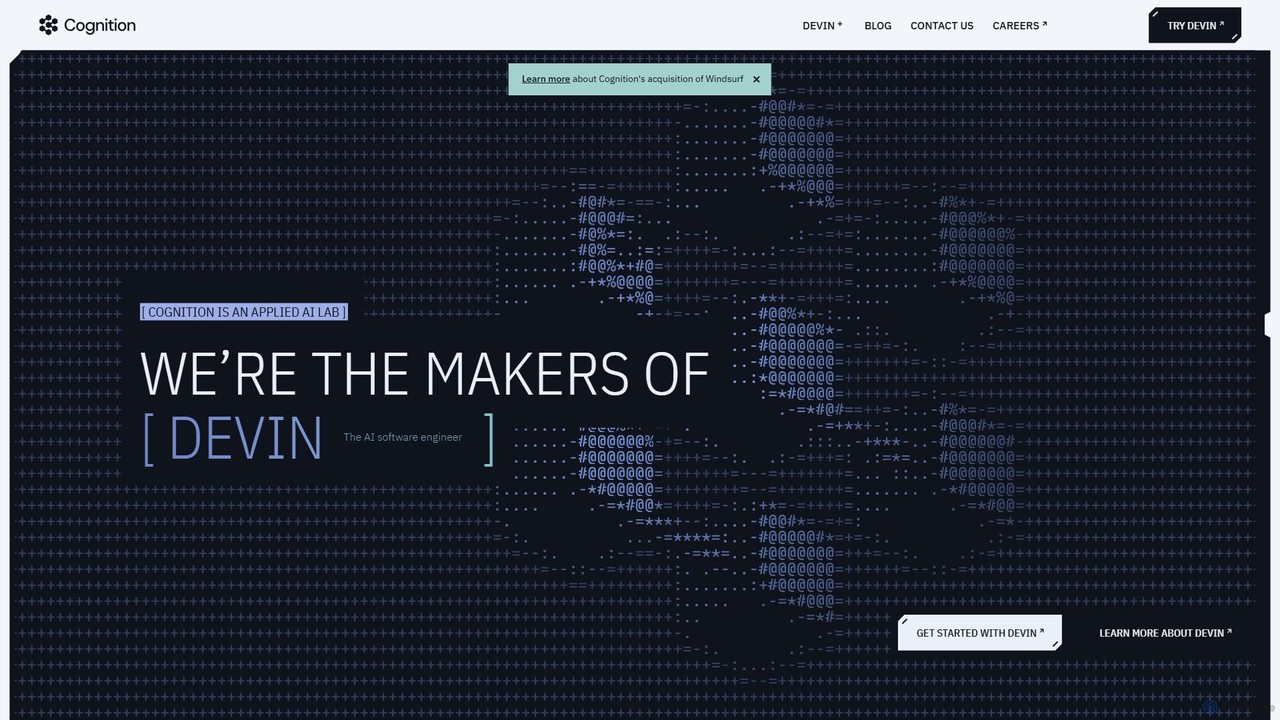
Cognition
Cognition is an applied AI lab that created Devin, the world's first fully autonomous AI software engineer. Devin is designed to handle complex, end-to-end software engineering tasks, from writing code and fixing bugs to deploying entire applications. It functions as a tireless, skilled teammate, capable of planning, executing, and collaborating on development projects.
Autonomous Agent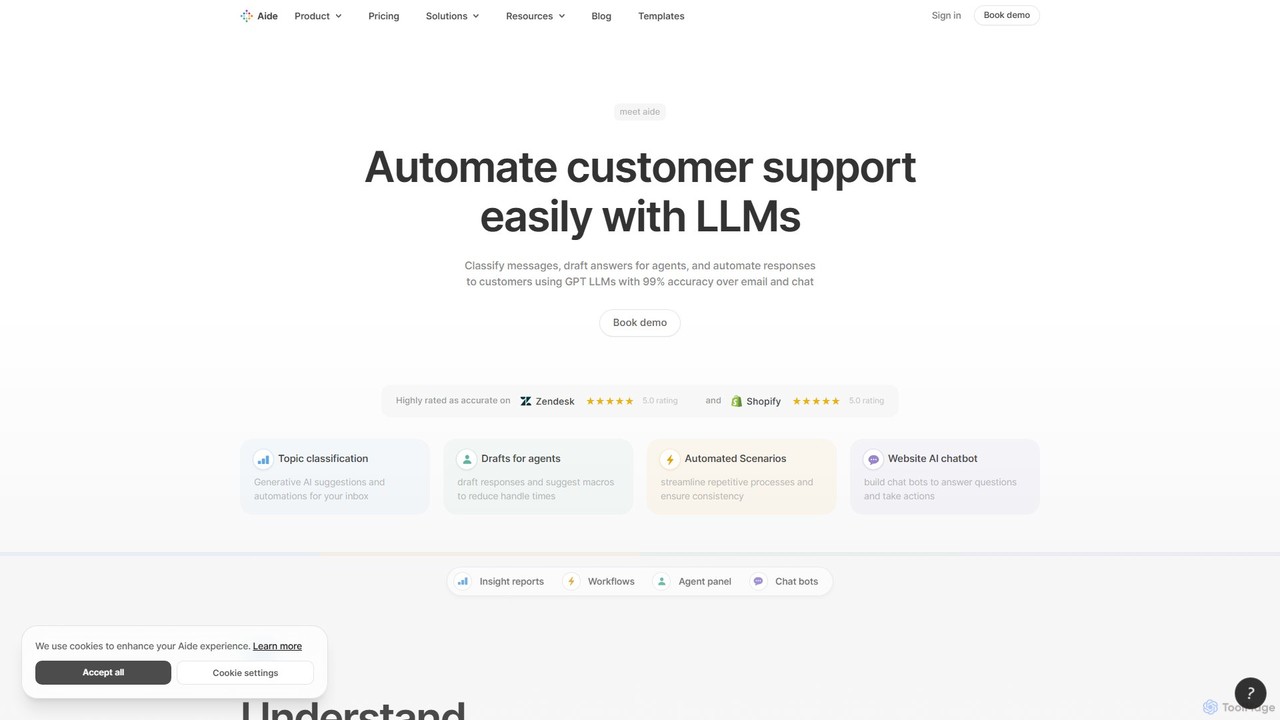
Aide
Aide is an AI-powered multi-agent coding assistant that automates software development directly within your GitHub workflow. It interprets GitHub issues, autonomously generates code, creates pull requests, and iterates based on your feedback, effectively acting as a team of AI engineers on your codebase.
Code Generation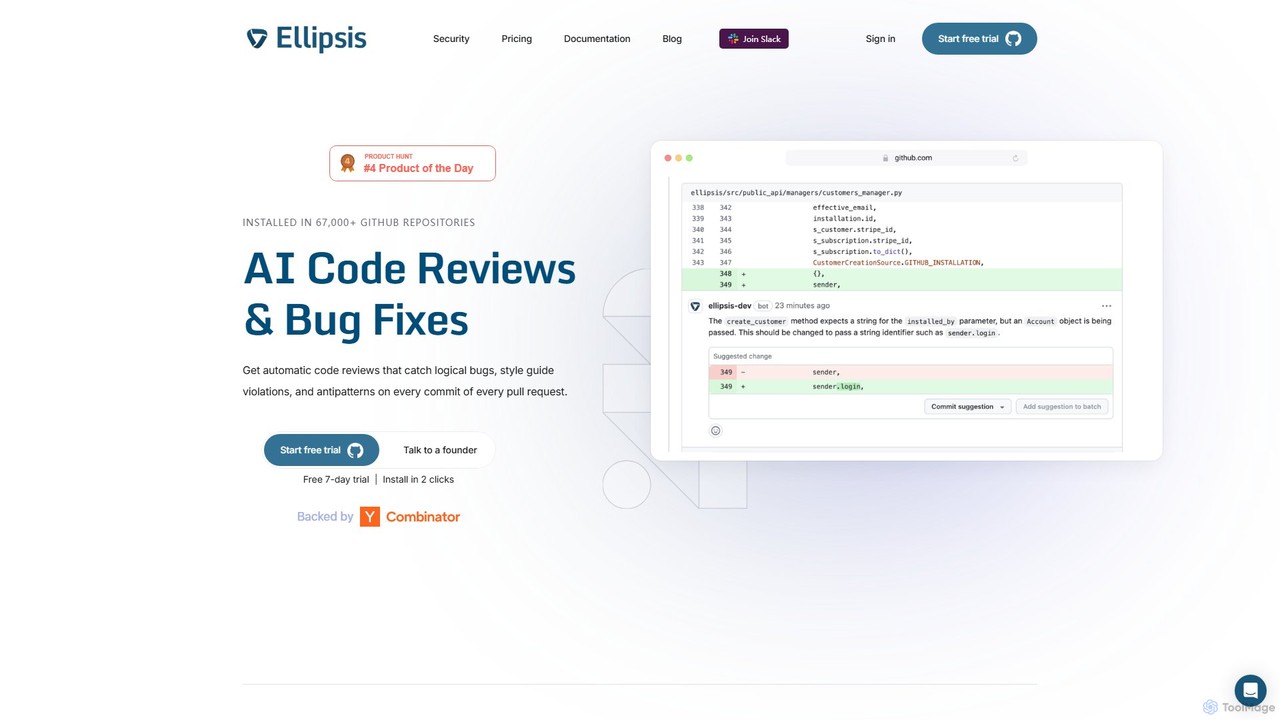
Ellipsis
Ellipsis is an AI-powered engineering teammate that automates code reviews on GitHub. It intelligently catches logical bugs, style violations, and anti-patterns in every pull request, helping teams ship code faster while maintaining high quality and security standards.
Code ReviewDevassistant.ai Categories
Devassistant.ai Embed Widget
Copy this embed code to place the badge on your blog, article, or product site and send readers directly to this ToolMage detail page.

Related AI tools
Superagent
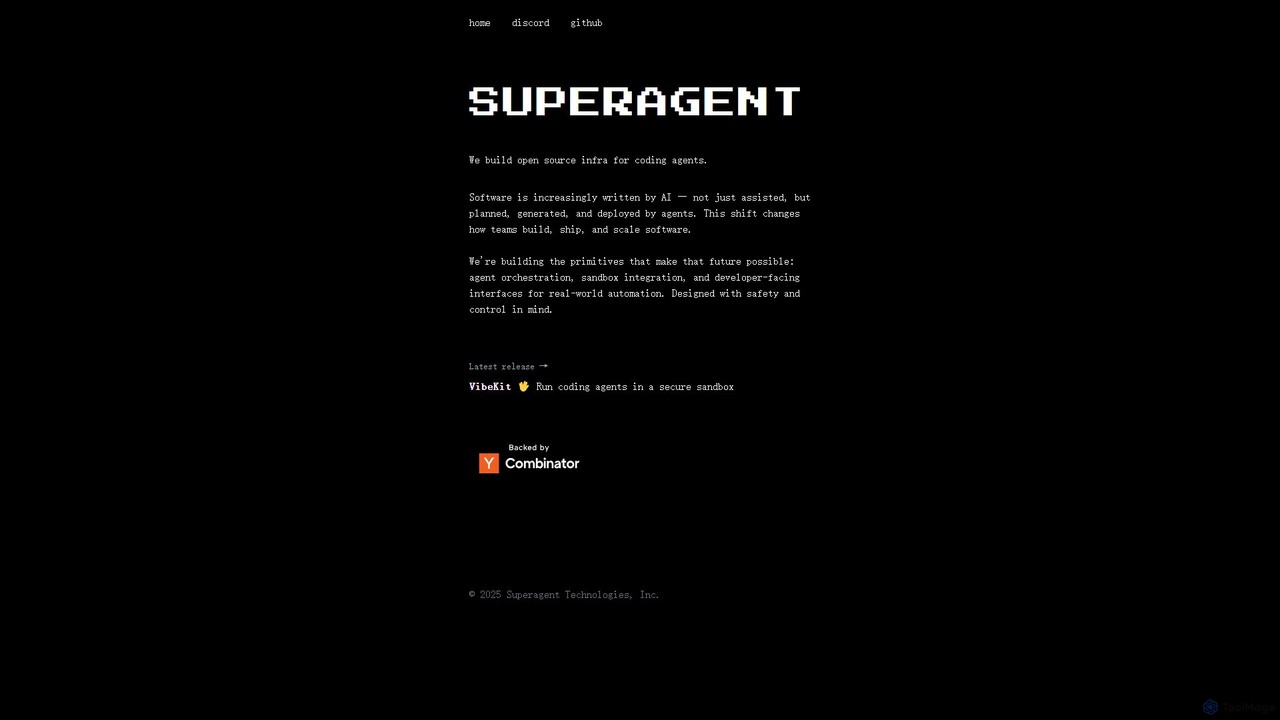
Superagent is an open-source infrastructure for building, managing, and deploying autonomous AI coding agents. Designed for developers, it provides the essential primitives like agent orchestration, secure sandbox integration (VibeKit), and developer-friendly interfaces. This framework empowers teams to automate complex software development tasks, from feature generation and bug fixing to CI/CD management, shifting software creation into a new, AI-driven era with a strong emphasis on safety and control.
OrchestrationTRAE
TRAE is an AI-powered Integrated Development Environment (IDE) designed to function as a 10x AI Engineer. It automates the entire software development lifecycle, from idea to deployment, by understanding your vision, planning workflows, and executing tasks autonomously. Featuring dual development modes (IDE and SOLO), a customizable agent ecosystem, and deep contextual understanding, TRAE aims to revolutionize human-AI collaboration in coding.
Code AssistantFactory
Factory is an AI-powered software development platform that uses autonomous agents called 'Droids' to automate the entire Software Development Lifecycle (SDLC). From planning and coding to incident response and documentation, Droids handle complex tasks, delivering merge-ready pull requests, detailed reports, and rapid fixes. It's designed to work alongside engineering teams, boosting productivity, accelerating development cycles, and clearing backlogs within a secure, enterprise-grade environment.
Code Assistant
Jyek
Jyek is an AI agent platform that understands objectives, creates execution plans, uses tools, and delivers verifiable results for complex, multi-step tasks.
AutomationCognition
Cognition is an applied AI lab that created Devin, the world's first fully autonomous AI software engineer. Devin is designed to handle complex, end-to-end software engineering tasks, from writing code and fixing bugs to deploying entire applications. It functions as a tireless, skilled teammate, capable of planning, executing, and collaborating on development projects.
Autonomous AgentAide
Aide is an AI-powered multi-agent coding assistant that automates software development directly within your GitHub workflow. It interprets GitHub issues, autonomously generates code, creates pull requests, and iterates based on your feedback, effectively acting as a team of AI engineers on your codebase.
Code GenerationEllipsis
Ellipsis is an AI-powered engineering teammate that automates code reviews on GitHub. It intelligently catches logical bugs, style violations, and anti-patterns in every pull request, helping teams ship code faster while maintaining high quality and security standards.
Code Review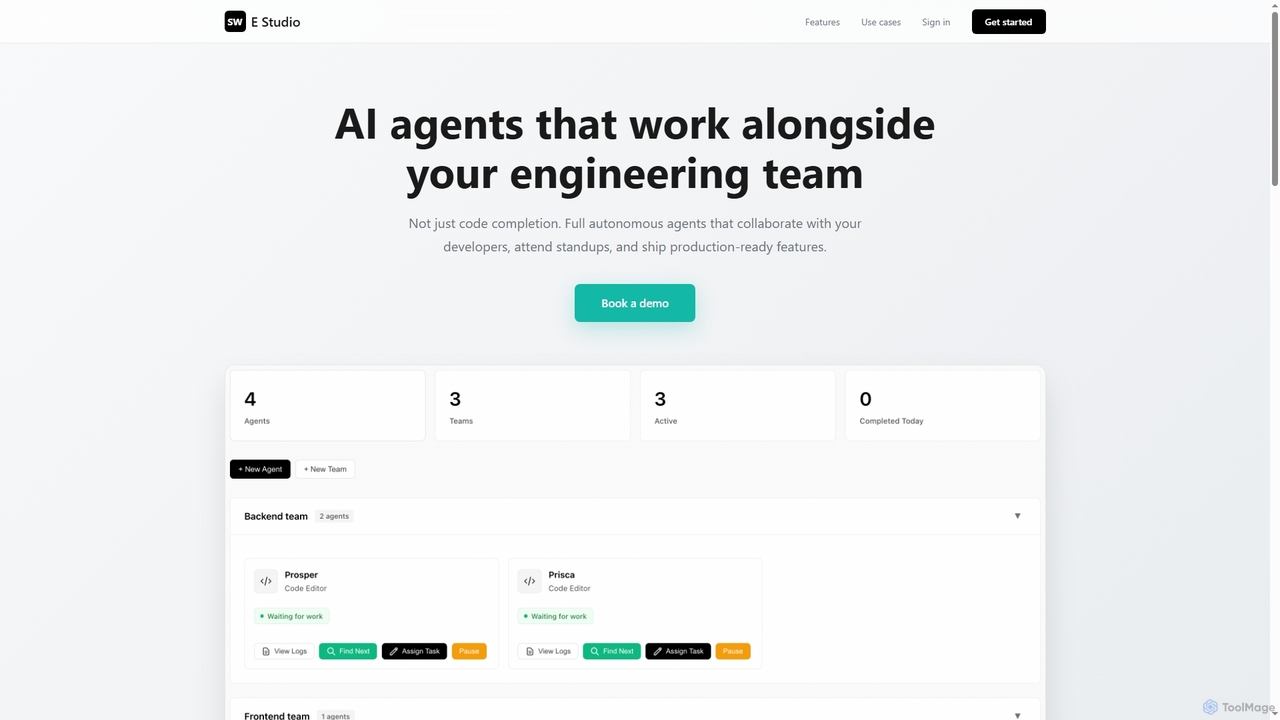
Swe Studio
Swe Studio provides autonomous AI agents that function as full members of your engineering team. They independently handle development tasks from Jira tickets to pull requests, collaborating via Slack and GitHub to ship production-ready features.
Code Assistant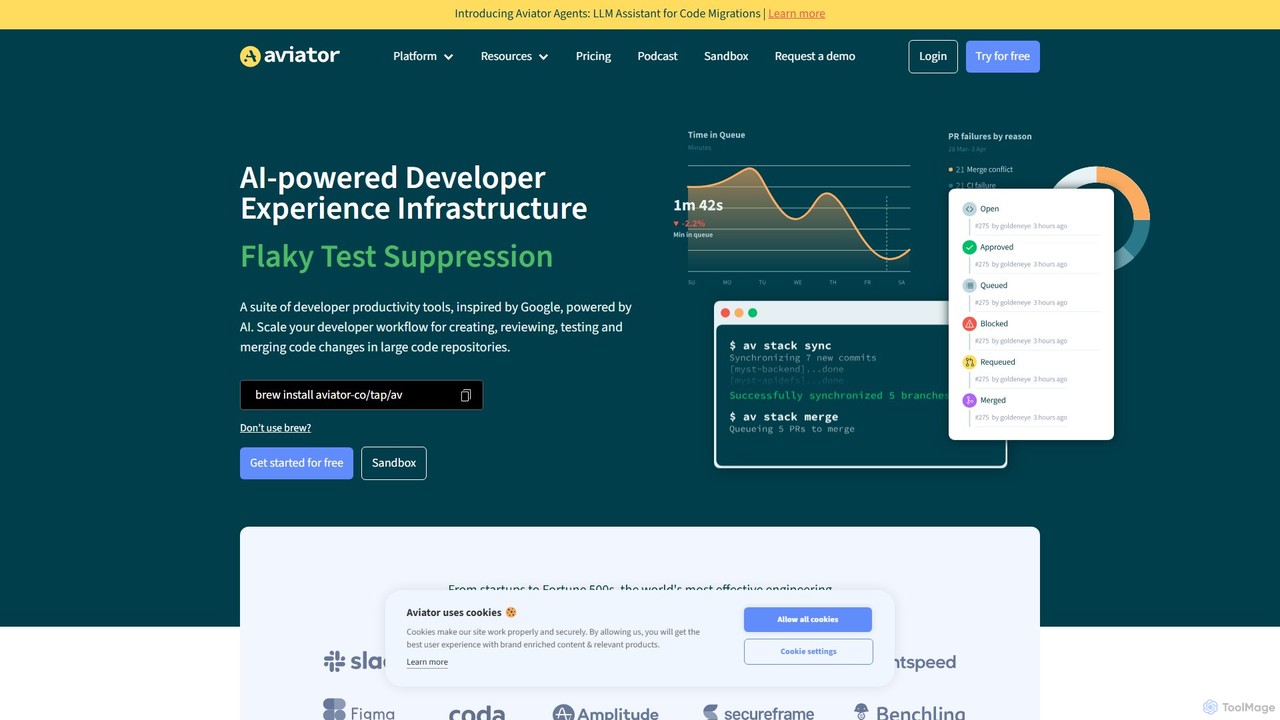
Aviator
Aviator is a developer collaboration suite that automates the CI/CD pipeline, focusing on pull request management. It uses an automated merge queue to test, rebase, and merge code, ensuring the main branch remains stable and deployable, thereby boosting developer productivity and code quality.
Code Collaboration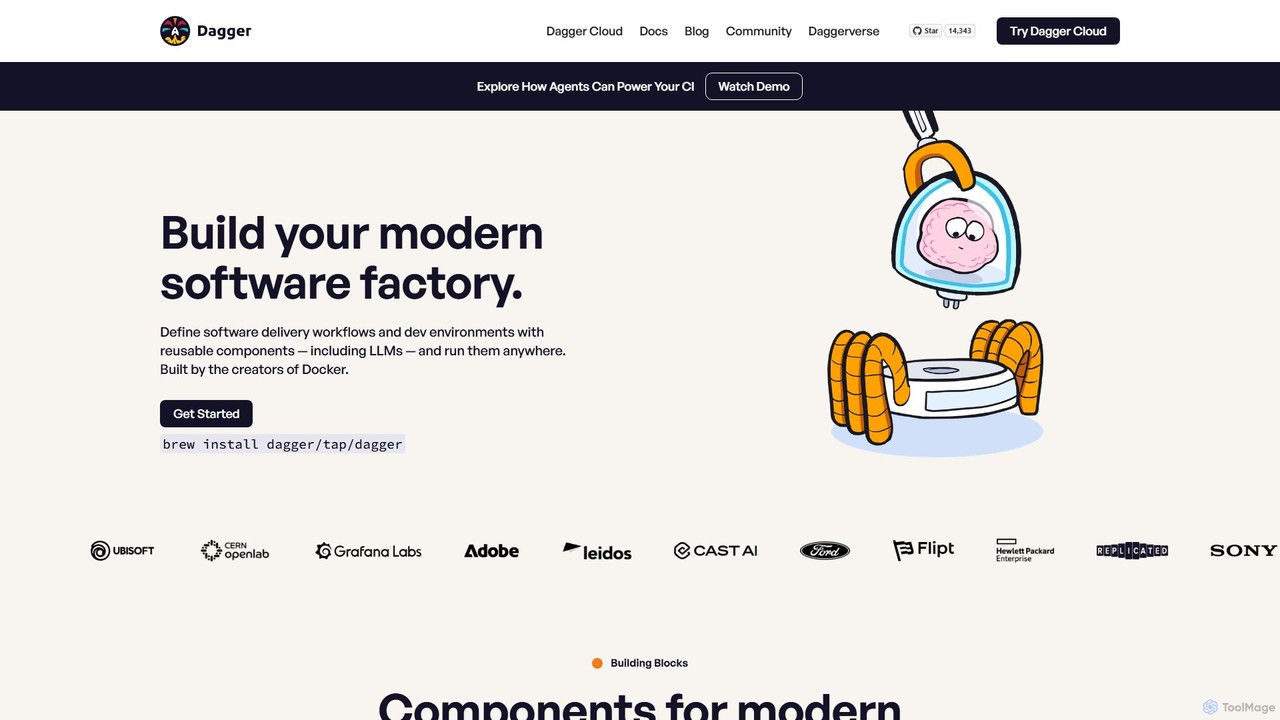
Dagger.io
Dagger.io is a programmable CI/CD engine that allows developers to build powerful automation pipelines as code in languages like Go, Python, and TypeScript. It leverages containers to ensure workflows are portable, reproducible, and run consistently everywhere. Dagger also provides a secure environment for integrating LLMs and AI agents into your software development lifecycle.
Ci Cd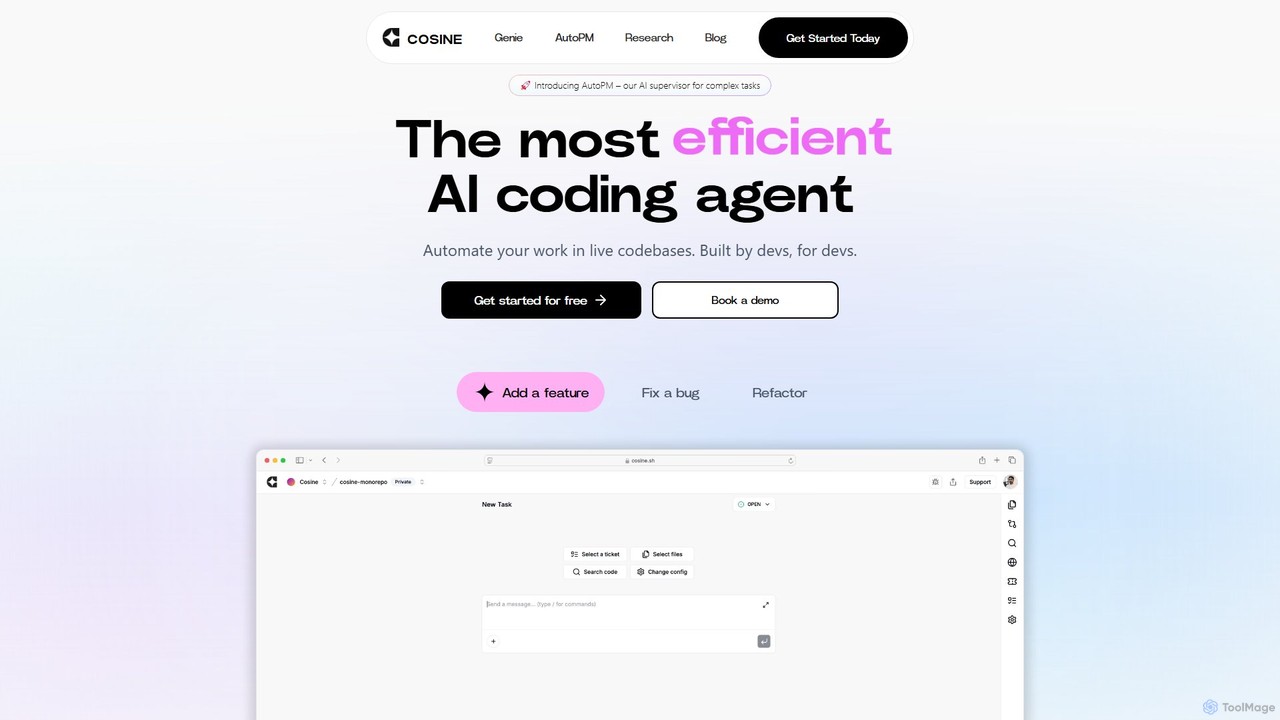
Cosine
Cosine is an agentic AI software engineer designed to automate complex coding tasks. It operates directly within live codebases to handle tickets, from feature development to bug fixes, and seamlessly integrates into your development workflow through tools like Jira, Slack, and Linear.
Software Engineering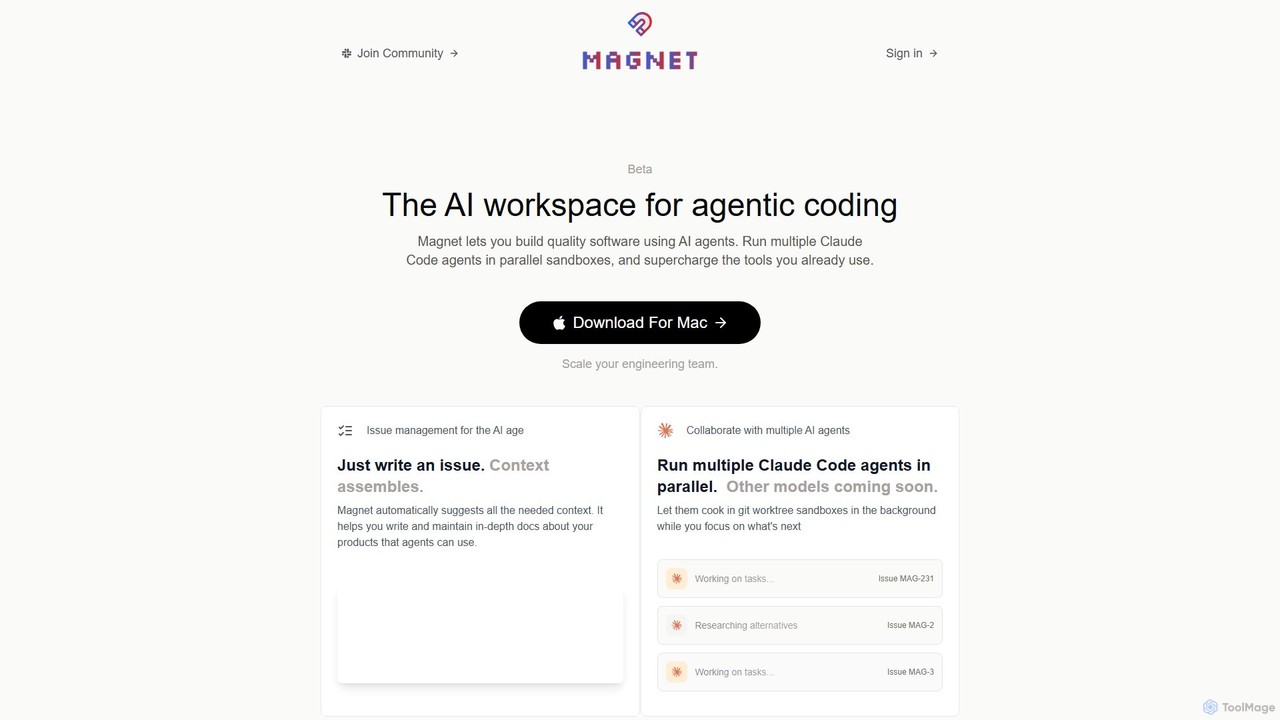
Magnet
Magnet is an AI-powered workspace for agentic coding, enabling developers to build software by orchestrating multiple AI agents. It allows you to run Claude Code agents in parallel sandboxes, acting as a context engine to make development faster, cheaper, and more reliable. It's a native macOS application designed to supercharge your existing engineering workflows.
Agent Orchestration
Rebolt
Rebolt is an AI-powered platform designed to automate the entire software development lifecycle. It helps developer and DevOps teams build, test, and deploy applications faster and more reliably by leveraging AI for CI/CD pipeline optimization, code generation, and intelligent monitoring.
Code Assistant
apiversion.dev
apiversion.dev is an AI-powered platform that automates API and endpoint versioning. It helps development teams create, manage, and deliver accurate, industry-standard versions using Semantic or Calendar Versioning. By integrating with CI/CD pipelines, it reduces manual errors, improves communication, and accelerates development cycles, ensuring seamless updates for both internal teams and external customers.
Api Management
smallhours
smallhours is an AI-powered platform for developers that automates root cause analysis (RCA) 24/7. It integrates with your stack via OpenTelemetry to monitor systems, diagnose issues using your codebase and runbooks as context, and accelerates resolution time by 10x, minimizing downtime and streamlining on-call duties.
Debugging
Devassistant.ai Comments (0)
Sign in to comment.
Sign inNo comments yet.