
TRAE Overview
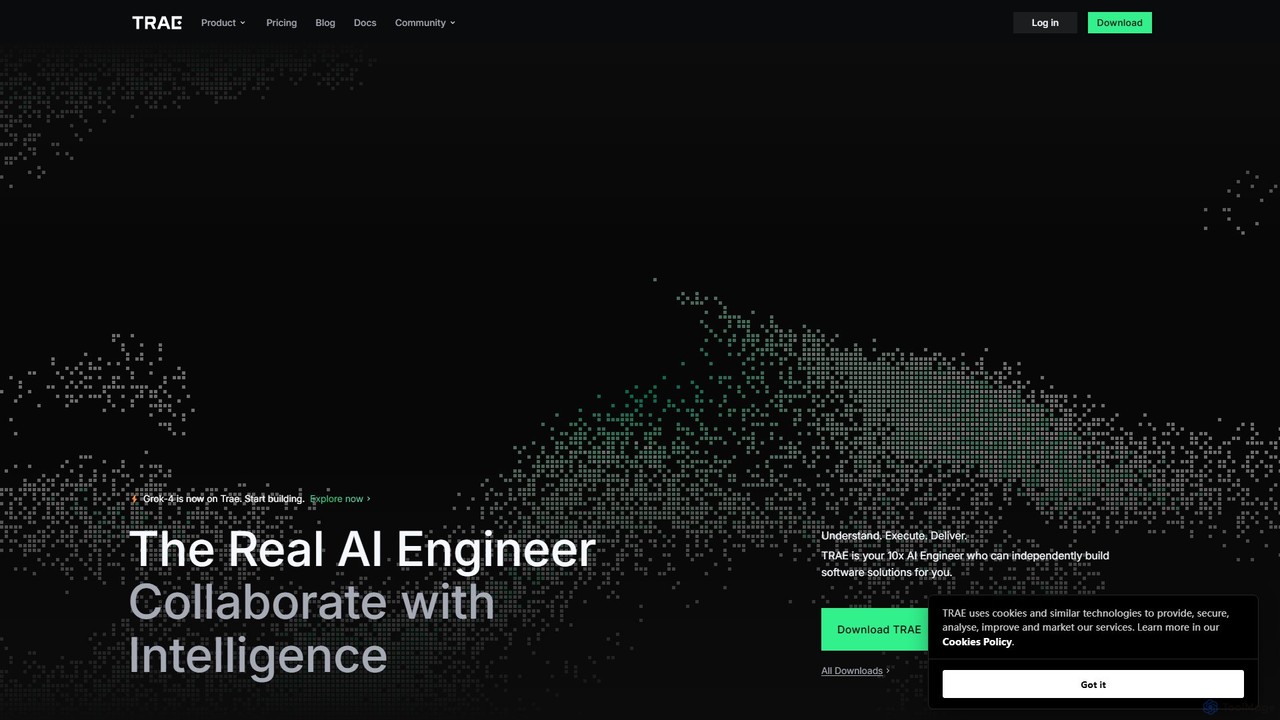
TRAE is a next-generation, AI-native Integrated Development Environment (IDE) that positions itself as an intelligent partner for developers, aiming to provide a 10x productivity boost. Dubbed the "AI Engineer," TRAE is engineered to understand complex software requirements, plan the development process, utilize the right tools, execute coding tasks with precision, and deploy production-ready software. It goes beyond a simple coding assistant by integrating AI into the entire development lifecycle, from the initial concept to the final launch. With support for powerful models like Grok-4, TRAE empowers developers to build faster and smarter.
The platform is built on the principle of "Collaborate with Intelligence," offering a seamless experience that merges human creativity with AI efficiency. It deeply understands the development context by analyzing code repositories, online documentation, and user-provided information, ensuring the generated code is accurate and relevant. TRAE's vision is to create a future where human-AI collaboration is the standard, making the development process more intuitive, creative, and less stressful.
How to use TRAE
Getting started with TRAE is designed to be a smooth transition for developers. First, you download the TRAE application, which functions as a standalone IDE. Upon launching, you can choose between two primary modes:
- IDE Mode: This mode preserves your existing workflow, allowing for granular control. The AI acts as a collaborator within the familiar IDE interface, providing smart suggestions, autocompletions, and assistance on demand. You can chat with the AI, ask it to refactor code, or generate snippets.
- SOLO Mode: For maximum automation, you can switch to SOLO mode. In this mode, you delegate entire tasks or features to TRAE's "Context Engineer." The AI independently plans and executes the development process, presenting you with the final result for approval. You can simply "Accept or Reject" the changes, letting the AI handle the heavy lifting.
To interact with the AI, you can use natural language prompts in the chat interface or use the special `@Agent` command to invoke specific custom agents for specialized tasks. The CUE feature further enhances productivity by predicting your next edit with a single 'Tab' keystroke, allowing you to apply smart suggestions across multiple lines instantly.
Core Features of TRAE
- Autonomous SOLO Mode: An AI-driven mode where TRAE's Context Engineer independently builds and ships software solutions based on your requirements.
- Collaborative IDE Mode: A traditional yet enhanced IDE experience where the AI works alongside you, offering intelligent assistance without disrupting your workflow.
- Open Agent Ecosystem: Create, customize, and share AI agents. These agents can be equipped with specific tools, skills, and logic, allowing you to build a specialized AI team for your projects.
- Deep Context Understanding: TRAE connects to your code repositories, web searches, and documents to gain a comprehensive understanding of your project, leading to highly accurate and context-aware code generation.
- CUE Predictive Editing: An intelligent feature that anticipates your next coding move. By pressing 'Tab', you can jump to the next logical change or apply multi-line suggestions, significantly speeding up the editing process.
- Multi-Model Support: Integration with cutting-edge AI models like Grok-4 and Claude 3.7 ensures high-quality code generation and problem-solving capabilities.
- External Tool Integration: Through the Model Context Protocol (MCP), TRAE agents can utilize various external tools, expanding their capabilities to solve more complex problems.
- Privacy-First Architecture: Emphasizes user privacy with a "local-first" approach. Codebase files are stored on your device, and data handling is minimized and secured.
Use Cases for TRAE
TRAE is versatile and can be applied to numerous development scenarios:
- Rapid Application Development: Quickly build full-fledged applications from scratch. Users have reported building RAG apps in under 30 minutes without writing a single line of code.
- Automated Task Completion: Delegate complex tasks like bug fixing, feature implementation, or API integration to SOLO mode and let the AI handle the entire process.
- Learning New Technologies: Use TRAE as a learning partner. For example, developers have used it to learn new languages like Rust, with the AI providing guidance and generating example code.
- Code Refactoring and Optimization: Analyze existing codebases, identify areas for improvement, and let the AI perform complex refactoring tasks to enhance code quality and performance.
- Team Productivity Enhancement: Accelerate development cycles for entire teams by automating repetitive coding tasks and enabling developers to focus on high-level architecture and problem-solving.
Advantages of TRAE
TRAE offers significant advantages over traditional IDEs and coding assistants:
- Unprecedented Speed: Drastically reduces development time by automating large parts of the coding process.
- Enhanced Productivity: The combination of autonomous agents and intelligent assistance empowers a single developer to achieve the output of a much larger team.
- Superior User Experience: Features a sleek, intuitive, and highly praised UI/UX that makes coding a more enjoyable and less stressful experience.
- High Accuracy: The deep contextual understanding ensures that the AI's output is not just generic code but is tailored to the specific needs of your project.
- Flexibility and Control: The dual-mode system allows developers to choose their preferred level of AI intervention, from full collaboration to full automation.
Pricing and Plans
TRAE offers a freemium model to cater to different user needs:
- Free Plan: $0 per month. This plan is ideal for individual developers and small projects. It includes 10 Fast requests and 50 Slow requests for Premium models, 1000 requests for Advanced models, and 5000 autocompletions per month. No credit card is required.
- Pro Plan: $10 per month (with a promotional price of $3 for the first month for new subscribers). This plan is designed for professional developers and teams. It offers 600 Fast requests and unlimited Slow requests for Premium models, unlimited requests for Advanced models, and unlimited autocompletions. Pro users also get access to exclusive features like SOLO Mode.
Payments can be made via Alipay, Paypal, Union Pay, Visa, Mastercard, and other major credit cards.
Traffic
Latest traffic
Status
Monthly traffic trend
- 2025-9: 2.5M
- 2026-1: 2.8M
- 2026-2: 2.5M
- 2026-3: 2.7M
- 2026-4: 2.7M
- 2026-5: 2.3M
Geography
Top 5 countries / regions
- 🇨🇳China70.0%
- 🇺🇸United States9.4%
- 🇮🇳India7.7%
- 🇧🇷Brazil7.0%
- 🇭🇰Hong Kong SAR China5.9%
Traffic sources
| Source type | Percentage |
|---|---|
Direct | 91.0% |
Referral | 8.3% |
Email | 0.7% |
TRAE Videos on YouTube



Shark Numbers


TRAE Alternatives

BLACKBOX.AI
BLACKBOX.AI is an autonomous AI coding agent designed to accelerate software development. It helps developers write code faster, debug efficiently, and can even build full applications from images or text descriptions, integrating seamlessly with popular IDEs like JetBrains.
Code Assistant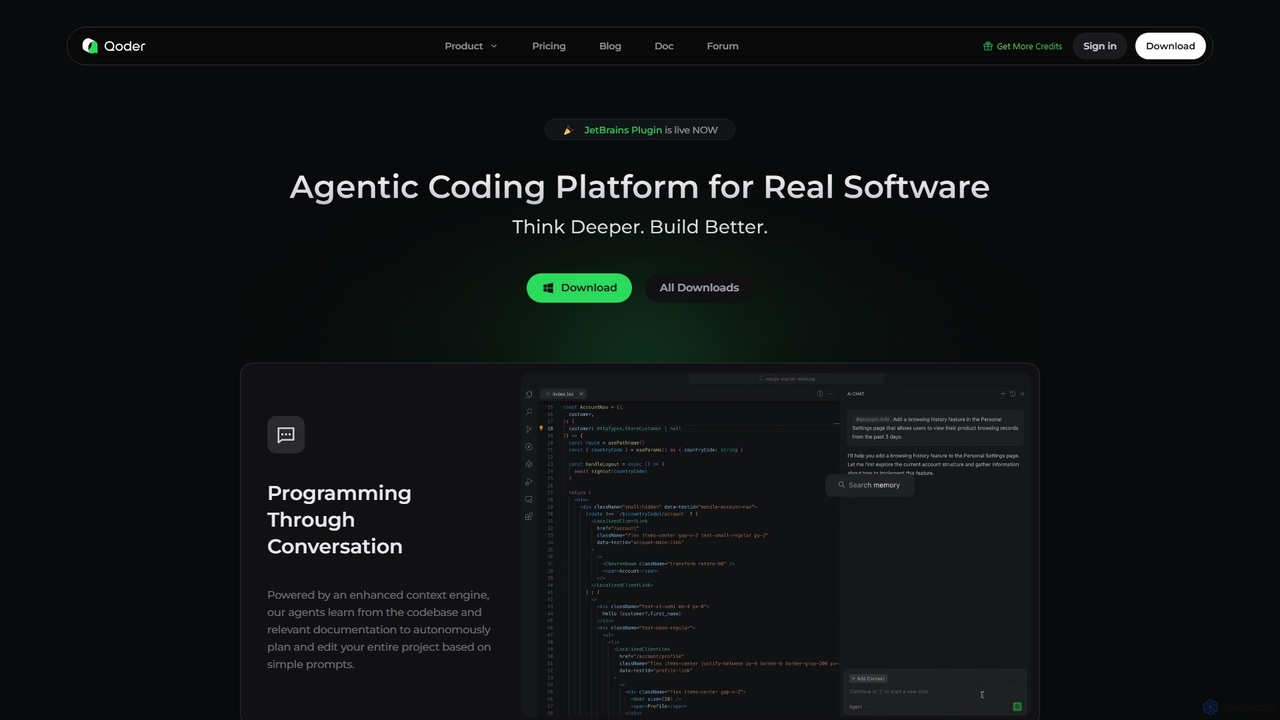
Qoder
Qoder is an agentic AI coding platform designed for real software development. It leverages an enhanced context engine to autonomously plan, code, and test entire projects based on simple prompts, integrating seamlessly into developer workflows via IDE, CLI, or JetBrains plugin.
Code Assistant
Cognition
Cognition is an applied AI lab that created Devin, the world's first fully autonomous AI software engineer. Devin is designed to handle complex, end-to-end software engineering tasks, from writing code and fixing bugs to deploying entire applications. It functions as a tireless, skilled teammate, capable of planning, executing, and collaborating on development projects.
Autonomous Agent
AutoGPT
AutoGPT is a revolutionary open-source autonomous AI agent that leverages GPT-4 and GPT-3.5 to independently achieve complex goals. By breaking down high-level objectives into smaller, manageable subtasks, it can browse the web, write code, manage files, and execute plans with minimal human intervention, dramatically boosting productivity and automating complex workflows.
Code Assistant
CodePal
A powerful AI coding companion and autonomous engineer that integrates directly into GitHub. Automate code reviews, generate documentation, resolve issues, and write unit tests with simple commands to accelerate your development workflow.
Code AssistantTRAE Categories
TRAE Embed Widget
Copy this embed code to place the badge on your blog, article, or product site and send readers directly to this ToolMage detail page.

Related AI tools
Cursor
Cursor is an AI-first code editor designed for modern software development. Built as a fork of VS Code, it integrates powerful AI capabilities directly into the editing experience, allowing developers to chat with their codebase, generate, edit, and debug code with unprecedented speed and context-awareness.
Code Generation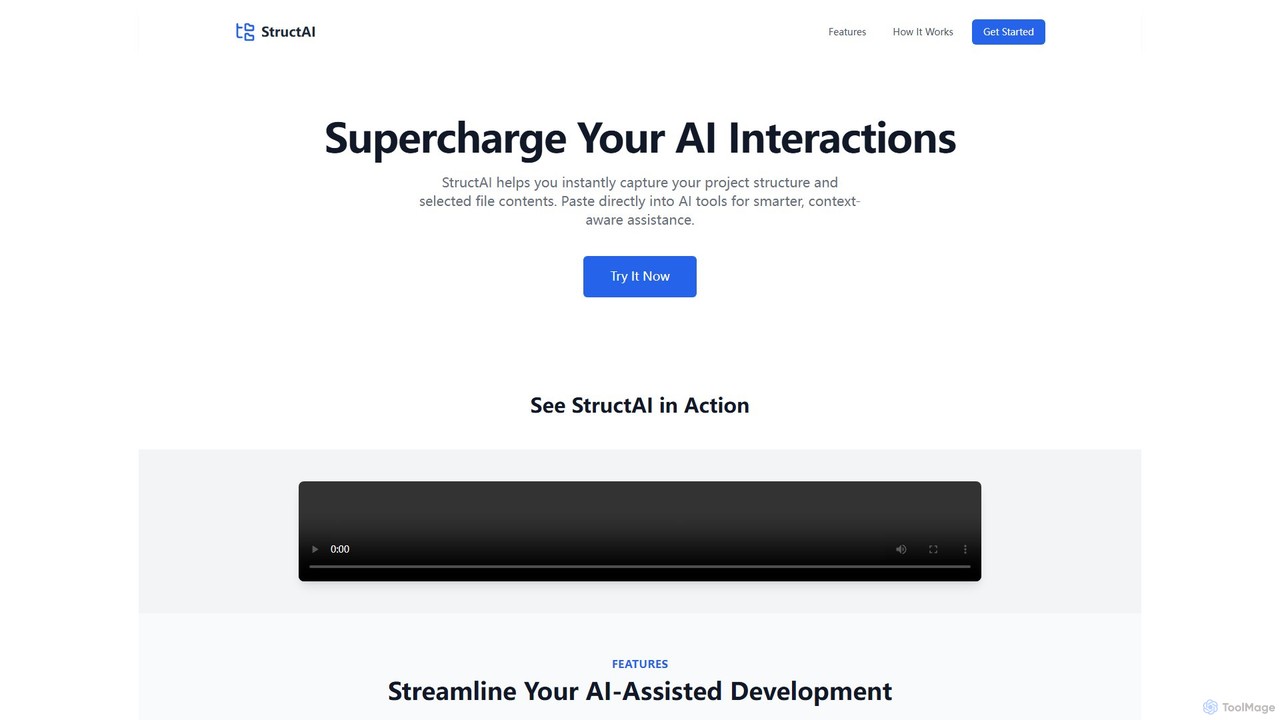
StructAI
StructAI is a developer tool that instantly captures your project's folder structure and selected file contents. It generates a context-rich, AI-ready output that you can paste into any AI assistant (like ChatGPT, Claude) for smarter, more accurate code generation, debugging, and analysis.
Prompt EngineeringBLACKBOX.AI
BLACKBOX.AI is an autonomous AI coding agent designed to accelerate software development. It helps developers write code faster, debug efficiently, and can even build full applications from images or text descriptions, integrating seamlessly with popular IDEs like JetBrains.
Code AssistantQoder
Qoder is an agentic AI coding platform designed for real software development. It leverages an enhanced context engine to autonomously plan, code, and test entire projects based on simple prompts, integrating seamlessly into developer workflows via IDE, CLI, or JetBrains plugin.
Code AssistantCognition
Cognition is an applied AI lab that created Devin, the world's first fully autonomous AI software engineer. Devin is designed to handle complex, end-to-end software engineering tasks, from writing code and fixing bugs to deploying entire applications. It functions as a tireless, skilled teammate, capable of planning, executing, and collaborating on development projects.
Autonomous AgentAutoGPT
AutoGPT is a revolutionary open-source autonomous AI agent that leverages GPT-4 and GPT-3.5 to independently achieve complex goals. By breaking down high-level objectives into smaller, manageable subtasks, it can browse the web, write code, manage files, and execute plans with minimal human intervention, dramatically boosting productivity and automating complex workflows.
Code AssistantCodePal
A powerful AI coding companion and autonomous engineer that integrates directly into GitHub. Automate code reviews, generate documentation, resolve issues, and write unit tests with simple commands to accelerate your development workflow.
Code Assistant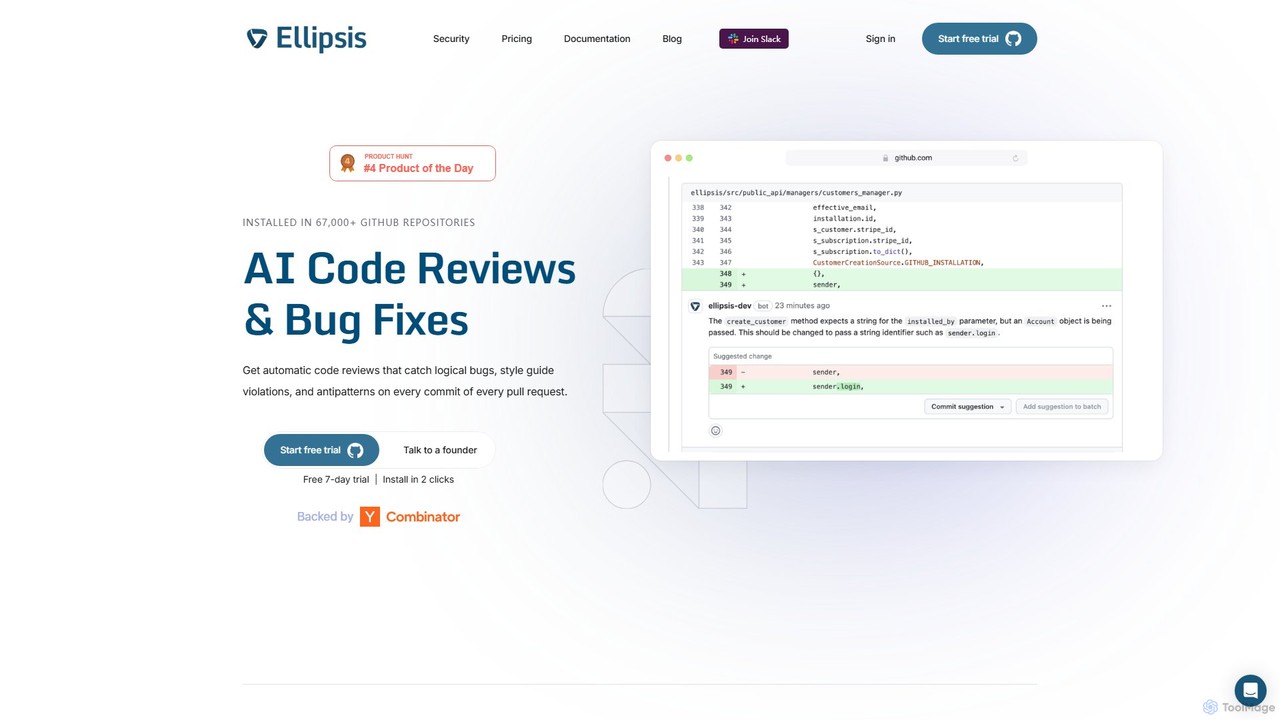
Ellipsis
Ellipsis is an AI-powered engineering teammate that automates code reviews on GitHub. It intelligently catches logical bugs, style violations, and anti-patterns in every pull request, helping teams ship code faster while maintaining high quality and security standards.
Code Review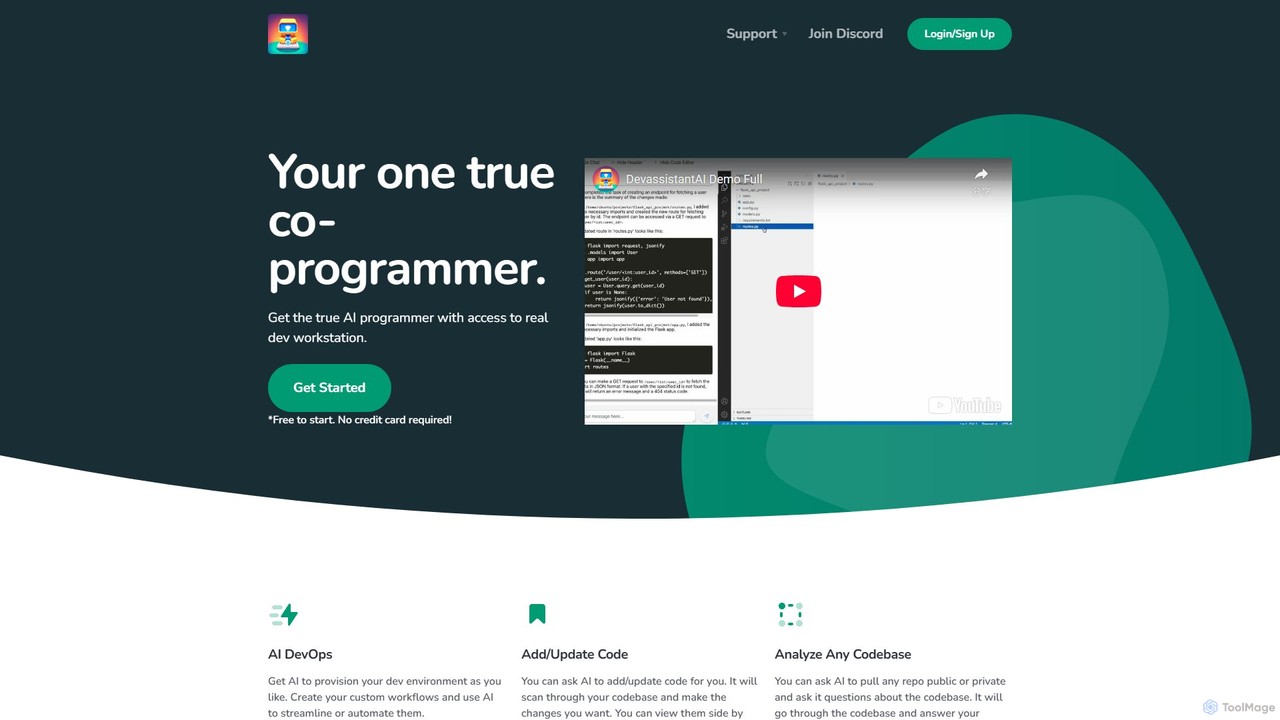
Devassistant.ai
Devassistant.ai is an advanced AI co-programmer that automates DevOps, analyzes entire codebases, and intelligently adds or updates code. It streamlines development workflows by provisioning environments, answering complex questions about your code, and making changes within a cloud-based VS Code interface, boosting productivity and code quality.
Code Assistant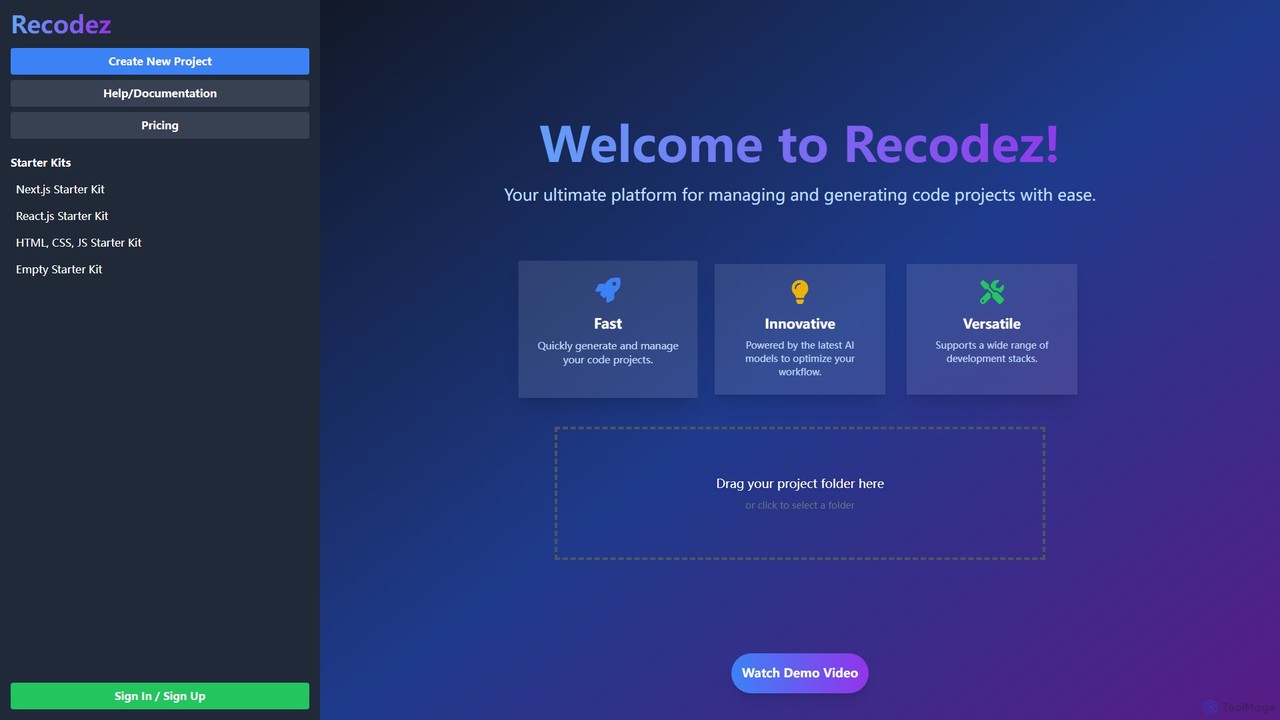
Recodez
Recodez is an AI-powered platform designed to streamline software development. It enables developers to generate, manage, and refactor code projects with ease, supporting various frameworks like Next.js and React. By leveraging advanced AI models, Recodez accelerates the entire development lifecycle, from project scaffolding to code optimization.
Code Assistant
JetBrains
JetBrains provides a comprehensive suite of intelligent tools for software developers and teams, including powerful IDEs and an integrated AI Assistant. It enhances productivity with smart code completion, refactoring, and bug detection, streamlining the entire development lifecycle from coding to deployment. It supports a wide range of languages and offers robust team collaboration platforms.
Integrated Development Environment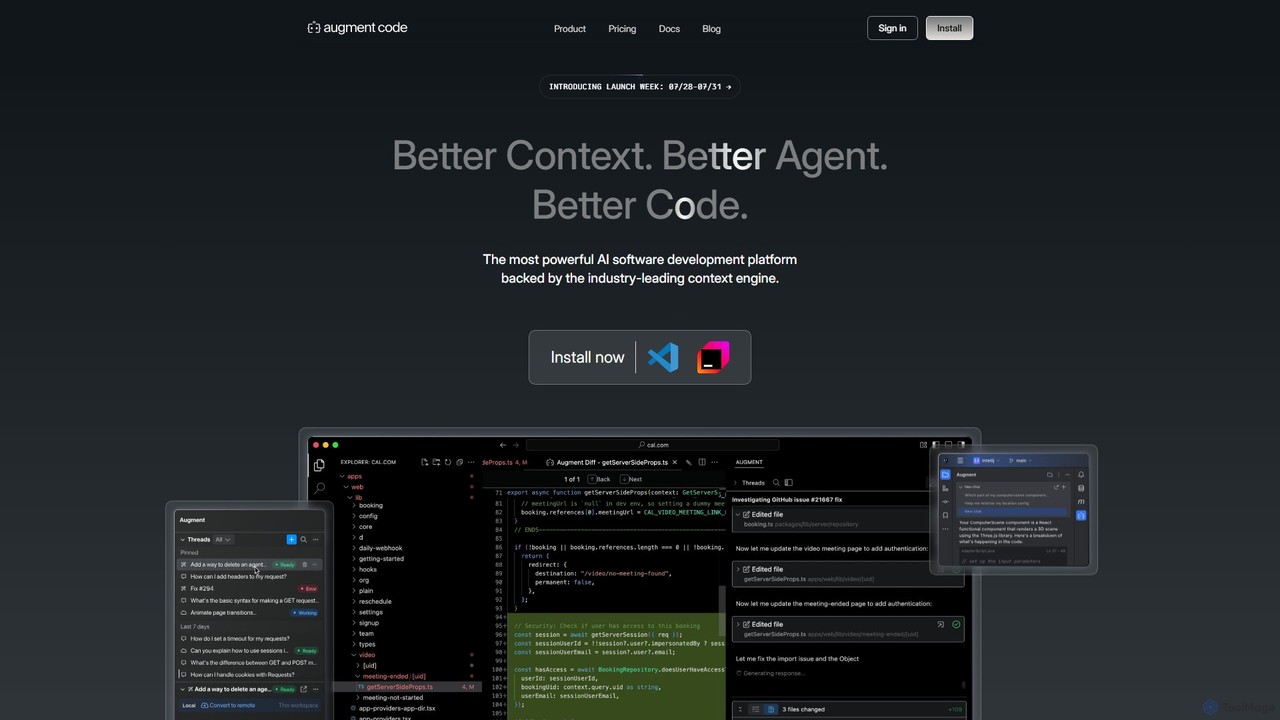
Augment Code
Augment Code is an advanced AI software development platform featuring autonomous agents and a powerful context engine. It integrates into your IDE to help you plan, build, and ship production-ready code faster, with a strong focus on enterprise-grade security and deep codebase understanding.
Code Generation
PearAI
PearAI is an intelligent, all-in-one AI code editor designed for developers. It features a unique AI Router that automatically selects the best coding model (like GPT-4o or Claude 3), a coding agent for autonomous development and bug fixing, and a context-aware chat that understands your entire codebase. It aims to streamline the entire development workflow from idea to deployment.
Code Generation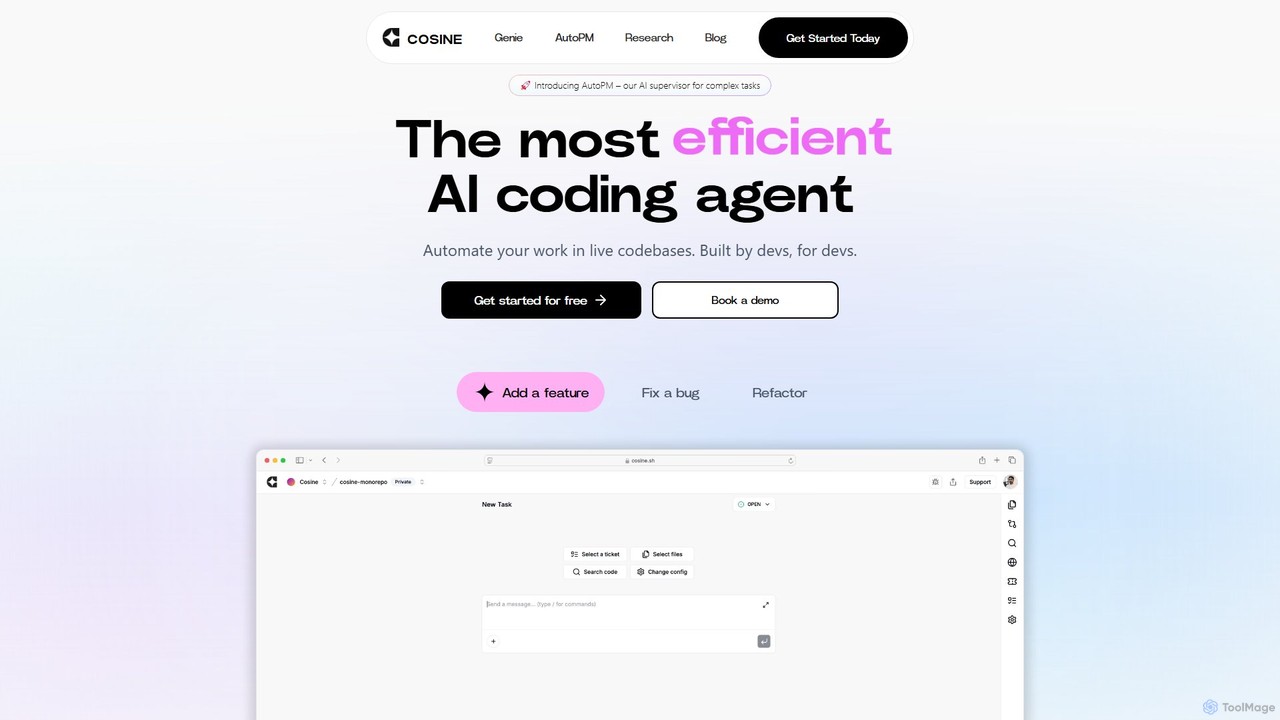
Cosine
Cosine is an agentic AI software engineer designed to automate complex coding tasks. It operates directly within live codebases to handle tickets, from feature development to bug fixes, and seamlessly integrates into your development workflow through tools like Jira, Slack, and Linear.
Software Engineering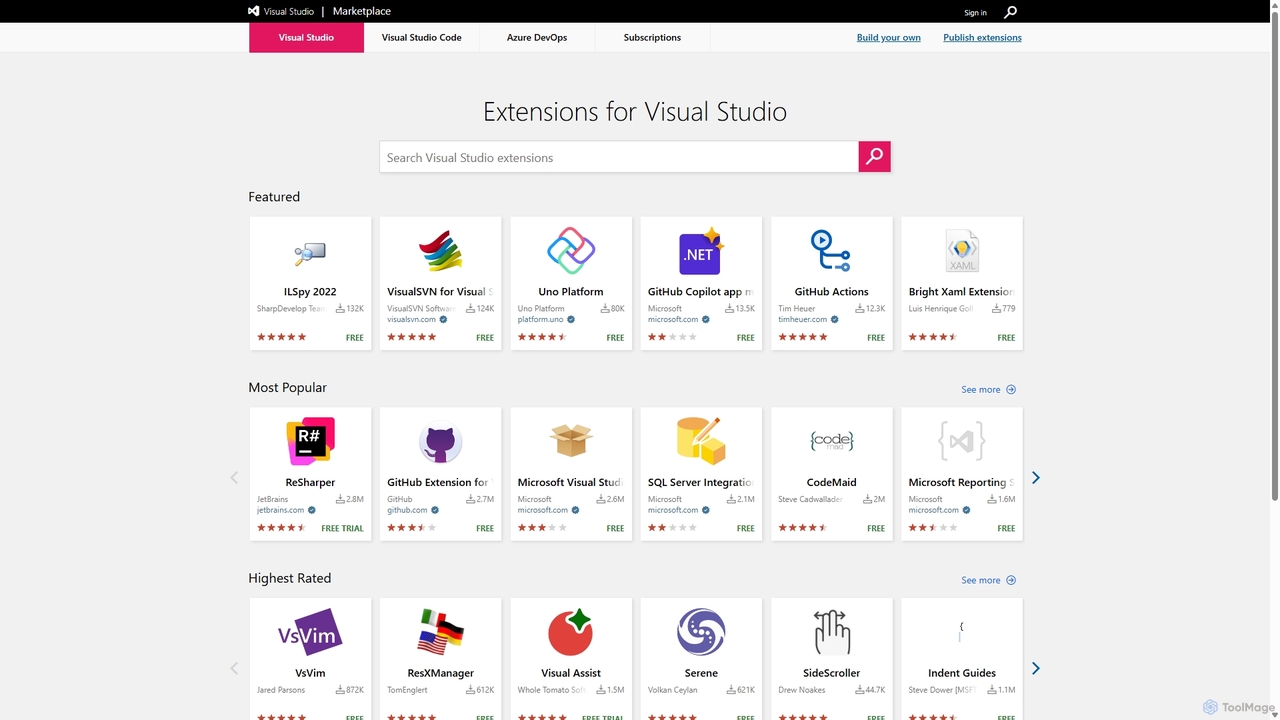
Visual Studio Marketplace
The official marketplace for discovering and installing thousands of extensions for the Visual Studio family of products, including Visual Studio, VS Code, and Azure DevOps. Enhance productivity, add new features, and customize your development environment with tools from Microsoft and the community.
Machine Learning
TRAE Comments (0)
Sign in to comment.
Sign inNo comments yet.