

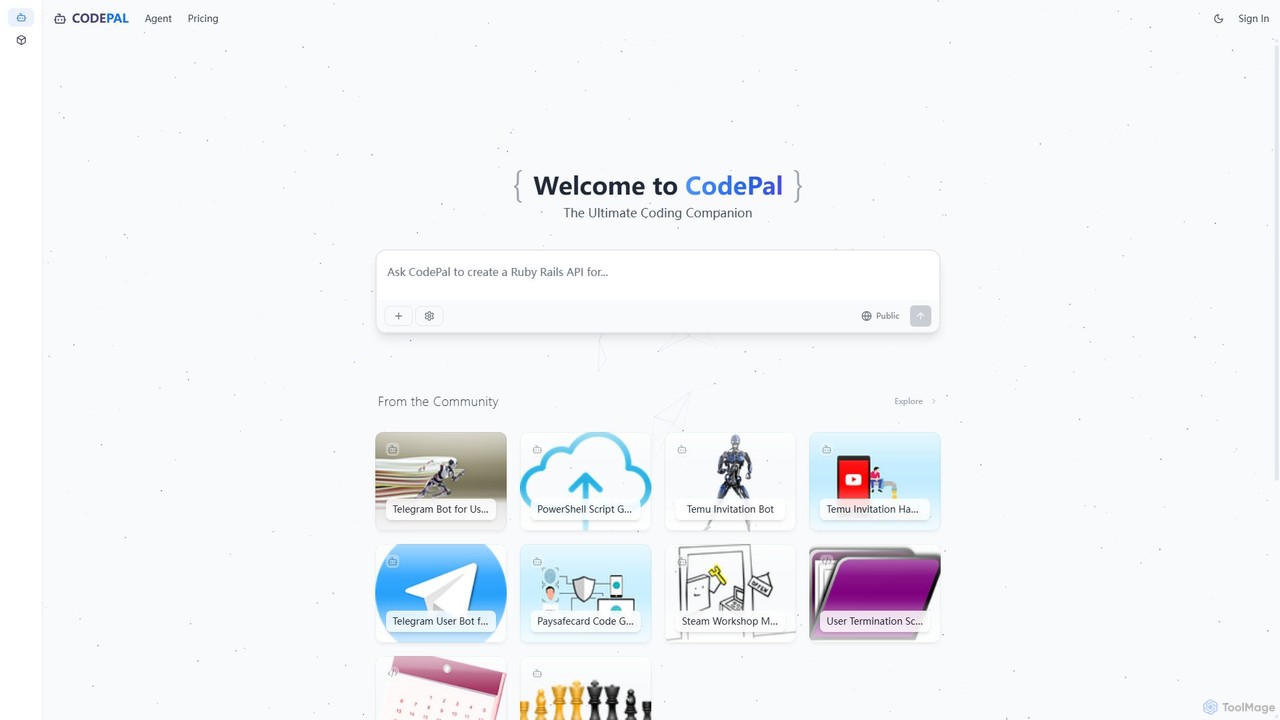
CodePal Overview
CodePal is an advanced AI-powered platform designed to be the ultimate coding companion for developers. It functions as an autonomous AI engineer that integrates seamlessly into your existing development workflow, primarily through GitHub. By automating tedious and time-consuming tasks, CodePal allows developers to focus on building high-quality software faster and more efficiently.
The core of the platform is the CodePal Agent, an intelligent entity that lives within your GitHub repositories. It can be triggered manually via simple chat-like commands or configured to run automatically on specific events, such as pull request creation or scheduled intervals. This agent is capable of understanding context, analyzing code, and performing complex actions like writing new code, reviewing changes, and identifying potential issues.
Beyond the agent, CodePal offers a collaborative environment where developers can explore, remix, and share code projects. This community-driven aspect provides a valuable resource for learning and inspiration, showcasing practical applications of AI in software development across a multitude of programming languages.
How to use CodePal
Using CodePal is designed to be intuitive and fit naturally into a developer's routine:
- Sign Up & Connect: Create an account on the CodePal website and connect it to your GitHub account.
- Integrate the Agent: Install the CodePal Agent into your desired GitHub repositories. You can configure its settings and permissions on an organization-wide or per-repository basis.
- Use AI Commands: Interact with the agent directly within GitHub comments on issues and pull requests. Simply use the
.cpprefix followed by a command. For example:- In a GitHub issue, type
.cp assignto have the AI generate a pull request that resolves the issue. - On a pull request, type
.cp reviewto receive a comprehensive code review with inline comments and a summary. - To generate documentation, use
.cp document. - To create unit tests for the changes, use
.cp tests.
- In a GitHub issue, type
- Automate Workflows: In the CodePal dashboard, configure the agent to run automatically. Set it to review all new pull requests, patrol for issues on a nightly basis, or auto-assign specific types of issues to itself.
- Explore & Build: Use the CodePal platform to browse community projects for inspiration or to get started with new technologies.
Core Features of CodePal
- Autonomous AI Agent for GitHub: An AI engineer that writes, reviews, documents, and triages code directly within your repositories.
- Intelligent Command System: Simple
.cpcommands (e.g.,assign,review,document,tests,patrol) make it easy to delegate tasks to the AI. - Automated Code Reviews: Get full code reviews on pull requests, identifying bugs, suggesting improvements, and ensuring code quality.
- Automated Issue Resolution: The agent can take a GitHub issue, understand the requirements, and generate a complete, high-quality pull request to fix it.
- Automatic Documentation Generation: Improve code maintainability by automatically adding comprehensive docstrings and comments.
- Unit Test Generation: Automatically create extensive test coverage for your code to ensure reliability and prevent regressions.
- Proactive Issue Patrolling: Configure the agent to regularly scan your codebase for potential issues and automatically create tickets for them.
- Customizable Workflows: Tailor the agent's behavior, effort level, and triggers to perfectly match your team's processes.
- Community Project Hub: Explore and remix a wide range of AI-assisted projects shared by the community.
Use Cases for CodePal
CodePal is versatile and can be applied in various scenarios:
- Development Teams: Offload routine tasks like code reviews and documentation to the AI, freeing up senior developers to focus on complex architectural problems.
- Open Source Projects: Maintain high code quality and responsiveness by using the AI agent to review contributions and fix reported bugs.
- Individual Developers & Hobbyists: Accelerate personal projects, learn best practices from AI-generated code, and ensure robust test coverage without the overhead.
- Legacy Codebases: Quickly add documentation and test coverage to old, poorly-documented code to make it easier to maintain and modernize.
- Enterprise Solutions: Scale development efforts with enterprise-level support and tailored AI tooling to enforce organizational coding standards and security practices.
Advantages of CodePal
CodePal offers significant advantages over traditional development methods:
- Massive Productivity Boost: Automates tasks that typically consume a large portion of a developer's day.
- Seamless Integration: Works within the familiar GitHub environment, requiring no context switching.
- Improved Code Quality & Consistency: The AI acts as an impartial reviewer, enforcing best practices and catching errors consistently.
- Faster Development Cycles: By accelerating reviews and issue resolution, teams can ship features faster.
- Scalable and Flexible: With plans ranging from a free starter tier to a full enterprise solution, it can support any team size and need.
Pricing and Plans
CodePal offers a freemium model with several tiers to suit different needs. Annual subscriptions provide a 20% discount.
- Starter Plan: Free. Includes access to all tools, 25 messages/month, up to 50 projects, and public projects. Ideal for trying out the platform.
- Standard Plan: $20/month. Includes everything in Starter, plus 100 messages/month, unlimited projects, and in-app code edits. Perfect for hobbyists and regular users.
- Pro Plan: $50/month. Includes everything in Standard, plus 300 messages/month, premium support, and early access to beta features. Designed for professionals.
- Enterprise Plan: Custom pricing. Includes everything in Pro, plus unlimited messages, enterprise-level support, and tailored tooling and configuration for businesses.
A 14-day money-back guarantee is offered on all paid plans.
Traffic
Latest traffic
Status
Monthly traffic trend
- 2025-9: 145.6K
- 2026-1: 38.5K
- 2026-2: 43.0K
- 2026-3: 52.9K
- 2026-4: 61.5K
- 2026-5: 54.8K
Geography
Top 5 countries / regions
- 🇺🇸United States75.2%
- 🇩🇪Germany17.3%
- 🇬🇧United Kingdom2.9%
- 🇻🇳Vietnam2.6%
- 🇷🇺Russia2.0%
Traffic sources
| Source type | Percentage |
|---|---|
Direct | 80.6% |
Referral | 17.4% |
Email | 1.9% |
Top keywords
| Keyword | Cost per click |
|---|---|
| alecks github hacks | $0.00 |
| how to copy a game with place id roblox github | $0.00 |
| iready hacks | $0.00 |
| kahoot botter | $2.16 |
| minecradft redeem codegenerator | $0.00 |
CodePal Alternatives
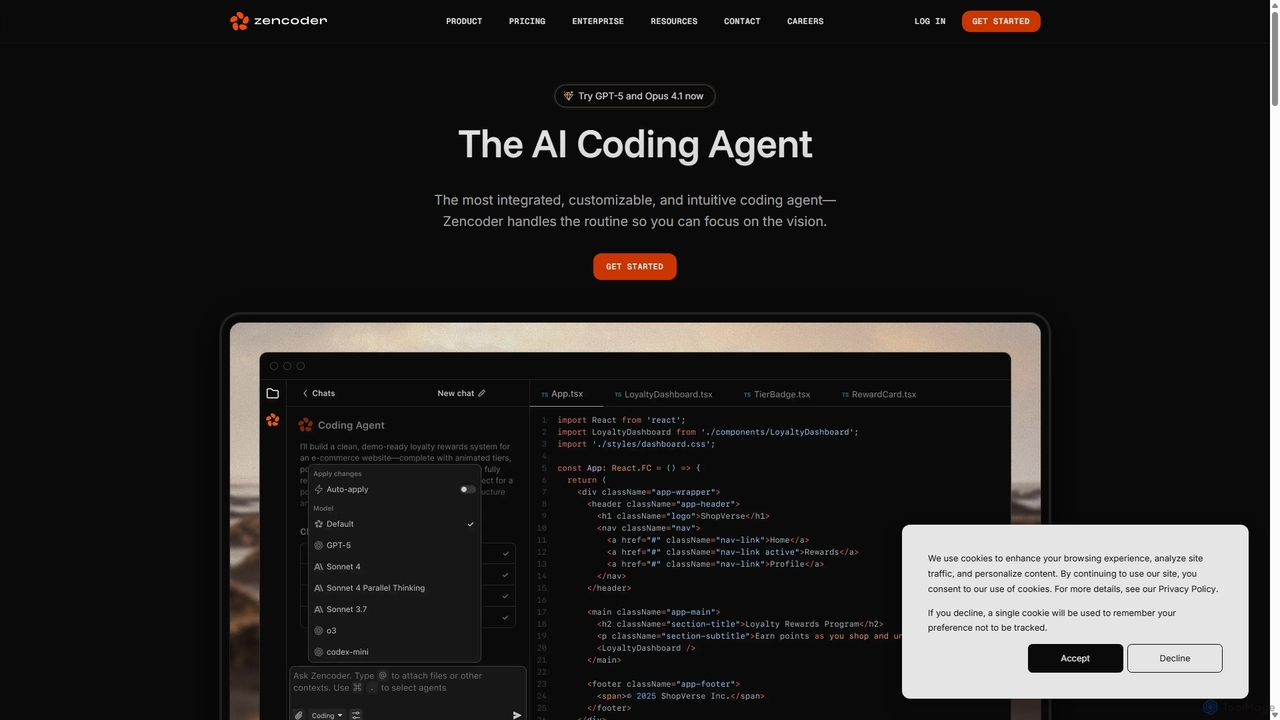
Zencoder
Zencoder is an advanced AI coding agent designed to automate routine development tasks. It deeply integrates into your workflow, understanding your entire codebase to implement features, write tests, fix bugs, and refactor code autonomously. With customizable 'Zen Agents' and seamless integration with VS Code, JetBrains, and over 100 developer tools, Zencoder empowers engineering teams to focus on innovation and ship products faster.
Code Assistant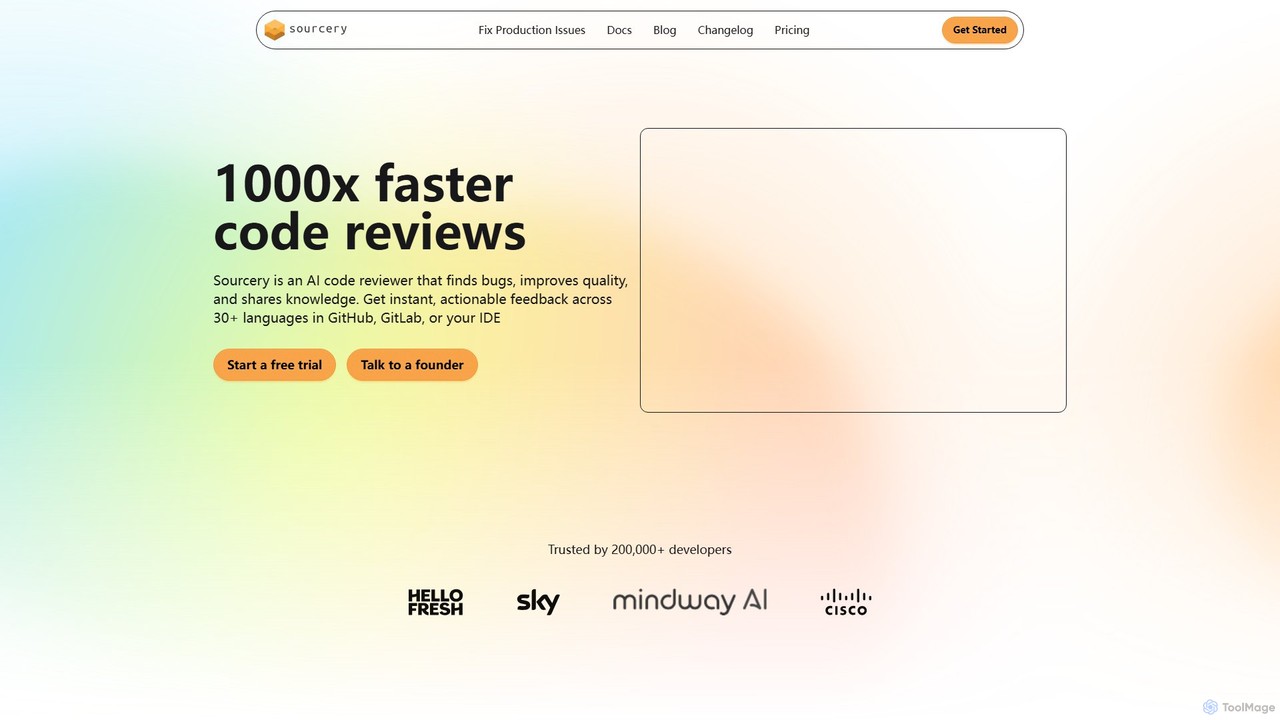
Sourcery
Sourcery is an AI-powered code reviewer that automates code reviews, finds bugs, improves code quality, and accelerates knowledge sharing. It integrates directly into your IDE, GitHub, and GitLab workflows, providing instant feedback and refactoring suggestions for over 30 languages.
Code Assistant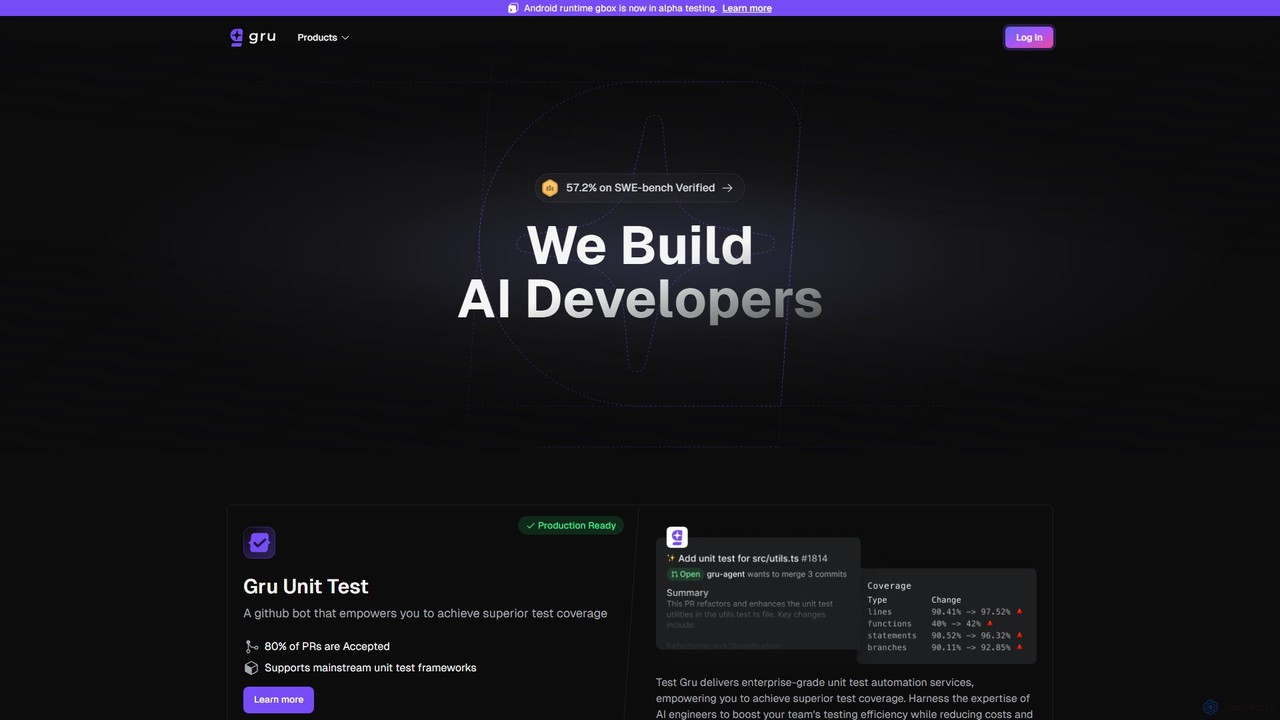
Gru.ai
Gru.ai is an AI-powered developer agent designed to automate software engineering tasks. It specializes in generating comprehensive unit tests as a GitHub bot, instantly boosting code coverage and improving code quality for multiple programming languages.
Code Assistant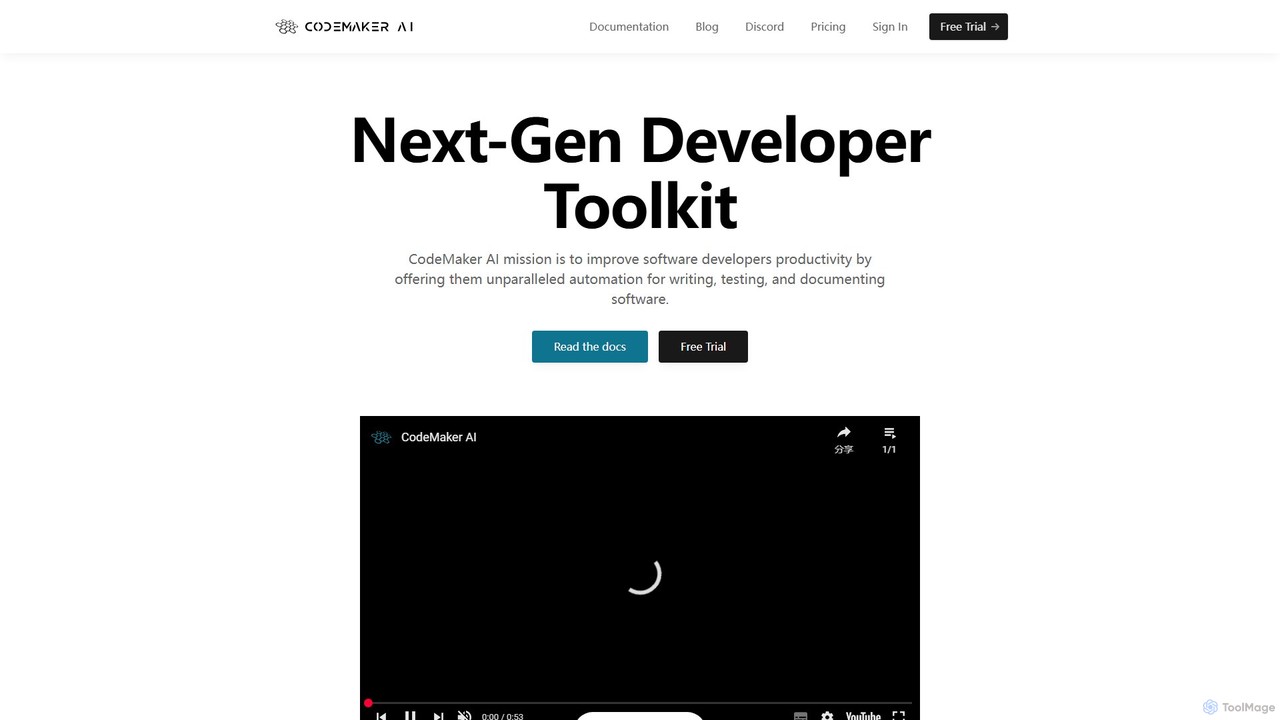
CodeMaker AI
CodeMaker AI is a next-generation developer toolkit designed to boost productivity by automating software writing, testing, and documentation. It integrates seamlessly into your workflow via IDEs, GitHub, and CLI, offering context-aware code generation and a powerful AI assistant.
Code Assistant
Devgen
Devgen is an AI-powered coding assistant designed to accelerate the software development lifecycle. It helps developers write better code faster by providing intelligent code generation, completion, refactoring, and automated testing, directly within their IDE.
Code AssistantCodePal Categories
CodePal Embed Widget
Copy this embed code to place the badge on your blog, article, or product site and send readers directly to this ToolMage detail page.

Related AI tools
Ellipsis
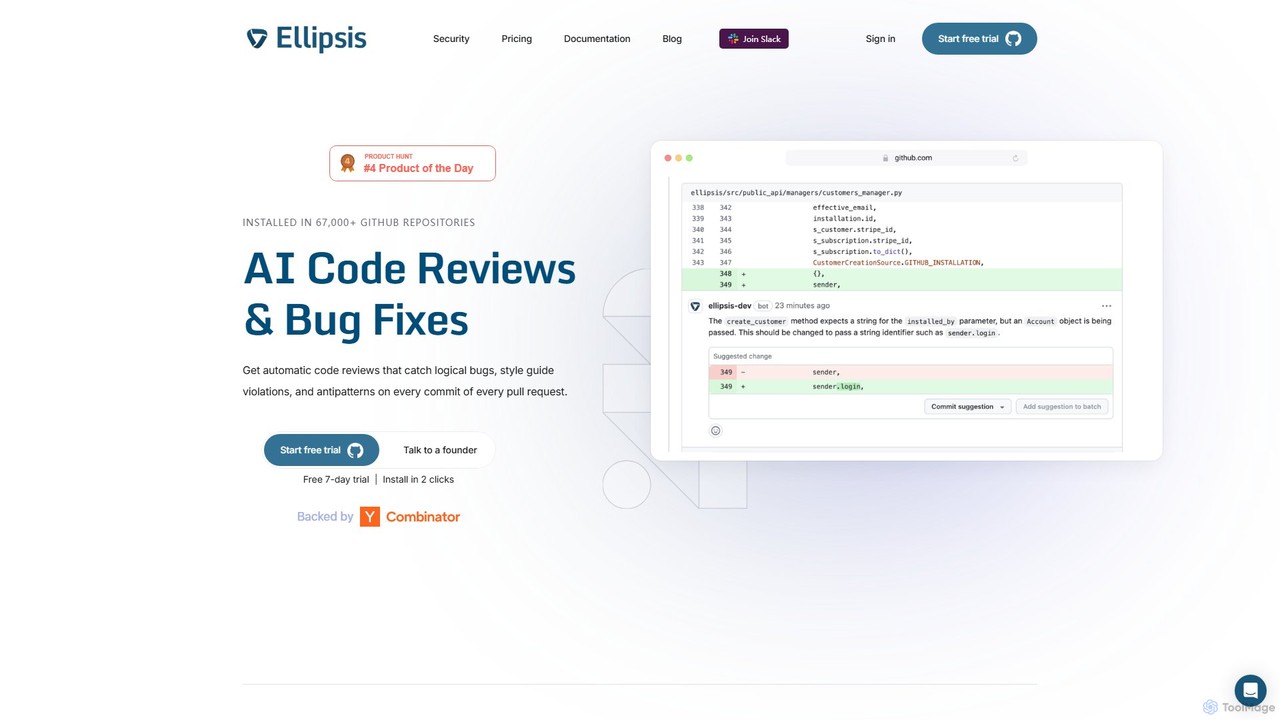
Ellipsis is an AI-powered engineering teammate that automates code reviews on GitHub. It intelligently catches logical bugs, style violations, and anti-patterns in every pull request, helping teams ship code faster while maintaining high quality and security standards.
Code Review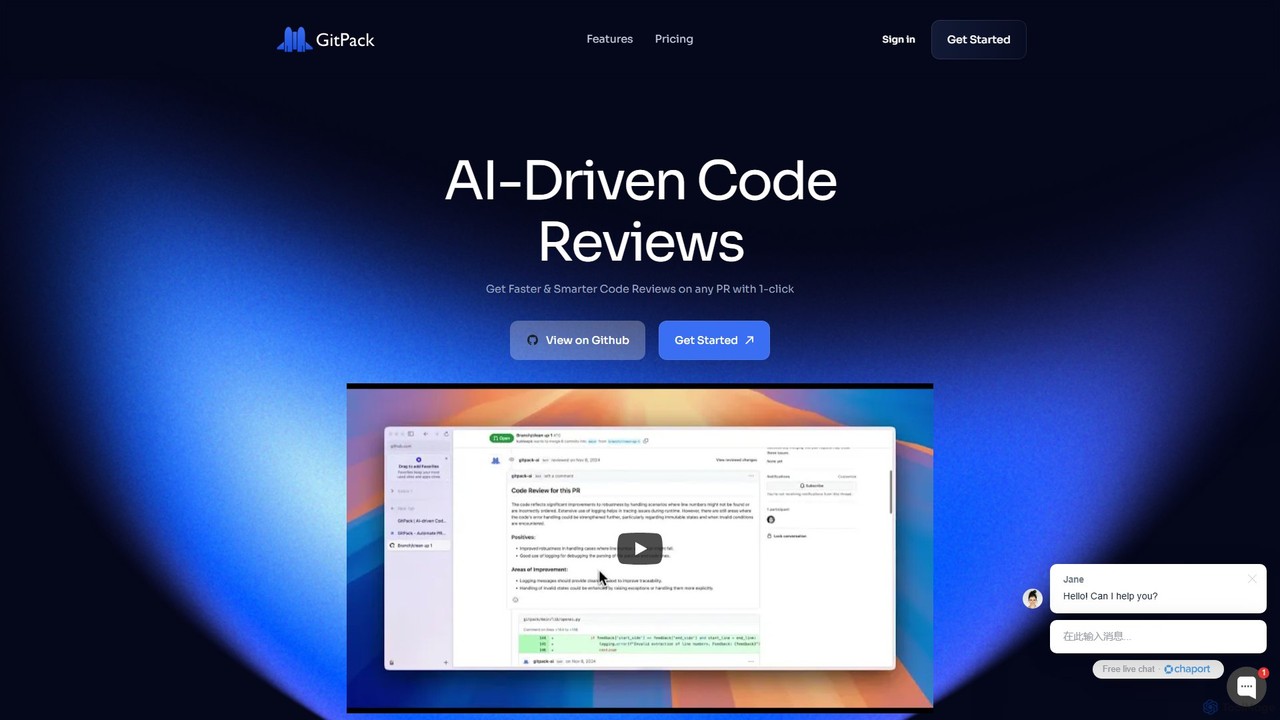
GitPack
GitPack is an AI-driven tool that automates code reviews on GitHub. It analyzes pull requests, provides context-aware feedback, and helps improve code quality, allowing developers to save time and streamline their workflow.
Code Assistant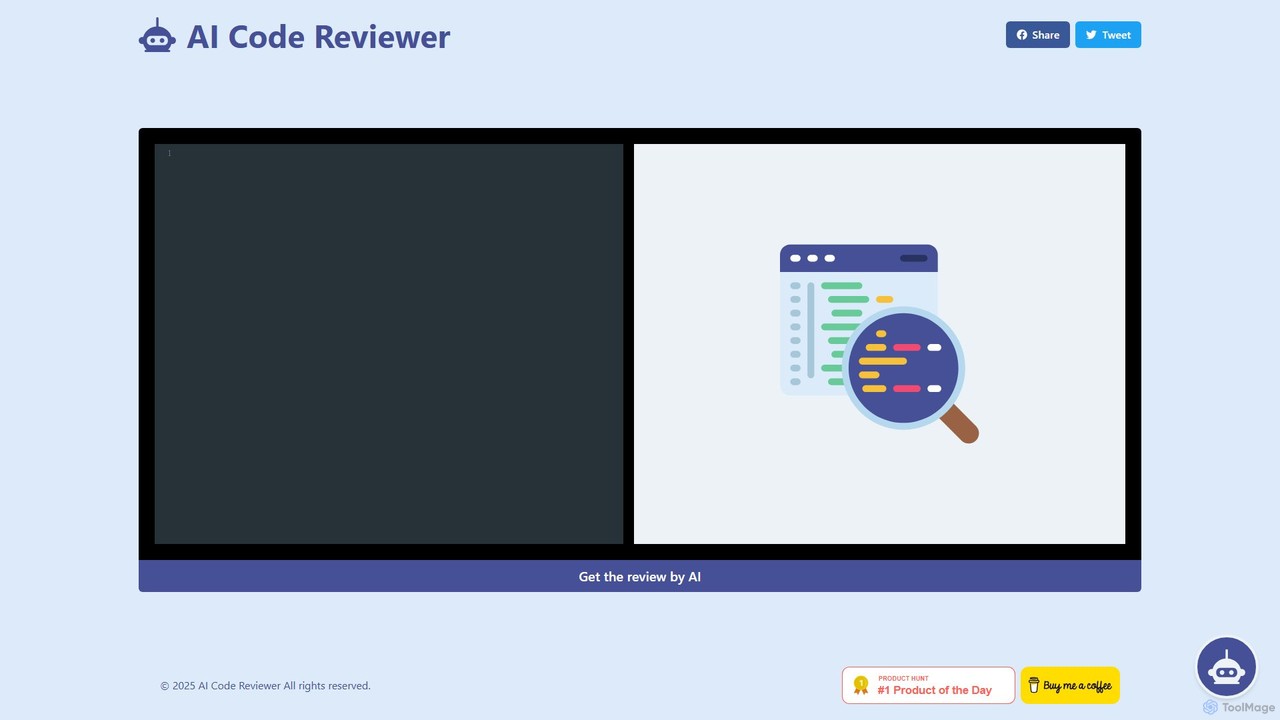
AI Code Reviewer
An AI-powered tool that automatically reviews your code to find bugs, suggest improvements, and ensure quality. It acts as an instant second pair of eyes for developers, helping to streamline the development workflow, improve code maintainability, and enforce best practices across teams.
Code Review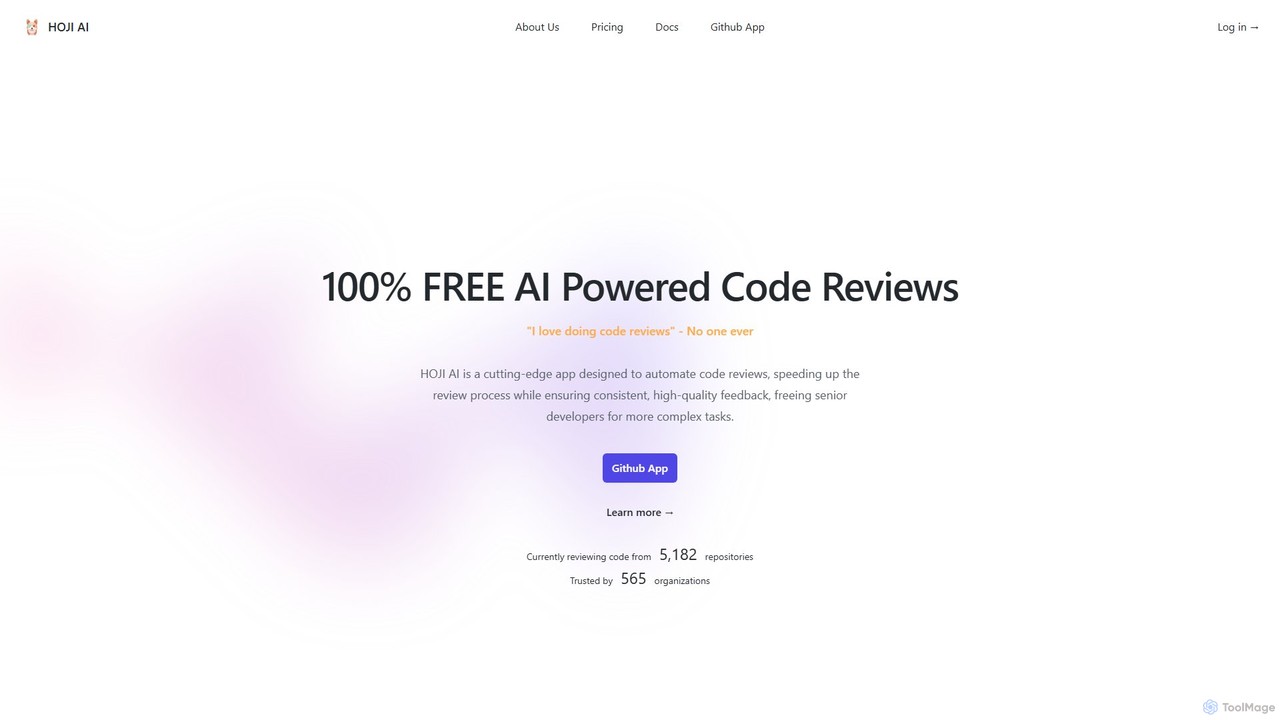
hoji
hoji is a free, AI-powered code review assistant that integrates directly with GitHub. It automates the code review process, providing instant, consistent, and unbiased feedback on pull requests. This helps development teams increase productivity, improve code quality, and reduce friction, freeing up senior developers for more complex tasks.
Code Assistant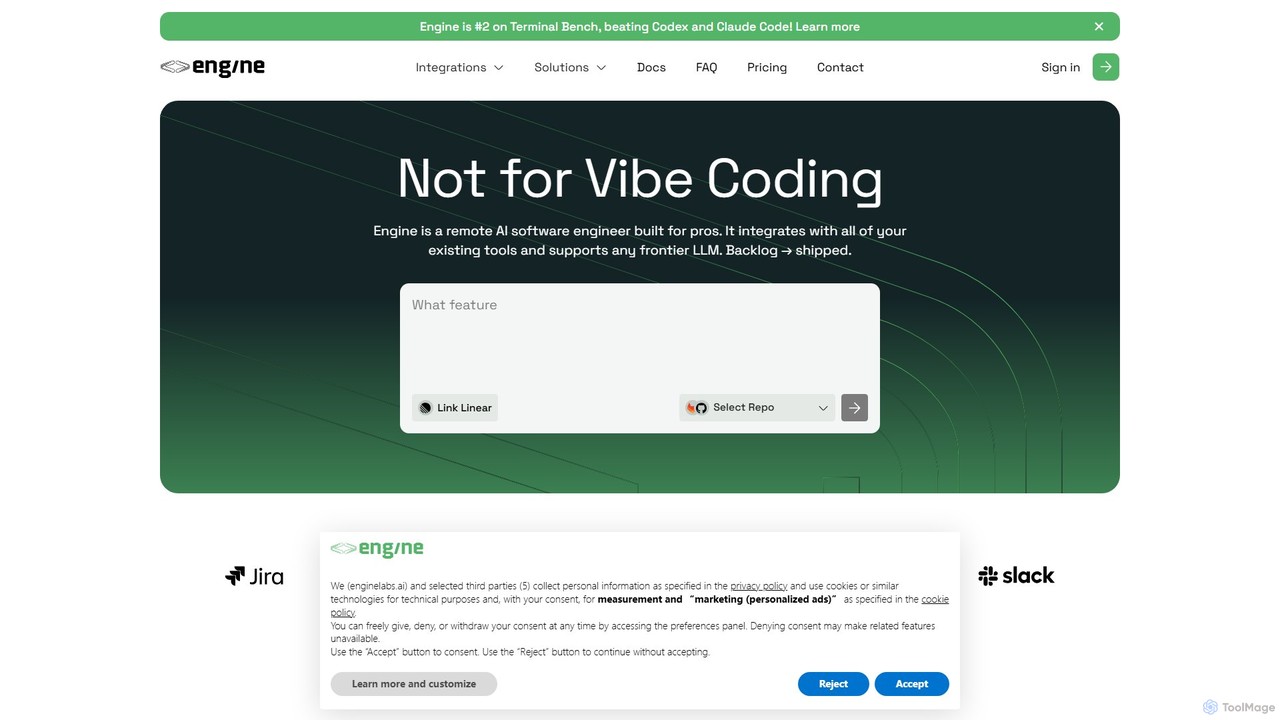
Engine
Engine is an AI software engineer designed for professional development teams. It integrates with your existing tools like GitHub and Linear to autonomously fix bugs, ship features, and clear your backlog by creating and managing pull requests, effectively acting as a remote AI team member.
Version Control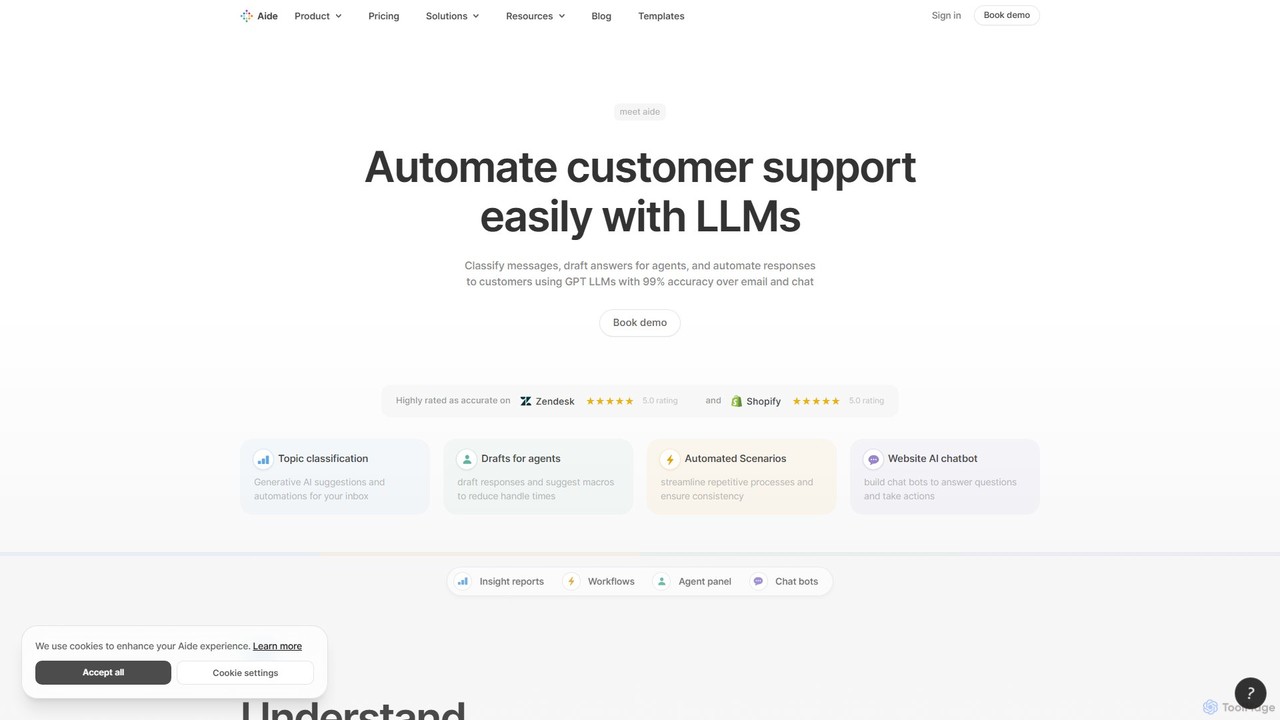
Aide
Aide is an AI-powered multi-agent coding assistant that automates software development directly within your GitHub workflow. It interprets GitHub issues, autonomously generates code, creates pull requests, and iterates based on your feedback, effectively acting as a team of AI engineers on your codebase.
Code Generation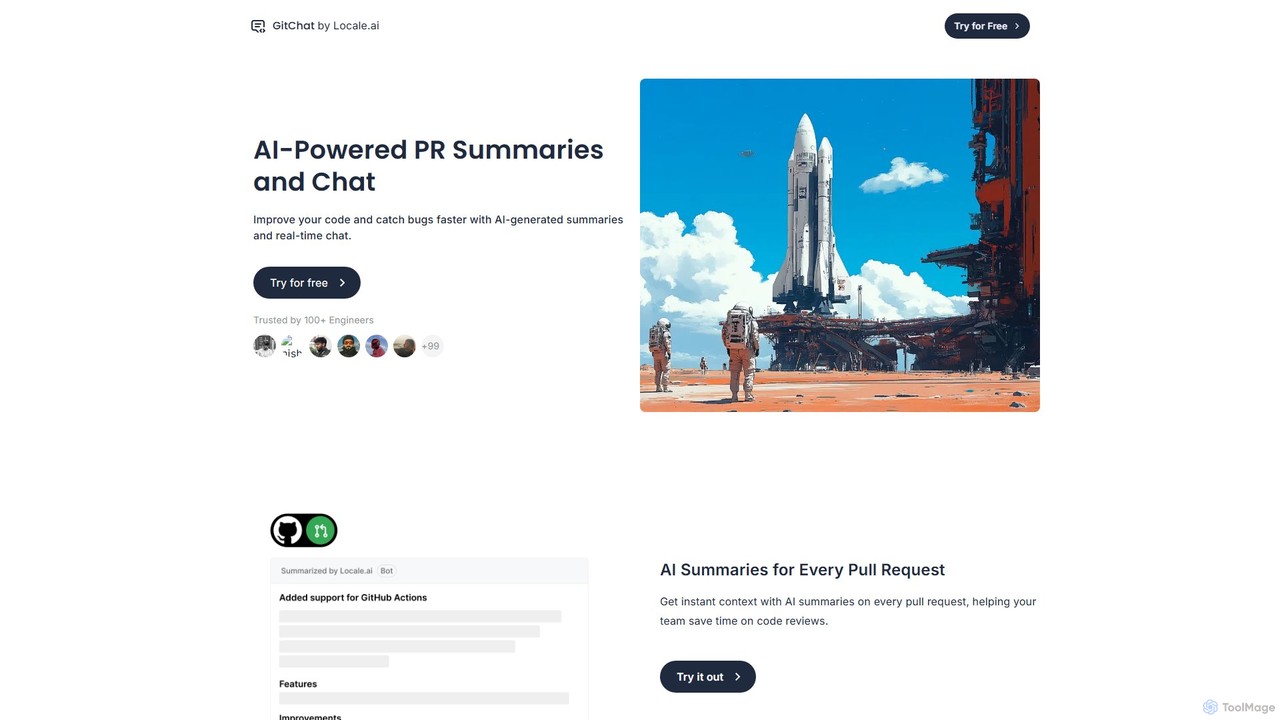
GitChat
GitChat is an AI-powered assistant for GitHub that supercharges code reviews. It automatically generates summaries for Pull Requests, provides instant feedback on code, and allows developers to chat with an AI directly within PR comments to improve code quality and accelerate development.
Code Assistant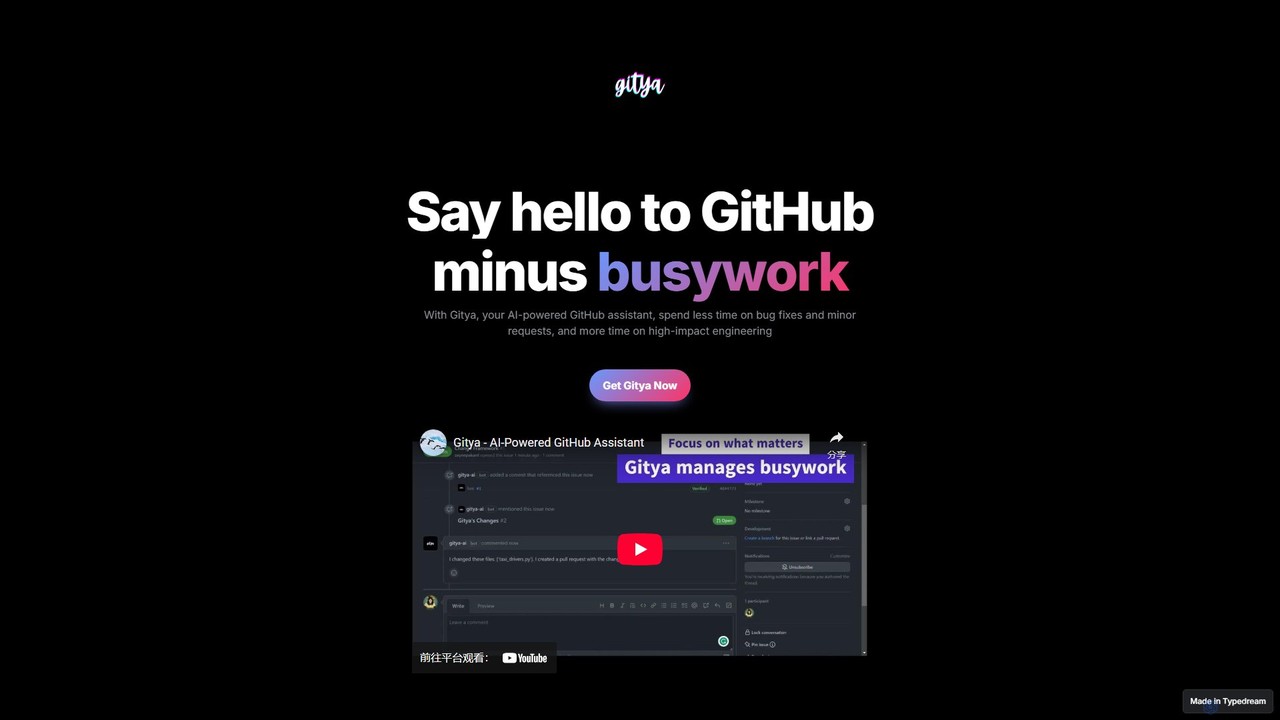
gitya
gitya is an AI-powered GitHub assistant designed to automate routine development tasks. It helps teams by handling minor bug fixes, managing pull requests with automated reviews, and resolving simple tickets, allowing developers to focus on high-impact engineering and innovation.
Version Control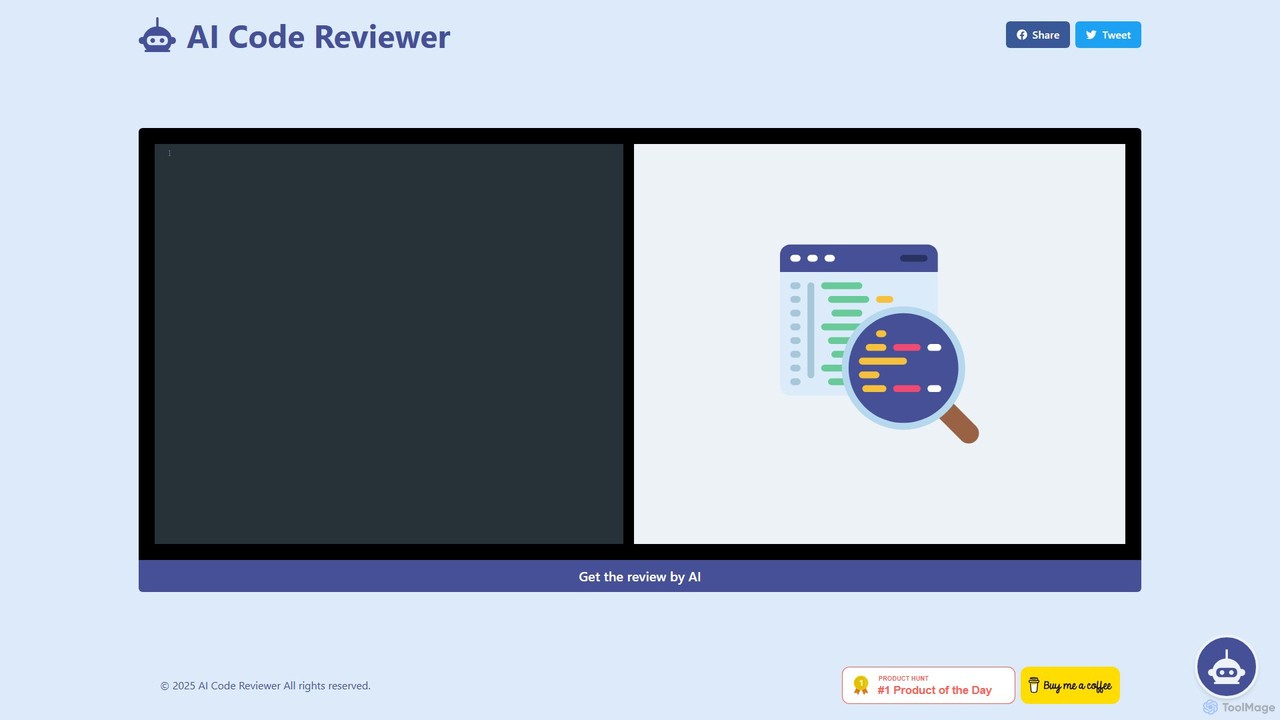
AI Code Reviewer
AI Code Reviewer is an automated tool that uses artificial intelligence to analyze your code. It integrates with your development workflow, like GitHub, to automatically review pull requests. The tool identifies bugs, security vulnerabilities, and style issues, providing instant, actionable feedback to help developers improve code quality and accelerate the development cycle.
Code Review
Haystack
Haystack is an AI-powered code review platform that transforms complex pull requests into an interactive, visual canvas. It intelligently guides reviewers through code changes, enabling faster comprehension, in-context collaboration, and more efficient merging, supporting a wide range of programming languages.
Code Assistant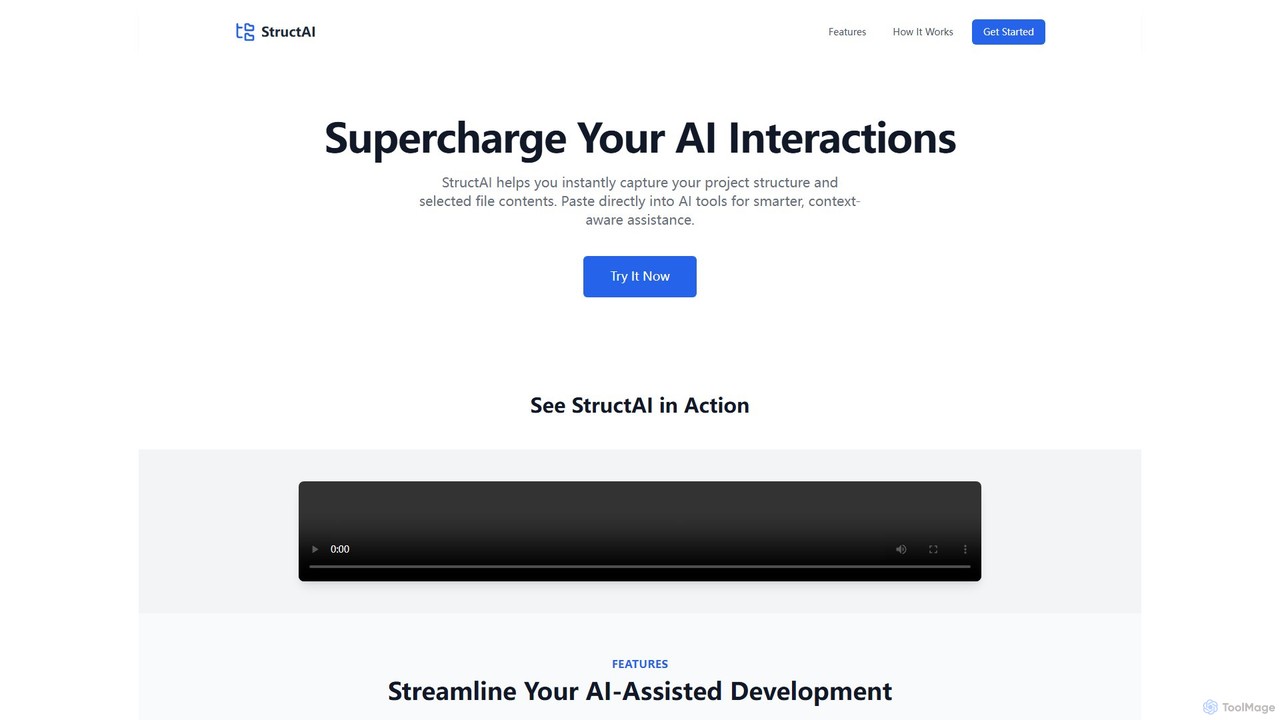
StructAI
StructAI is a developer tool that instantly captures your project's folder structure and selected file contents. It generates a context-rich, AI-ready output that you can paste into any AI assistant (like ChatGPT, Claude) for smarter, more accurate code generation, debugging, and analysis.
Prompt Engineering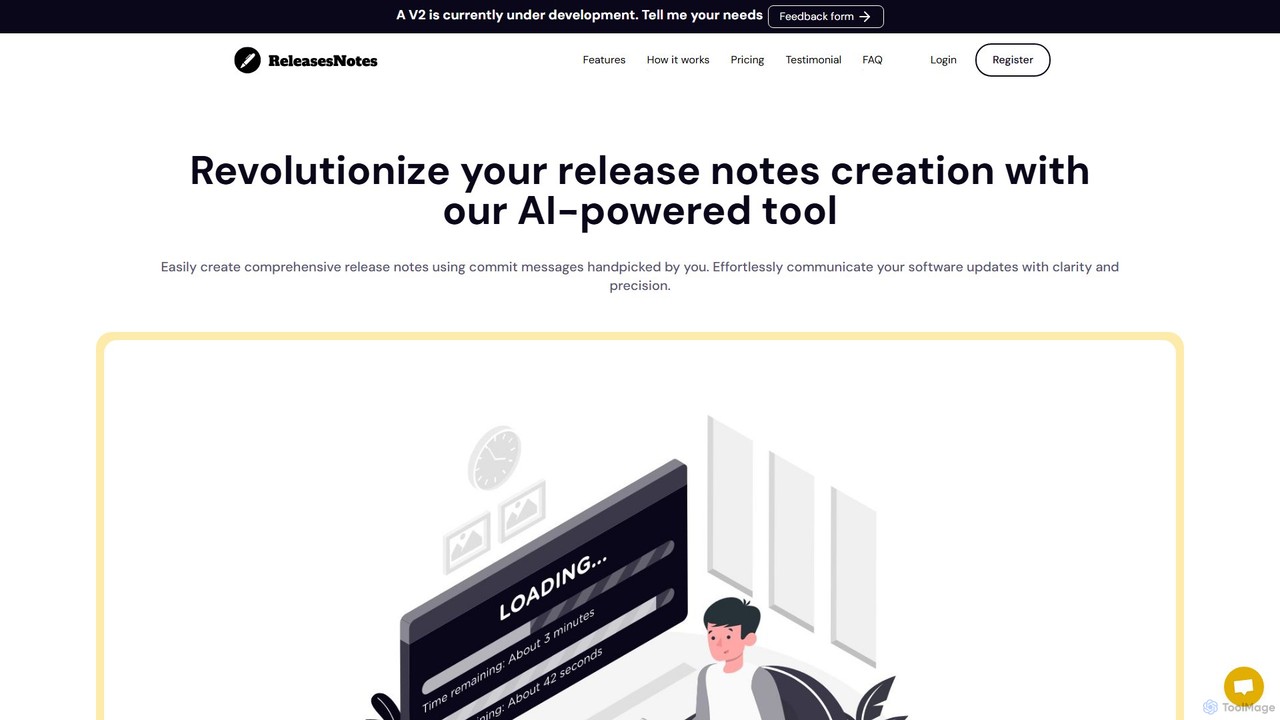
ReleasesNotes
ReleasesNotes is an AI-powered tool that automates the creation of comprehensive release notes from your GitHub or GitLab commit messages. It streamlines the documentation process, saving developers valuable time and improving communication with users and stakeholders.
Code Assistant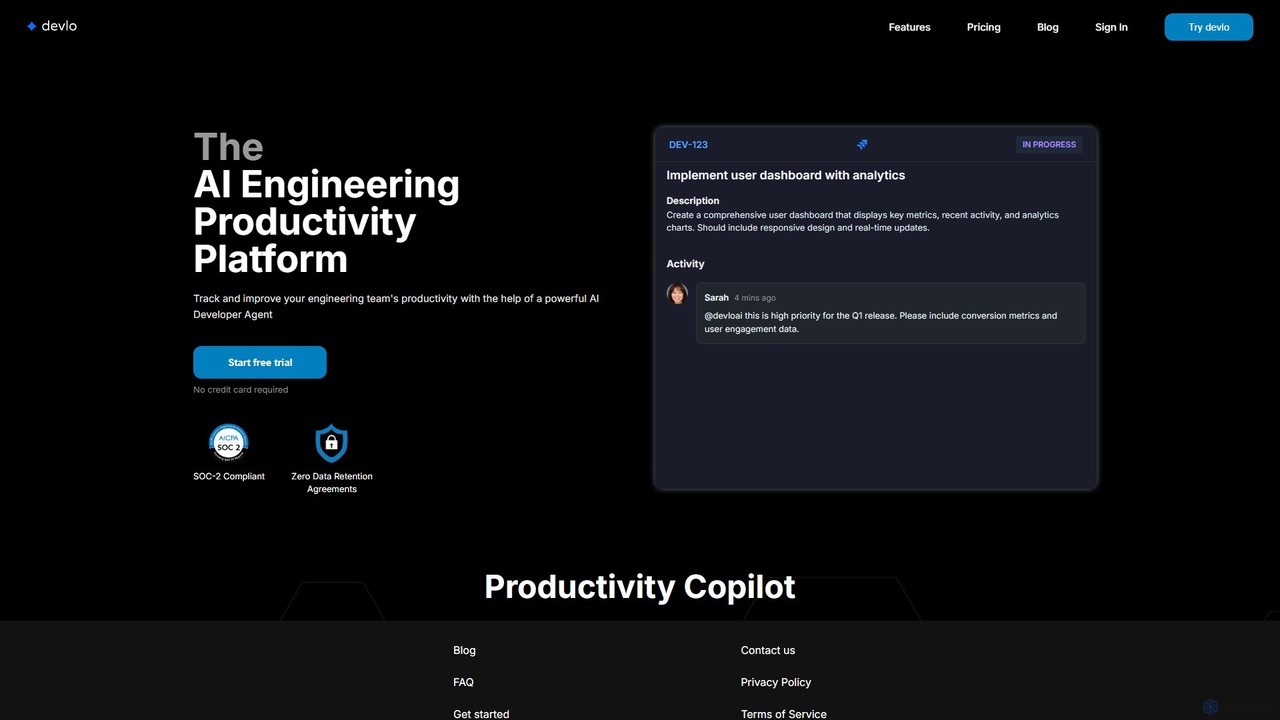
devlo
devlo is an AI Engineering Productivity Platform designed to supercharge software development teams. It features an advanced AI Developer Agent that automates coding tasks, performs intelligent code reviews, and provides deep, actionable insights into team performance, helping to accelerate delivery and improve code quality.
Code Assistant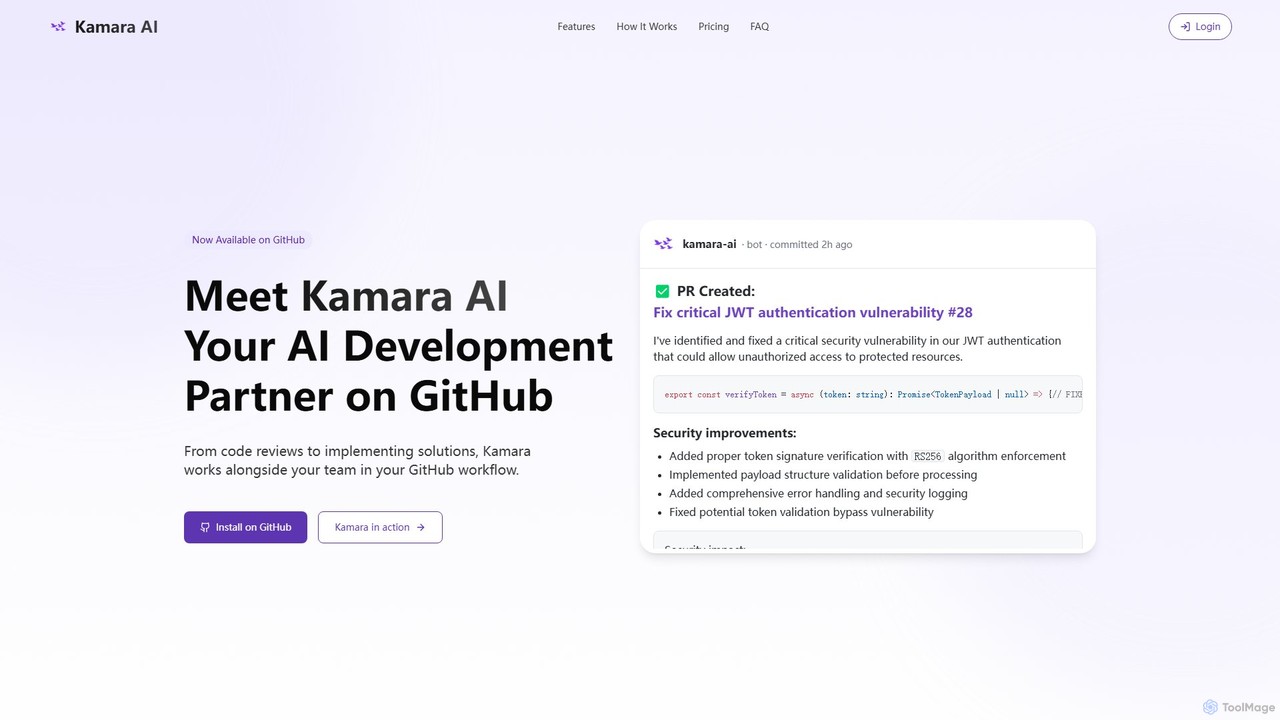
Kamara AI
Kamara AI is an intelligent development partner that integrates directly into your GitHub workflow. It acts as an AI team member, providing full-context code analysis, automated code reviews, AI-implemented pull requests from issue descriptions, and self-updating documentation. Kamara helps teams accelerate development, improve code quality, and preserve institutional knowledge seamlessly.
Code Review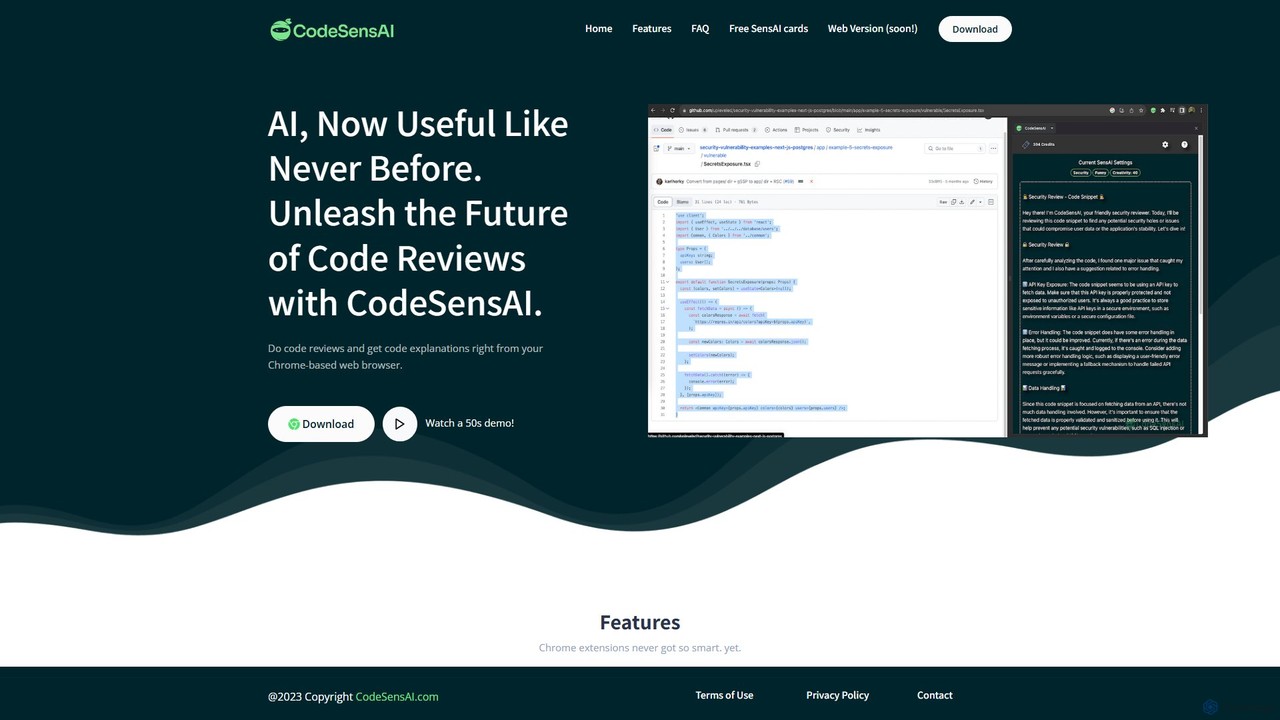
CodeSensAI
CodeSensAI is an AI-powered Chrome extension that provides instant, detailed code reviews and simple explanations for code snippets. Powered by OpenAI, it helps developers of all levels improve code quality, understand complex logic, and enhance their productivity directly within their workflow on platforms like GitHub.
Code Assistant
CodePal Comments (0)
Sign in to comment.
Sign inNo comments yet.