
Haystack Overview
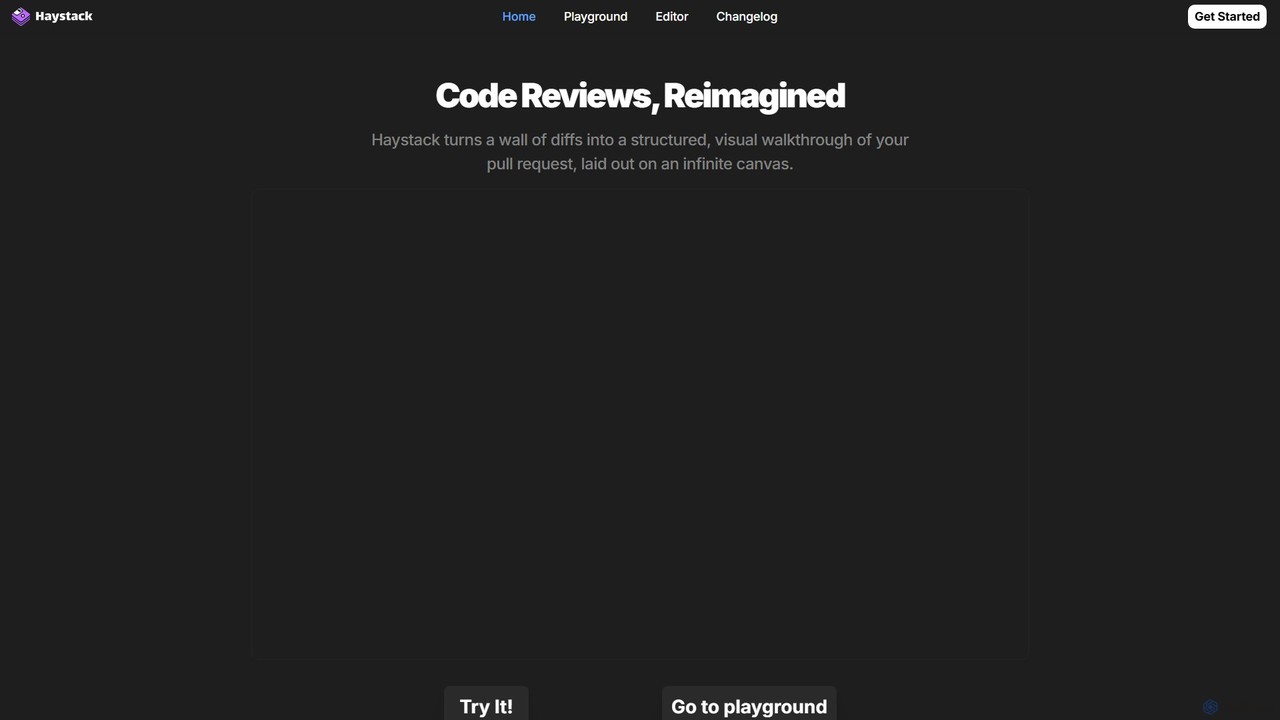
Haystack is a revolutionary AI-driven tool designed to fundamentally change the code review process for developers and engineering teams. It addresses the common pain points of reviewing complex pull requests (PRs) by moving away from the traditional, linear, line-by-line diff view. Instead, Haystack presents all code changes on an infinite, interactive canvas, providing a visual and contextual understanding of how different modifications across multiple files are interconnected.
At its core, Haystack uses AI to analyze the diffs within a pull request and intelligently determines the most logical sequence for review. This guided tour helps developers quickly grasp the purpose and impact of the changes, significantly reducing the cognitive load and time required to understand complex logic or large-scale refactoring. The platform transforms PRs into concise, meaningful sections, allowing reviewers to focus on what matters most, provide insightful feedback, and approve merges in record time.
How to use Haystack
Getting started with Haystack is straightforward and designed for a seamless workflow. Users can begin by visiting the Haystack web platform or downloading the desktop application for a completely local experience. To review a pull request, you simply provide the PR's URL. Haystack then fetches the data and prompts for AI analysis. By agreeing, you allow Haystack to send the diffs (and only the diffs) to its AI model, which then organizes the changes onto the visual canvas. You can navigate this canvas, zoom in and out, and see dependency arrows that illustrate the relationships between different parts of the code. For a hands-on trial without connecting your own repositories, Haystack offers a Playground with public PRs from well-known projects like Godot, Mastodon, and Ollama.
Core Features of Haystack
- AI-Guided Review: The AI pinpoints the best order to review diffs, creating a logical, step-by-step path through the changes.
- Interactive Canvas: Replaces the traditional list of files with a visual, graph-like layout of code changes, showing how they connect.
- Dependency Visualization: Automatically draws arrows between related code symbols and files, making it easy to understand the call graph and dependencies.
- In-Flow Collaboration: Allows team members to chat, provide feedback, and resolve comments directly on the canvas, eliminating the need for context-switching between different tools.
- Robust Language Support: Natively supports a wide array of popular languages, including JavaScript, TypeScript, Python, Java, Rust, Ruby, Go, C++, PHP, and Solidity.
- VS Code Integration: Users can import their settings and extensions directly from VS Code for a familiar and personalized environment.
- Local and Cloud Options: Available as a web app for easy access and a downloadable desktop application (Windows, Mac, Linux) for those who prefer a local-first workflow or need to work with private data securely.
- Source-Available: The editor's source code is available on GitHub, promoting transparency and community involvement.
Use Cases for Haystack
Haystack is invaluable for any developer or team looking to improve their code review efficiency and quality. It is particularly effective for:
- Reviewing Large or Complex Pull Requests: Where a linear review is confusing and time-consuming, Haystack's visual canvas provides clarity.
- Onboarding New Developers: Helps new team members understand the architecture and impact of changes in an unfamiliar codebase.
- Understanding Major Refactoring: Visualizes how code has been restructured across the application, making it easier to validate the changes.
- Improving Team Velocity: By speeding up the review cycle, teams can merge code faster and increase their overall development velocity.
Advantages of Haystack
The primary advantage of Haystack is its ability to reduce the cognitive load on developers during code review. By organizing information visually and guiding the reviewer, it makes complex changes digestible. This leads to faster, more thorough reviews and higher-quality feedback. The elimination of context-switching by integrating communication into the canvas keeps developers in their flow state. Furthermore, its support for local execution and private repositories addresses critical security and privacy concerns for professional teams.
Pricing and Plans
Haystack operates on a freemium model. The desktop application, which allows for a completely local and private code review experience, is free to use. The platform is also source-available, encouraging community use and contribution. While specific details on paid tiers are not explicitly listed, the model suggests that advanced features for teams, cloud-based collaboration on private repositories, or enterprise-level self-hosting options may be part of a future or existing premium offering. Users are encouraged to visit the official website for the most current pricing information.
Traffic
Latest traffic
Status
Monthly traffic trend
- 2025-9: 11.2K
- 2026-1: 2.6K
- 2026-2: 3.0K
- 2026-3: 3.9K
- 2026-4: 3.5K
- 2026-5: 9.1K
Geography
Top 5 countries / regions
- 🇺🇸United States56.1%
- 🇯🇵Japan23.1%
- 🇬🇭Ghana12.9%
- 🇮🇳India7.8%
Traffic sources
| Source type | Percentage |
|---|---|
Direct | 100.0% |
Top keywords
| Keyword | Cost per click |
|---|---|
| haystack | $3.52 |
| haystack editor | $1.41 |
| is haystack a game | $0.00 |
| slopcop | $0.00 |
| somerset | $1.30 |
Haystack Alternatives
GitChat
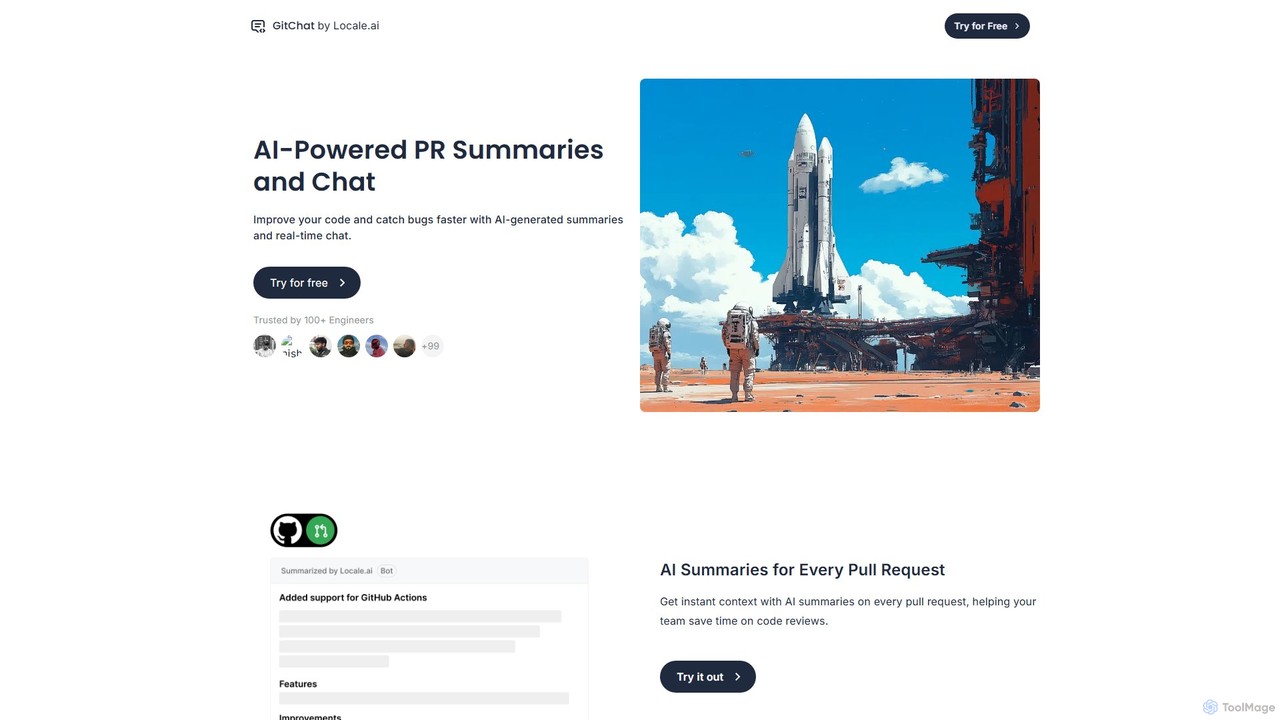
GitChat is an AI-powered assistant for GitHub that supercharges code reviews. It automatically generates summaries for Pull Requests, provides instant feedback on code, and allows developers to chat with an AI directly within PR comments to improve code quality and accelerate development.
Code Assistant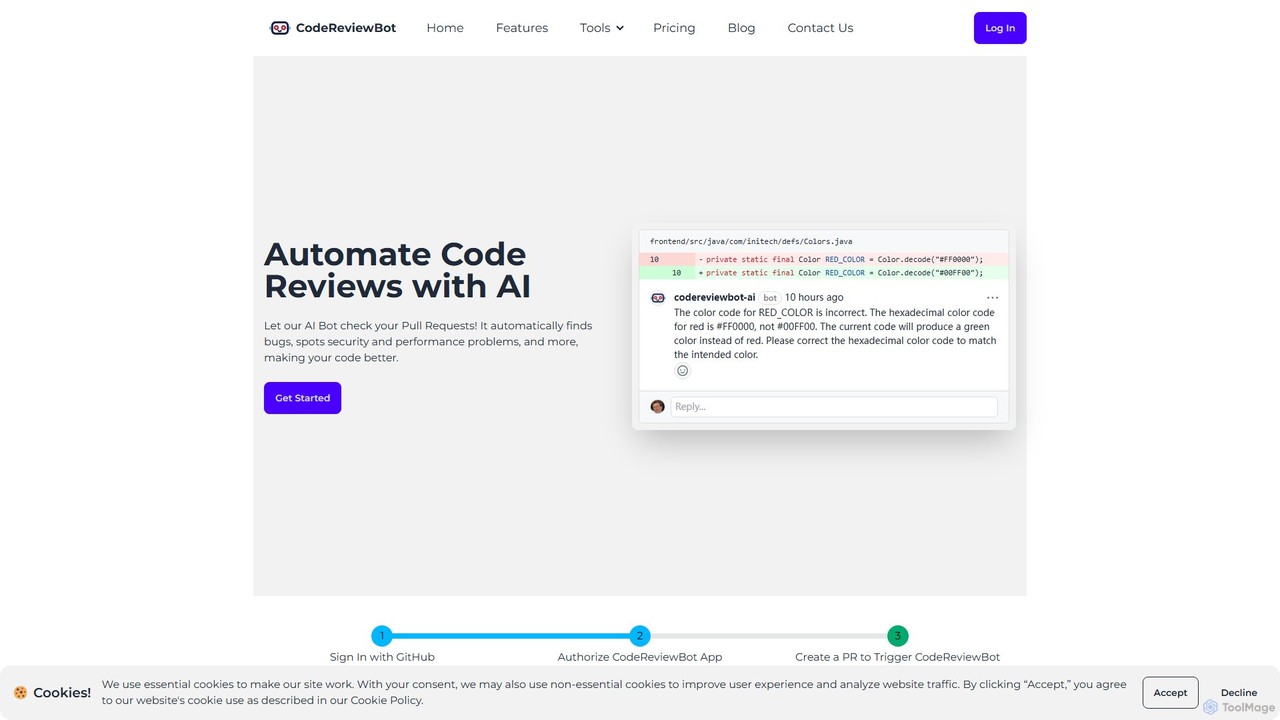
CodeReviewBot
CodeReviewBot is an AI-powered tool that automatically reviews code, providing intelligent suggestions to improve efficiency, reduce errors, and enhance code quality. It seamlessly integrates with GitHub to analyze pull requests, offering detailed, consistent feedback for developers.
Code Assistant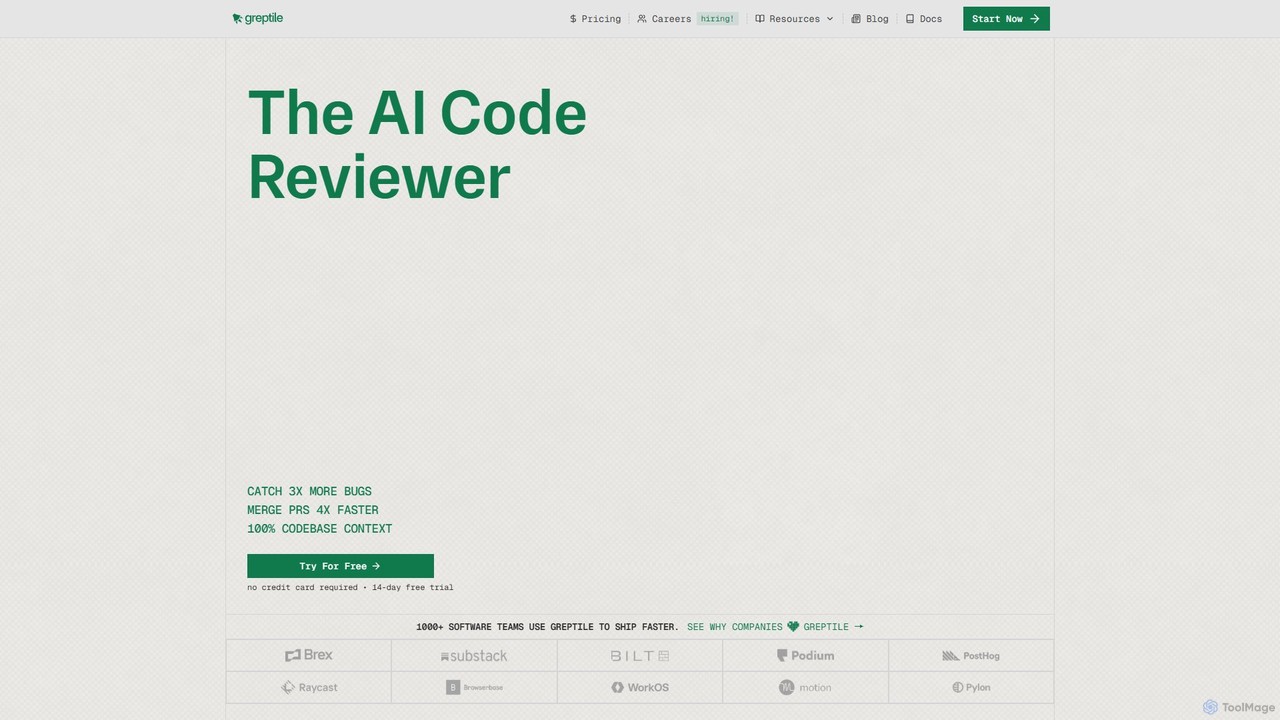
Greptile
Greptile is an AI-powered code review tool that integrates with GitHub and GitLab to help development teams merge pull requests 4x faster and catch 3x more bugs. By understanding the full context of your codebase, it provides in-line comments, actionable suggestions, and natural-language summaries for every PR. It supports over 30 programming languages and can be customized with specific rules and style guides to enhance code quality and consistency.
Code Review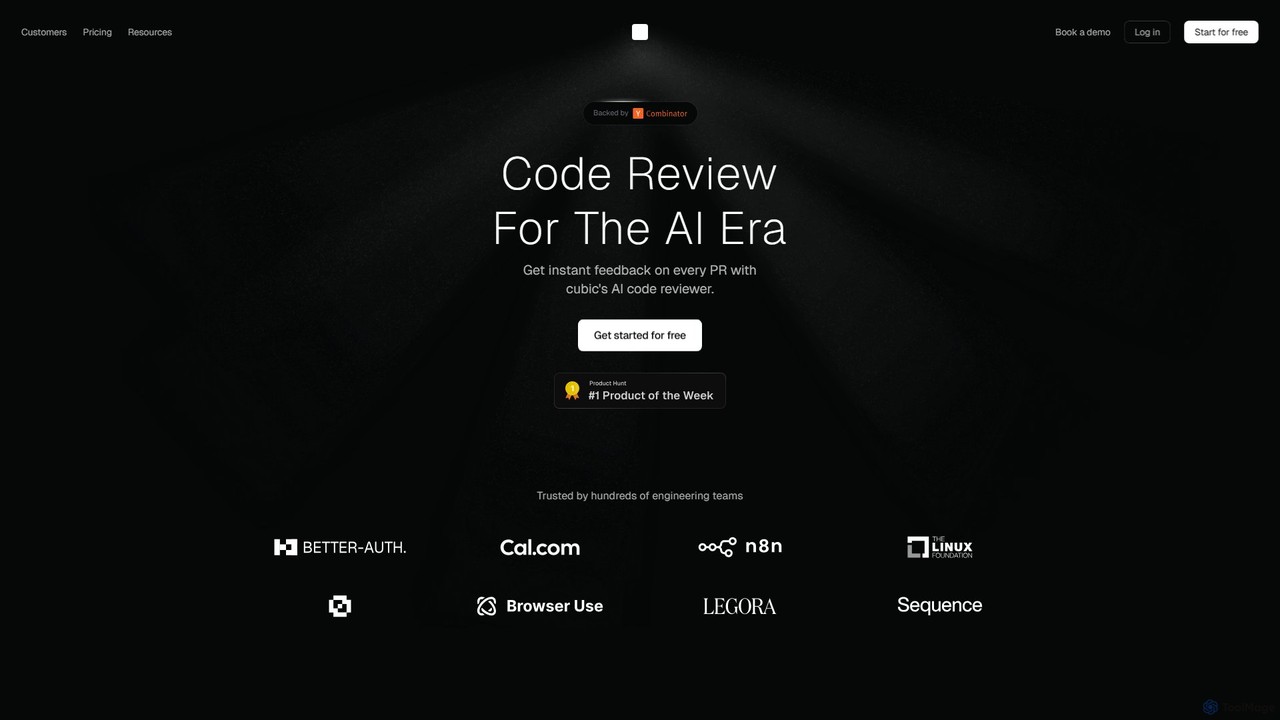
cubic
cubic is an AI-powered code review platform that helps software teams ship higher-quality code up to 3x faster. It automatically reviews pull requests in GitHub, catches bugs, enforces custom style guides, and provides one-click fixes, significantly reducing review bottlenecks and improving developer productivity.
Code Assistant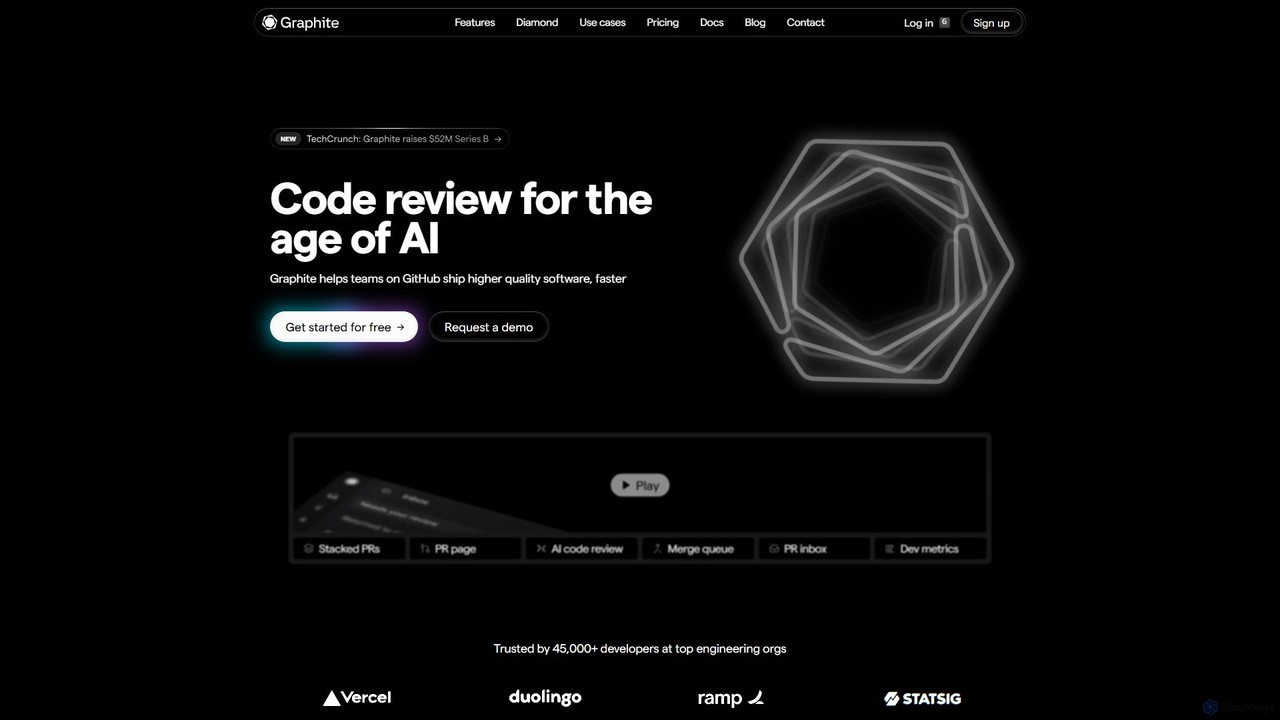
Graphite
Graphite is an end-to-end developer platform that supercharges teams on GitHub. It accelerates software development with features like stacked pull requests, AI-powered code review, a unified PR inbox, and an intelligent merge queue. By streamlining the entire code review lifecycle, Graphite helps engineering teams ship higher-quality code, faster, while keeping developers unblocked and productive.
Code ReviewHaystack Categories
Haystack Embed Widget
Copy this embed code to place the badge on your blog, article, or product site and send readers directly to this ToolMage detail page.

Related AI tools
CodeReviewBot
CodeReviewBot is an AI-powered tool that automatically reviews code, providing intelligent suggestions to improve efficiency, reduce errors, and enhance code quality. It seamlessly integrates with GitHub to analyze pull requests, offering detailed, consistent feedback for developers.
Code AssistantGreptile
Greptile is an AI-powered code review tool that integrates with GitHub and GitLab to help development teams merge pull requests 4x faster and catch 3x more bugs. By understanding the full context of your codebase, it provides in-line comments, actionable suggestions, and natural-language summaries for every PR. It supports over 30 programming languages and can be customized with specific rules and style guides to enhance code quality and consistency.
Code Reviewcubic
cubic is an AI-powered code review platform that helps software teams ship higher-quality code up to 3x faster. It automatically reviews pull requests in GitHub, catches bugs, enforces custom style guides, and provides one-click fixes, significantly reducing review bottlenecks and improving developer productivity.
Code AssistantGraphite
Graphite is an end-to-end developer platform that supercharges teams on GitHub. It accelerates software development with features like stacked pull requests, AI-powered code review, a unified PR inbox, and an intelligent merge queue. By streamlining the entire code review lifecycle, Graphite helps engineering teams ship higher-quality code, faster, while keeping developers unblocked and productive.
Code Review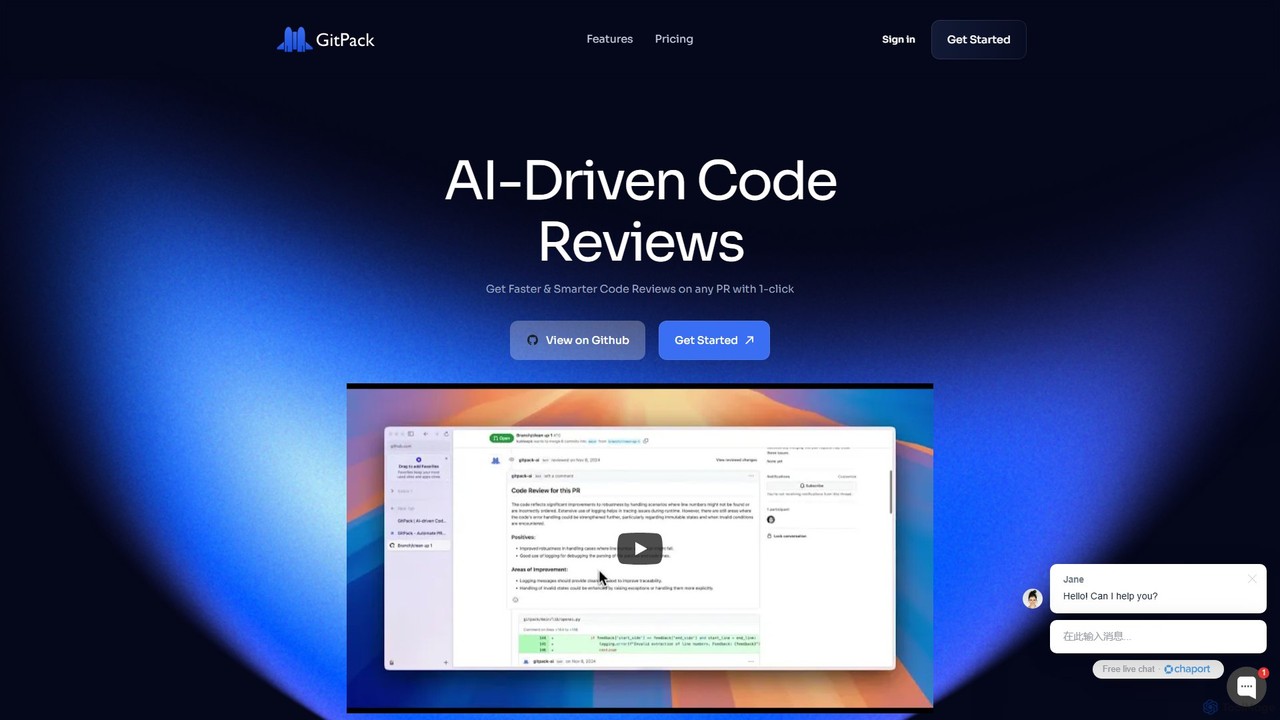
GitPack
GitPack is an AI-driven tool that automates code reviews on GitHub. It analyzes pull requests, provides context-aware feedback, and helps improve code quality, allowing developers to save time and streamline their workflow.
Code Assistant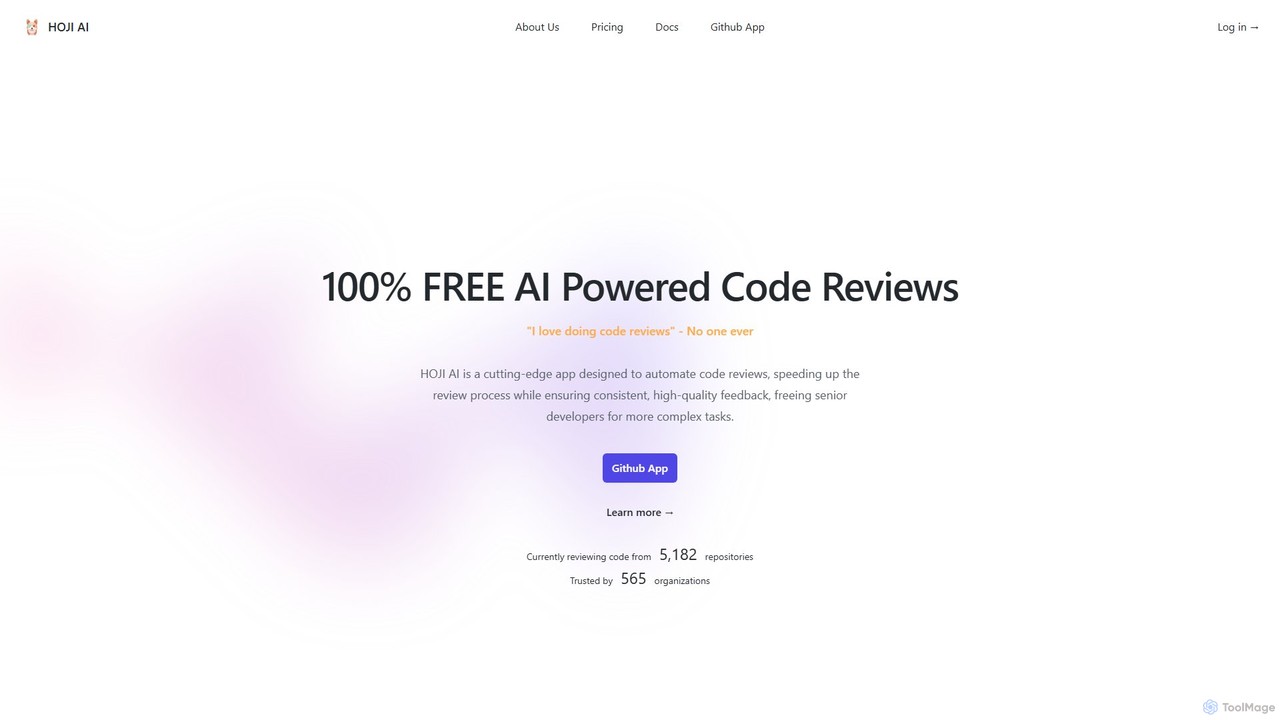
hoji
hoji is a free, AI-powered code review assistant that integrates directly with GitHub. It automates the code review process, providing instant, consistent, and unbiased feedback on pull requests. This helps development teams increase productivity, improve code quality, and reduce friction, freeing up senior developers for more complex tasks.
Code AssistantGitChat
GitChat is an AI-powered assistant for GitHub that supercharges code reviews. It automatically generates summaries for Pull Requests, provides instant feedback on code, and allows developers to chat with an AI directly within PR comments to improve code quality and accelerate development.
Code Assistant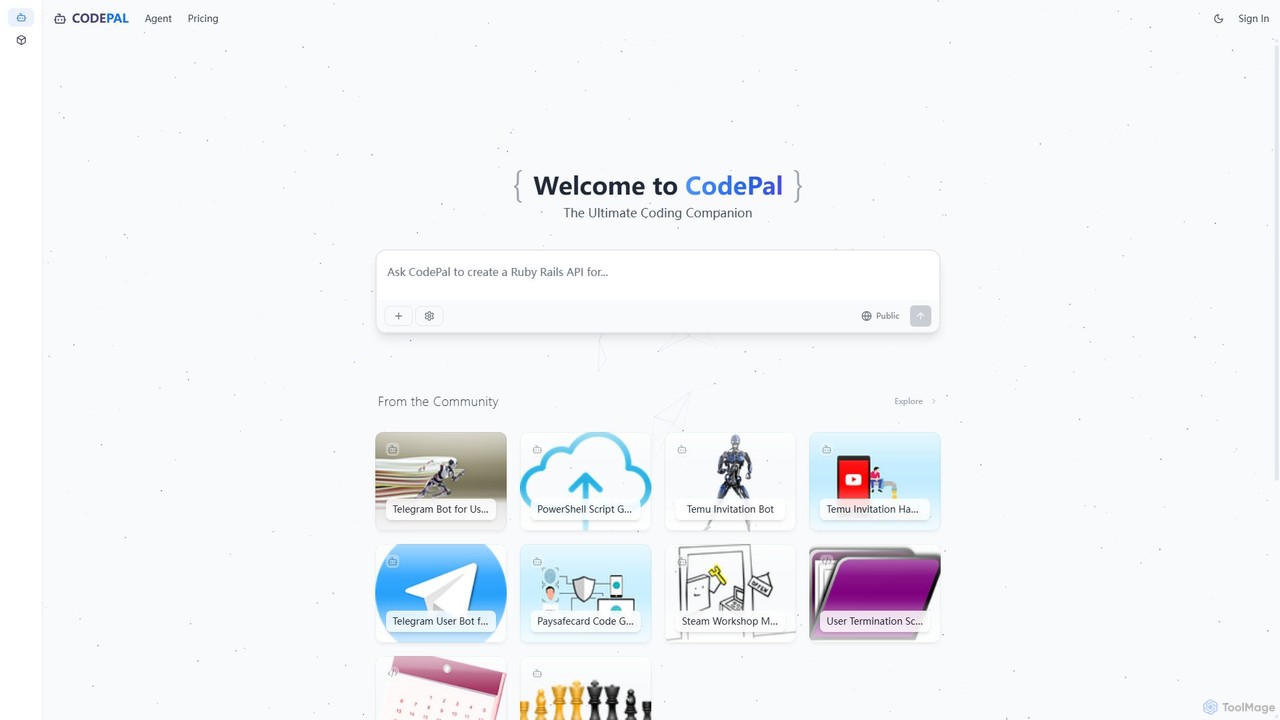
CodePal
A powerful AI coding companion and autonomous engineer that integrates directly into GitHub. Automate code reviews, generate documentation, resolve issues, and write unit tests with simple commands to accelerate your development workflow.
Code Assistant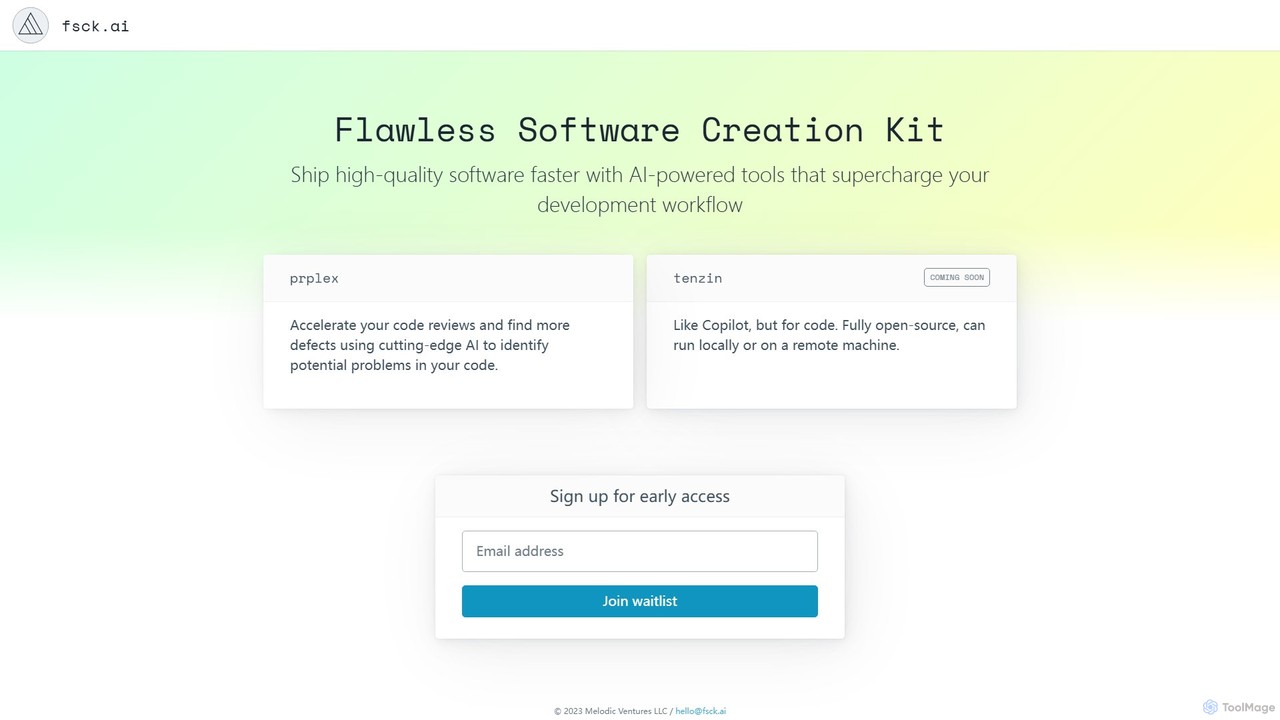
fsck.ai
fsck.ai is an open-source AI-powered code review assistant designed to accelerate development workflows. It automatically analyzes pull requests, identifies potential defects and bugs, and provides direct feedback within GitHub, much like a Copilot for code quality.
Code Assistant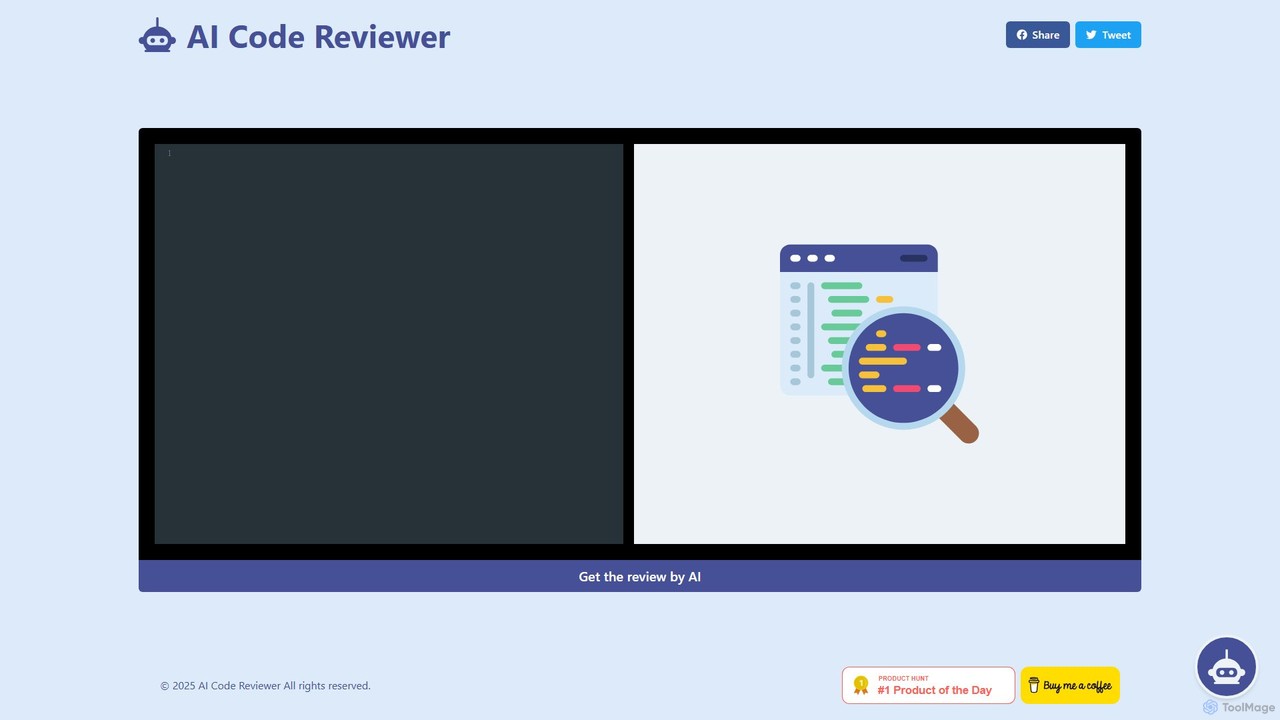
AI Code Reviewer
An AI-powered tool that automatically reviews your code to find bugs, suggest improvements, and ensure quality. It acts as an instant second pair of eyes for developers, helping to streamline the development workflow, improve code maintainability, and enforce best practices across teams.
Code Review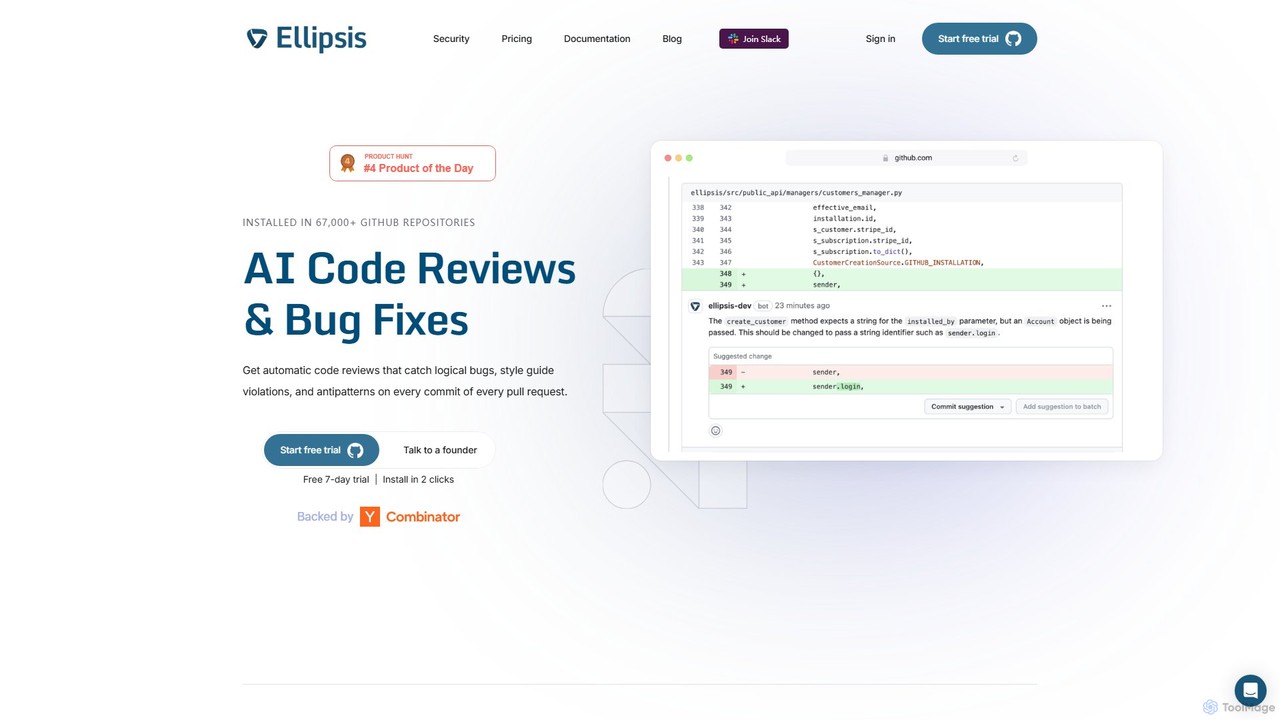
Ellipsis
Ellipsis is an AI-powered engineering teammate that automates code reviews on GitHub. It intelligently catches logical bugs, style violations, and anti-patterns in every pull request, helping teams ship code faster while maintaining high quality and security standards.
Code Review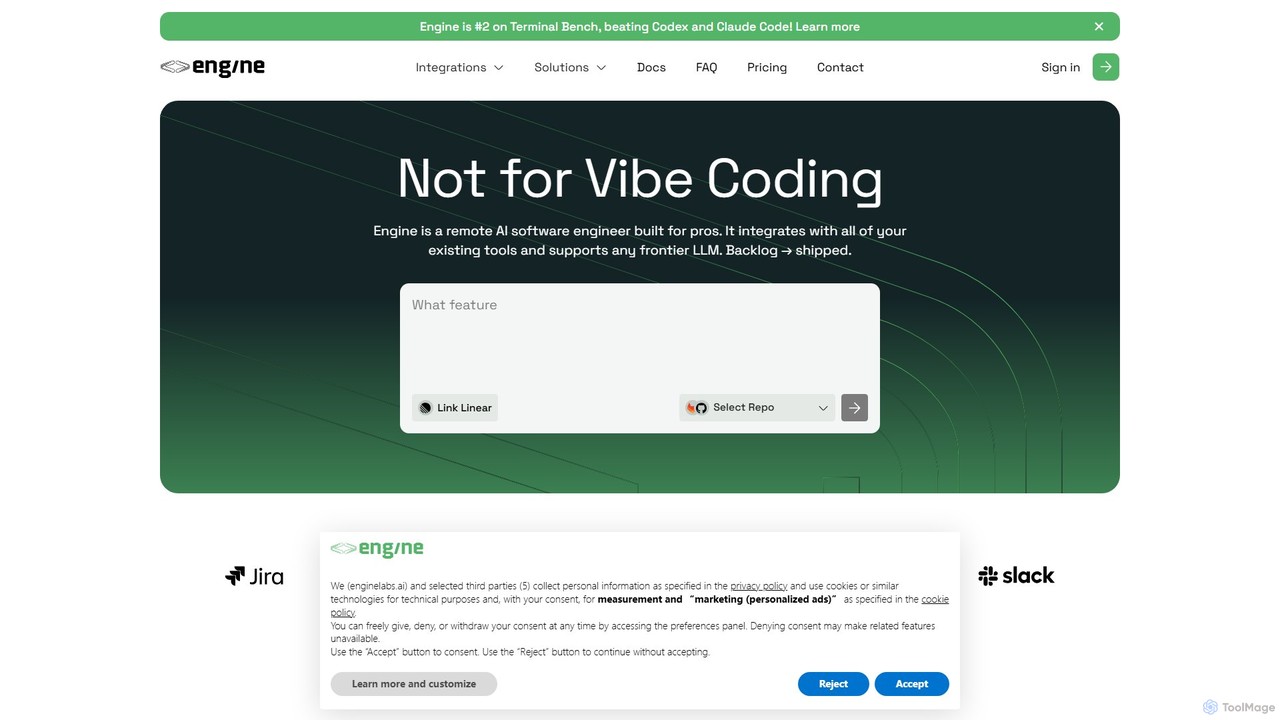
Engine
Engine is an AI software engineer designed for professional development teams. It integrates with your existing tools like GitHub and Linear to autonomously fix bugs, ship features, and clear your backlog by creating and managing pull requests, effectively acting as a remote AI team member.
Version Control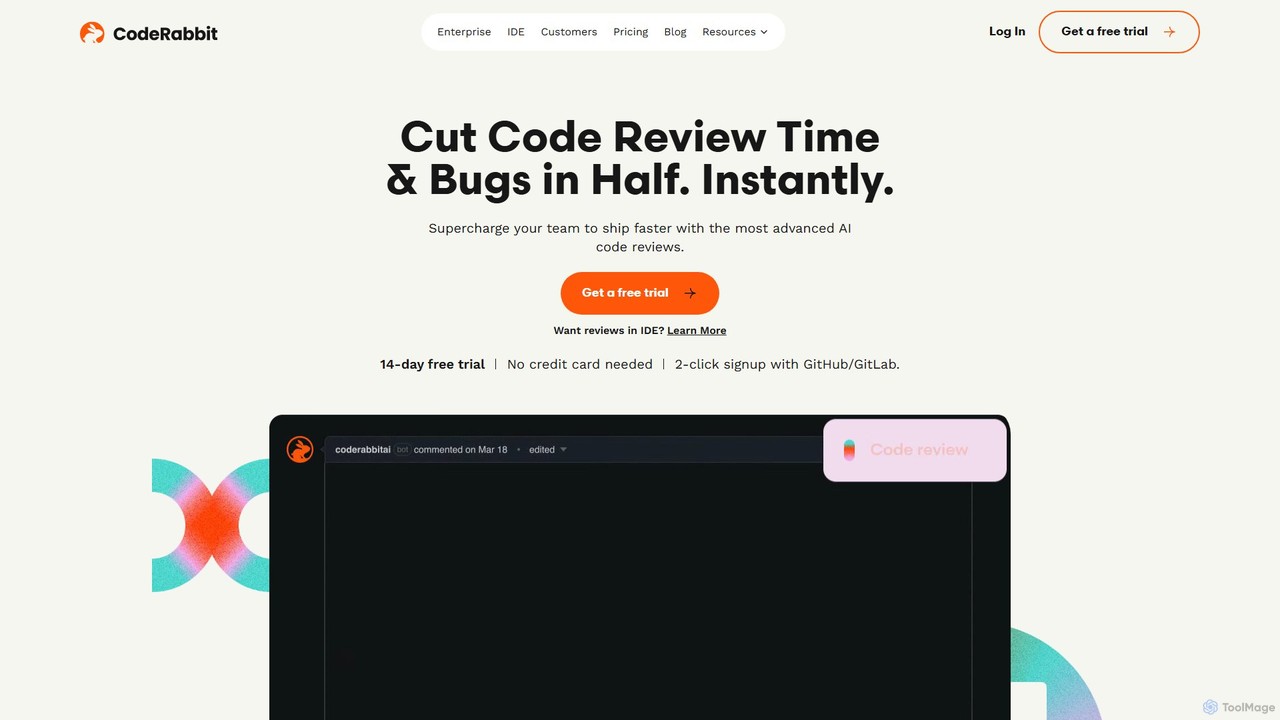
CodeRabbit
CodeRabbit is an AI-powered code review tool that supercharges development teams to ship faster and reduce bugs. It provides instant, context-aware reviews, pull request summaries, and security analysis directly within GitHub, GitLab, and IDEs like VS Code.
Code Review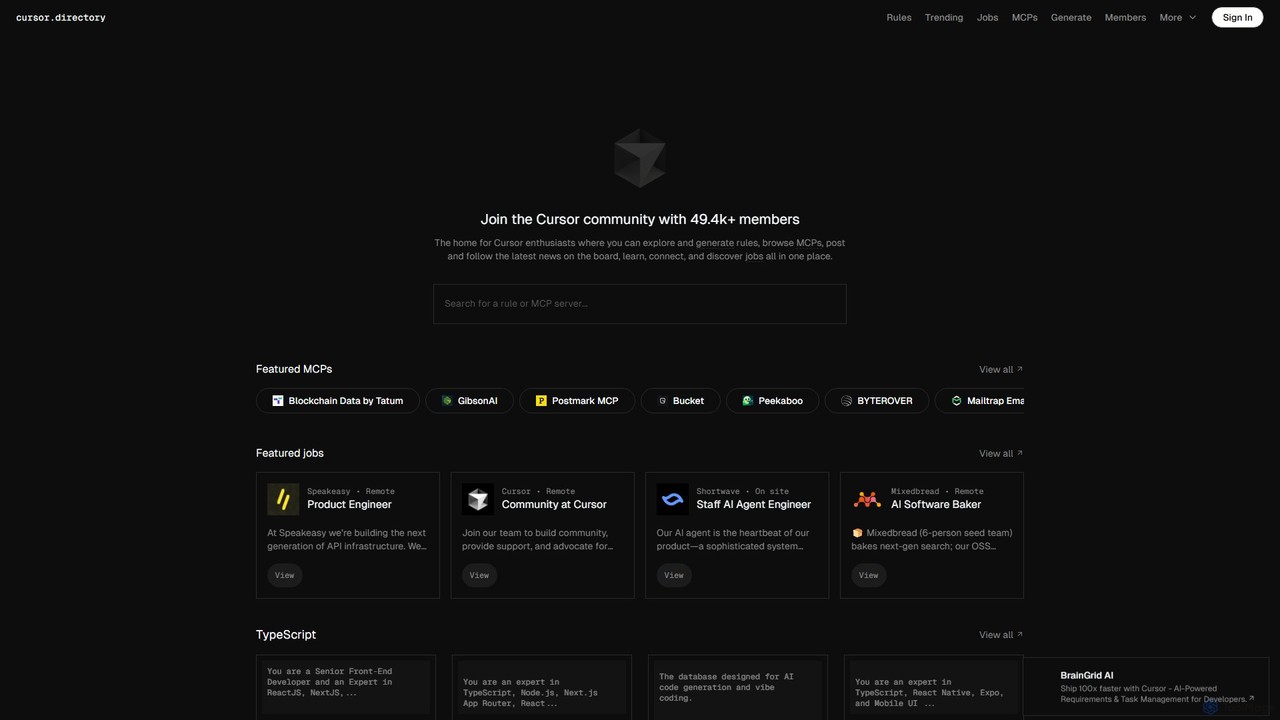
Cursor
Cursor is an AI-first code editor designed for modern software development. Built as a fork of VS Code, it integrates powerful AI capabilities directly into the editing experience, allowing developers to chat with their codebase, generate, edit, and debug code with unprecedented speed and context-awareness.
Code Generation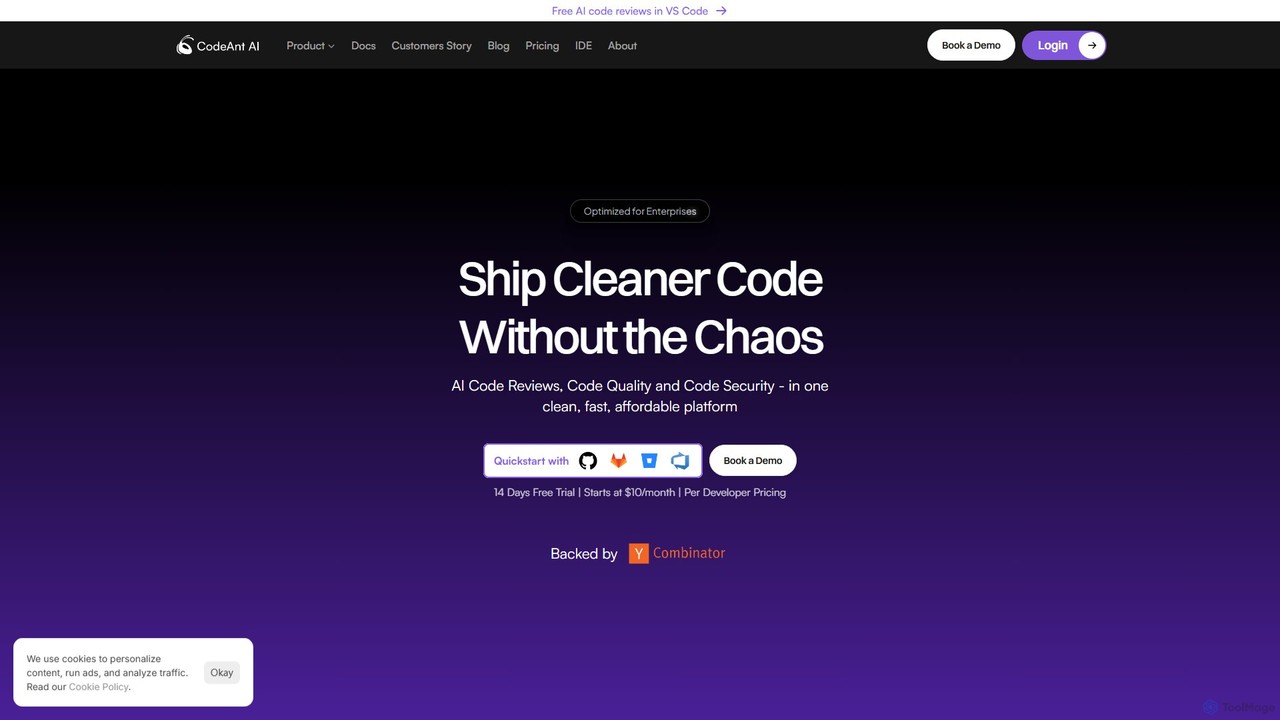
CodeAnt AI
CodeAnt AI is an AI-powered platform that automates code reviews, enhances code quality, and ensures application security. It integrates seamlessly into developer workflows, providing AI-generated pull request summaries, one-click fixes, and continuous scanning for vulnerabilities, helping teams ship cleaner, more secure code faster.
Code Quality
Haystack Comments (0)
Sign in to comment.
Sign inNo comments yet.