

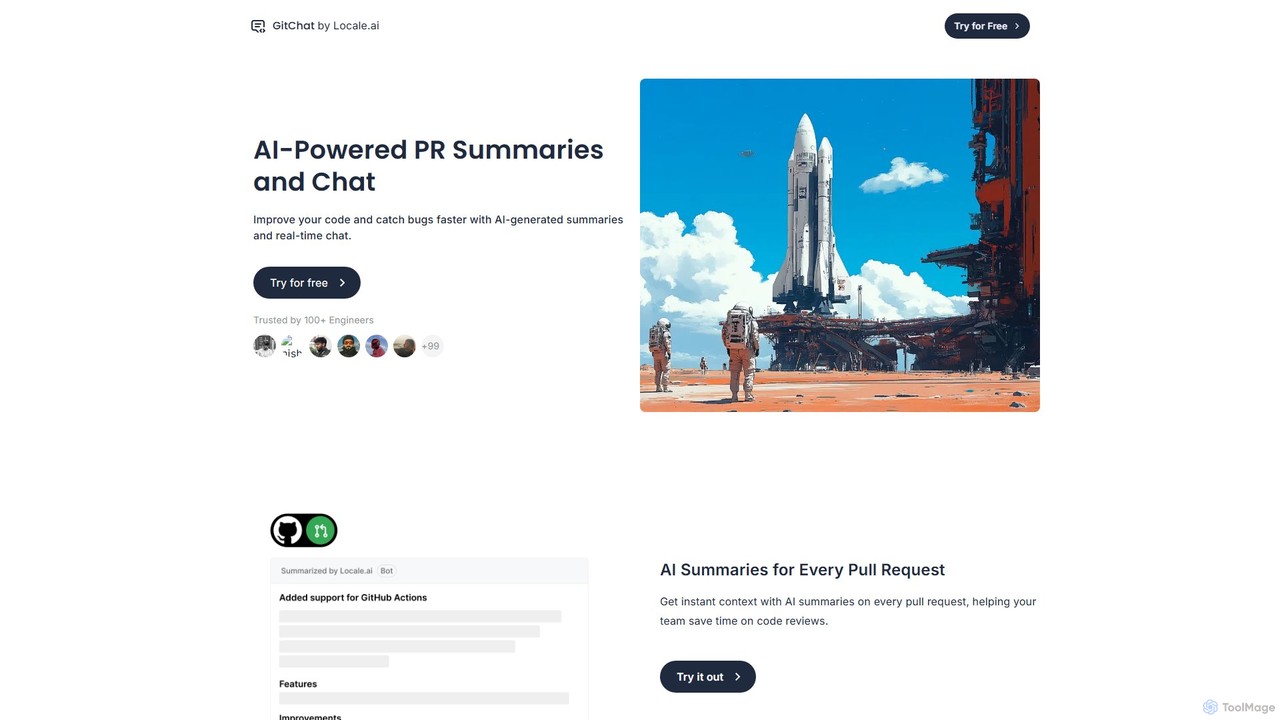
GitChat Overview
GitChat by Locale.ai is an intelligent code review assistant designed to integrate seamlessly into the GitHub workflow. It addresses the common bottlenecks in software development, such as slow code reviews and inconsistent feedback, by leveraging the power of artificial intelligence. The tool is built for modern engineering teams who want to improve their code quality, reduce the time it takes to merge pull requests (PRs), and ultimately ship products faster.
By automating the more tedious aspects of code review, GitChat frees up developers to focus on what truly matters: the core logic, architecture, and functionality of the code. It acts as an always-on, objective team member that provides context, identifies potential issues, and facilitates more productive discussions around code changes.
How to use GitChat
Getting started with GitChat is a straightforward process designed for minimal disruption to your existing workflow:
- Installation: Navigate to the GitChat website and install the GitChat GitHub App. You can grant it access to specific repositories or your entire organization.
- Automatic Summaries: Once installed, GitChat automatically activates. When a new Pull Request is created in a connected repository, the AI will analyze the changes and post a concise, easy-to-read summary as a comment. This gives every reviewer immediate context without having to read through every line of code.
- Interactive Chat: To get more detailed feedback or ask specific questions, you can interact with the AI directly in the PR's comment thread. Simply reply to a GitChat comment or @-mention the bot to ask for code explanations, suggest refactoring, or identify potential bugs.
- Customization: Access the GitChat dashboard to configure the assistant to your team's specific needs. You can set up custom rules, define coding standards, and filter the types of feedback you receive to ensure the suggestions are always relevant and helpful.
Core Features of GitChat
- AI-Powered PR Summaries: Automatically generates summaries for every pull request, highlighting the purpose, key changes, and potential impact. This saves reviewers significant time and effort.
- Interactive Code Chat: Enables a conversational interface within GitHub PR comments. Developers can ask the AI to explain complex code blocks, suggest improvements, or write test cases.
- Instant Code Quality Feedback: Proactively scans code changes to provide immediate, actionable feedback on potential bugs, security vulnerabilities, style inconsistencies, and performance bottlenecks.
- Customizable Review Assistant: Allows teams to configure custom rules and filters. Enforce team-specific coding conventions, flag deprecated library usage, or create unique checks to maintain high standards.
- Seamless GitHub Integration: Works as a native GitHub App, meaning there is no need to switch contexts or use external platforms. All interactions happen directly within the familiar Pull Request interface.
Use Cases for GitChat
GitChat is valuable for a wide range of scenarios:
- Accelerating Team Velocity: Teams can significantly reduce their PR review and merge times, leading to a faster development cycle and quicker product delivery.
- Onboarding New Developers: New hires can get up to speed faster by using GitChat as a mentor to understand the codebase and learn the team's coding standards.
- Maintaining Large-Scale Projects: For complex projects with many contributors, GitChat ensures consistency and quality, making it easier for maintainers to manage incoming code.
- Improving Open-Source Collaboration: Open-source maintainers can use GitChat to quickly assess contributions and provide structured, automated feedback to contributors from around the world.
Advantages of GitChat
Using GitChat provides several key advantages:
- Increased Efficiency: Automates repetitive review tasks, allowing developers to focus on high-impact work.
- Consistent Code Quality: Enforces coding standards objectively across all PRs, reducing human error and bias.
- Enhanced Collaboration: Provides a common ground for discussion with AI-generated context, leading to more focused and productive code reviews.
- Reduced Reviewer Fatigue: By handling the initial analysis, GitChat prevents burnout among senior developers who are often burdened with the majority of code reviews.
Pricing and Plans
GitChat typically offers a freemium model to suit different team sizes and needs. While you should always check the official website for the most current information, the plans generally follow this structure:
- Free Plan: Ideal for individual developers, open-source projects, or small teams getting started. This plan usually includes core features like AI summaries for a limited number of public or private repositories.
- Pro/Team Plan: A paid, per-user monthly subscription that offers unlimited repositories, a higher volume of AI interactions, priority support, and advanced customization features.
- Enterprise Plan: A custom-priced plan for large organizations requiring advanced security features like SSO, on-premise deployment options, dedicated support, and service level agreements (SLAs).
Traffic
Latest traffic
Status
Monthly traffic trend
- 2025-8: 3.4K
- 2025-9: 668
- 2026-2: 0
- 2026-3: 0
- 2026-4: 207
- 2026-5: 1.5K
Geography
Top 5 countries / regions
- 🇻🇳Vietnam86.1%
- 🇩🇪Germany13.9%
Top keywords
| Keyword | Cost per click |
|---|---|
| gitchat | $0.00 |
GitChat Alternatives
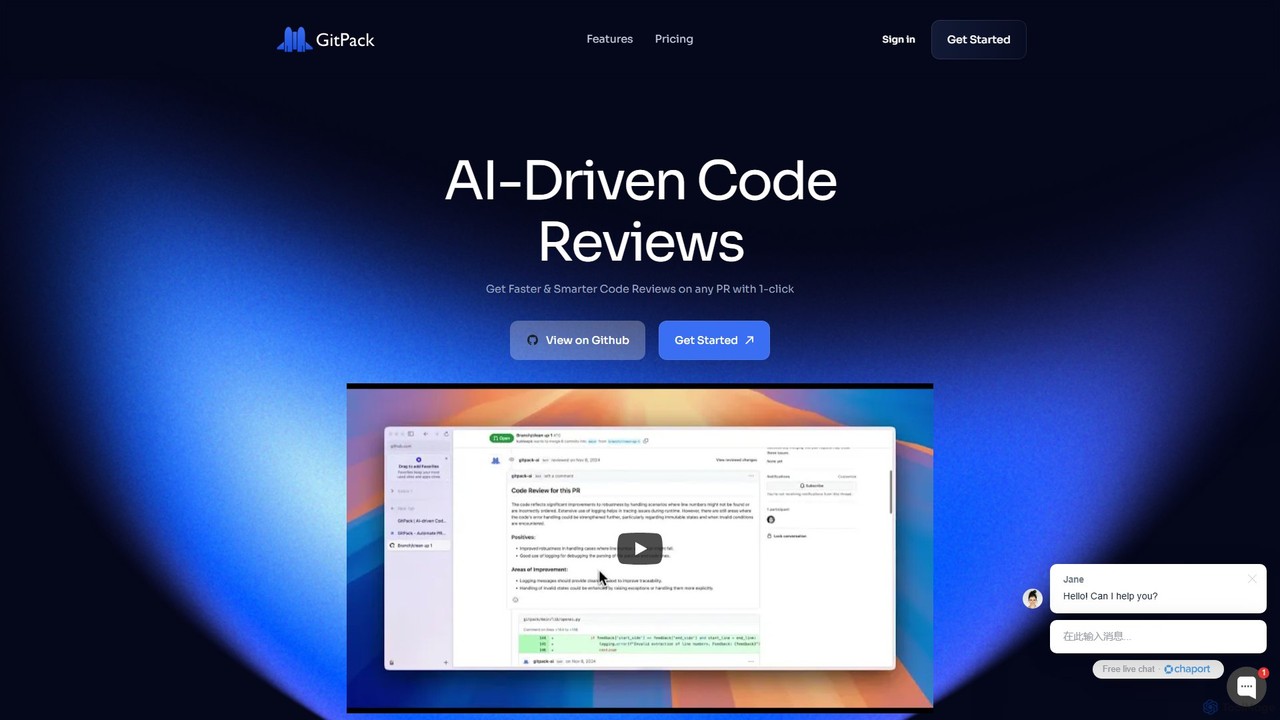
GitPack
GitPack is an AI-driven tool that automates code reviews on GitHub. It analyzes pull requests, provides context-aware feedback, and helps improve code quality, allowing developers to save time and streamline their workflow.
Code Assistant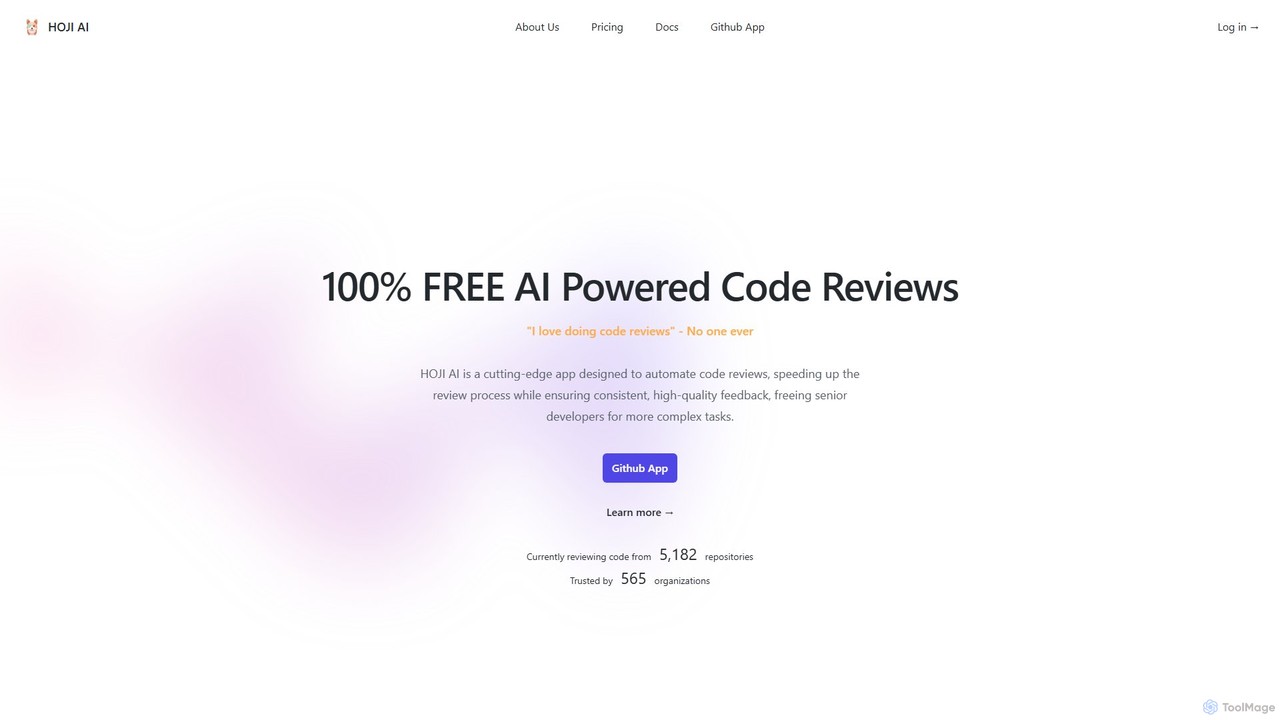
hoji
hoji is a free, AI-powered code review assistant that integrates directly with GitHub. It automates the code review process, providing instant, consistent, and unbiased feedback on pull requests. This helps development teams increase productivity, improve code quality, and reduce friction, freeing up senior developers for more complex tasks.
Code Assistant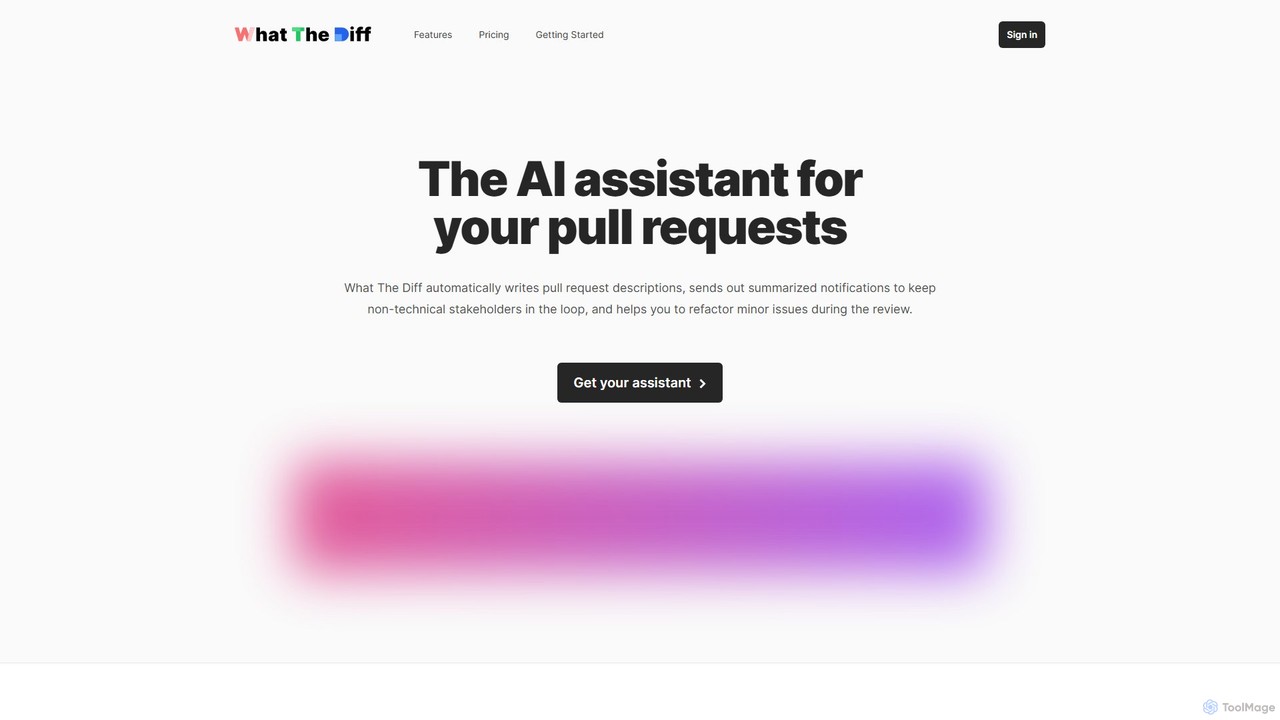
What The Diff
What The Diff is an AI-powered code review assistant that integrates with GitHub and GitLab. It automatically generates pull request descriptions, sends summarized notifications to stakeholders, and helps refactor code directly within the review process, streamlining development workflows.
Code Review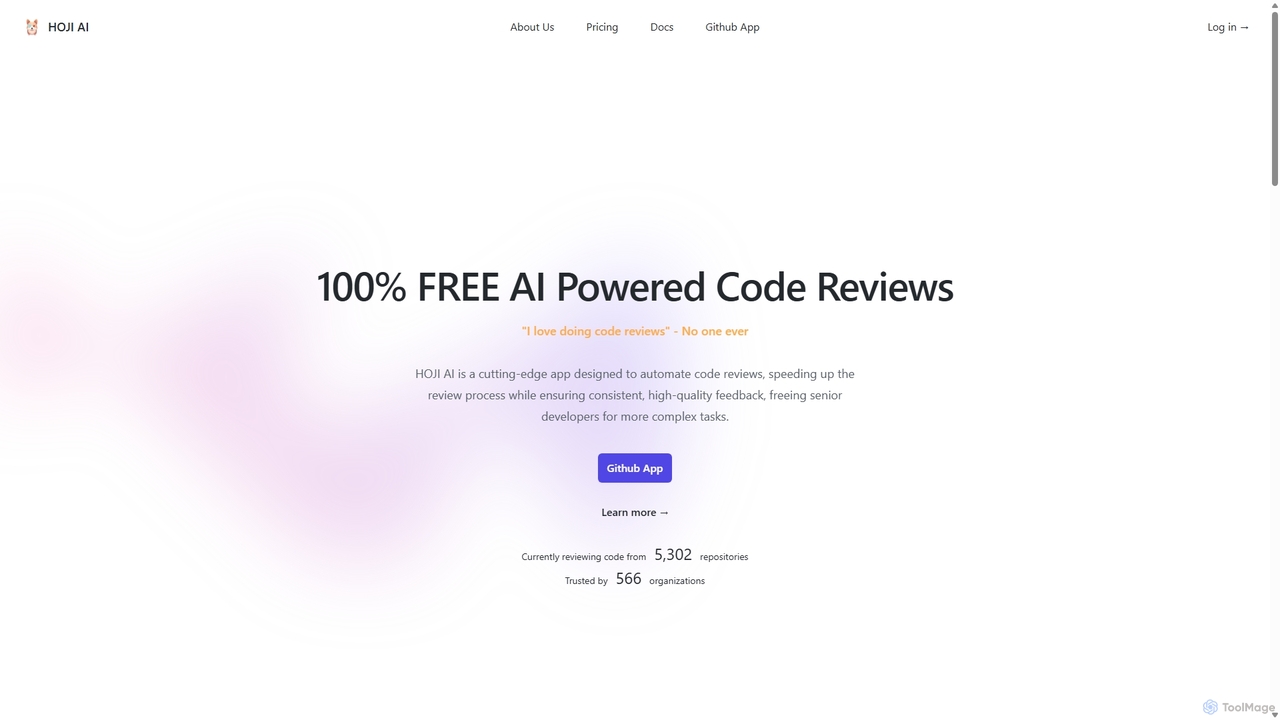
HOJI AI
HOJI AI is a free, AI-powered tool that automates code reviews directly within GitHub. It provides instant, consistent, and high-quality feedback on pull requests, helping development teams increase productivity, improve code quality, and accelerate their development cycles by freeing up senior engineers.
Code Assistant
Codeball
Codeball is an AI-powered code review assistant that integrates with GitHub to automatically analyze pull requests. It helps development teams ship better code faster by identifying bugs, suggesting improvements, and ensuring code quality without manual intervention.
Code ReviewGitChat Categories
GitChat Embed Widget
Copy this embed code to place the badge on your blog, article, or product site and send readers directly to this ToolMage detail page.

Related AI tools
GitPack
GitPack is an AI-driven tool that automates code reviews on GitHub. It analyzes pull requests, provides context-aware feedback, and helps improve code quality, allowing developers to save time and streamline their workflow.
Code Assistanthoji
hoji is a free, AI-powered code review assistant that integrates directly with GitHub. It automates the code review process, providing instant, consistent, and unbiased feedback on pull requests. This helps development teams increase productivity, improve code quality, and reduce friction, freeing up senior developers for more complex tasks.
Code Assistant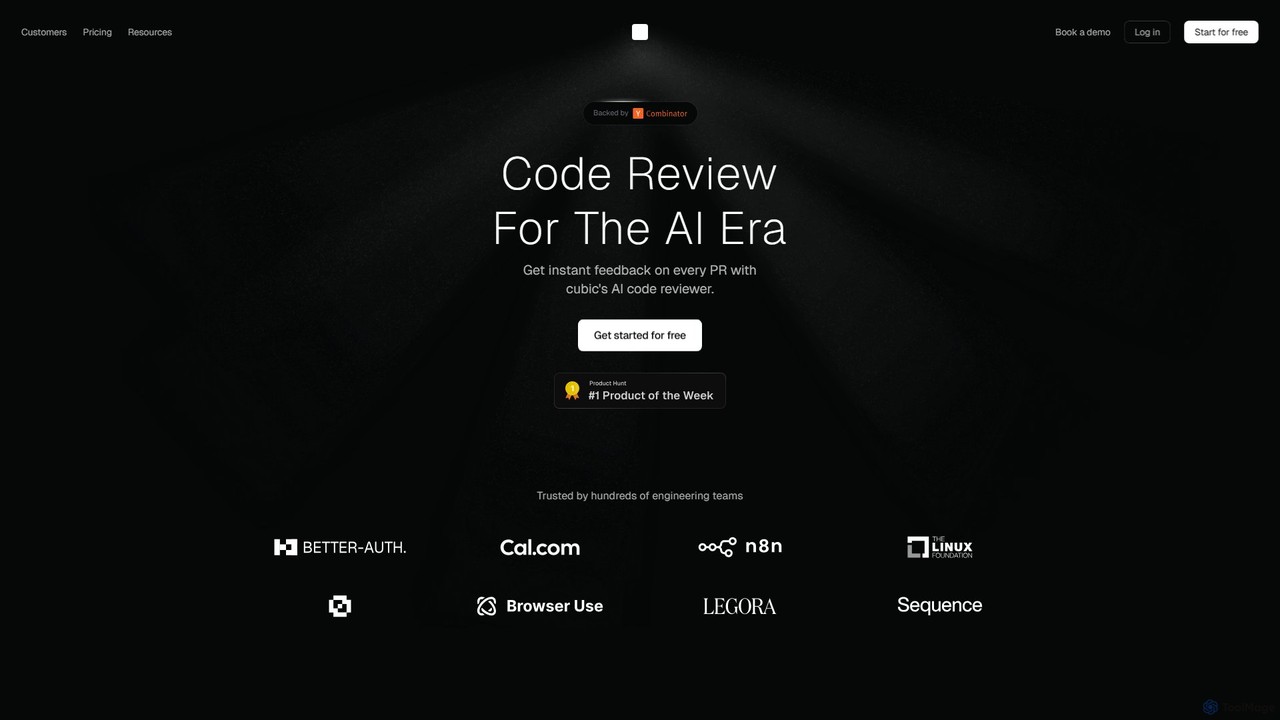
cubic
cubic is an AI-powered code review platform that helps software teams ship higher-quality code up to 3x faster. It automatically reviews pull requests in GitHub, catches bugs, enforces custom style guides, and provides one-click fixes, significantly reducing review bottlenecks and improving developer productivity.
Code AssistantWhat The Diff
What The Diff is an AI-powered code review assistant that integrates with GitHub and GitLab. It automatically generates pull request descriptions, sends summarized notifications to stakeholders, and helps refactor code directly within the review process, streamlining development workflows.
Code ReviewHOJI AI
HOJI AI is a free, AI-powered tool that automates code reviews directly within GitHub. It provides instant, consistent, and high-quality feedback on pull requests, helping development teams increase productivity, improve code quality, and accelerate their development cycles by freeing up senior engineers.
Code AssistantCodeball
Codeball is an AI-powered code review assistant that integrates with GitHub to automatically analyze pull requests. It helps development teams ship better code faster by identifying bugs, suggesting improvements, and ensuring code quality without manual intervention.
Code Review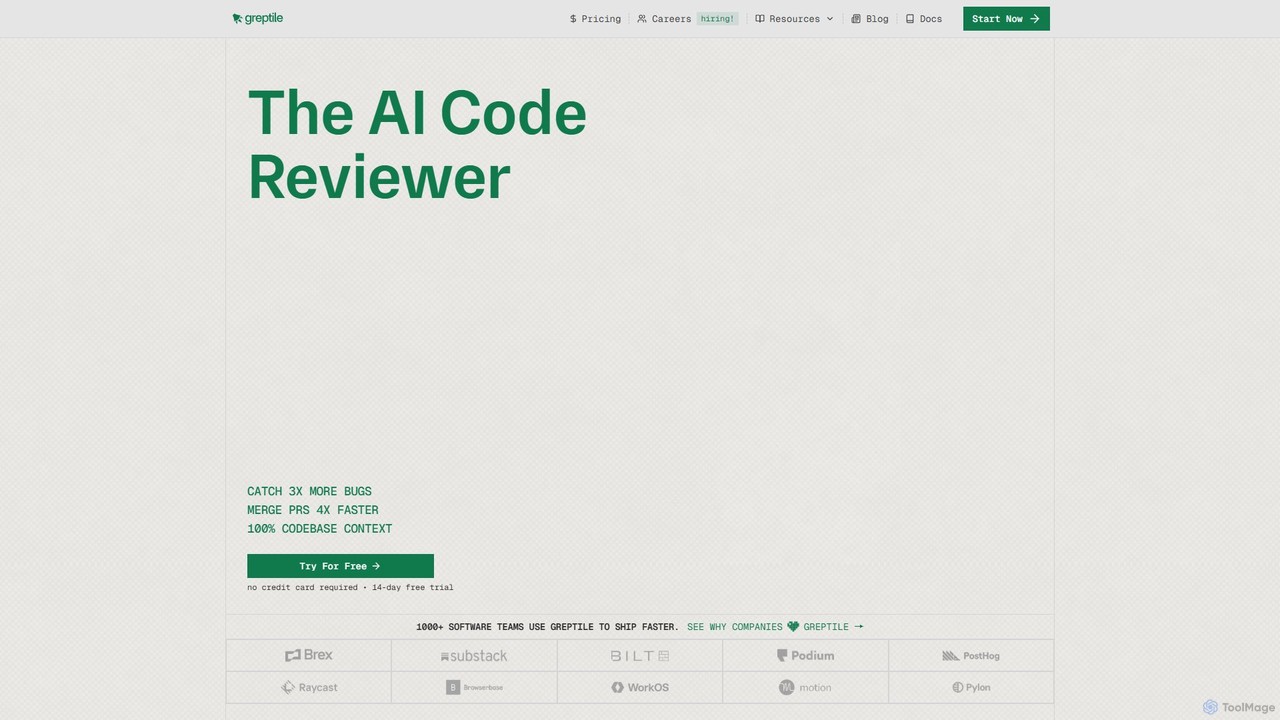
Greptile
Greptile is an AI-powered code review tool that integrates with GitHub and GitLab to help development teams merge pull requests 4x faster and catch 3x more bugs. By understanding the full context of your codebase, it provides in-line comments, actionable suggestions, and natural-language summaries for every PR. It supports over 30 programming languages and can be customized with specific rules and style guides to enhance code quality and consistency.
Code Review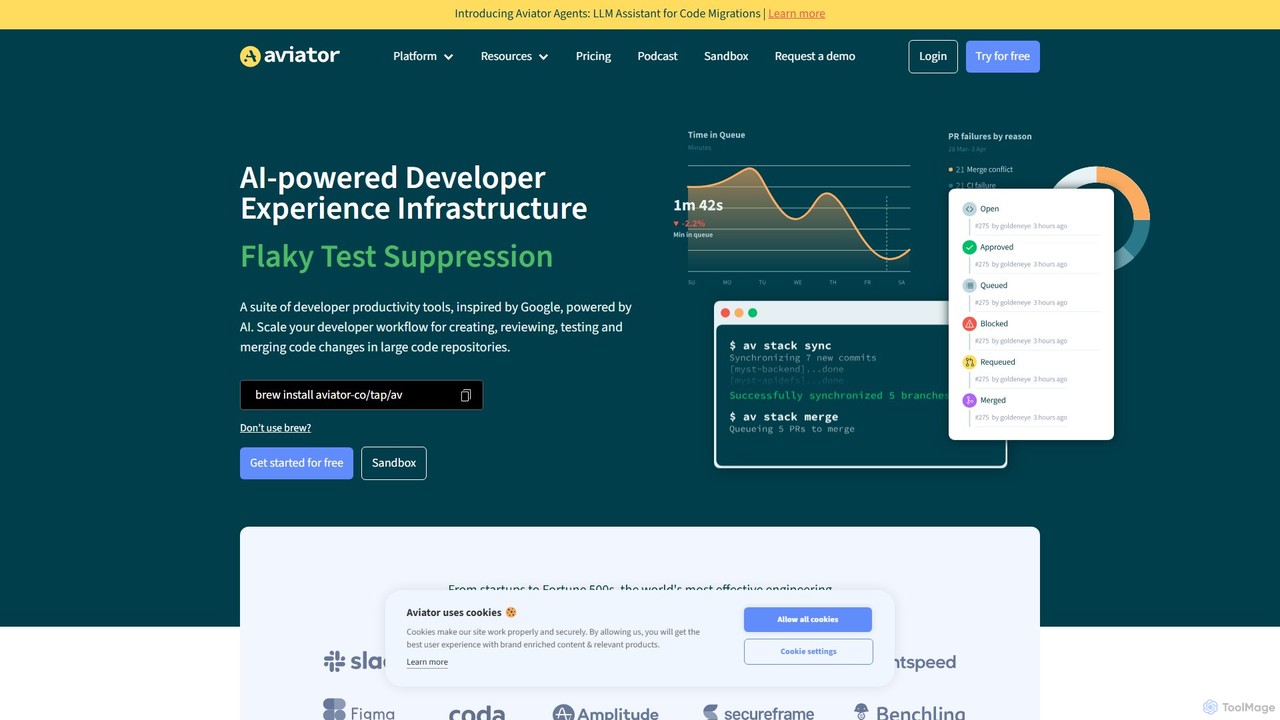
Aviator
Aviator is a developer collaboration suite that automates the CI/CD pipeline, focusing on pull request management. It uses an automated merge queue to test, rebase, and merge code, ensuring the main branch remains stable and deployable, thereby boosting developer productivity and code quality.
Code Collaboration
Jyek
Jyek is an AI agent platform that understands objectives, creates execution plans, uses tools, and delivers verifiable results for complex, multi-step tasks.
Automation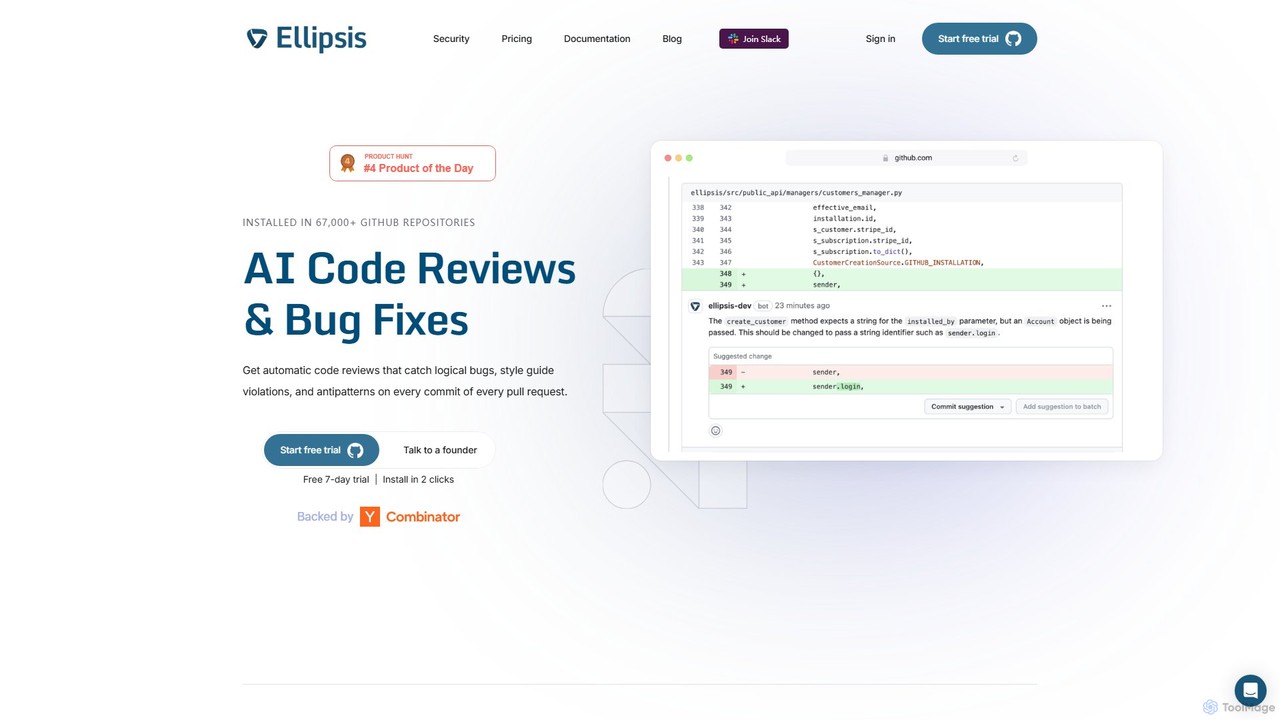
Ellipsis
Ellipsis is an AI-powered engineering teammate that automates code reviews on GitHub. It intelligently catches logical bugs, style violations, and anti-patterns in every pull request, helping teams ship code faster while maintaining high quality and security standards.
Code Review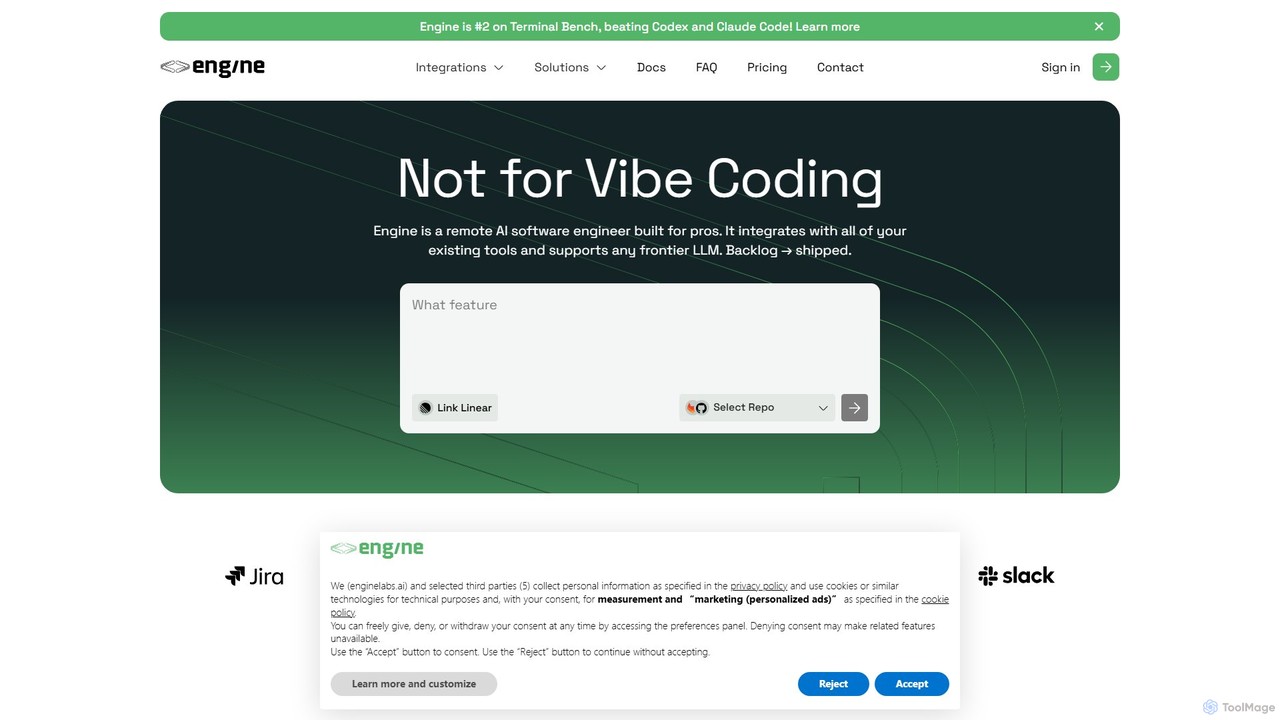
Engine
Engine is an AI software engineer designed for professional development teams. It integrates with your existing tools like GitHub and Linear to autonomously fix bugs, ship features, and clear your backlog by creating and managing pull requests, effectively acting as a remote AI team member.
Version Control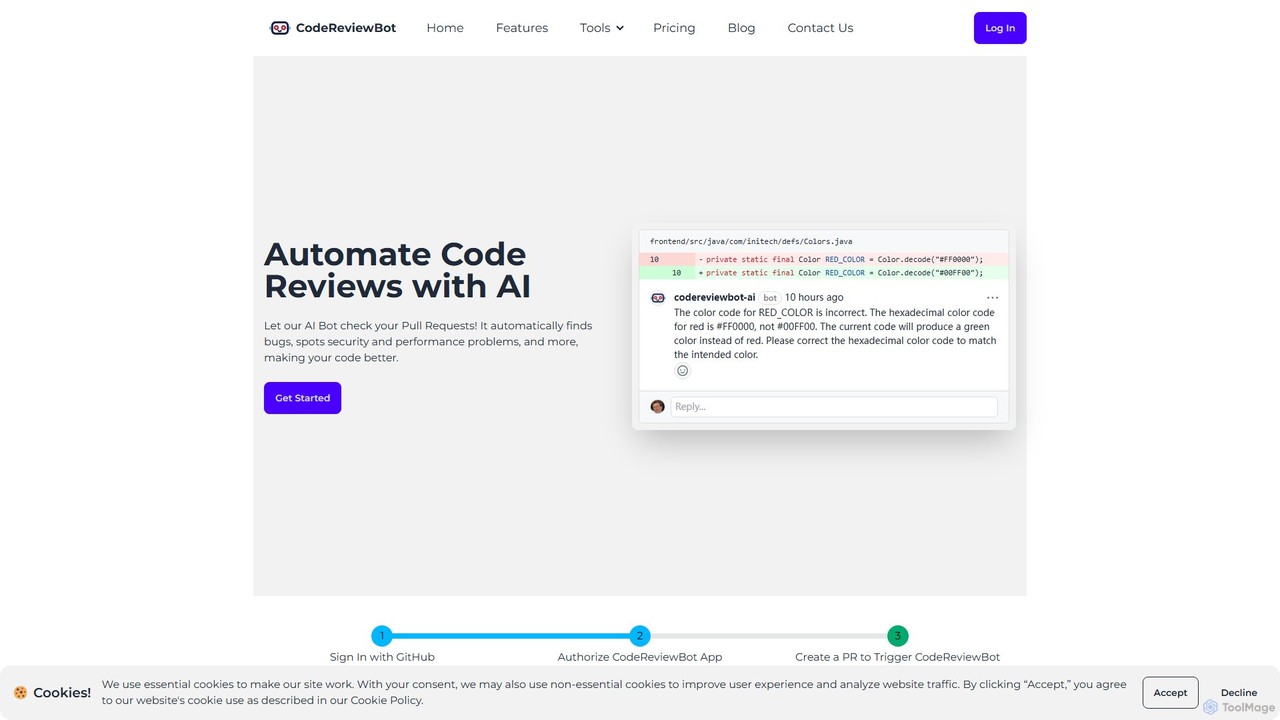
CodeReviewBot
CodeReviewBot is an AI-powered tool that automatically reviews code, providing intelligent suggestions to improve efficiency, reduce errors, and enhance code quality. It seamlessly integrates with GitHub to analyze pull requests, offering detailed, consistent feedback for developers.
Code Assistant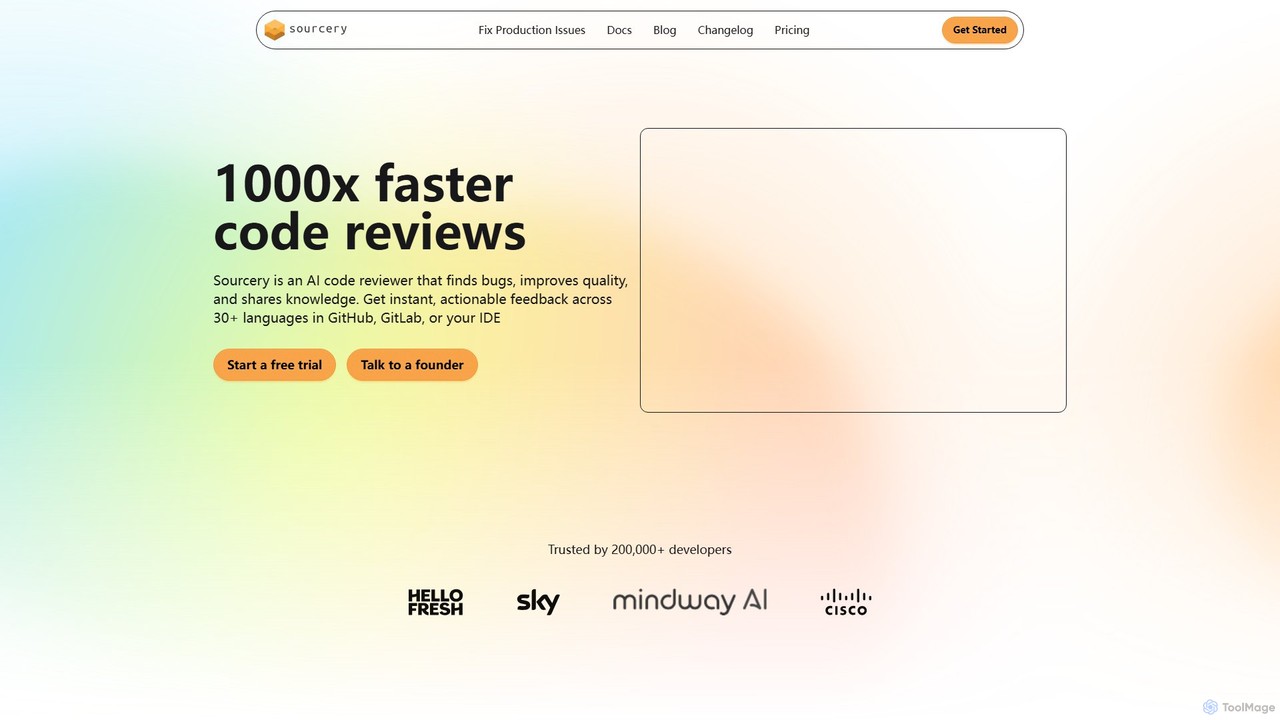
Sourcery
Sourcery is an AI-powered code reviewer that automates code reviews, finds bugs, improves code quality, and accelerates knowledge sharing. It integrates directly into your IDE, GitHub, and GitLab workflows, providing instant feedback and refactoring suggestions for over 30 languages.
Code Assistant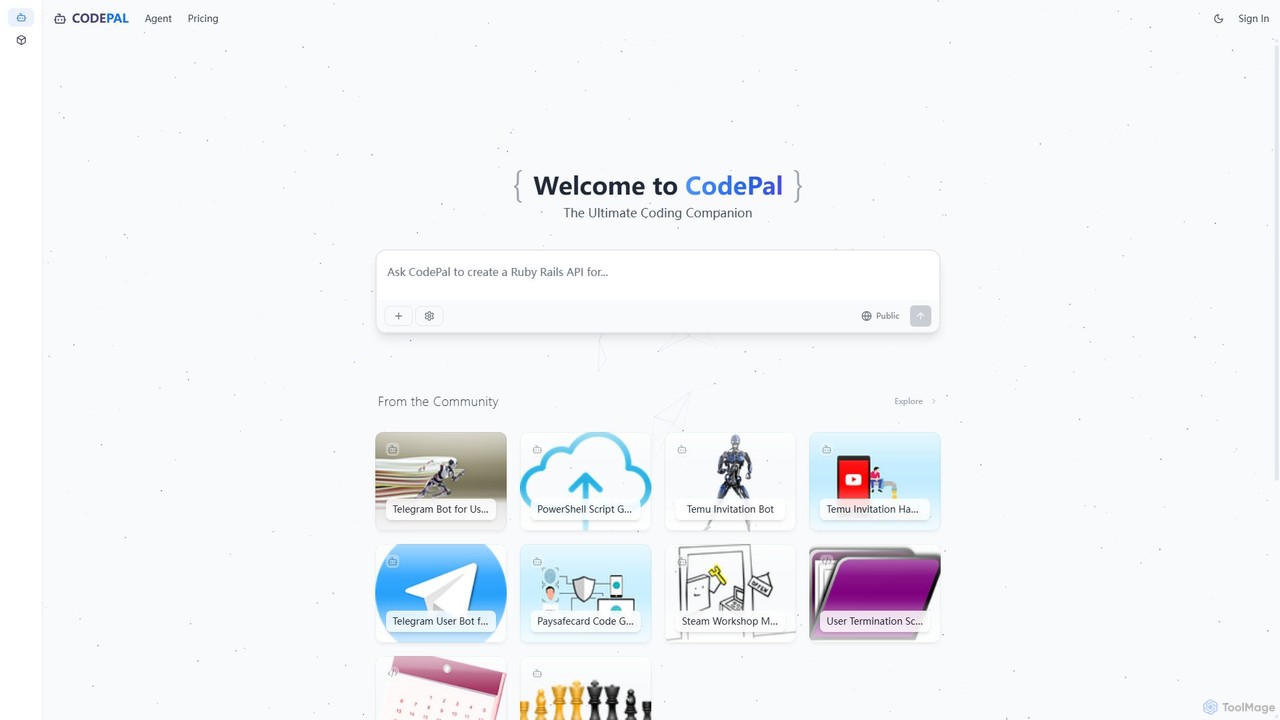
CodePal
A powerful AI coding companion and autonomous engineer that integrates directly into GitHub. Automate code reviews, generate documentation, resolve issues, and write unit tests with simple commands to accelerate your development workflow.
Code Assistant
Haystack
Haystack is an AI-powered code review platform that transforms complex pull requests into an interactive, visual canvas. It intelligently guides reviewers through code changes, enabling faster comprehension, in-context collaboration, and more efficient merging, supporting a wide range of programming languages.
Code Assistant
GitChat Comments (0)
Sign in to comment.
Sign inNo comments yet.