heycli
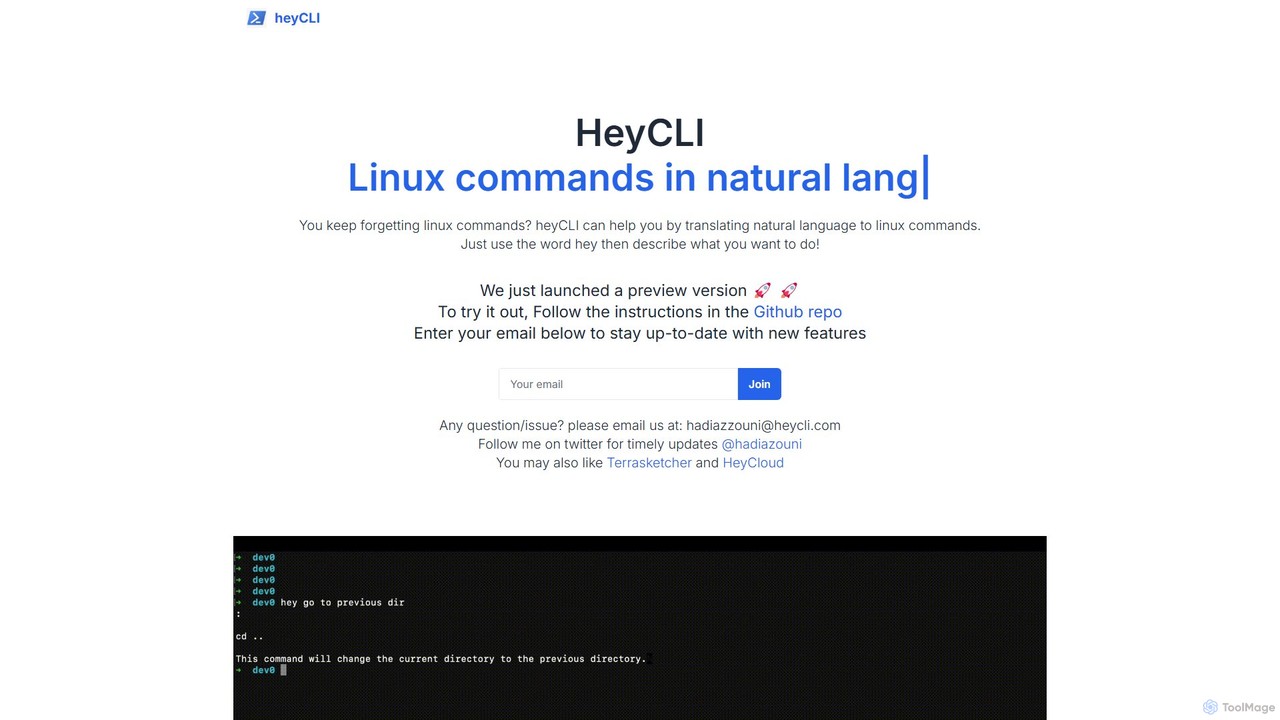
heycli is an AI-powered copilot for the command line that translates natural language into Linux commands. Simply describe …
heycli is an AI-powered copilot for the command line that translates natural language into Linux commands. Simply describe the task you want to perform, and heycli generates the correct command, boosting productivity and reducing the learning curve for developers and sysadmins.
AiTerm
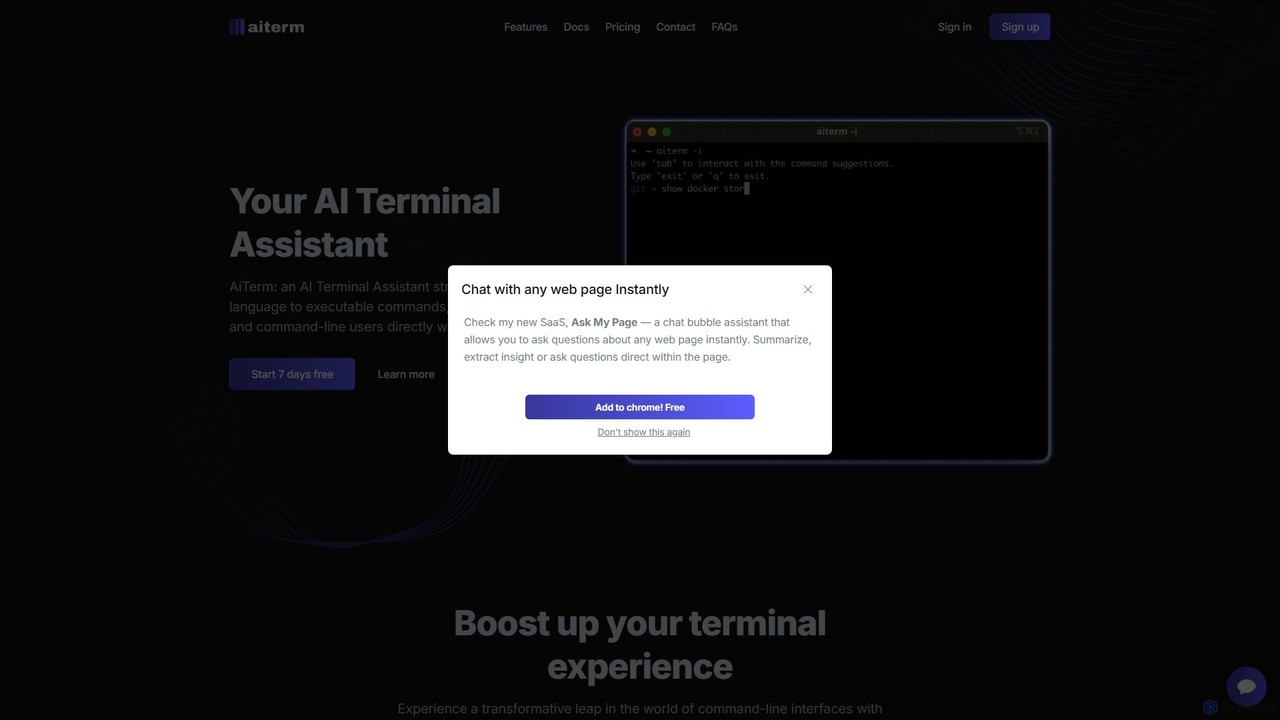
AiTerm is an AI-powered terminal assistant that translates natural language into executable shell commands. It streamlines workflows for …
AiTerm is an AI-powered terminal assistant that translates natural language into executable shell commands. It streamlines workflows for developers and command-line users with features like IDE-style autocompletion, command suggestions, and workflow management, all directly within the terminal.
Open Interpreter
An open-source tool that lets Large Language Models (LLMs) run code (Python, Shell, etc.) locally on your computer. …
An open-source tool that lets Large Language Models (LLMs) run code (Python, Shell, etc.) locally on your computer. It provides a natural language interface to your machine, enabling complex tasks like data analysis, file management, and automation with full access to your system's capabilities.
Fig
Fig was a popular open-source tool that added IDE-style visual autocomplete to the command line. It has been …
Fig was a popular open-source tool that added IDE-style visual autocomplete to the command line. It has been acquired by AWS and is now sunset, with users encouraged to migrate to its successor, Amazon Q for command line, which is free for individuals.
butterfish
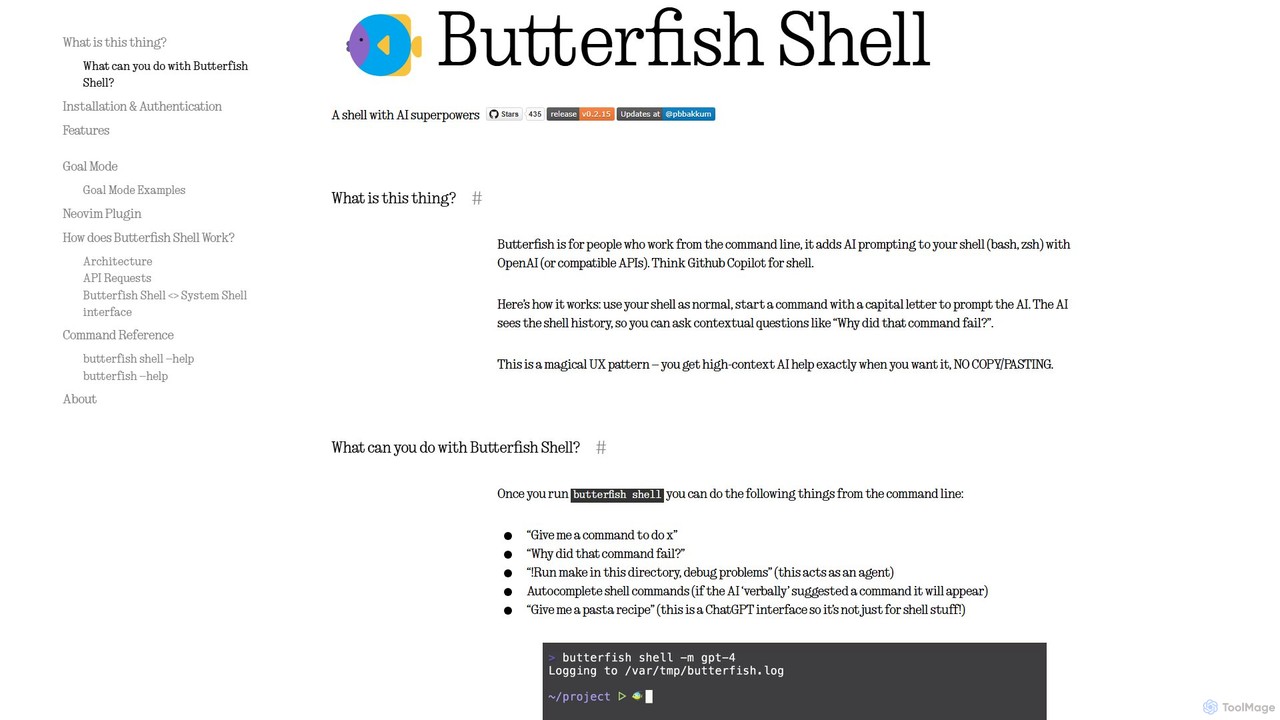
butterfish is an open-source CLI tool that supercharges your shell (bash, zsh) with AI capabilities. Acting like GitHub …
butterfish is an open-source CLI tool that supercharges your shell (bash, zsh) with AI capabilities. Acting like GitHub Copilot for the command line, it allows you to generate commands, debug errors, and automate tasks using natural language prompts directly in your terminal. It maintains context from your shell history, providing highly relevant assistance and boosting productivity for developers and sysadmins.