


Open Interpreter Overview
Open Interpreter is a powerful, open-source project that provides a local implementation of a code-interpreting AI agent. Unlike cloud-based solutions like ChatGPT's Code Interpreter, Open Interpreter runs directly on your computer, giving the Large Language Model (LLM) access to your local environment. This allows it to interact with your file system, use your installed software, and access the internet without the restrictions of a sandboxed environment. It effectively transforms your terminal into a natural language interface for your entire computer.
The core philosophy behind Open Interpreter is to bridge the gap between human language and machine execution. By providing an LLM with the ability to generate and run code in real-time, it can perform a vast array of tasks that were previously complex or tedious. It operates through an interactive chat-like interface in your terminal, where you state your objective, the model writes the necessary code, and you approve its execution, ensuring safety and control.
How to use Open Interpreter
Using Open Interpreter is straightforward for anyone familiar with a command-line interface. The process involves a simple installation and a one-time setup.
- Installation: First, ensure you have Python installed on your system. Then, install Open Interpreter using pip by running the command:
pip install open-interpreter. - Configuration: The first time you run the tool, it will guide you through the setup process. You will be prompted to select an LLM and provide your API key (e.g., from OpenAI, Anthropic, or a local model provider like Ollama). This key is stored locally for future sessions.
- Execution: To start, simply type
interpreterin your terminal. This will launch the interactive chat interface. - Interaction: You can now give it commands in plain English. For example, 'Please summarize the key points from all PDF files on my desktop' or 'Convert all .mov files in my downloads folder to .gif'.
- Approval: Before executing any code, Open Interpreter will display the generated script (e.g., Python, Shell) and ask for your confirmation. You must type 'y' and press Enter to allow it to run. This step is crucial for security, giving you full visibility and control over the actions performed on your system.
Core Features of Open Interpreter
- Local Code Execution: Runs code directly on your machine, not in a restricted cloud sandbox. This allows it to handle large files and leverage your computer's full processing power.
- Full System and Internet Access: Can read and write files, install packages, control applications, and browse the internet, enabling it to perform a much wider range of tasks.
- Interactive and Safe: Every block of code requires user approval before execution, preventing unintended actions and ensuring you are in control.
- LLM Agnostic: Supports a wide range of LLMs, including OpenAI's GPT-4, Anthropic's Claude models, and open-source models running locally via tools like Ollama or LM Studio.
- Multi-Language Support: Capable of generating and executing code in various languages, including Python, Shell, JavaScript, AppleScript, and R, choosing the best tool for the job.
- Open-Source and Transparent: As an open-source project, its code is publicly available on GitHub for anyone to inspect, modify, and contribute to.
Use Cases for Open Interpreter
The capabilities of Open Interpreter make it suitable for a diverse set of users, from developers to data analysts and casual users.
- Data Analysis & Visualization: Analyze large local datasets (e.g., CSVs, JSON files) that exceed the upload limits of cloud services, generate plots, and perform complex statistical analysis.
- File and System Automation: Automate repetitive tasks like renaming files in bulk, organizing folders, converting media formats, or cleaning up system clutter.
- Web Scraping and Interaction: Control a web browser to scrape information, fill out forms, or automate interactions with websites.
- Software Development: Quickly prototype ideas, set up new project environments, install dependencies, and debug code.
- Content Creation: Summarize documents, create presentations from text files, or edit videos programmatically.
Advantages of Open Interpreter
The primary advantage of Open Interpreter is its power and flexibility derived from local execution.
- No Restrictions: It is not bound by time limits, file size limits, or pre-installed package lists. It can use any library or tool available on your machine.
- Enhanced Privacy: Since it runs locally, sensitive files and data do not need to be uploaded to a third-party server, significantly improving privacy and security.
- Cost-Effective: The software itself is completely free. The only potential cost is the API usage of a commercial LLM, which can be avoided by using a free, locally-hosted model.
- Extensibility: Being open-source, it can be customized and integrated into other workflows and applications, offering limitless potential.
Pricing and Plans
Open Interpreter is a free and open-source software (FOSS). There are no subscription fees, licenses, or charges to use the tool itself. Users are only responsible for the costs associated with the Large Language Model they choose to connect to. For example, if you use OpenAI's GPT-4 Turbo, you will be billed by OpenAI based on your API usage. However, you can use Open Interpreter completely for free by configuring it to work with a locally running open-source model through services like Ollama.
Traffic
Latest traffic
Status
Monthly traffic trend
- 2025-9: 30.2K
- 2026-1: 39.5K
- 2026-2: 59.4K
- 2026-3: 70.4K
- 2026-4: 68.8K
- 2026-5: 58.4K
Geography
Top 5 countries / regions
- 🇺🇸United States32.4%
- 🇮🇳India27.7%
- 🇫🇷France15.2%
- 🇩🇪Germany12.8%
- 🇧🇷Brazil11.9%
Traffic sources
| Source type | Percentage |
|---|---|
Direct | 80.5% |
Referral | 16.6% |
Email | 3.0% |
Top keywords
| Keyword | Cost per click |
|---|---|
| download open intepreter | $0.00 |
| open interprete | $0.00 |
| open interpreter | $3.65 |
| open-interpreter | $0.00 |
| openinterpreter | $5.11 |
Open Interpreter Alternatives
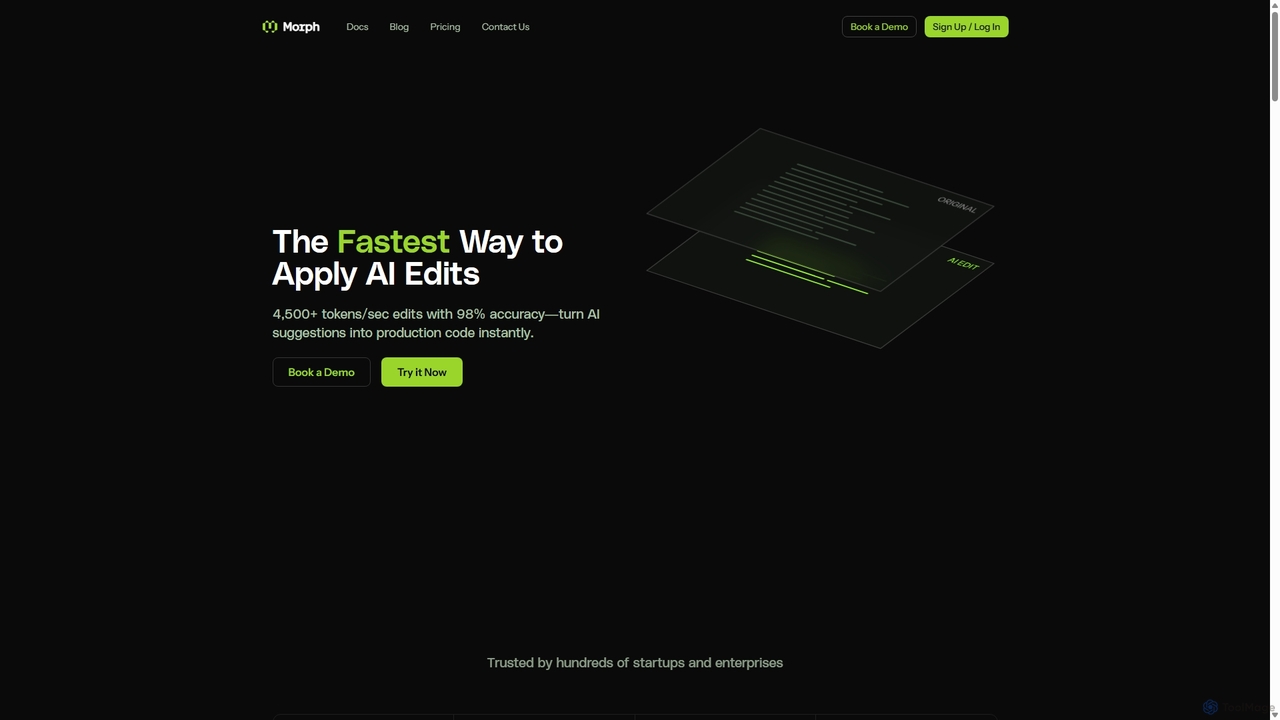
Morph
Morph is an API-first platform for developers, providing the fastest and most accurate way to apply AI-generated edits to code and files. With speeds of 4,500+ tokens/sec and 98% accuracy, it empowers AI agents to perform reliable, semantic modifications, bridging the gap between AI suggestions and production-ready implementation.
Infrastructure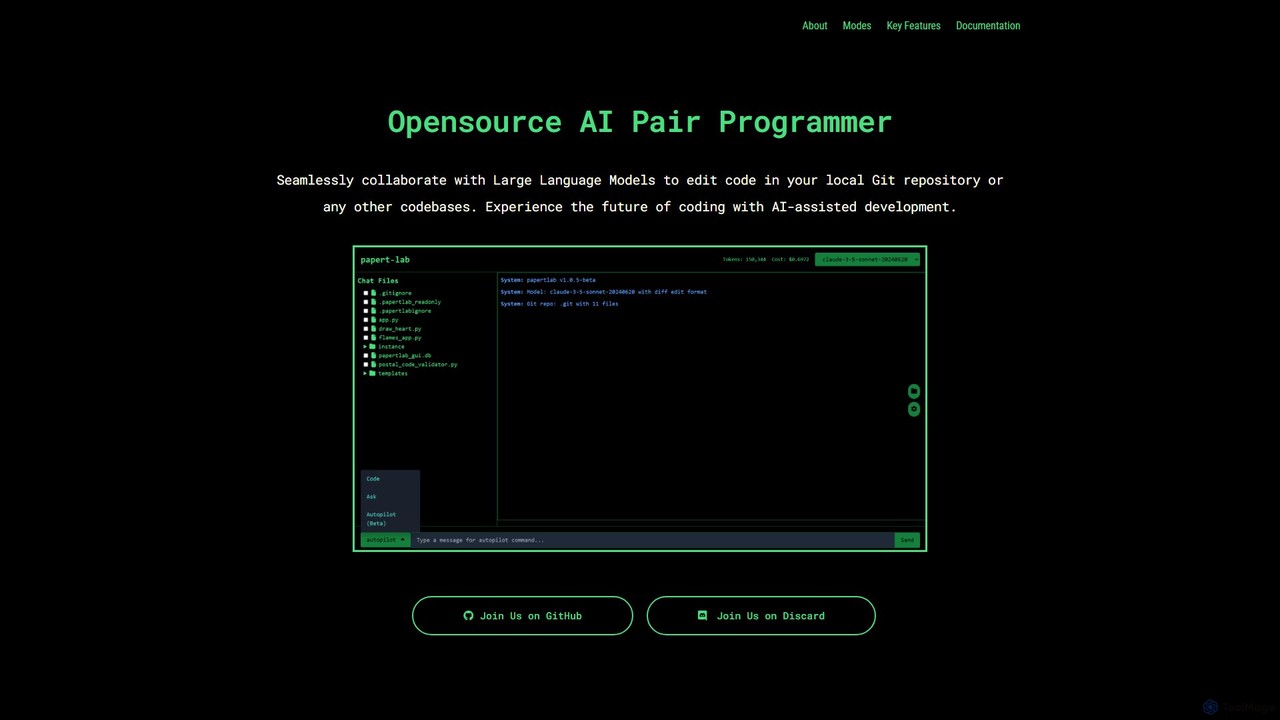
papert
papert is an open-source AI pair programmer that integrates with your local Git repository. It allows developers to collaborate with LLMs like GPT-4o and Claude 3.5 Sonnet to ask questions, edit code across multiple files, refactor, debug, and automate routine coding tasks.
Debugging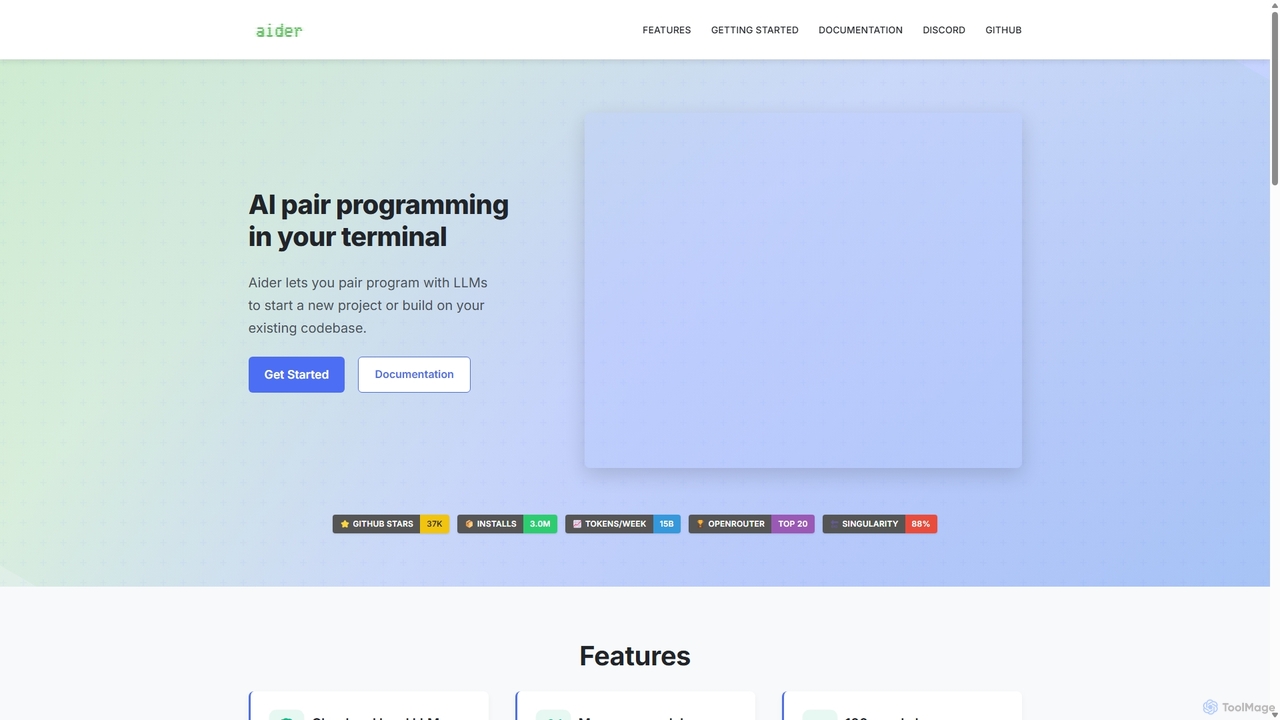
Aider
Aider is an AI-powered pair programmer that operates directly in your terminal. It intelligently maps your entire codebase, providing full project context for complex tasks. Seamlessly integrated with Git, it automates commits and allows you to manage AI-driven changes with familiar tools. Aider supports over 100 programming languages, connects to leading cloud and local LLMs, and even accepts voice and image inputs, making it a versatile and powerful assistant for any developer seeking to accelerate their workflow and improve code quality.
Programming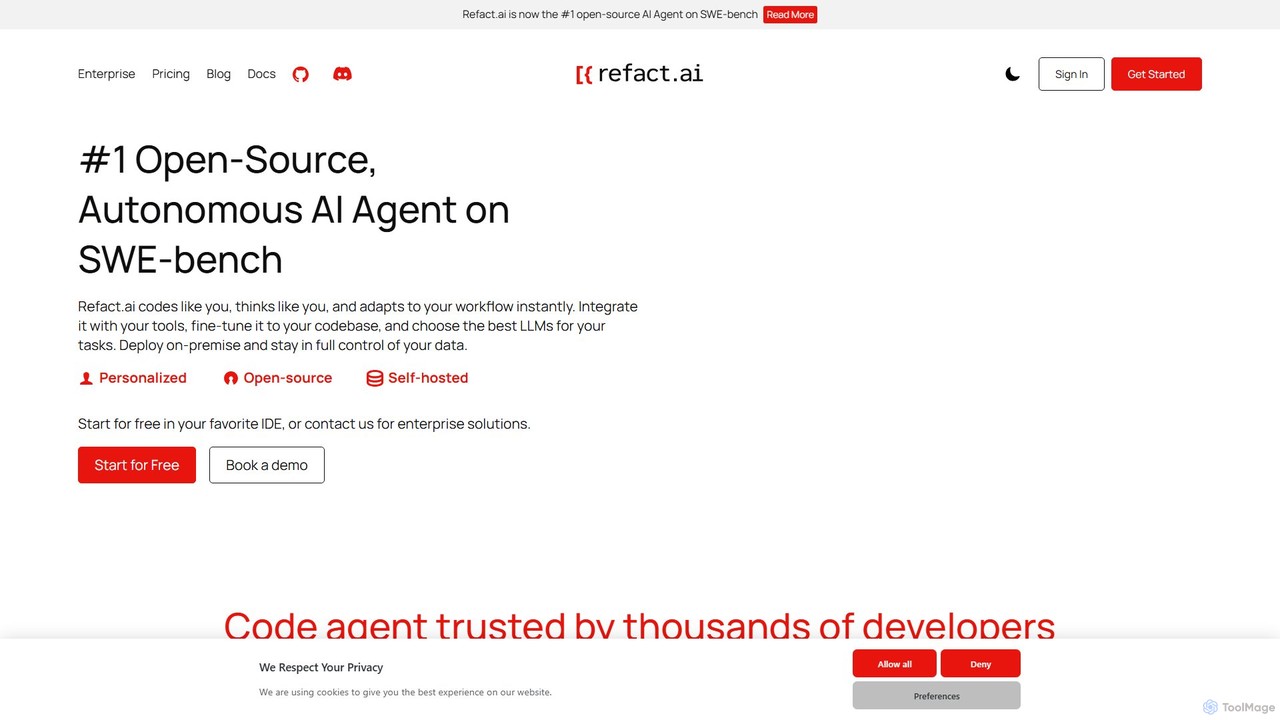
Refact
Refact is an open-source, self-hostable, and autonomous AI coding agent. It integrates into your IDE to act as a digital twin, automating coding tasks, providing context-aware completions and chat, and adapting to your codebase for maximum productivity and data privacy.
Code Assistant
All Hands AI (OpenHands)
All Hands AI (OpenHands) is a leading open-source AI coding agent designed to automate software development. It helps engineers with tasks like code reviews, refactoring, bug fixing, and test generation. Available as a flexible SaaS, self-hosted, or open-source solution, it integrates with tools like GitHub and GitLab to accelerate development cycles and improve code quality.
Code GenerationOpen Interpreter Categories
Open Interpreter Embed Widget
Copy this embed code to place the badge on your blog, article, or product site and send readers directly to this ToolMage detail page.

Related AI tools
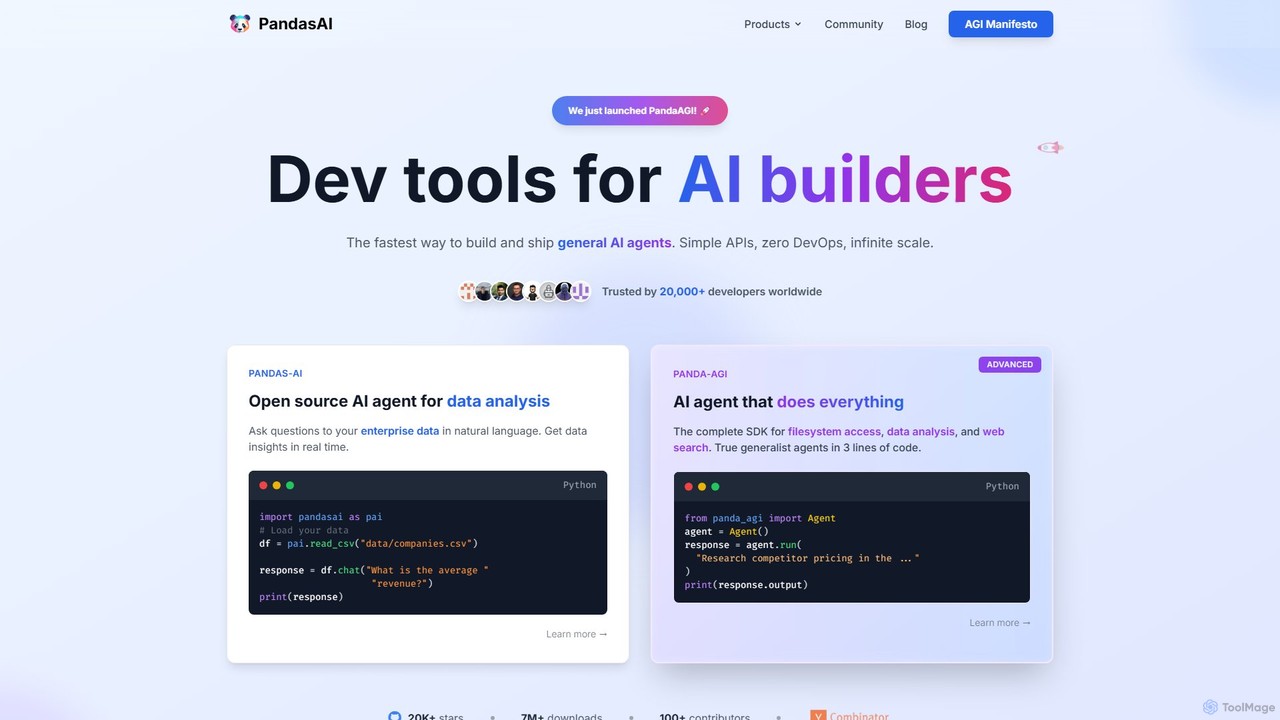
PandasAI
PandasAI offers a suite of developer tools for building AI applications. It features an open-source library for conversational data analysis using natural language and PandaAGI, an advanced SDK for creating generalist AI agents that can perform complex tasks like web searches and filesystem access.
Data Analysis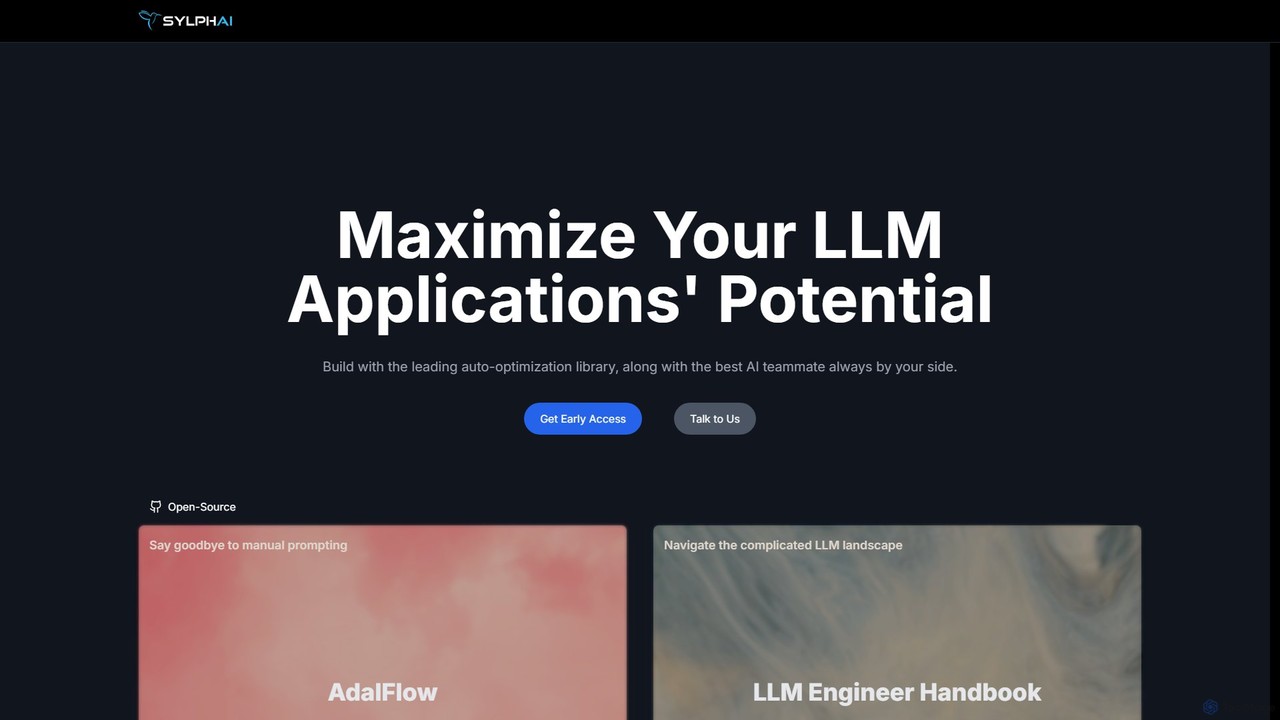
Sylph AI
Sylph AI is a development platform designed to maximize the potential of LLM applications. It features AdalFlow, a leading open-source library for building and auto-optimizing LLM task pipelines, and an AI Teammate that provides expert guidance throughout the entire development workflow, from ideation to production.
Libraries
Jyek
Jyek is an AI agent platform that understands objectives, creates execution plans, uses tools, and delivers verifiable results for complex, multi-step tasks.
Automation
smolagents
smolagents is a minimalist, open-source AI agent framework developed by Hugging Face. It empowers developers to build and deploy powerful, code-first AI agents with minimal Python code. By focusing on simplicity and efficiency, it enables Large Language Models (LLMs) to interact with tools and the real world seamlessly, supporting a wide range of models and secure execution environments.
Development
ConnectOnion
ConnectOnion is a minimalist Python framework designed to build production-ready AI agents with significantly less code. It simplifies agent creation by combining Markdown prompts and Python functions, reducing boilerplate by up to 85% compared to other frameworks.
LibrariesMorph
Morph is an API-first platform for developers, providing the fastest and most accurate way to apply AI-generated edits to code and files. With speeds of 4,500+ tokens/sec and 98% accuracy, it empowers AI agents to perform reliable, semantic modifications, bridging the gap between AI suggestions and production-ready implementation.
Infrastructurepapert
papert is an open-source AI pair programmer that integrates with your local Git repository. It allows developers to collaborate with LLMs like GPT-4o and Claude 3.5 Sonnet to ask questions, edit code across multiple files, refactor, debug, and automate routine coding tasks.
Debugging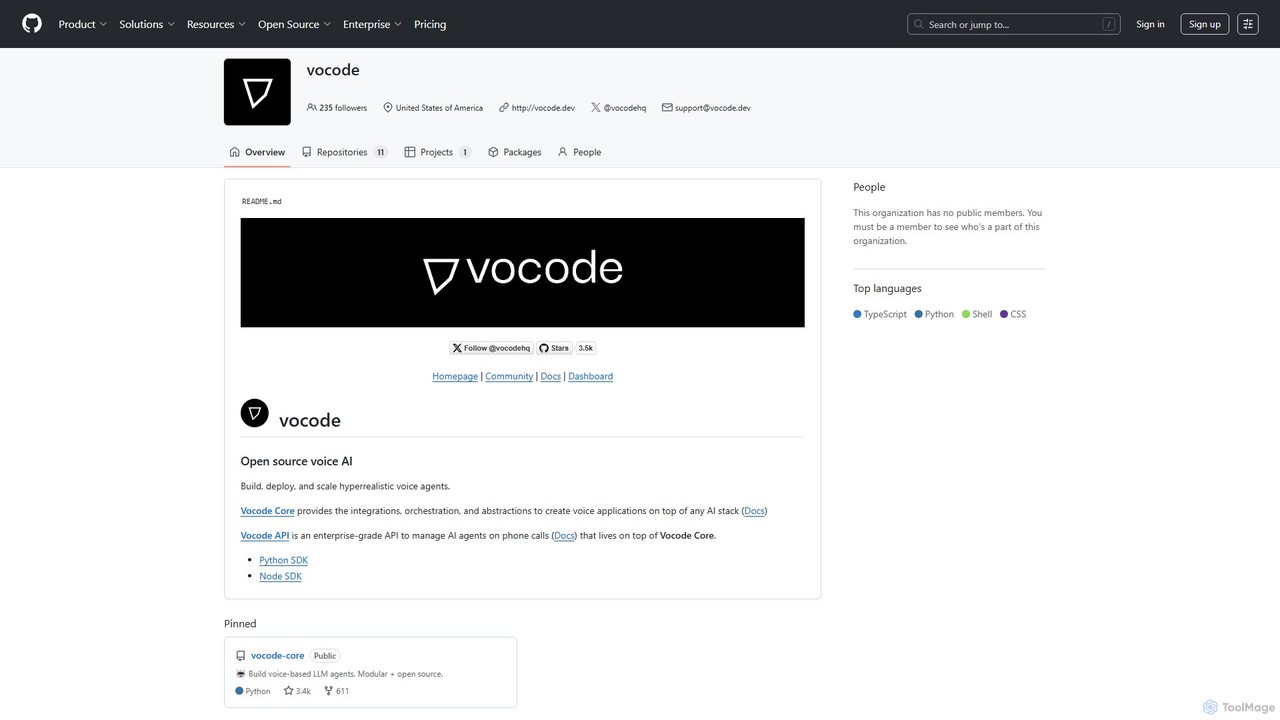
vocode
Vocode is an open-source platform for building, deploying, and scaling hyperrealistic voice AI agents. It provides developers with a core framework and an enterprise-grade API to create sophisticated voice-based LLM applications for tasks like automated customer service, sales calls, and interactive voice response (IVR) systems.
Voicebot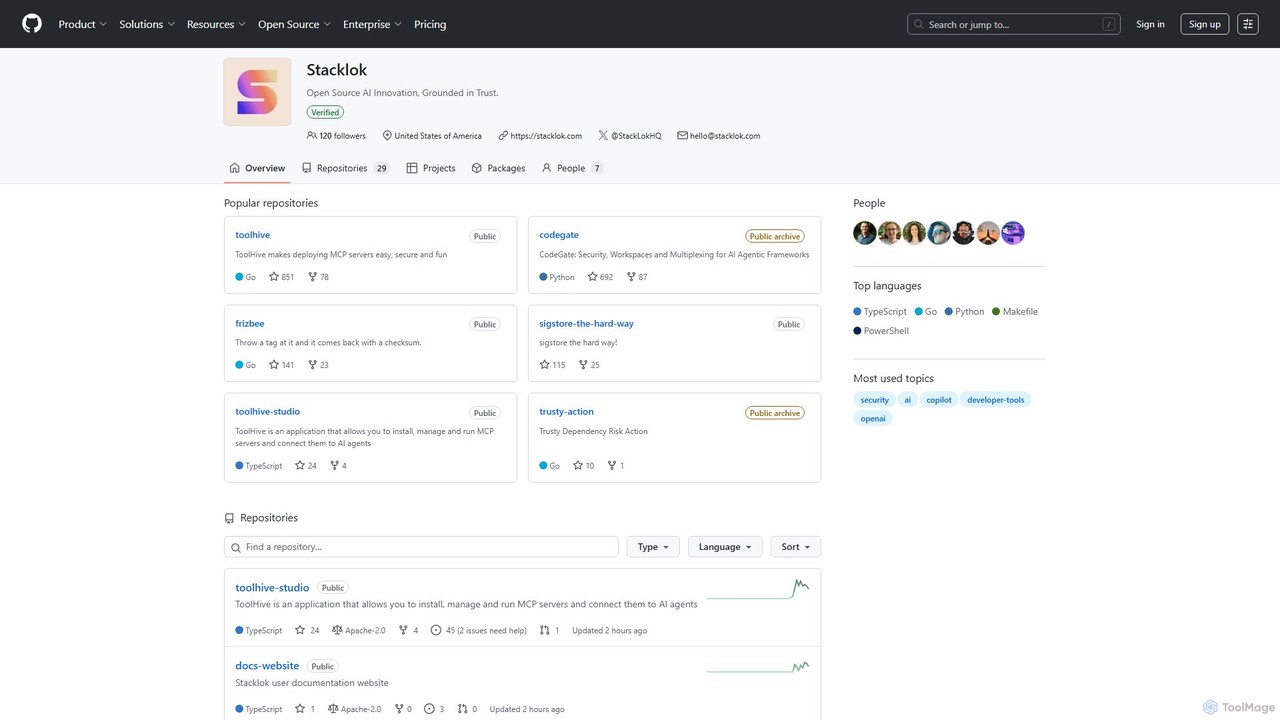
codegate
Codegate is an open-source security gateway and multiplexing framework for AI agentic systems. Developed by Stacklok, it provides secure workspaces and policy-based access control, enabling developers to build and manage complex multi-agent applications safely and efficiently.
Agentic Frameworks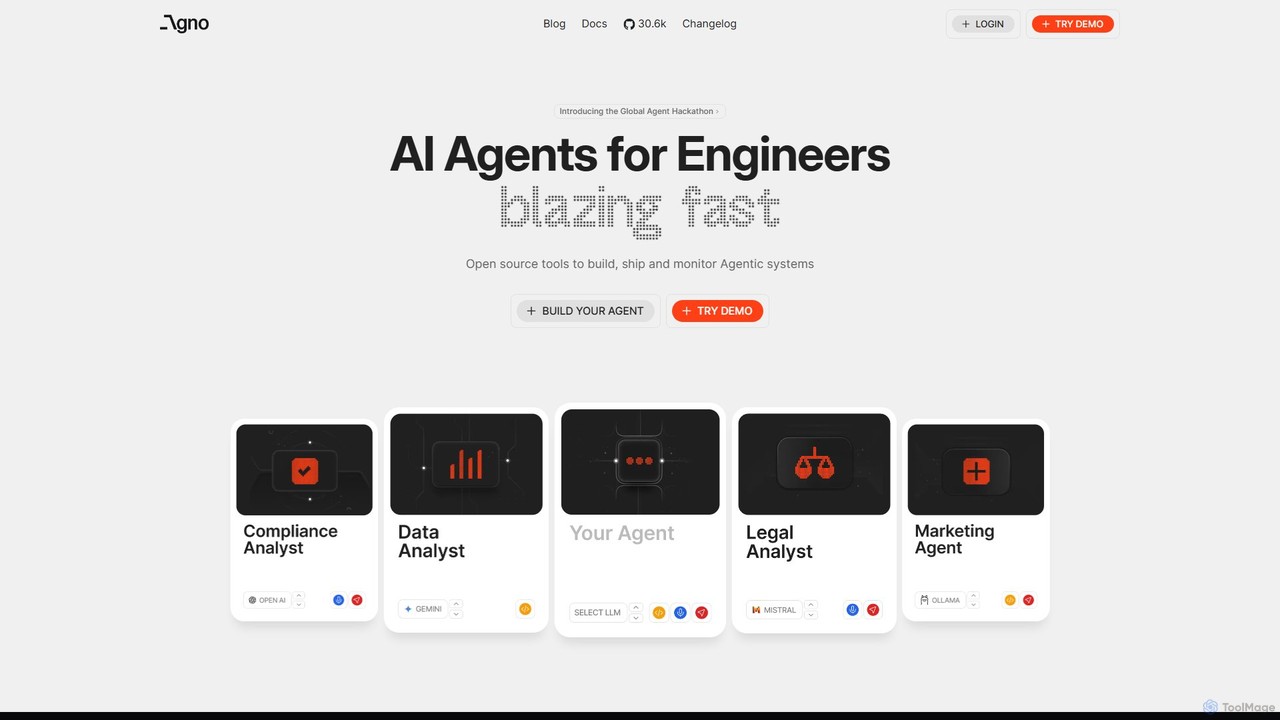
phidata
phidata is an open-source Python framework for building autonomous AI Assistants. It simplifies the integration of LLMs with memory, knowledge bases, and external tools, enabling developers to create powerful, stateful AI applications with ease.
Frameworks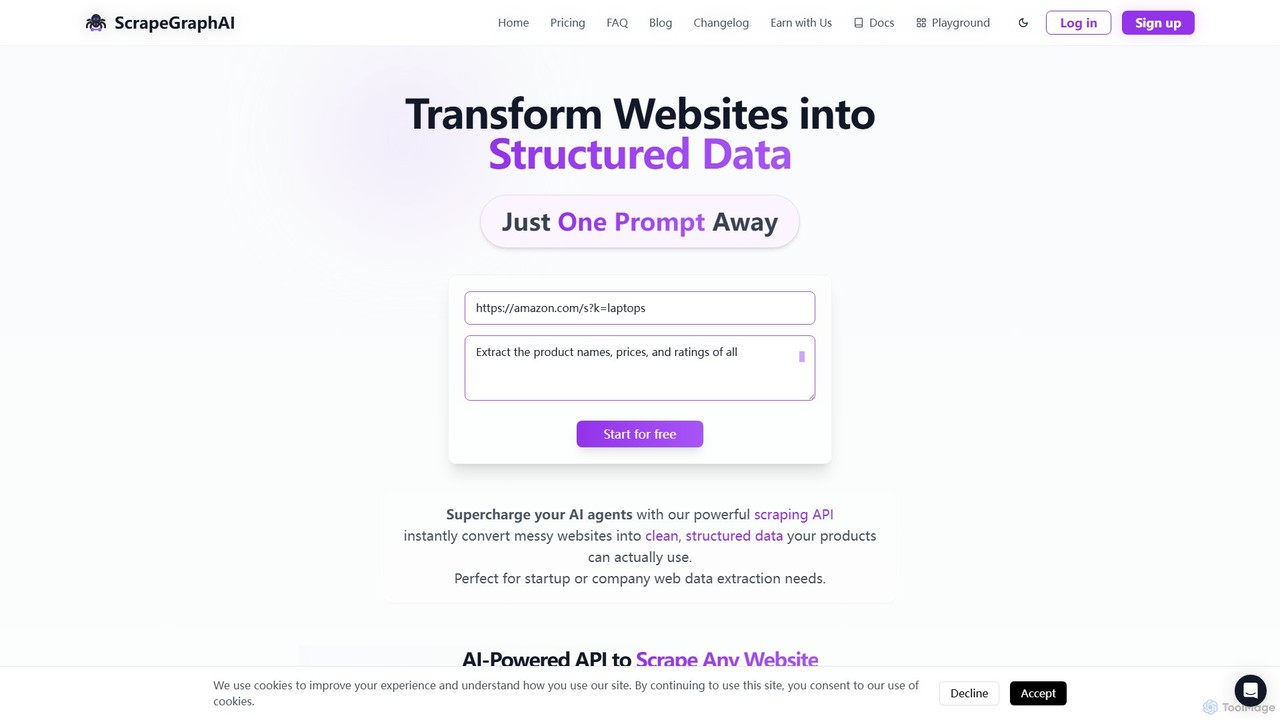
ScrapeGraphAI
ScrapeGraphAI is an AI-powered web scraping API that transforms unstructured websites into clean, structured JSON data using simple natural language prompts. Designed for developers, AI agents, and automated workflows, it simplifies data extraction without complex code.
Analytics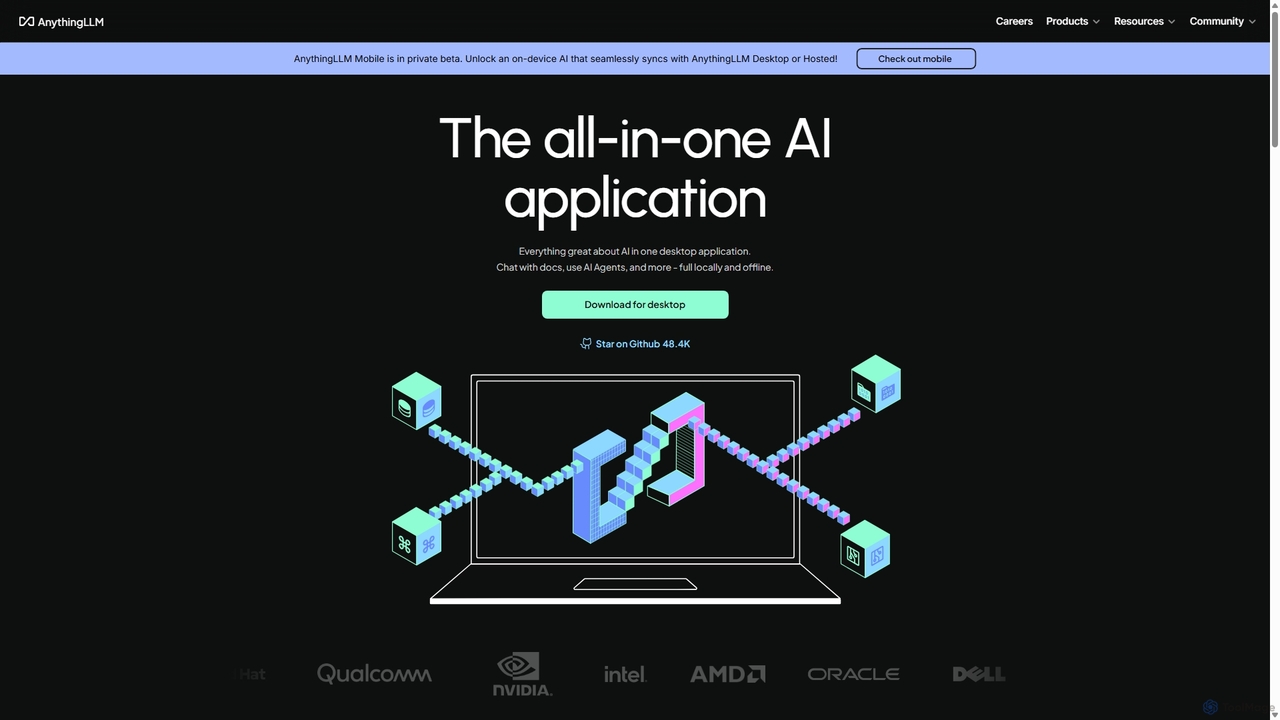
AnythingLLM
AnythingLLM is an open-source, all-in-one AI application that runs locally on your desktop or can be self-hosted. It allows you to create a private knowledge base from any document, chat with your data, and utilize powerful AI agents while ensuring complete data privacy and control.
Document Management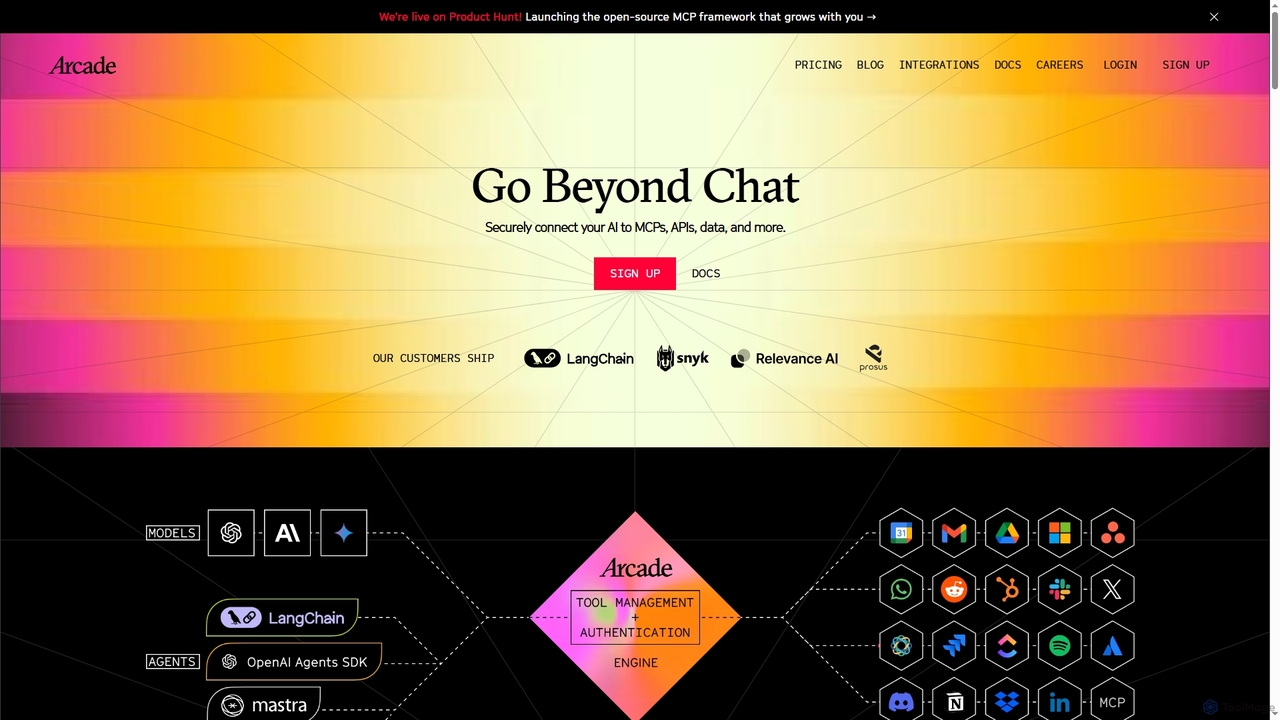
Arcade
Arcade is an AI tool-calling platform for developers, enabling AI agents to securely perform actions on behalf of users. It connects AI to services like Gmail, Slack, and APIs through pre-built connectors and a custom SDK, handling complex authentication (OAuth) automatically. This allows developers to build assistants that go beyond chat to execute real-world tasks.
Framework
Latitude
Latitude is an open-source development platform designed for building, evaluating, and deploying applications powered by Large Language Models (LLMs), with a special focus on creating autonomous AI agents. It provides a comprehensive suite of tools for developers to experiment, refine, and scale their AI solutions.
Mlops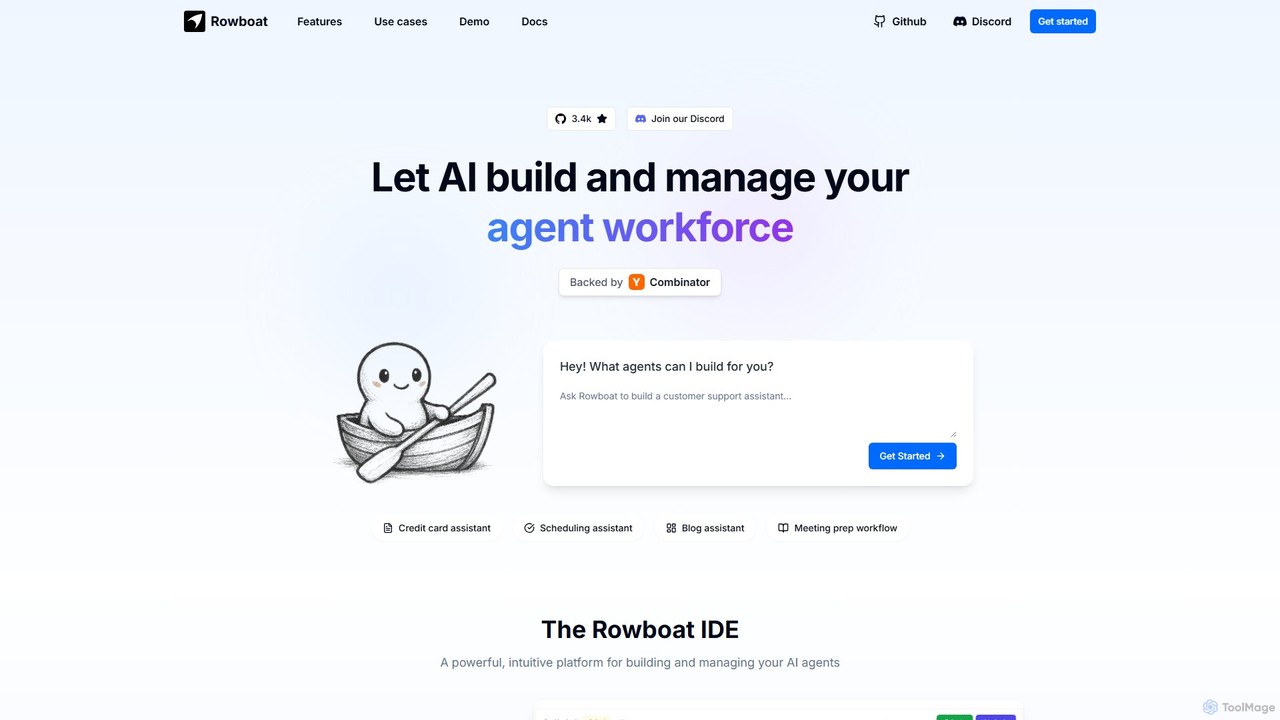
Rowboat
Rowboat is a powerful, AI-powered IDE for building, managing, and deploying complex multi-agent systems. Backed by Y Combinator, it allows users to describe workflows in plain English, and its AI copilot automatically generates the entire agent graph, including roles, prompts, and tool integrations. It's designed to simplify the creation of robust, real-world AI agents for productivity, e-commerce, support, and more, with features like open-source flexibility and support for over 100 LLMs.
Agent Builder
Open Interpreter Comments (0)
Sign in to comment.
Sign inNo comments yet.