Developer Tools Best in category 12 results Command Line AI Tool

Popular AI tools in the Command Line field of Developer Tools include Charm、gptcli、Savvy、how2terminal、Lumo、Komandi、ShellMate、heycli、butterfish、Oh-heck, etc., helping you quickly improve efficiency.

Free
Lumo

Lumo

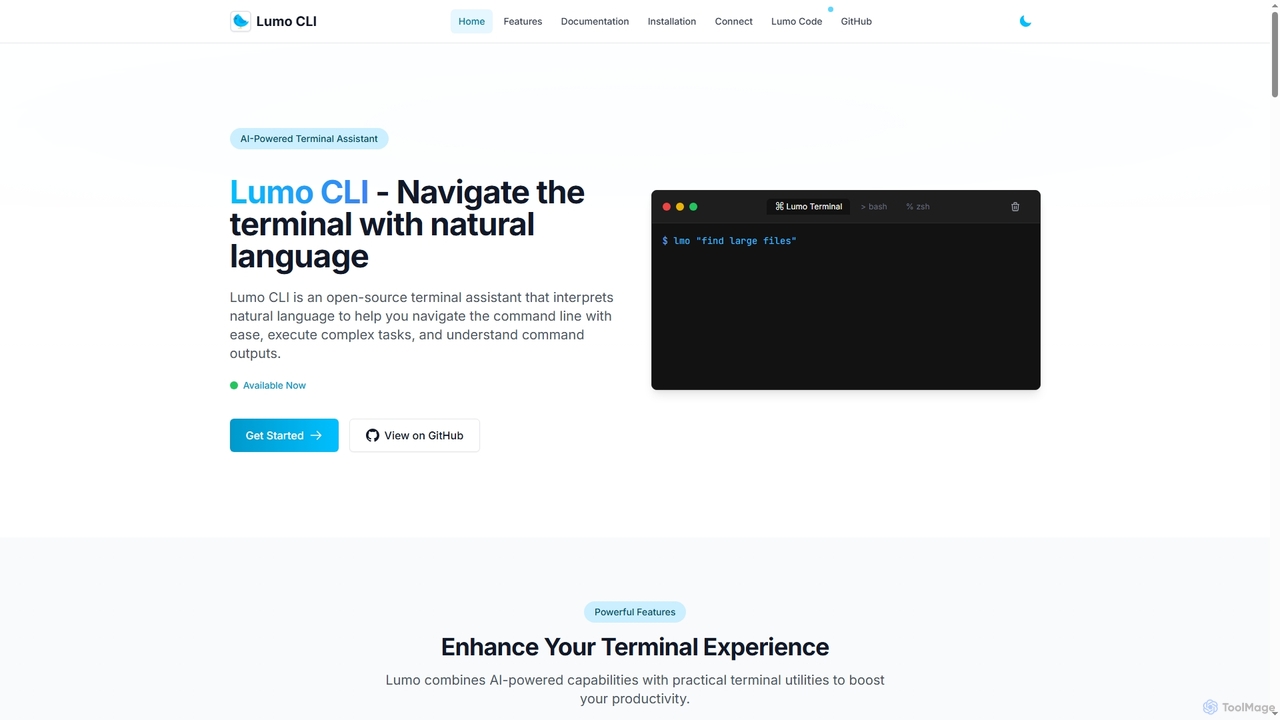
Lumo is an open-source, AI-powered terminal assistant that allows users to interact with the command line using natural …

4.1K
Savvy

Savvy

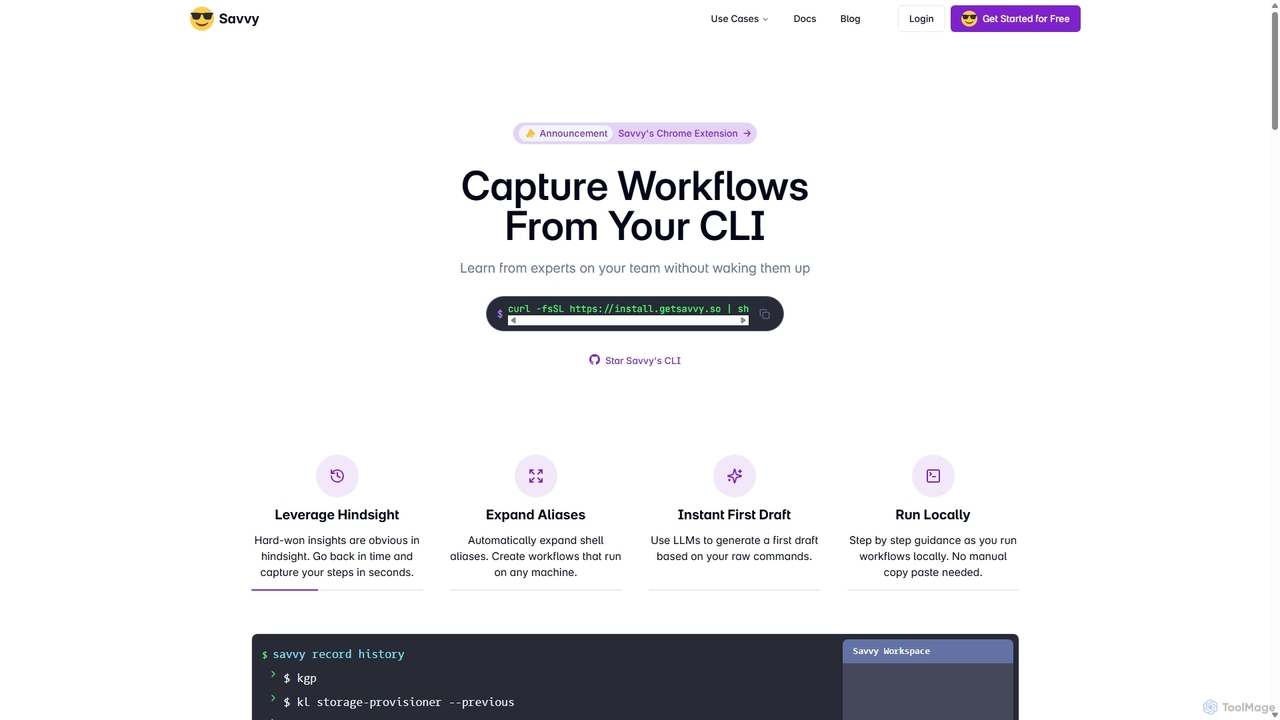
Savvy is an AI-powered tool for developers that captures Command Line Interface (CLI) actions to create shareable, step-by-step …

6.5K
Oh-heck

Oh-heck

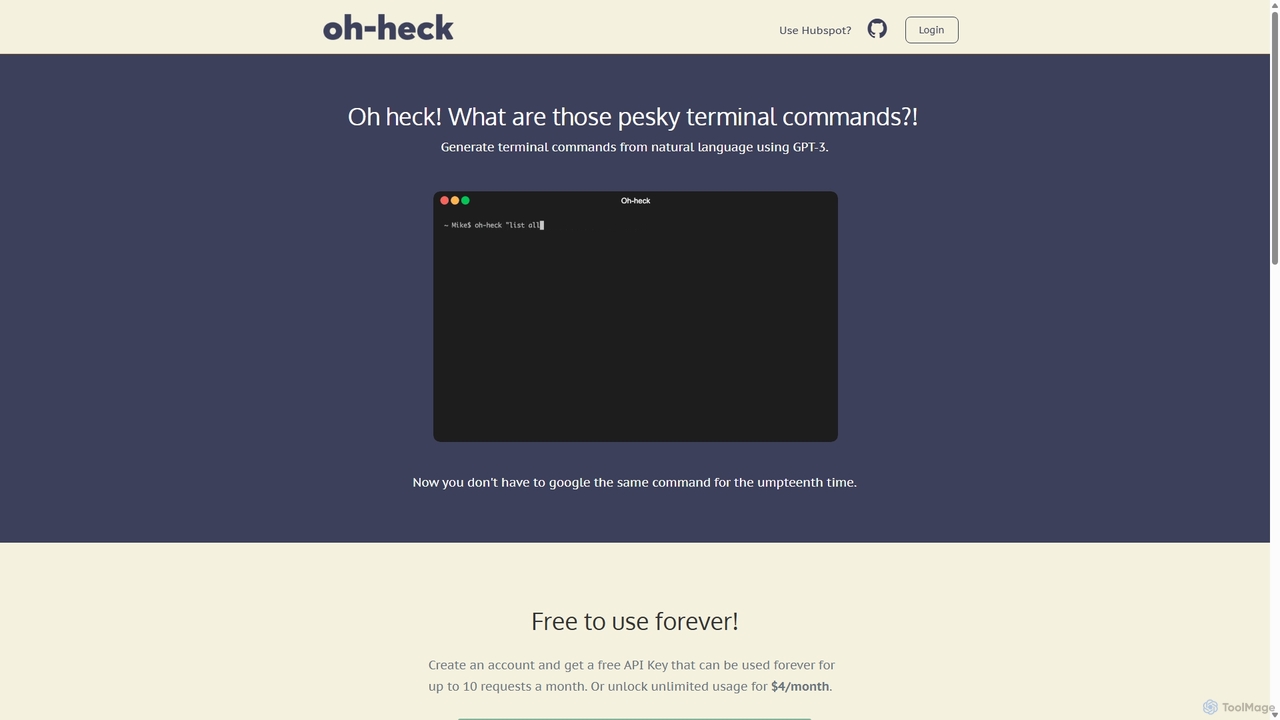
Oh-heck is a suite of AI-powered productivity tools that convert natural language into terminal commands and generate professional …

3.4K
Free
heycli

heycli

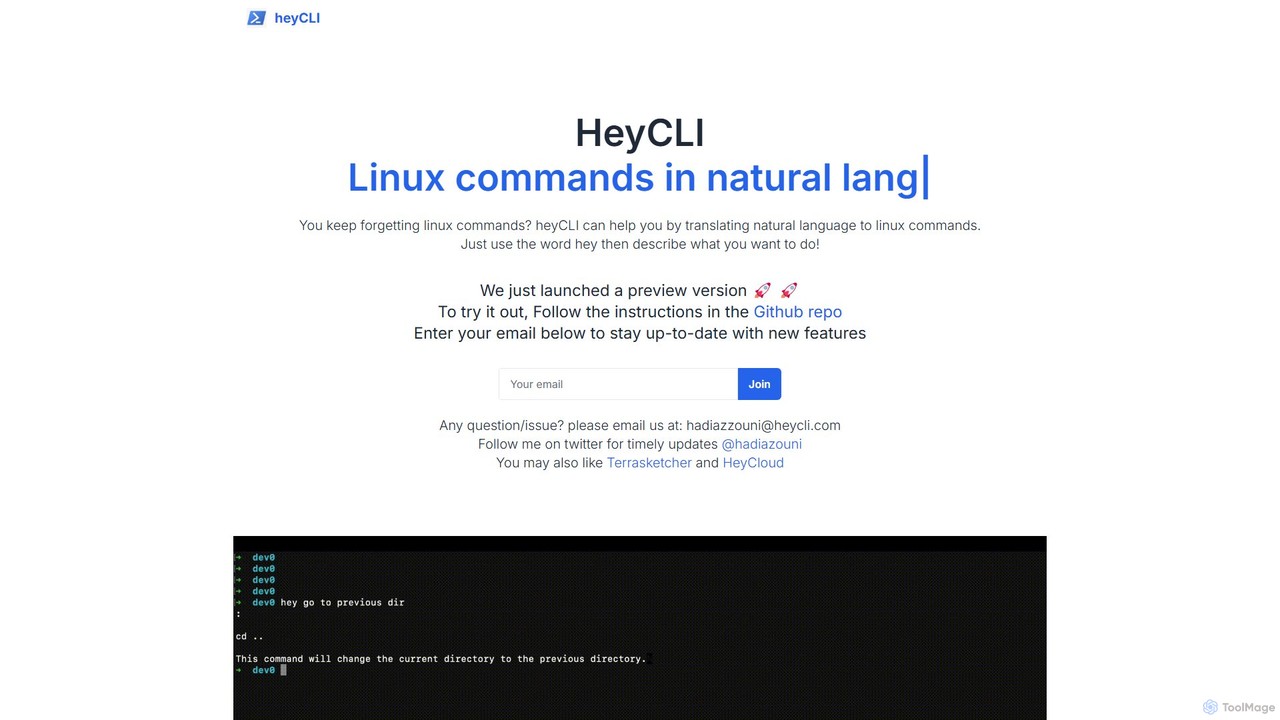
heycli is an AI-powered copilot for the command line that translates natural language into Linux commands. Simply describe …

3.6K
Kel

Kel

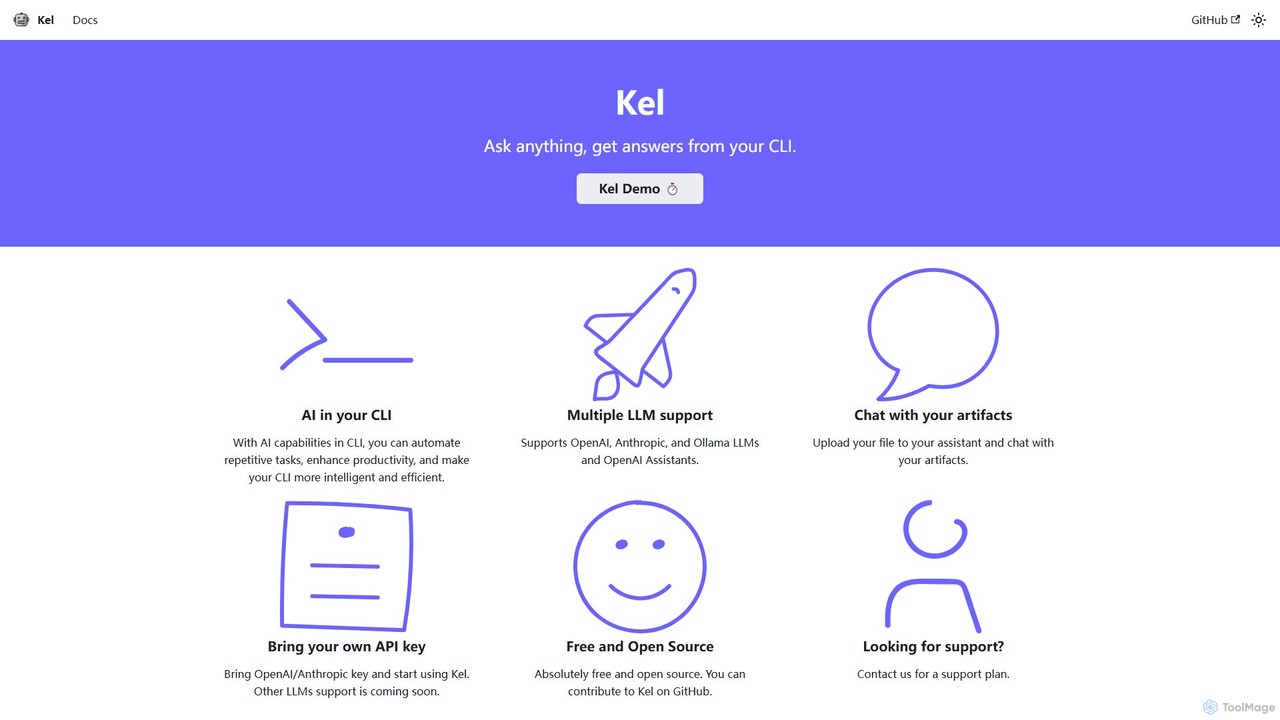
Kel is a free, open-source AI assistant for your command-line interface (CLI). It integrates with multiple LLMs like …

3.4K
BashSenpai

BashSenpai

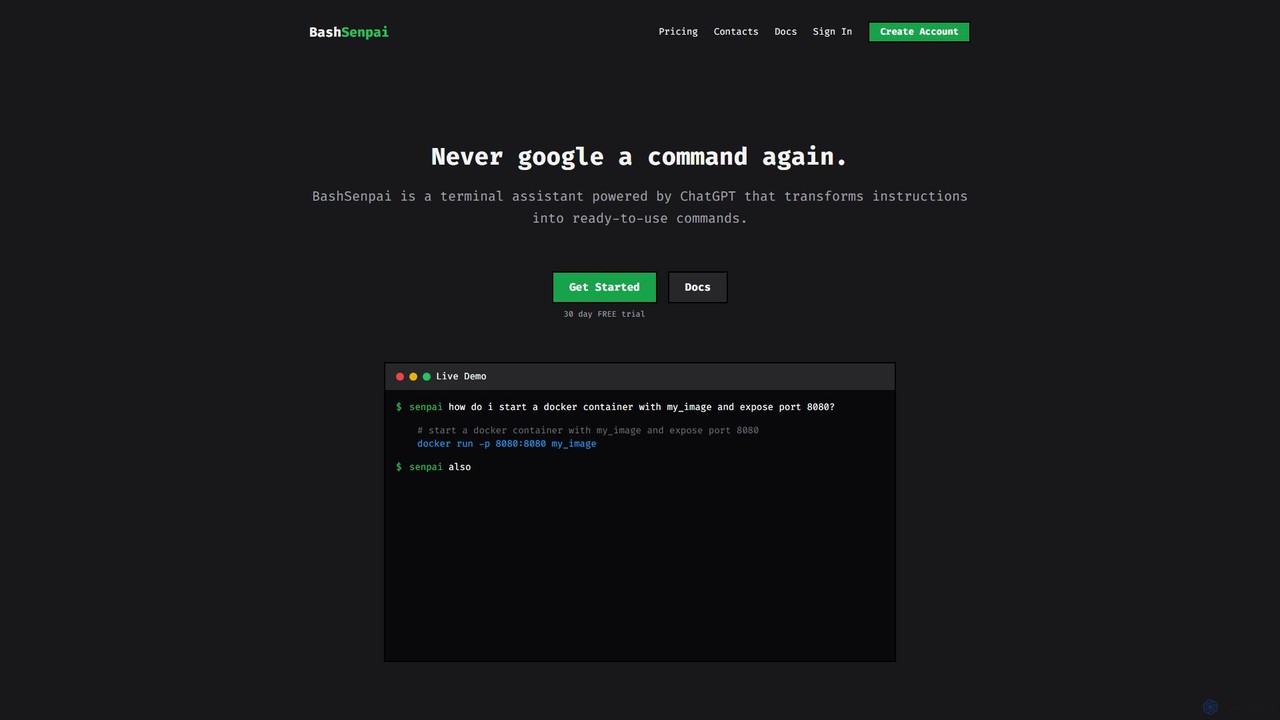
BashSenpai is a ChatGPT-powered terminal assistant that transforms natural language instructions into ready-to-use shell commands. It operates directly …

3.4K
Free
Charm

Charm

Charm is an ecosystem of open-source tools and libraries designed to make the command-line interface (CLI) glamorous and …

66.4K
butterfish

butterfish

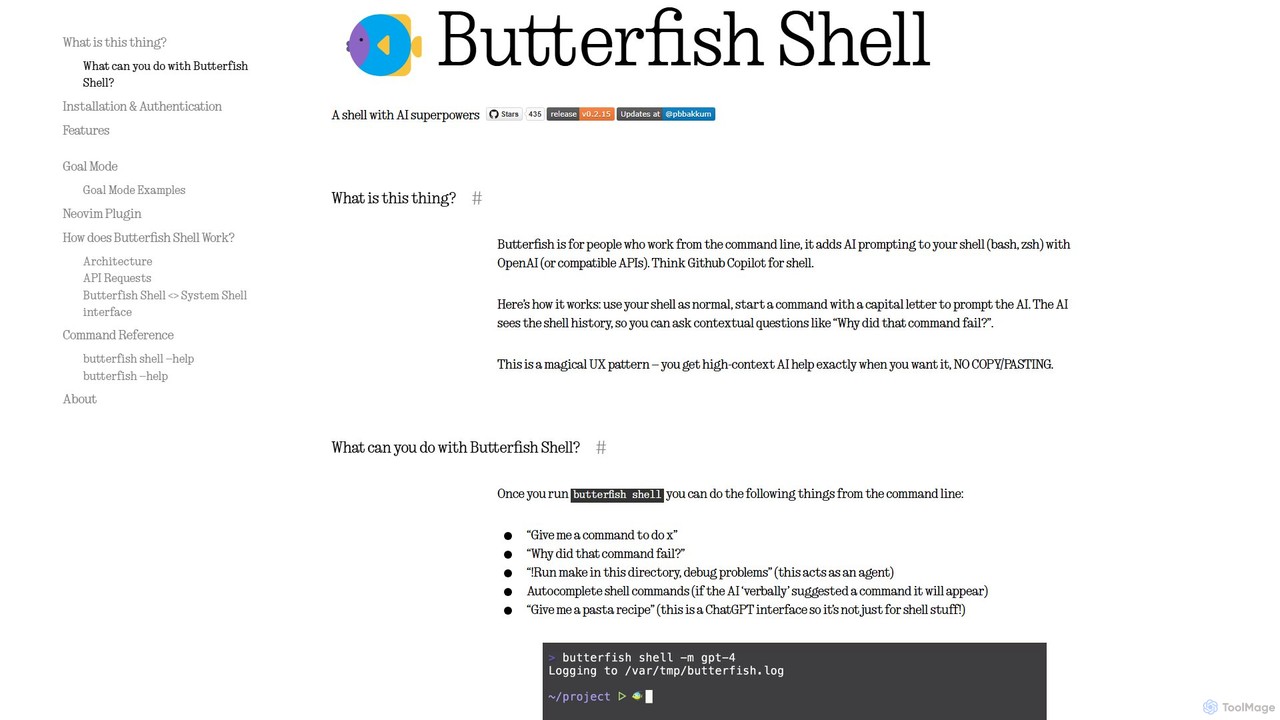
butterfish is an open-source CLI tool that supercharges your shell (bash, zsh) with AI capabilities. Acting like GitHub …

3.4K
Free
ShellMate

ShellMate

ShellMate is an open-source, AI-powered command-line productivity tool designed for developers and system administrators. Powered by OpenAI, it …

3.7K
Komandi

Komandi

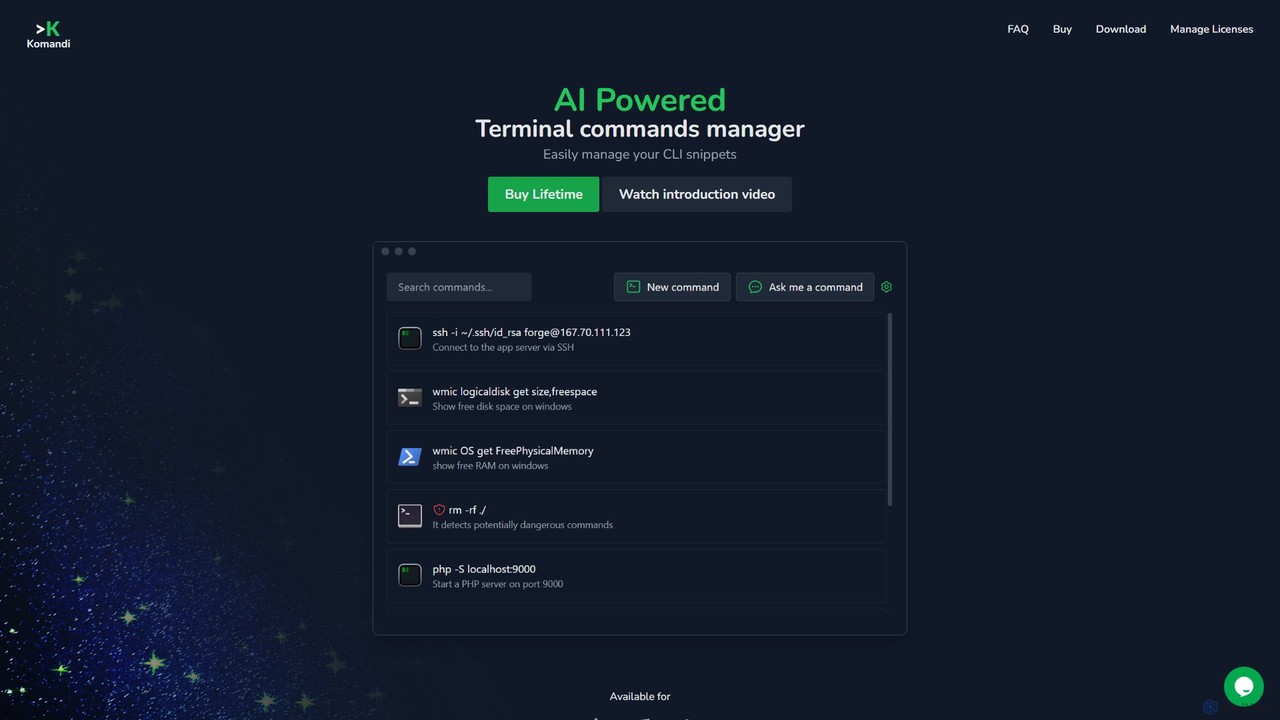
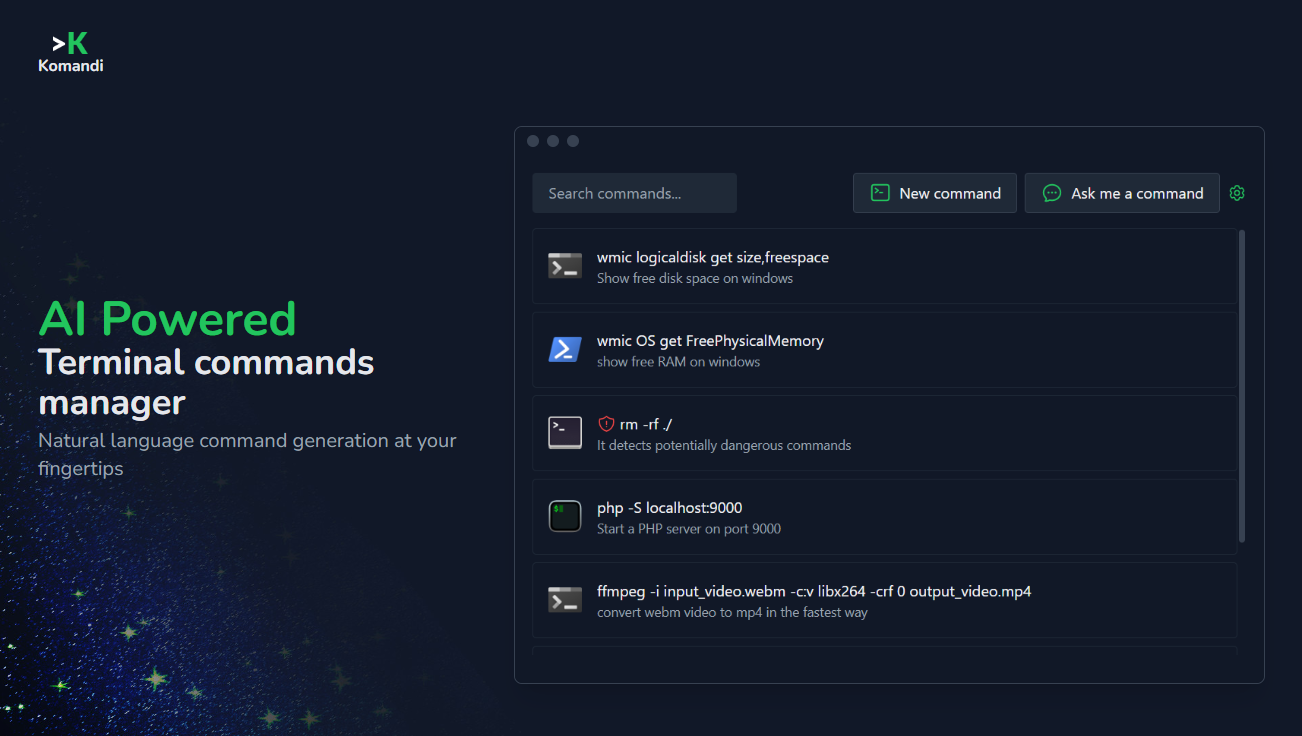
Komandi is an AI-powered CLI/terminal command manager for developers and sysadmins. It simplifies command-line operations by allowing you …

3.8K
Free
gptcli

gptcli

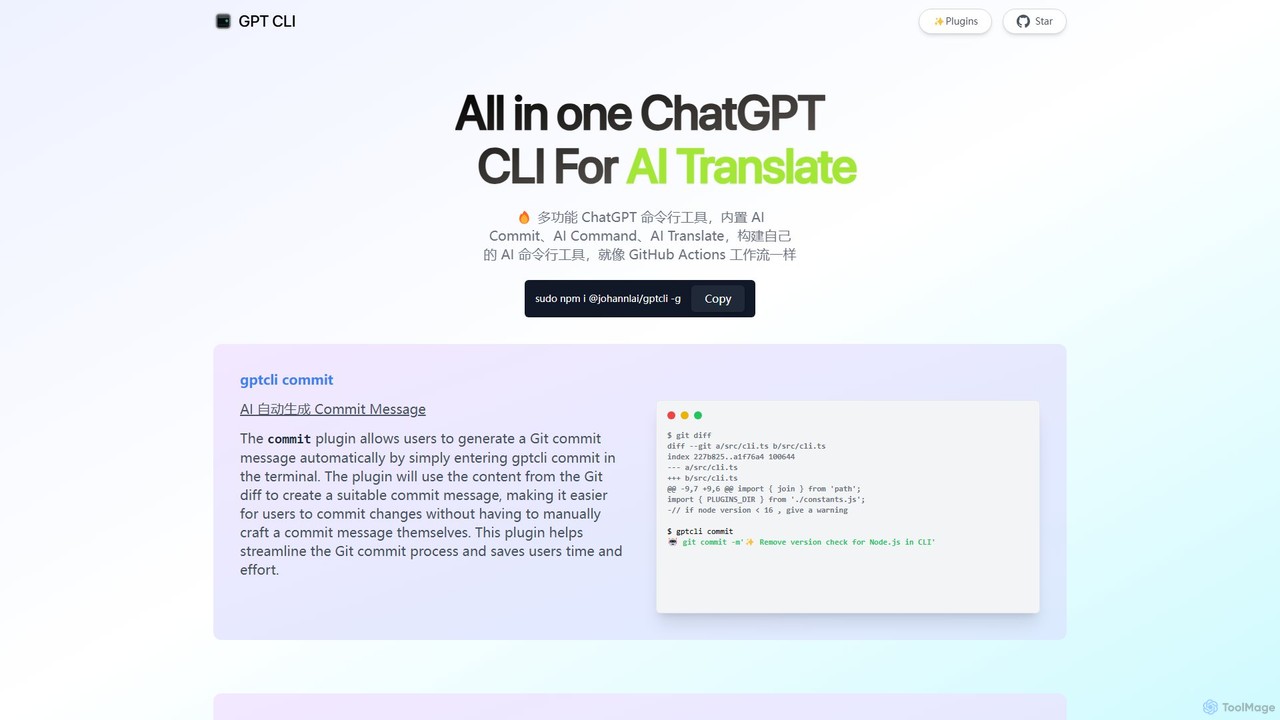
gptcli is a versatile, open-source command-line tool that integrates ChatGPT directly into your terminal. It streamlines developer workflows …

6.7K
how2terminal

how2terminal

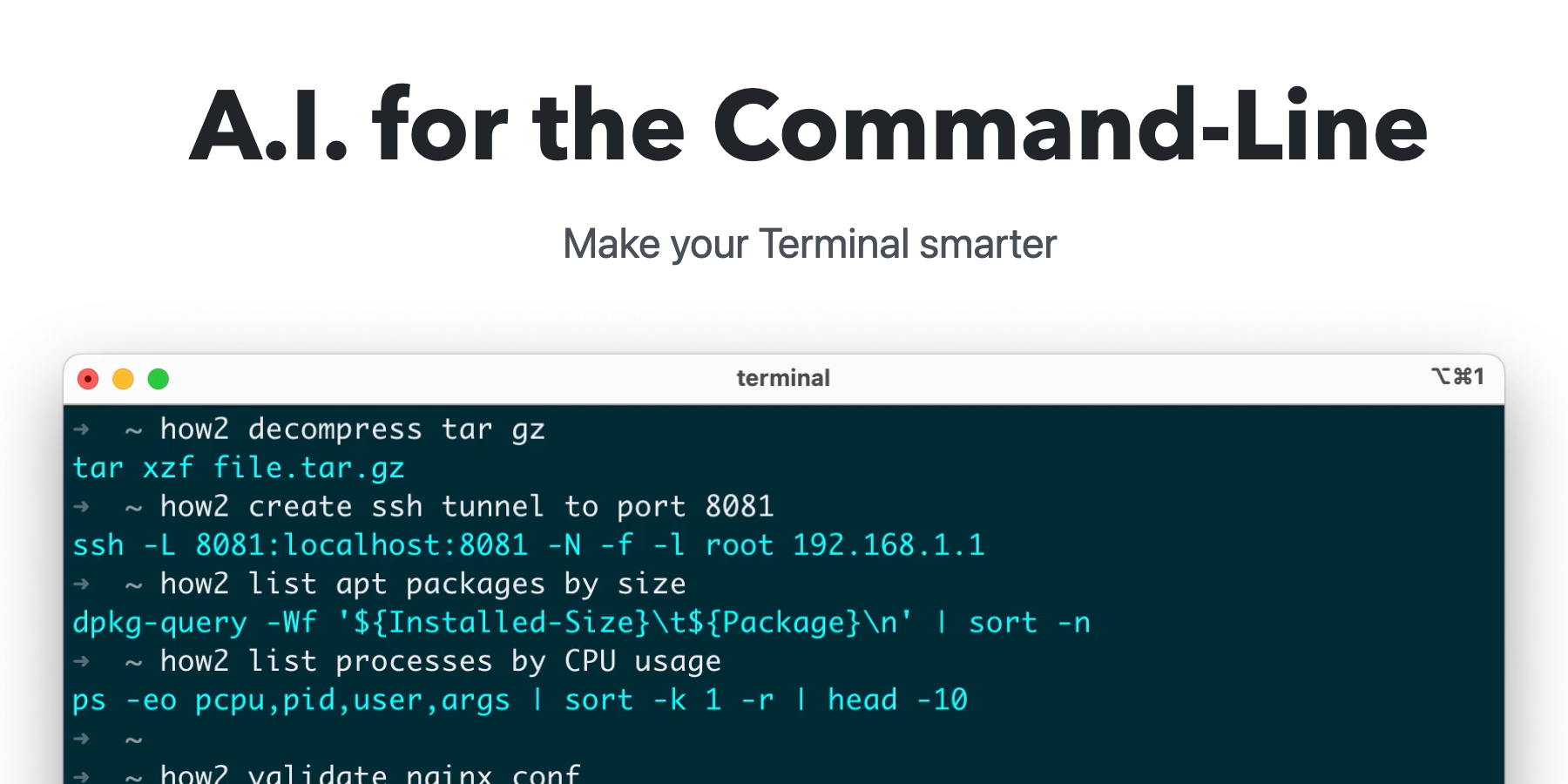
how2terminal is an AI-powered command-line tool that translates natural language queries into shell commands. It works directly in …

4.6K

About Command Line

AI Command Line tools are applications that integrate artificial intelligence, typically large language models, directly into the terminal environment. These tools function as intelligent assistants, translating natural language descriptions into executable shell commands, debugging scripts, or generating code snippets. Their primary value lies in significantly lowering the barrier to complex command-line operations and accelerating developer workflows. By understanding user intent, they reduce the need to memorize obscure syntax and flags, making the terminal more accessible and powerful.

Core Features

  • Natural Language to Command: Translates plain English prompts into accurate shell, Git, Docker, or other CLI commands.
  • Command Explanation: Deconstructs and explains complex or unfamiliar commands to enhance learning and prevent errors.
  • Error Diagnosis and Correction: Analyzes error messages from previous commands and suggests potential fixes or alternative commands.
  • Context-Aware Suggestions: Provides relevant command suggestions based on the current directory, git repository status, or system environment.
  • In-Terminal Code Generation: Creates code snippets or entire scripts directly in the command line without needing to switch to an IDE.

Use Cases

These tools are primarily used by developers, DevOps engineers, and system administrators. They are invaluable for tasks such as managing cloud infrastructure with tools like kubectl or AWS CLI, performing complex Git operations, or writing intricate shell scripts for automation. Even experienced users benefit by offloading the mental effort of recalling specific command syntax, while new users can become productive in the terminal much faster.

How to Choose

When selecting an AI Command Line tool, consider its shell compatibility (e.g., Bash, Zsh, Fish). Evaluate its privacy model—whether it processes data locally or sends it to a cloud service. Assess the breadth of its command support (e.g., general shell, Git, specific platforms) and its performance, including the latency of its suggestions. Finally, consider its ease of installation and configuration within your existing development environment.

Command LineUse Cases

1

Generating Complex Git Commands

A software developer needs to find a commit that introduced a specific bug. Instead of manually searching through logs or recalling complex `git log` and `git bisect` syntax, they can simply type a natural language query like 'find the commit where the function calculateTotal was changed in the payments module between last Monday and today'. The AI tool translates this into the precise Git command, saving significant time and reducing the chance of syntax errors during a critical debugging process.

2

Explaining Cryptic Shell Scripts

A junior DevOps engineer is tasked with maintaining a legacy automation script written in Bash. The script uses a series of piped commands with obscure flags from tools like `awk`, `sed`, and `xargs`. Instead of spending hours deciphering the script and its potential side effects, the engineer can feed the script to an AI command line tool and ask for an explanation. The tool breaks down each command and its function, clarifying the script's purpose and enabling the engineer to modify it confidently and safely.

3

Interactive System Administration

A system administrator needs to quickly diagnose a performance issue on a production server. They can use an AI command line tool to interactively query the system. For example, they can ask, 'show me the top 5 processes consuming the most memory' or 'list all open network connections on port 443'. The tool generates the appropriate commands (`ps`, `top`, `netstat`, `ss`), executes them, and can even summarize the output, allowing the administrator to pinpoint issues faster than navigating through multiple commands and their extensive man pages.

4

On-the-Fly Code Snippet Generation

A data scientist is working within a terminal, analyzing a dataset using command-line tools. They need a quick Python script to parse a JSON file and extract specific fields. Instead of opening an IDE or a text editor, they can ask the AI CLI: 'create a python script that reads data.json and prints the value of the "user_id" key for each object'. The tool instantly generates the script, which can be immediately executed or piped to another command, maintaining the workflow entirely within the terminal.

5

Debugging Command-Line Errors

A developer runs a complex `docker-compose` command and is met with a cryptic error message about network configurations. Instead of copying the error and searching through forums like Stack Overflow, they can ask their AI command line assistant to explain the error. The AI can analyze the error message in the context of their `docker-compose.yml` file, identify the likely misconfiguration (e.g., a port conflict or an undefined network), and suggest a specific correction, dramatically speeding up the troubleshooting process.

6

Automating Repetitive File Operations

A content manager needs to process a folder of images: resize all JPEGs to a width of 800 pixels, convert PNGs to JPEGs, and move them to an 'archive' subfolder. Constructing this multi-step command using `find`, `mogrify`, and `mv` can be complex. With an AI CLI, they can describe the entire workflow in one sentence. The tool generates the complete shell command or a small script to execute the task, turning a potentially error-prone, multi-command process into a single, reliable operation.

Command LineFrequently Asked Questions