

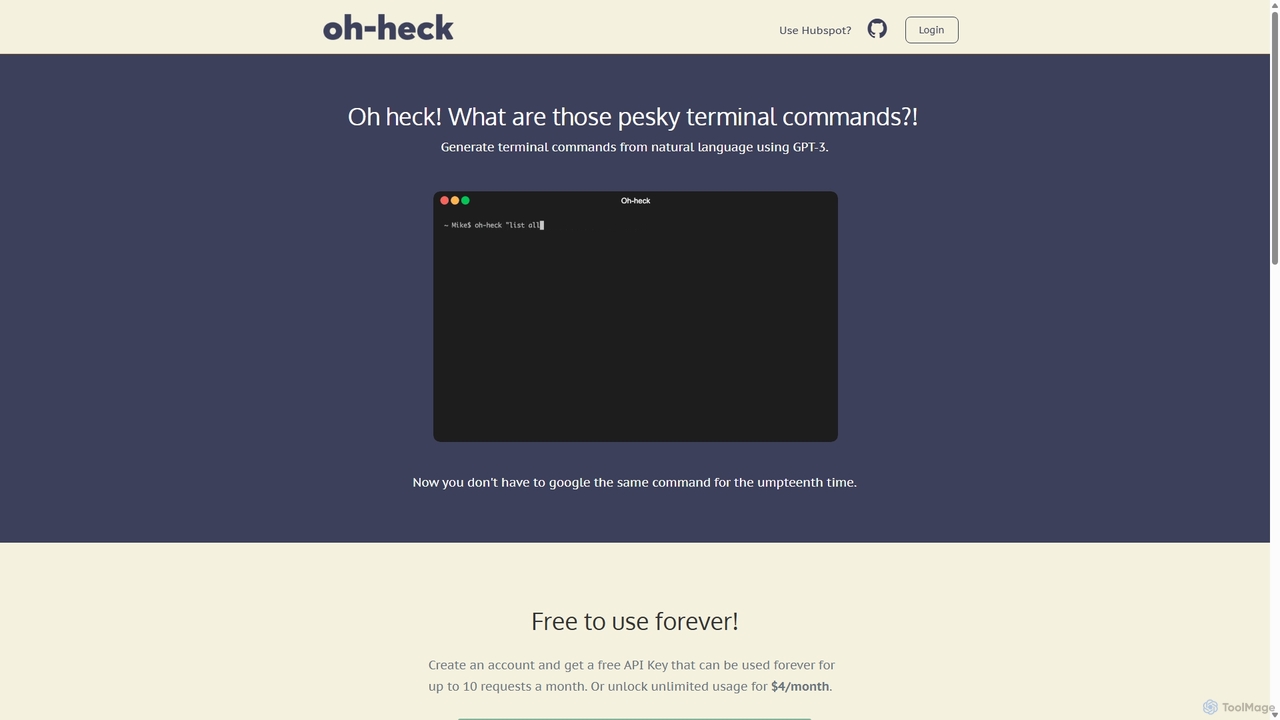
Oh-heck Overview
Oh-heck is a versatile AI-powered productivity suite designed to streamline workflows for both technical and business professionals. Leveraging the power of GPT-3, Oh-heck offers two distinct but complementary tools: a natural language to terminal command generator and a CRM-integrated email assistant. This dual-functionality platform aims to eliminate the friction of recalling obscure commands and drafting repetitive emails, allowing users to focus on more critical tasks.
The first component is a command-line interface (CLI) tool that acts as an intelligent assistant for anyone who works with a terminal. Instead of searching Google or sifting through man pages for the right command syntax, users can simply describe what they want to do in plain English. Oh-heck interprets the request and suggests the appropriate command, which can then be approved and automatically copied to the clipboard. This is invaluable for developers, system administrators, and even students learning their way around the command line.
The second component is a browser extension for Chrome and Firefox that integrates directly into your Customer Relationship Management (CRM) system. It helps sales, support, and marketing professionals craft high-quality emails effortlessly. Users can select content within their CRM to provide context, and the AI will generate a relevant and well-written email draft. The tool features an interactive chat interface, allowing users to refine and modify the generated text until it perfectly matches their needs and tone. This dramatically speeds up communication and ensures consistency in customer interactions.
How to use Oh-heck
Using Oh-heck's tools is designed to be simple and intuitive.
For the Terminal Command Generator:
- Installation: First, visit the Oh-heck website to download the correct binary for your system's architecture (Intel x86 or Apple Silicon arm). After downloading, move the 'Oh-heck' file to a directory in your system's PATH, such as
/usr/local/bin, to make it accessible from anywhere in the terminal. - Configuration: Create an account on the website to receive a free API key. You will need to configure the CLI tool with this key.
- Usage: Open your terminal and type
Oh-heckfollowed by your request in quotes. For example:Oh-heck "find all files larger than 100MB in my home directory". - Confirmation: The AI will return its best guess for the command. You can accept it by typing 'y' or reject it with 'n'. If you accept, the command is automatically copied to your clipboard, ready to be pasted. If you reject, you can rephrase your question. You can exit at any time with 'Ctrl + c'.
For the CRM Email Assistant:
- Installation: Install the Oh-heck browser extension from the Chrome Web Store or Firefox Add-ons store.
- Configuration: Log in with your Oh-heck account to link your API key.
- Usage: While in your CRM, select any relevant text to use as context for your email. The Oh-heck extension will appear, allowing you to generate an email based on that context.
- Refinement: A chat interface opens with the AI's generated draft. You can then instruct the AI to make changes, such as 'make it more formal' or 'add a call to action'.
- Finalize: Once you are satisfied with the email, click the clipboard button to copy the final text and paste it into your email client or CRM's composer.
Core Features of Oh-heck
- Natural Language to Terminal Command: Translates plain English descriptions into accurate shell commands.
- AI-Powered Email Generation: Creates professional and context-aware emails directly within your CRM.
- Interactive AI Chat: Allows for easy refinement and editing of generated emails through conversational prompts.
- Context-Awareness: Uses selected text from your CRM to provide relevant and personalized email drafts.
- Seamless Integration: Offers a native command-line tool for developers and browser extensions (Chrome, Firefox) for CRM users.
- Clipboard Automation: Automatically copies accepted commands or finalized emails to the clipboard for immediate use.
- Cross-Platform Support: The CLI tool supports both Intel and Apple Silicon-based Macs.
- Simple and Memorable: If you forget the commands, simply typing `Oh-heck` provides guidance.
Use Cases for Oh-heck
For Developers & System Administrators:
- Quickly generating complex commands for tools like `git`, `docker`, `awk`, `sed`, or `ffmpeg` without leaving the terminal.
- Assisting junior developers or those learning a new command-line tool.
- Finding and constructing one-off commands for file manipulation, network diagnostics, or system administration.
For Sales & Business Development:
- Drafting personalized outreach emails and follow-ups at scale.
- Quickly responding to inbound leads with information pulled from the CRM context.
- Maintaining a consistent and professional tone across all client communications.
For Customer Support Agents:
- Generating empathetic and clear responses to support tickets.
- Quickly summarizing technical issues or solutions in easy-to-understand language.
- Reducing response times and improving customer satisfaction.
Advantages of Oh-heck
The primary advantage of Oh-heck is its focus on practical, everyday productivity. It targets two common time-sinks—terminal command recall and email writing—with a single, affordable solution. Its freemium model makes it highly accessible, allowing anyone to benefit from its core features without an initial investment. The integration into existing workflows (terminal and CRM) means there's no need to switch contexts, which boosts efficiency and reduces distractions. The tools are simple, single-purpose, and highly effective at what they do.
Pricing and Plans
Oh-heck operates on a straightforward freemium model:
- Free Plan: Get a free API key that allows for up to 10 terminal command requests per month and 10 email generations per month, forever. This is ideal for casual users or for trying out the service.
- Unlimited Plan: For just $4/month, you can unlock unlimited usage for both the terminal command generator and the CRM email assistant. This plan is designed for power users who rely on these tools daily.
Oh-heck Alternatives
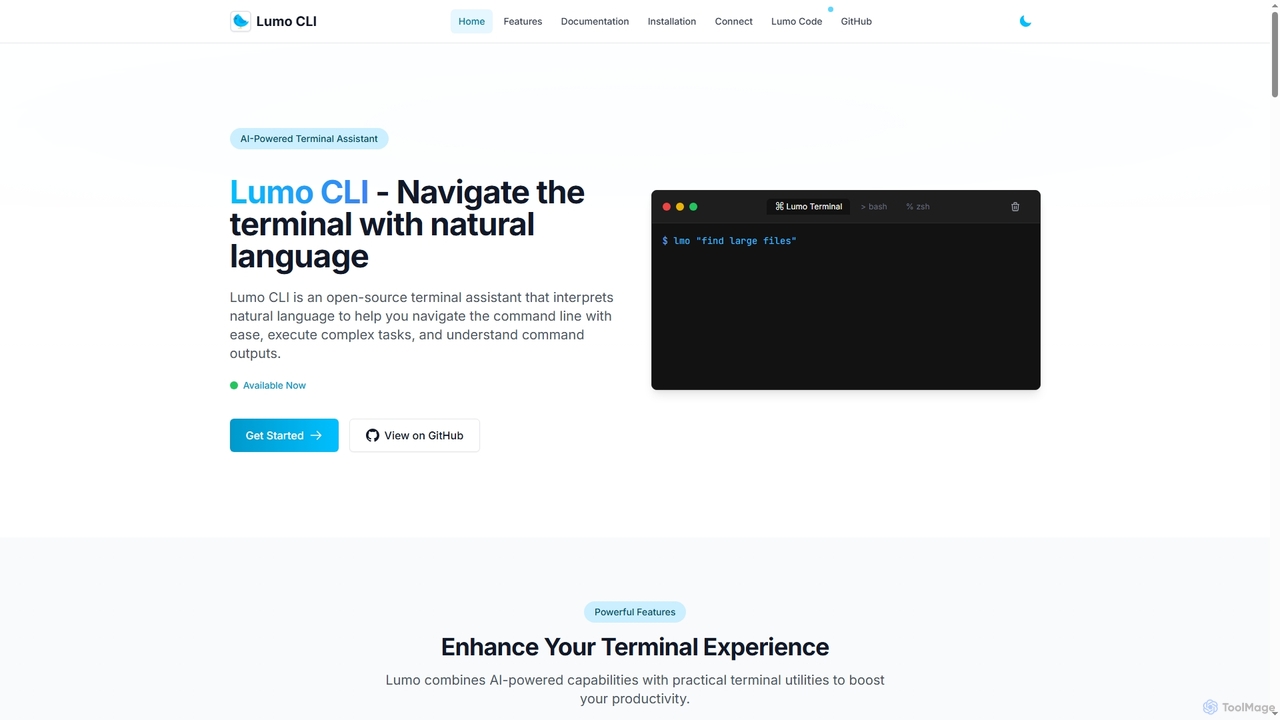
Lumo
Lumo is an open-source, AI-powered terminal assistant that allows users to interact with the command line using natural language. It translates plain English into executable commands, automates complex tasks, monitors system health, and supports multiple AI models including Gemini, OpenAI, and Ollama for local inference.
Code Assistant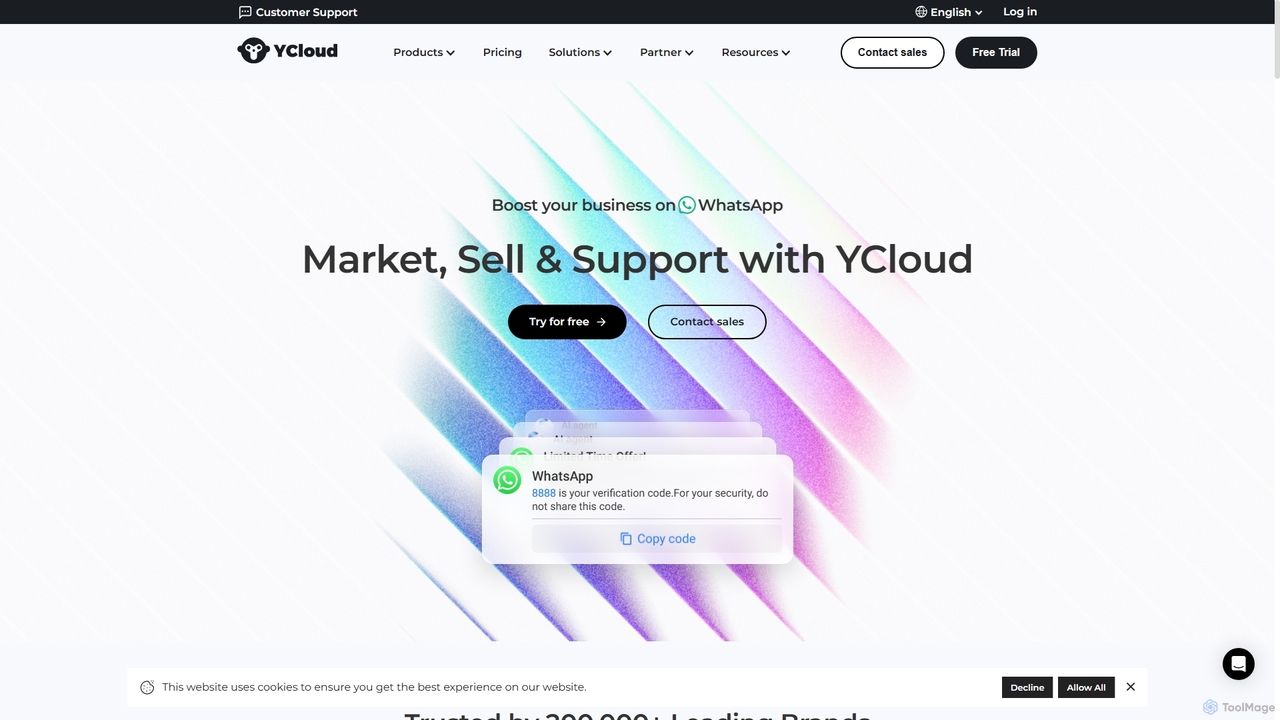
YCloud
YCloud is an all-in-one WhatsApp engagement platform powered by AI. As a Meta Official Business Solution Provider, it helps businesses market, sell, and support customers at scale. Features include AI chatbots, automated marketing journeys, a shared team inbox, and seamless integrations to boost leads, conversions, and customer satisfaction.
Chatbot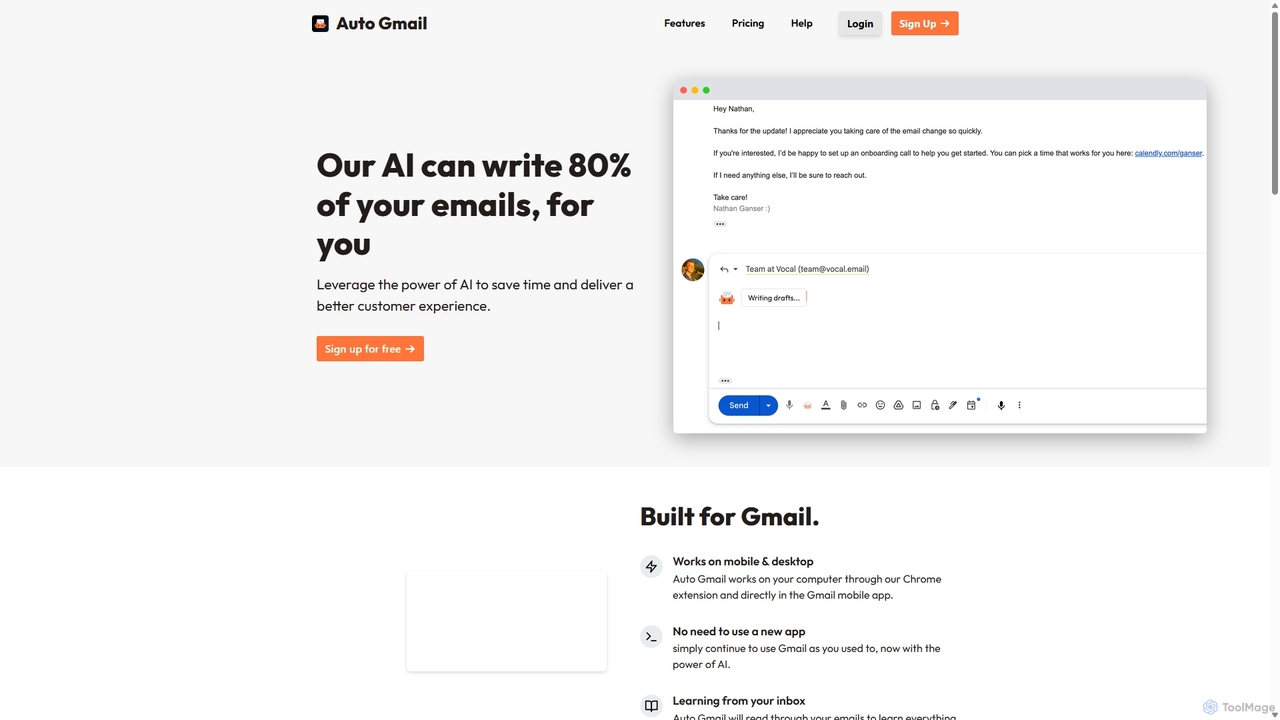
Auto Gmail
Auto Gmail is an AI-powered assistant for Gmail that learns your writing style to automatically draft email replies. It integrates seamlessly into your inbox via a Chrome extension, aiming to write 80% of your emails, saving you time and enhancing customer communication.
Email Management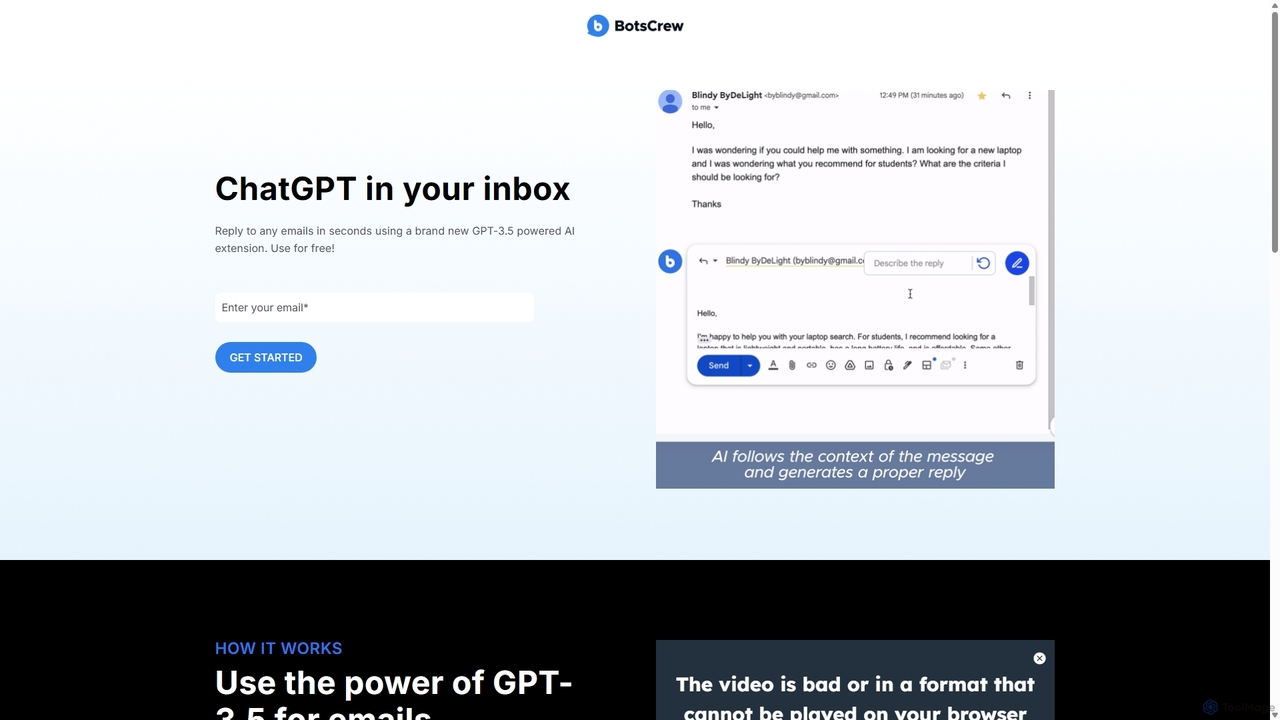
Legendary Email
Legendary Email is a free, GPT-3.5 powered browser extension that integrates directly into your inbox, CRM, or ticketing system. It analyzes email context to instantly draft professional, relevant replies. Ideal for sales, customer support, and anyone looking to enhance email productivity and communication quality.
Help Desk
SalezRobot
SalezRobot is an AI-powered sales improvement and CRM platform designed to automate the entire sales lifecycle. It streamlines pre-sales lead capture, sales process management, and post-sales customer support. With integrated tools like WhatsApp Business API, IVR, and AI chatbots, SalezRobot helps teams increase productivity, maximize sales opportunities, and enhance customer satisfaction through intelligent automation and insightful analytics.
Help DeskOh-heck Categories
Oh-heck Jobs
Oh-heck Embed Widget
Copy this embed code to place the badge on your blog, article, or product site and send readers directly to this ToolMage detail page.

Related AI tools
Lumo
Lumo is an open-source, AI-powered terminal assistant that allows users to interact with the command line using natural language. It translates plain English into executable commands, automates complex tasks, monitors system health, and supports multiple AI models including Gemini, OpenAI, and Ollama for local inference.
Code Assistant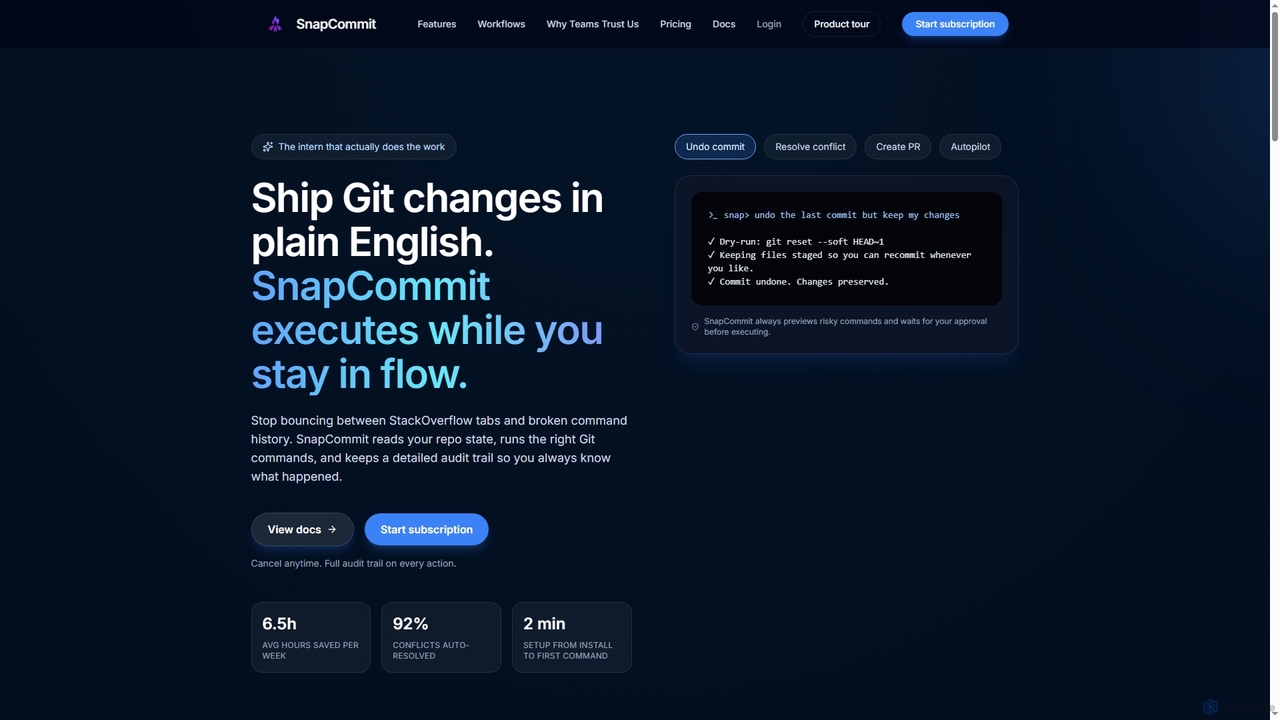
SnapCommit
SnapCommit is an AI-powered terminal Git assistant that allows developers to manage Git operations using plain English commands. It automates complex workflows like committing, resolving conflicts, and creating pull requests, enhancing productivity and ensuring code integrity with dry-run previews and a detailed audit trail.
Code Assistant
Pi
A minimal, highly customizable terminal coding agent that adapts to your workflows. Pi leverages multiple AI providers and models, offers extensive extension capabilities, and provides various interaction modes for developers.
Code Assistant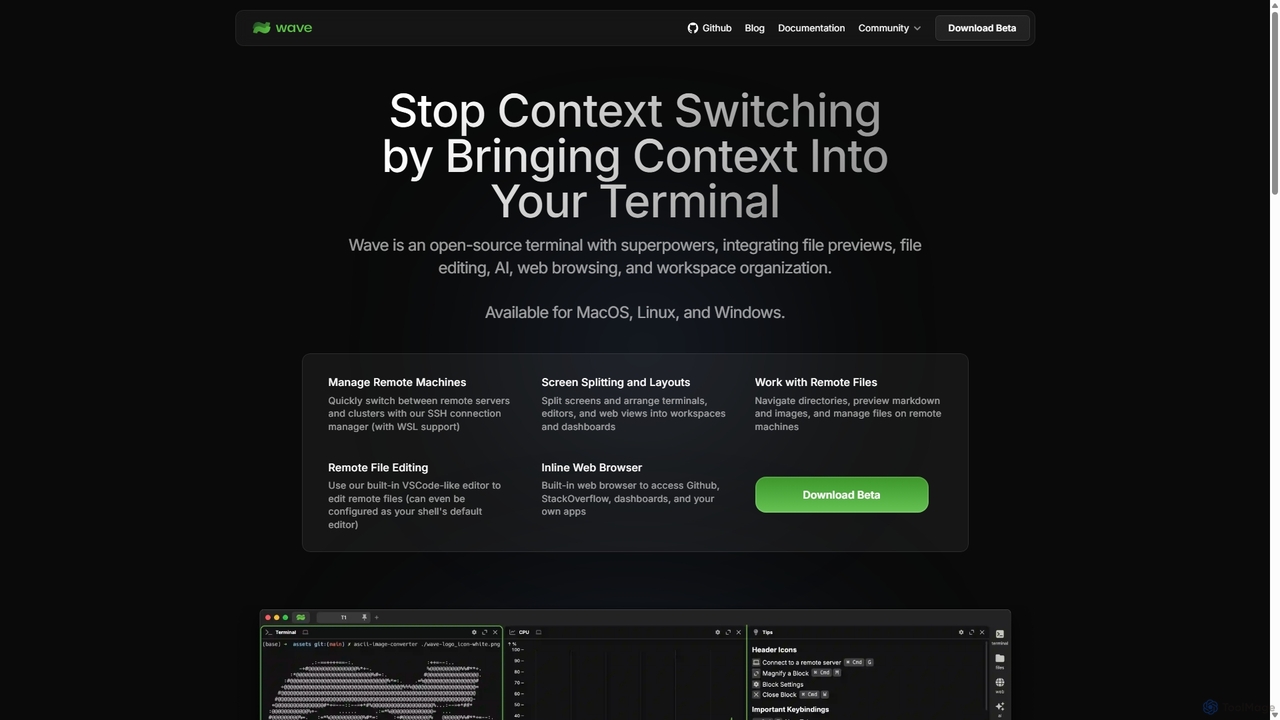
Waveterm
Waveterm is an open-source, modern terminal designed for developers and DevOps engineers. It enhances the command-line experience by integrating AI-powered assistance, a VSCode-like editor, inline file previews, a web browser, and customizable dashboards. This all-in-one workspace reduces context switching and boosts productivity across macOS, Windows, and Linux.
Code Assistant
Dallecli
A powerful command-line interface (CLI) tool for interacting with OpenAI's DALL-E models. Generate, edit, and manage AI images directly from your terminal, perfect for developers, scripters, and automating creative workflows.
Command Line Interface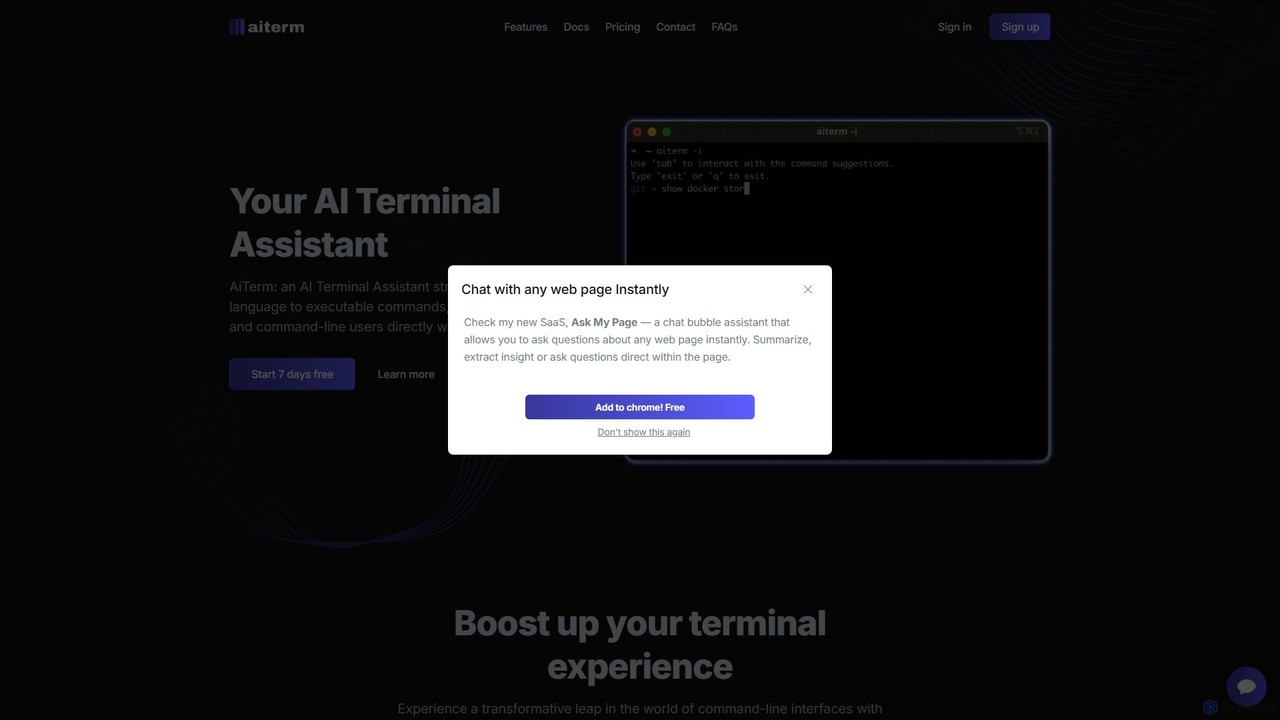
AiTerm
AiTerm is an AI-powered terminal assistant that translates natural language into executable shell commands. It streamlines workflows for developers and command-line users with features like IDE-style autocompletion, command suggestions, and workflow management, all directly within the terminal.
Code Assistant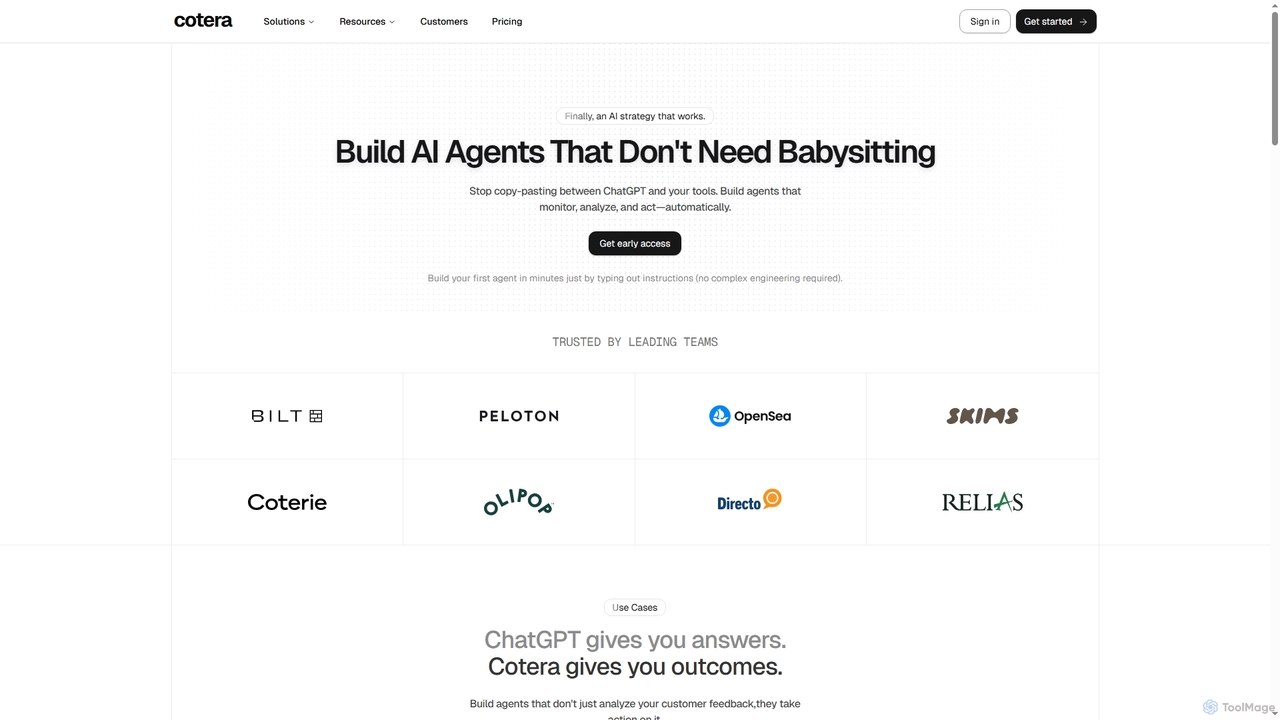
Cotera
Cotera is an AI platform that empowers businesses to build autonomous AI agents capable of monitoring, analyzing, and acting automatically across various operations. It eliminates manual busywork by enabling users to create sophisticated agents with plain English instructions, integrating seamlessly with existing tools and data warehouses.
Support Automation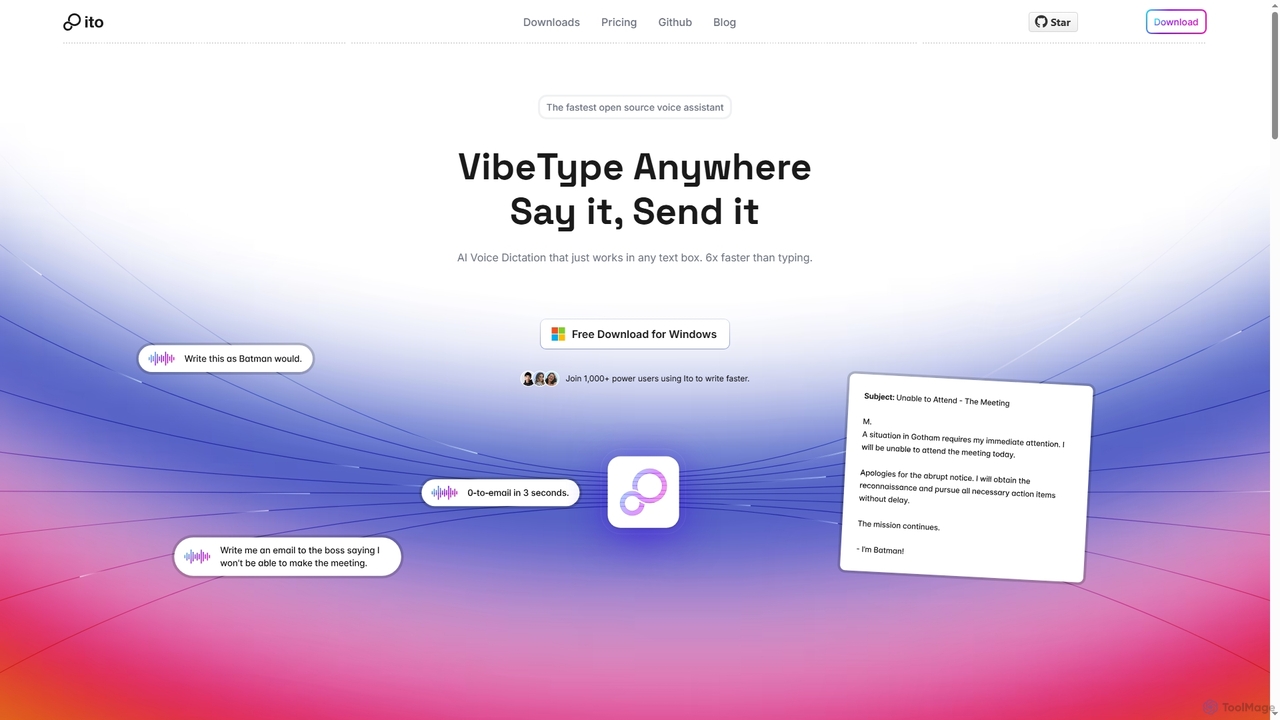
Ito
Ito is an open-source, voice-powered AI assistant for Mac and Windows that goes beyond simple dictation. Using "Vibe Typing," it understands your intent to generate polished text, smart responses, and even code, saving users significant time by allowing them to think, not type.
Email AssistantYCloud
YCloud is an all-in-one WhatsApp engagement platform powered by AI. As a Meta Official Business Solution Provider, it helps businesses market, sell, and support customers at scale. Features include AI chatbots, automated marketing journeys, a shared team inbox, and seamless integrations to boost leads, conversions, and customer satisfaction.
ChatbotAuto Gmail
Auto Gmail is an AI-powered assistant for Gmail that learns your writing style to automatically draft email replies. It integrates seamlessly into your inbox via a Chrome extension, aiming to write 80% of your emails, saving you time and enhancing customer communication.
Email Management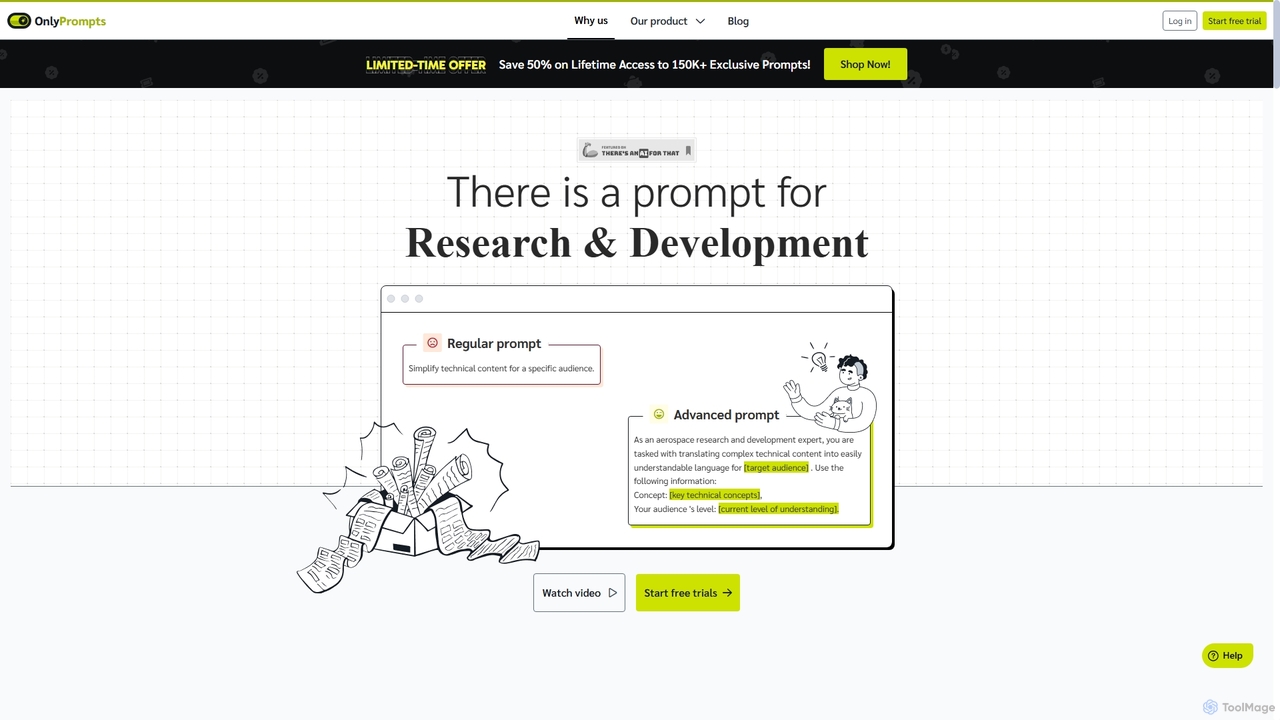
OnlyPrompts
OnlyPrompts is the ultimate AI prompt library, offering over 150,000 expertly crafted prompts for 37,000+ tasks. It features an integrated AI assistant compatible with GPT-4 and Claude 3, side-by-side prompt testing, and customizable templates. Designed for professionals in marketing, HR, finance, and more, it streamlines workflows, enhances productivity, and elevates the quality of AI-generated content.
OperationsLegendary Email
Legendary Email is a free, GPT-3.5 powered browser extension that integrates directly into your inbox, CRM, or ticketing system. It analyzes email context to instantly draft professional, relevant replies. Ideal for sales, customer support, and anyone looking to enhance email productivity and communication quality.
Help DeskSalezRobot
SalezRobot is an AI-powered sales improvement and CRM platform designed to automate the entire sales lifecycle. It streamlines pre-sales lead capture, sales process management, and post-sales customer support. With integrated tools like WhatsApp Business API, IVR, and AI chatbots, SalezRobot helps teams increase productivity, maximize sales opportunities, and enhance customer satisfaction through intelligent automation and insightful analytics.
Help Desk
Jyek
Jyek is an AI agent platform that understands objectives, creates execution plans, uses tools, and delivers verifiable results for complex, multi-step tasks.
Automation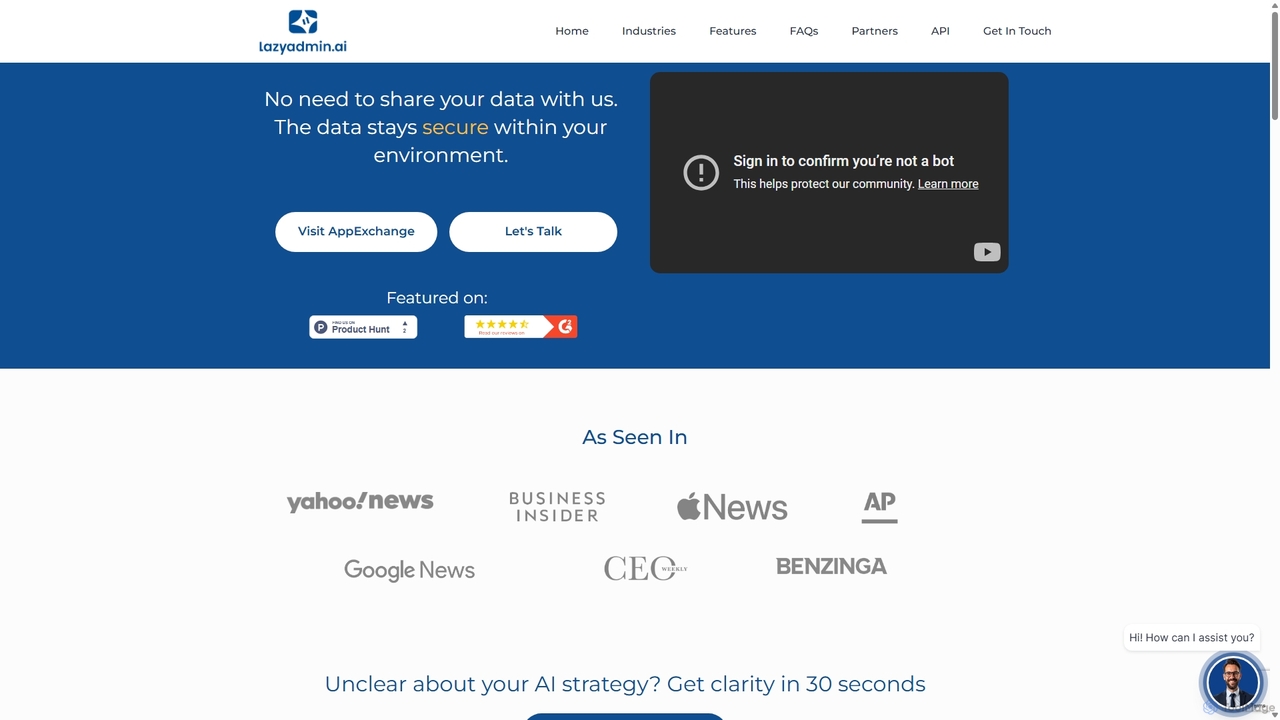
Lazy Admin
Lazy Admin is an AI-powered data analysis and reporting solution designed primarily for Salesforce. It enables users to query data, generate charts, and create dashboards using natural language. The tool emphasizes security by keeping all data within your environment and can be personalized to understand your specific business terminology, making data insights accessible to everyone on your team.
Business Intelligence
Oh-heck Comments (0)
Sign in to comment.
Sign inNo comments yet.