

Dallecli Overview
Dallecli is a robust and efficient command-line interface (CLI) designed for developers, power users, and system administrators who want to harness the power of OpenAI's DALL-E text-to-image models without leaving the terminal. This tool acts as a direct bridge to the DALL-E API, enabling seamless integration of AI image generation into scripts, automated workflows, and development environments. By abstracting the complexities of API calls into simple commands, Dallecli significantly speeds up prototyping, batch processing, and creative exploration.
How to use Dallecli
Using Dallecli is straightforward and designed for a terminal-centric workflow. First, you need to install it, typically via a package manager like pip for Python. Once installed, you must configure it with your OpenAI API key.
1. Installation: Open your terminal and run the installation command (e.g., pip install Dallecli).
2. Configuration: Set up your API key using a command like Dallecli configure --api-key YOUR_OPENAI_API_KEY. This securely stores your key for future use.
3. Generate an Image: Use the 'generate' command followed by your text prompt in quotes. For example: Dallecli generate "A photorealistic image of a red panda coding on a laptop in a coffee shop."
4. Advanced Options: Customize your output by adding flags for parameters like image size, quality, style, and the number of images to generate. For example: Dallecli generate "..." --size 1024x1024 --n 4 --quality hd.
5. Manage Outputs: The tool will save the generated images to a specified directory, returning the file paths for easy access in scripts.
Core Features of Dallecli
- Direct Terminal Access: Interact with the DALL-E 2 and DALL-E 3 APIs directly from your command line.
- Text-to-Image Generation: Convert simple text prompts into high-quality images with intuitive commands.
- Parameter Control: Full control over API parameters, including image dimensions, quality (standard/hd), style (vivid/natural), and number of variations.
- Scripting and Automation: Easily integrate into Bash, Python, or any other scripting language to automate image creation for blogs, social media, or application assets.
- Batch Processing: Generate hundreds of images from a text file of prompts with a single command, ideal for large-scale projects.
- Secure API Key Management: Simple and secure configuration to store and manage your OpenAI API credentials.
- Local File Management: Automatically downloads and saves generated images to your local machine, with customizable naming conventions.
Use Cases for Dallecli
For Developers: Automate the generation of placeholder images, user avatars, or in-app graphics during development. Integrate into CI/CD pipelines to create assets on the fly.
For Content Creators: Batch-generate unique blog post headers, social media visuals, or YouTube thumbnails based on a list of titles or keywords.
For Data Scientists: Programmatically create large synthetic image datasets for training machine learning models.
For System Administrators: Use in server-side scripts to generate status images, report visuals, or custom notifications.
For Designers: Quickly prototype and iterate on visual concepts and mood boards directly from a script without needing a graphical interface.
Advantages of Dallecli
The primary advantage of Dallecli is its efficiency and automation capability. It bypasses the need for a web browser or graphical application, making the image generation process faster and more resource-light. Its scriptable nature unlocks powerful automation possibilities that are impossible with a web UI. This makes it an indispensable tool for any technical user looking to integrate AI image generation into their workflows programmatically, ensuring consistency, speed, and scalability.
Pricing and Plans
Dallecli itself is typically a free, open-source tool. However, it requires an OpenAI API key to function. The costs are based on OpenAI's pay-as-you-go pricing for the DALL-E API. Users are billed by OpenAI based on the number of images generated, their resolution, and the quality settings selected. There are no subscription fees for the CLI tool itself, offering a flexible and cost-effective way to use the DALL-E models.
Dallecli Alternatives
Runware
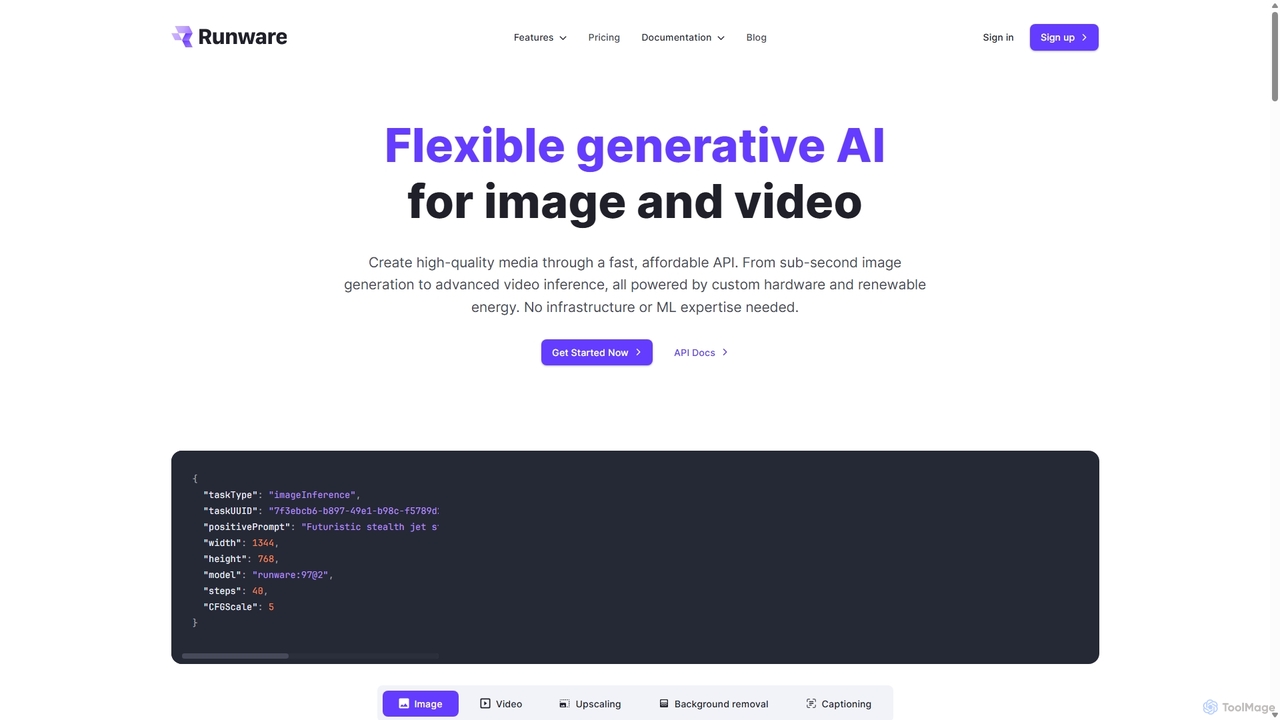
Runware provides a high-performance, low-cost API for developers to integrate generative AI for image and video creation. Leveraging custom hardware and renewable energy, it offers industry-leading inference speeds for over 300,000 models, including Stable Diffusion, FLUX.1, and Kling. It's a scalable, easy-to-use platform that requires no ML expertise, designed for building next-generation AI-native applications.
Api Platform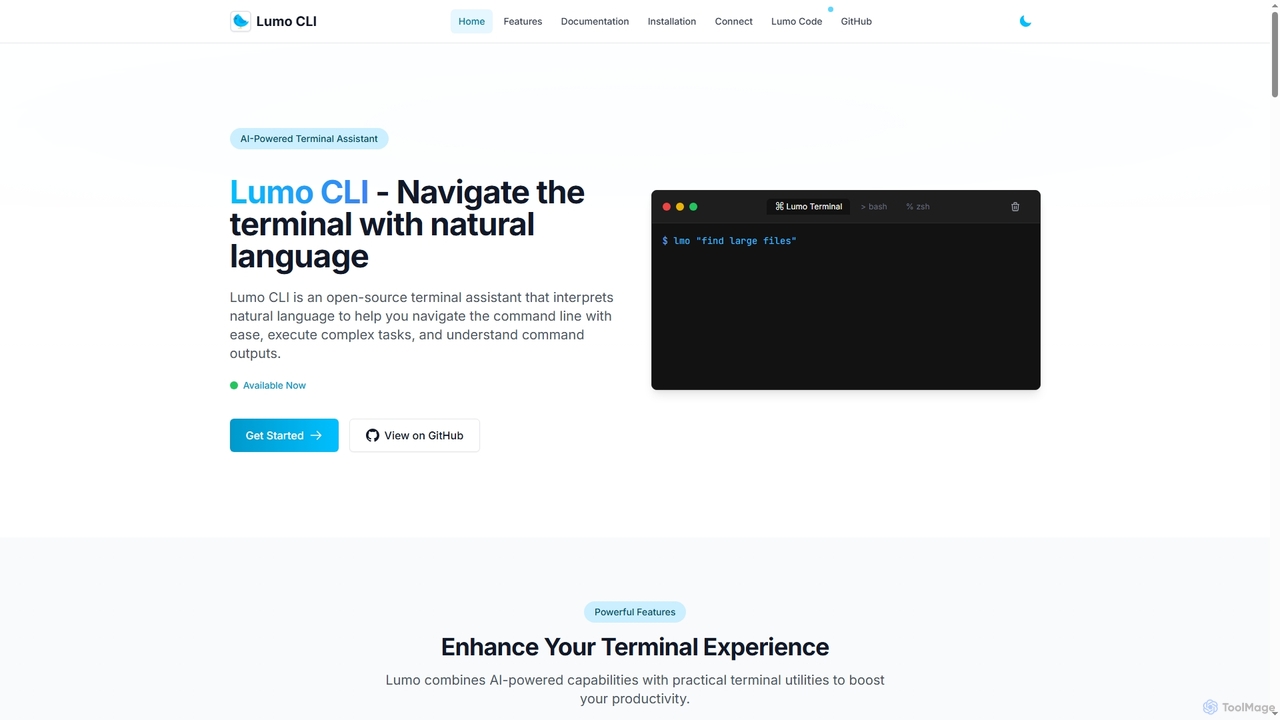
Lumo
Lumo is an open-source, AI-powered terminal assistant that allows users to interact with the command line using natural language. It translates plain English into executable commands, automates complex tasks, monitors system health, and supports multiple AI models including Gemini, OpenAI, and Ollama for local inference.
Code Assistant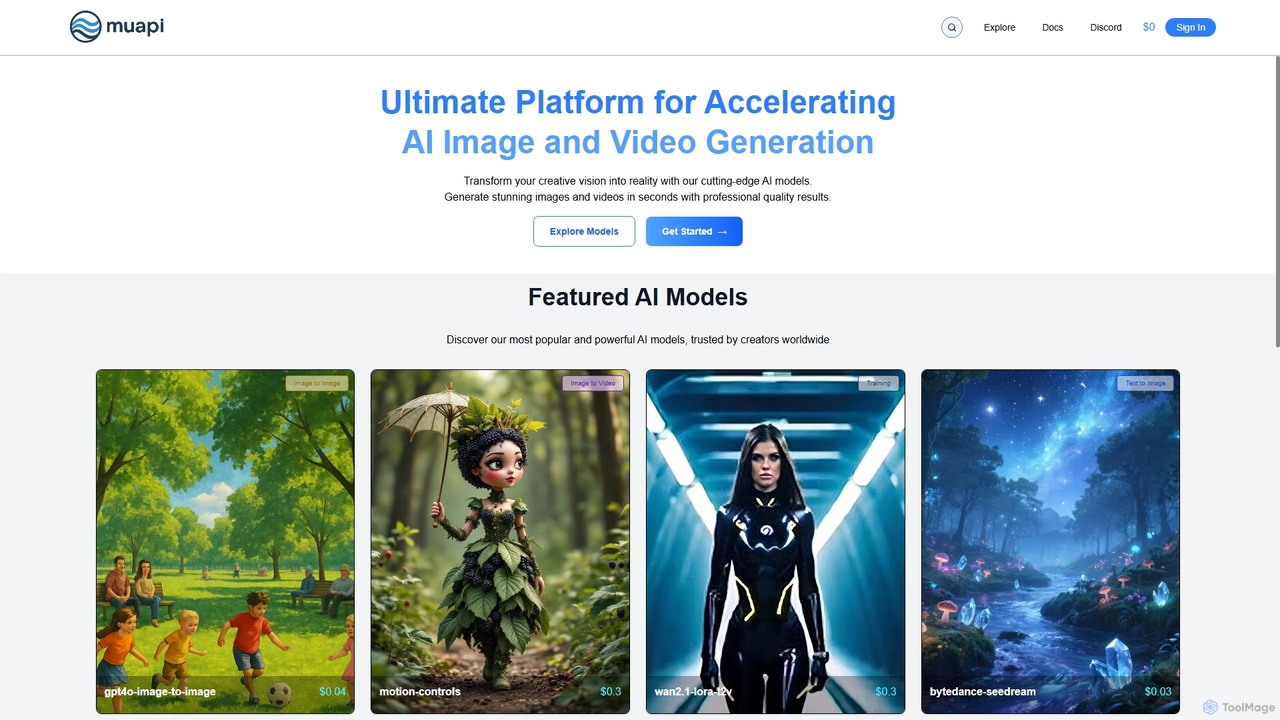
Muapi
Muapi is a powerful API platform designed to accelerate AI image and video generation. It provides developers and creators with unified access to a diverse range of cutting-edge AI models. With Muapi, you can easily integrate functionalities like text-to-video, image-to-video, consistent character generation, and style transfer into your applications. The platform simplifies the development process, offering a single API endpoint for multiple advanced generative AI tasks, backed by a clear, pay-as-you-go pricing structure.
Api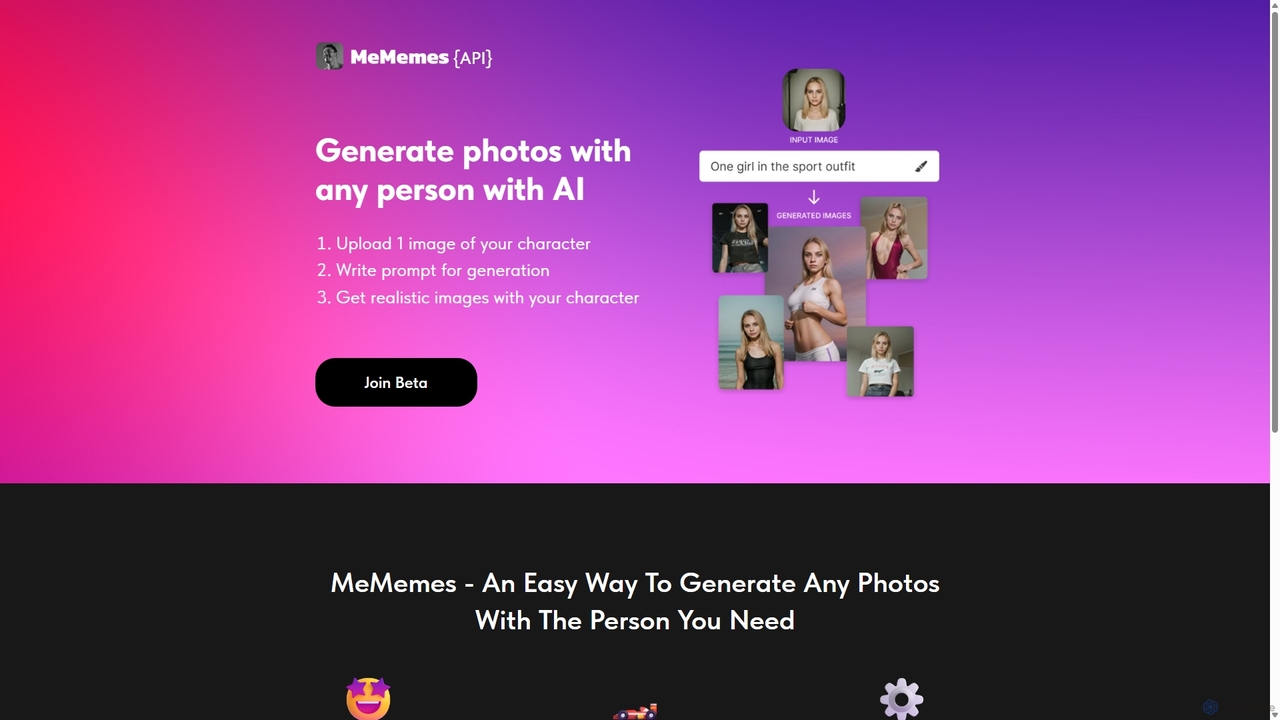
MeMemes
MeMemes is a developer-focused API that uses AI to generate high-quality, realistic photos featuring any specific person. By uploading just one image, developers can integrate a powerful character-consistent image generation service into their applications, enabling users to create personalized content in seconds.
Api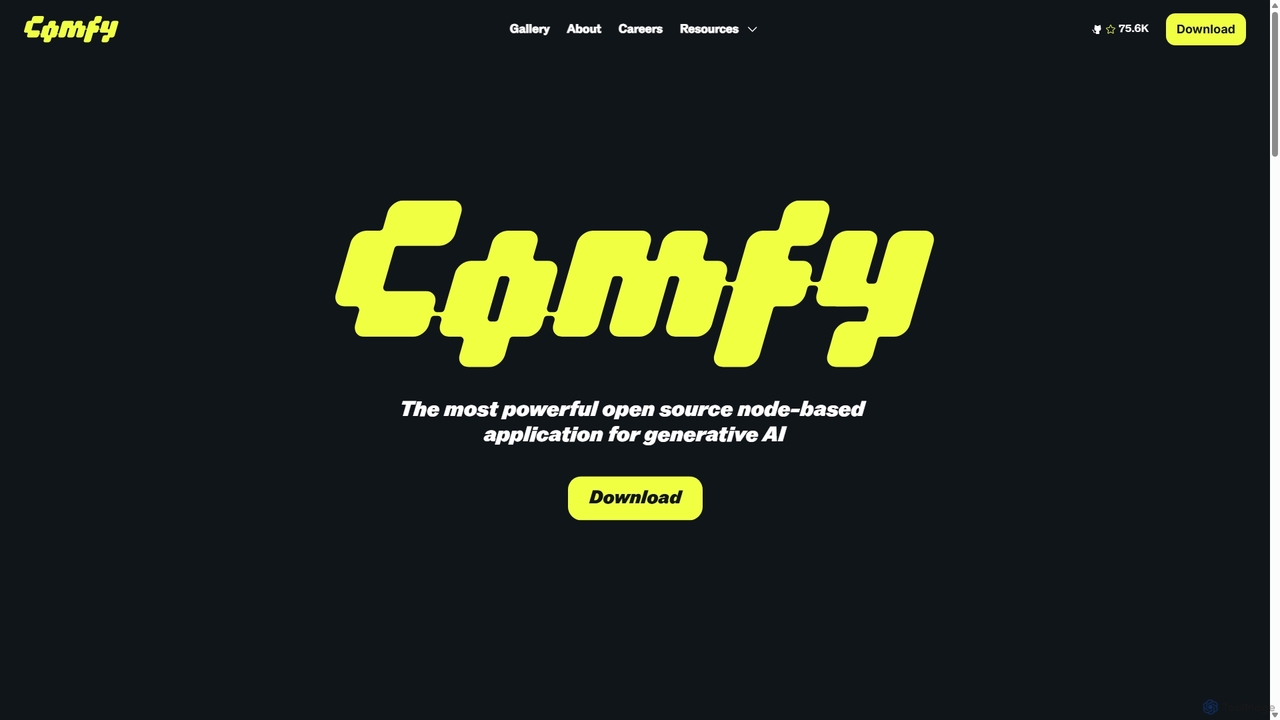
ComfyUI
ComfyUI is a powerful, free, and open-source node-based graphical user interface for generative AI. It offers unparalleled control and flexibility for creating complex workflows to generate images, videos, 3D assets, and audio, designed for artists, developers, and researchers.
3D ModelingDallecli Categories
Dallecli Jobs
Dallecli Embed Widget
Copy this embed code to place the badge on your blog, article, or product site and send readers directly to this ToolMage detail page.

Related AI tools
Lumo
Lumo is an open-source, AI-powered terminal assistant that allows users to interact with the command line using natural language. It translates plain English into executable commands, automates complex tasks, monitors system health, and supports multiple AI models including Gemini, OpenAI, and Ollama for local inference.
Code AssistantMeMemes
MeMemes is a developer-focused API that uses AI to generate high-quality, realistic photos featuring any specific person. By uploading just one image, developers can integrate a powerful character-consistent image generation service into their applications, enabling users to create personalized content in seconds.
Api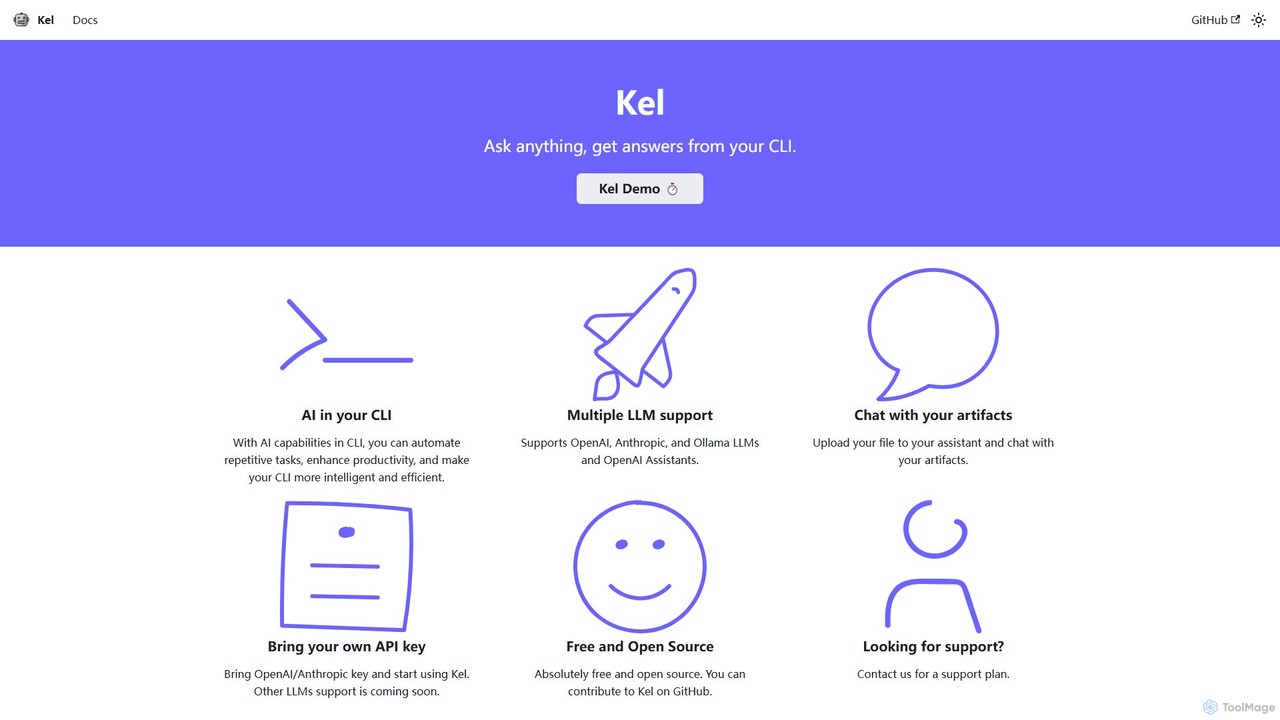
Kel
Kel is a free, open-source AI assistant for your command-line interface (CLI). It integrates with multiple LLMs like OpenAI, Anthropic, and Ollama to help developers and sysadmins automate tasks, generate commands, and even chat with documents directly from the terminal.
Code Assistant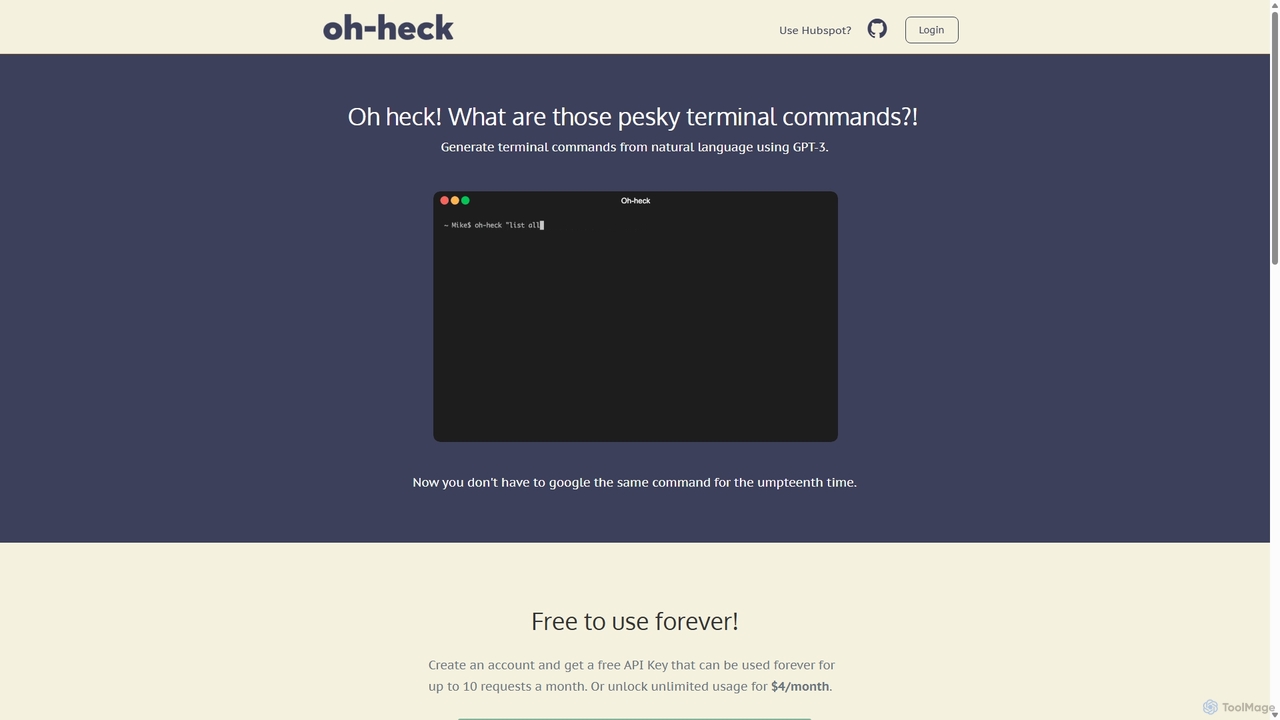
Oh-heck
Oh-heck is a suite of AI-powered productivity tools that convert natural language into terminal commands and generate professional emails directly within your CRM. Powered by GPT-3, it's designed to save time for developers, sales teams, and support agents by simplifying complex and repetitive tasks.
Command Line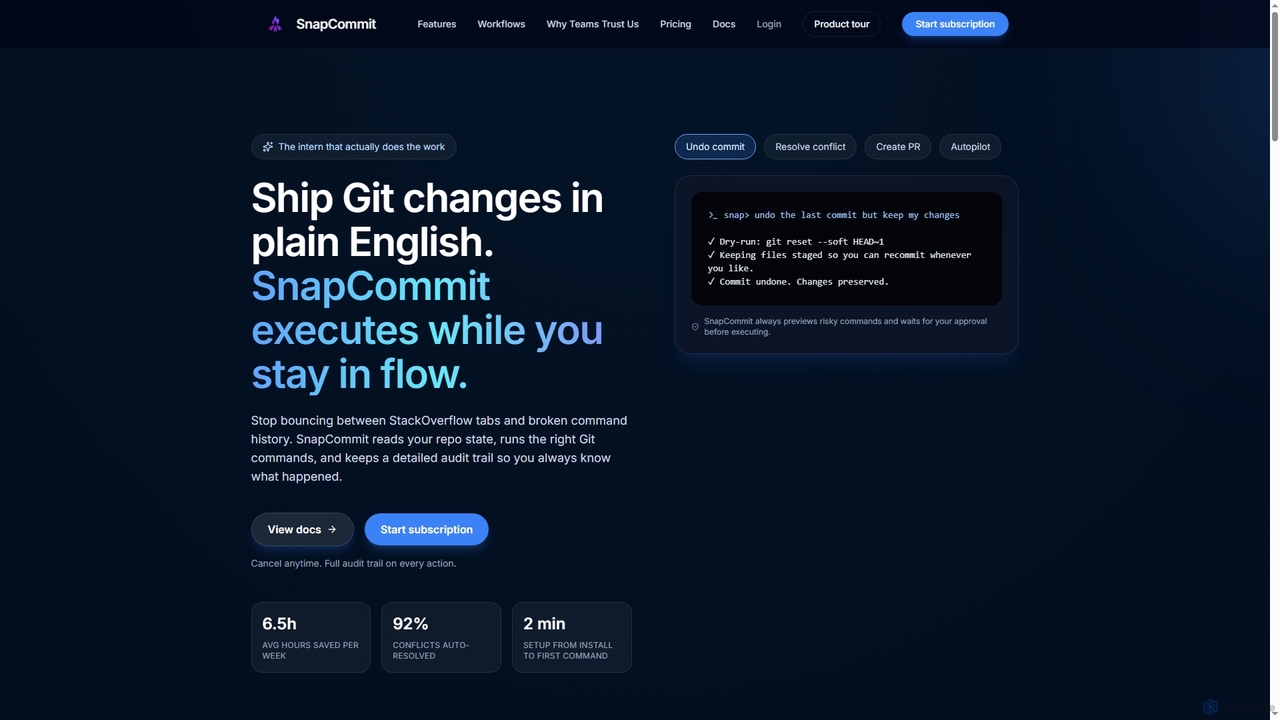
SnapCommit
SnapCommit is an AI-powered terminal Git assistant that allows developers to manage Git operations using plain English commands. It automates complex workflows like committing, resolving conflicts, and creating pull requests, enhancing productivity and ensuring code integrity with dry-run previews and a detailed audit trail.
Code AssistantRunware
Runware provides a high-performance, low-cost API for developers to integrate generative AI for image and video creation. Leveraging custom hardware and renewable energy, it offers industry-leading inference speeds for over 300,000 models, including Stable Diffusion, FLUX.1, and Kling. It's a scalable, easy-to-use platform that requires no ML expertise, designed for building next-generation AI-native applications.
Api Platform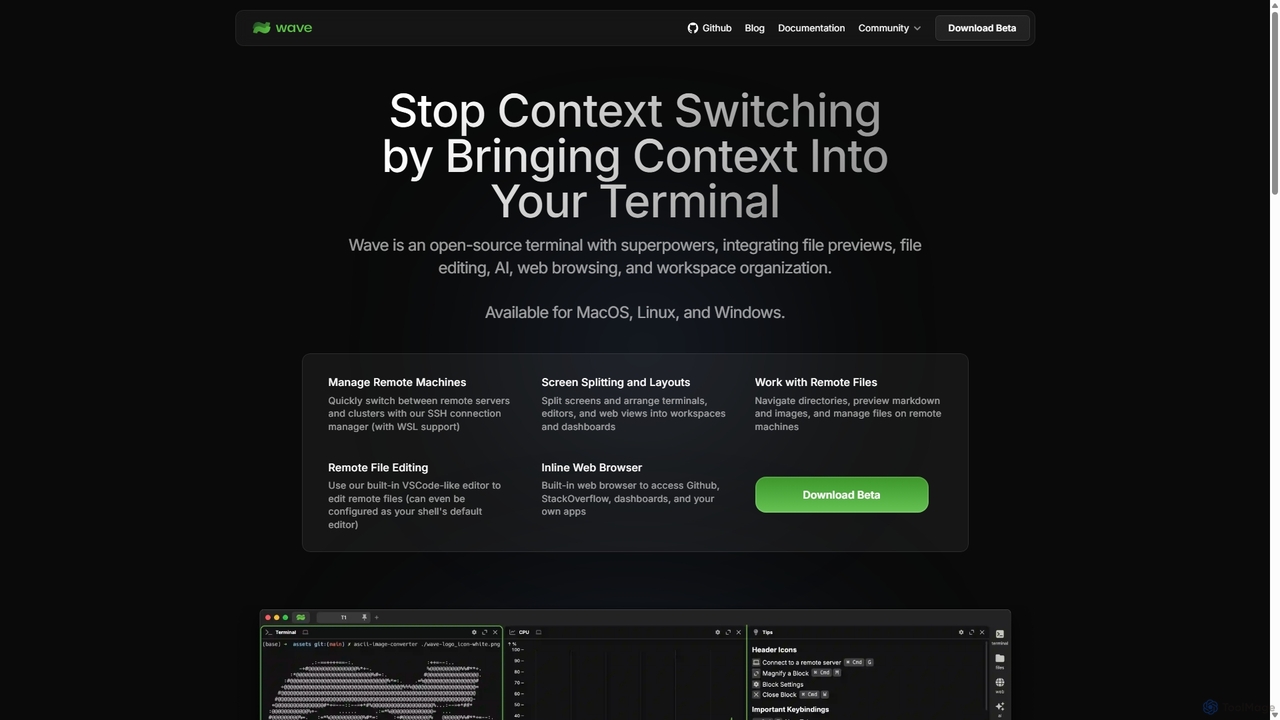
Waveterm
Waveterm is an open-source, modern terminal designed for developers and DevOps engineers. It enhances the command-line experience by integrating AI-powered assistance, a VSCode-like editor, inline file previews, a web browser, and customizable dashboards. This all-in-one workspace reduces context switching and boosts productivity across macOS, Windows, and Linux.
Code Assistant
Pi
A minimal, highly customizable terminal coding agent that adapts to your workflows. Pi leverages multiple AI providers and models, offers extensive extension capabilities, and provides various interaction modes for developers.
Code Assistant
Aider
Aider is an AI-powered pair programmer that operates directly in your terminal. It intelligently maps your entire codebase, providing full project context for complex tasks. Seamlessly integrated with Git, it automates commits and allows you to manage AI-driven changes with familiar tools. Aider supports over 100 programming languages, connects to leading cloud and local LLMs, and even accepts voice and image inputs, making it a versatile and powerful assistant for any developer seeking to accelerate their workflow and improve code quality.
Programming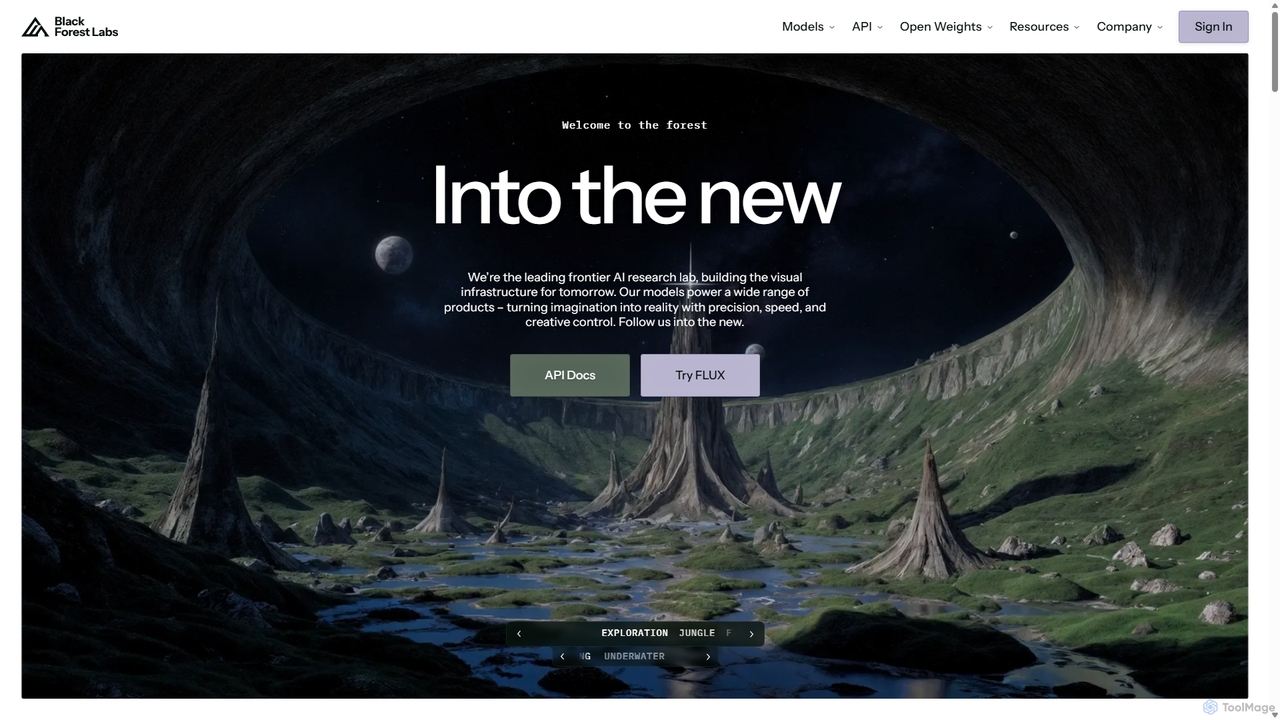
Blackforestlabs
Black Forest Labs is a frontier AI research lab developing advanced visual infrastructure. Their flagship FLUX models offer state-of-the-art, high-speed image generation and editing. They provide access via a user-friendly Playground, a powerful API for developers, and open-weight models for custom deployment, turning imagination into reality with unparalleled precision and creative control.
Api
ShellMate
ShellMate is an open-source, AI-powered command-line productivity tool designed for developers and system administrators. Powered by OpenAI, it acts as your terminal's best friend, allowing you to use natural language to find commands, get predictive suggestions based on your history, and receive context-aware help without ever leaving your console. Simply use the `sm` shortcut to boost your command-line efficiency and reduce time spent searching for syntax.
Code AssistantComfyUI
ComfyUI is a powerful, free, and open-source node-based graphical user interface for generative AI. It offers unparalleled control and flexibility for creating complex workflows to generate images, videos, 3D assets, and audio, designed for artists, developers, and researchers.
3D Modeling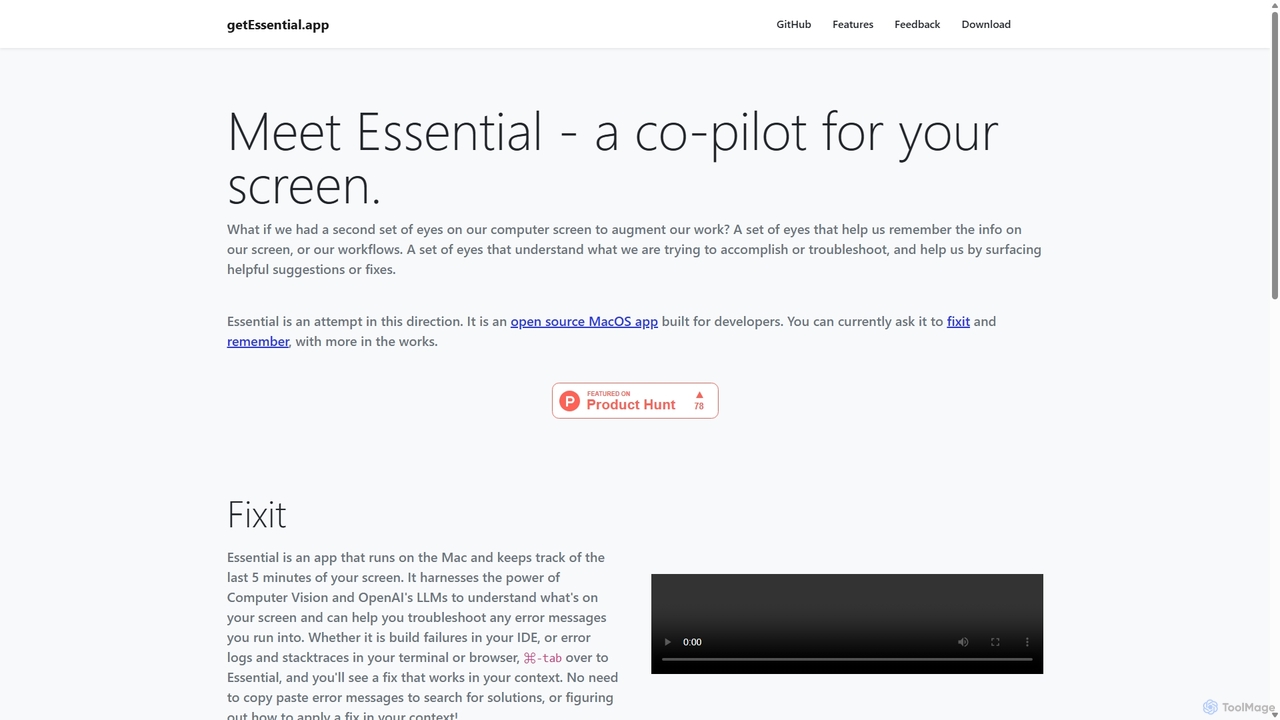
GetEssential
getEssential is an AI-powered Mac application that continuously records your screen to instantly troubleshoot errors. It uses Computer Vision and LLMs to analyze build failures, error logs, and stack traces, providing contextual fixes without manual searching. A productivity booster for developers and IT professionals.
Code Assistant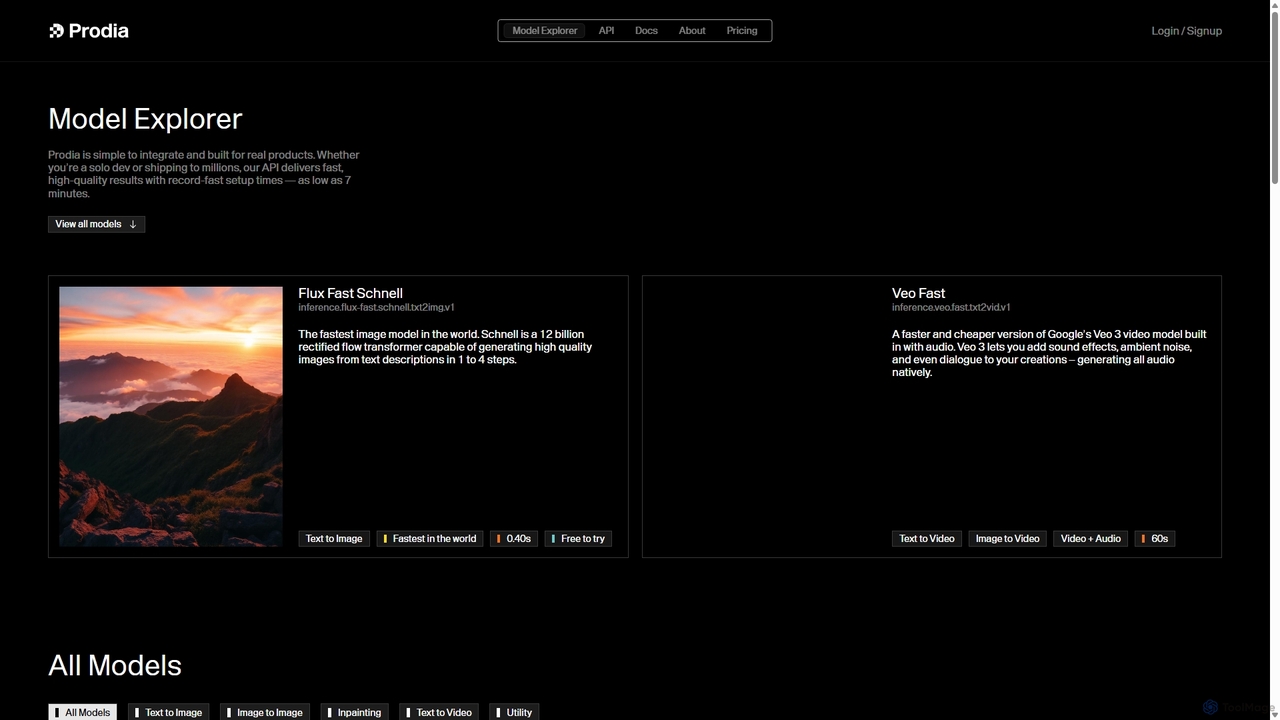
Prodia
Prodia is a developer-first API platform that enables seamless integration of fast, high-quality generative AI models into any application. It offers a diverse range of models for text-to-image, text-to-video, image editing, and more, designed for scalability and record-fast setup times.
Image GenerationMuapi
Muapi is a powerful API platform designed to accelerate AI image and video generation. It provides developers and creators with unified access to a diverse range of cutting-edge AI models. With Muapi, you can easily integrate functionalities like text-to-video, image-to-video, consistent character generation, and style transfer into your applications. The platform simplifies the development process, offering a single API endpoint for multiple advanced generative AI tasks, backed by a clear, pay-as-you-go pricing structure.
Api
Dallecli Comments (0)
Sign in to comment.
Sign inNo comments yet.