

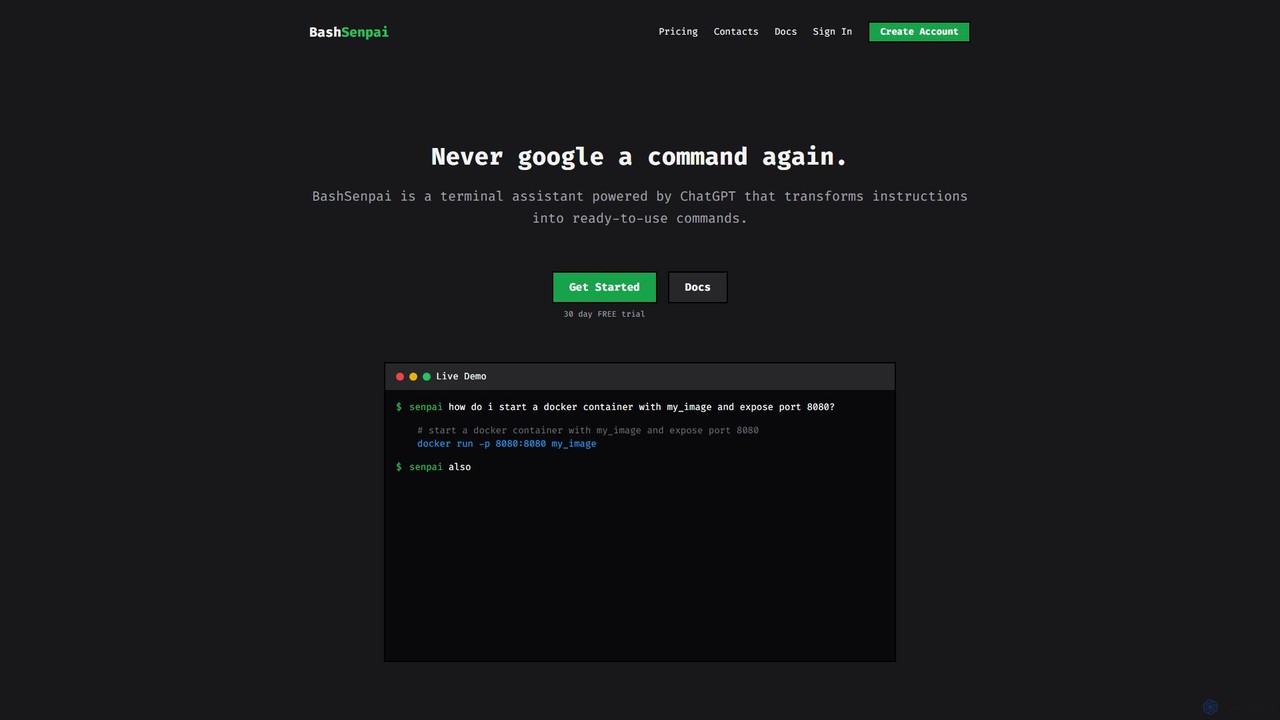
BashSenpai Overview
BashSenpai is an innovative AI-powered command-line tool designed to act as your personal terminal assistant. Powered by ChatGPT, it revolutionizes how developers, system administrators, and even beginners interact with the shell. Instead of memorizing complex commands or constantly searching for the right syntax on Google, you can simply ask BashSenpai in plain English, and it will generate the precise command you need, complete with explanations. This tool is built for convenience and efficiency, integrating seamlessly into your existing workflow without ever needing to leave the terminal window.
The core philosophy behind BashSenpai is to combine the power of large language models with the context of your specific environment. It can consider your operating system, shell type, and even the history of your current session to provide more accurate and relevant commands. This context-awareness, coupled with a unique self-reflection mechanism where the AI reviews and improves its own suggestions, ensures a high degree of accuracy and reliability for both simple and complex tasks.
How to use BashSenpai
Getting started with BashSenpai is a straightforward process designed for developers. It is available for Linux, macOS, and Windows.
- Installation: Download and install the appropriate package for your operating system from the official website.
- Authentication: After installation, you need to link the CLI tool to your account. Get your personal API token from your BashSenpai dashboard and run the command
senpai loginin your terminal. You'll be prompted to enter your token. - Usage: To use the tool, simply type
senpaifollowed by your question in natural language. For example:senpai how do i start a docker container with my_image and expose port 8080? - Conversational Context: BashSenpai remembers the context of your conversation. You can ask follow-up questions, like:
senpai also mount current folder to /app. If you want to start a fresh conversation, use the-nor--newflag. - Configuration: You can customize the tool's behavior, such as changing the color of commands and comments in the output, or deciding whether to send OS metadata to improve responses. Use
senpai --helpto see all available options.
Core Features of BashSenpai
- Natural Language to Command: Translates plain English instructions into accurate shell commands.
- Context-Awareness: Utilizes conversational history and optional OS metadata (OS type, shell, architecture) to provide tailored answers.
- Self-Reflection for Accuracy: Implements a multi-step process where the AI model evaluates and refines its own answers before presenting them.
- Customizable Personalities: Add a fun twist to your terminal by changing the assistant's persona (e.g., 'angry pirate', 'depressed teenager').
- Cross-Platform Support: Native CLI tool available for Linux, macOS, and Windows.
- Handles Complex Workflows: Capable of generating multi-step command sequences for tasks like application deployment, server security configuration, and site migrations.
- Interactive Execution: Can prompt the user to execute each generated command, providing a safe way to run complex operations.
Use Cases for BashSenpai
BashSenpai is versatile for both novice and expert users.
- Beginner's Guide: A user new to the command line can ask basic questions like
senpai where is my cuda folder?orsenpai how to list all files including hidden ones?to learn and execute commands safely. - Developer Productivity: A developer can quickly generate commands for Docker, Git, or package managers without breaking their focus. For example:
senpai deploy a django app inside a virtual environment using gunicorn and caddy2. - System Administration: A sysadmin can perform complex server configurations. For instance, they can ask BashSenpai to generate a full script to migrate a WordPress site, including database updates and file transfers, or to secure a new server with UFW and Fail2Ban rules, complete with explanations for each configuration step.
Advantages of BashSenpai
The primary advantage of BashSenpai is the significant boost in productivity and efficiency. By bringing AI assistance directly into the terminal, it eliminates context switching and the time spent on web searches. Its ability to understand context leads to more accurate and useful answers than generic web results. For learners, it serves as an excellent educational tool by not only providing commands but also explaining them. For experts, it acts as a reliable co-pilot for complex, multi-step operations, reducing the chance of manual error.
Pricing and Plans
BashSenpai operates on a transparent, developer-friendly pay-as-you-go pricing model. Users get a 30-day free trial without needing a credit card to get started.
- Pricing: $0.003 per 1,000 tokens.
- Tokens: A token is a piece of text, roughly equivalent to 4 characters or 0.75 words in English. The token count depends on your question, the provided context, and the length of the AI's response.
- Billing: You are billed once per month based on your actual usage. There are no minimum usage requirements, no hidden fees, and no inactivity fees. If you don't use the service, you don't pay.
BashSenpai Alternatives
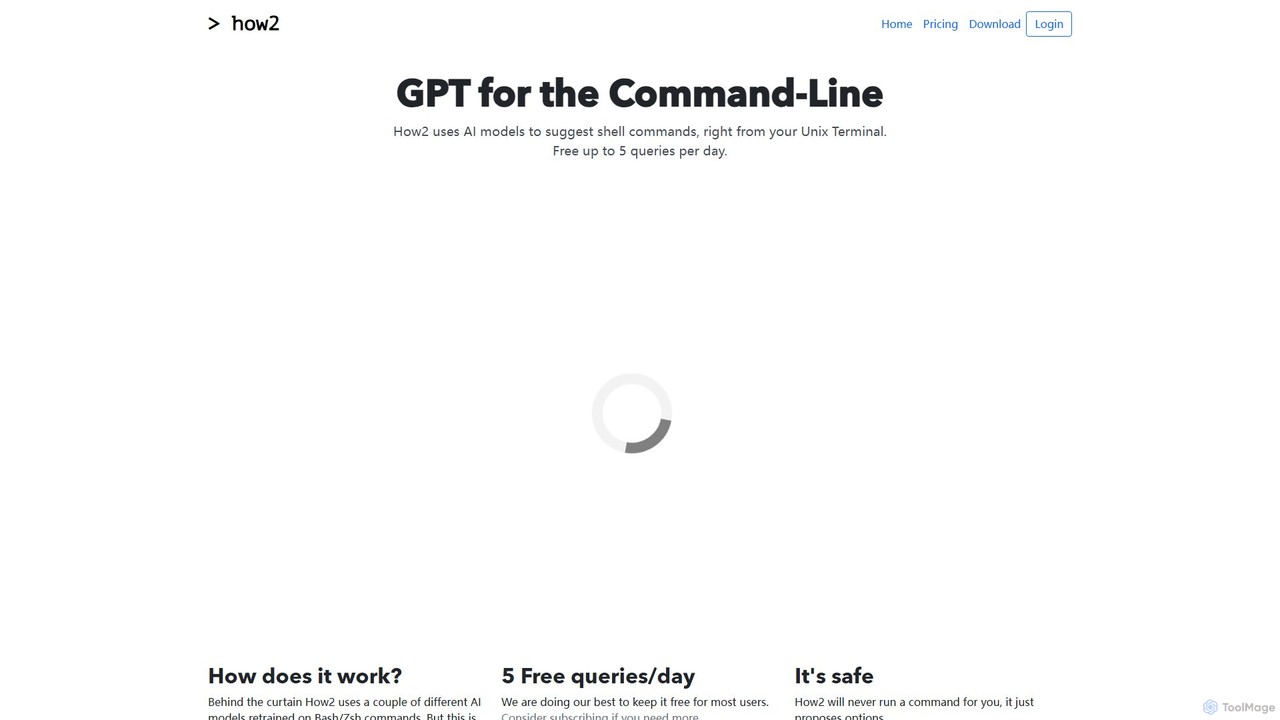
how2terminal
how2terminal is an AI-powered command-line tool that translates natural language queries into shell commands. It works directly in your Unix or PowerShell terminal, suggesting commands for Bash, Zsh, and more, helping developers and sysadmins boost productivity and learn new commands without leaving their workflow.
Code Assistant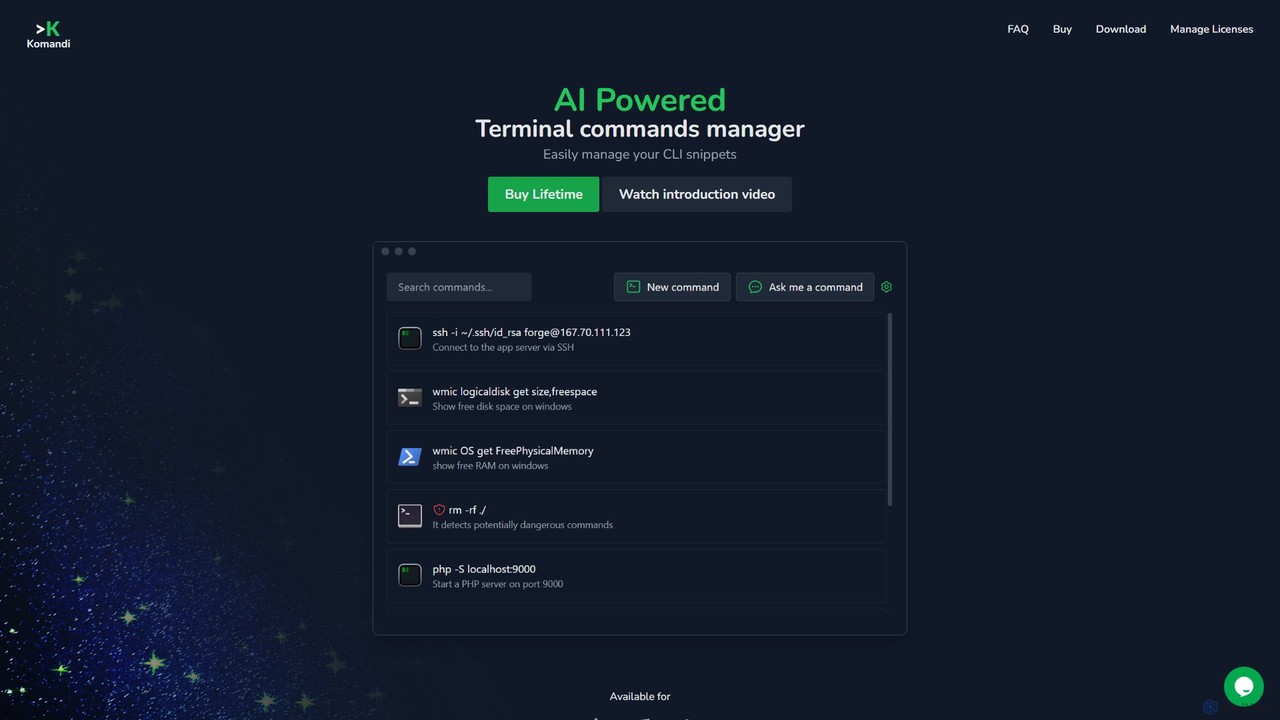
Komandi
Komandi is an AI-powered CLI/terminal command manager for developers and sysadmins. It simplifies command-line operations by allowing you to manage snippets, generate complex commands from natural language, and execute them safely. It supports macOS, Windows, and Linux, streamlining your workflow by organizing frequently used commands and detecting potentially dangerous ones before execution.
Code Assistant
ShellMate
ShellMate is an open-source, AI-powered command-line productivity tool designed for developers and system administrators. Powered by OpenAI, it acts as your terminal's best friend, allowing you to use natural language to find commands, get predictive suggestions based on your history, and receive context-aware help without ever leaving your console. Simply use the `sm` shortcut to boost your command-line efficiency and reduce time spent searching for syntax.
Code Assistant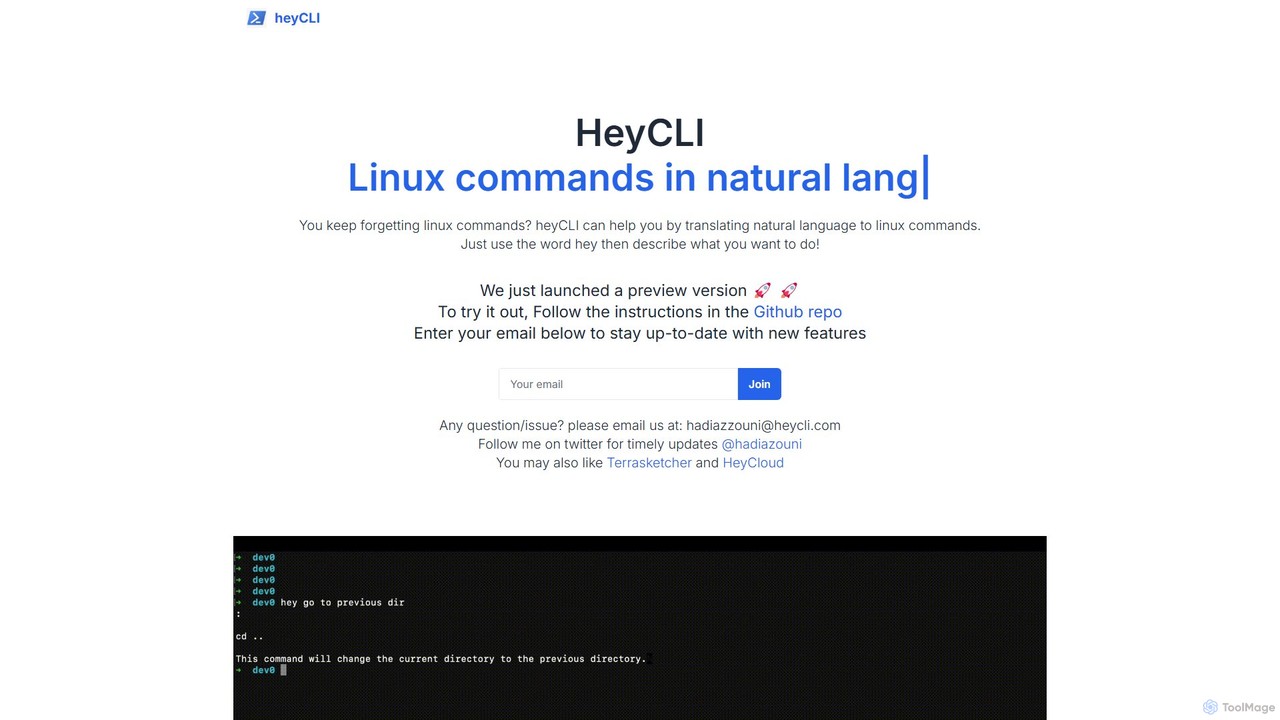
heycli
heycli is an AI-powered copilot for the command line that translates natural language into Linux commands. Simply describe the task you want to perform, and heycli generates the correct command, boosting productivity and reducing the learning curve for developers and sysadmins.
Command Line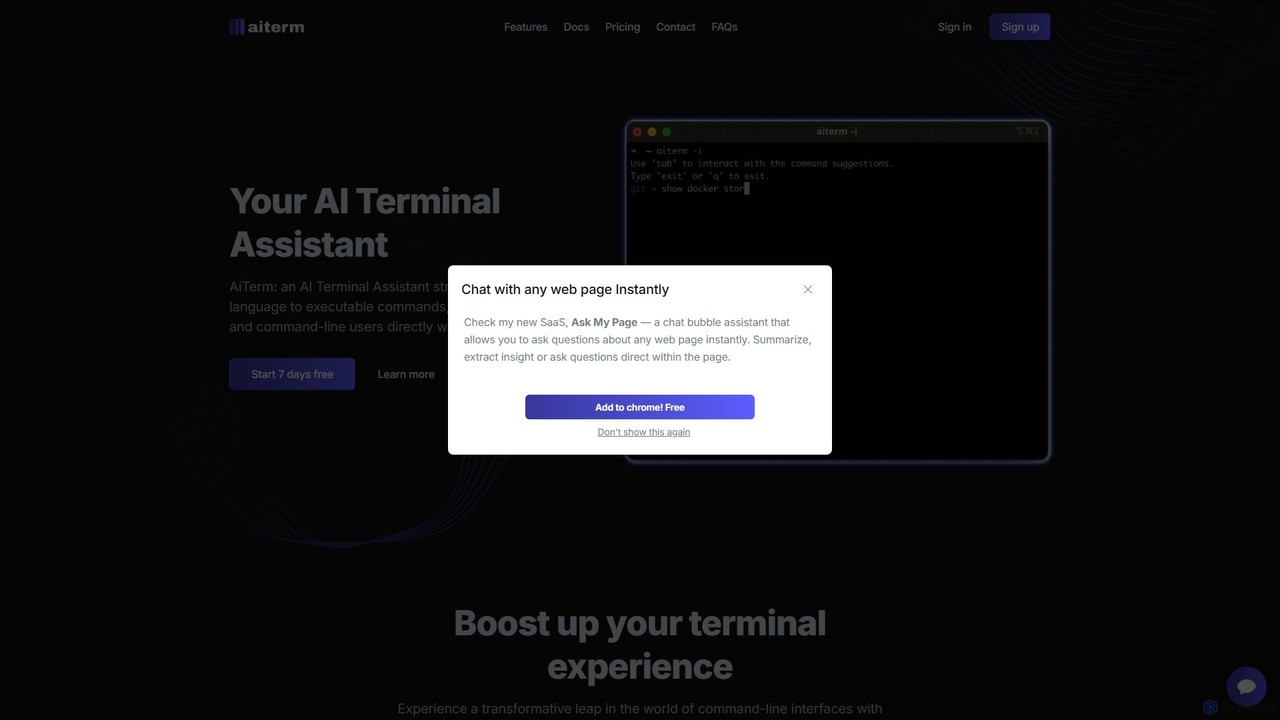
AiTerm
AiTerm is an AI-powered terminal assistant that translates natural language into executable shell commands. It streamlines workflows for developers and command-line users with features like IDE-style autocompletion, command suggestions, and workflow management, all directly within the terminal.
Code AssistantBashSenpai Categories
BashSenpai Embed Widget
Copy this embed code to place the badge on your blog, article, or product site and send readers directly to this ToolMage detail page.

Related AI tools
heycli
heycli is an AI-powered copilot for the command line that translates natural language into Linux commands. Simply describe the task you want to perform, and heycli generates the correct command, boosting productivity and reducing the learning curve for developers and sysadmins.
Command LineAiTerm
AiTerm is an AI-powered terminal assistant that translates natural language into executable shell commands. It streamlines workflows for developers and command-line users with features like IDE-style autocompletion, command suggestions, and workflow management, all directly within the terminal.
Code Assistanthow2terminal
how2terminal is an AI-powered command-line tool that translates natural language queries into shell commands. It works directly in your Unix or PowerShell terminal, suggesting commands for Bash, Zsh, and more, helping developers and sysadmins boost productivity and learn new commands without leaving their workflow.
Code AssistantKomandi
Komandi is an AI-powered CLI/terminal command manager for developers and sysadmins. It simplifies command-line operations by allowing you to manage snippets, generate complex commands from natural language, and execute them safely. It supports macOS, Windows, and Linux, streamlining your workflow by organizing frequently used commands and detecting potentially dangerous ones before execution.
Code AssistantShellMate
ShellMate is an open-source, AI-powered command-line productivity tool designed for developers and system administrators. Powered by OpenAI, it acts as your terminal's best friend, allowing you to use natural language to find commands, get predictive suggestions based on your history, and receive context-aware help without ever leaving your console. Simply use the `sm` shortcut to boost your command-line efficiency and reduce time spent searching for syntax.
Code Assistant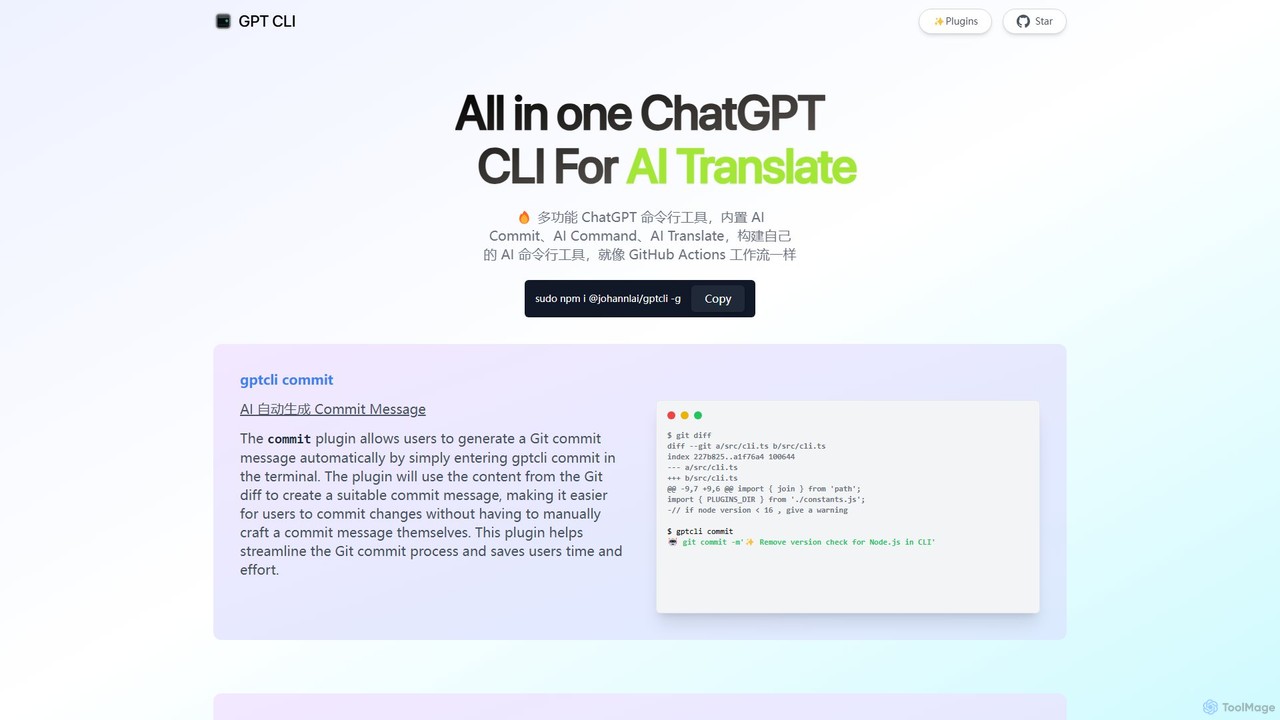
gptcli
gptcli is a versatile, open-source command-line tool that integrates ChatGPT directly into your terminal. It streamlines developer workflows with features like AI-powered Git commits, natural language to shell command translation, and in-terminal chat. With its extensible plugin system, you can build your own custom AI CLI tools, making it the ultimate productivity enhancer for anyone who works extensively with the command line.
Code Assistant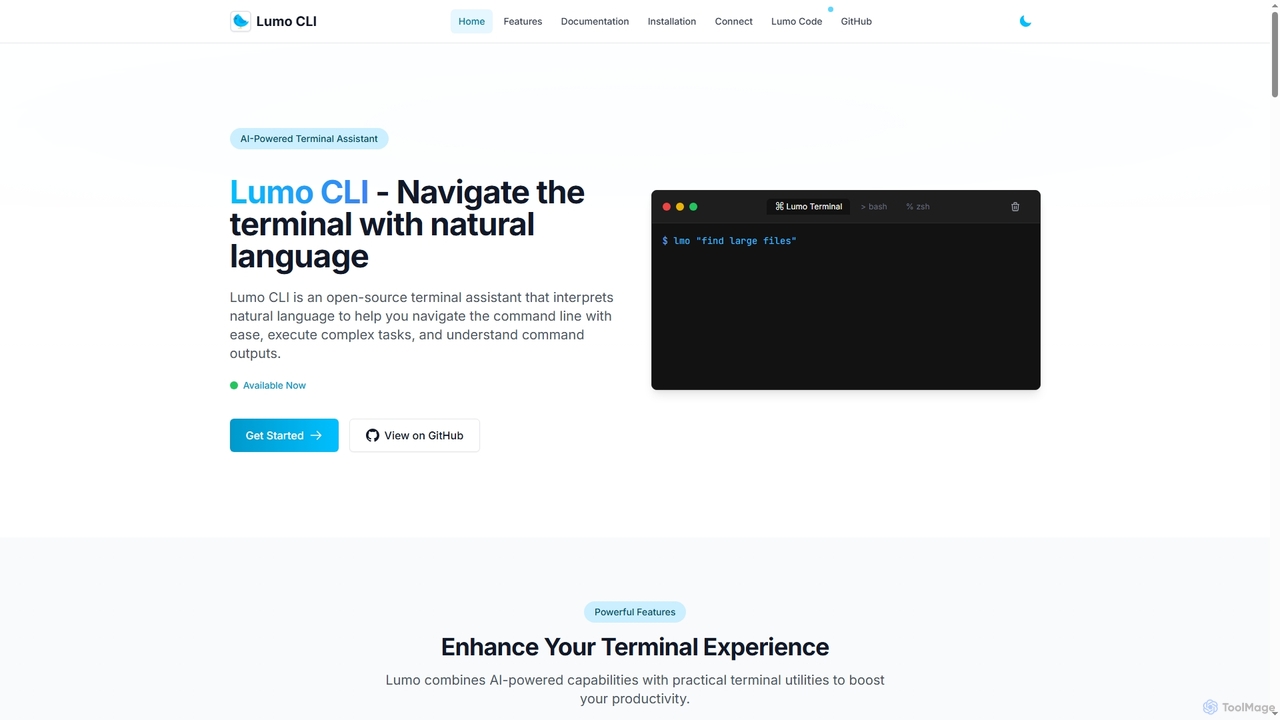
Lumo
Lumo is an open-source, AI-powered terminal assistant that allows users to interact with the command line using natural language. It translates plain English into executable commands, automates complex tasks, monitors system health, and supports multiple AI models including Gemini, OpenAI, and Ollama for local inference.
Code Assistant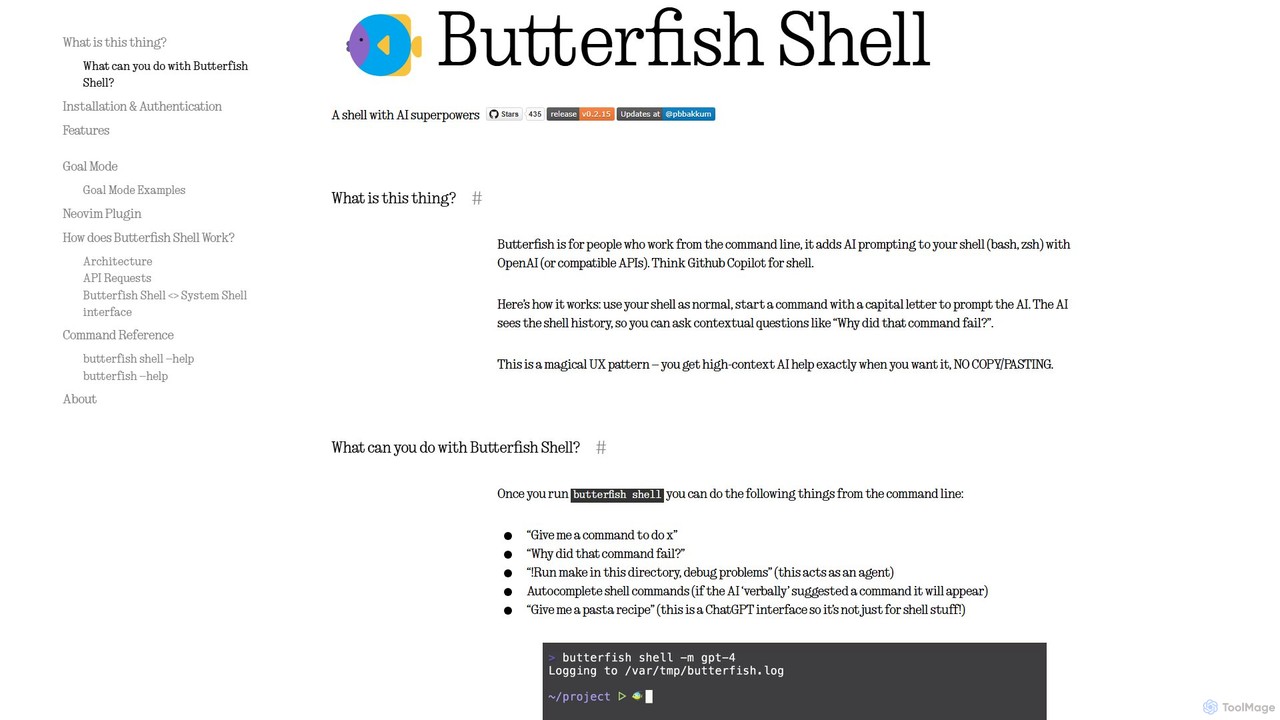
butterfish
butterfish is an open-source CLI tool that supercharges your shell (bash, zsh) with AI capabilities. Acting like GitHub Copilot for the command line, it allows you to generate commands, debug errors, and automate tasks using natural language prompts directly in your terminal. It maintains context from your shell history, providing highly relevant assistance and boosting productivity for developers and sysadmins.
Code Assistant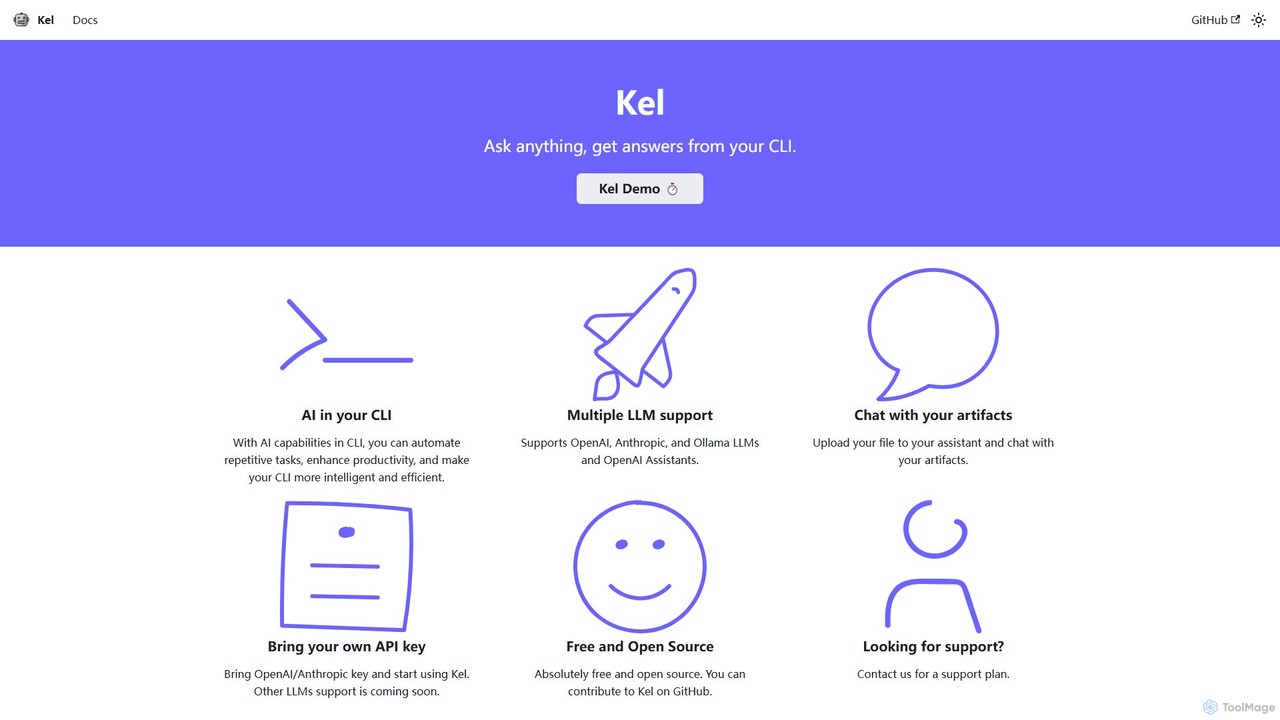
Kel
Kel is a free, open-source AI assistant for your command-line interface (CLI). It integrates with multiple LLMs like OpenAI, Anthropic, and Ollama to help developers and sysadmins automate tasks, generate commands, and even chat with documents directly from the terminal.
Code Assistant
heyalice
heyalice is a personal AI assistant for your desktop (macOS, Windows, Linux) that centralizes top AI models like GPT-4o and Claude 3.5. It enhances productivity through customizable assistants, reusable prompts (Skills), and seamless integration with automation tools like Zapier and Make. Bring your own API keys to control costs and work faster with powerful keyboard shortcuts, all within a privacy-focused, local application.
Code Assistant
GiteAI
GiteAI is an AI-powered tool designed for developers to automate and enhance Git commit messages. It analyzes code changes to generate detailed, standardized commits, saving time and improving repository consistency, allowing you to focus more on coding.
Code Assistant
Charm
Charm is an ecosystem of open-source tools and libraries designed to make the command-line interface (CLI) glamorous and powerful. It provides developers with applications for AI-powered coding (Crush, Mods), beautiful terminal UIs (Bubble Tea), markdown rendering (Glow), and self-hosted Git servers (Soft Serve). Charm empowers developers to build, style, and enhance their terminal workflows with modern, elegant, and highly functional tools.
Code Assistant
gitya
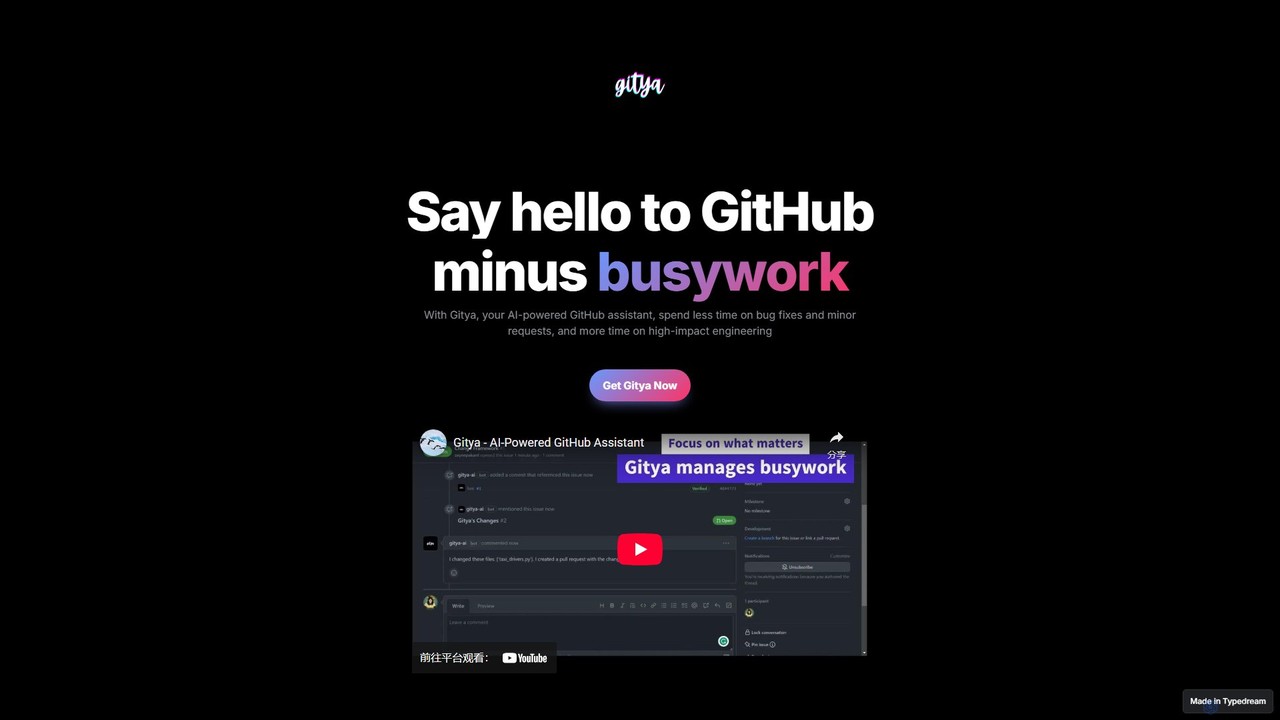
gitya is an AI-powered GitHub assistant designed to automate routine development tasks. It helps teams by handling minor bug fixes, managing pull requests with automated reviews, and resolving simple tickets, allowing developers to focus on high-impact engineering and innovation.
Version Control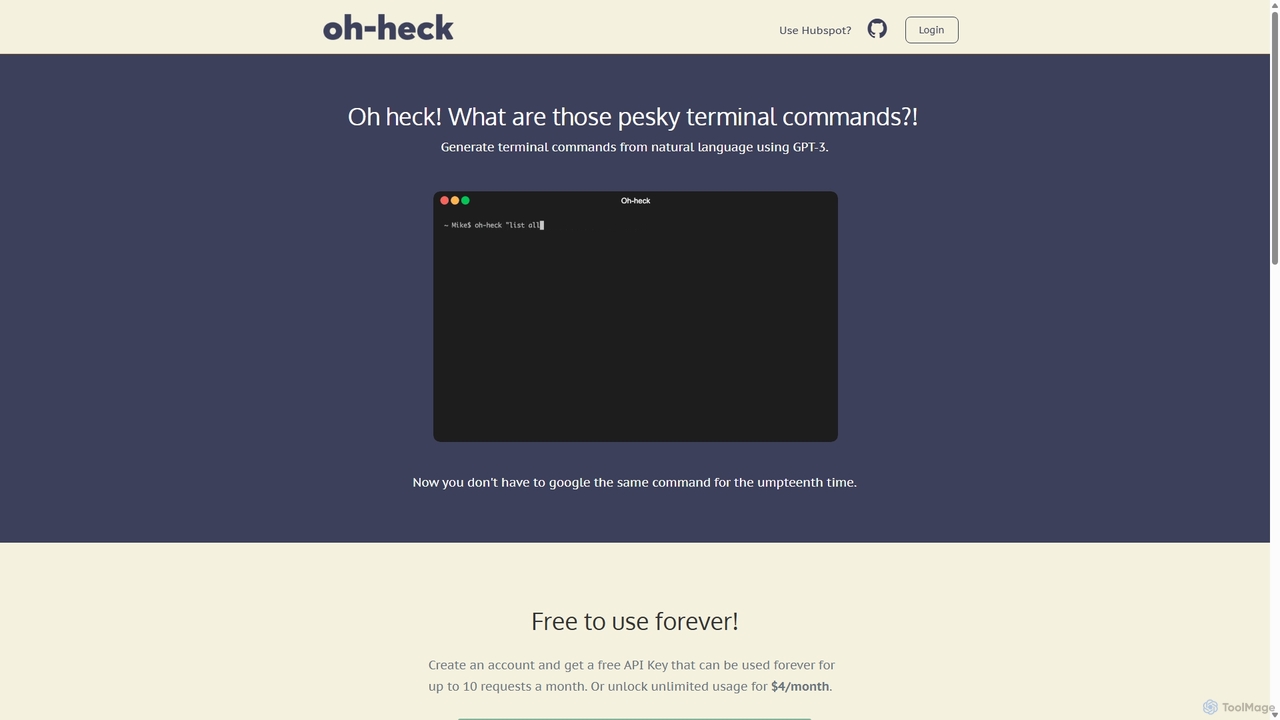
Oh-heck
Oh-heck is a suite of AI-powered productivity tools that convert natural language into terminal commands and generate professional emails directly within your CRM. Powered by GPT-3, it's designed to save time for developers, sales teams, and support agents by simplifying complex and repetitive tasks.
Command Line
BashSenpai Comments (0)
Sign in to comment.
Sign inNo comments yet.