


Branch name generator Overview
Branch name generator is an intelligent AI-powered tool designed to simplify and standardize the process of creating Git branch names for software developers. By integrating directly with Jira, it eliminates the manual effort and cognitive load associated with naming branches, ensuring consistency and clarity across development teams. The tool leverages an advanced AI algorithm to analyze the content of a Jira task—including its title, type (e.g., feature, bugfix, chore), and ID—to generate a coherent, descriptive, and conventional branch name instantly.
This tool is built for efficiency, aiming to fit seamlessly into the existing developer workflow. It operates as a browser extension, allowing developers to generate a branch name with a single click directly from their Jira task page. This prevents context switching and saves valuable time, allowing engineers to focus on what they do best: writing code. By automating this small but frequent task, Branch name generator helps enforce team-wide naming conventions, which is crucial for maintaining a clean and navigable Git history, especially in large projects with multiple contributors.
How to use Branch name generator
Using the Branch name generator is a straightforward process designed for maximum convenience:
- Installation: First, install the Branch name generator browser extension from the official extension store for your browser.
- Navigate to Jira: Open any task or issue within your Jira workspace.
- Generate Name: Once on the task page, click the Branch name generator extension icon or a button integrated into the Jira UI.
- AI Analysis: The tool's AI will instantly analyze the task's title, ID, and type to create a suggested branch name (e.g., `feature/PROJ-123-implement-user-authentication`).
- Copy and Use: A copy button will appear next to the generated name. Click it to copy the name to your clipboard.
- Create Branch: Paste the copied name into your terminal or Git client to create the new branch (e.g., `git checkout -b feature/PROJ-123-implement-user-authentication`).
Core Features of Branch name generator
- AI-Powered Generation: Utilizes an AI algorithm trained to understand Jira task data and produce meaningful branch names.
- Seamless Jira Integration: Works directly within the Jira interface as a browser extension, eliminating the need to switch between applications.
- One-Click Operation: Generates and copies branch names with a single click, significantly speeding up the workflow.
- Convention Enforcement: Helps teams maintain consistent branch naming standards (e.g., `type/ticket-id/description`), improving repository organization.
- Secure by Design: Accesses only the necessary information from Jira to function and does not collect or store any sensitive user data.
- Support for Different Task Types: Intelligently incorporates task types like 'feature', 'bugfix', 'chore', or 'hotfix' into the generated names.
Use Cases for Branch name generator
Branch name generator is valuable for a wide range of development scenarios:
- Individual Developers: To save time and reduce mental friction in their daily coding routine.
- Agile Development Teams: To enforce consistent naming conventions across all team members, making code reviews and branch management easier.
- Large-Scale Projects: To maintain a clean, understandable, and searchable Git history, which is essential for project scalability and long-term maintenance.
- CI/CD Pipelines: To ensure branch names are predictable and can be used to trigger specific automated workflows (e.g., deploying feature branches to a staging environment).
- Open Source Projects: To provide clear guidelines for contributors and simplify the process of reviewing and merging pull requests.
Advantages of Branch name generator
The primary advantages of using this tool include:
- Increased Productivity: Automates a repetitive task, saving developers time and effort on every new task.
- Improved Consistency: Eliminates variations in branch naming, leading to a cleaner and more professional version control history.
- Reduced Human Error: Prevents typos and inconsistent formats that can complicate branch tracking and break automation scripts.
- Enhanced Collaboration: Clear and descriptive branch names make it easier for team members to understand the purpose of each branch at a glance.
- Streamlined Onboarding: New team members can quickly adopt the team's naming conventions without needing extensive documentation.
Pricing and Plans
Branch name generator offers a freemium model to suit different needs:
- Free (Starter) Plan: Ideal for individual developers or small-scale use. Allows users to generate up to 2 branch names per day at no cost.
- Rocket Plan: Priced at $3.50 per month (with a discount for annual billing, offering 2 months free). This plan provides unlimited branch name generations, making it perfect for professional developers and teams who need unrestricted access.
Branch name generator Alternatives
Conductor
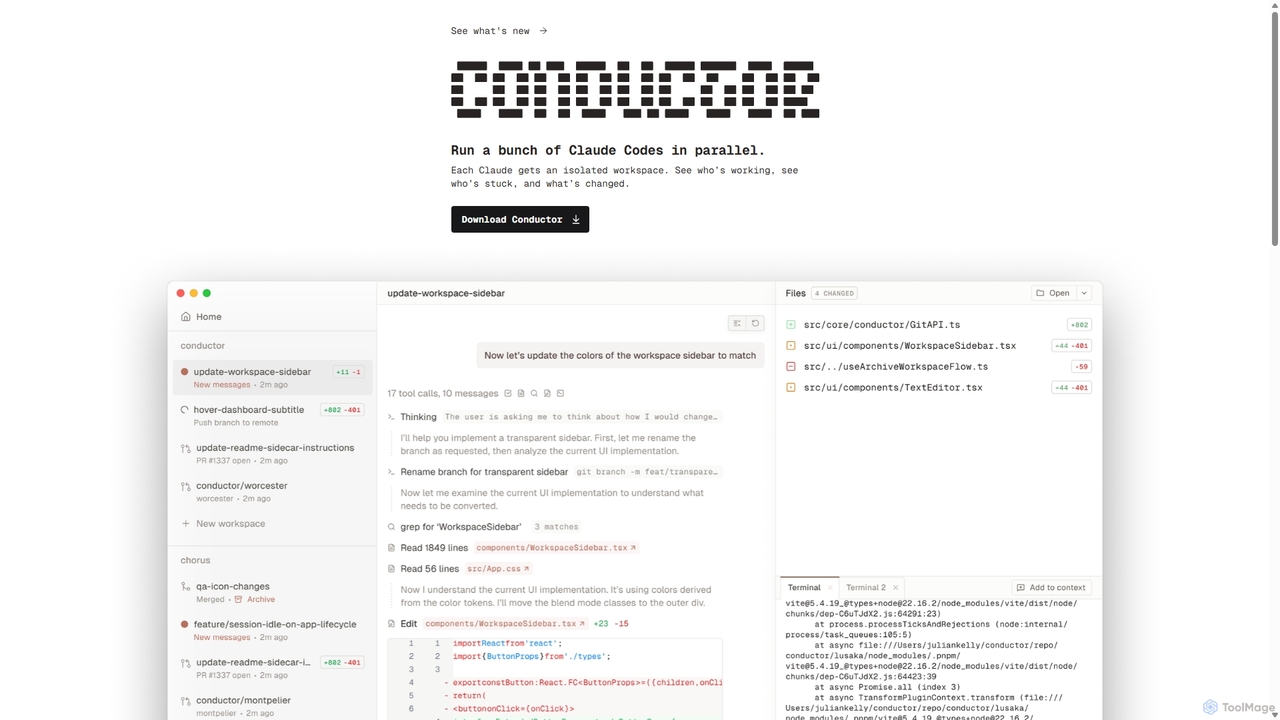
A powerful Mac application for orchestrating multiple AI coding agents. Run parallel instances of Claude Code in isolated workspaces to accelerate software development, monitor progress, and review code through a beautiful, intuitive UI.
Code Assistant
HOJI AI
HOJI AI is a free, AI-powered tool that automates code reviews directly within GitHub. It provides instant, consistent, and high-quality feedback on pull requests, helping development teams increase productivity, improve code quality, and accelerate their development cycles by freeing up senior engineers.
Code Assistant
Codegen
Codegen is an AI software engineering agent that accelerates development by transforming tickets into pull requests in minutes. It integrates with your existing tools like GitHub, Slack, and JIRA, using full codebase context to automate coding, fix bugs, and review code, effectively 10x-ing your team's productivity.
Version Control
Codebay
Codebay is an AI-powered development platform designed to accelerate the entire software lifecycle. It acts as an intelligent co-pilot for developers, offering advanced features for code generation, automated review, intelligent debugging, and seamless integration with existing workflows to enhance productivity and code quality.
Code Generation
Cubic
Cubic is an AI-powered code review platform designed to accelerate development cycles. It integrates with GitHub to automatically review pull requests, catch bugs, enforce coding standards, and provide one-click fixes, helping engineering teams merge PRs up to 4x faster while improving code quality.
Code AssistantBranch name generator Categories
Branch name generator Jobs
Branch name generator Embed Widget
Copy this embed code to place the badge on your blog, article, or product site and send readers directly to this ToolMage detail page.

Related AI tools

SnapCommit
SnapCommit is an AI-powered terminal Git assistant that allows developers to manage Git operations using plain English commands. It automates complex workflows like committing, resolving conflicts, and creating pull requests, enhancing productivity and ensuring code integrity with dry-run previews and a detailed audit trail.
Code AssistantConductor
A powerful Mac application for orchestrating multiple AI coding agents. Run parallel instances of Claude Code in isolated workspaces to accelerate software development, monitor progress, and review code through a beautiful, intuitive UI.
Code AssistantHOJI AI
HOJI AI is a free, AI-powered tool that automates code reviews directly within GitHub. It provides instant, consistent, and high-quality feedback on pull requests, helping development teams increase productivity, improve code quality, and accelerate their development cycles by freeing up senior engineers.
Code Assistant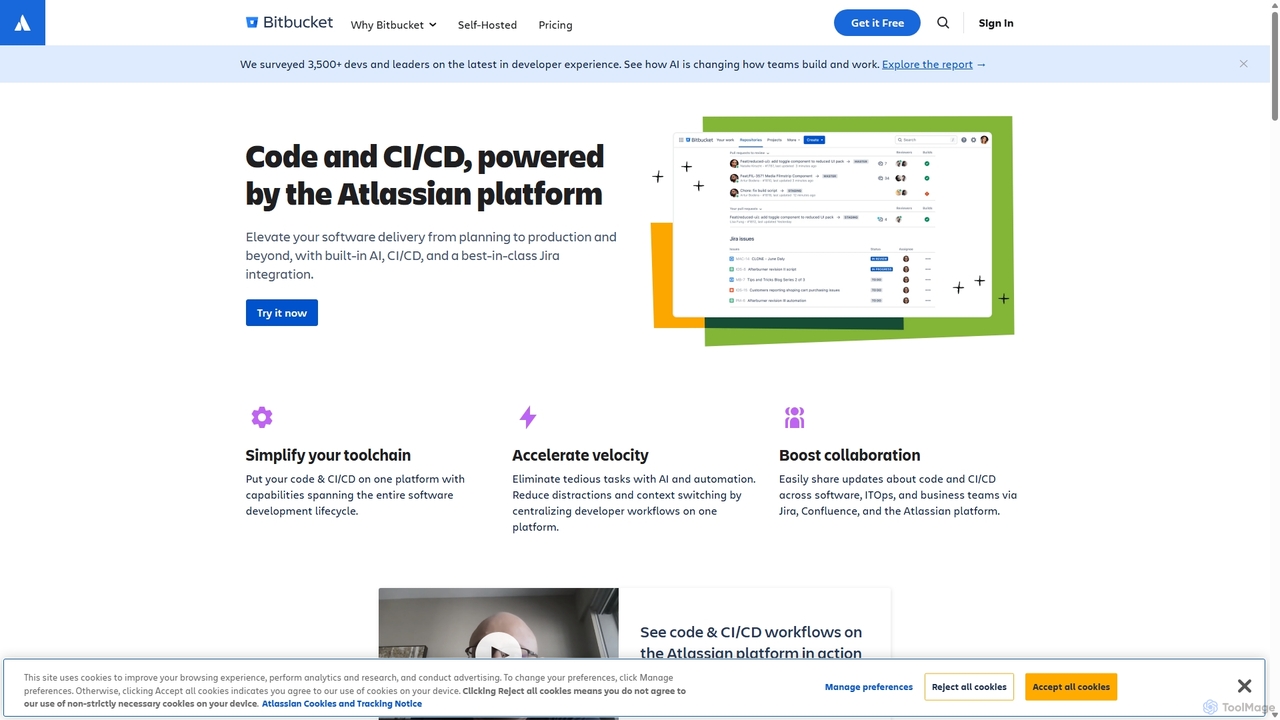
Bitbucket
Bitbucket is a Git-based code hosting and collaboration platform for professional teams. It offers best-in-class Jira integration, built-in CI/CD (Pipelines), and AI-powered features to streamline the entire software development lifecycle, from planning to deployment and beyond.
Code Management
Jyek
Jyek is an AI agent platform that understands objectives, creates execution plans, uses tools, and delivers verifiable results for complex, multi-step tasks.
Automation
Enso
Enso is an AI-powered development environment designed for developers to parallelize intelligence across multiple AI agents within a single project. It integrates advanced Git control, a robust code editor, and AI-driven code review, offering a seamless workflow with persistent AI sessions for each branch.
DevelopmentCodebay
Codebay is an AI-powered development platform designed to accelerate the entire software lifecycle. It acts as an intelligent co-pilot for developers, offering advanced features for code generation, automated review, intelligent debugging, and seamless integration with existing workflows to enhance productivity and code quality.
Code GenerationCubic
Cubic is an AI-powered code review platform designed to accelerate development cycles. It integrates with GitHub to automatically review pull requests, catch bugs, enforce coding standards, and provide one-click fixes, helping engineering teams merge PRs up to 4x faster while improving code quality.
Code Assistant
Rebolt
Rebolt is an AI-powered platform designed to automate the entire software development lifecycle. It helps developer and DevOps teams build, test, and deploy applications faster and more reliably by leveraging AI for CI/CD pipeline optimization, code generation, and intelligent monitoring.
Code Assistant
Swe Studio
Swe Studio provides autonomous AI agents that function as full members of your engineering team. They independently handle development tasks from Jira tickets to pull requests, collaborating via Slack and GitHub to ship production-ready features.
Code Assistant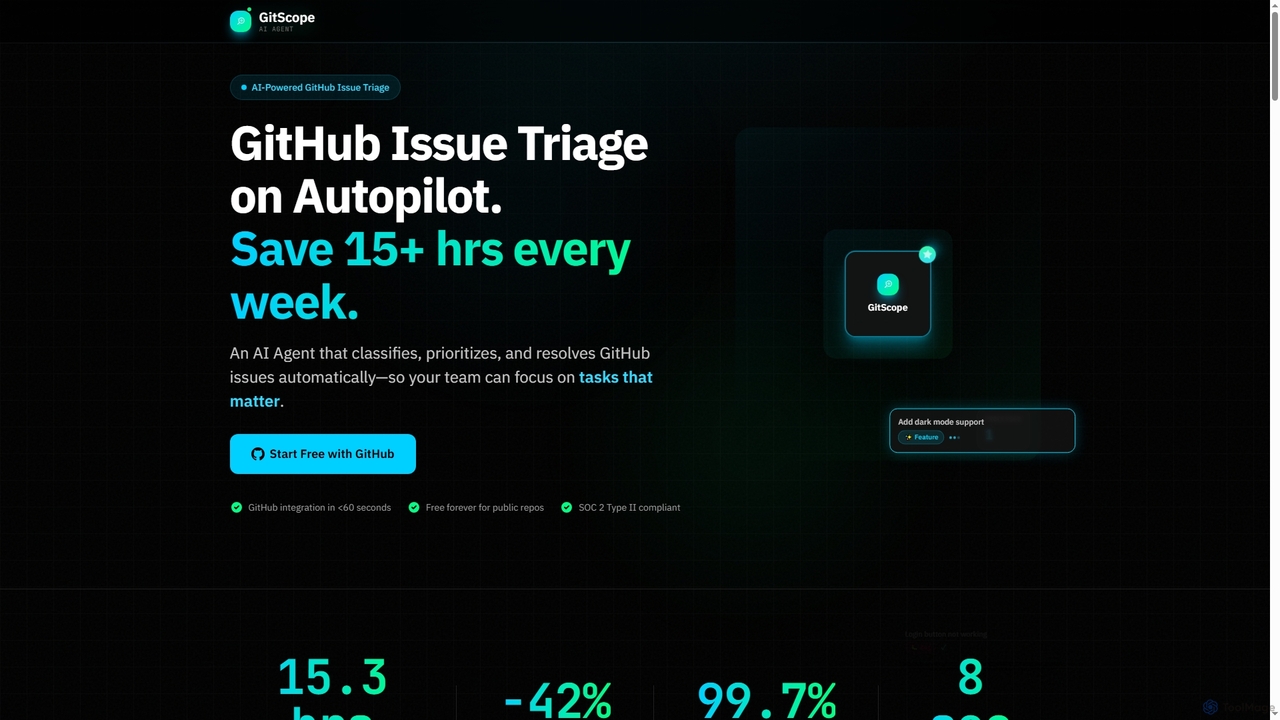
GitScope
GitScope is an AI-powered GitHub issue triage agent designed to automate the classification, prioritization, and resolution of issues. It helps engineering teams save significant time, reduce backlogs, and improve consistency by leveraging GPT-4 for intelligent analysis, duplicate detection, and configurable automation workflows. Free for public repositories, GitScope integrates seamlessly with GitHub to enhance team productivity and maintainer well-being.
Github Tools
GetEssential
getEssential is an AI-powered Mac application that continuously records your screen to instantly troubleshoot errors. It uses Computer Vision and LLMs to analyze build failures, error logs, and stack traces, providing contextual fixes without manual searching. A productivity booster for developers and IT professionals.
Code Assistant
Documatic
Documatic is an AI-powered tool that generates professional, comprehensive code documentation in seconds. Designed specifically for developers, it eliminates hours of manual writing by providing instant, high-quality documentation, including complexity analysis, for any programming language. It operates on a flexible pay-as-you-go credit system.
Code Documentation

Repodex
Repodex is an AI-powered code intelligence platform that helps developers and teams search, understand, and manage their code repositories. Using natural language, you can find code, get explanations, and generate documentation instantly.
Code Generation
Branch name generator Comments (0)
Sign in to comment.
Sign inNo comments yet.