

Centy Overview
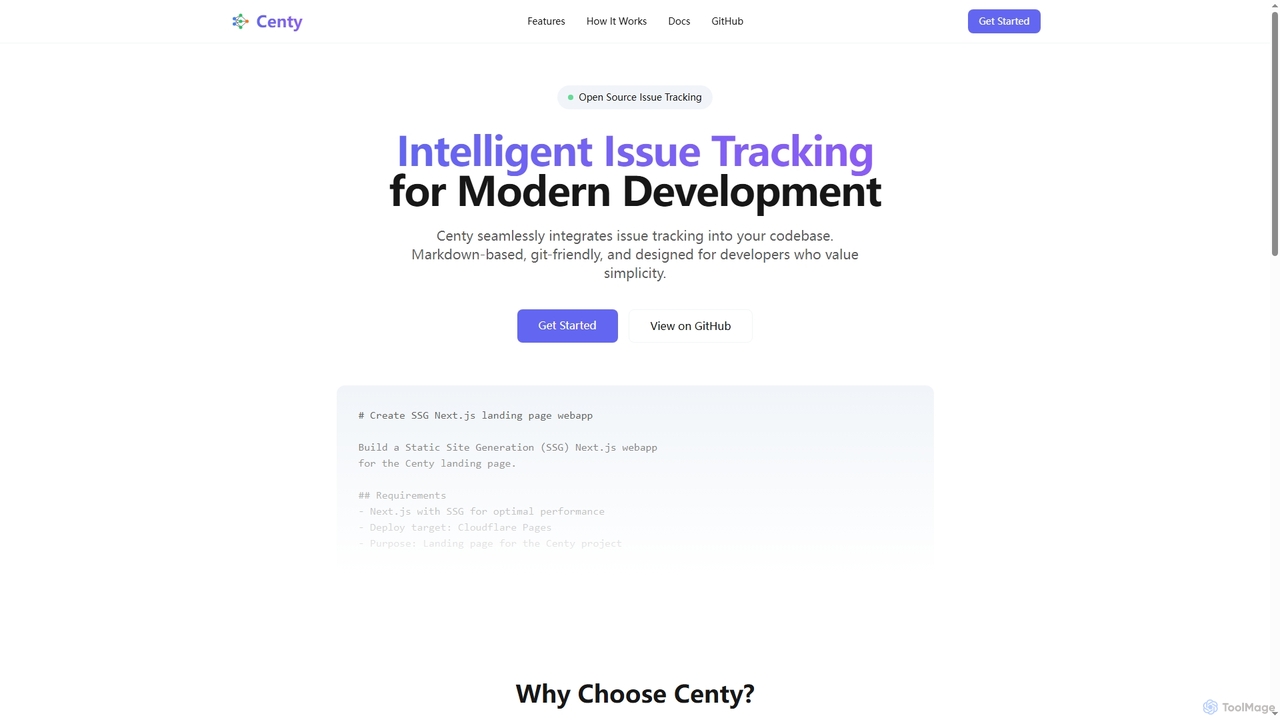
Centy revolutionizes issue tracking by embedding it directly within your project's codebase. This intelligent, open-source solution is crafted for developers who prioritize simplicity, version control, and seamless collaboration. By storing issues as simple Markdown files alongside your code, Centy ensures that issue tracking is as intuitive and integrated as your development workflow.
How to use Centy
Getting started with Centy is straightforward and requires no account. First, ensure Node.js 20 or higher is installed. Then, install the Centy CLI globally using npm install -g centy. Next, download and start the Centy daemon with centy install daemon && centy start. Navigate to your project directory and initialize Centy by running cd your-project && centy init, which creates a .centy folder for issues and documentation. Finally, you can start creating and managing issues directly from your terminal using commands like centy create issue --title 'My first issue'. A quick install option is also available via npx centy init.
Core Features of Centy
- Markdown-Based Issues: Issues are stored as simple Markdown files, making them easy to read, edit, and version control.
- Git-Friendly Integration: Issues reside within your code repository, allowing for tracking changes with Git history and natural collaboration.
- AI Integration: Designed for seamless operation with AI assistants, such as Claude Code, to facilitate intelligent issue resolution.
- Zero Dependencies: Operates without external services or databases, running entirely locally within your project.
- Customizable Templates: Users can define their own issue templates to align with specific workflow and project requirements.
- Open Source: Available for free under the MIT license, encouraging contribution, customization, and community ownership.
Use Cases for Centy
Centy is ideal for individual developers and development teams seeking a lightweight, integrated, and highly customizable issue tracking solution. It's particularly useful for projects where version control is paramount, and developers prefer to manage issues directly alongside their code without relying on external platforms. Its AI integration makes it suitable for teams looking to leverage intelligent assistance in debugging and problem-solving. Centy excels in environments prioritizing local-first development, offline accessibility, and a streamlined, developer-centric workflow.
Advantages of Centy
Centy offers several distinct advantages, including its modern, developer-first approach to issue tracking. Its Markdown and Git integration simplifies issue management and versioning. The zero-dependency architecture ensures local operation and offline accessibility, eliminating the need for external services or accounts. Being open source under the MIT license provides complete freedom for customization and community contributions. The seamless AI integration enhances productivity by leveraging intelligent assistance for issue resolution, making it a powerful tool for efficient software development.
Pricing and Plans
Centy is free and open source, distributed under the MIT license. There are no costs associated with its use, and users are encouraged to contribute to its development and customize it to their needs.
Centy FAQ
Centy Alternatives
MCP Showcase
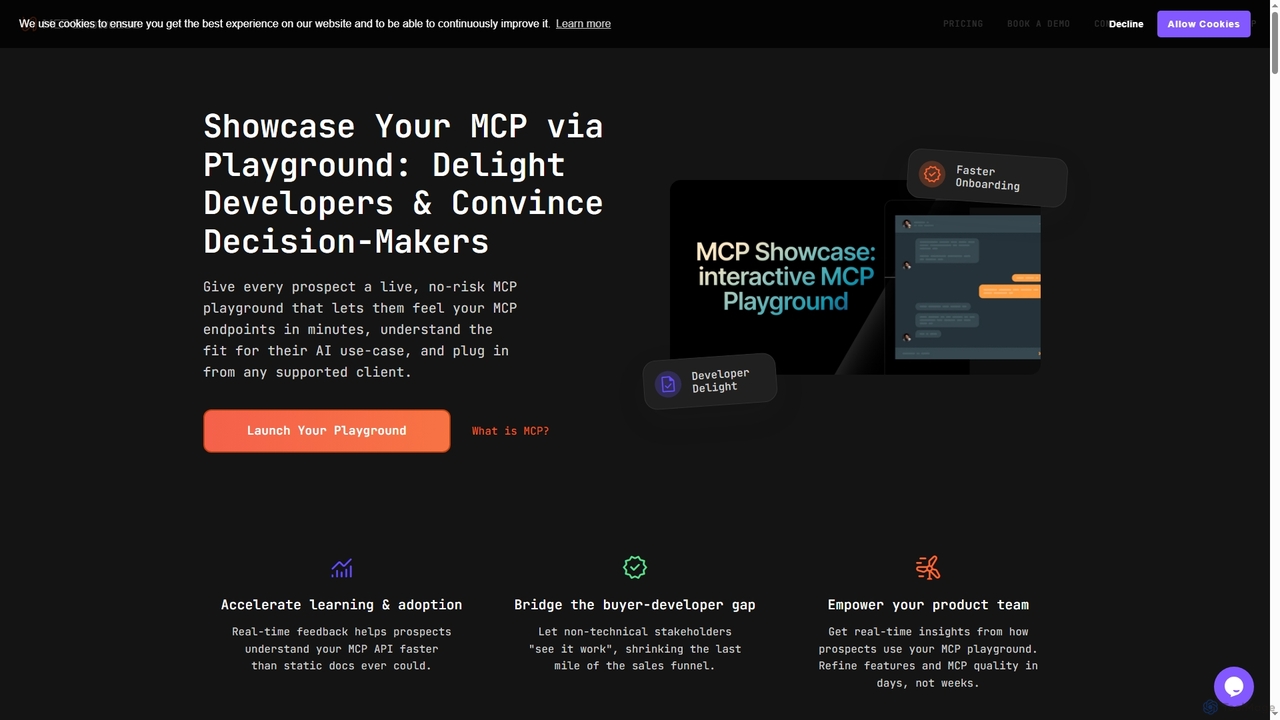
MCP Showcase is a pioneering platform demonstrating the Model Context Protocol (MCP), an open standard enabling AI assistants to seamlessly integrate with diverse external services like GitHub, Hugging Face, and Teamwork. It transforms complex API interactions into natural language conversations, empowering AI with real-time context and action capabilities across various domains.
Api Management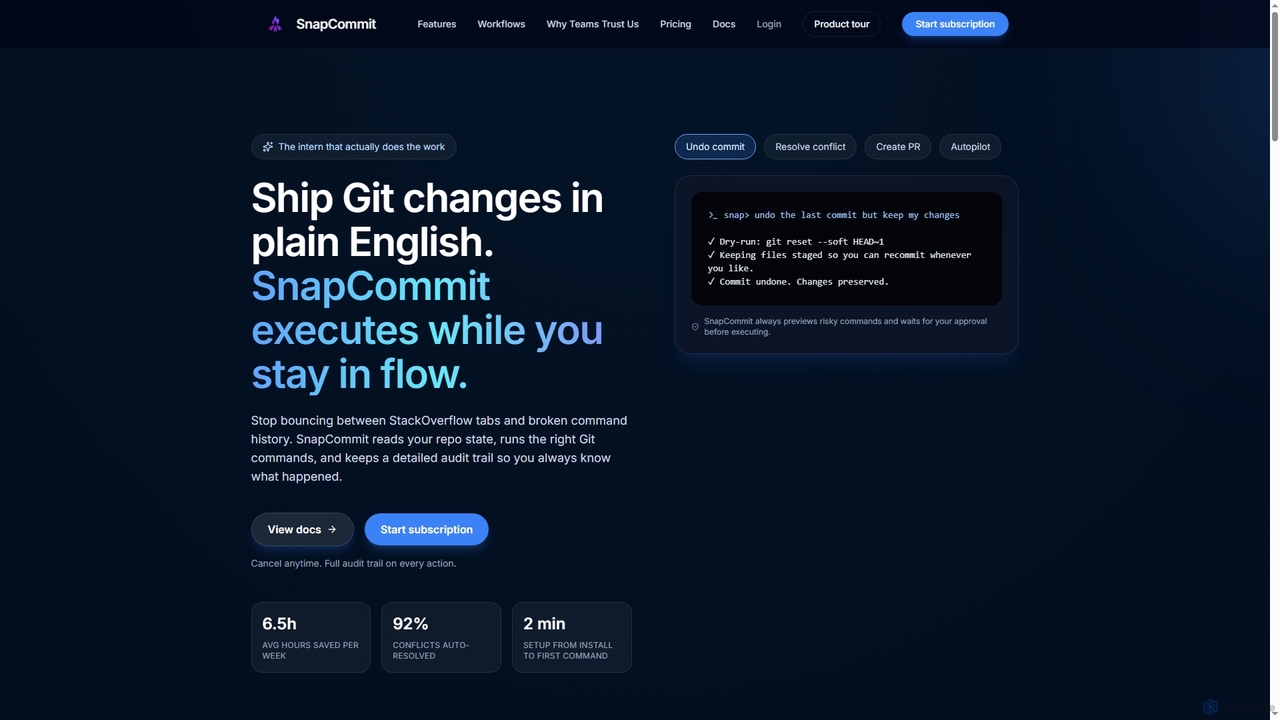
SnapCommit
SnapCommit is an AI-powered terminal Git assistant that allows developers to manage Git operations using plain English commands. It automates complex workflows like committing, resolving conflicts, and creating pull requests, enhancing productivity and ensuring code integrity with dry-run previews and a detailed audit trail.
Code Assistant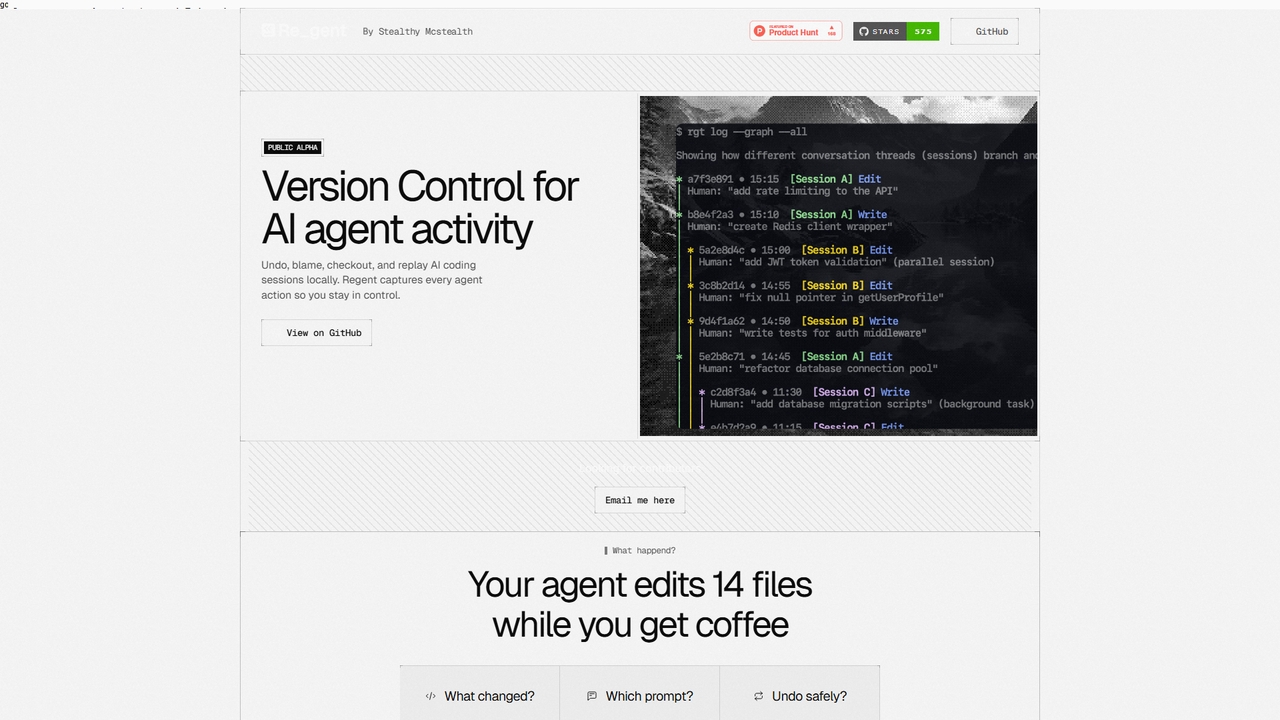
Regent
Regent is a version control system specifically designed for AI coding agents. It tracks every action, prompt, and change made by agents like Claude Code and Codex, allowing you to audit, blame, undo, and replay agent sessions locally, providing an essential layer of oversight for AI-driven development.
Code Quality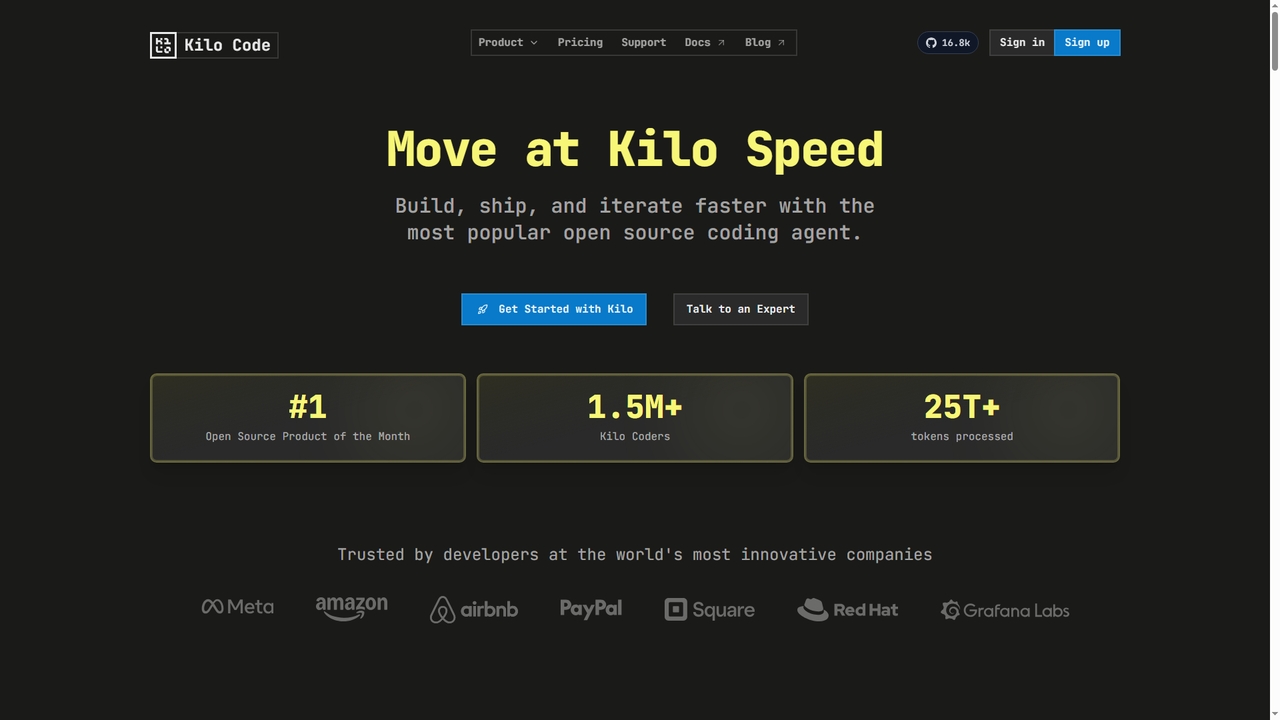
Kilo
Kilo is an open-source, all-in-one AI coding agent and orchestration platform designed to accelerate software development. It integrates seamlessly into your workflow via VS Code, JetBrains IDEs, and the CLI, offering access to 500+ AI models, automated code reviews, cloud agents, and deployment tools—all while emphasizing transparency, control, and developer productivity.
Ai Code Assistant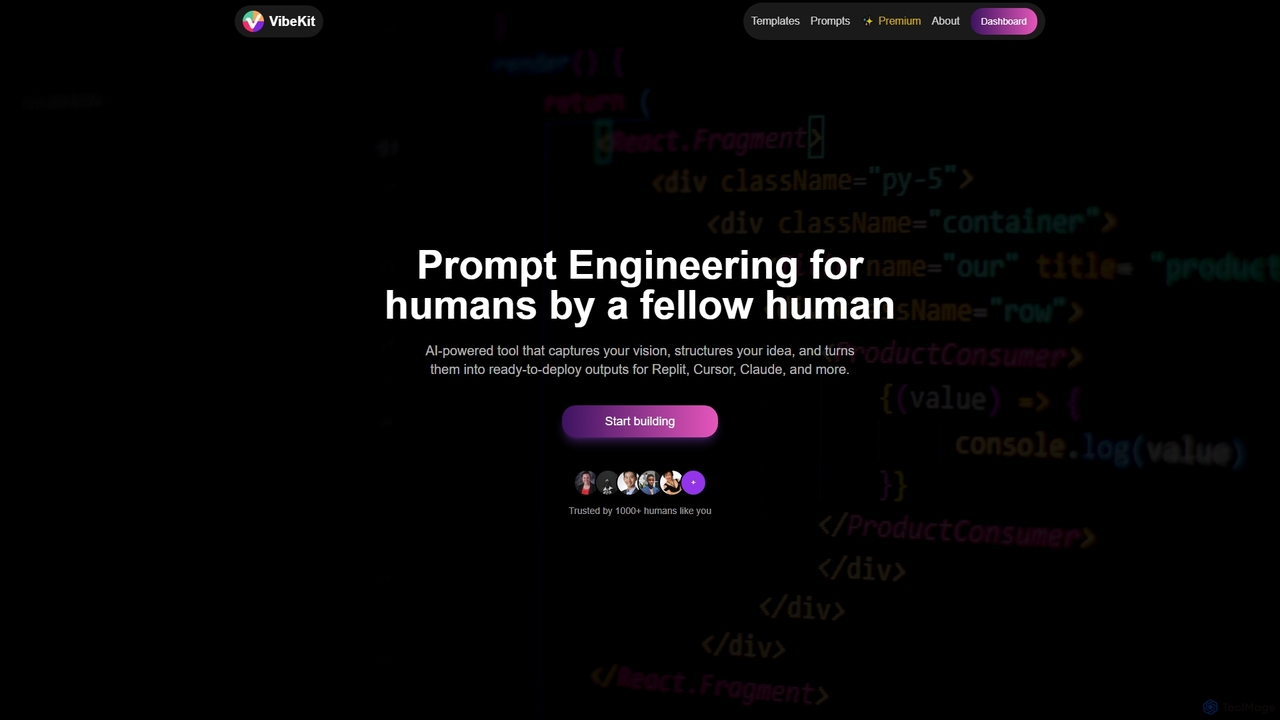
VibeKit
VibeKit is an AI-powered context engineering tool designed for humans to transform ideas into ready-to-deploy outputs. It helps users capture their vision, structure thinking, and generate optimized prompts and scaffolds for platforms like Replit, Cursor, and Claude, accelerating project development from concept to production.
Startup ToolsCenty Categories
Centy Jobs
Centy Embed Widget
Copy this embed code to place the badge on your blog, article, or product site and send readers directly to this ToolMage detail page.

Related AI tools
SnapCommit
SnapCommit is an AI-powered terminal Git assistant that allows developers to manage Git operations using plain English commands. It automates complex workflows like committing, resolving conflicts, and creating pull requests, enhancing productivity and ensuring code integrity with dry-run previews and a detailed audit trail.
Code Assistant
Branch name generator
An AI-powered tool that integrates with Jira to automatically generate consistent and descriptive Git branch names. It analyzes Jira task data to streamline developer workflows, enforce naming conventions, and improve repository clarity.
Version Control
Enso
Enso is an AI-powered development environment designed for developers to parallelize intelligence across multiple AI agents within a single project. It integrates advanced Git control, a robust code editor, and AI-driven code review, offering a seamless workflow with persistent AI sessions for each branch.
Development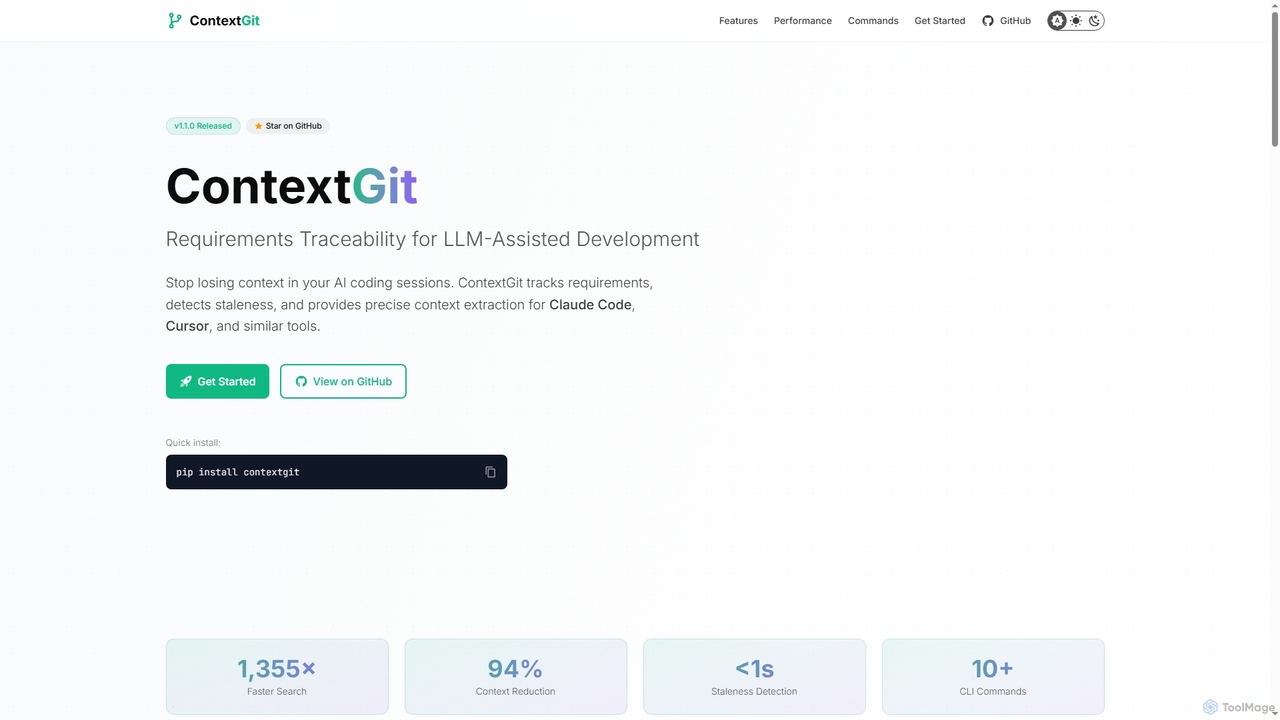
Contextgit
A command-line tool for developers using LLMs, providing requirements traceability, staleness detection, and precise context extraction to enhance AI-assisted coding workflows. It significantly reduces token usage and syncs AI tools with project requirements.
Code AssistantMCP Showcase
MCP Showcase is a pioneering platform demonstrating the Model Context Protocol (MCP), an open standard enabling AI assistants to seamlessly integrate with diverse external services like GitHub, Hugging Face, and Teamwork. It transforms complex API interactions into natural language conversations, empowering AI with real-time context and action capabilities across various domains.
Api ManagementRegent
Regent is a version control system specifically designed for AI coding agents. It tracks every action, prompt, and change made by agents like Claude Code and Codex, allowing you to audit, blame, undo, and replay agent sessions locally, providing an essential layer of oversight for AI-driven development.
Code Quality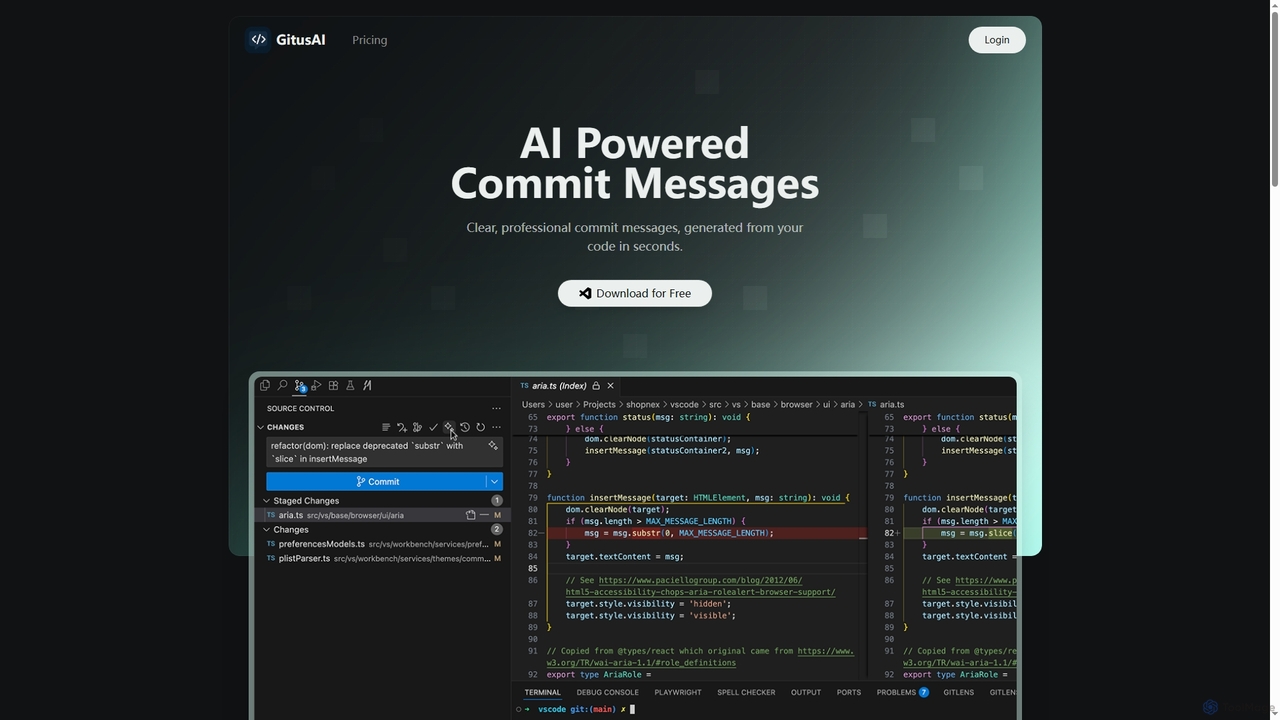
GitusAI
GitusAI is an AI-powered VS Code extension that automates the generation of clear, professional commit messages from your code changes. It helps developers save time, maintain a clean Git history, and ensure consistent commit practices across projects and teams. Ideal for individual developers, freelancers, and large organizations seeking to streamline their development workflow.
Code Generation
Aider
Aider is an AI-powered pair programmer that operates directly in your terminal. It intelligently maps your entire codebase, providing full project context for complex tasks. Seamlessly integrated with Git, it automates commits and allows you to manage AI-driven changes with familiar tools. Aider supports over 100 programming languages, connects to leading cloud and local LLMs, and even accepts voice and image inputs, making it a versatile and powerful assistant for any developer seeking to accelerate their workflow and improve code quality.
Programming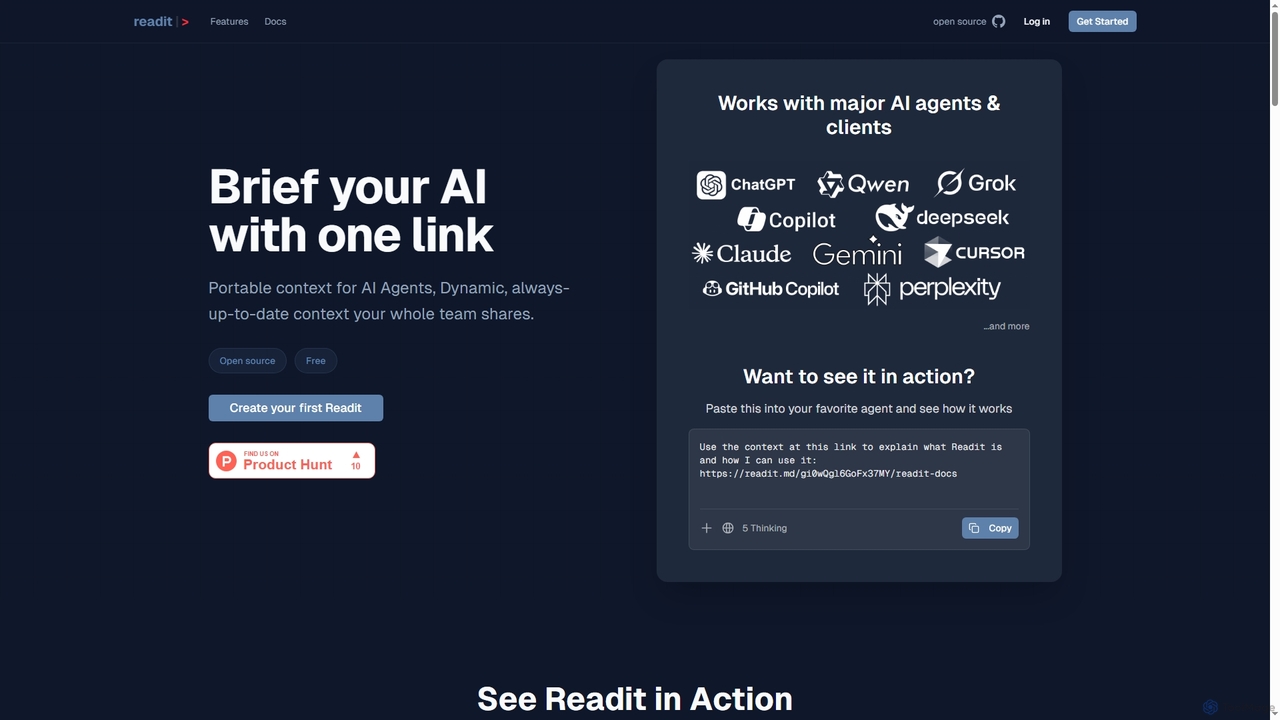
Readit
Readit is an open-core platform providing portable, dynamic, and always-up-to-date context for AI agents and teams. It centralizes instructions, files, and references into a single shareable link, eliminating the need for repetitive copy-pasting and ensuring consistent knowledge across different AI tools and collaborators.
Prompt Engineering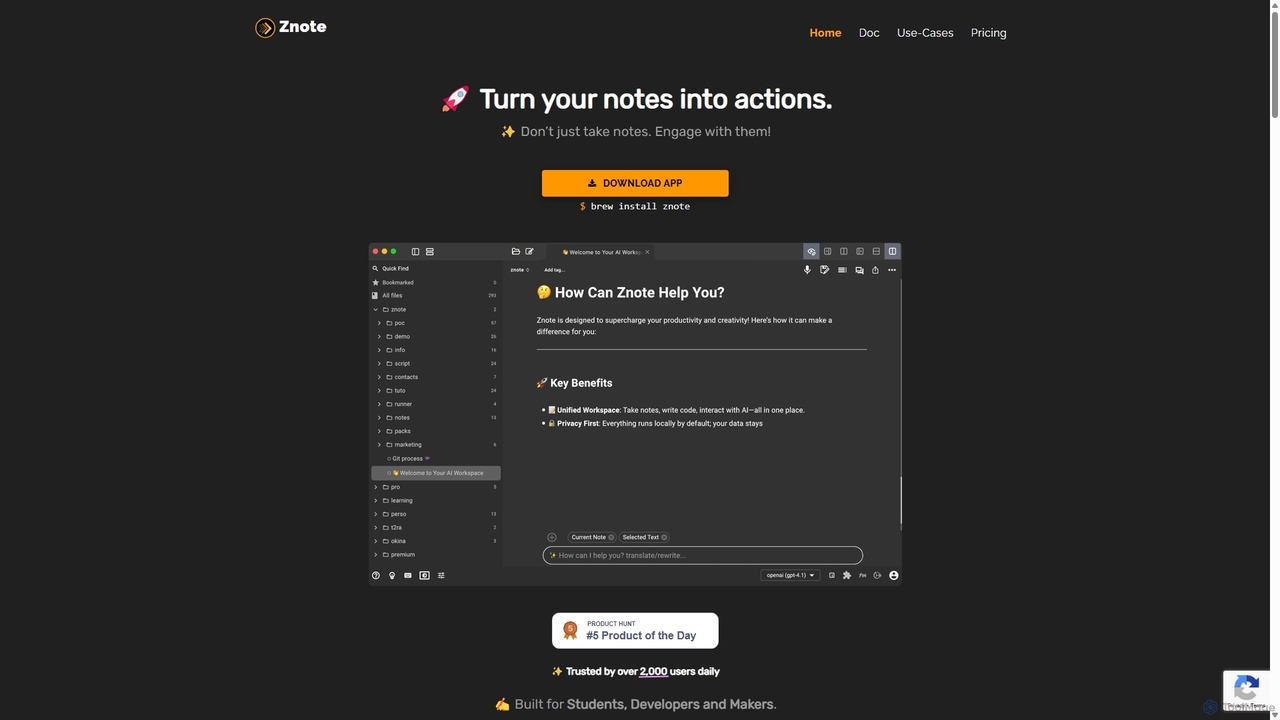
Znote
Znote is a powerful note-taking app that turns your notes into interactive, executable documents. It combines a rich Markdown editor with inline code execution (JS, Node.js, Bash), AI assistance, and data integrations, making it a versatile workspace for developers, analysts, and product teams to prototype, document, and automate workflows.
Notebooks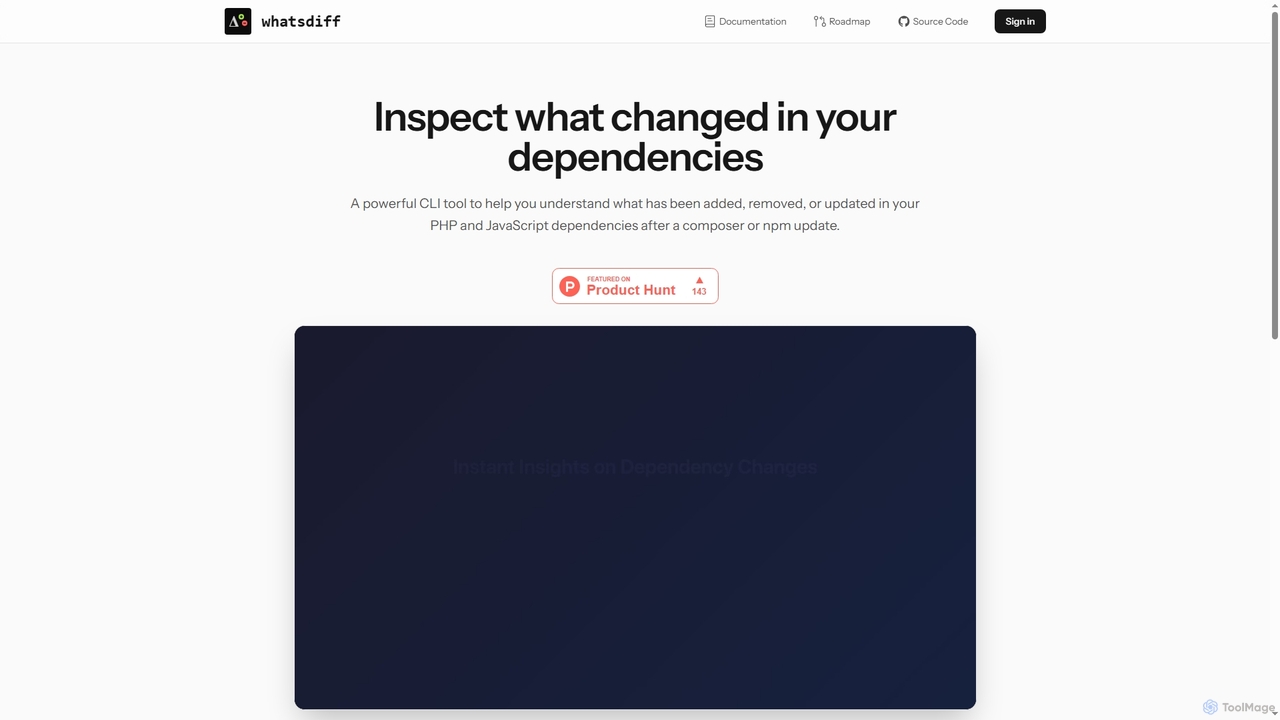
WhatsDiff
A powerful command-line interface (CLI) tool for developers to inspect, analyze, and understand changes in PHP (Composer) and JavaScript (NPM) project dependencies after an update.
Code Management
Pi
A minimal, highly customizable terminal coding agent that adapts to your workflows. Pi leverages multiple AI providers and models, offers extensive extension capabilities, and provides various interaction modes for developers.
Code Assistant
Repodex
Repodex is an AI-powered code intelligence platform that helps developers and teams search, understand, and manage their code repositories. Using natural language, you can find code, get explanations, and generate documentation instantly.
Code Generation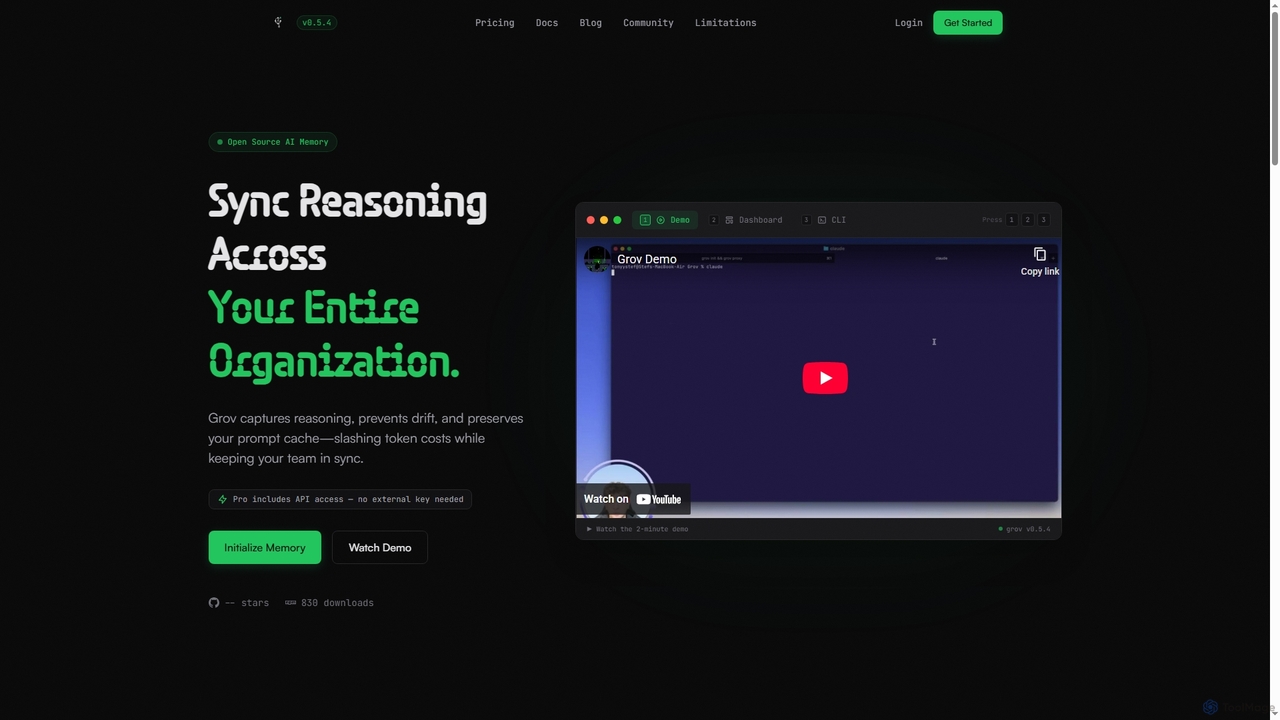
Grov
Grov is an open-source collective AI memory for engineering teams, designed to optimize Claude Code sessions. It captures reasoning, prevents AI drift, and preserves prompt caches, significantly reducing token costs and enhancing team synchronization.
Code Assistant
GitHub
GitHub is the world's leading AI-powered developer platform for building, shipping, and maintaining software. It provides Git-based version control, collaborative tools, and a complete DevOps lifecycle, supercharged by GitHub Copilot, an advanced AI code assistant that accelerates development and enhances code quality.
Code Assistant
Centy Comments (0)
Sign in to comment.
Sign inNo comments yet.