Utilities Best in category 1 results Clipboard Manager AI Tool

Popular AI tools in the Clipboard Manager field of Utilities include Flowtext, etc., helping you quickly improve efficiency.

Flowtext

Flowtext

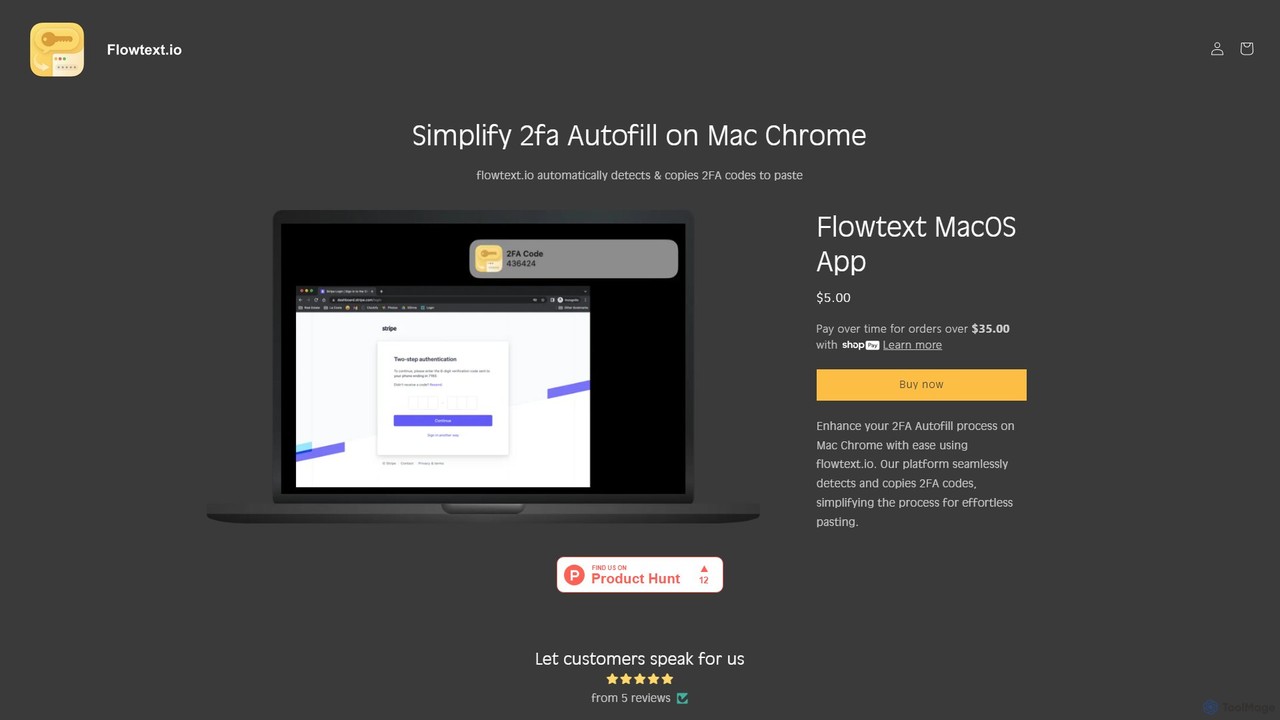
Flowtext is a macOS application designed to streamline your two-factor authentication (2FA) workflow. It automatically detects 2FA codes …

3.7K

About Clipboard Manager

Clipboard Managers are utility tools that expand the basic copy-paste functionality of your operating system. Instead of holding just one item, they maintain a searchable history of everything you copy, including text, images, and links. Many modern clipboard managers leverage AI for intelligent search, automatic content categorization, and even data transformation. This fundamentally streamlines workflows for anyone who frequently handles information, eliminating the need to repeatedly re-copy the same items and providing instant access to past data.

Core Features

  • Clipboard History: Automatically saves a chronological list of all copied items for later retrieval.
  • Advanced Search: Instantly find specific items in your history using keywords, filters, or content type.
  • Cross-Device Sync: Access and manage your clipboard history seamlessly across multiple computers and mobile devices.
  • Snippet Management: Create and store frequently used text blocks, such as code snippets, email templates, or addresses, for quick pasting.
  • Format Control: Provides options to paste text with or without its original formatting, ensuring clean insertion into any document.

Use Cases

These tools are invaluable for developers managing code snippets, writers and researchers compiling notes from various sources, and customer support agents using canned responses. They also significantly boost productivity for data entry specialists, social media managers, and anyone performing repetitive copy-paste tasks across different applications.

How to Choose

When selecting a Clipboard Manager, consider its platform compatibility (Windows, macOS, mobile), the reliability of its cross-device sync feature, and its security measures, especially if you handle sensitive data. Also, evaluate the power of its search and organization capabilities (like folders or tags) and whether it supports the data types you frequently work with, such as images or files.

Clipboard ManagerUse Cases

1

Streamlining Code Development

For software developers and programmers, a clipboard manager is a crucial productivity tool. When working on complex projects, they frequently copy and reuse code snippets, API keys, and terminal commands. Instead of storing these in temporary text files or constantly re-finding them, a clipboard manager provides a searchable history. A developer can copy a function, then a variable name, then a configuration setting, and later access all three instantly via a keyboard shortcut, significantly speeding up the coding, testing, and debugging cycle.

2

Accelerating Content Creation and Research

Writers, researchers, and students constantly gather information from multiple sources like websites, PDFs, and documents. A clipboard manager allows them to copy quotes, statistics, URLs, and references sequentially without switching back and forth to paste each item into their working document. Later, they can review the entire clipboard history, search for specific keywords, and paste the collected information in an organized manner. This creates a fluid research process, preventing context switching and ensuring no valuable information is lost.

3

Improving Customer Support Efficiency

Customer support agents often rely on standardized responses, user IDs, and order numbers to handle inquiries efficiently. A clipboard manager with snippet functionality is invaluable in this context. Agents can save common greetings, troubleshooting steps, and closing remarks as named snippets. When interacting with a customer, they can quickly copy the user's ID and ticket number, then use shortcuts to paste the appropriate pre-written responses. This reduces response times, ensures consistency in communication, and minimizes errors from manually retyping information.

4

Managing Social Media Content

Social media managers juggle multiple platforms, each requiring specific sets of hashtags, mentions, and links. A clipboard manager allows them to store and organize these recurring elements. For instance, they can create a snippet for a campaign's primary hashtags or a link to a landing page. When drafting posts, they can quickly access this information without navigating away from their scheduling tool. With cross-device sync, a manager can copy a link on their desktop and instantly paste it into a post on their mobile phone, ensuring a smooth and efficient content publishing workflow.

5

Simplifying Data Entry and Migration

Data entry professionals frequently move information between spreadsheets, databases, and web forms. This often involves copying multiple fields—like name, address, and phone number—from a source and pasting them into separate fields in a destination. A clipboard manager eliminates the tedious back-and-forth. The user can copy all required fields from the source one after another. Then, by accessing the clipboard history, they can paste each piece of data into its corresponding destination field without ever returning to the source application, drastically reducing time and potential for errors.

6

Personal Knowledge Management

For individuals building a personal knowledge base or a 'second brain', a clipboard manager acts as a universal inbox. As they browse the web, read articles, or watch videos, they can quickly copy interesting thoughts, links, or images. These items are automatically saved to the clipboard history. Later, during a dedicated review session, they can process this history, moving valuable snippets into their permanent note-taking application like Notion or Obsidian. This decouples the act of capturing information from organizing it, allowing for more focused and efficient knowledge collection.

Clipboard ManagerFrequently Asked Questions