

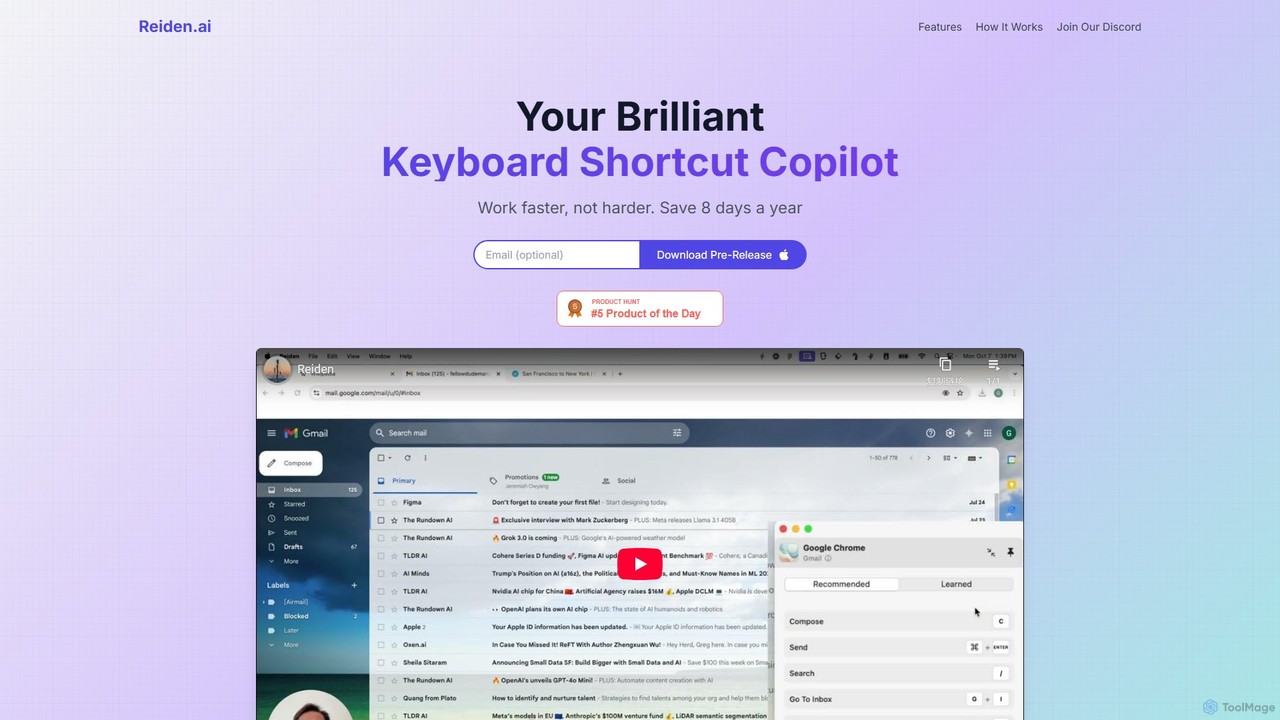
Reiden Overview
Reiden is an intelligent productivity assistant designed to transform your work habits by acting as your personal keyboard shortcut copilot. In today's fast-paced digital environment, efficiency is key, and Reiden helps you achieve it by seamlessly integrating into your workflow. It operates quietly in the background, observing your actions across various applications to identify repetitive tasks that could be performed much faster with keyboard shortcuts. The core promise of Reiden is to help you "work faster, not harder," with the potential to save you up to 8 days of work time annually. It's more than just a tool; it's a personalized productivity coach that empowers you to become more efficient, one shortcut at a time.
How to use Reiden
Getting started with Reiden is designed to be a simple and effortless process, allowing you to see benefits almost immediately:
- Install Reiden: The first step is to download and install the application. The installation is quick, and once completed, Reiden runs discreetly in the background of your system without interrupting your work.
- Observe and Recommend: As you go about your daily tasks, Reiden's AI engine analyzes your workflow in real-time. It intelligently identifies patterns and moments where you rely on slower mouse-based actions instead of faster keyboard commands. When it finds an opportunity for improvement, it presents a non-intrusive, personalized suggestion for a shortcut you can use.
- Save Time and Improve: By adopting the suggested shortcuts, you begin to build more efficient habits. Even replacing just a few clicks with shortcuts each day can compound into significant time savings over weeks and months. The goal is to make these shortcuts second nature, dramatically speeding up your navigation and execution of tasks.
Core Features of Reiden
- Real-time Analysis: Reiden doesn't wait for a weekly report. It analyzes your computer usage live, providing instant feedback and suggestions for immediate improvement.
- Customized Suggestions: The recommendations are not generic; they are tailored specifically to your unique habits and the applications you use most frequently. It's like having a coach who understands exactly how you work.
- Multi-app Support: Reiden integrates seamlessly with over 20 popular applications, including software for coding, graphic design, data analysis, and general office work. This ensures you can boost your productivity across your entire digital toolkit.
- Ergonomic Efficiency: By encouraging the use of keyboard shortcuts, Reiden helps you minimize your dependency on the mouse. This not only speeds up your work but also reduces physical strain, lowering the risk of Repetitive Stress Injuries (RSI).
- Powerful Privacy, By Design: Reiden is built with a strong commitment to user privacy. All your usage data is processed and stored locally on your device and never leaves it. You have the option to opt-in to share select, anonymized usage data to help the developers innovate, but the choice is always yours.
Use Cases for Reiden
Reiden is a versatile tool that benefits professionals across various fields:
- Software Engineers: Developers like Kevin Chen find that Reiden revolutionizes their workflow. It helps them navigate complex IDEs, execute Git commands, debug code, and switch between applications with lightning speed, saving hours every week.
- Graphic Designers: For designers like Anita Patel, who work in visually intensive applications like Adobe Photoshop or Figma, Reiden suggests shortcuts for tools, layers, and adjustments, keeping them in the creative flow without constant menu-hunting.
- Data Analysts: Professionals like Erin O'Connor, who spend their days in spreadsheets and data visualization tools, can use Reiden to master shortcuts for data manipulation, formula entry, and chart creation, making their analysis more efficient.
- Writers and Marketers: Anyone working with documents and content can benefit from shortcuts for formatting, editing, and navigating text, streamlining the entire content creation process.
Advantages of Reiden
The primary advantage of Reiden is its ability to create a tangible impact on your daily productivity. It saves you measurable time, allowing you to focus on more important tasks. The personalized coaching aspect helps you continuously learn and improve, turning you into a power user of your own software. Furthermore, the focus on ergonomic health is a crucial benefit in an age of long hours spent at the computer. Its seamless, background operation and unwavering commitment to data privacy make it a trustworthy and effective copilot for any professional.
Pricing and Plans
Reiden is currently available for download as a "Pre-Release" version, which is free for early adopters. This provides a great opportunity to experience the full power of the tool and contribute to its development through feedback. While it is free during this phase, the team may introduce paid or freemium plans in the future after the official launch to support ongoing development and new features.
Reiden Alternatives
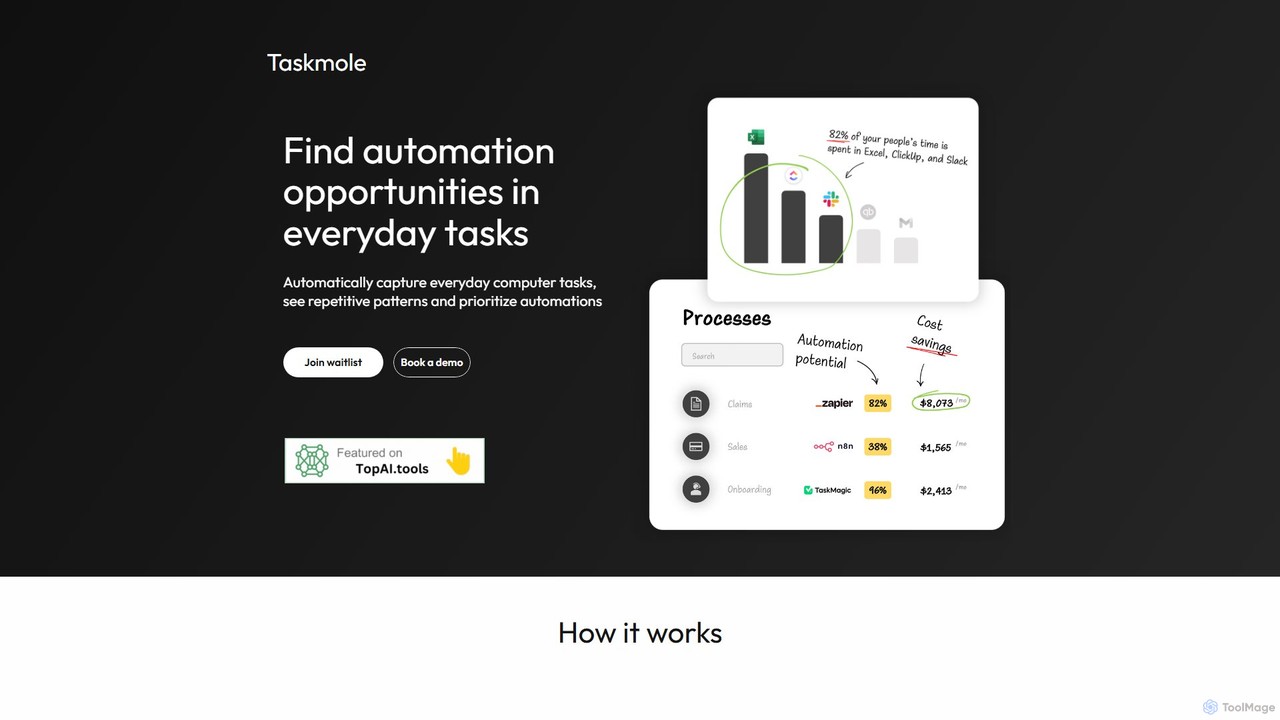
Taskmole
Taskmole is an AI-powered task mining tool that automatically captures your computer activities to identify repetitive processes. It analyzes your workflows to reveal the best automation opportunities, helping businesses and consultants streamline operations and increase efficiency by providing data-driven insights.
Process Mining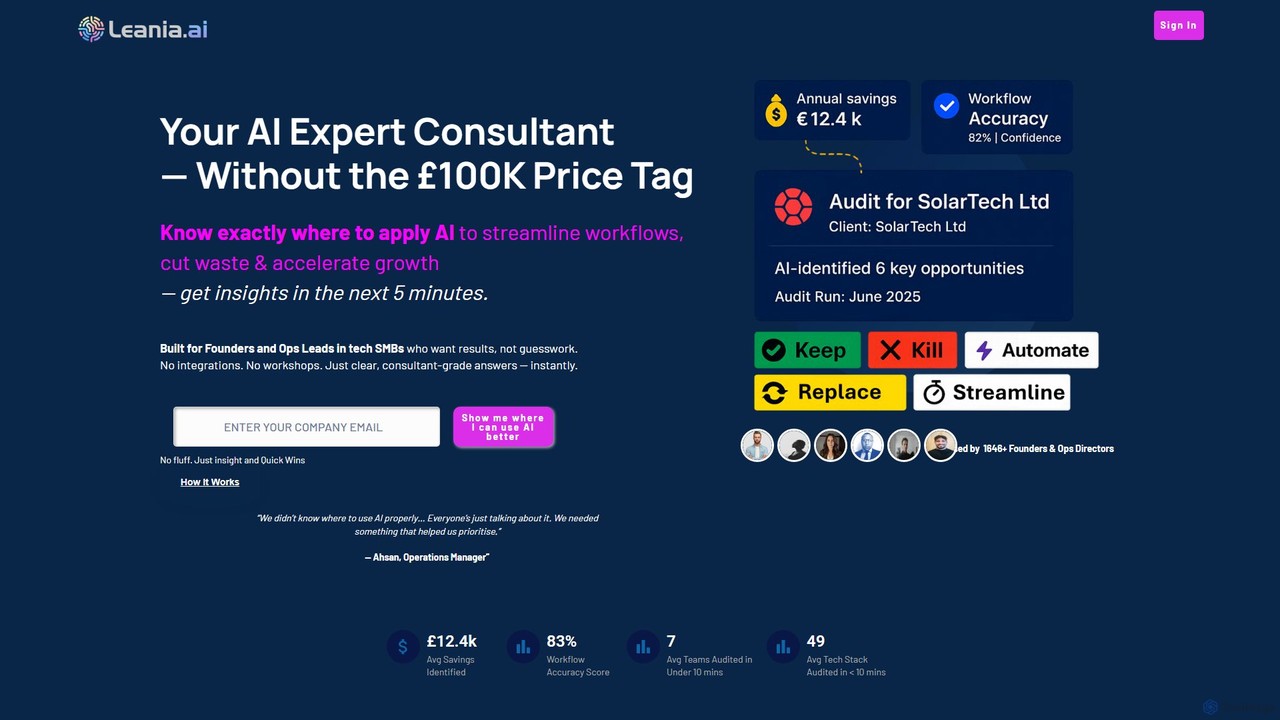
leania.ai
Leania.ai is an AI-powered consultant that analyzes your company's software stack and workflows to identify inefficiencies, cut costs, and recommend targeted AI solutions. It provides fast, actionable insights to help tech SMBs streamline operations and accelerate growth without expensive consulting fees.
Consulting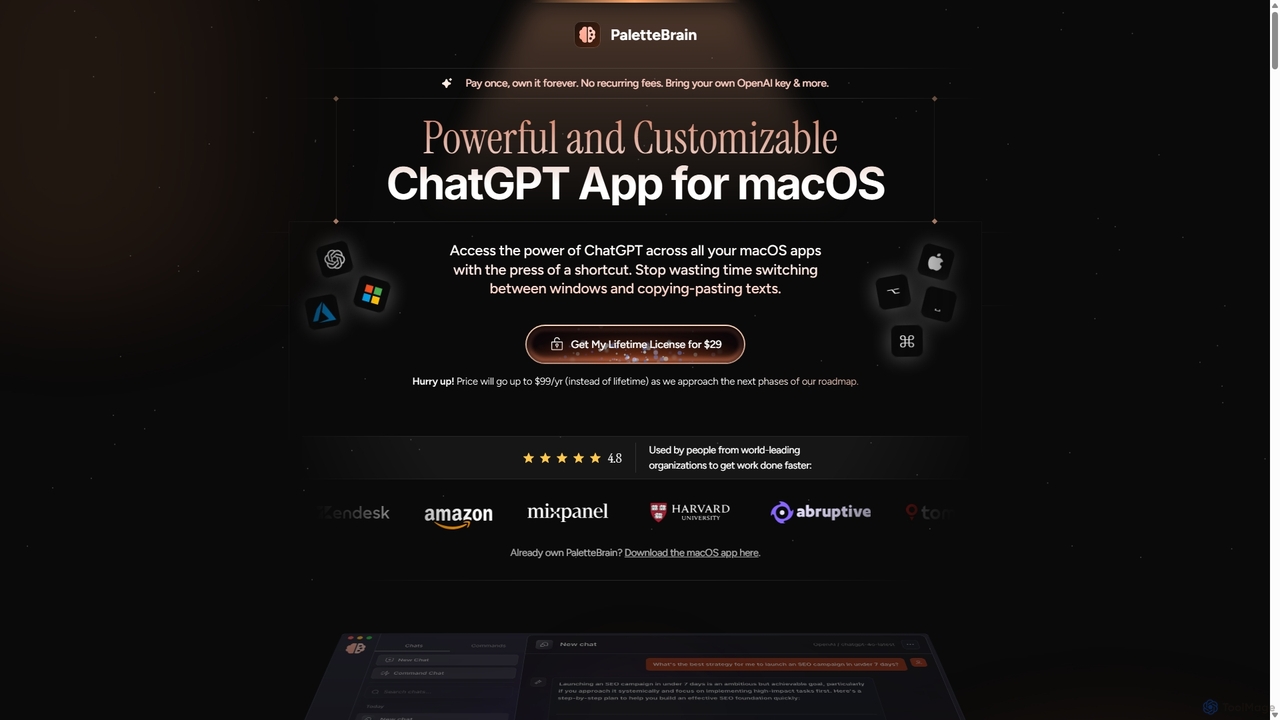
PaletteBrain
PaletteBrain is a native macOS application that integrates the power of ChatGPT directly into your workflow. With a simple keyboard shortcut, you can access AI commands on any selected text within any app, eliminating context switching. It offers customizable prompts, a one-time purchase model, and allows you to use your own OpenAI key for pay-as-you-go usage, making it a cost-effective and efficient productivity booster for writers, developers, and marketers.
Code Assistant
Raycast
Raycast is a blazingly fast, extendable launcher for macOS that supercharges your productivity. It replaces Spotlight with a powerful command-line interface to control your tools, search files, run scripts, and automate tasks. With an integrated AI assistant, a vast store of community-built extensions, and features like Clipboard History, Snippets, and Window Management, Raycast centralizes your workflow, saving you time and context-switching.
Workflow Automation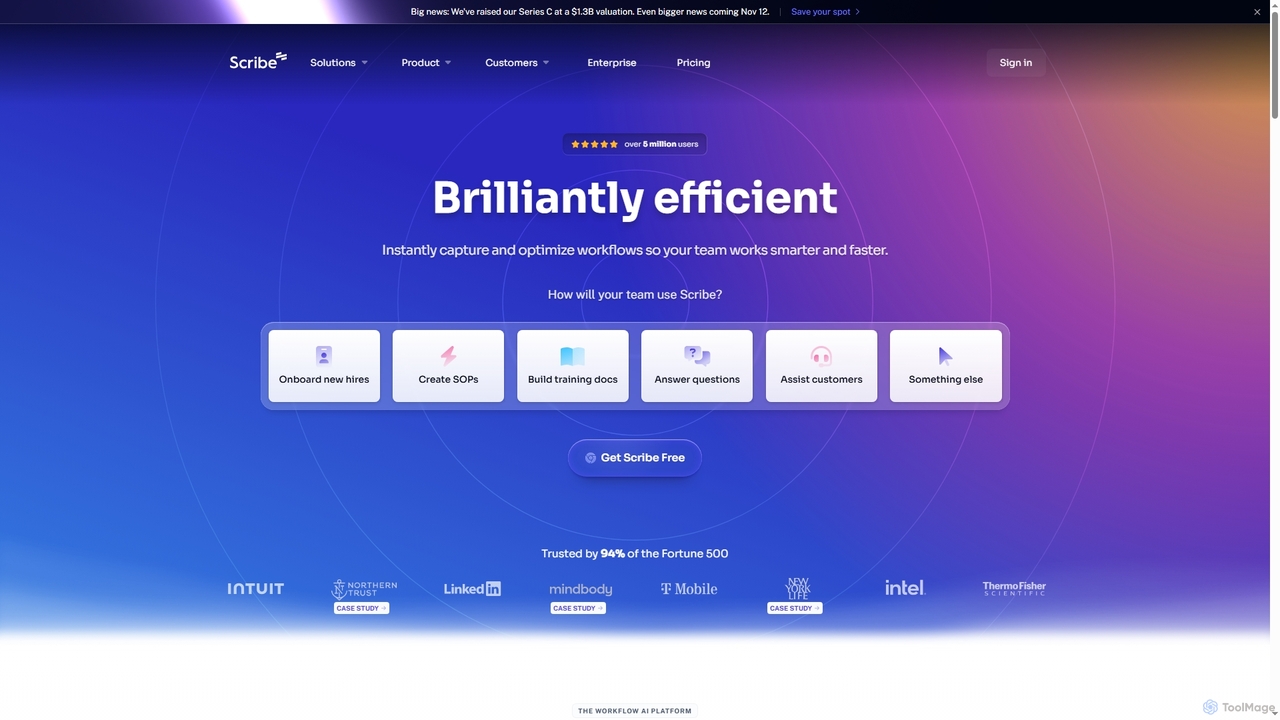
Scribe
Scribe is an AI-powered workflow documentation tool that automatically captures any process—web, desktop, or mobile—and instantly transforms it into a step-by-step guide. It helps teams create SOPs, training materials, and customer support guides faster, enhancing efficiency and knowledge sharing across organizations.
TrainingReiden Categories
Reiden Embed Widget
Copy this embed code to place the badge on your blog, article, or product site and send readers directly to this ToolMage detail page.

Related AI tools
Taskmole
Taskmole is an AI-powered task mining tool that automatically captures your computer activities to identify repetitive processes. It analyzes your workflows to reveal the best automation opportunities, helping businesses and consultants streamline operations and increase efficiency by providing data-driven insights.
Process Mining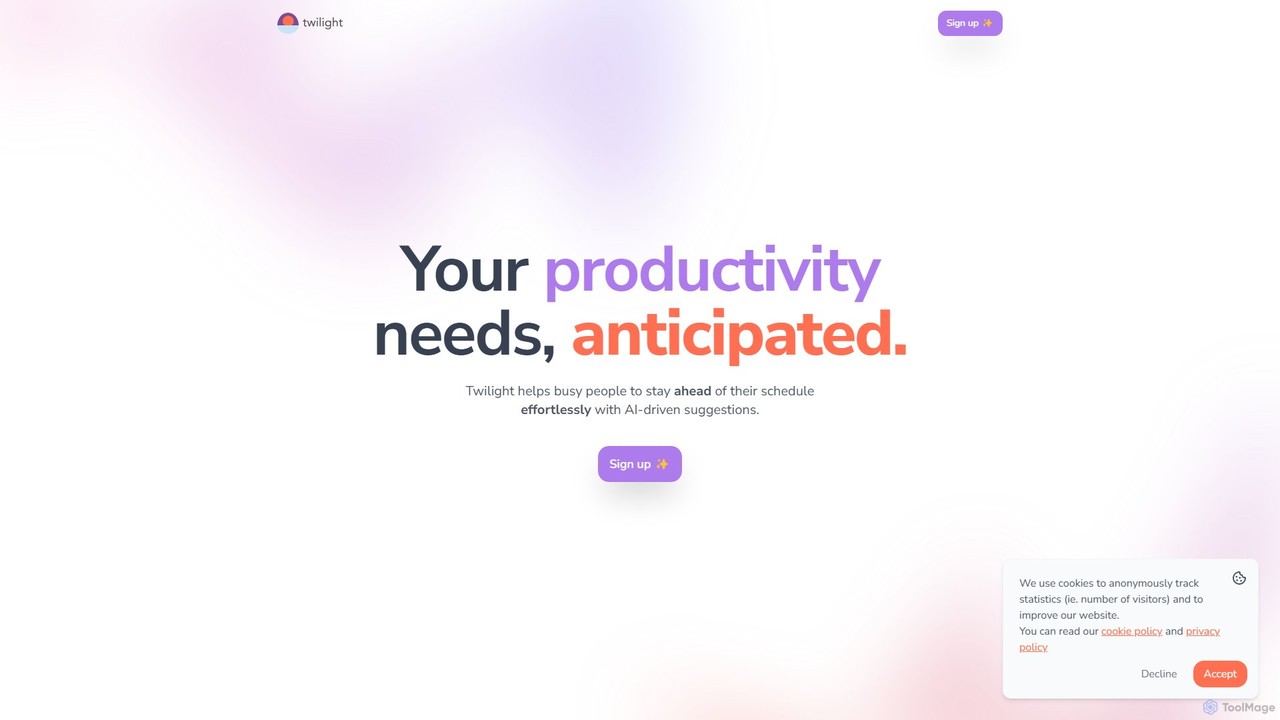
Twilight
Twilight is an AI-driven personal assistant that anticipates your productivity needs. It intelligently manages your schedule with proactive suggestions, automates rescheduling, prevents overbooking, and helps you focus on what truly matters by organizing your workflow.
Calendar Management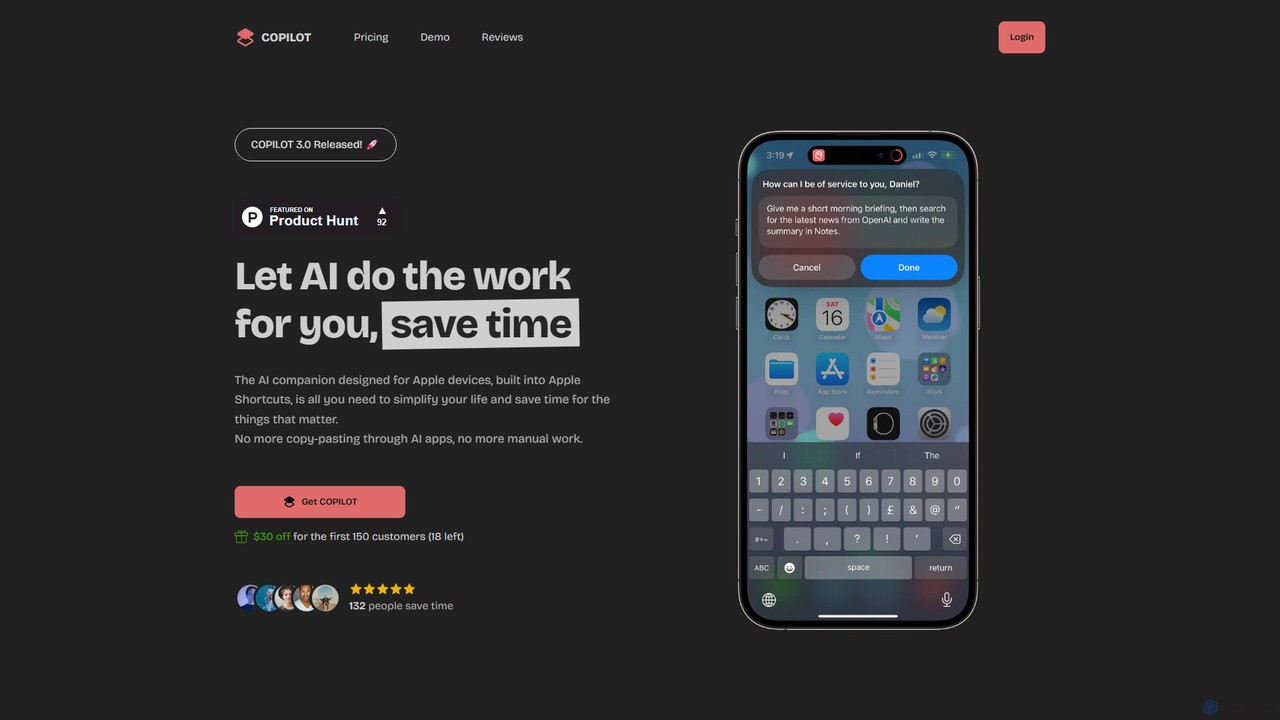
COPILOT
COPILOT is an AI assistant deeply integrated into the Apple ecosystem via Shortcuts. It automates daily tasks like summarizing schedules, browsing the web, writing content, and generating images, all within your favorite apps. Designed for Apple users, it eliminates the need for constant app-switching and copy-pasting, saving you time and streamlining your workflow.
Personal Assistantleania.ai
Leania.ai is an AI-powered consultant that analyzes your company's software stack and workflows to identify inefficiencies, cut costs, and recommend targeted AI solutions. It provides fast, actionable insights to help tech SMBs streamline operations and accelerate growth without expensive consulting fees.
ConsultingPaletteBrain
PaletteBrain is a native macOS application that integrates the power of ChatGPT directly into your workflow. With a simple keyboard shortcut, you can access AI commands on any selected text within any app, eliminating context switching. It offers customizable prompts, a one-time purchase model, and allows you to use your own OpenAI key for pay-as-you-go usage, making it a cost-effective and efficient productivity booster for writers, developers, and marketers.
Code Assistant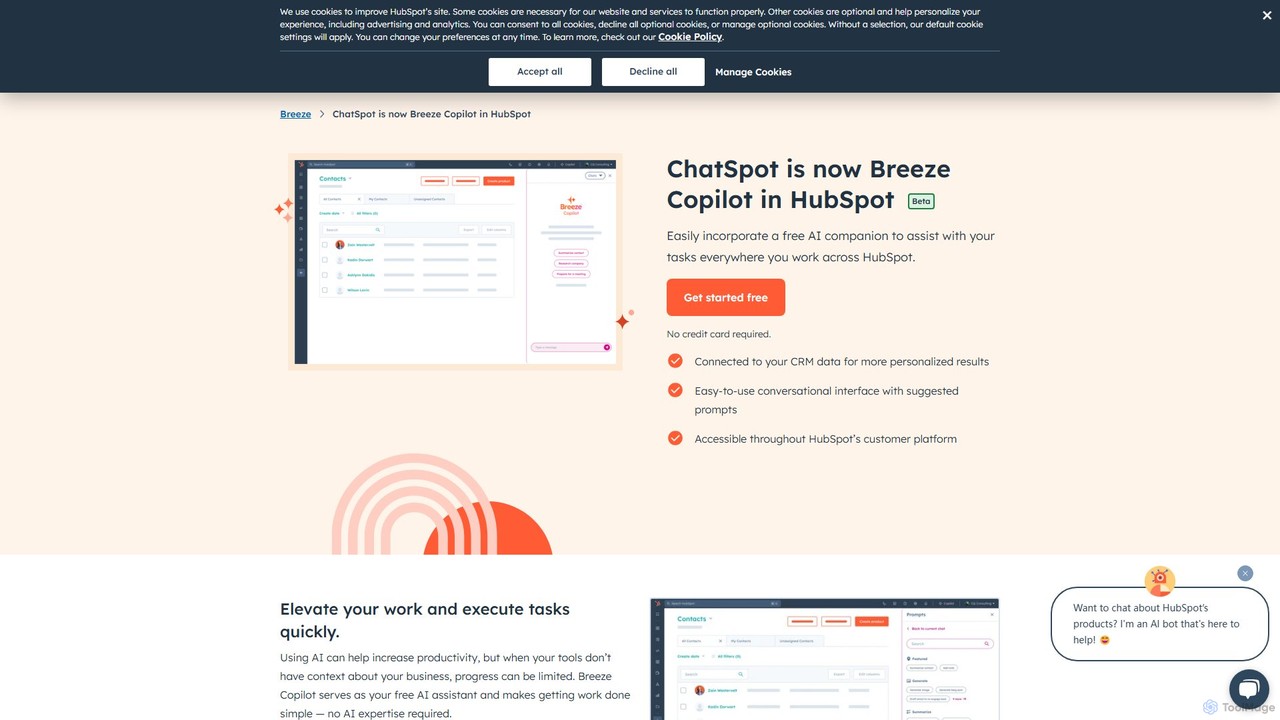
Breeze Copilot
Breeze Copilot is a free AI assistant integrated directly into the HubSpot platform. It leverages your CRM data to provide personalized assistance across sales, marketing, and customer service. Boost productivity by using its conversational interface to research prospects, create content, summarize records, and streamline your daily tasks without needing any AI expertise.
Ai Assistant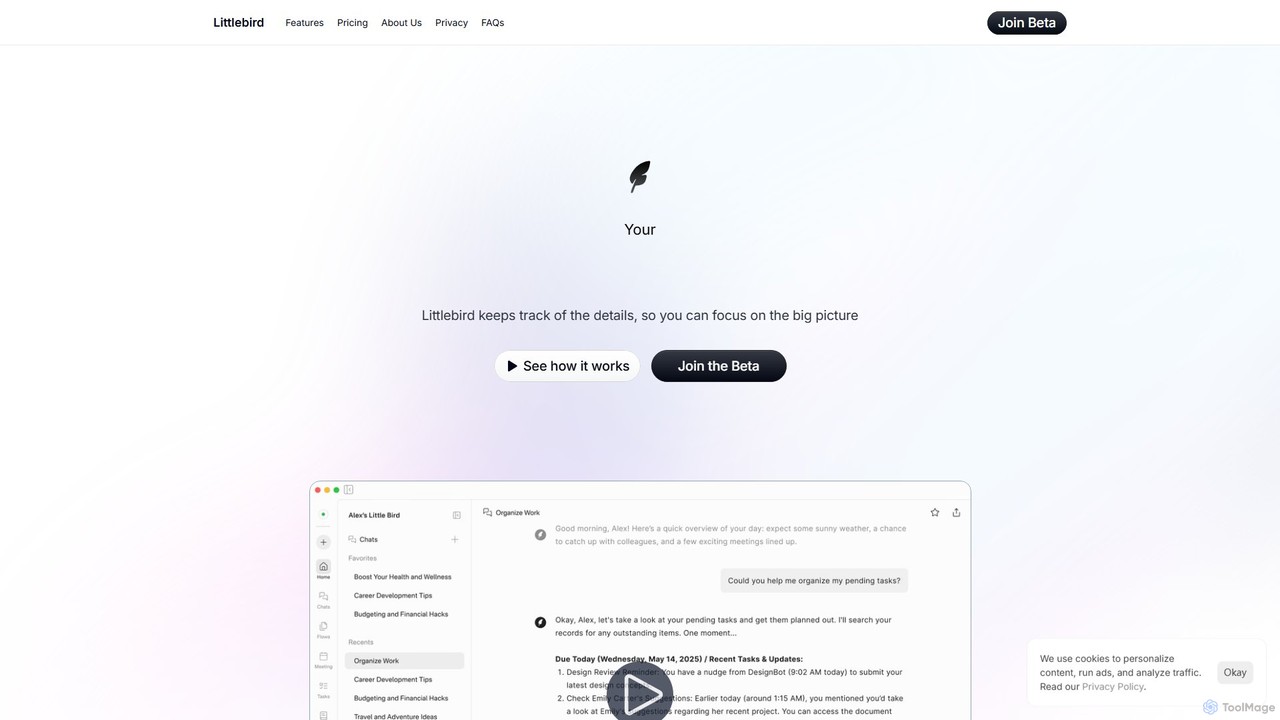
Littlebird
Littlebird is a personalized AI assistant that acts as your digital twin, learning your unique workflow across all applications. It automates tasks, organizes information, and provides contextual insights to help you focus on what matters most, eliminating busywork and context switching.
Personal Assistant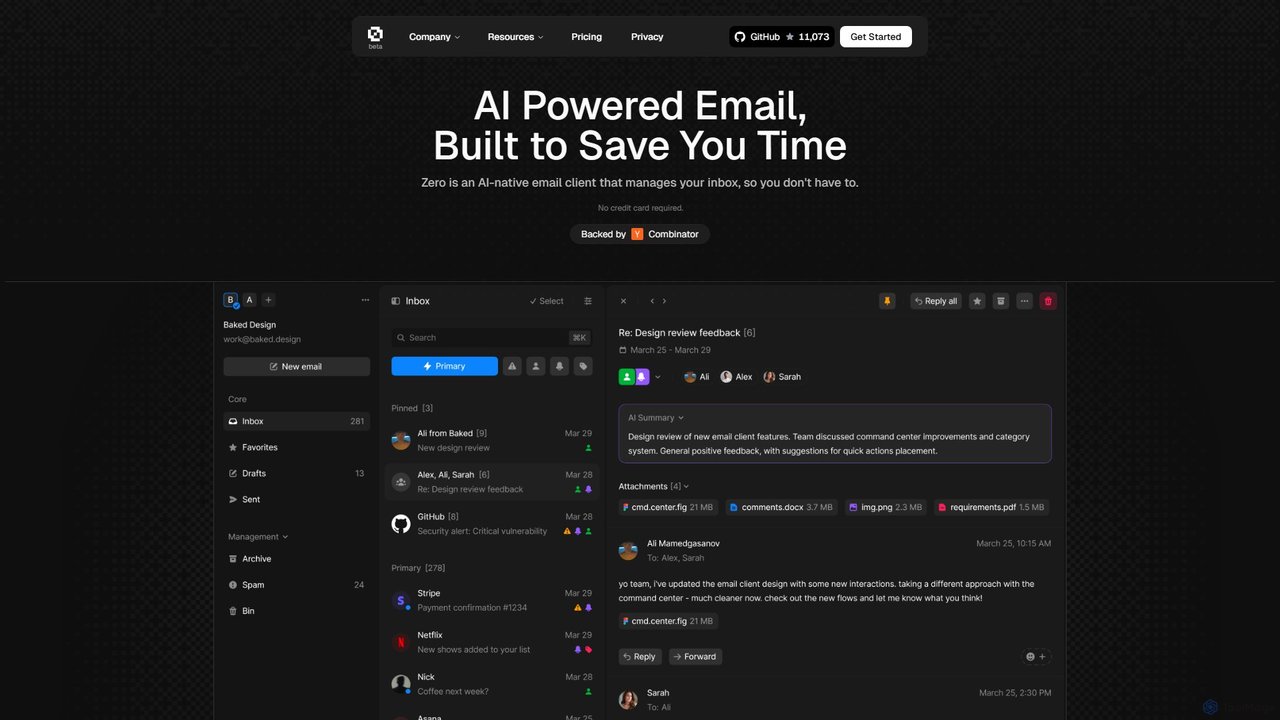
Zero
Zero is an AI-native email client designed to save you time. It automatically manages your inbox by summarizing threads, drafting replies, and extracting action items, allowing you to process emails at lightning speed with a keyboard-first interface.
Personal Assistant
PromptBox
PromptBox is a cross-platform text snippet manager designed to boost productivity. It allows you to organize, sync, and instantly paste frequently used text, such as AI prompts, email templates, and code snippets, across all your devices and applications using custom shortcuts.
Code Snippets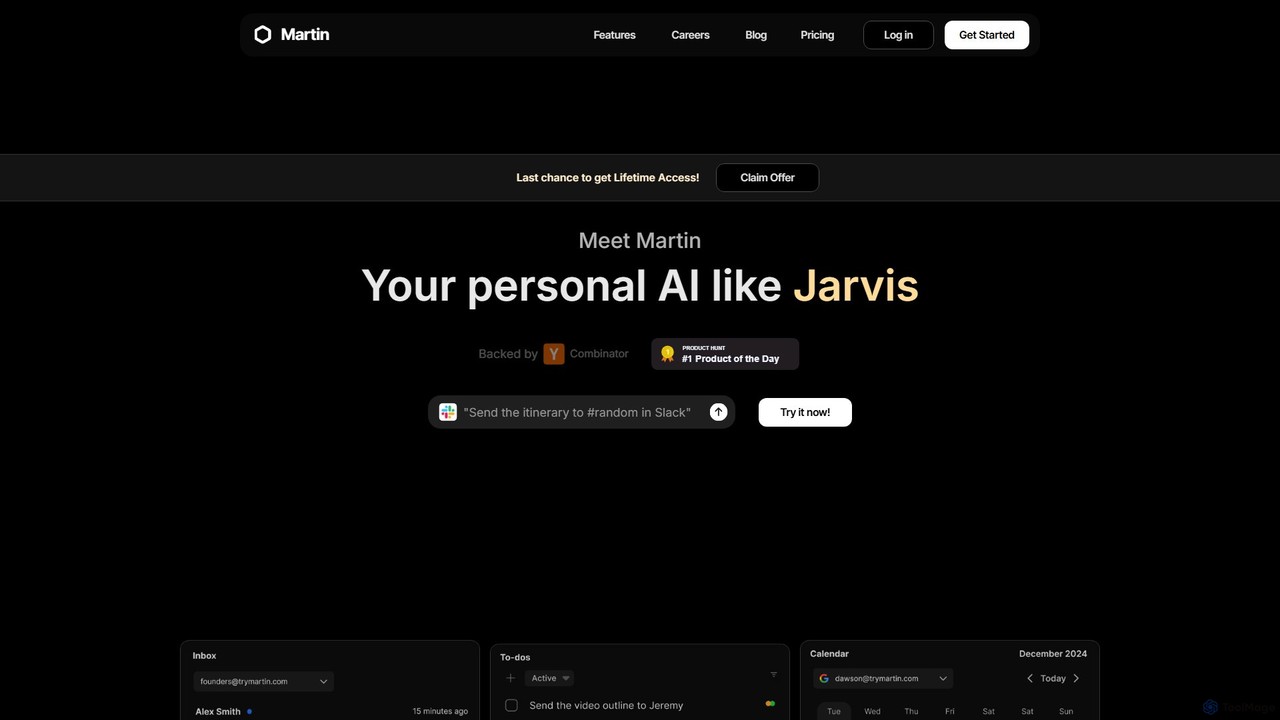
Martin
Martin is a personal AI assistant, like Jarvis, designed to streamline your life by managing tasks, communications, and schedules. Interact with Martin via text, call, email, or Slack to set reminders, send messages, manage your calendar, and automate daily workflows. It integrates seamlessly with your existing apps to boost your productivity.
Email Assistant
Antispace
Antispace is the world's first AI Operating System (AIOS) designed to eliminate boring work. It provides users with customizable AI sidekicks, each with a unique personality, to proactively manage emails, calendars, notes, and tasks. By predicting and executing the best actions, Antispace saves users over 10 hours per week and reduces decision fatigue.
Scheduling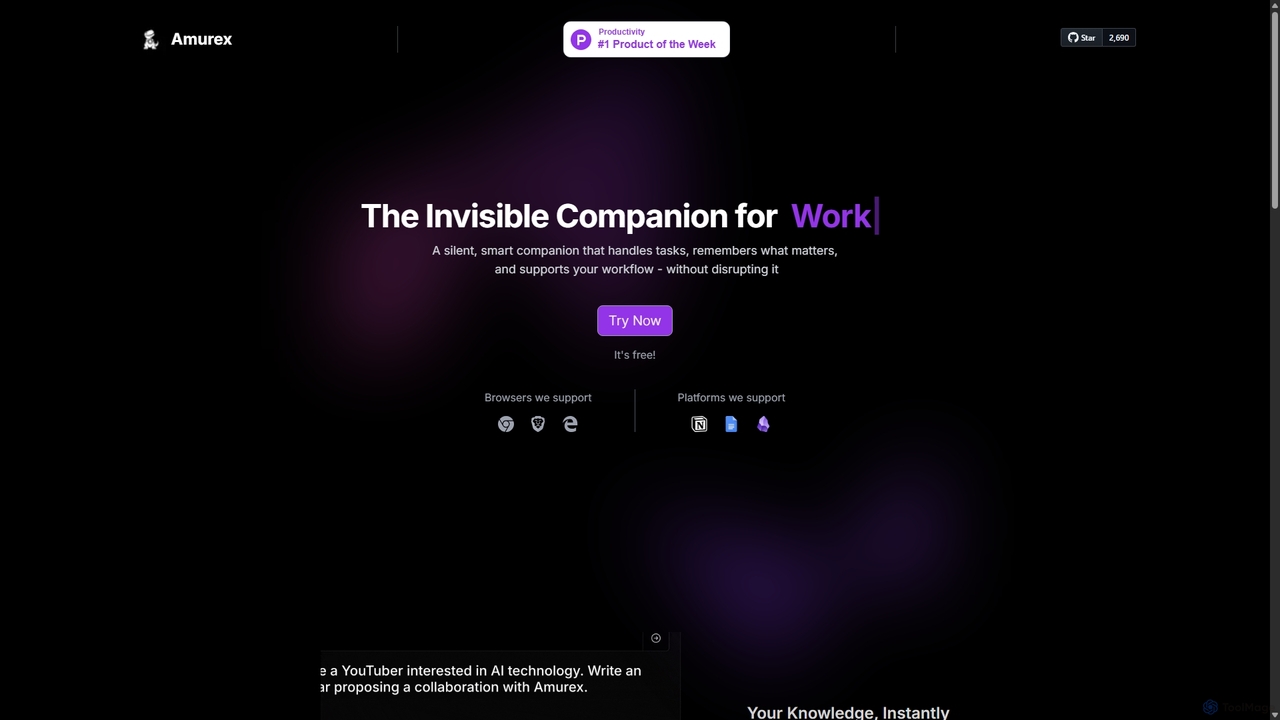
Amurex
Amurex is an open-source AI invisible companion that works silently in the background to streamline your workflow. It integrates with your existing apps like Notion, Google Drive, and Obsidian to create a searchable knowledge base, automates meeting transcriptions and summaries, and intelligently categorizes your inbox.
Automation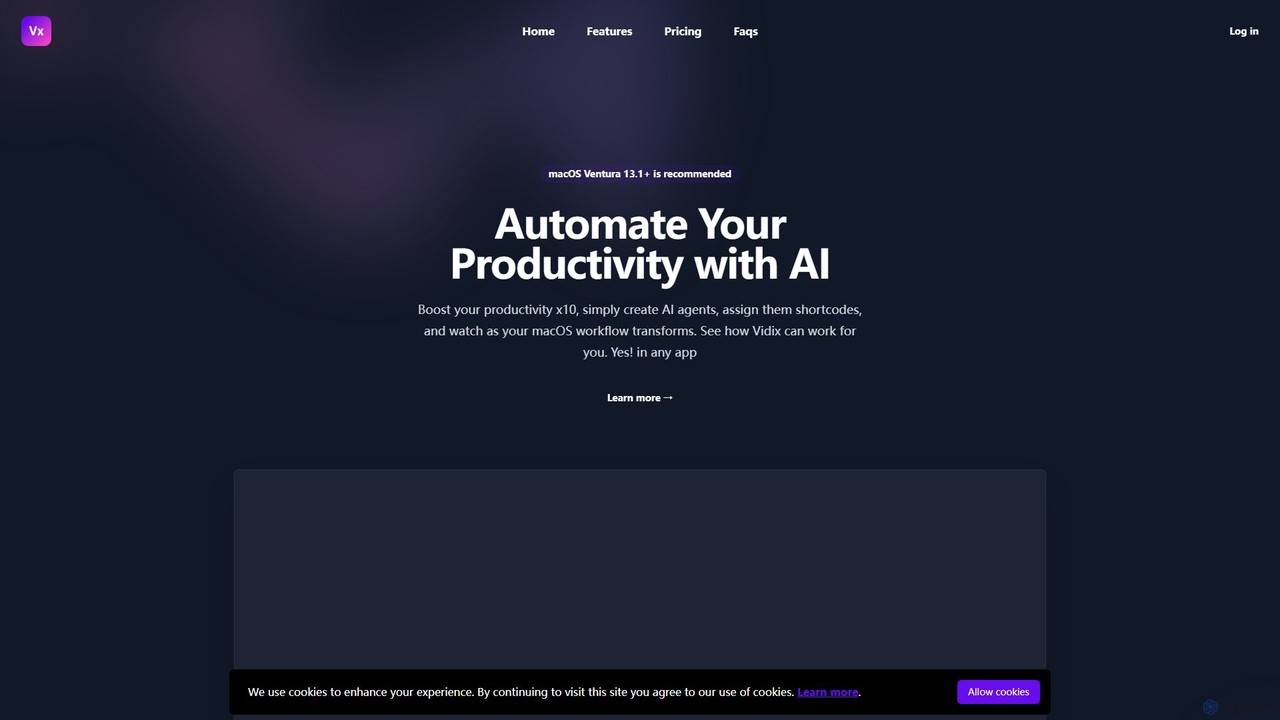
Vidix
Vidix is a powerful AI assistant for macOS designed to boost productivity. It allows users to create custom AI agents, assign them shortcodes, and activate them in any application to automate tasks, process text, and streamline workflows seamlessly.
Code Assistant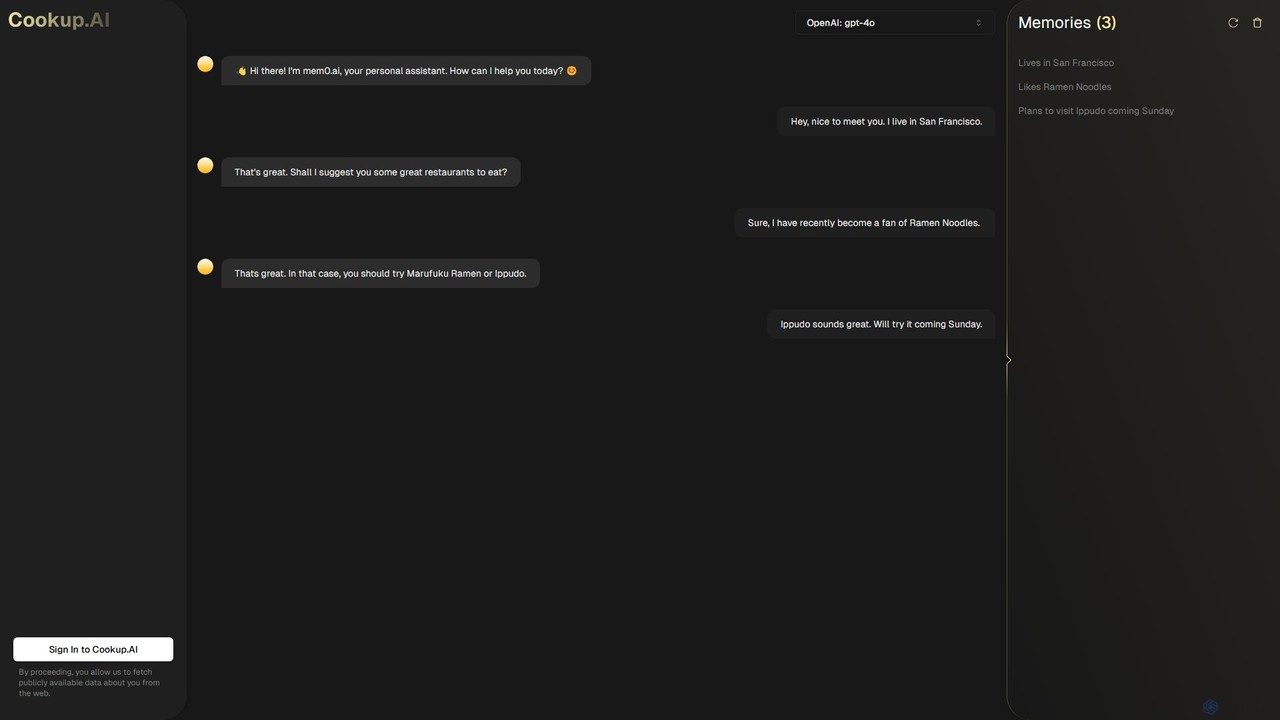
Cookup.AI
Cookup.AI is a platform for creating and using hyper-personalized AI assistants with long-term memory. Powered by advanced models like GPT-4o, it allows users to build custom AI agents that remember conversations, learn user preferences, and provide truly contextual and helpful interactions for productivity, business, and personal use.
Chatbot Builder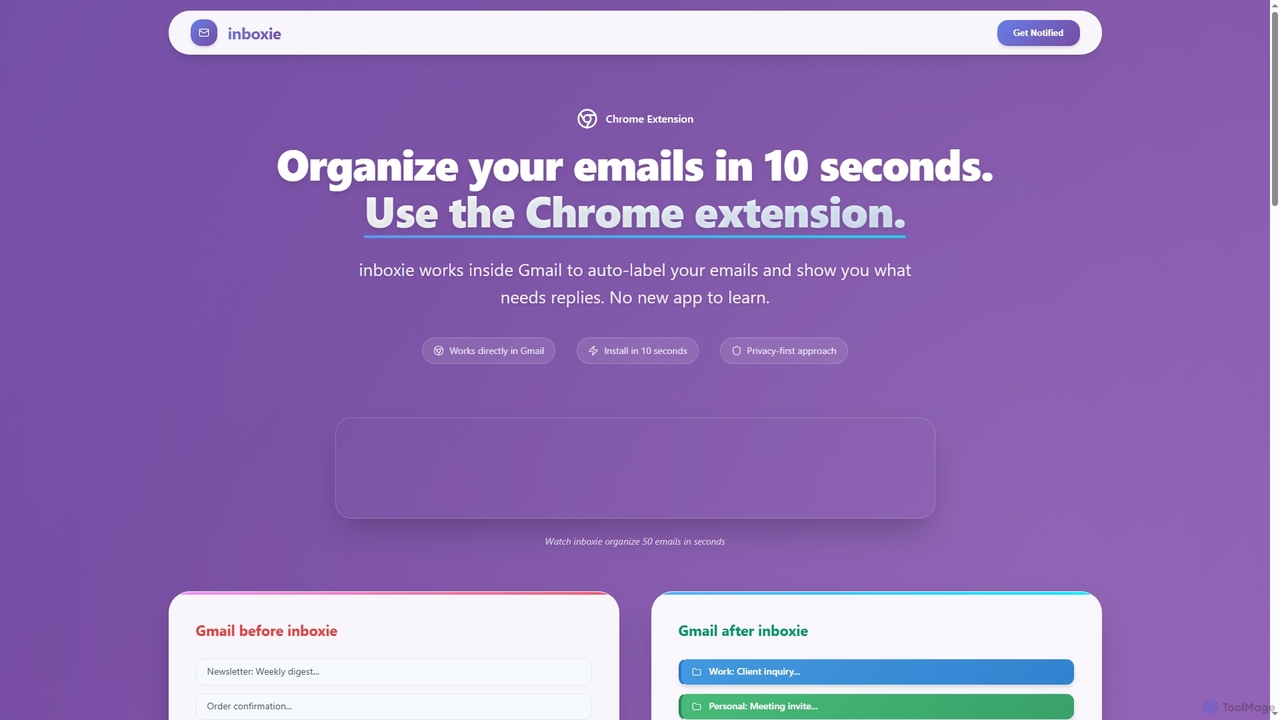
Inboxie
Inboxie is an AI-powered Chrome extension designed to organize your Gmail inbox efficiently. It automatically labels emails, highlights those requiring a response, and provides a smart inbox view, all within your existing Gmail interface. Streamline your email management and achieve inbox clarity in seconds.
Inbox Management
Reiden Comments (0)
Sign in to comment.
Sign inNo comments yet.