

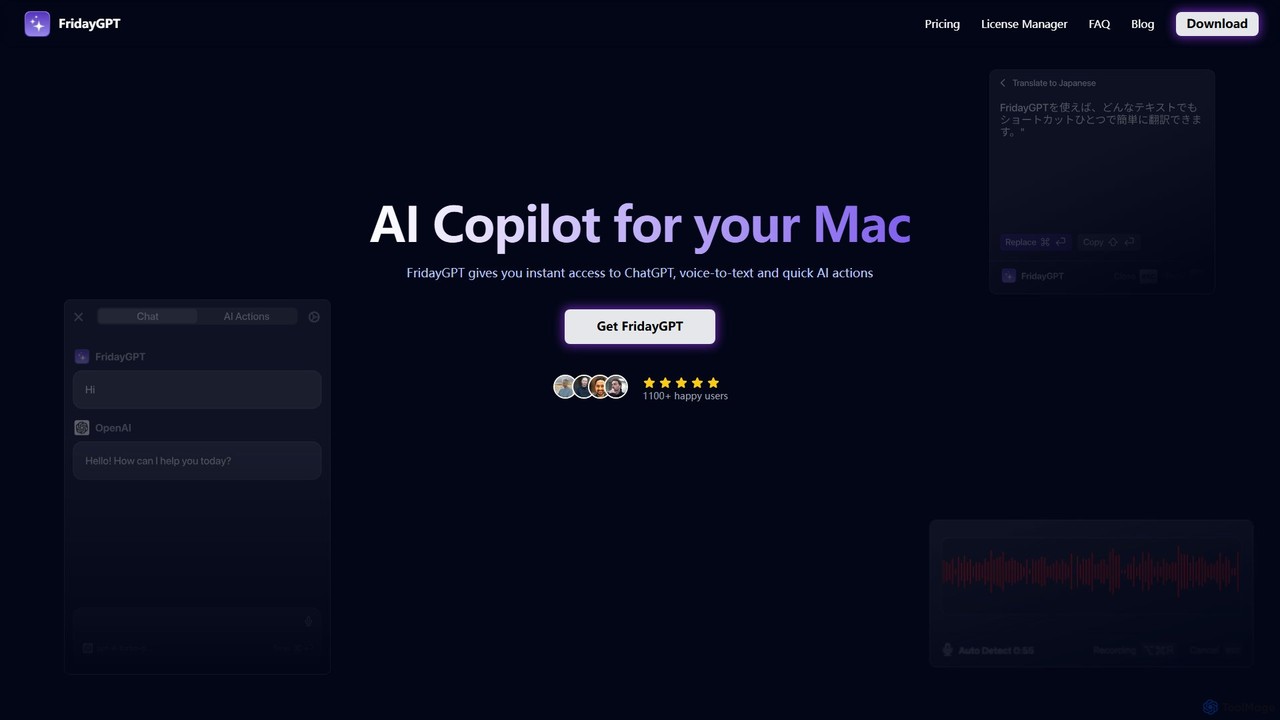
FridayGPT Overview
FridayGPT is a powerful and versatile AI copilot designed exclusively for macOS. It aims to supercharge your productivity by seamlessly integrating advanced AI capabilities into your daily workflow. Instead of constantly switching between applications and browser tabs, FridayGPT brings the power of large language models (LLMs) directly to your fingertips, accessible from any app or website. It acts as a universal assistant that can help with writing, editing, coding, and communication tasks.
The application supports a wide range of AI models, giving users unparalleled flexibility. You can connect your own API keys for leading providers like OpenAI (ChatGPT), Anthropic (Claude), Groq, and Together AI. For users concerned about privacy or cost, FridayGPT offers robust integration with local LLMs via Ollama, allowing you to run powerful models directly on your machine, even offline, with no API costs. This makes it a versatile tool for everyone from casual users to developers who need constant AI assistance.
How to use FridayGPT
Using FridayGPT is designed to be intuitive and blend into your existing habits. After installing the app, you can start by configuring your preferred AI models. This involves adding your API keys for cloud services or setting up the connection to your local Ollama instance. Once set up, the core functionality is triggered by simple actions:
- Select Text: Highlight any text in any application on your Mac.
- Use Keyboard Shortcuts: Press a customizable keyboard shortcut to bring up the FridayGPT menu.
- Choose an Action: From the menu, select a pre-configured AI action like 'Fix Grammar', 'Rewrite', 'Summarize', or 'Translate'. You can also apply a one-time prompt on the fly.
- Instant Chat: Use a dedicated shortcut to open a chat window with your selected text as context, allowing for a deeper conversation with the AI.
- Voice-to-Text: Activate the dictation feature with a hotkey, speak your thoughts, and watch as FridayGPT transcribes them into perfectly punctuated text in over 100 languages.
Core Features of FridayGPT
- Instant AI Access: Access ChatGPT, Claude, and other LLMs from any application or website without context switching.
- One-Click AI Actions: Instantly fix grammar, rewrite text, change formatting, or summarize content with a single click.
- Customizable Actions: Create your own AI actions with custom prompts to tailor the tool to your specific needs, no coding required.
- Advanced Voice-to-Text: Utilizes OpenAI Whisper, Groq, or local models for highly accurate transcription and translation in over 100 languages, outperforming standard macOS dictation.
- Multi-Provider Support: Bring your own API keys for OpenAI, Anthropic, Groq, and Together AI.
- Local LLM Integration: Connects with Ollama to run models locally for free, private, and offline use.
- Native Mac Experience: A lightweight app that works on both Intel and Apple Silicon Macs, designed to feel like a natural part of the OS.
Use Cases for FridayGPT
FridayGPT is beneficial for a wide range of users:
- Writers and Editors: Quickly correct grammar and spelling, rephrase sentences for clarity, and overcome writer's block.
- Developers: Explain code snippets, generate boilerplate code, or debug issues without leaving their code editor.
- Students and Researchers: Summarize long articles, translate text from foreign sources, and organize research notes.
- Professionals and Marketers: Draft emails, create social media posts, and refine communication to be more professional and effective.
- Users with Accessibility Needs: The superior voice-to-text feature makes it easier to interact with the computer and write content hands-free.
Advantages of FridayGPT
The primary advantage of FridayGPT is its deep integration into the macOS environment, which significantly reduces friction and boosts efficiency. The one-time purchase model is a major benefit over recurring subscriptions. Furthermore, its support for both cloud-based and local LLMs provides a unique combination of power, flexibility, privacy, and cost-effectiveness that is rare in the market. The active development and responsive support also ensure the tool continuously improves.
Pricing and Plans
FridayGPT is offered as a one-time purchase. This gives you a perpetual license to use the app forever.
- One-Time Purchase: A single payment (currently $29 USD, VAT may apply) grants you a lifetime license key for the app.
- Included Updates: The purchase includes one year of free updates, ensuring you receive all new features and improvements.
- Optional Renewal: After the first year, you can choose to renew your access to updates for another year at a discounted price. If you choose not to renew, you can continue using the version of the app you have forever.
- API Costs: Users are responsible for any API usage costs from cloud providers (OpenAI, Anthropic, etc.). Using local models via Ollama is completely free.
Traffic
Latest traffic
Status
Monthly traffic trend
- 2025-9: 6.5K
- 2026-1: 2.3K
- 2026-2: 2.4K
- 2026-3: 4.0K
- 2026-4: 3.8K
- 2026-5: 651
Geography
Top 5 countries / regions
- 🇺🇸United States100.0%
Top keywords
| Keyword | Cost per click |
|---|---|
| apple dictation | $2.00 |
| fridaygpt | $0.00 |
| frr gpt | $0.00 |
| mac speech to text | $3.97 |
| speech to text mac | $3.70 |
FridayGPT Alternatives

Omnipilot
Omnipilot, now part of Highlight, is a powerful AI assistant for Mac & Windows. It works across all your apps, providing context-aware assistance for writing, meetings, and tasks. It understands what's on your screen to reduce context switching and boost productivity without needing to copy-paste.
Utilities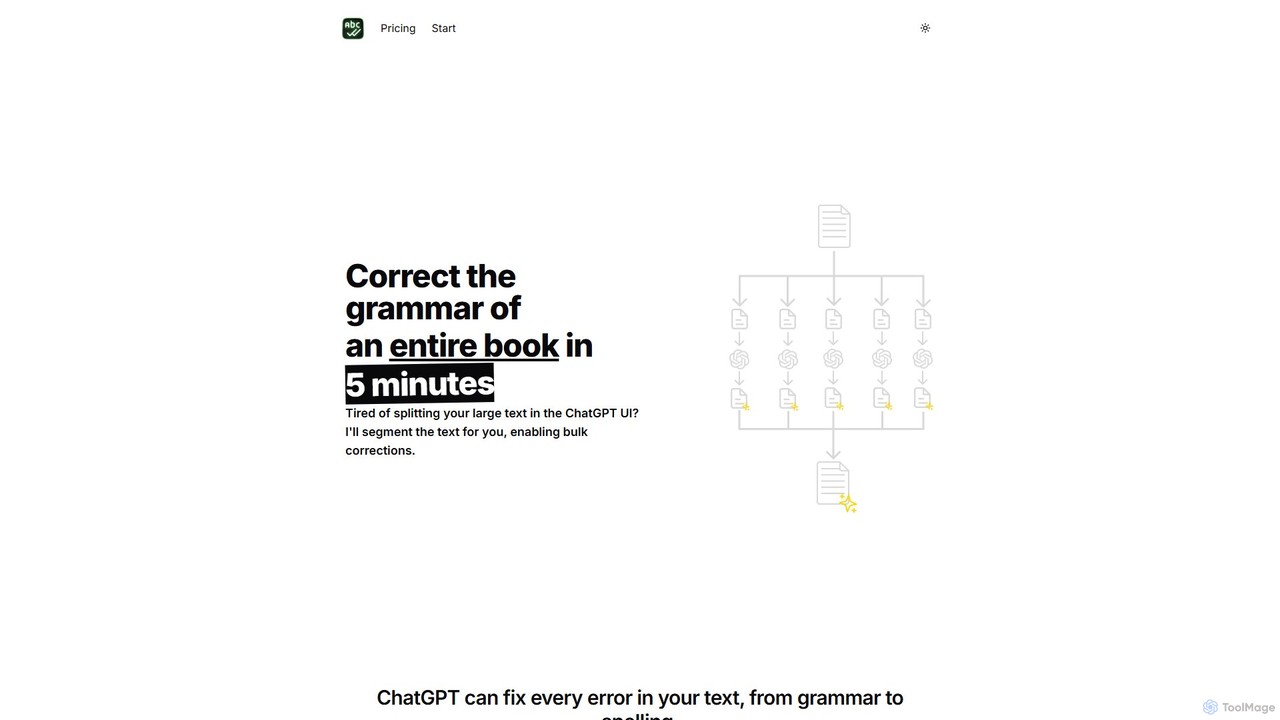
BulkCorrector
BulkCorrector is an AI-powered tool designed to overcome the input limits of models like ChatGPT. It allows users to correct grammar, check spelling, and translate entire large documents, such as books or long articles, in a single operation. By automatically segmenting text and processing it in chunks, it saves writers significant time and effort.
Automation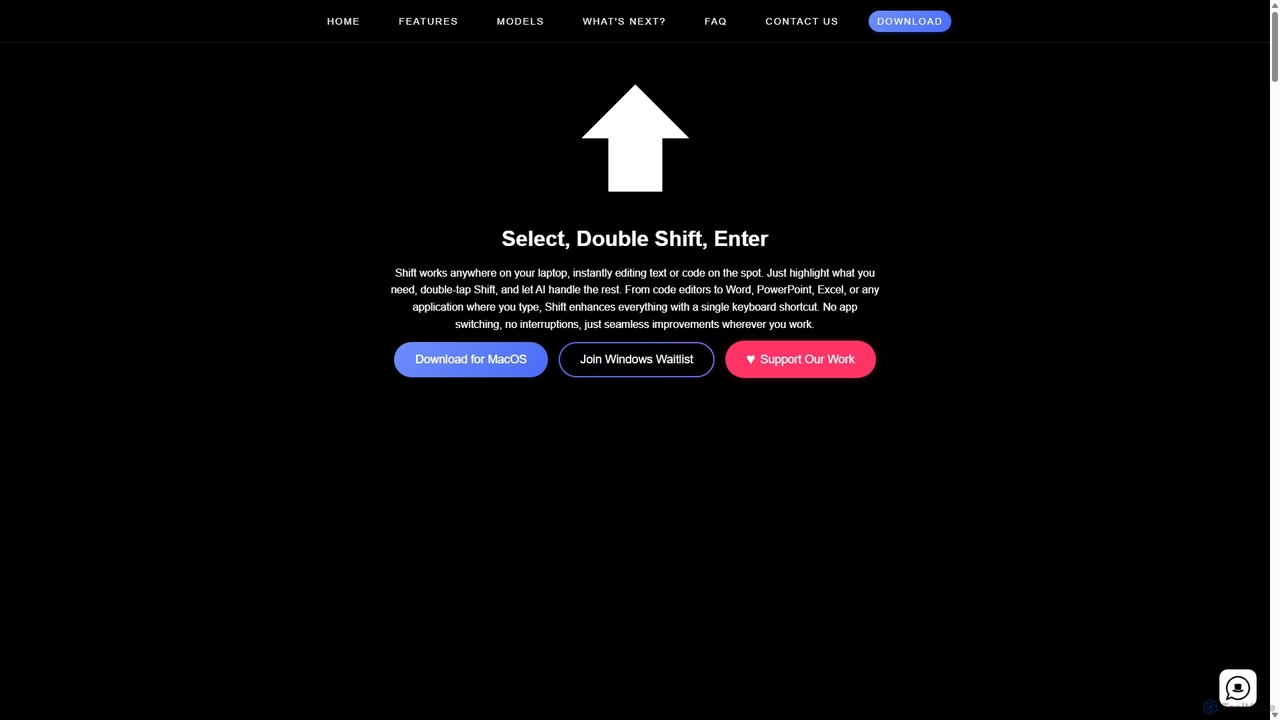
Shift
Shift is a system-wide AI assistant for macOS that enhances your workflow by allowing you to edit text and code anywhere with a simple keyboard shortcut. Just highlight text, double-tap Shift, and let the AI rewrite, debug, translate, or rephrase it instantly within any application.
Code Assistant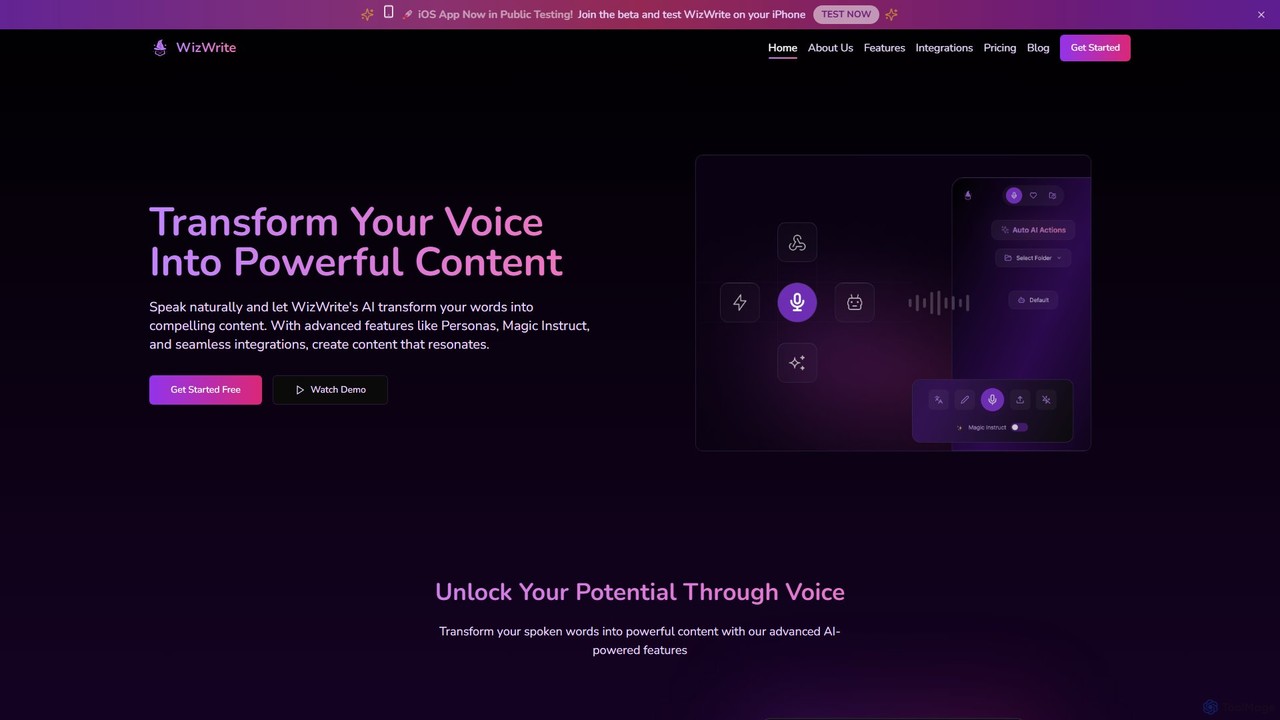
WizWrite
WizWrite is an AI-powered content creation assistant that transforms your spoken words into polished text. It uses advanced transcription and AI workflows to effortlessly convert voice notes into blog posts, social media content, and more. With features like Personas and Magic Instruct, it streamlines content creation for maximum productivity.
Transcription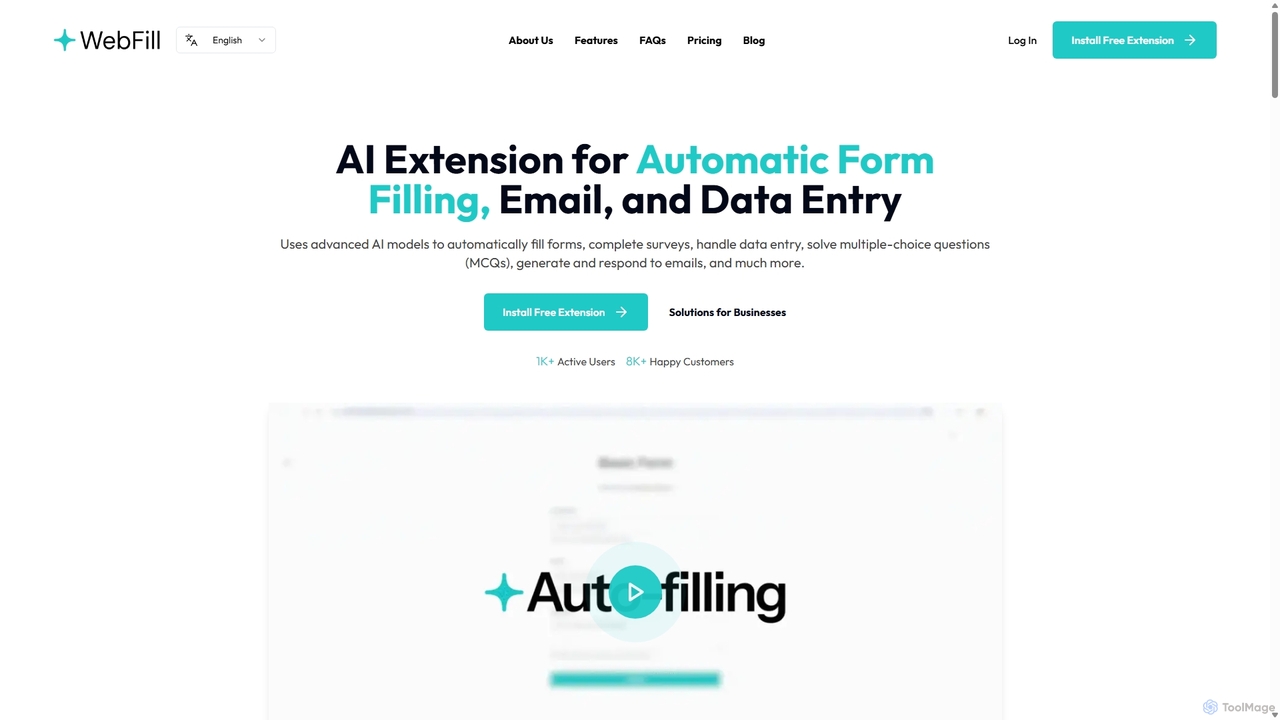
WebFill
WebFill is an AI-powered browser extension designed to automate daily digital tasks. It excels at automatically filling forms, completing surveys, handling data entry, and solving multiple-choice questions. It also features an AI assistant for generating and responding to emails, and a unique 'Vision' tool for instant answers from screen captures.
AssistantFridayGPT Categories
FridayGPT Embed Widget
Copy this embed code to place the badge on your blog, article, or product site and send readers directly to this ToolMage detail page.

Related AI tools
RewriteBar
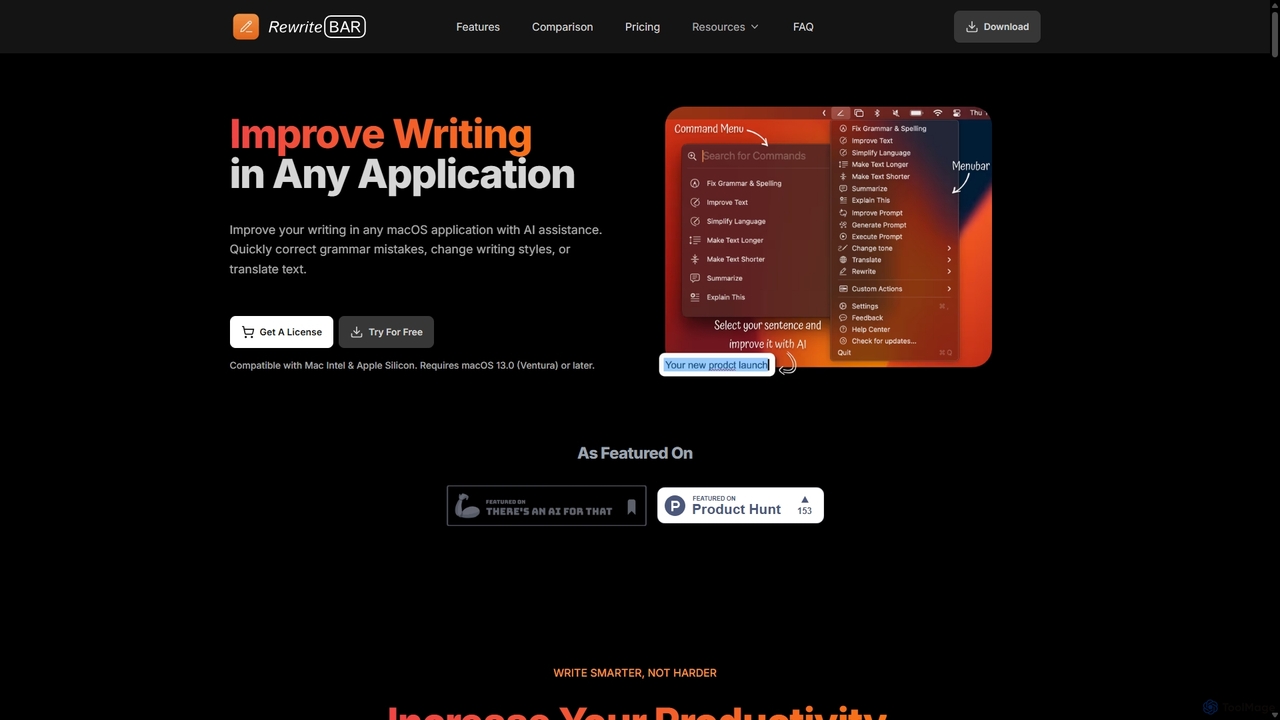
RewriteBar is a native macOS menu bar app that acts as your personal AI writing assistant. It works seamlessly across all applications, allowing you to instantly correct grammar, change tone, translate text, summarize content, and more with a simple keyboard shortcut. It supports over 12 AI providers, including local models for ultimate privacy, offering a powerful and flexible writing enhancement experience.
Code Assistant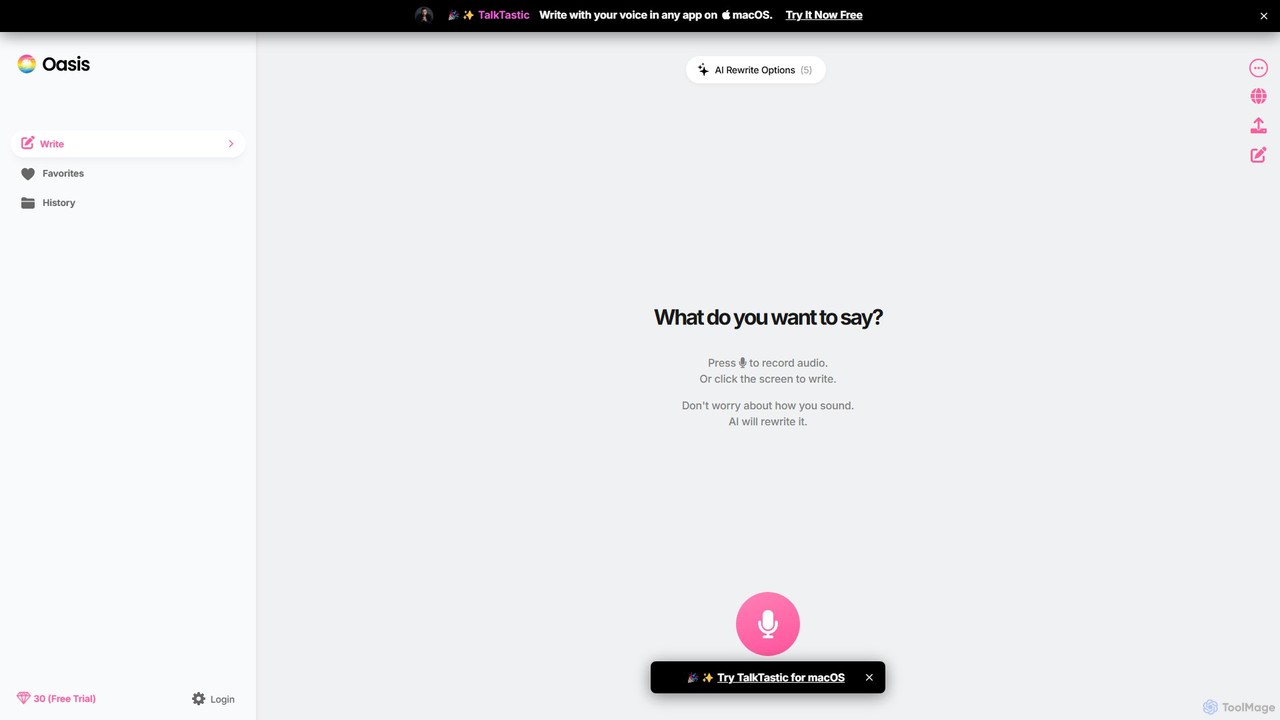
theoasis
OASIS is a revolutionary AI-powered writing assistant for macOS. It allows you to write with your voice in any application. Simply speak your thoughts, and OASIS will not only transcribe them but also use AI to rewrite and polish your text for perfect clarity, tone, and style. It's the fastest way to draft emails, create documents, and overcome writer's block with zero effort.
Transcription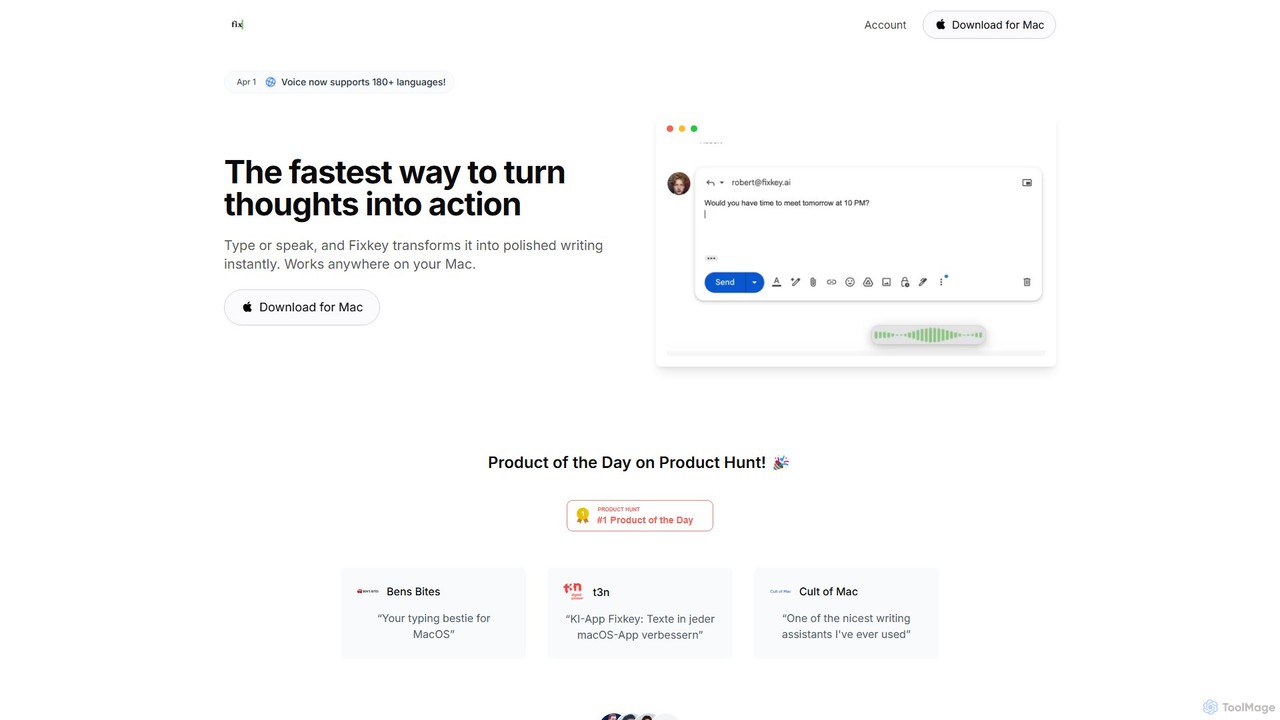
Fixkey
Fixkey is a native AI writing assistant for macOS that enhances your productivity. It transforms your voice or text into polished, professional writing instantly, working seamlessly across all Mac applications. Features include real-time speech-to-text, one-click text improvement, translation into over 180 languages, and customizable AI prompts.
Response Management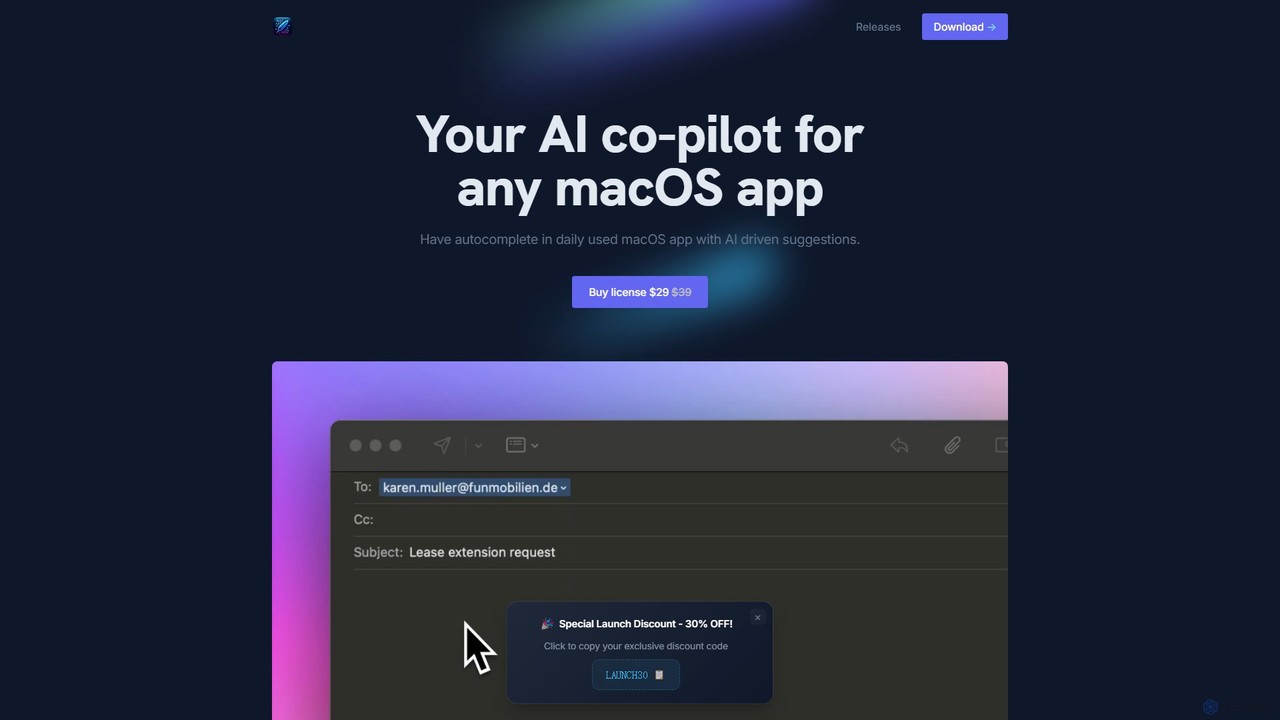
InfinipilotAI
InfinipilotAI is a native macOS AI co-pilot that seamlessly integrates with any application. It boosts productivity with features like AI-driven autocomplete, writing enhancement, translation, and developer utilities. With a strong focus on privacy, it supports local language models via Ollama, ensuring your data stays on your device. It's a lightweight, high-performance tool available for a one-time purchase.
Code AssistantShift
Shift is a system-wide AI assistant for macOS that enhances your workflow by allowing you to edit text and code anywhere with a simple keyboard shortcut. Just highlight text, double-tap Shift, and let the AI rewrite, debug, translate, or rephrase it instantly within any application.
Code Assistant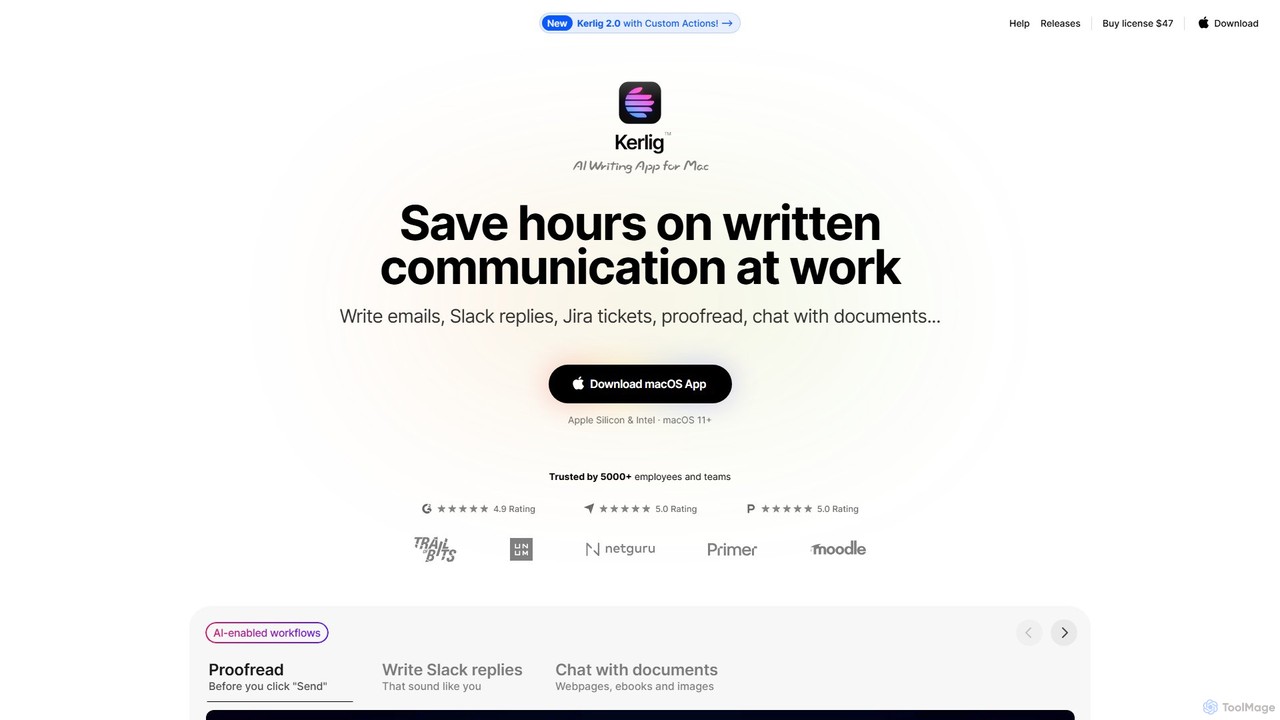
Kerlig
Kerlig is a native AI writing assistant for macOS designed to streamline your communication. It integrates seamlessly into your workflow, allowing you to write emails, proofread text, chat with documents, and generate content using over 350 AI models. With custom actions and a focus on privacy, Kerlig saves you hours by bringing powerful AI to your fingertips, without ever leaving your current application.
Mac Apps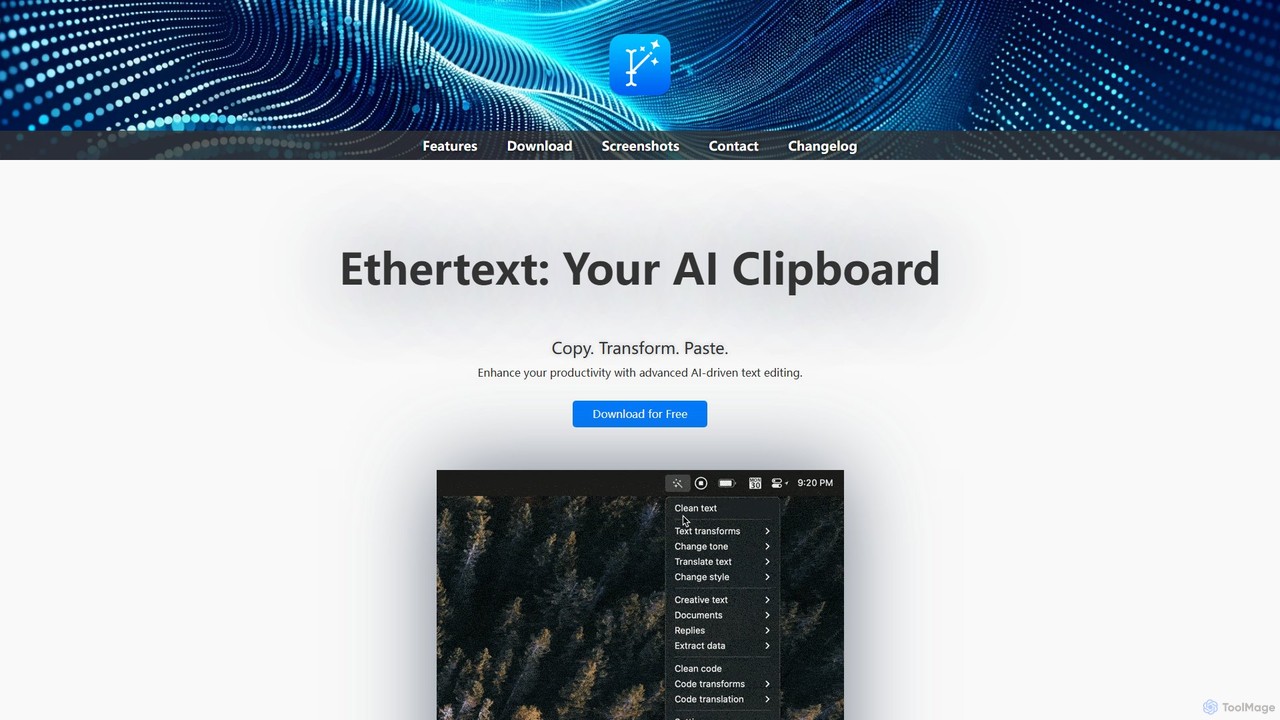
Ethertext
Ethertext is an AI-powered clipboard assistant for macOS that supercharges your productivity. It allows you to instantly transform, edit, and enhance any text you copy. With support for major AI models like OpenAI, Gemini, and Claude, as well as local models via Ollama, it offers powerful text and code manipulation, a smart memory feature, and seamless integration into your daily workflow through keyboard shortcuts.
Code Assistant
DraftLab
DraftLab is an AI-powered writing assistant designed to streamline your content creation process. It helps users generate high-quality articles, emails, and marketing copy, while also offering advanced tools for grammar correction, paraphrasing, and style enhancement to ensure your writing is clear, compelling, and error-free.
Research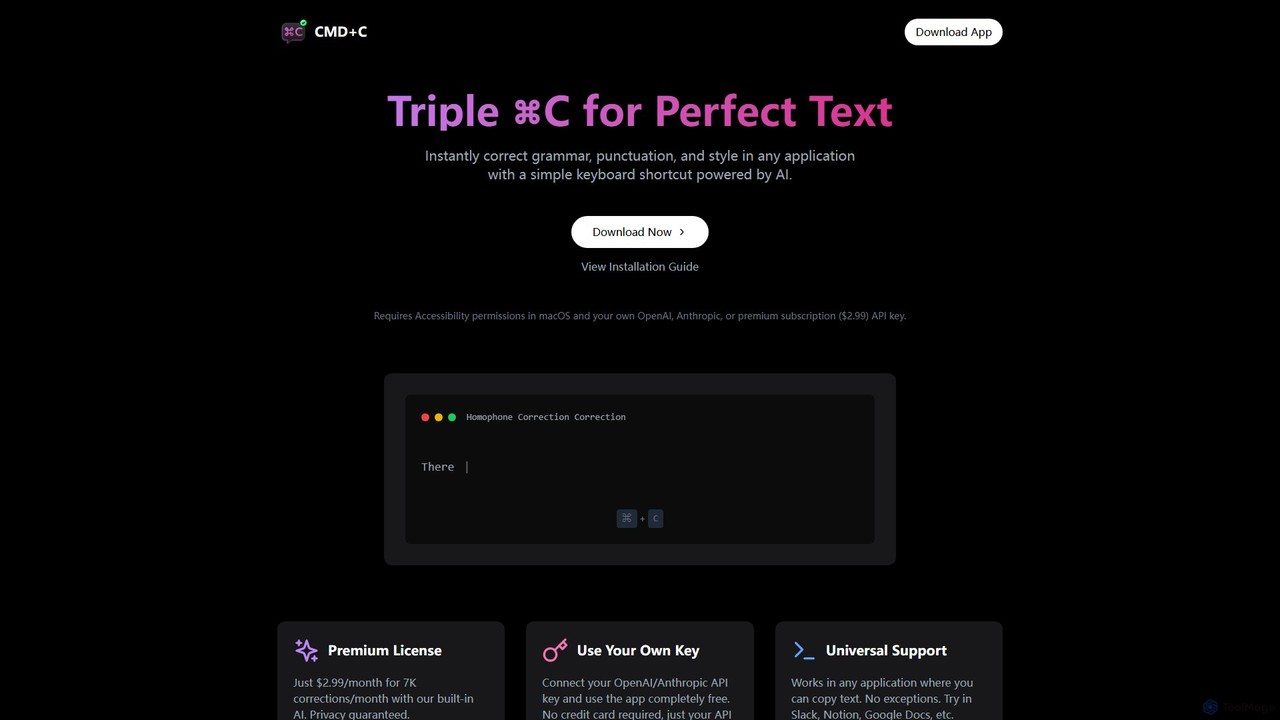
cmd_c
A native macOS app that provides instant, AI-powered text correction for grammar, punctuation, and style in any application. Simply select text and press Command+C three times to perfect your writing. It works universally and offers a free plan using your own API key or a premium subscription.
Proofreading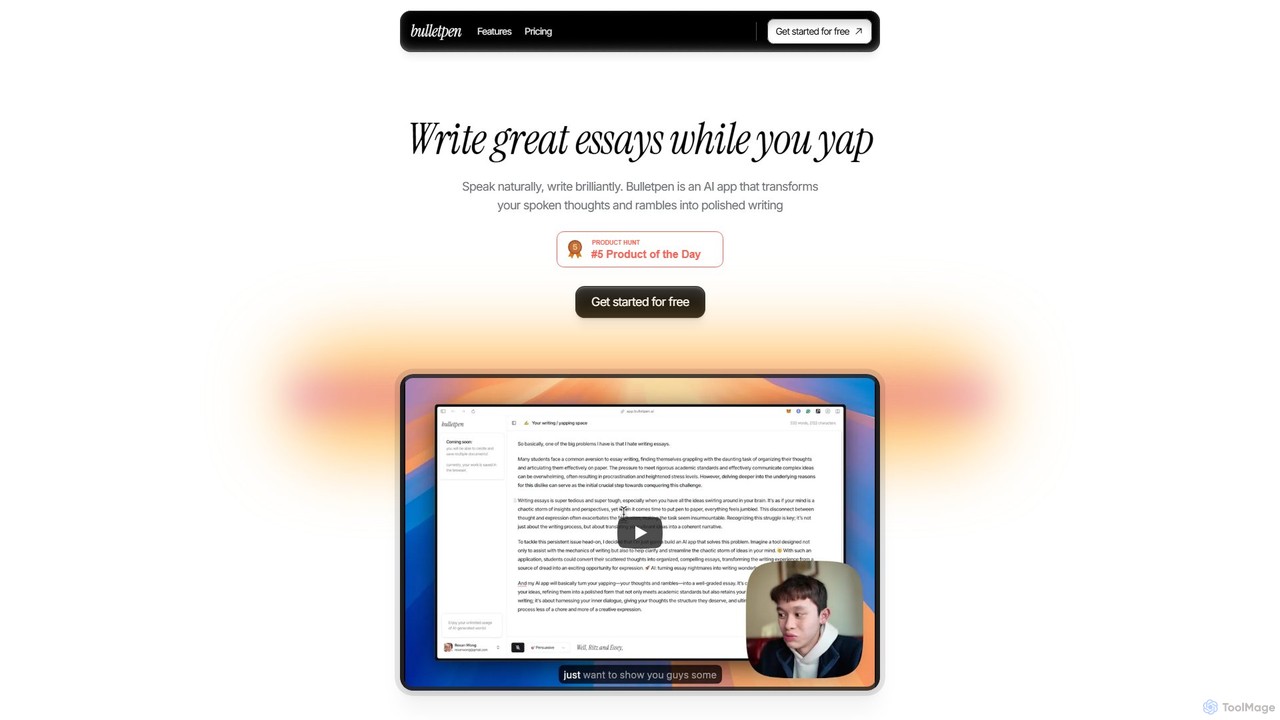
Bulletpen
Bulletpen is an AI-powered application that transforms your spoken thoughts and unstructured rambles into polished, well-structured writing. Simply speak your mind, and the AI will capture, refine, and format your ideas into essays, articles, or any text you need. It offers various tones, style mirroring, and AI editing commands to perfect your content, making it ideal for students, writers, and professionals looking to overcome writer's block and boost productivity.
Speech To Text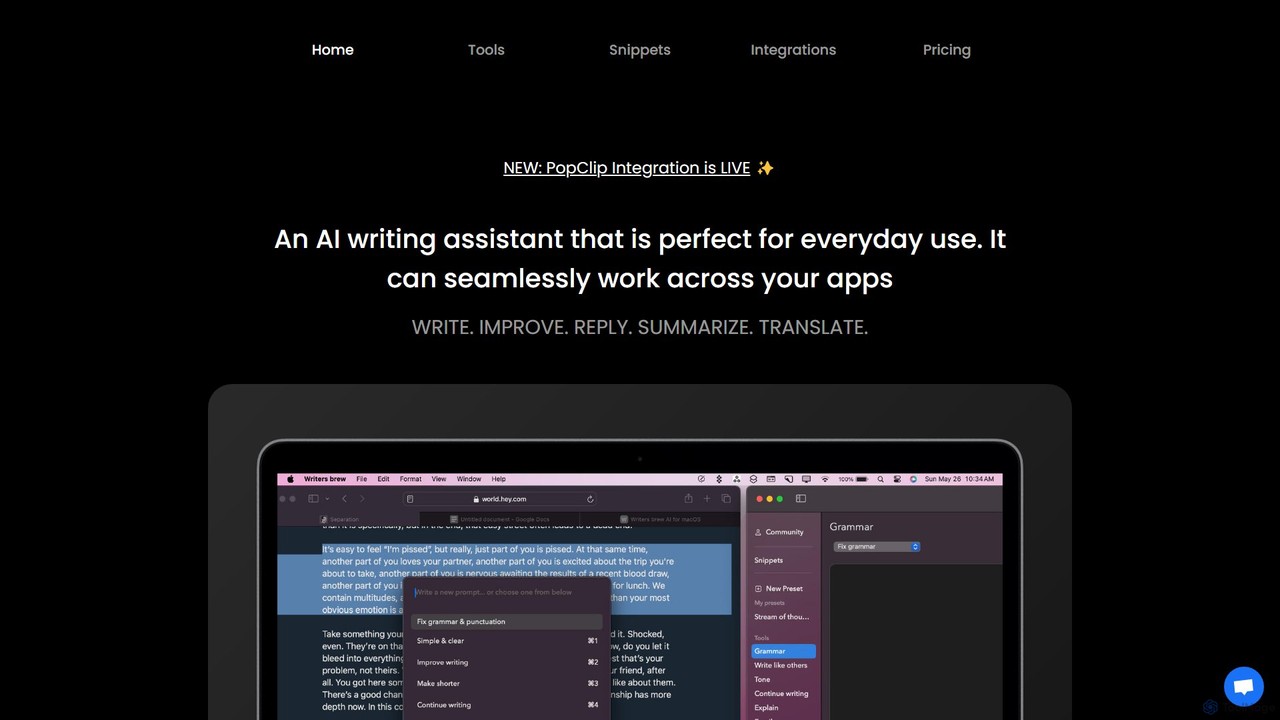
Writers brew
Writers brew is a native AI writing assistant for macOS that integrates seamlessly across all applications. It helps you write, improve, summarize, translate, and reply to text anywhere with a simple keyboard shortcut, also featuring text snippets, OCR, and other productivity utilities.
Macos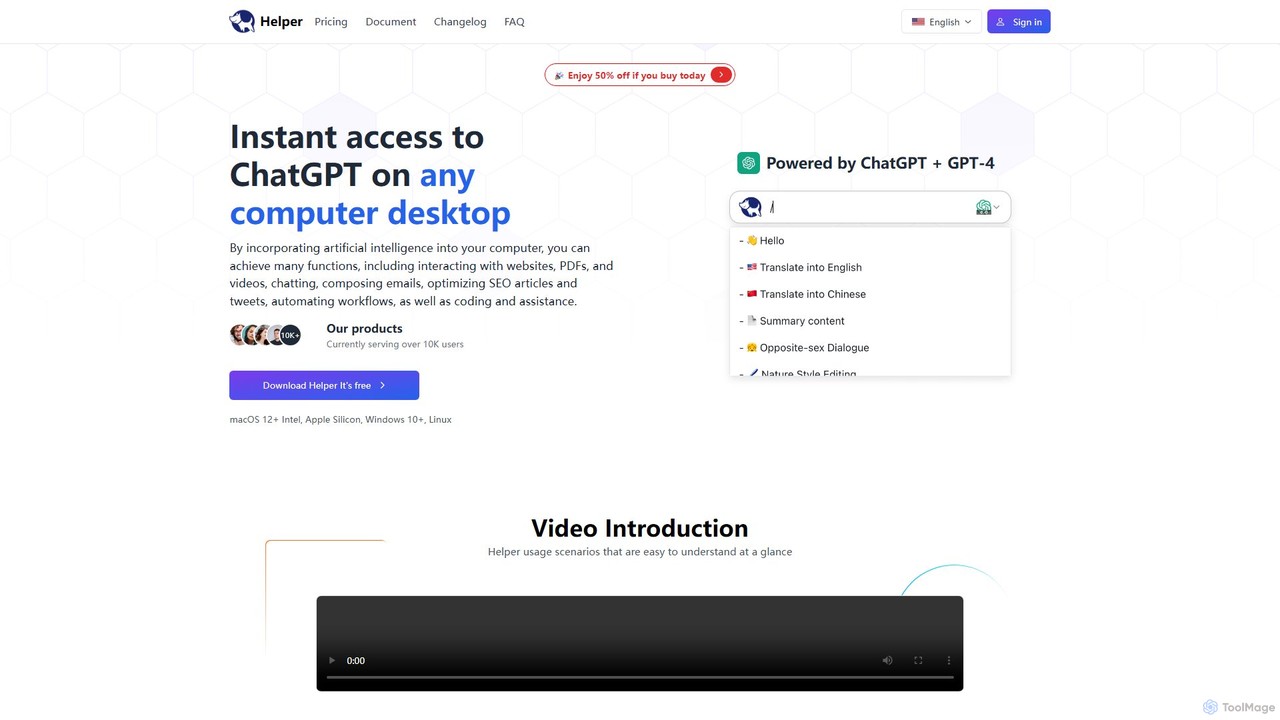
Ai Helper
Ai Helper is a versatile desktop client for macOS, Windows, and Linux, providing instant access to AI models like ChatGPT and Gemini from any application. It streamlines workflows for writing, coding, email composition, and more, acting as a universal AI assistant integrated directly into your operating system.
Code Assistant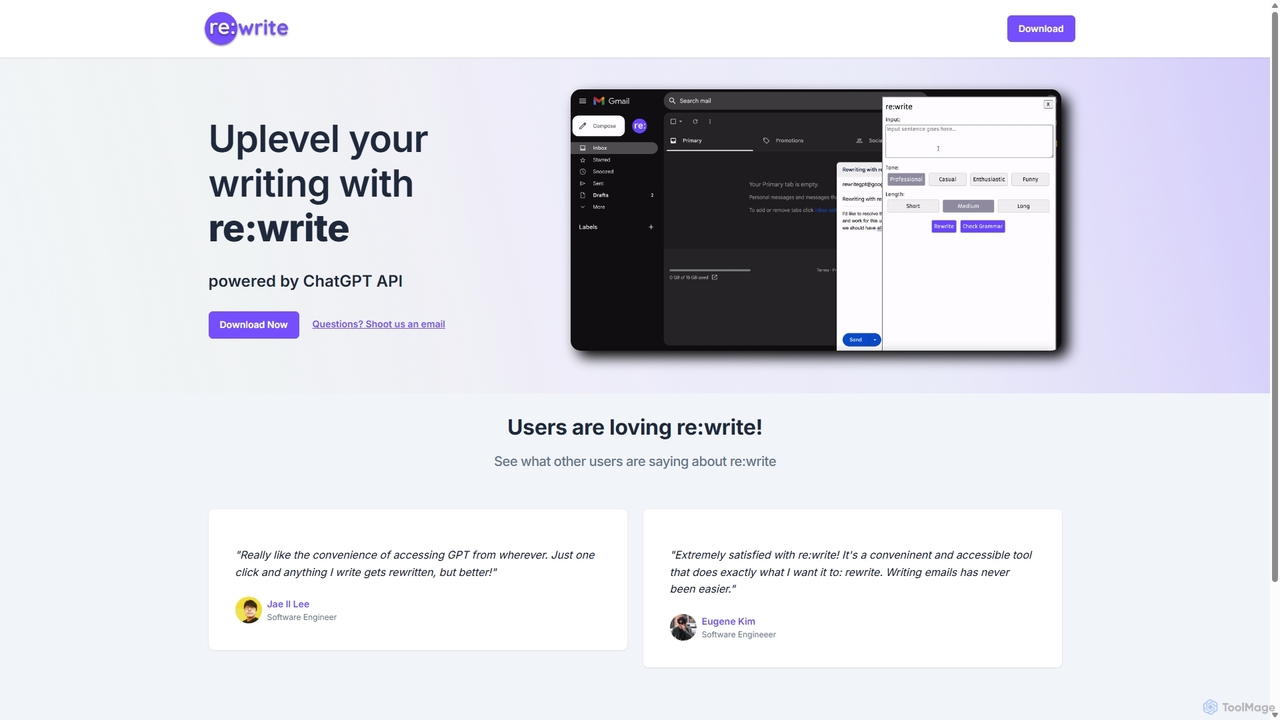
Rewritegpt
Rewritegpt is an AI-powered writing assistant and browser extension that helps you rewrite, paraphrase, and improve your text with a single click. It integrates seamlessly into your workflow, allowing you to enhance emails, reports, and social media posts directly on any website.
Study Tools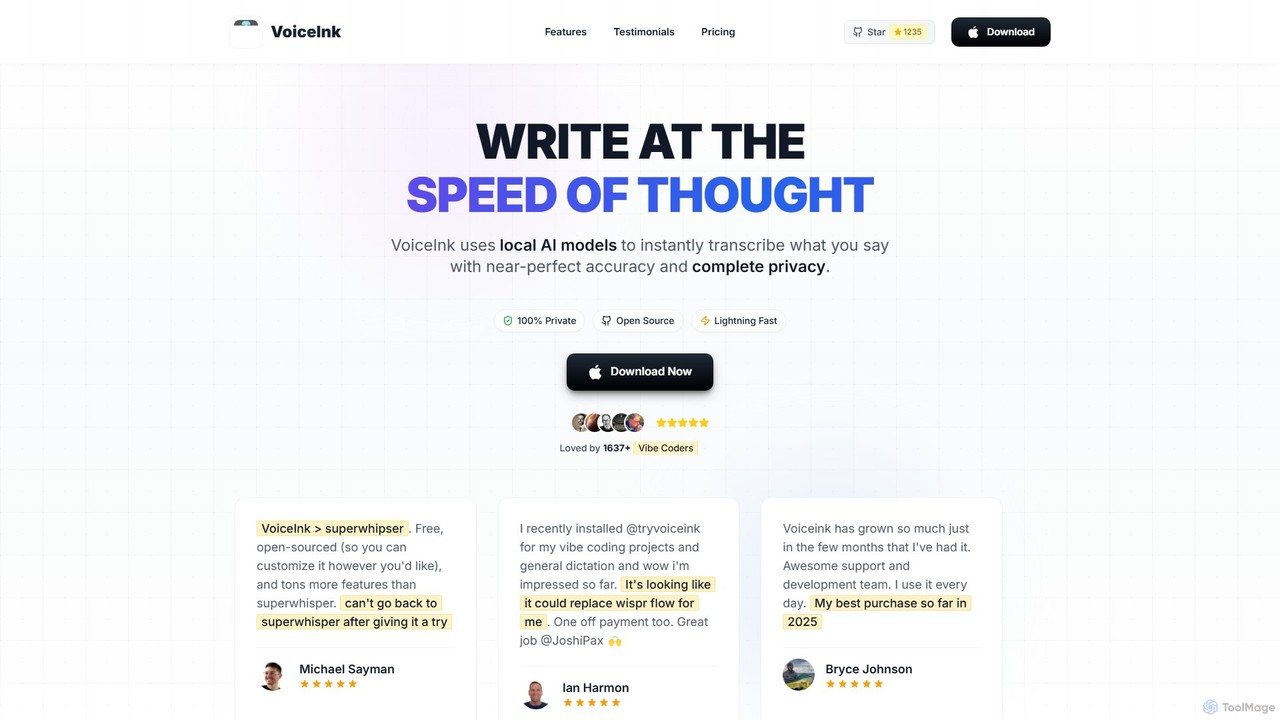
VoiceInk
VoiceInk is a privacy-first, open-source AI dictation app for Mac. It uses local AI models for instant, highly accurate voice-to-text transcription directly in any application. With a one-time payment, it offers system-wide integration, custom dictionaries, and smart modes to boost productivity for writers, coders, and professionals.
Mac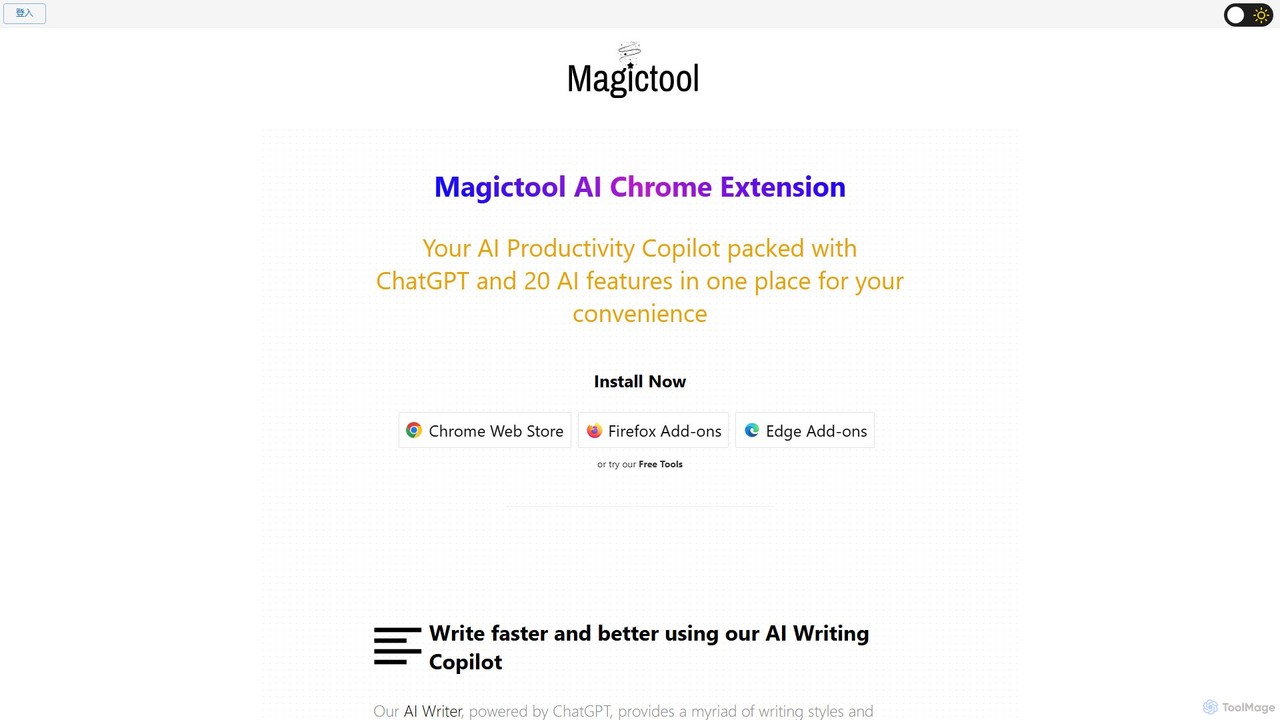
Magic Tool AI
Magic Tool AI is an all-in-one productivity browser extension that integrates ChatGPT and over 20 AI features. It acts as your personal copilot, helping you write better and faster, summarize YouTube videos and articles, chat with PDFs, scrape web data, generate images, and much more, all within your browser.
Browser Extension
FridayGPT Comments (0)
Sign in to comment.
Sign inNo comments yet.