

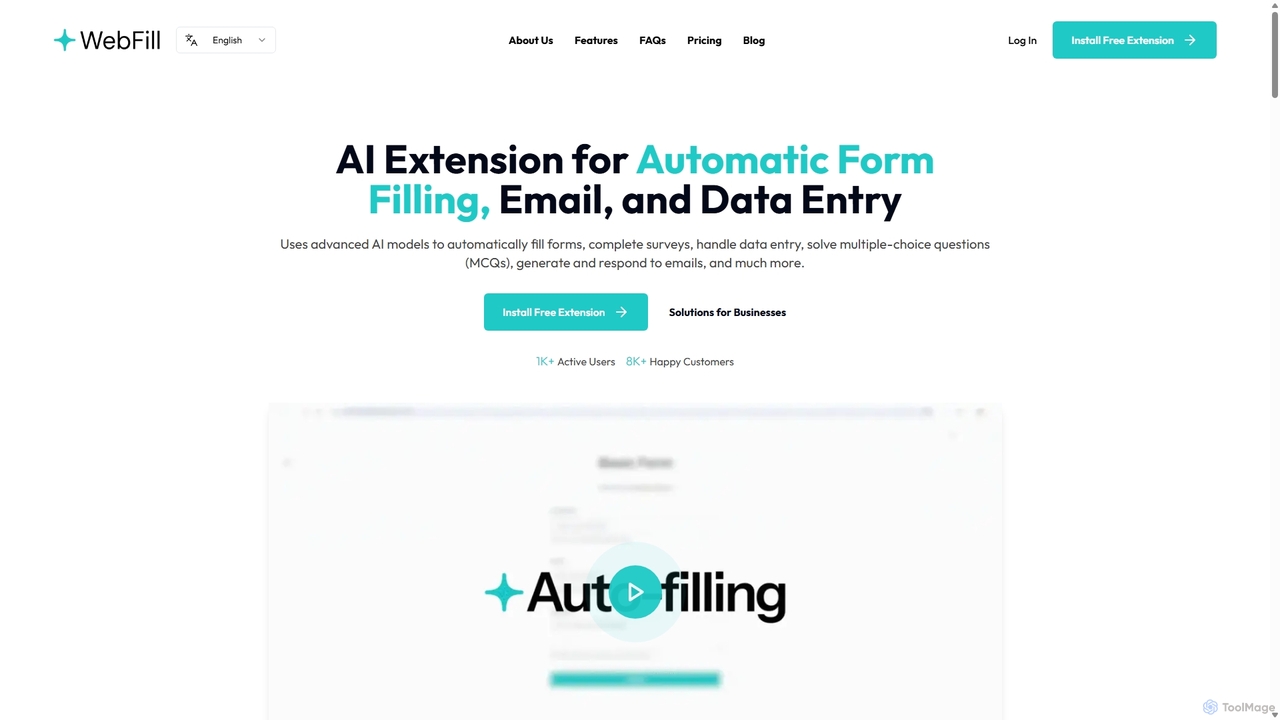
WebFill Overview
WebFill is a sophisticated AI browser extension engineered to revolutionize your digital workflow by automating repetitive and time-consuming tasks. Designed for a diverse audience ranging from students to seasoned professionals, WebFill leverages advanced artificial intelligence models to bring unprecedented efficiency to your daily online activities. Its core mission is to eliminate the drudgery of manual data entry, allowing you to focus on more strategic and impactful work. Whether you're filling out complex application forms, responding to a flood of emails, or tackling online assessments, WebFill acts as your intelligent assistant, ensuring speed, accuracy, and security.
The platform is more than just a form filler; it's a comprehensive productivity suite integrated directly into your browser. With features like the innovative 'WebFill Vision' for screen analysis and an intelligent email assistant, it adapts to various needs. The tool learns from your interactions, becoming progressively faster and more accurate over time. By offering solutions for individuals, businesses, and educational purposes, WebFill positions itself as an indispensable tool for anyone looking to enhance their productivity in the digital age.
How to use WebFill
Getting started with WebFill is a straightforward process designed for immediate productivity gains:
- Installation: Begin by installing the free WebFill browser extension from your browser's official extension store.
- Automatic Form Filling: Once installed, WebFill intelligently detects forms on web pages. You can allow it to fill them automatically based on saved data or context. For offline documents, you can upload a PDF or text file, and WebFill will process the information to complete corresponding online forms.
- Email Assistance: When in your email client (like Gmail), a WebFill button will appear. Click it to either generate a new email from a simple prompt or create a context-aware reply to an existing message. You can set up custom instructions to match your tone and style.
- Using WebFill Vision: For tasks like multiple-choice questions or extracting information from an image, activate the Vision feature. Capture any part of your screen, and WebFill's AI will instantly analyze the content and provide an answer or solution. This works discreetly and is not detected by exam proctoring systems.
- Customization: Dive into the settings to set up intelligent instructions for specific websites or tasks. This allows the AI to perform highly customized actions, saving your data preferences for future use and making the process even faster.
Core Features of WebFill
- AI-Powered Automatic Form Filling: Seamlessly completes web forms, surveys, and applications by intelligently detecting fields or using uploaded PDF/text documents as a source.
- WebFill Vision: A unique screen capture tool that analyzes any content on your screen (including MCQs, charts, and text) to provide instant, accurate answers and insights.
- AI Email Assistant: Generates and replies to emails directly within your inbox. It supports custom instructions to tailor the tone, style, and content of your communications.
- Smart Task Automation: Goes beyond forms to solve multiple-choice questions (MCQs), complete complex surveys, and handle various data entry tasks with high precision.
- Intelligent Instruction Setup: Allows users to create custom rules and save data for specific websites, enabling a personalized and highly efficient automation experience.
- Integrated AI Chatbot: Offers on-demand assistance, answering questions about the tool's functionality or providing quick solutions to user queries.
- Enterprise-Level Data Security: On premium plans, WebFill offers enhanced security protocols to ensure that all sensitive personal and business information is handled with the utmost confidentiality.
Use Cases for WebFill
WebFill is a versatile tool applicable across various roles and industries:
- Students: Efficiently complete online assessments and solve multiple-choice questions using WebFill Vision, making study sessions more productive.
- HR Managers: Automate the processing of employee documents, such as filling out digital payslips or onboarding forms from PDF templates, reducing errors and saving significant time.
- Project Managers: Streamline data entry for project management tools and internal systems, freeing up the team to focus on core project tasks.
- Research Analysts: Quickly complete lengthy industry surveys and data collection forms, accelerating the research process.
- Freelancers & Sales Professionals: Manage client communications more effectively by using the AI Email Assistant for rapid responses, enabling them to handle a larger client base.
- IT Specialists: Ensure data integrity and security during automated data handling processes, leveraging WebFill's enterprise-grade security features for business operations.
Advantages of WebFill
WebFill stands out by offering a combination of power, simplicity, and security. Key advantages include a significant boost in productivity by automating hours of manual work, improved data accuracy by minimizing human error, and enhanced workflow efficiency through seamless browser integration. Its ability to learn and adapt makes it a progressively more valuable asset. Furthermore, the unique WebFill Vision feature provides a competitive edge for academic and professional research tasks, while robust security measures give users peace of mind.
Pricing and Plans
WebFill offers a flexible pricing structure to suit different user needs:
- Free Plan: $0/month. Includes 1,000 words per month, access to basic AI models, automated form filling, 20 Vision usages per month, and data saving features.
- Standard Plan: $7.99/month (with a 20% discount for annual billing). Offers 100,000 words per month, access to the most powerful AI models, priority support, 400 Vision usages per month, and customizable WebFill icons.
- Premium Plan: $19.99/month (with a 20% discount for annual billing). Provides 250,000 words per month, all features of the Standard plan, plus 1,000 Vision usages per month and enterprise-level data security.
Traffic
Latest traffic
Status
Monthly traffic trend
- 2025-9: 5.8K
- 2026-1: 6.4K
- 2026-2: 4.9K
- 2026-3: 4.5K
- 2026-4: 4.2K
- 2026-5: 3.0K
Geography
Top 5 countries / regions
- 🇺🇸United States46.6%
- 🇮🇳India44.9%
- 🇵🇭Philippines6.7%
- 🇩🇪Germany1.9%
Top keywords
| Keyword | Cost per click |
|---|---|
| ai form filler | $7.03 |
| funny names to call your friends | $0.00 |
| how to populate my survey with data from ai? | $0.00 |
| nicknames for friends | $0.58 |
| webfill | $0.00 |
WebFill Alternatives
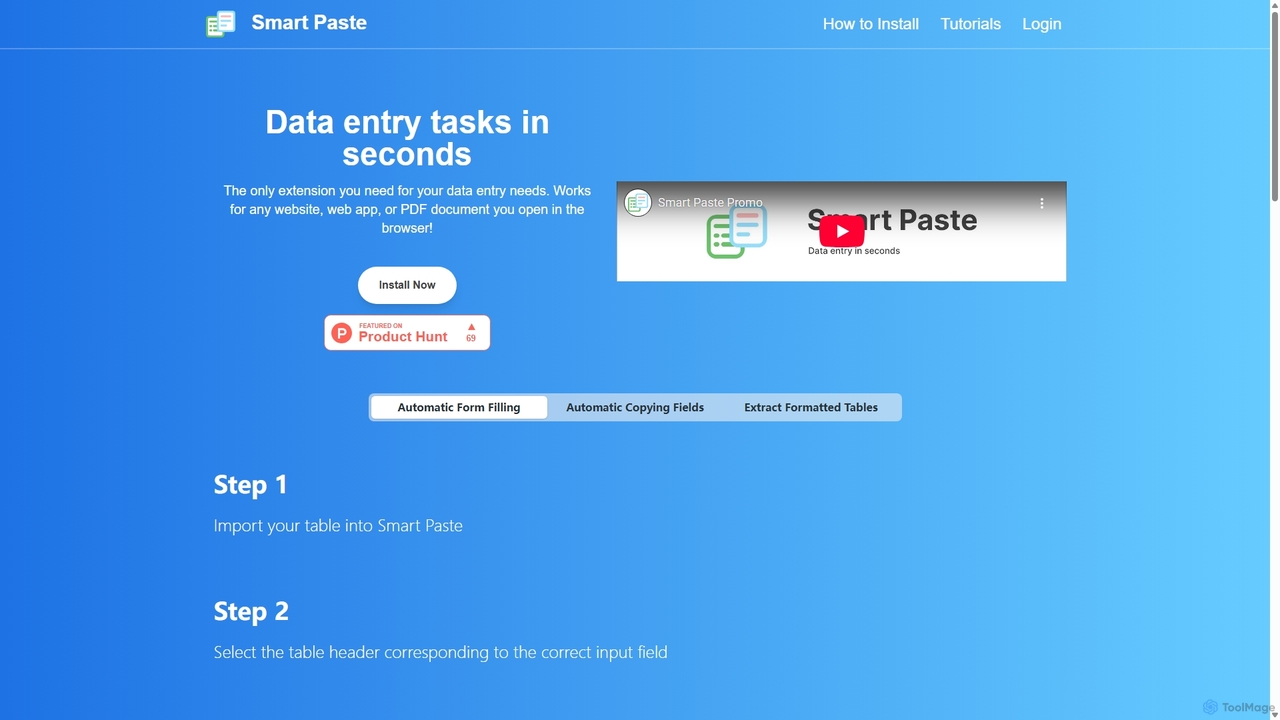
Smartpaste
smartpaste is a powerful browser extension designed to automate data entry tasks. It allows users to effortlessly extract tables and specific data fields from any website or PDF, and instantly paste them into spreadsheets. It also automates form filling from your data, saving hours of manual work and reducing errors, all while ensuring your data remains secure on your computer.
Chrome Extensions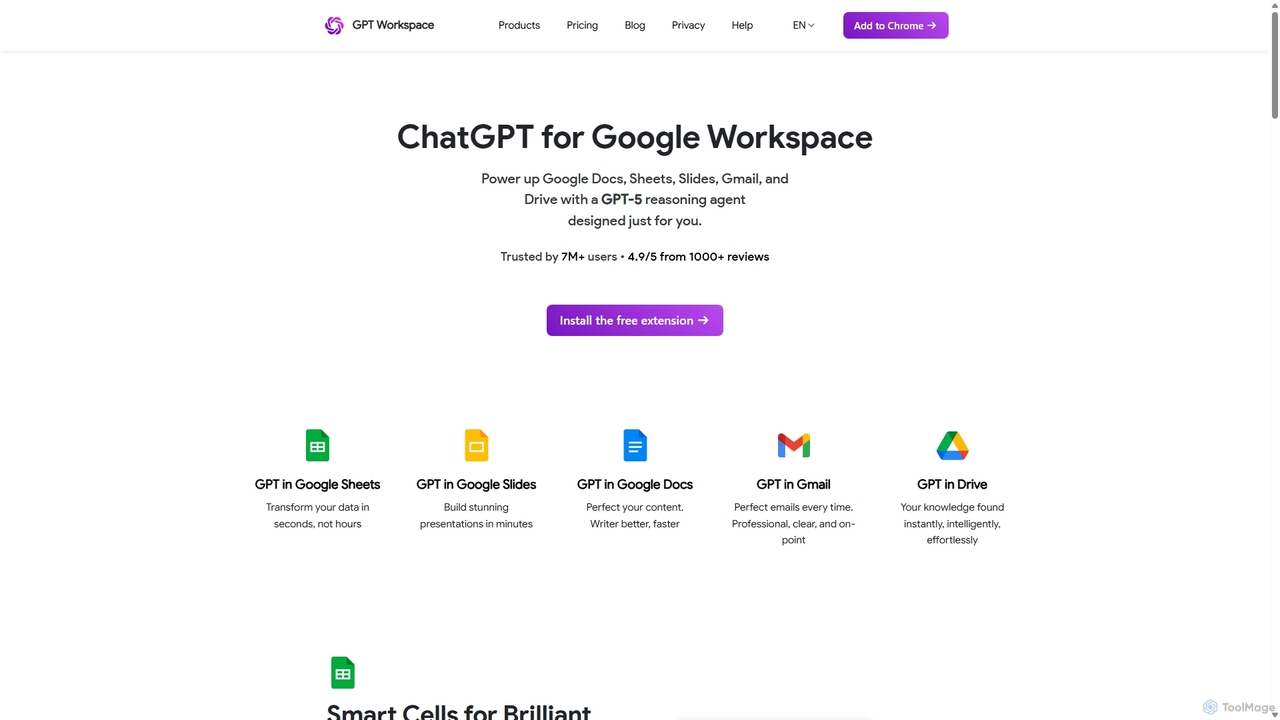
GPT Workspace
GPT Workspace integrates AI-powered features directly into Google Workspace applications like Docs, Sheets, Slides, and Gmail. It enhances productivity by automating content creation, data analysis, email drafting, and document editing, allowing users to leverage the power of models like GPT-4o seamlessly within their existing workflow.
Document Management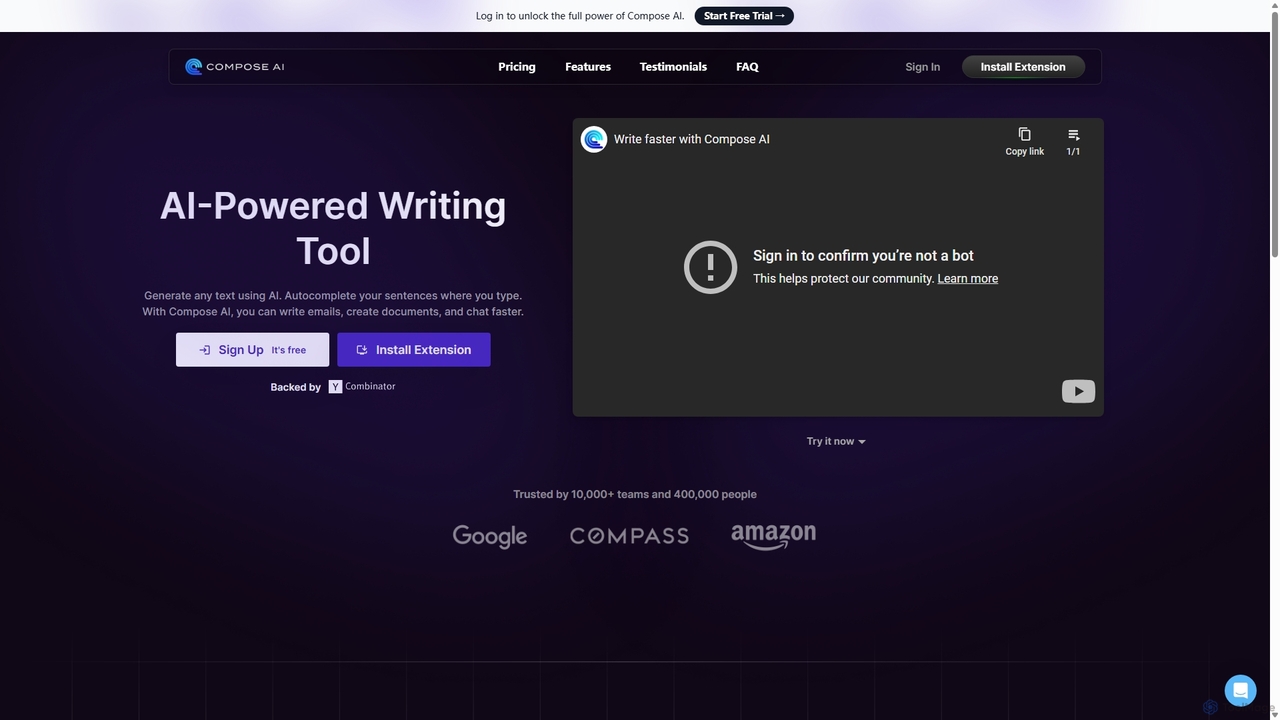
Compose AI
Compose AI is an AI-powered writing assistant and Chrome extension that accelerates your writing process. It offers intelligent autocompletion, text generation, and rephrasing capabilities across all your favorite sites, from emails to documents. By learning your personal writing style, it helps you write faster and more effectively, saving up to 40% of your time.
Chrome Extensions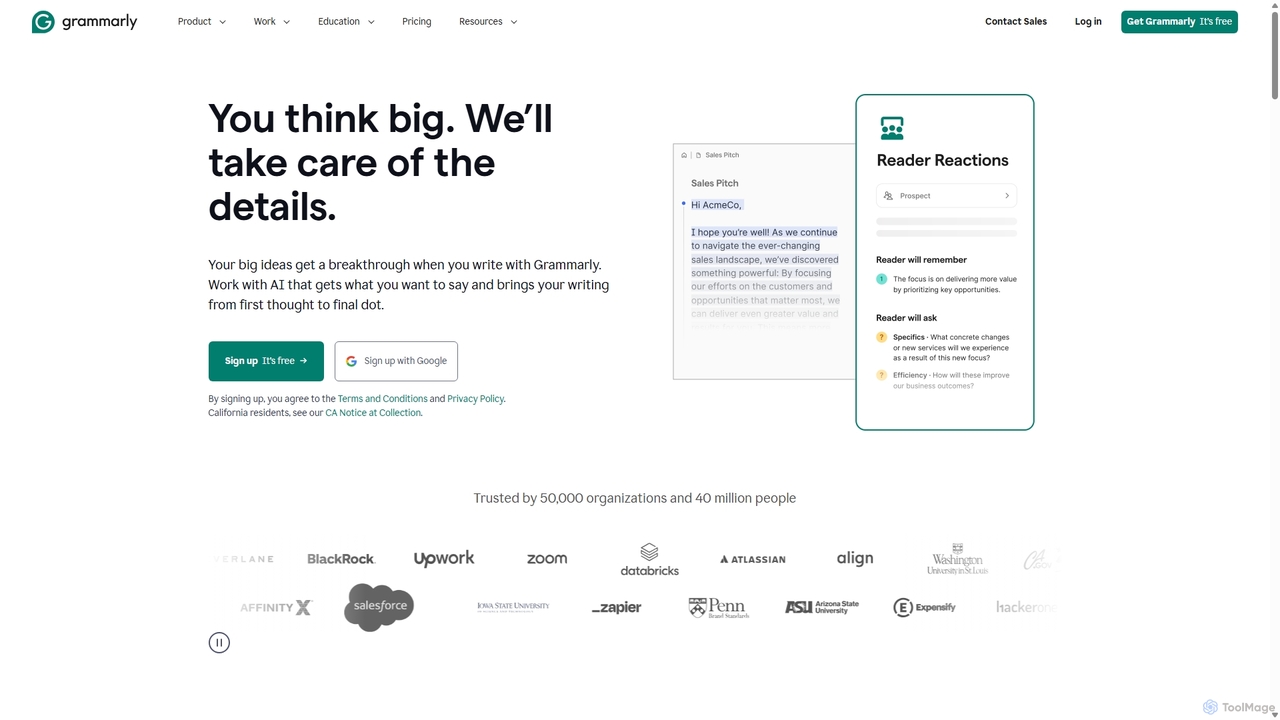
Grammarly
Grammarly is an AI-powered writing assistant that helps you communicate more effectively. It goes beyond basic grammar and spelling checks to offer real-time suggestions on clarity, conciseness, tone, and style. Trusted by millions, Grammarly integrates seamlessly across desktops, web browsers, and mobile devices to ensure your writing is always clear, confident, and mistake-free.
Learning
Amurex
Amurex is an open-source AI invisible companion that works silently in the background to streamline your workflow. It integrates with your existing apps like Notion, Google Drive, and Obsidian to create a searchable knowledge base, automates meeting transcriptions and summaries, and intelligently categorizes your inbox.
AutomationWebFill Categories
WebFill Jobs
WebFill Embed Widget
Copy this embed code to place the badge on your blog, article, or product site and send readers directly to this ToolMage detail page.

Related AI tools
Smartpaste
smartpaste is a powerful browser extension designed to automate data entry tasks. It allows users to effortlessly extract tables and specific data fields from any website or PDF, and instantly paste them into spreadsheets. It also automates form filling from your data, saving hours of manual work and reducing errors, all while ensuring your data remains secure on your computer.
Chrome Extensions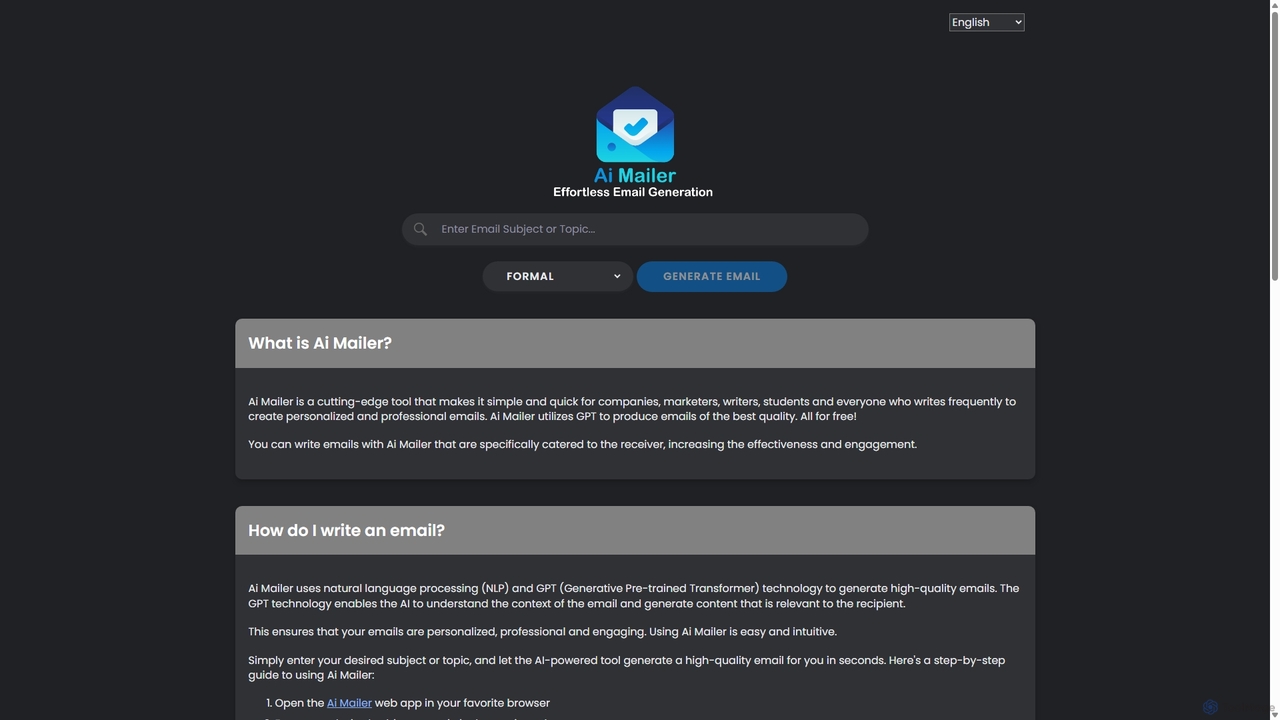
Ai Mailer
Ai Mailer is a free, AI-powered tool that leverages ChatGPT to effortlessly generate high-quality, professional emails. Simply provide a topic and select from various tones to create personalized, engaging content in seconds. Ideal for businesses, students, and anyone looking to save time and enhance their email communication.
Email MarketingGPT Workspace
GPT Workspace integrates AI-powered features directly into Google Workspace applications like Docs, Sheets, Slides, and Gmail. It enhances productivity by automating content creation, data analysis, email drafting, and document editing, allowing users to leverage the power of models like GPT-4o seamlessly within their existing workflow.
Document ManagementCompose AI
Compose AI is an AI-powered writing assistant and Chrome extension that accelerates your writing process. It offers intelligent autocompletion, text generation, and rephrasing capabilities across all your favorite sites, from emails to documents. By learning your personal writing style, it helps you write faster and more effectively, saving up to 40% of your time.
Chrome Extensions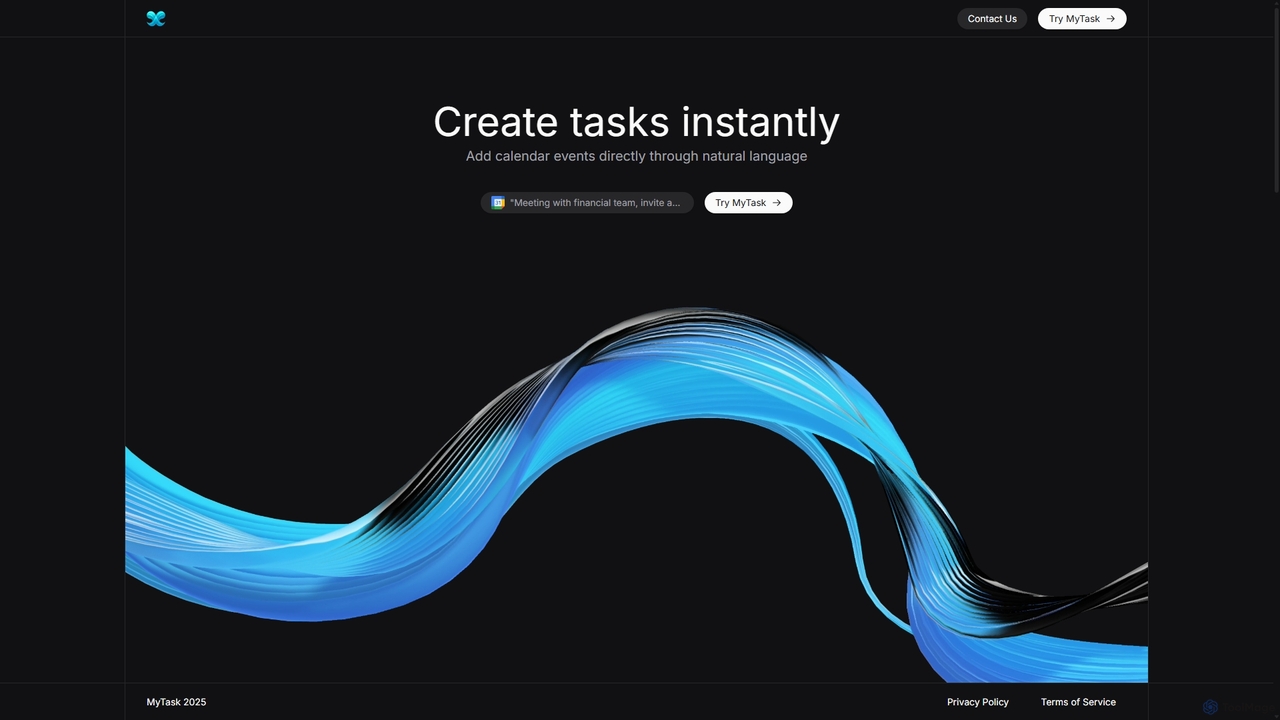
MyTask AI
MyTask AI is a productivity tool that uses AI to instantly create, edit, and delete Google Calendar events through natural language commands. Streamline your scheduling and save time without ever leaving your current browser tab.
Scheduling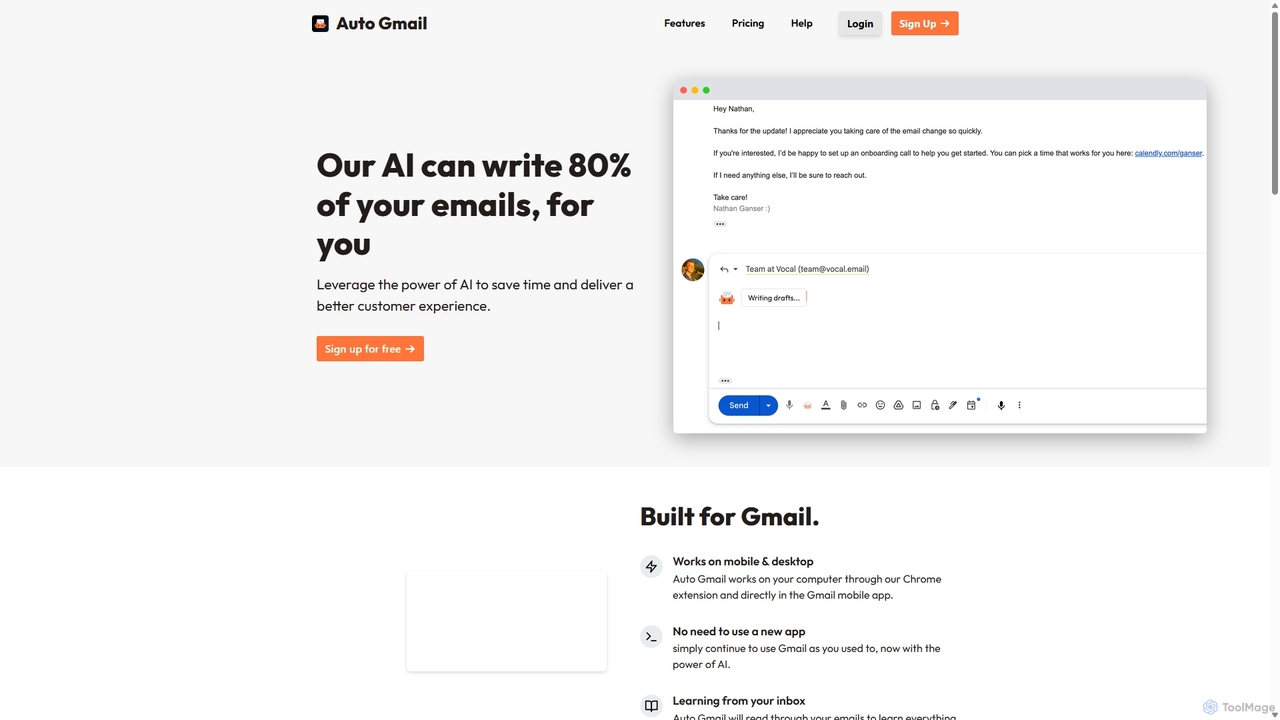
Auto Gmail
Auto Gmail is an AI-powered assistant for Gmail that learns your writing style to automatically draft email replies. It integrates seamlessly into your inbox via a Chrome extension, aiming to write 80% of your emails, saving you time and enhancing customer communication.
Email Management
Mailbutler
Mailbutler is an AI-powered email extension for Apple Mail, Gmail, and Outlook that enhances your inbox. It offers features like email tracking, AI-driven smart compose and summarization, collaborative tools for teams, and professional signature marketing to boost productivity and streamline communication.
Help Desk
Zero
Zero is an AI-native email client designed to save you time. It automatically manages your inbox by summarizing threads, drafting replies, and extracting action items, allowing you to process emails at lightning speed with a keyboard-first interface.
Personal Assistant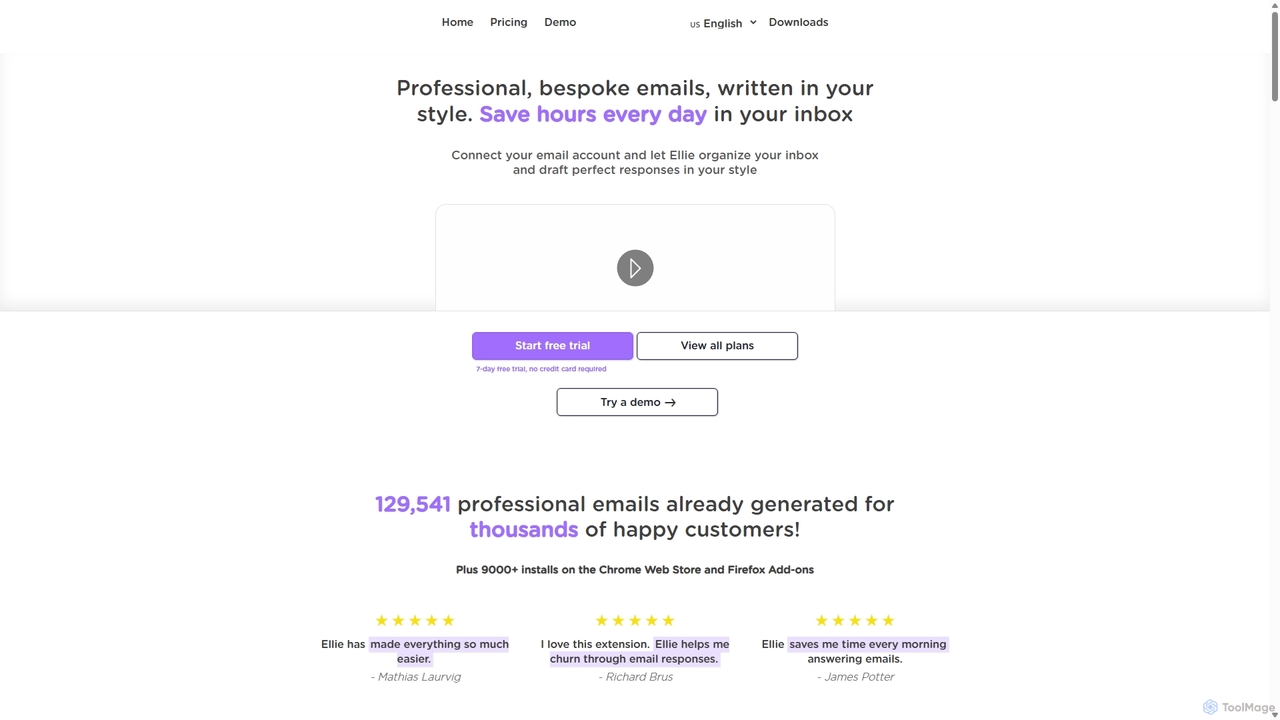
Ellie
Ellie is an AI email assistant that learns your writing style to draft professional, personalized email replies. It integrates with your inbox via a browser extension, understands context, and supports multiple languages to save you hours every day.
Customer Support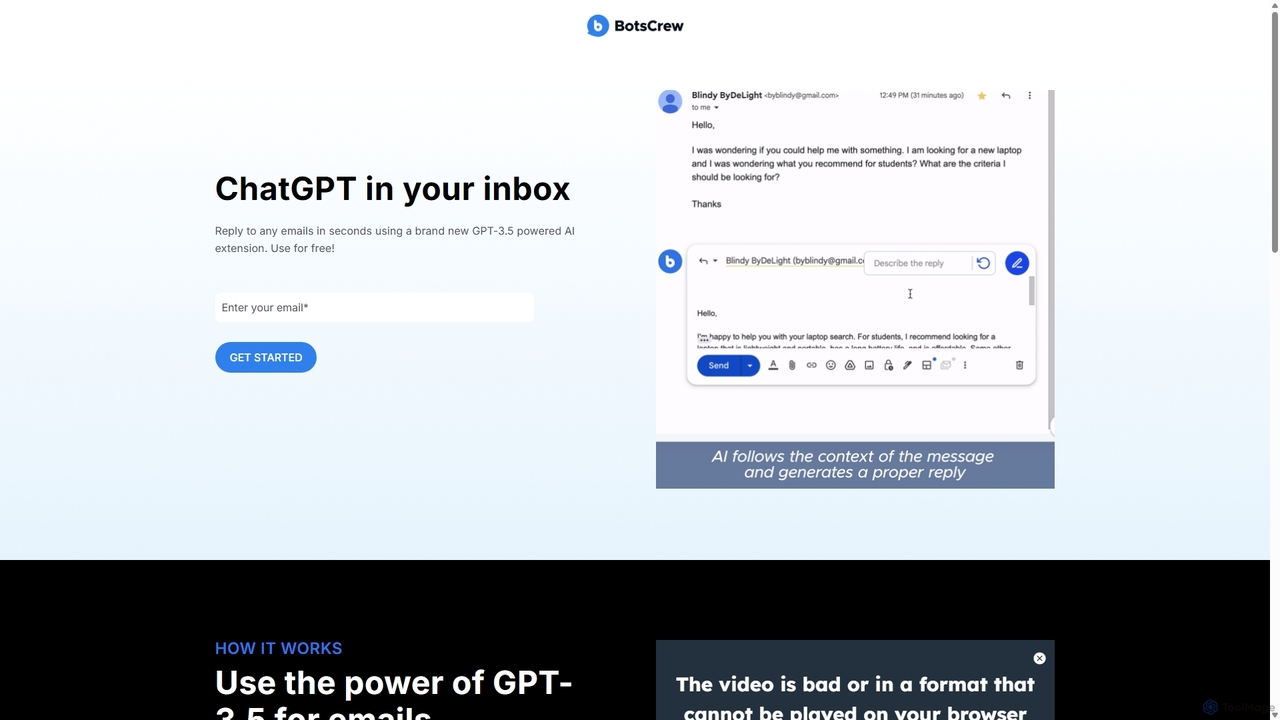
Legendary Email
Legendary Email is a free, GPT-3.5 powered browser extension that integrates directly into your inbox, CRM, or ticketing system. It analyzes email context to instantly draft professional, relevant replies. Ideal for sales, customer support, and anyone looking to enhance email productivity and communication quality.
Help Desk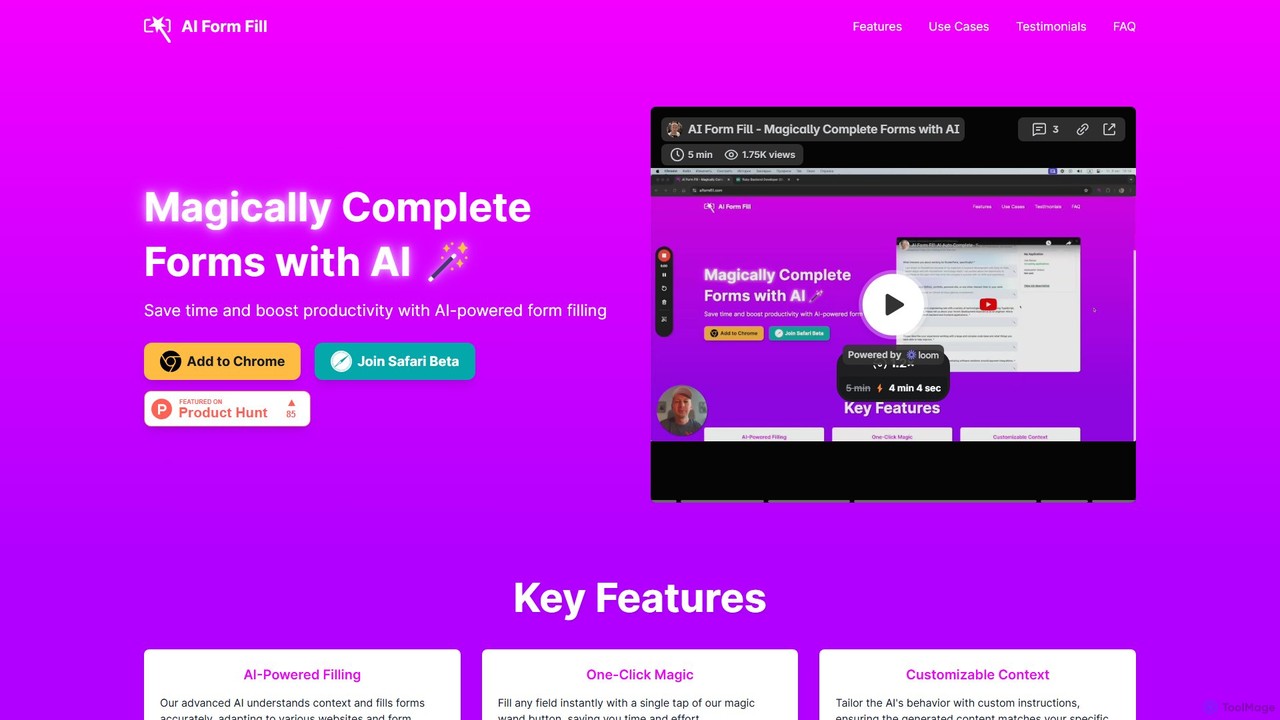
aiformfill
aiformfill is an AI-powered browser extension that automatically completes online forms. It saves time on job applications, surveys, content creation, and more. With customizable instructions and support for models like GPT-4o, it intelligently fills fields with relevant, context-aware information, streamlining repetitive data entry tasks with a single click.
Form FillerAmurex
Amurex is an open-source AI invisible companion that works silently in the background to streamline your workflow. It integrates with your existing apps like Notion, Google Drive, and Obsidian to create a searchable knowledge base, automates meeting transcriptions and summaries, and intelligently categorizes your inbox.
Automation
MyGPT
MyGPT is an advanced platform offering a superior UI for ChatGPT, enhanced with powerful features like AutoGPT for autonomous tasks, EmbedAI for custom website chatbots, and GPT Actions for real-world API integrations. Build, automate, and deploy AI with ease.
Chatbots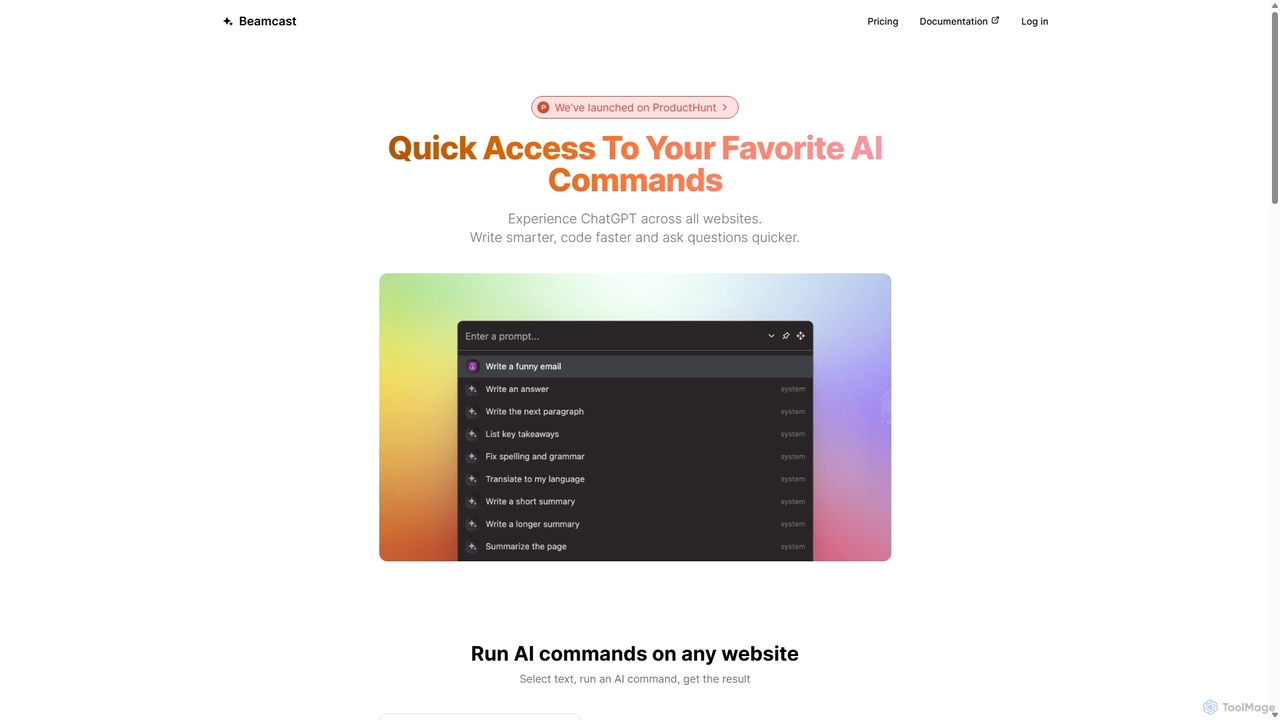
Beamcast
A browser extension that puts ChatGPT and Gemini at your fingertips. Select text on any website to run built-in or custom AI commands for writing, coding, and quick answers, streamlining your workflow and boosting productivity without ever leaving the page.
Search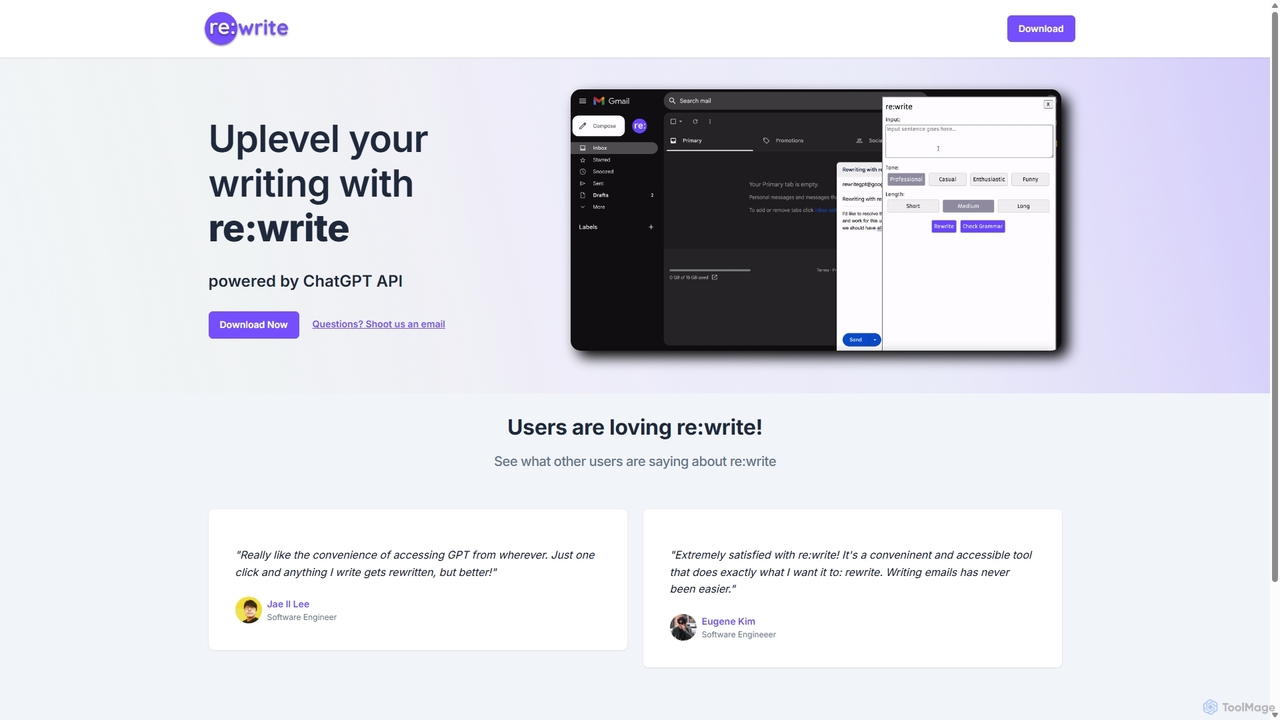
Rewritegpt
Rewritegpt is an AI-powered writing assistant and browser extension that helps you rewrite, paraphrase, and improve your text with a single click. It integrates seamlessly into your workflow, allowing you to enhance emails, reports, and social media posts directly on any website.
Study Tools
WebFill Comments (0)
Sign in to comment.
Sign inNo comments yet.