

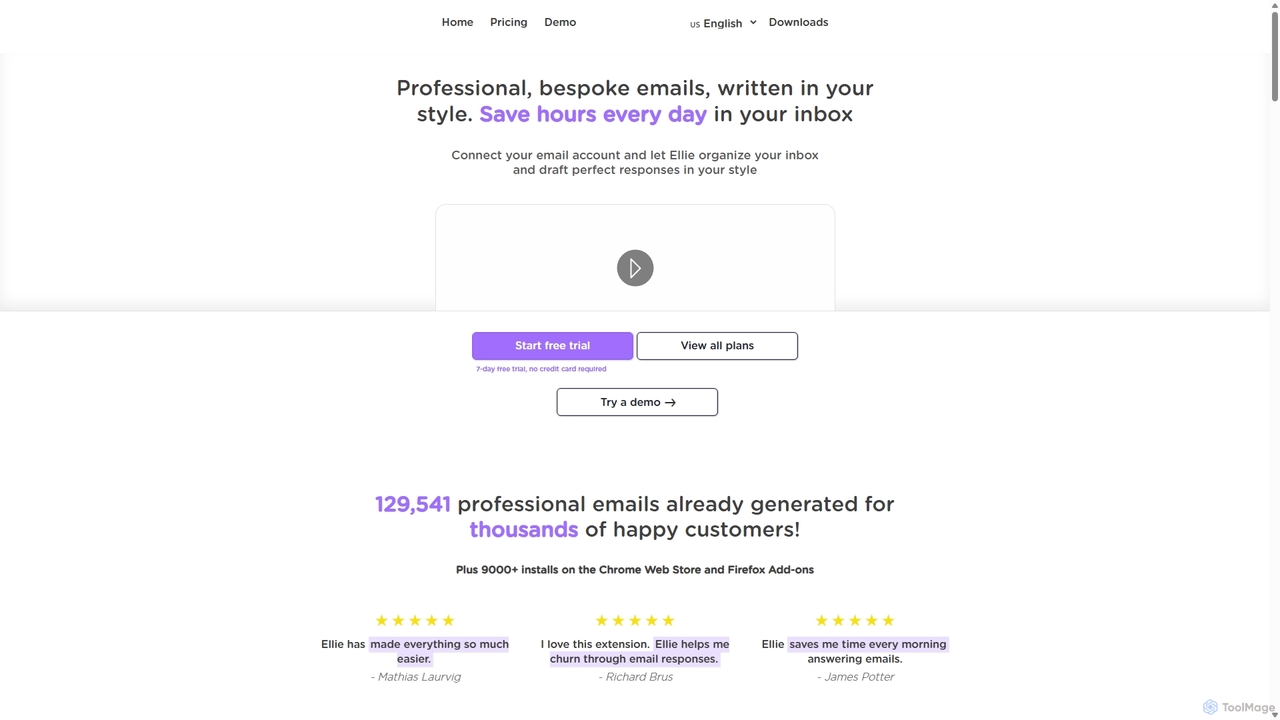
Ellie Overview
Ellie is a sophisticated AI-powered email assistant designed to revolutionize your email management and save you significant time. It functions as your personal writing partner, learning from your unique style and tone to draft bespoke, context-aware replies. By analyzing the email thread, Ellie crafts intelligent and personalized responses that sound just like you wrote them. This tool is perfect for busy professionals, teams, and anyone overwhelmed by their inbox, helping to increase productivity and reduce the time spent on email correspondence.
Ellie operates directly within your existing workflow as a browser extension for Chrome, Firefox, and Edge, seamlessly integrating with popular email clients like Gmail, Outlook web, and Fastmail. For teams, it offers direct inbox integration, working in the background to automatically draft replies and categorize emails, streamlining communication and ensuring consistency across your organization.
How to use Ellie
Getting started with Ellie is straightforward and designed for quick integration into your daily routine:
- Install the Extension: Download and install the Ellie browser extension for Chrome, Firefox, or Edge from their respective web stores.
- Connect Your Account: After installation, connect your email account (Gmail, Outlook, etc.). Ellie prioritizes privacy and only accesses the minimal data needed to generate a reply.
- Train Ellie (Optional but Recommended): To achieve highly personalized responses, you can train Ellie by providing it with up to 200 of your previously sent emails (for the Casual plan) or more for team plans. This allows the AI to learn your specific writing style, tone, and common phrases.
- Build a Knowledge Base: You can teach Ellie specific information by uploading documents (PDFs, DOCX, TXT) or providing URLs. Ellie will use this knowledge to answer questions and include relevant details in its replies, which is ideal for customer support or sales inquiries.
- Generate Replies: When replying to an email, simply activate Ellie. It will read the context of the conversation and instantly draft a reply. You can review, edit, and send the email, always maintaining full control.
- Use Roles for Context Switching: For varied tasks, you can assign different roles to Ellie (e.g., 'Customer Support Specialist', 'Sales Manager'). Each role can be linked to a specific knowledge base, ensuring the replies are always appropriate for the context.
Core Features of Ellie
- Personalized Writing Style: Ellie analyzes your past emails to learn and replicate your unique tone, vocabulary, and formatting, ensuring all drafted replies are authentic to you.
- Context-Aware Responses: The AI reads the entire email thread to understand the full context, allowing it to generate relevant, intelligent, and coherent replies.
- Knowledge Base Training: Teach Ellie about your business, products, or any specific information by providing documents or URLs. It will intelligently use this information when relevant.
- Multilingual Support: Ellie can detect the language of the incoming email and reply in the same language, making it a powerful tool for international communication.
- Role Assignment: Create and switch between different 'roles' for Ellie. Each role can have its own training and knowledge base, perfect for users who manage different responsibilities from a single inbox.
- Direct Inbox Integration: Business and Professional plans offer direct integration that works in the background to auto-draft replies and auto-categorize emails, further boosting efficiency.
- Team Collaboration: Team plans allow sharing of AI models, knowledge bases, and roles across all members, ensuring consistent and high-quality communication.
- Privacy and Security Focused: Ellie does not store your email content and uses secure, enterprise-grade AI services. It has successfully completed Google's CASA Tier 2 security review.
Use Cases for Ellie
Ellie is versatile and benefits a wide range of users:
- Busy Professionals & Executives: Quickly clear inboxes, delegate email drafting, and focus on more critical tasks.
- Customer Support Teams: Provide faster, more accurate, and consistent answers to customer queries by training Ellie on help documentation.
- Sales Representatives: Craft personalized follow-ups and respond to leads promptly, using a knowledge base of product information.
- Non-Native English Speakers: Improve grammar, tone, and professionalism in email communications.
- Individuals with Dyslexia or Reply Anxiety: Overcome writing barriers and respond to emails with confidence and ease.
Advantages of Ellie
Ellie stands out by offering a powerful combination of personalization and efficiency. Its ability to learn a user's specific style makes it far more effective than generic template tools. The knowledge base feature transforms it from a simple writing assistant into an intelligent information hub. Furthermore, its strong commitment to privacy and security provides peace of mind. By automating the most time-consuming part of email management, Ellie empowers users to reclaim their time and focus on what truly matters.
Pricing and Plans
Ellie offers a 7-day free trial (no credit card required) and three main pricing tiers:
- Casual (Personal use): $19/month. Includes 25 replies per day, browser extension access, email training with up to 200 emails, and basic knowledge base training.
- Business (For Teams): $39/month. Includes 100 replies per day, direct inbox integration, advanced knowledge base training, auto-draft and auto-categorize features, team sharing, and 3 included seats.
- Professional (For Large Teams): $79/month. Includes unlimited replies, a bespoke fine-tuned AI model, advanced knowledge base training, team sharing, 5 included seats, and priority support.
Ellie Alternatives

GPT Workspace
GPT Workspace integrates AI-powered features directly into Google Workspace applications like Docs, Sheets, Slides, and Gmail. It enhances productivity by automating content creation, data analysis, email drafting, and document editing, allowing users to leverage the power of models like GPT-4o seamlessly within their existing workflow.
Document Management
Compose AI
Compose AI is an AI-powered writing assistant and Chrome extension that accelerates your writing process. It offers intelligent autocompletion, text generation, and rephrasing capabilities across all your favorite sites, from emails to documents. By learning your personal writing style, it helps you write faster and more effectively, saving up to 40% of your time.
Chrome Extensions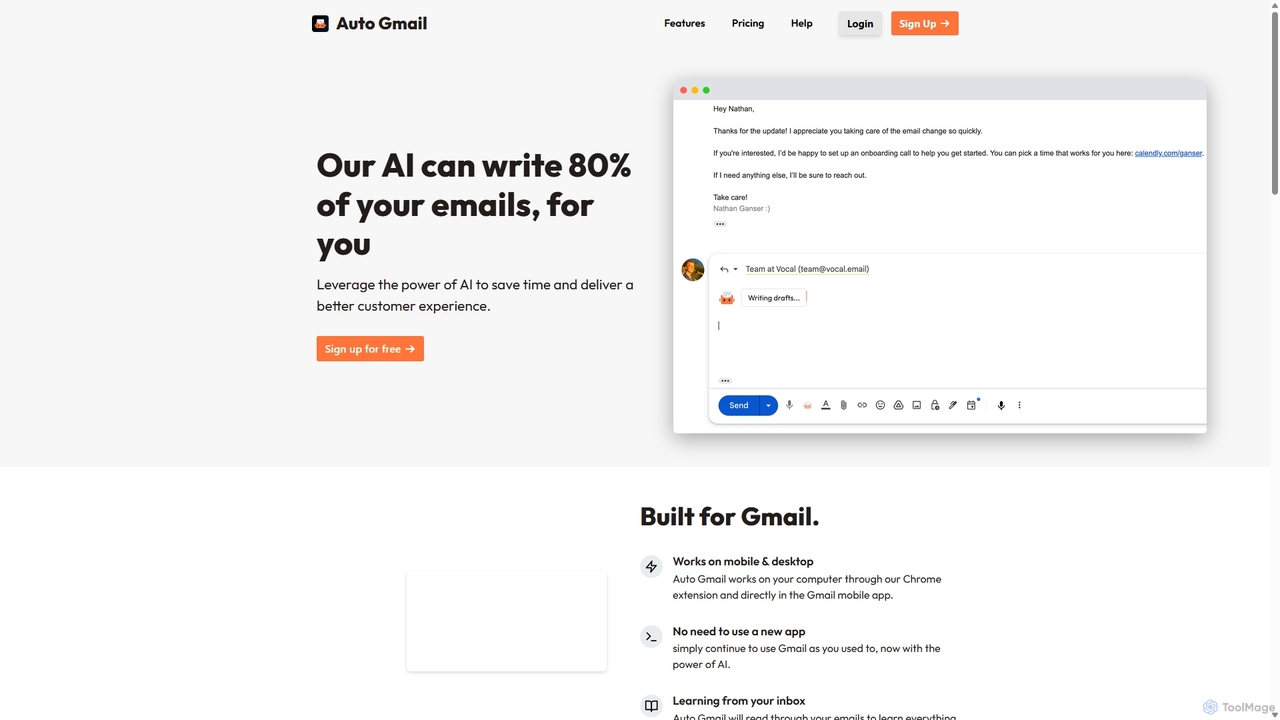
Auto Gmail
Auto Gmail is an AI-powered assistant for Gmail that learns your writing style to automatically draft email replies. It integrates seamlessly into your inbox via a Chrome extension, aiming to write 80% of your emails, saving you time and enhancing customer communication.
Email Management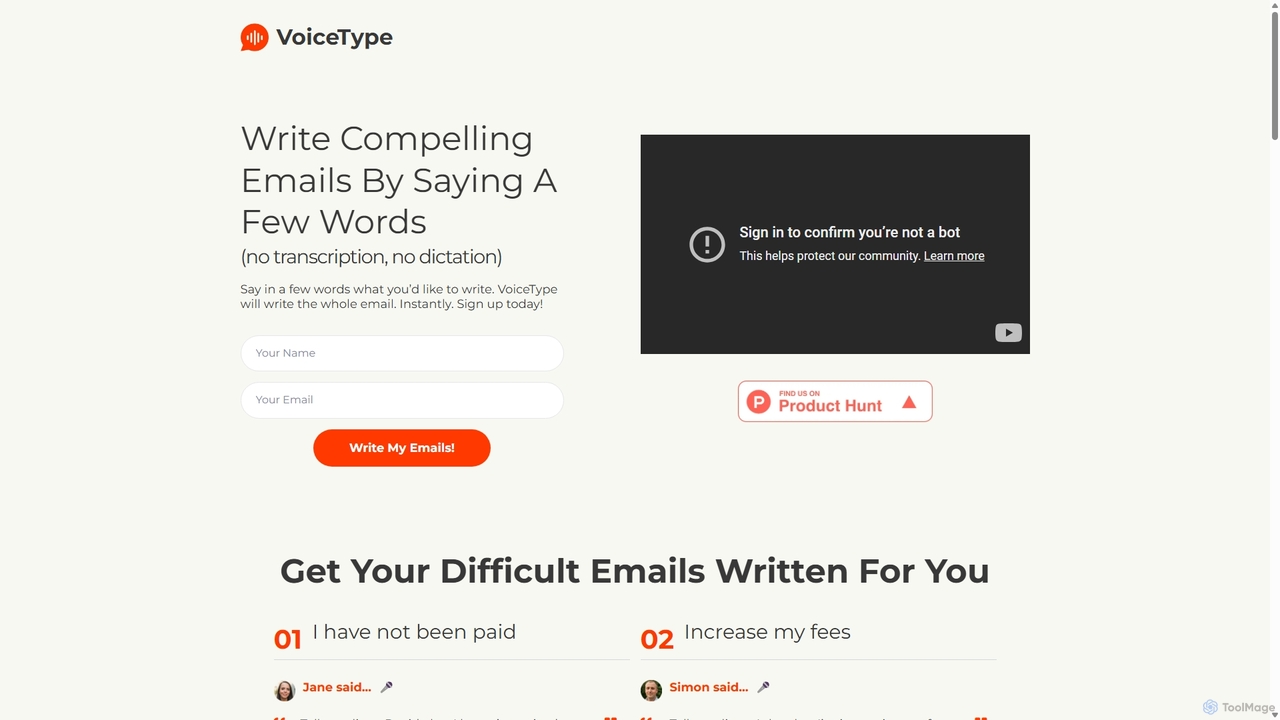
VoiceType
VoiceType is an AI-powered Chrome extension for Gmail that transforms short voice prompts into fully composed, professional emails. Instead of dictation, you simply explain the intent of your message, and VoiceType drafts a polished, grammatically correct email instantly. It's designed to save time, improve communication quality, and assist users with writing difficulties like dyslexia.
Assistive Technology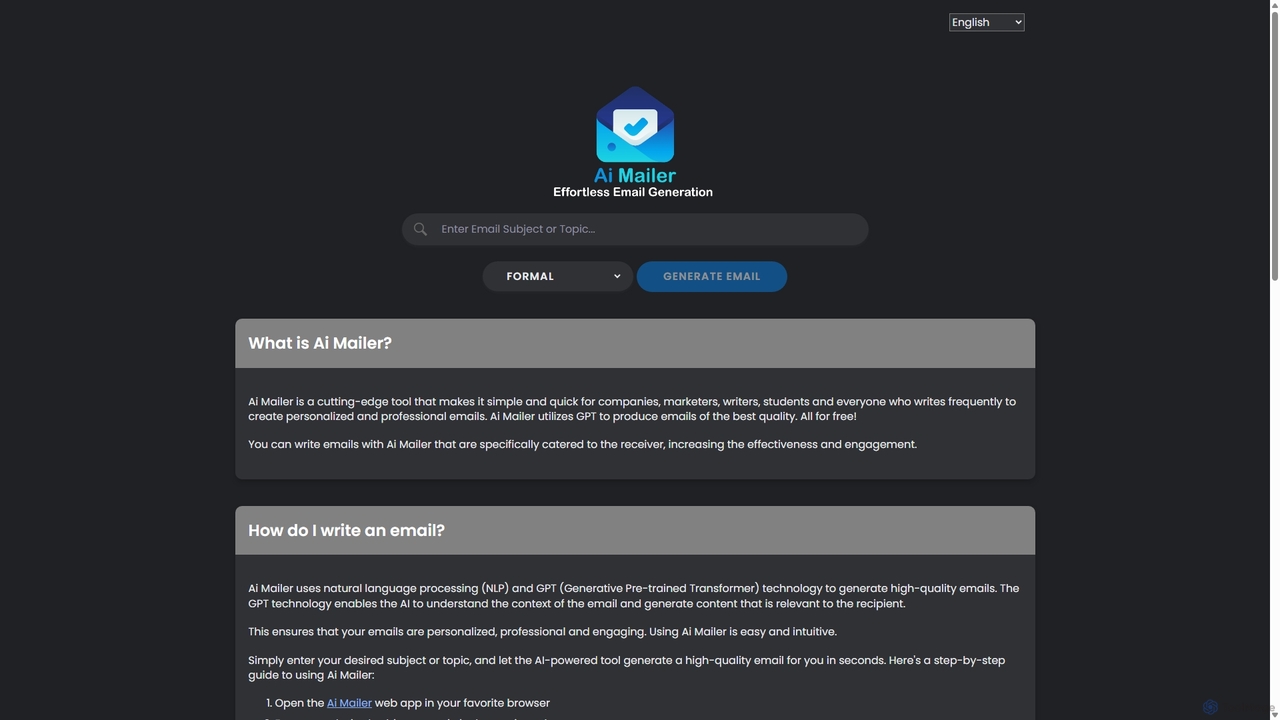
Ai Mailer
Ai Mailer is a free, AI-powered tool that leverages ChatGPT to effortlessly generate high-quality, professional emails. Simply provide a topic and select from various tones to create personalized, engaging content in seconds. Ideal for businesses, students, and anyone looking to save time and enhance their email communication.
Email MarketingEllie Categories
Ellie Jobs
Ellie Embed Widget
Copy this embed code to place the badge on your blog, article, or product site and send readers directly to this ToolMage detail page.

Related AI tools
GPT Workspace
GPT Workspace integrates AI-powered features directly into Google Workspace applications like Docs, Sheets, Slides, and Gmail. It enhances productivity by automating content creation, data analysis, email drafting, and document editing, allowing users to leverage the power of models like GPT-4o seamlessly within their existing workflow.
Document ManagementCompose AI
Compose AI is an AI-powered writing assistant and Chrome extension that accelerates your writing process. It offers intelligent autocompletion, text generation, and rephrasing capabilities across all your favorite sites, from emails to documents. By learning your personal writing style, it helps you write faster and more effectively, saving up to 40% of your time.
Chrome Extensions
Mailbutler
Mailbutler is an AI-powered email extension for Apple Mail, Gmail, and Outlook that enhances your inbox. It offers features like email tracking, AI-driven smart compose and summarization, collaborative tools for teams, and professional signature marketing to boost productivity and streamline communication.
Help DeskAuto Gmail
Auto Gmail is an AI-powered assistant for Gmail that learns your writing style to automatically draft email replies. It integrates seamlessly into your inbox via a Chrome extension, aiming to write 80% of your emails, saving you time and enhancing customer communication.
Email Management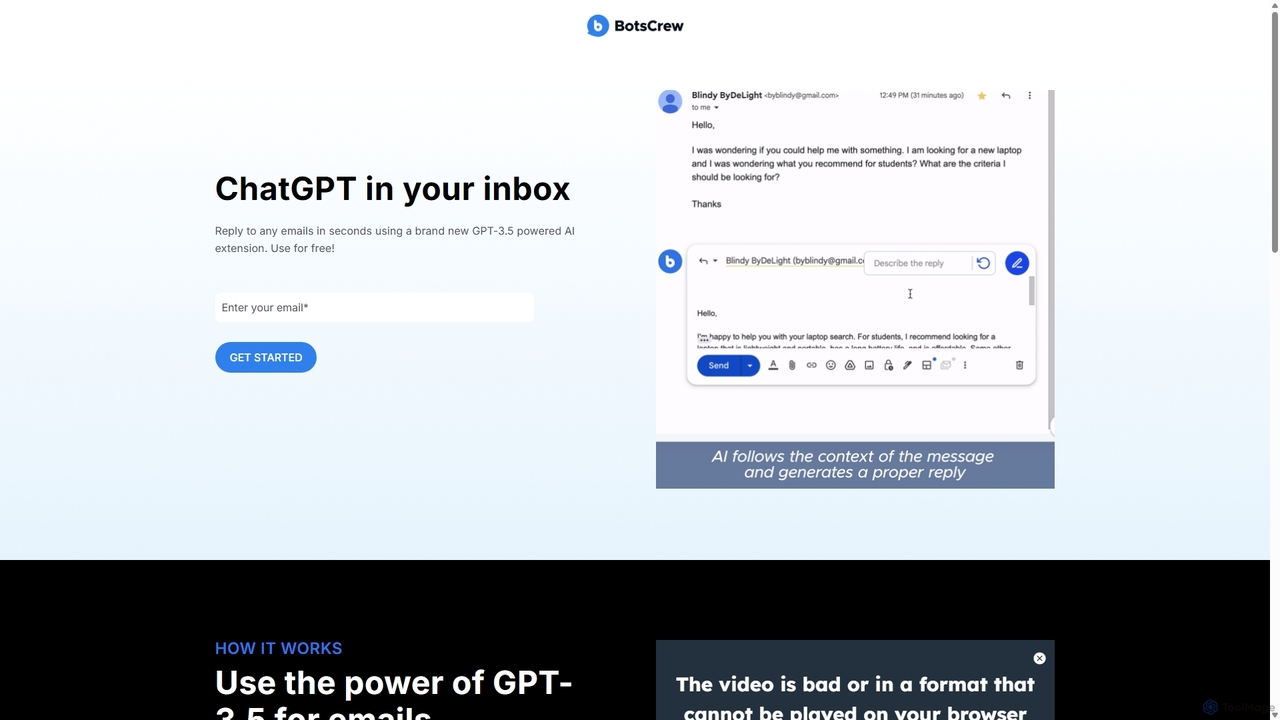
Legendary Email
Legendary Email is a free, GPT-3.5 powered browser extension that integrates directly into your inbox, CRM, or ticketing system. It analyzes email context to instantly draft professional, relevant replies. Ideal for sales, customer support, and anyone looking to enhance email productivity and communication quality.
Help DeskVoiceType
VoiceType is an AI-powered Chrome extension for Gmail that transforms short voice prompts into fully composed, professional emails. Instead of dictation, you simply explain the intent of your message, and VoiceType drafts a polished, grammatically correct email instantly. It's designed to save time, improve communication quality, and assist users with writing difficulties like dyslexia.
Assistive TechnologyAi Mailer
Ai Mailer is a free, AI-powered tool that leverages ChatGPT to effortlessly generate high-quality, professional emails. Simply provide a topic and select from various tones to create personalized, engaging content in seconds. Ideal for businesses, students, and anyone looking to save time and enhance their email communication.
Email Marketing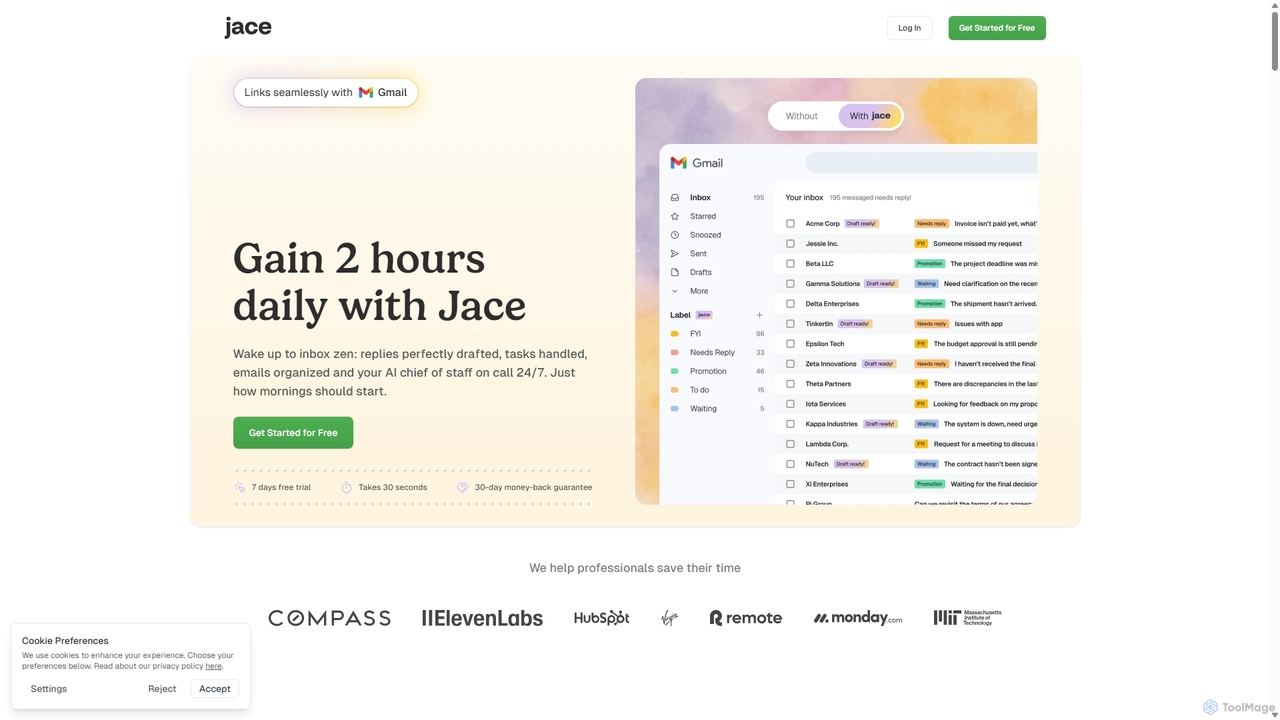
Jace AI
Jace AI is an intelligent 24/7 email assistant that automates your inbox. It seamlessly integrates with Gmail to draft replies, organize emails with AI labels, and handle tasks automatically. By analyzing context from attachments, calendars, and Slack, Jace saves professionals hours daily, allowing them to focus on what truly matters.
Workflow Management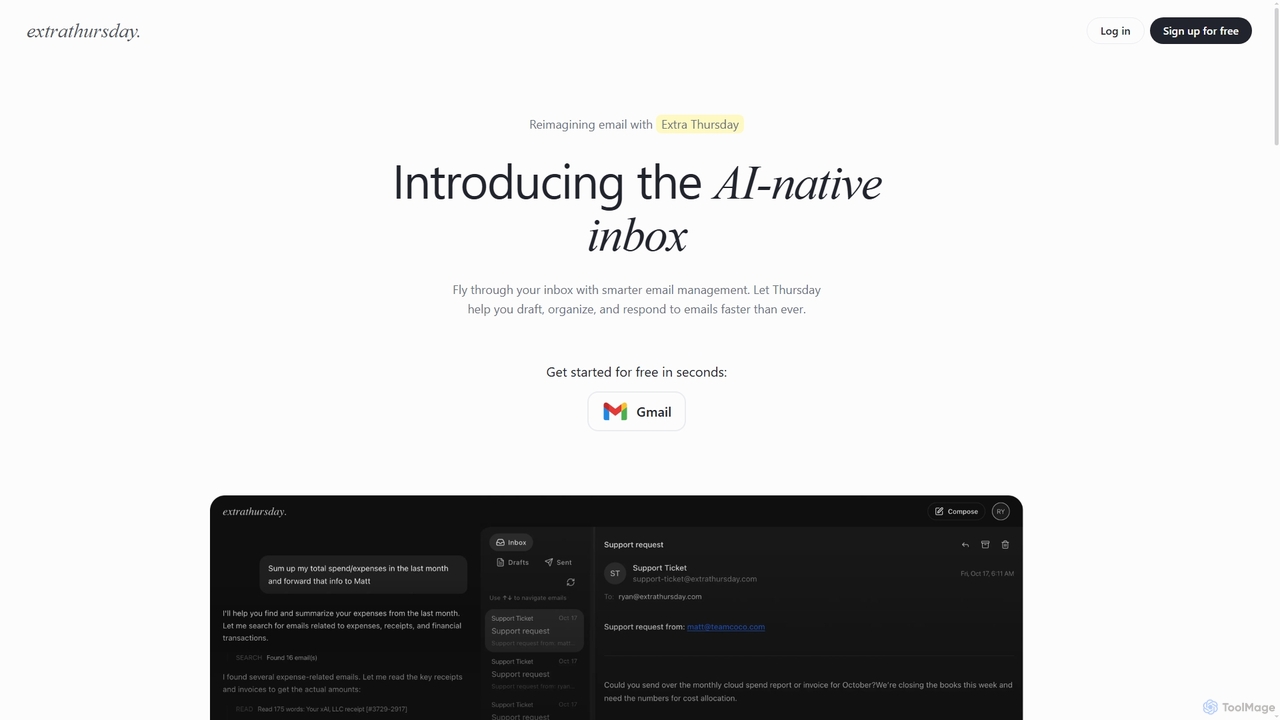
Extra Thursday
Extra Thursday is an AI-native email assistant designed to revolutionize your Gmail inbox. It helps you draft responses, organize emails, and extract key insights automatically, allowing you to manage thousands of emails in minutes and significantly boost your productivity.
Email Management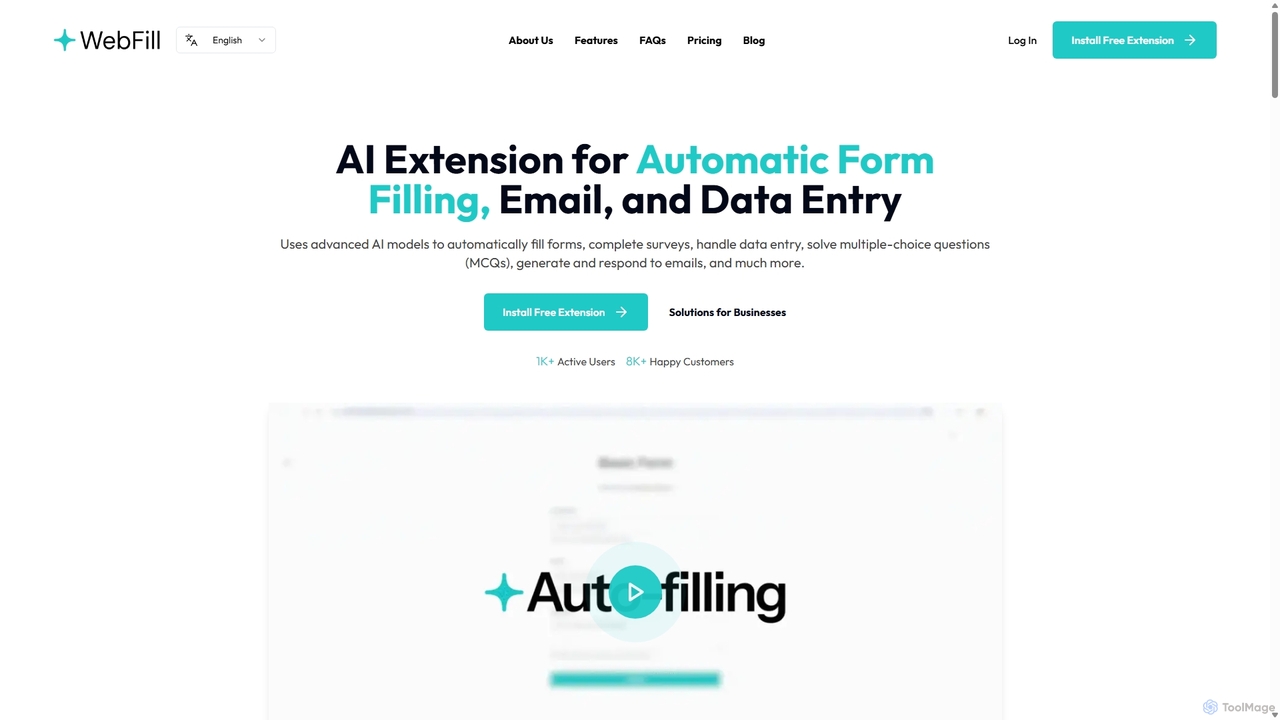
WebFill
WebFill is an AI-powered browser extension designed to automate daily digital tasks. It excels at automatically filling forms, completing surveys, handling data entry, and solving multiple-choice questions. It also features an AI assistant for generating and responding to emails, and a unique 'Vision' tool for instant answers from screen captures.
Assistant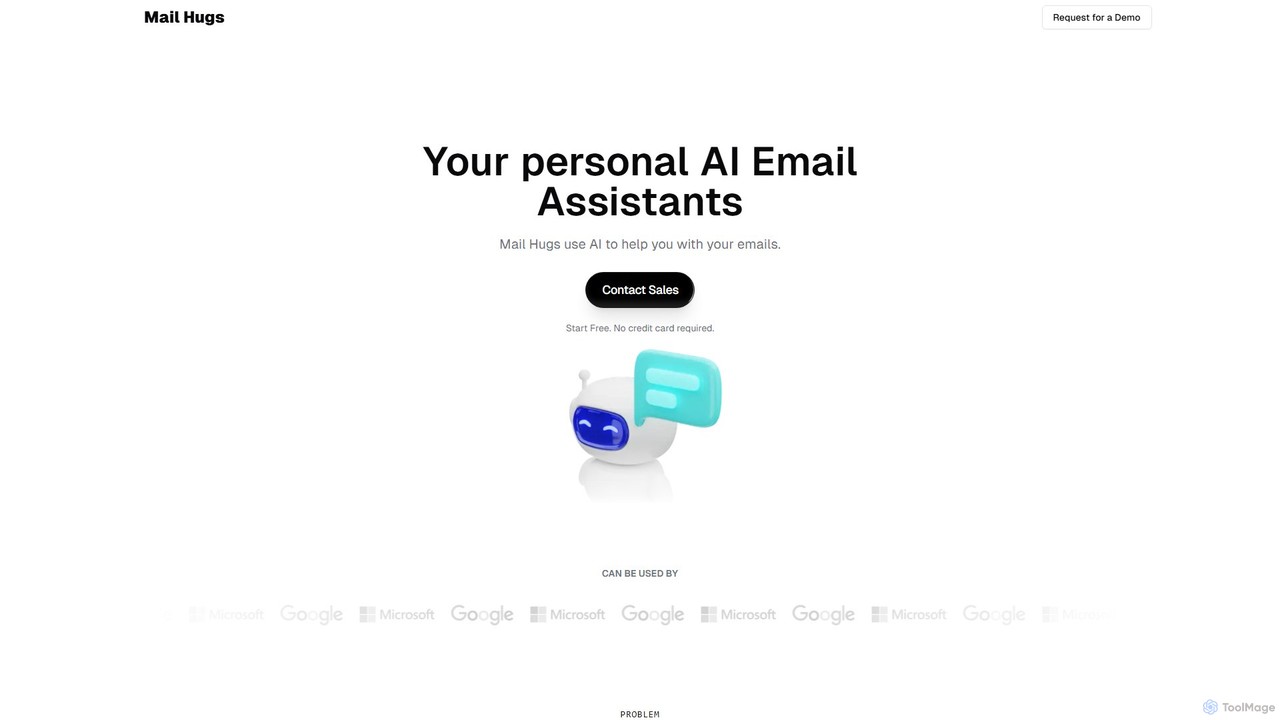
Mail Hugs
Mail Hugs is a personal AI email assistant designed to streamline your inbox management. It uses advanced AI to automatically draft responses, prioritize important messages, and summarize long email threads, helping you save time and focus on what matters most. It integrates seamlessly with Gmail and Microsoft Office.
Inbox Management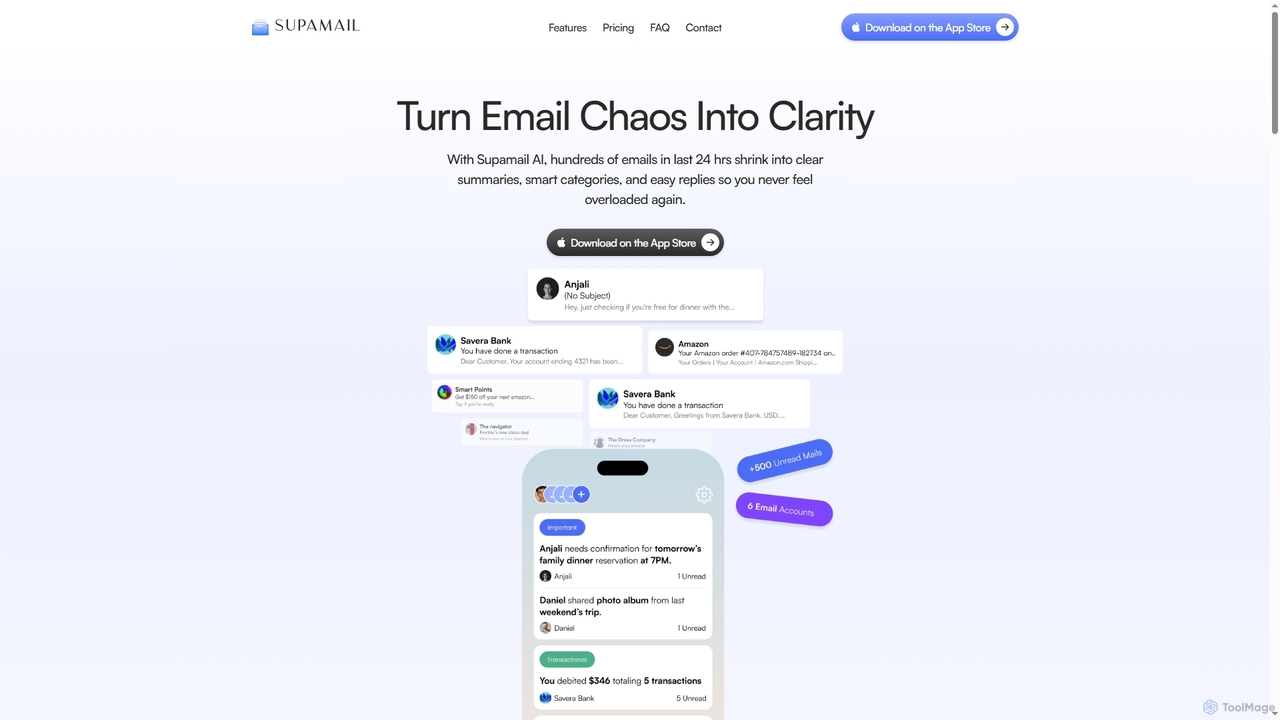
Supamail
Supamail is an AI-powered email assistant for Gmail designed to declutter your inbox. It groups emails, creates one-line summaries, automatically categorizes messages into Important, Transactional, or Promotional, and enables one-click replies, helping you save time and focus on what truly matters.
Summarizer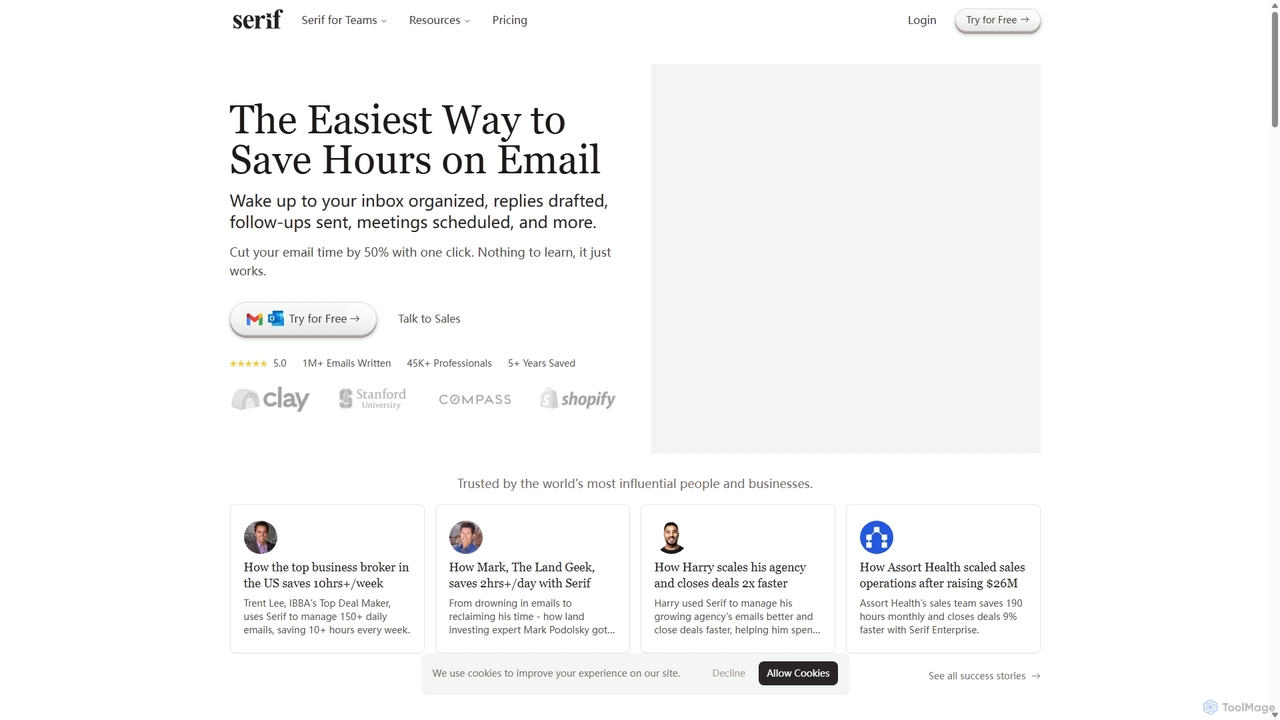
Serif
Serif is an AI executive assistant designed to save you hours on email. It automatically organizes your inbox, drafts personalized replies, sends follow-ups, and schedules meetings. Integrating seamlessly with Gmail and Outlook, Serif learns your communication style to act as your virtual assistant, boosting productivity and response times without a complex setup.
Virtual Assistant
Heyy
Heyy is an AI-powered email assistant and outreach platform designed to streamline your communication. It helps you write personalized emails, automate follow-ups, and analyze campaign performance to boost engagement and save time.
Email Marketing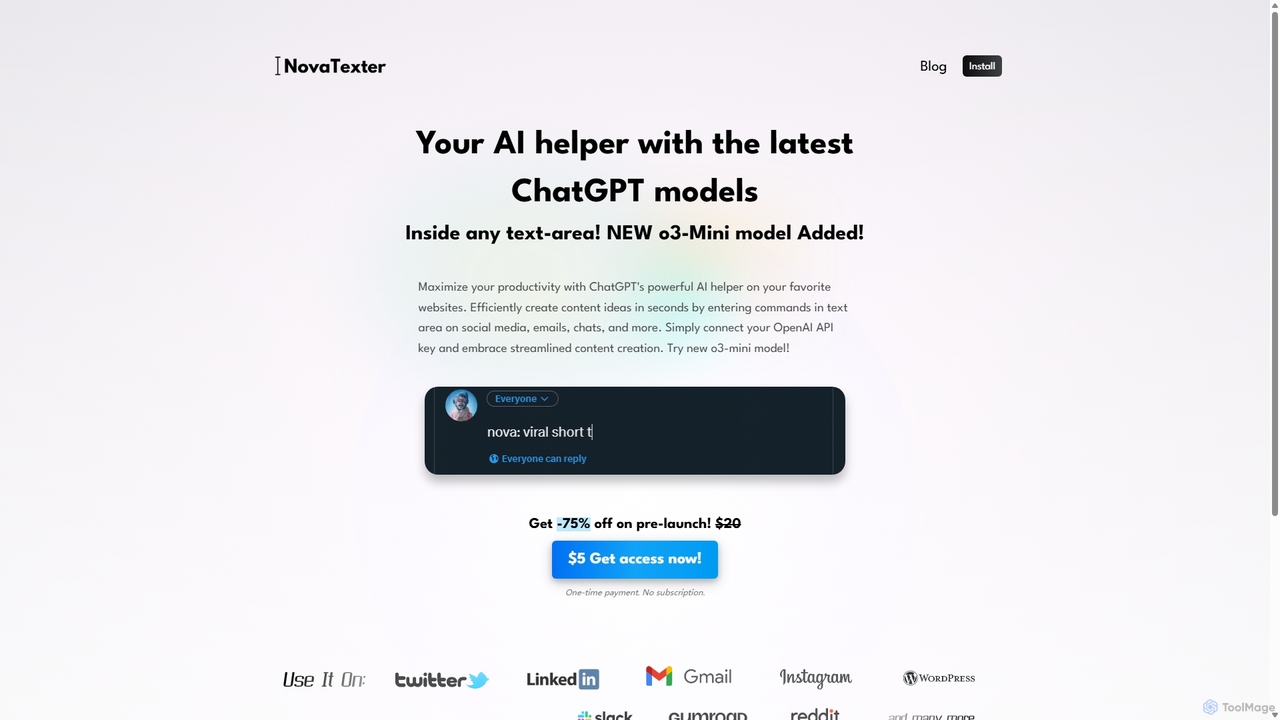
NovaTexter
NovaTexter is an AI-powered browser extension that integrates ChatGPT models directly into your workflow. It allows you to generate content, ideas, and responses on any website by simply typing commands in a text area. Connect your OpenAI API key for a seamless, productive content creation experience with a single one-time payment.
Chrome Extensions
Ellie Comments (0)
Sign in to comment.
Sign inNo comments yet.