ToolMage
Sign in

Best 6 Email Management AI tools for Communication

Popular Email Management AI tools in Communication include Friday, Extra Thursday, SkimAI, Inboxdigest, Marfa, and Airstitch, helping you work more efficiently.

Marfa
Freemium

Marfa

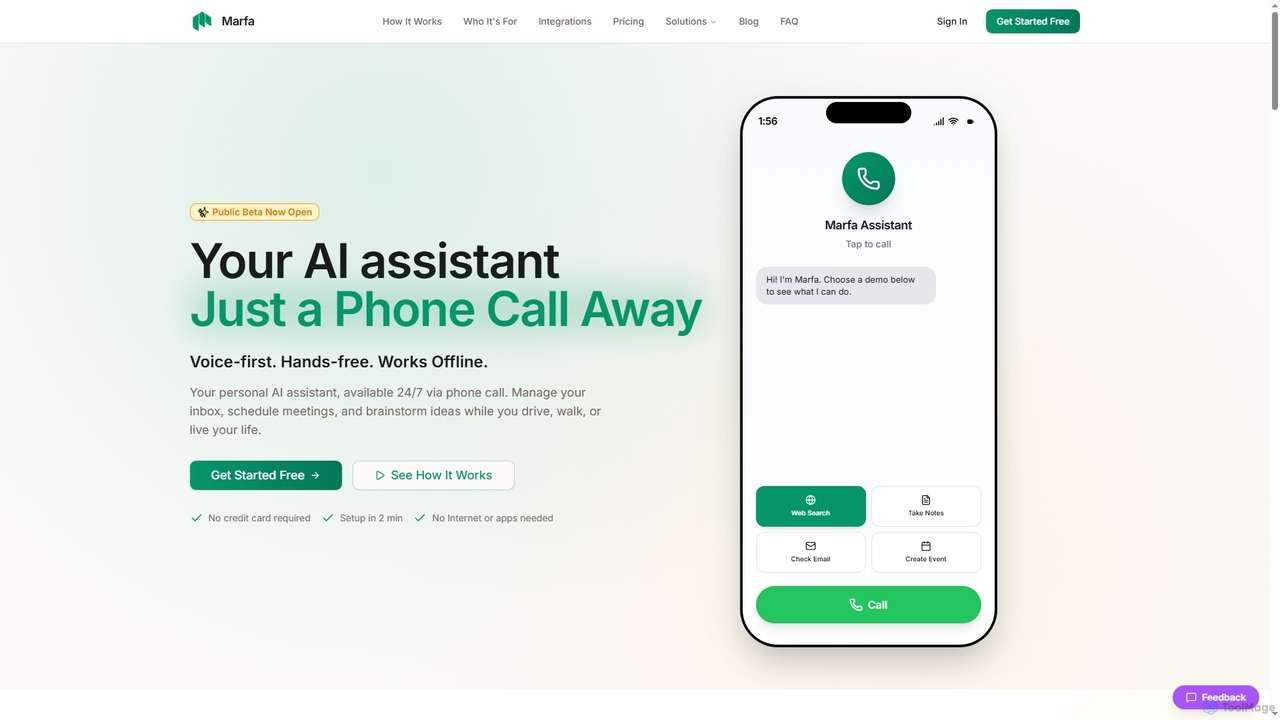
Marfa is a voice-first AI assistant designed for on-the-go productivity, accessible 24/7 via a simple phone call. It helps manage emails, schedule meetings, and capture ideas without needing a screen or internet connection, making it ideal for busy professionals.

Personal Assistant
Visits 5KFavorites 113Likes 141
Airstitch
Freemium

Airstitch

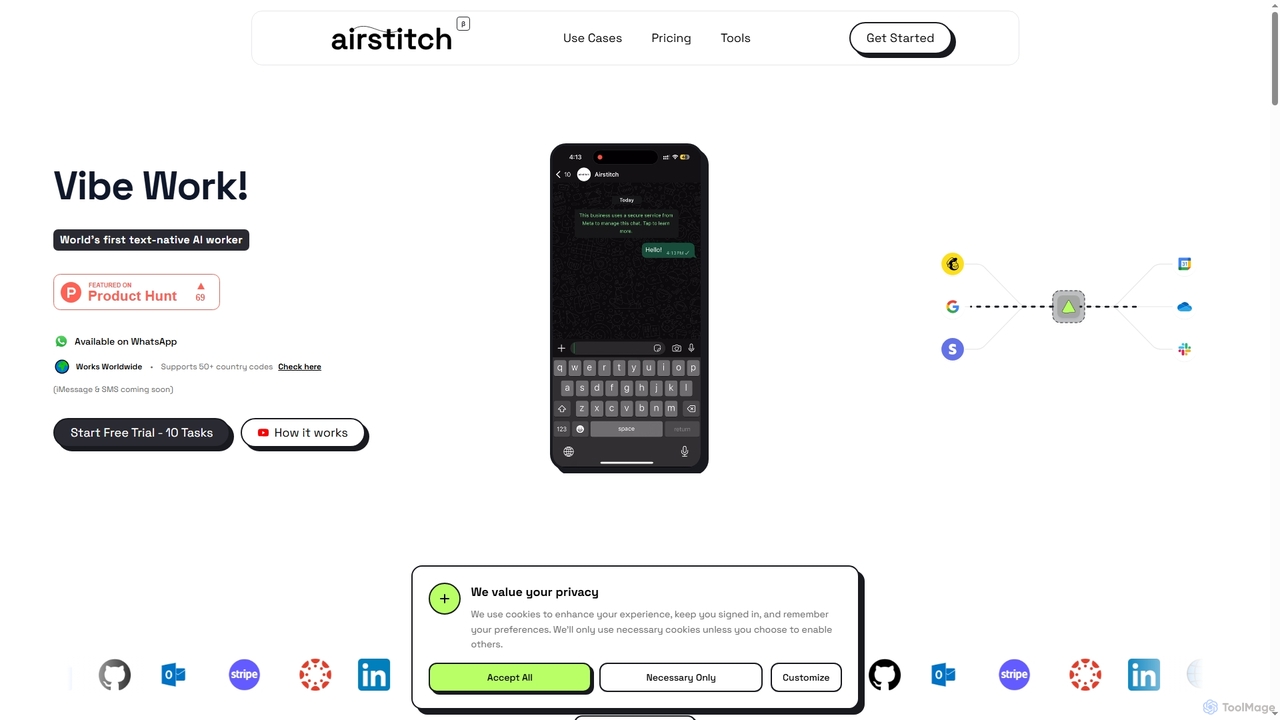
Airstitch is an AI-powered work assistant that automates over 40 hours of operational tasks weekly using natural language commands. It works 24/7, integrating with various apps to streamline workflows, manage communications, analyze data, and handle administrative duties, freeing up human resources for strategic work.

Operations Management
Visits 5KFavorites 114Likes 142
Extra Thursday
Freemium

Extra Thursday

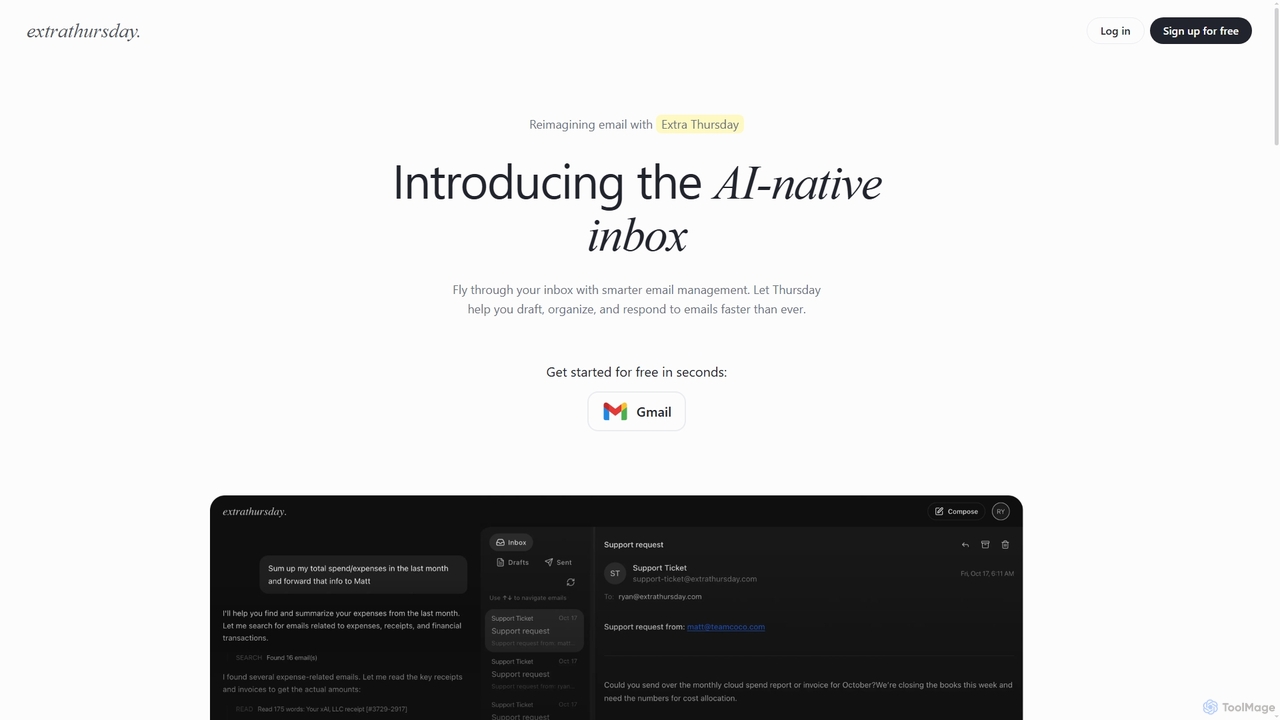
Extra Thursday is an AI-native email assistant designed to revolutionize your Gmail inbox. It helps you draft responses, organize emails, and extract key insights automatically, allowing you to manage thousands of emails in minutes and significantly boost your productivity.

Email Management
Visits 5.5KFavorites 102Likes 106
Inboxdigest
Free

Inboxdigest

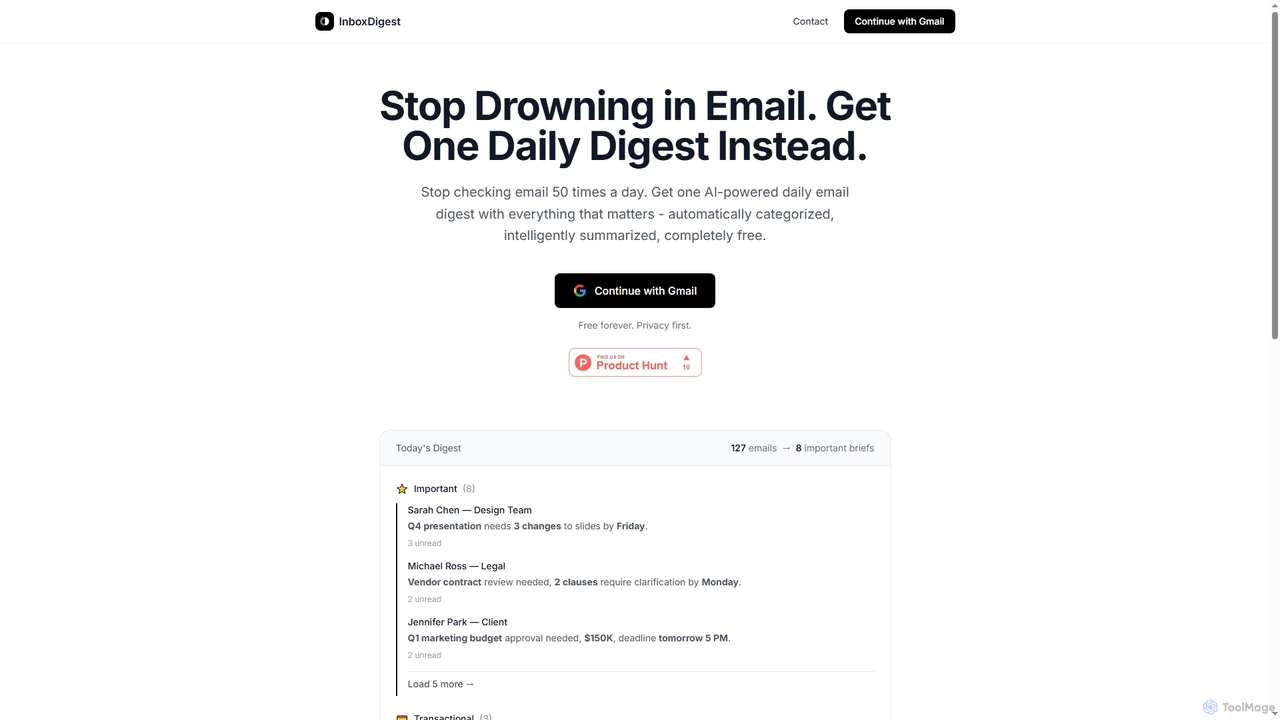
InboxDigest is a free AI tool that transforms your cluttered Gmail inbox into a single, daily email digest. It automatically categorizes and summarizes your emails into concise one-line briefs, helping you save hours and focus on what truly matters without constantly checking your inbox.

Email Management
Visits 5.1KFavorites 136Likes 130
Friday
Freemium

Friday

Friday is a Y Combinator-backed AI email client designed to revolutionize your inbox. It learns from your email habits to automatically summarize threads, handle routine responses, and filter out junk mail, acting as a personal assistant to help you manage your email at the speed of thought.

Personal
Visits 10.3KFavorites 176Likes 142
SkimAI
Freemium

SkimAI

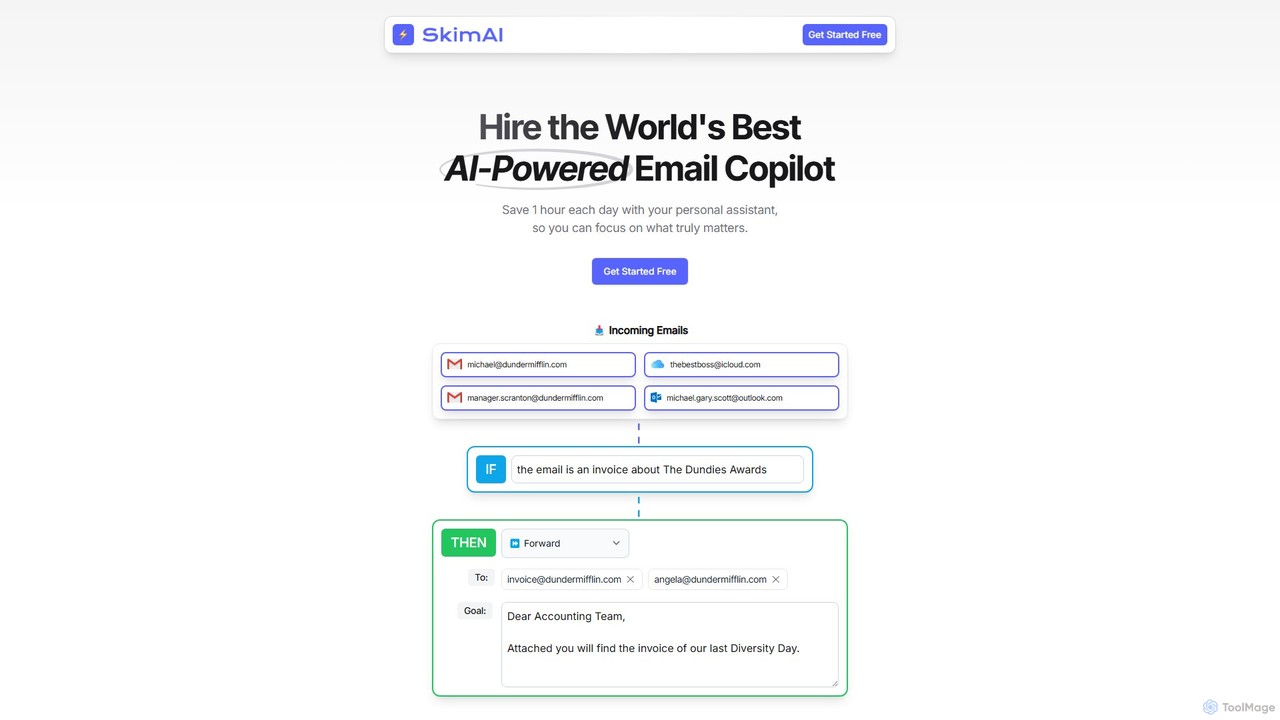
SkimAI is an AI-powered email copilot that automates your inbox to boost productivity. It intelligently categorizes emails, drafts personalized replies in your style, and summarizes unread messages. By setting simple rules, you can manage your inbox automatically, saving hours each day. It integrates seamlessly with Gmail, Outlook, and iCloud without needing a new app, allowing you to focus on what truly matters.

Workflow Management
Visits 5.2KFavorites 142Likes 137

About Email Management

AI Email Management tools are applications that use artificial intelligence to automate, organize, and optimize email inboxes. They leverage natural language processing (NLP) to understand email content, enabling features like intelligent sorting, automated reply drafting, and thread summarization. These tools help users reclaim time, reduce inbox clutter, and respond to important messages more effectively. By analyzing patterns and context, they transform a reactive inbox into a proactive communication hub.

Core Features

  • Smart Prioritization: Automatically categorizes and highlights important emails based on content and sender.
  • AI-Assisted Composition: Generates context-aware draft replies and suggests phrasing to speed up responses.
  • Email Summarization: Condenses long email threads into concise, easy-to-read summaries.
  • Automated Workflows: Sets up rules for automatic follow-ups, archiving, and task creation from emails.
  • Sentiment Analysis: Gauges the emotional tone of incoming messages to prioritize urgent or sensitive communications.

Use Cases

These tools are valuable for sales teams automating outreach, customer support agents managing tickets, and executives seeking to focus on critical messages. Marketing professionals also use them to manage campaign responses and segment audiences effectively.

How to Choose

When selecting a tool, consider its integration with your current email provider (e.g., Gmail, Outlook), the sophistication of its AI features (e.g., drafting quality), its privacy and data security policies, and whether its pricing model aligns with your usage volume.

Email Management use cases

1

Automating Sales Outreach and Follow-ups

For sales development representatives, managing hundreds of leads is a daily challenge. An AI Email Management tool automates sending personalized follow-up sequences. It can detect when a lead hasn't replied and send a pre-written but context-aware follow-up email after a set period. The AI can also analyze replies to identify positive interest, automatically flagging these leads for immediate personal attention, which can increase response rates and save hours of manual tracking.

2

Streamlining Customer Support Ticket Handling

Customer support teams receive a high volume of emails, from simple questions to urgent complaints. AI tools can instantly analyze and categorize incoming support tickets by topic (e.g., billing, technical issue) and urgency using sentiment analysis. It can then draft standard replies for common questions, allowing agents to resolve simple issues in seconds. This frees up agents to focus their expertise on complex or high-priority customer problems, improving overall response time and satisfaction.

3

Achieving 'Inbox Zero' for Busy Professionals

Executives, managers, and consultants often face an overflowing inbox that distracts from strategic work. An AI Email Management tool acts as a virtual assistant, automatically sorting emails into predefined categories like 'Urgent,' 'FYI,' and 'Newsletters.' It summarizes long internal discussion threads, allowing the user to grasp the key points without reading every message. This system helps maintain a clean, prioritized inbox, ensuring that critical communications are never missed.

4

Managing Freelancer and Client Communication

Freelancers and small business owners juggle multiple clients and projects simultaneously. AI Email Management tools help by automatically organizing correspondence by client or project. They can identify action items within emails and suggest creating tasks or calendar events. The AI-assisted writing feature helps draft professional, error-free replies quickly, maintaining a high level of client service even when managing a heavy workload.

5

Enhancing Email Marketing Campaign Management

Marketing teams can use AI to analyze responses to their email campaigns. The tool can automatically segment contacts who reply with specific questions or show strong interest. It can also perform sentiment analysis on feedback to gauge campaign reception. This allows marketers to quickly identify hot leads for the sales team and gather qualitative insights to improve future campaigns, moving beyond simple open and click rates.

6

Organizing Academic and Research Correspondence

Researchers and academics collaborate extensively via email, sharing papers, feedback, and conference information. An AI tool can automatically file emails from specific collaborators, research groups, or journals. It can summarize lengthy feedback threads on manuscript drafts and identify key deadlines mentioned in calls for papers. This helps academics stay organized and manage the high volume of information inherent in their work.

Email Management FAQ

What is AI Email Management?

AI Email Management refers to software that uses artificial intelligence to help manage email inboxes more efficiently. Unlike basic email clients, these tools actively analyze email content to automate tasks like sorting messages, drafting replies, summarizing conversations, and scheduling follow-ups. The primary goal is to reduce manual effort and help users focus on the most important communications.

How do I choose the right AI Email Management tool?

To choose the right tool, consider these factors:

  • Integration: Ensure it works seamlessly with your existing email provider (Gmail, Outlook, etc.).
  • Core Features: Evaluate if its AI capabilities (e.g., summarization, reply generation) match your specific needs.
  • Security and Privacy: Review its data handling policies, especially if you handle sensitive information.
  • User Interface: Choose a tool with an intuitive interface that doesn't require a steep learning curve.
  • Pricing: Compare plans based on your email volume and the number of features you require.

What's the difference between AI Email Management and a standard email client?

A standard email client (like Gmail or Outlook) provides a platform to send, receive, and manually organize emails. An AI Email Management tool builds on top of that platform with intelligent automation. While a standard client relies on user-created rules (e.g., 'if sender is X, move to folder Y'), an AI tool understands context, prioritizes emails based on importance, drafts replies, and summarizes content without needing explicit instructions for every scenario.

What are the key features of AI Email Management tools?

Most AI Email Management tools offer a combination of these core features:

  • Intelligent Sorting: Automatically categorizing emails into folders like 'Important,' 'Newsletters,' or custom categories.
  • AI Reply Assistant: Generating context-aware draft responses to save writing time.
  • Summarization: Condensing long email chains into short summaries.
  • Automated Follow-ups: Sending reminders for emails that haven't received a response.
  • Sentiment Analysis: Detecting the tone of an email to help prioritize responses.

Who can benefit from using AI Email Management tools?

A wide range of users can benefit. Sales and customer support teams use them to handle high volumes of communication efficiently. Executives and managers use them to filter noise and focus on strategic messages. Freelancers and small business owners leverage them to stay organized and maintain professional communication. Even individuals looking to achieve 'inbox zero' and better manage personal correspondence find these tools highly valuable.