
Ethertext Overview
Ethertext is a revolutionary productivity tool for macOS, designed to function as your personal AI Clipboard. It fundamentally enhances the simple copy-paste workflow by integrating powerful artificial intelligence capabilities directly into your clipboard. With Ethertext, any text you copy can be instantly transformed, corrected, rephrased, or analyzed with a single click or keyboard shortcut, streamlining tasks for writers, developers, students, and professionals alike.
The core principle of Ethertext is 'Copy, Transform, Paste.' It seamlessly integrates with your system, allowing you to leverage the power of leading AI models from OpenAI (GPT-4o, GPT-4o mini), Google (Gemini 1.5 Pro), and Anthropic (Claude series), as well as privacy-focused local models through Ollama. This flexibility allows users to choose between cutting-edge cloud performance and offline, secure processing, all by simply adding their own API keys.
How to use Ethertext
Using Ethertext is designed to be intuitive and blend into your existing habits. The process is straightforward:
- Copy (⌘C): Simply copy any text from any application on your Mac to your clipboard as you normally would.
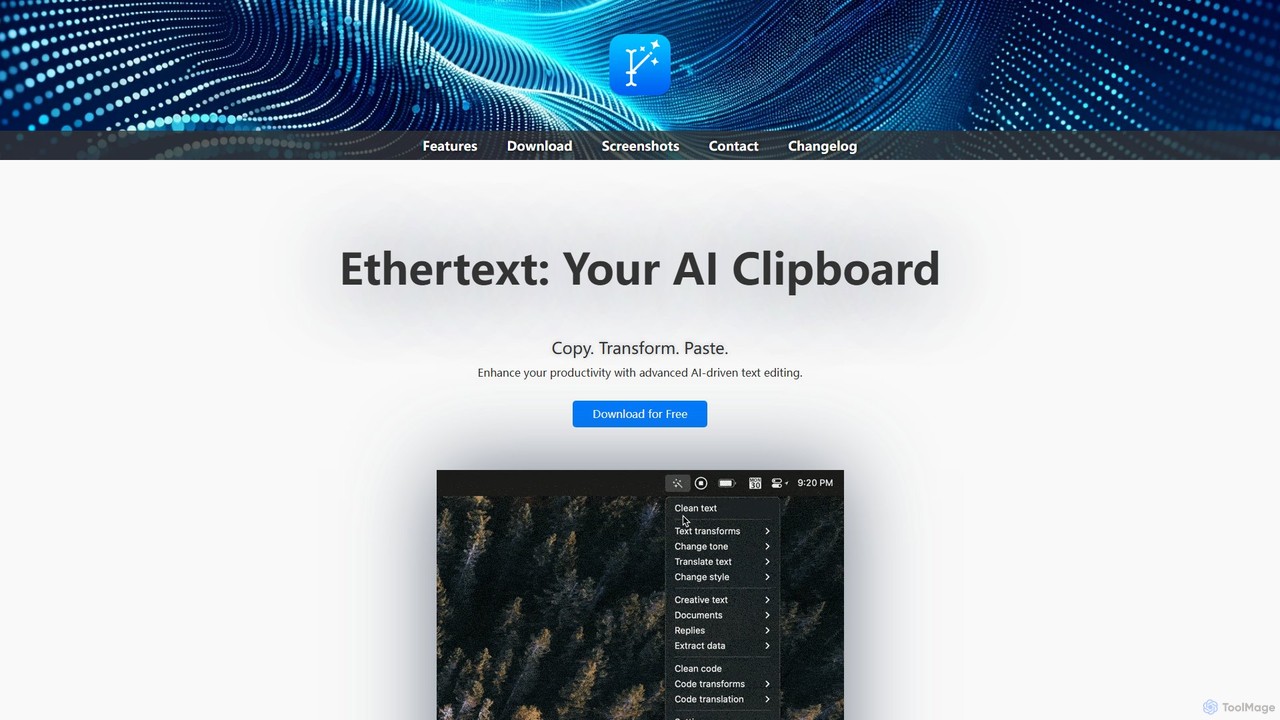
- Transform: Click the Ethertext icon in your menu bar to reveal a dropdown list of AI-powered transformations. These can range from 'Fix Grammar & Spelling' to 'Change Tone to Formal' or 'Explain this Code'. Select the desired action.
- Paste (⌘V): After a brief moment and an audible beep, the transformed text is ready on your clipboard. Paste it anywhere you need with the standard paste command.
For even greater efficiency, Ethertext offers a suite of powerful keyboard shortcuts:
- ⌘⇧T (Clean Text): Instantly fix grammar and spelling in your currently selected text.
- ⌘⇧M (Memorize): Save a piece of text, a code snippet, or even the content of a webpage for later use.
- ⌘⇧D (Dictate): Record your voice, and Ethertext will transcribe and memorize the content.
- ⌘⇧S (Capture Screen): Take a screenshot, and the tool will use OCR to extract and memorize the text within the image.
- ⌘⇧R (Recall): Access your memorized items and ask the AI questions about them.
Core Features of Ethertext
- Multi-Model AI Engine: Natively supports a wide array of models from OpenAI, Google Gemini, and Anthropic, ensuring you always have access to the latest and most suitable AI for your task.
- Local AI with Ollama: For users who prioritize privacy or want to work offline, Ethertext integrates with Ollama, allowing you to run powerful open-source models like Llama 2 directly on your machine.
- Intelligent Memory & Recall: Go beyond the clipboard's limitations. Ethertext can memorize text, voice dictations, and even text from screenshots, creating a searchable, AI-assisted knowledge base.
- Advanced Code Assistance: A powerful ally for developers. It can explain complex code, debug errors, translate snippets between programming languages, and optimize for efficiency.
- Vision and Dictation: Utilizes Apple's native Vision and Audio models for fast, free, and local OCR from screenshots and voice transcription, seamlessly feeding content into its memory.
- Deep Customization: Tailor the tool to your needs by adding your own custom prompts, choosing your preferred AI model, and adjusting the AI's creativity level (temperature).
- Seamless macOS Integration: Lives in your menu bar and works across all applications, using familiar keyboard shortcuts to feel like a native part of the operating system.
Use Cases for Ethertext
Ethertext is versatile and benefits a wide range of users:
- Writers and Content Creators: Instantly correct grammar, rephrase sentences for clarity, change the tone of an article, or brainstorm ideas.
- Developers and Programmers: Debug code on the fly, get explanations for unfamiliar functions, or translate a solution from Python to JavaScript without leaving their editor.
- Students and Researchers: Summarize long articles, explain complex concepts in simple terms (ELI5), and save important notes and quotes in the memory for easy recall when writing papers.
- Marketers and Social Media Managers: Craft compelling ad copy, add hype to product descriptions, or quickly generate multiple variations of a post.
- Customer Support Agents: Standardize and formalize responses, ensuring professional and clear communication.
Advantages of Ethertext
Ethertext stands out by offering a unique combination of power and convenience. Its main advantages include a massive boost in efficiency by automating common text-editing tasks, unparalleled flexibility through its support for both cloud and local AI models, and a privacy-centric approach by allowing users to bring their own keys and run models locally. Its deep integration into macOS makes it a frictionless and indispensable tool for anyone who works with text.
Pricing and Plans
Ethertext itself is free to download and use. The tool operates on a 'Bring Your Own Key' (BYOK) model. This means users connect their personal API keys from providers like OpenAI, Google, or Anthropic. The cost of using the tool is therefore the cost of the API calls made to these services, billed directly by the provider. This gives users full control and transparency over their spending. Alternatively, using local models via the Ollama integration is completely free, aside from the computational resources of your own Mac.
Ethertext Alternatives

RewriteBar
RewriteBar is a native macOS menu bar app that acts as your personal AI writing assistant. It works seamlessly across all applications, allowing you to instantly correct grammar, change tone, translate text, summarize content, and more with a simple keyboard shortcut. It supports over 12 AI providers, including local models for ultimate privacy, offering a powerful and flexible writing enhancement experience.
Code Assistant
Kerlig
Kerlig is a native AI writing assistant for macOS designed to streamline your communication. It integrates seamlessly into your workflow, allowing you to write emails, proofread text, chat with documents, and generate content using over 350 AI models. With custom actions and a focus on privacy, Kerlig saves you hours by bringing powerful AI to your fingertips, without ever leaving your current application.
Mac Apps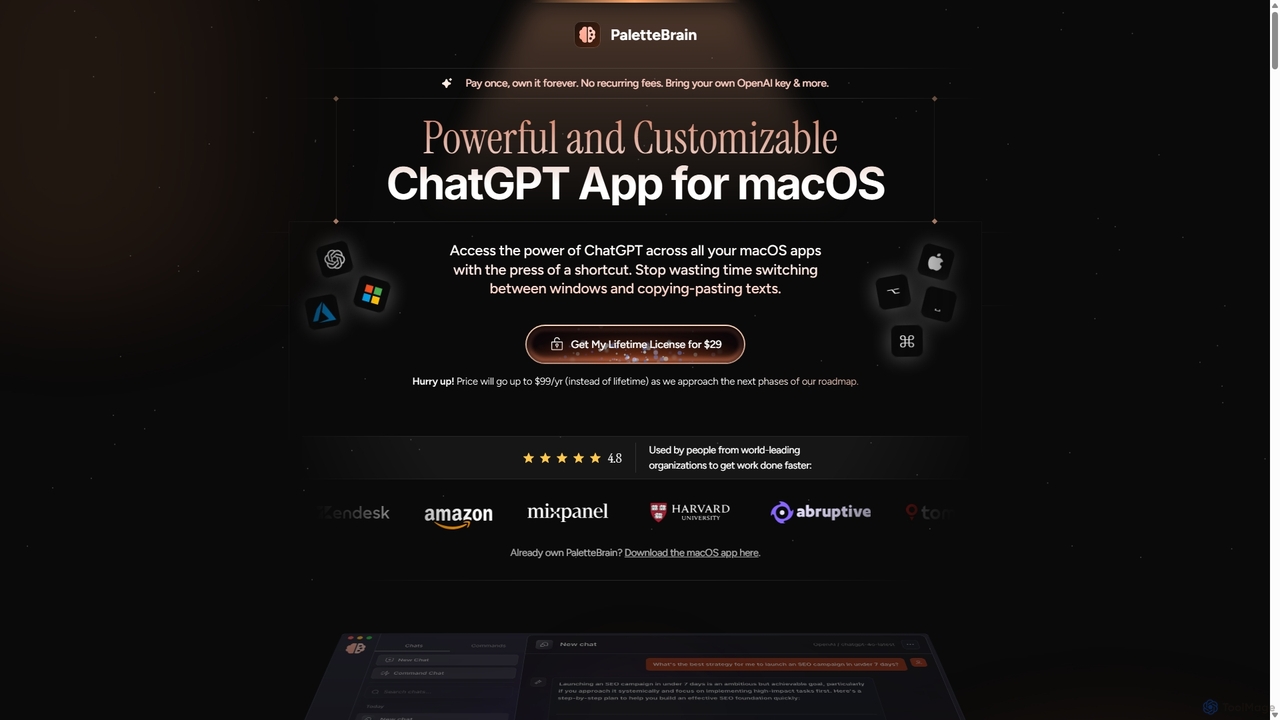
PaletteBrain
PaletteBrain is a native macOS application that integrates the power of ChatGPT directly into your workflow. With a simple keyboard shortcut, you can access AI commands on any selected text within any app, eliminating context switching. It offers customizable prompts, a one-time purchase model, and allows you to use your own OpenAI key for pay-as-you-go usage, making it a cost-effective and efficient productivity booster for writers, developers, and marketers.
Code Assistant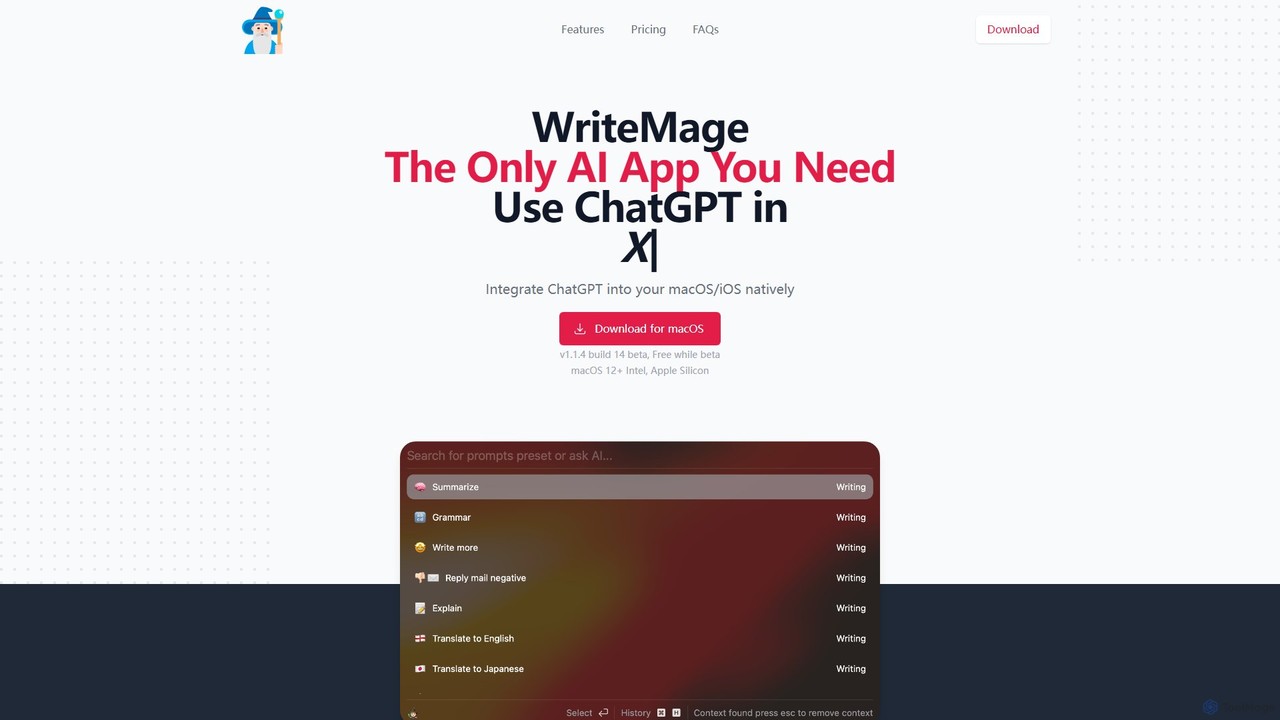
WriteMage
WriteMage is a native AI assistant for macOS and iOS, integrating ChatGPT seamlessly into any application. It functions like a system-wide utility, allowing you to write, code, and create content with context-aware AI without ever leaving your current app. It features a customizable prompt editor, local chat history, and flexible pricing plans.
Code Assistant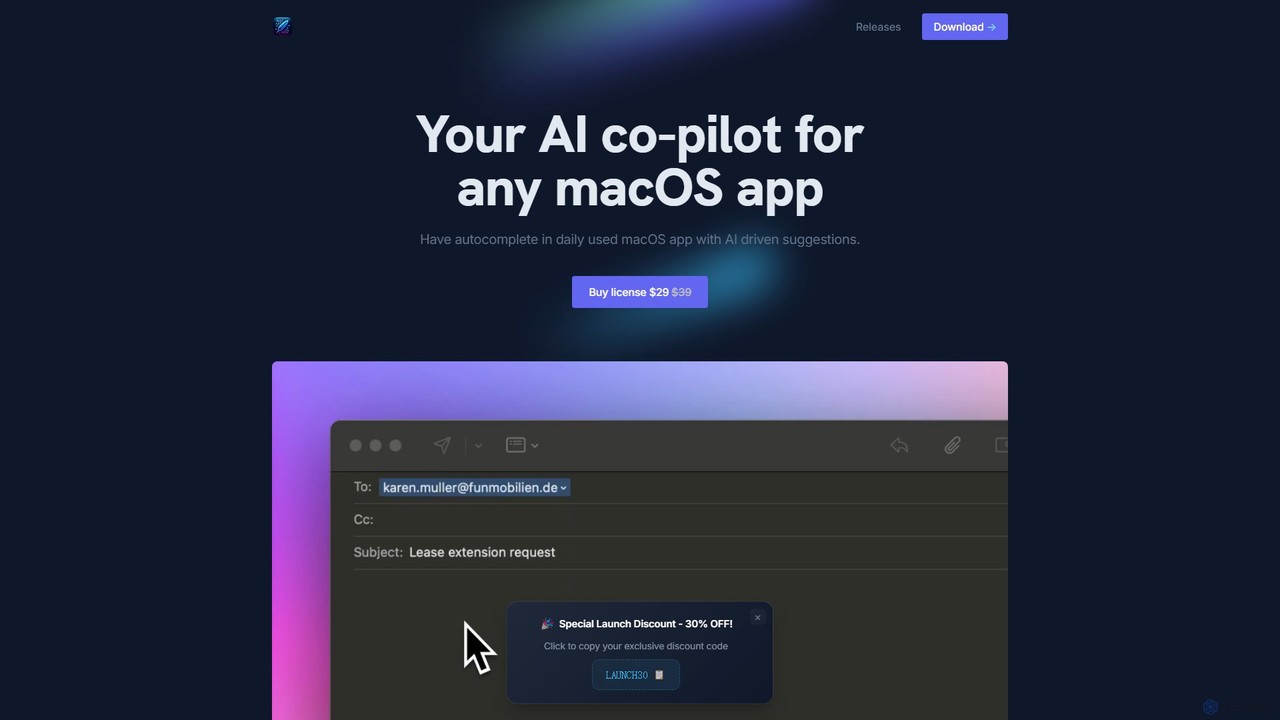
InfinipilotAI
InfinipilotAI is a native macOS AI co-pilot that seamlessly integrates with any application. It boosts productivity with features like AI-driven autocomplete, writing enhancement, translation, and developer utilities. With a strong focus on privacy, it supports local language models via Ollama, ensuring your data stays on your device. It's a lightweight, high-performance tool available for a one-time purchase.
Code AssistantEthertext Categories
Ethertext Embed Widget
Copy this embed code to place the badge on your blog, article, or product site and send readers directly to this ToolMage detail page.

Related AI tools
Machato
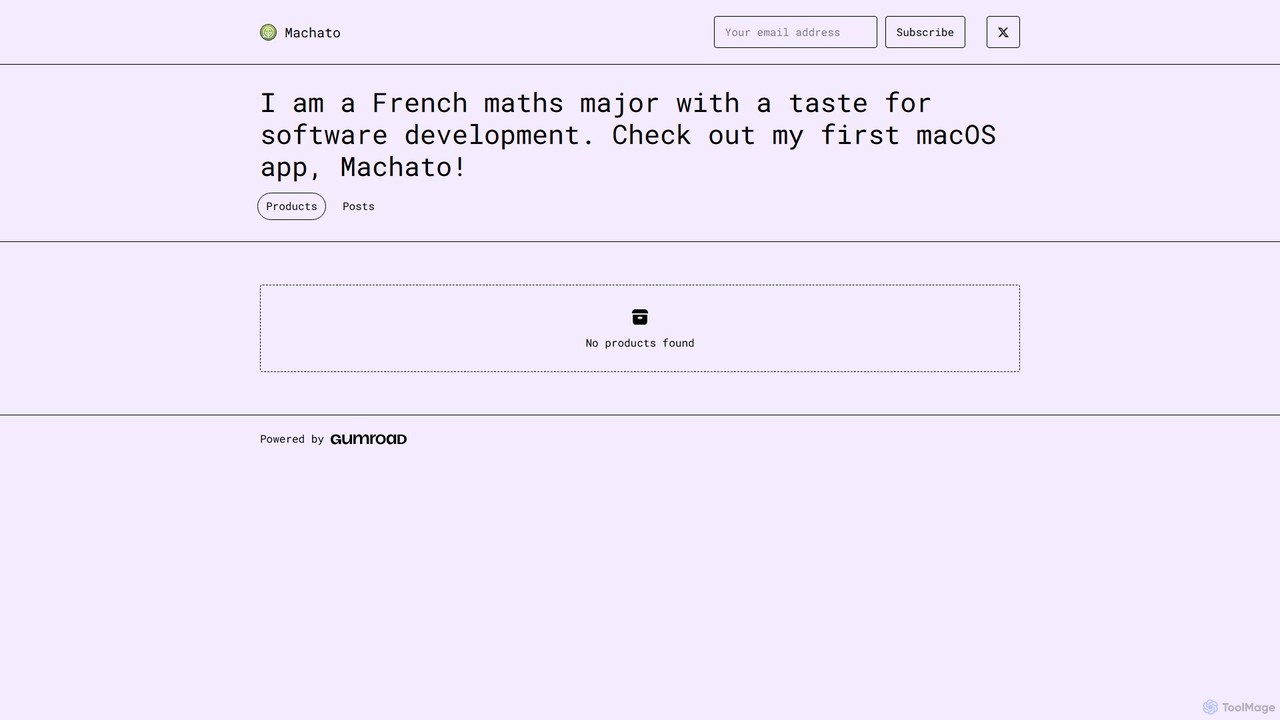
Machato is a native macOS application designed to provide a seamless and powerful AI chat experience. It acts as a desktop client for various large language models, offering a clean, fast, and integrated interface that surpasses web-based alternatives. Perfect for developers, writers, and professionals.
Code AssistantRewriteBar
RewriteBar is a native macOS menu bar app that acts as your personal AI writing assistant. It works seamlessly across all applications, allowing you to instantly correct grammar, change tone, translate text, summarize content, and more with a simple keyboard shortcut. It supports over 12 AI providers, including local models for ultimate privacy, offering a powerful and flexible writing enhancement experience.
Code Assistant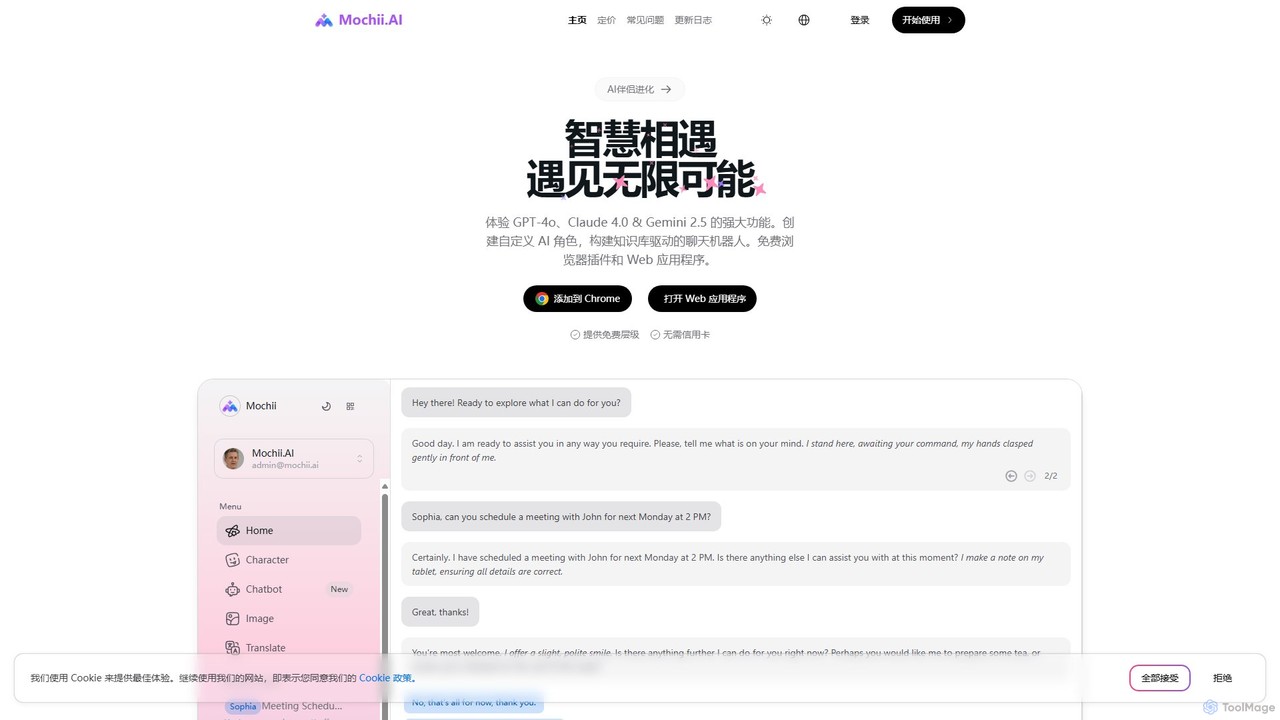
Mochii
Mochii is an all-in-one AI assistant that integrates leading models like GPT-4o, Claude, and Gemini into a seamless browser extension and web app. It enhances productivity by offering features like document analysis, web browsing, AI chatbot building, and customizable AI roles. A generous free tier provides access to advanced AI capabilities for everyone.
Productivity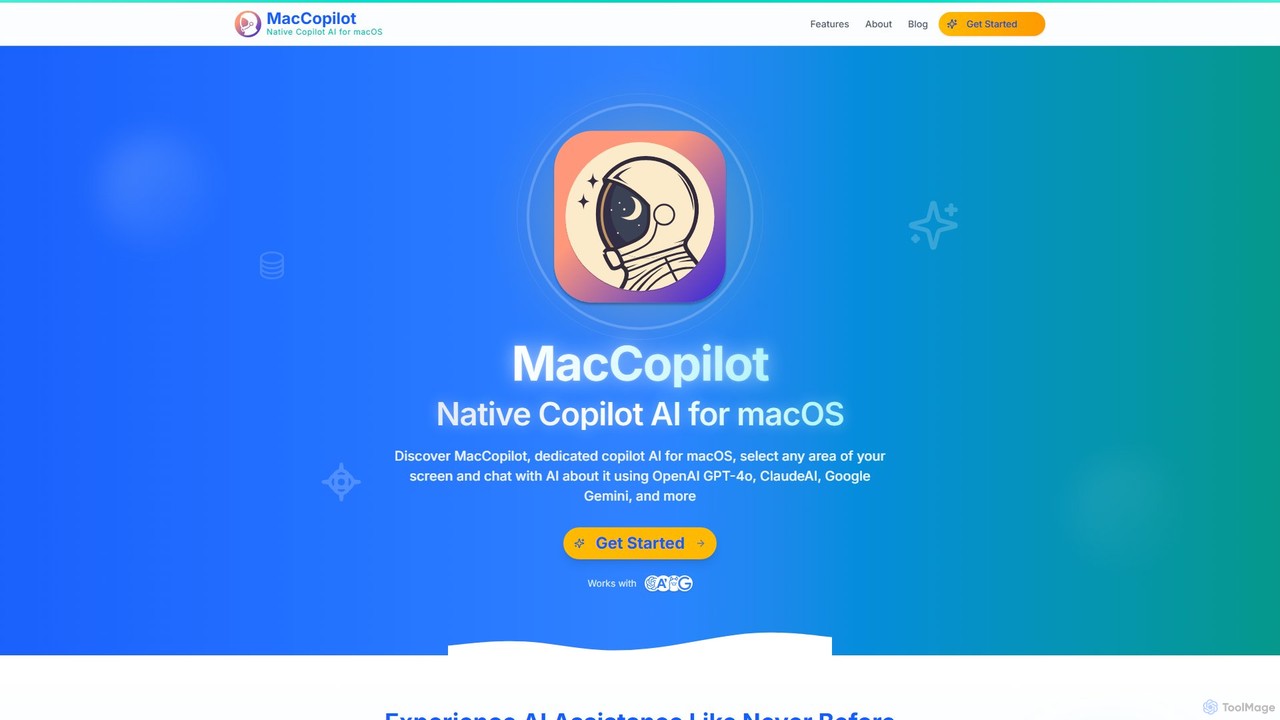
MacCopilot
MacCopilot is a native AI assistant for macOS that revolutionizes productivity. It allows you to select any area of your screen and instantly start a conversation with advanced AI models like GPT-4o, Claude 3.5, and Gemini. Get immediate insights, code explanations, email drafts, and more, without ever leaving your current window. It's a seamless bridge between your screen's content and powerful AI.
Code Assistant
typegpt
typegpt is a lightweight browser extension that integrates ChatGPT into any text box on the internet. Use simple commands to generate, translate, or code directly in your workflow, using your own API key for maximum cost-efficiency and control.
Code Assistant
Ai Helper
Ai Helper is a versatile desktop client for macOS, Windows, and Linux, providing instant access to AI models like ChatGPT and Gemini from any application. It streamlines workflows for writing, coding, email composition, and more, acting as a universal AI assistant integrated directly into your operating system.
Code Assistant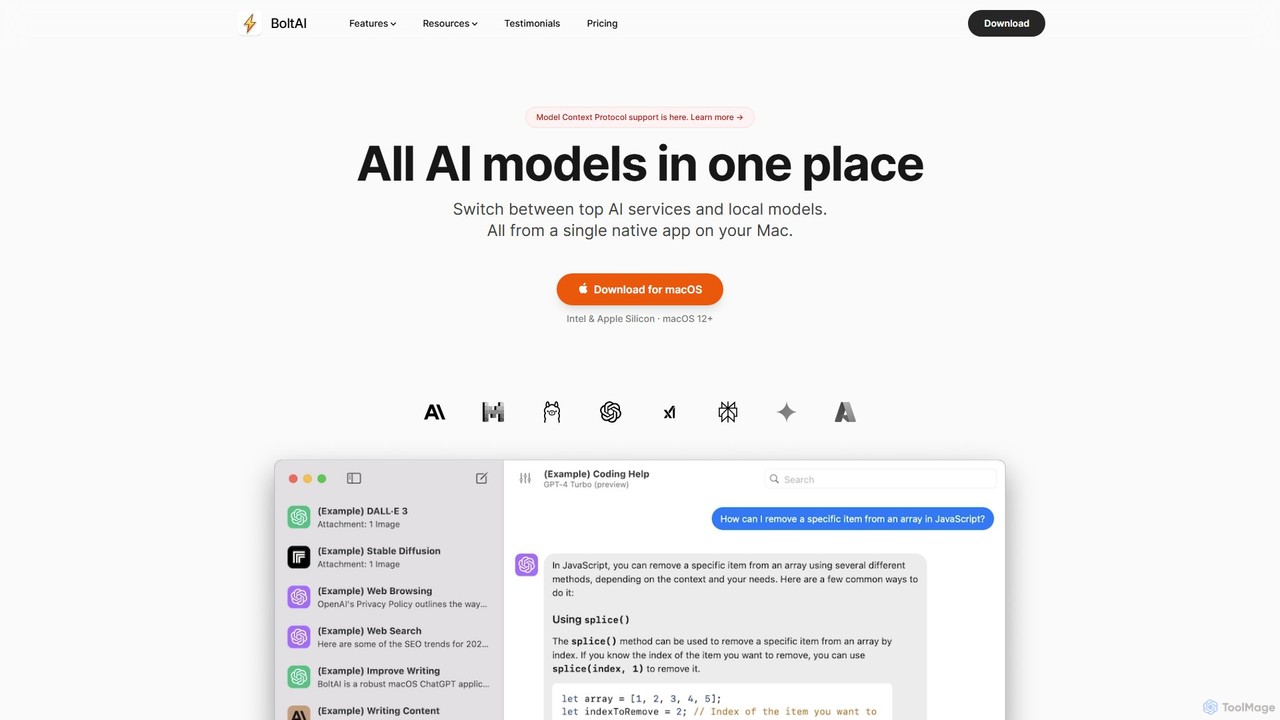
BoltAI
BoltAI is a native, high-performance AI assistant for macOS that integrates multiple AI models like GPT, Claude, and local models directly into your workflow. It offers features like an in-IDE coding assistant, custom AI assistants, a prompt library, and powerful plugins to boost productivity for developers, writers, and professionals.
Coding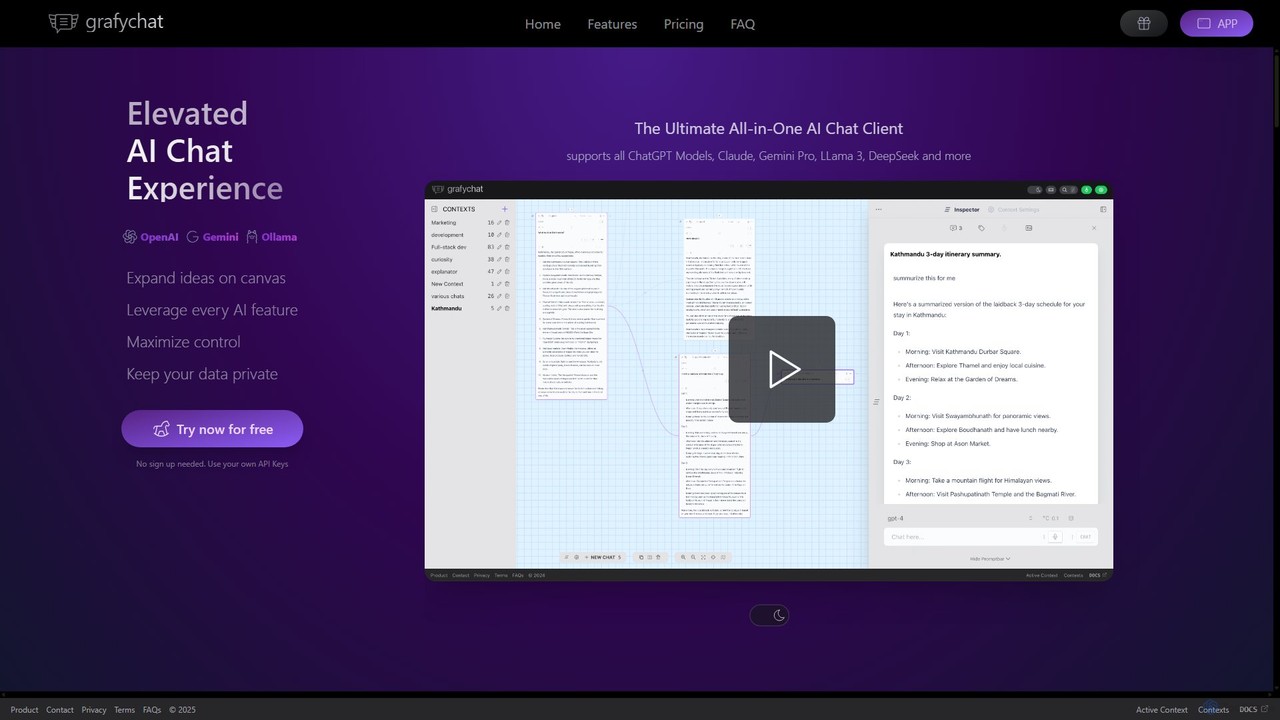
grafychat
grafychat is a privacy-first, all-in-one AI chat client that offers a unique visual canvas interface. It allows users to connect with major AI models like ChatGPT, Gemini, Claude, and Llama 3 using their own API keys, providing a non-linear, organized, and highly customizable chat experience.
Api Management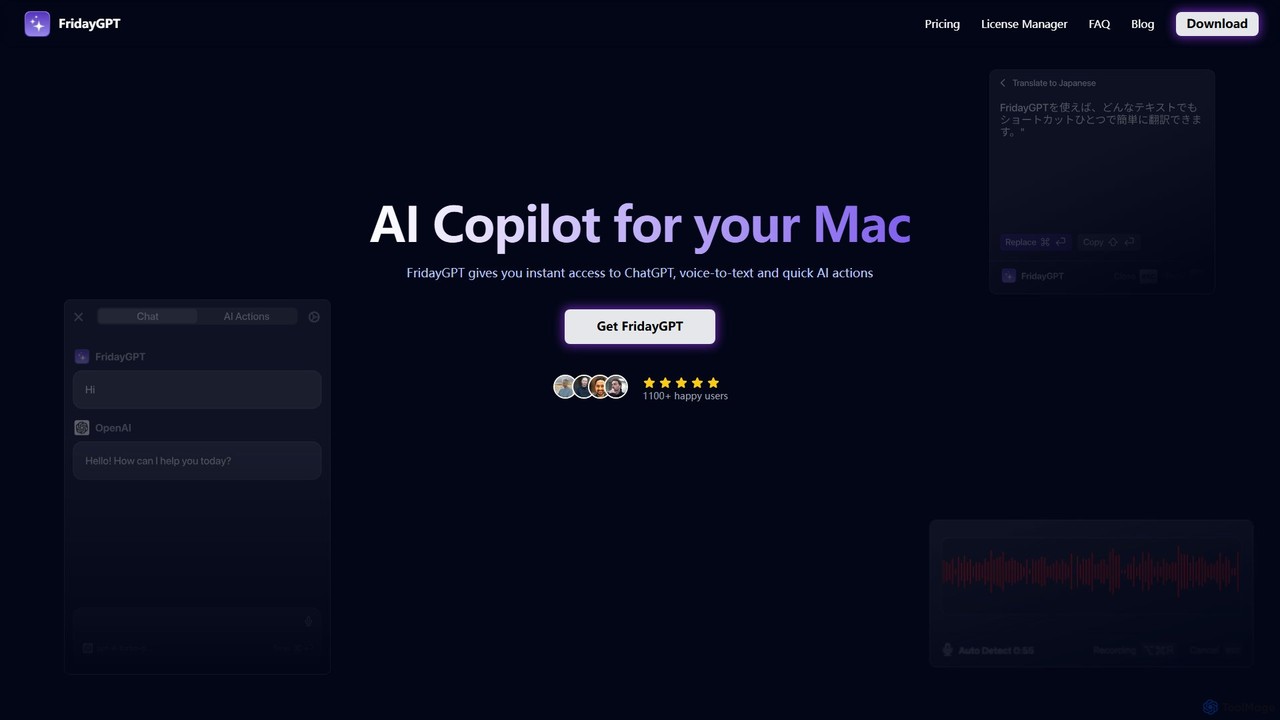
FridayGPT
FridayGPT is an AI copilot for Mac that integrates ChatGPT, Claude, and local LLMs directly into your workflow. It offers instant access to AI, advanced voice-to-text transcription in over 100 languages, and one-click actions like grammar correction and text rewriting. Boost your productivity by using AI anywhere on your Mac without switching contexts.
Desktop AppsKerlig
Kerlig is a native AI writing assistant for macOS designed to streamline your communication. It integrates seamlessly into your workflow, allowing you to write emails, proofread text, chat with documents, and generate content using over 350 AI models. With custom actions and a focus on privacy, Kerlig saves you hours by bringing powerful AI to your fingertips, without ever leaving your current application.
Mac AppsPaletteBrain
PaletteBrain is a native macOS application that integrates the power of ChatGPT directly into your workflow. With a simple keyboard shortcut, you can access AI commands on any selected text within any app, eliminating context switching. It offers customizable prompts, a one-time purchase model, and allows you to use your own OpenAI key for pay-as-you-go usage, making it a cost-effective and efficient productivity booster for writers, developers, and marketers.
Code AssistantWriteMage
WriteMage is a native AI assistant for macOS and iOS, integrating ChatGPT seamlessly into any application. It functions like a system-wide utility, allowing you to write, code, and create content with context-aware AI without ever leaving your current app. It features a customizable prompt editor, local chat history, and flexible pricing plans.
Code AssistantInfinipilotAI
InfinipilotAI is a native macOS AI co-pilot that seamlessly integrates with any application. It boosts productivity with features like AI-driven autocomplete, writing enhancement, translation, and developer utilities. With a strong focus on privacy, it supports local language models via Ollama, ensuring your data stays on your device. It's a lightweight, high-performance tool available for a one-time purchase.
Code Assistant
ChatHub
ChatHub is an all-in-one chatbot client that allows you to simultaneously use and compare responses from multiple AI models like GPT-4o, Claude 4, and Gemini 2.5 in a single interface. It enhances productivity by providing diverse perspectives, reducing AI hallucinations, and integrating features like image generation and file analysis.
Image Generator
heyalice
heyalice is a personal AI assistant for your desktop (macOS, Windows, Linux) that centralizes top AI models like GPT-4o and Claude 3.5. It enhances productivity through customizable assistants, reusable prompts (Skills), and seamless integration with automation tools like Zapier and Make. Bring your own API keys to control costs and work faster with powerful keyboard shortcuts, all within a privacy-focused, local application.
Code Assistant
Ethertext Comments (0)
Sign in to comment.
Sign inNo comments yet.