ToolMage
Sign in

Best keyboard shortcut AI tools

Discover powerful keyboard shortcut AI tools, including Shift, cmd_c, Sidekick, MacGaiver, and Ctrly, and other related products.

Ctrly

Ctrly

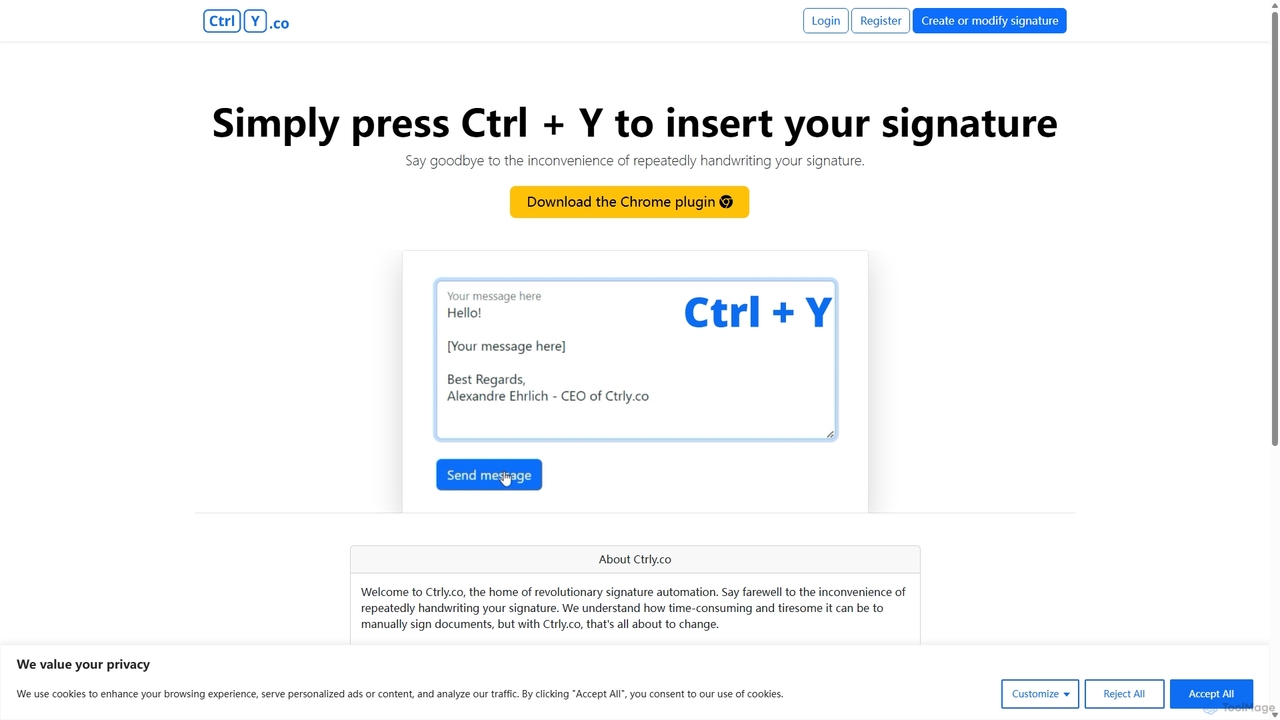
Ctrly is a revolutionary Chrome extension that automates your signature process. Simply press Ctrl + Y to instantly insert your pre-saved digital signature into any web-based document, email, or form. It eliminates the need for printing, signing, and scanning, saving you valuable time and boosting productivity. Ideal for professionals, entrepreneurs, and anyone who frequently signs digital documents, Ctrly streamlines your workflow with unparalleled ease and efficiency.

E Signature
Visits 4.8KFavorites 79Likes 84
Shift
Freemium

Shift

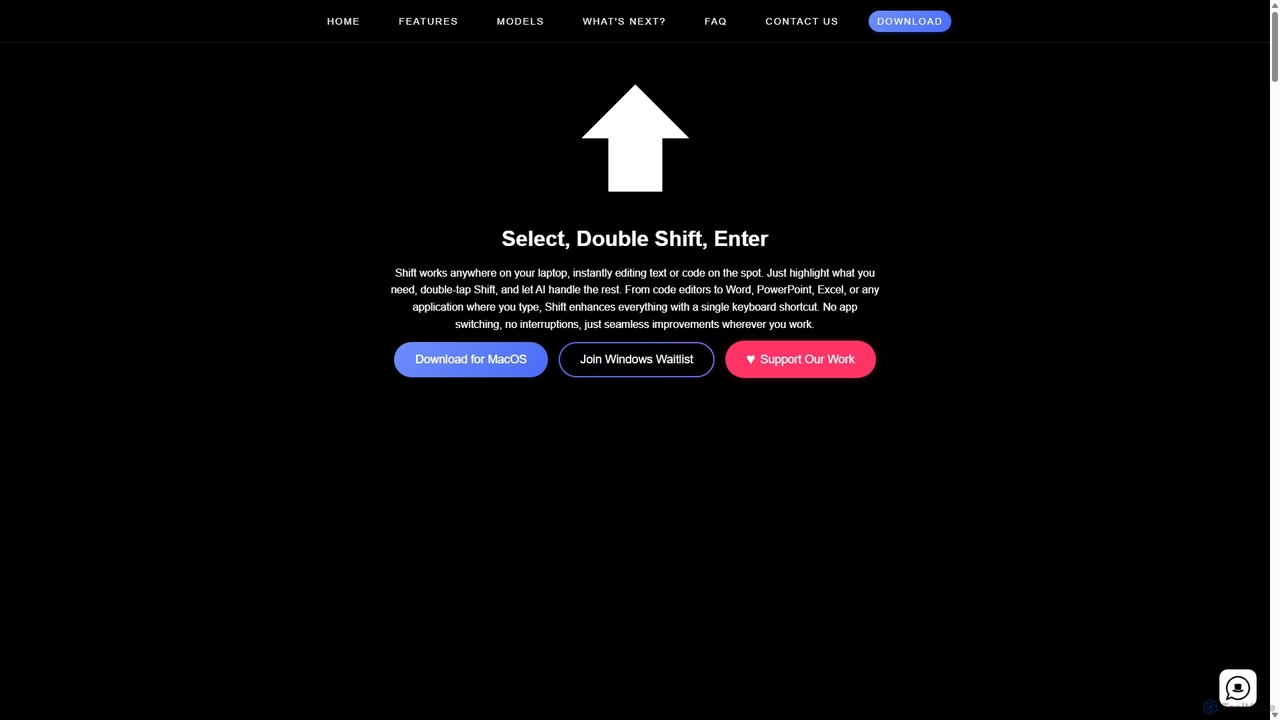
Shift is a system-wide AI assistant for macOS that enhances your workflow by allowing you to edit text and code anywhere with a simple keyboard shortcut. Just highlight text, double-tap Shift, and let the AI rewrite, debug, translate, or rephrase it instantly within any application.

Code Assistant
Visits 6.5KFavorites 84Likes 94
MacGaiver
Free

MacGaiver

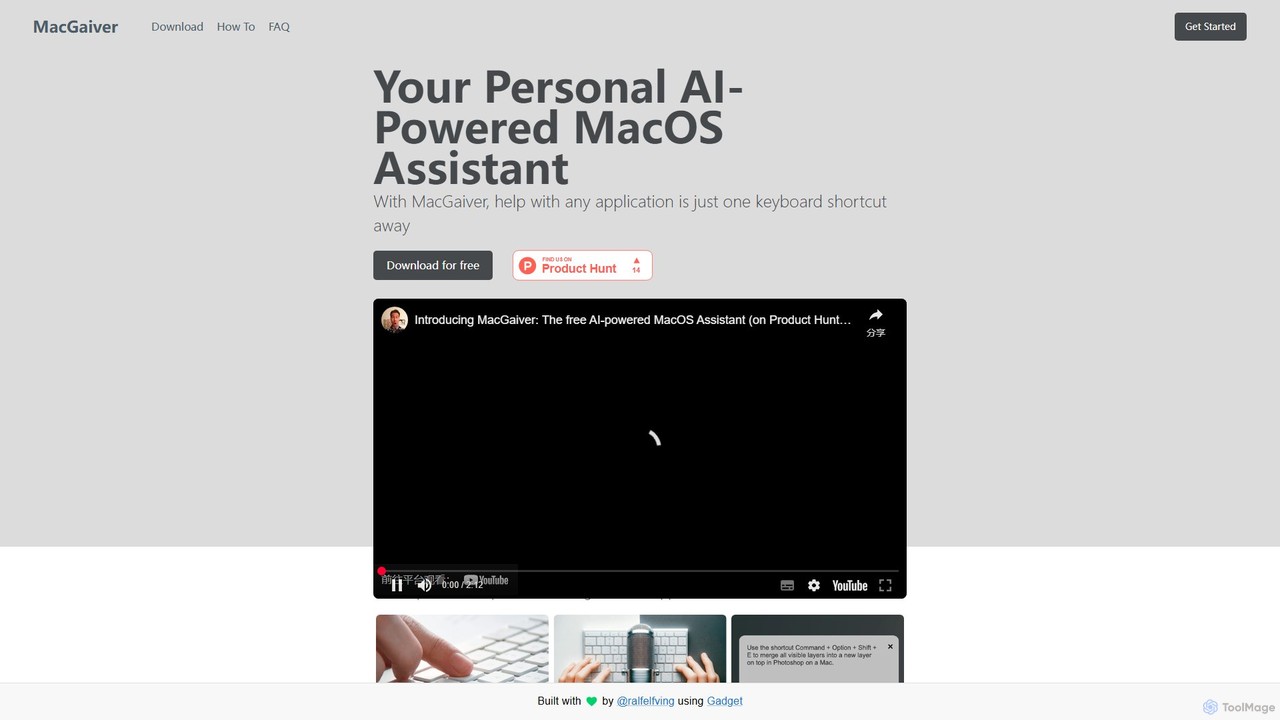
MacGaiver is a free, AI-powered assistant for MacOS that provides contextual help within any application. Using a simple keyboard shortcut, it captures your screen and allows you to ask questions via voice or text. Powered by OpenAI's GPT-V, it delivers instant, relevant answers without interrupting your workflow, making it an essential tool for productivity and learning.

Learning Tools
Visits 4.8KFavorites 157Likes 153
Sidekick
Free

Sidekick

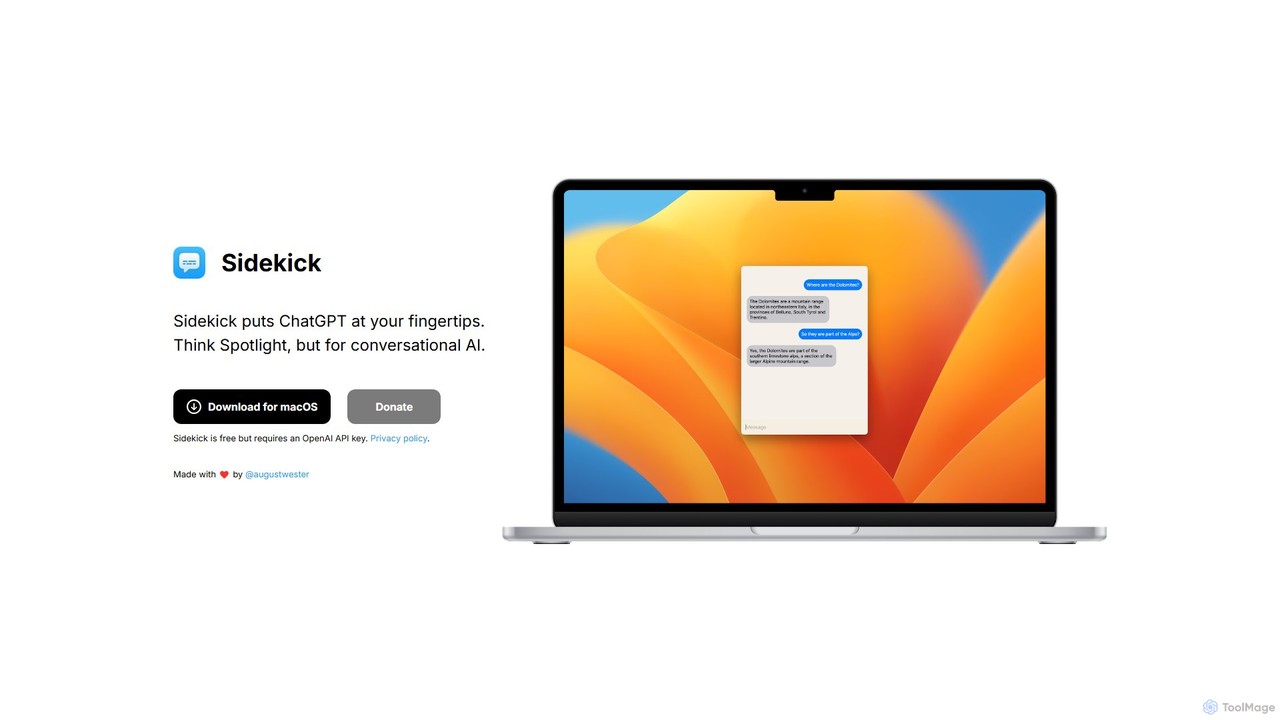
Sidekick is a free macOS application that provides instant access to ChatGPT from anywhere on your desktop. Functioning like Spotlight for conversational AI, it allows users to summon an AI assistant with a simple keyboard shortcut, streamlining workflows and boosting productivity without needing a browser.

Code Assistant
Visits 5.2KFavorites 120Likes 122
cmd_c
Freemium

cmd_c

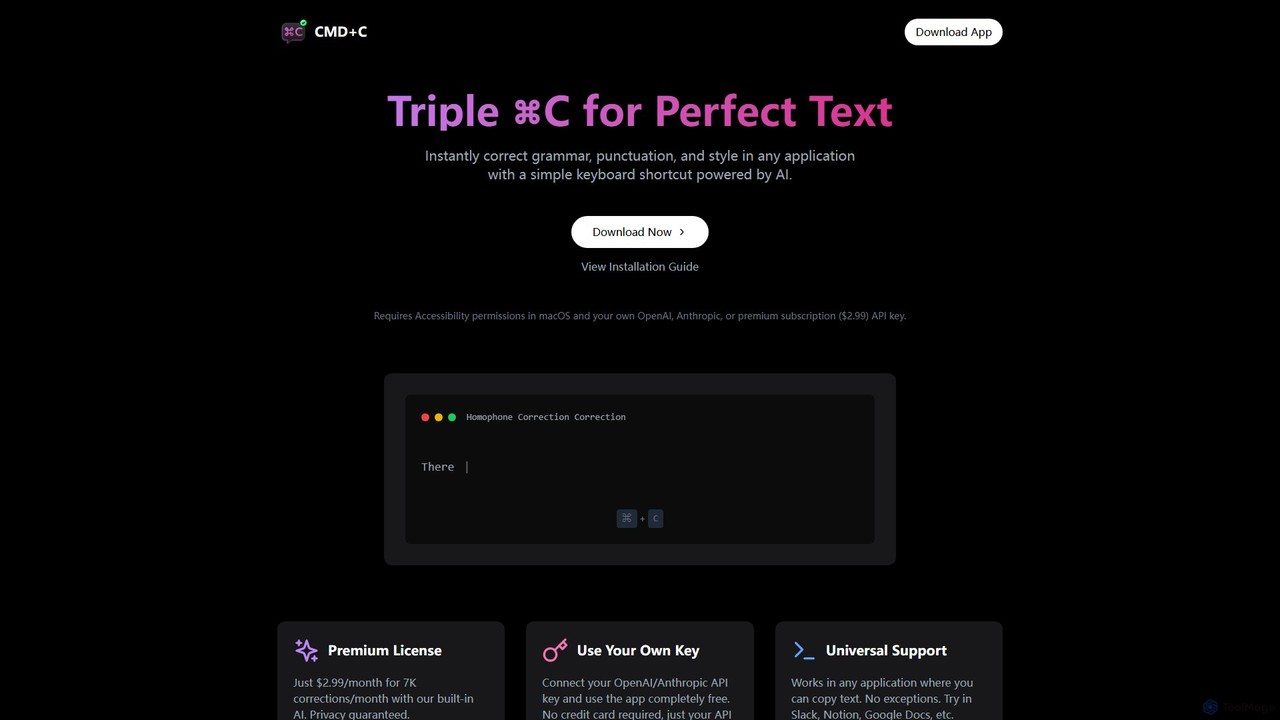
A native macOS app that provides instant, AI-powered text correction for grammar, punctuation, and style in any application. Simply select text and press Command+C three times to perfect your writing. It works universally and offers a free plan using your own API key or a premium subscription.

Proofreading
Visits 5.2KFavorites 108Likes 122
Tag