

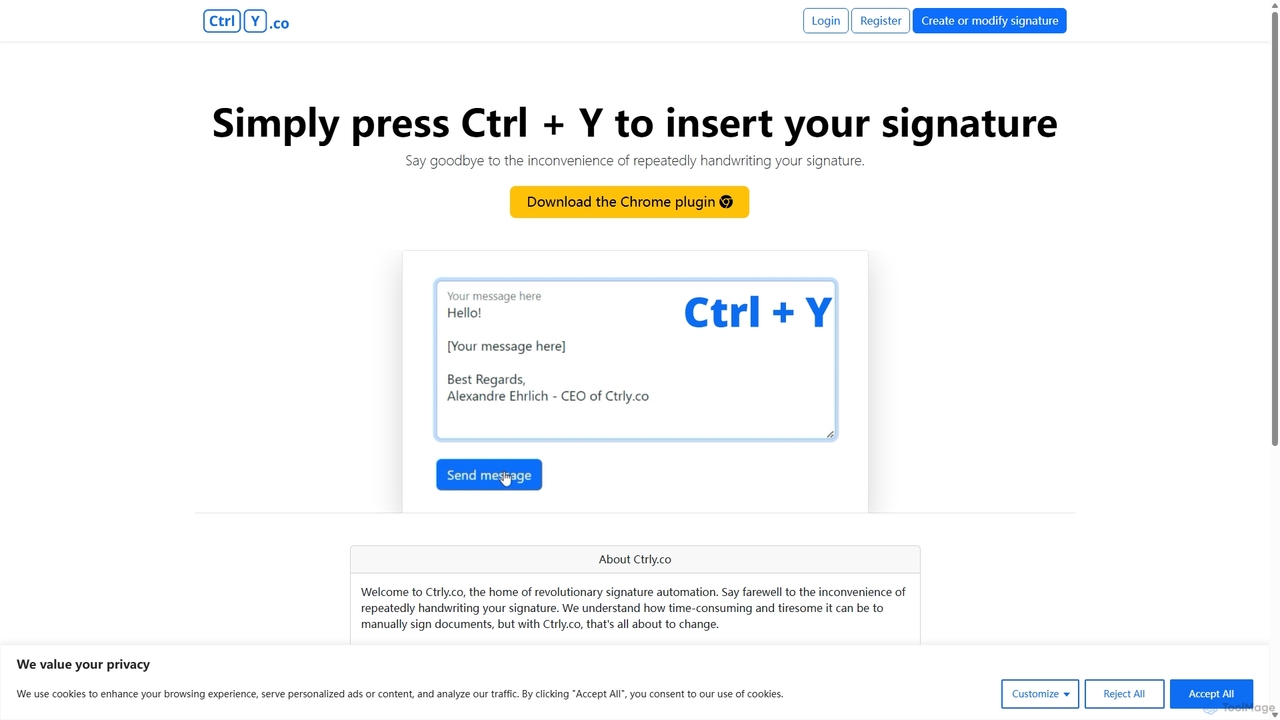
Ctrly Overview
Welcome to Ctrly, the revolutionary signature automation tool designed to streamline your workflow and eliminate the tedious task of manually signing documents. In today's fast-paced digital world, time is a precious commodity. Ctrly understands this, offering a seamless solution that allows you to insert your signature into any web-based document, email, or form with a simple keyboard shortcut: Ctrl + Y. This powerful Chrome extension is built for busy professionals, entrepreneurs, freelancers, and anyone who frequently handles digital paperwork. Say goodbye to the cumbersome process of printing, signing, scanning, and emailing. With Ctrly, your signature is always just a keystroke away, making your document management faster, more efficient, and entirely digital.
How to use Ctrly
Getting started with Ctrly is incredibly simple and designed to get you up and running in minutes. Follow these easy steps to automate your signature process:
- Install the Extension: Visit the Chrome Web Store and add the Ctrly extension to your browser with a single click.
- Create Your Signature: Once installed, open the Ctrly dashboard. You have multiple options to create and save your digital signature. You can draw it using your mouse or trackpad, type it out and choose from a selection of professional-looking fonts, or upload a high-quality image of your handwritten signature.
- Save and Secure: Save your preferred signature(s) in your secure Ctrly account. You can create and store multiple variations, such as a full signature, initials, or different styles for various purposes.
- Insert with a Shortcut: Navigate to any webpage, online document (like Google Docs), email client (like Gmail), or online form where you need to sign. Simply click your cursor in the desired location and press Ctrl + Y. Your signature will be instantly and accurately inserted.
Core Features of Ctrly
- Instant Signature Insertion: The flagship feature allows you to place your signature anywhere on a webpage using the intuitive Ctrl + Y keyboard shortcut.
- Multiple Signature Creation Methods: Create your perfect digital signature by drawing it, typing it with various font styles, or uploading a transparent PNG image of your actual signature.
- Secure Signature Management: Safely store and manage multiple signatures and initials within your Ctrly account. Easily switch between them for different types of documents.
- Broad Compatibility: As a Chrome extension, Ctrly works seamlessly across a vast range of web platforms, including email clients, CRM systems, online contract platforms, and web-based document editors.
- High-Quality Rendering: Ensures your signature appears crisp and professional every time it's inserted, maintaining the integrity of your documents.
- Lightweight and Efficient: The extension is designed to be non-intrusive and resource-friendly, ensuring it doesn't slow down your browsing experience.
Use Cases for Ctrly
Ctrly is a versatile tool that caters to a wide array of professional needs:
- Sales and Business Development: Quickly sign proposals, sales quotes, and contracts directly within your CRM or email, accelerating the sales cycle.
- Human Resources: Effortlessly sign offer letters, employment contracts, internal policy acknowledgments, and other HR documents.
- Freelancers and Consultants: Streamline your business operations by instantly signing client agreements, statements of work (SOWs), and invoices.
- Project Management: Approve project plans, sign off on deliverables, and authorize changes with a quick keystroke.
- Administrative Professionals: Process and sign purchase orders, expense reports, and internal memos in bulk without the need for paper copies.
Advantages of Ctrly
Embracing Ctrly brings significant benefits to your daily routine:
- Massive Time Savings: Reclaim the valuable time you would otherwise spend on the repetitive task of signing documents manually.
- Enhanced Productivity: By removing a bottleneck in your workflow, Ctrly allows you to focus on more critical tasks, boosting overall efficiency.
- Unmatched Convenience: The ability to sign documents anywhere in your browser with a simple shortcut offers a level of convenience that traditional methods can't match.
- Professional Consistency: Use the same high-quality, professional signature across all your digital communications and documents.
- Eco-Friendly: Reduce your carbon footprint by eliminating the need to print documents solely for signing purposes.
Pricing and Plans
While the official website does not currently provide specific pricing details, tools like Ctrly often adopt a freemium model to cater to different user needs. A potential structure could include:
- Free Plan: Ideal for individuals with basic needs, possibly offering storage for one signature and a limited number of uses per month.
- Pro Plan (Paid): Aimed at professionals and power users, this tier would likely offer unlimited signature insertions, storage for multiple signatures, and priority customer support.
- Business/Team Plan (Paid): Designed for organizations, this could include all Pro features plus centralized billing, team management, and shared signature libraries.
It is recommended to visit the official Ctrly website or the Chrome Web Store listing for the most current and accurate pricing information.
Ctrly Alternatives
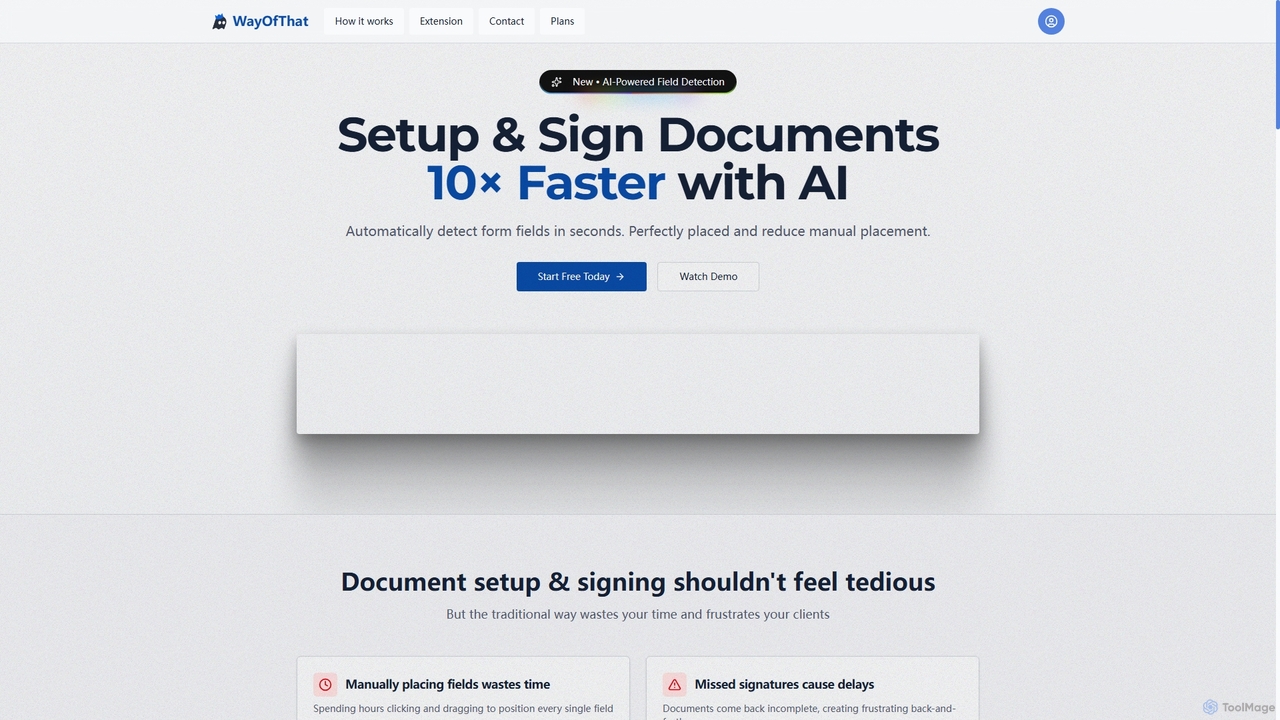
WayOfThat
WayOfThat is an AI-powered document setup and e-signature platform designed to automate the detection and placement of form fields. It helps users sign documents up to 10 times faster, eliminating tedious manual work and improving workflow efficiency for various business and legal documents.
Workflow Automation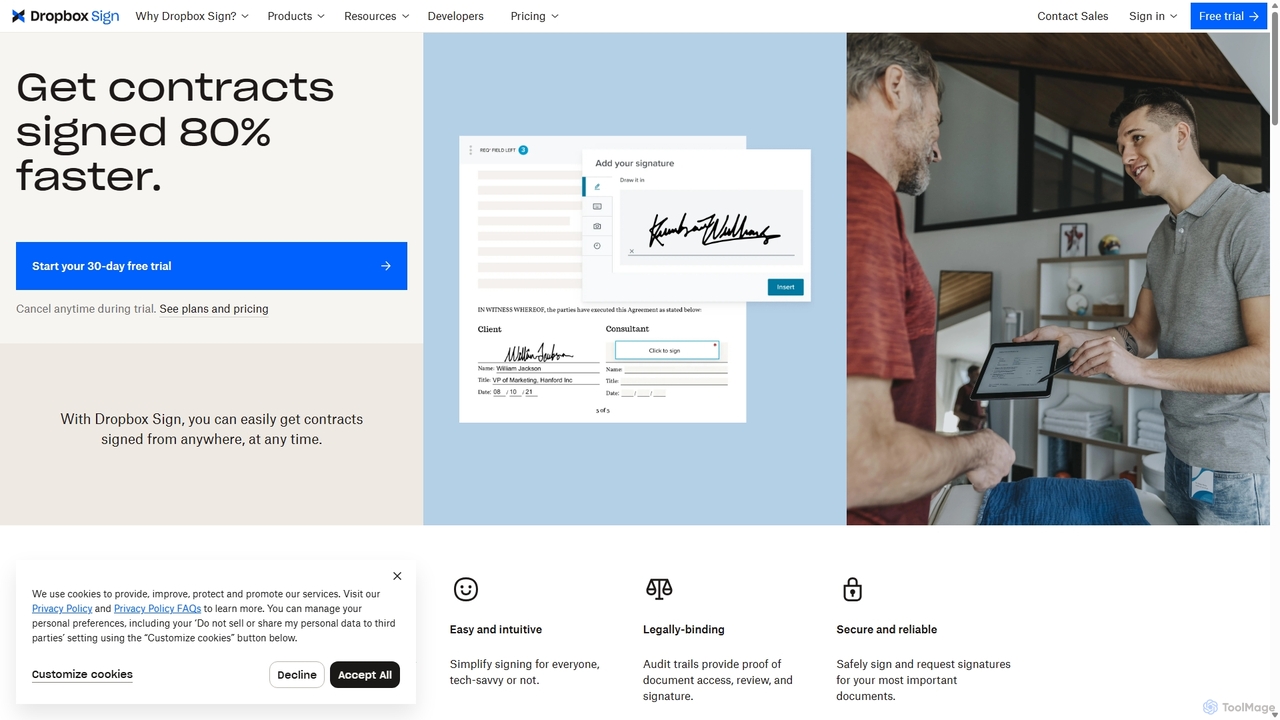
HelloSign
HelloSign (now Dropbox Sign) is a leading e-signature solution that simplifies workflows for individuals and businesses. It allows users to securely send, sign, and manage legally binding documents online from any device. With robust integrations, reusable templates, and a strong focus on security and compliance, it streamlines processes like sales contracts, HR onboarding, and legal agreements.
Legal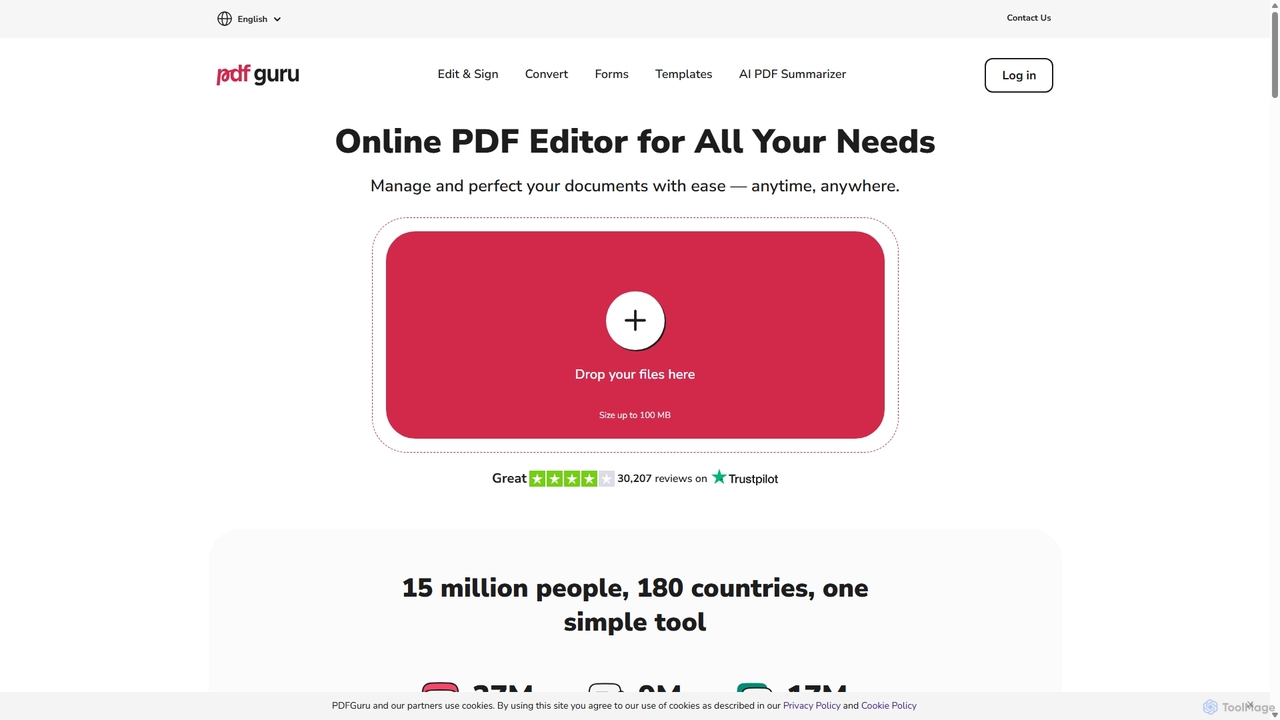
PDFflex
PDFflex is a comprehensive, all-in-one online platform for managing PDF documents. It allows users to edit, convert, merge, split, and sign PDFs with ease. Featuring an intuitive interface and robust security, PDFflex also incorporates AI-powered tools like OCR for scanned documents and summarizers for long texts. It supports a vast range of file formats, making it a versatile solution for both personal and professional use, accessible from any browser without installation.
Summarizer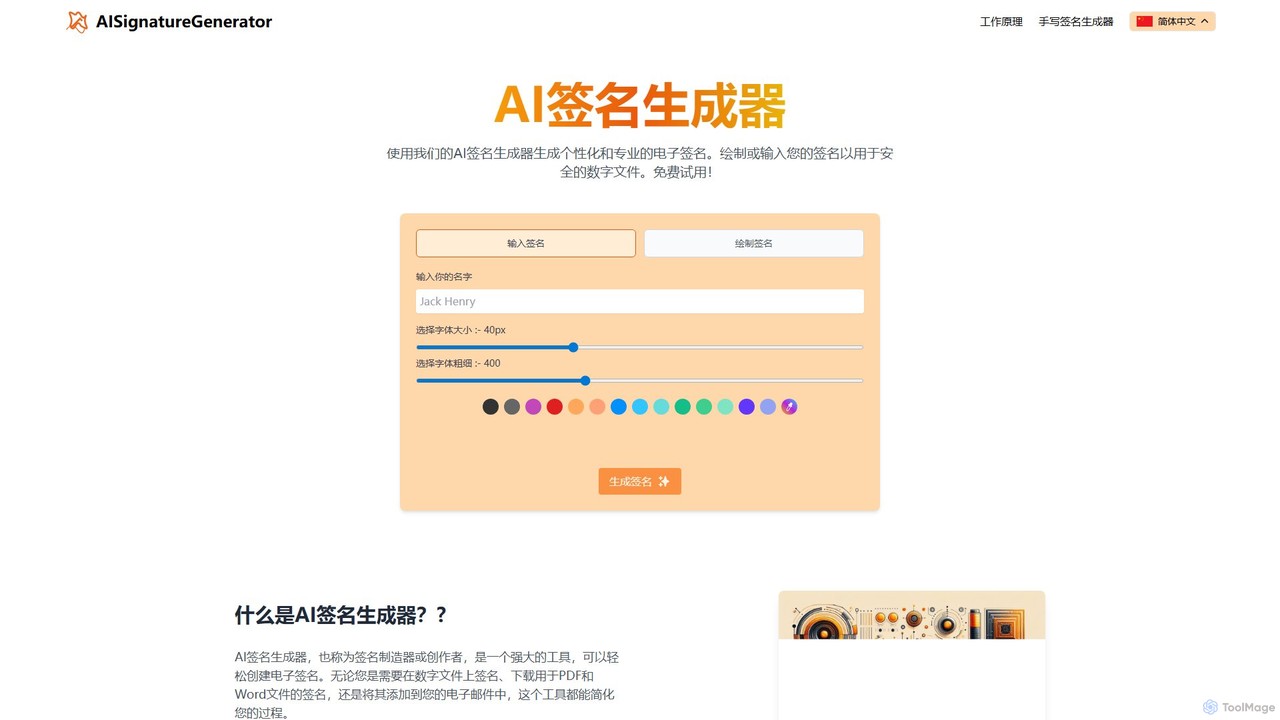
ai_signaturegenerator
A free, AI-powered tool for creating unique and professional electronic signatures. Easily generate a signature by typing your name or drawing it directly. Ideal for signing digital documents like PDFs and Word files, and for personalizing your email signature.
E Signature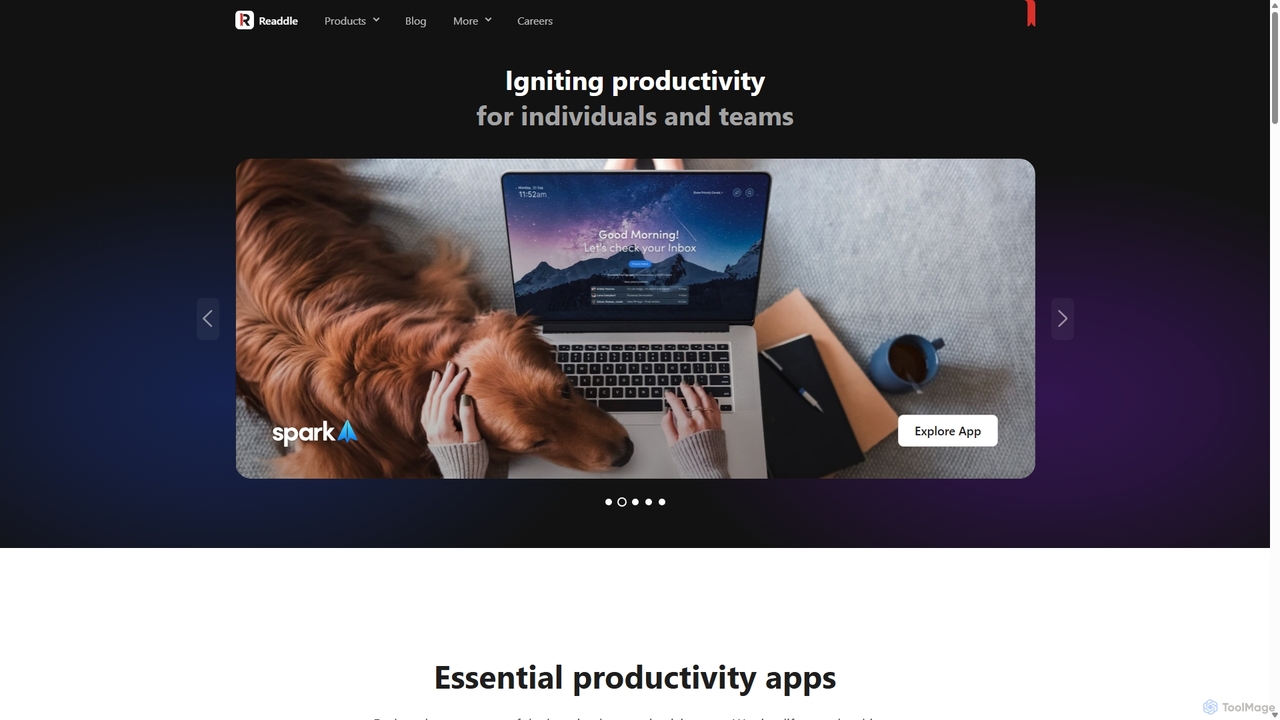
Readdle
Readdle is a leading developer of a suite of award-winning productivity apps for iPhone, iPad, and Mac. Its ecosystem, including PDF Expert, Spark, Calendars, and Scanner Pro, is designed to streamline workflows, enhance efficiency, and simplify digital life for millions of individuals and teams worldwide. By integrating advanced technology like AI, Readdle's apps provide powerful solutions for document management, email, scheduling, and more.
Workflow AutomationCtrly Categories
Ctrly Jobs
Ctrly Embed Widget
Copy this embed code to place the badge on your blog, article, or product site and send readers directly to this ToolMage detail page.

Related AI tools
WayOfThat
WayOfThat is an AI-powered document setup and e-signature platform designed to automate the detection and placement of form fields. It helps users sign documents up to 10 times faster, eliminating tedious manual work and improving workflow efficiency for various business and legal documents.
Workflow AutomationHelloSign
HelloSign (now Dropbox Sign) is a leading e-signature solution that simplifies workflows for individuals and businesses. It allows users to securely send, sign, and manage legally binding documents online from any device. With robust integrations, reusable templates, and a strong focus on security and compliance, it streamlines processes like sales contracts, HR onboarding, and legal agreements.
Legal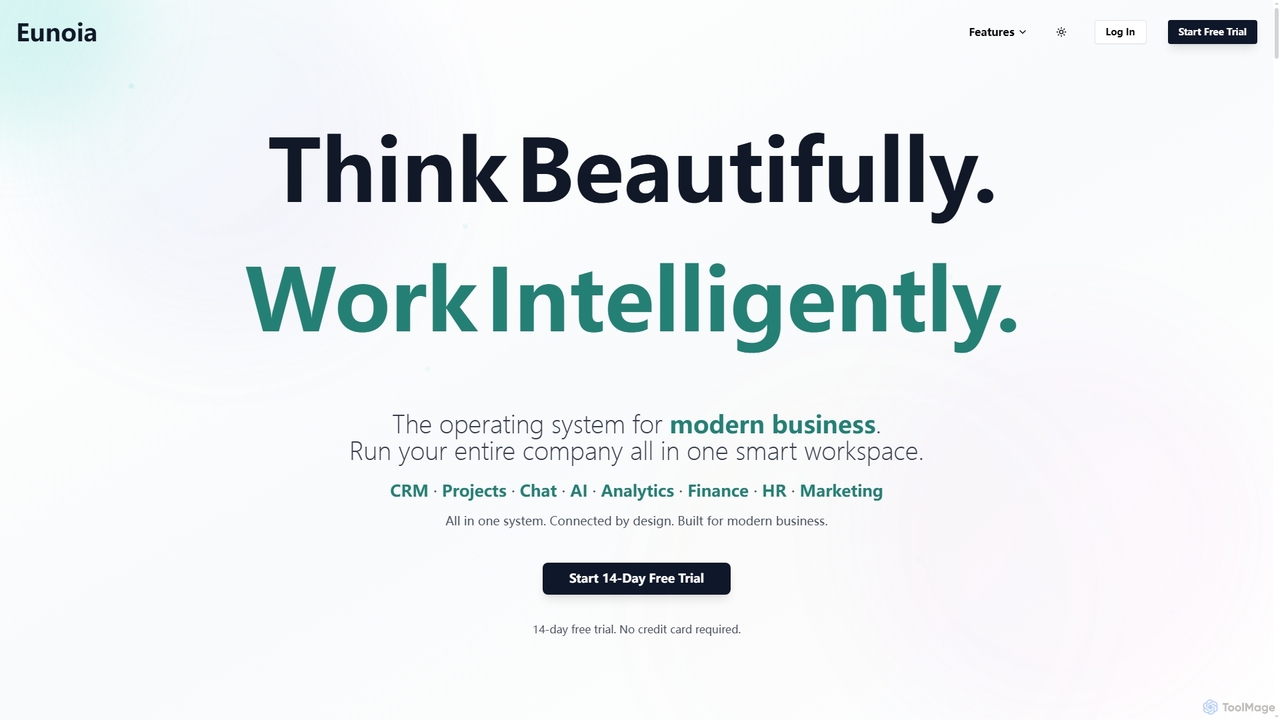
Eunoia
Eunoia is an all-in-one AI-powered business workspace designed to streamline operations by integrating CRM, project management, chat, AI, analytics, finance, HR, and marketing. It aims to replace numerous fragmented tools, offering a unified platform for modern businesses to think beautifully and work intelligently.
Business Automation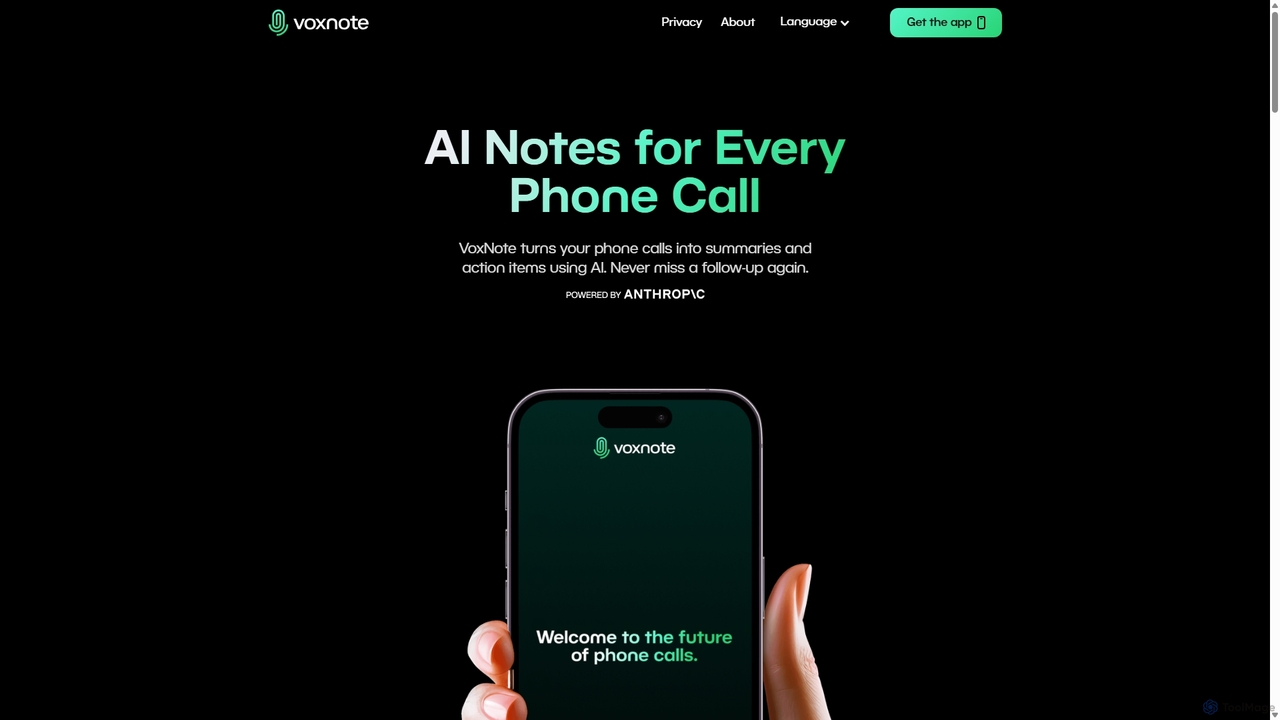
VoxNote
VoxNote is an AI-powered mobile app that transforms your phone calls into concise summaries and actionable to-do lists. It automatically records, transcribes, and analyzes your conversations, ensuring you never miss important details or follow-ups. Ideal for busy professionals who want to focus on the conversation, not on taking notes.
Communication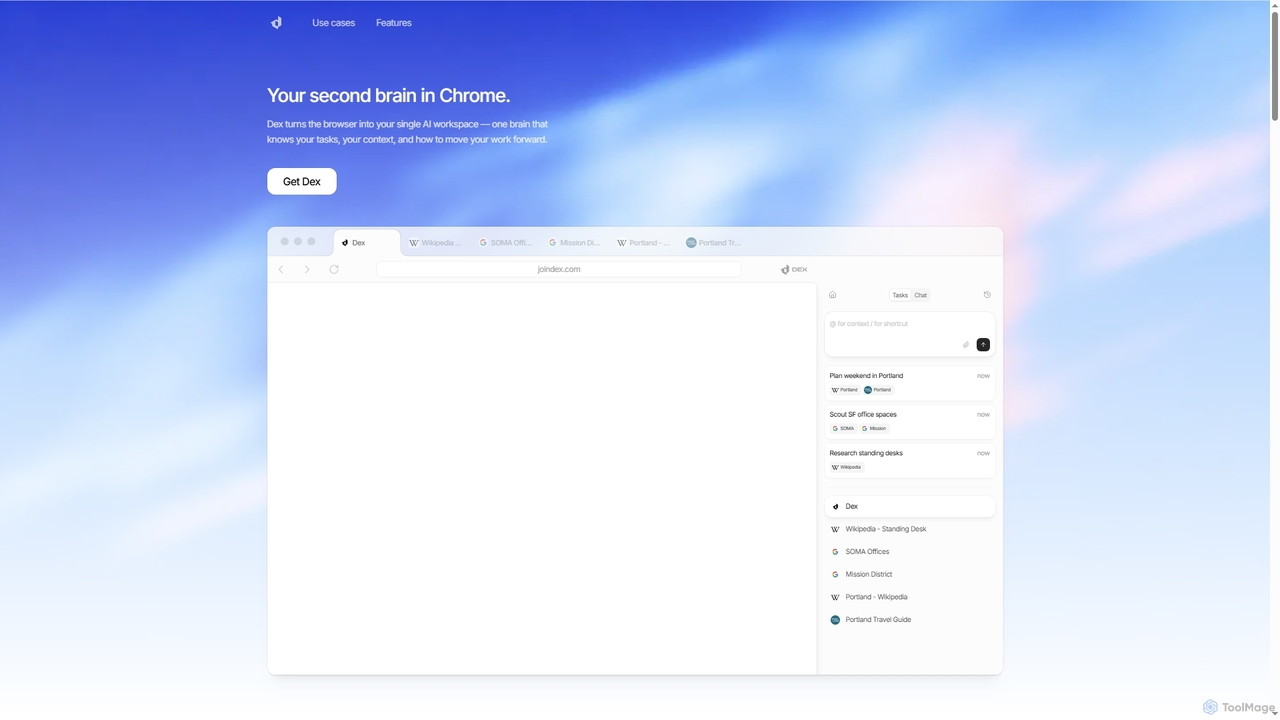
Dex
Dex is an AI-powered Chrome extension that transforms your browser into a smart, integrated workspace. It acts as your second brain, managing tasks, understanding context, and proactively moving your work forward by connecting with over 14 applications to eliminate context switching and boost productivity.
Workflow AutomationPDFflex
PDFflex is a comprehensive, all-in-one online platform for managing PDF documents. It allows users to edit, convert, merge, split, and sign PDFs with ease. Featuring an intuitive interface and robust security, PDFflex also incorporates AI-powered tools like OCR for scanned documents and summarizers for long texts. It supports a vast range of file formats, making it a versatile solution for both personal and professional use, accessible from any browser without installation.
Summarizer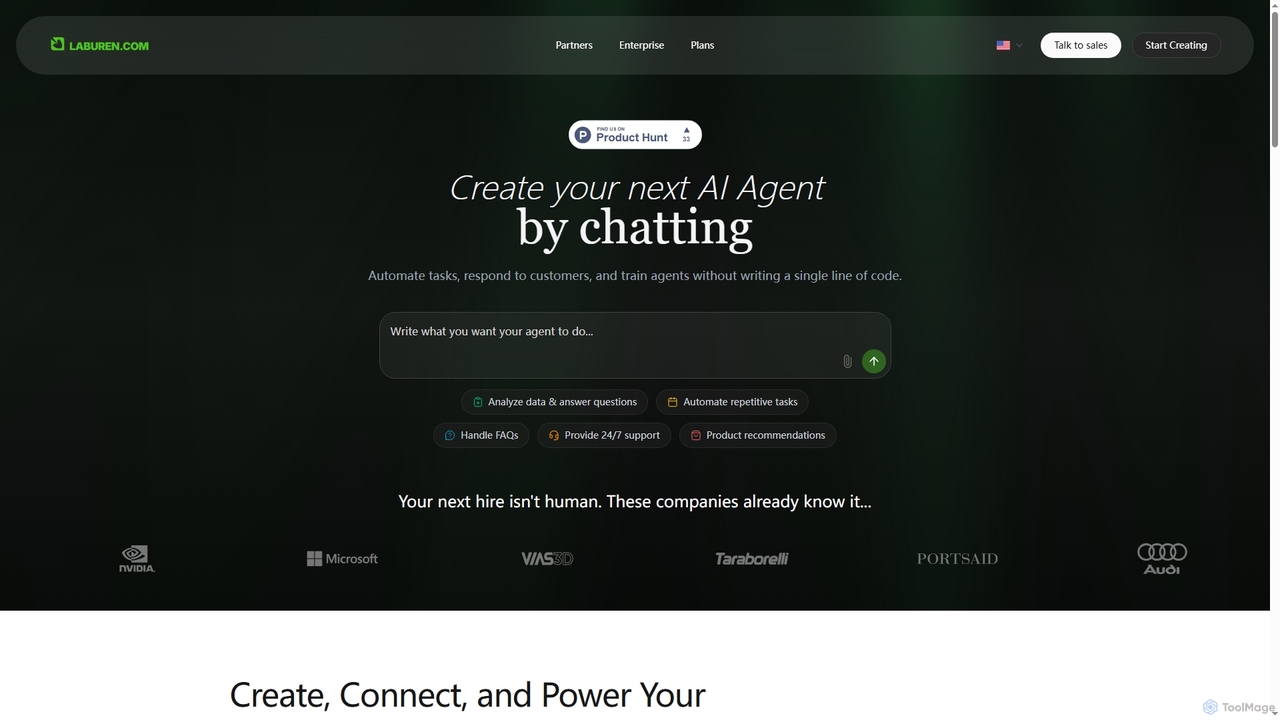
Laburen
Laburen is a no-code AI agent platform that empowers businesses to automate tasks, customer support, sales, and administration. It allows users to create and train AI employees through a simple chat interface, integrating seamlessly with existing business tools to boost productivity and scale operations.
3D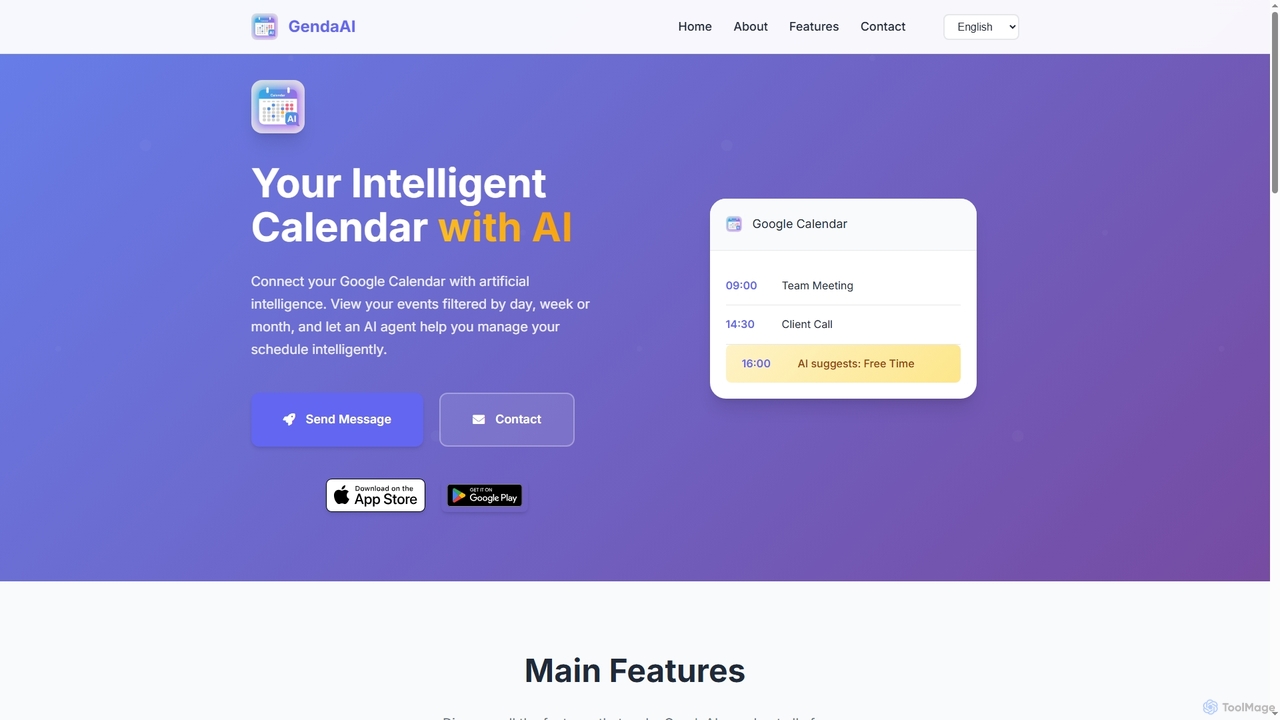
GendaAI
GendaAI is an intelligent calendar assistant designed to streamline your schedule management. It securely connects with your Google Calendar, allowing you to view, create, and modify events using natural language commands. This smart tool enhances productivity by offering personalized recommendations and efficient time organization.
Scheduling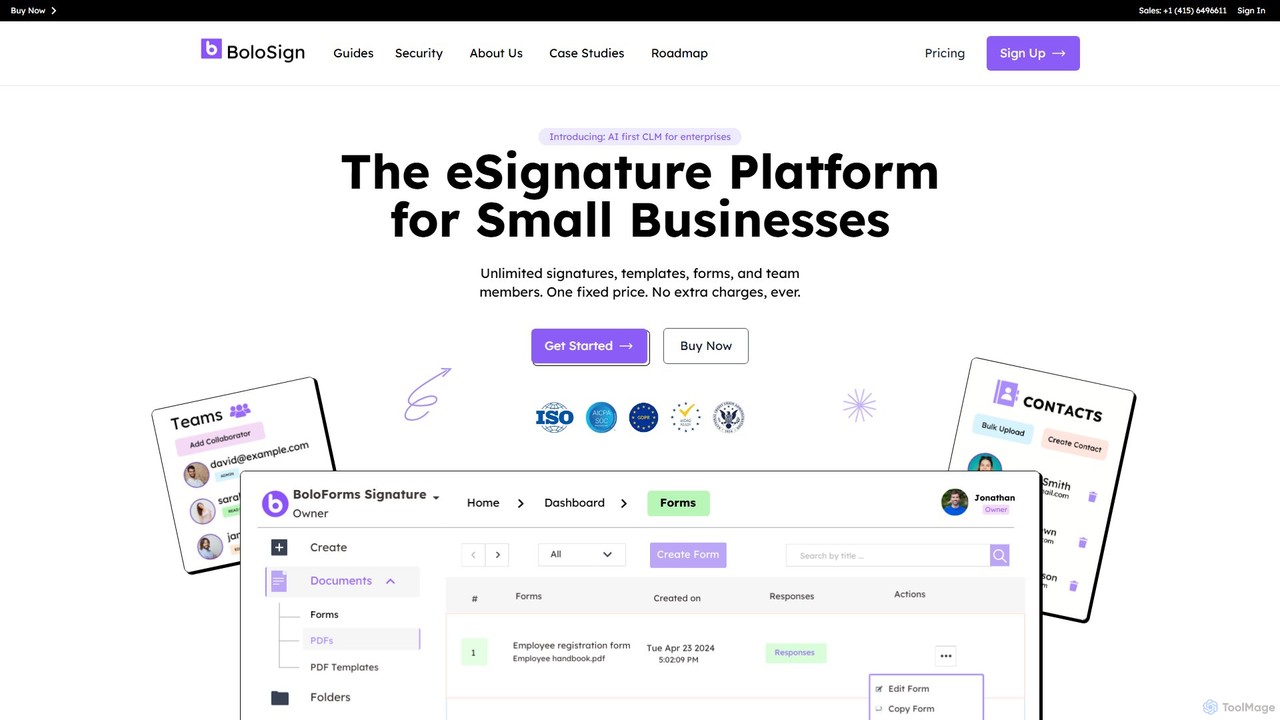
boloforms
BoloForms offers BoloSign, an affordable and user-friendly e-signature platform designed for small businesses. It provides unlimited signatures, templates, and team members for one fixed price. The platform streamlines document workflows, ensures legal compliance with global standards like ESIGN and eIDAS, and features AI-powered Contract Lifecycle Management (CLM) to enhance productivity and collaboration.
Legal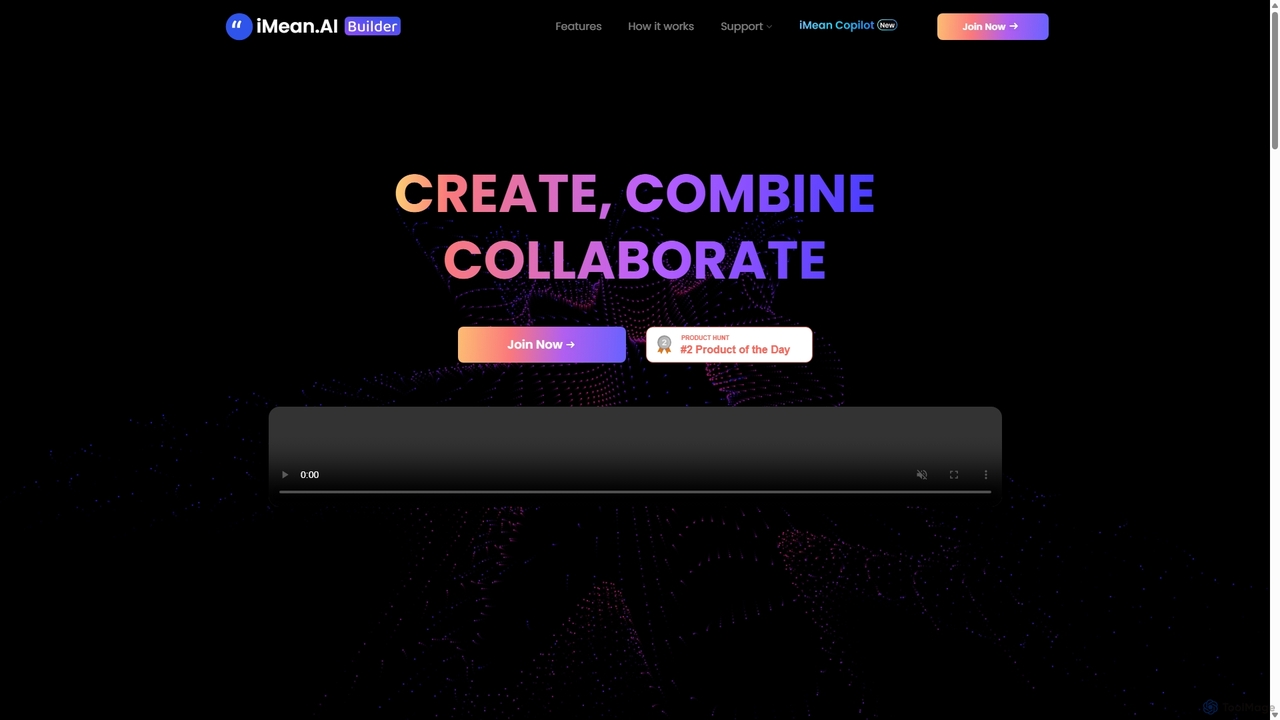
IMean AI Builder
iMean AI Builder is a no-code platform that allows you to create a personal AI assistant by simply recording your online activities. It learns from your actions, turning repetitive tasks like scheduling, research, and data entry into automated workflows. Customize your AI with a drag-and-drop editor to build a truly personalized digital companion.
No CodeReaddle
Readdle is a leading developer of a suite of award-winning productivity apps for iPhone, iPad, and Mac. Its ecosystem, including PDF Expert, Spark, Calendars, and Scanner Pro, is designed to streamline workflows, enhance efficiency, and simplify digital life for millions of individuals and teams worldwide. By integrating advanced technology like AI, Readdle's apps provide powerful solutions for document management, email, scheduling, and more.
Workflow Automation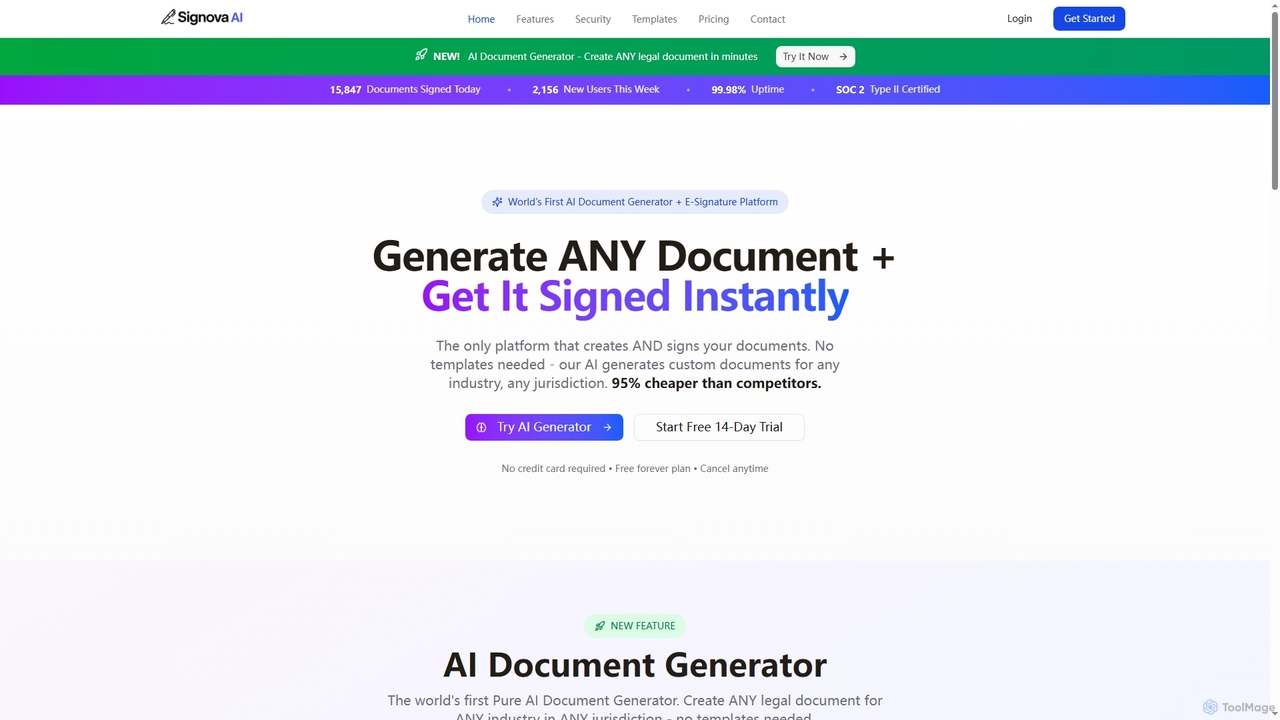
Signova
Signova is an AI-powered platform that combines an intelligent document generator with a secure e-signature solution. It allows users to create custom legal and business documents for any jurisdiction without templates and manage the entire signing process efficiently.
Compliance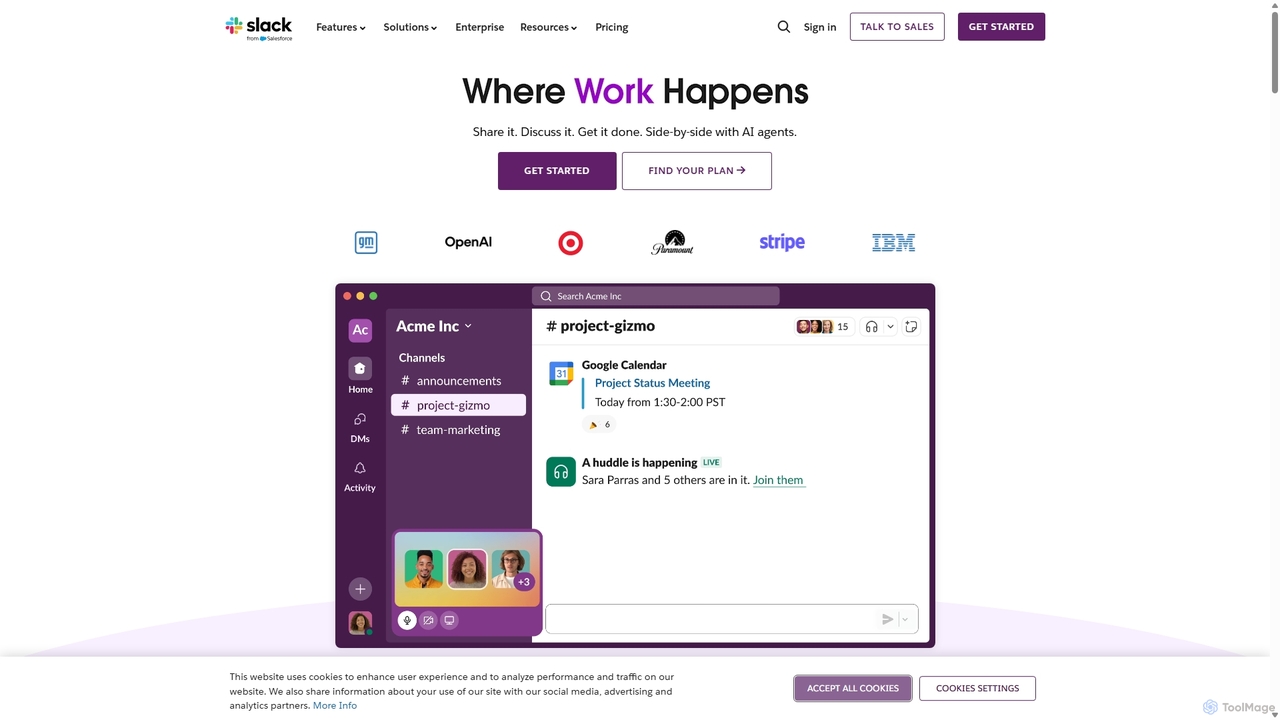
Slack
Slack is an AI-powered collaboration hub that connects your people, partners, and tools. It replaces email with faster, better-organized communication through channels. With integrated AI, workflow automation, and thousands of apps, Slack centralizes your work to boost productivity and streamline project management.
Project Management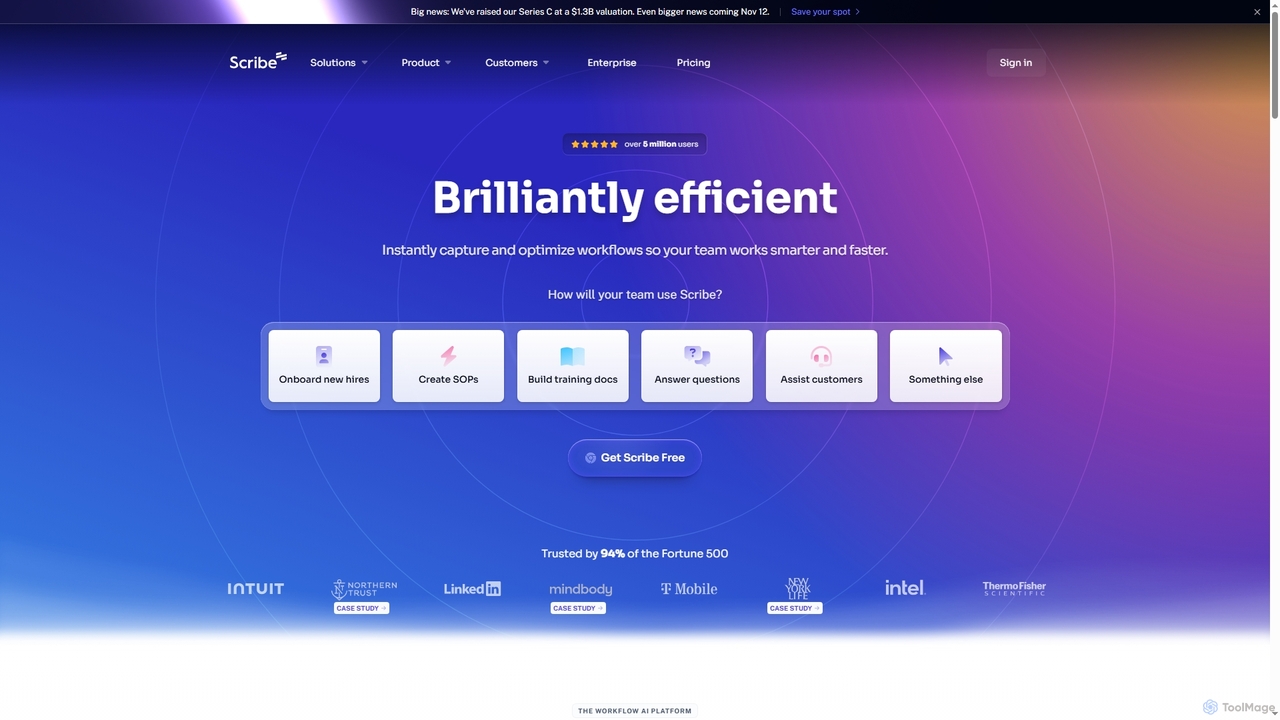
Scribe
Scribe is an AI-powered workflow documentation tool that automatically captures any process—web, desktop, or mobile—and instantly transforms it into a step-by-step guide. It helps teams create SOPs, training materials, and customer support guides faster, enhancing efficiency and knowledge sharing across organizations.
Training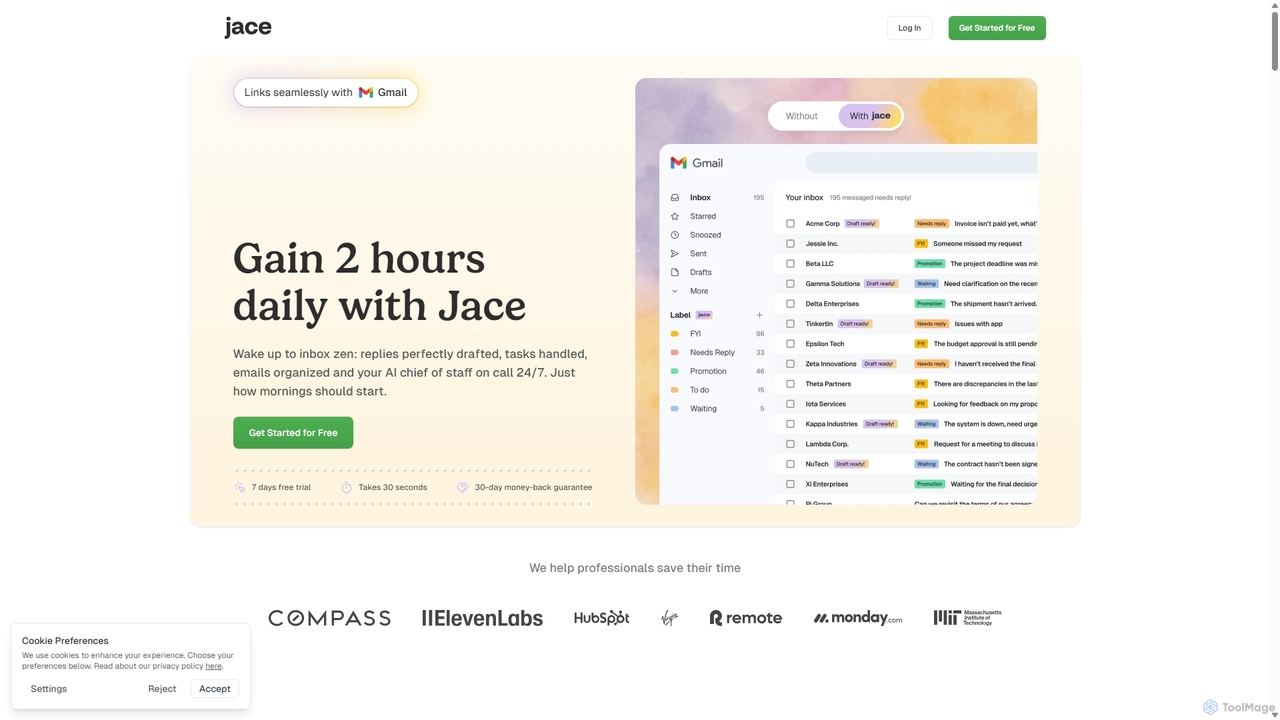
Jace AI
Jace AI is an intelligent 24/7 email assistant that automates your inbox. It seamlessly integrates with Gmail to draft replies, organize emails with AI labels, and handle tasks automatically. By analyzing context from attachments, calendars, and Slack, Jace saves professionals hours daily, allowing them to focus on what truly matters.
Workflow Management
Ctrly Comments (0)
Sign in to comment.
Sign inNo comments yet.