ToolMage
Sign in

Best 2 Automation AI tools for Workflow

Popular Automation AI tools in Workflow include TheNoah and Ctrly, helping you work more efficiently.

TheNoah
Paid

TheNoah

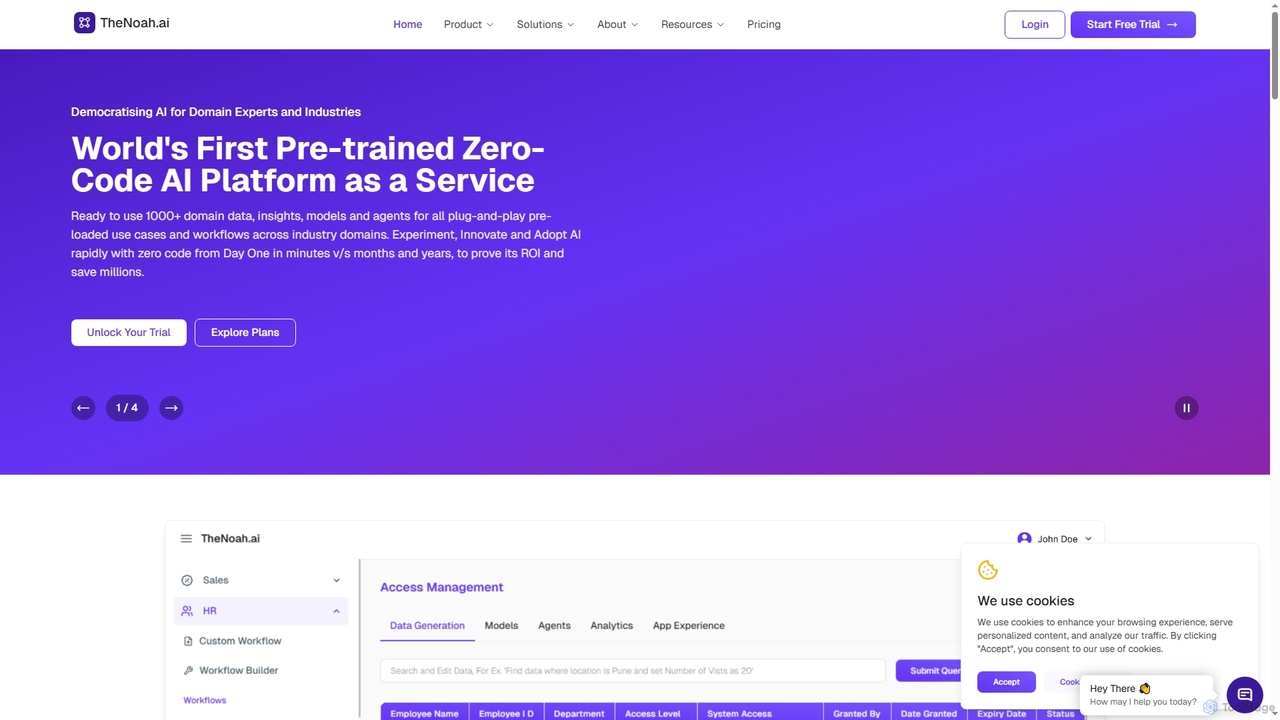
TheNoah is the world's first pre-trained, zero-code AI platform designed for enterprises and domain experts. It offers over 1000 ready-to-use domain-specific models, AI agents, and data simulation capabilities to rapidly automate workflows, generate actionable insights, and accelerate AI adoption across industries without requiring technical expertise.

Data Simulation
Visits 6.3KFavorites 139Likes 145
Ctrly

Ctrly

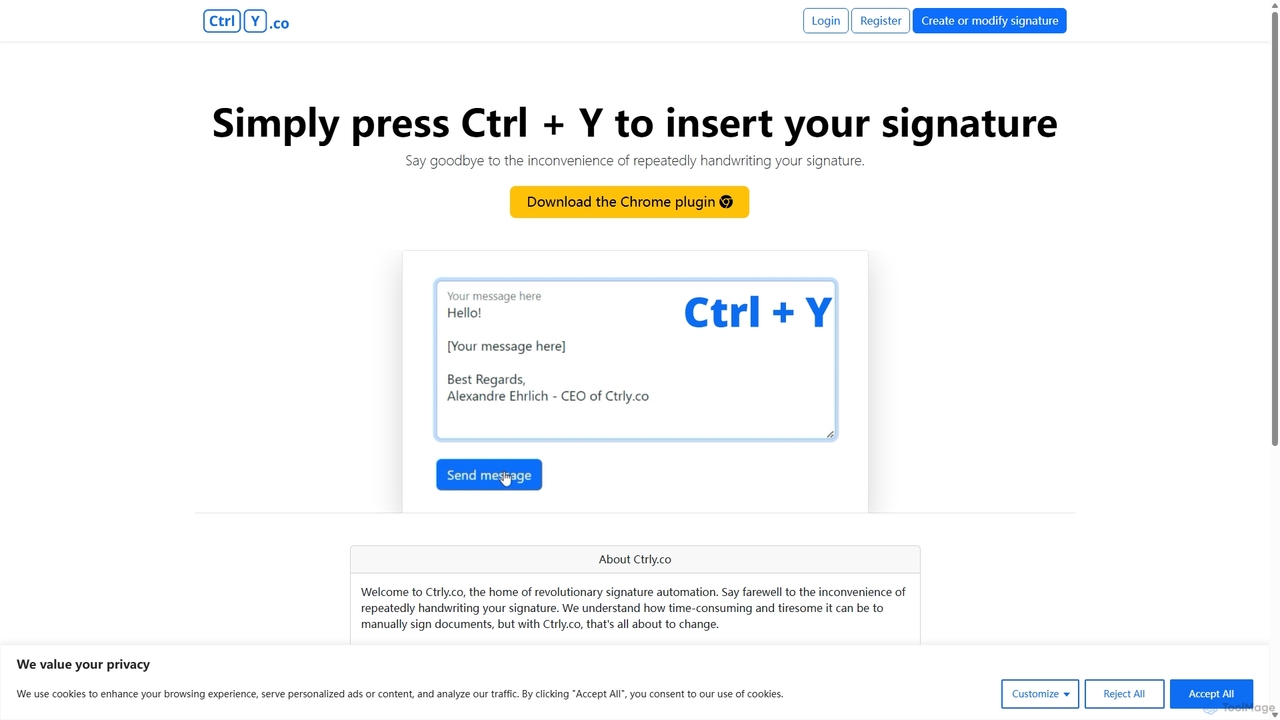
Ctrly is a revolutionary Chrome extension that automates your signature process. Simply press Ctrl + Y to instantly insert your pre-saved digital signature into any web-based document, email, or form. It eliminates the need for printing, signing, and scanning, saving you valuable time and boosting productivity. Ideal for professionals, entrepreneurs, and anyone who frequently signs digital documents, Ctrly streamlines your workflow with unparalleled ease and efficiency.

E Signature
Visits 3.5KFavorites 70Likes 73

About Automation

Automation tools are AI-powered solutions designed to autonomously execute repetitive tasks, complex processes, and data-driven decisions within various workflows. Leveraging machine learning, natural language processing, and computer vision, these tools streamline operations, enhance efficiency, and minimize human error. They transform manual, time-consuming activities into seamless, intelligent sequences, freeing up human capital for strategic initiatives.

Core Features

  • Intelligent Task Orchestration: Automatically sequence and execute tasks across different applications, adapting to real-time conditions.
  • AI-driven Data Processing: Extract, transform, and validate unstructured data from documents, emails, and other sources with high accuracy.
  • Predictive Action & Decision Making: Anticipate needs and trigger actions or make recommendations based on learned patterns and data analysis.
  • Natural Language Understanding & Generation: Process human language inputs for automated communication, content generation, and sentiment analysis.
  • Cognitive Robotic Process Automation (RPA): Automate rule-based tasks with added AI intelligence to handle exceptions and complex scenarios.

Applicable Scenarios

Businesses across finance, customer service, marketing, IT, and HR extensively utilize AI automation. Typical applications include automating invoice processing, intelligent customer support responses, personalized marketing campaign execution, and streamlined IT incident management.

How to Choose

When selecting an AI automation tool, consider its integration capabilities with your existing systems, the complexity and types of tasks it can handle (e.g., structured vs. unstructured data), scalability for future growth, and the level of AI intelligence required. Evaluate ease of use, security features, vendor support, and pricing models to ensure alignment with your operational requirements and budget.

Featured tool rankings

Automation use cases

1

Automated Customer Support Triage

Customer service teams leverage AI automation to intelligently categorize and route incoming customer queries from various channels (email, chat, social media). The AI analyzes intent and sentiment, providing instant answers for common FAQs or escalating complex issues to the most appropriate human agent with relevant context. This significantly reduces response times and improves customer satisfaction.

2

Intelligent Document Processing for Finance

Financial departments use AI automation to process large volumes of unstructured documents like invoices, receipts, and contracts. The AI extracts key data points (e.g., vendor, amount, date), validates them against existing records, and automatically inputs the information into ERP or accounting systems. This eliminates manual data entry, reduces errors, and accelerates financial closing processes.

3

Personalized Marketing Campaign Execution

Marketing teams deploy AI automation to create and execute highly personalized campaigns. The AI analyzes customer behavior, preferences, and historical data to segment audiences, predict optimal messaging, and automatically trigger email sequences, social media posts, or ad placements at the most effective times. This significantly boosts engagement, conversion rates, and ROI for marketing efforts.

4

IT Operations Incident Management

IT departments utilize AI automation to proactively monitor system logs, network traffic, and application performance for anomalies. Upon detection of potential issues, the AI automatically creates incident tickets, prioritizes them based on severity, and can even trigger automated remediation scripts or alert the relevant on-call teams. This minimizes downtime, reduces manual intervention, and improves overall system reliability.

5

Automated HR Onboarding Workflows

HR departments streamline the new employee onboarding process using AI automation. The AI guides new hires through necessary paperwork, automatically sends welcome emails, assigns mandatory training modules, sets up system access, and schedules initial meetings. This ensures a consistent, compliant, and efficient onboarding experience, reducing administrative burden on HR staff and improving new hire satisfaction.

6

Supply Chain Optimization and Predictive Logistics

Logistics and supply chain managers use AI automation to optimize inventory, procurement, and delivery. The AI analyzes historical data, market trends, and real-time conditions to predict demand, automatically reorder stock, optimize shipping routes, and manage supplier communications. This leads to reduced operational costs, minimized stockouts, and improved on-time delivery performance across the entire supply chain.

Automation FAQ

What are AI Automation tools?

AI Automation tools use artificial intelligence to perform tasks and processes autonomously, often learning and adapting over time. They differ from traditional automation by incorporating intelligence for decision-making, pattern recognition, and handling variability, making workflows more efficient and resilient. These tools are crucial for streamlining operations and reducing manual effort in various business functions.

How do AI Automation tools differ from traditional RPA?

While traditional Robotic Process Automation (RPA) automates rule-based, repetitive tasks by mimicking human actions, AI Automation integrates machine learning, natural language processing, and computer vision. This allows it to handle unstructured data, make intelligent decisions, adapt to changing conditions, and automate more complex, cognitive tasks beyond simple rules, offering greater flexibility and problem-solving capabilities.

What are the key benefits of implementing AI Automation?

Implementing AI Automation leads to significant benefits such as increased operational efficiency, reduced human error, faster processing times, and substantial cost savings. It also frees up human employees from mundane, repetitive tasks, allowing them to focus on strategic, creative, and higher-value activities that require human ingenuity and critical thinking, ultimately boosting overall productivity and innovation.

Which industries benefit most from AI Automation?

Industries like finance (fraud detection, compliance, invoice processing), customer service (chatbots, ticket routing, personalized support), healthcare (data processing, patient engagement, administrative tasks), manufacturing (quality control, predictive maintenance, supply chain optimization), and marketing (personalized campaigns, lead nurturing) significantly benefit from AI Automation by streamlining complex, data-intensive operations and enhancing decision-making across various functions.

What should I consider when choosing an AI Automation platform?

When choosing an AI Automation platform, evaluate its integration capabilities with your existing tech stack, the types of AI (e.g., NLP, ML, CV) it offers, its scalability for future growth, and robust security features. Also, consider the ease of use for non-technical users, vendor support, pricing models, and how well it aligns with your specific business process needs and data privacy requirements to ensure a successful implementation.