
MacGaiver Overview
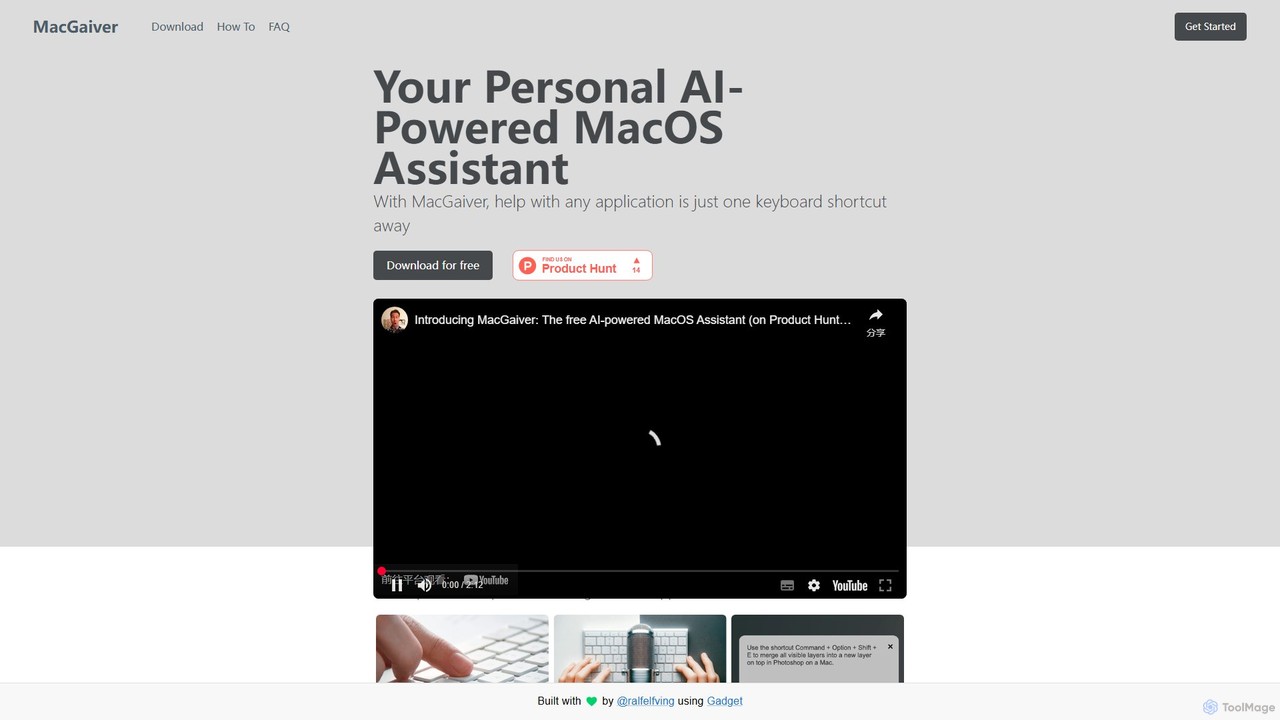
MacGaiver is your personal AI-powered assistant designed exclusively for MacOS, transforming how you interact with your applications. It provides intelligent, contextual help exactly when and where you need it, eliminating the need to switch windows or search for answers online. With a single keyboard shortcut, MacGaiver becomes your on-demand expert for any software, task, or problem you encounter on your Mac. By leveraging the advanced capabilities of OpenAI's GPT-V (Vision) model, it analyzes a screenshot of your active window to understand the visual context of your query, delivering highly accurate and relevant solutions in seconds.
How to use MacGaiver
Using MacGaiver is designed to be incredibly simple and seamlessly integrated into your daily workflow. It runs quietly in the background until you need it. Here’s how to get started:
- Activation: While in any application window on your Mac, press the universal keyboard shortcut: CMD + SHIFT + ' (Command + Shift + Single Quotation Mark). This action instantly captures a screenshot of your currently active window.
- Ask Your Question: You have two convenient ways to ask for help:
- Voice Input: After the first shortcut press, your system's microphone is activated. Simply speak your question clearly. For example, "How do I merge these layers?" or "What does this button do?". Press the shortcut CMD + SHIFT + ' again to stop recording and submit your query.
- Text Input: If you prefer typing, a text input box will appear after you press the initial shortcut. Type your question into the box and press Enter/Return to submit it.
- Receive Your Answer: MacGaiver sends the screenshot and your question to the OpenAI Vision API for analysis. Within moments, the answer appears in a small, unobtrusive notification window. If you used voice input, the answer will also be read out loud to you, providing a complete multi-modal experience.
Core Features of MacGaiver
- Contextual Understanding with GPT-V: MacGaiver's core strength lies in its use of OpenAI's Vision API. It doesn't just process your words; it sees what you see, allowing it to understand UI elements, error messages, and application layouts for hyper-relevant assistance.
- Seamless In-App Activation: The universal keyboard shortcut means you never have to leave your application. Whether you're in a complex design tool, a code editor, or a web browser, help is always just a keypress away.
- Dual Input Methods: Choose between speaking your question for hands-free convenience or typing it for precision and privacy.
- Audio and Textual Feedback: Receive answers in the format that suits you best. The on-screen text provides a reference you can read, while the audio output allows you to continue looking at your work.
- Lightweight and Non-Intrusive: The app runs efficiently in the background, and its notification windows are designed to be helpful without getting in your way. You can easily move or dismiss them.
Use Cases for MacGaiver
MacGaiver is a versatile tool that can enhance productivity across various scenarios:
- Software Learning and Onboarding: New to an application like Figma, Blender, or Logic Pro? Instead of pausing to watch a tutorial, just ask MacGaiver directly, "How do I create a component?" or "What's the shortcut for the knife tool?".
- Technical Troubleshooting: When you encounter a cryptic error message or a setting you don't understand, activate MacGaiver and ask, "What does this error mean and how do I fix it?".
- Creative and Development Workflows: Get quick syntax help in your code editor, ask for design suggestions in a graphics program, or find a specific function in a spreadsheet application without breaking your focus.
- General Productivity: Use it for anything from "How do I set up a new email rule in Mail?" to "How can I organize my files better in Finder?".
Advantages of MacGaiver
The primary advantage of MacGaiver is its ability to dramatically reduce friction and increase efficiency. By providing instant, context-aware help, it minimizes interruptions and keeps you in a state of flow. It democratizes software knowledge, making complex applications more accessible to beginners. Unlike traditional search engines, it understands your specific visual context, leading to faster and more accurate problem-solving. Its commitment to privacy is also a key benefit; it only captures data when you explicitly command it to and does not monitor your screen or microphone at any other time.
Pricing and Plans
MacGaiver is offered completely free of charge. To ensure proper usage and manage API access, users are required to create a free account to receive a license key for activating the application. There are no hidden fees, subscriptions, or catches. The goal of the developer is to provide a genuinely useful tool to the Mac community.
MacGaiver Alternatives
Alter
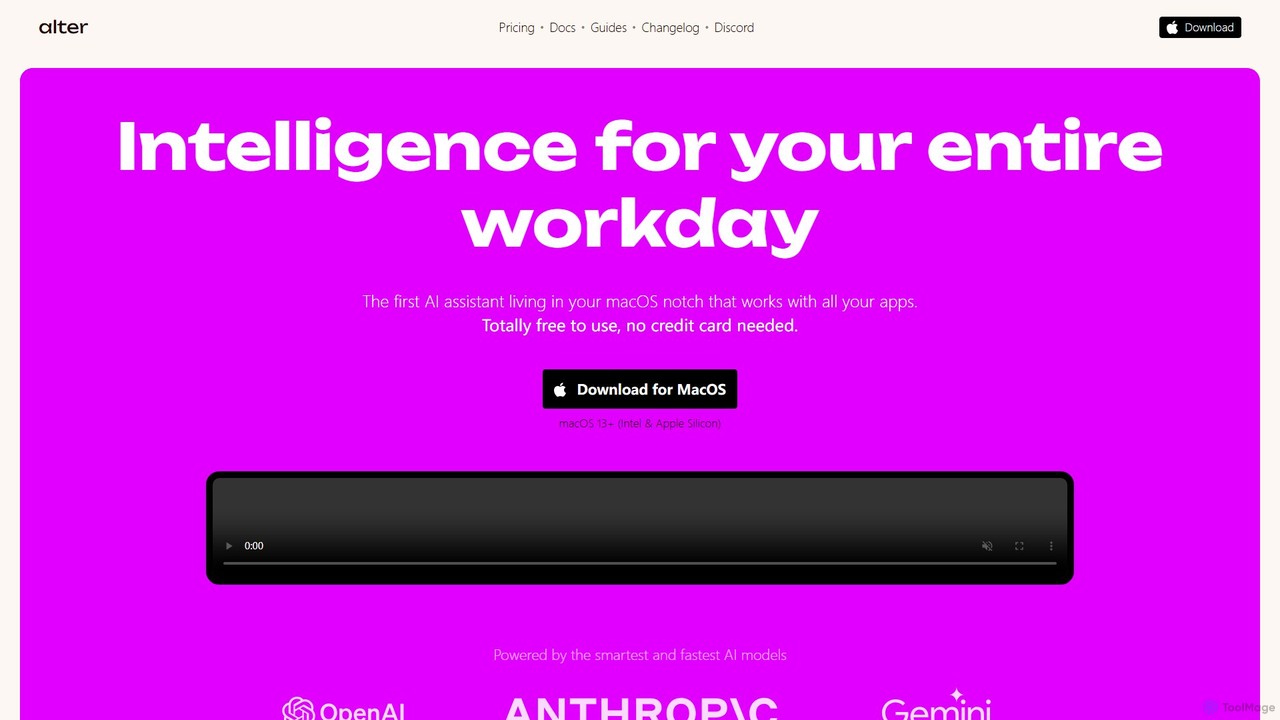
Alter is a native macOS AI assistant designed to streamline your entire workday. It's context-aware, understanding your apps, files, and browser activity to provide relevant assistance. With voice-first commands, meeting recording and summarization, and deep system integration, Alter turns your Mac into an AI powerhouse, boosting productivity while prioritizing privacy with local model support.
Mac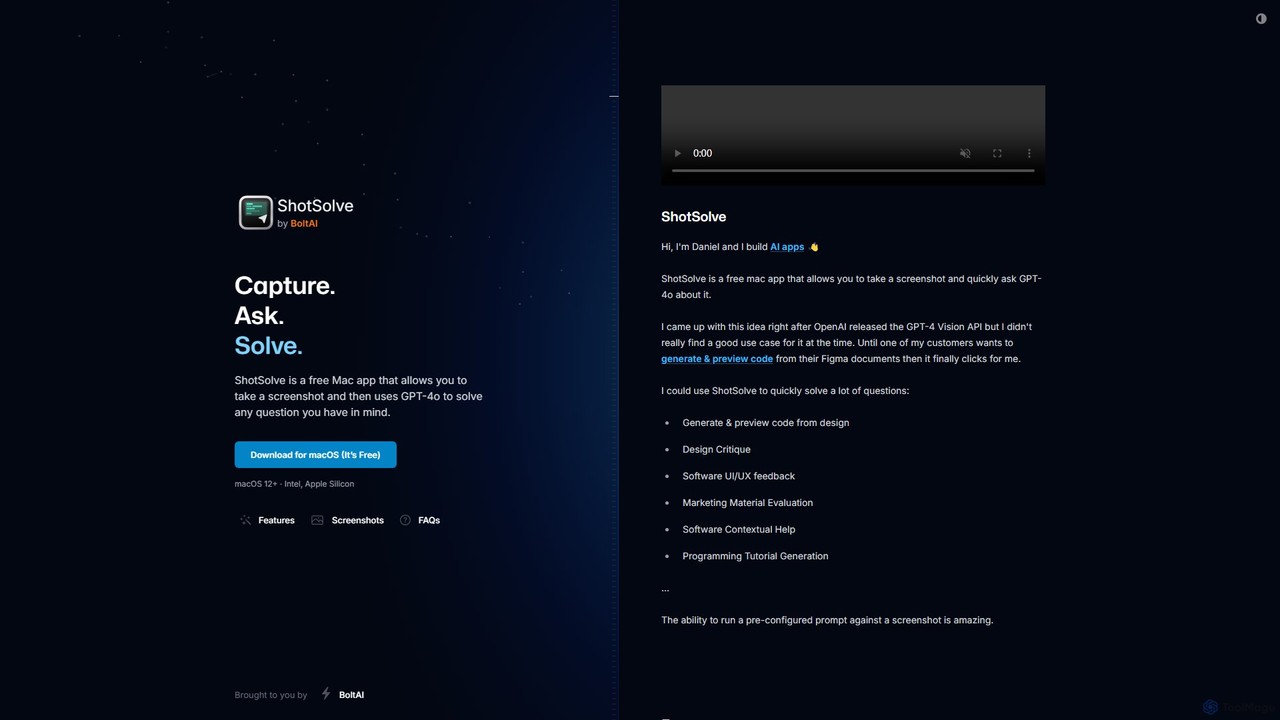
ShotSolve
ShotSolve is a free native Mac app that empowers users to instantly solve problems using AI. Simply take a screenshot with a universal shortcut, ask a question, and get an answer from GPT-4o. It's perfect for developers, designers, and marketers for tasks like code generation from designs, UI/UX feedback, and contextual help. It's lightweight, privacy-focused, and requires your own OpenAI API key.
Feedback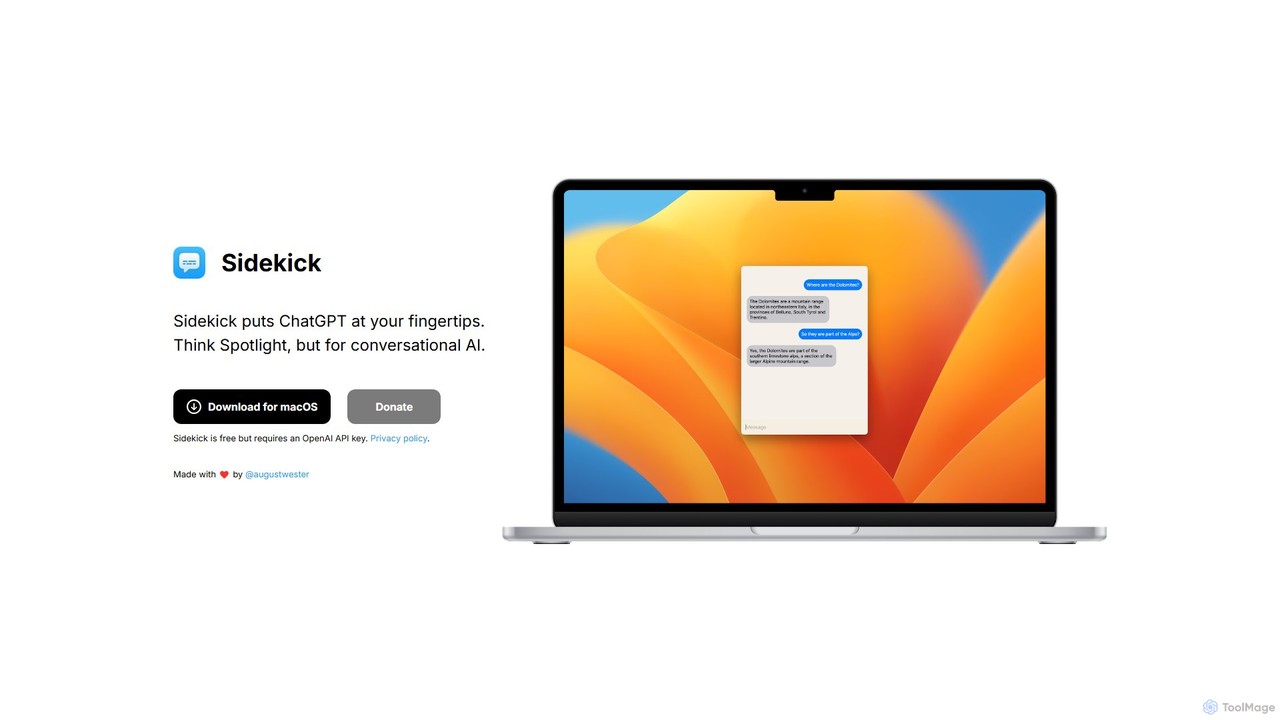
Sidekick
Sidekick is a free macOS application that provides instant access to ChatGPT from anywhere on your desktop. Functioning like Spotlight for conversational AI, it allows users to summon an AI assistant with a simple keyboard shortcut, streamlining workflows and boosting productivity without needing a browser.
Code Assistant
doubao
Doubao is a powerful AI smart assistant developed by ByteDance. It excels at conversation, content creation, coding, and more. With a user-friendly interface and multi-modal capabilities (text, voice, image), it serves as a versatile tool for productivity, learning, and daily tasks, available for free on both web and mobile platforms.
Code Assistant
Google Gemini
Google Gemini is a powerful, multimodal AI assistant designed to enhance creativity and productivity. It can understand and process text, code, images, and video to help you write, plan, learn, and create. Integrated with Google's ecosystem, it offers features like advanced content generation, deep research, and seamless collaboration within Google apps.
Image GeneratorMacGaiver Categories
MacGaiver Embed Widget
Copy this embed code to place the badge on your blog, article, or product site and send readers directly to this ToolMage detail page.

Related AI tools
Alter
Alter is a native macOS AI assistant designed to streamline your entire workday. It's context-aware, understanding your apps, files, and browser activity to provide relevant assistance. With voice-first commands, meeting recording and summarization, and deep system integration, Alter turns your Mac into an AI powerhouse, boosting productivity while prioritizing privacy with local model support.
MacShotSolve
ShotSolve is a free native Mac app that empowers users to instantly solve problems using AI. Simply take a screenshot with a universal shortcut, ask a question, and get an answer from GPT-4o. It's perfect for developers, designers, and marketers for tasks like code generation from designs, UI/UX feedback, and contextual help. It's lightweight, privacy-focused, and requires your own OpenAI API key.
FeedbackSidekick
Sidekick is a free macOS application that provides instant access to ChatGPT from anywhere on your desktop. Functioning like Spotlight for conversational AI, it allows users to summon an AI assistant with a simple keyboard shortcut, streamlining workflows and boosting productivity without needing a browser.
Code Assistant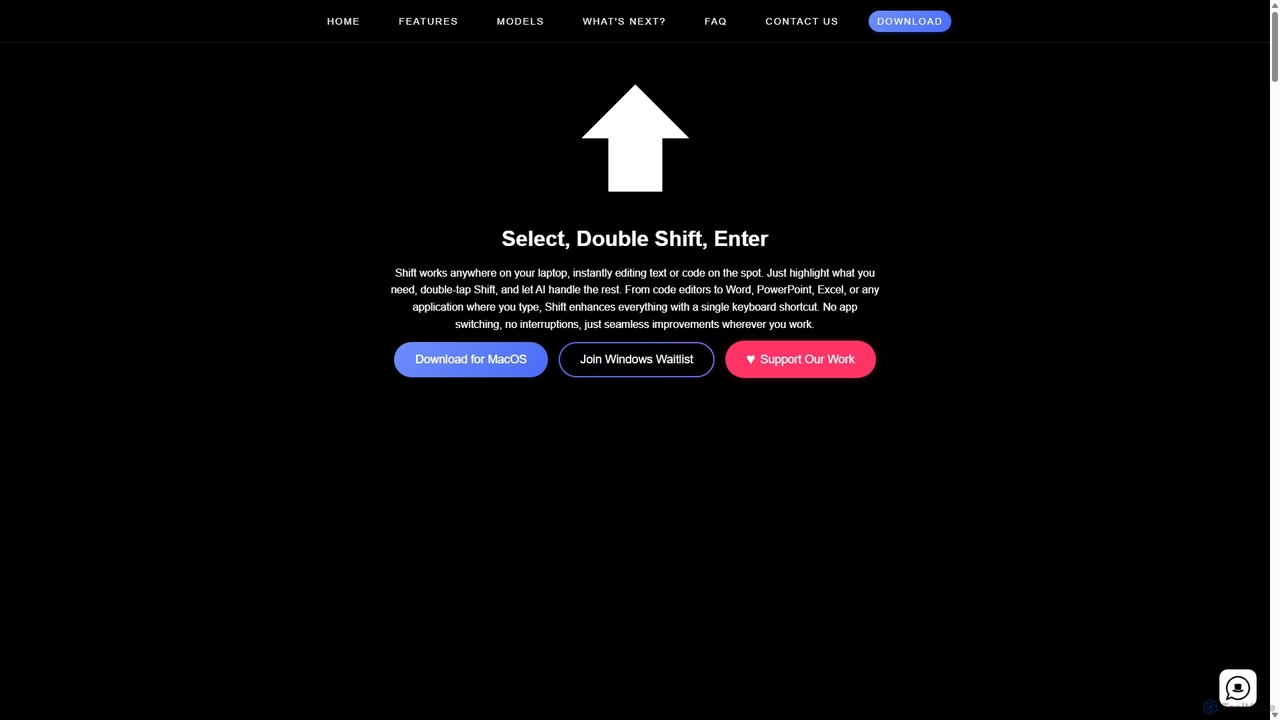
Shift
Shift is a system-wide AI assistant for macOS that enhances your workflow by allowing you to edit text and code anywhere with a simple keyboard shortcut. Just highlight text, double-tap Shift, and let the AI rewrite, debug, translate, or rephrase it instantly within any application.
Code Assistantdoubao
Doubao is a powerful AI smart assistant developed by ByteDance. It excels at conversation, content creation, coding, and more. With a user-friendly interface and multi-modal capabilities (text, voice, image), it serves as a versatile tool for productivity, learning, and daily tasks, available for free on both web and mobile platforms.
Code AssistantGoogle Gemini
Google Gemini is a powerful, multimodal AI assistant designed to enhance creativity and productivity. It can understand and process text, code, images, and video to help you write, plan, learn, and create. Integrated with Google's ecosystem, it offers features like advanced content generation, deep research, and seamless collaboration within Google apps.
Image Generator
Yuanbao
Yuanbao is a powerful AI assistant from Tencent, built on the Hunyuan Large Language Model. It's designed to enhance productivity and enrich daily life by excelling at long-document analysis, intelligent search, and high-quality content creation, making it an indispensable partner for complex tasks.
Document Analysis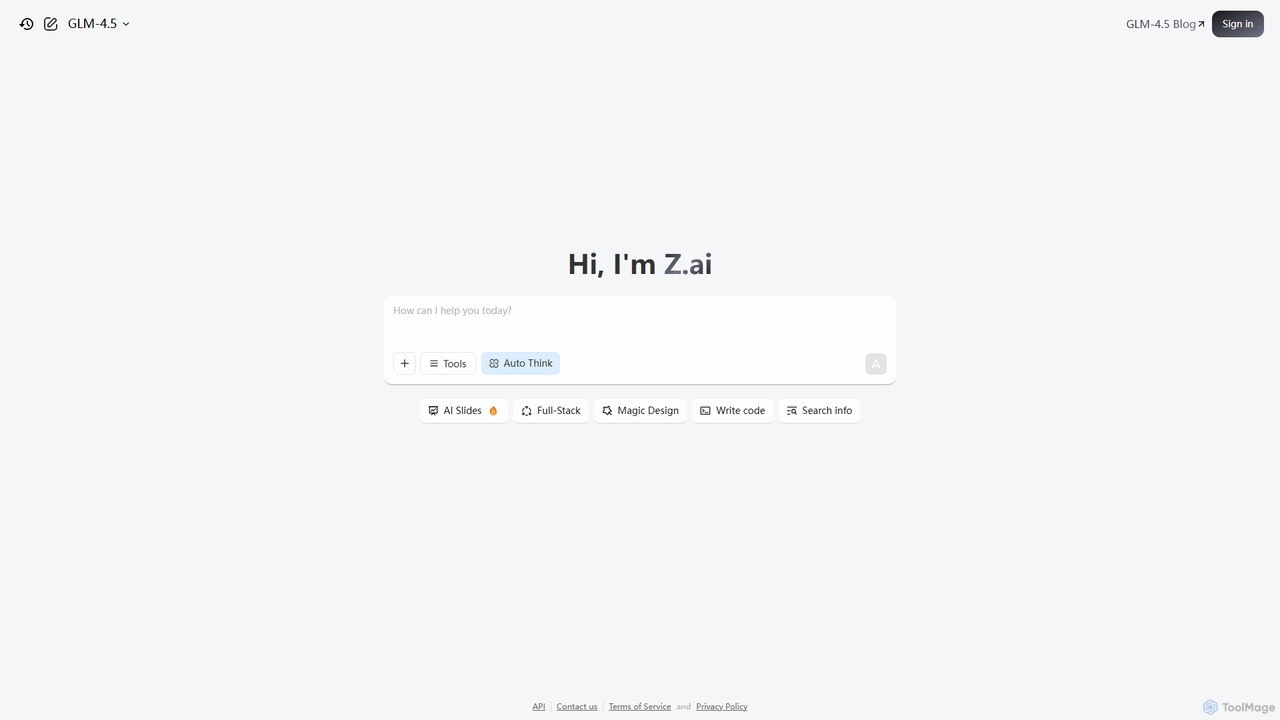
Z.ai
Z.ai is a powerful, free AI assistant powered by the advanced GLM-4.5 model. It's more than just a chatbot, offering a suite of integrated tools for coding, creating presentations, designing, and conducting research. Z.ai aims to be an all-in-one productivity platform, streamlining complex tasks through a simple conversational interface.
Code Assistant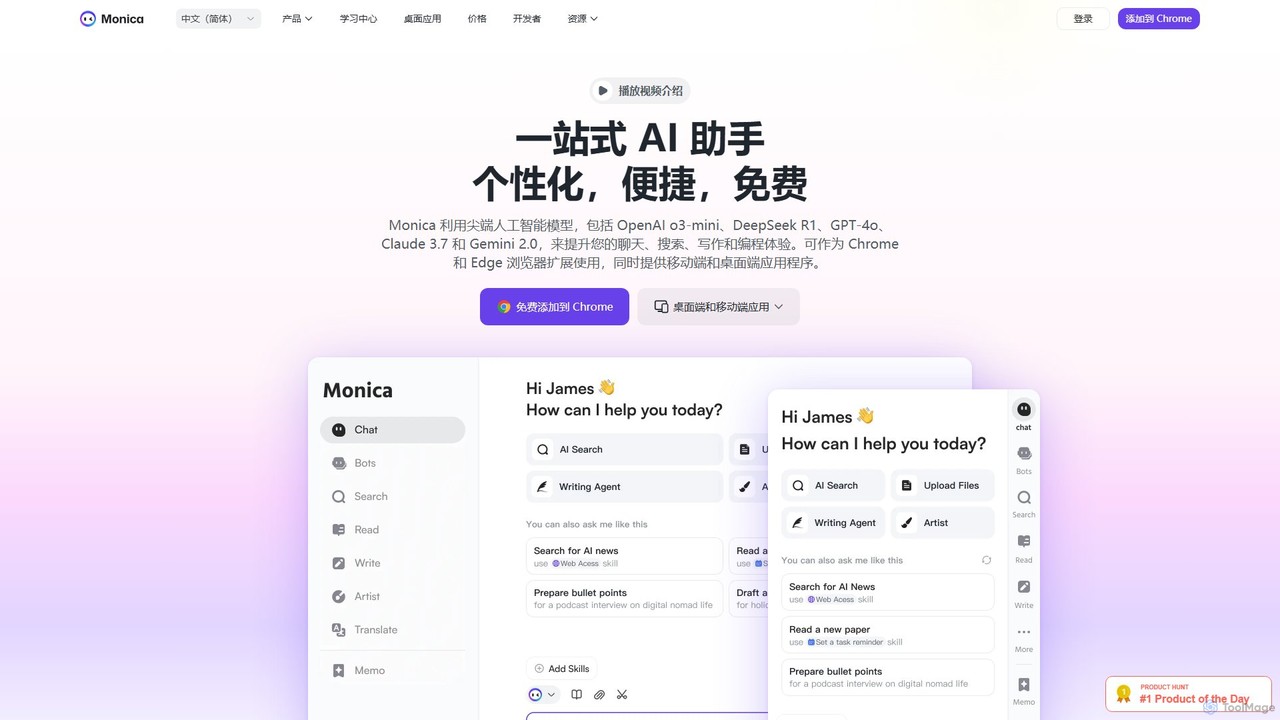
Monica
Monica is an all-in-one AI assistant powered by leading models like GPT-4o, Claude 3.7, and Gemini 1.5. It integrates seamlessly into your workflow as a browser extension, desktop, and mobile app, offering features for chat, search, writing, translation, and image creation to boost productivity.
Chrome Extensions
Sider
Sider is an all-in-one AI assistant integrated as a browser sidebar and cross-platform app. It combines chat with models like GPT-4 and Claude 3.5, a powerful "Deep Research" agent, a personal knowledge base called "Wisebase," and a suite of tools for summarizing, translating, writing, and image editing to enhance productivity and learning.
Assistant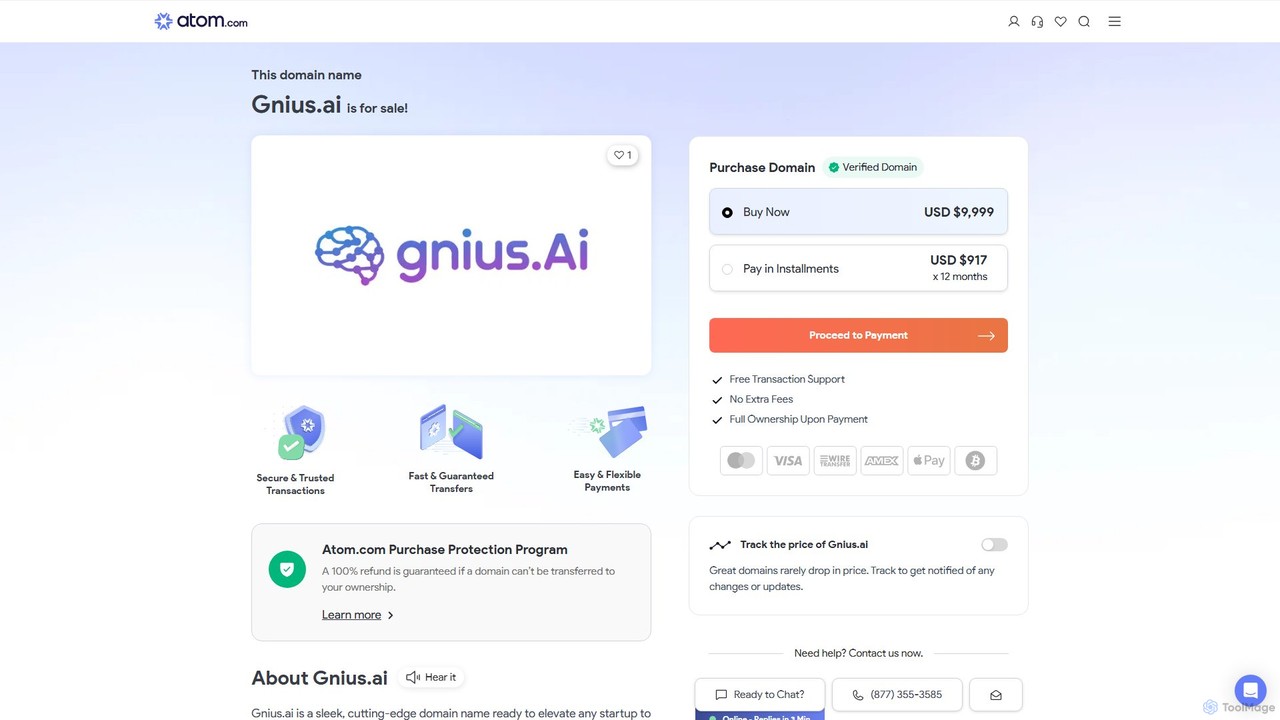
Gnius.ai
Gnius.ai is an advanced AI-powered knowledge engine and creative partner designed to assist professionals, researchers, and creators. It seamlessly integrates research, content generation, and data analysis into a single, intuitive platform, transforming complex information into actionable insights and high-quality content.
Data Analysis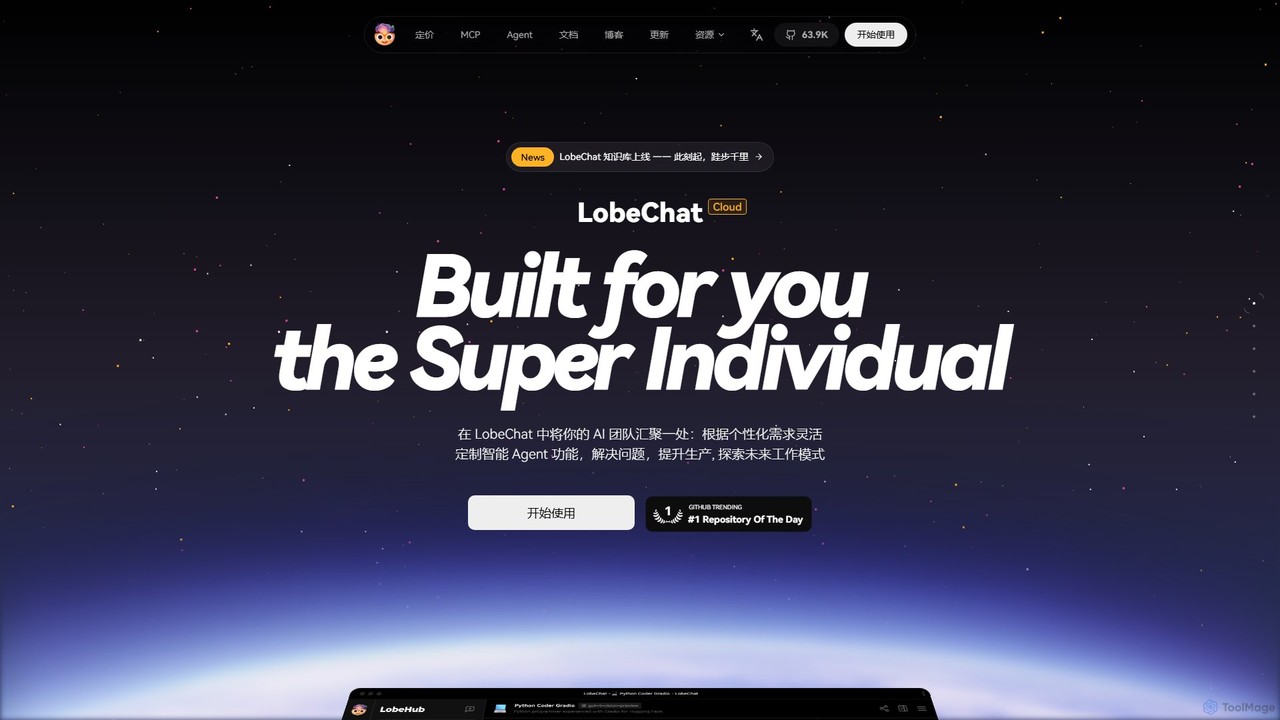
LobeHub
LobeHub is an all-in-one AI platform that allows you to build and manage a personalized team of AI Agents. It offers a superior user experience to standard LLM interfaces like ChatGPT, with support for numerous models, plugins, and multi-modal interactions. Create, share, and use specialized agents for tasks ranging from coding and writing to academic research and daily life, all within a single, intuitive chat interface.
Chatbot Platform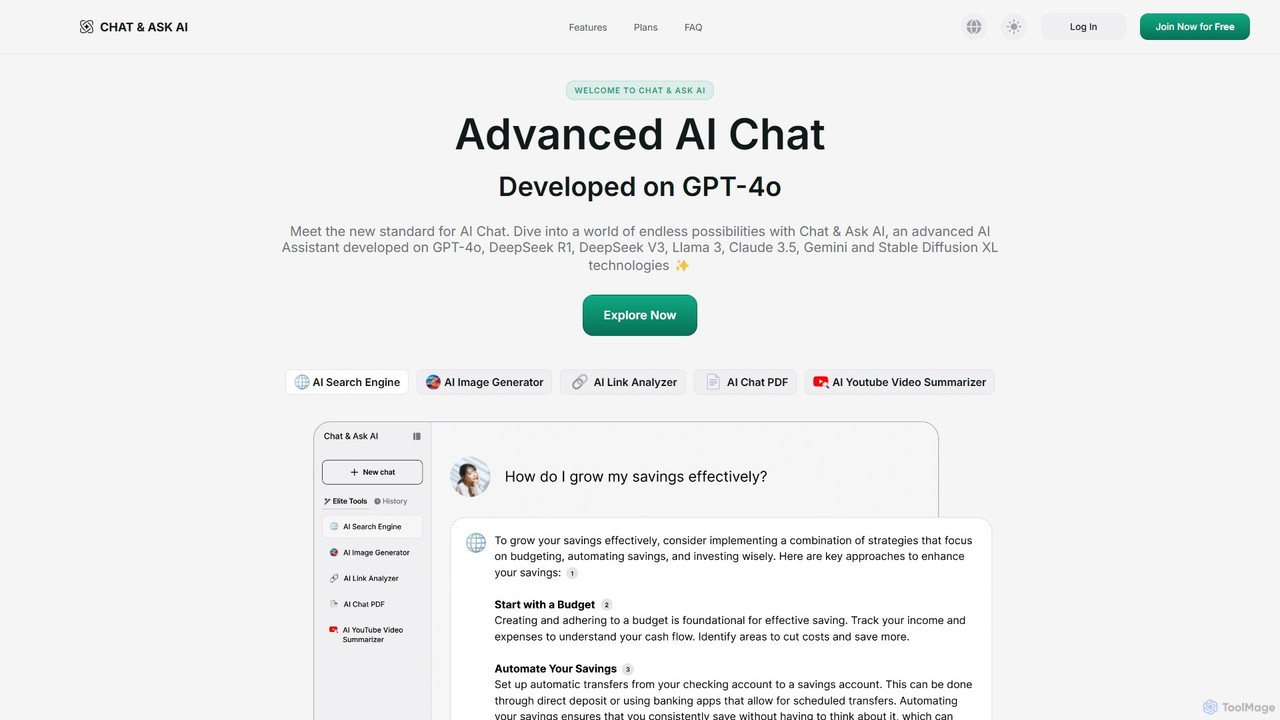
askaichat
askaichat is an all-in-one AI assistant powered by leading models like GPT-4o, Claude 3.5, and Llama 3. It integrates advanced AI chat with powerful tools for image generation, PDF and video summarization, web link analysis, and real-time search. It's designed to boost productivity and creativity for writers, researchers, and professionals by providing a single, versatile platform for diverse tasks.
Image Generator
getmerlin
getmerlin is a versatile AI assistant powered by top models like GPT-4o and Claude 3.5. Available as a browser extension and app, it integrates seamlessly into your workflow to summarize content, draft emails, generate text and images, and enhance research on any website. It acts as an all-in-one productivity tool, saving time and money by consolidating multiple AI services into a single subscription.
Chrome Extensions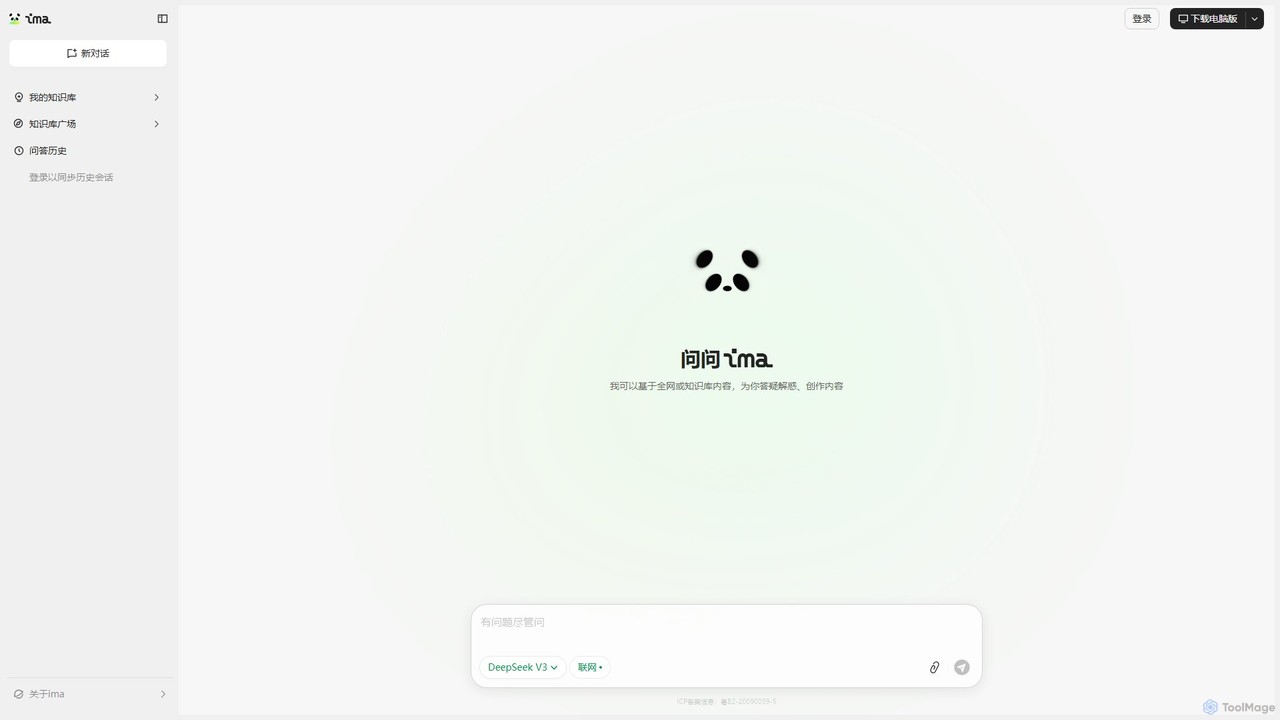
ima.copilot
ima.copilot is a powerful AI Workbench from Tencent, designed to be your intelligent work assistant. It integrates conversational AI with personalized knowledge bases and real-time web search to enhance productivity. Create content, get precise answers from your documents, and streamline your research, writing, and coding workflows with this versatile tool, available on both web and desktop.
Code Assistant
MacGaiver Comments (0)
Sign in to comment.
Sign inNo comments yet.