kwirk
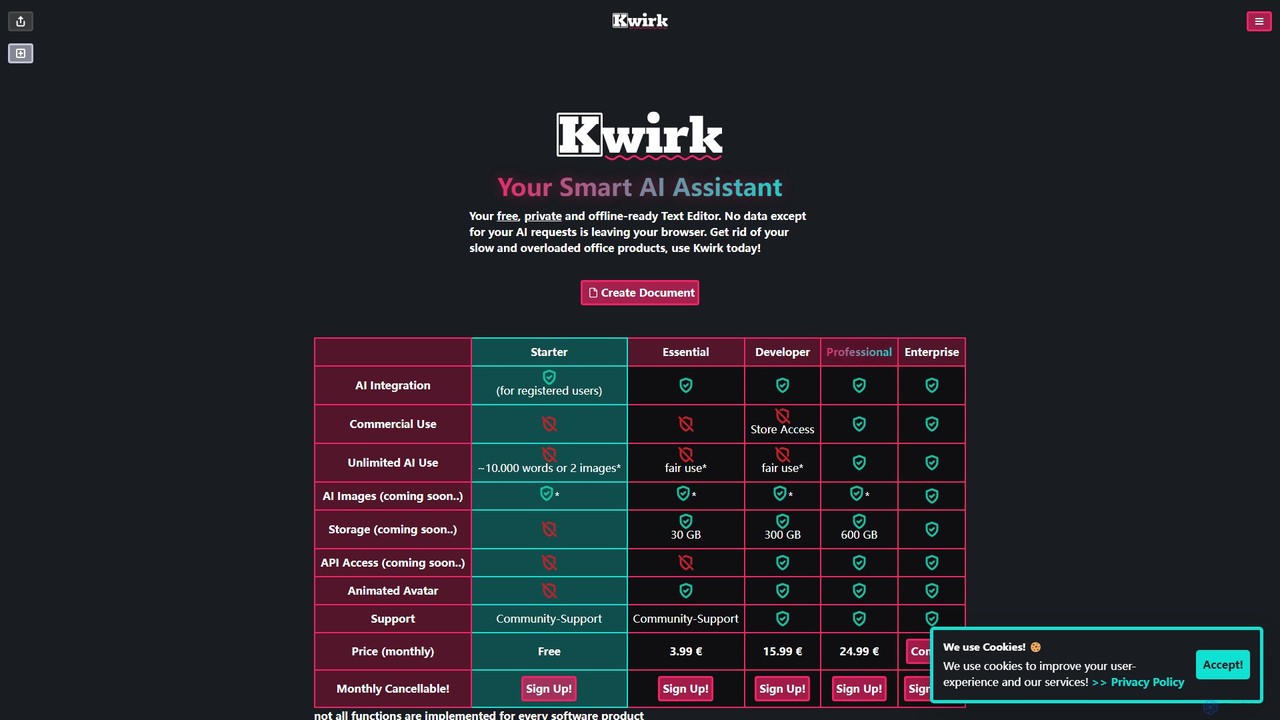
Kwirk is a privacy-focused, offline-ready text editor enhanced with a smart AI assistant. It offers a lightweight and …
Kwirk is a privacy-focused, offline-ready text editor enhanced with a smart AI assistant. It offers a lightweight and fast alternative to traditional office suites, allowing users to write, edit, summarize, and generate content securely within their browser. It provides both free and paid plans for individuals, developers, and businesses.
RAGNA Nano
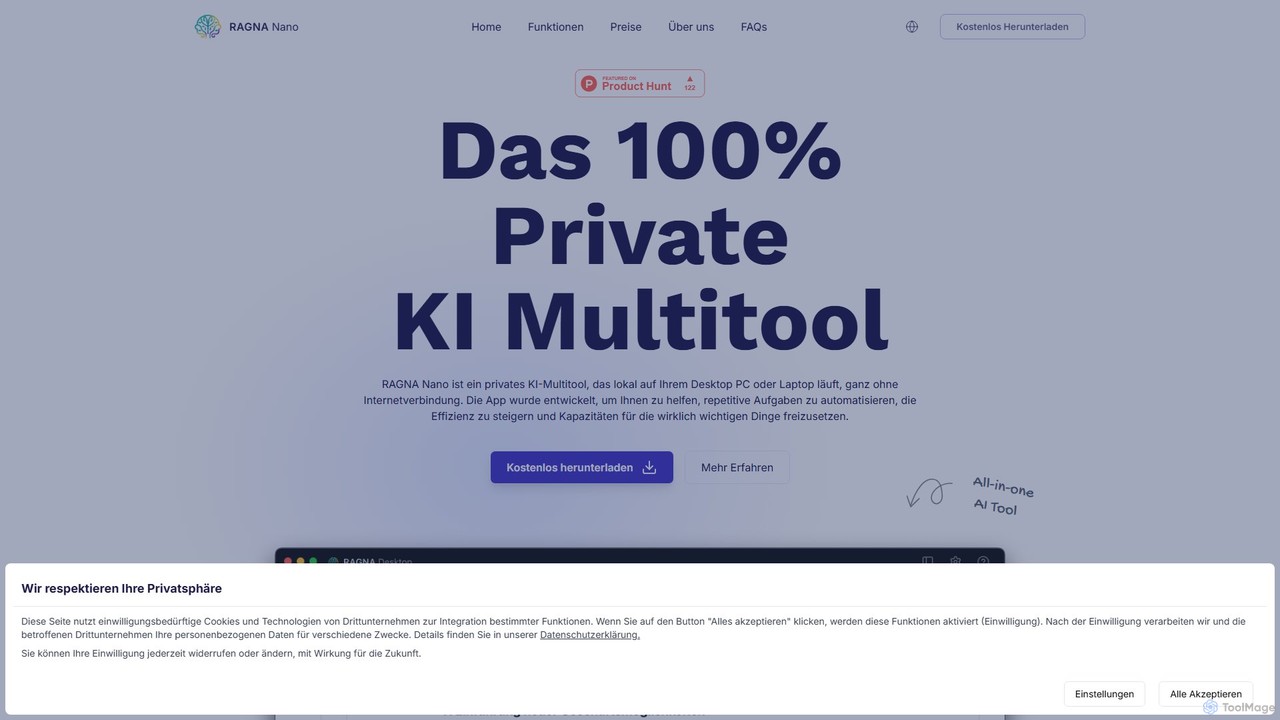
RAGNA Nano is a 100% private, all-in-one AI multitool that runs locally on your desktop, completely offline. It's …
RAGNA Nano is a 100% private, all-in-one AI multitool that runs locally on your desktop, completely offline. It's designed for maximum data security and privacy, allowing you to chat with an AI assistant, analyze sensitive documents, and use an intelligent text editor without your data ever leaving your computer. It offers a free plan for individuals and a customizable enterprise solution, making powerful AI accessible without compromising on security.
About Text Editor
AI Text Editors are advanced applications that integrate artificial intelligence to enhance the writing and coding process. They analyze text in real-time, offering intelligent suggestions that go far beyond basic spell-checking. These tools can autocomplete code, rephrase sentences for clarity, check for stylistic consistency, and detect complex errors. For developers and writers, this means increased productivity, improved accuracy, and the ability to produce higher-quality, polished content more efficiently.
Core Features
- Intelligent Autocompletion: Predicts and suggests code snippets, phrases, or entire sentences based on context, speeding up the writing process.
- Real-time Analysis & Correction: Provides instant feedback on grammar, style, tone, and syntax, offering suggestions for improvement.
- Code & Text Refactoring: Suggests ways to restructure code or text to improve readability, maintainability, and conciseness without changing its function.
- Context-Aware Understanding: Analyzes the entire document or project to provide relevant suggestions and ensure consistency in terminology and style.
Use Cases
AI Text Editors are widely used by software developers for writing clean and efficient code, technical writers for creating clear and consistent documentation, and researchers for drafting academic papers. Content creators also use them to refine blog posts and marketing copy, ensuring it meets specific quality and style guidelines.
How to Choose
When selecting an AI Text Editor, consider the specific languages it supports (e.g., Python, JavaScript, Markdown). Evaluate its integration capabilities with other tools like Git or project management platforms. Assess the depth of its AI features—whether you need simple autocompletion or advanced code refactoring. Finally, consider the user interface and whether it offers a focused, distraction-free environment that suits your workflow.

Text EditorUse Cases
Accelerating Software Development Cycles
A software developer uses an AI Text Editor to write code for a new application. The editor's intelligent autocompletion suggests entire functions and code blocks, reducing manual typing by over 40%. Its real-time error detection flags potential bugs before the code is even compiled, saving hours of debugging time. The AI also helps generate documentation (docstrings) for functions automatically, ensuring the codebase is well-maintained and easy for new team members to understand. This accelerates the entire development lifecycle from coding to deployment.
Creating High-Quality Technical Documentation
A technical writer is tasked with creating a user manual for a complex software product. Using an AI Text Editor, they can ensure consistency in terminology across hundreds of pages. The tool suggests clearer phrasing for technical explanations and automatically formats code examples with correct syntax highlighting. It also checks for a consistent tone of voice, ensuring the documentation is professional and easy for end-users to follow. This process reduces editing time and improves the overall quality and usability of the manual.
Drafting and Polishing Academic Papers
A researcher is writing a scientific paper for publication. The AI Text Editor assists by checking for complex grammatical structures and suggesting more concise academic phrasing. It helps format citations and references according to specific journal styles (like APA or MLA). The AI can also rephrase paragraphs to improve flow and coherence, helping the researcher present their findings clearly and professionally. This allows the researcher to focus more on the content and arguments of their paper, rather than on the tedious mechanics of academic writing.
Streamlining Content Creation for Marketing
A content marketer drafts a blog post in an AI Text Editor. The tool provides real-time SEO suggestions, highlighting opportunities to include relevant keywords naturally. It also analyzes the readability of the text, suggesting simpler sentence structures to appeal to a broader audience. The AI can rephrase a single sentence in multiple ways, allowing the marketer to quickly generate variations for social media posts or email newsletters. This integrated workflow helps create optimized, high-quality content faster and more consistently.
Learning a New Programming Language
A student learning Python uses an AI Text Editor as an interactive tutor. When they write incorrect syntax, the editor not only highlights the error but also explains why it's wrong and suggests the correct code. It provides real-time examples of best practices and can explain complex code snippets in plain language. This instant, contextual feedback loop is more effective than traditional methods of learning, as it allows the student to correct mistakes and understand concepts as they code, significantly accelerating their learning curve.
Collaborative Code Review and Refinement
A team of developers uses a cloud-based AI Text Editor for a collaborative project. As one developer writes code, the AI assistant suggests refactoring opportunities to make the code more efficient and readable. During a code review, team members can highlight a block of code and ask the AI to explain its logic or suggest alternative implementations. This acts as an impartial third-party expert, helping to resolve debates, enforce consistent coding standards, and improve the overall quality of the team's codebase without personal bias.