
Txt Muse Overview
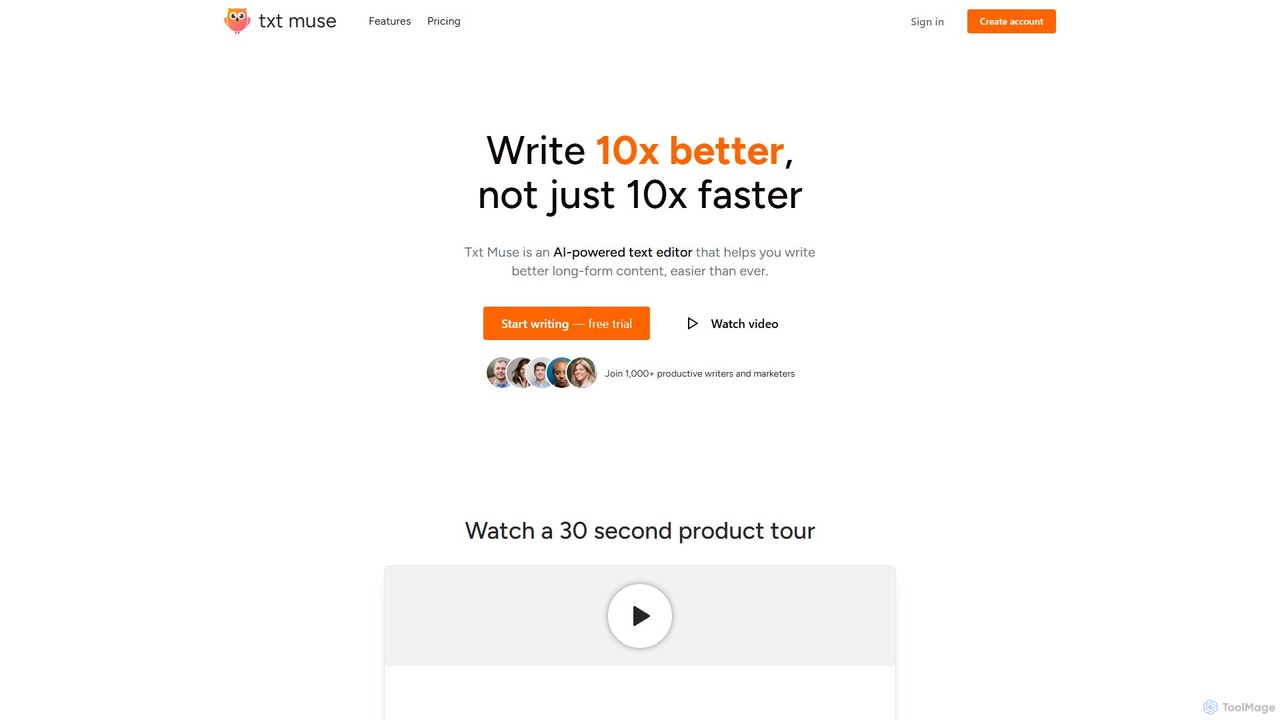
Txt Muse is a sophisticated AI-powered text editor built specifically for writers, marketers, and content creators who prioritize quality over mere speed. It positions itself as a tool to help you write "10x better, not just 10x faster." By integrating intelligent AI assistance directly into the writing process, Txt Muse aims to eliminate writer's block, enhance creativity, and streamline the editing workflow, making the creation of long-form content a more seamless and enjoyable experience.
The platform is designed to be an intuitive partner in your writing journey. From the initial spark of an idea to the final polished draft, Txt Muse provides a suite of powerful tools to support you. It's not just about generating text; it's about refining your thoughts, exploring different expressions, and ensuring your message resonates with your audience. With over 1,000 productive writers and marketers already using the tool, it has proven to be a valuable asset for creating compelling content across various formats.
How to use Txt Muse
Using Txt Muse is designed to be straightforward and integrated into your natural writing flow. Here’s a typical workflow:
- Start a New Project: Begin by creating a new document. To generate an initial draft, simply provide a title and a brief description of your topic. The AI will then produce a solid first draft, giving you a strong foundation to build upon.
- Write and Edit: As you write, if you get stuck at the end of a sentence, the Autocomplete feature will suggest natural ways to continue, helping you maintain momentum.
- Refine with Text Shaping: To improve any part of your text, simply highlight the section. A menu of tools will appear. Click on tools like "Reword," "Energize," "Simplify," or "Expand" to instantly see a dozen different ways to phrase your idea.
- Use Advanced Tools: For more specific needs, you can use tools like "Create Outline," "Find Metaphor," "Adjust Tone," or "Analyze Structure" to enhance your content's depth and clarity.
- Collaborate with AI Chat: Engage with the "Content Chat" feature to ask questions about your document, get a second opinion, or brainstorm ideas collaboratively with the AI.
- Customize Your Workflow: For advanced users, the Pro plan allows you to create and save your own custom AI prompts as one-click tools, tailoring the AI's assistance to your unique style and needs.
Core Features of Txt Muse
- AI-Assisted Drafts: Quickly start any writing project by generating a complete first draft from just a title and a short description.
- Autocomplete: Overcomes writer's block by suggesting contextually relevant ways to finish your sentences.
- Text Shaping Tools: A suite of one-click editing tools, including Reword, Energize, Simplify, Expand, Tighten, and Clarify, to instantly refine selected text.
- Advanced Content Tools: Specialized functions like Create Outline, Brainstorm Ideas, Find Metaphor, Adjust Tone, and Analyze Structure to improve the overall quality of your writing.
- Content Chat: An interactive chat feature that allows you to "talk" to your document, ask for suggestions, and get instant feedback as if from a collaborator.
- Personalized AI Tools: The ability to create and save your own custom prompts as reusable, one-click tools to match your personal writing style and workflow.
- Unlimited Documents: All plans, including the free one, allow you to create and manage an unlimited number of documents.
Use Cases for Txt Muse
Txt Muse is versatile and can be used for a wide range of writing tasks, including:
- Blog Posts & Articles: Create well-structured, engaging, and SEO-friendly long-form content that captures and retains reader attention.
- Marketing & Ad Copy: Craft compelling ad campaigns, snappy social media posts, and persuasive landing pages that resonate with your target audience.
- Email Communication: Write clear and concise internal emails, as well as engaging newsletters that get opened, read, and forwarded.
- Product Descriptions: Develop informative and entertaining product descriptions that drive sales.
- Business & Project Planning: Rally your team with strong project plans and clear internal communications.
- Creative Writing: Assist novelists and creative writers in brainstorming ideas, developing plot points, and refining prose.
Advantages of Txt Muse
Txt Muse stands out by focusing on enhancing the writer's ability rather than just automating text generation. Its key advantages include:
- Focus on Quality: The core philosophy is to improve the quality of writing, not just the speed of production.
- Intuitive Workflow: The highlight-and-click interface is easy to use and doesn't disrupt the creative process.
- Reduces Writer's Block: Features like Autocomplete and AI-assisted drafts make it easy to start and continue writing.
- Customization: The ability to create personal AI tools allows the platform to adapt to individual writing styles.
- Collaborative Feel: The Content Chat feature provides a unique way to interact with your work, offering a smart second opinion on demand.
Pricing and Plans
Txt Muse offers a simple and accessible pricing structure:
- Starter Plan (Free): This plan is perfect for trying out the tool. It includes 10 AI uses per day, unlimited documents, Content AI chat, and access to all text shaping tools. No credit card is required to get started.
- Pro Plan ($21/month, paid annually): For users who need more power, the Pro plan offers unlimited AI uses, all features of the Starter plan, and the exclusive ability to create and save your own custom AI tools.
Traffic
Latest traffic
Status
Monthly traffic trend
- 2025-9: 769
- 2026-1: 0
- 2026-2: 408
- 2026-3: 739
- 2026-4: 1.0K
- 2026-5: 247
Geography
Top 5 countries / regions
- 🇮🇳India62.0%
- 🇺🇸United States38.0%
Top keywords
| Keyword | Cost per click |
|---|---|
| musestate | $0.00 |
| muse writing ai | $0.00 |
| muse writing ai novel | $0.00 |
Txt Muse Alternatives
Write.bot
Write.bot is an advanced AI-powered writing assistant designed to help users generate high-quality, original content effortlessly. From blog posts and marketing copy to emails and social media updates, it streamlines the entire content creation process, saving time and boosting creativity.
Content Creation
Riter
Riter is an advanced AI-powered writing assistant designed to help users create high-quality, engaging, and SEO-optimized content in seconds. From blog posts and marketing copy to emails and social media updates, Riter streamlines the entire content creation process, overcoming writer's block and boosting productivity for creators, marketers, and businesses.
Content Creation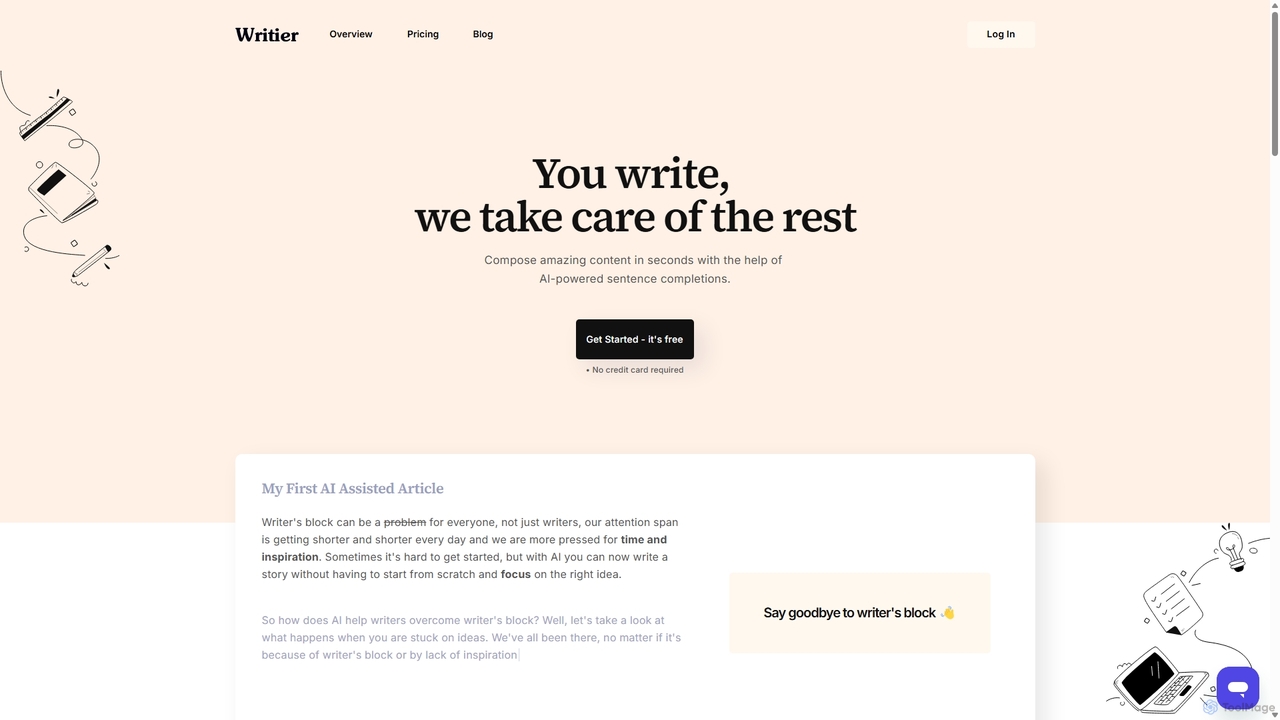
Writier
Writier is an AI-powered writing assistant designed to help users overcome writer's block and create high-quality content effortlessly. Leveraging GPT-3, it offers intelligent sentence completions, multi-language support, and tone adjustments to enhance productivity. It generates 100% original content while maintaining the user's unique writing style, making it ideal for content creators, marketers, and writers.
Content Creation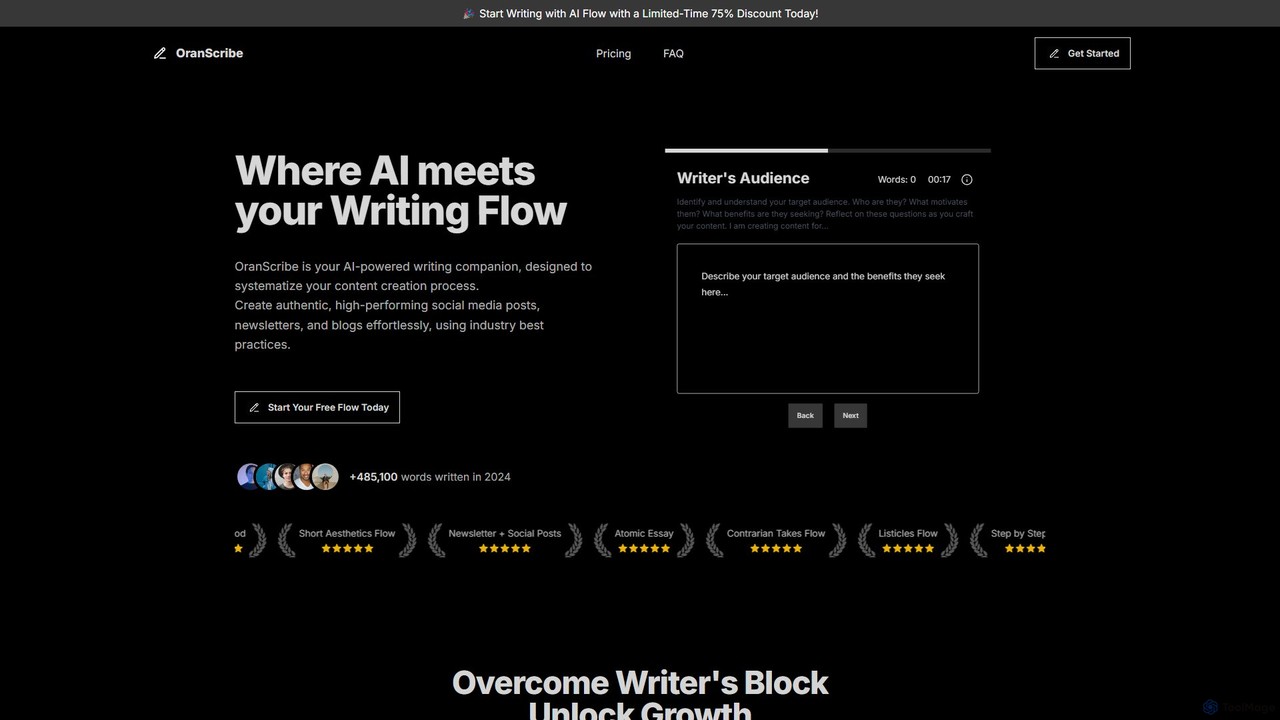
OranScribe
OranScribe is an AI-powered writing companion designed to systematize your content creation. It utilizes structured "writing flows" based on proven industry practices to help you effortlessly create authentic, high-performing social media posts, newsletters, and blogs. Move beyond generic AI content and craft strategic, engaging narratives that resonate with your audience.
Content Creation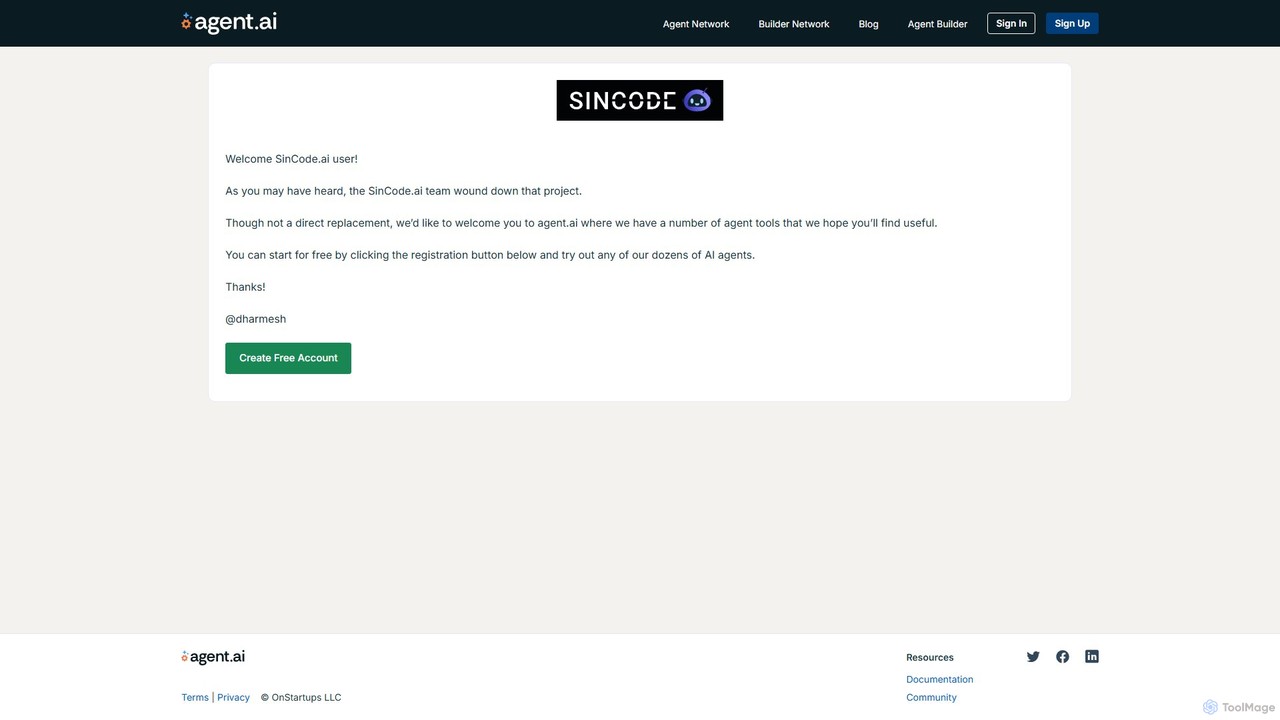
SinCode
SinCode was an all-in-one AI content creation platform offering a suite of tools for writing, image generation, and coding. The project has been discontinued, and its domain now directs users to agent.ai, a platform with various AI agent tools.
Image GenerationTxt Muse Categories
Txt Muse Embed Widget
Copy this embed code to place the badge on your blog, article, or product site and send readers directly to this ToolMage detail page.

Related AI tools
Writier
Writier is an AI-powered writing assistant designed to help users overcome writer's block and create high-quality content effortlessly. Leveraging GPT-3, it offers intelligent sentence completions, multi-language support, and tone adjustments to enhance productivity. It generates 100% original content while maintaining the user's unique writing style, making it ideal for content creators, marketers, and writers.
Content CreationWrite.bot
Write.bot is an advanced AI-powered writing assistant designed to help users generate high-quality, original content effortlessly. From blog posts and marketing copy to emails and social media updates, it streamlines the entire content creation process, saving time and boosting creativity.
Content CreationOranScribe
OranScribe is an AI-powered writing companion designed to systematize your content creation. It utilizes structured "writing flows" based on proven industry practices to help you effortlessly create authentic, high-performing social media posts, newsletters, and blogs. Move beyond generic AI content and craft strategic, engaging narratives that resonate with your audience.
Content Creation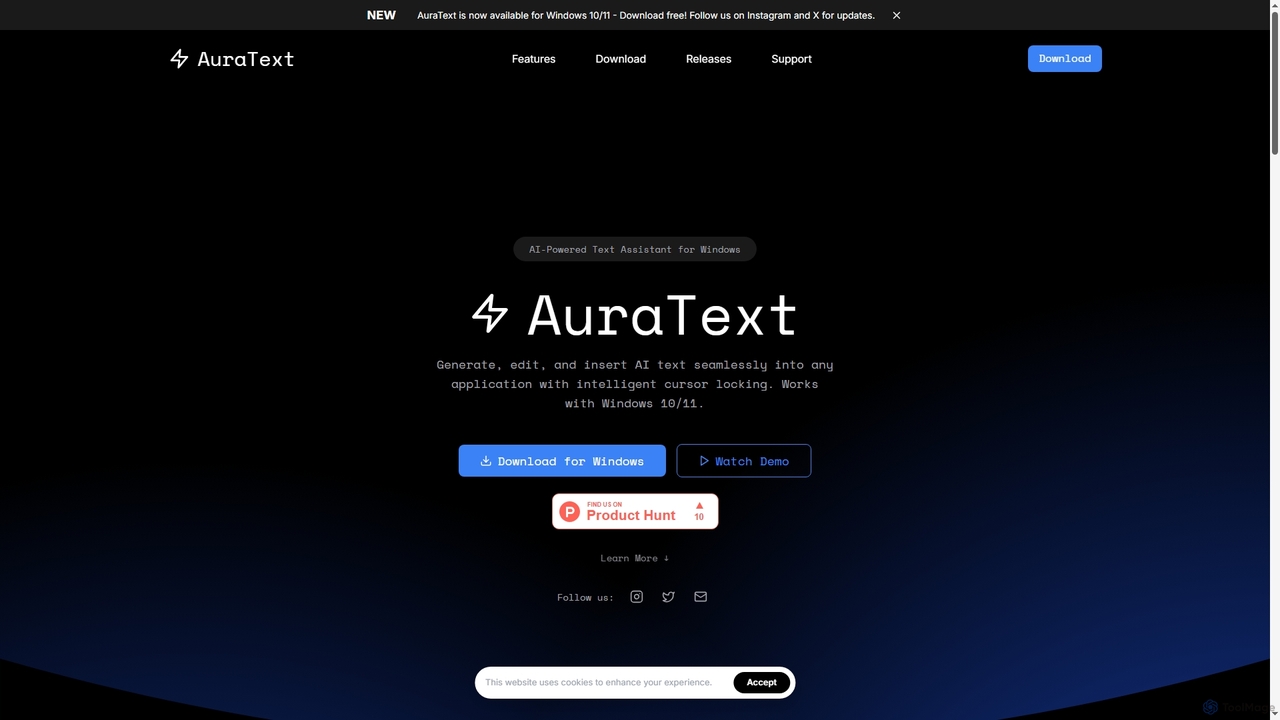
AuraText
AuraText is an AI-powered text assistant for Windows and browsers, enabling seamless generation, editing, and insertion of AI-generated text into any application. It features intelligent cursor locking, multi-AI provider support (Gemini, Perplexity, OpenAI), real-time text analysis, and a secure, private environment for enhanced productivity.
Text EditingRiter
Riter is an advanced AI-powered writing assistant designed to help users create high-quality, engaging, and SEO-optimized content in seconds. From blog posts and marketing copy to emails and social media updates, Riter streamlines the entire content creation process, overcoming writer's block and boosting productivity for creators, marketers, and businesses.
Content Creation
Jyek
Jyek is an AI agent platform that understands objectives, creates execution plans, uses tools, and delivers verifiable results for complex, multi-step tasks.
AutomationSinCode
SinCode was an all-in-one AI content creation platform offering a suite of tools for writing, image generation, and coding. The project has been discontinued, and its domain now directs users to agent.ai, a platform with various AI agent tools.
Image Generation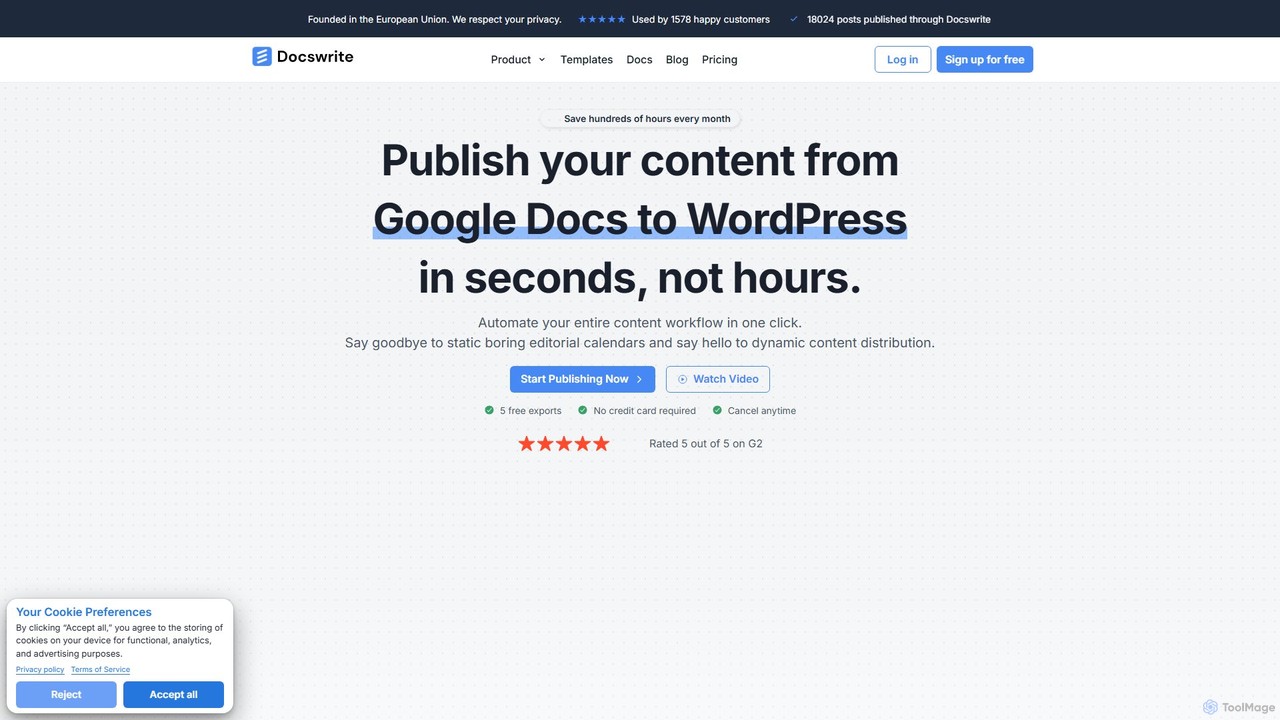
docswrite
docswrite is an AI-powered writing assistant designed to streamline the creation of high-quality documents. It helps users generate articles, reports, marketing copy, and more with advanced AI. Features include content generation, intelligent editing, and a vast library of templates to boost productivity and enhance writing quality.
Document Management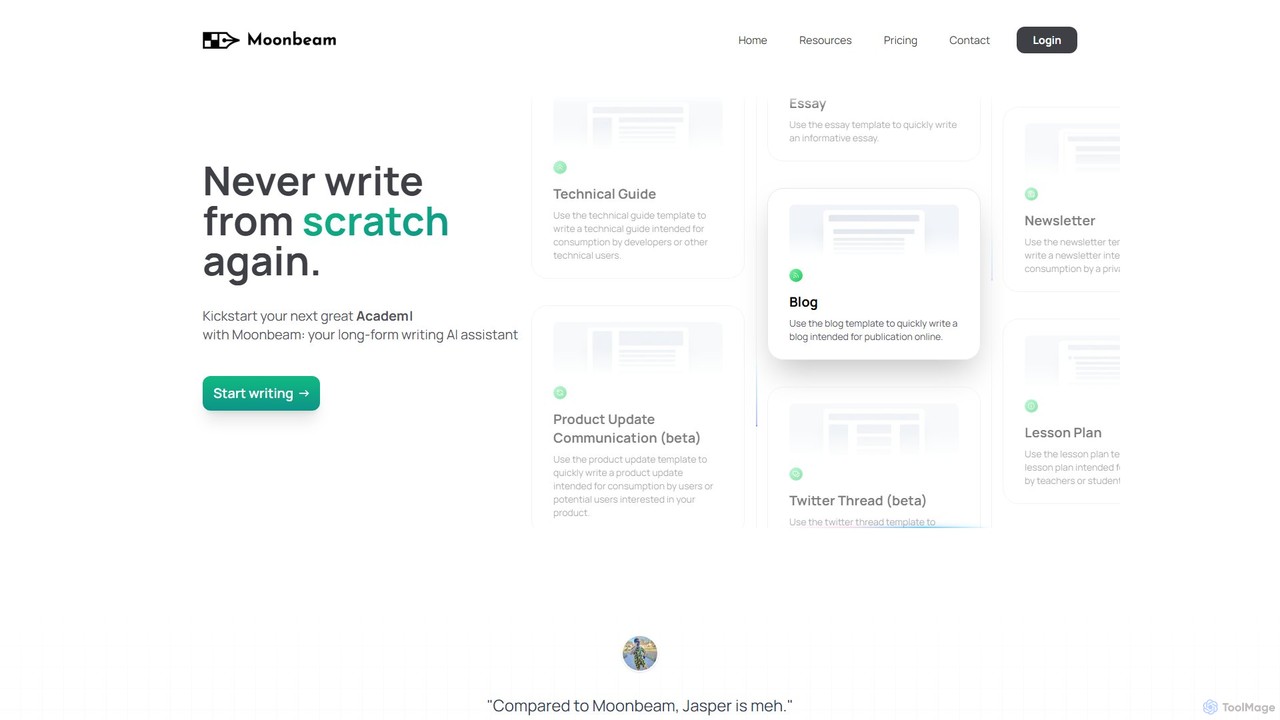
gomoonbeam
gomoonbeam is a specialized AI writing assistant designed for long-form content. It helps users create high-quality essays, blogs, articles, and technical guides from scratch. Featuring a 'Wizard' to turn notes into outlines, GPT-4 powered Smart Chat for editing, and a Custom Style Generator, it streamlines the entire writing process for students, marketers, and freelancers.
Assistant
DraftLab
DraftLab is an AI-powered writing assistant designed to streamline your content creation process. It helps users generate high-quality articles, emails, and marketing copy, while also offering advanced tools for grammar correction, paraphrasing, and style enhancement to ensure your writing is clear, compelling, and error-free.
Research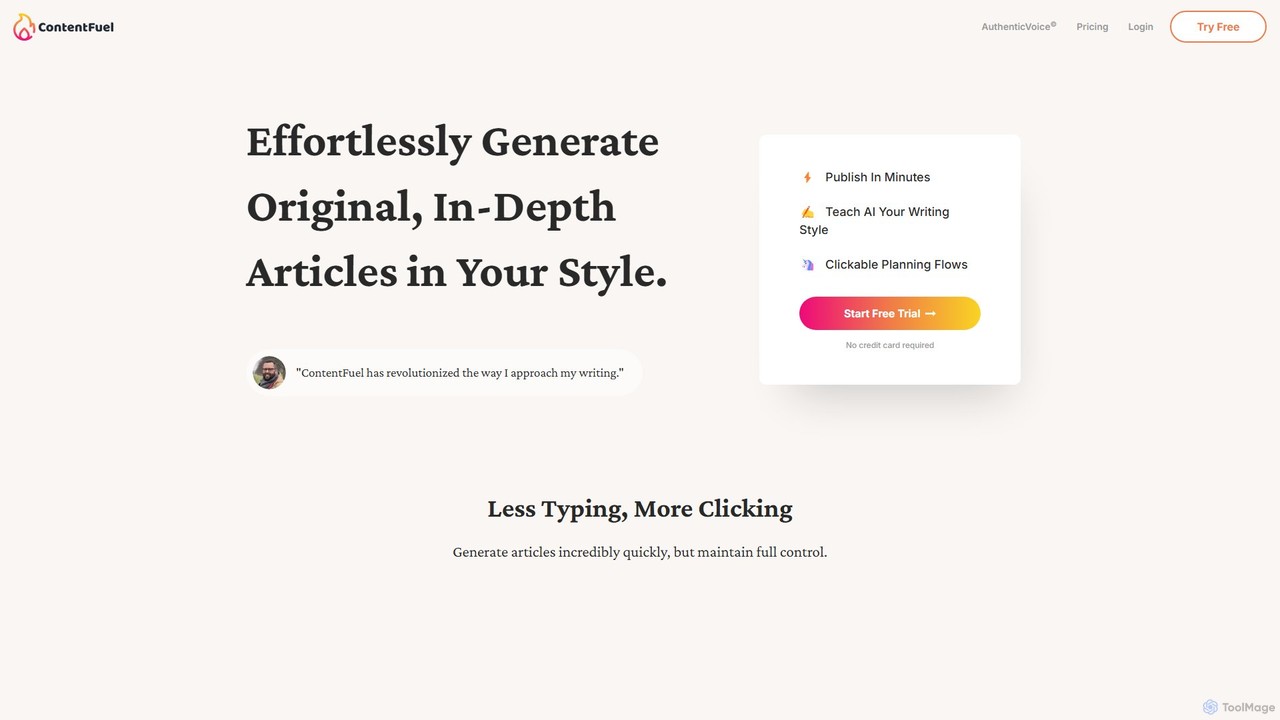
ContentFuel
ContentFuel is an AI-powered writing assistant that specializes in generating original, in-depth articles that match your unique writing style. Using its proprietary AuthenticVoice© technology, it learns from your existing content to produce new articles, blog posts, and marketing copy that are genuinely on-brand. It streamlines the content creation process with guided, clickable planning flows, enabling you to publish high-quality content in minutes.
Content Creation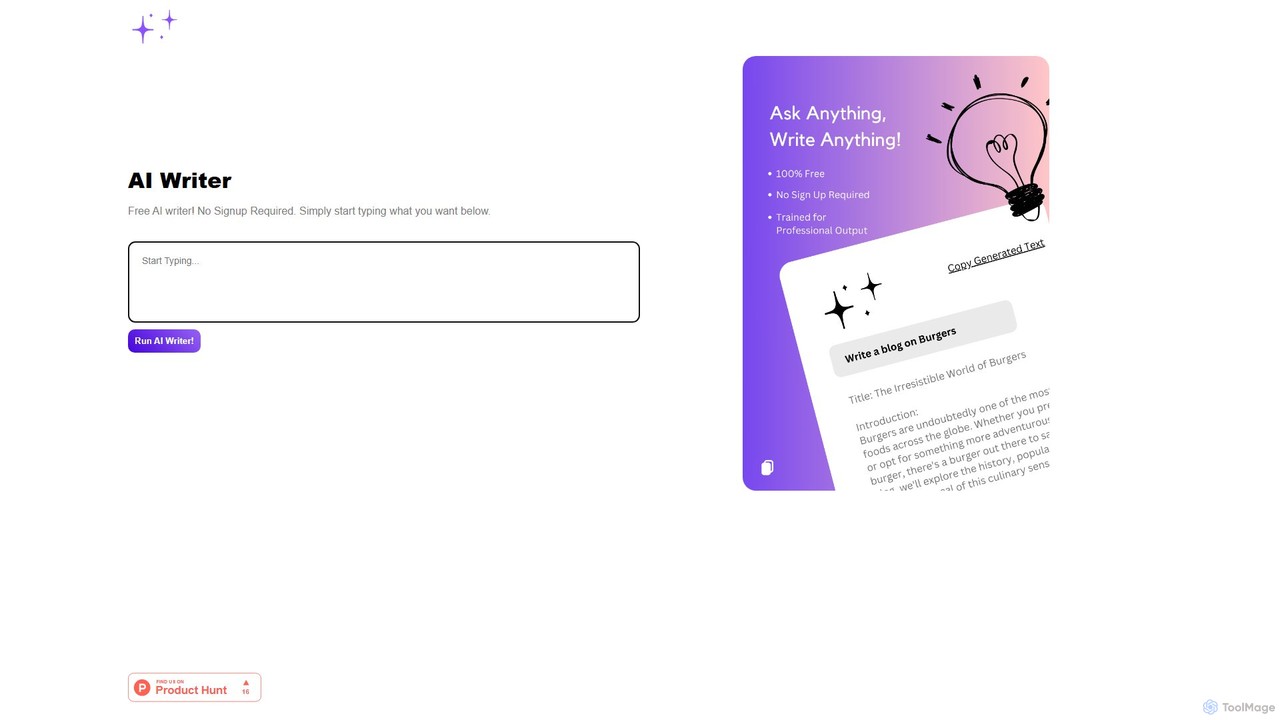
MagicWrite
MagicWrite is a free, no-signup AI text generator designed for instant content creation. Simply enter your prompt to generate articles, social media posts, emails, and more. Its minimalist interface and one-click copy feature make it an incredibly fast and accessible tool for writers, marketers, and students.
Study Tools
raay
raay is an all-in-one AI platform for content creation and automation. It combines AI writing, image generation, chat, voiceover, and code generation to streamline workflows for marketers, creators, and businesses, boosting productivity and creativity.
Text To Speech
FreeWriterAI
FreeWriterAI is a powerful AI-driven writing assistant designed to help users create high-quality content effortlessly. From blog posts and emails to social media updates and ad copy, it streamlines the writing process, overcomes writer's block, and enhances creativity for free.
Study Tools
LaborAI
LaborAI is a comprehensive AI-powered content creation platform designed to automate writing tasks for marketers, bloggers, and businesses. It offers a vast suite of tools to generate everything from blog posts and social media updates to ad copy and business documents, helping users save time, boost engagement, and increase productivity.
Content Creation
Txt Muse Comments (0)
Sign in to comment.
Sign inNo comments yet.