
Bezi Overview
Bezi is a revolutionary AI assistant tailor-made for the Unity ecosystem, empowering both developers and creatives to build games faster and more efficiently. Unlike generic AI coding tools, Bezi possesses a unique, deep understanding of your entire Unity project. It analyzes the intricate relationships between your scripts, scene objects, components, and project settings. This contextual awareness allows it to provide highly relevant, targeted solutions that significantly cut down on development and debugging time.
For developers, Bezi acts as an intelligent co-pilot. It excels at identifying and resolving complex, scene-level bugs that traditional IDEs often miss. Instead of spending hours hunting for null references or logic errors that span multiple files, you can simply ask Bezi. It traces the issue to its source and suggests precise fixes. For creatives and designers, Bezi breaks down technical barriers, allowing them to bring their artistic vision to life with minimal coding. It can translate natural language ideas into functional scripts and automate cumbersome setup tasks, preserving the creative flow.
How to use Bezi
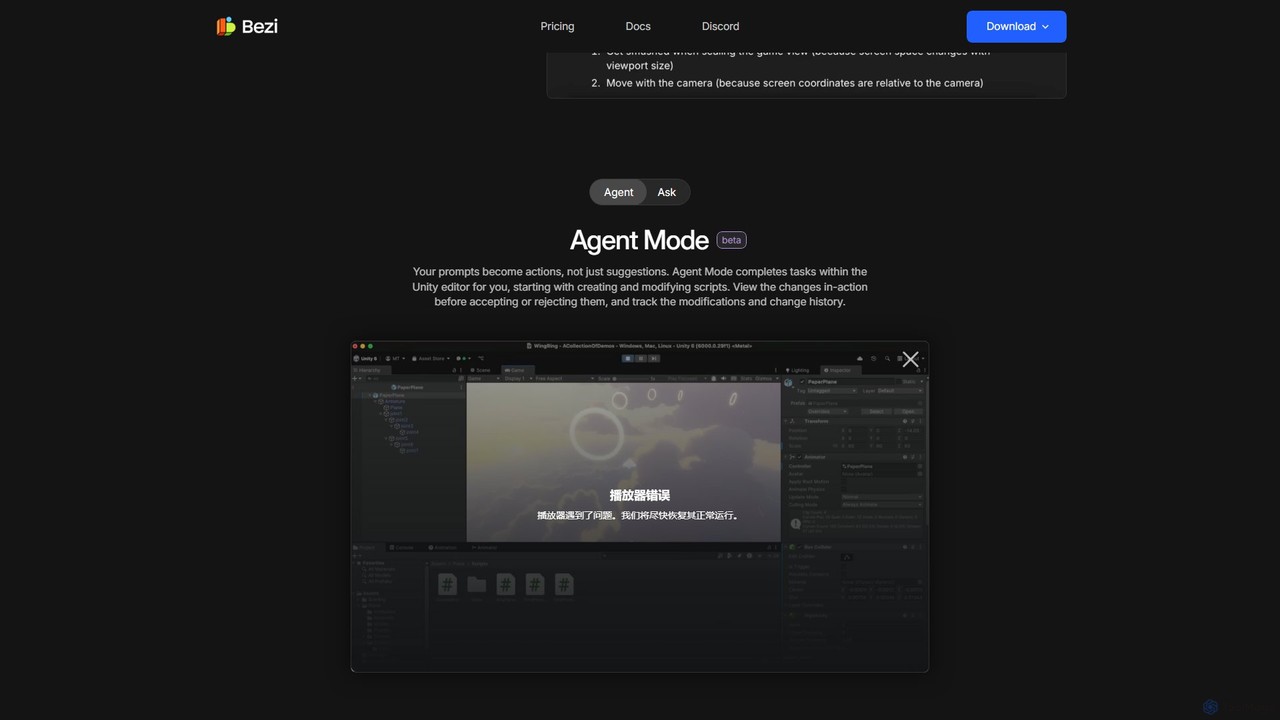
Getting started with Bezi is a seamless process designed to integrate directly into your existing workflow. First, you download and install the Bezi application, which then integrates into your Unity editor. Once installed, you can invoke Bezi to assist with various tasks. The primary interaction is through natural language prompts. You can ask it to debug a specific issue, generate a new script for a game mechanic, or create a custom editor tool. A standout feature is the 'Agent Mode'. When activated, Bezi doesn't just offer code suggestions; it takes direct action within the Unity editor. For example, it can create new C# scripts, modify existing ones, or add necessary components to GameObjects. All changes made by the Agent are presented for your review, allowing you to accept or reject them, ensuring you remain in full control of your project.
Core Features of Bezi
- Context-Aware Debugging: Goes beyond script analysis to trace interactions between code, scene objects, and components, pinpointing the root cause of complex bugs.
- Agent Mode: An autonomous AI agent that executes tasks like script creation and modification directly within the Unity editor based on your prompts.
- Project-Specific Code Generation: Creates C# scripts and shaders that are tailored to your project's existing architecture and conventions, not generic templates.
- Editor Tooling Automation: Generates custom editor tools to streamline repetitive tasks and create polished, scalable workflows for your team.
- Shader Creation: Generates ready-to-use shaders from simple descriptions, enabling efficient creation of custom visuals.
- Documentation and Tutorials: Can summarize your work, generate documentation for tools, and provide clear, step-by-step tutorials for implementing new systems or plugins.
- High Security Standards: Bezi is SOC 2 Type 2 certified, ensuring your intellectual property and project data are handled with the highest level of security.
Use Cases for Bezi
Bezi is versatile and valuable for a wide range of users in the game development pipeline. Indie developers can use it as a force multiplier, tackling complex systems and bugs that would typically require a larger team. For example, an indie dev struggling with a multiplayer synchronization issue can ask Bezi to analyze the project, and it will provide potential causes and solutions. Game designers and artists can use Bezi to prototype ideas independently, creating simple player controllers or interactive elements without deep C# knowledge. Studios can leverage Bezi to accelerate prototyping, automate the creation of internal tools, and onboard new team members faster by using its documentation capabilities. It's described by users as a replacement for ChatGPT for game dev, but smarter, because it understands the full context of the project.
Advantages of Bezi
The primary advantage of Bezi is its deep, holistic understanding of a Unity project, which generic AIs lack. This leads to far more accurate and immediately usable solutions. It saves countless hours of debugging by seeing the 'big picture'. It democratizes development, empowering non-coders to contribute more directly within the engine. The seamless integration into the Unity editor creates a frictionless workflow, eliminating the need to constantly switch contexts between your game engine and an external tool. Furthermore, its commitment to security with SOC 2 compliance gives professional studios the confidence to use it on commercial projects. Testimonials from developers at studios like Epic Games and Unity Technologies highlight its ability to accelerate workflows by 10x and solve bugs that had been intractable for weeks.
Pricing and Plans
Bezi offers a flexible pricing structure to suit different needs, from individual hobbyists to professional studios:
- Trial Plan: Free. Includes 100 credits (equivalent to about 100 prompts) with no expiration date, giving full access to all features.
- Pro Plan: $20 per month. Includes 500 credits per month, which refresh monthly.
- Advanced Plan: $60 per month. Includes 1,800 credits per month, which refresh monthly.
- Business Plan: $200 per month. Includes 6,000 credits per month, which refresh monthly.
All paid plans include access to all new and existing features, with credits renewing each month.
Traffic
Latest traffic
Status
Monthly traffic trend
- 2025-9: 70.6K
- 2026-1: 99.6K
- 2026-2: 109.5K
- 2026-3: 109.7K
- 2026-4: 112.8K
- 2026-5: 128.6K
Geography
Top 5 countries / regions
- 🇺🇸United States35.0%
- 🇨🇦Canada24.8%
- 🇵🇭Philippines16.3%
- 🇩🇪Germany14.0%
- 🇵🇰Pakistan10.0%
Traffic sources
| Source type | Percentage |
|---|---|
Direct | 92.7% |
Referral | 6.3% |
Email | 1.0% |
Top keywords
| Keyword | Cost per click |
|---|---|
| bezi | $1.03 |
| bezi ai | $1.91 |
| bezi login | $0.00 |
| bezi unity | $0.00 |
| unity ai | $2.27 |
Bezi Videos on YouTube

SBS Games School

Building Aeon


ODale Studios

Daniel Marqusee

Jason Weimann (GameDev)
CoderVerse Academy
Bezi Alternatives
butterfish
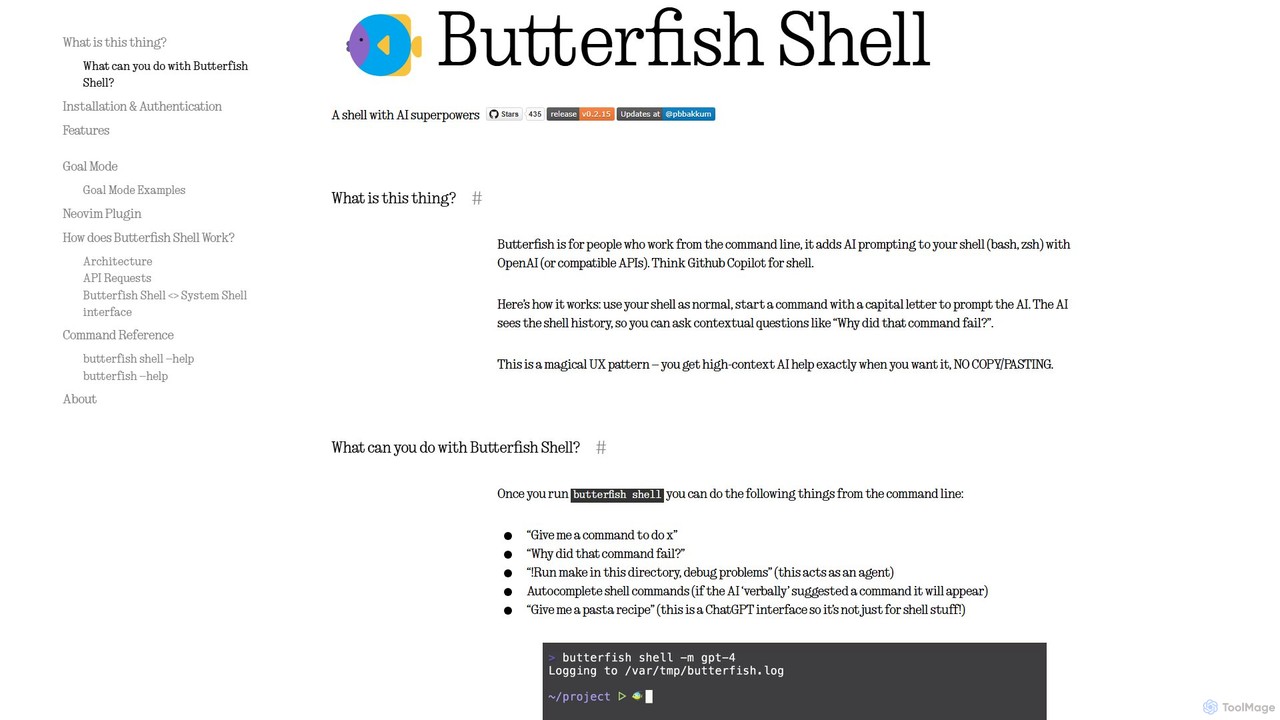
butterfish is an open-source CLI tool that supercharges your shell (bash, zsh) with AI capabilities. Acting like GitHub Copilot for the command line, it allows you to generate commands, debug errors, and automate tasks using natural language prompts directly in your terminal. It maintains context from your shell history, providing highly relevant assistance and boosting productivity for developers and sysadmins.
Code Assistant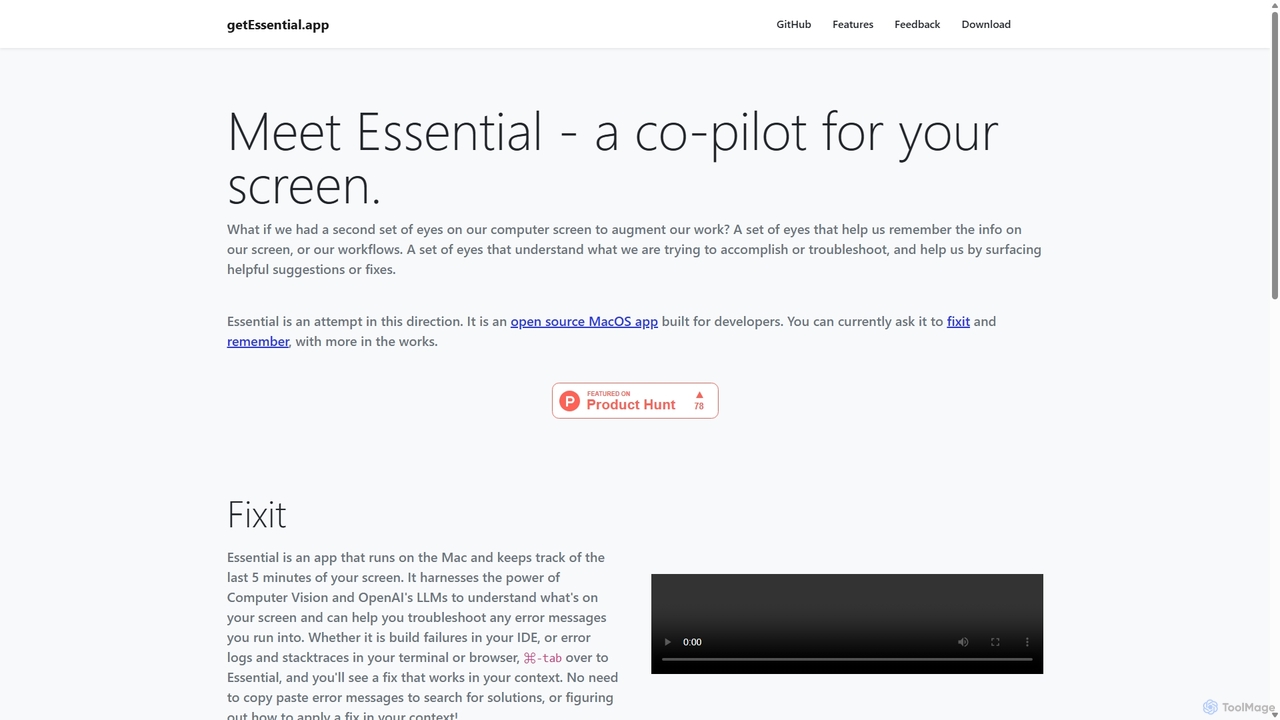
GetEssential
getEssential is an AI-powered Mac application that continuously records your screen to instantly troubleshoot errors. It uses Computer Vision and LLMs to analyze build failures, error logs, and stack traces, providing contextual fixes without manual searching. A productivity booster for developers and IT professionals.
Code Assistant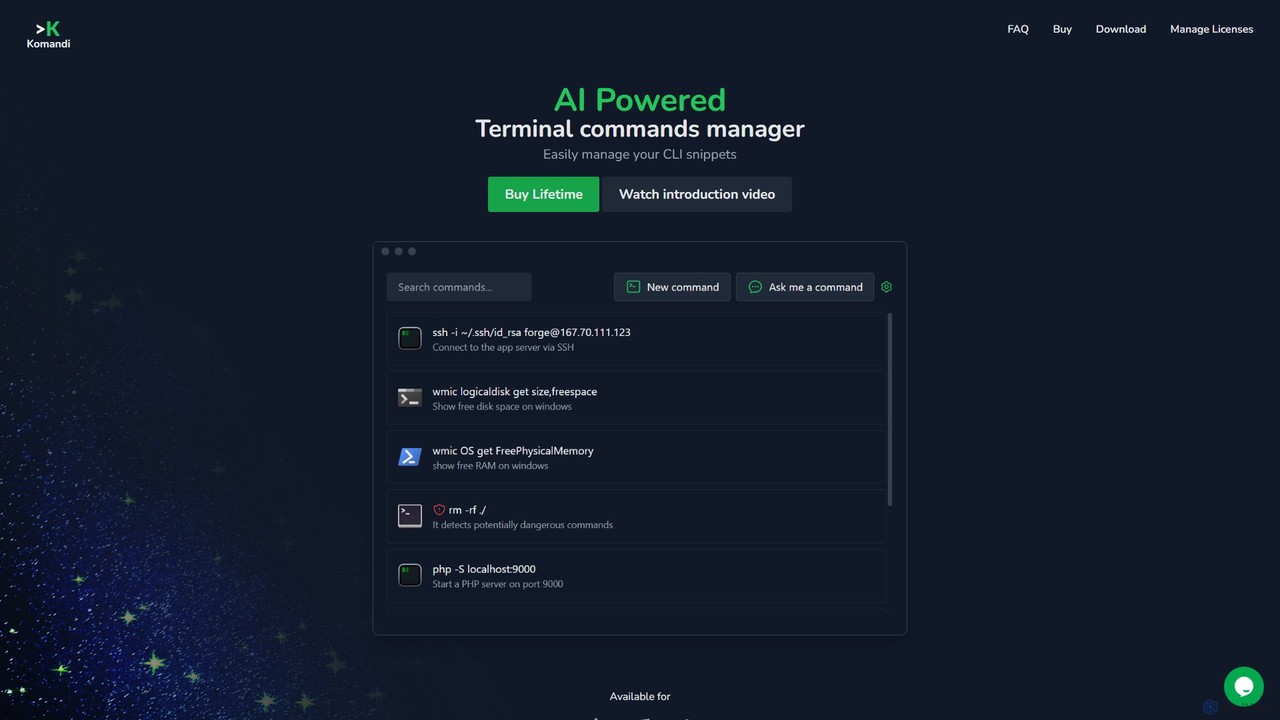
Komandi
Komandi is an AI-powered CLI/terminal command manager for developers and sysadmins. It simplifies command-line operations by allowing you to manage snippets, generate complex commands from natural language, and execute them safely. It supports macOS, Windows, and Linux, streamlining your workflow by organizing frequently used commands and detecting potentially dangerous ones before execution.
Code Assistant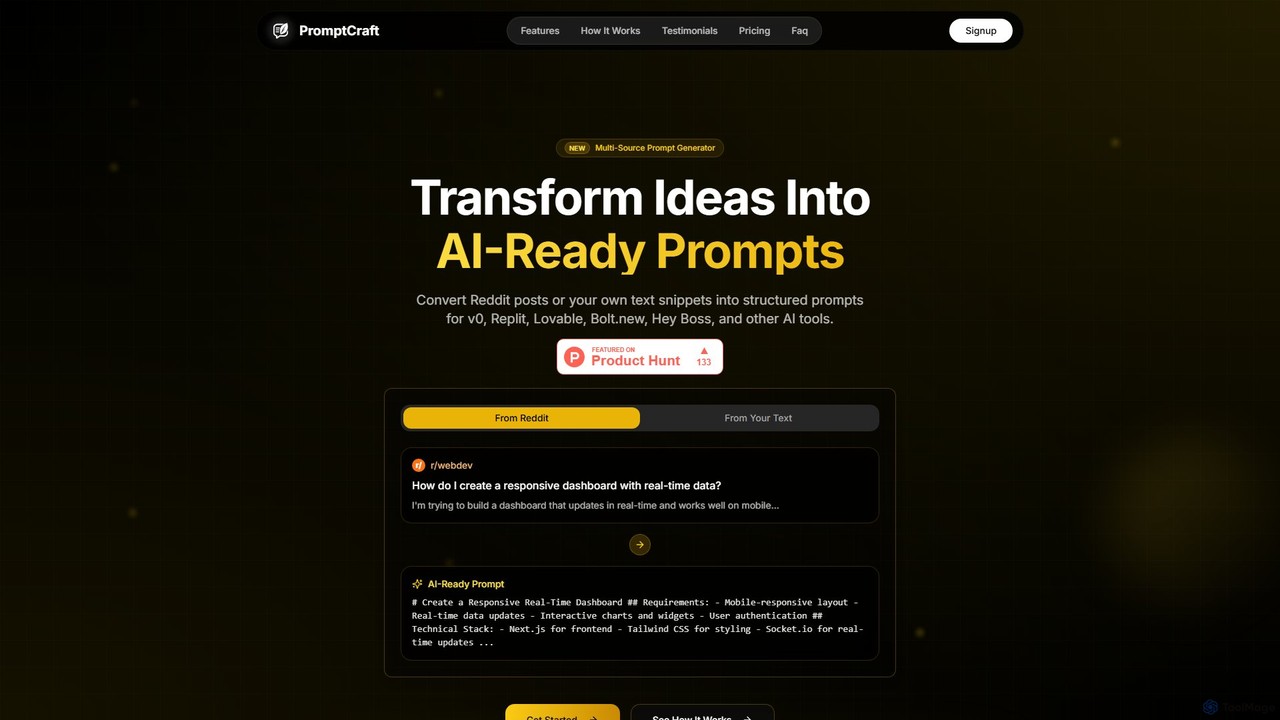
PromptCraft
PromptCraft is an AI-powered tool that transforms ideas from Reddit posts or user-provided text into structured, optimized prompts for AI code and UI generation platforms like v0, Replit, and more. It helps developers and designers discover trending ideas and accelerate their workflow from concept to creation by generating high-quality, platform-specific prompts.
Code Assistant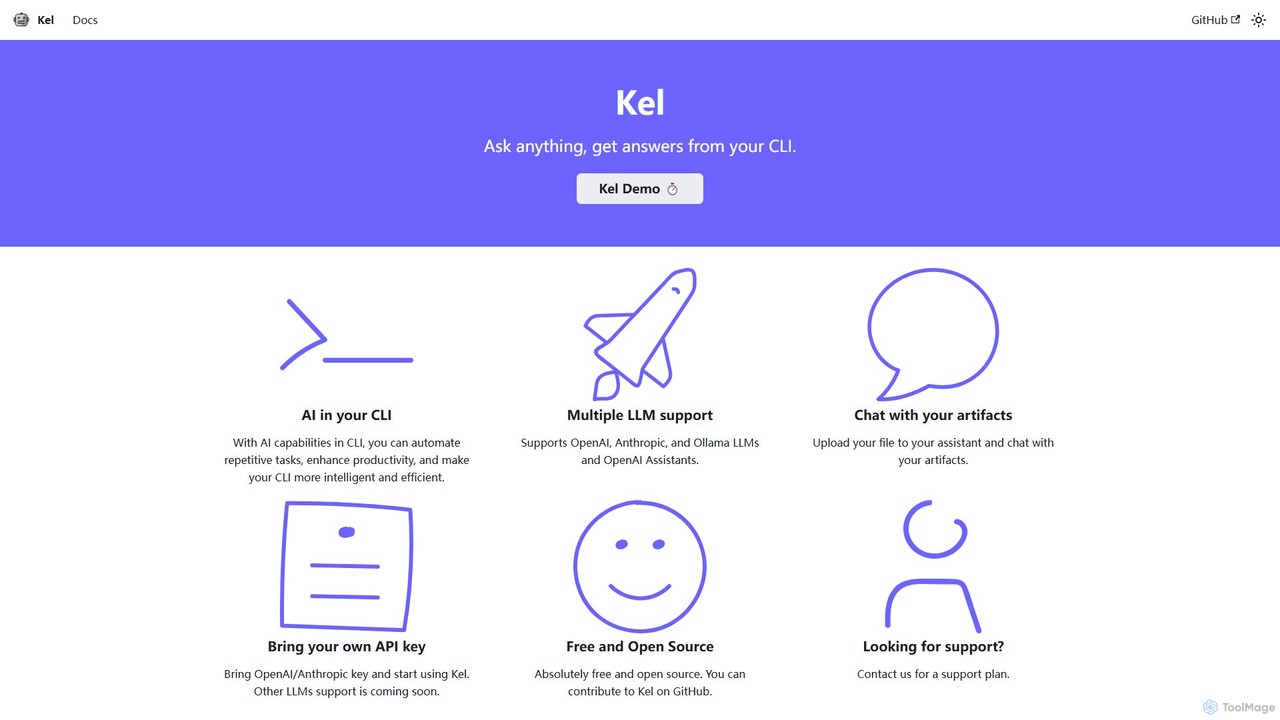
Kel
Kel is a free, open-source AI assistant for your command-line interface (CLI). It integrates with multiple LLMs like OpenAI, Anthropic, and Ollama to help developers and sysadmins automate tasks, generate commands, and even chat with documents directly from the terminal.
Code AssistantBezi Categories
Bezi Embed Widget
Copy this embed code to place the badge on your blog, article, or product site and send readers directly to this ToolMage detail page.

Related AI tools
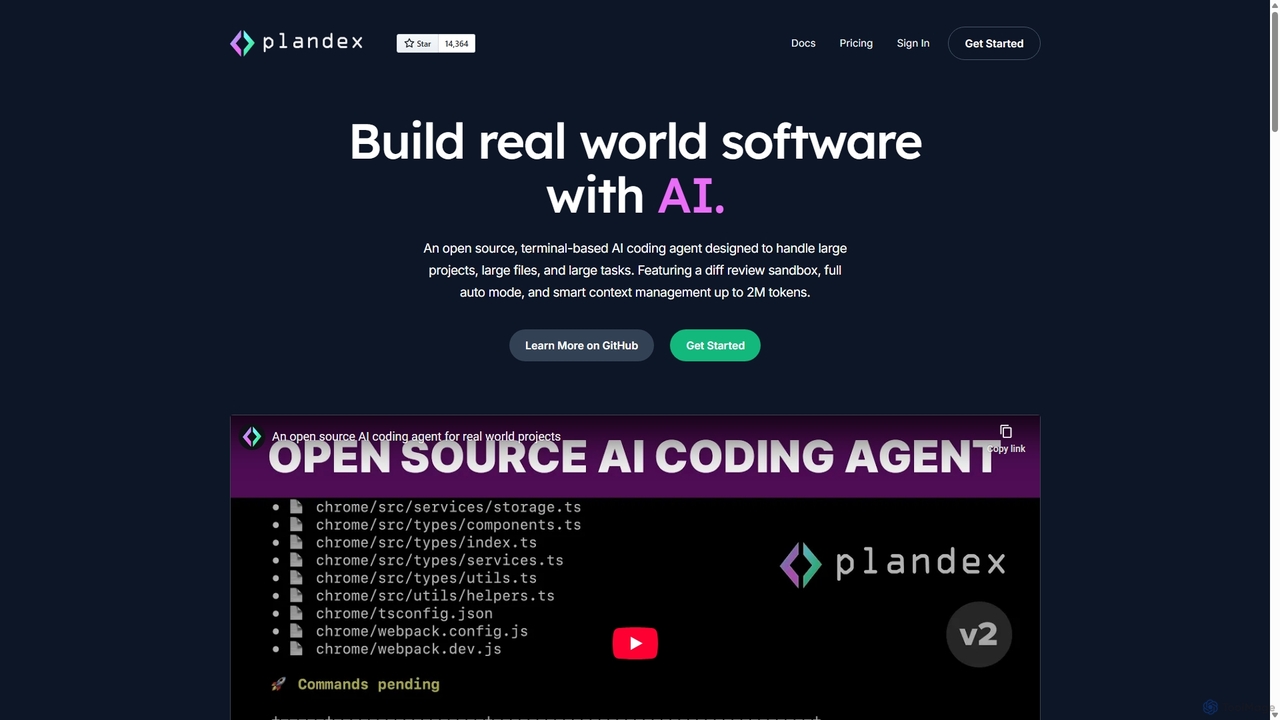
Plandex
Plandex is an open-source, terminal-based AI coding agent designed for complex, large-scale software development tasks. It excels at handling large projects and files with its 2M token context window. Featuring a diff review sandbox, configurable autonomy, and multi-model support, Plandex empowers developers to build, debug, and refactor entire applications with AI assistance, ensuring control and productivity in a dev-friendly workflow.
Code Generation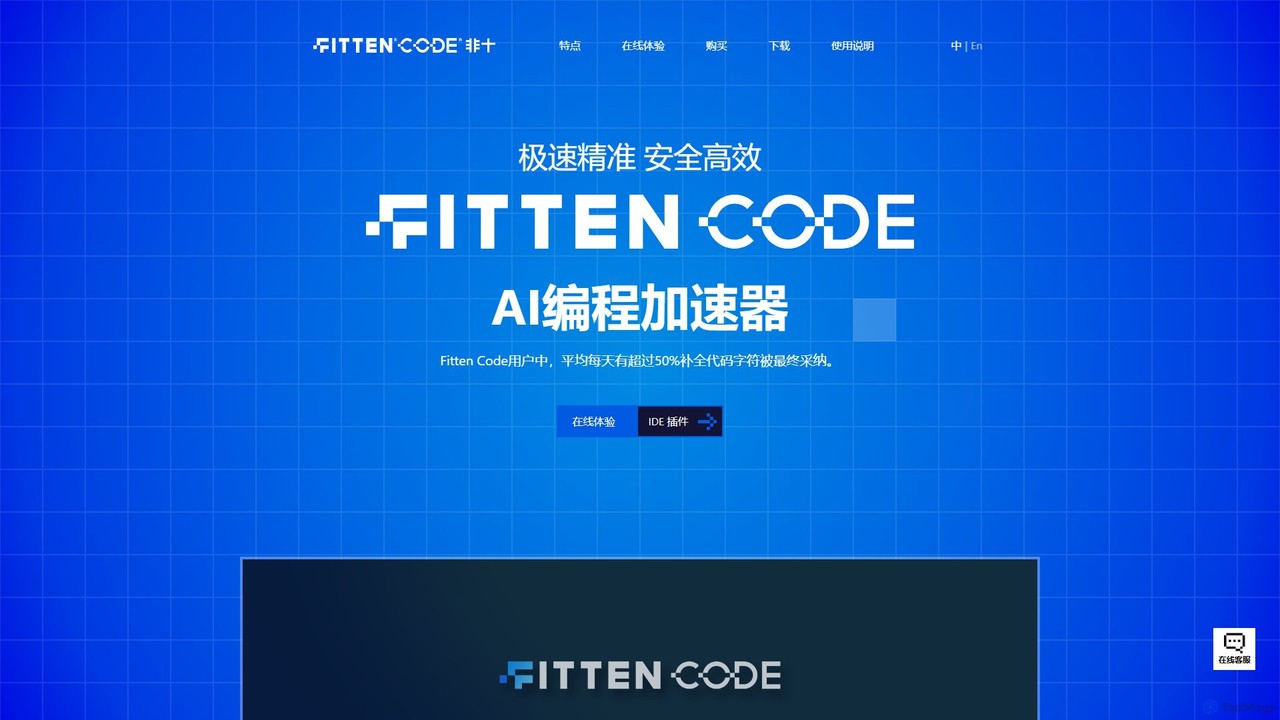
Fitten Code
Fitten Code is a next-generation AI programming assistant designed to accelerate software development. It offers ultra-fast code completion, intelligent Q&A, automated unit test generation, and code optimization. Built by a Tsinghua PhD team, it supports major IDEs and languages, significantly boosting developer productivity while ensuring data privacy.
Code Generation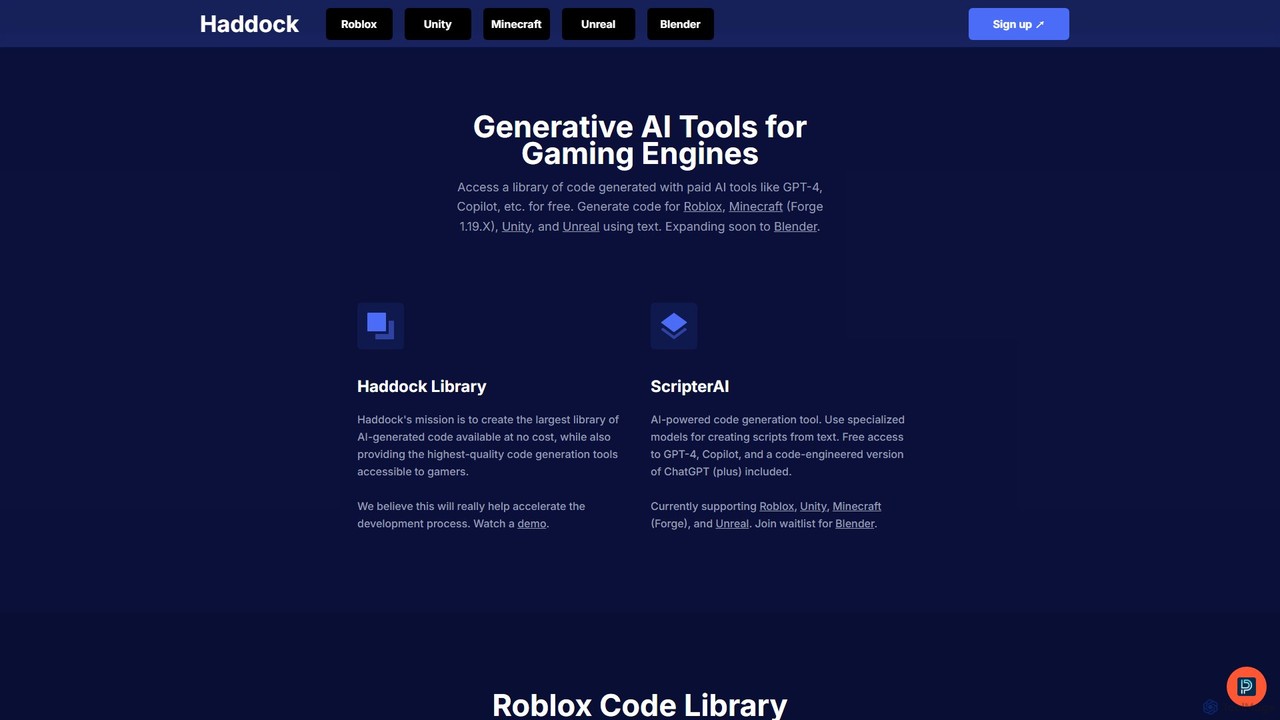
haddock
Haddock is a generative AI platform designed to accelerate game development. It offers a vast, free library of AI-generated code for engines like Roblox, Unity, Unreal, and Minecraft. With its ScripterAI tool, developers can generate high-quality, engine-specific scripts from simple text prompts, leveraging models like GPT-4 and Copilot to streamline prototyping, learning, and overall development workflows.
Code Assistant
jetcode.app
jetcode.app is an AI-powered coding assistant designed to accelerate software development. It helps developers write, debug, and optimize code faster by providing intelligent code generation, real-time completion, and powerful refactoring tools directly within their IDE.
Code Assistant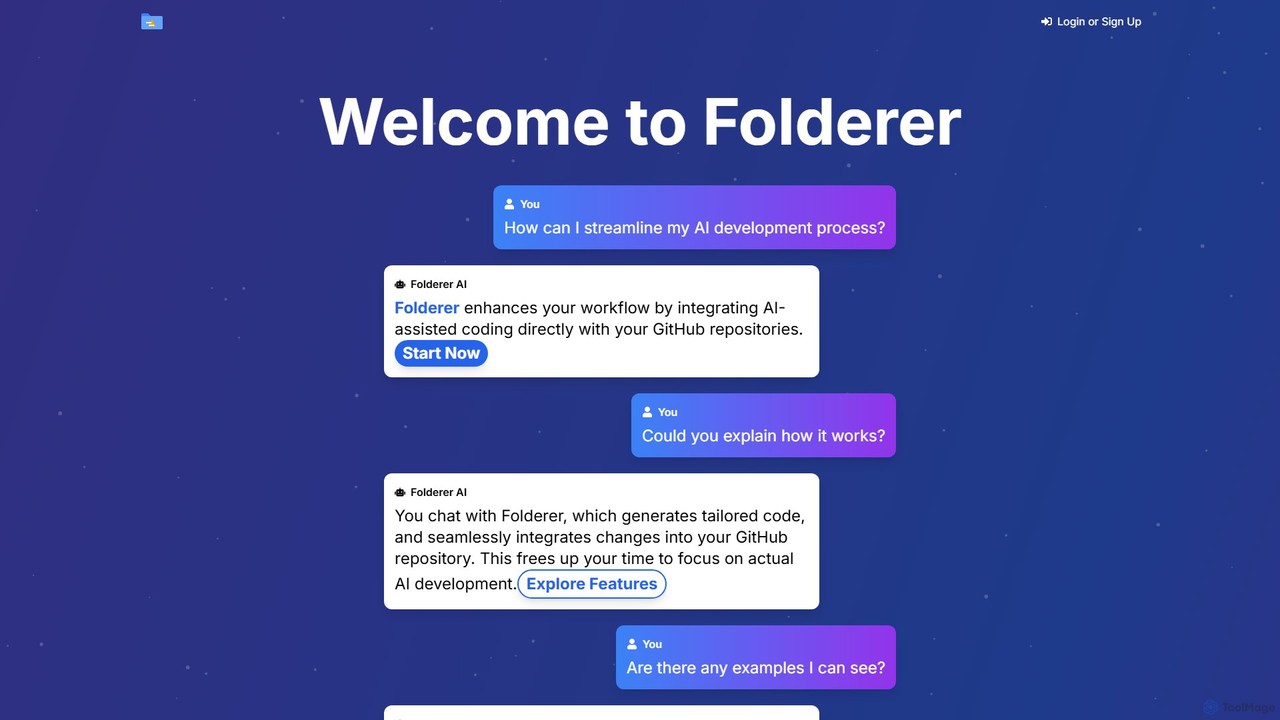
Folderer
Folderer is an AI-powered coding assistant that integrates directly with your GitHub repositories. It uses a conversational chat interface to generate, refine, and commit high-quality code, streamlining the entire development workflow from idea to deployment.
Code Generation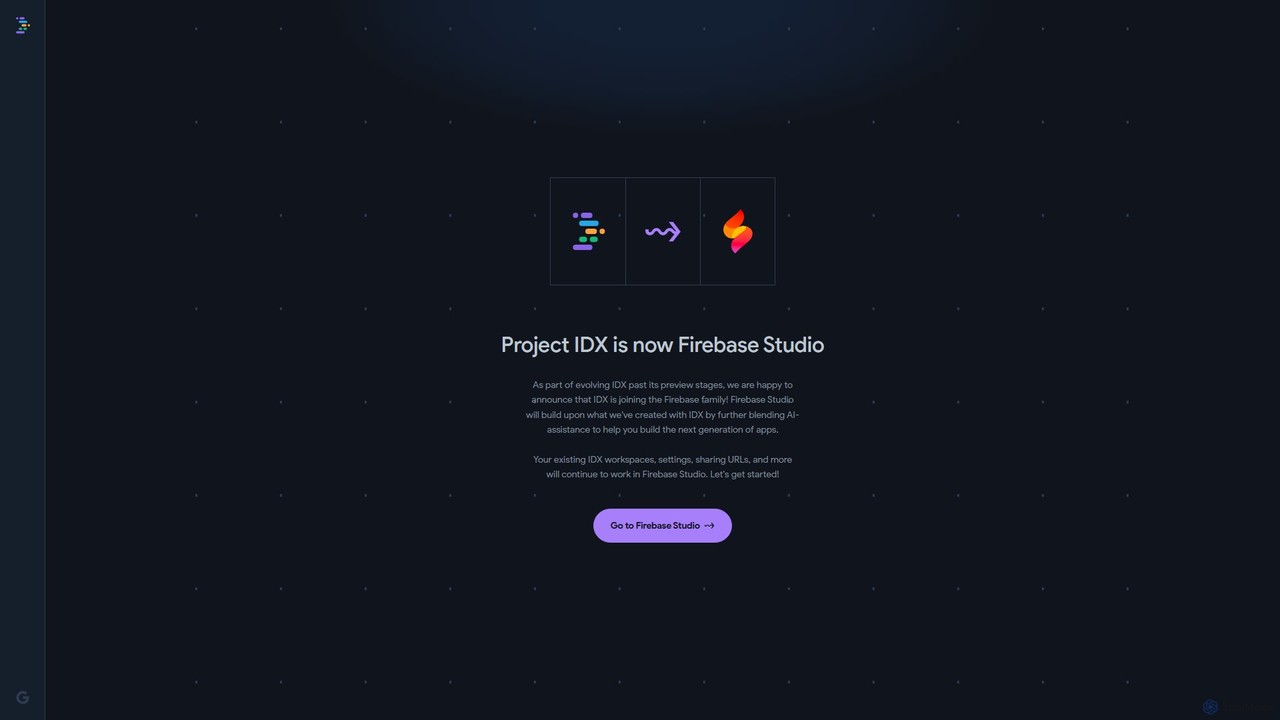
Project IDX
Project IDX, now evolving into Firebase Studio, is a cloud-based, AI-powered workspace for full-stack, multi-platform application development. It offers a pre-configured environment with AI code assistance, integrated multi-platform previews, and seamless Firebase integration. Ideal for developers looking to build, test, and deploy web and mobile apps faster, without local setup complexities.
Paas
InvisiCoder
InvisiCoder is an AI-powered invisible coding assistant designed to help professionals confidently navigate technical interviews, including MAANG-level challenges, by providing real-time, discreet code suggestions and problem-solving support.
Interview Preparation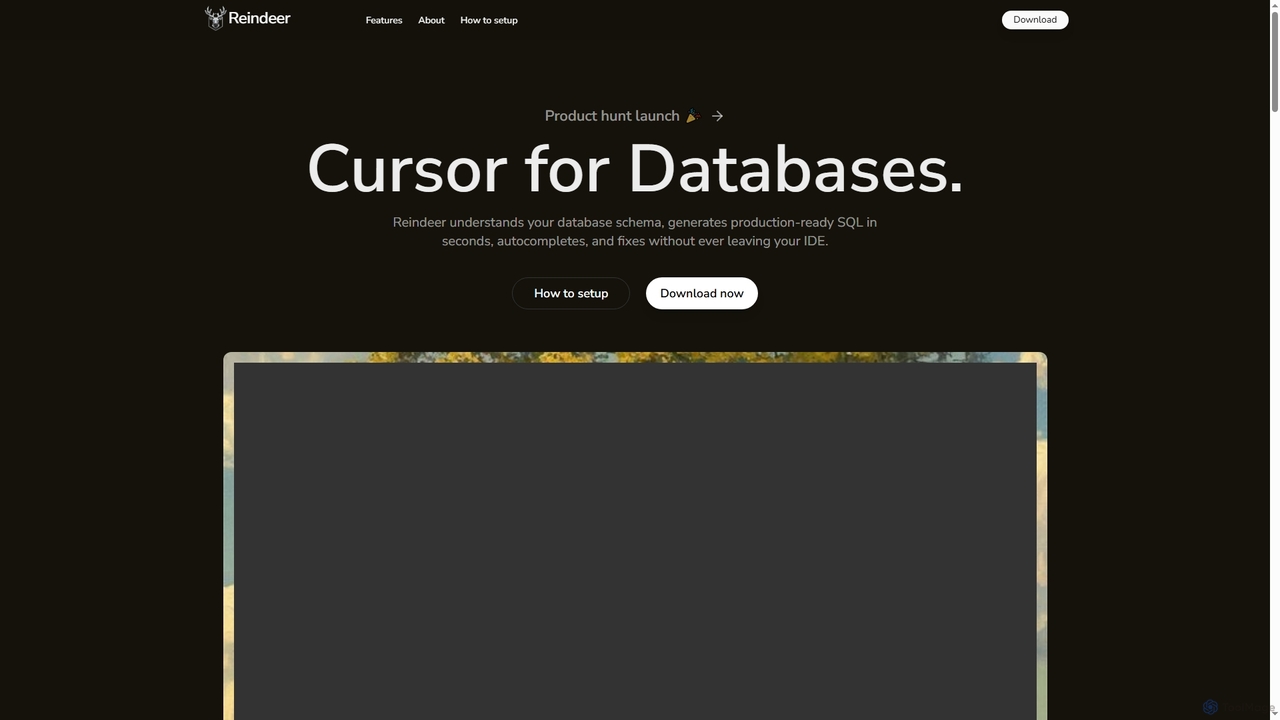
Reindeer
Reindeer is an AI-powered cursor for databases that integrates directly into your IDE. It understands your database schema, generates production-ready SQL, provides real-time autocomplete, and automatically fixes errors, significantly enhancing developer productivity.
Code Generationbutterfish
butterfish is an open-source CLI tool that supercharges your shell (bash, zsh) with AI capabilities. Acting like GitHub Copilot for the command line, it allows you to generate commands, debug errors, and automate tasks using natural language prompts directly in your terminal. It maintains context from your shell history, providing highly relevant assistance and boosting productivity for developers and sysadmins.
Code AssistantGetEssential
getEssential is an AI-powered Mac application that continuously records your screen to instantly troubleshoot errors. It uses Computer Vision and LLMs to analyze build failures, error logs, and stack traces, providing contextual fixes without manual searching. A productivity booster for developers and IT professionals.
Code Assistant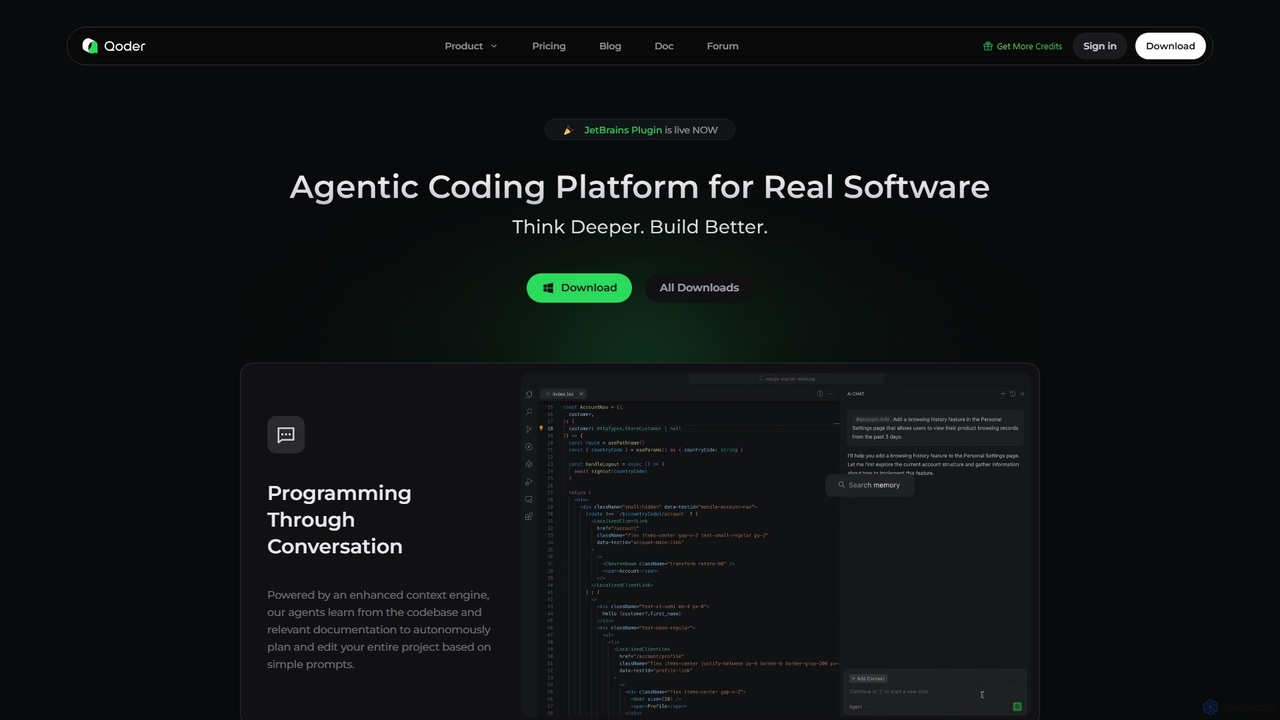
Qoder
Qoder is an agentic AI coding platform designed for real software development. It leverages an enhanced context engine to autonomously plan, code, and test entire projects based on simple prompts, integrating seamlessly into developer workflows via IDE, CLI, or JetBrains plugin.
Code Assistant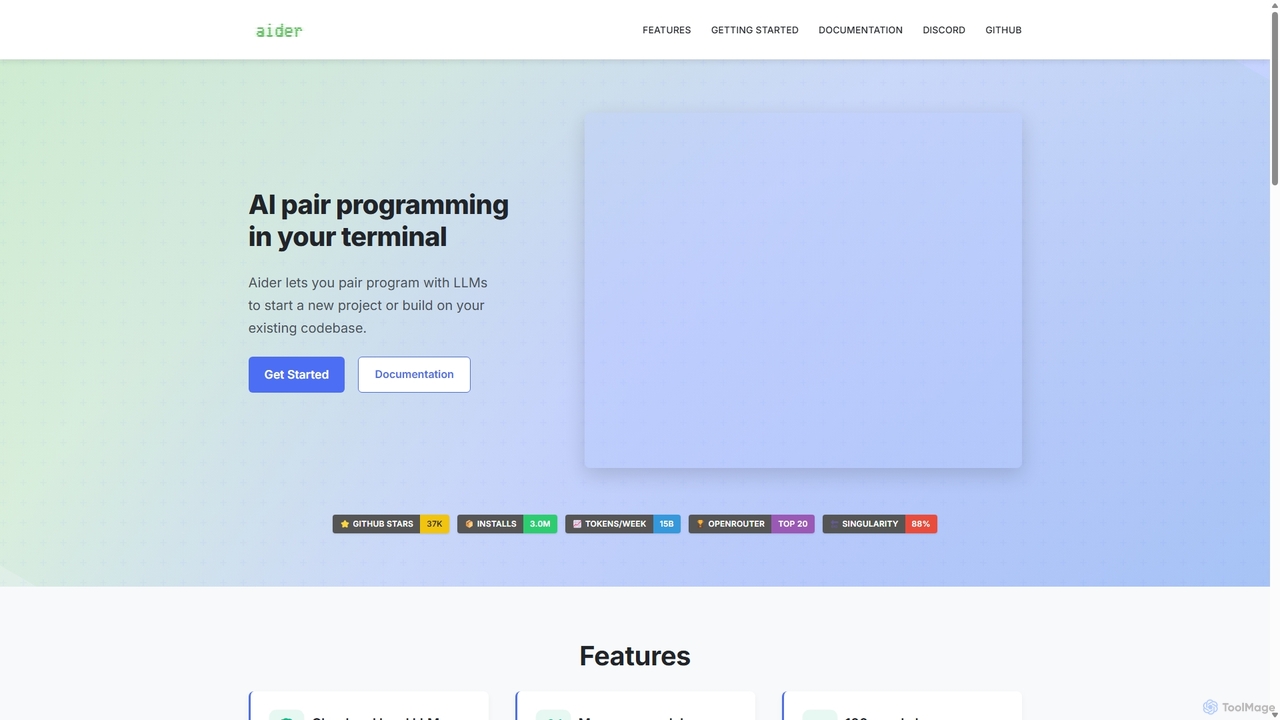
Aider
Aider is an AI-powered pair programmer that operates directly in your terminal. It intelligently maps your entire codebase, providing full project context for complex tasks. Seamlessly integrated with Git, it automates commits and allows you to manage AI-driven changes with familiar tools. Aider supports over 100 programming languages, connects to leading cloud and local LLMs, and even accepts voice and image inputs, making it a versatile and powerful assistant for any developer seeking to accelerate their workflow and improve code quality.
Programming
Devgen
Devgen is an AI-powered coding assistant designed to accelerate the software development lifecycle. It helps developers write better code faster by providing intelligent code generation, completion, refactoring, and automated testing, directly within their IDE.
Code Assistant
PrometheanAI
PrometheanAI is an enterprise-level AI assistant for creative teams, designed to accelerate digital art production and world-building. It integrates into existing workflows and editors, using a team's own assets to automate mundane tasks and enhance creativity without requiring cloud uploads.
Asset Management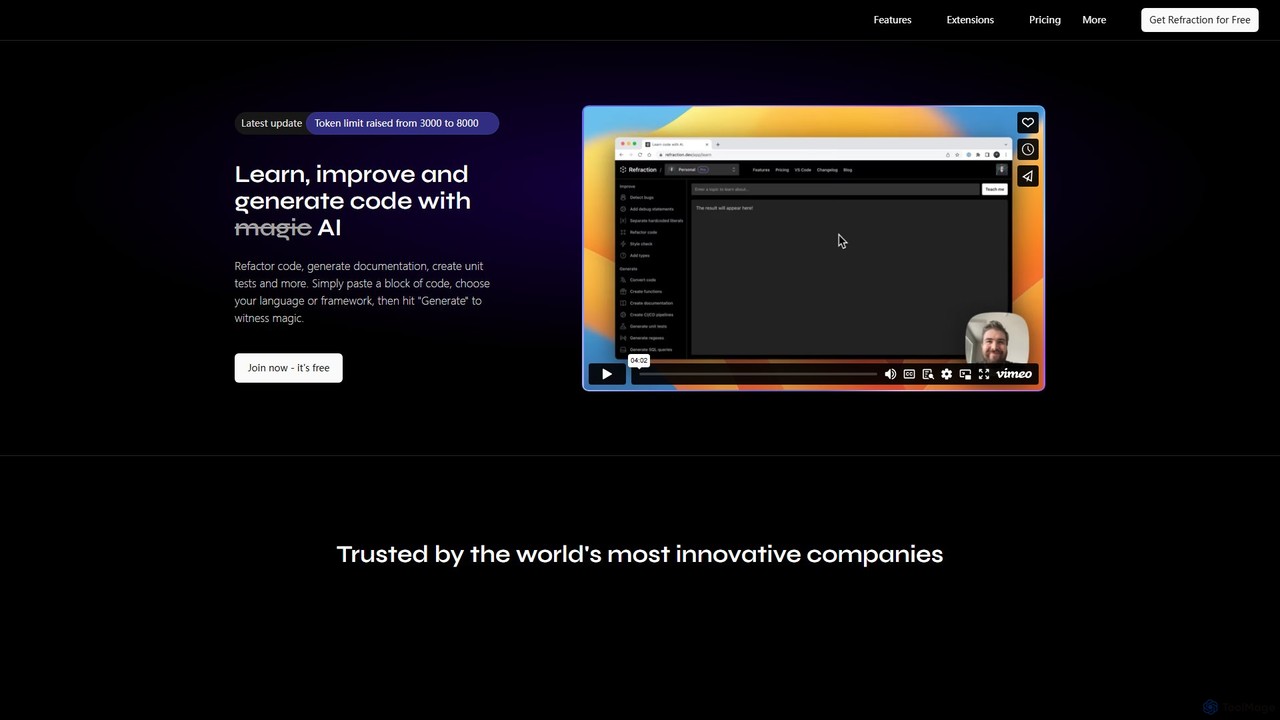
Refraction
Refraction is an AI-powered coding assistant for developers. It automates tedious tasks like generating unit tests, writing documentation, refactoring code, and converting between 56 programming languages. Boost your productivity and focus on building great software.
Code Assistant
Bezi Comments (0)
Sign in to comment.
Sign inNo comments yet.