

Theia IDE Overview
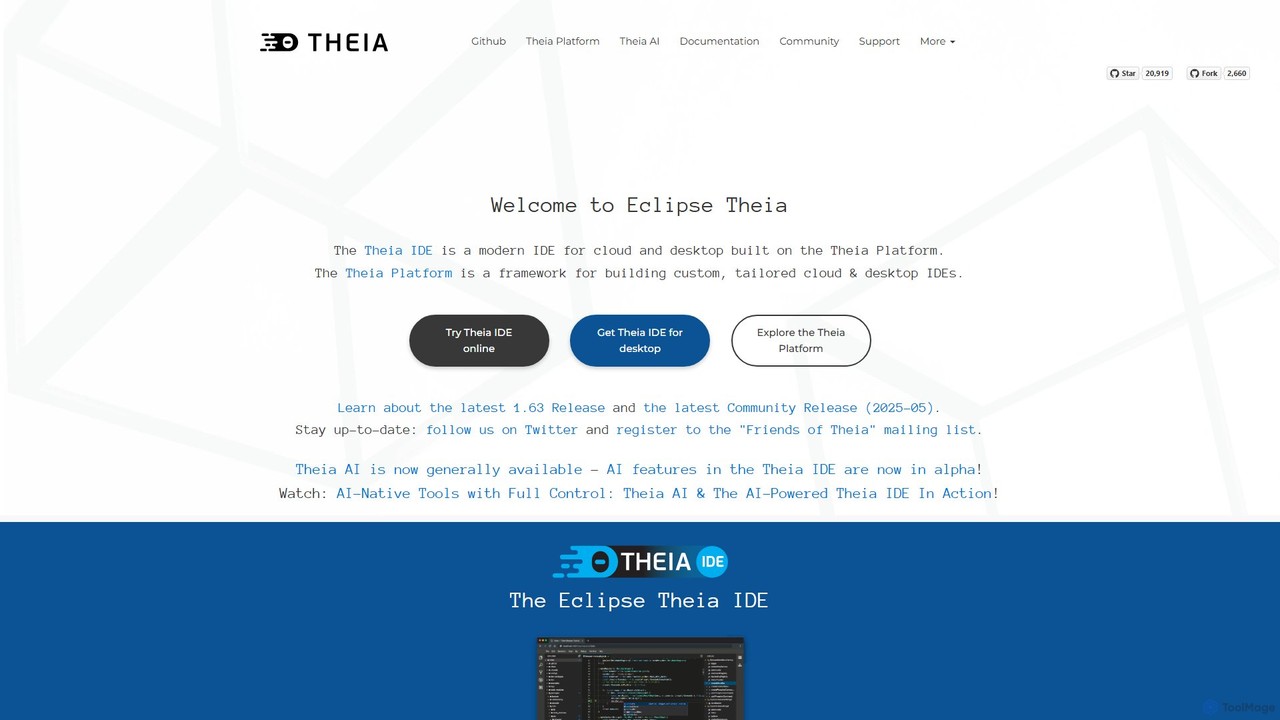
Theia IDE is a versatile, open-source Integrated Development Environment (IDE) designed for both cloud and desktop use. Developed under the vendor-neutral Eclipse Foundation, it stands as a powerful and independent alternative to Visual Studio Code, not a fork. Theia is built on the highly modular Theia Platform, which allows developers to not only use it as a feature-rich IDE but also as a framework to create their own custom, domain-specific tools and IDEs.
It combines the flexibility of a modern web-based architecture with the performance of a desktop application. Theia IDE provides a familiar user experience with a customizable workbench layout, theming support, detachable views, and a dynamic toolbar. Its core philosophy revolves around openness, extensibility, and giving developers full control over their environment and data.
How to use Theia IDE
Getting started with Theia IDE is straightforward, with multiple options to suit different needs:
- Desktop Installation: Download the dedicated installer for your operating system (Windows, macOS for both x86/ARM, and Linux via AppImage/Snap) directly from the official website.
- Try Online: For a quick evaluation, you can use the online version hosted on Theia.cloud. This provides a time-limited session to explore the IDE's features without any local installation.
- Docker Deployment: For self-hosting or creating a standardized cloud development environment, Theia IDE provides an experimental Docker image.
- Customization: Once running, you can personalize your experience by installing thousands of VS Code extensions directly from the Open VSX Registry.
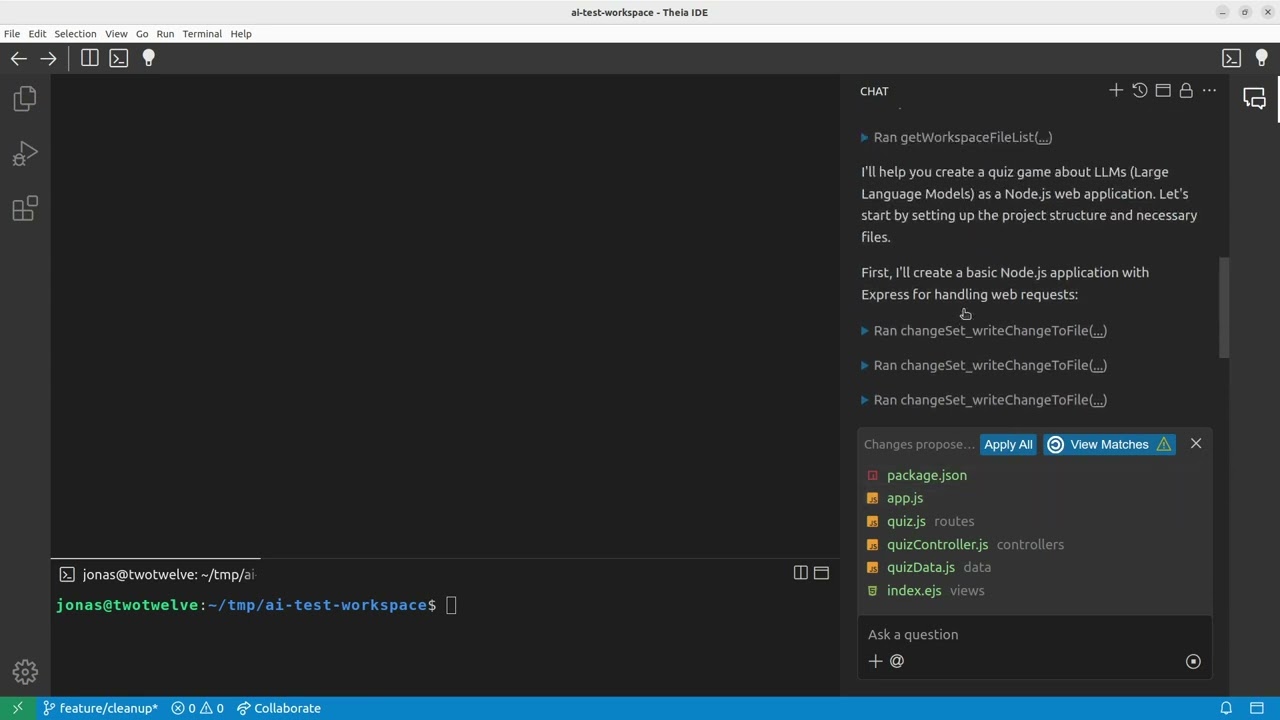
- AI Assistant: Activate the built-in AI features (Theia Coder) to leverage AI-powered code suggestions, analysis, and custom automated workflows.
Core Features of Theia IDE
- AI-Powered Development (Alpha): Features 'Theia AI', an open alternative to GitHub Copilot. It offers unparalleled transparency and control, allowing you to choose your AI models (cloud, self-hosted, or local), customize prompts, and even create custom agents, all while maintaining full ownership of your data.
- Cloud & Desktop Versatility: Seamlessly run Theia as a native desktop application or access it through a web browser, providing a consistent experience across all platforms.
- VS Code Extension Compatibility: Enjoy access to a vast ecosystem of over 3,000 extensions available on the Open VSX Registry, including popular tools for linting, debugging, and language support.
- Extensive Language Support: Built-in support for the Language Server Protocol (LSP) enables world-class code editing, autocompletion, and diagnostics for a wide range of languages like Python, Java, JavaScript, C++, Go, and more.
- Truly Open Source and Vendor-Neutral: Governed by the Eclipse Foundation, Theia IDE is free from single-vendor control, ensuring its development path is guided by a diverse community.
- Highly Extensible Platform: Built on a modular architecture, Theia allows developers to extend its functionality or use it as a foundation to create completely new, tailored development tools.
- Modern User Experience: Features a flexible workbench with a dynamic toolbar, detachable views, efficient tab management, and comprehensive theming support to optimize your workflow.
Use Cases for Theia IDE
Theia IDE is suitable for a wide range of development scenarios:
- Individual Developers: A powerful, free, and open-source IDE for daily coding tasks across multiple languages.
- Enterprises: Create and deploy standardized, secure, and custom-branded cloud or desktop IDEs for development teams.
- Tool Developers: Build domain-specific tools and IDEs for specialized fields like embedded systems (e.g., Arm Mbed Studio), IoT, or data science.
- Educational Institutions: Provide students with a consistent and accessible coding environment that can be run in a browser or on a desktop.
- Privacy-Conscious Users: Developers looking for an AI-assisted IDE that offers full control over data and the choice of local or self-hosted AI models.
Advantages of Theia IDE
The primary advantages of Theia IDE stem from its open and flexible nature:
- Control and Transparency: Unlike closed-source alternatives, Theia offers full control over AI integrations, data privacy, and the tool's source code.
- No Vendor Lock-In: Being vendor-neutral and open-source means you are free to use, modify, and deploy the IDE on your own terms without being tied to a specific company's ecosystem.
- Unmatched Extensibility: Its platform-first design makes it more than just an IDE; it's a foundation for building the exact tool you need.
- Ecosystem Compatibility: By supporting VS Code extensions, it provides immediate access to a rich and mature ecosystem of development tools.
- Unified Platform: The ability to run the same IDE on both desktop and cloud simplifies workflows and environment management for teams.
Pricing and Plans
Theia IDE is completely free and open-source. You can download, use, and modify it without any cost. For organizations that require dedicated assistance, professional support, training, and consulting services are available for purchase from various contributing companies within the Eclipse Theia ecosystem.
Traffic
Latest traffic
Status
Monthly traffic trend
- 2025-9: 58.1K
- 2026-1: 58.4K
- 2026-2: 59.1K
- 2026-3: 49.4K
- 2026-4: 47.5K
- 2026-5: 49.5K
Geography
Top 5 countries / regions
- 🇮🇳India35.7%
- 🇺🇸United States30.3%
- 🇩🇪Germany12.5%
- 🇫🇷France11.1%
- 🇰🇷South Korea10.5%
Traffic sources
| Source type | Percentage |
|---|---|
Direct | 61.9% |
Referral | 37.0% |
Email | 1.1% |
Top keywords
| Keyword | Cost per click |
|---|---|
| ai ide | $8.93 |
| eclipse theia | $1.22 |
| theia | $1.18 |
| theia ide | $0.92 |
| theia-ide | $0.00 |
Theia IDE Videos on YouTube

EclipseSource

EclipseSource

EclipseSource


EclipseSource

Eclipse Foundation
Theia IDE Alternatives
JetBrains
JetBrains provides a comprehensive suite of intelligent tools for software developers and teams, including powerful IDEs and an integrated AI Assistant. It enhances productivity with smart code completion, refactoring, and bug detection, streamlining the entire development lifecycle from coding to deployment. It supports a wide range of languages and offers robust team collaboration platforms.
Integrated Development Environment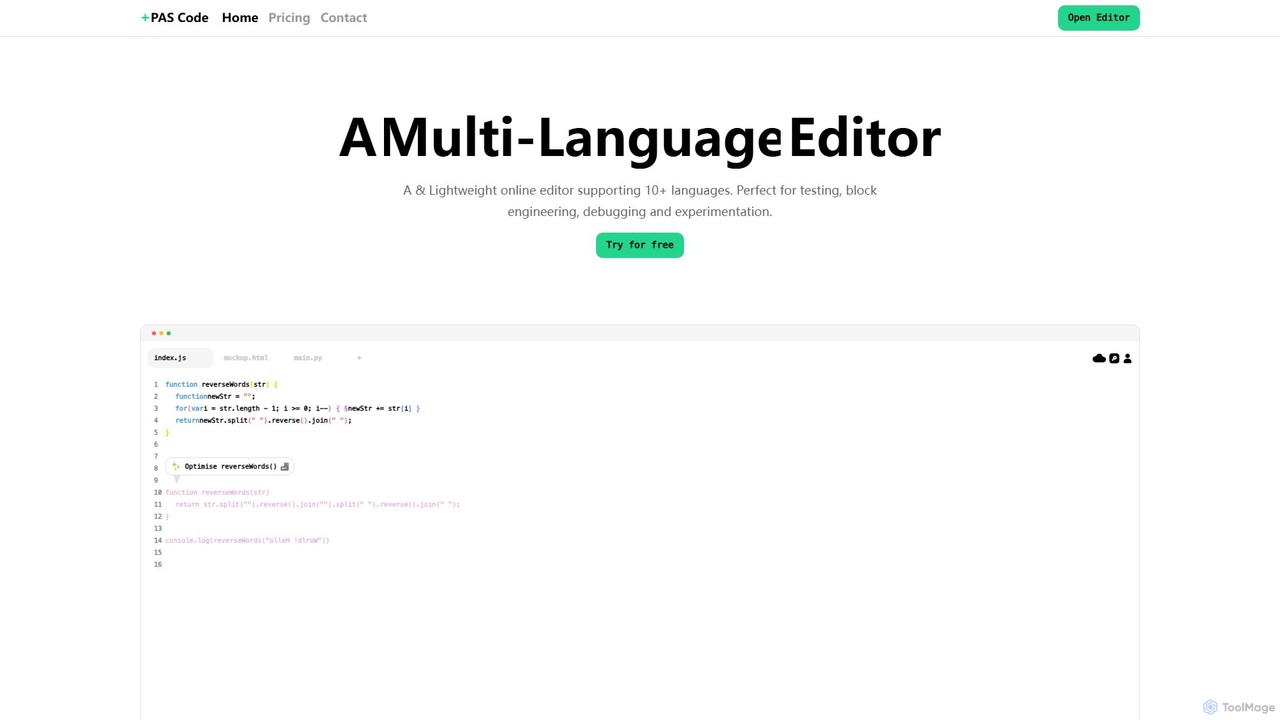
PAS Code
PAS Code is a lightweight, customizable online code editor designed for developers. It supports over 10 languages and features AI-powered autofill, smart prompts, and seamless cloud syncing. With features like a block editor for notes, live HTML previews, and secure compilation, it's perfect for testing, debugging, and rapid prototyping. It offers a free tier to get started.
Code Generation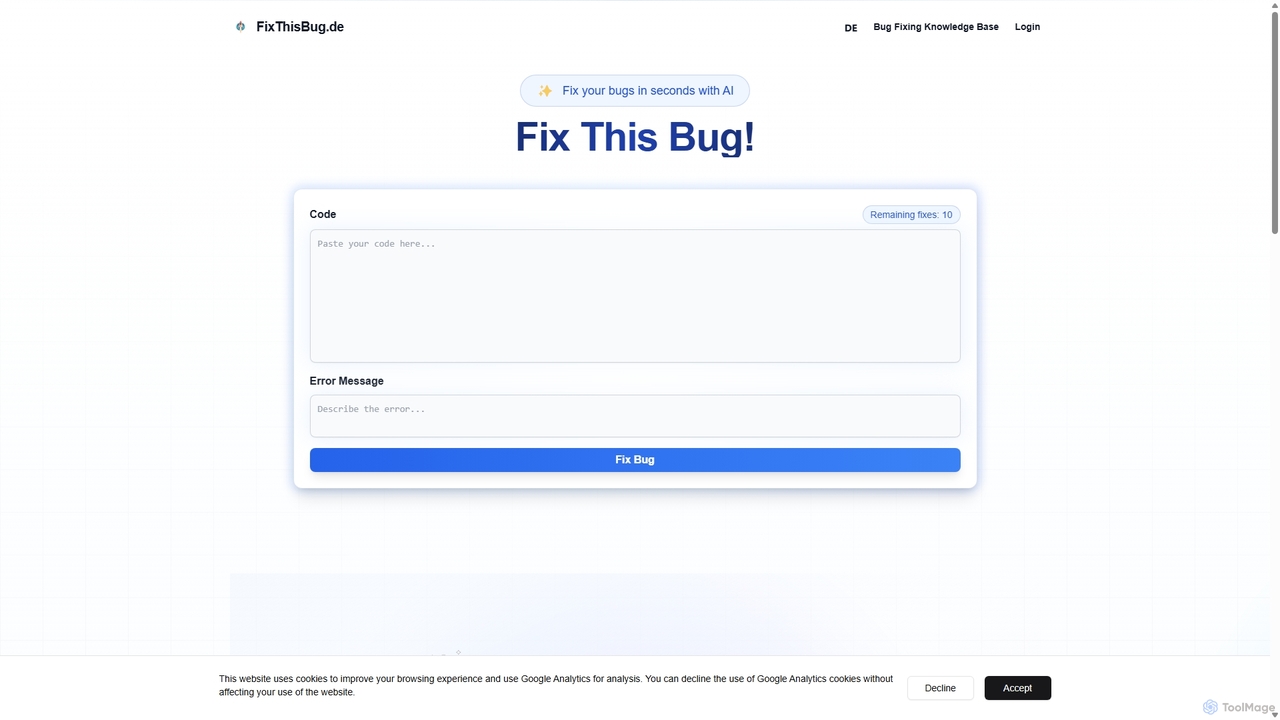
FixThisBug
FixThisBug is an AI-powered debugging assistant for developers. It instantly analyzes your code and error messages to provide accurate fixes and detailed explanations. Supporting all major programming languages, it prioritizes privacy with self-hosted models on German servers, ensuring 100% GDPR compliance. Fix bugs faster and learn as you code.
Code Correction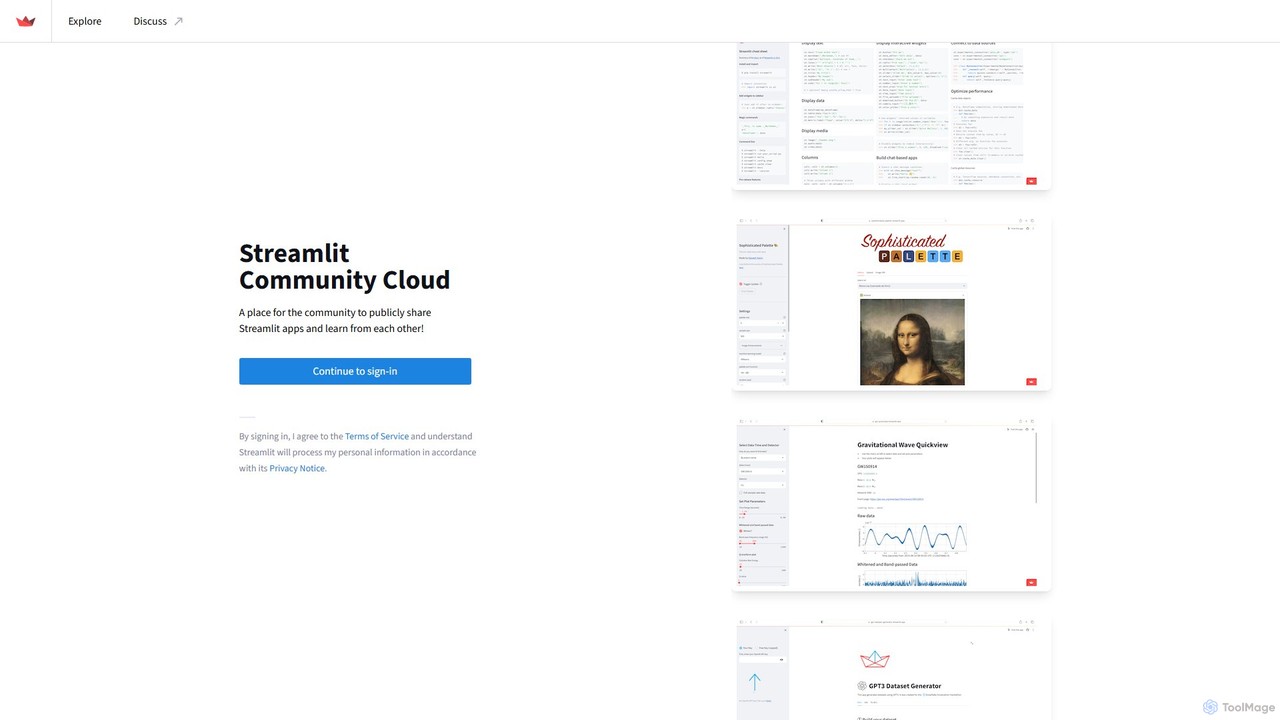
Streamlit
Streamlit is an open-source Python framework that enables developers and data scientists to build and share beautiful, custom web apps for machine learning and data science in minutes. The Streamlit Community Cloud provides a free platform to deploy, manage, and share these public applications with the world, fostering a collaborative environment for innovation.
Data Visualization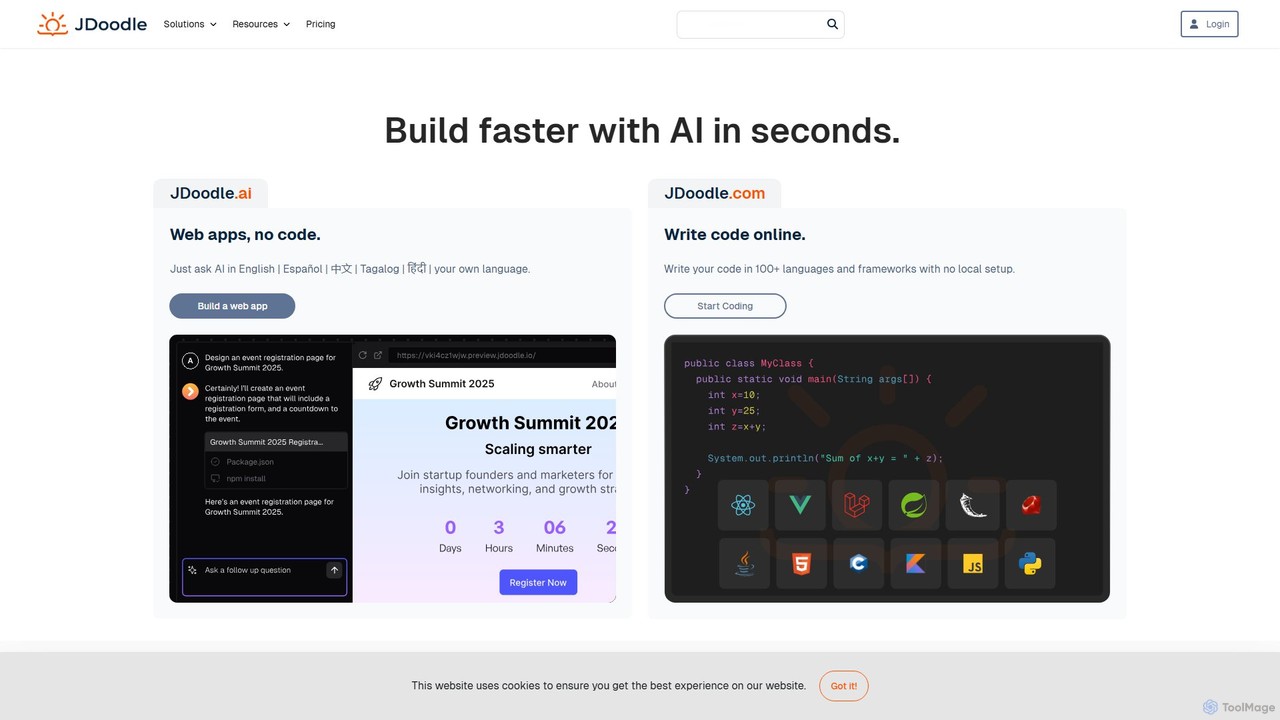
JDoodle
JDoodle is an AI-powered online coding platform and IDE that supports over 96 programming languages and frameworks. It allows developers, students, and educators to write, compile, and execute code directly in the browser with zero setup. Featuring AI assistance, real-time collaboration, and powerful integration APIs, JDoodle is designed to enhance coding productivity and streamline programming education.
Online IdeTheia IDE Categories
Theia IDE Embed Widget
Copy this embed code to place the badge on your blog, article, or product site and send readers directly to this ToolMage detail page.

Related AI tools
JetBrains
JetBrains provides a comprehensive suite of intelligent tools for software developers and teams, including powerful IDEs and an integrated AI Assistant. It enhances productivity with smart code completion, refactoring, and bug detection, streamlining the entire development lifecycle from coding to deployment. It supports a wide range of languages and offers robust team collaboration platforms.
Integrated Development EnvironmentPAS Code
PAS Code is a lightweight, customizable online code editor designed for developers. It supports over 10 languages and features AI-powered autofill, smart prompts, and seamless cloud syncing. With features like a block editor for notes, live HTML previews, and secure compilation, it's perfect for testing, debugging, and rapid prototyping. It offers a free tier to get started.
Code Generation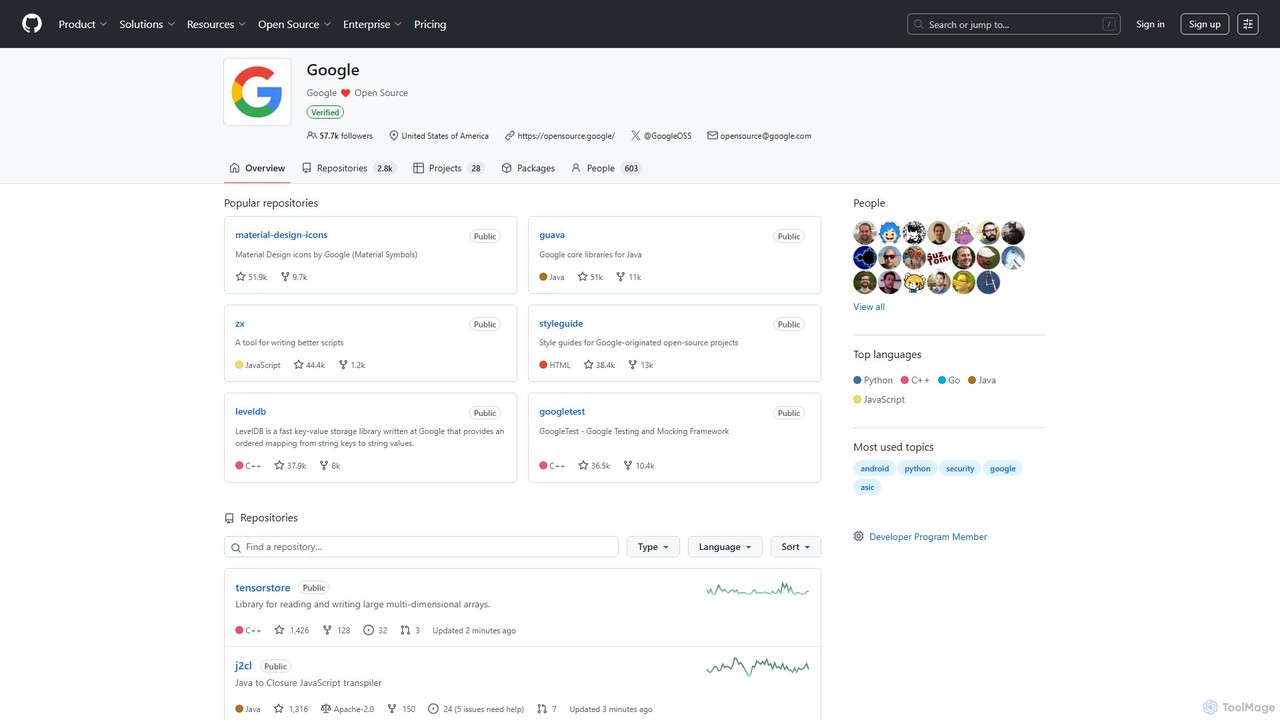
Google · GitHub
The official open-source hub for Google on GitHub. It hosts a vast collection of over 2,700 public repositories, including libraries, developer tools, frameworks, and style guides. A critical resource for developers working with Java, C++, Python, Android, web technologies, and more, offering production-tested code and fostering community collaboration.
Code Libraries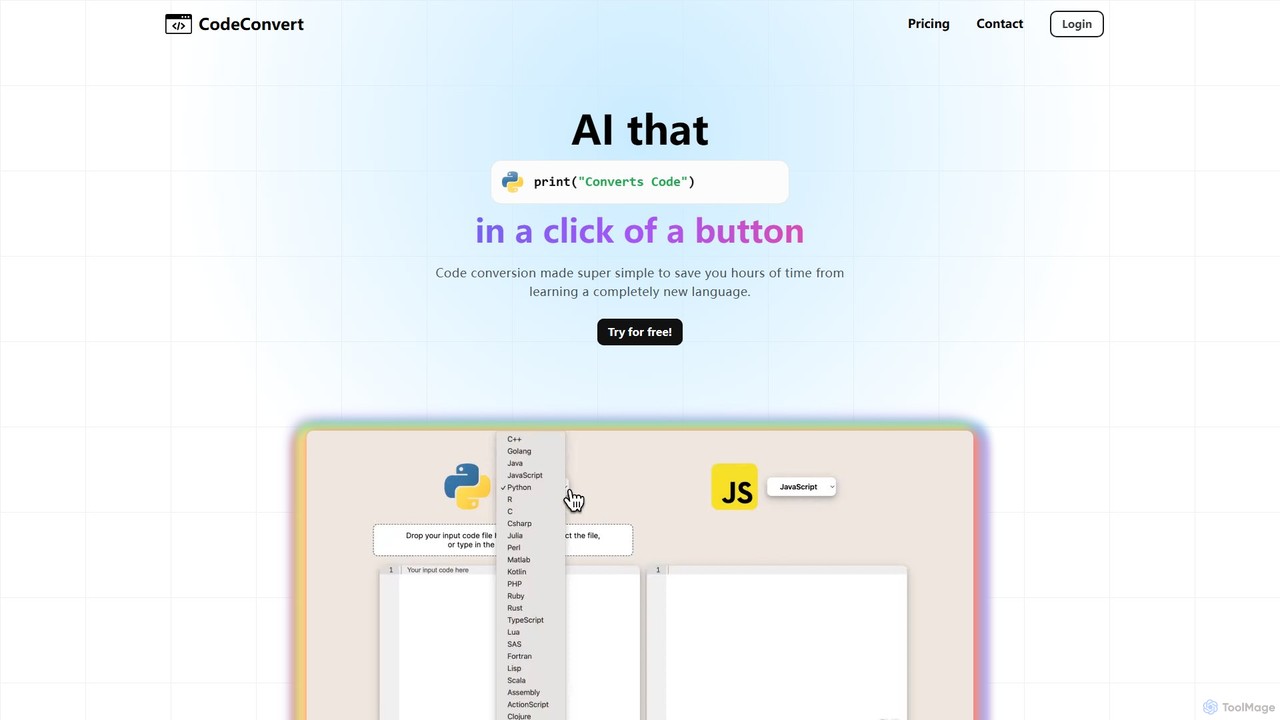
CodeConvert
CodeConvert is an AI-powered tool that instantly translates code snippets between over 50 programming languages. It helps developers save hours of manual rewriting, learn new languages, and migrate projects efficiently. Features include high-accuracy conversion, code generation, and code explanation.
Code Assistant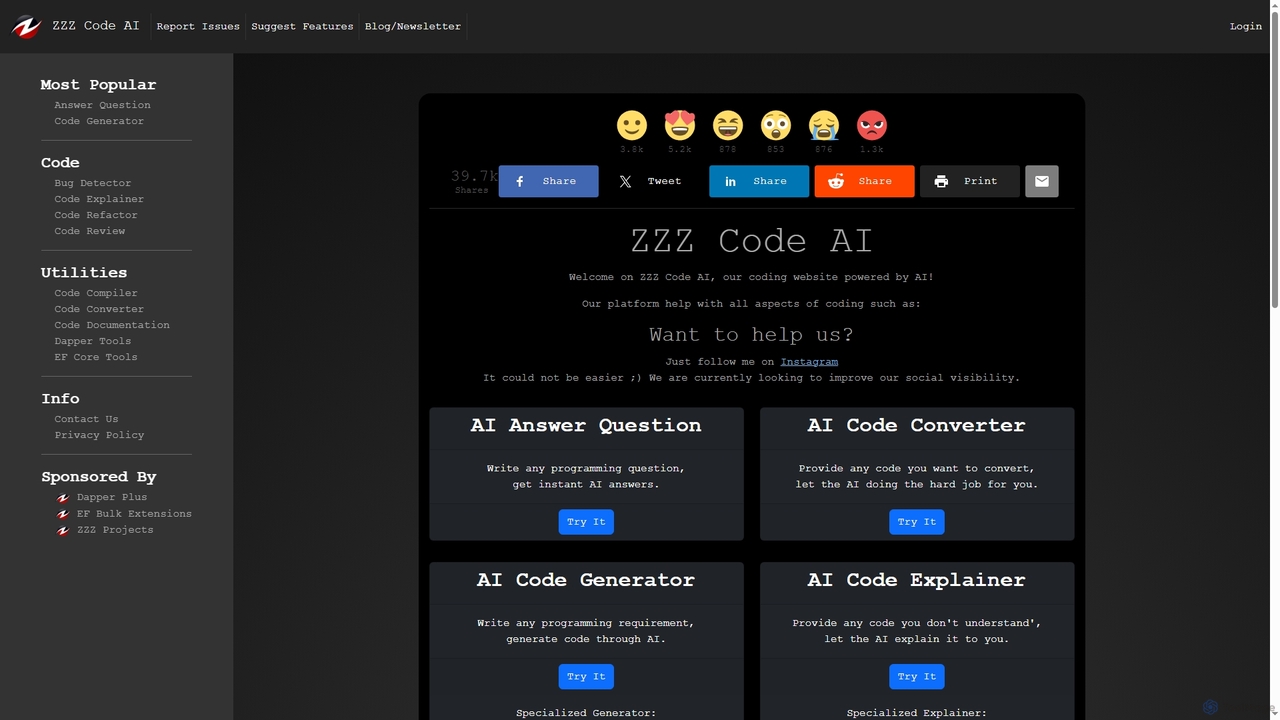
Zzzcode
Zzzcode is a free, AI-powered online platform offering a comprehensive suite of coding tools for developers. It can generate, explain, debug, refactor, review, document, and convert code across numerous programming languages, and provide instant answers to programming questions.
Code Assistant
Cursor
Cursor is an AI-first code editor designed for modern software development. Built as a fork of VS Code, it integrates powerful AI capabilities directly into the editing experience, allowing developers to chat with their codebase, generate, edit, and debug code with unprecedented speed and context-awareness.
Code Generation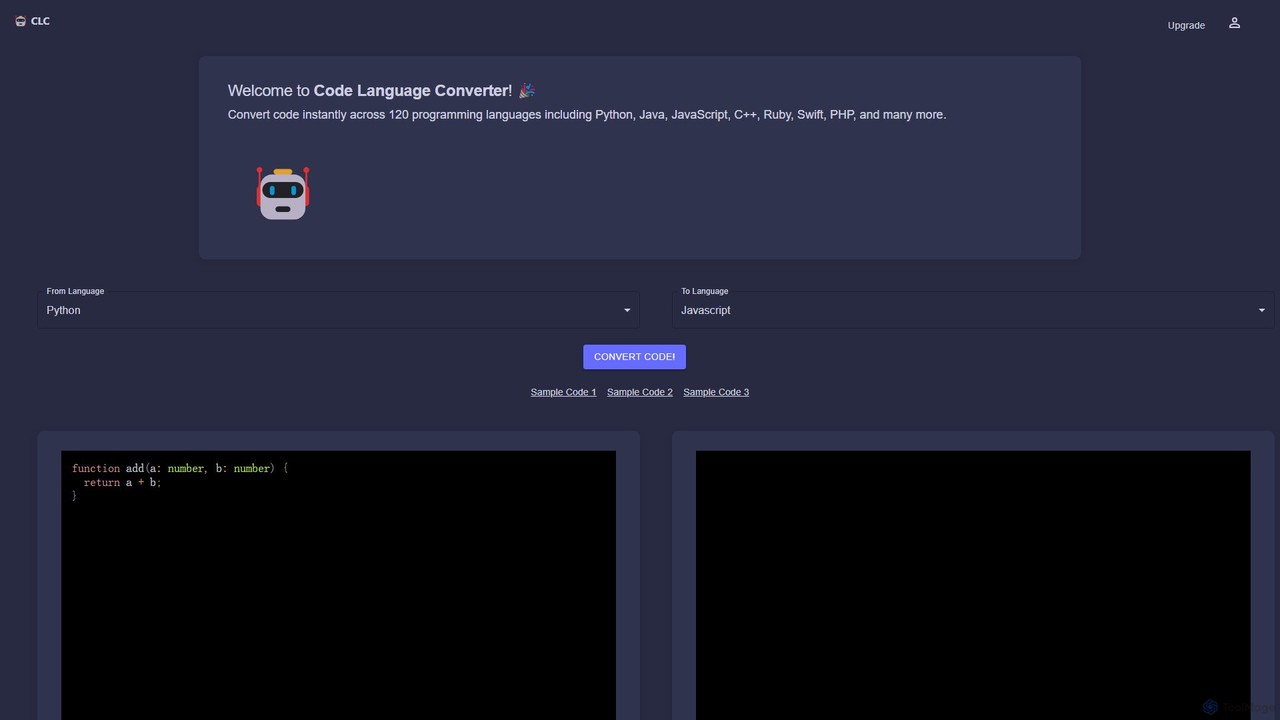
CodeConverter
CodeConverter is an AI-powered online tool that instantly translates code snippets between over 120 programming languages. It helps developers, students, and data scientists migrate codebases, learn new languages, and improve productivity by providing fast, accurate, and secure conversions directly in the browser.
Code Assistant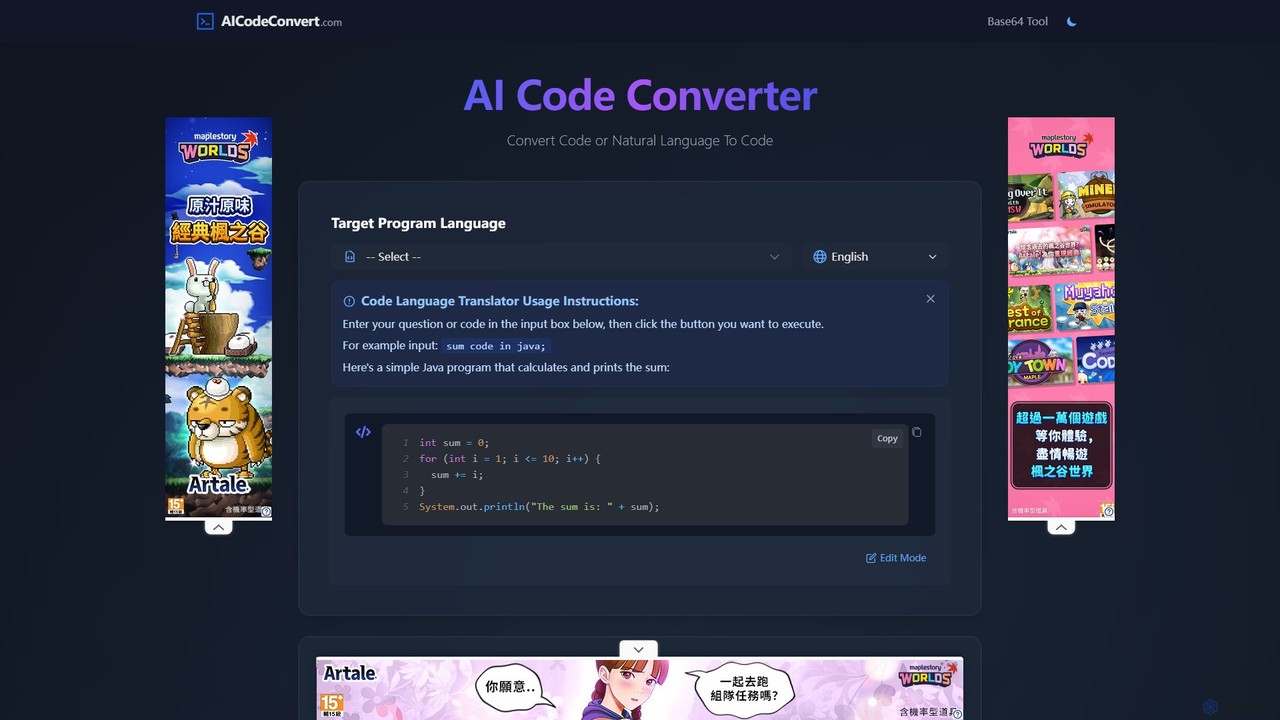
aicodeconvert
aicodeconvert is a comprehensive AI-powered suite for developers, offering free tools for code conversion, generation, optimization, and debugging. It supports over 50 programming languages, allowing users to seamlessly translate code between languages, generate code from natural language prompts, explain complex snippets, and improve code performance. Its intuitive interface makes it an essential tool for modernizing legacy systems, learning new languages, and accelerating the development workflow.
Code Assistant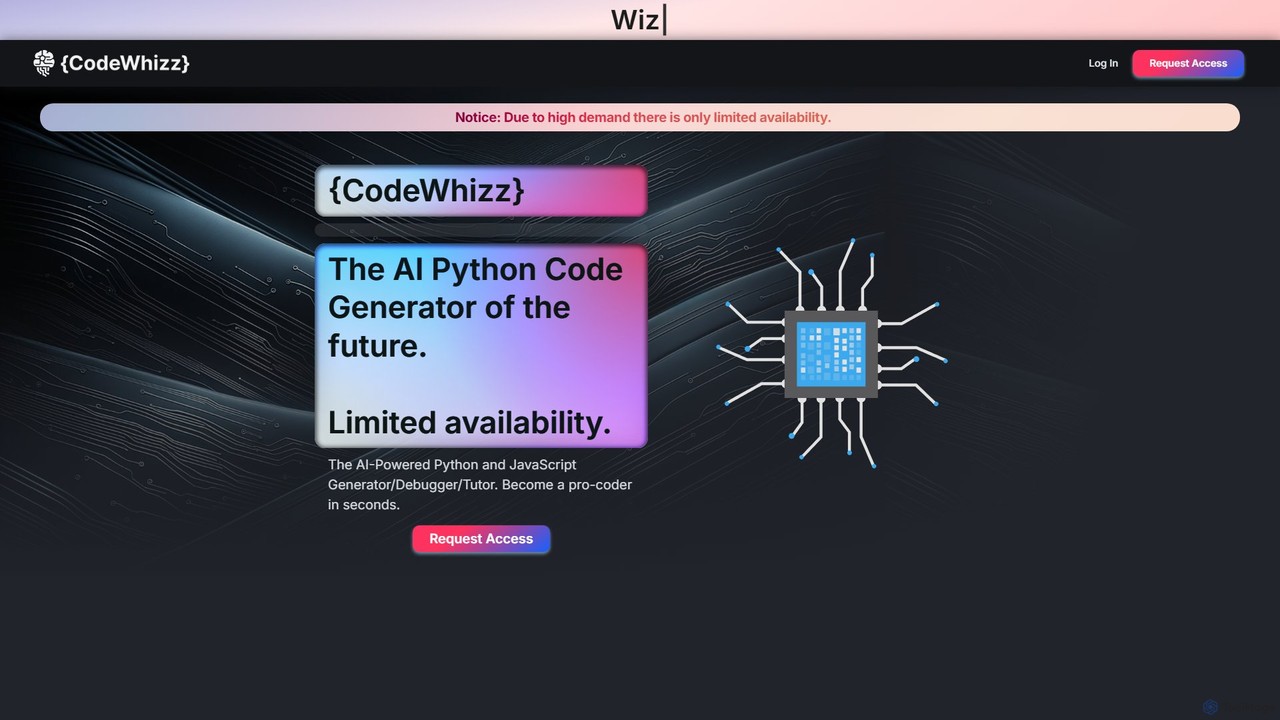
CodeWhizz
CodeWhizz is an AI-powered platform that functions as a code generator, debugger, and personal tutor for Python and JavaScript. Featuring a built-in IDE, it allows users to generate, edit, run, and debug code seamlessly in their browser. It's designed for developers, data analysts, and students to boost productivity, learn new concepts, and build projects faster.
Code Assistant
convertercode
An AI-powered tool for developers that seamlessly converts code from one programming language to another. It supports a wide range of languages, helping to modernize legacy systems, facilitate cross-platform development, and accelerate learning.
Code AssistantFixThisBug
FixThisBug is an AI-powered debugging assistant for developers. It instantly analyzes your code and error messages to provide accurate fixes and detailed explanations. Supporting all major programming languages, it prioritizes privacy with self-hosted models on German servers, ensuring 100% GDPR compliance. Fix bugs faster and learn as you code.
Code Correction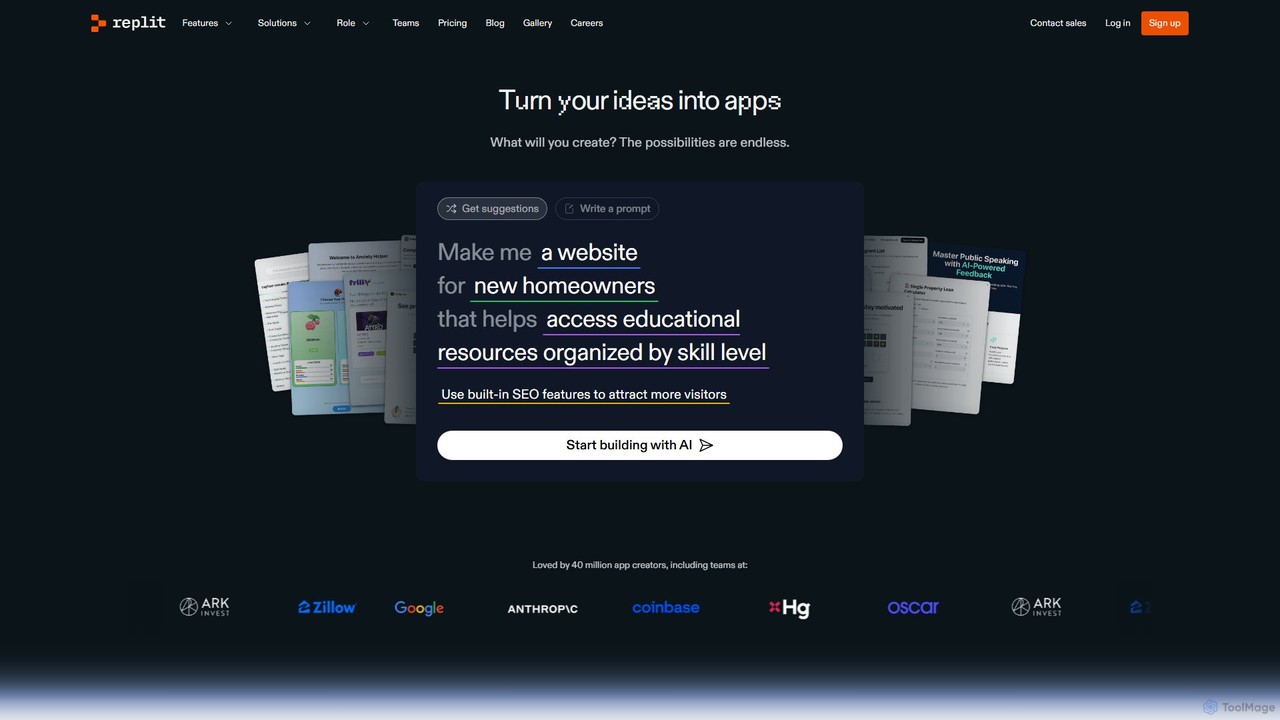
Replit
Replit is an AI-powered, collaborative, in-browser Integrated Development Environment (IDE) that allows users to build, deploy, and host applications, websites, and bots. Featuring the Replit Agent, it turns natural language prompts into functional software, making development faster and more accessible for everyone from beginners to enterprise teams.
Hosting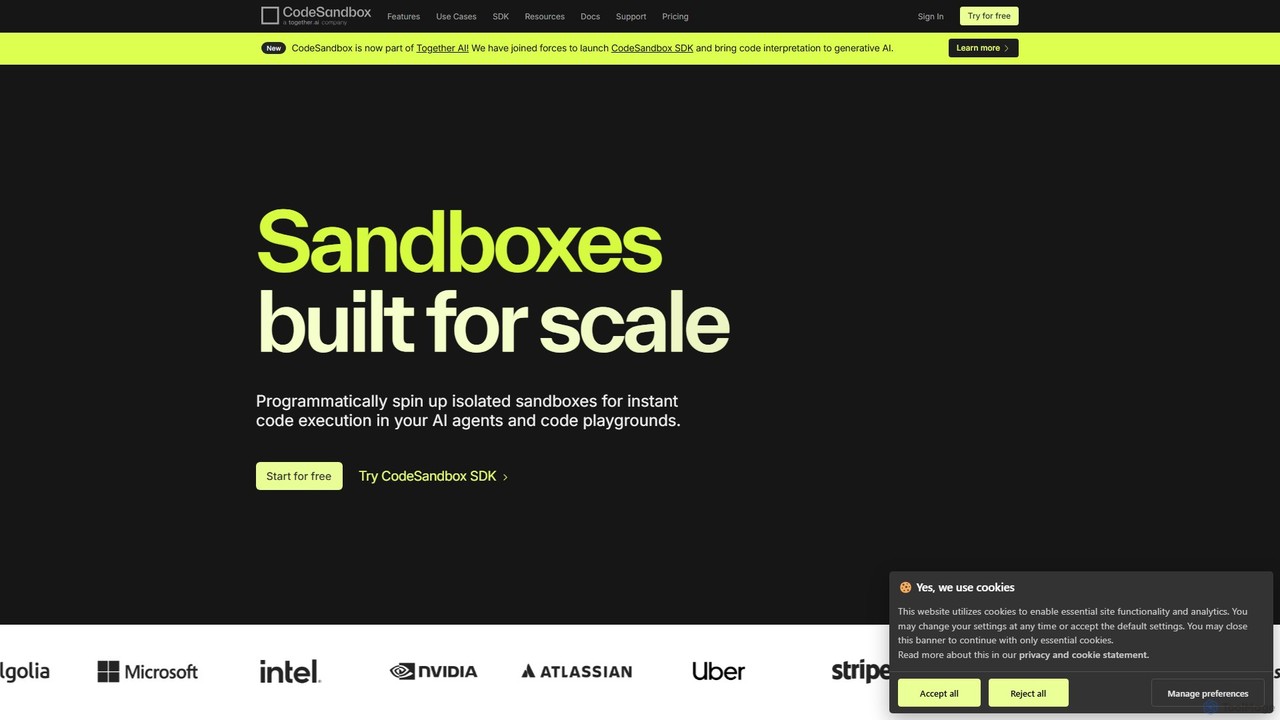
CodeSandbox
CodeSandbox is an instant cloud development environment that enables developers to build, share, and collaborate on web applications. It provides scalable, secure sandboxes for any project, from quick prototypes to full-stack applications, and now features a powerful SDK for integrating code execution into AI agents.
Code Generation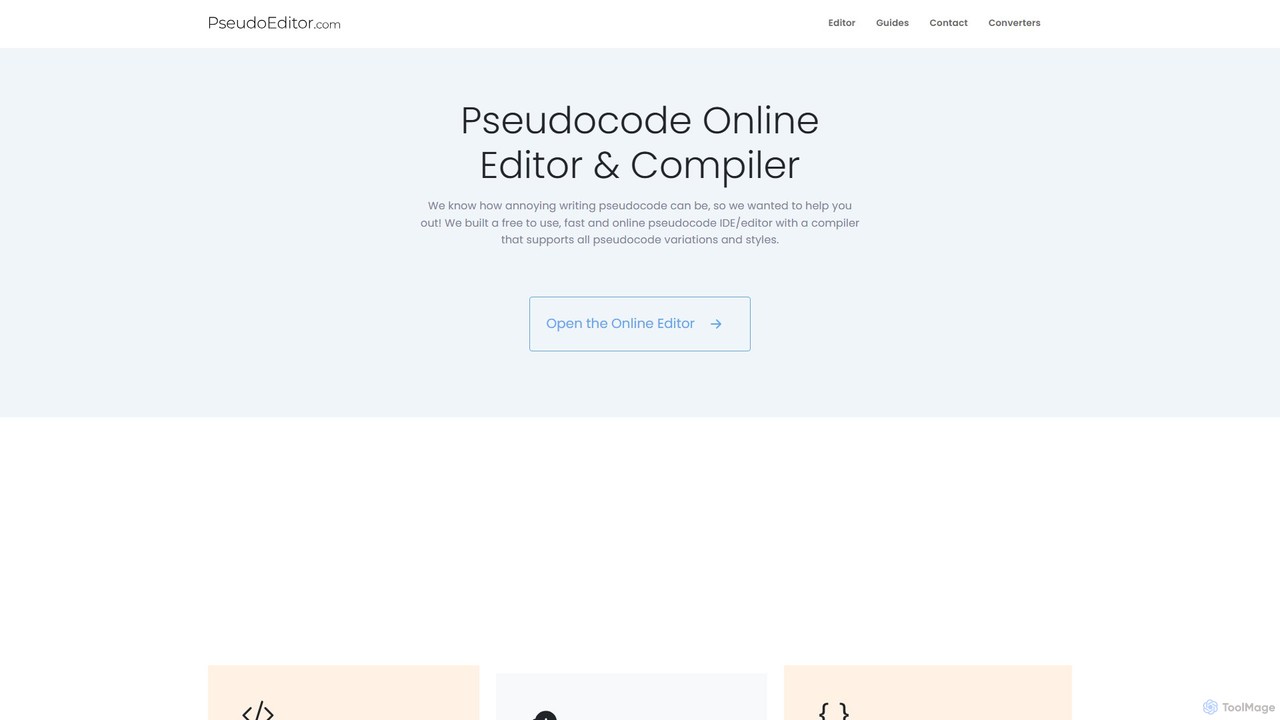
PseudoEditor
An online pseudocode editor, compiler, and AI-powered converter. Write, test, and debug algorithms, then convert your pseudocode into Python, Java, C++, and JavaScript. Ideal for students, educators, and developers.
Code Assistant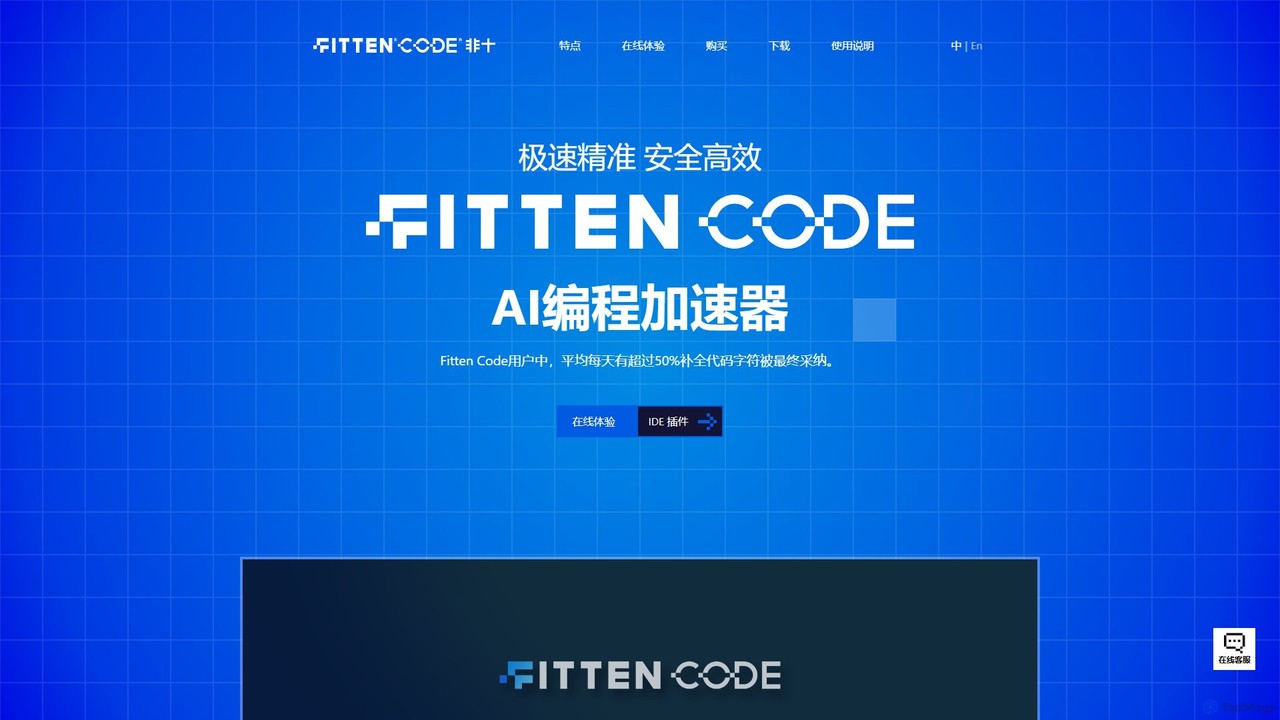
Fitten Code
Fitten Code is a next-generation AI programming assistant designed to accelerate software development. It offers ultra-fast code completion, intelligent Q&A, automated unit test generation, and code optimization. Built by a Tsinghua PhD team, it supports major IDEs and languages, significantly boosting developer productivity while ensuring data privacy.
Code Generation
Theia IDE Comments (0)
Sign in to comment.
Sign inNo comments yet.