

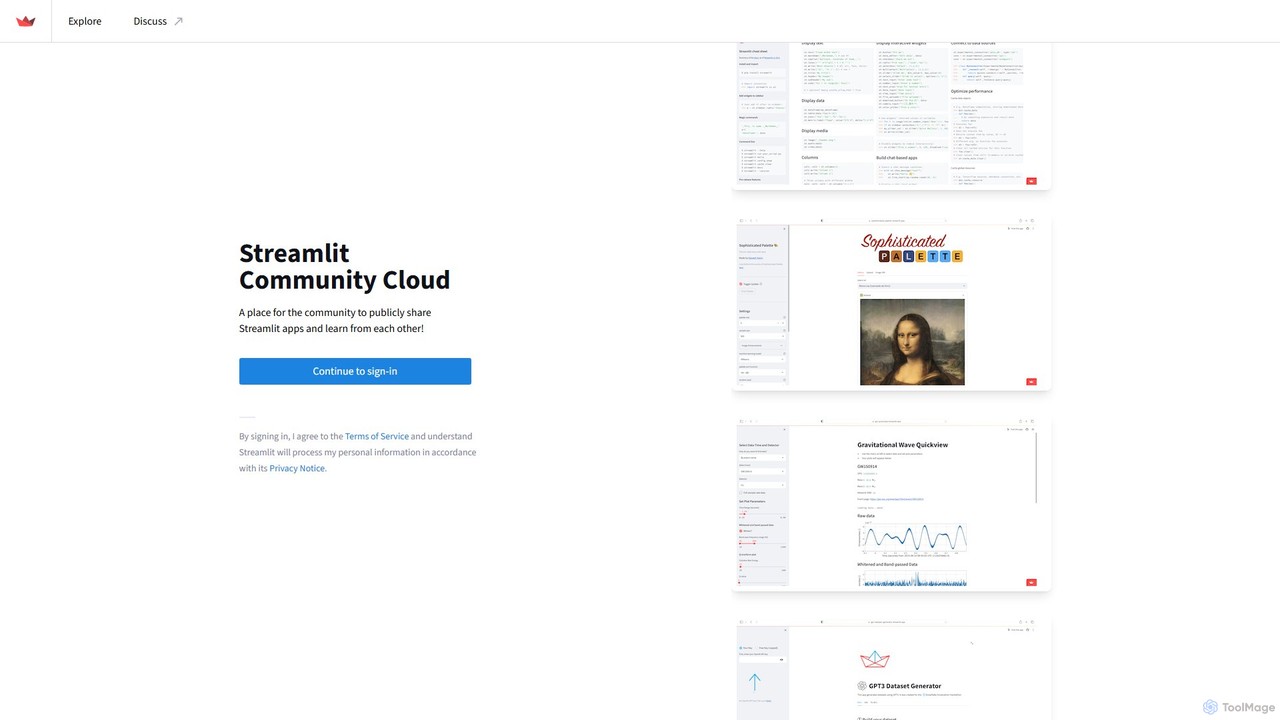
Streamlit Overview
Streamlit is a revolutionary open-source Python library that makes it incredibly simple to create and share interactive, custom web applications for data science and machine learning projects. It's designed for data scientists and engineers who want to turn their data scripts into shareable web apps without needing extensive front-end development experience. Paired with the Streamlit Community Cloud, it offers a complete ecosystem for building, deploying, and discovering data-centric applications.
The core philosophy of Streamlit is to allow you to build an app as easily as you write a Python script. It treats widgets as variables, and any change in the code or user interaction instantly reruns the script from top to bottom, ensuring the app is always up-to-date. This simplicity accelerates the development process, enabling you to go from a concept to a deployed application in a fraction of the time it would take with traditional web frameworks.
How to use Streamlit
Using Streamlit is a straightforward process designed for Python developers:
- Installation: Begin by installing the Streamlit library in your Python environment using a simple pip command:
pip install streamlit. - Create a Script: Write your data analysis, visualization, or machine learning model code in a standard Python script (e.g.,
app.py). Use Streamlit's functions likest.title(),st.write(),st.slider(), orst.button()to add text, data, and interactive widgets to your app. - Run Locally: Test your application on your local machine by running
streamlit run app.pyin your terminal. A new tab will open in your browser with your live application. - Prepare for Deployment: Place your script and a
requirements.txtfile (listing all necessary Python libraries) into a public GitHub repository. - Deploy on Community Cloud: Sign in to the Streamlit Community Cloud using your GitHub account. Click 'New app', select your repository and branch, specify the main script file, and click 'Deploy!'. Streamlit will handle the rest, deploying your app to a public URL that you can share with anyone.
Core Features of Streamlit
- Pure Python: Build entire applications using only Python. No HTML, CSS, or JavaScript required.
- Interactive Widgets: A rich set of widgets like sliders, buttons, text inputs, file uploaders, and more to create dynamic and engaging user experiences.
- Instantaneous Development: The app automatically reloads and updates as you modify the source code, enabling a fast, iterative workflow.
- Data Caching: A powerful caching mechanism (
@st.cache_dataand@st.cache_resource) prevents re-computation of expensive operations, making apps fast and efficient. - Broad Compatibility: Seamlessly integrates with major Python libraries including Pandas, NumPy, Matplotlib, Plotly, Scikit-learn, TensorFlow, and PyTorch.
- Streamlit Community Cloud: A free platform for deploying, managing, and sharing public Streamlit apps directly from GitHub.
- Extensible Components: A growing ecosystem of third-party components allows you to add new functionalities, such as embedded maps, advanced charts, and more.
Use Cases for Streamlit
Streamlit's versatility makes it suitable for a wide range of applications, from simple data explorers to complex machine learning dashboards.
- Machine Learning Tooling: Build interactive tools to visualize model predictions, explore hyperparameters, or demonstrate model explainability (e.g., SHAP value plots).
- Data Dashboards: Create real-time dashboards for business intelligence, financial analysis, or scientific research, pulling data from various sources.
- LLM and Generative AI Apps: Develop and share chatbot interfaces, prompt engineering playgrounds, and content generation tools, as seen with popular apps like 'KnowledgeGPT' and 'CatGDP'.
- Educational Resources: Build interactive tutorials, cheat sheets, and simulators to teach complex concepts in an engaging way.
- Prototyping and MVPs: Quickly build and share a minimum viable product (MVP) for a data-driven idea to gather user feedback before committing to a full-scale development project.
Advantages of Streamlit
The primary advantage of Streamlit is its unparalleled speed and simplicity. It dramatically lowers the barrier to entry for creating web applications, empowering data professionals to share their work without becoming web developers. The tight integration with the Python data science ecosystem means you can leverage your existing skills and favorite libraries. The free Community Cloud platform removes the complexities of deployment and hosting, making it effortless to share your work with the community, collaborators, or potential employers.
Pricing and Plans
Streamlit is fundamentally a free and open-source tool. The Python library is completely free to use. The Streamlit Community Cloud is also a free service, offering hosting for public applications with generous resource limits. For users and organizations requiring private applications, enhanced security, more computational resources, and enterprise-grade features, Snowflake (which acquired Streamlit) offers paid hosting solutions as part of its platform. This freemium model ensures that individual developers, students, and the open-source community can build and share freely, while businesses have a scalable path for their production needs.
Traffic
Latest traffic
Status
Monthly traffic trend
- 2025-9: 501.6K
- 2026-1: 717.2K
- 2026-2: 702.3K
- 2026-3: 847.5K
- 2026-4: 862.8K
- 2026-5: 918.5K
Geography
Top 5 countries / regions
- 🇺🇸United States44.7%
- 🇮🇳India25.7%
- 🇰🇷South Korea12.6%
- 🇬🇧United Kingdom8.9%
- 🇵🇰Pakistan8.2%
Traffic sources
| Source type | Percentage |
|---|---|
Direct | 57.8% |
Referral | 40.4% |
Email | 1.8% |
Top keywords
| Keyword | Cost per click |
|---|---|
| share.streamlit | $0.00 |
| streamlit | $2.18 |
| streamlit cloud | $2.76 |
| streamlit community cloud | $4.22 |
| streamlit login | $5.95 |
Streamlit Videos on YouTube

Cloudlearningyard

Thomas Janssen

Tech world since 2025

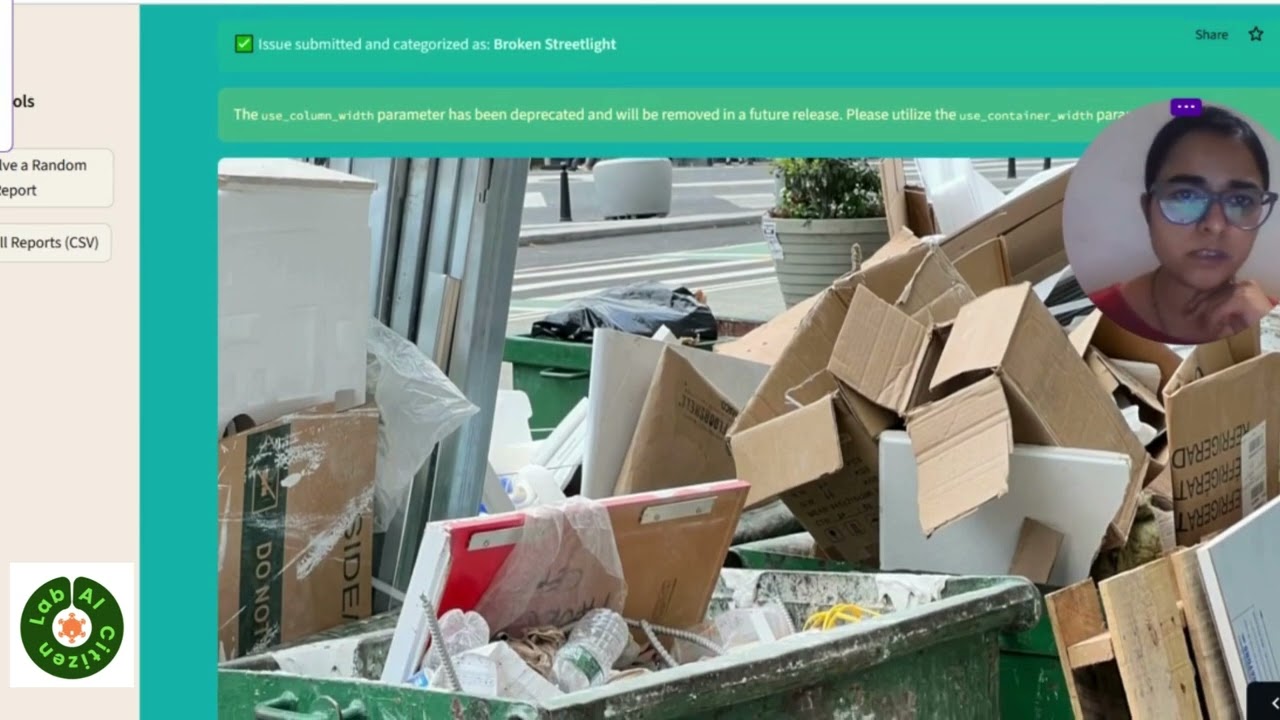
AI Citizen Lab



Streamlit Alternatives
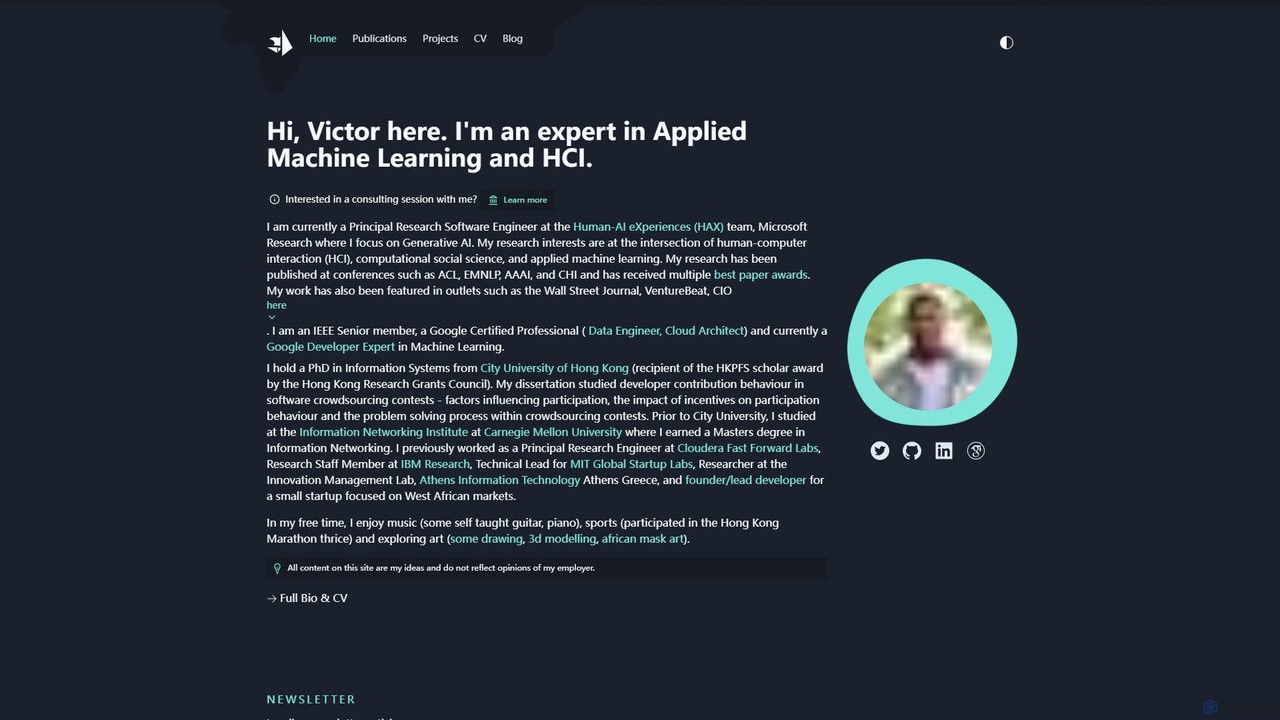
victordibia
A comprehensive resource hub by Victor Dibia, a leading researcher in Applied ML and HCI. It features open-source AI tools like AutoGen Studio and LIDA, in-depth articles, research papers, and talks on generative AI, multi-agent systems, and human-computer interaction. A valuable platform for developers, researchers, and AI enthusiasts.
Data Visualization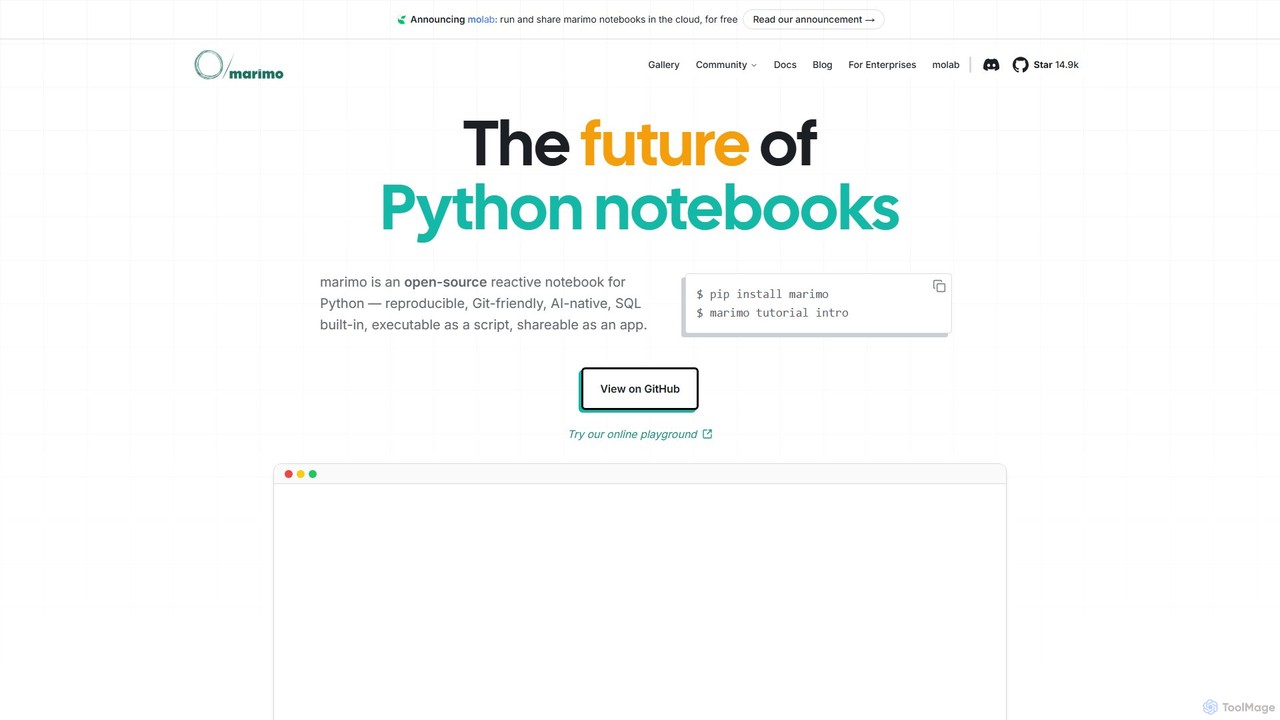
marimo
marimo is an open-source reactive Python notebook for modern data science and AI. It offers a reproducible, Git-friendly, and interactive environment where notebooks are pure Python scripts. Features include built-in AI assistance, SQL cells, and the ability to share notebooks as web apps, streamlining the workflow from experiment to production.
Data Visualization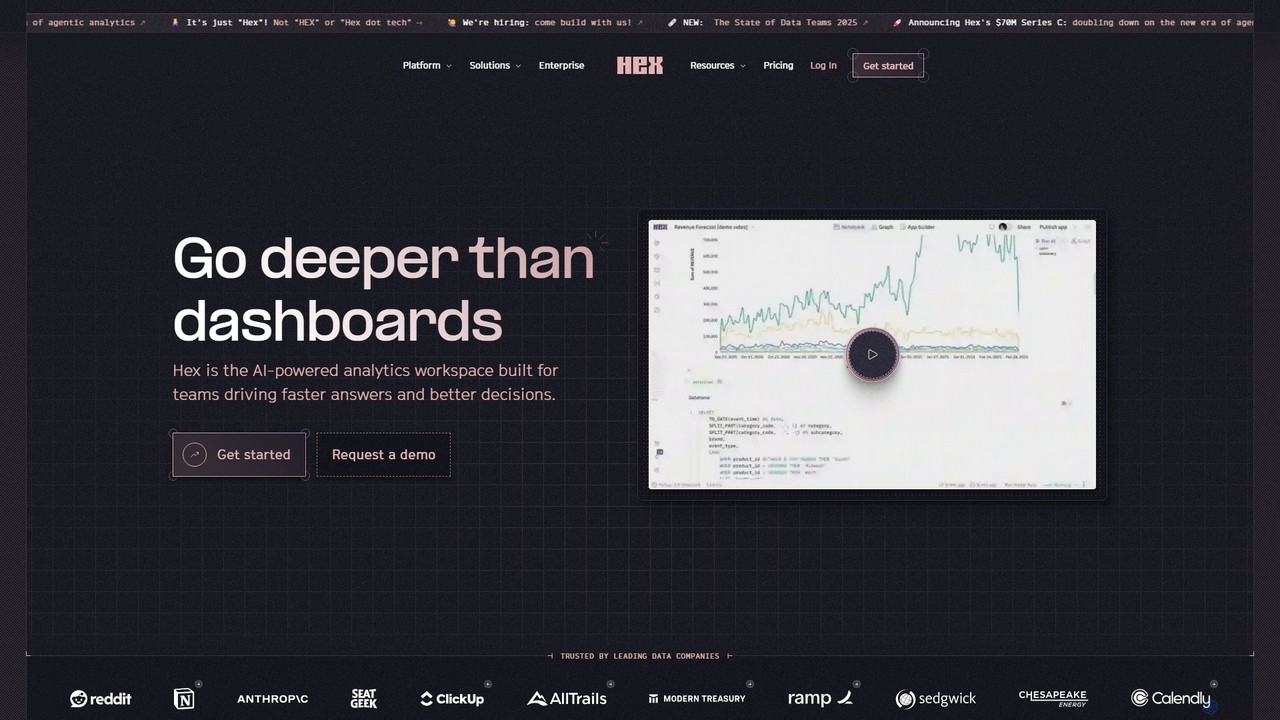
Hex
Hex is an AI-powered analytics workspace designed for teams. It integrates notebooks for Python and SQL, interactive data apps, and self-serve exploration into a single collaborative platform, enabling faster, data-driven decision-making.
Data Science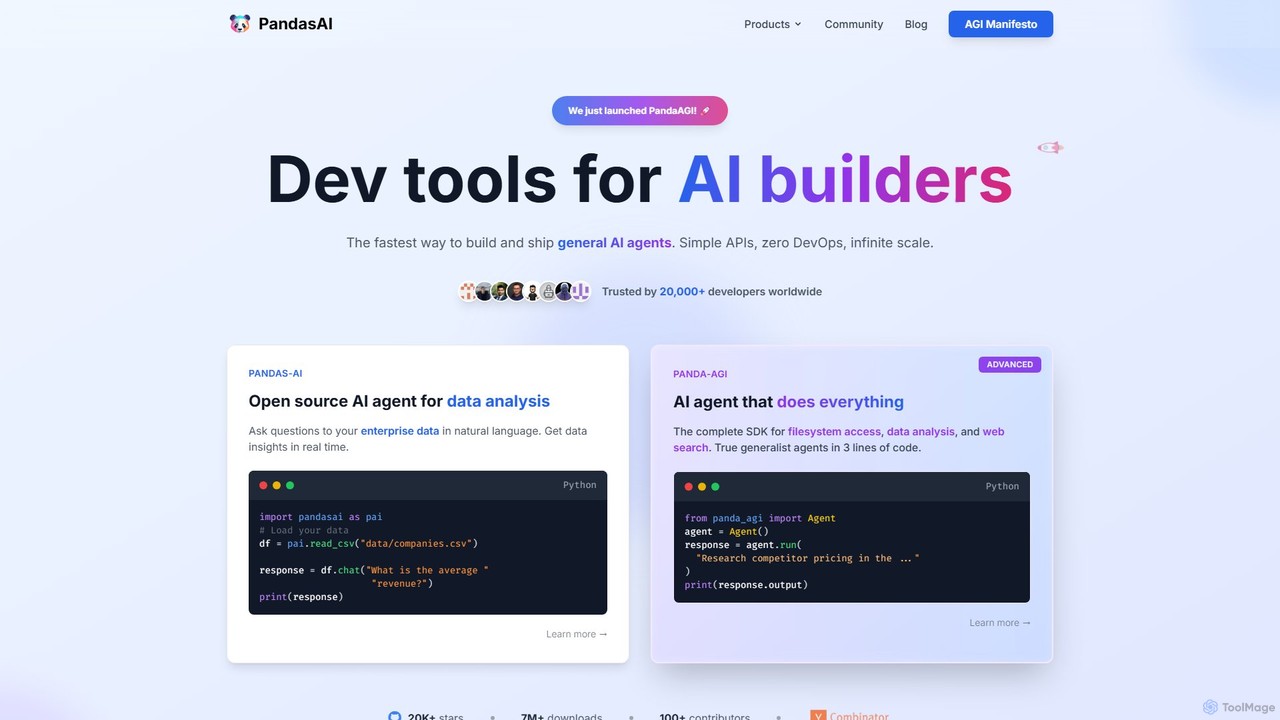
PandasAI
PandasAI offers a suite of developer tools for building AI applications. It features an open-source library for conversational data analysis using natural language and PandaAGI, an advanced SDK for creating generalist AI agents that can perform complex tasks like web searches and filesystem access.
Data Analysis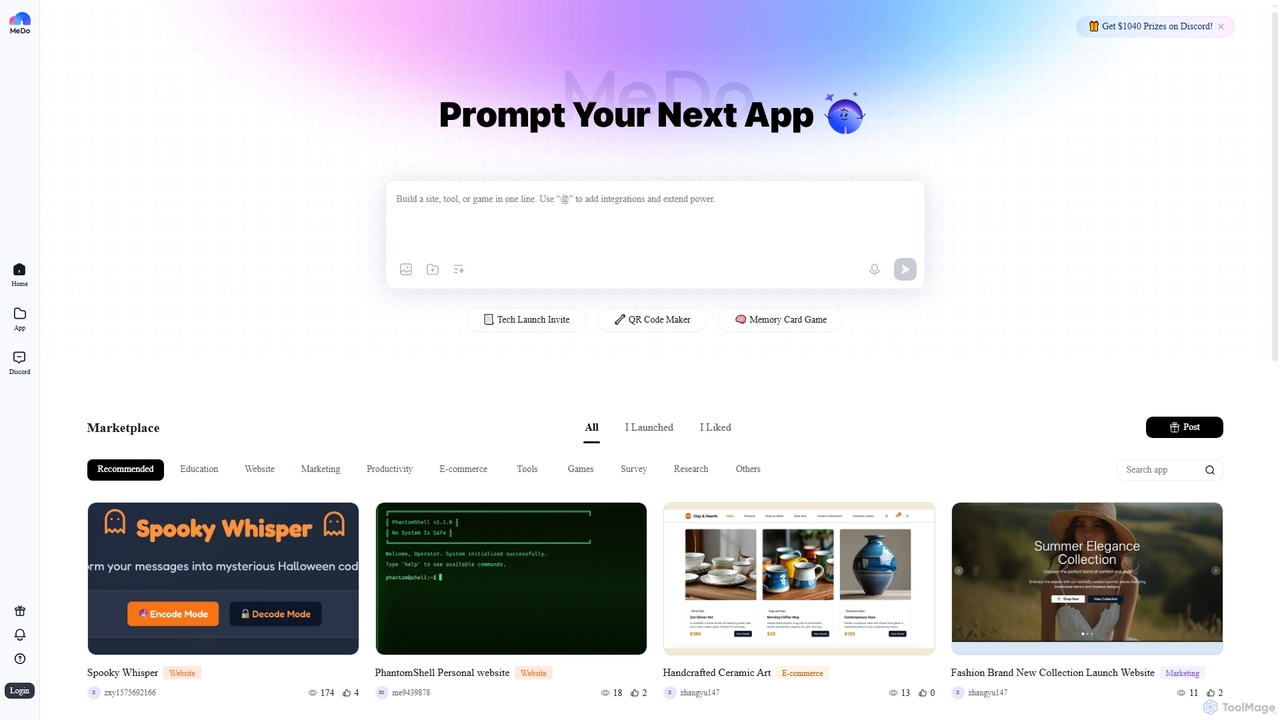
MeDo
MeDo is an AI-powered platform that enables users to generate functional applications, including websites, games, and WeChat Mini Programs, simply by writing a text prompt. It streamlines the development process, turning ideas into apps without extensive coding.
Low Code No CodeStreamlit Categories
Streamlit Embed Widget
Copy this embed code to place the badge on your blog, article, or product site and send readers directly to this ToolMage detail page.

Related AI tools
marimo
marimo is an open-source reactive Python notebook for modern data science and AI. It offers a reproducible, Git-friendly, and interactive environment where notebooks are pure Python scripts. Features include built-in AI assistance, SQL cells, and the ability to share notebooks as web apps, streamlining the workflow from experiment to production.
Data VisualizationHex
Hex is an AI-powered analytics workspace designed for teams. It integrates notebooks for Python and SQL, interactive data apps, and self-serve exploration into a single collaborative platform, enabling faster, data-driven decision-making.
Data Science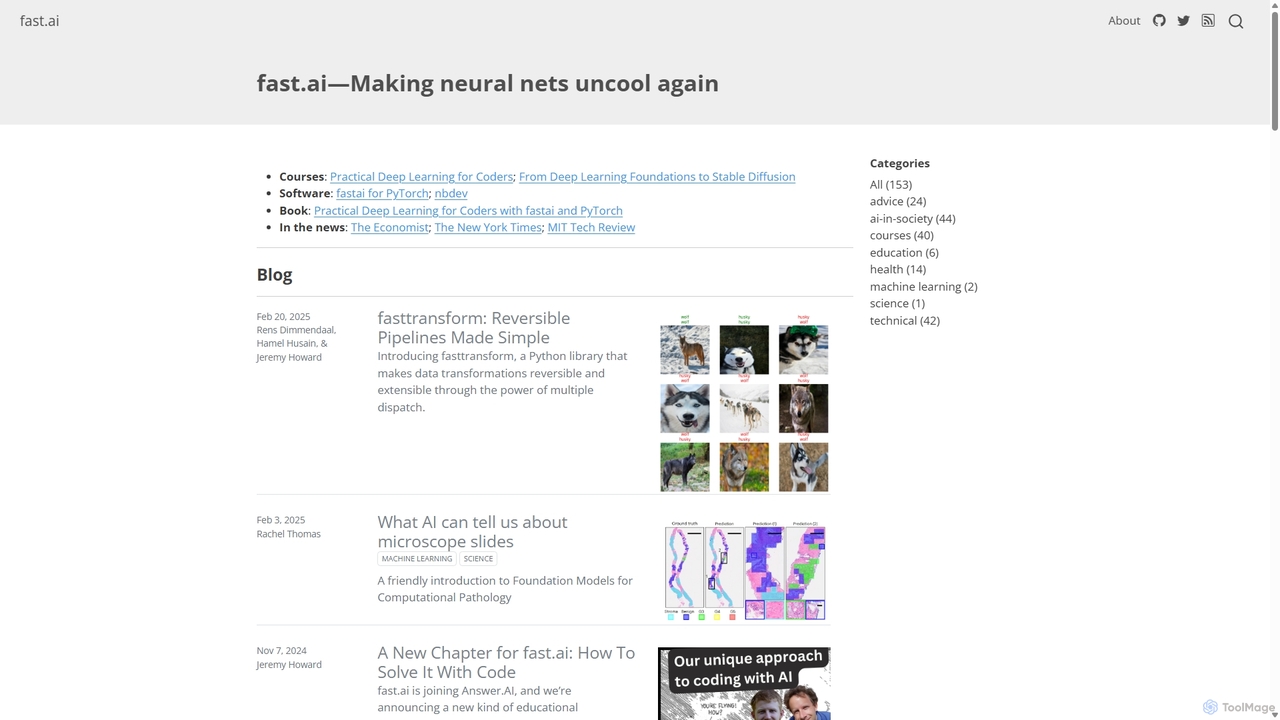
Fast.ai
Fast.ai is a research institute dedicated to making deep learning accessible to everyone. It offers free courses, an open-source software library (fastai), cutting-edge research, and a vibrant community, empowering coders of all backgrounds to become deep learning practitioners.
Machine Learning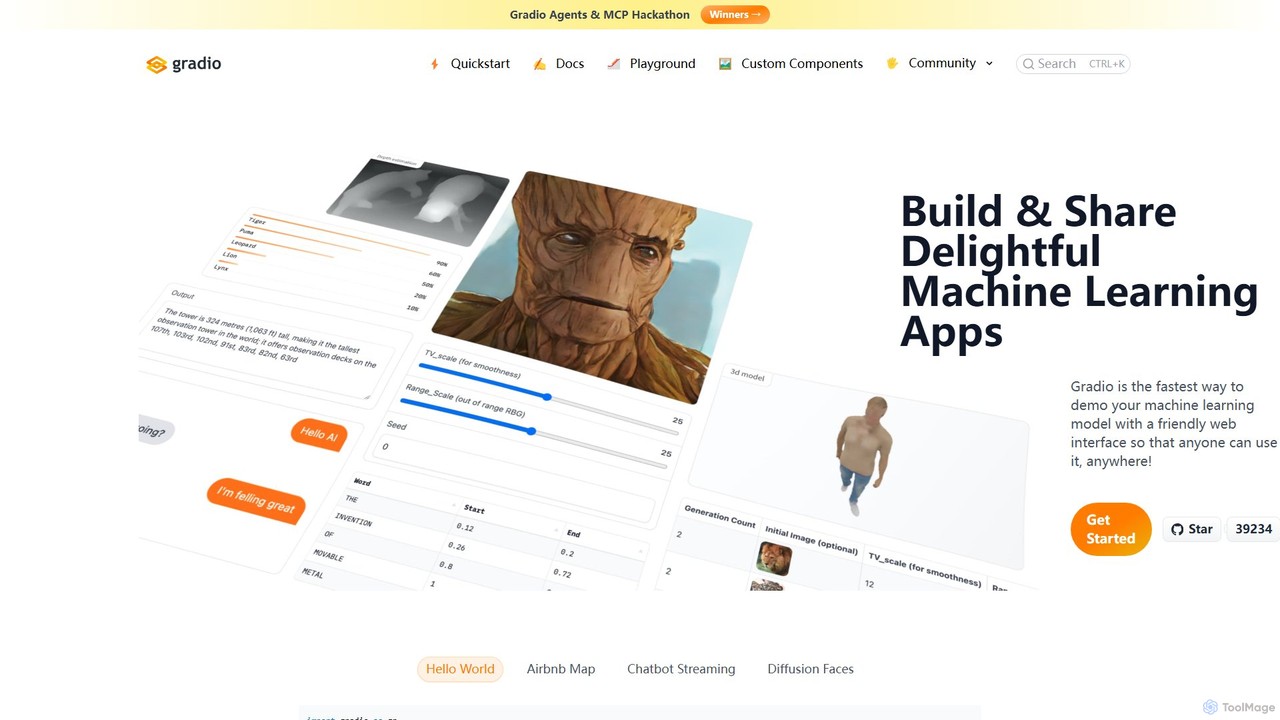
Gradio
Gradio is an open-source Python library that allows you to quickly build and share user-friendly web interfaces for your machine learning models, APIs, or any Python function. No web development experience is required.
Data Visualization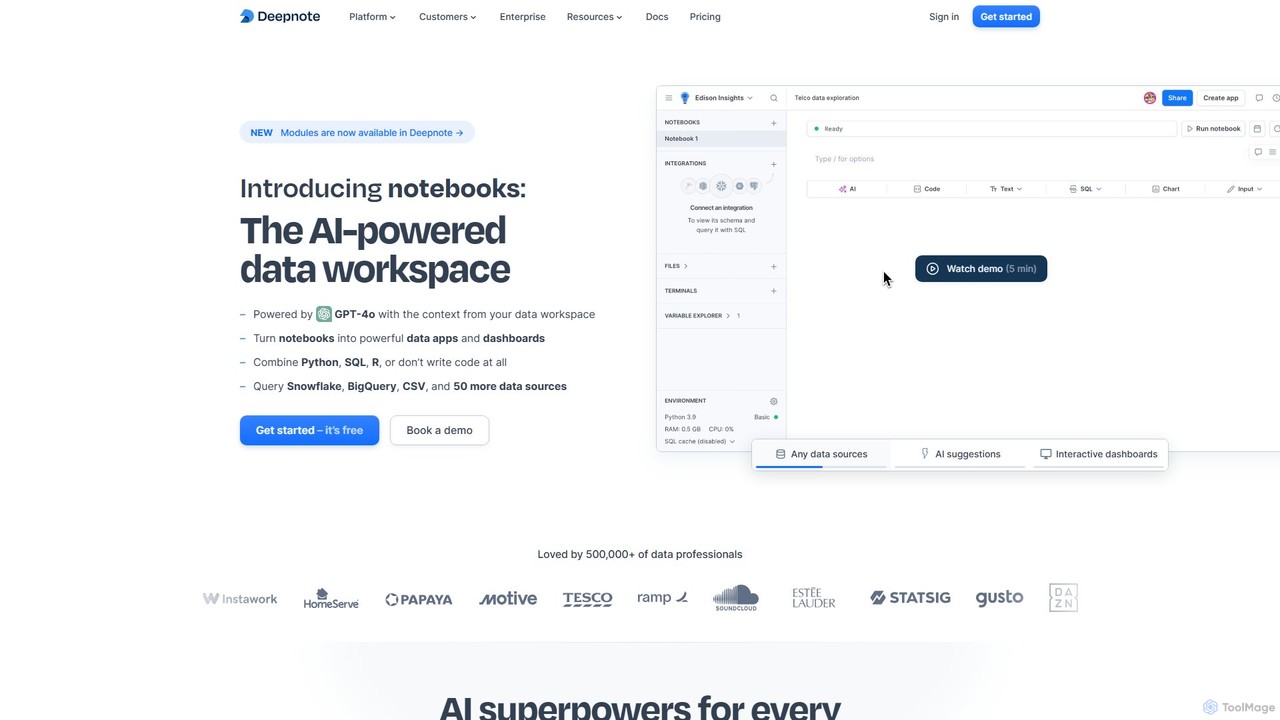
Deepnote
Deepnote is an AI-powered, collaborative data science notebook for teams. It unifies Python, SQL, and R in a single cloud-based workspace, enabling users to explore data, build machine learning models, and create interactive dashboards and apps with ease. Powered by GPT-4o, it automates analysis and code generation, making data science accessible to all skill levels.
Business Intelligence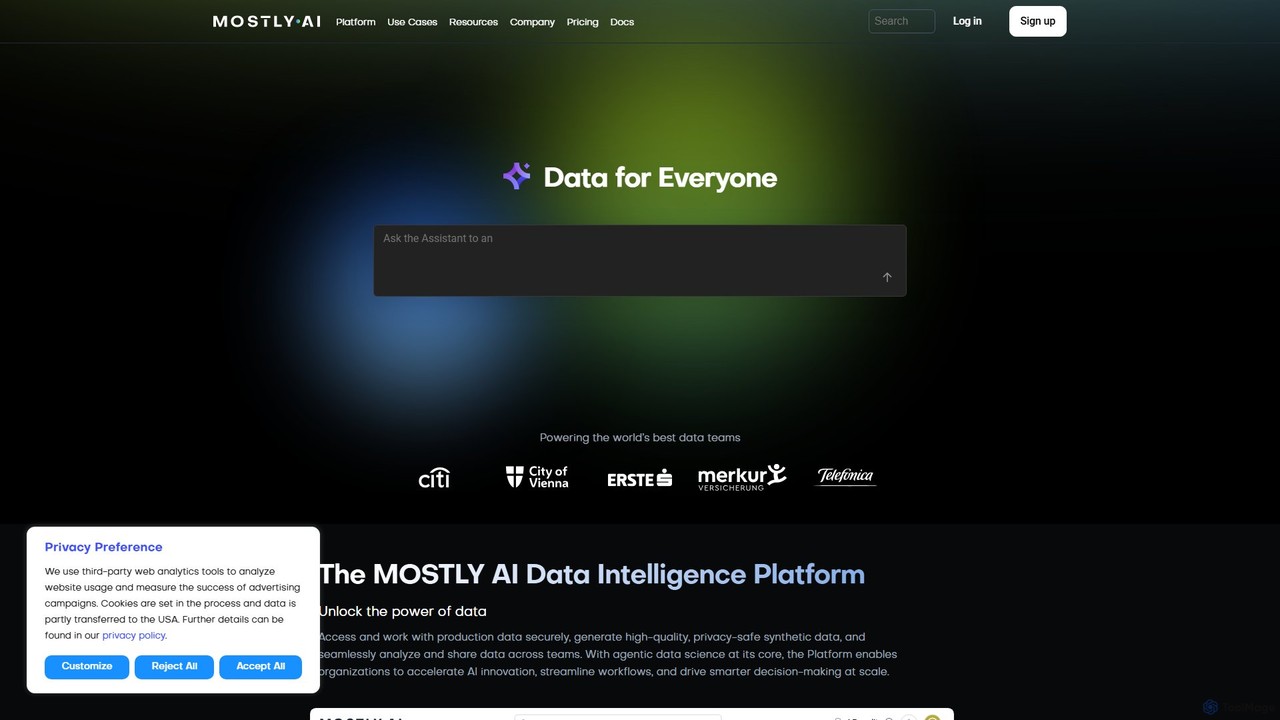
MOSTLY AI
MOSTLY AI is a Data Intelligence Platform that specializes in generating high-quality, privacy-safe synthetic data. It enables organizations to securely access, analyze, and share data, accelerating AI innovation and streamlining workflows while ensuring full compliance with privacy regulations.
Machine Learning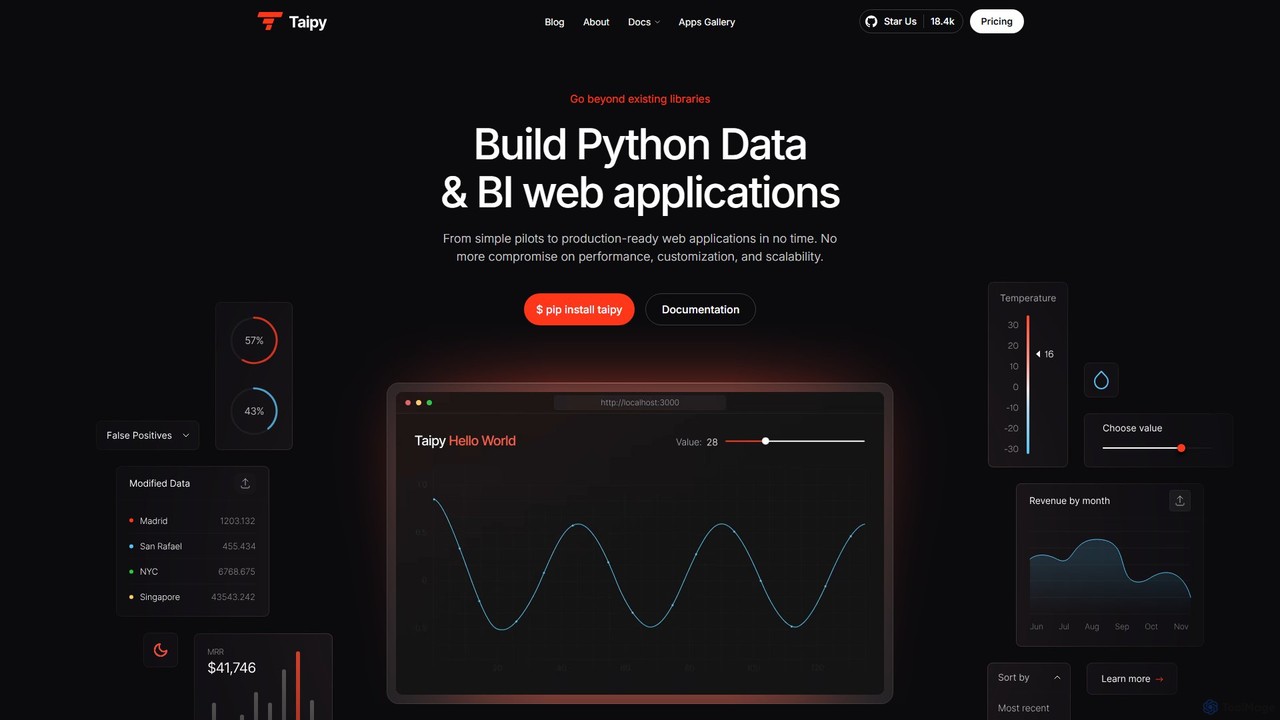
Taipy
Taipy is an open-source Python library for rapidly building powerful data and business intelligence web applications. It enables developers and data scientists to create everything from simple dashboards to complex, production-ready, multi-user applications with features like scenario management and performance optimization, all within Python.
Data Visualization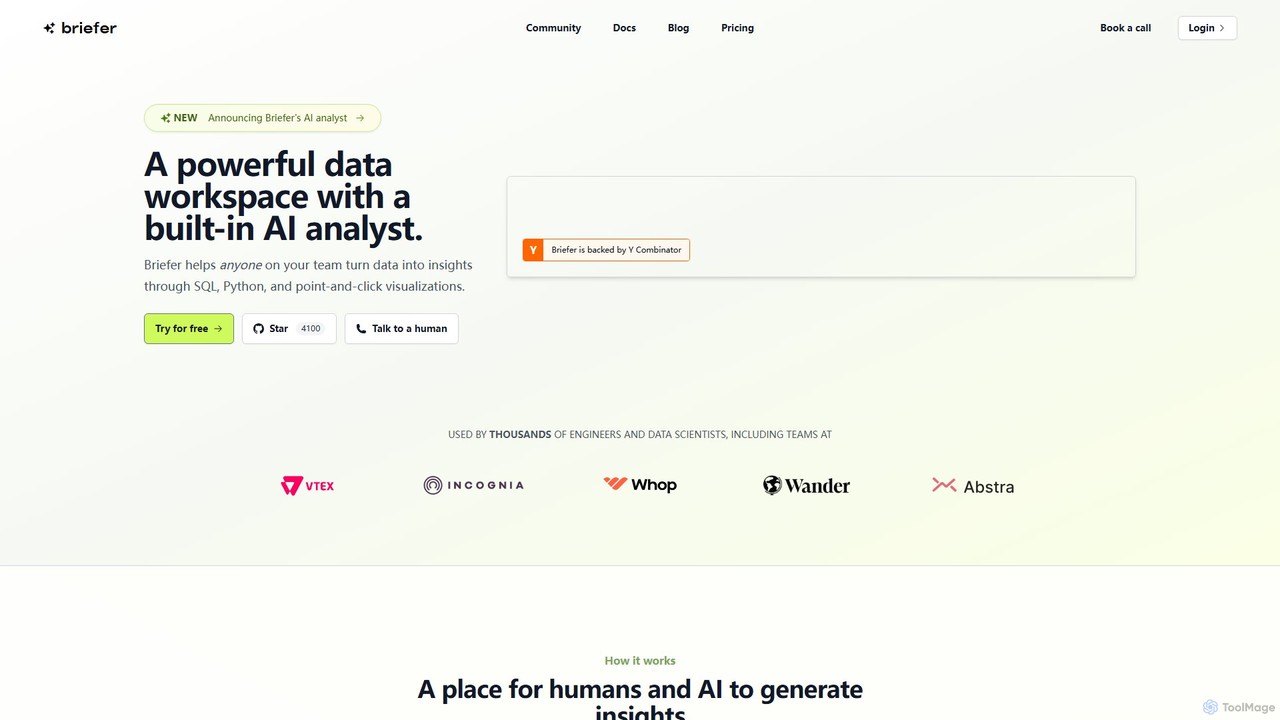
Briefer
Briefer is a collaborative data platform featuring a built-in AI analyst. It empowers teams to transform data into actionable insights using SQL, Python, and interactive visualizations within a unified workspace. Designed for both technical and non-technical users, it streamlines data analysis, reporting, and real-time collaboration, accelerating data-driven decision-making. It is backed by Y Combinator and offers both cloud-hosted and self-hosted open-source versions.
Databasevictordibia
A comprehensive resource hub by Victor Dibia, a leading researcher in Applied ML and HCI. It features open-source AI tools like AutoGen Studio and LIDA, in-depth articles, research papers, and talks on generative AI, multi-agent systems, and human-computer interaction. A valuable platform for developers, researchers, and AI enthusiasts.
Data VisualizationPandasAI
PandasAI offers a suite of developer tools for building AI applications. It features an open-source library for conversational data analysis using natural language and PandaAGI, an advanced SDK for creating generalist AI agents that can perform complex tasks like web searches and filesystem access.
Data Analysis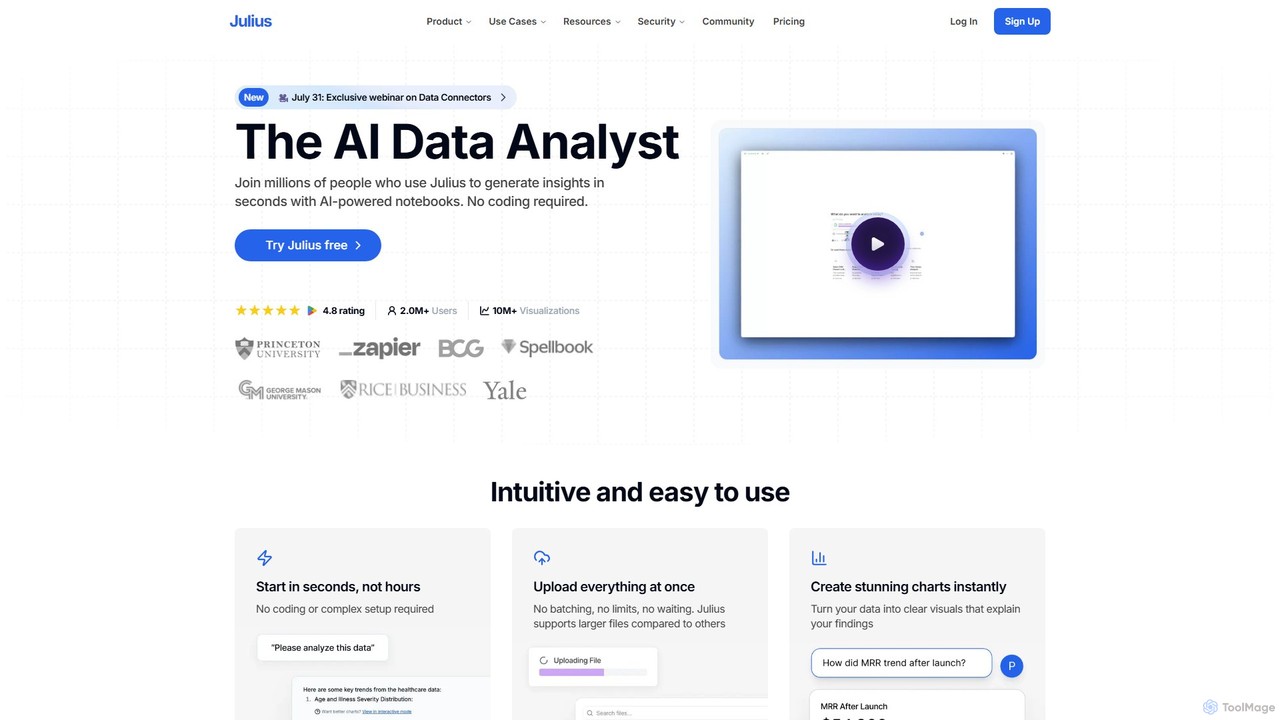
Julius AI
Julius AI is your AI Data Analyst, designed to interpret, analyze, and visualize complex data effortlessly. Connect your data from spreadsheets, databases, or PDFs, ask questions in natural language, and receive instant insights, charts, and reports. No coding is required, but it also supports Python, R, and SQL for advanced users, making data analysis accessible to everyone.
Developer Tools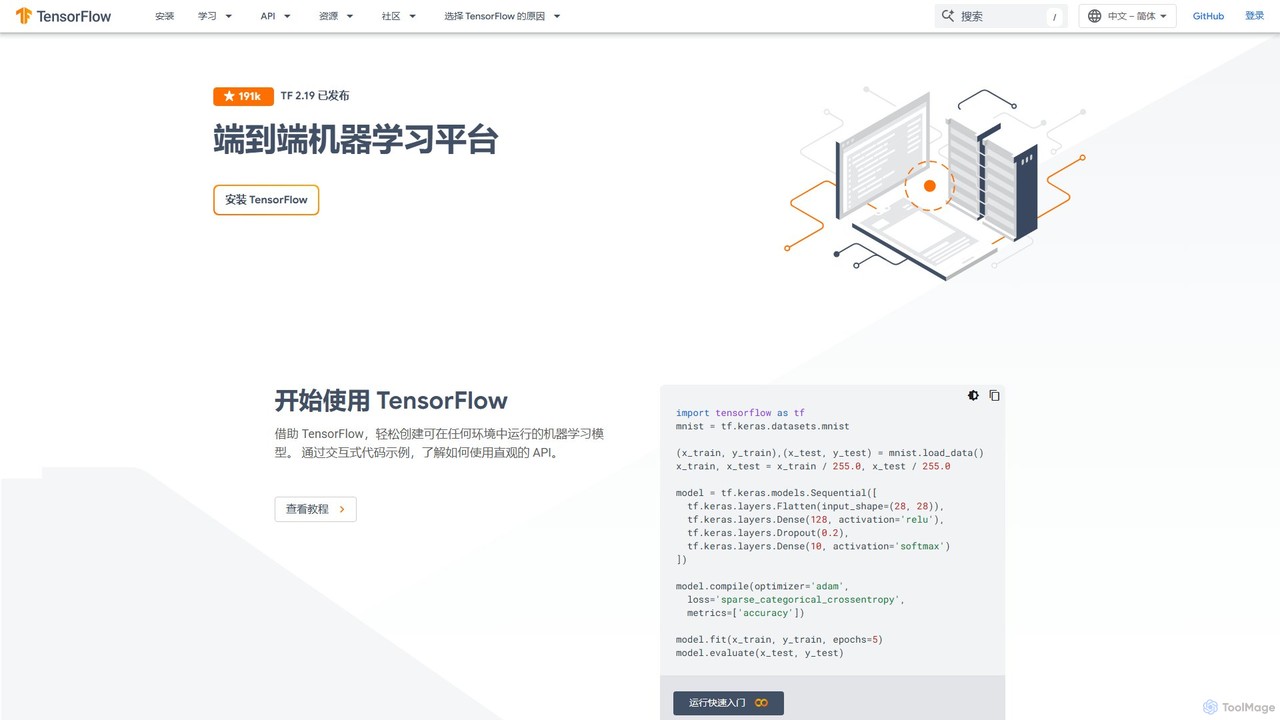
TensorFlow
TensorFlow is an end-to-end open-source platform for machine learning developed by Google. It provides a comprehensive, flexible ecosystem of tools, libraries, and community resources that lets researchers and developers build and deploy ML-powered applications. From beginners to experts, TensorFlow offers intuitive high-level APIs for easy model building and powerful low-level APIs for advanced research, enabling deployment across servers, edge devices, and browsers.
Frameworks
MLflow
MLflow is an open-source platform for managing the end-to-end machine learning lifecycle. It enables developers and data scientists to track experiments, package code into reproducible runs, version and share models, and deploy them to production, supporting both traditional ML and modern GenAI applications.
Data Science
Ragas
Ragas is an open-source Python framework for evaluating and testing Retrieval-Augmented Generation (RAG) pipelines. It provides a suite of metrics to measure the performance of your LLM applications, from context retrieval to answer generation. Trusted by industry leaders like LangChain and LlamaIndex, Ragas helps developers build more robust, reliable, and accurate AI systems by identifying and mitigating issues like hallucinations and irrelevant responses.
Mlops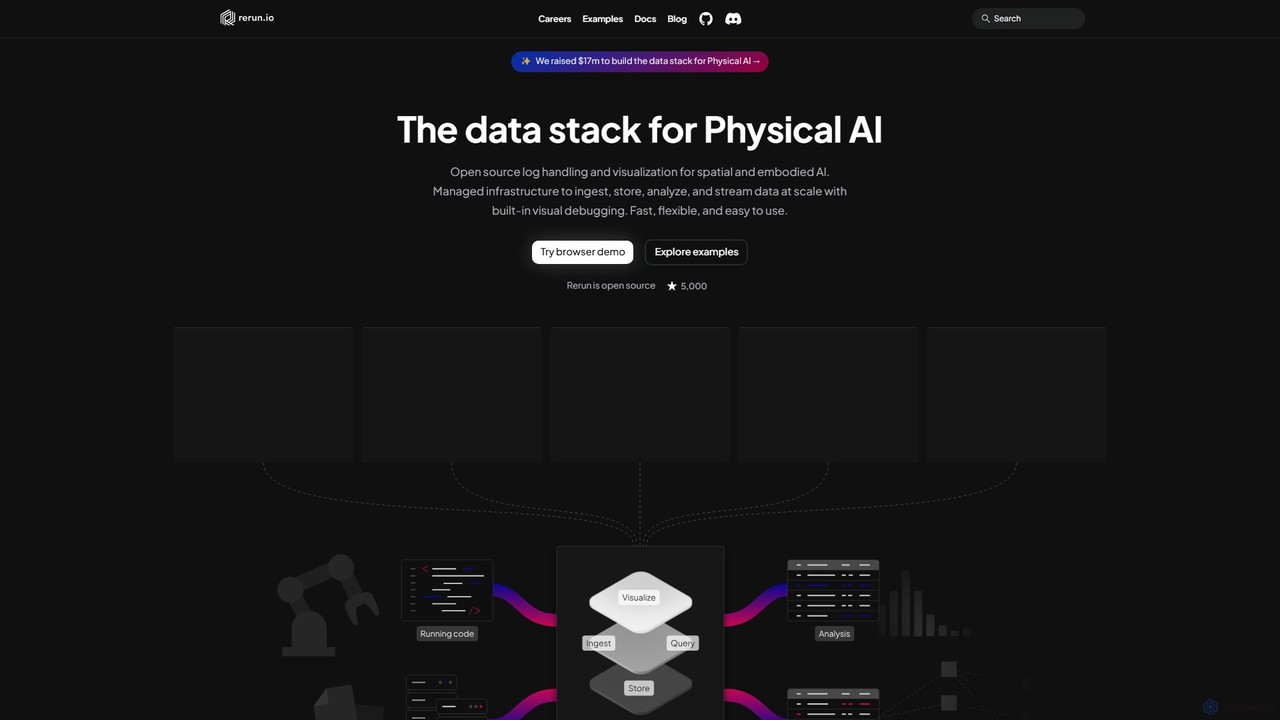
Rerun
Rerun is an open-source data stack for Physical AI, providing powerful logging and visualization tools for multimodal, time-series data. Designed for robotics, computer vision, and spatial computing, it helps developers understand and debug complex systems with SDKs for Python, Rust, and C++.
Machine Learning
Streamlit Comments (0)
Sign in to comment.
Sign inNo comments yet.