
marimo Overview
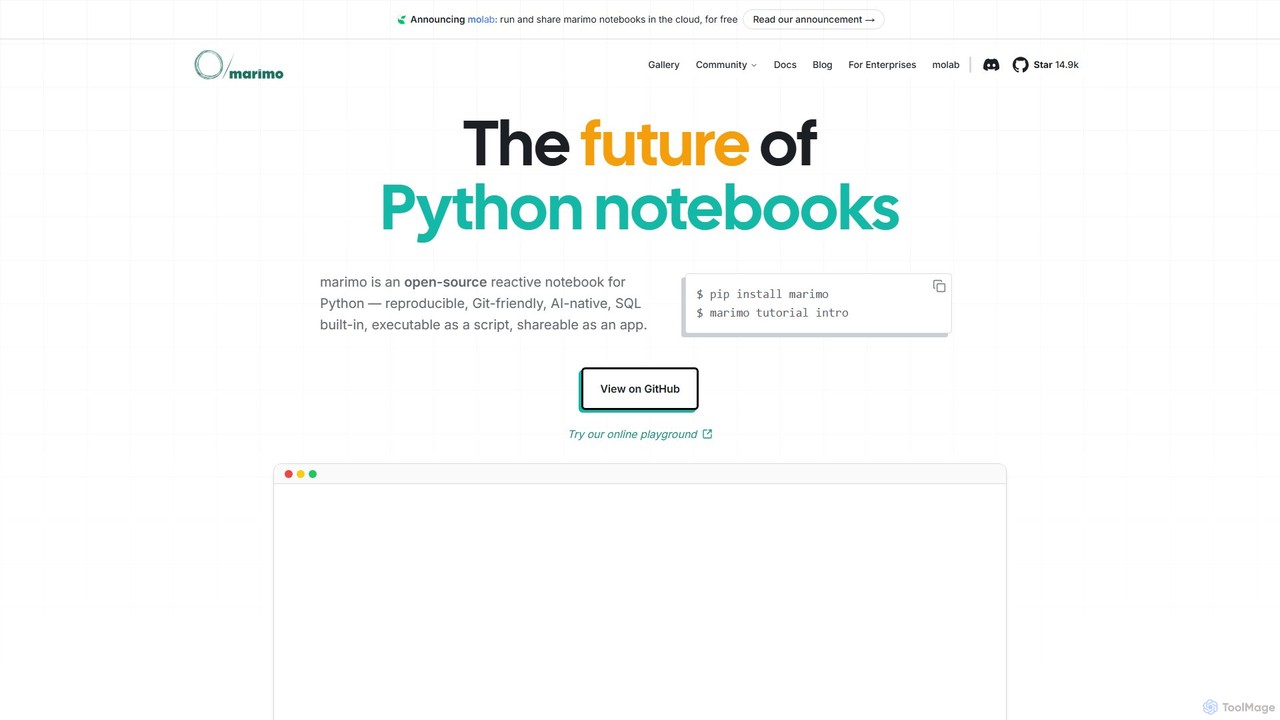
marimo is a revolutionary open-source Python notebook that reimagines interactive computing for the modern era of data science and artificial intelligence. Unlike traditional notebooks that store content in error-prone JSON files, marimo notebooks are pure Python scripts (.py files). This fundamental design choice makes them reproducible, Git-friendly, testable, and reusable as standard Python modules. marimo introduces a reactive execution model, where updating a single cell automatically triggers the execution of all dependent cells, eliminating hidden state and the tedious manual task of re-running code to ensure consistency. This creates a fluid, intuitive, and error-resistant development environment.
Developed by a team with extensive experience from Google, Palantir, and the PyData ecosystem, marimo is built to bridge the gap between experimental prototyping and production-ready applications. It empowers developers and data scientists to build complex, interactive web applications directly from their notebooks without writing any frontend code. These notebooks can be seamlessly shared as interactive HTML files powered by WebAssembly or deployed as robust web apps using the marimo command-line interface.
How to use marimo
Getting started with marimo is straightforward and designed for a smooth developer experience. First, install it using pip:
$ pip install marimoOnce installed, you can launch the introductory tutorial to familiarize yourself with its reactive paradigm:
$ marimo tutorial introTo create or edit a notebook, simply run the marimo command with a Python file:
$ marimo edit my_notebook.pyInside the web-based editor, you can write Python code in cells, just like in other notebooks. However, marimo's power lies in its special features. You can bind UI elements like sliders and dropdowns directly to Python variables. When a user interacts with a widget, the corresponding variable updates, and all downstream cells that use this variable reactively re-run. You can also write SQL queries directly in dedicated SQL cells to interact with databases like DuckDB, SQLite, Postgres, and more. To share your work, you can either run it as a read-only application or export it to a self-contained HTML file:
# Run as an interactive app
$ marimo run my_notebook.py

# Export to HTML
$ marimo export my_notebook.py --to html
The integrated AI assistant can be used to generate code, explain concepts, and debug issues, supporting models from OpenAI, Anthropic, Google Gemini, and local models via Ollama.
Core Features of marimo
- Reactive Execution: Code and outputs stay perfectly in sync. Modifying a cell automatically updates all dependent cells, eliminating hidden state and ensuring reproducibility.
- Git-Friendly Format: Notebooks are saved as standard Python (.py) files, not complex JSON. This results in clean, readable diffs, making version control with Git seamless.
- AI-Native Editor: Features integrated AI assistance, including GitHub Copilot-style autocomplete, context-aware chat, and inline edits. It supports major AI models to accelerate development.
- Built-in SQL Cells: Natively query databases and dataframes using SQL. The results can be seamlessly transformed and visualized using the full power of Python.
- Interactive UI Elements: Build interactive UIs with a rich set of widgets like sliders, dropdowns, and interactive dataframe GUIs without needing any frontend expertise.
- Seamless Deployment: Effortlessly transition from a prototype notebook to a production-grade tool. Deploy notebooks as read-only web apps, run them as Python scripts in pipelines, or export them as self-contained HTML files.
- Reproducible Environments: marimo can serialize package requirements within the notebook file and automatically create ephemeral virtual environments, ensuring that notebooks run consistently everywhere.
- Rich Developer Experience: The editor includes modern features like vim keybindings, code formatting, debugging panels, extensive hotkeys, and a VS Code extension.
Use Cases for marimo
marimo's versatility makes it suitable for a wide range of applications across different domains:
- AI and Machine Learning Development: Rapidly prototype and test AI models. Build interactive interfaces for LLMs, such as chatbots and generative UI tools. Create custom data labeling and evaluation dashboards to fine-tune and compare models.
- Data Exploration and Visualization: Explore datasets interactively using reactive plots and dataframe GUIs. Selections made in a plot can automatically update downstream analyses and visualizations, creating a dynamic and exploratory workflow.
- Scientific Research and Education: Communicate research findings through tangible, interactive applications. Develop engaging educational materials that allow students to experiment with concepts in real-time, such as simulating physical processes or exploring mathematical functions.
- Internal Tooling and Dashboards: Build and maintain internal tools like financial calculators, NLP model comparison dashboards, or data labeling interfaces using only Python. This eliminates the complexity of managing separate frontend and backend services.
Advantages of marimo
marimo offers significant advantages over traditional notebook environments like Jupyter:
- Reproducibility by Design: The reactive, acyclic dataflow graph guarantees that notebooks execute in a deterministic order, preventing the common "out-of-order execution" problems that plague other systems.
- Simplified Version Control: By using a pure Python format, marimo solves the nightmare of resolving merge conflicts in notebook JSON files, enabling true collaboration via Git.
- From Notebook to App, Instantly: marimo unifies the development and deployment process. What you build in the notebook is the app, drastically reducing the time and effort needed to share your work.
- Modern and Integrated Toolchain: It combines the best of modern development practices, including built-in AI assistance, first-class SQL support, and powerful interactive components, all within a single, cohesive environment.
- Open Source and Community-Driven: As a free and open-source tool with a vibrant community on GitHub and Discord, marimo is continuously evolving with contributions and feedback from its users.
Pricing and Plans
marimo is fundamentally a free and open-source project. The core marimo notebook library and its command-line interface are available for anyone to use without charge. You can install and run it on your local machine or your own servers. Additionally, the project offers molab, a cloud-based platform to run and share marimo notebooks, which is also currently available for free. This positions marimo as a highly accessible tool for individuals, students, and professional teams alike.
Traffic
Latest traffic
Status
Monthly traffic trend
- 2025-9: 99.4K
- 2026-1: 131.5K
- 2026-2: 141.3K
- 2026-3: 173.2K
- 2026-4: 171.0K
- 2026-5: 156.6K
Geography
Top 5 countries / regions
- 🇺🇸United States41.2%
- 🇩🇪Germany28.1%
- 🇨🇦Canada13.4%
- 🇰🇷South Korea8.8%
- 🇬🇧United Kingdom8.5%
Traffic sources
| Source type | Percentage |
|---|---|
Direct | 70.5% |
Referral | 27.6% |
Email | 1.9% |
Top keywords
| Keyword | Cost per click |
|---|---|
| marimo | $0.18 |
| marimo notebook | $4.86 |
| marimo pair | $0.00 |
| marimo python | $4.23 |
| molab | $0.00 |
marimo Videos on YouTube


Data Science Basics


Py AI


marimo Alternatives
Streamlit
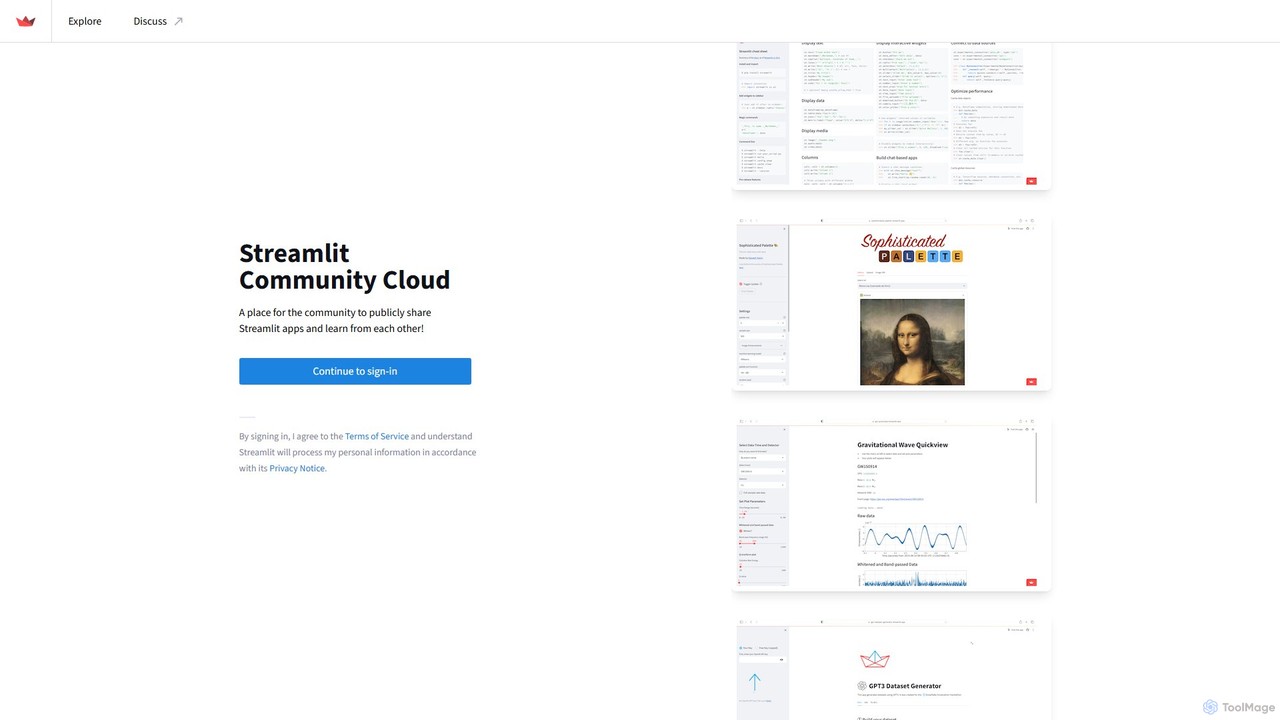
Streamlit is an open-source Python framework that enables developers and data scientists to build and share beautiful, custom web apps for machine learning and data science in minutes. The Streamlit Community Cloud provides a free platform to deploy, manage, and share these public applications with the world, fostering a collaborative environment for innovation.
Data Visualization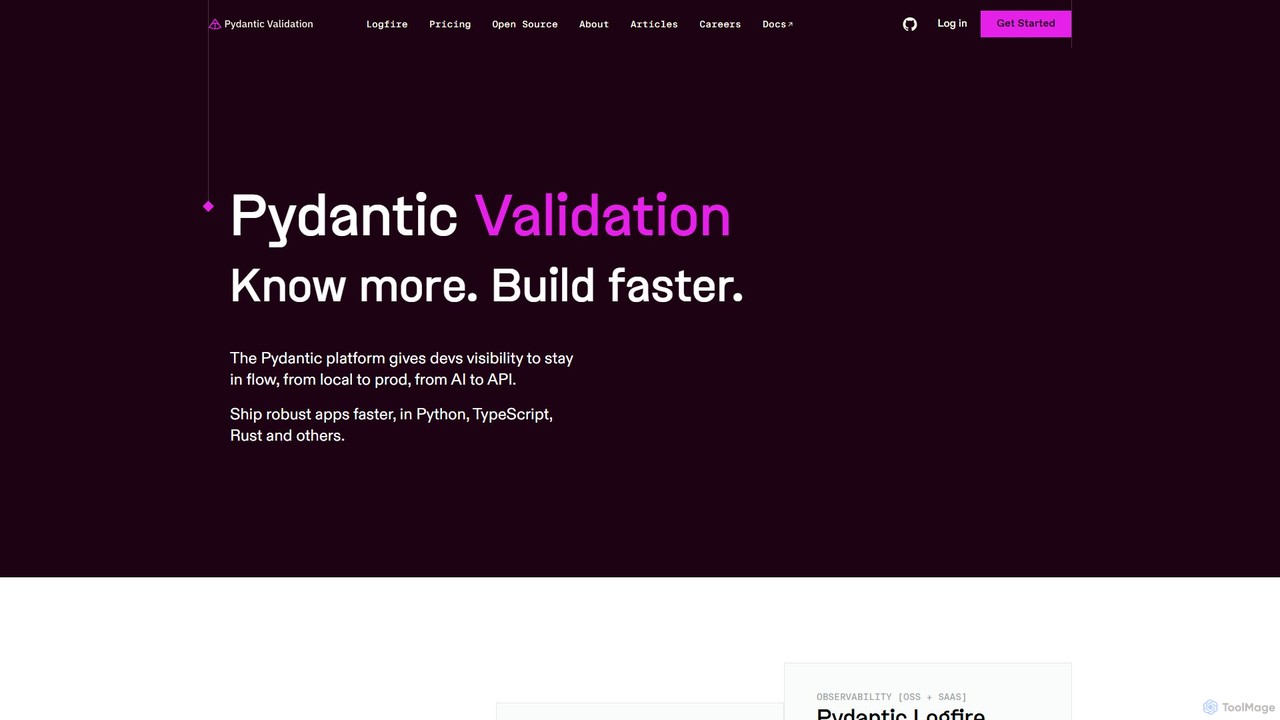
Pydantic
Pydantic is a comprehensive platform for developers, offering powerful data validation, AI development tools, and a full-stack observability solution. It enables faster, more robust application development in Python and other languages by leveraging type hints for runtime data validation and providing deep insights from local development to production.
Debugging & Testing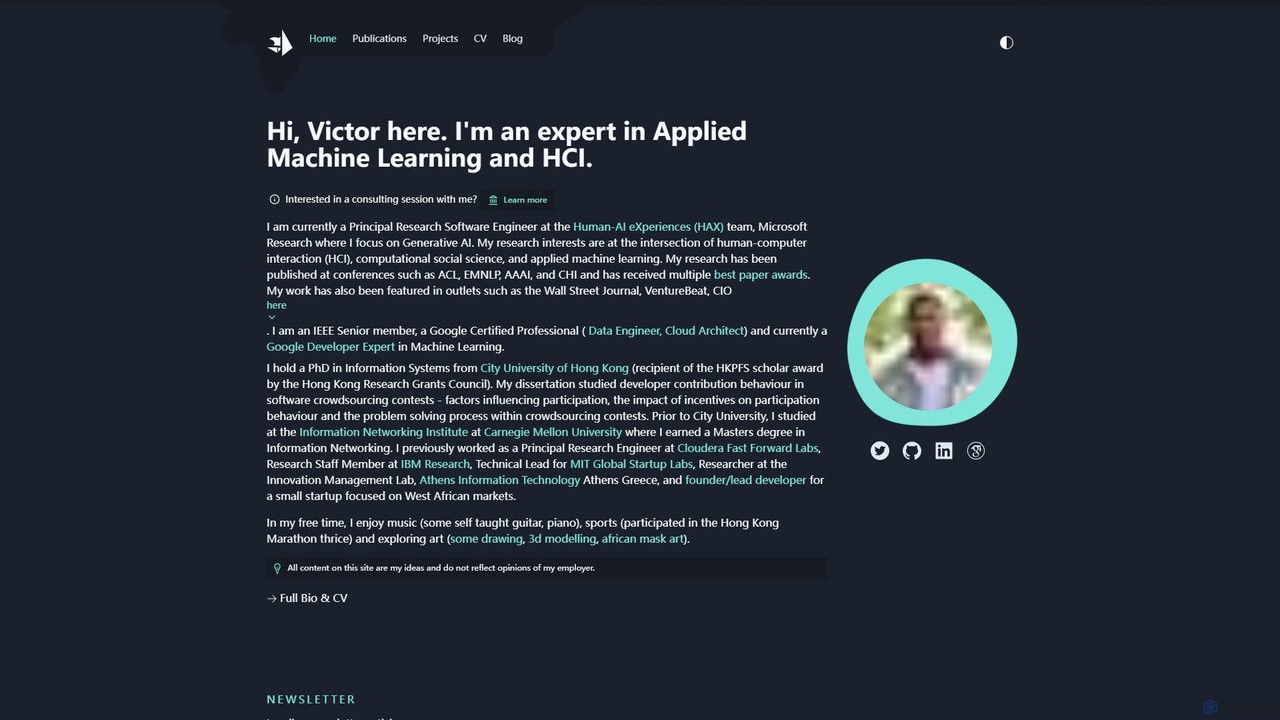
victordibia
A comprehensive resource hub by Victor Dibia, a leading researcher in Applied ML and HCI. It features open-source AI tools like AutoGen Studio and LIDA, in-depth articles, research papers, and talks on generative AI, multi-agent systems, and human-computer interaction. A valuable platform for developers, researchers, and AI enthusiasts.
Data Visualization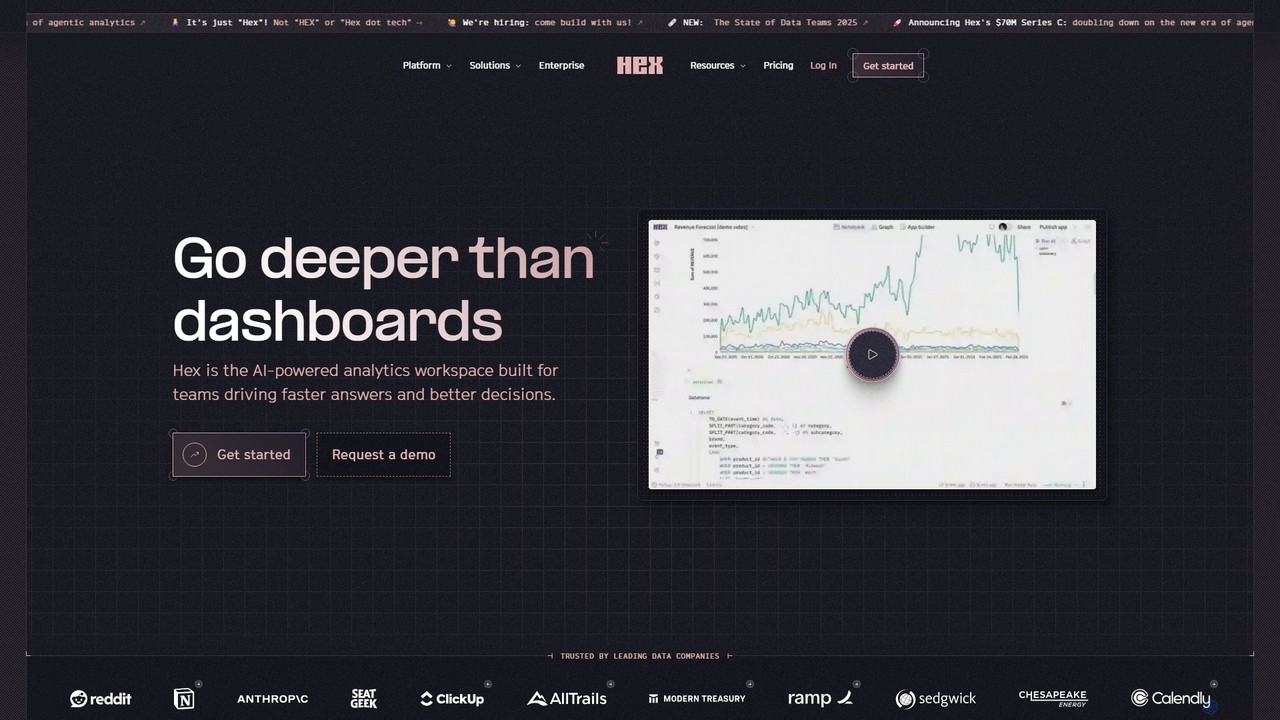
Hex
Hex is an AI-powered analytics workspace designed for teams. It integrates notebooks for Python and SQL, interactive data apps, and self-serve exploration into a single collaborative platform, enabling faster, data-driven decision-making.
Data Science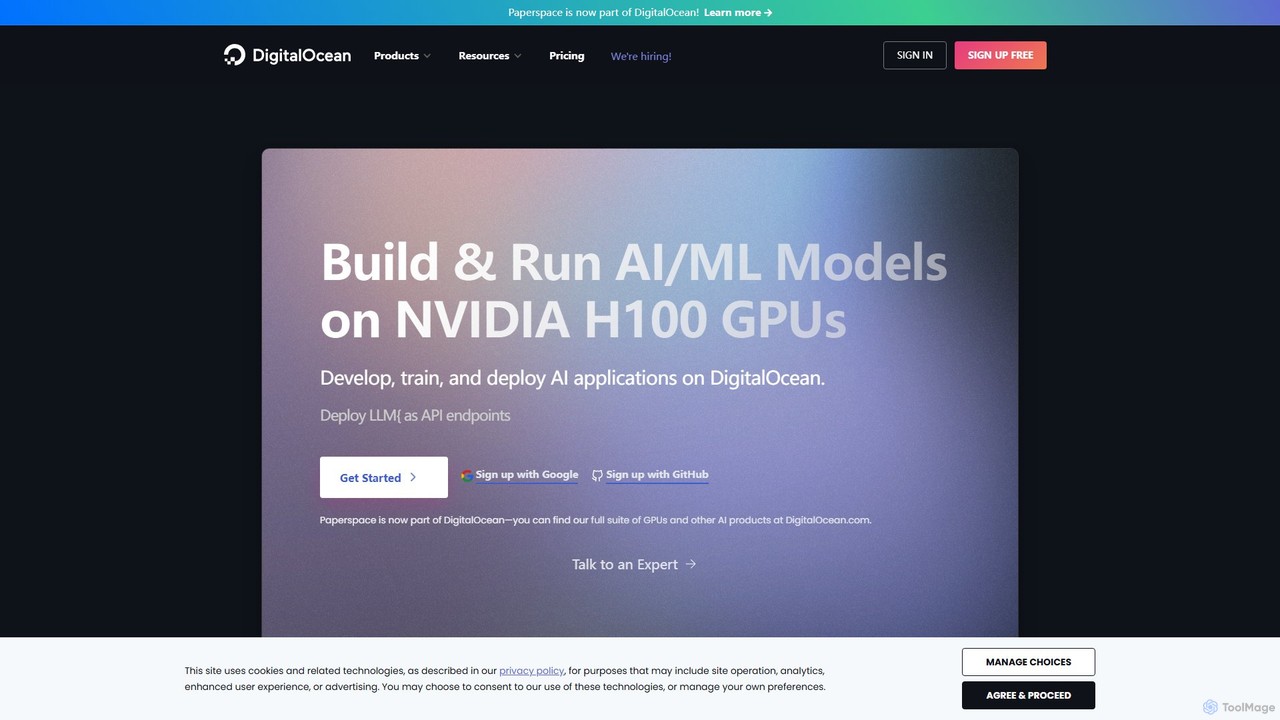
Paperspace
Paperspace is a high-performance cloud computing platform designed for AI and Machine Learning. It provides effortless access to powerful cloud GPUs, managed Jupyter notebooks, and a complete MLOps platform (Gradient) to build, train, and deploy models. Ideal for developers, data scientists, and enterprises looking to accelerate their AI workflows without the complexity of managing infrastructure.
Machine Learningmarimo Categories
marimo Embed Widget
Copy this embed code to place the badge on your blog, article, or product site and send readers directly to this ToolMage detail page.

Related AI tools
Streamlit
Streamlit is an open-source Python framework that enables developers and data scientists to build and share beautiful, custom web apps for machine learning and data science in minutes. The Streamlit Community Cloud provides a free platform to deploy, manage, and share these public applications with the world, fostering a collaborative environment for innovation.
Data VisualizationHex
Hex is an AI-powered analytics workspace designed for teams. It integrates notebooks for Python and SQL, interactive data apps, and self-serve exploration into a single collaborative platform, enabling faster, data-driven decision-making.
Data Science
Jyek
Jyek is an AI agent platform that understands objectives, creates execution plans, uses tools, and delivers verifiable results for complex, multi-step tasks.
Automation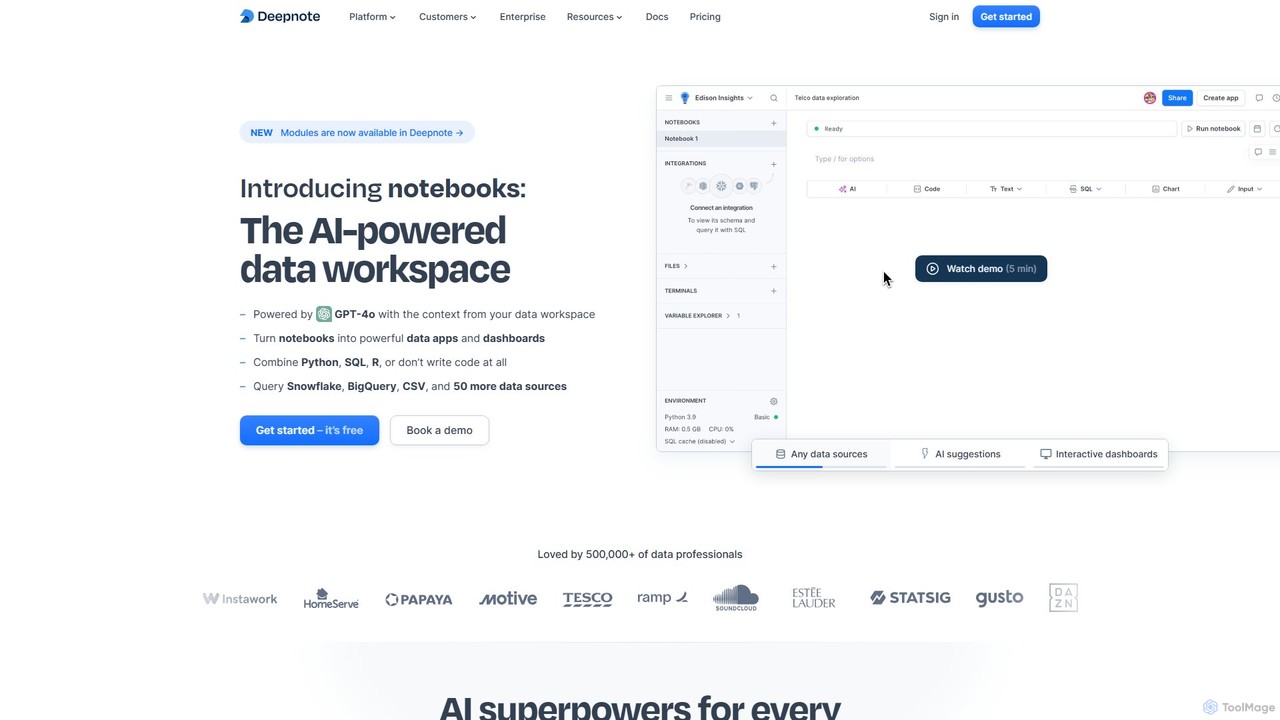
Deepnote
Deepnote is an AI-powered, collaborative data science notebook for teams. It unifies Python, SQL, and R in a single cloud-based workspace, enabling users to explore data, build machine learning models, and create interactive dashboards and apps with ease. Powered by GPT-4o, it automates analysis and code generation, making data science accessible to all skill levels.
Business Intelligence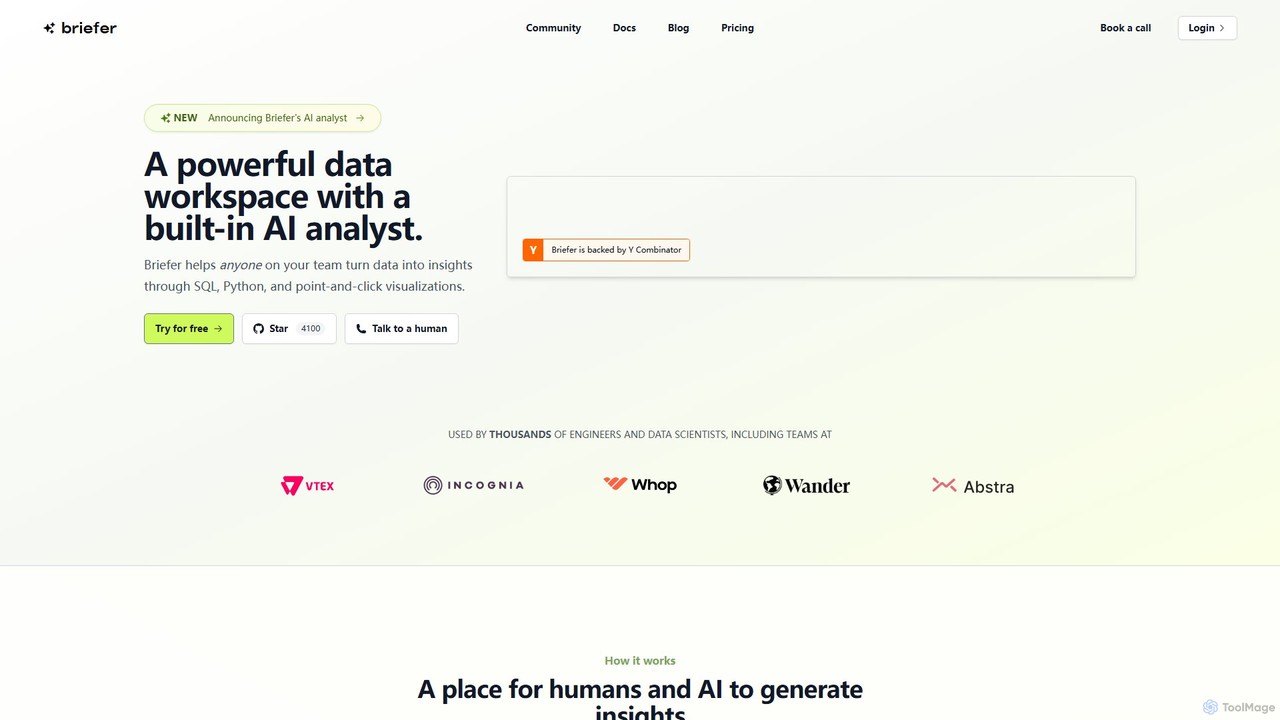
Briefer
Briefer is a collaborative data platform featuring a built-in AI analyst. It empowers teams to transform data into actionable insights using SQL, Python, and interactive visualizations within a unified workspace. Designed for both technical and non-technical users, it streamlines data analysis, reporting, and real-time collaboration, accelerating data-driven decision-making. It is backed by Y Combinator and offers both cloud-hosted and self-hosted open-source versions.
Database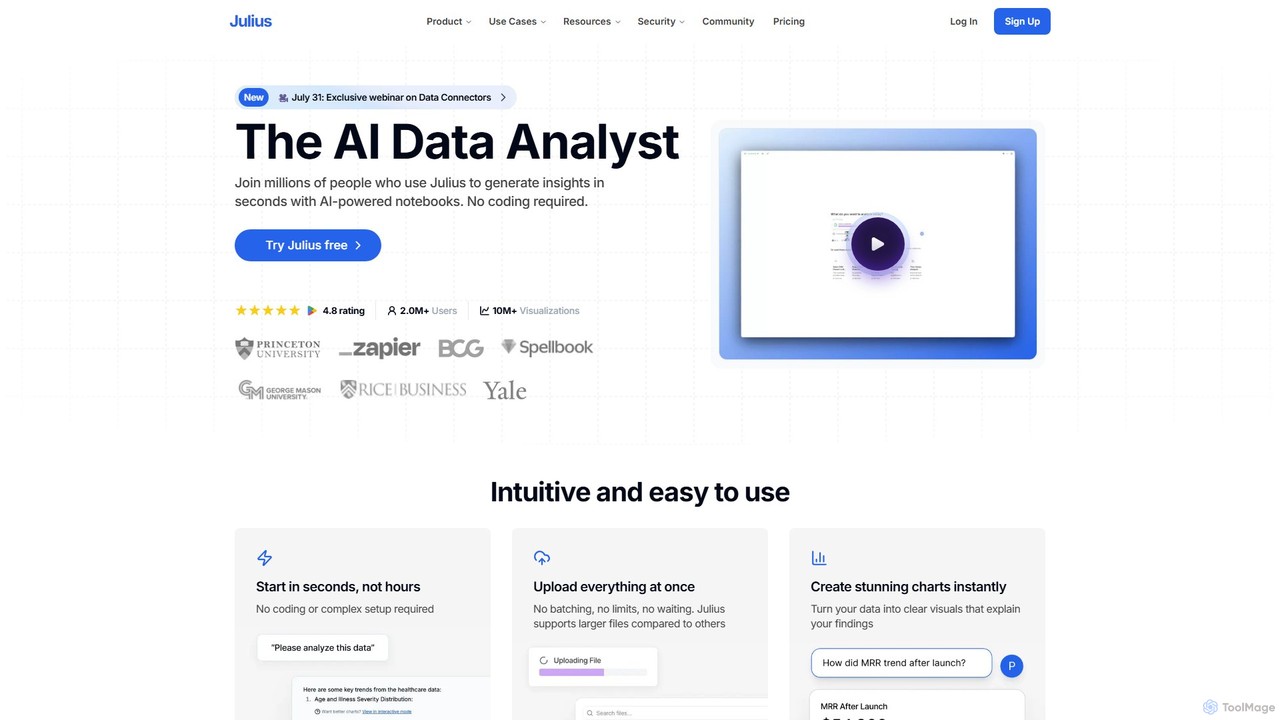
Julius AI
Julius AI is your AI Data Analyst, designed to interpret, analyze, and visualize complex data effortlessly. Connect your data from spreadsheets, databases, or PDFs, ask questions in natural language, and receive instant insights, charts, and reports. No coding is required, but it also supports Python, R, and SQL for advanced users, making data analysis accessible to everyone.
Developer Tools
Fast.ai
Fast.ai is a research institute dedicated to making deep learning accessible to everyone. It offers free courses, an open-source software library (fastai), cutting-edge research, and a vibrant community, empowering coders of all backgrounds to become deep learning practitioners.
Machine Learning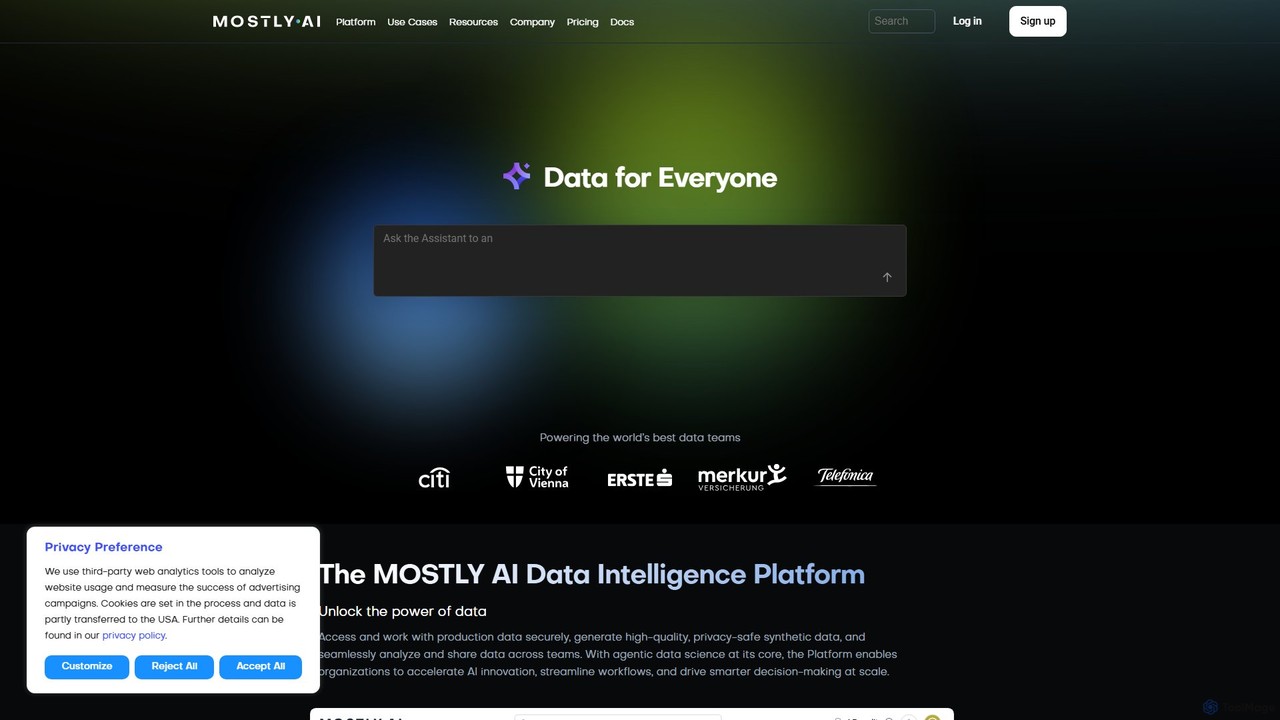
MOSTLY AI
MOSTLY AI is a Data Intelligence Platform that specializes in generating high-quality, privacy-safe synthetic data. It enables organizations to securely access, analyze, and share data, accelerating AI innovation and streamlining workflows while ensuring full compliance with privacy regulations.
Machine Learning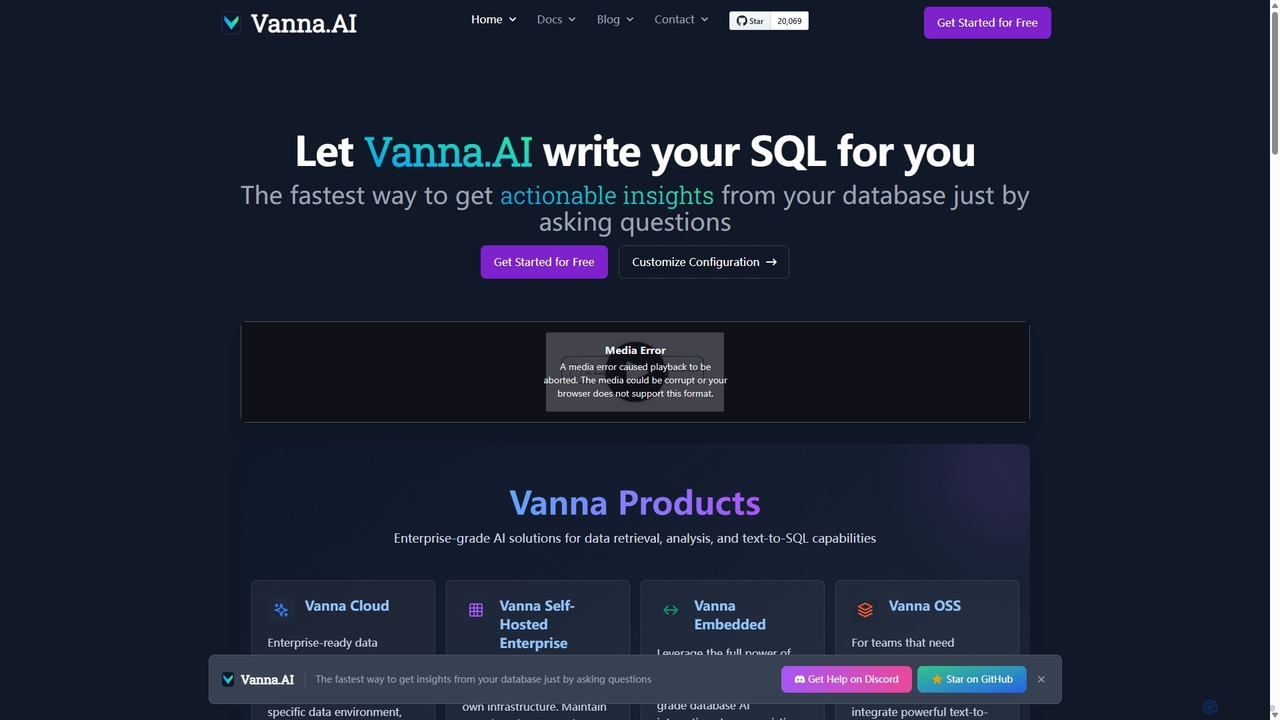
Vanna.AI
Vanna.AI is an open-source, personalized AI SQL agent that transforms natural language questions into accurate SQL queries. It uses a Retrieval-Augmented Generation (RAG) model trained on your specific database schema, documentation, and past queries to achieve high accuracy on complex datasets. It's designed for security, flexibility, and easy integration into any application, empowering both technical and non-technical users to gain insights from their data effortlessly.
Business Intelligence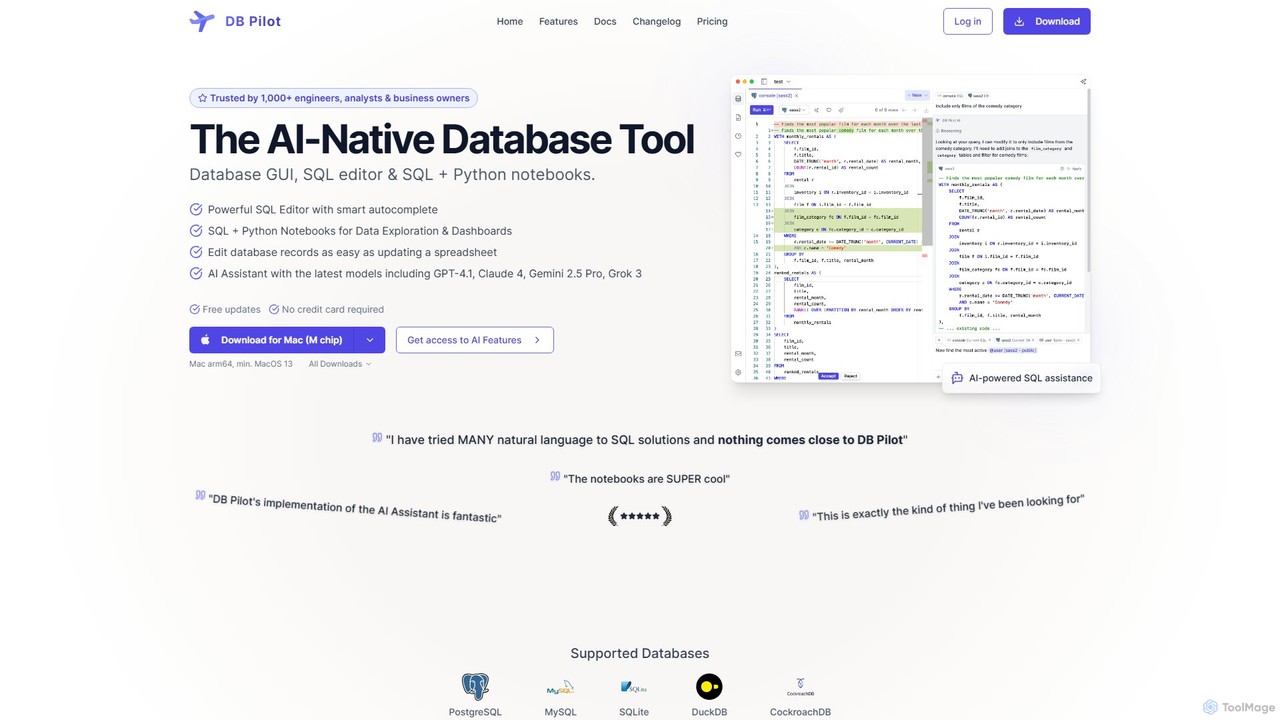
dbpilot
dbpilot is an AI-native database tool for engineers and analysts, featuring a powerful GUI, an intelligent SQL editor, and integrated SQL + Python notebooks. It leverages top AI models like GPT-4 and Claude to generate, debug, and explain queries, streamlining data exploration and dashboard creation in a secure, local-first environment.
SqlPydantic
Pydantic is a comprehensive platform for developers, offering powerful data validation, AI development tools, and a full-stack observability solution. It enables faster, more robust application development in Python and other languages by leveraging type hints for runtime data validation and providing deep insights from local development to production.
Debugging & Testingvictordibia
A comprehensive resource hub by Victor Dibia, a leading researcher in Applied ML and HCI. It features open-source AI tools like AutoGen Studio and LIDA, in-depth articles, research papers, and talks on generative AI, multi-agent systems, and human-computer interaction. A valuable platform for developers, researchers, and AI enthusiasts.
Data Visualization
Ollama
Ollama is a powerful open-source framework for running large language models (LLMs) like Llama 3, Mistral, and Gemma locally on your own hardware. Available for macOS, Windows, and Linux, it simplifies the setup and management of open-source models, enabling private, offline, and cost-effective AI development and usage.
Machine Learning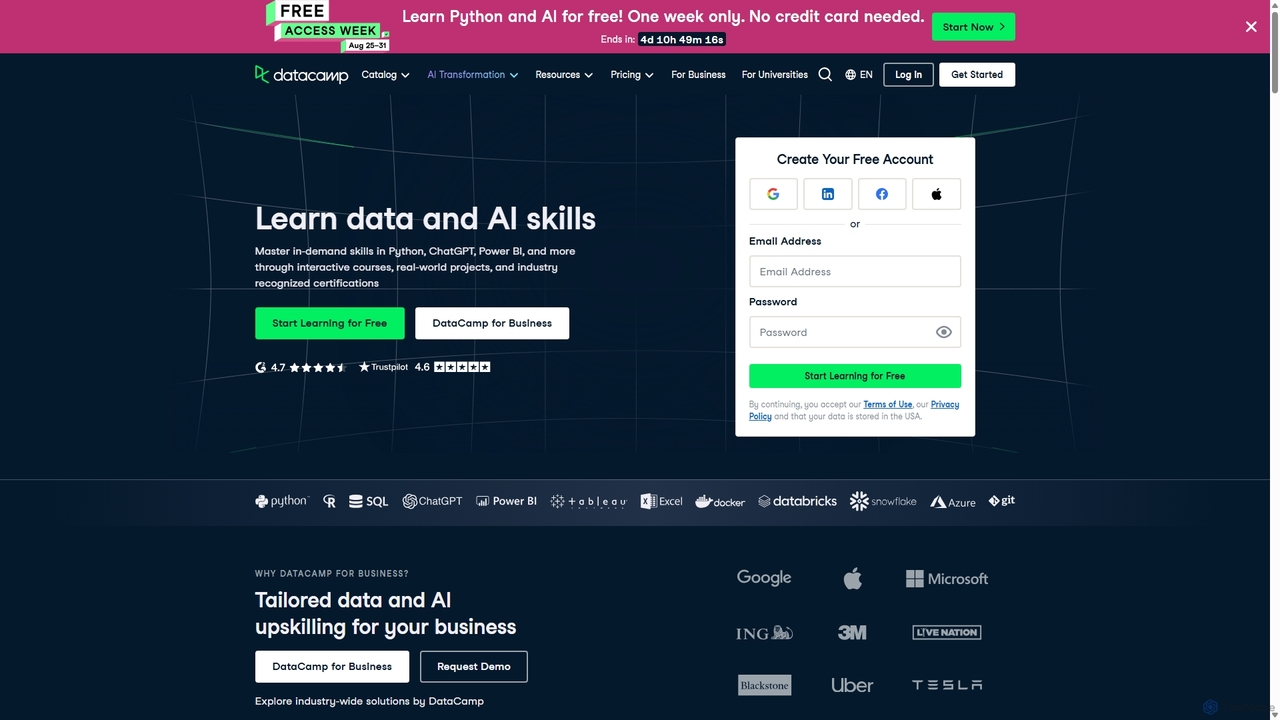
DataCamp
DataCamp is an interactive online learning platform for data science and AI. It offers hands-on courses in Python, R, SQL, Power BI, and more. Through a 'learn-by-doing' approach with in-browser coding, real-world projects, and career tracks, it empowers individuals and businesses to build job-ready data skills, from beginner to expert level.
Data Science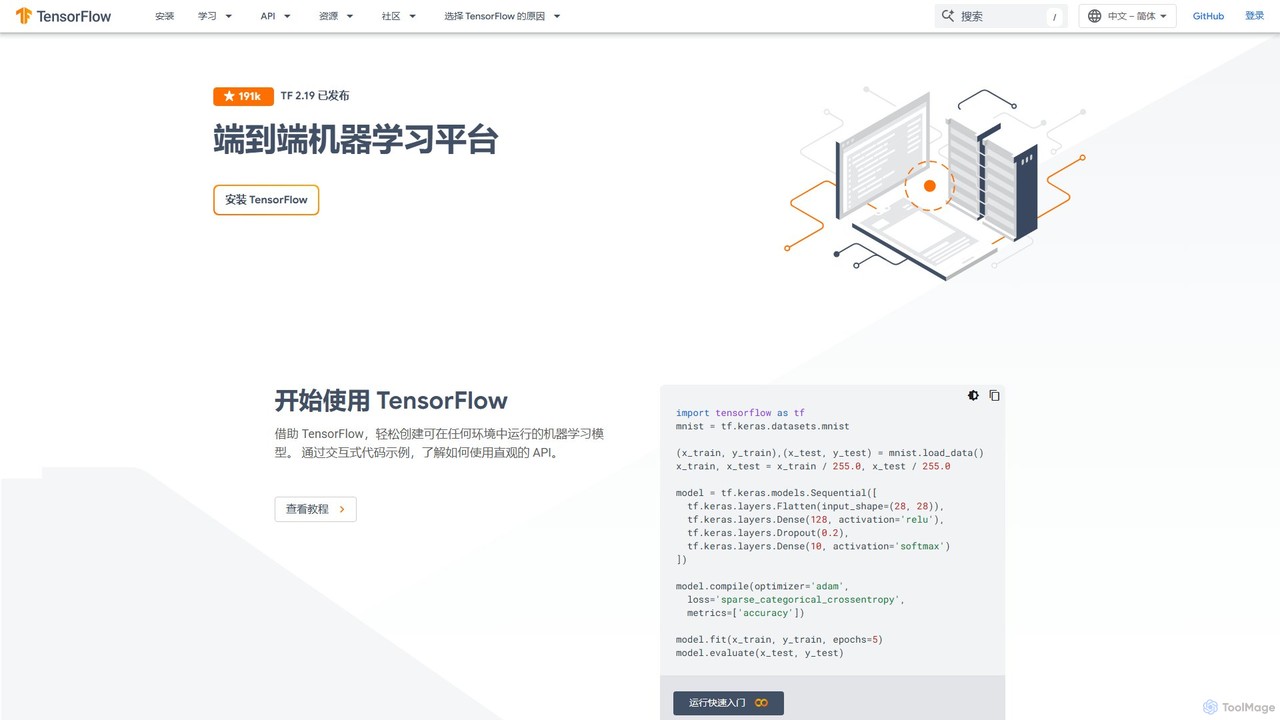
TensorFlow
TensorFlow is an end-to-end open-source platform for machine learning developed by Google. It provides a comprehensive, flexible ecosystem of tools, libraries, and community resources that lets researchers and developers build and deploy ML-powered applications. From beginners to experts, TensorFlow offers intuitive high-level APIs for easy model building and powerful low-level APIs for advanced research, enabling deployment across servers, edge devices, and browsers.
Frameworks
marimo Comments (0)
Sign in to comment.
Sign inNo comments yet.