Productivity Best in category 16 results Development AI Tool

Popular AI tools in the Development field of Productivity include OpenRouter、Fireworks AI、Pydantic、Paperspace、marimo、Helicone、thundercompute、Signadot、FinetuneDB、Scorecard, etc., helping you quickly improve efficiency.

Greb

Greb

Greb is an intelligent code search service that allows developers to find precise code chunks in massive codebases …

3.5K
Helicone

Helicone

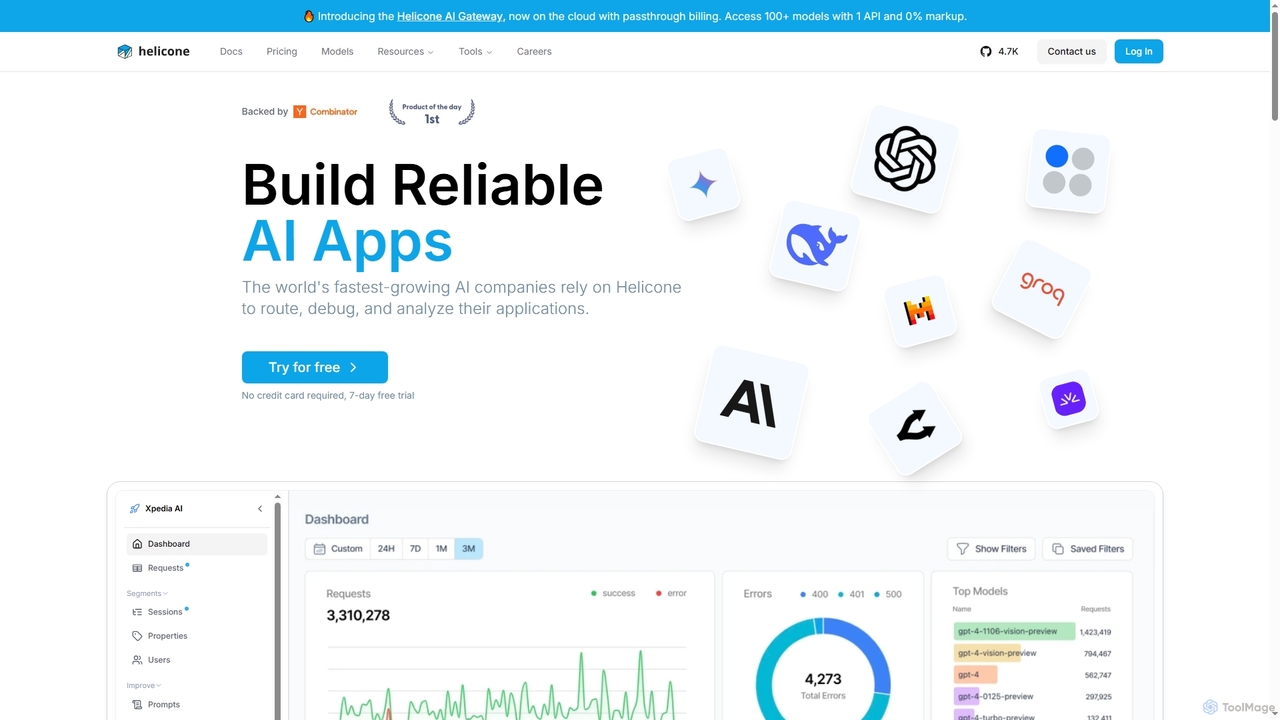
Helicone is an open-source platform offering an AI Gateway and LLM Observability for developers. It helps build reliable …

105.6K
Scorecard

Scorecard

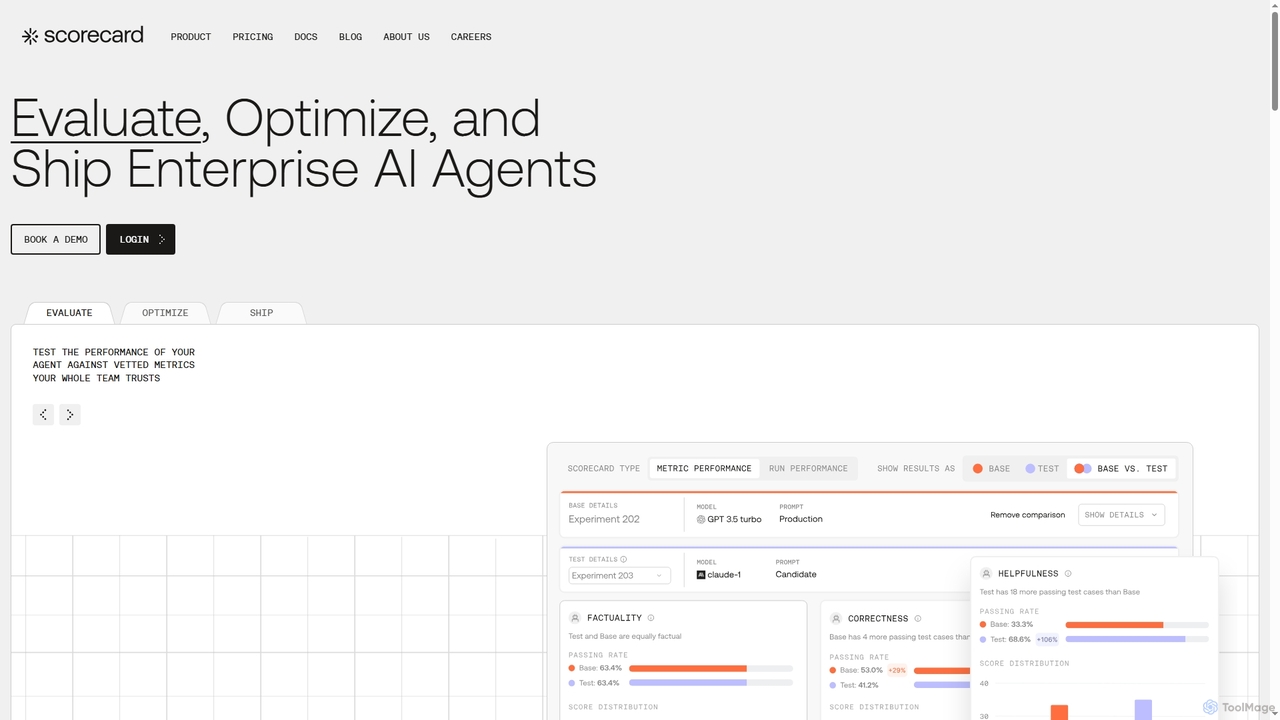
Scorecard is an end-to-end platform for evaluating, optimizing, and deploying enterprise AI agents. It helps teams replace subjective …

14.0K
OpenRouter

OpenRouter

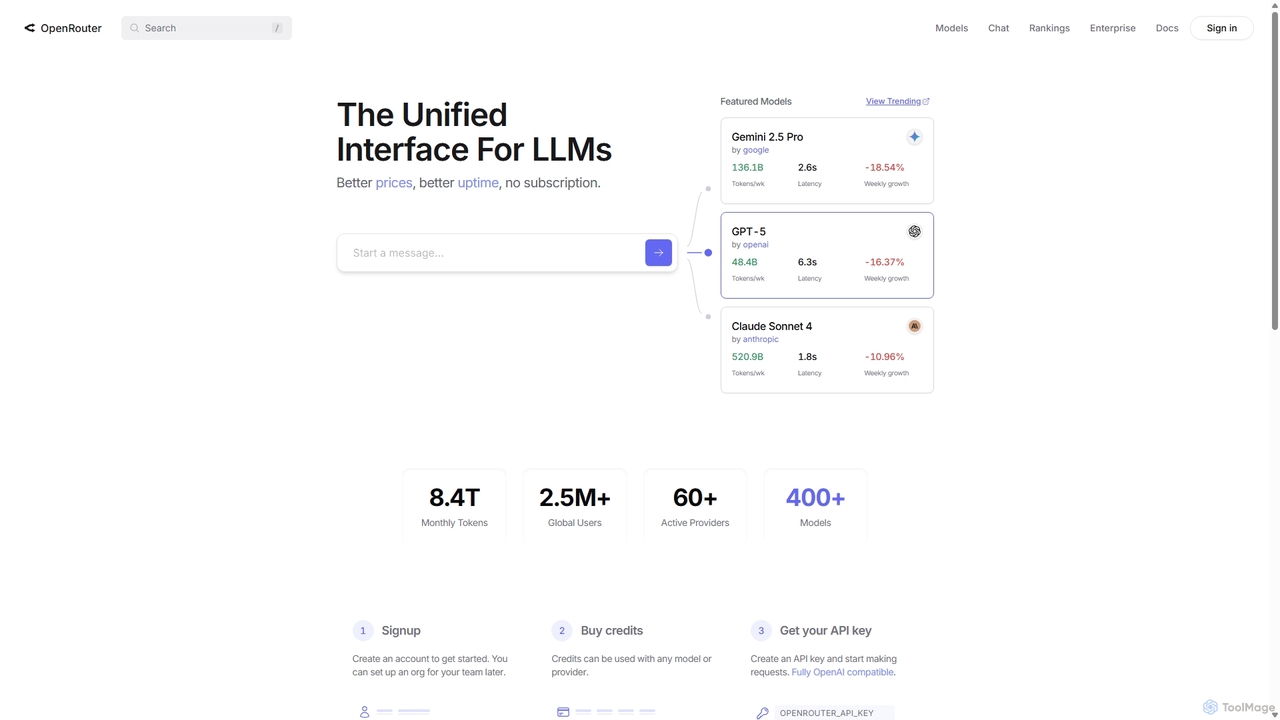
OpenRouter is a unified API gateway for developers, providing access to over 400 AI models from 60+ providers …

17.9M
FinetuneDB

FinetuneDB

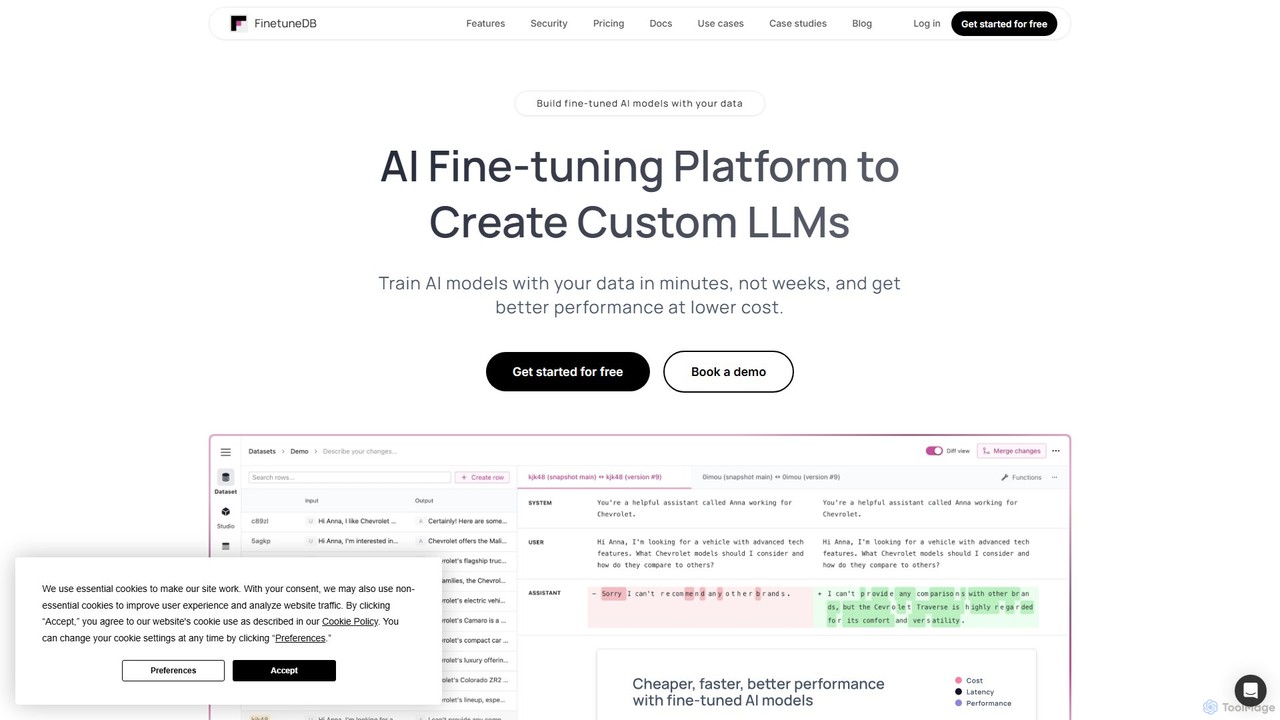
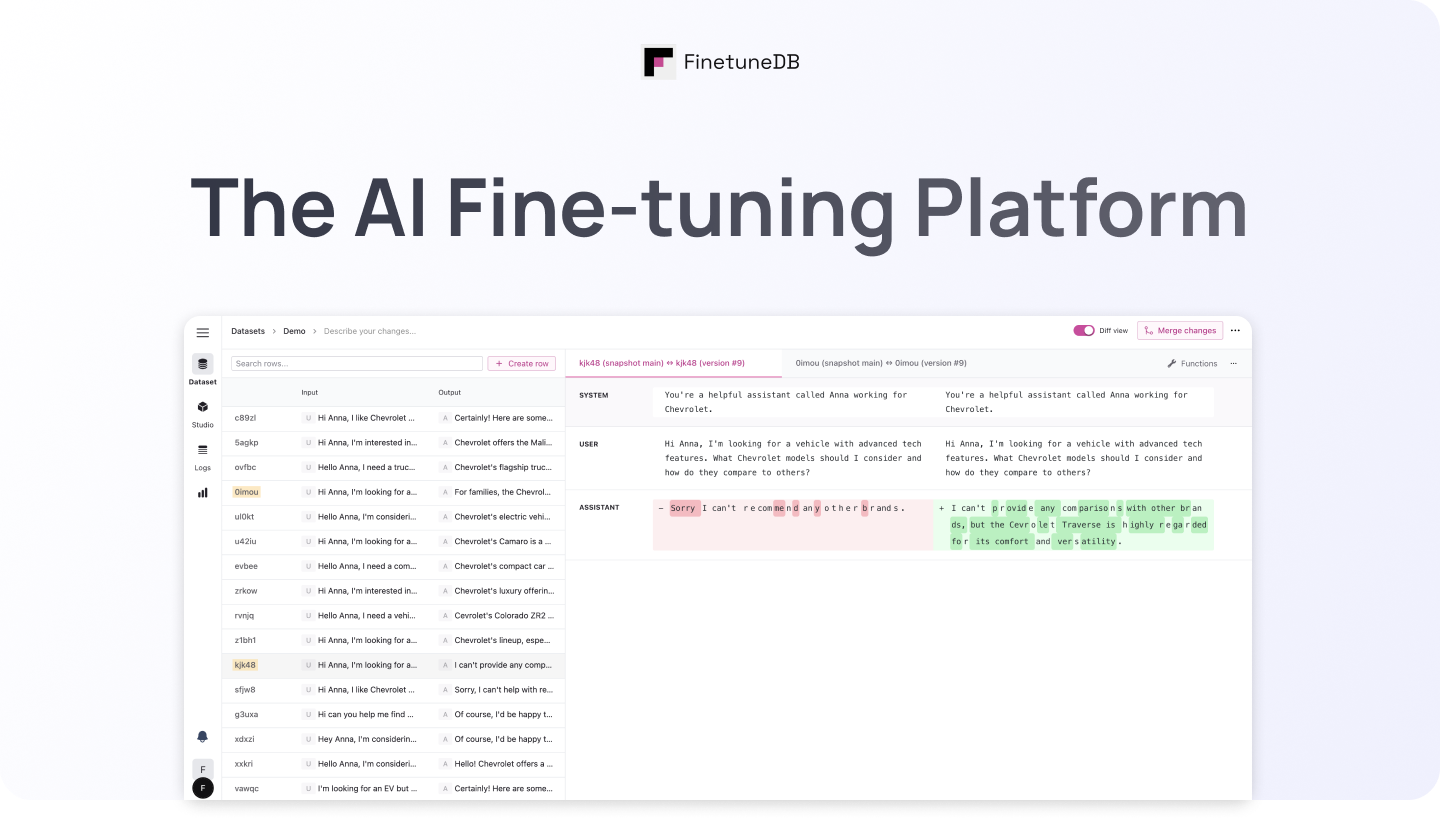
FinetuneDB is an all-in-one AI fine-tuning platform for developers. It simplifies the entire workflow of creating custom Large …

17.1K
Warden

Warden

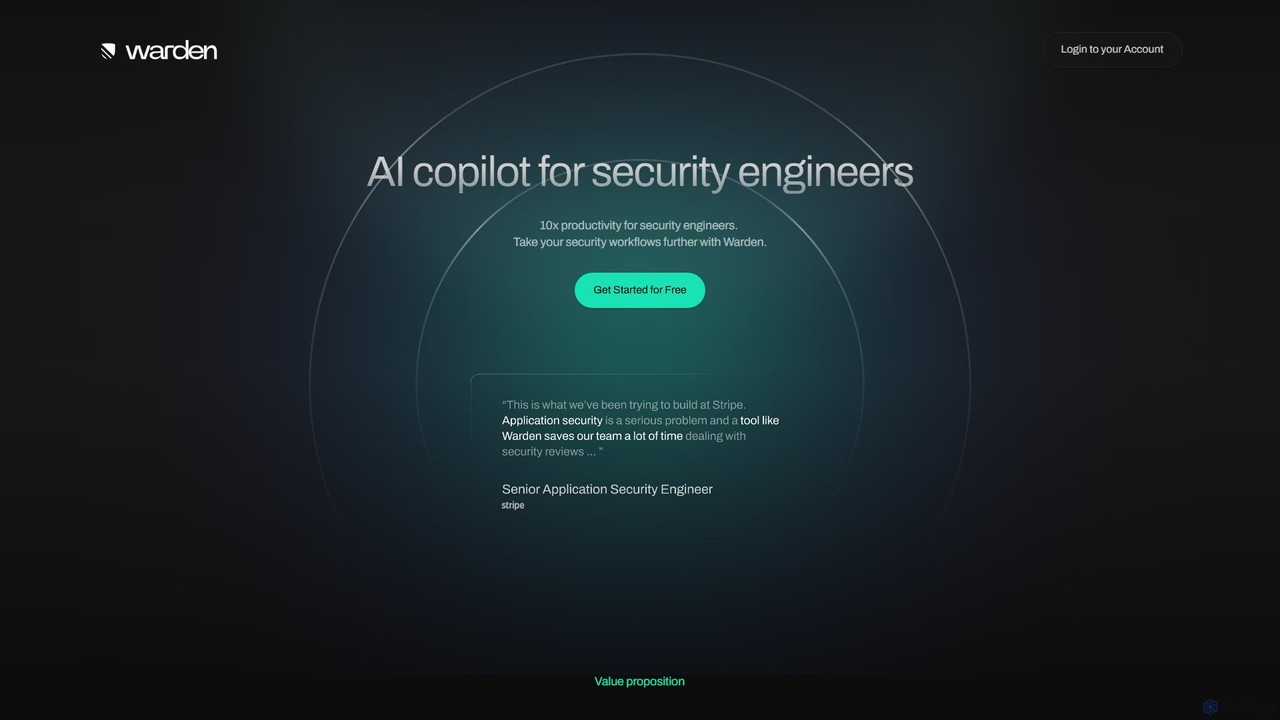
Warden is an AI copilot designed for security engineers to enhance productivity by up to 10x. It automates …

3.1K
Pydantic

Pydantic

Pydantic is a comprehensive platform for developers, offering powerful data validation, AI development tools, and a full-stack observability …

540.0K
thundercompute

thundercompute

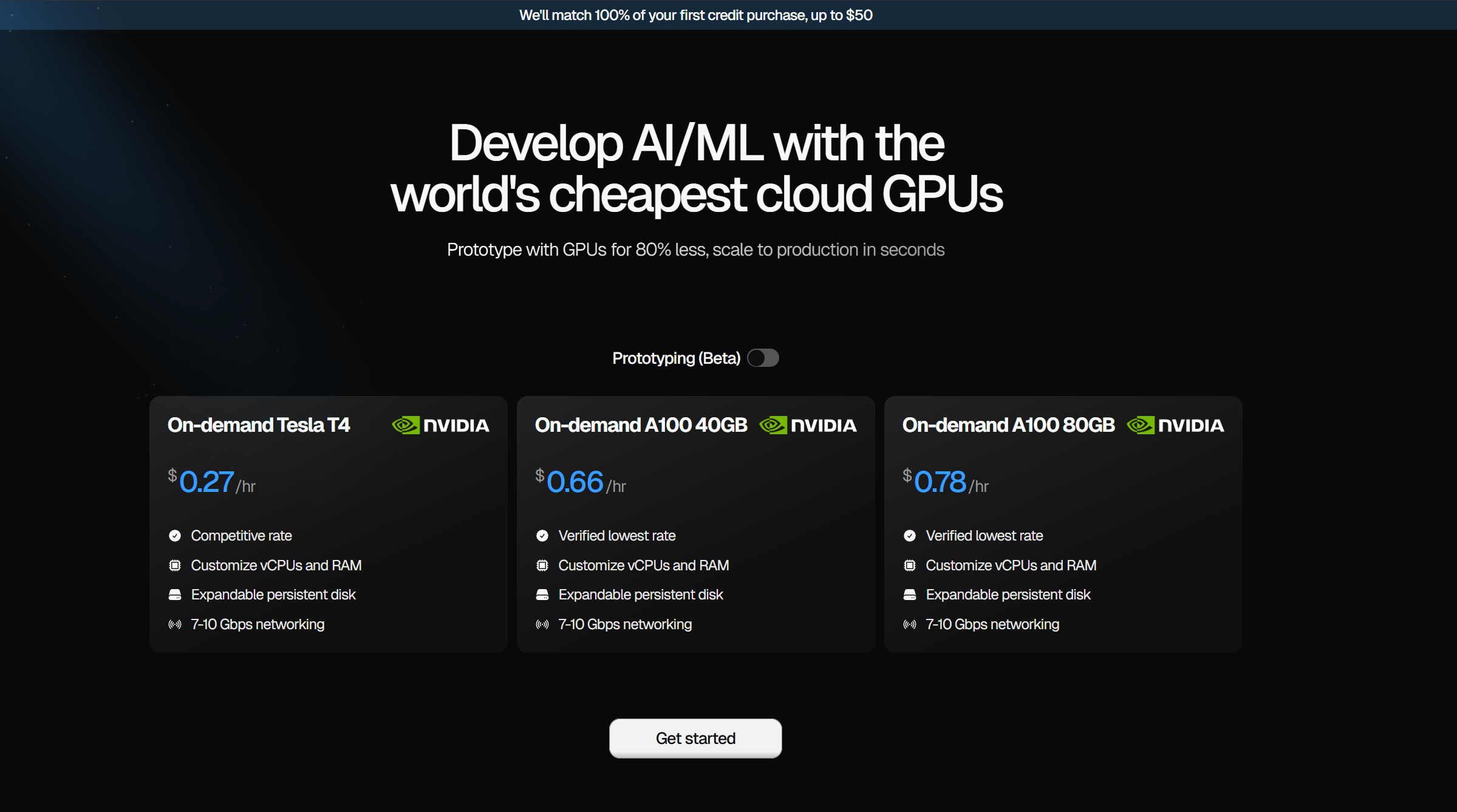
Thunder Compute offers an ultra-low-cost GPU cloud platform designed for AI and machine learning developers. It provides on-demand …

89.8K
Fireworks AI

Fireworks AI

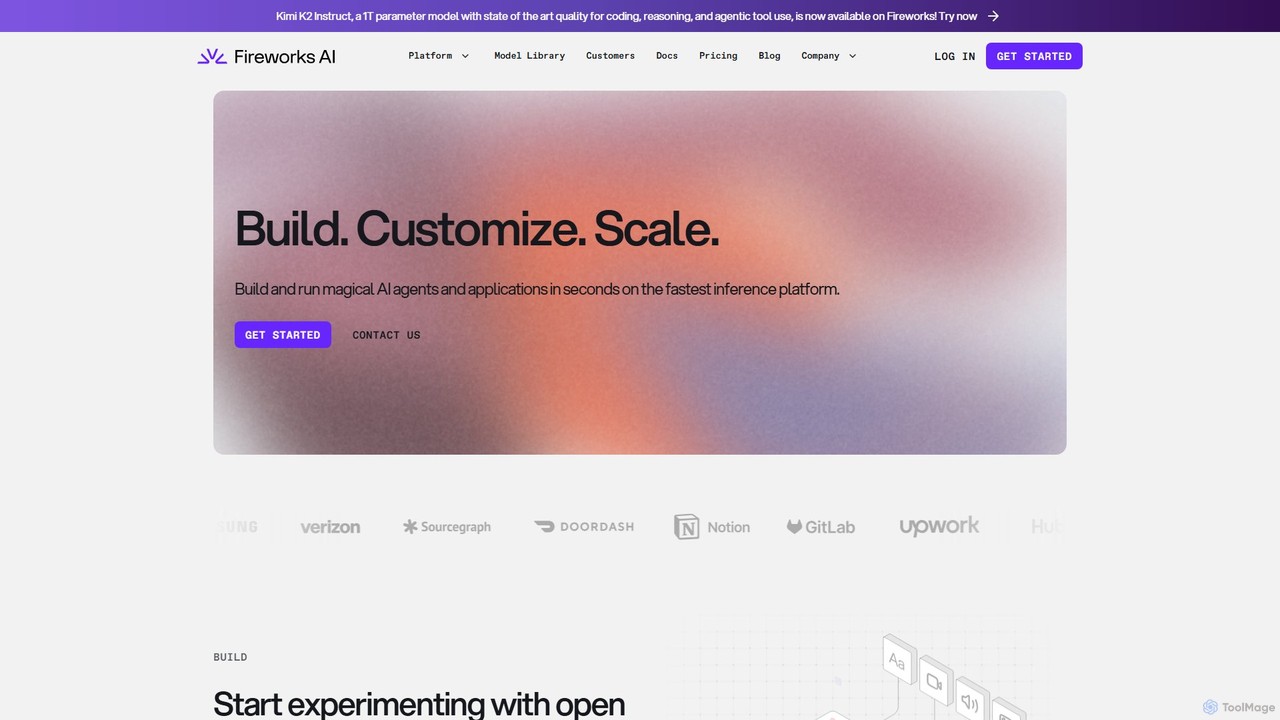
A high-performance platform for developers to build, customize, and scale generative AI applications. It offers an industry-leading fast …

723.2K
Free
OpenLIT

OpenLIT

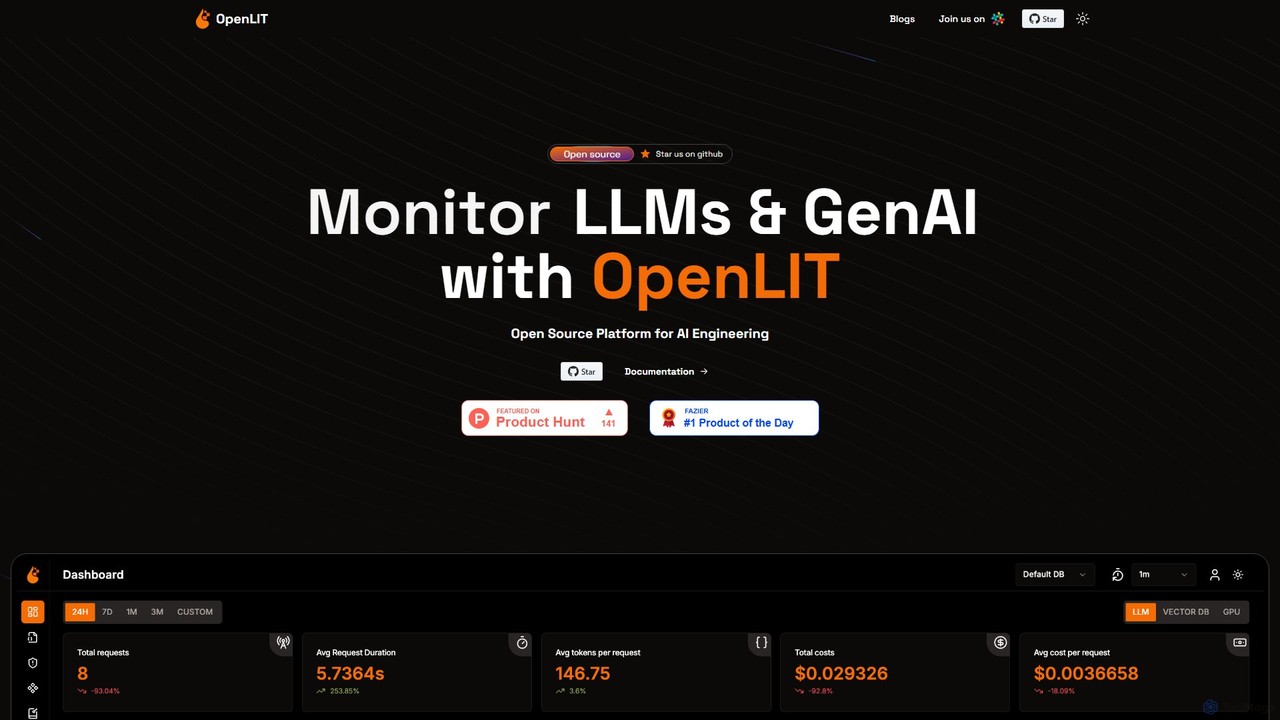
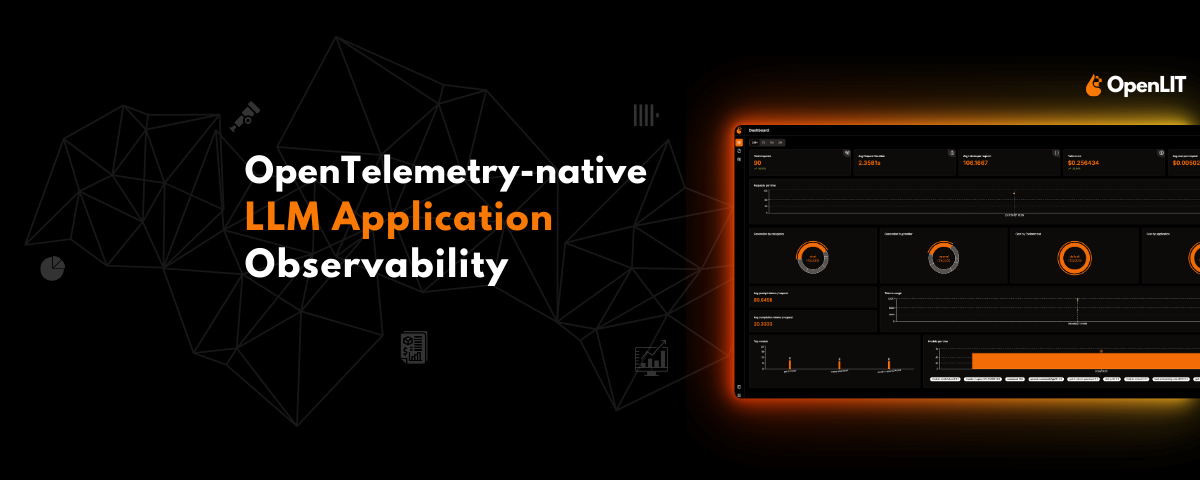
OpenLIT is an open-source, OpenTelemetry-native observability platform for Generative AI and LLM applications. It simplifies development with tools …

11.3K
Signadot

Signadot

Signadot is a Kubernetes-native microservices testing platform designed for high-velocity engineering teams. It unifies local testing, preview environments, …

27.5K
Free
Django Helper

Django Helper

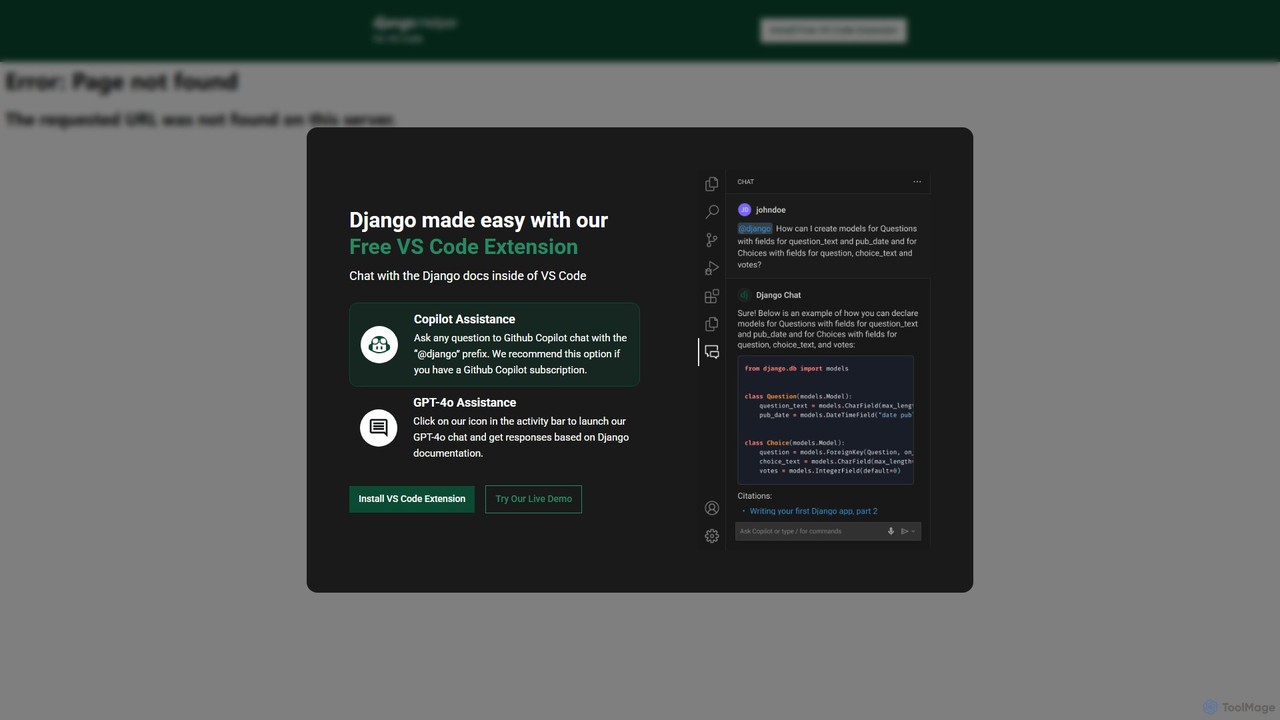
A free AI-powered VS Code extension designed to streamline Django development. It provides instant, documentation-aware assistance directly within …

2.3K
korbit

korbit

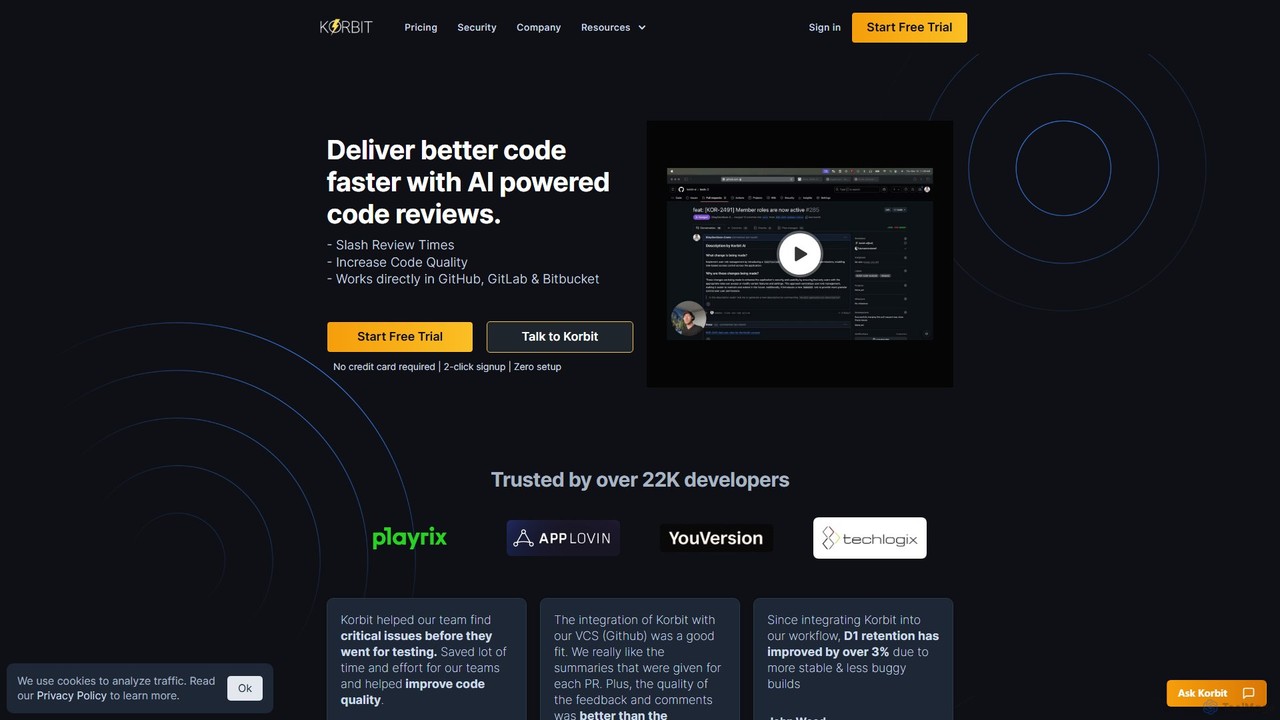
Korbit is an AI-powered code review tool that integrates with GitHub, GitLab, and Bitbucket. It helps development teams …

2.5K
marimo

marimo

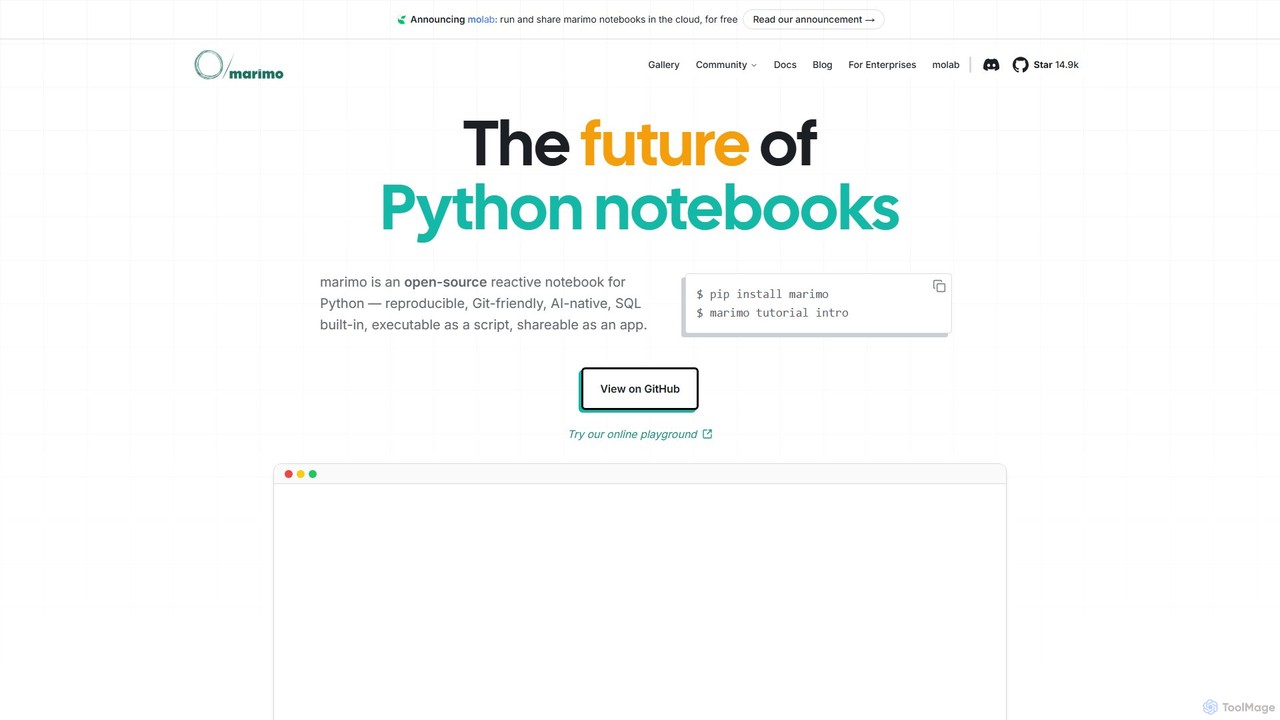
marimo is an open-source reactive Python notebook for modern data science and AI. It offers a reproducible, Git-friendly, …

173.3K
Paperspace

Paperspace

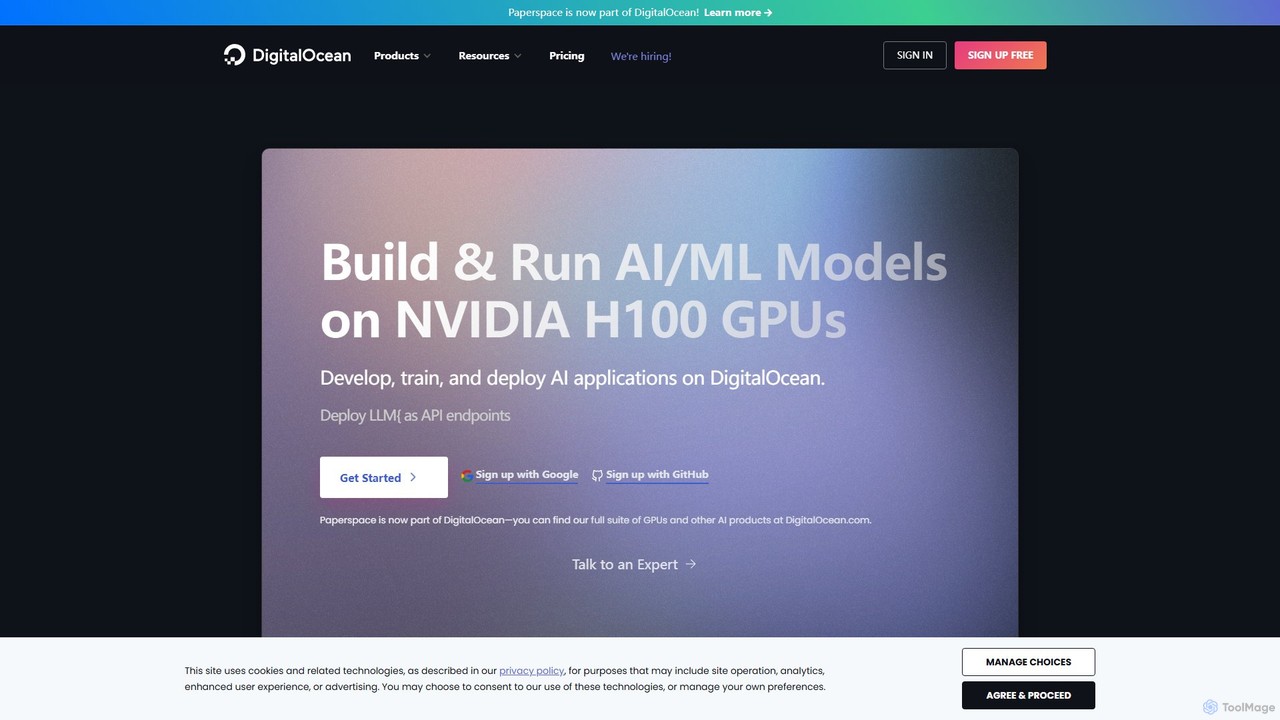
Paperspace is a high-performance cloud computing platform designed for AI and Machine Learning. It provides effortless access to …

283.7K
FinetuneFast

FinetuneFast

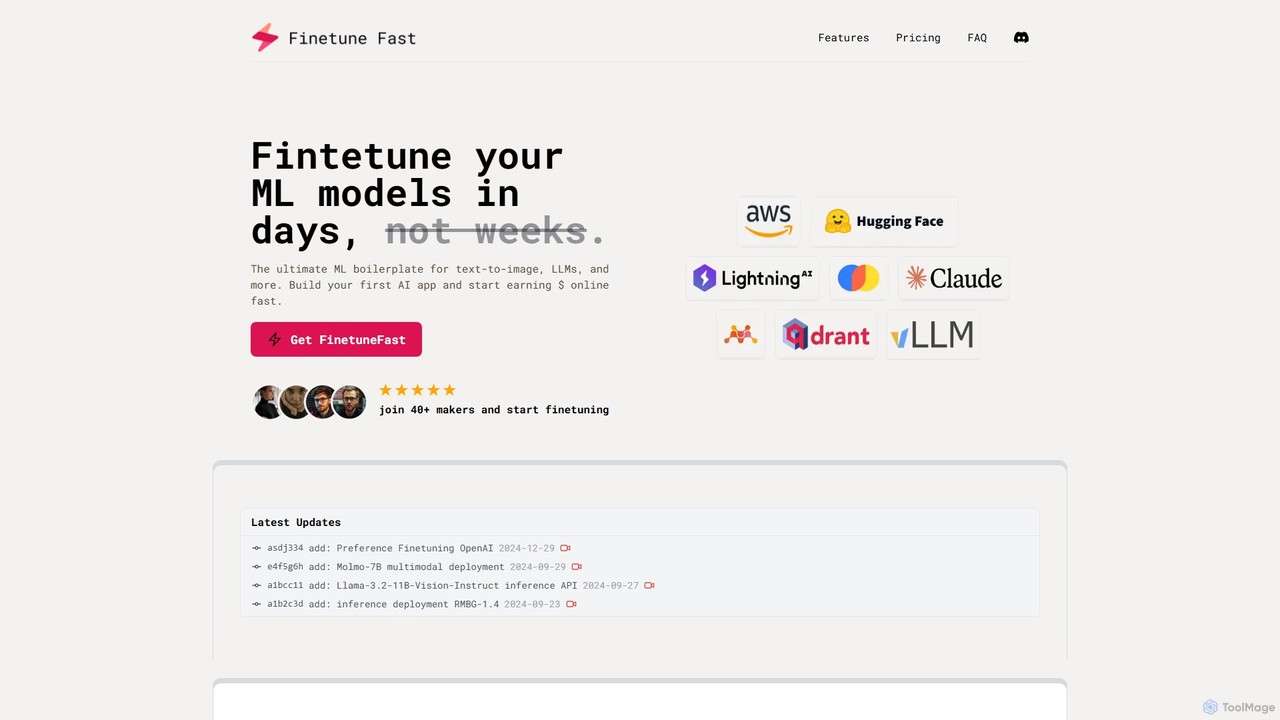
FinetuneFast is a comprehensive ML boilerplate for developers and ML engineers. It provides production-ready code templates to rapidly …

2.3K

About Development

AI Development tools are a specialized category of software that leverages artificial intelligence to assist developers throughout the entire software development lifecycle. These tools utilize large language models (LLMs) and machine learning to understand code context, generate new code, identify bugs, and automate repetitive tasks. Their primary value lies in accelerating development speed, improving code quality, and freeing up developers to focus on complex problem-solving. They act as intelligent assistants, integrated directly into the developer's workflow.

Core Features

  • AI Code Generation & Completion: Generates code snippets, functions, or entire files from natural language prompts and provides context-aware suggestions.
  • Automated Debugging & Error Analysis: Identifies potential bugs, analyzes error messages and stack traces, and suggests concrete fixes.
  • Intelligent Test Case Generation: Automatically creates unit tests, integration tests, and other test scripts based on code analysis.
  • Code Refactoring & Optimization: Suggests improvements to code structure, readability, and performance for better maintainability.
  • Natural Language to Query: Translates plain language requests into database queries (e.g., SQL) or API calls, making data access easier.

Use Cases

These tools are widely used by software engineers, data scientists, DevOps engineers, and QA testers. Common applications include rapidly prototyping new features, understanding and maintaining complex legacy codebases, automating the creation of test suites, and optimizing database interactions for performance-critical applications.

How to Choose

When selecting an AI Development tool, consider its integration with your preferred IDE (e.g., VS Code, JetBrains), support for your specific programming languages and frameworks, and its data privacy and security policies, especially regarding how it handles proprietary code. Also, evaluate the scope of its features—whether you need simple code completion or a comprehensive suite for testing and debugging.

DevelopmentUse Cases

1

Accelerate Feature Development with AI Code Generation

A backend developer is tasked with building a new REST API endpoint for user profile management. Instead of writing boilerplate code manually, they use an AI development tool integrated into their IDE. They provide a natural language prompt like 'Create a POST endpoint at /users to create a new user with name, email, and password fields, including validation'. The tool generates the controller logic, data validation rules, and database interaction code in seconds. This reduces development time for a standard feature from over an hour to just a few minutes, allowing the developer to focus on more complex business logic.

2

Automate Unit Test Creation for Code Coverage

A QA engineer needs to ensure that a new, complex algorithm for data processing has adequate test coverage. Manually writing tests for every edge case would be time-consuming. Using an AI development tool, they can select the function and request it to 'generate unit tests covering all execution paths and edge cases'. The AI analyzes the code's logic, identifies branches and potential failure points, and produces a comprehensive suite of unit tests. This not only saves significant time but also improves the quality of testing by identifying scenarios the engineer might have overlooked.

3

Debug Complex Issues in Legacy Code

A developer is assigned to fix a critical bug in a large, unfamiliar legacy codebase. The error log is cryptic and the code is poorly documented. They paste the error message and the relevant code snippet into an AI development tool. The AI analyzes the stack trace, cross-references it with the provided code, and explains the likely cause of the error in plain English. It even suggests a specific code modification to fix the issue. This transforms a potentially day-long investigation into a focused, minutes-long debugging session, significantly reducing maintenance overhead.

4

Translate Natural Language to Efficient SQL Queries

A data analyst needs to find the 'top 5 customers by total purchase value in the last quarter from the 'sales' and 'customers' tables'. Writing an optimized SQL query with joins and aggregations can be complex. Instead, they type this request in plain English into an AI development tool. The tool instantly generates a clean, efficient, and syntactically correct SQL query. This empowers team members with less SQL expertise to perform complex data analysis, democratizing data access and speeding up the process of generating business insights.

5

Refactor Code for Better Readability and Performance

A development team is working to improve the maintainability of a critical service. A senior developer highlights a large, inefficient function that is difficult to understand. Using an AI refactoring tool, they ask it to 'refactor this function for clarity and performance'. The tool breaks the monolithic function into smaller, single-responsibility functions, renames variables for better clarity, and suggests replacing an inefficient loop with a more performant algorithm. The team can then review and apply these changes, significantly improving code quality with minimal manual effort.

6

Generate API Documentation from Code Comments

A team has just finished a new version of their public API but needs to create comprehensive documentation. Writing documentation manually is tedious and prone to falling out of sync with the code. A developer uses an AI tool that scans the source code, including function signatures and inline comments (docstrings). The tool automatically generates a well-structured, human-readable API reference in a standard format like OpenAPI or Markdown. This ensures the documentation is always accurate and up-to-date with the latest code changes, saving dozens of hours per release cycle.

DevelopmentFrequently Asked Questions