

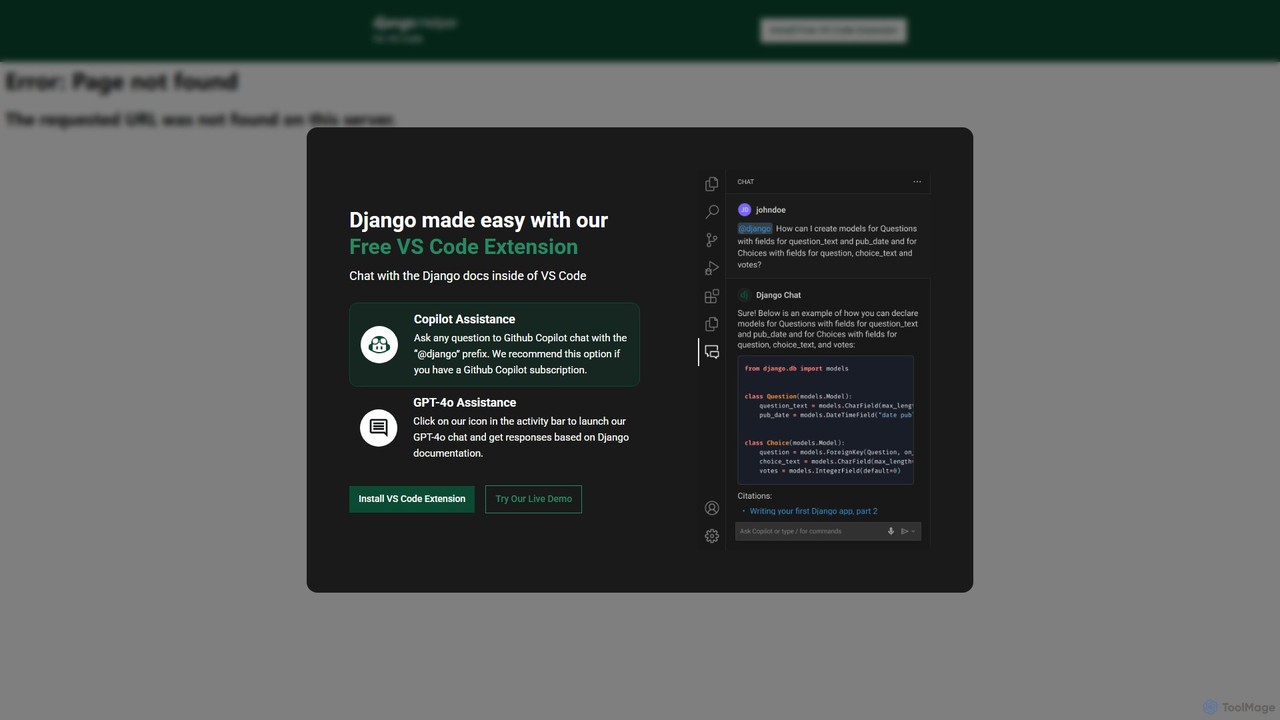
Django Helper Overview
Django Helper is an essential AI-powered tool for developers working with the Django framework, designed to be a seamless assistant within Visual Studio Code. This free extension significantly boosts productivity by embedding expert Django knowledge directly into your development environment. It eliminates the constant need to switch contexts between your code editor and web browsers for documentation lookups, allowing you to maintain focus and write code more efficiently.
The tool offers two powerful modes of interaction to cater to different user preferences and subscriptions. You can leverage your existing GitHub Copilot subscription by simply prefixing your questions with "@django" in the Copilot chat, receiving context-aware answers instantly. Alternatively, you can use the standalone GPT-4o powered chat, which is accessible via a dedicated icon in the VS Code activity bar. This chat is specifically trained and optimized with the official Django documentation, ensuring the responses are accurate, relevant, and up-to-date.
How to use Django Helper
Getting started with Django Helper is straightforward and takes only a minute:
- Installation: Navigate to the Extensions view in VS Code (Ctrl+Shift+X). Search for "Django Helper" and click the "Install" button.
- Using GPT-4o Assistance: After installation, you will see a new Django Helper icon in the activity bar on the side of your VS Code window. Click this icon to open the dedicated chat panel. You can then type any question about Django—from simple syntax queries to complex architectural questions—and receive an instant, documentation-based answer from GPT-4o.
- Using GitHub Copilot Integration: If you have an active GitHub Copilot subscription, you can access Django Helper's knowledge base directly within the Copilot chat. Open the chat panel (usually with Ctrl+I or Cmd+I), and start your query with the "@django" prefix. For example: "@django how to create a custom user model?"
- Live Demo: Before installing, you can visit the Django Helper website to try a live demo of the chat functionality to see its power and responsiveness for yourself.
Core Features of Django Helper
- Dual AI Assistance: Flexibility to choose between a dedicated GPT-4o chat or integration with GitHub Copilot using the "@django" command.
- Documentation-Aware AI: The AI model is fine-tuned on the official Django documentation, providing highly accurate and reliable answers, reducing the risk of using outdated information from forums.
- Seamless VS Code Integration: Operates entirely within your IDE, preventing workflow disruption and context switching.
- Code Generation: Instantly generate boilerplate code for models, views, forms, URL patterns, and admin configurations, accelerating the development process.
- Debugging Support: Get help with common Django errors, understand tracebacks, and find solutions to bugs without leaving your editor.
- Concept Explanation: Ask for clear explanations of complex Django concepts like the middleware, signals, ORM, or class-based views.
- Completely Free: The extension and its core GPT-4o chat functionality are available at no cost.
Use Cases for Django Helper
Django Helper is versatile and benefits developers at all skill levels:
- Beginners: A fantastic learning companion for those new to Django. Get instant, reliable answers to fundamental questions, helping to flatten the learning curve.
- Intermediate Developers: Speed up daily tasks by quickly generating code, looking up specific model field options, or understanding the nuances of the Django REST Framework.
- Expert Developers: Tackle complex challenges by querying advanced topics like database optimization, custom middleware implementation, or performance tuning.
- Rapid Prototyping: Quickly scaffold a new Django project or feature by generating the necessary models, views, and templates in seconds.
- Code Reviews: Use the assistant to ask for best-practice recommendations or alternative implementations for a piece of code.
Advantages of Django Helper
By integrating Django Helper into your workflow, you gain several competitive advantages:
- Massive Productivity Boost: Drastically reduces the time spent on searching for information and writing repetitive code.
- Improved Code Quality: Access to best practices and documentation-backed advice helps you write cleaner, more maintainable, and more secure code.
- Streamlined Development Workflow: Keeps you in the flow state by providing all necessary information within a single interface.
- Enhanced Learning: Acts as an interactive, on-demand tutor that helps deepen your understanding of the Django framework.
- Cost-Effective: A powerful, professional-grade tool available for free, making it accessible to everyone from students to enterprise developers.
Pricing and Plans
Django Helper is a completely free extension available in the VS Code Marketplace. The core functionality, including the dedicated GPT-4o chat, is offered at no cost. For users who wish to use the integration with GitHub Copilot, an active GitHub Copilot subscription is required, but there is no additional charge from Django Helper itself.
Django Helper Alternatives

Codecademy
Codecademy is a leading online interactive platform for learning to code. It offers courses in over a dozen programming languages and tech subjects, enhanced by an AI-powered assistant that provides personalized help, debugging, and explanations to create an effective, hands-on learning experience for millions of users worldwide.
Code Assistant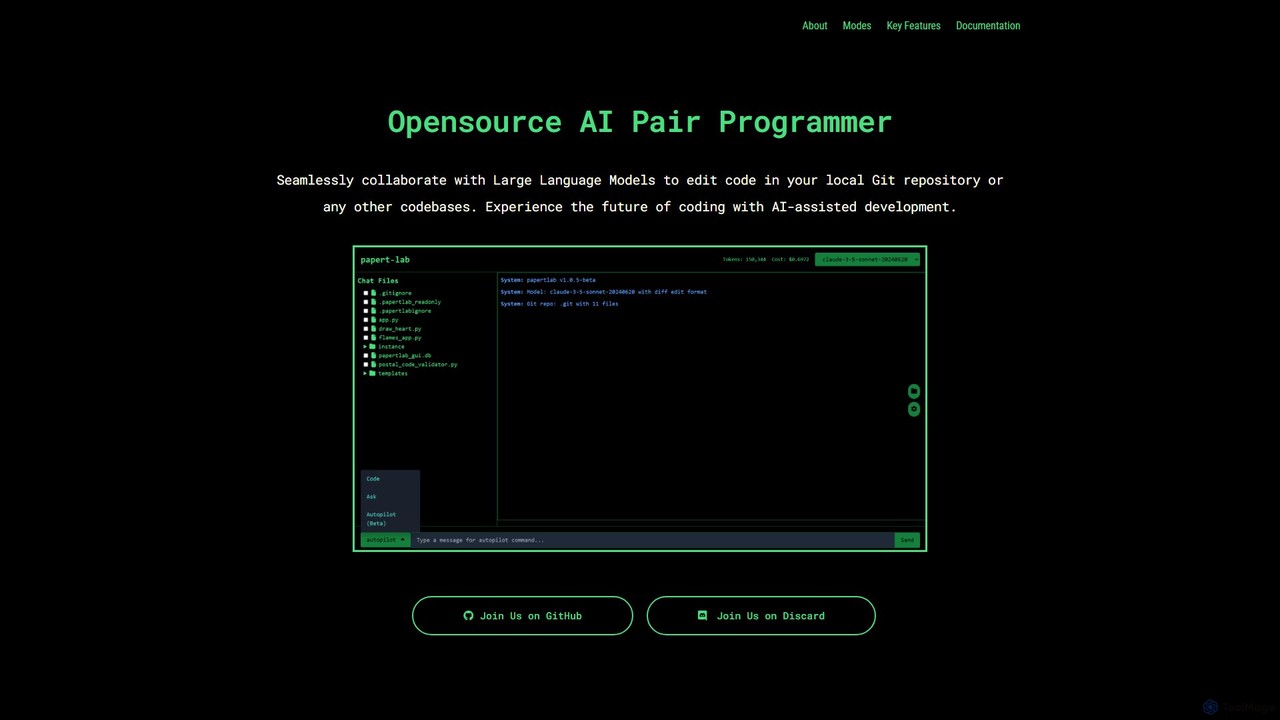
papert
papert is an open-source AI pair programmer that integrates with your local Git repository. It allows developers to collaborate with LLMs like GPT-4o and Claude 3.5 Sonnet to ask questions, edit code across multiple files, refactor, debug, and automate routine coding tasks.
Debugging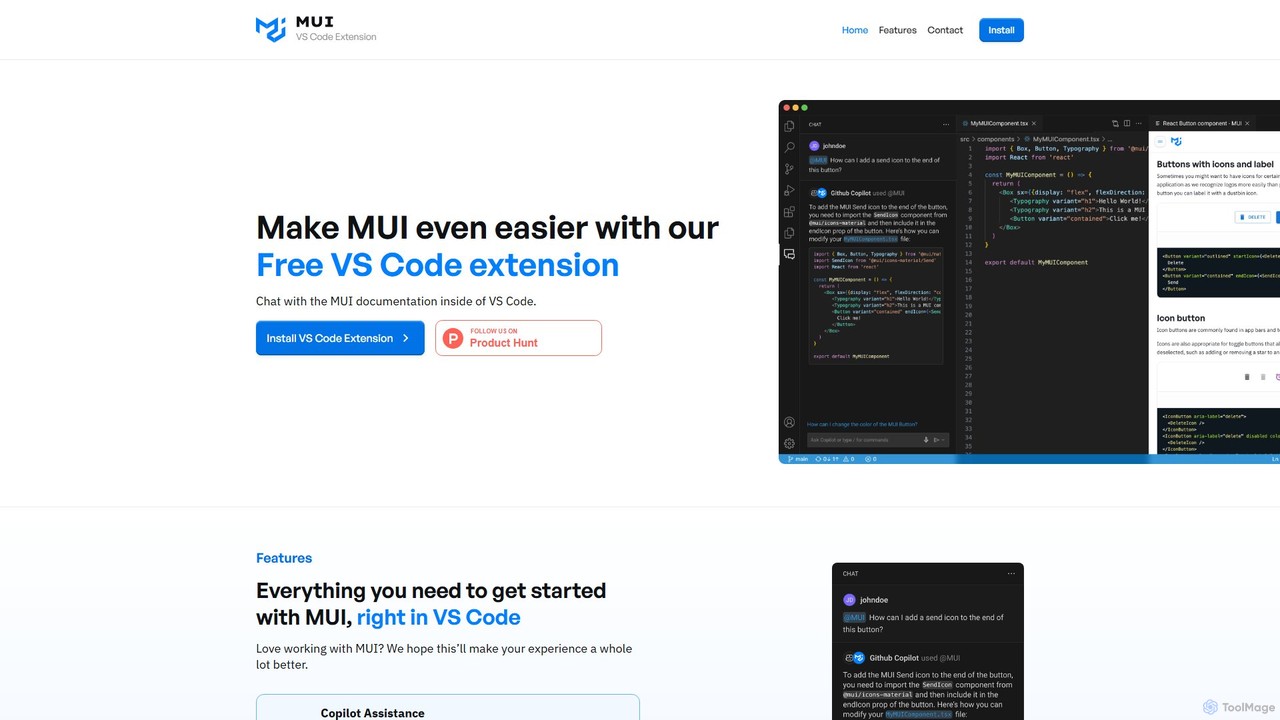
Chat with MUI
A free VS Code extension that allows developers to chat with the official MUI documentation directly within their editor. It integrates with GitHub Copilot to provide instant, AI-powered answers, streamlining the development workflow for React and MUI users.
Code Assistant
Safurai
Safurai is an AI-powered IDE extension that acts as a virtual assistant for software developers. It helps with coding, debugging, and refactoring, aiming to streamline the development process and improve code quality directly within your favorite IDE like VS Code and JetBrains.
Code Generation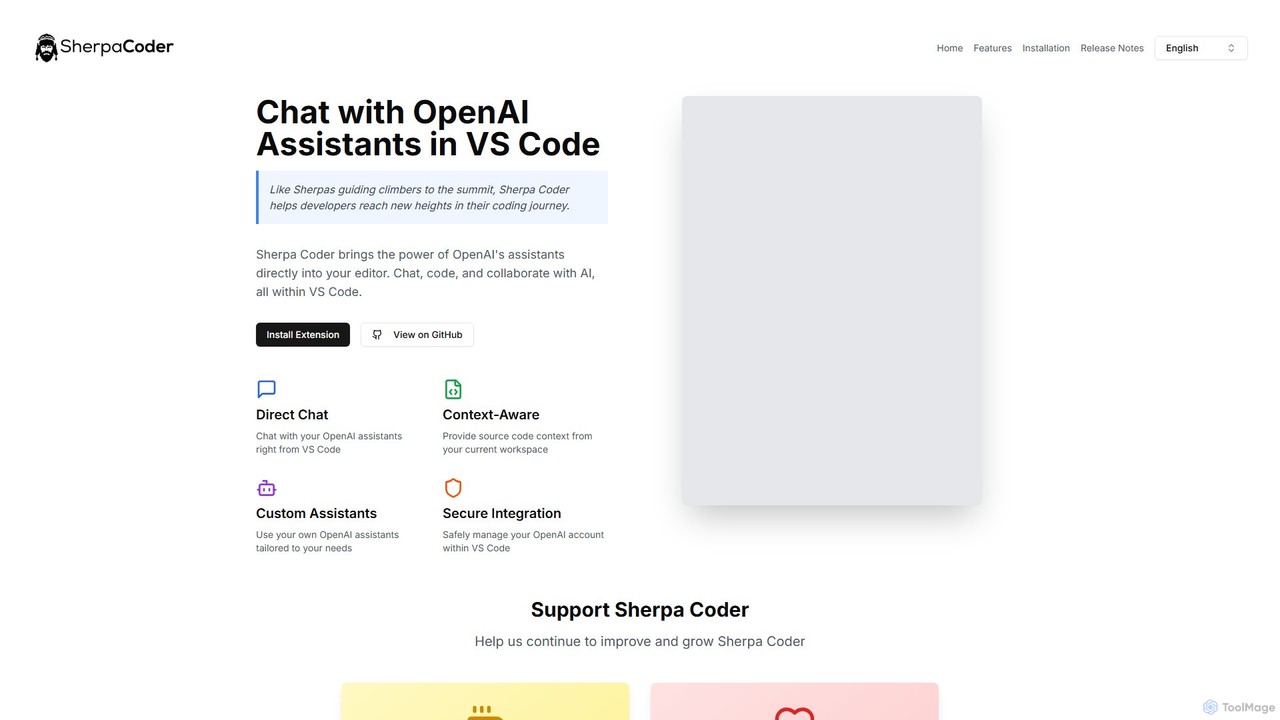
Sherpa Coder
Sherpa Coder is a free VS Code extension that integrates OpenAI Assistants directly into your editor. It enhances developer productivity by enabling context-aware chat, custom AI assistant usage, and seamless collaboration with AI for coding, debugging, and learning, all within the VS Code environment.
Code GenerationDjango Helper Categories
Django Helper Embed Widget
Copy this embed code to place the badge on your blog, article, or product site and send readers directly to this ToolMage detail page.

Related AI tools
Codecademy
Codecademy is a leading online interactive platform for learning to code. It offers courses in over a dozen programming languages and tech subjects, enhanced by an AI-powered assistant that provides personalized help, debugging, and explanations to create an effective, hands-on learning experience for millions of users worldwide.
Code Assistantpapert
papert is an open-source AI pair programmer that integrates with your local Git repository. It allows developers to collaborate with LLMs like GPT-4o and Claude 3.5 Sonnet to ask questions, edit code across multiple files, refactor, debug, and automate routine coding tasks.
DebuggingChat with MUI
A free VS Code extension that allows developers to chat with the official MUI documentation directly within their editor. It integrates with GitHub Copilot to provide instant, AI-powered answers, streamlining the development workflow for React and MUI users.
Code AssistantSafurai
Safurai is an AI-powered IDE extension that acts as a virtual assistant for software developers. It helps with coding, debugging, and refactoring, aiming to streamline the development process and improve code quality directly within your favorite IDE like VS Code and JetBrains.
Code GenerationSherpa Coder
Sherpa Coder is a free VS Code extension that integrates OpenAI Assistants directly into your editor. It enhances developer productivity by enabling context-aware chat, custom AI assistant usage, and seamless collaboration with AI for coding, debugging, and learning, all within the VS Code environment.
Code Generation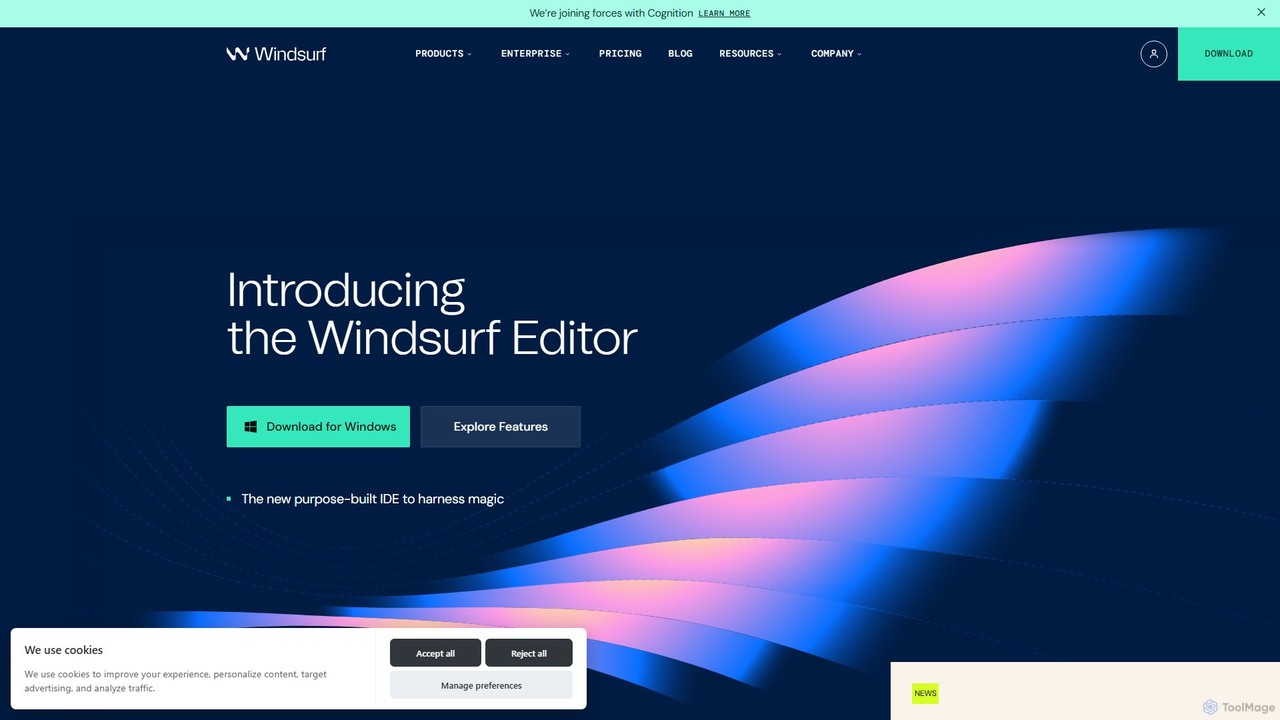
Codeium
Codeium is a free, AI-powered toolkit for developers, offering lightning-fast code completion and an in-editor chat assistant. As a leading alternative to GitHub Copilot, it supports over 70 languages and integrates with more than 40 IDEs to accelerate software development.
Code Generation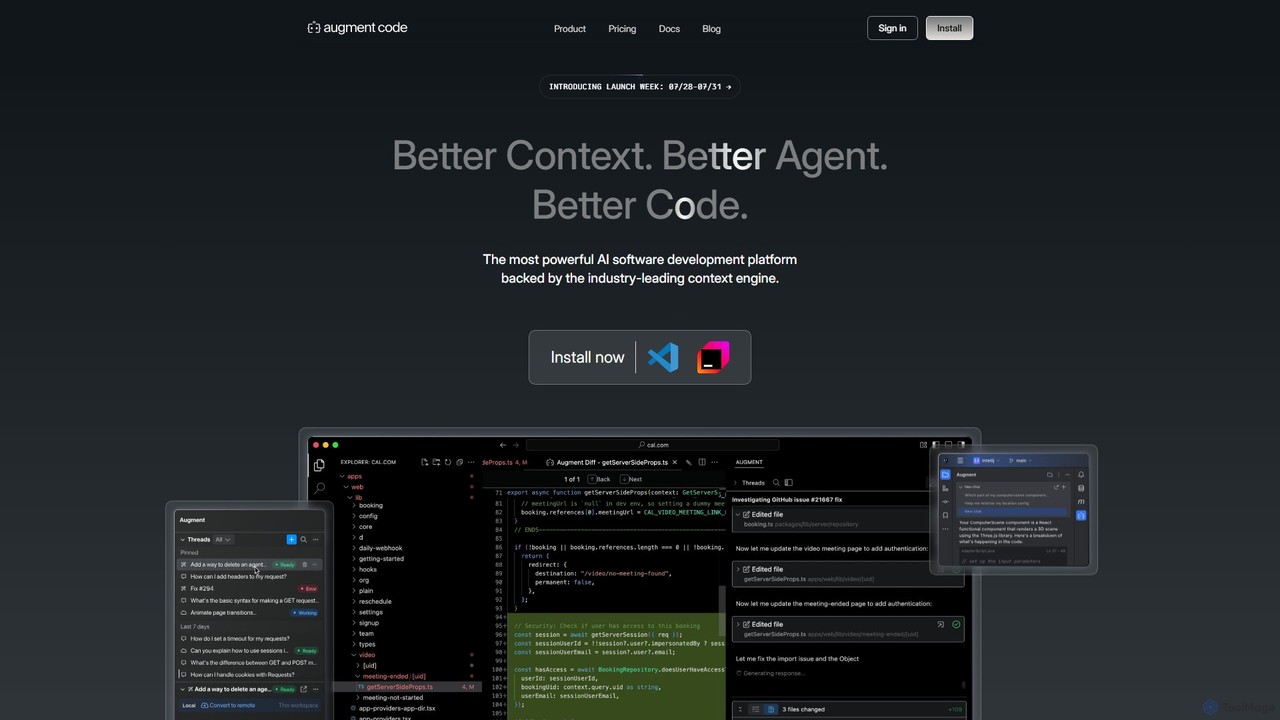
Augment Code
Augment Code is an advanced AI software development platform featuring autonomous agents and a powerful context engine. It integrates into your IDE to help you plan, build, and ship production-ready code faster, with a strong focus on enterprise-grade security and deep codebase understanding.
Code Generation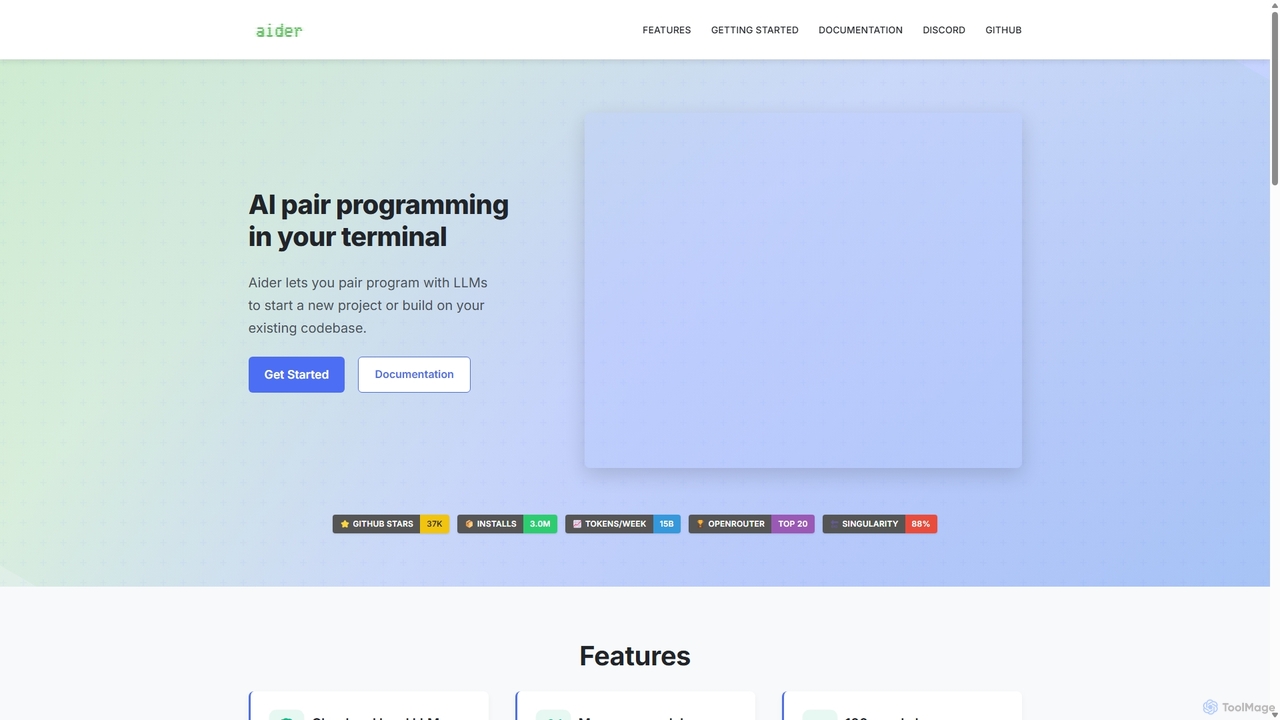
Aider
Aider is an AI-powered pair programmer that operates directly in your terminal. It intelligently maps your entire codebase, providing full project context for complex tasks. Seamlessly integrated with Git, it automates commits and allows you to manage AI-driven changes with familiar tools. Aider supports over 100 programming languages, connects to leading cloud and local LLMs, and even accepts voice and image inputs, making it a versatile and powerful assistant for any developer seeking to accelerate their workflow and improve code quality.
Programming
Amp
Amp is a frontier AI coding agent designed for developers. It operates as a CLI and within IDEs like VS Code, automating complex tasks such as code editing, debugging, and refactoring. Amp leverages the latest AI models to provide autonomous reasoning and execution, enhancing developer productivity through features like subagents, an Oracle for complex analysis, and deep IDE integration.
Code Assistant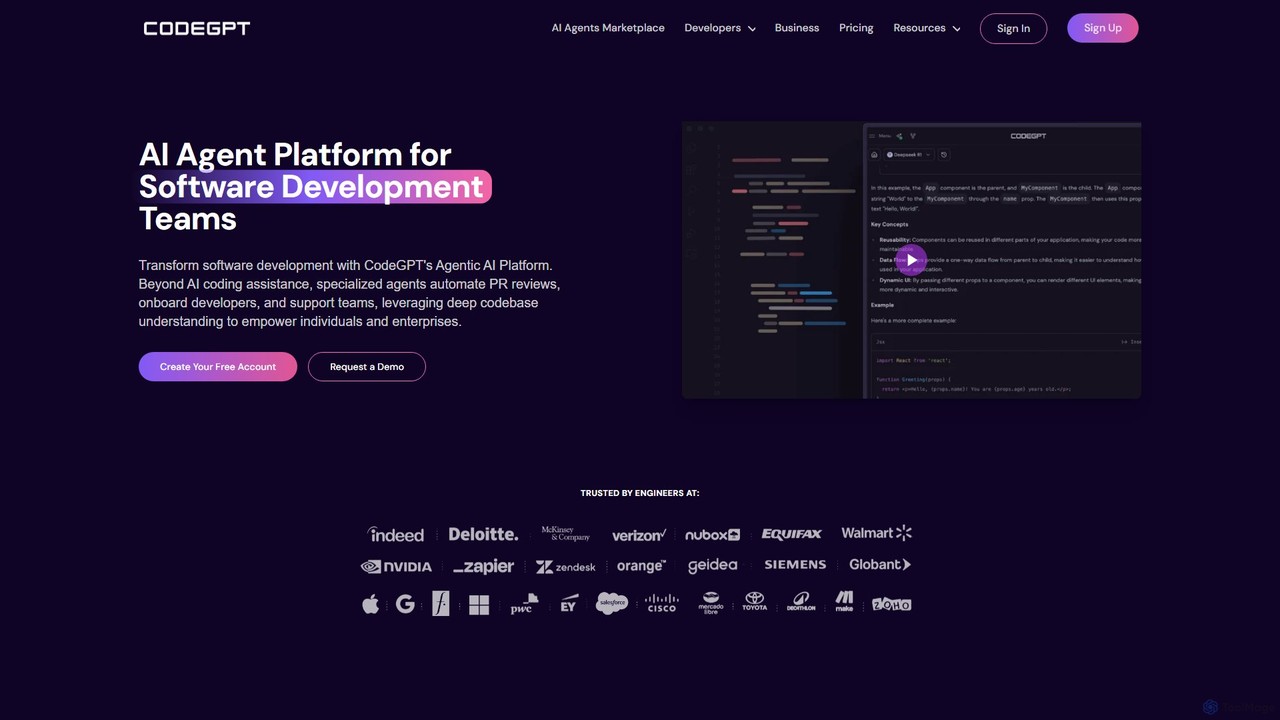
CodeGPT
CodeGPT is an agentic AI platform for software development teams, moving beyond simple code assistance. It offers specialized AI agents that automate PR reviews, onboard developers, and support teams by deeply understanding your entire codebase. It integrates with popular IDEs and supports leading AI models, with a strong focus on enterprise-grade security and flexible deployment options.
Software Development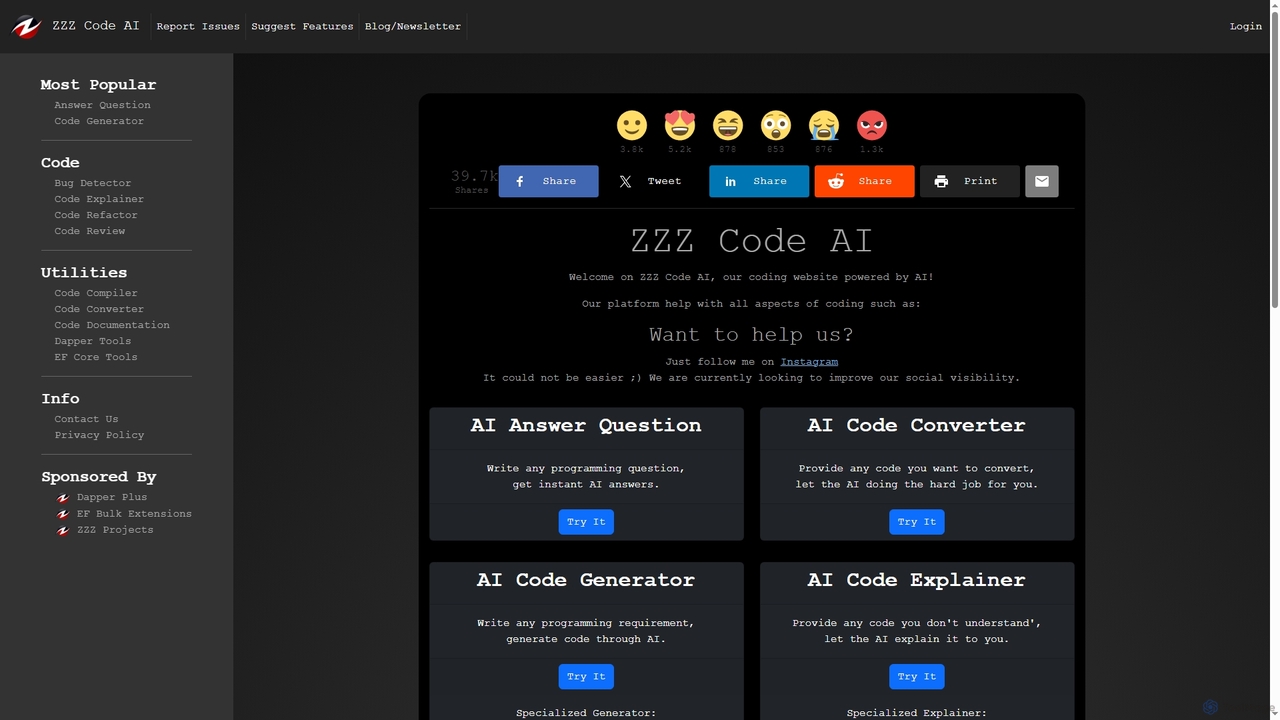
Zzzcode
Zzzcode is a free, AI-powered online platform offering a comprehensive suite of coding tools for developers. It can generate, explain, debug, refactor, review, document, and convert code across numerous programming languages, and provide instant answers to programming questions.
Code Assistant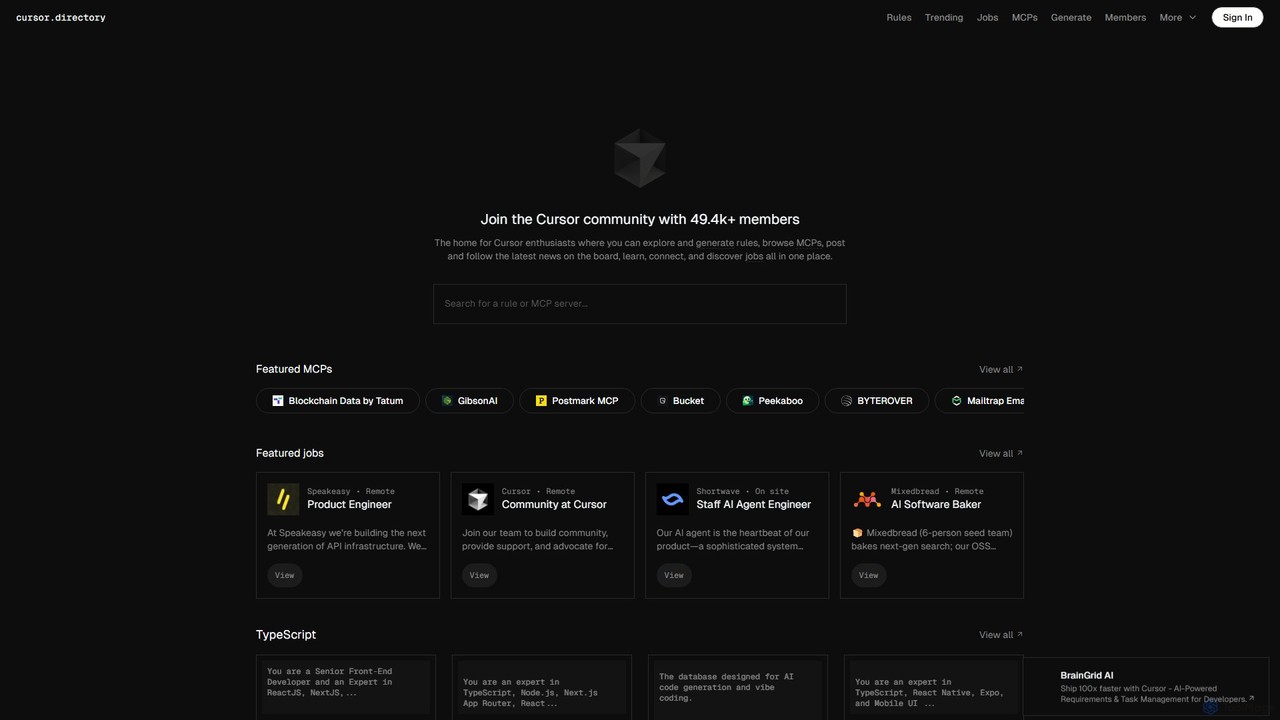
Cursor
Cursor is an AI-first code editor designed for modern software development. Built as a fork of VS Code, it integrates powerful AI capabilities directly into the editing experience, allowing developers to chat with their codebase, generate, edit, and debug code with unprecedented speed and context-awareness.
Code Generation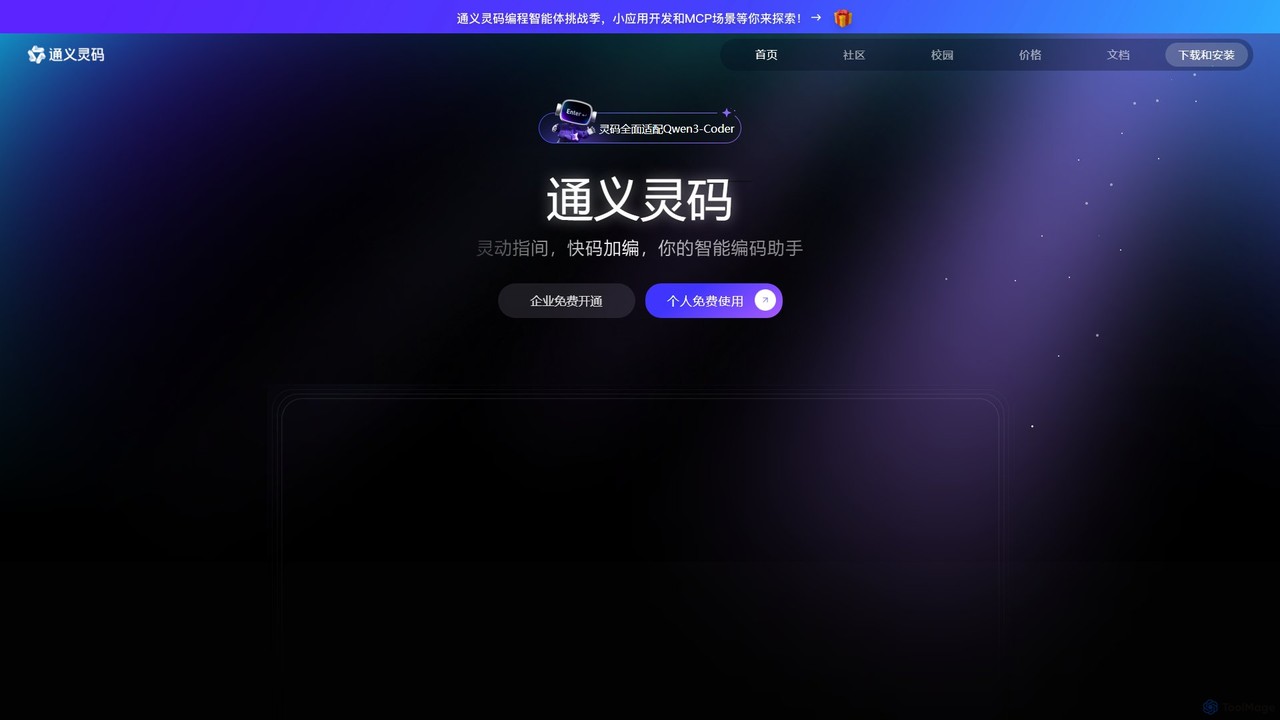
Lingma
Lingma is an AI-powered coding assistant from Alibaba Cloud, designed to enhance developer productivity. It offers intelligent code generation, real-time completion, code explanation, error diagnosis, and an autonomous programming agent that can handle complex coding tasks across multiple files. It supports over 200 languages and integrates seamlessly with major IDEs.
Programming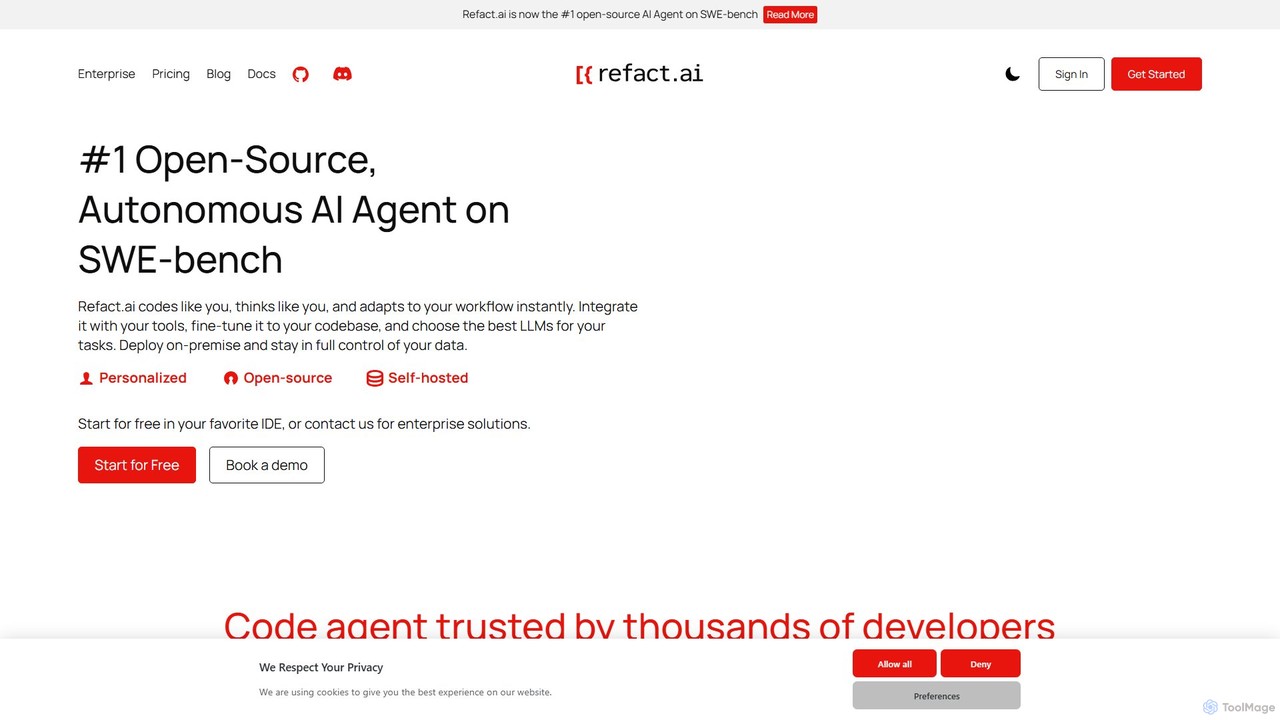
Refact
Refact is an open-source, self-hostable, and autonomous AI coding agent. It integrates into your IDE to act as a digital twin, automating coding tasks, providing context-aware completions and chat, and adapting to your codebase for maximum productivity and data privacy.
Code Assistant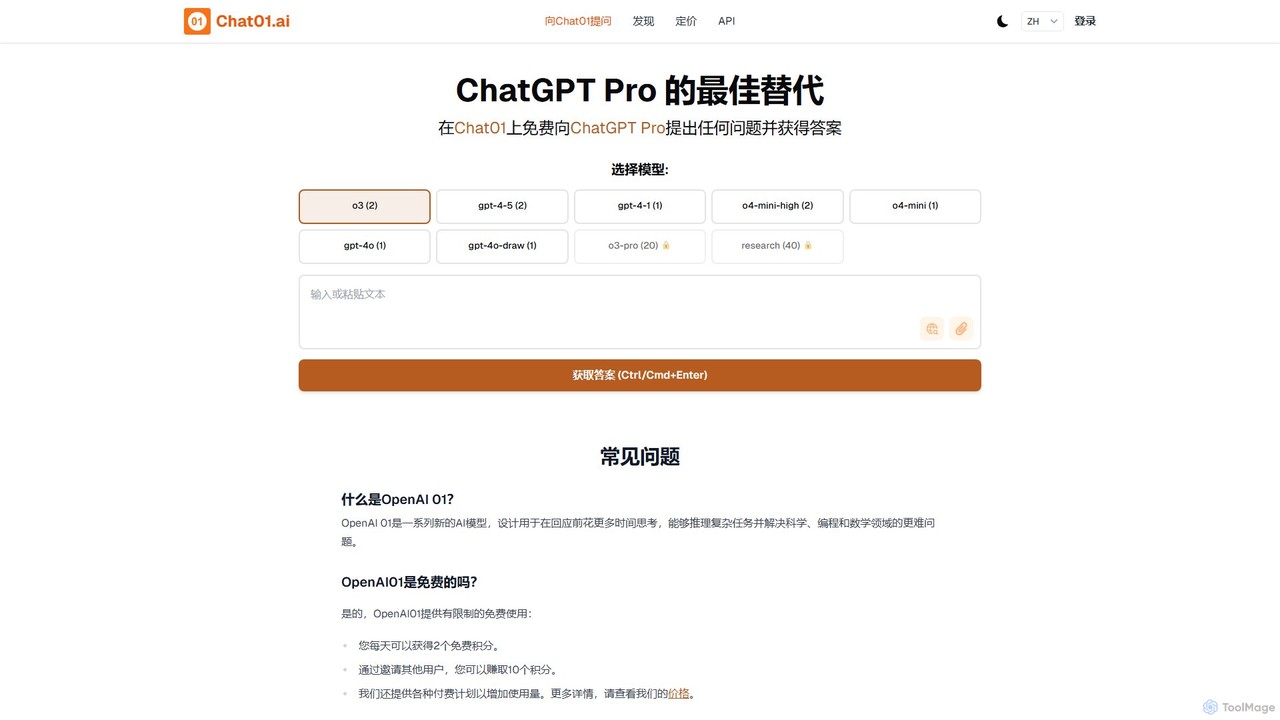
Chat01.ai
Chat01.ai is an advanced AI chat platform offering access to cutting-edge models like OpenAI's o1 and GPT-4o. Positioned as a superior alternative to ChatGPT Pro, it excels at complex reasoning tasks in science, programming, and mathematics. The platform supports multimodal inputs, including image and file analysis, and provides a freemium model with daily credits, making powerful AI accessible to everyone from developers to researchers.
Writing
Django Helper Comments (0)
Sign in to comment.
Sign inNo comments yet.