

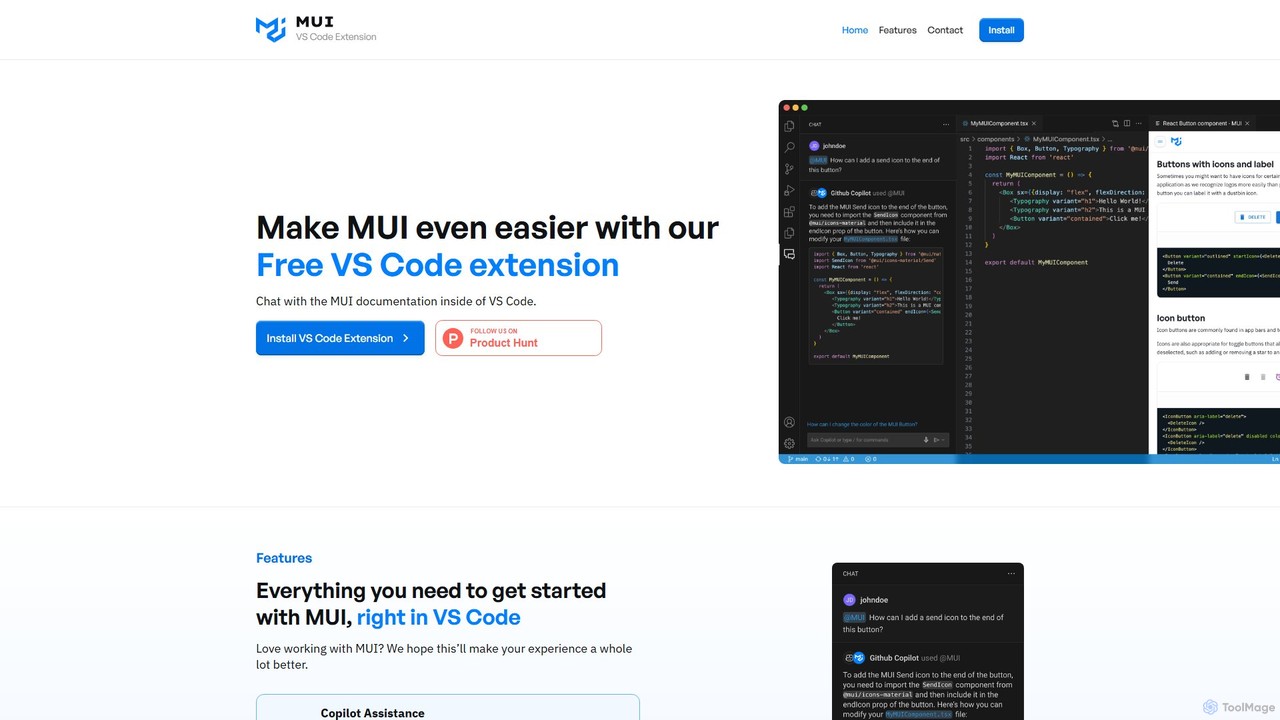
Chat with MUI Overview
Chat with MUI is a powerful and free Visual Studio Code extension designed to significantly enhance the development experience for anyone working with the MUI (formerly Material-UI) component library. It acts as an intelligent AI assistant, seamlessly integrating into the developer's workflow by allowing them to query the entire MUI documentation without ever leaving their code editor. By leveraging the capabilities of GitHub Copilot, this tool provides accurate, context-aware answers grounded in the official MUI docs and examples, effectively eliminating the need for constant context-switching between the IDE and a web browser.
The core mission of Chat with MUI is to make building beautiful and functional user interfaces with MUI faster, easier, and more intuitive. Developers can instantly resolve doubts about component props, styling methods, theming, and best practices, thereby accelerating the development cycle and reducing friction. The tool is not just a simple search engine; it's a conversational partner that understands the nuances of a developer's questions and delivers concise, actionable information and code snippets.
How to use Chat with MUI
Using Chat with MUI is straightforward and designed for immediate productivity. Follow these simple steps to integrate it into your workflow:
- Installation: First, navigate to the Visual Studio Code Marketplace. Search for "Chat with MUI" and click "Install". The extension is completely free.
- Prerequisites: Ensure you have GitHub Copilot and the GitHub Copilot Chat extension installed and enabled in your VS Code, as Chat with MUI functions as a specialized agent within it.
- Activation: Once installed, open your project that uses MUI. Open the GitHub Copilot Chat window in VS Code.
- Querying the AI: To ask a question, simply type the @mui prefix followed by your query. The prefix tells Copilot Chat to direct the question to the Chat with MUI agent.
- Examples: You can ask a wide range of questions, such as:
@mui how to customize the color palette in the theme?@mui what are all the props for the DataGrid component?@mui show me an example of a multi-select Autocomplete component.@mui what is the best way to handle form state with MUI components?
- Receive Answers: The AI will process your request and provide a detailed response, often including code examples, directly in the chat interface.
Core Features of Chat with MUI
- AI Copilot Assistance: Seamlessly integrates with GitHub Copilot Chat using the simple `@mui` prefix, providing an intuitive and familiar interface for developers.
- Documentation-Grounded Knowledge: All AI responses are based exclusively on the official MUI documentation and examples, ensuring the information is accurate, up-to-date, and reliable.
- In-IDE Workflow: Eliminates the need to leave the code editor. Find answers, explore components, and solve problems directly within VS Code, maintaining focus and flow.
- Contextual Code Snippets: Provides ready-to-use code examples tailored to your questions, which can be directly copied and adapted into your project.
- Future-Proof with Planned Features: The tool is actively developed, with upcoming features like a dedicated in-IDE documentation browser and a direct feedback channel to the MUI team.
Use Cases for Chat with MUI
Chat with MUI is versatile and supports developers at all skill levels:
- Rapid Prototyping: Quickly find and implement MUI components to build UI prototypes at an accelerated pace.
- Component Discovery: When unsure which component to use, describe your need (e.g., `@mui I need a component to select a date range`) and get suggestions.
- Theming and Customization: Get instant guidance on how to adjust MUI's theme, override component styles, or implement a custom design system.
- Debugging and Troubleshooting: Ask about common issues, unexpected behavior, or best practices for structuring your MUI-based application.
- Learning and Onboarding: New developers to MUI can use it as an interactive tutor to learn the library's concepts and APIs much faster than by reading static documentation.
Advantages of Chat with MUI
The primary advantage of Chat with MUI is the massive boost in developer productivity. By keeping the developer within their coding environment, it minimizes distractions and streamlines the process of finding information. The answers are not only fast but also highly reliable, as they are sourced directly from the official documentation. This reduces the risk of using outdated or incorrect information from unverified sources like old blog posts or Stack Overflow answers. Furthermore, being a free tool makes it an accessible and invaluable asset for individual developers, startups, and large enterprises alike.
Pricing and Plans
Chat with MUI is available completely free of charge. It is a free extension available on the VS Code Marketplace. There are no subscription fees, premium tiers, or hidden costs. Its goal is to support the developer community and improve the experience of working with the MUI library.
Chat with MUI Alternatives
CodeI
CodeI is an AI-powered desktop application for developers, designed to accelerate coding and debugging. It provides instant code examples, explains complex errors with practical scenarios, and helps learn new programming languages. With an intuitive UI and lifetime access, it's a powerful productivity tool for any programmer.
Code Assistant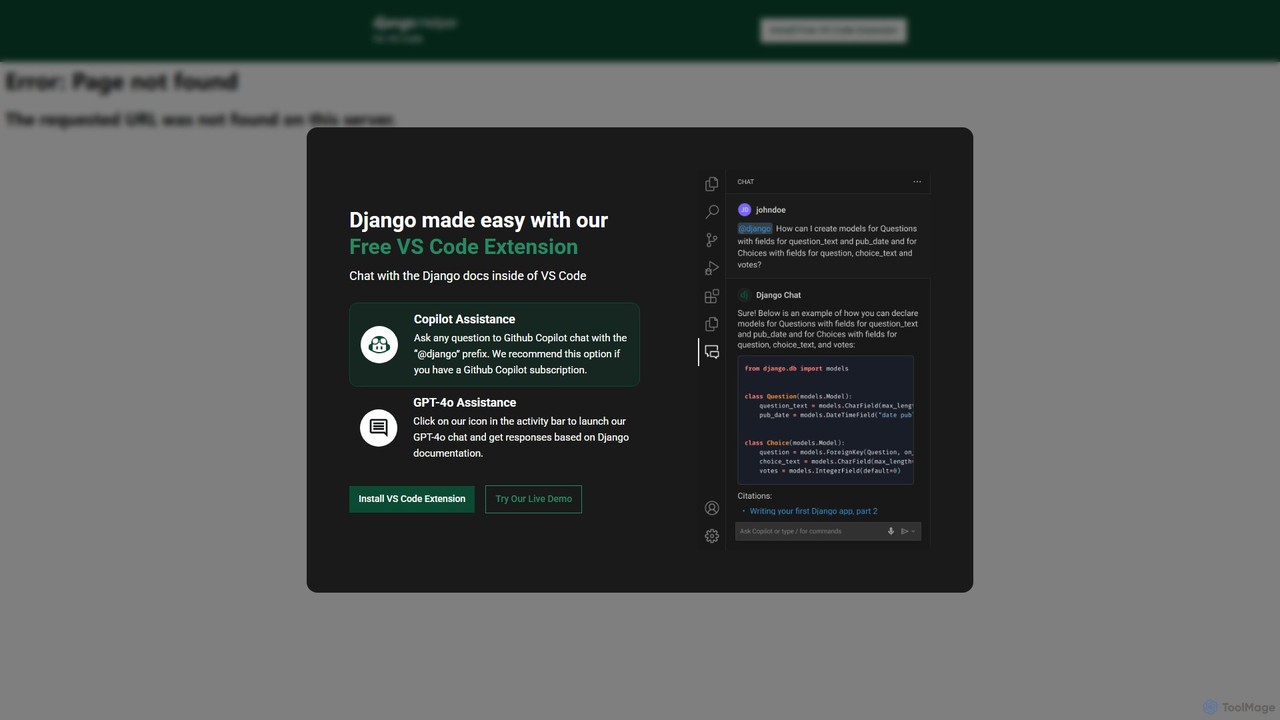
Django Helper
A free AI-powered VS Code extension designed to streamline Django development. It provides instant, documentation-aware assistance directly within your editor, either through a dedicated GPT-4o chat or by integrating with GitHub Copilot. Ask questions, generate code, and debug faster without leaving your IDE.
Code Assistant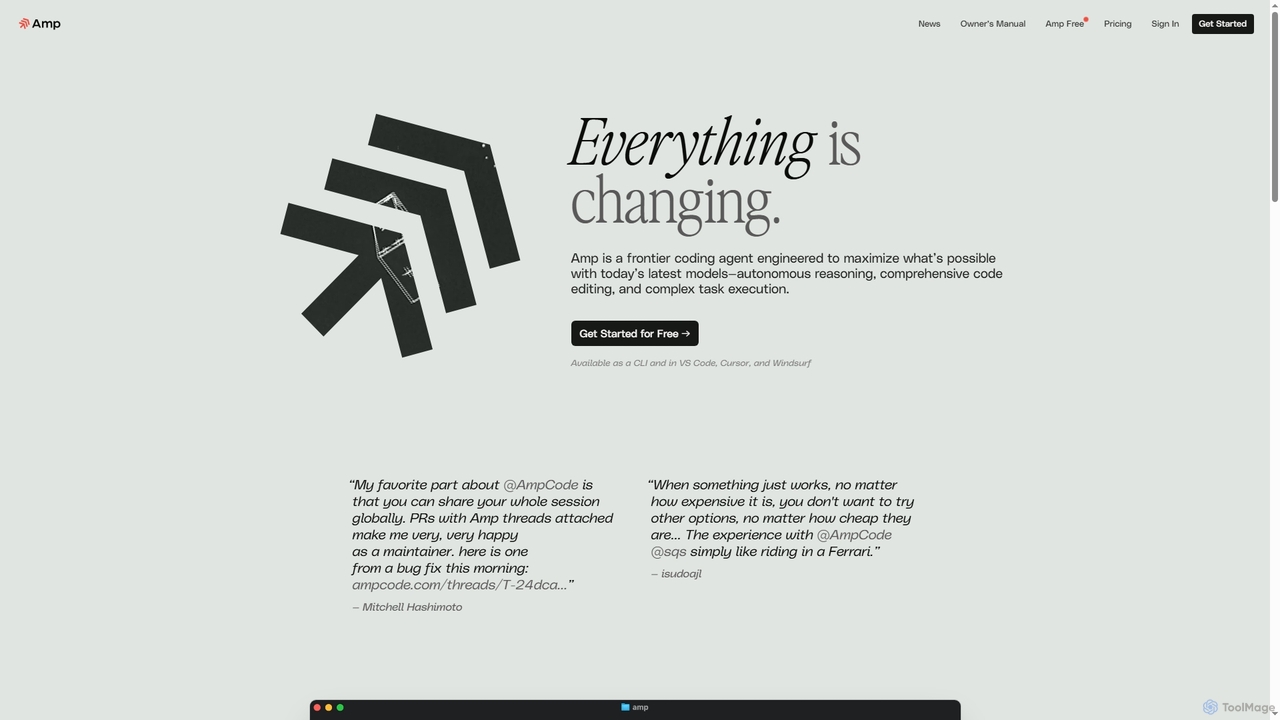
Amp
Amp is a frontier AI coding agent designed for developers. It operates as a CLI and within IDEs like VS Code, automating complex tasks such as code editing, debugging, and refactoring. Amp leverages the latest AI models to provide autonomous reasoning and execution, enhancing developer productivity through features like subagents, an Oracle for complex analysis, and deep IDE integration.
Code Assistant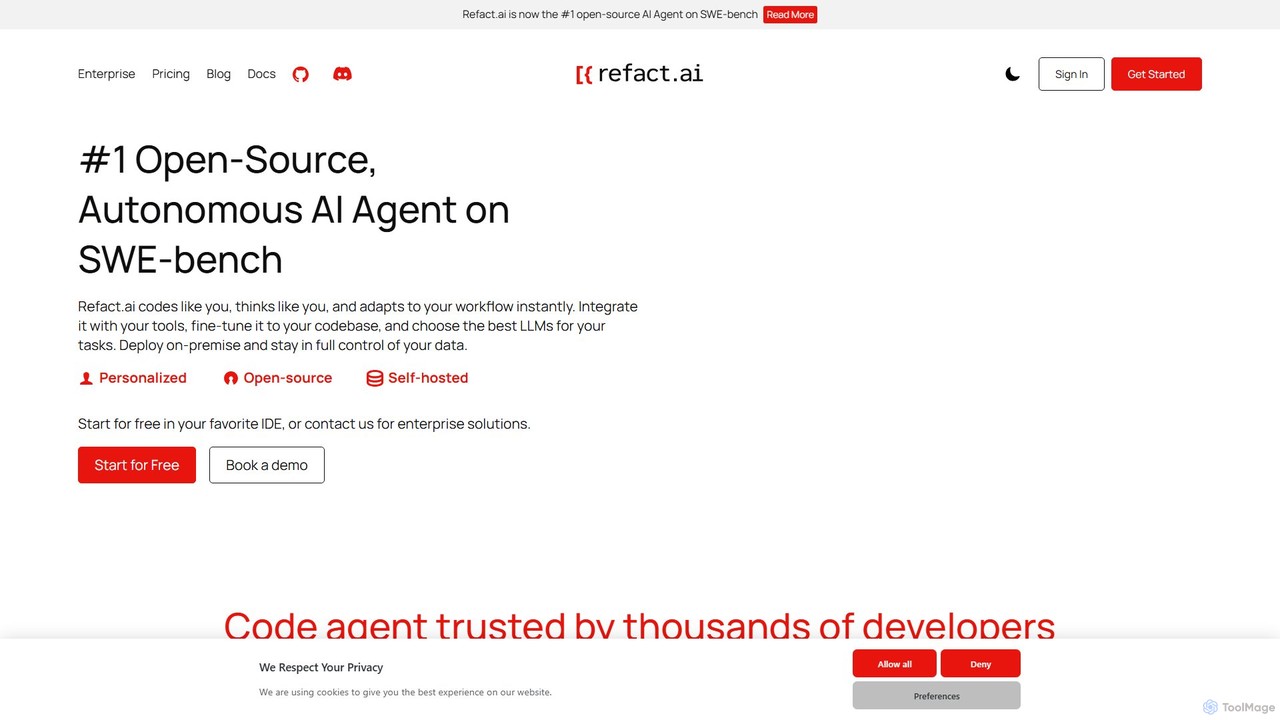
Refact
Refact is an open-source, self-hostable, and autonomous AI coding agent. It integrates into your IDE to act as a digital twin, automating coding tasks, providing context-aware completions and chat, and adapting to your codebase for maximum productivity and data privacy.
Code Assistant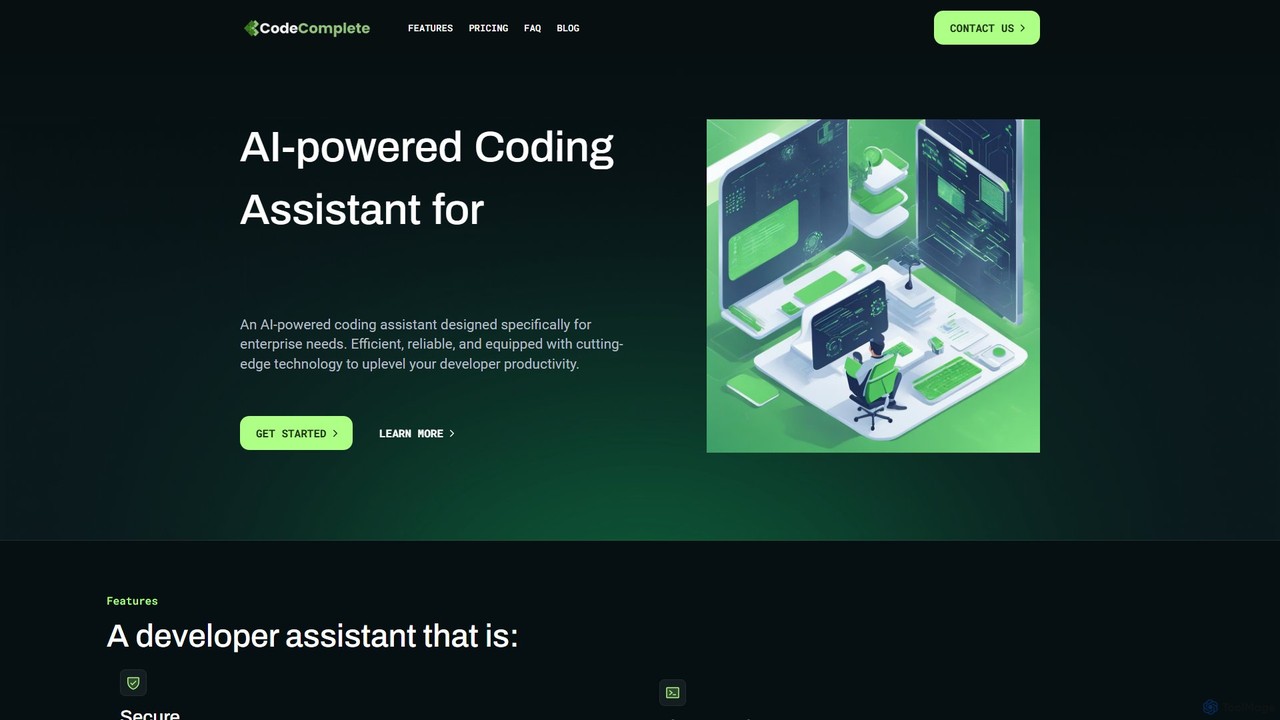
CodeComplete
CodeComplete is an enterprise-grade AI coding assistant designed for maximum security, efficiency, and customization. It offers self-hosting options (on-premise or VPC), fine-tuning on your private codebase, and a comprehensive suite of tools including code generation, automated testing, and documentation to enhance developer productivity.
Code GenerationChat with MUI Categories
Chat with MUI Embed Widget
Copy this embed code to place the badge on your blog, article, or product site and send readers directly to this ToolMage detail page.

Related AI tools
Django Helper
A free AI-powered VS Code extension designed to streamline Django development. It provides instant, documentation-aware assistance directly within your editor, either through a dedicated GPT-4o chat or by integrating with GitHub Copilot. Ask questions, generate code, and debug faster without leaving your IDE.
Code Assistant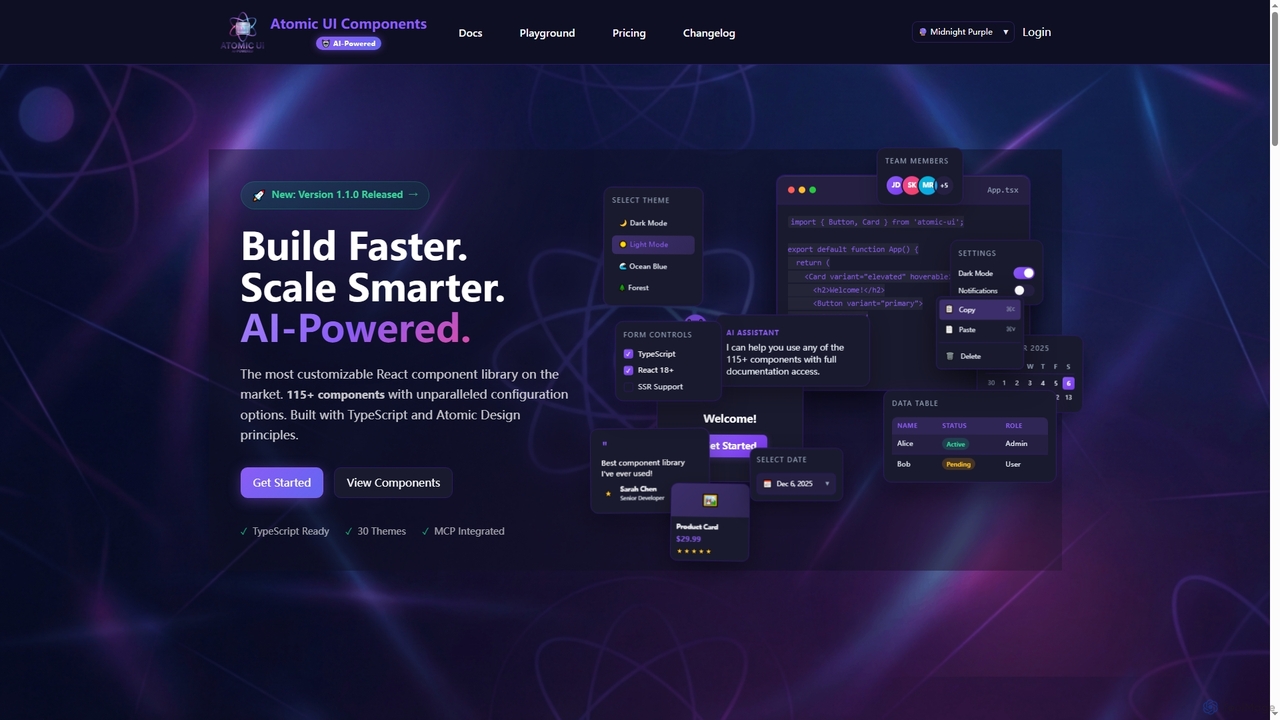
AtomicComponents
AtomicComponents is an AI-powered React component library designed for building modern, scalable, and accessible user interfaces faster. It offers over 115 highly customizable components, 30 built-in themes, and seamless integration with AI assistants like Claude and GitHub Copilot via its Model Context Protocol (MCP) server.
Design SystemsAmp
Amp is a frontier AI coding agent designed for developers. It operates as a CLI and within IDEs like VS Code, automating complex tasks such as code editing, debugging, and refactoring. Amp leverages the latest AI models to provide autonomous reasoning and execution, enhancing developer productivity through features like subagents, an Oracle for complex analysis, and deep IDE integration.
Code AssistantRefact
Refact is an open-source, self-hostable, and autonomous AI coding agent. It integrates into your IDE to act as a digital twin, automating coding tasks, providing context-aware completions and chat, and adapting to your codebase for maximum productivity and data privacy.
Code Assistant
Code Genius
Code Genius is an AI-powered coding assistant designed for developers. It accelerates development by generating code, creating unit tests, optimizing performance, and acting as a 24/7 pair programmer. It supports popular frameworks like React, Vue.js, and Tailwind CSS.
Code Assistant
Safurai
Safurai is an AI-powered IDE extension that acts as a virtual assistant for software developers. It helps with coding, debugging, and refactoring, aiming to streamline the development process and improve code quality directly within your favorite IDE like VS Code and JetBrains.
Code Generation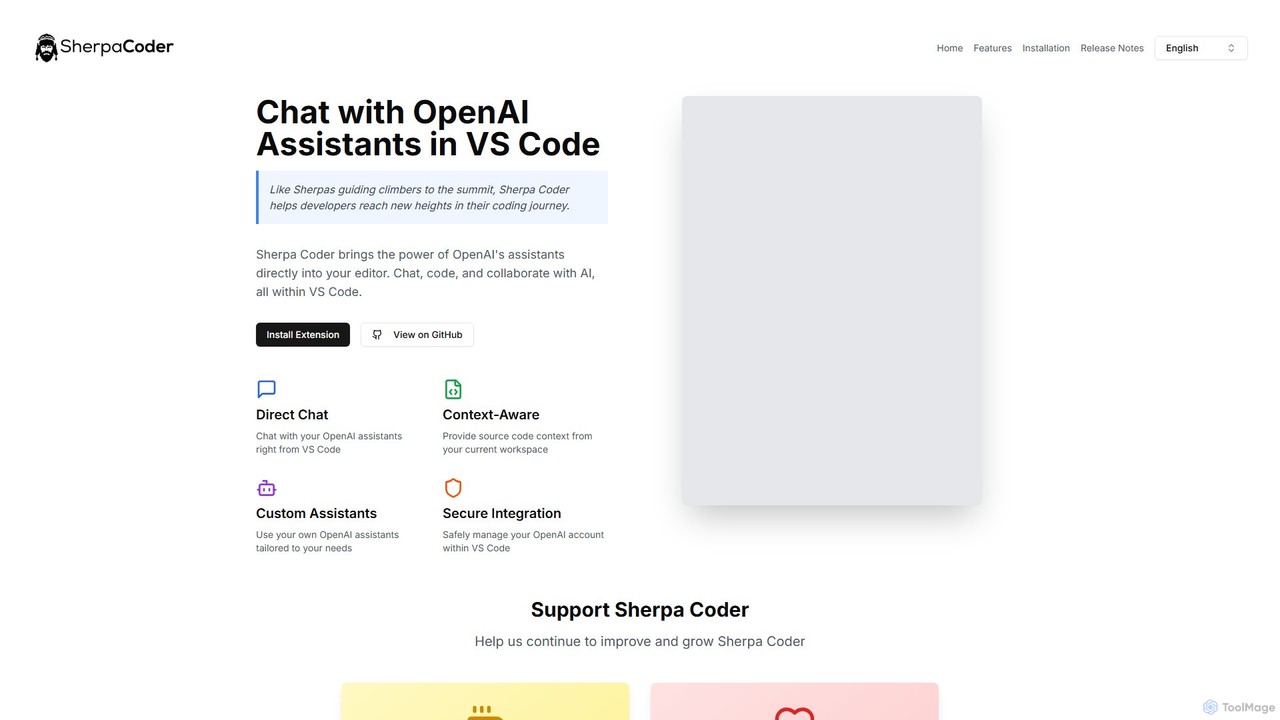
Sherpa Coder
Sherpa Coder is a free VS Code extension that integrates OpenAI Assistants directly into your editor. It enhances developer productivity by enabling context-aware chat, custom AI assistant usage, and seamless collaboration with AI for coding, debugging, and learning, all within the VS Code environment.
Code Generation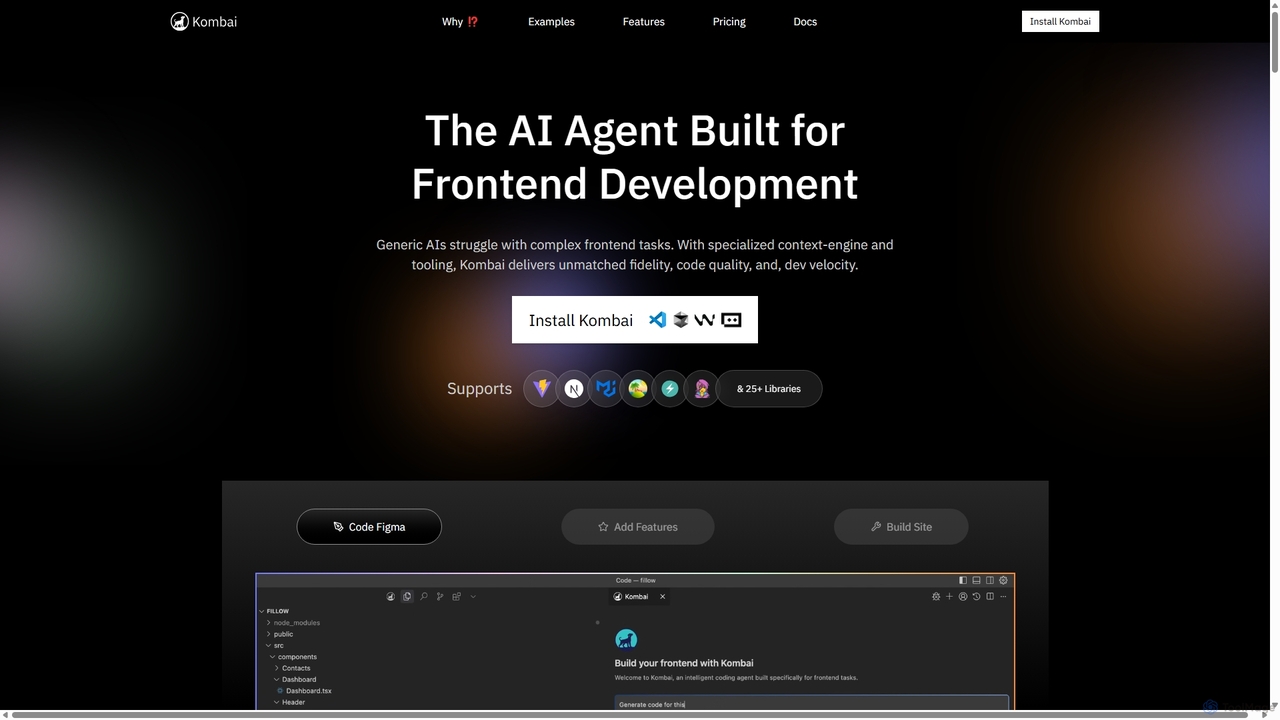
Kombai
Kombai is a specialized AI agent for frontend development that transforms Figma designs, images, and text prompts into high-fidelity, production-ready code. It understands your existing codebase, supports 25+ libraries, and integrates directly into your IDE to accelerate development velocity.
Code Generation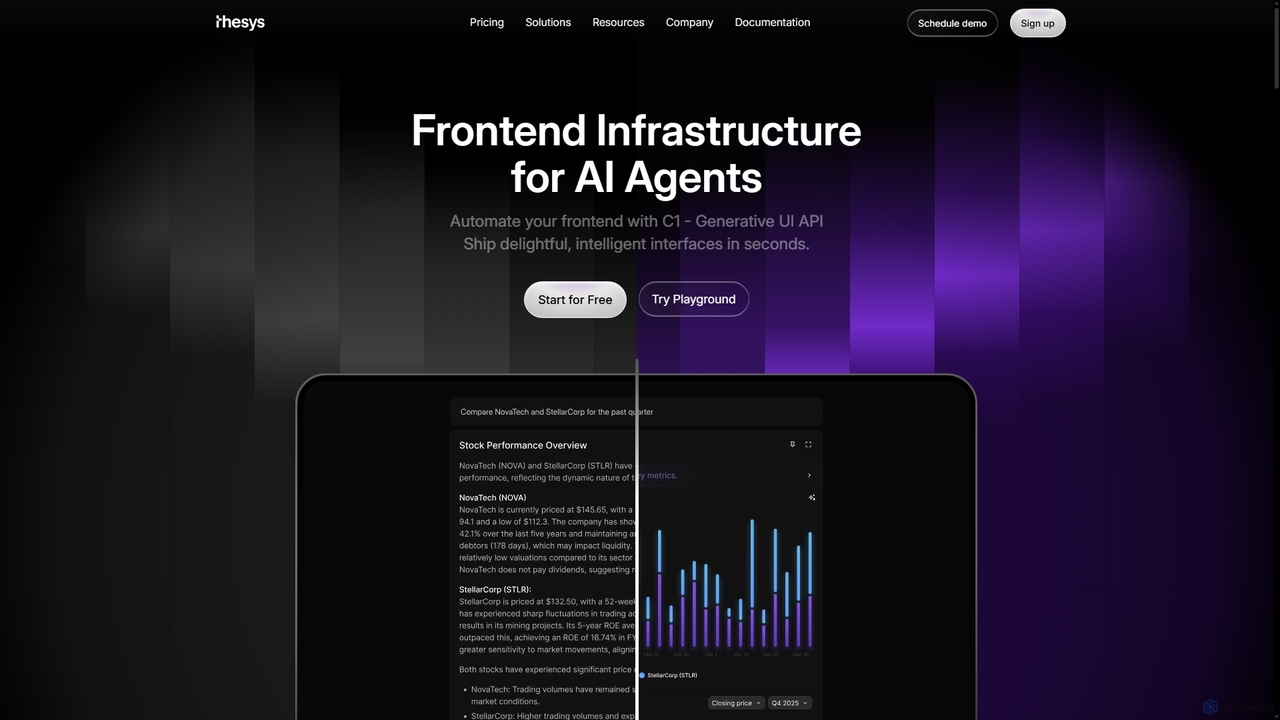
Thesys
Thesys provides C1, a Generative UI API that transforms LLM responses into dynamic, interactive user interfaces in real-time. Designed for developers building AI agents and applications, it automates frontend development by converting text outputs into live UI components like forms, charts, and tables. This allows for the creation of adaptive, engaging, and intelligent interfaces without the limitations of hardcoded UI, accelerating AI product development.
Api
Locofy.ai
Locofy.ai is an AI-powered platform that accelerates frontend development by converting designs from Figma, Adobe XD, and Penpot into high-quality, production-ready code. It supports a wide range of frameworks like React, React Native, Vue, and HTML/CSS, helping teams build UI 10x faster and significantly reducing the design-to-code workflow.
Design To Code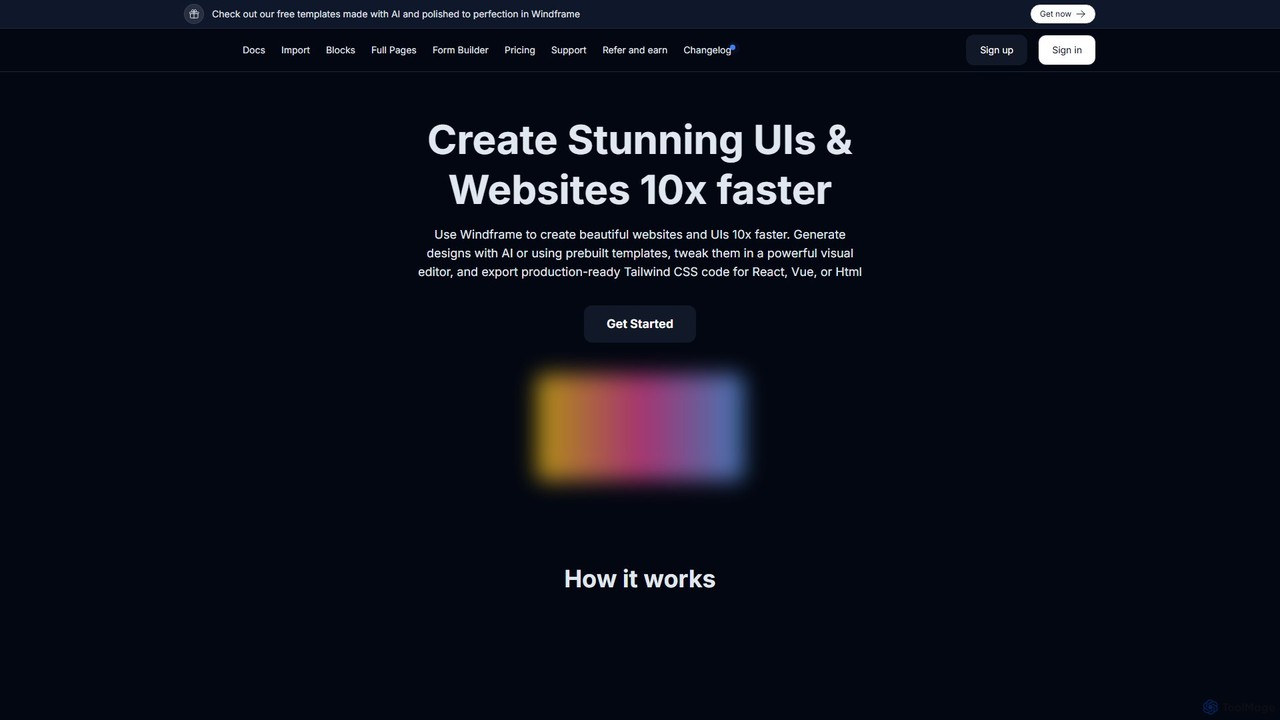
Windframe
Windframe is an AI-powered visual editor and builder for Tailwind CSS, designed to accelerate UI and website development. It allows users to generate designs with AI prompts, utilize over 1000 pre-built templates, and visually edit projects in real-time. Export production-ready code for React, Vue, HTML, and more, streamlining the workflow for developers, designers, and teams.
Ui Ux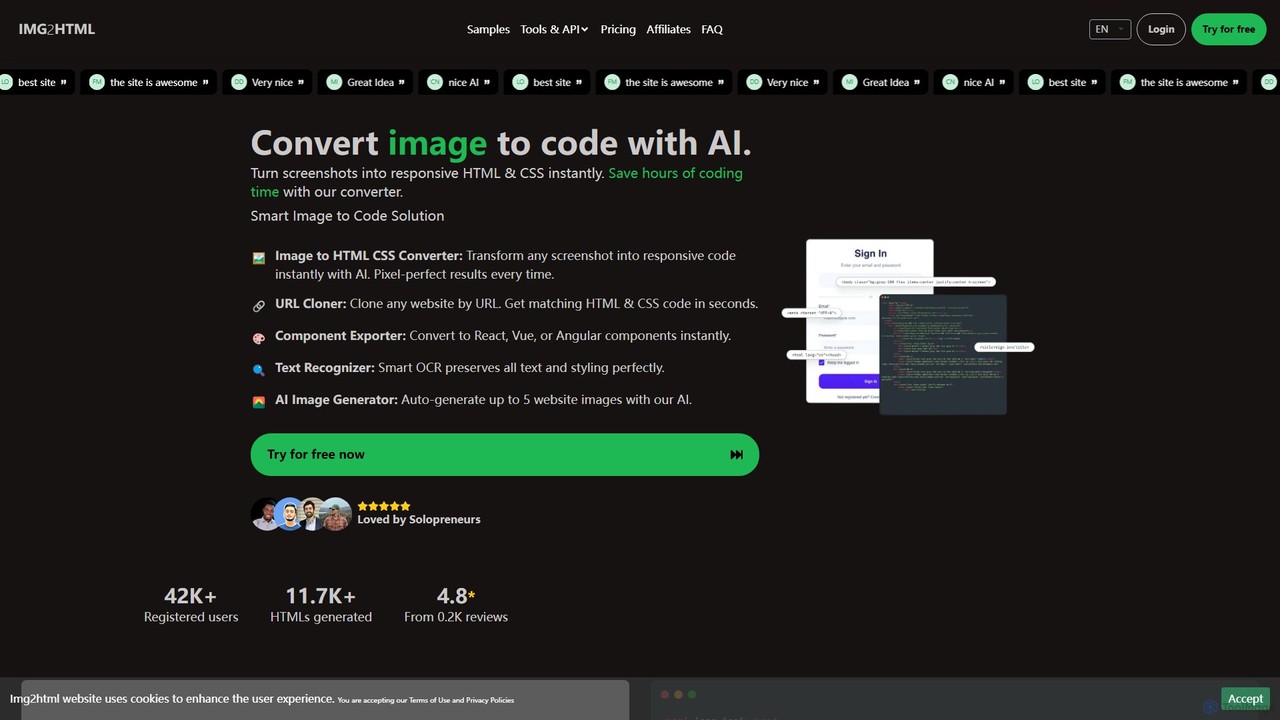
img2html
img2html is an AI-powered tool that instantly converts images, screenshots, and design mockups into clean, responsive HTML, CSS, and modern framework code like React, Vue, and Angular. It streamlines the front-end development workflow, saving developers hours of manual coding.
Design To Code
Codux
Codux is a visual development environment for React that bridges the gap between design and code. It allows developers and designers to build, test, and collaborate on React applications and design systems in a real-time, visual workspace, streamlining the entire workflow.
Ui Ux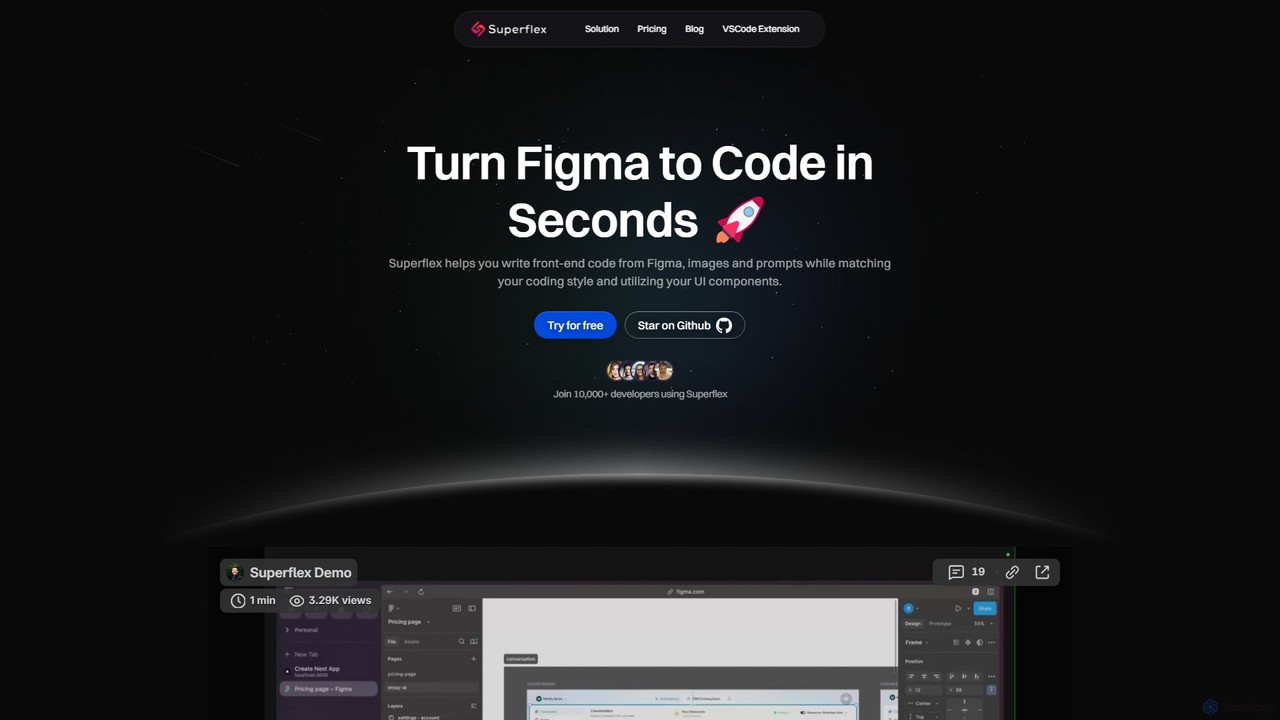
Superflex
Superflex is an AI-powered tool that transforms Figma designs, images, and text prompts into production-ready front-end code in seconds. It accelerates development by analyzing your existing codebase to reuse UI components and adapting to your unique coding style. Ideal for developers and teams looking to boost productivity and bridge the gap between design and implementation.
Design To Code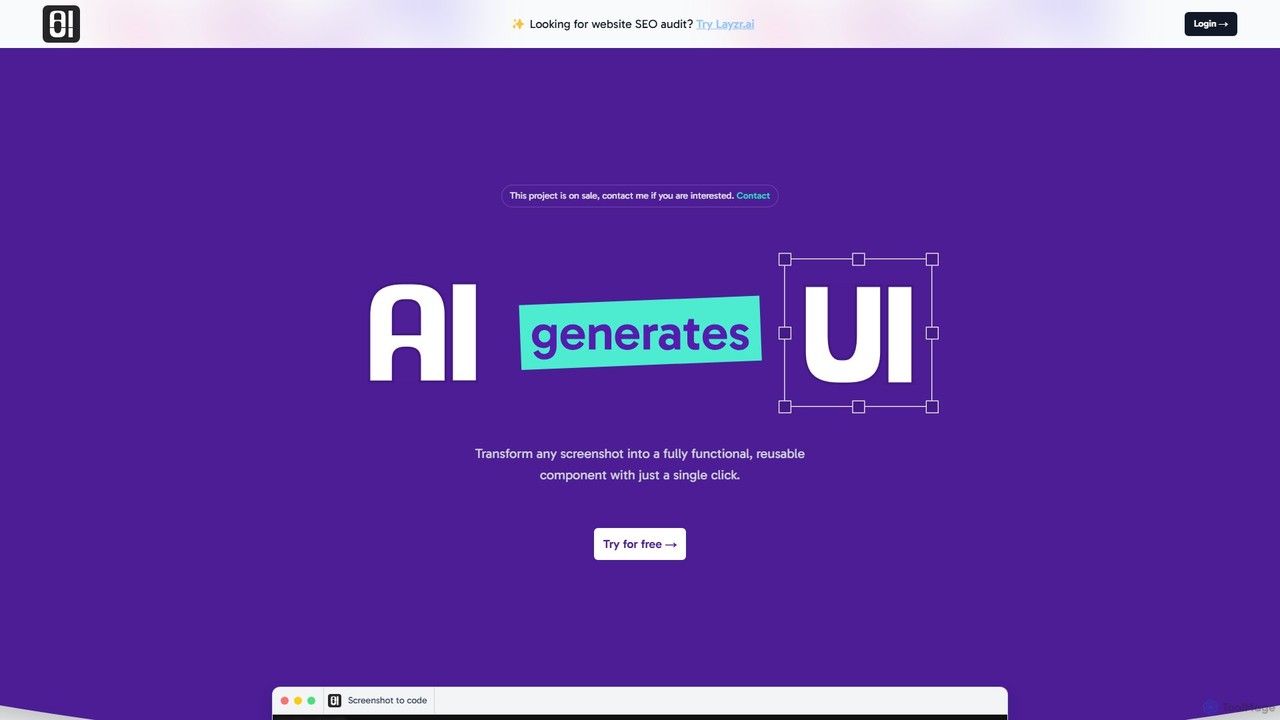
AIUI.me
AIUI.me is an AI-powered tool that transforms UI screenshots into clean, reusable code. With a single click, developers and designers can convert any design image into fully functional React.js and TailwindCSS components. This streamlines the frontend development workflow, saving hours of manual coding and accelerating project delivery from prototype to production.
Ui Ux
Chat with MUI Comments (0)
Sign in to comment.
Sign inNo comments yet.