

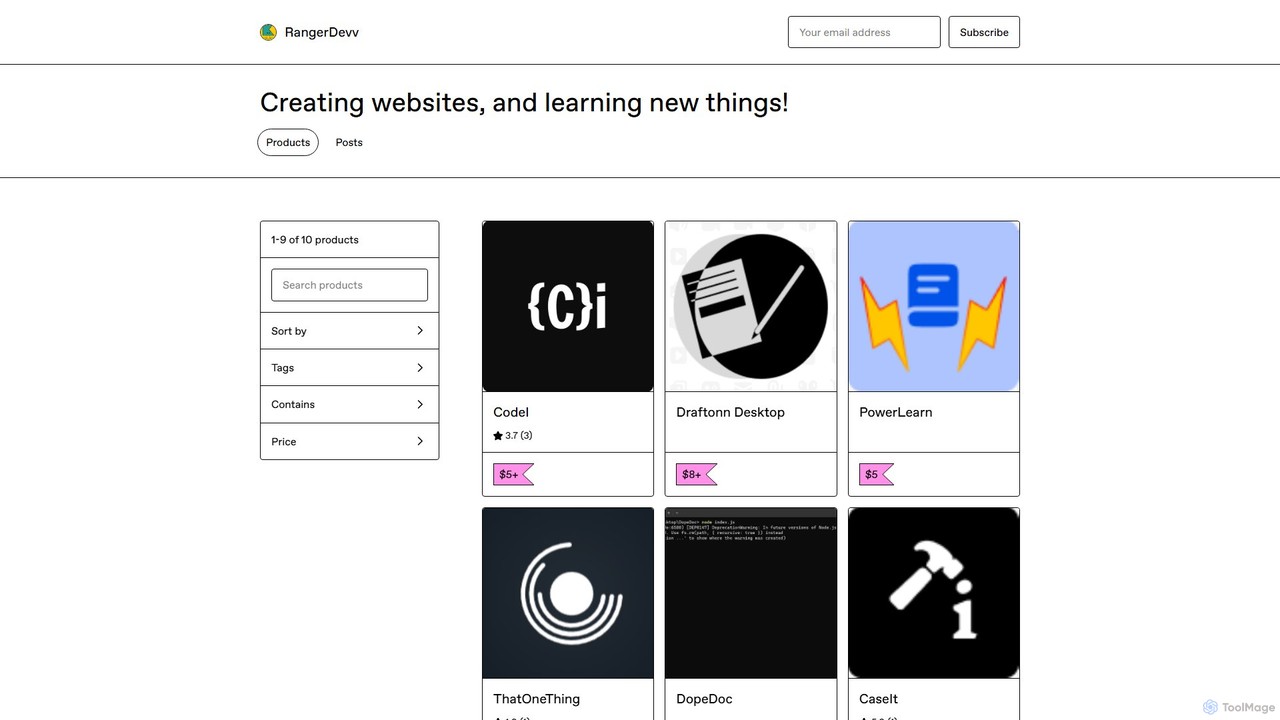
CodeI Overview
CodeI (pronounced Code-eye) is a dedicated AI assistant application built specifically for developers, programmers, and anyone learning to code. It serves as a powerful companion to streamline the development process by providing instant, AI-driven solutions for coding challenges. Whether you're stuck on a complex algorithm, trying to understand a cryptic error message, or exploring a new programming language, CodeI offers a focused and efficient platform to get the answers you need without the distraction of web searches.
The application is designed with productivity in mind, featuring a clean, intuitive user interface that allows developers to quickly input their queries and receive well-structured responses. Unlike general-purpose AI chats, CodeI is tailored for code-related tasks, ensuring the examples and explanations are relevant and practical. It also maintains a history of your previous questions, creating a personalized knowledge base that you can easily refer back to, saving you from re-solving the same problems in the future.
How to use CodeI
Using CodeI is straightforward and designed to integrate seamlessly into your development workflow:
- Installation: After purchasing, download the application (65.2 MB) and install it on your desktop.
- Launch the App: Open the CodeI application to access its clean and simple interface.
- Ask Your Question: In the input field, type your request. This can be a request for a code snippet (e.g., "javascript function to sort an array of objects"), a question about a concept (e.g., "explain polymorphism in Python"), or an error message you need to debug (e.g., paste a 'NullPointerException' stack trace).
- Get an AI-Powered Answer: The AI will process your query and provide a detailed response, often including code examples, step-by-step explanations, and potential causes for errors.
- Review History: Navigate to the history section to see all your past queries and their corresponding answers. This allows you to easily find previously discussed solutions without having to ask again.
Core Features of CodeI
- AI-Powered Code Generation: Get instant, relevant code examples for a wide range of programming languages and frameworks. Implement features faster by using AI-generated snippets as a starting point.
- Intelligent Error Debugging: Paste error messages or describe a bug to receive clear explanations of what the error means, what likely caused it, and example scenarios to help you fix it quickly.
- Programming Language Tutor: An excellent tool for learners. Use it to find code examples for basic tasks (like "Hello World") or to understand fundamental concepts in a new language or framework.
- Intuitive User Interface: A clean, distraction-free UI focused on the core task of getting coding help, making it more efficient than using a web browser.
- Persistent Query History: Automatically saves your questions and the AI's answers, allowing you to easily refer back to previous solutions and build a personal knowledge base.
Use Cases for CodeI
CodeI is versatile and can be used in various scenarios by developers of all skill levels:
- Rapid Prototyping: A developer working on a new project needs to implement a specific feature, like user authentication. They use CodeI to get a boilerplate code snippet for that feature, saving hours of initial setup.
- Efficient Debugging: A programmer encounters a confusing error message. Instead of searching through forums, they paste the error into CodeI and get an immediate explanation of the cause and a code example demonstrating the fix.
- Skill Development & Learning: A student learning a new language like Rust or Go uses CodeI to ask for simple examples of syntax, loops, or object creation, accelerating their learning curve.
- Code Refactoring: A senior developer can ask CodeI for more efficient or modern alternatives to an existing piece of code, helping to improve code quality and performance.
Advantages of CodeI
CodeI stands out from other solutions with several key advantages:
- Enhanced Productivity: By providing instant and focused answers, CodeI significantly reduces the time spent on searching for documentation, sifting through forum posts, and debugging errors.
- Cost-Effective: The one-time payment model provides lifetime access to the tool. This is a major advantage over subscription-based services, offering long-term value without recurring costs.
- User-Centric Design: The combination of an intuitive UI and a query history feature makes the tool exceptionally easy to use and allows for efficient knowledge recall.
- Dedicated Environment: As a standalone application, it provides a distraction-free environment dedicated solely to solving coding problems.
- Flexible Usage: The optional "One Up" plan, which includes free API keys, means heavy users don't have to worry about managing or paying for their own API access for an extended period.
Pricing and Plans
CodeI offers a simple and transparent pricing structure based on a one-time payment:
- Standard Lifetime Access: This plan operates on a "Name a fair price" model, with a suggested minimum of $5+. A single payment grants you lifetime access to the CodeI application and all its core features.
- One Up Plan: For users who anticipate heavy usage, this premium plan includes the benefit of free API keys. This means you can use the AI extensively for months without needing to provide or pay for your own API access, offering significant value. The price for this plan is a higher one-time payment.
CodeI Alternatives
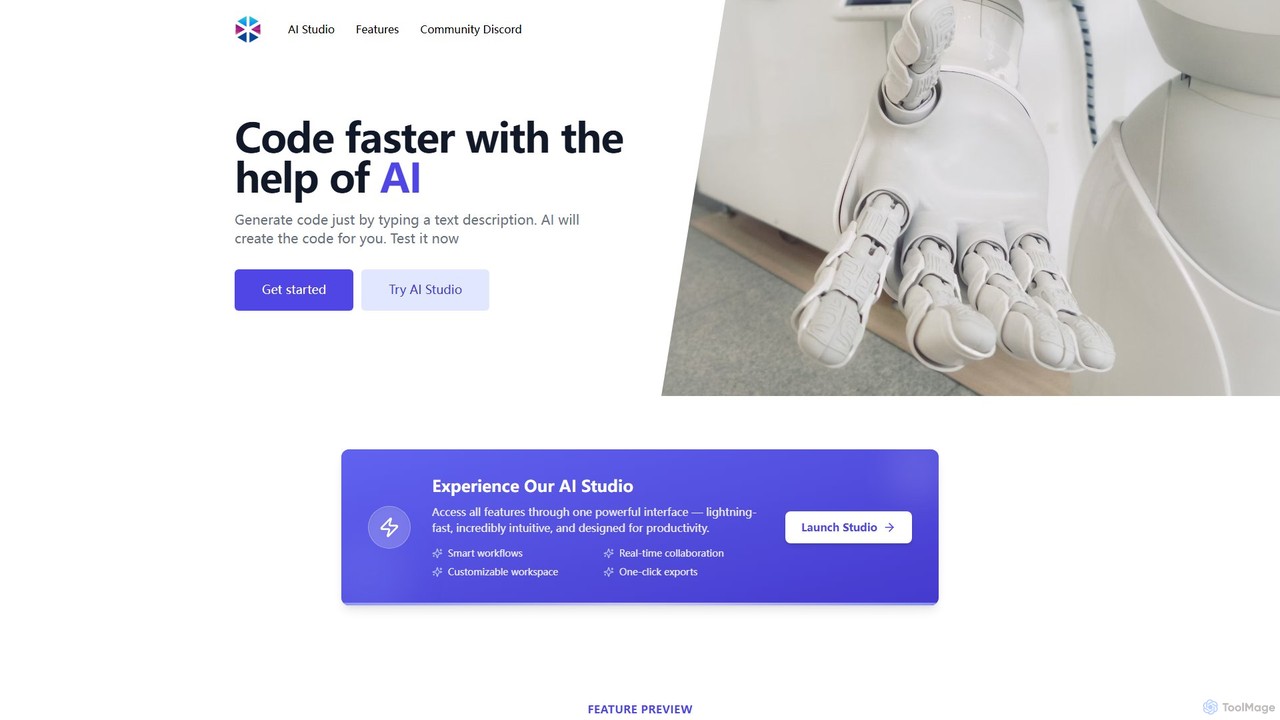
Programming Helper
Programming Helper is an AI-powered suite of tools designed to accelerate coding tasks. It allows developers to generate, translate, explain, fix, and test code across numerous programming languages simply by providing text descriptions. It also assists with generating SQL queries, Regex, and command-line instructions.
Code Assistant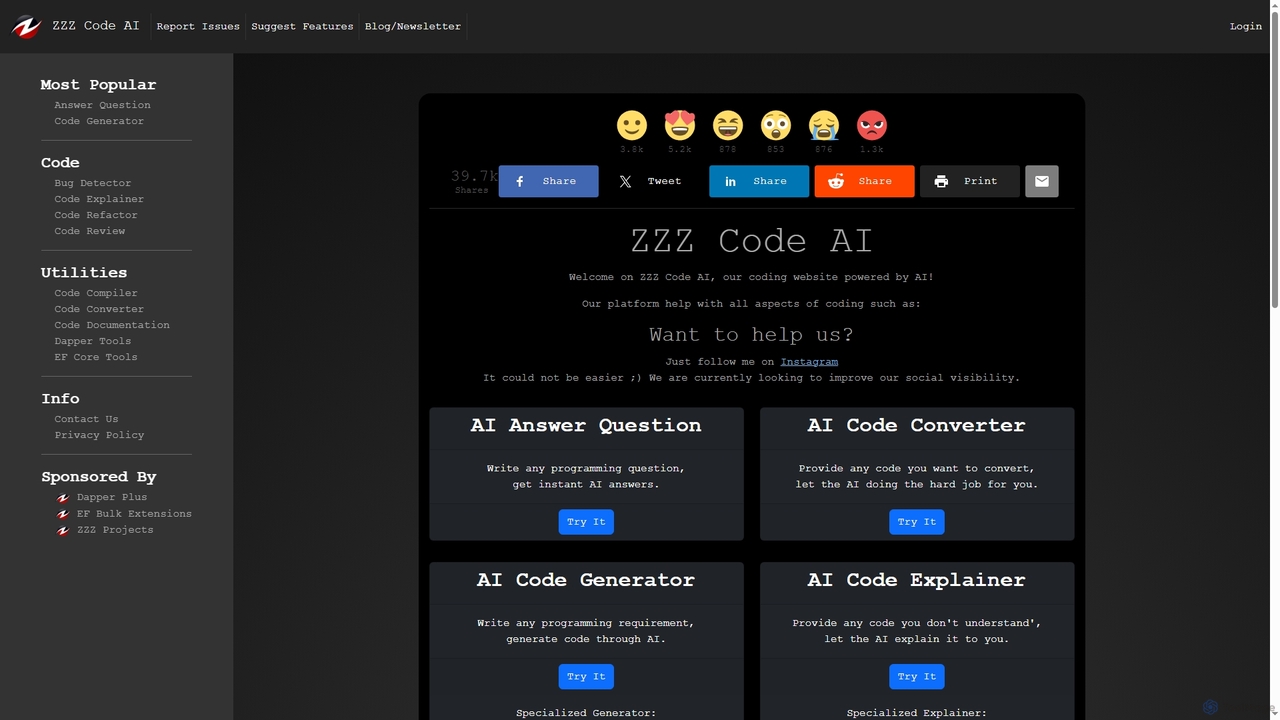
Zzzcode
Zzzcode is a free, AI-powered online platform offering a comprehensive suite of coding tools for developers. It can generate, explain, debug, refactor, review, document, and convert code across numerous programming languages, and provide instant answers to programming questions.
Code Assistant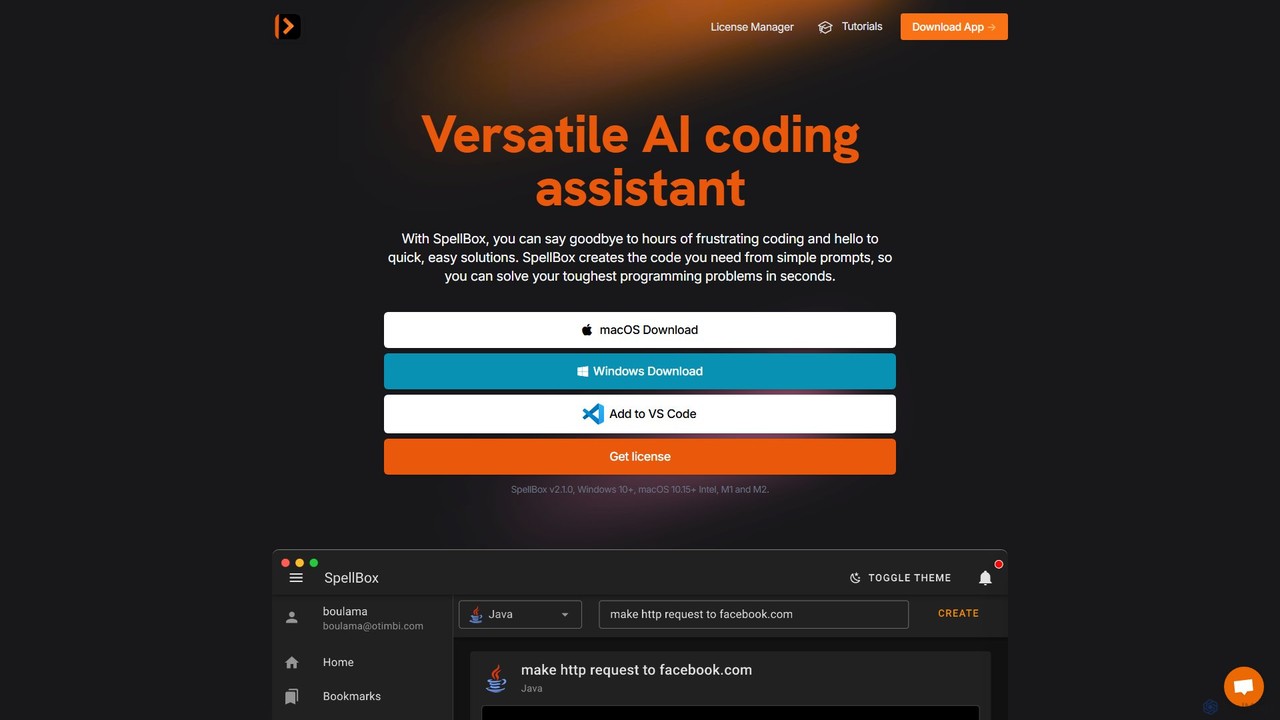
SpellBox
SpellBox is an AI-powered programming assistant designed to accelerate software development. It generates, explains, and helps you manage code snippets from simple natural language prompts. Available as a standalone desktop app and a VS Code extension, it supports major programming languages to help developers and students solve complex problems, reduce debugging time, and boost productivity.
Code Assistant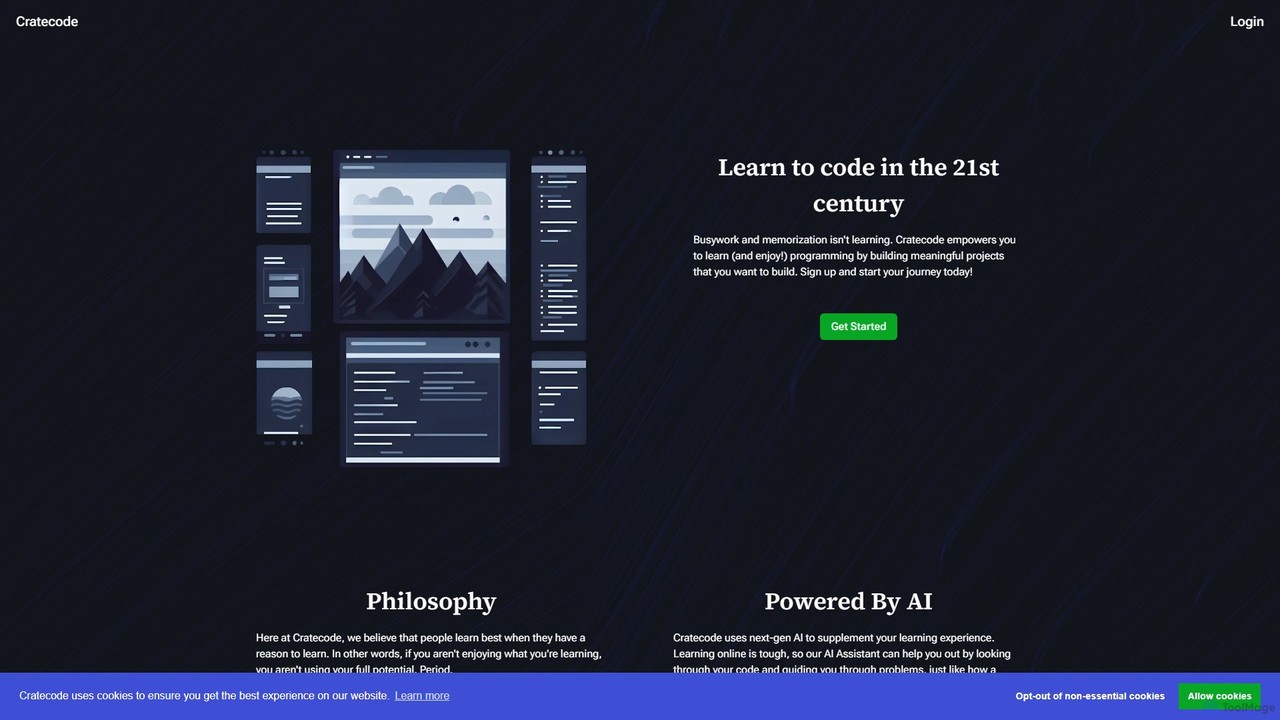
Cratecode
Cratecode is an AI-powered platform for learning to code by building real-world projects. It features an AI assistant that acts as a personal tutor, providing code analysis, answering questions, and offering step-by-step guidance. The platform emphasizes a hands-on, non-linear learning approach to make programming engaging and effective.
Code Assistant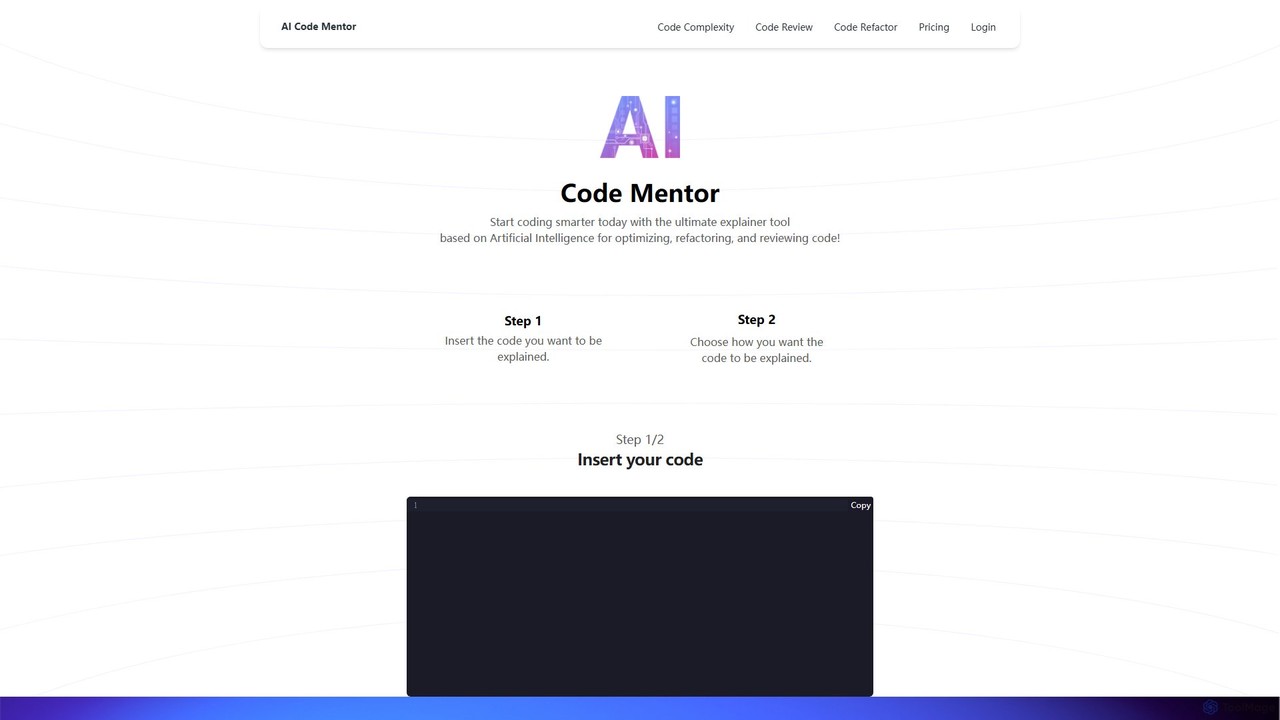
Code Mentor
Code Mentor is an AI-powered tool that helps developers understand, optimize, refactor, and review code. It provides clear explanations in various styles through unique AI personas, making it perfect for both beginners and experts to improve code quality and accelerate learning.
Code AssistantCodeI Categories
CodeI Embed Widget
Copy this embed code to place the badge on your blog, article, or product site and send readers directly to this ToolMage detail page.

Related AI tools
Programming Helper
Programming Helper is an AI-powered suite of tools designed to accelerate coding tasks. It allows developers to generate, translate, explain, fix, and test code across numerous programming languages simply by providing text descriptions. It also assists with generating SQL queries, Regex, and command-line instructions.
Code AssistantZzzcode
Zzzcode is a free, AI-powered online platform offering a comprehensive suite of coding tools for developers. It can generate, explain, debug, refactor, review, document, and convert code across numerous programming languages, and provide instant answers to programming questions.
Code Assistant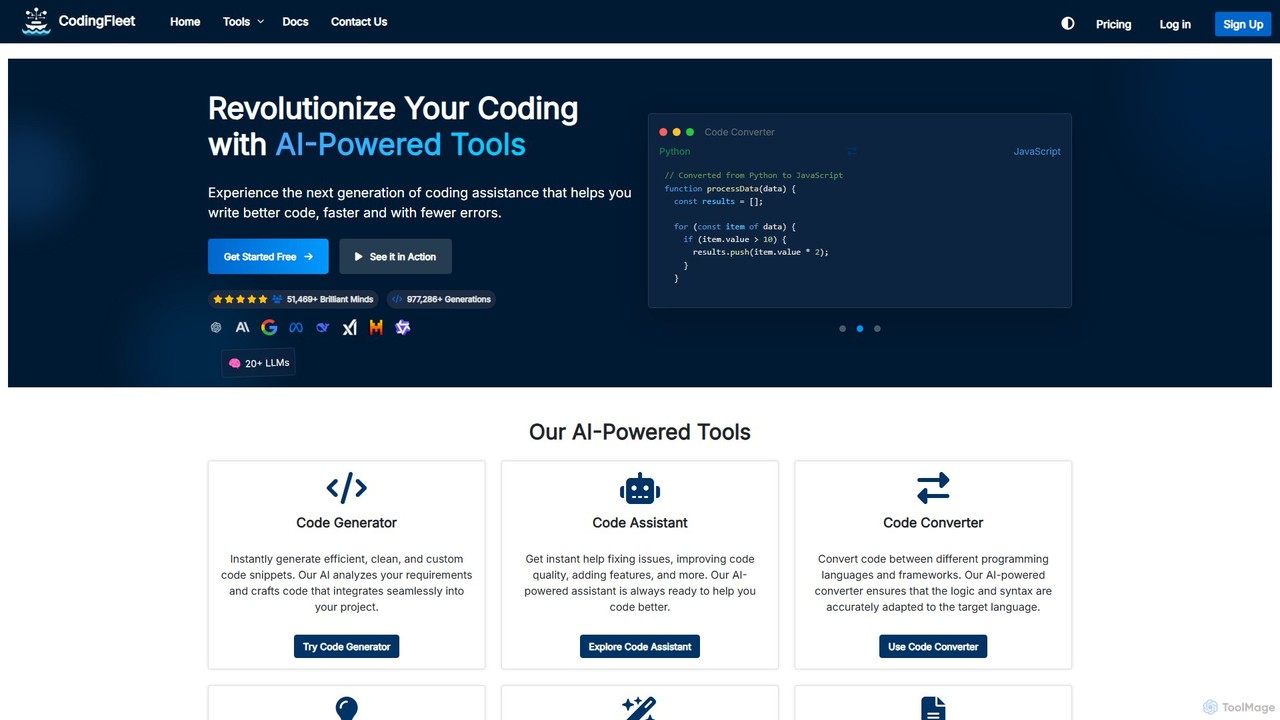
CodingFleet
CodingFleet is a comprehensive AI-powered platform designed to revolutionize the coding workflow for developers. It offers a suite of tools including a code generator, assistant, converter, and explainer, supporting over 90 programming languages. By leveraging advanced AI models, it helps programmers write better, cleaner code faster, automate tedious tasks, and reduce errors, ultimately boosting productivity and fostering innovation.
Code Assistant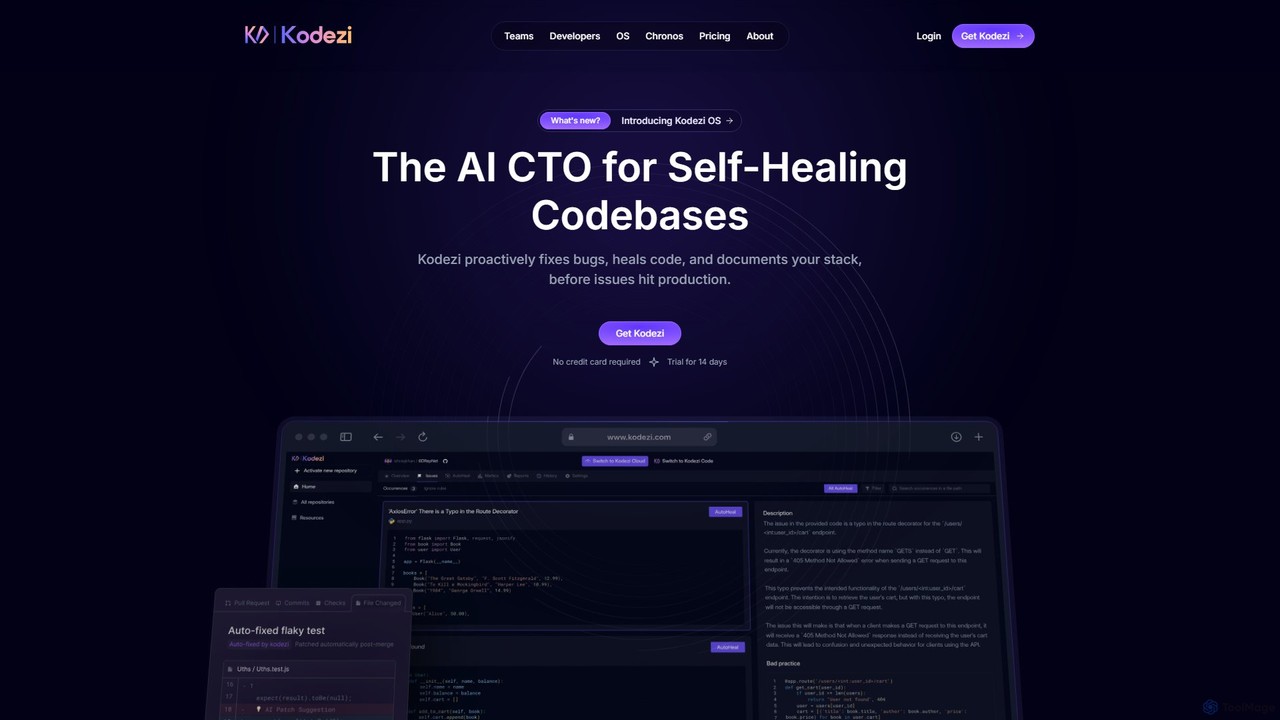
Kodezi
Kodezi is an AI-powered developer platform that acts as an AI CTO for your codebase. It autonomously fixes bugs, refines code, detects vulnerabilities, and automates documentation, integrating seamlessly into your development workflow to enhance productivity and code quality.
Code Assistant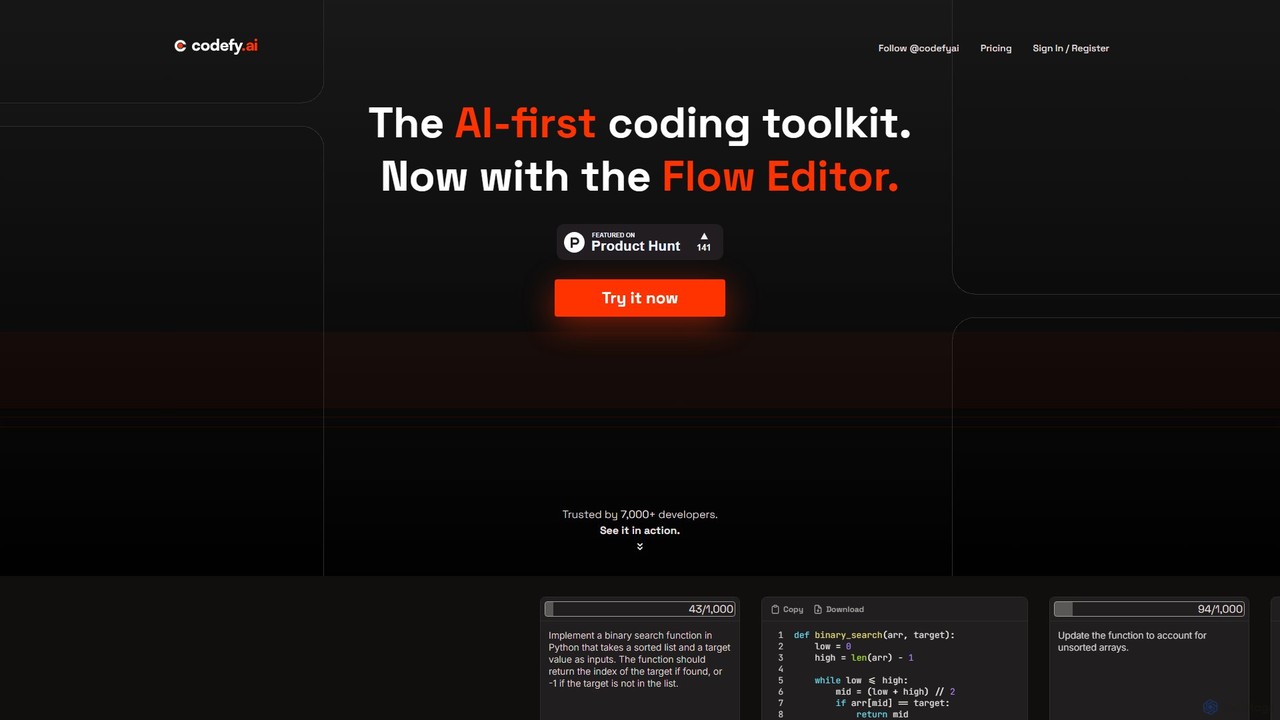
codefy.ai
codefy.ai is an AI-first coding toolkit designed for developers. It features over 20 specialized tools, including the innovative Flow Editor, to streamline tasks like code generation, debugging, translation, and optimization. By handling prompt engineering, it allows developers to get accurate results quickly through intuitive, pre-programmed interfaces, significantly boosting productivity and simplifying the development workflow.
Code AssistantSpellBox
SpellBox is an AI-powered programming assistant designed to accelerate software development. It generates, explains, and helps you manage code snippets from simple natural language prompts. Available as a standalone desktop app and a VS Code extension, it supports major programming languages to help developers and students solve complex problems, reduce debugging time, and boost productivity.
Code Assistant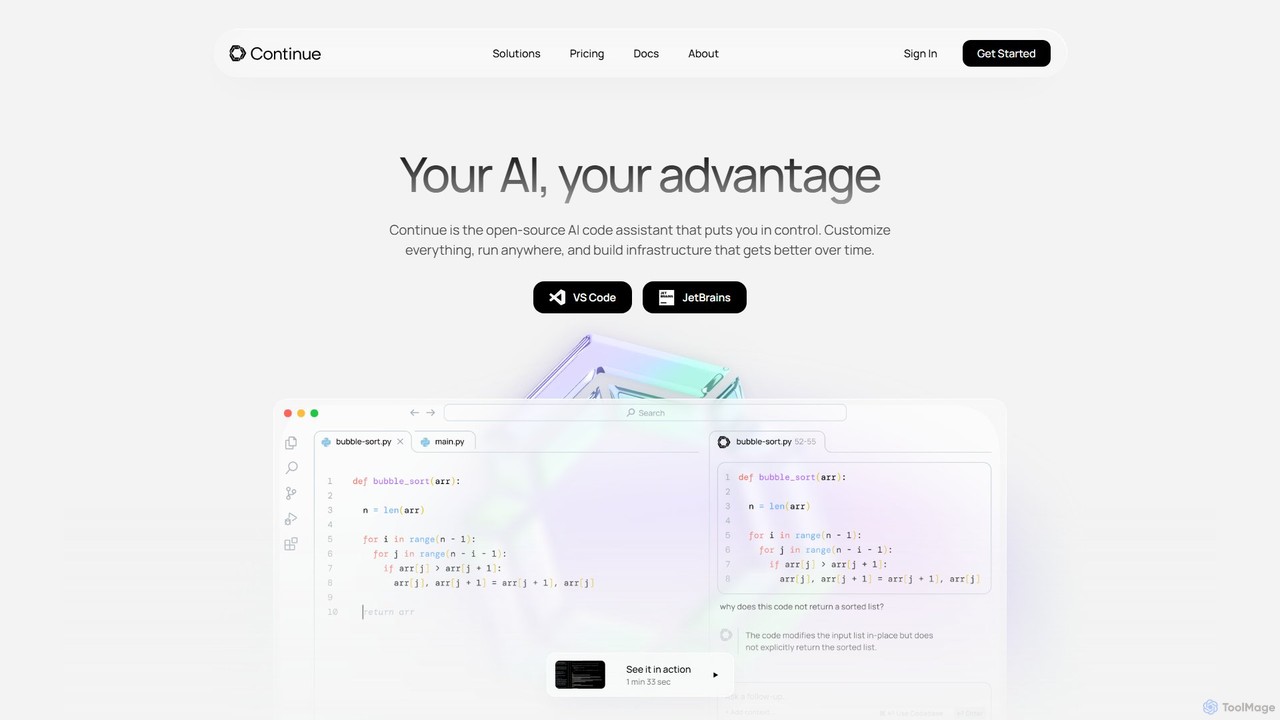
Continue
Continue is an open-source, customizable AI code assistant for VS Code and JetBrains. It enhances developer productivity with intelligent autocompletion, context-aware chat, and in-line refactoring, supporting any LLM, including local and on-premise models for maximum privacy and control.
Code Assistant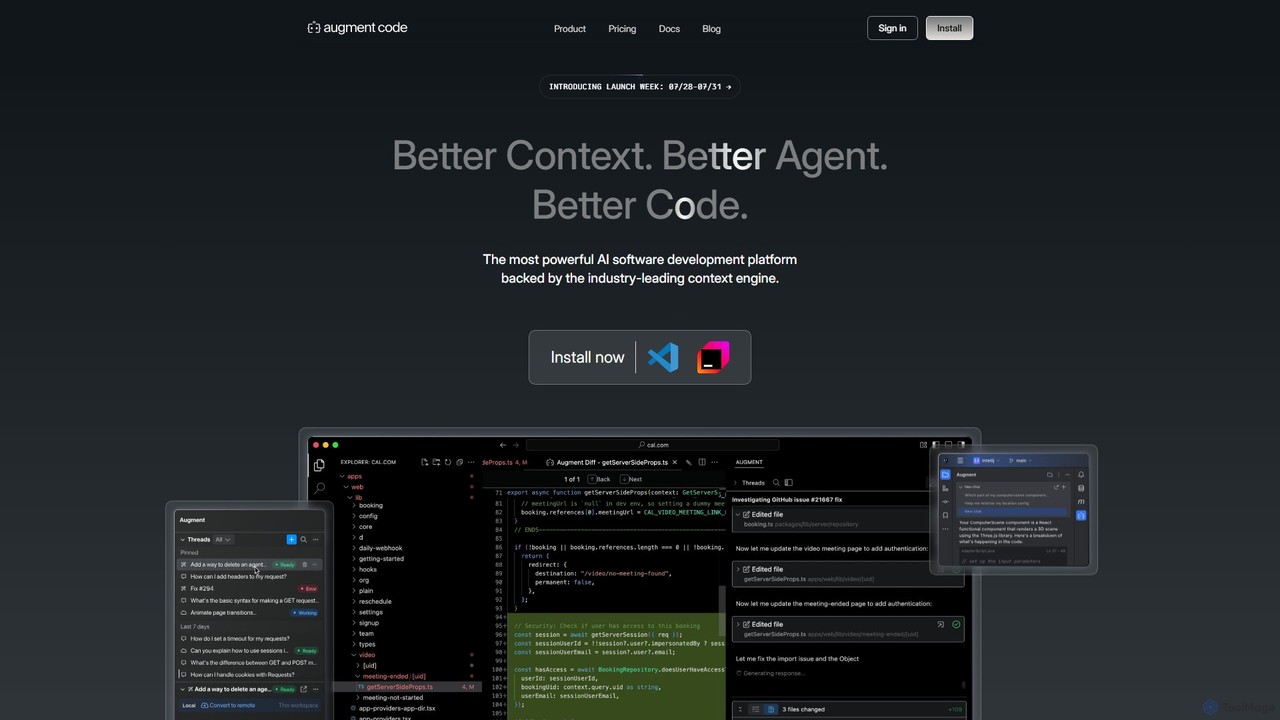
Augment Code
Augment Code is an advanced AI software development platform featuring autonomous agents and a powerful context engine. It integrates into your IDE to help you plan, build, and ship production-ready code faster, with a strong focus on enterprise-grade security and deep codebase understanding.
Code Generation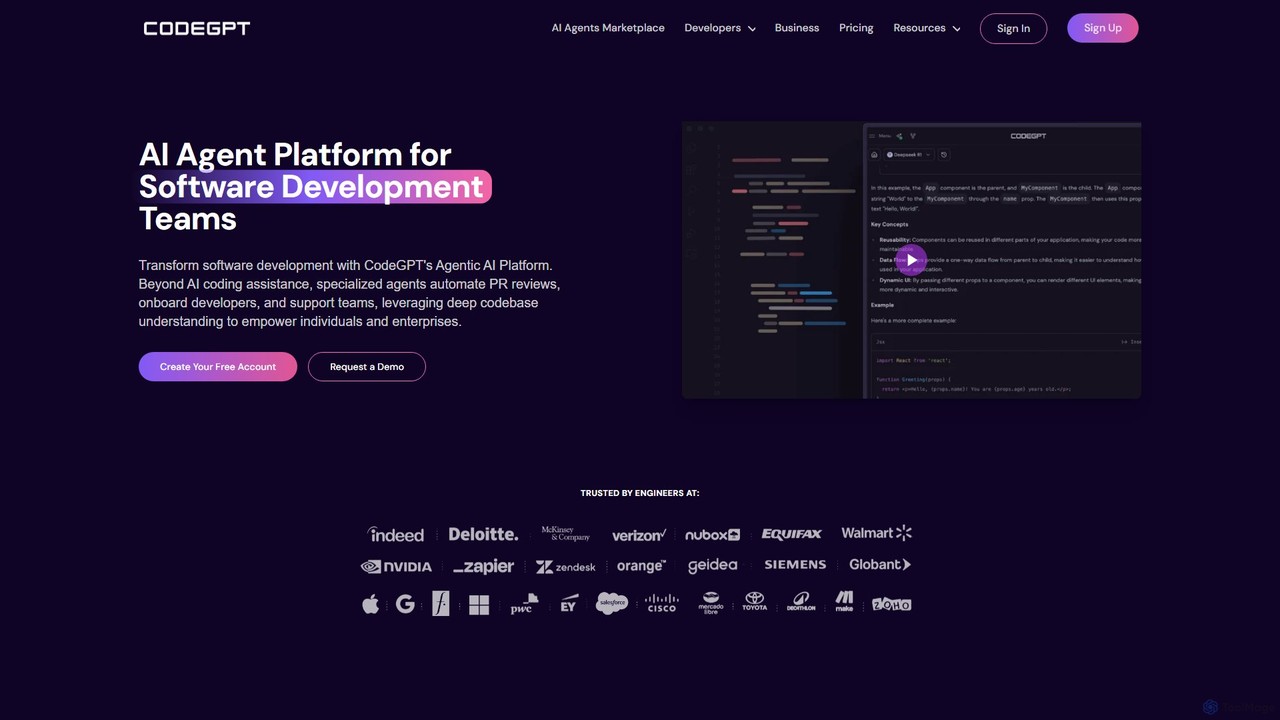
CodeGPT
CodeGPT is an agentic AI platform for software development teams, moving beyond simple code assistance. It offers specialized AI agents that automate PR reviews, onboard developers, and support teams by deeply understanding your entire codebase. It integrates with popular IDEs and supports leading AI models, with a strong focus on enterprise-grade security and flexible deployment options.
Software Development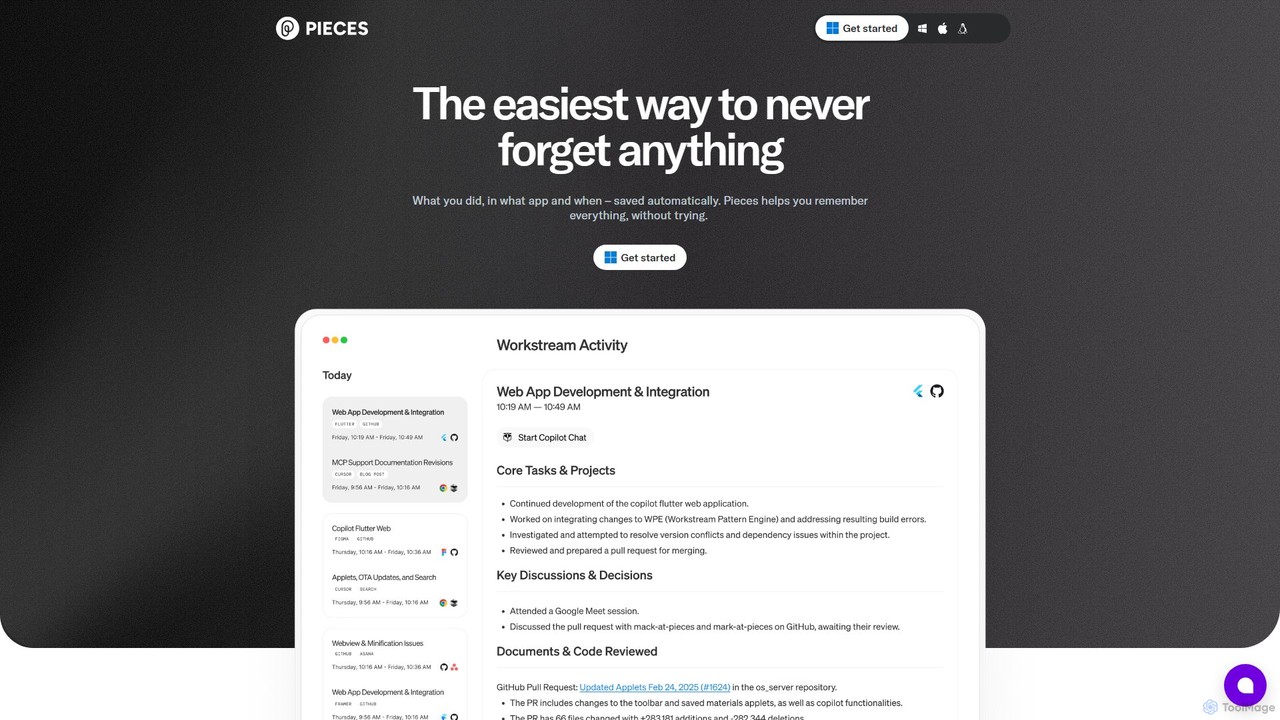
Pieces
Pieces is an on-device AI assistant designed for developers, acting as a long-term memory for your entire workflow. It automatically captures, enriches, and organizes code snippets, links, and other contextual information from all your applications, ensuring you never lose valuable work or context. With powerful local search and seamless integration with your favorite tools, Pieces boosts productivity and preserves your mental energy.
Personal Assistant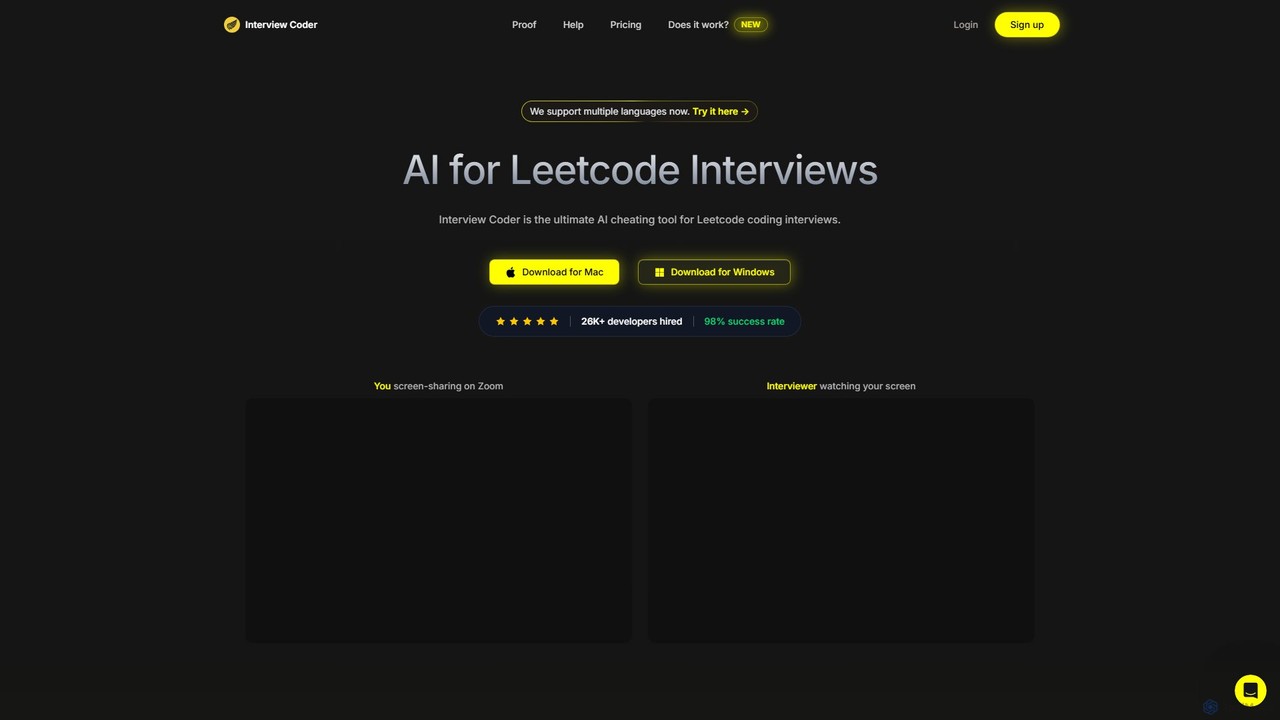
Interview Coder
Interview Coder is an AI-powered desktop assistant designed for technical coding interviews. It runs as a native app, capturing interview problems via screenshots and generating optimal code solutions with detailed explanations in real-time. Its key feature is its undetectability, allowing developers to confidently navigate high-pressure interviews on platforms like Hackerrank, CoderPad, and Zoom.
Interview Preparation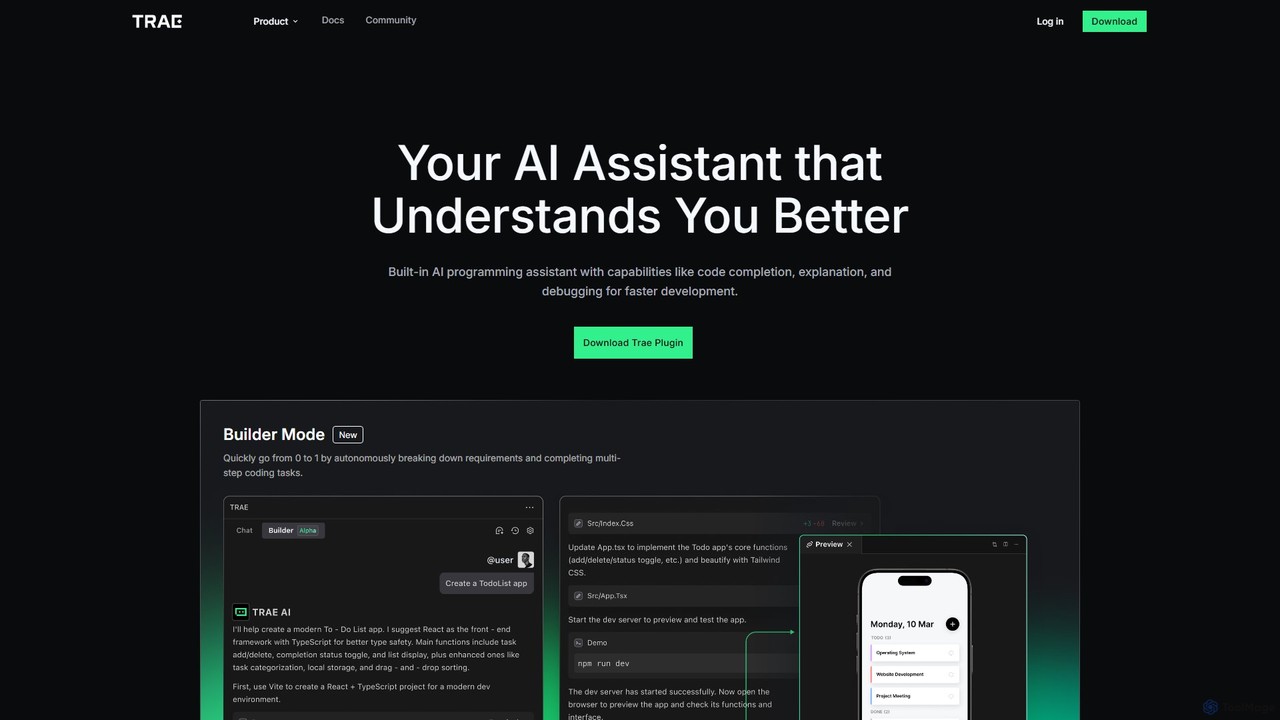
MarsCode Trae
MarsCode Trae is an intelligent AI coding assistant plugin for VSCode and JetBrains IDEs. It enhances developer productivity with features like autonomous task completion, advanced code completion, one-click debugging, unit test generation, and in-depth code explanation, supporting over 100 programming languages.
Code Generation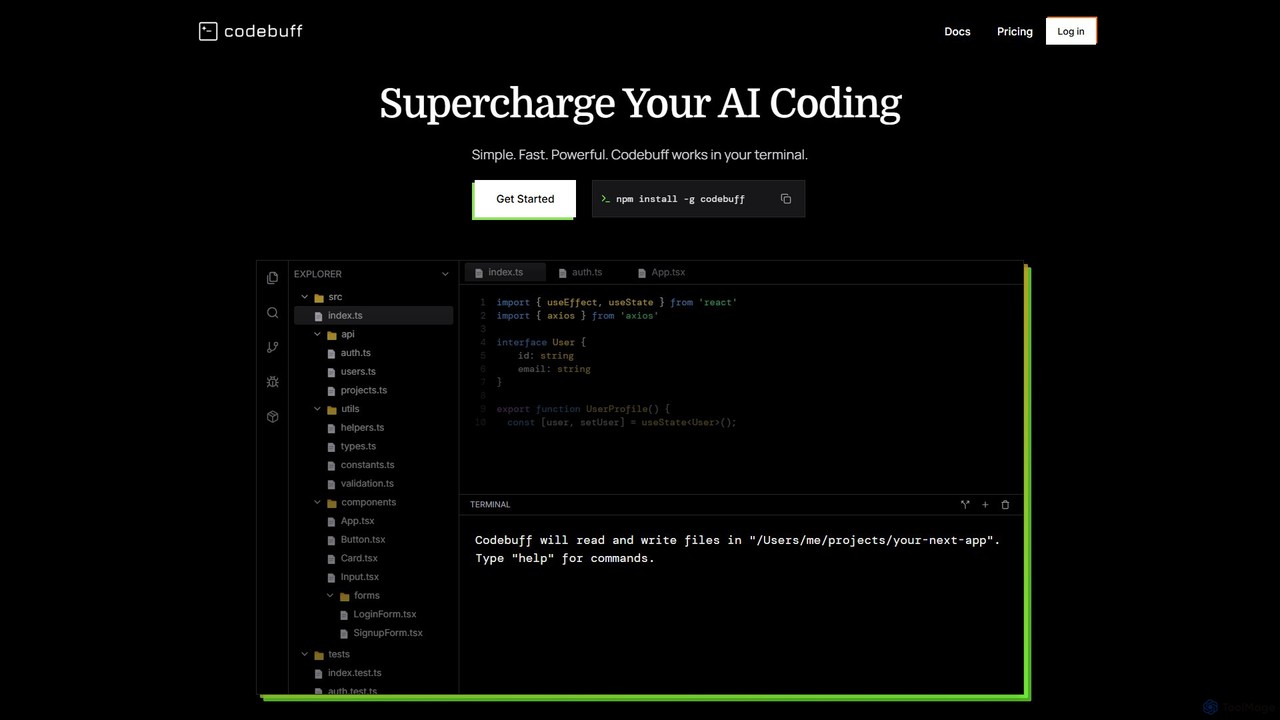
Codebuff
Codebuff is a powerful AI coding assistant that operates directly in your terminal. It deeply understands your entire codebase, enabling it to perform complex tasks like surgical code edits, feature implementation, and large-scale refactoring with unparalleled speed and accuracy. It learns from your project context and integrates seamlessly into any tech stack.
Code Generation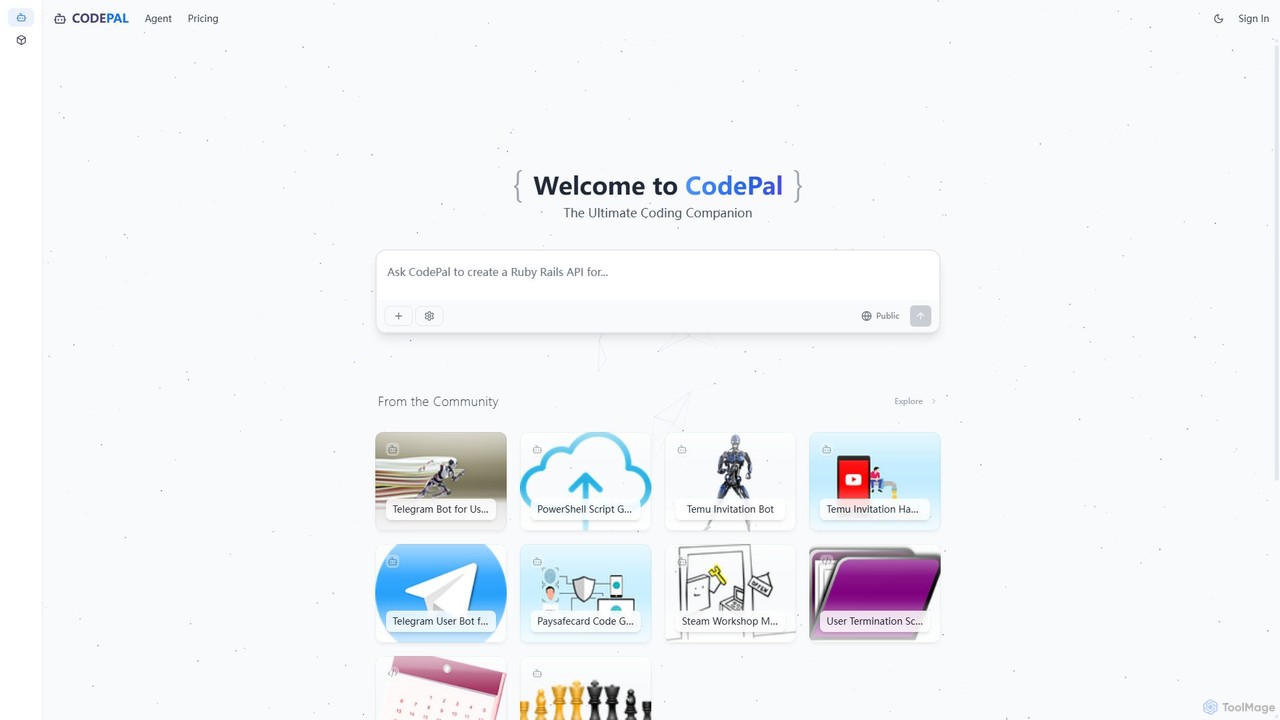
CodePal
A powerful AI coding companion and autonomous engineer that integrates directly into GitHub. Automate code reviews, generate documentation, resolve issues, and write unit tests with simple commands to accelerate your development workflow.
Code Assistant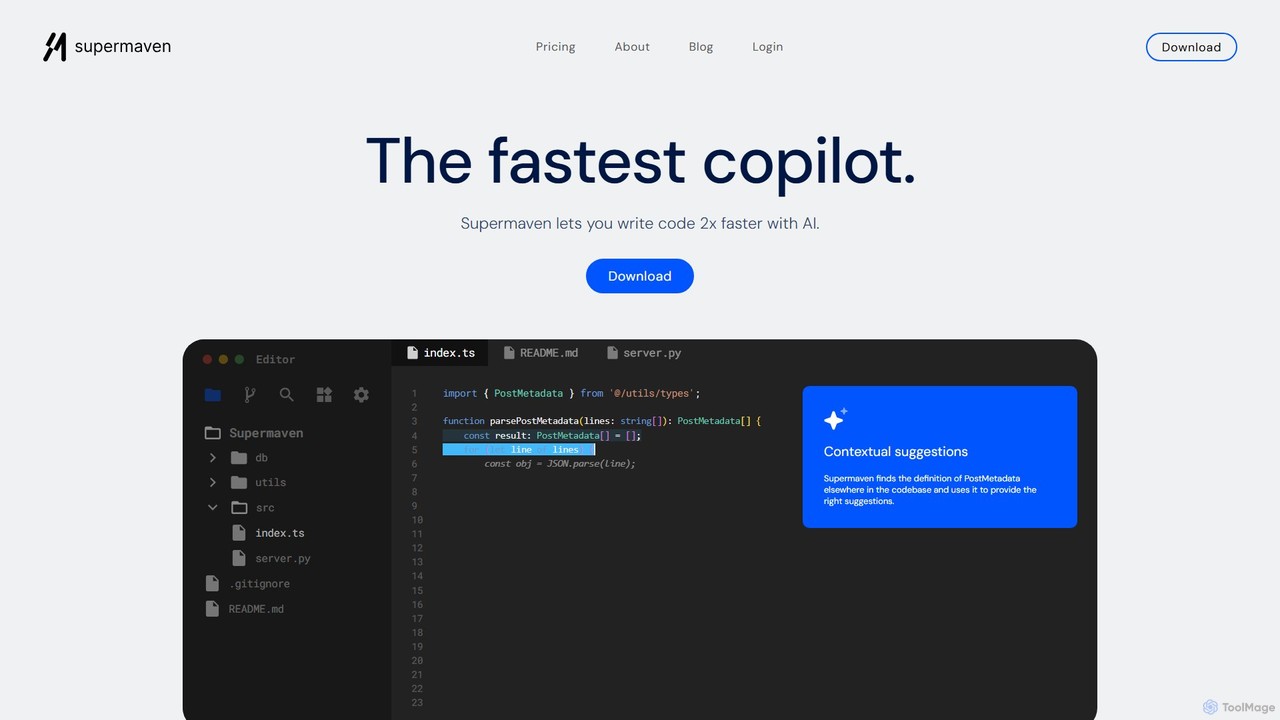
Supermaven
Supermaven is an ultra-fast AI code completion tool designed to double your coding speed. It features a groundbreaking 1 million token context window, allowing it to understand your entire codebase for highly accurate suggestions. It integrates seamlessly with VS Code, JetBrains, and Neovim, and includes an efficient AI chat for advanced tasks.
Code Assistant
CodeI Comments (0)
Sign in to comment.
Sign inNo comments yet.