ToolMage
Sign in

Best 4 Developer Productivity AI tools for Productivity

Popular Developer Productivity AI tools in Productivity include CodeComplete, Chat with MUI, CodeI, and SnapCommit, helping you work more efficiently.

SnapCommit
Paid

SnapCommit

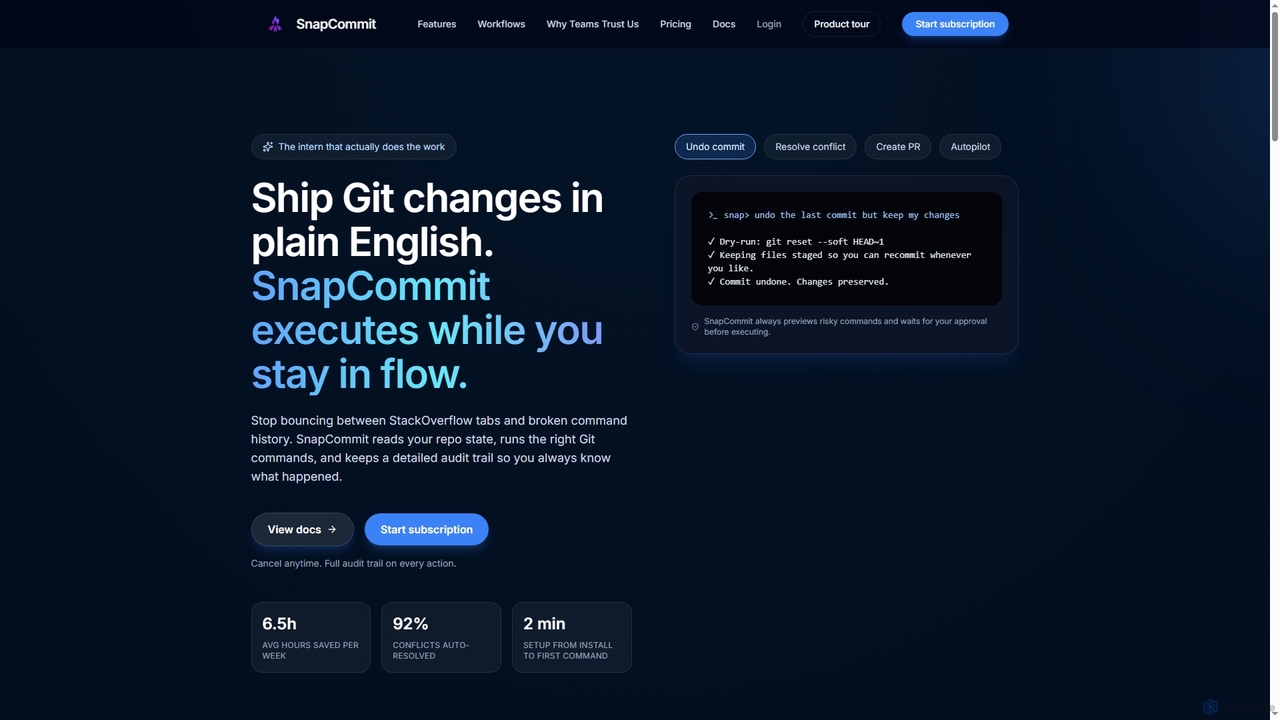
SnapCommit is an AI-powered terminal Git assistant that allows developers to manage Git operations using plain English commands. It automates complex workflows like committing, resolving conflicts, and creating pull requests, enhancing productivity and ensuring code integrity with dry-run previews and a detailed audit trail.

Code Assistant
Visits 3.5KFavorites 101Likes 99
Chat with MUI
Free

Chat with MUI

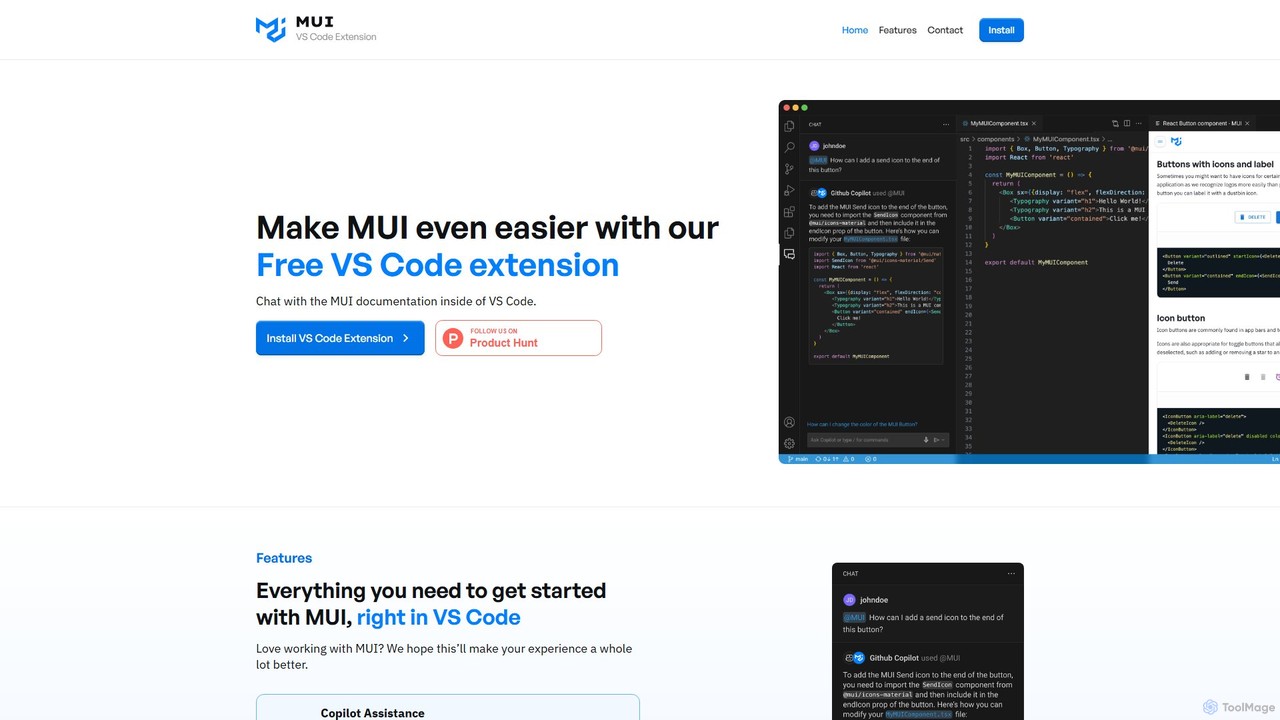
A free VS Code extension that allows developers to chat with the official MUI documentation directly within their editor. It integrates with GitHub Copilot to provide instant, AI-powered answers, streamlining the development workflow for React and MUI users.

Code Assistant
Visits 3.6KFavorites 131Likes 126
CodeI
Paid

CodeI

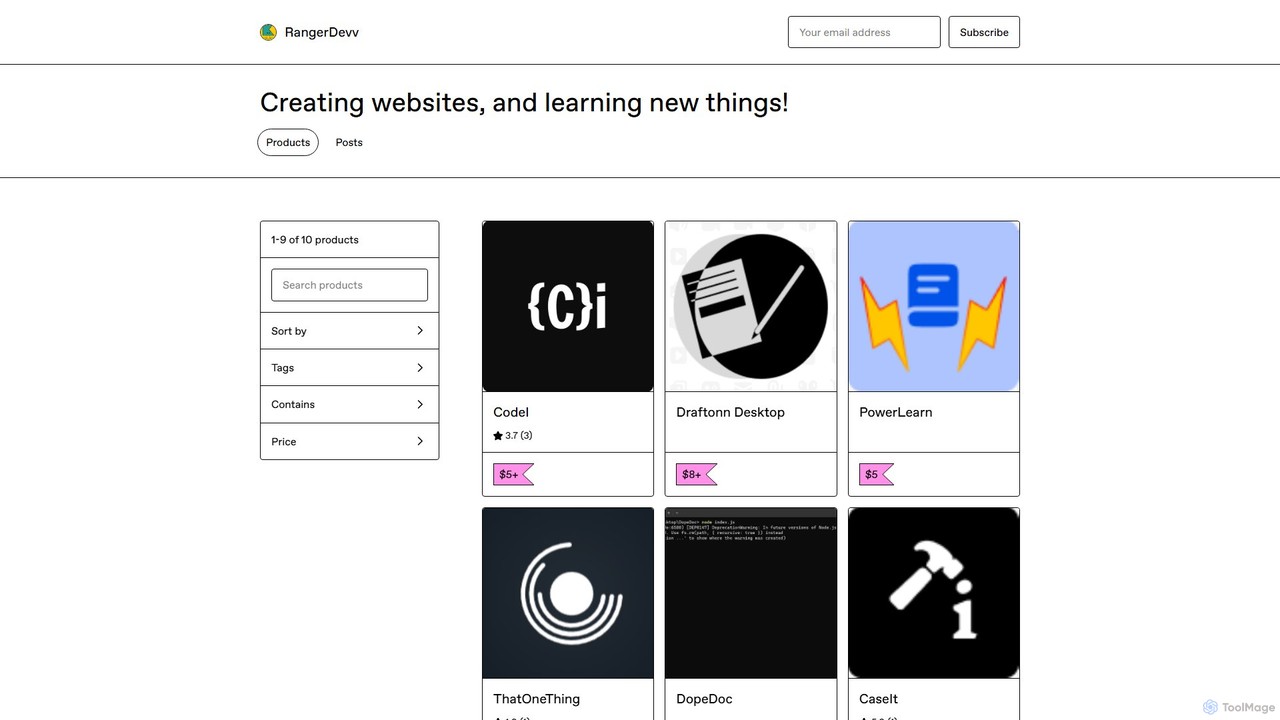
CodeI is an AI-powered desktop application for developers, designed to accelerate coding and debugging. It provides instant code examples, explains complex errors with practical scenarios, and helps learn new programming languages. With an intuitive UI and lifetime access, it's a powerful productivity tool for any programmer.

Code Assistant
Visits 3.6KFavorites 128Likes 118
CodeComplete
Freemium

CodeComplete

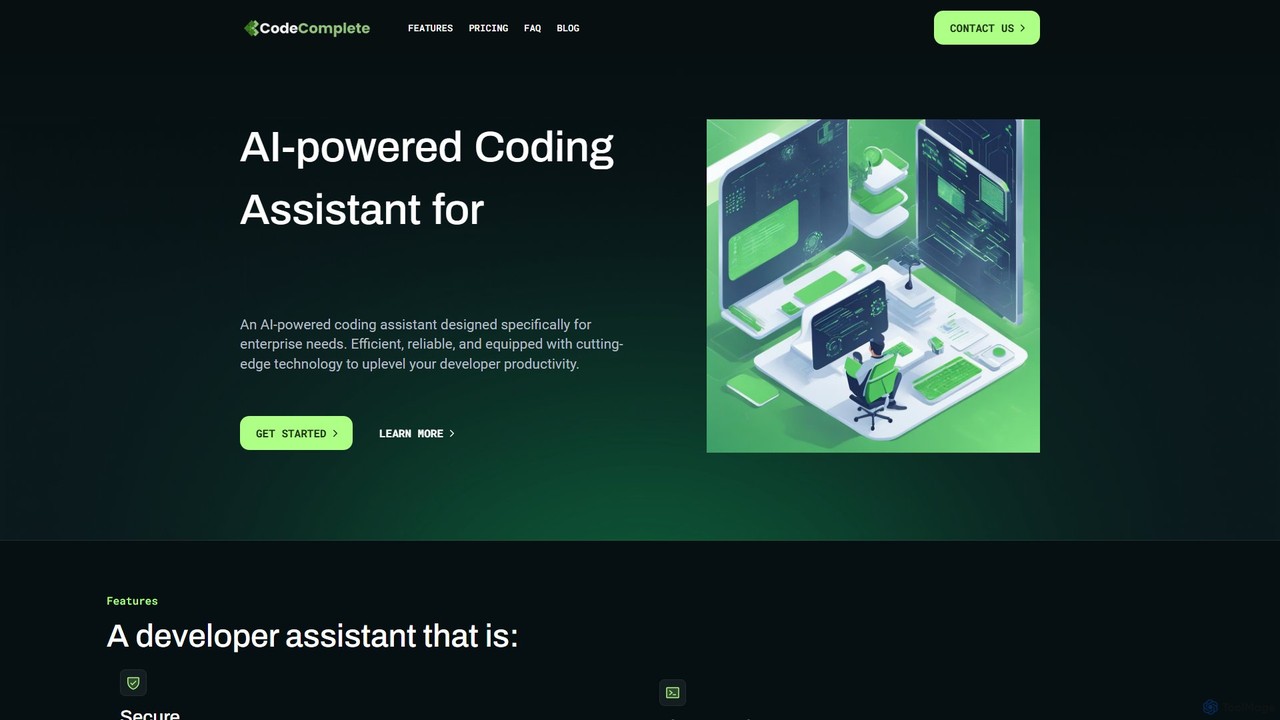
CodeComplete is an enterprise-grade AI coding assistant designed for maximum security, efficiency, and customization. It offers self-hosting options (on-premise or VPC), fine-tuning on your private codebase, and a comprehensive suite of tools including code generation, automated testing, and documentation to enhance developer productivity.

Code Generation
Visits 4KFavorites 114Likes 116

About Developer Productivity

Developer Productivity tools are a class of AI-powered solutions designed to accelerate the software development lifecycle. They leverage large language models trained on vast codebases to provide intelligent code completion, automated debugging, and workflow optimization. These tools integrate directly into development environments to help programmers write cleaner code faster, reduce manual errors, and focus on complex problem-solving instead of repetitive tasks. Their primary value lies in augmenting the developer's capabilities, acting as an intelligent pair programmer.

Core Features

  • Intelligent Code Completion: Suggests entire lines or blocks of code in real-time based on the current context.
  • AI-Powered Debugging: Analyzes errors and stack traces to identify root causes and propose potential fixes.
  • Automated Code Review: Scans code for bugs, security vulnerabilities, and style inconsistencies, offering refactoring suggestions.
  • Natural Language to Code: Generates functional code snippets from plain language descriptions or comments.
  • Automated Test Generation: Creates unit tests and test cases based on the logic of existing functions.

Use Cases

These tools are used by software developers, DevOps engineers, and data scientists in any industry involving software creation. They are particularly effective in agile development environments for rapid prototyping, maintaining large and complex codebases, and for onboarding new developers by providing contextual guidance within an unfamiliar project.

How to Choose

When selecting a tool, consider its support for your specific programming languages and frameworks. Evaluate the quality and seamlessness of its integration with your preferred Integrated Development Environment (IDE). Critically review the tool's data privacy and security policies, especially regarding how your source code is handled. Finally, assess whether it can be customized or fine-tuned on your organization's private codebase for more relevant suggestions.

Featured tool rankings

Developer Productivity use cases

1

Accelerate New Feature Development

A software engineer is tasked with building a new API endpoint for a user profile service. Instead of writing the code from scratch, they write a comment: `// function to fetch user data from database by id`. The AI Developer Productivity tool instantly generates the complete function, including database connection, SQL query, error handling, and JSON response formatting. This reduces the task time from over an hour to just a few minutes, allowing the developer to focus on more complex business logic.

2

Automate Code Refactoring and Quality Checks

A tech lead is preparing for a major release and needs to ensure code quality across the project. They use an AI tool to scan the entire codebase. The tool identifies a complex, inefficient function that is difficult to maintain. It automatically suggests a refactored version that is more readable, performant, and adheres to best practices. With a single click, the lead can apply the change, improving the long-term health of the codebase without hours of manual analysis.

3

AI-Assisted Debugging and Error Resolution

A junior developer encounters a cryptic `NullPointerException` in their Java application. Instead of spending hours searching forums, they highlight the code block and the error message. The AI assistant analyzes the stack trace and the code's logic, explains that a specific object was not initialized before use, and provides the exact line of code needed to fix it. This not only solves the immediate problem but also serves as a valuable, context-specific learning experience.

4

Generate Unit Tests Automatically

A QA engineer needs to increase test coverage for a critical payment processing module written in Python. They use an AI tool that analyzes a function responsible for calculating transaction fees. The tool automatically generates a comprehensive suite of unit tests, including tests for valid inputs, edge cases like zero or negative amounts, and handling of different currency types. This saves the engineer significant time and ensures the module is robust and reliable before deployment.

5

Streamline New Developer Onboarding

A new hire joins a team and is faced with a large, complex legacy codebase. Instead of relying solely on documentation or senior developers' time, they use an AI assistant integrated into their IDE. When they encounter an unfamiliar function, they can ask the AI, "What does this function do?" The tool provides a plain-language summary, explains its parameters, and shows examples of how it's used elsewhere in the project. This self-service approach accelerates their learning and makes them productive much faster.

6

Create Prototypes from Natural Language

A product manager wants to quickly visualize a new feature without involving the engineering team. They open a simple text editor with an AI plugin and type: "Create a simple webpage with a title 'Newsletter Signup', an email input field, and a 'Subscribe' button." The AI tool instantly generates the necessary HTML and CSS code to render a functional prototype. This allows for rapid iteration on ideas and user flows before committing development resources.

Developer Productivity FAQ

What are AI Developer Productivity tools?

AI Developer Productivity tools are software applications that act as intelligent assistants for programmers. They integrate into coding environments (IDEs) to help with tasks like writing, debugging, and testing code. Unlike simple text editors, they use machine learning to understand code context, suggest relevant completions, identify potential errors, and even generate entire functions from natural language prompts. Their goal is to augment a developer's skills, reduce repetitive work, and accelerate the development process.

How do I choose the right AI Developer Productivity tool?

To choose the right tool, consider these factors:

  • Language & Framework Support: Ensure the tool excels with your primary tech stack (e.g., Python, JavaScript, Java) and frameworks.
  • IDE Integration: Check for a seamless, well-supported plugin for your preferred IDE (like VS Code, JetBrains, or Neovim).
  • Security & Privacy: Carefully review their data policy. Understand if your code is sent to the cloud and if it's used to train their models. For sensitive projects, look for on-premise options or enterprise plans with strict data privacy guarantees.
  • Contextual Awareness: The best tools understand your entire project, not just the current file. Evaluate how well it provides suggestions based on your existing codebase.
What's the difference between AI developer tools and standard code editors?

A standard code editor (like Notepad++ or Sublime Text) provides a basic environment for writing code with features like syntax highlighting and text manipulation. An Integrated Development Environment (IDE) like VS Code adds debugging, build automation, and source control. AI Developer Productivity tools are a layer on top of this. They act as an intelligent partner *within* the editor or IDE, proactively generating code, finding complex bugs, and explaining code logic. While editors manage files and syntax, AI tools understand intent and semantics.

Are AI coding assistants secure? Will they leak my source code?

Security is a critical consideration. Reputable AI coding tools have clear data privacy policies. Some tools process code snippets on their cloud servers, and their policies may state that this data can be used for model training. However, many offer enterprise-grade plans that provide enhanced security, such as zero data retention, dedicated instances, or even on-premise deployment. It is essential to read the terms of service and privacy policy of any tool before using it with proprietary or sensitive code.

Who benefits most from using AI Developer Productivity tools?

Virtually all developers can benefit, but in different ways.

  • Junior Developers: Benefit from real-time guidance, code explanations, and learning best practices directly in their workflow, accelerating their growth.
  • Senior Developers: Can automate repetitive and boilerplate coding tasks, freeing them up to focus on high-level system architecture, complex algorithms, and mentoring.
  • Teams: Benefit from faster development cycles, improved code consistency and quality, and easier onboarding of new members.
In essence, these tools act as a force multiplier for development teams of all sizes and experience levels.