

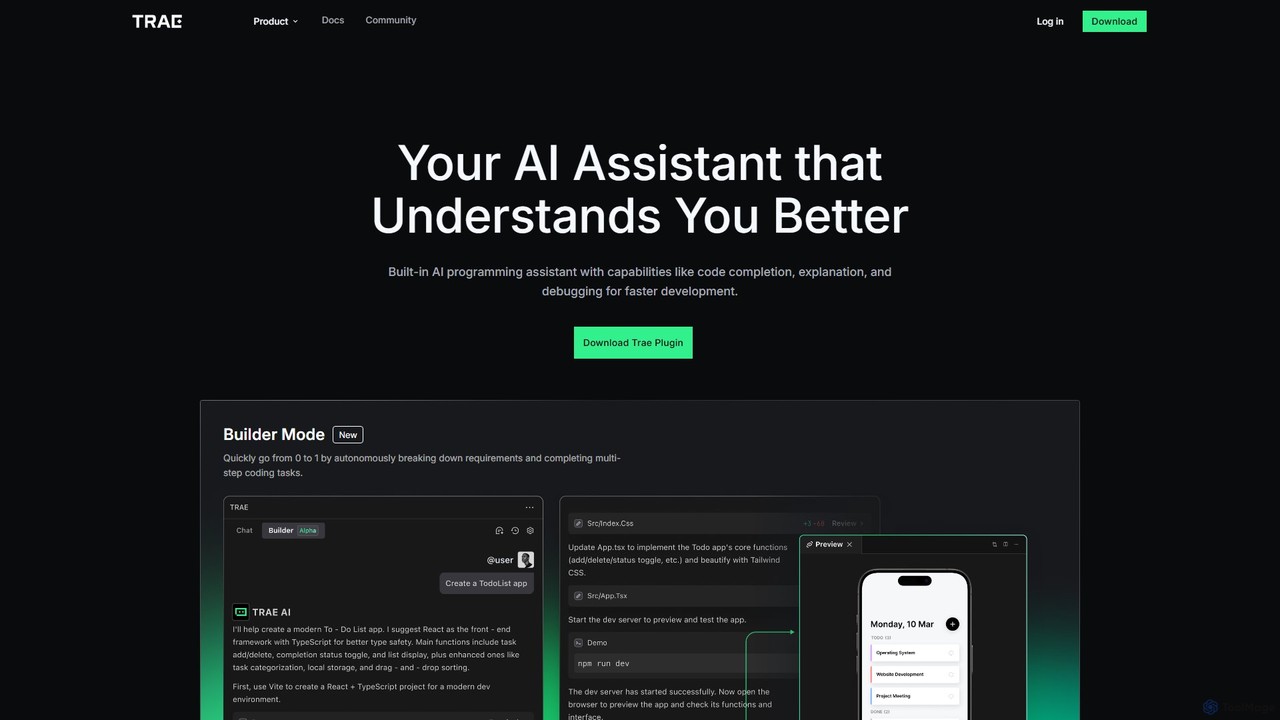
MarsCode Trae Overview
MarsCode Trae is a sophisticated AI-powered programming assistant designed to integrate seamlessly into the development workflow. As a plugin for popular IDEs like Visual Studio Code and JetBrains, Trae acts as an intelligent pair programmer, helping developers write better code, faster. It understands complex programming requirements and provides a comprehensive suite of tools to accelerate every stage of the software development lifecycle, from initial design to testing and documentation.
The core philosophy behind MarsCode Trae is to augment human intelligence, not replace it. It handles repetitive, time-consuming, and complex tasks, freeing up developers to focus on creative problem-solving and high-level architecture. With support for over 100 languages and deep optimization for major ones like Python, JavaScript, Java, and Go, Trae is a versatile tool for individual developers, teams, and large enterprises.
How to use MarsCode Trae
Getting started with MarsCode Trae is straightforward and designed for quick integration into your existing environment. Here’s how to install and use it:
For Visual Studio Code:
- Open Visual Studio Code and navigate to the Extensions view by clicking the icon in the left sidebar.
- In the search bar, type "Trae" or "MarsCode Trae".
- Find the Trae Plugin in the search results and click the "Install" button.
- After installation, restart or reload VS Code.
- Log in to your MarsCode account via the Trae icon in the sidebar to activate the AI features and start coding.
For JetBrains IDEs (IntelliJ IDEA, PyCharm, etc.):
- Open your JetBrains IDE and go to Settings/Preferences.
- Select "Plugins" from the left-hand menu.
- Go to the "Marketplace" tab and search for "Trae".
- Click "Install" and restart the IDE when prompted.
- Once restarted, log in to your account to begin using the AI assistant.
Once installed, you can access Trae's features through inline code suggestions, right-click context menus, or the dedicated Trae panel in your IDE.
Core Features of MarsCode Trae
- Builder Mode: An autonomous agent that can understand high-level requirements, break them down into smaller steps, and complete multi-step coding tasks from scratch.
- Intelligent Code Completion: Provides context-aware, single-line, or full-function code suggestions as you type. It can also generate entire code snippets from natural language comments.
- Unit Test Generation: Automatically creates unit tests for selected functions or classes, helping to increase test coverage and ensure code reliability.
- AI Fix: Identifies and corrects bugs in your code with a single click, significantly speeding up the debugging process.
- Code Explanation: Offers clear, line-by-line or block-level explanations of complex code, making it easier to understand legacy projects or unfamiliar libraries.
- Documentation Generation: Automatically generates professional documentation (like docstrings) for your functions and methods, improving code readability and maintainability.
- AI Q&A: An integrated chat interface optimized for programming questions. Ask about algorithms, language syntax, or library usage directly within your IDE and get precise, context-aware answers.
Use Cases for MarsCode Trae
Rapid Prototyping: Use Builder Mode to quickly scaffold new applications or features based on a simple description, going from idea to functional code in minutes.
Legacy Code Modernization: Employ Code Explanation to understand complex, undocumented codebases and use AI Fix and test generation to safely refactor and improve them.
Test-Driven Development (TDD): Accelerate your TDD workflow by instantly generating boilerplate unit tests for your functions, allowing you to focus on writing the test logic.
Learning and Onboarding: New developers can use AI Q&A and Code Explanation to quickly get up to speed on a new programming language, framework, or existing project.
Daily Coding Enhancement: Leverage code completion and documentation generation to streamline everyday coding tasks, reduce typos, and maintain high-quality, well-documented code.
Advantages of MarsCode Trae
Massive Productivity Boost: By automating routine tasks like writing boilerplate code, tests, and documentation, Trae allows developers to focus on more critical aspects of development.
Improved Code Quality: Features like AI Fix and unit test generation lead to more robust, reliable, and bug-free code.
Seamless Workflow Integration: As a plugin for major IDEs, Trae works within the developer's existing environment, eliminating the need for context switching.
Broad Language Support: With proficiency in over 100 languages, Trae is a valuable asset for any project, regardless of the tech stack.
Reduced Learning Curve: The tool helps developers understand new or complex code faster, facilitating easier onboarding and cross-team collaboration.
Pricing and Plans
MarsCode Trae typically operates on a freemium model. This includes a generous free tier that provides access to core AI features for individual developers and students. For professionals, teams, and enterprises requiring more advanced capabilities, higher usage limits, and priority support, there are paid subscription plans available. For the most accurate and up-to-date pricing information, please visit the official MarsCode website.
Traffic
Latest traffic
Status
Monthly traffic trend
- 2026-1: 105.4K
- 2026-2: 85.8K
- 2026-3: 81.3K
- 2026-4: 84.6K
- 2026-5: 69.3K
Geography
Top 5 countries / regions
- 🇨🇳China56.4%
- 🇺🇸United States16.6%
- 🇭🇰Hong Kong SAR China11.4%
- 🇧🇷Brazil8.0%
- 🇻🇳Vietnam7.7%
Traffic sources
| Source type | Percentage |
|---|---|
Direct | 59.7% |
Referral | 40.3% |
Top keywords
| Keyword | Cost per click |
|---|---|
| marsacode.com api | $0.00 |
| marscode | $7.61 |
| trae | $3.74 |
| trae ai | $2.90 |
| 豆包 marscode | $0.00 |
MarsCode Trae Alternatives
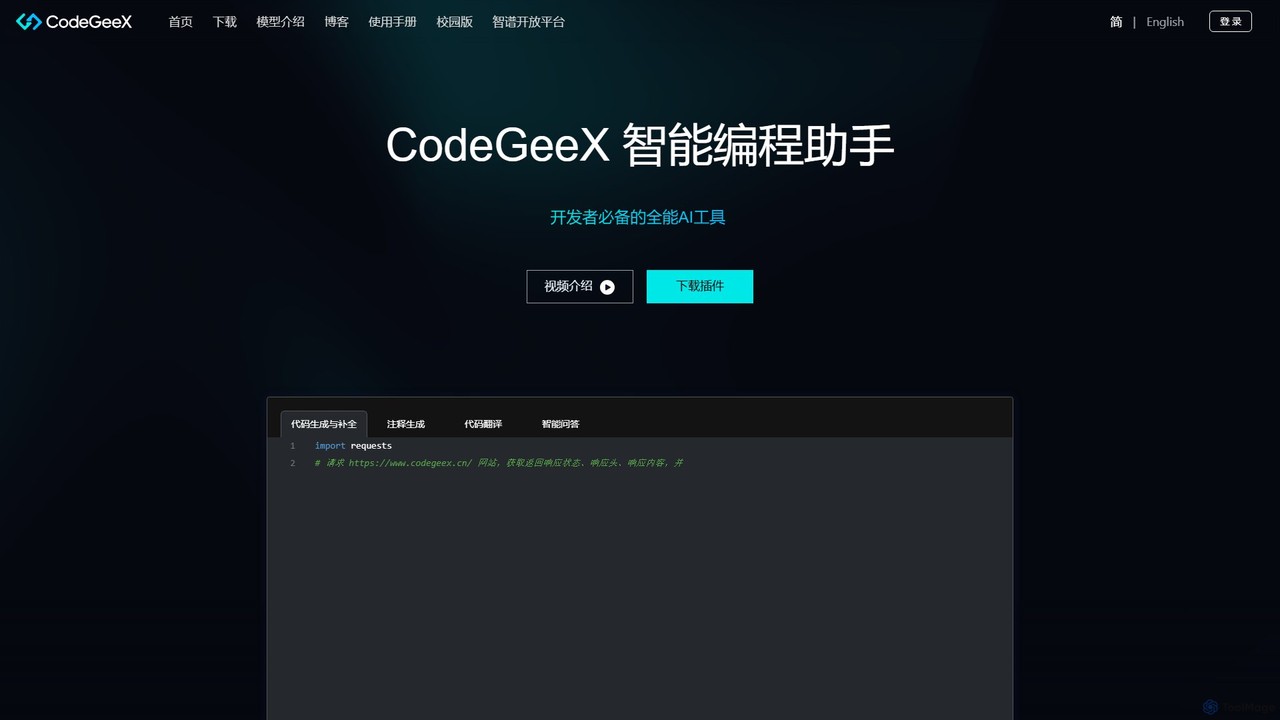
CodeGeeX
CodeGeeX is a powerful, free AI-powered coding assistant designed to boost developer productivity. It offers intelligent code generation and completion, code translation across multiple languages, automatic comment generation, and an interactive Q&A feature, all seamlessly integrated into your favorite IDE.
Code Generation
Devgen
Devgen is an AI-powered coding assistant designed to accelerate the software development lifecycle. It helps developers write better code faster by providing intelligent code generation, completion, refactoring, and automated testing, directly within their IDE.
Code Assistant
CodeWiz
CodeWiz is an AI-powered coding assistant designed to accelerate software development. It integrates into your IDE to provide intelligent code completion, real-time debugging, code explanation, and automated test generation, helping developers write better code faster and with fewer errors.
Code Assistant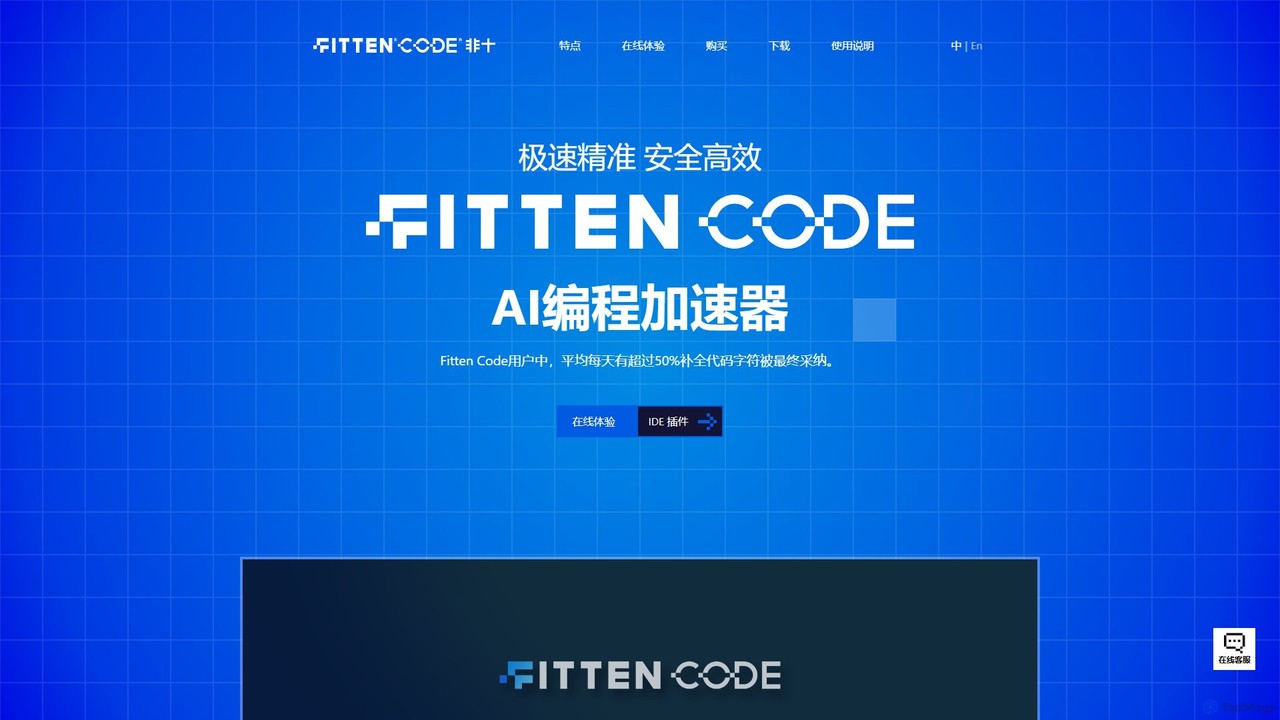
Fitten Code
Fitten Code is a next-generation AI programming assistant designed to accelerate software development. It offers ultra-fast code completion, intelligent Q&A, automated unit test generation, and code optimization. Built by a Tsinghua PhD team, it supports major IDEs and languages, significantly boosting developer productivity while ensuring data privacy.
Code Generation
jetcode.app
jetcode.app is an AI-powered coding assistant designed to accelerate software development. It helps developers write, debug, and optimize code faster by providing intelligent code generation, real-time completion, and powerful refactoring tools directly within their IDE.
Code AssistantMarsCode Trae Categories
MarsCode Trae Embed Widget
Copy this embed code to place the badge on your blog, article, or product site and send readers directly to this ToolMage detail page.

Related AI tools
Devgen
Devgen is an AI-powered coding assistant designed to accelerate the software development lifecycle. It helps developers write better code faster by providing intelligent code generation, completion, refactoring, and automated testing, directly within their IDE.
Code AssistantCodeWiz
CodeWiz is an AI-powered coding assistant designed to accelerate software development. It integrates into your IDE to provide intelligent code completion, real-time debugging, code explanation, and automated test generation, helping developers write better code faster and with fewer errors.
Code AssistantCodeGeeX
CodeGeeX is a powerful, free AI-powered coding assistant designed to boost developer productivity. It offers intelligent code generation and completion, code translation across multiple languages, automatic comment generation, and an interactive Q&A feature, all seamlessly integrated into your favorite IDE.
Code GenerationFitten Code
Fitten Code is a next-generation AI programming assistant designed to accelerate software development. It offers ultra-fast code completion, intelligent Q&A, automated unit test generation, and code optimization. Built by a Tsinghua PhD team, it supports major IDEs and languages, significantly boosting developer productivity while ensuring data privacy.
Code Generationjetcode.app
jetcode.app is an AI-powered coding assistant designed to accelerate software development. It helps developers write, debug, and optimize code faster by providing intelligent code generation, real-time completion, and powerful refactoring tools directly within their IDE.
Code Assistant
Buildt
Buildt is an AI-powered code search and understanding tool for developers. It integrates directly into your IDE, allowing you to search your entire codebase using natural language, understand complex code snippets, and generate or modify code on the fly, acting as an intelligent assistant.
Code Generation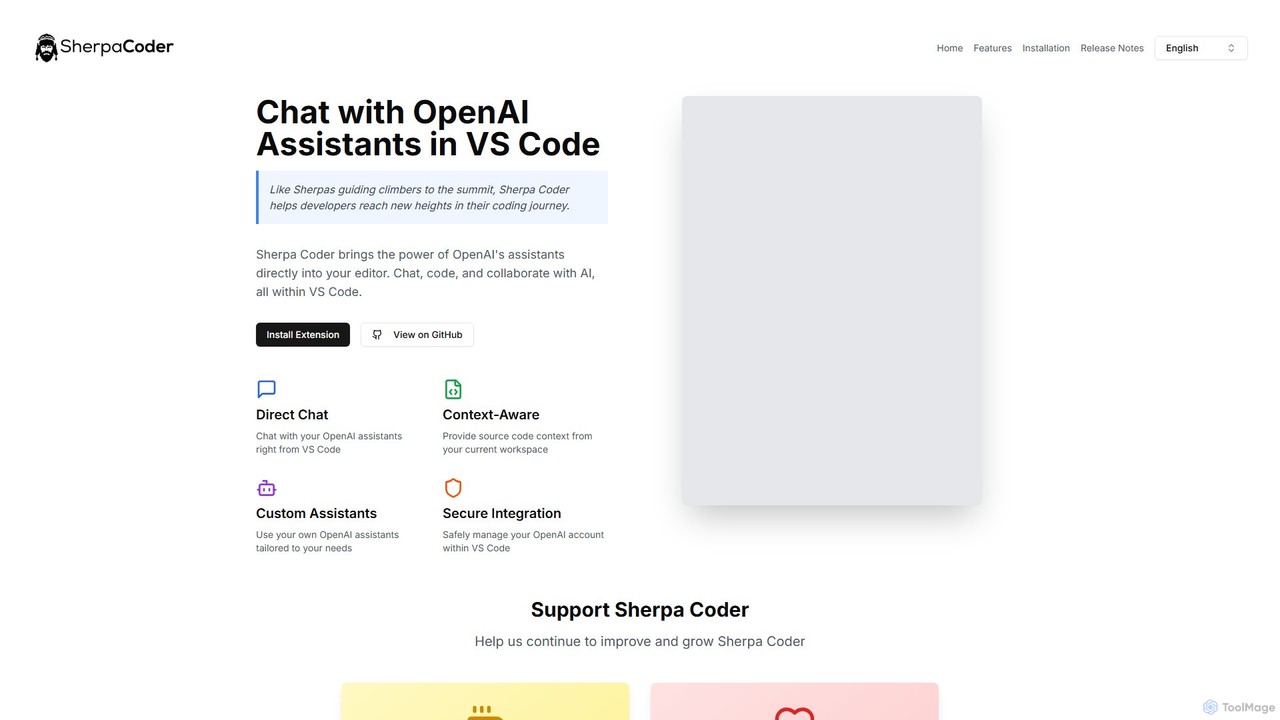
Sherpa Coder
Sherpa Coder is a free VS Code extension that integrates OpenAI Assistants directly into your editor. It enhances developer productivity by enabling context-aware chat, custom AI assistant usage, and seamless collaboration with AI for coding, debugging, and learning, all within the VS Code environment.
Code Generation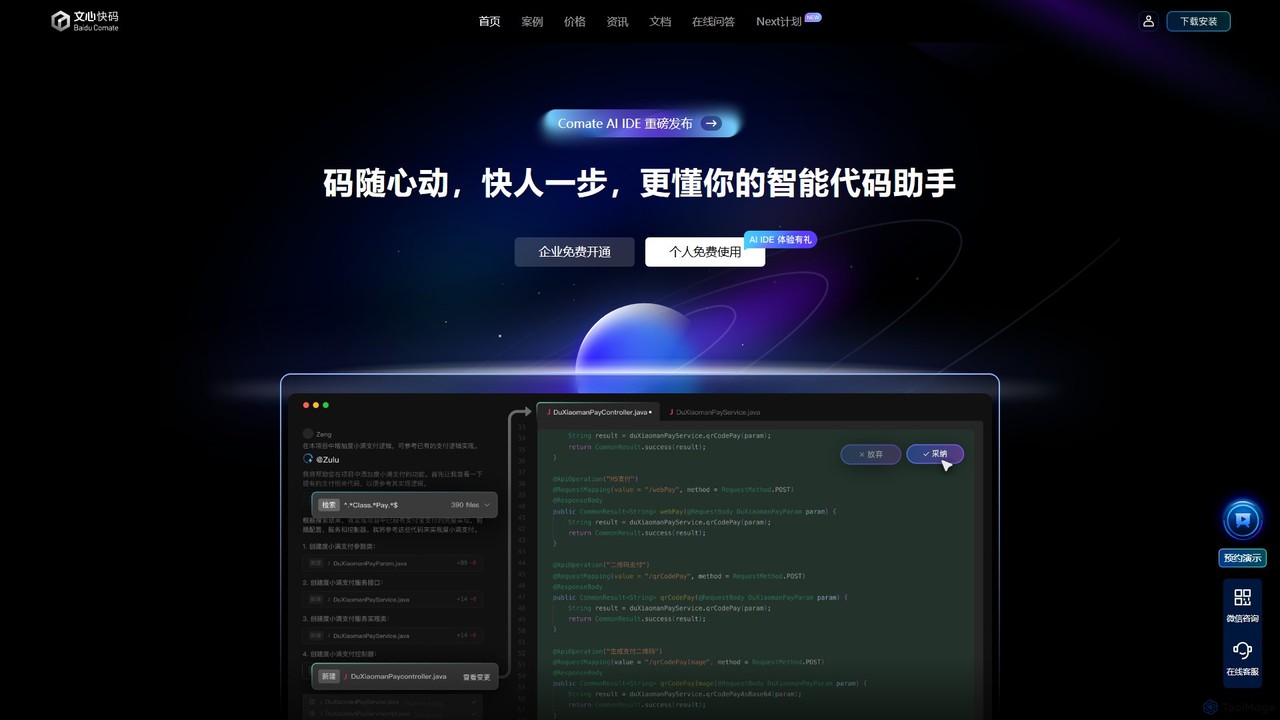
Baidu Comate
Baidu Comate is an intelligent AI code assistant powered by Baidu's Wenxin large language model. It integrates seamlessly into IDEs like VS Code and JetBrains to provide real-time code completion, code generation from natural language, bug fixing, and unit test creation, significantly boosting developer productivity.
Code Generation
Codeium
Codeium is a free, AI-powered toolkit for developers, offering lightning-fast code completion and an in-editor chat assistant. As a leading alternative to GitHub Copilot, it supports over 70 languages and integrates with more than 40 IDEs to accelerate software development.
Code Generation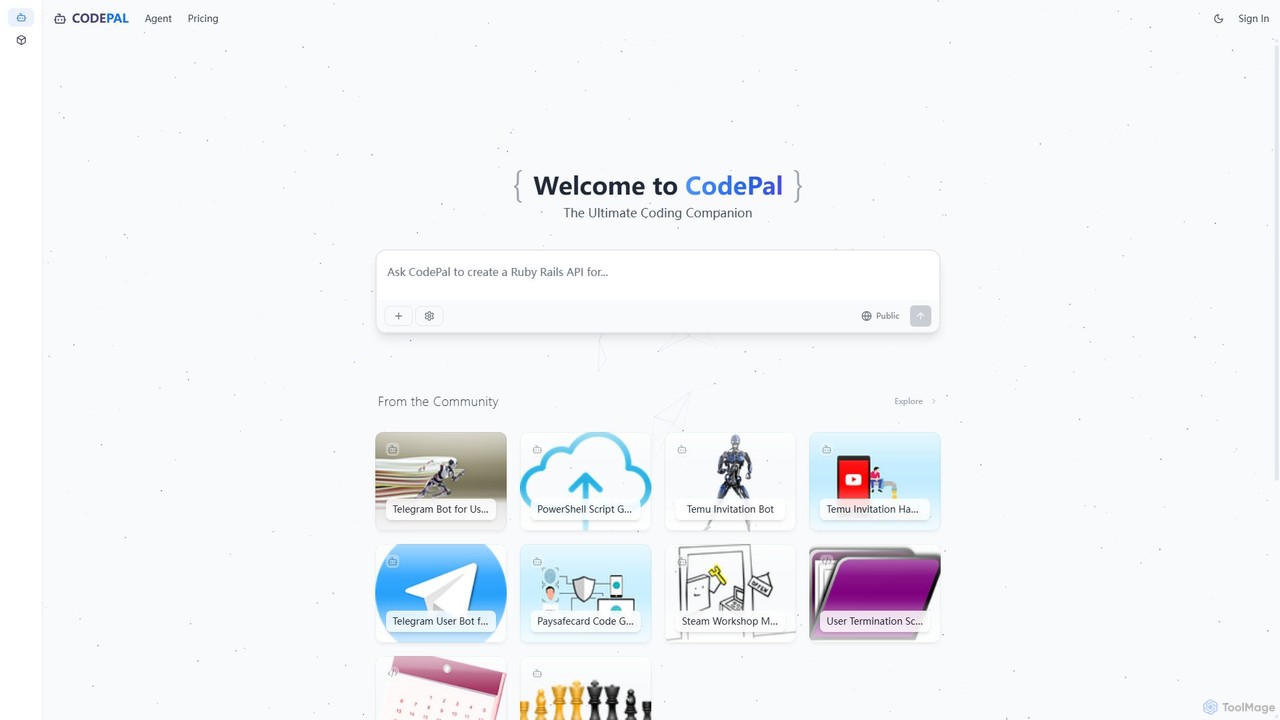
CodePal
A powerful AI coding companion and autonomous engineer that integrates directly into GitHub. Automate code reviews, generate documentation, resolve issues, and write unit tests with simple commands to accelerate your development workflow.
Code Assistant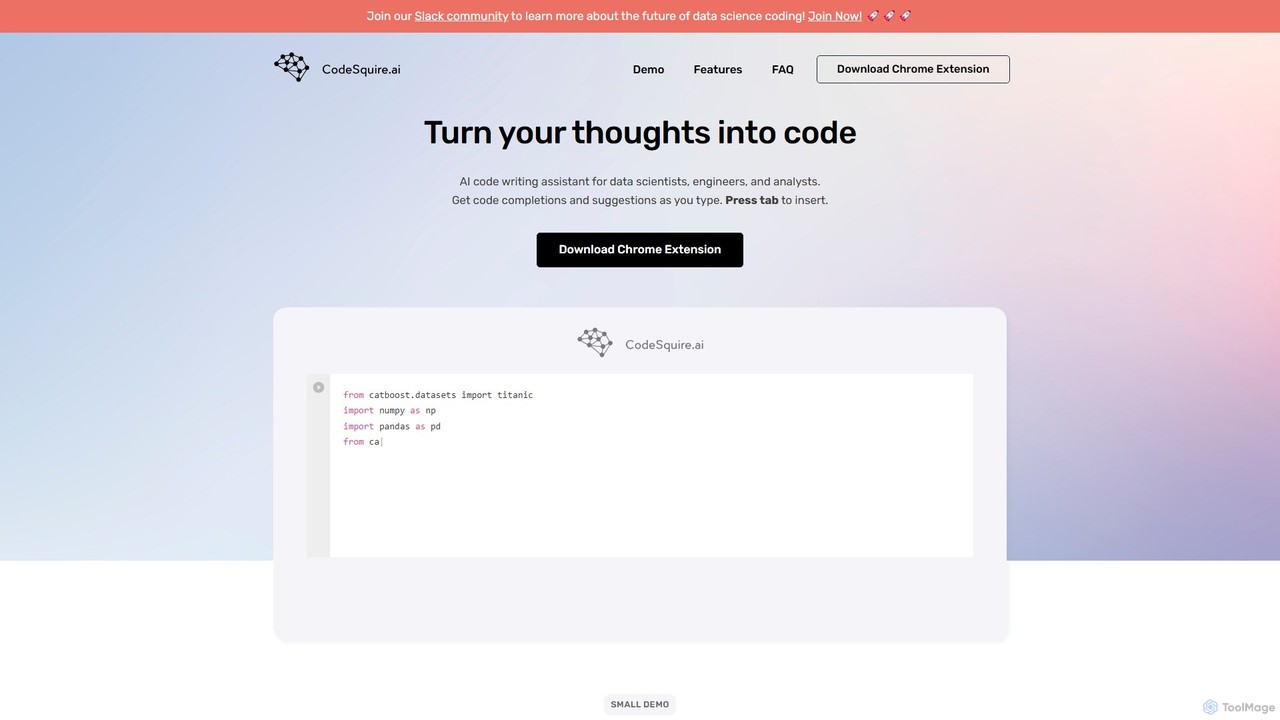
CodeSquire
CodeSquire is an AI-powered code writing assistant designed for data scientists, engineers, and analysts. It accelerates development by turning natural language comments into code, generating complex functions, writing SQL queries, and providing intelligent code completions directly within your favorite web-based environments.
Machine Learning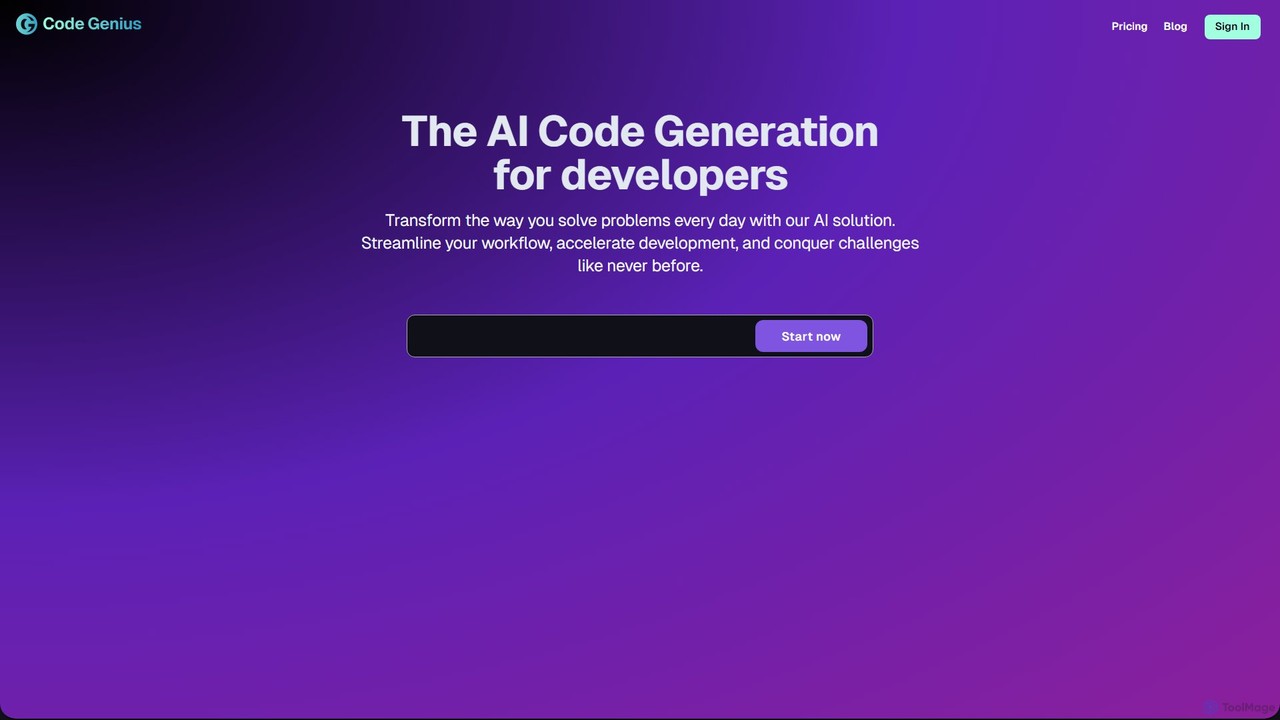
Code Genius
Code Genius is an AI-powered coding assistant designed for developers. It accelerates development by generating code, creating unit tests, optimizing performance, and acting as a 24/7 pair programmer. It supports popular frameworks like React, Vue.js, and Tailwind CSS.
Code Assistant
codimite
Codimite is an AI-powered coding assistant designed to accelerate the software development lifecycle. It acts as a pair programmer, helping developers write, debug, and optimize code faster with features like intelligent code completion, natural language-to-code generation, and automated bug fixing, integrating directly into your favorite IDE.
Code Generation
Safurai
Safurai is an AI-powered IDE extension that acts as a virtual assistant for software developers. It helps with coding, debugging, and refactoring, aiming to streamline the development process and improve code quality directly within your favorite IDE like VS Code and JetBrains.
Code Generation
Lingma
Lingma is an AI-powered coding assistant from Alibaba Cloud, designed to enhance developer productivity. It offers intelligent code generation, real-time completion, code explanation, error diagnosis, and an autonomous programming agent that can handle complex coding tasks across multiple files. It supports over 200 languages and integrates seamlessly with major IDEs.
Programming
MarsCode Trae Comments (0)
Sign in to comment.
Sign inNo comments yet.