


Buildt Overview
Buildt is a revolutionary AI tool designed to function as an intelligent search engine and assistant for your codebase. It integrates seamlessly into development environments like VS Code, transforming how developers interact with, understand, and write code. Instead of relying on keyword-based searches (like Ctrl+F), Buildt allows you to use natural language to find code based on its functionality. You can ask questions like "how do we handle user authentication?" or "where is the database connection logic?", and Buildt will pinpoint the exact code snippets across your entire repository, regardless of how the functions are named.
This tool is built to tackle the challenges of navigating large, complex, or unfamiliar codebases. It significantly accelerates the development process by reducing the time spent on searching and deciphering code. For new team members, Buildt acts as an always-on guide, dramatically shortening the onboarding period. For seasoned developers, it's a powerful productivity multiplier, allowing them to focus on building features rather than getting lost in the code.
How to use Buildt
Using Buildt is designed to be intuitive and fit directly into a developer's existing workflow. Here’s a typical process:
- Installation: Start by installing the Buildt extension from the VS Code Marketplace.
- Project Indexing: Once installed, open your project folder. Buildt will ask for permission to index your codebase. This process happens locally, ensuring your code remains private and secure.
- Natural Language Search: Open the Buildt sidebar and type your query in plain English. For example, you could ask, "find the function that processes Stripe payments" or "show me all API endpoints related to user profiles."
- Code Explanation: If you encounter a complex piece of code, simply highlight it, right-click, and select "Explain with Buildt." The AI will provide a clear, human-readable summary of what the code does, its inputs, and its outputs.
- Code Generation and Modification: You can also ask Buildt to write new code or refactor existing blocks. For instance, you could highlight a function and ask it to "add error handling to this function" or "refactor this to be more efficient."
Core Features of Buildt
- AI-Powered Semantic Search: Search your codebase by describing the functionality you're looking for, not just by matching keywords.
- Natural Language Understanding: Ask complex questions about your code in plain English and get precise, relevant answers.
- In-IDE Integration: Works directly within VS Code as an extension, eliminating the need to switch contexts.
- Code Explanation: Instantly generate clear explanations for any selected code block, making it easy to understand legacy or complex logic.
- Code Generation & Refactoring: Generate boilerplate code, new functions, or get suggestions for improving existing code with simple prompts.
- Repository-Wide Context: The AI understands the relationships between different files and modules in your entire project, providing more accurate and context-aware results.
- Local and Secure: Code indexing and analysis are performed locally on your machine, ensuring your intellectual property remains private.
Use Cases for Buildt
Buildt is versatile and valuable in numerous development scenarios:
- Onboarding New Engineers: New hires can get up to speed on a complex codebase in days instead of weeks by asking Buildt questions and exploring the code interactively.
- Maintaining Legacy Systems: Developers can quickly understand and safely modify old, poorly documented code without extensive reverse-engineering.
- Complex Feature Development: Quickly find relevant internal APIs, helper functions, and data structures needed to build a new feature.
- Debugging: Locate the source of bugs faster by searching for related logic, error messages, or functionality described in a bug report.
- Code Reviews: Use the code explanation feature to better understand pull requests and provide more insightful feedback.
Advantages of Buildt
The primary advantage of Buildt is a massive boost in developer productivity. It minimizes time wasted on code navigation and comprehension, allowing engineers to focus on creative problem-solving. It democratizes codebase knowledge, reducing reliance on senior developers for simple questions. This leads to faster development cycles, easier maintenance, and a smoother onboarding experience for the entire team. Its focus on privacy through local processing also makes it a secure choice for enterprises.
Pricing and Plans
Buildt typically offers a freemium pricing model to cater to different users:
- Free Plan: Aimed at individual developers and students, offering core search and explanation features with certain usage limits.
- Pro Plan: Designed for professional developers, providing unlimited queries, advanced features, and priority support.
- Team/Enterprise Plan: For development teams and organizations, including all Pro features plus collaborative tools, centralized billing, and dedicated enterprise support.
Buildt Alternatives
Repodex
Repodex is an AI-powered code intelligence platform that helps developers and teams search, understand, and manage their code repositories. Using natural language, you can find code, get explanations, and generate documentation instantly.
Code Generation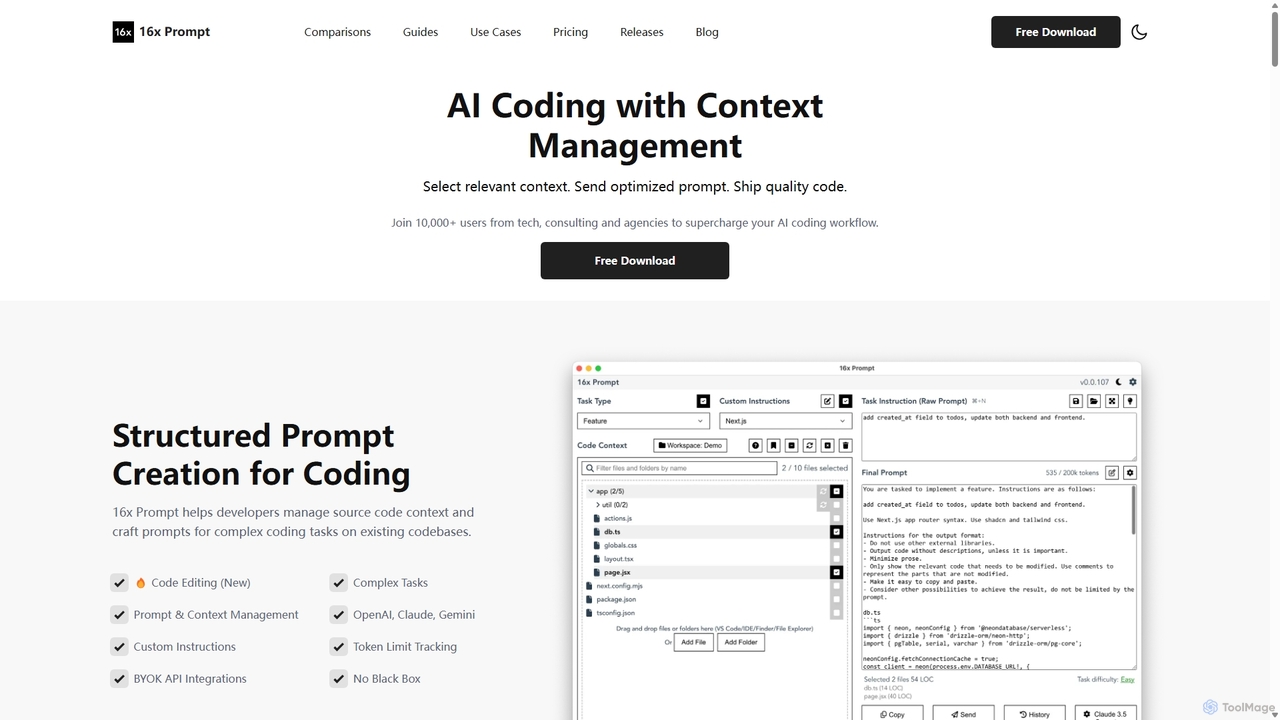
16x Prompt
16x Prompt is a desktop application for developers that enhances AI-assisted coding by enabling advanced context management. It helps you compose complex, context-rich prompts from task instructions and multiple source code files to get superior code generation from any LLM, all while running locally to ensure data privacy and IP protection.
Code Generation
Plandex
Plandex is an open-source, terminal-based AI coding agent designed for complex, large-scale software development tasks. It excels at handling large projects and files with its 2M token context window. Featuring a diff review sandbox, configurable autonomy, and multi-model support, Plandex empowers developers to build, debug, and refactor entire applications with AI assistance, ensuring control and productivity in a dev-friendly workflow.
Code Generation
CodeWiz
CodeWiz is an AI-powered coding assistant designed to accelerate software development. It integrates into your IDE to provide intelligent code completion, real-time debugging, code explanation, and automated test generation, helping developers write better code faster and with fewer errors.
Code Assistant
Devgen
Devgen is an AI-powered coding assistant designed to accelerate the software development lifecycle. It helps developers write better code faster by providing intelligent code generation, completion, refactoring, and automated testing, directly within their IDE.
Code AssistantBuildt Categories
Buildt Jobs
Buildt Embed Widget
Copy this embed code to place the badge on your blog, article, or product site and send readers directly to this ToolMage detail page.

Related AI tools
CodeWiz
CodeWiz is an AI-powered coding assistant designed to accelerate software development. It integrates into your IDE to provide intelligent code completion, real-time debugging, code explanation, and automated test generation, helping developers write better code faster and with fewer errors.
Code AssistantPlandex
Plandex is an open-source, terminal-based AI coding agent designed for complex, large-scale software development tasks. It excels at handling large projects and files with its 2M token context window. Featuring a diff review sandbox, configurable autonomy, and multi-model support, Plandex empowers developers to build, debug, and refactor entire applications with AI assistance, ensuring control and productivity in a dev-friendly workflow.
Code Generation16x Prompt
16x Prompt is a desktop application for developers that enhances AI-assisted coding by enabling advanced context management. It helps you compose complex, context-rich prompts from task instructions and multiple source code files to get superior code generation from any LLM, all while running locally to ensure data privacy and IP protection.
Code GenerationRepodex
Repodex is an AI-powered code intelligence platform that helps developers and teams search, understand, and manage their code repositories. Using natural language, you can find code, get explanations, and generate documentation instantly.
Code GenerationDevgen
Devgen is an AI-powered coding assistant designed to accelerate the software development lifecycle. It helps developers write better code faster by providing intelligent code generation, completion, refactoring, and automated testing, directly within their IDE.
Code Assistant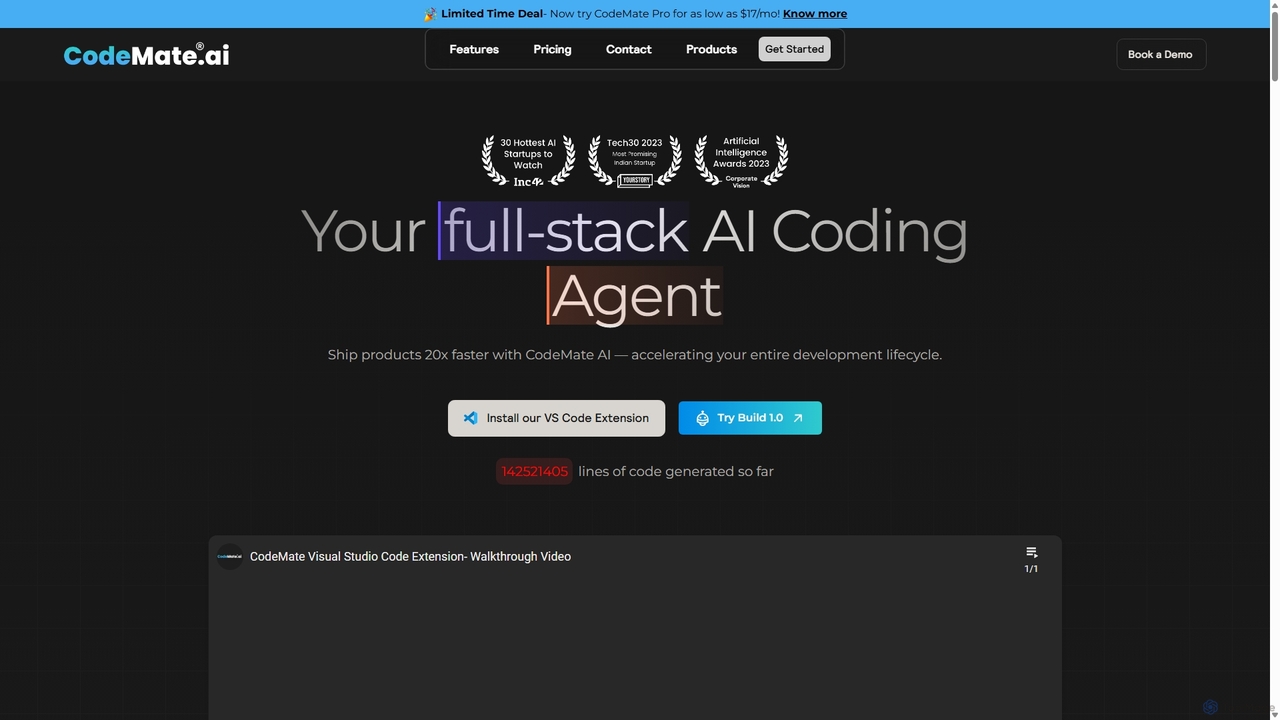
CodeMate
CodeMate is a secure, personalized AI pair programmer designed to enhance developer productivity. It assists with debugging, reviewing, and optimizing code, offering context-aware chat and seamless integration with IDEs like VS Code to help developers build software up to 20x faster.
Code Assistant
Amp
Amp is a frontier AI coding agent designed for developers. It operates as a CLI and within IDEs like VS Code, automating complex tasks such as code editing, debugging, and refactoring. Amp leverages the latest AI models to provide autonomous reasoning and execution, enhancing developer productivity through features like subagents, an Oracle for complex analysis, and deep IDE integration.
Code Assistant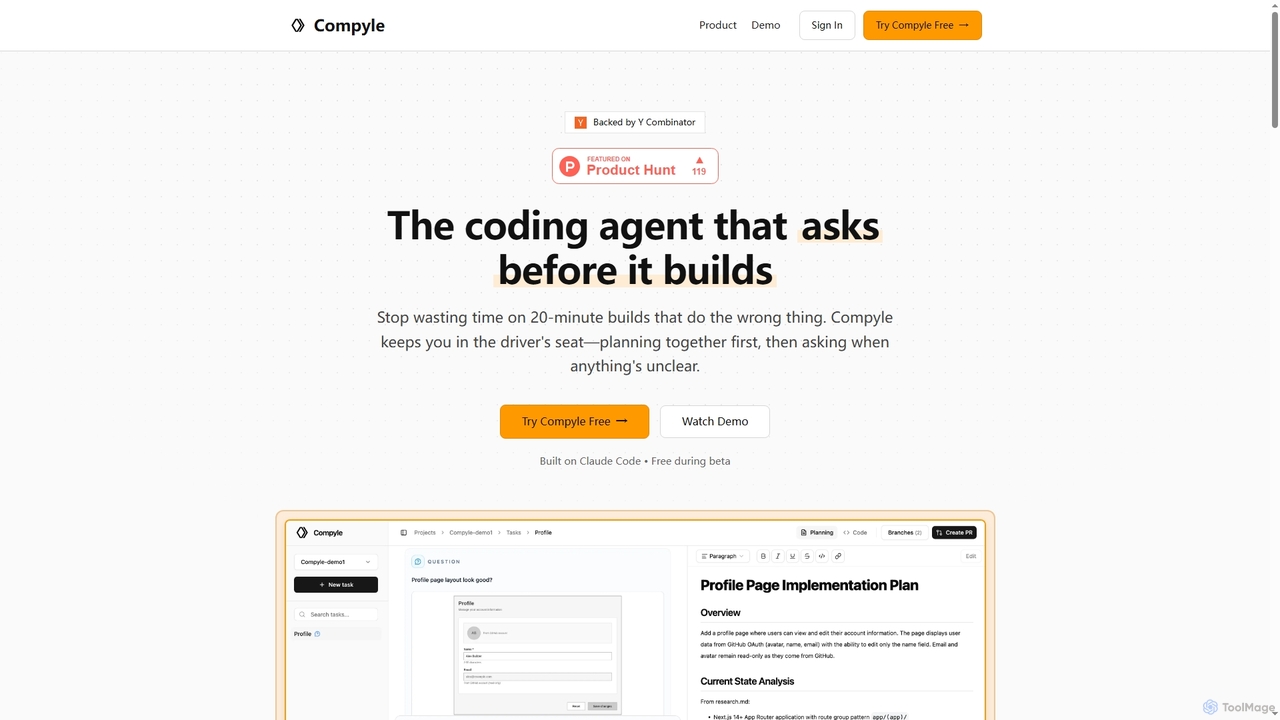
Compyle
Compyle is an interactive AI coding agent that builds software by collaborating with developers. It researches your existing codebase, creates a detailed plan by asking clarifying questions, and implements features without making assumptions, ensuring the final code perfectly matches your intent.
Code Assistant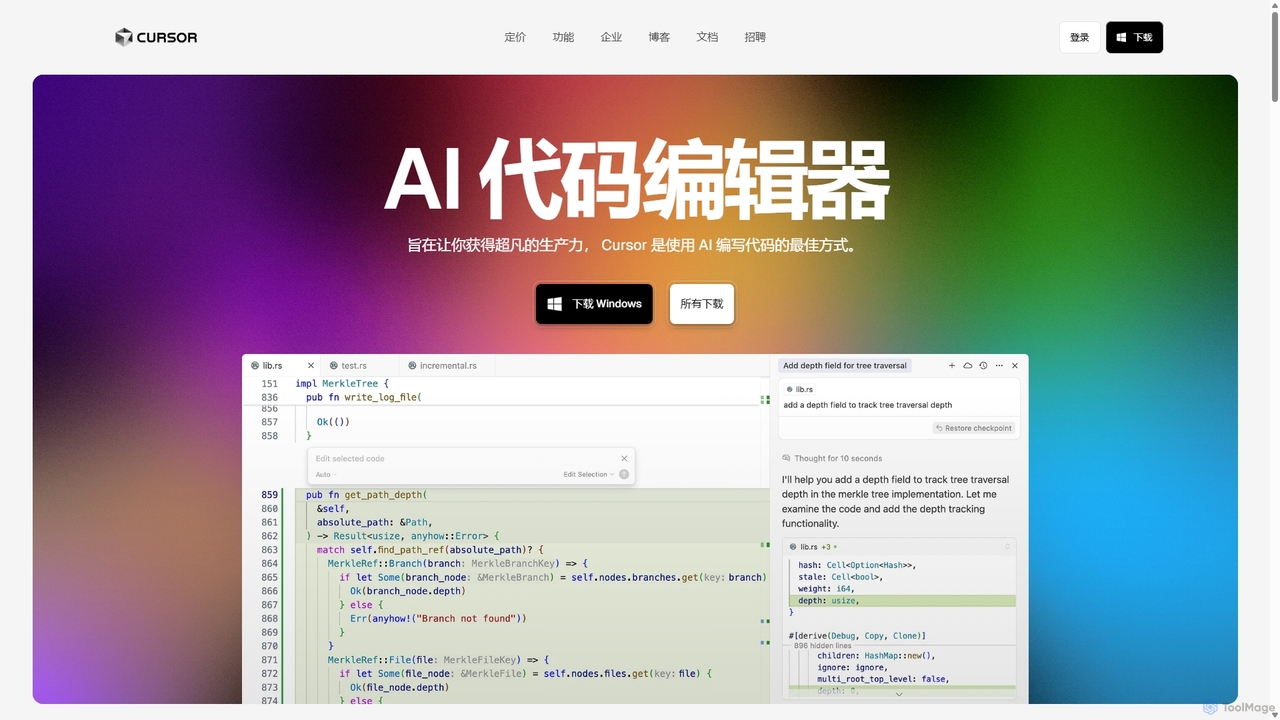
Cursor
Cursor is an AI-first code editor designed for pair-programming with artificial intelligence. Built as a fork of VS Code, it offers a familiar environment supercharged with advanced AI capabilities for code generation, editing, debugging, and codebase comprehension, aiming to significantly boost developer productivity.
Code Assistant
Aider
Aider is an AI-powered pair programmer that operates directly in your terminal. It intelligently maps your entire codebase, providing full project context for complex tasks. Seamlessly integrated with Git, it automates commits and allows you to manage AI-driven changes with familiar tools. Aider supports over 100 programming languages, connects to leading cloud and local LLMs, and even accepts voice and image inputs, making it a versatile and powerful assistant for any developer seeking to accelerate their workflow and improve code quality.
Programming
Codebay
Codebay is an AI-powered development platform designed to accelerate the entire software lifecycle. It acts as an intelligent co-pilot for developers, offering advanced features for code generation, automated review, intelligent debugging, and seamless integration with existing workflows to enhance productivity and code quality.
Code Generation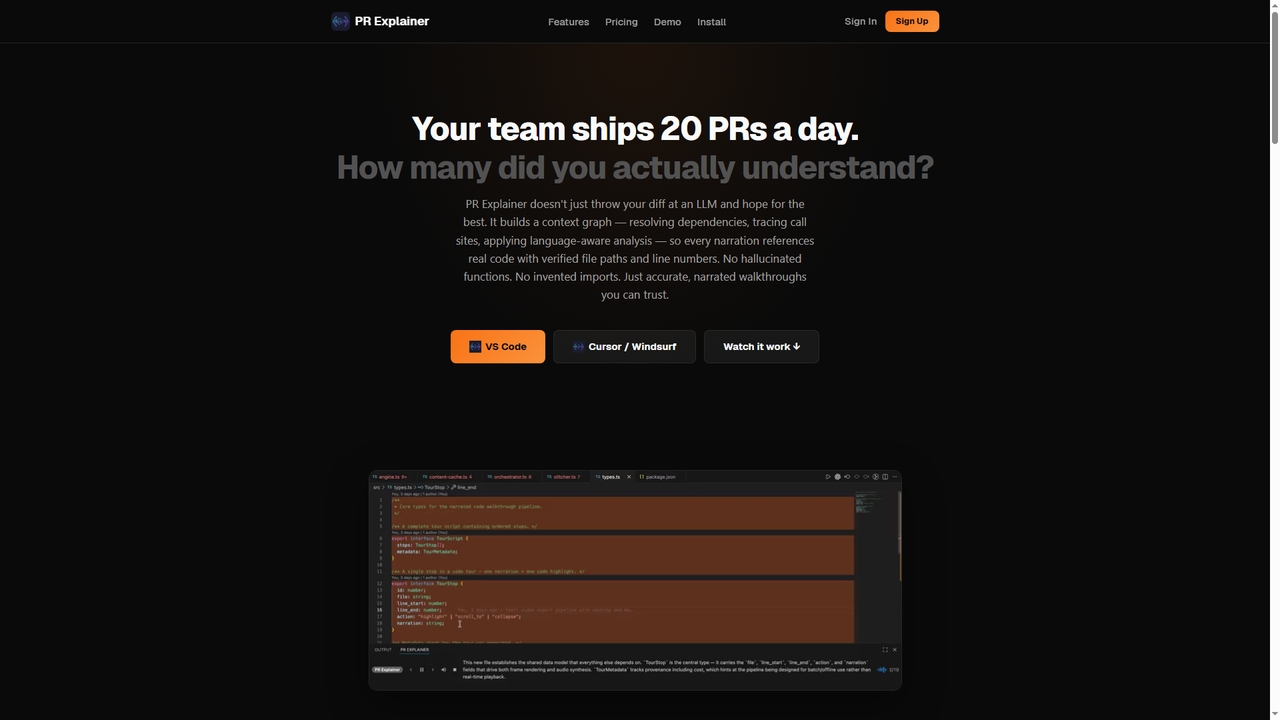
Prexplainer
Prexplainer is an AI-powered developer tool that automatically generates narrated code walkthroughs for pull requests (PRs). It transforms code diffs into engaging audio-visual tours with synchronized highlighting, helping teams understand changes faster without context switching.
Code Review
Enso
Enso is an AI-powered development environment designed for developers to parallelize intelligence across multiple AI agents within a single project. It integrates advanced Git control, a robust code editor, and AI-driven code review, offering a seamless workflow with persistent AI sessions for each branch.
Development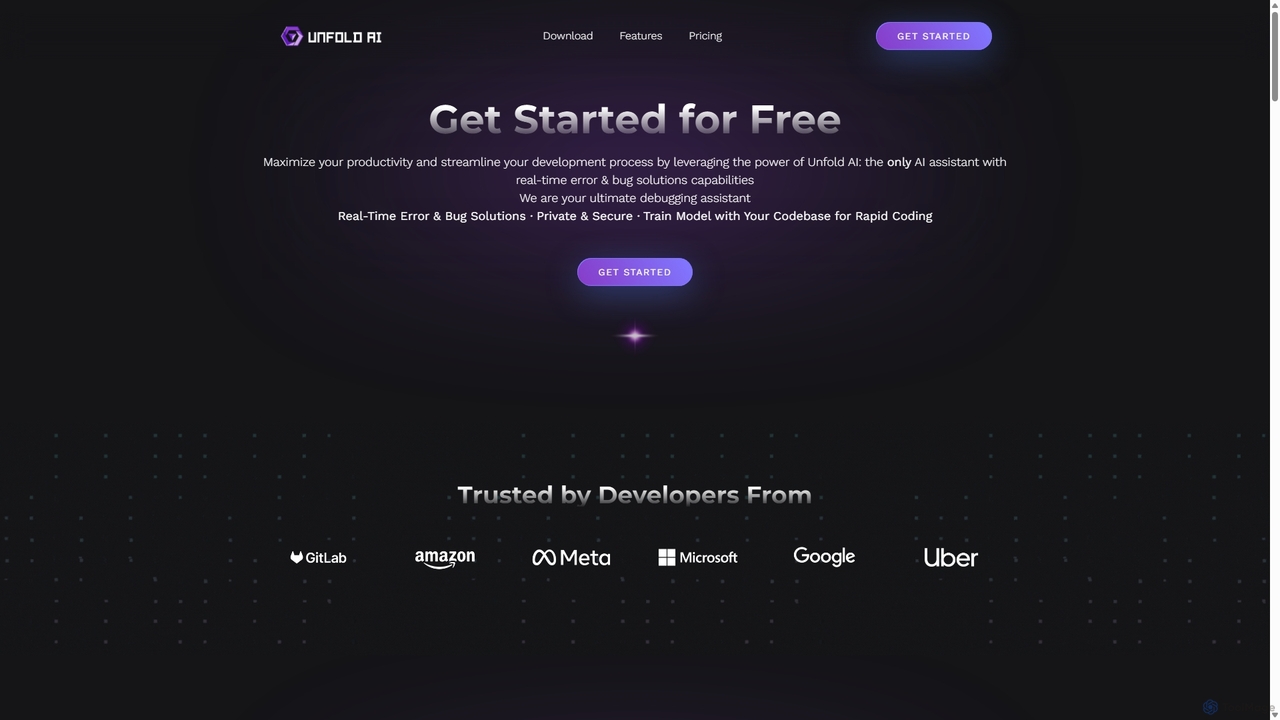
Unfold AI
Unfold AI is an all-in-one AI coding assistant designed for developers. It integrates into your IDE to provide real-time error and bug solutions, generate code from natural language, and complete code snippets. A key feature is its ability to be trained on your private codebase for highly customized and accurate assistance across 20+ programming languages.
Code Assistant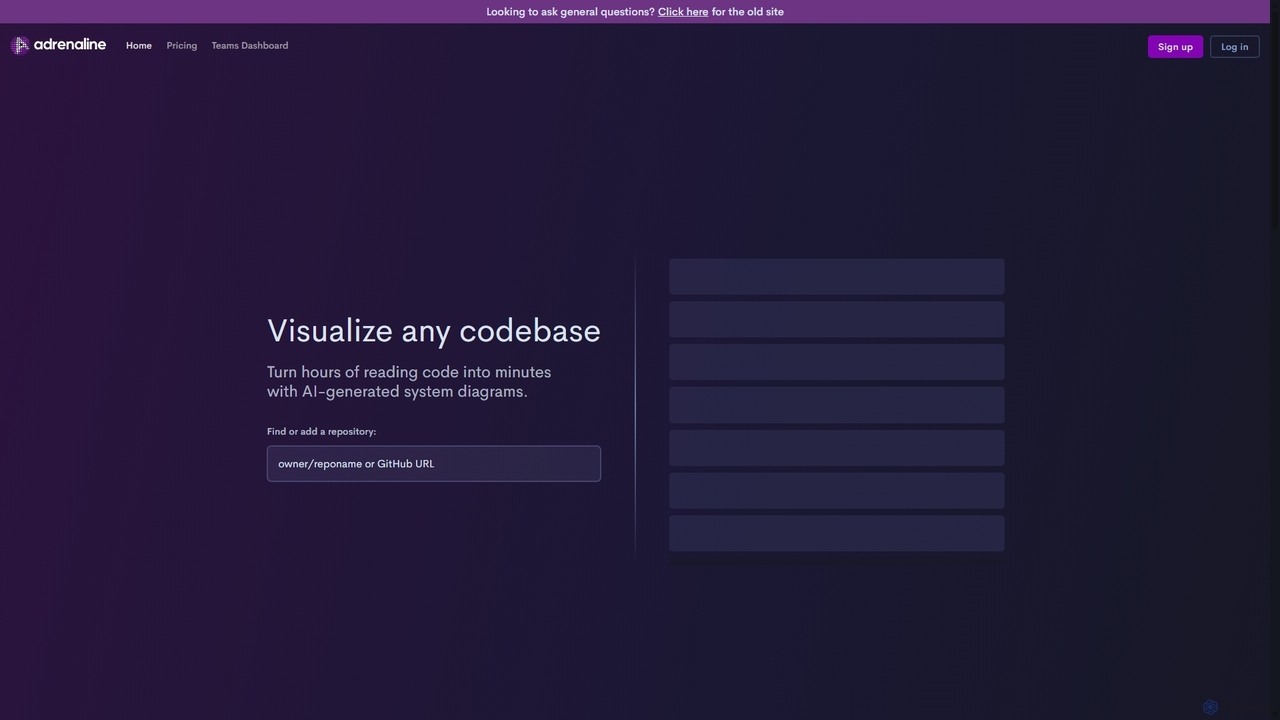
Adrenaline
Adrenaline is an AI-powered tool that transforms complex codebases into interactive, visual system diagrams. It automatically generates UML, sequence diagrams, and flowcharts, helping developers understand, document, and navigate any repository in minutes instead of hours.
Code Visualization
Buildt Comments (0)
Sign in to comment.
Sign inNo comments yet.