

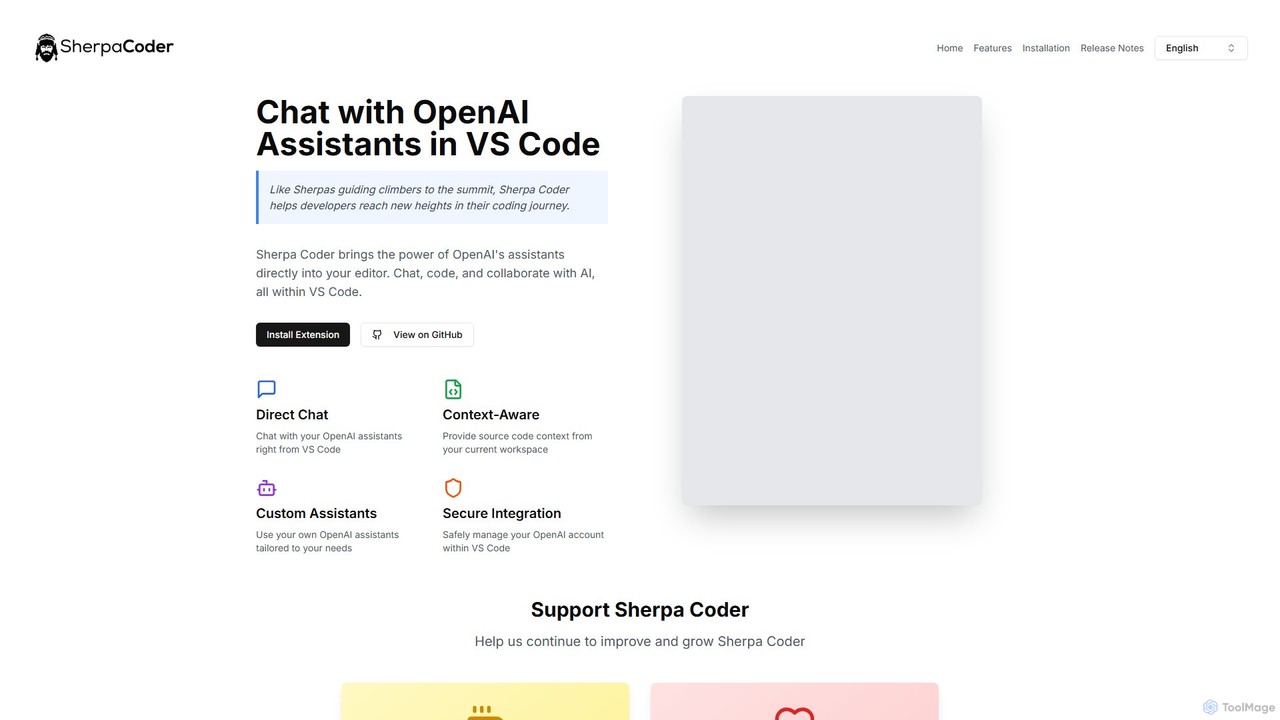
Sherpa Coder Overview
Sherpa Coder brings the power of OpenAI's advanced AI assistants directly into your Visual Studio Code editor, acting as an expert guide to help you navigate the complexities of software development. Much like a Sherpa guides a climber to a summit, this tool is designed to elevate your coding journey, making you more efficient, knowledgeable, and productive. It eliminates the need for constant context-switching between your editor and a browser, creating a seamless and integrated AI-assisted development workflow.
By integrating directly with your OpenAI account, Sherpa Coder allows you to leverage the full potential of various models for a wide range of tasks. You can chat with your AI assistant, ask for code snippets, debug complex issues, refactor existing code, or even learn new programming concepts without ever leaving your development environment. The extension is built with the modern developer in mind, focusing on performance, usability, and powerful features that genuinely enhance the coding experience.
How to use Sherpa Coder
Getting started with Sherpa Coder is straightforward and designed for a quick setup. Follow these steps to integrate this powerful AI assistant into your workflow:
- Installation: Open Visual Studio Code, navigate to the Extensions view (Ctrl+Shift+X), search for "Sherpa Coder," and click "Install."
- API Key Configuration: After installation, you'll need to configure the extension with your OpenAI API key. This is a one-time setup that securely connects the extension to your OpenAI account, giving you access to your assistants and models.
- Initiate a Chat: Open the Sherpa Coder panel from the VS Code activity bar. You can start a new conversation with a general-purpose assistant or select one of your custom-built OpenAI assistants tailored for specific tasks.
- Provide Context: To get highly relevant responses, you can highlight a block of code in your editor and use a command to send it as context to the AI. The assistant will then have a full understanding of the code you're working on, leading to more accurate suggestions and solutions.
- Interact and Iterate: Chat with the AI, ask for code modifications, explanations, or new functions. The responses, including code blocks, will appear directly in the chat window, ready to be copied and used in your project.
Core Features of Sherpa Coder
- Context-Aware Workspace Integration: Seamlessly provide files and code snippets from your current workspace as context to the AI. This ensures that the assistant's suggestions are highly relevant to your project's structure and logic.
- Custom OpenAI Assistants: Go beyond generic models by using your own custom assistants created in your OpenAI account. Tailor your AI partners for specific domains, coding styles, or project requirements.
- Direct Chat in VS Code: A native, responsive chat interface inside your editor eliminates the need to switch to external applications, keeping you focused and in the flow.
- Local Conversation Management: All your chat histories are stored locally on your machine, ensuring privacy and allowing you to easily revisit past conversations, solutions, and valuable advice.
- Slide Windows for Smooth Chats: An innovative feature that ensures chat sessions remain fast and responsive, even during very long conversations, preventing UI lag.
- Mathematical Expression Rendering: Automatically detects and beautifully renders mathematical expressions using KaTeX, which is ideal for data scientists, researchers, and anyone working with complex algorithms.
- Intelligent Code Highlighting: Code snippets shared in the chat are automatically identified and syntax-highlighted, significantly improving readability and making it easier to understand and debug.
Use Cases for Sherpa Coder
Sherpa Coder is a versatile tool that can be applied in numerous development scenarios:
- Code Generation and Autocompletion: Generate boilerplate code, complete functions, or write entire classes based on natural language descriptions.
- Debugging and Error Resolution: Paste error messages or problematic code blocks and ask the AI for a diagnosis and potential fixes.
- Code Refactoring and Optimization: Ask the assistant to refactor a complex function for better readability or to optimize a piece of code for performance.
- Learning and Knowledge Exploration: Ask for explanations of new language features, library functions, or complex programming paradigms without leaving your editor.
- Writing Documentation: Generate code comments, docstrings, and even sections for your `README.md` file to keep your project well-documented.
Advantages of Sherpa Coder
Using Sherpa Coder provides a distinct competitive edge. Its primary advantage is the deep integration within VS Code, which minimizes distractions and maximizes focus. The context-awareness feature makes it significantly more powerful than generic web-based chatbots. Being able to use custom assistants allows for a highly personalized and efficient workflow. Furthermore, as an open-source tool, it offers transparency and is free to use, with costs only related to your personal OpenAI API usage. The local storage of conversations also addresses privacy concerns.
Pricing and Plans
Sherpa Coder is a completely free and open-source extension. There are no subscription fees or hidden costs to use the tool itself. Users are only responsible for the costs associated with their own OpenAI API usage, which depends on the models used and the volume of interactions. The project is sustained by community support, and users who find the tool valuable are encouraged to contribute to its development on GitHub or make a small donation via the "Buy Us a Coffee" link on their website.
Sherpa Coder Alternatives

Safurai
Safurai is an AI-powered IDE extension that acts as a virtual assistant for software developers. It helps with coding, debugging, and refactoring, aiming to streamline the development process and improve code quality directly within your favorite IDE like VS Code and JetBrains.
Code Generation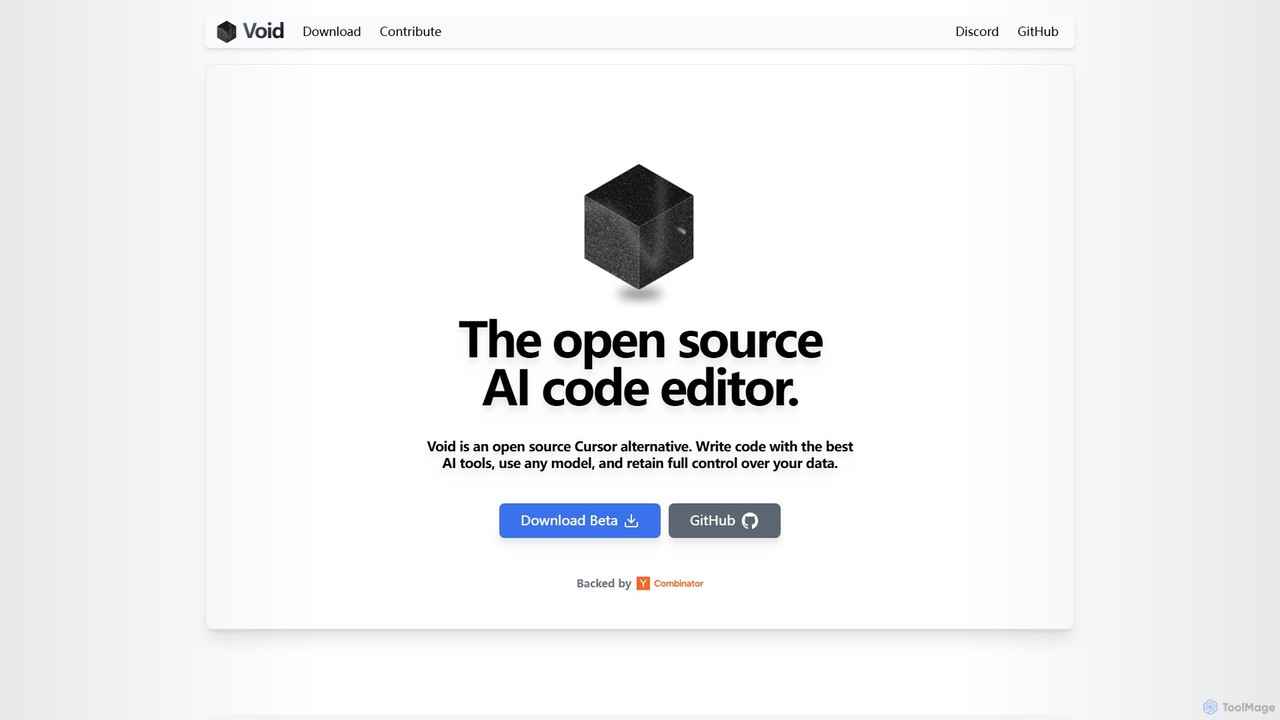
voideditor
Voideditor is a free, open-source AI code editor built as a fork of VS Code. It empowers developers with full control over their data and choice of AI models, supporting direct connections to any cloud or locally hosted LLM. It offers advanced features like AI chat, autocompletion, and agentic workflows to accelerate development while prioritizing privacy and flexibility.
Code Generation
Amp
Amp is a frontier AI coding agent designed for developers. It operates as a CLI and within IDEs like VS Code, automating complex tasks such as code editing, debugging, and refactoring. Amp leverages the latest AI models to provide autonomous reasoning and execution, enhancing developer productivity through features like subagents, an Oracle for complex analysis, and deep IDE integration.
Code Assistant
Lingma
Lingma is an AI-powered coding assistant from Alibaba Cloud, designed to enhance developer productivity. It offers intelligent code generation, real-time completion, code explanation, error diagnosis, and an autonomous programming agent that can handle complex coding tasks across multiple files. It supports over 200 languages and integrates seamlessly with major IDEs.
Programming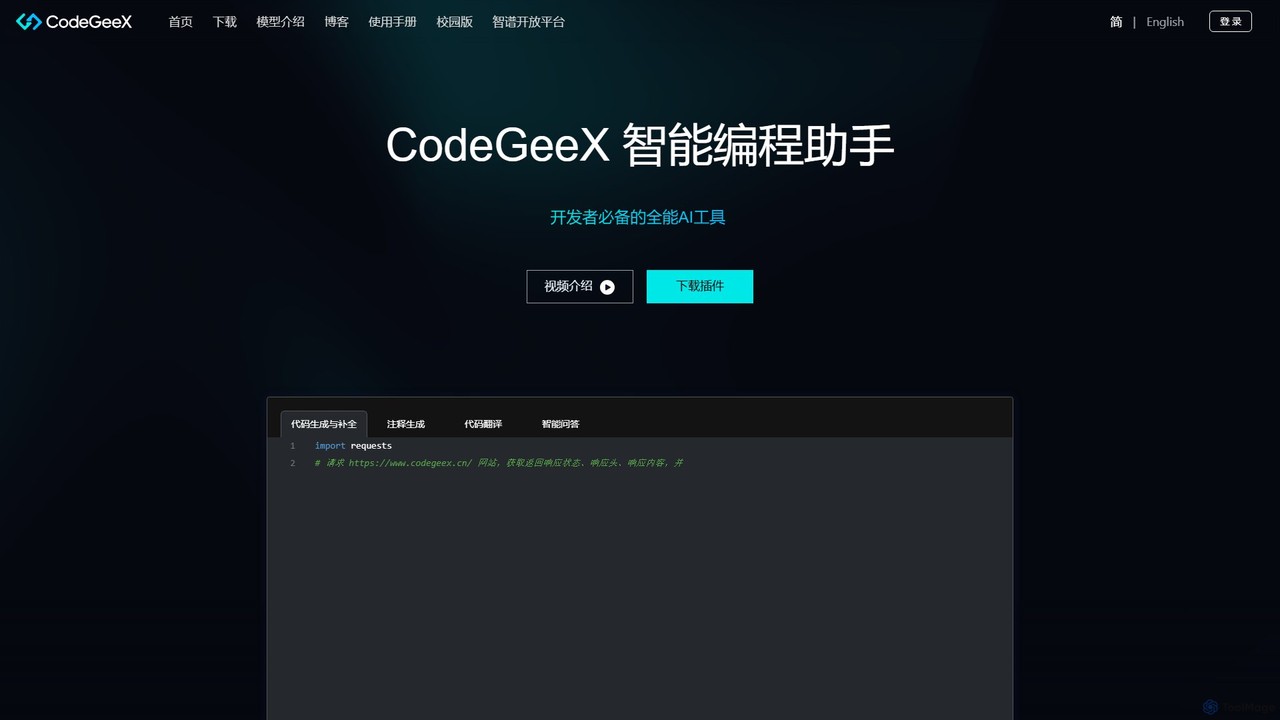
CodeGeeX
CodeGeeX is a powerful, free AI-powered coding assistant designed to boost developer productivity. It offers intelligent code generation and completion, code translation across multiple languages, automatic comment generation, and an interactive Q&A feature, all seamlessly integrated into your favorite IDE.
Code GenerationSherpa Coder Categories
Sherpa Coder Embed Widget
Copy this embed code to place the badge on your blog, article, or product site and send readers directly to this ToolMage detail page.

Related AI tools
Safurai
Safurai is an AI-powered IDE extension that acts as a virtual assistant for software developers. It helps with coding, debugging, and refactoring, aiming to streamline the development process and improve code quality directly within your favorite IDE like VS Code and JetBrains.
Code GenerationAmp
Amp is a frontier AI coding agent designed for developers. It operates as a CLI and within IDEs like VS Code, automating complex tasks such as code editing, debugging, and refactoring. Amp leverages the latest AI models to provide autonomous reasoning and execution, enhancing developer productivity through features like subagents, an Oracle for complex analysis, and deep IDE integration.
Code Assistant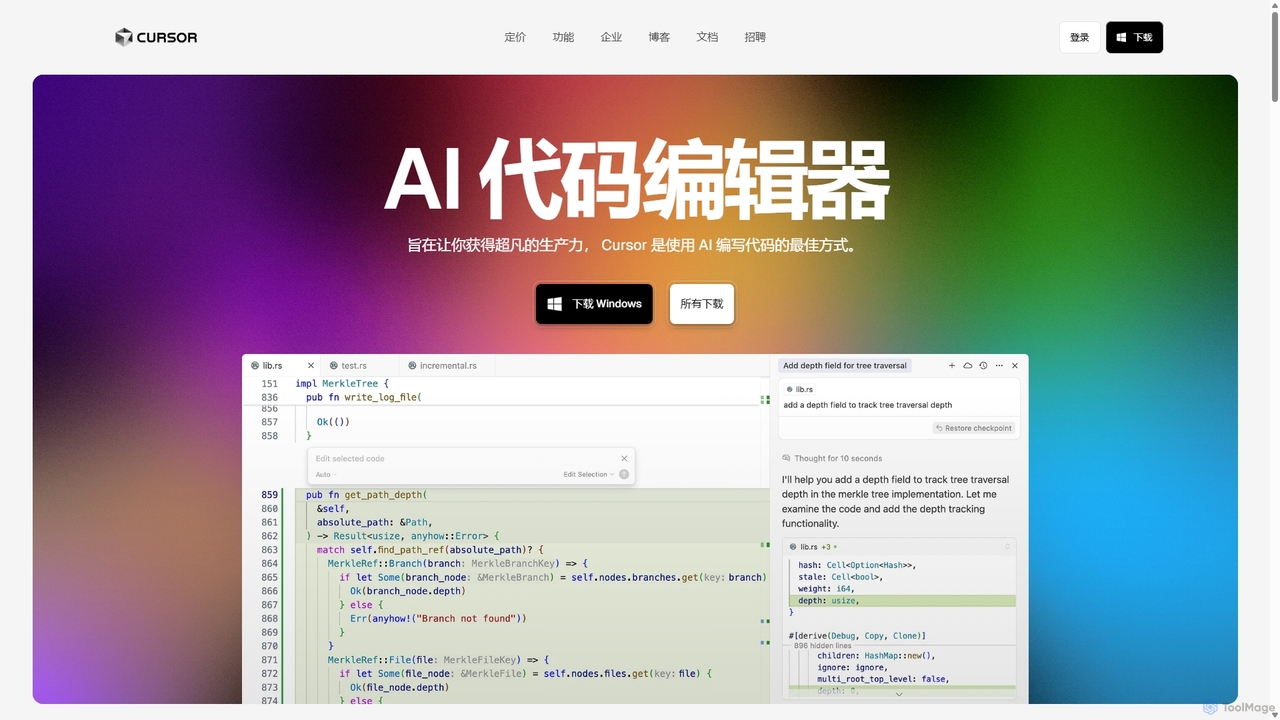
Cursor
Cursor is an AI-first code editor designed for pair-programming with artificial intelligence. Built as a fork of VS Code, it offers a familiar environment supercharged with advanced AI capabilities for code generation, editing, debugging, and codebase comprehension, aiming to significantly boost developer productivity.
Code AssistantLingma
Lingma is an AI-powered coding assistant from Alibaba Cloud, designed to enhance developer productivity. It offers intelligent code generation, real-time completion, code explanation, error diagnosis, and an autonomous programming agent that can handle complex coding tasks across multiple files. It supports over 200 languages and integrates seamlessly with major IDEs.
ProgrammingCodeGeeX
CodeGeeX is a powerful, free AI-powered coding assistant designed to boost developer productivity. It offers intelligent code generation and completion, code translation across multiple languages, automatic comment generation, and an interactive Q&A feature, all seamlessly integrated into your favorite IDE.
Code Generation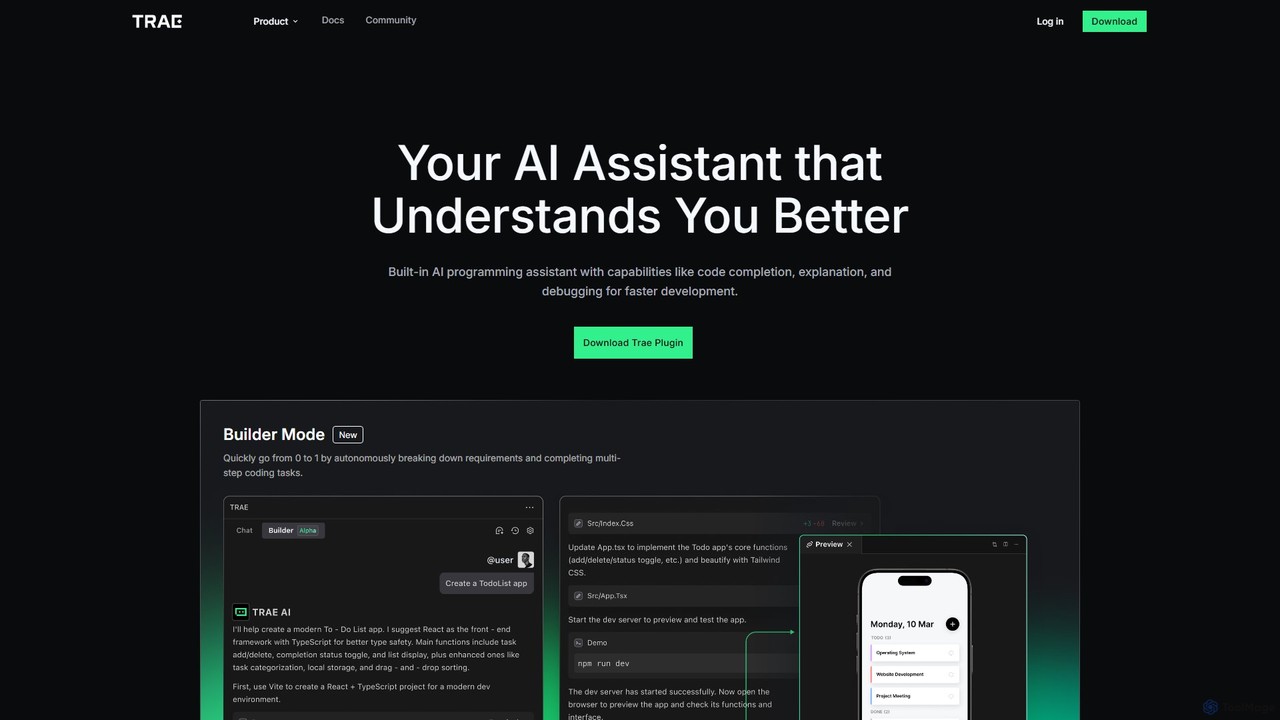
MarsCode Trae
MarsCode Trae is an intelligent AI coding assistant plugin for VSCode and JetBrains IDEs. It enhances developer productivity with features like autonomous task completion, advanced code completion, one-click debugging, unit test generation, and in-depth code explanation, supporting over 100 programming languages.
Code Generation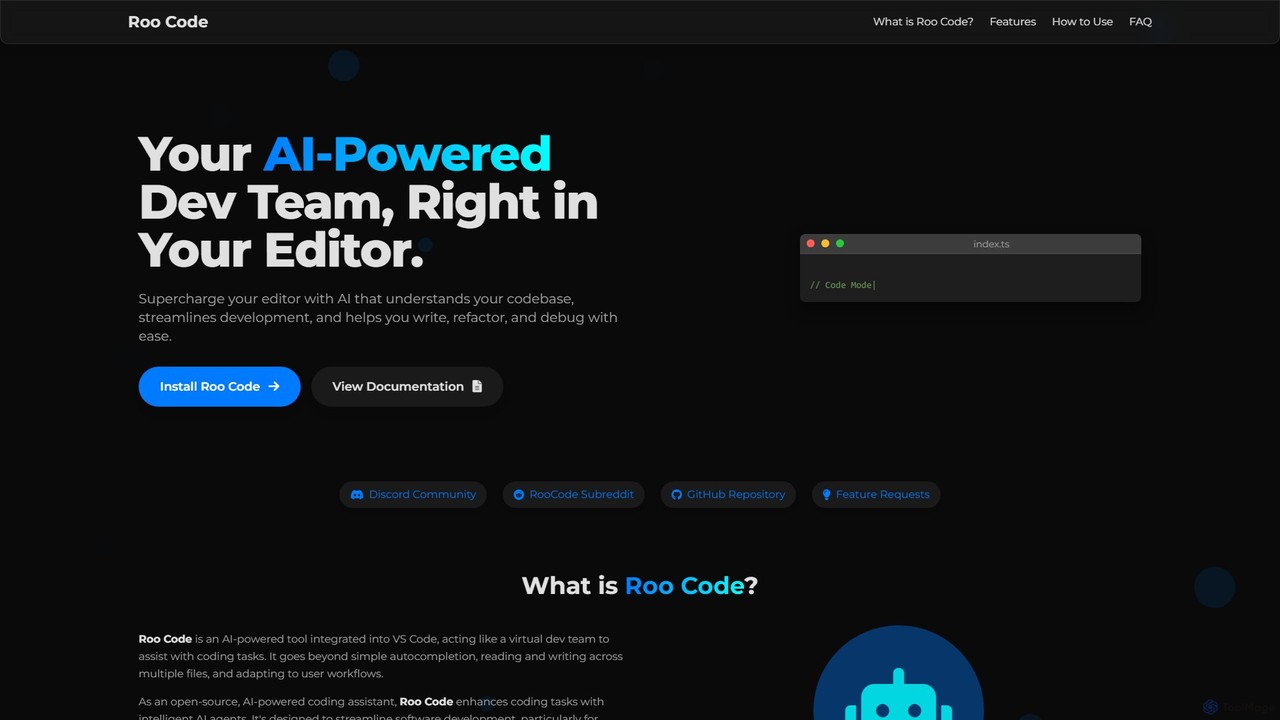
Roo Code
Roo Code is an open-source, AI-powered development assistant integrated directly into VS Code. It acts as a virtual dev team, understanding your entire codebase to help with complex coding, multi-file refactoring, and intelligent debugging, while supporting various AI models.
Debugging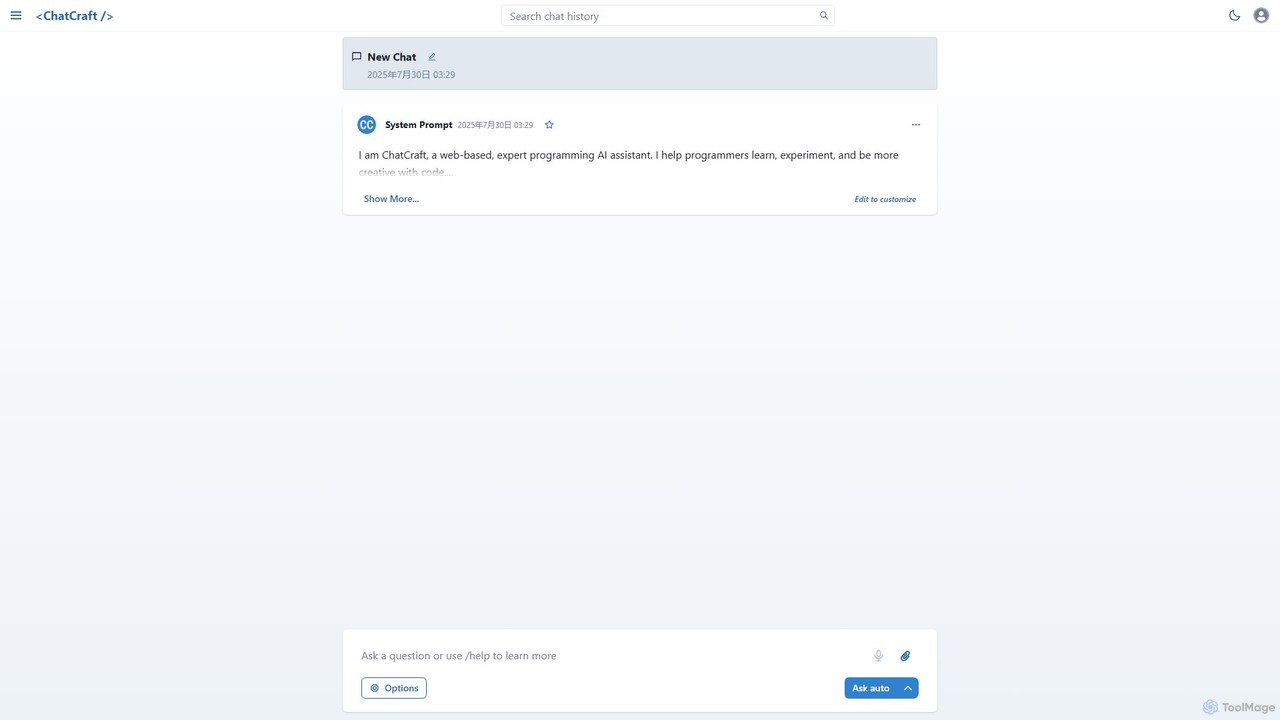
ChatCraft
ChatCraft is a free, open-source web application that serves as an expert AI programming assistant. It allows developers to learn, experiment, and enhance their creativity with code by providing a conversational interface for code generation, debugging, and analysis, all while ensuring privacy by using the user's own API key.
Specialized Chatbots
Buildt
Buildt is an AI-powered code search and understanding tool for developers. It integrates directly into your IDE, allowing you to search your entire codebase using natural language, understand complex code snippets, and generate or modify code on the fly, acting as an intelligent assistant.
Code Generation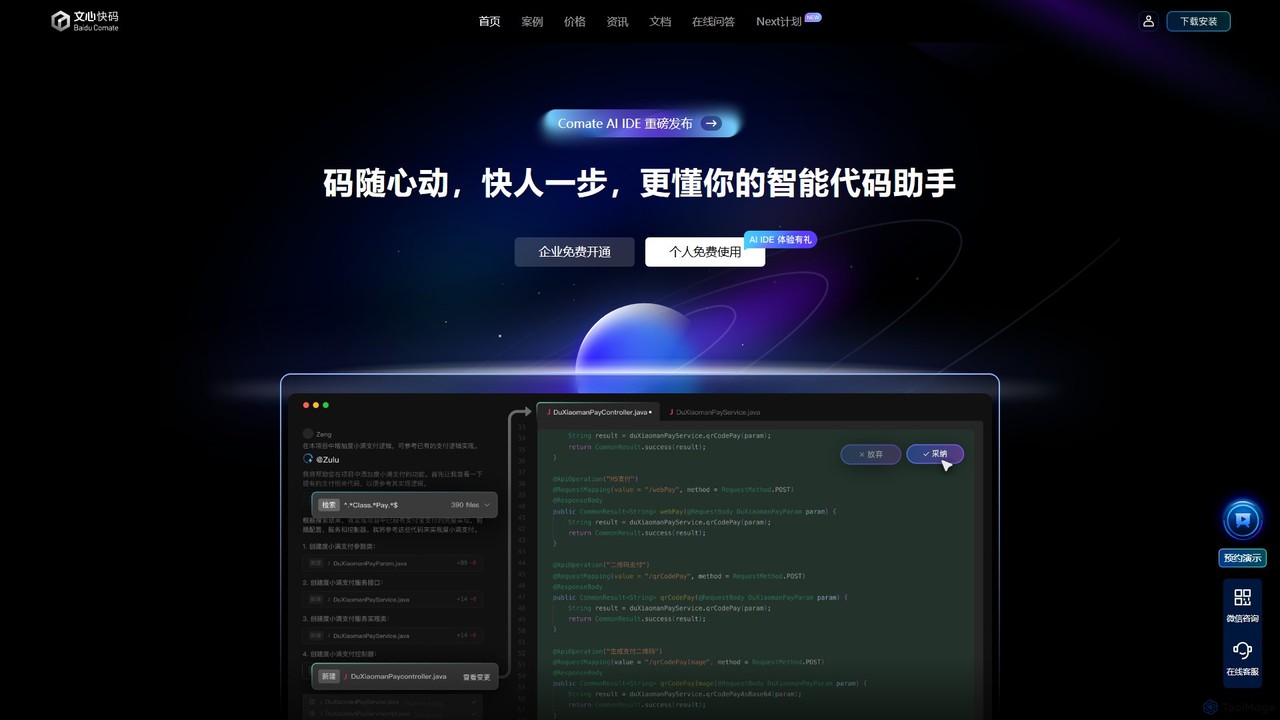
Baidu Comate
Baidu Comate is an intelligent AI code assistant powered by Baidu's Wenxin large language model. It integrates seamlessly into IDEs like VS Code and JetBrains to provide real-time code completion, code generation from natural language, bug fixing, and unit test creation, significantly boosting developer productivity.
Code Generation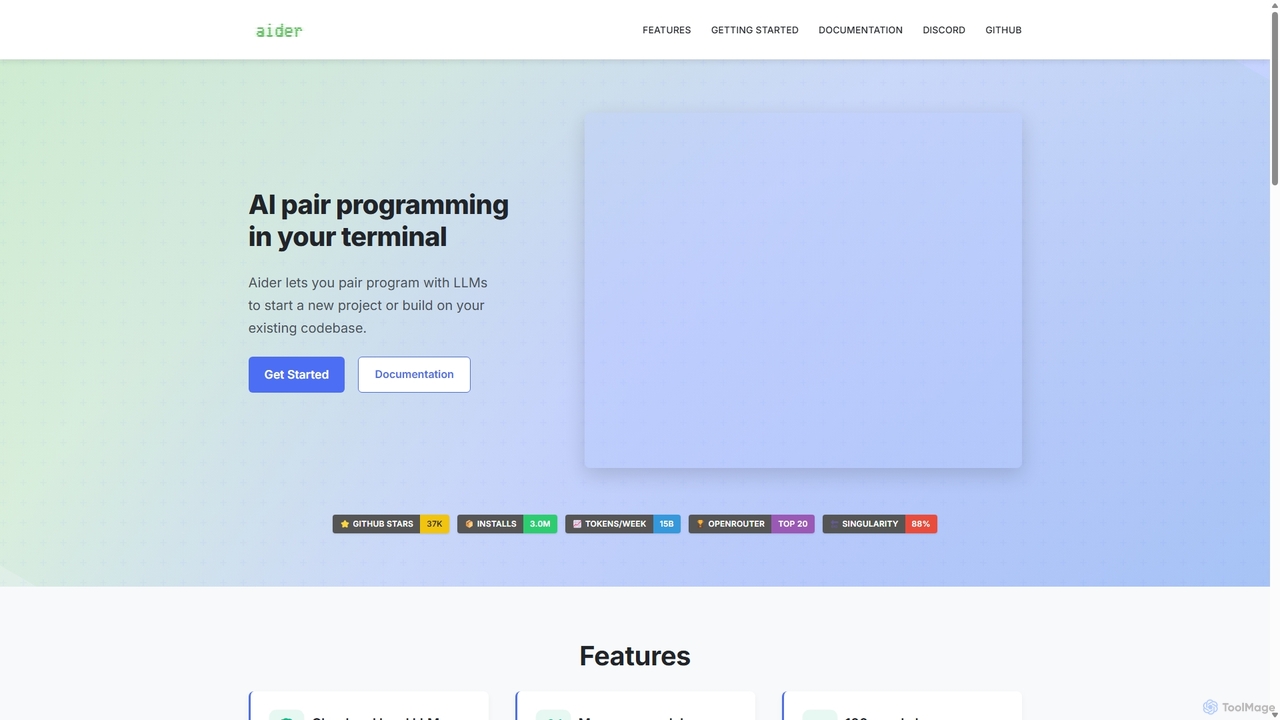
Aider
Aider is an AI-powered pair programmer that operates directly in your terminal. It intelligently maps your entire codebase, providing full project context for complex tasks. Seamlessly integrated with Git, it automates commits and allows you to manage AI-driven changes with familiar tools. Aider supports over 100 programming languages, connects to leading cloud and local LLMs, and even accepts voice and image inputs, making it a versatile and powerful assistant for any developer seeking to accelerate their workflow and improve code quality.
Programming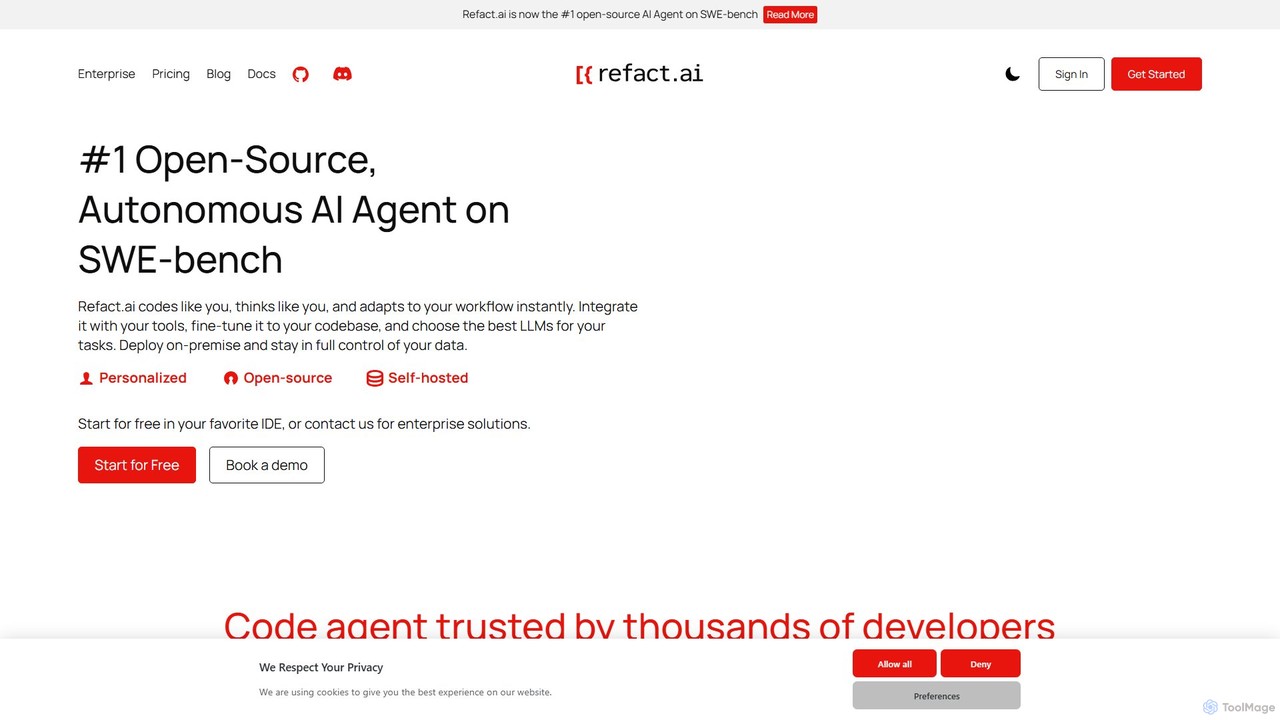
Refact
Refact is an open-source, self-hostable, and autonomous AI coding agent. It integrates into your IDE to act as a digital twin, automating coding tasks, providing context-aware completions and chat, and adapting to your codebase for maximum productivity and data privacy.
Code Assistant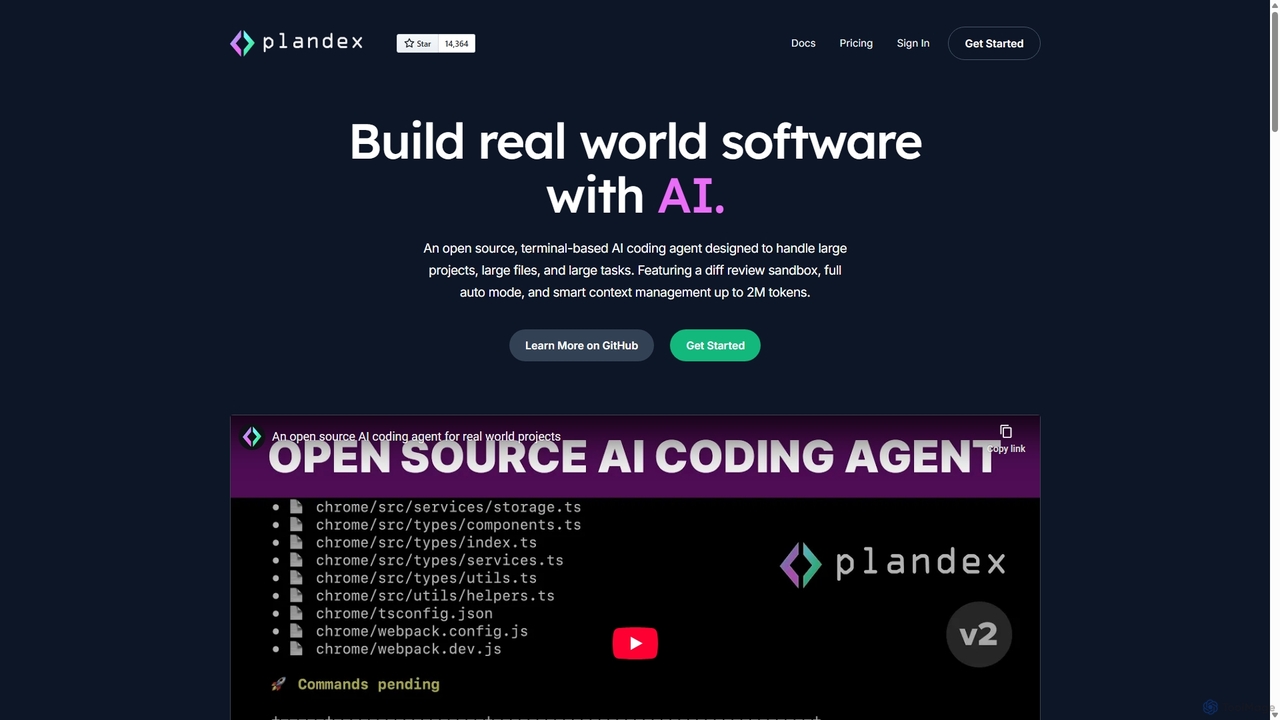
Plandex
Plandex is an open-source, terminal-based AI coding agent designed for complex, large-scale software development tasks. It excels at handling large projects and files with its 2M token context window. Featuring a diff review sandbox, configurable autonomy, and multi-model support, Plandex empowers developers to build, debug, and refactor entire applications with AI assistance, ensuring control and productivity in a dev-friendly workflow.
Code Generation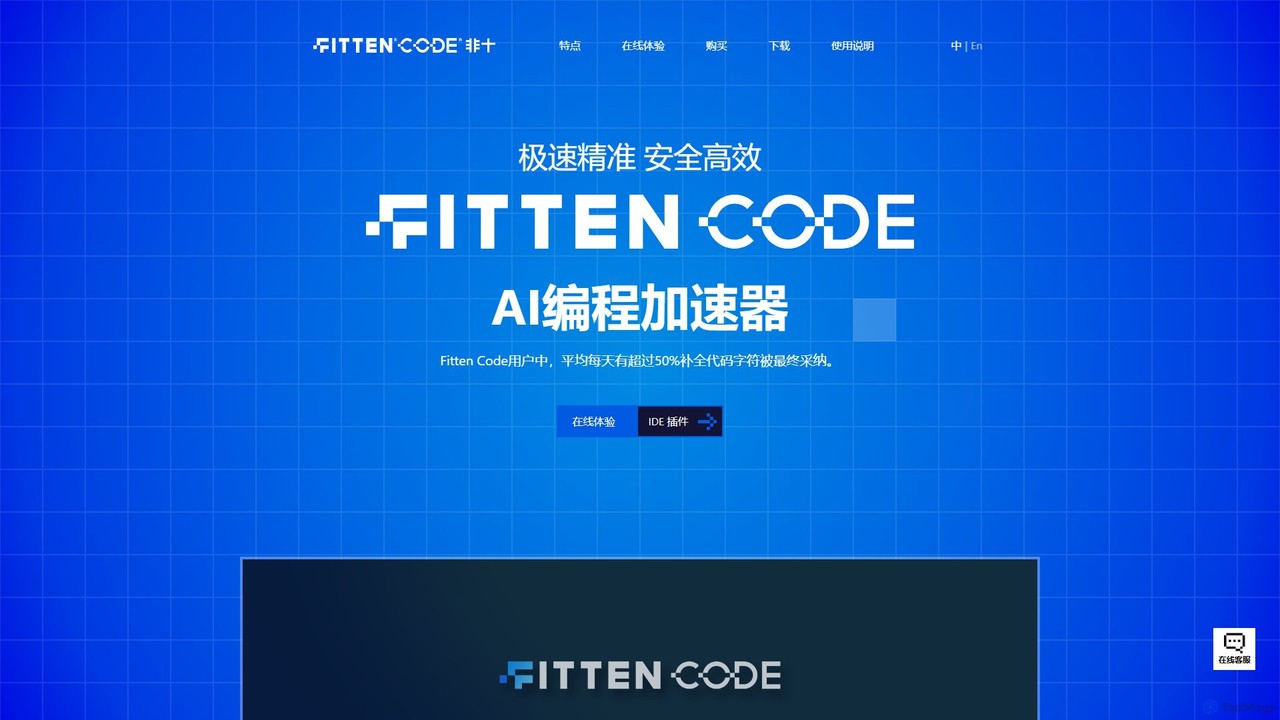
Fitten Code
Fitten Code is a next-generation AI programming assistant designed to accelerate software development. It offers ultra-fast code completion, intelligent Q&A, automated unit test generation, and code optimization. Built by a Tsinghua PhD team, it supports major IDEs and languages, significantly boosting developer productivity while ensuring data privacy.
Code Generation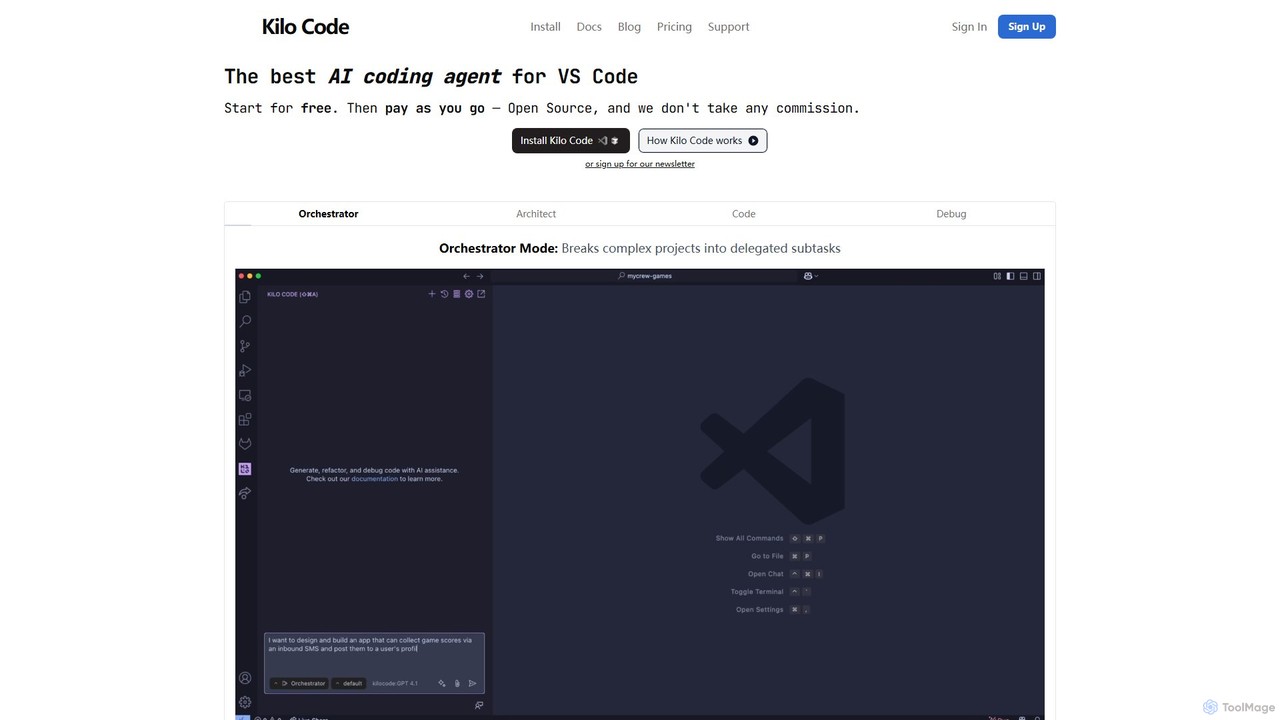
Kilo Code
Kilo Code is a powerful, open-source AI coding agent for VS Code. It features a multi-agent system (Orchestrator, Architect, Code, Debug) to automate complex development tasks, from design to debugging. It's highly customizable, context-aware, and prioritizes user privacy with a "bring your own key" model and no data training.
Code Assistant
Sherpa Coder Comments (0)
Sign in to comment.
Sign inNo comments yet.