

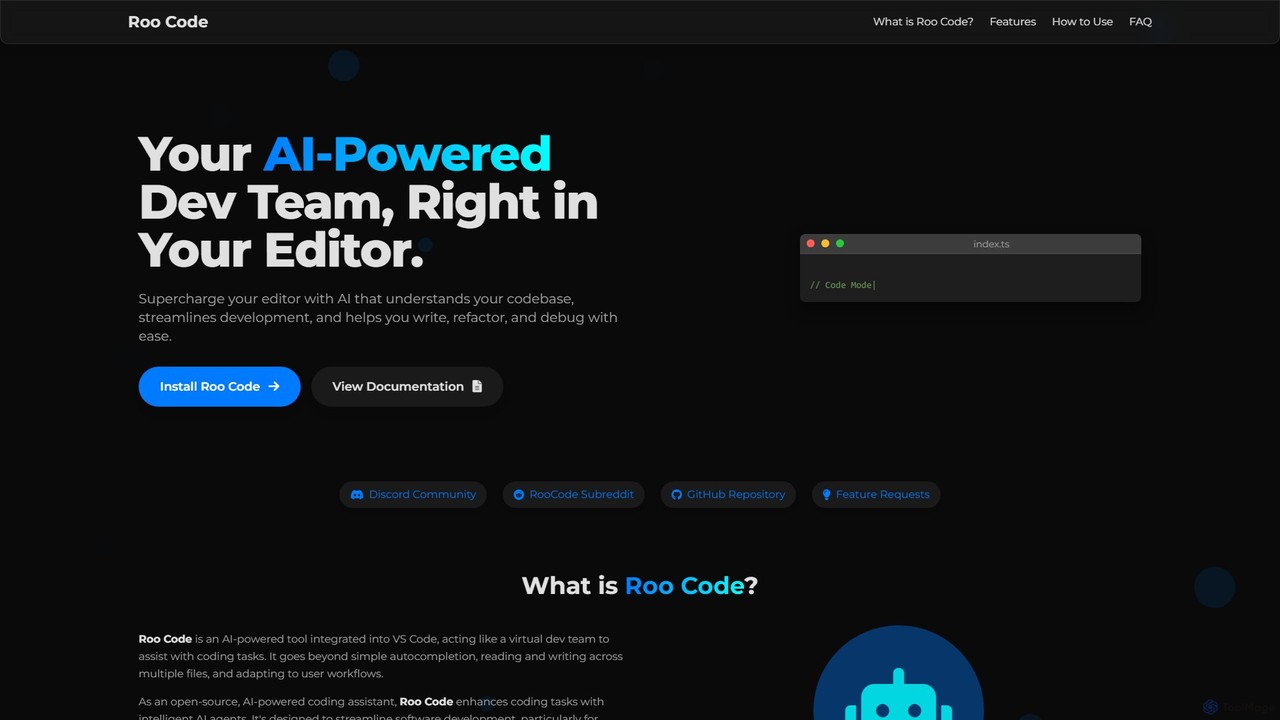
Roo Code Overview
Roo Code transforms your VS Code editor into a dynamic development environment by embedding an AI-powered virtual team directly into your workflow. It goes far beyond simple autocompletion, offering a suite of intelligent agents that understand the full context of your codebase. This deep project awareness allows Roo Code to assist with complex tasks like planning, writing, and fixing code across multiple files, making it an indispensable tool for modern software developers. As a free, open-source, and model-agnostic extension, it provides unparalleled flexibility and control, empowering developers to streamline their processes and accelerate innovation.
How to use Roo Code
Getting started with Roo Code is simple and designed for quick integration. The most straightforward method is to install it directly from the VS Code Marketplace, where it has already gained significant traction with a large number of downloads. Once installed, Roo Code seamlessly integrates into the editor's UI. You can immediately begin using its specialized modes for coding, debugging, or architectural planning. For more advanced customization, you can clone the repository from GitHub, install dependencies using `pnpm`, and run the extension locally. This allows you to fine-tune its behavior by creating or modifying `.clinerules-[mode]` files to customize prompts and connect your preferred AI models, whether they are from providers like OpenAI and Anthropic or locally hosted LLMs for complete data privacy.
Core Features of Roo Code
- Agentic AI Assistants: Employs intelligent agents that can plan, write, and fix code across your entire project, acting like a collaborative virtual developer.
- Deep Project-wide Context: Reads and understands your entire codebase, enabling intelligent, context-aware suggestions and multi-file refactoring using precise diff-based edits.
- Multiple Specialized Modes: Instantly switch between dedicated modes for coding, debugging, and architecture, each tailored with specific capabilities to suit the task at hand.
- Open-Source & Model-Agnostic: As a free and open-source tool, it avoids vendor lock-in by supporting a wide range of AI models, including OpenAI, Anthropic, Gemini, and local LLMs.
- Guarded Command Execution: Ensures you remain in full control by prompting for approval before executing potentially impactful commands, blending automation with human oversight.
- Fully Customizable: Tailor the tool to your exact needs by creating custom modes, defining specific usage rules, and extending its functionality through the Model Context Protocol (MCP).
- Automated Browser Actions: Enhance your testing workflow by allowing Roo Code to automate browser actions, such as opening a web app and verifying functionality directly from VS Code.
Use Cases for Roo Code
Roo Code is designed for a wide range of software development scenarios. Individual developers can use it to accelerate daily coding tasks, generate boilerplate code, and get instant help with complex algorithms. For engineering teams, it serves as a powerful collaborator for large-scale refactoring, ensuring consistency and quality across the codebase. A notable example is its adoption by Smartsheet, where the integration of Roo Code into their development workflow led to a 60% reduction in operational costs and a 20% improvement in response latency. It is also ideal for debugging complex issues, as its project-wide context allows it to trace problems across different files and services. Furthermore, its ability to automate browser tests makes it a valuable asset for front-end developers and QA engineers.
Advantages of Roo Code
Roo Code stands out from other AI coding assistants due to its foundational principles of openness, flexibility, and deep contextual understanding. Its open-source nature fosters community-driven development and transparency. Being model-agnostic gives users the freedom to choose the best AI model for their budget and privacy requirements, including fully offline models. The agentic, context-aware workflow enables it to handle tasks that are impossible for simple autocompletion tools, such as global refactors. High customizability ensures it can be adapted to any team's specific workflow, and its focus on privacy (by processing code locally) addresses a critical concern for enterprise users.
Pricing and Plans
The core Roo Code VS Code extension is completely free and open-source. Users can download and use all of its primary features without any cost. The pricing model is based on a "bring your own key" approach. This means you are only responsible for the usage costs of the third-party Large Language Model (LLM) you choose to connect, such as the API fees for OpenAI's GPT-4 or Anthropic's Claude. This provides maximum flexibility and cost control, as you can switch between paid models and free or local models at any time.
Roo Code Alternatives

Amp
Amp is a frontier AI coding agent designed for developers. It operates as a CLI and within IDEs like VS Code, automating complex tasks such as code editing, debugging, and refactoring. Amp leverages the latest AI models to provide autonomous reasoning and execution, enhancing developer productivity through features like subagents, an Oracle for complex analysis, and deep IDE integration.
Code Assistant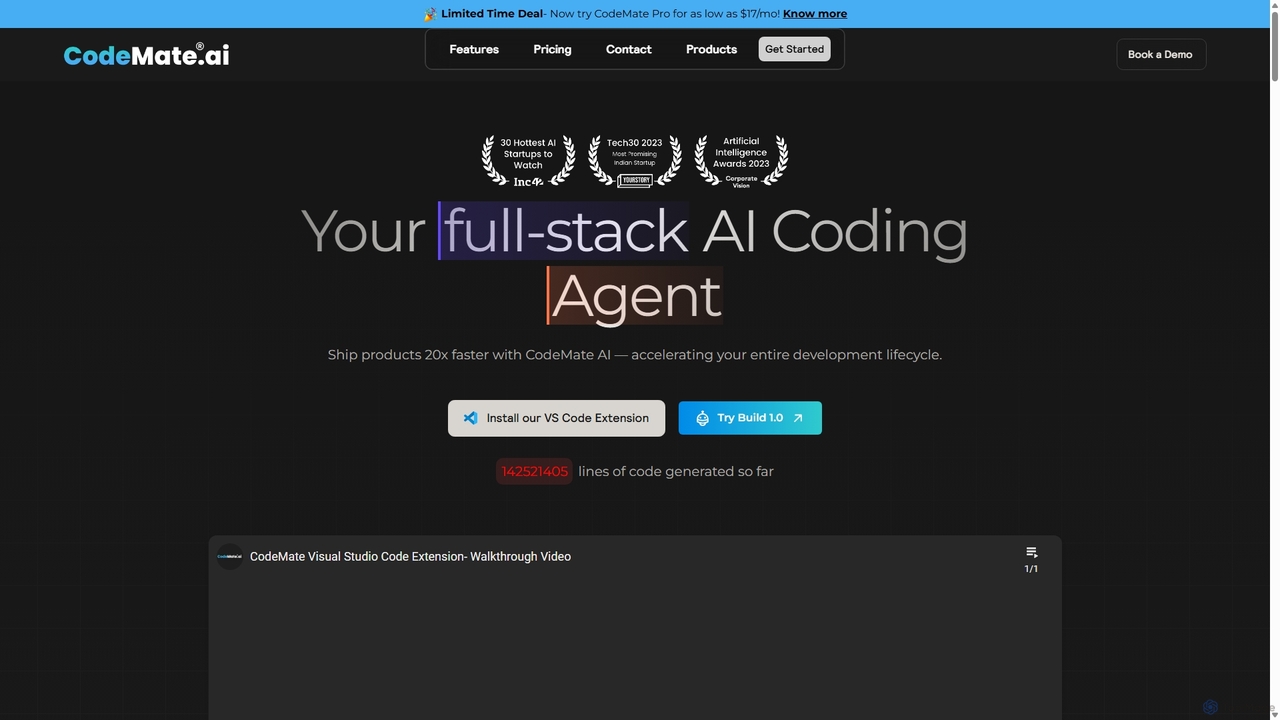
CodeMate
CodeMate is a secure, personalized AI pair programmer designed to enhance developer productivity. It assists with debugging, reviewing, and optimizing code, offering context-aware chat and seamless integration with IDEs like VS Code to help developers build software up to 20x faster.
Code Assistant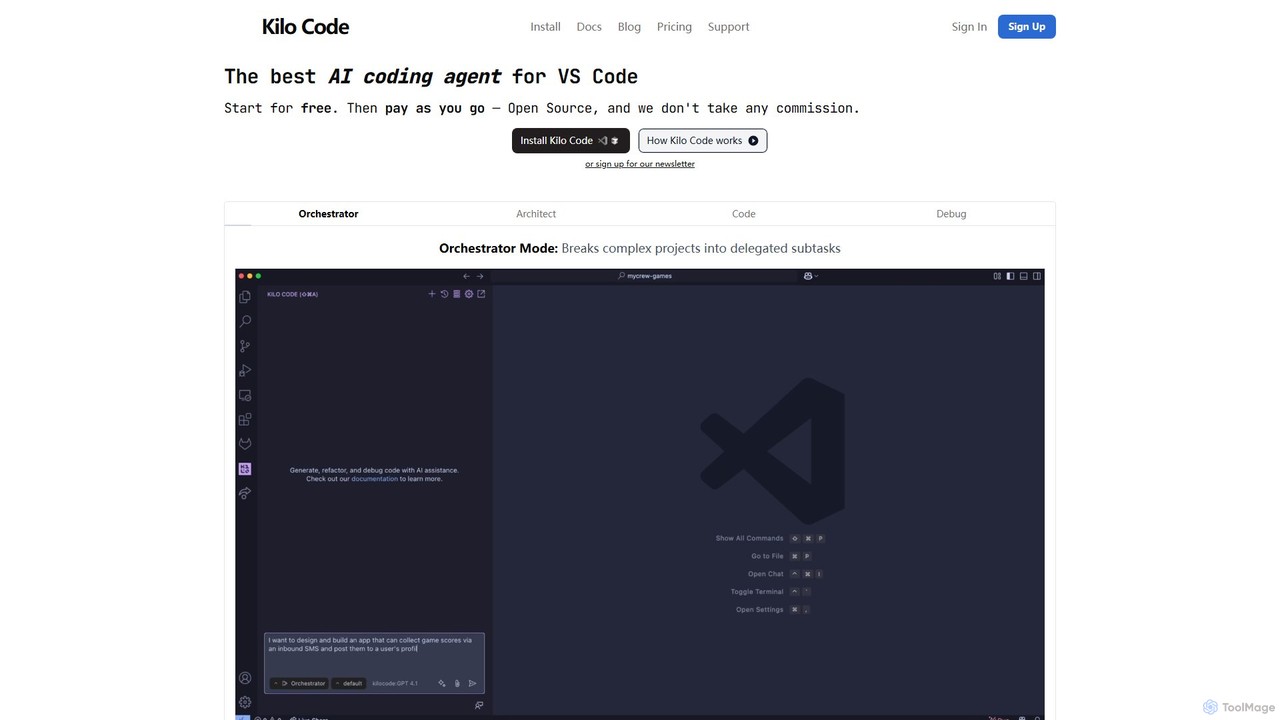
Kilo Code
Kilo Code is a powerful, open-source AI coding agent for VS Code. It features a multi-agent system (Orchestrator, Architect, Code, Debug) to automate complex development tasks, from design to debugging. It's highly customizable, context-aware, and prioritizes user privacy with a "bring your own key" model and no data training.
Code Assistant
Safurai
Safurai is an AI-powered IDE extension that acts as a virtual assistant for software developers. It helps with coding, debugging, and refactoring, aiming to streamline the development process and improve code quality directly within your favorite IDE like VS Code and JetBrains.
Code Generation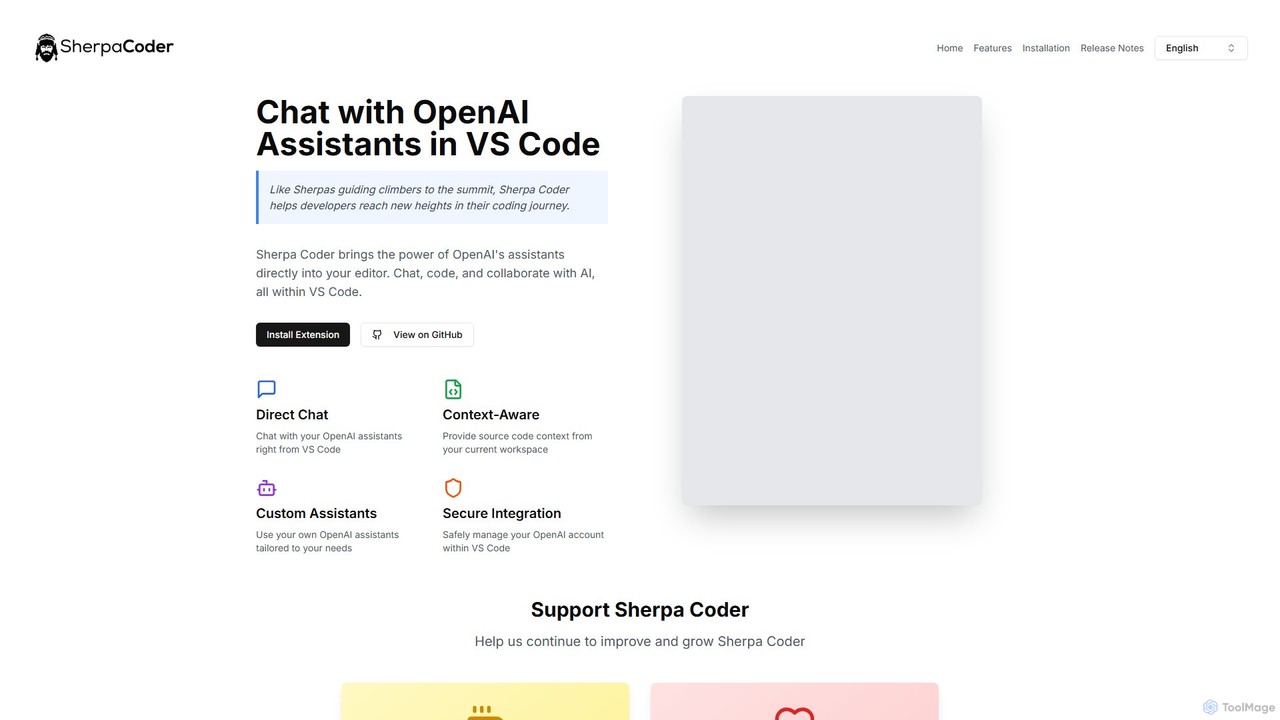
Sherpa Coder
Sherpa Coder is a free VS Code extension that integrates OpenAI Assistants directly into your editor. It enhances developer productivity by enabling context-aware chat, custom AI assistant usage, and seamless collaboration with AI for coding, debugging, and learning, all within the VS Code environment.
Code GenerationRoo Code Categories
Roo Code Embed Widget
Copy this embed code to place the badge on your blog, article, or product site and send readers directly to this ToolMage detail page.

Related AI tools
Kilo Code
Kilo Code is a powerful, open-source AI coding agent for VS Code. It features a multi-agent system (Orchestrator, Architect, Code, Debug) to automate complex development tasks, from design to debugging. It's highly customizable, context-aware, and prioritizes user privacy with a "bring your own key" model and no data training.
Code Assistant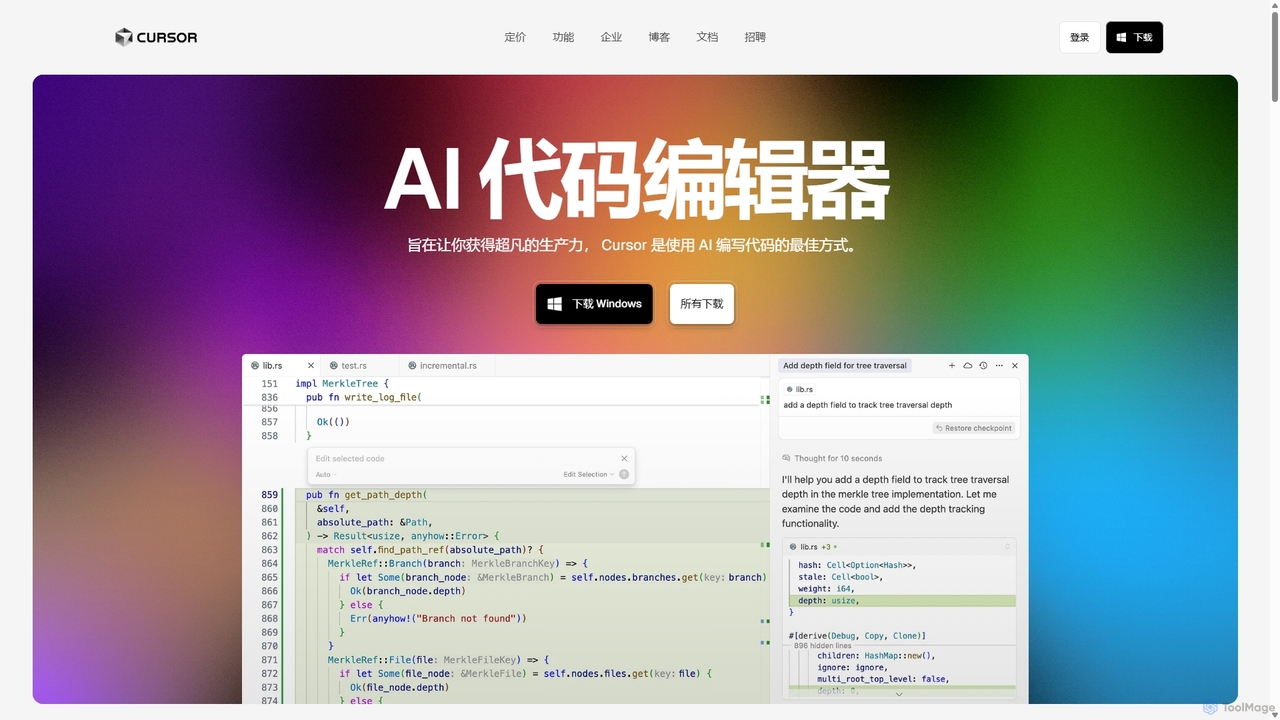
Cursor
Cursor is an AI-first code editor designed for pair-programming with artificial intelligence. Built as a fork of VS Code, it offers a familiar environment supercharged with advanced AI capabilities for code generation, editing, debugging, and codebase comprehension, aiming to significantly boost developer productivity.
Code AssistantAmp
Amp is a frontier AI coding agent designed for developers. It operates as a CLI and within IDEs like VS Code, automating complex tasks such as code editing, debugging, and refactoring. Amp leverages the latest AI models to provide autonomous reasoning and execution, enhancing developer productivity through features like subagents, an Oracle for complex analysis, and deep IDE integration.
Code AssistantCodeMate
CodeMate is a secure, personalized AI pair programmer designed to enhance developer productivity. It assists with debugging, reviewing, and optimizing code, offering context-aware chat and seamless integration with IDEs like VS Code to help developers build software up to 20x faster.
Code AssistantSafurai
Safurai is an AI-powered IDE extension that acts as a virtual assistant for software developers. It helps with coding, debugging, and refactoring, aiming to streamline the development process and improve code quality directly within your favorite IDE like VS Code and JetBrains.
Code GenerationSherpa Coder
Sherpa Coder is a free VS Code extension that integrates OpenAI Assistants directly into your editor. It enhances developer productivity by enabling context-aware chat, custom AI assistant usage, and seamless collaboration with AI for coding, debugging, and learning, all within the VS Code environment.
Code Generation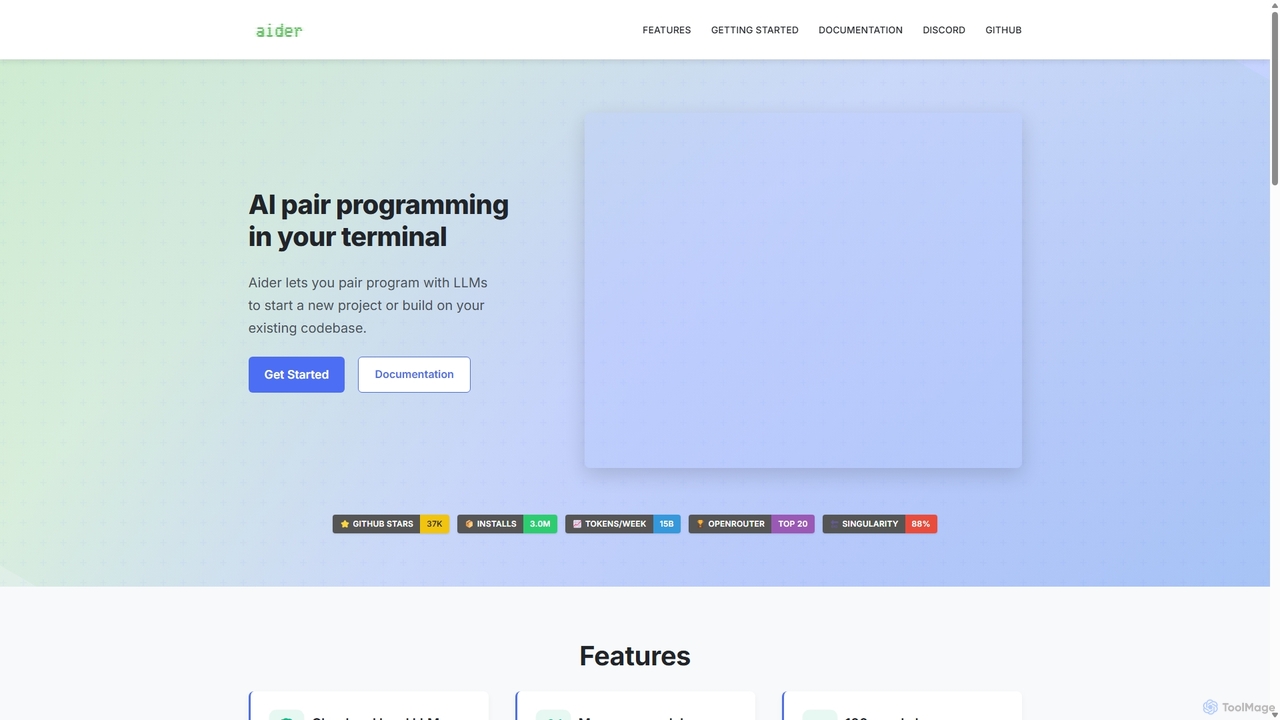
Aider
Aider is an AI-powered pair programmer that operates directly in your terminal. It intelligently maps your entire codebase, providing full project context for complex tasks. Seamlessly integrated with Git, it automates commits and allows you to manage AI-driven changes with familiar tools. Aider supports over 100 programming languages, connects to leading cloud and local LLMs, and even accepts voice and image inputs, making it a versatile and powerful assistant for any developer seeking to accelerate their workflow and improve code quality.
Programming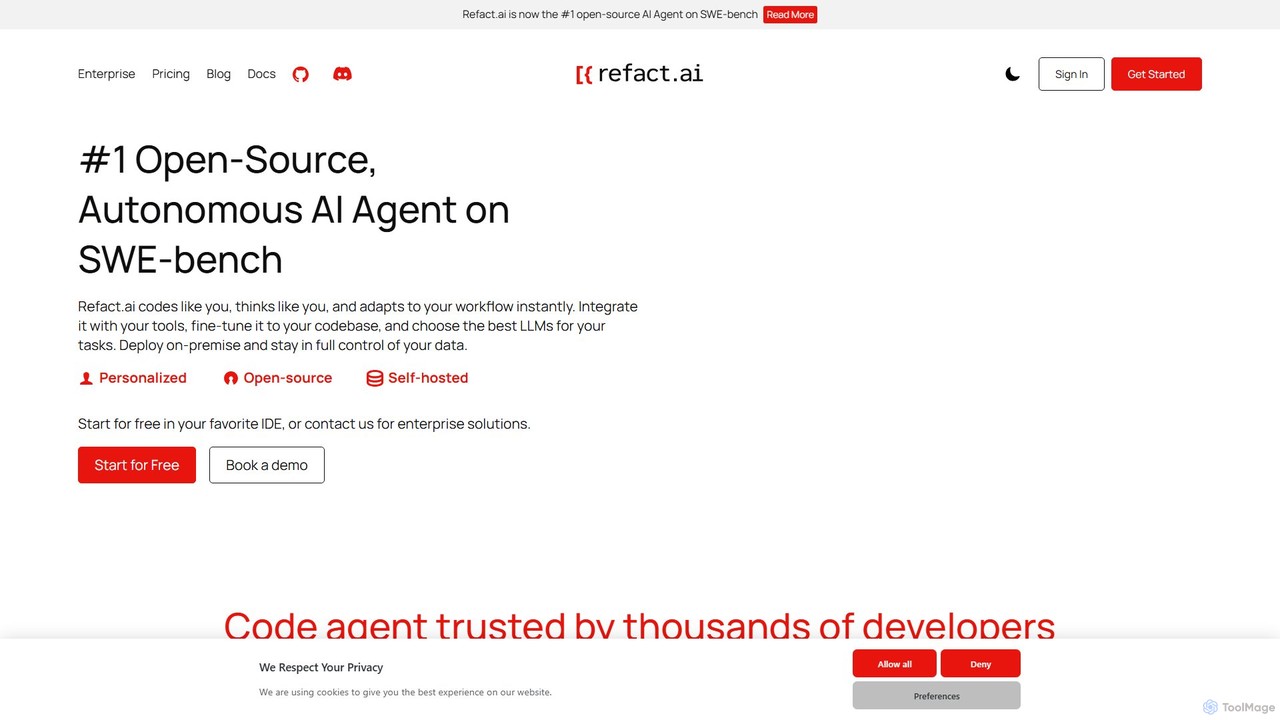
Refact
Refact is an open-source, self-hostable, and autonomous AI coding agent. It integrates into your IDE to act as a digital twin, automating coding tasks, providing context-aware completions and chat, and adapting to your codebase for maximum productivity and data privacy.
Code Assistant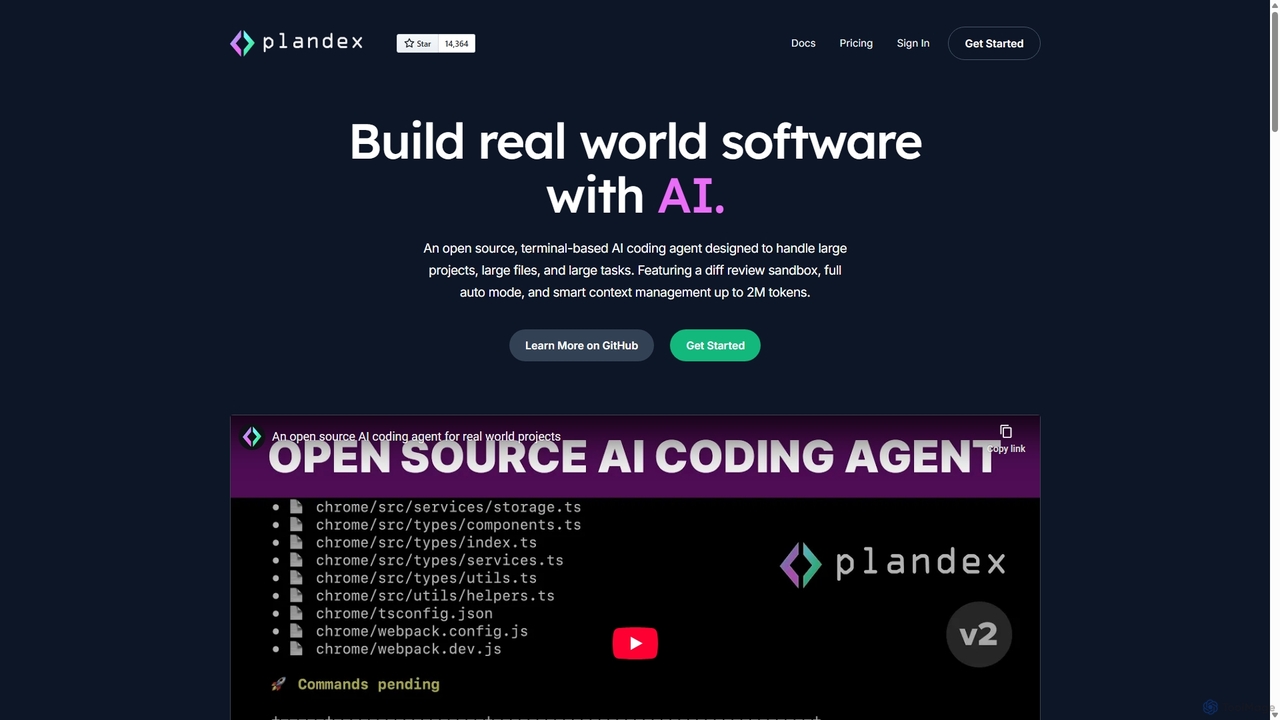
Plandex
Plandex is an open-source, terminal-based AI coding agent designed for complex, large-scale software development tasks. It excels at handling large projects and files with its 2M token context window. Featuring a diff review sandbox, configurable autonomy, and multi-model support, Plandex empowers developers to build, debug, and refactor entire applications with AI assistance, ensuring control and productivity in a dev-friendly workflow.
Code Generation
codimite
Codimite is an AI-powered coding assistant designed to accelerate the software development lifecycle. It acts as a pair programmer, helping developers write, debug, and optimize code faster with features like intelligent code completion, natural language-to-code generation, and automated bug fixing, integrating directly into your favorite IDE.
Code Generation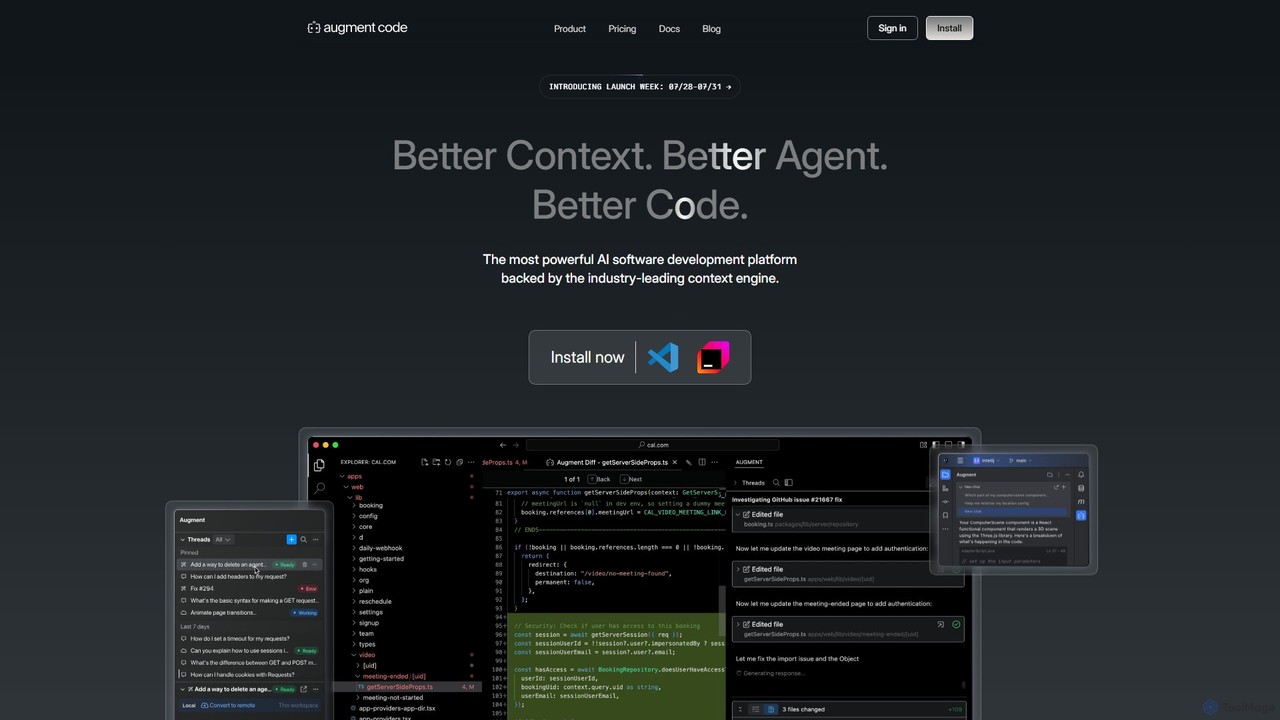
Augment Code
Augment Code is an advanced AI software development platform featuring autonomous agents and a powerful context engine. It integrates into your IDE to help you plan, build, and ship production-ready code faster, with a strong focus on enterprise-grade security and deep codebase understanding.
Code Generation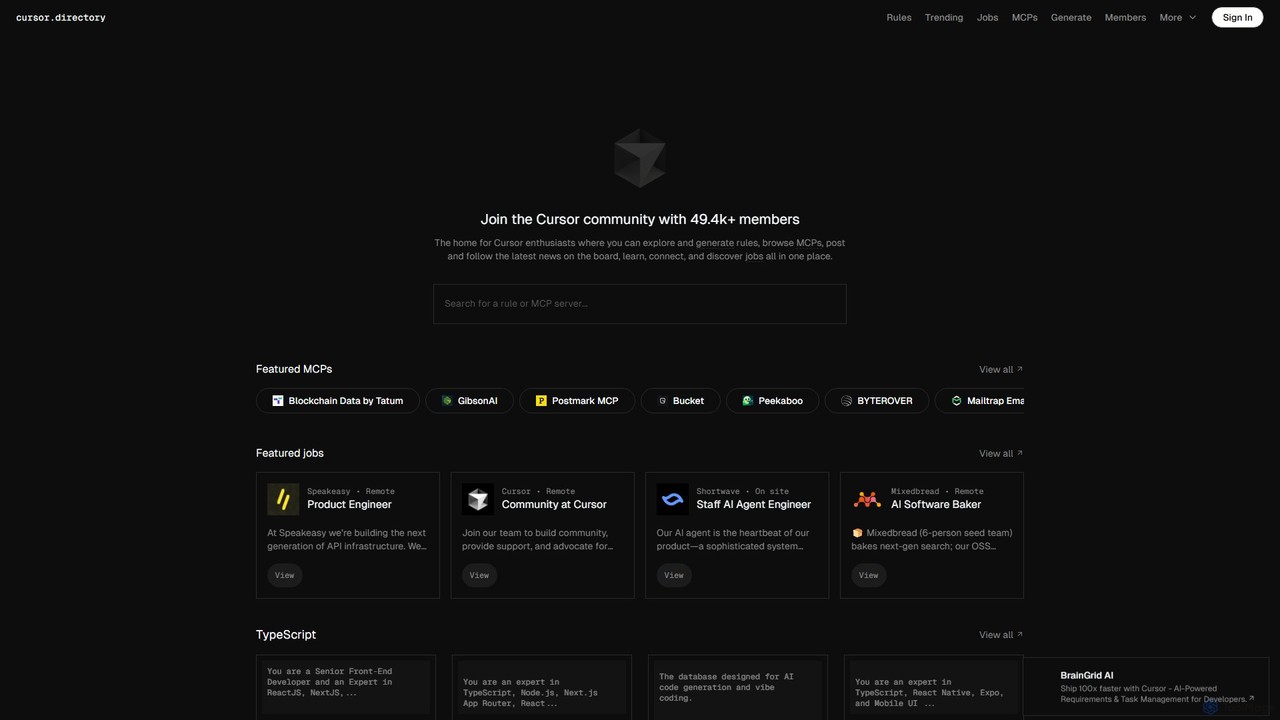
Cursor
Cursor is an AI-first code editor designed for modern software development. Built as a fork of VS Code, it integrates powerful AI capabilities directly into the editing experience, allowing developers to chat with their codebase, generate, edit, and debug code with unprecedented speed and context-awareness.
Code Generation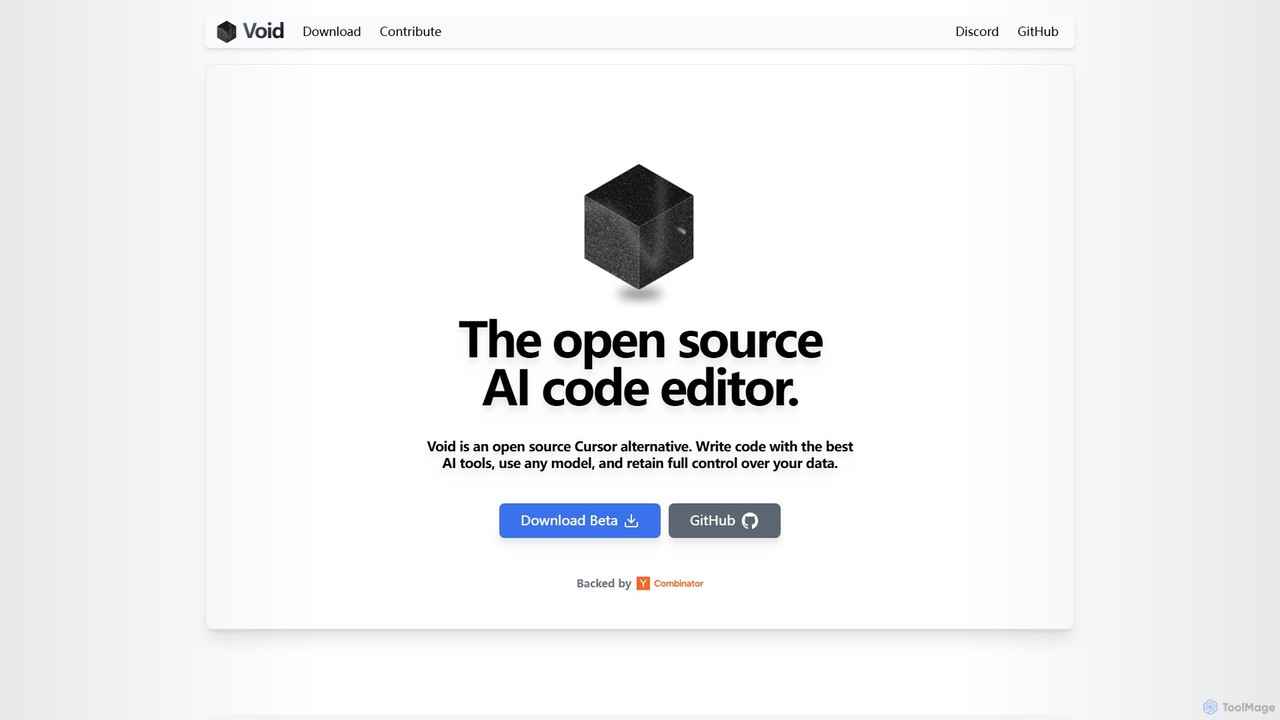
voideditor
Voideditor is a free, open-source AI code editor built as a fork of VS Code. It empowers developers with full control over their data and choice of AI models, supporting direct connections to any cloud or locally hosted LLM. It offers advanced features like AI chat, autocompletion, and agentic workflows to accelerate development while prioritizing privacy and flexibility.
Code Generation
All Hands AI (OpenHands)
All Hands AI (OpenHands) is a leading open-source AI coding agent designed to automate software development. It helps engineers with tasks like code reviews, refactoring, bug fixing, and test generation. Available as a flexible SaaS, self-hosted, or open-source solution, it integrates with tools like GitHub and GitLab to accelerate development cycles and improve code quality.
Code Generation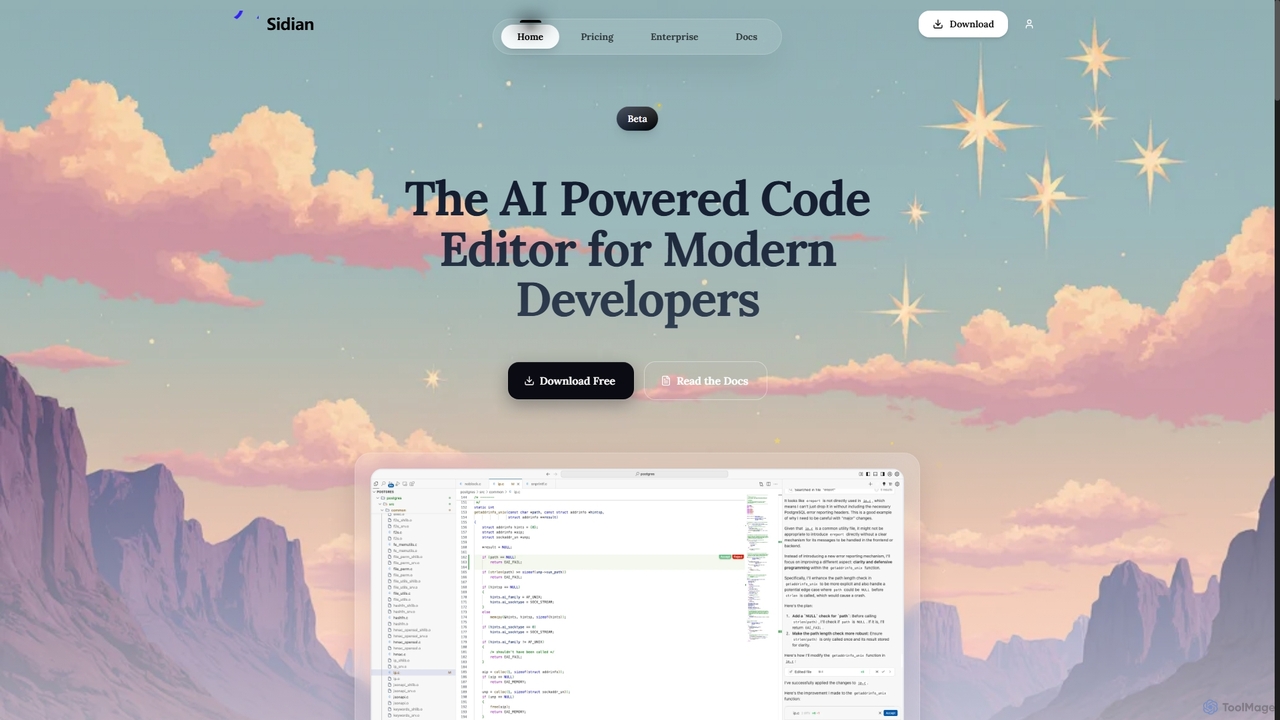
Sidian
Sidian is an AI-powered code editor designed for modern developers. It features a sophisticated context engine that rapidly understands complex codebases, integrates with major AI providers like OpenAI and Google, and supports local models for enhanced privacy and flexibility.
Code Generation
Roo Code Comments (0)
Sign in to comment.
Sign inNo comments yet.