

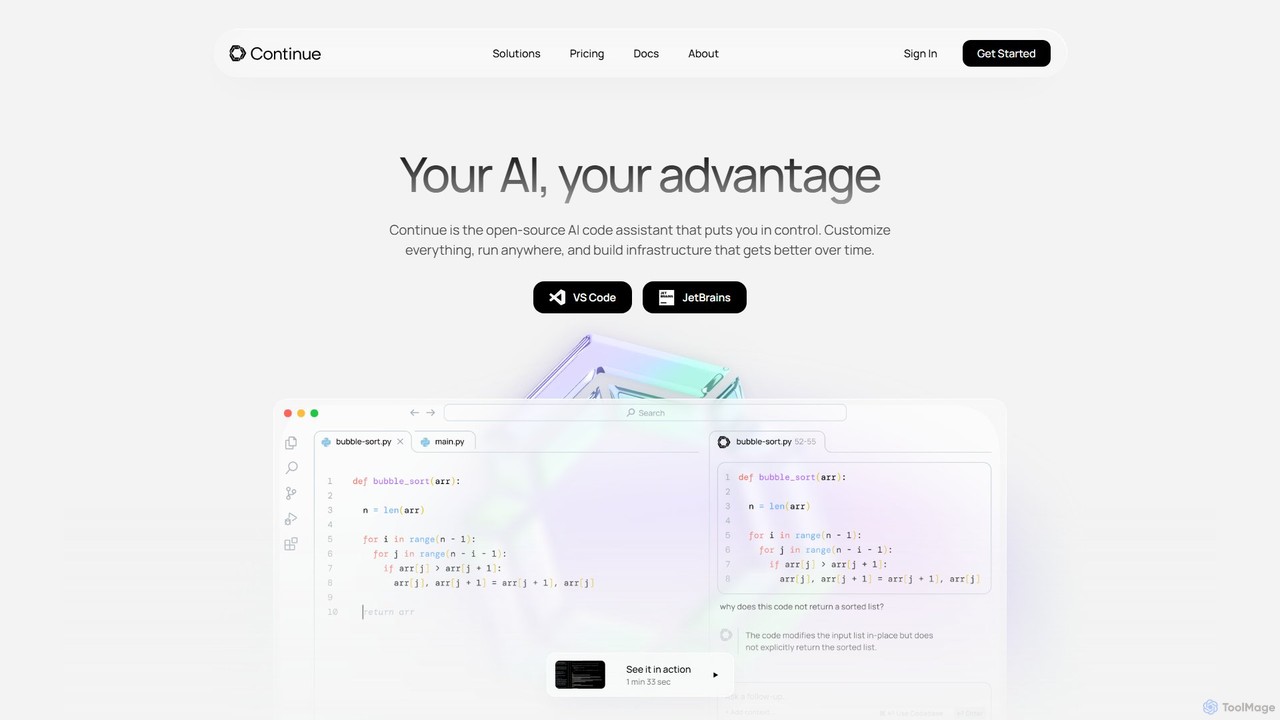
Continue Overview
Continue is a powerful, open-source platform designed to create and utilize custom AI code assistants directly within your development environment. Built on the philosophy of amplifying developers rather than automating them, Continue integrates seamlessly into popular IDEs like VS Code and JetBrains. It empowers developers by providing a highly customizable and flexible AI partner that understands your unique codebase, documentation, and development practices. Unlike monolithic, one-size-fits-all solutions, Continue gives you complete control over your AI experience, from the choice of Large Language Models (LLMs) to the specific context sources it references, ensuring maximum relevance and privacy.
The core mission of Continue is to accelerate the development lifecycle by making AI an organic part of the coding process. It bridges the gap between your code and the power of LLMs, allowing you to have intelligent conversations, generate code with precision, and refactor complex logic using simple natural language commands. Whether you're an individual developer looking to boost productivity with local models or an enterprise team needing a secure, centrally-governed AI solution, Continue provides the tools and infrastructure to build the perfect AI code assistant for your needs.
How to use Continue
Getting started with Continue is a straightforward process designed for quick integration into your existing workflow:
- Installation: Begin by downloading and installing the Continue extension from the marketplace for your preferred IDE, either Visual Studio Code or any JetBrains IDE (like IntelliJ IDEA, PyCharm, etc.).
- Configuration: Once installed, configure Continue to connect to your chosen LLM. You have a wide range of options, including local models via Ollama, cloud-based services like OpenAI, Anthropic, and Mistral, or even on-premise models through Azure OpenAI Service or LM Studio.
- Code Autocompletion: As you type, Continue will automatically suggest single lines or entire blocks of code. Simply press the 'Tab' key to accept the suggestion and speed up your coding.
- Context-Aware Chat: Open the Continue chat panel to ask questions. You can provide specific context by typing '@' and selecting files, functions, terminal output, or even external resources like GitLab issues and Confluence pages. This allows you to ask detailed questions like "How does this function work?" or "What are the potential edge cases for this file?".
- In-line Editing and Refactoring: Highlight a section of your code, press a keyboard shortcut (e.g., Cmd+L or Ctrl+L), and type a prompt describing the change you want to make. For example, you could ask it to "refactor this into smaller functions," "add error handling," or "convert this to TypeScript."
- Customization (Advanced): For more tailored assistance, you can create your own custom assistants using Continue's modular "blocks" system. Define custom prompts, rules, and connect new data sources (Docs blocks, Data blocks) to create an assistant that is an expert in your specific tech stack and internal libraries.
Core Features of Continue
- Model Agnostic: Freedom to choose the best LLM for the job. Connect to any local, on-premise, or cloud-based model from providers like OpenAI, Anthropic, Mistral, and more.
- Intelligent Autocompletion: Context-aware code completion that suggests single lines or entire functions in any programming language, significantly reducing boilerplate and typing.
- Codebase Chat: A powerful chat interface that can reference your entire codebase, specific files, documentation, and other context sources to provide accurate and relevant answers.
- Natural Language Editing: Select any code snippet and use plain English commands to edit, refactor, debug, or document it without leaving your editor.
- Open-Source and Extensible: The core platform is open-source, offering full transparency and the ability for the community to contribute. Its modular architecture allows for extensive customization.
- Enterprise-Grade Governance: For teams, Continue offers centralized configuration, allowing administrators to govern usage, manage credentials, and set permissions for all users.
- Data Privacy and Security: Keep your proprietary code secure by running Continue with local or on-premise LLMs, ensuring no sensitive data ever leaves your environment.
- Deep IDE Integration: Works as a native extension in both VS Code and the JetBrains family of IDEs, providing a smooth and integrated user experience.
Use Cases for Continue
Continue is versatile and can be applied in various scenarios to enhance developer productivity and code quality:
- Rapid Prototyping: Quickly scaffold new features or entire applications by describing the required logic and letting Continue generate the initial code structure.
- Onboarding New Developers: New team members can use the chat feature to understand complex parts of the codebase, asking questions about architecture and functionality to get up to speed faster.
- Legacy Code Modernization: Tackle daunting refactoring tasks by instructing Continue to modernize old code, such as converting class-based React components to functional components with hooks or adding types to a JavaScript codebase.
- Efficient Debugging: When faced with a bug, you can paste the error message and relevant code into the chat to get suggestions on the cause and potential fixes.
- Writing Documentation and Tests: Highlight a function or class and ask Continue to "write docstrings for this" or "generate unit tests covering these edge cases."
- Domain-Specific Assistance: Enterprises can build custom assistants trained on their internal APIs, libraries, and documentation, turning Continue into an in-house expert that helps developers adhere to best practices.
Advantages of Continue
Continue stands out from other AI coding tools due to its focus on customization, control, and developer empowerment:
- Unmatched Flexibility: By being model-agnostic and highly extensible, Continue adapts to your needs, not the other way around. You are not locked into a single AI ecosystem.
- Enhanced Data Control: The ability to use local and on-premise models is a critical advantage for organizations with strict data privacy and security requirements.
- Developer-Centric Philosophy: The tool is designed to be a partner that amplifies a developer's skills, handling tedious tasks so they can focus on complex problem-solving and creative work.
- Transparent and Trustworthy: As an open-source project, its inner workings are available for anyone to inspect, fostering trust and enabling a vibrant community of contributors.
- Seamless Workflow Integration: By living inside the IDE and connecting to existing tools like GitLab and Confluence, Continue reduces context-switching and keeps developers in their flow state.
Pricing and Plans
Continue operates on a freemium model. The core open-source version is available for free and is highly capable for individual developers. It can be downloaded as an extension for VS Code and JetBrains IDEs. For businesses and teams requiring advanced control, security, and management features, Continue offers an Enterprise plan. This plan includes features such as centralized governance for usage and credentials, flexible configurations with allow lists, support for on-premise LLMs, and metrics for tracking usage and inference. For detailed pricing on the Enterprise plan, it is recommended to contact the Continue sales team directly through their website.
Traffic
Latest traffic
Status
Monthly traffic trend
- 2025-9: 408.2K
- 2026-1: 453.4K
- 2026-2: 422.2K
- 2026-3: 543.1K
- 2026-4: 655.7K
- 2026-5: 775.3K
Geography
Top 5 countries / regions
- 🇮🇳India26.1%
- 🇺🇸United States24.7%
- 🇨🇳China23.8%
- 🇧🇷Brazil14.6%
- 🇷🇺Russia10.9%
Traffic sources
| Source type | Percentage |
|---|---|
Direct | 93.0% |
Referral | 6.5% |
Email | 0.5% |
Top keywords
| Keyword | Cost per click |
|---|---|
| continue | $2.98 |
| continue ai | $10.87 |
| continue dev | $4.55 |
| continue.dev | $0.00 |
| continue dev see tokens | $0.00 |
Continue Videos on YouTube

Human Syllabus
Continue Alternatives
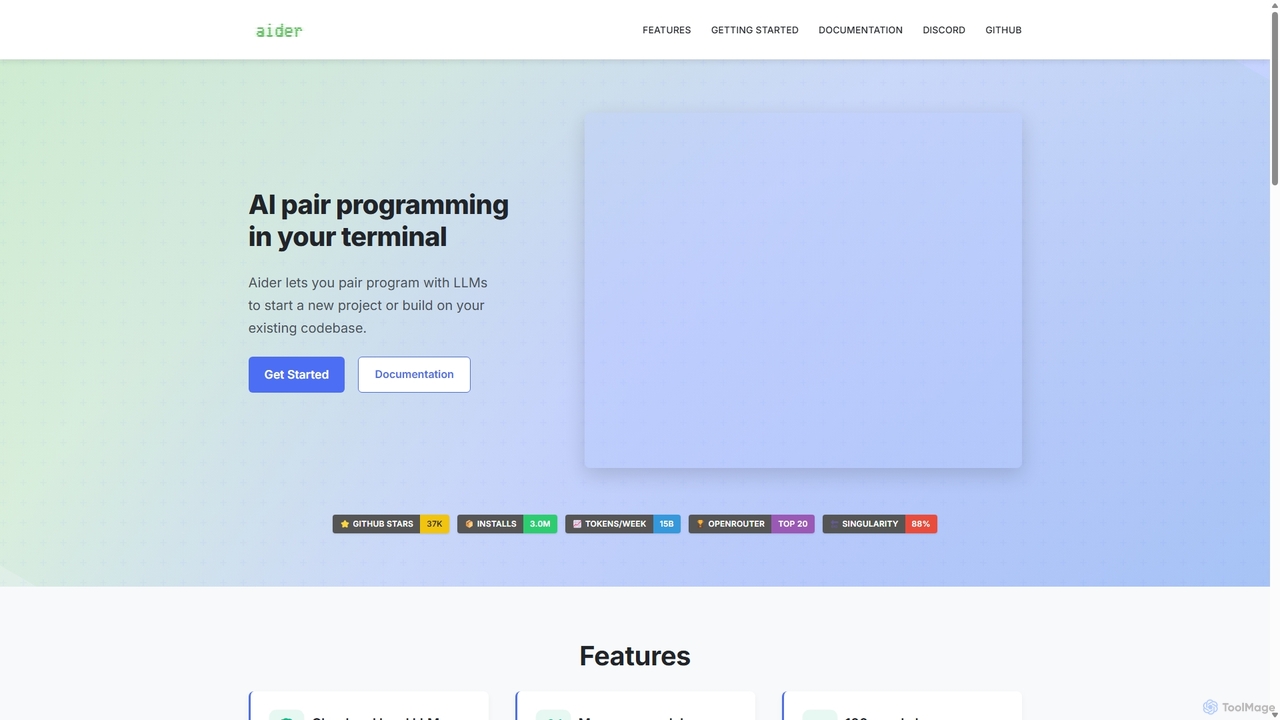
Aider
Aider is an AI-powered pair programmer that operates directly in your terminal. It intelligently maps your entire codebase, providing full project context for complex tasks. Seamlessly integrated with Git, it automates commits and allows you to manage AI-driven changes with familiar tools. Aider supports over 100 programming languages, connects to leading cloud and local LLMs, and even accepts voice and image inputs, making it a versatile and powerful assistant for any developer seeking to accelerate their workflow and improve code quality.
Programming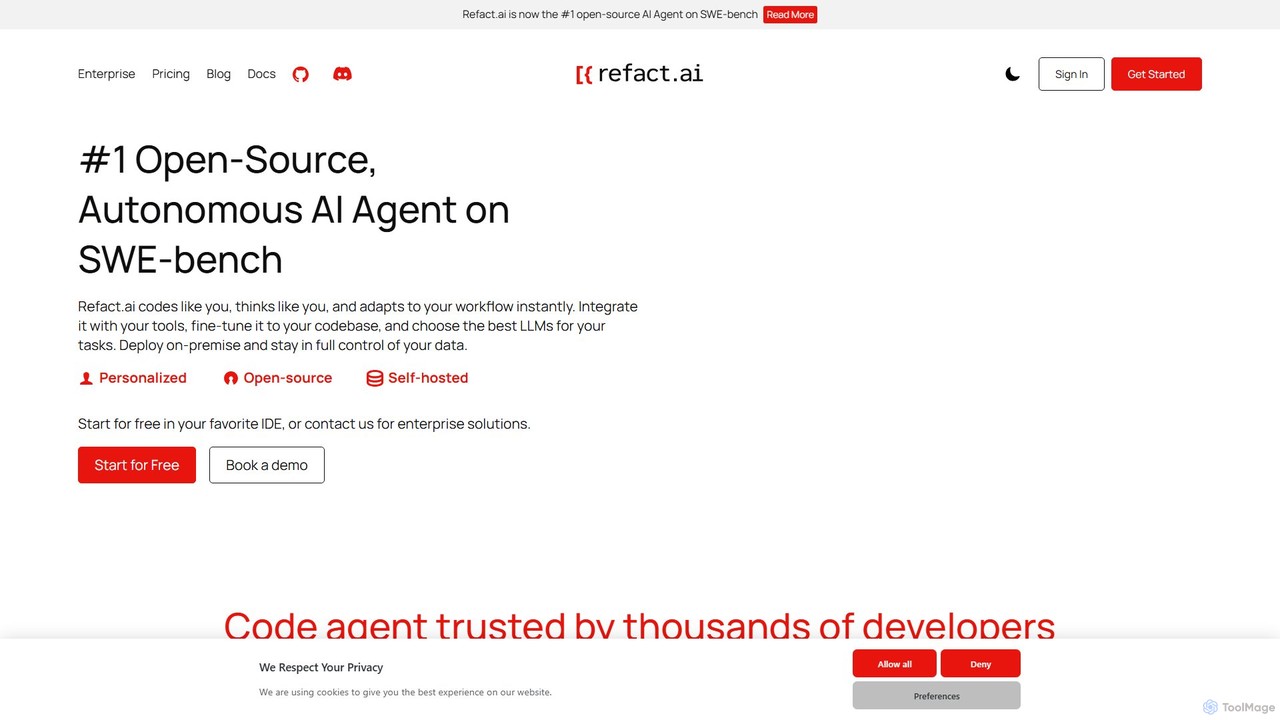
Refact
Refact is an open-source, self-hostable, and autonomous AI coding agent. It integrates into your IDE to act as a digital twin, automating coding tasks, providing context-aware completions and chat, and adapting to your codebase for maximum productivity and data privacy.
Code Assistant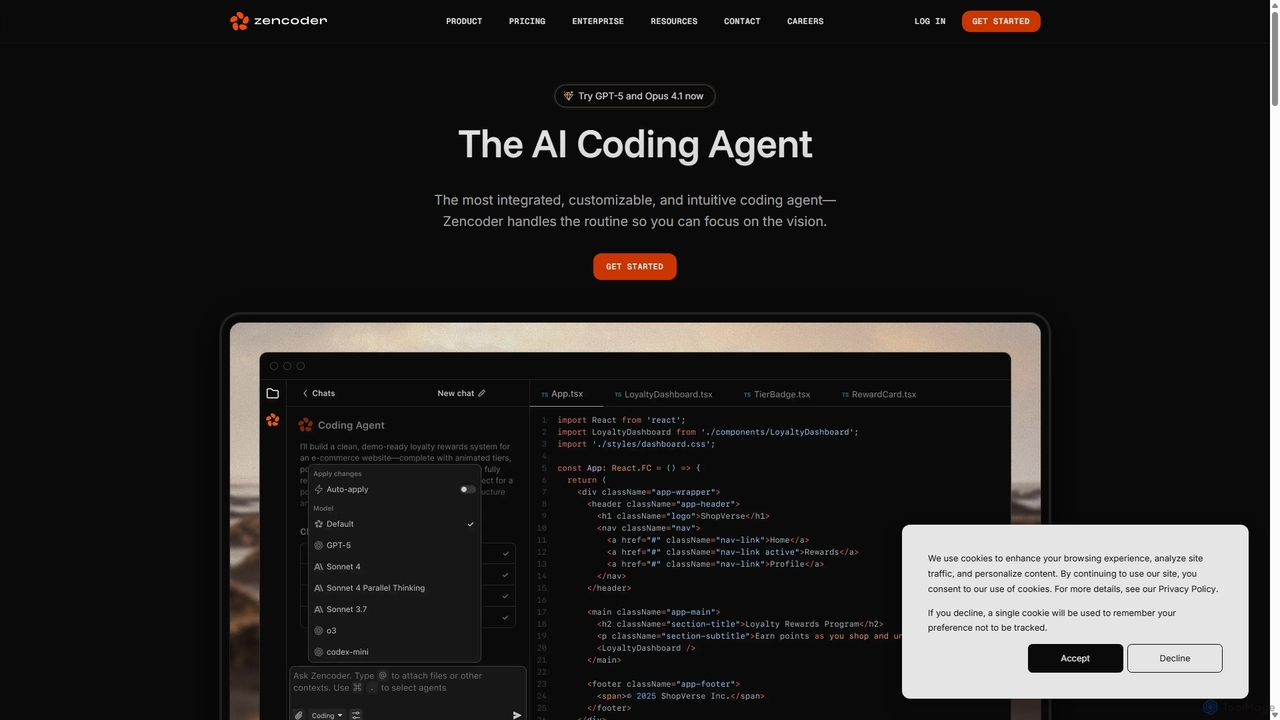
Zencoder
Zencoder is an advanced AI coding agent designed to automate routine development tasks. It deeply integrates into your workflow, understanding your entire codebase to implement features, write tests, fix bugs, and refactor code autonomously. With customizable 'Zen Agents' and seamless integration with VS Code, JetBrains, and over 100 developer tools, Zencoder empowers engineering teams to focus on innovation and ship products faster.
Code Assistant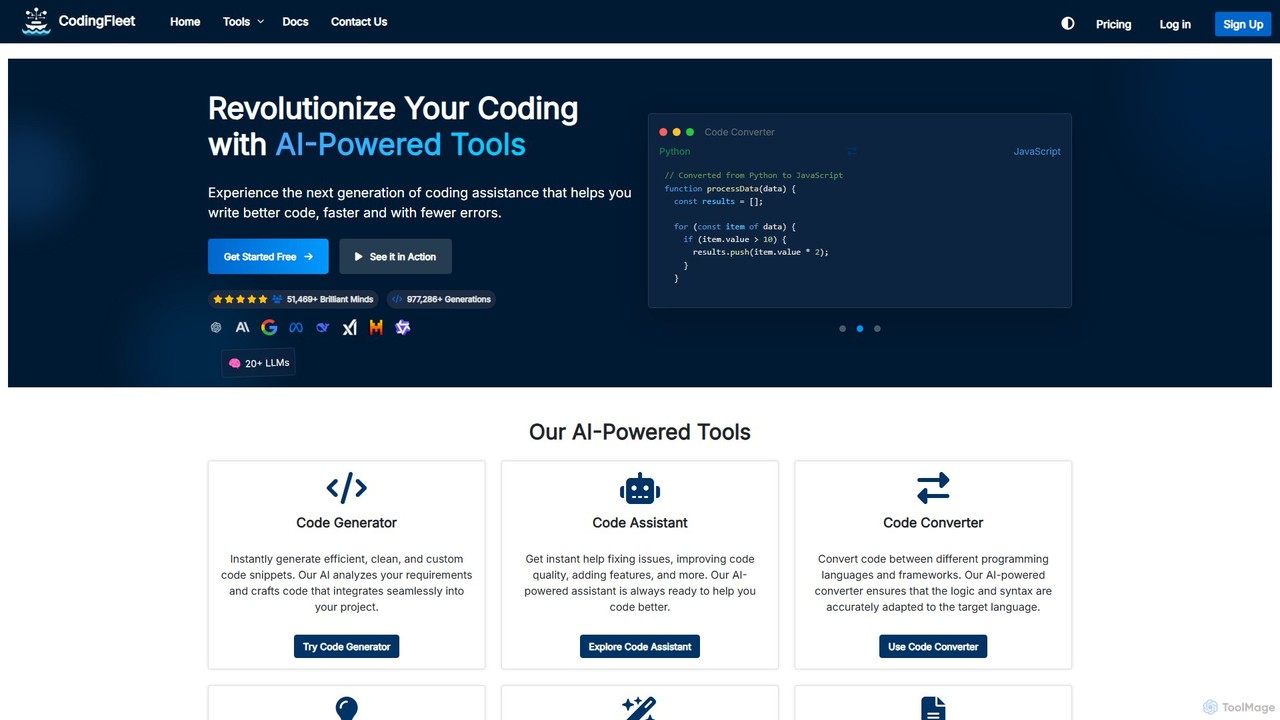
CodingFleet
CodingFleet is a comprehensive AI-powered platform designed to revolutionize the coding workflow for developers. It offers a suite of tools including a code generator, assistant, converter, and explainer, supporting over 90 programming languages. By leveraging advanced AI models, it helps programmers write better, cleaner code faster, automate tedious tasks, and reduce errors, ultimately boosting productivity and fostering innovation.
Code Assistant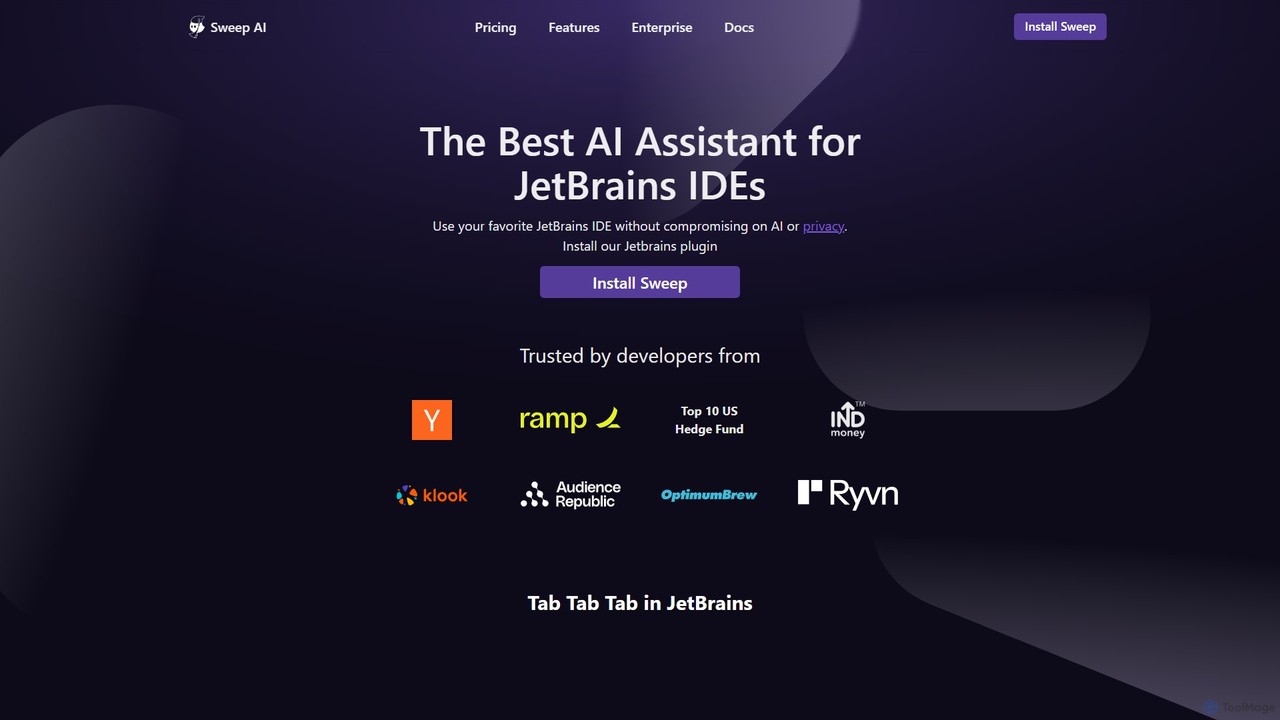
Sweep
Sweep is an AI-powered developer assistant designed as a plugin for JetBrains IDEs. It enhances coding productivity with intelligent 'next-edit' autocomplete and an AI agent that understands your entire codebase to handle complex, multi-file changes, run tests, and fix bugs. Sweep prioritizes privacy with a zero data retention policy and offers on-premise deployment for enterprises.
Code GenerationContinue Categories
Continue Embed Widget
Copy this embed code to place the badge on your blog, article, or product site and send readers directly to this ToolMage detail page.

Related AI tools
Aider
Aider is an AI-powered pair programmer that operates directly in your terminal. It intelligently maps your entire codebase, providing full project context for complex tasks. Seamlessly integrated with Git, it automates commits and allows you to manage AI-driven changes with familiar tools. Aider supports over 100 programming languages, connects to leading cloud and local LLMs, and even accepts voice and image inputs, making it a versatile and powerful assistant for any developer seeking to accelerate their workflow and improve code quality.
ProgrammingRefact
Refact is an open-source, self-hostable, and autonomous AI coding agent. It integrates into your IDE to act as a digital twin, automating coding tasks, providing context-aware completions and chat, and adapting to your codebase for maximum productivity and data privacy.
Code Assistant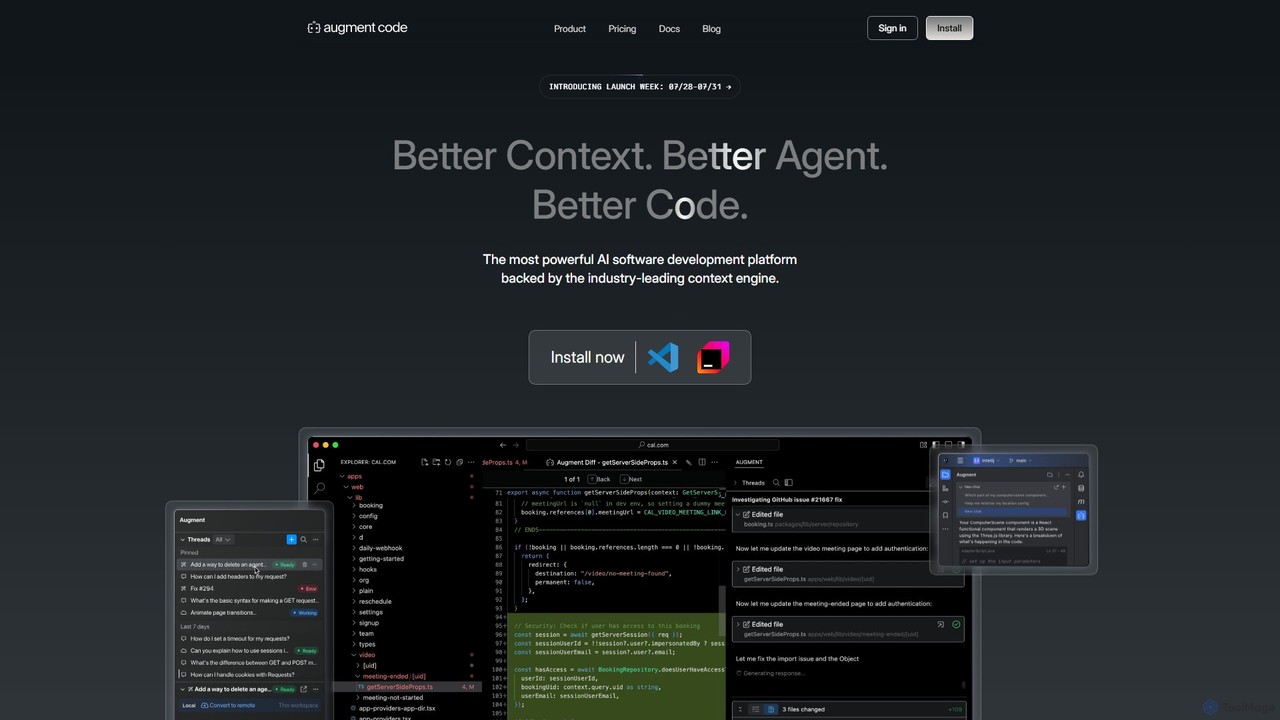
Augment Code
Augment Code is an advanced AI software development platform featuring autonomous agents and a powerful context engine. It integrates into your IDE to help you plan, build, and ship production-ready code faster, with a strong focus on enterprise-grade security and deep codebase understanding.
Code GenerationZencoder
Zencoder is an advanced AI coding agent designed to automate routine development tasks. It deeply integrates into your workflow, understanding your entire codebase to implement features, write tests, fix bugs, and refactor code autonomously. With customizable 'Zen Agents' and seamless integration with VS Code, JetBrains, and over 100 developer tools, Zencoder empowers engineering teams to focus on innovation and ship products faster.
Code AssistantCodingFleet
CodingFleet is a comprehensive AI-powered platform designed to revolutionize the coding workflow for developers. It offers a suite of tools including a code generator, assistant, converter, and explainer, supporting over 90 programming languages. By leveraging advanced AI models, it helps programmers write better, cleaner code faster, automate tedious tasks, and reduce errors, ultimately boosting productivity and fostering innovation.
Code AssistantSweep
Sweep is an AI-powered developer assistant designed as a plugin for JetBrains IDEs. It enhances coding productivity with intelligent 'next-edit' autocomplete and an AI agent that understands your entire codebase to handle complex, multi-file changes, run tests, and fix bugs. Sweep prioritizes privacy with a zero data retention policy and offers on-premise deployment for enterprises.
Code Generation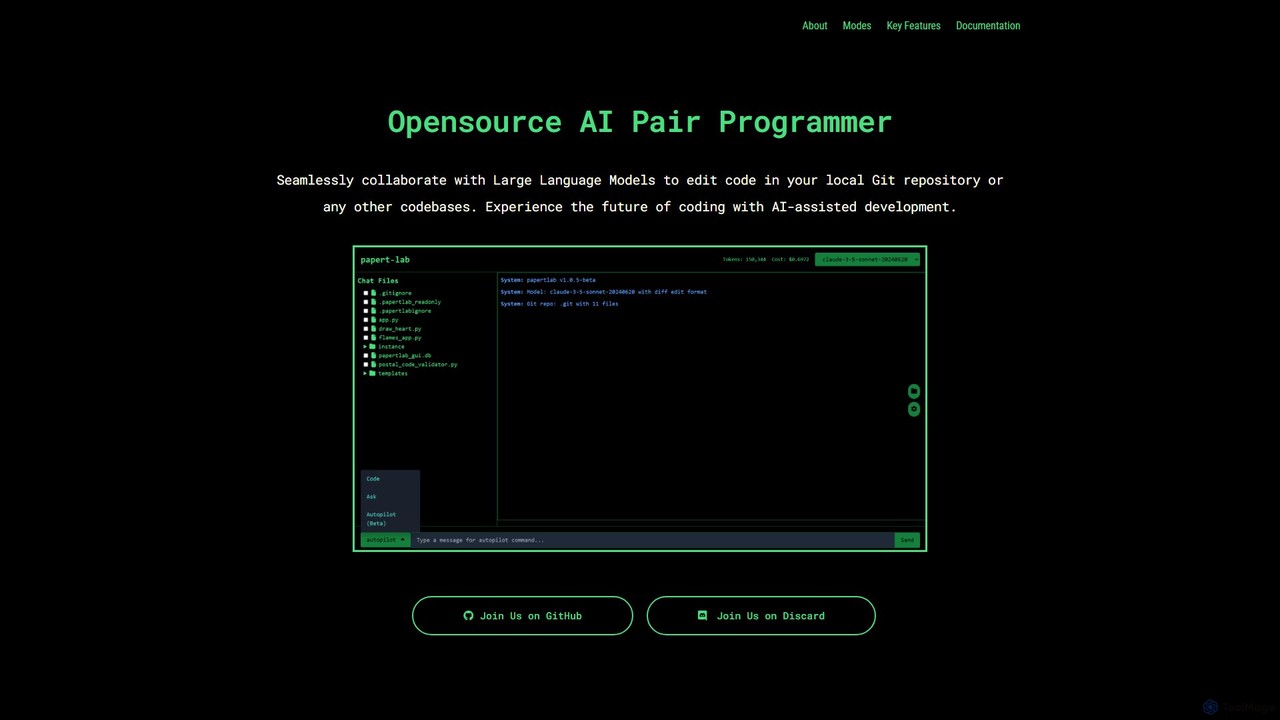
papert
papert is an open-source AI pair programmer that integrates with your local Git repository. It allows developers to collaborate with LLMs like GPT-4o and Claude 3.5 Sonnet to ask questions, edit code across multiple files, refactor, debug, and automate routine coding tasks.
Debugging
CodeMaker AI
CodeMaker AI is a next-generation developer toolkit designed to boost productivity by automating software writing, testing, and documentation. It integrates seamlessly into your workflow via IDEs, GitHub, and CLI, offering context-aware code generation and a powerful AI assistant.
Code Assistant
LobeHub
LobeHub is an all-in-one AI platform that allows you to build and manage a personalized team of AI Agents. It offers a superior user experience to standard LLM interfaces like ChatGPT, with support for numerous models, plugins, and multi-modal interactions. Create, share, and use specialized agents for tasks ranging from coding and writing to academic research and daily life, all within a single, intuitive chat interface.
Chatbot Platform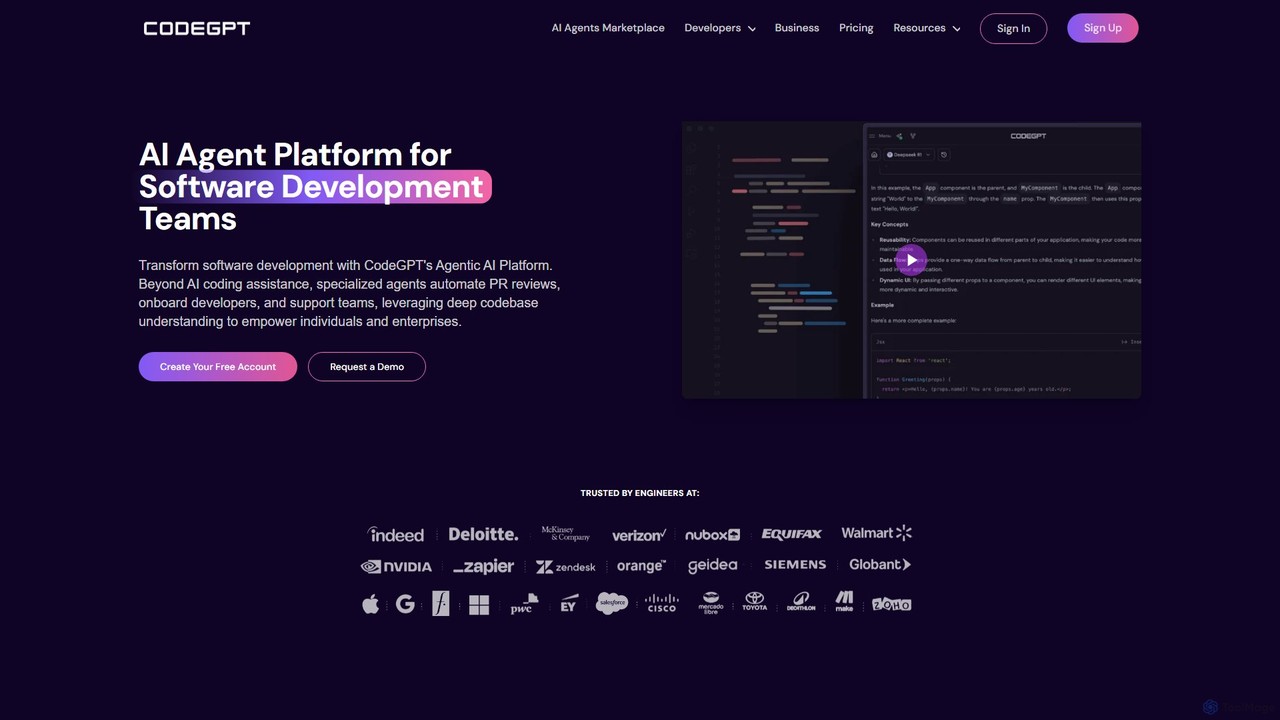
CodeGPT
CodeGPT is an agentic AI platform for software development teams, moving beyond simple code assistance. It offers specialized AI agents that automate PR reviews, onboard developers, and support teams by deeply understanding your entire codebase. It integrates with popular IDEs and supports leading AI models, with a strong focus on enterprise-grade security and flexible deployment options.
Software Development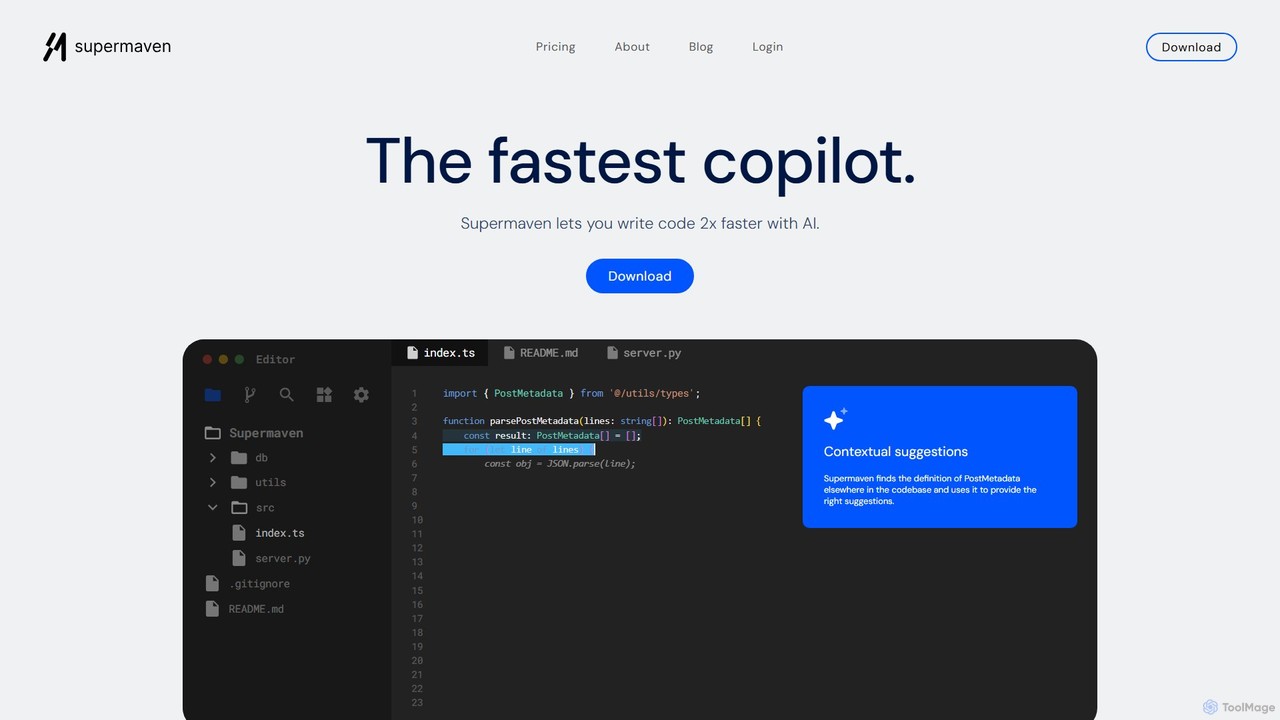
Supermaven
Supermaven is an ultra-fast AI code completion tool designed to double your coding speed. It features a groundbreaking 1 million token context window, allowing it to understand your entire codebase for highly accurate suggestions. It integrates seamlessly with VS Code, JetBrains, and Neovim, and includes an efficient AI chat for advanced tasks.
Code Assistant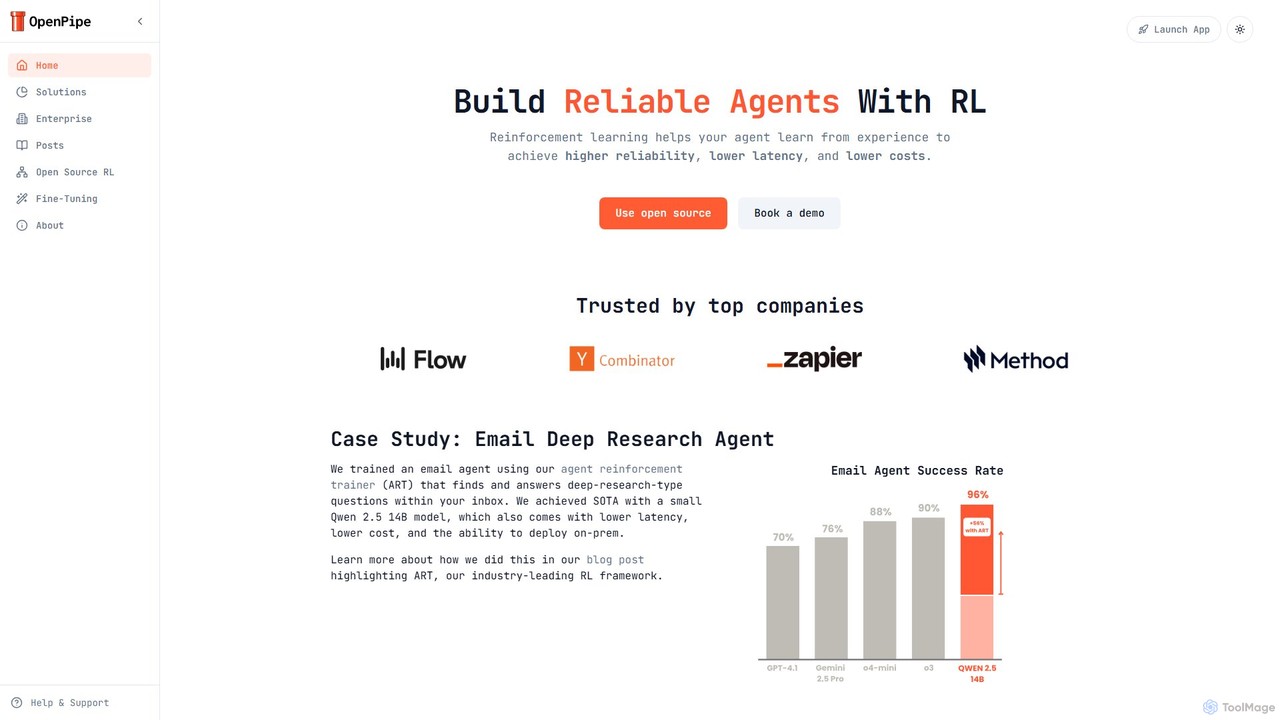
OpenPipe
OpenPipe is an enterprise-grade platform for building highly reliable AI agents using Reinforcement Learning (RL) and fine-tuning. It enables developers to create specialized, cost-effective, and low-latency models that outperform large general-purpose APIs. Features include an open-source framework, on-prem deployment, and continuous optimization.
Enterprise Solutions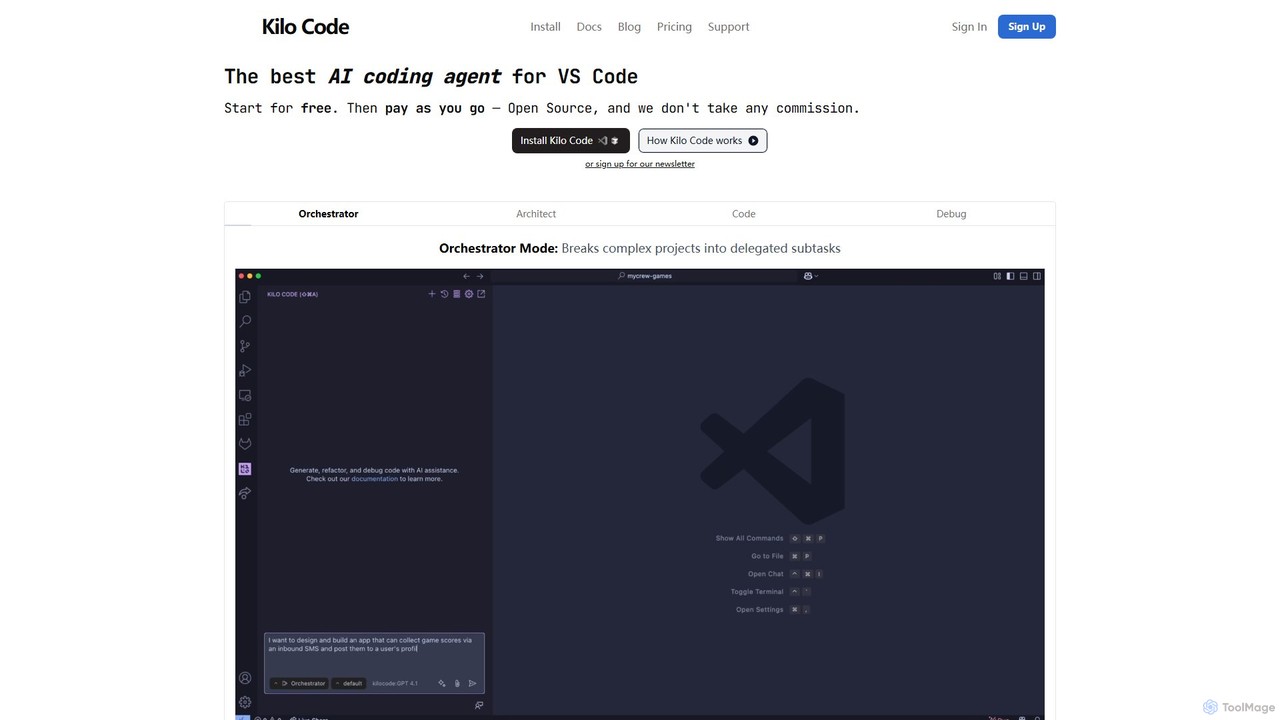
Kilo Code
Kilo Code is a powerful, open-source AI coding agent for VS Code. It features a multi-agent system (Orchestrator, Architect, Code, Debug) to automate complex development tasks, from design to debugging. It's highly customizable, context-aware, and prioritizes user privacy with a "bring your own key" model and no data training.
Code Assistant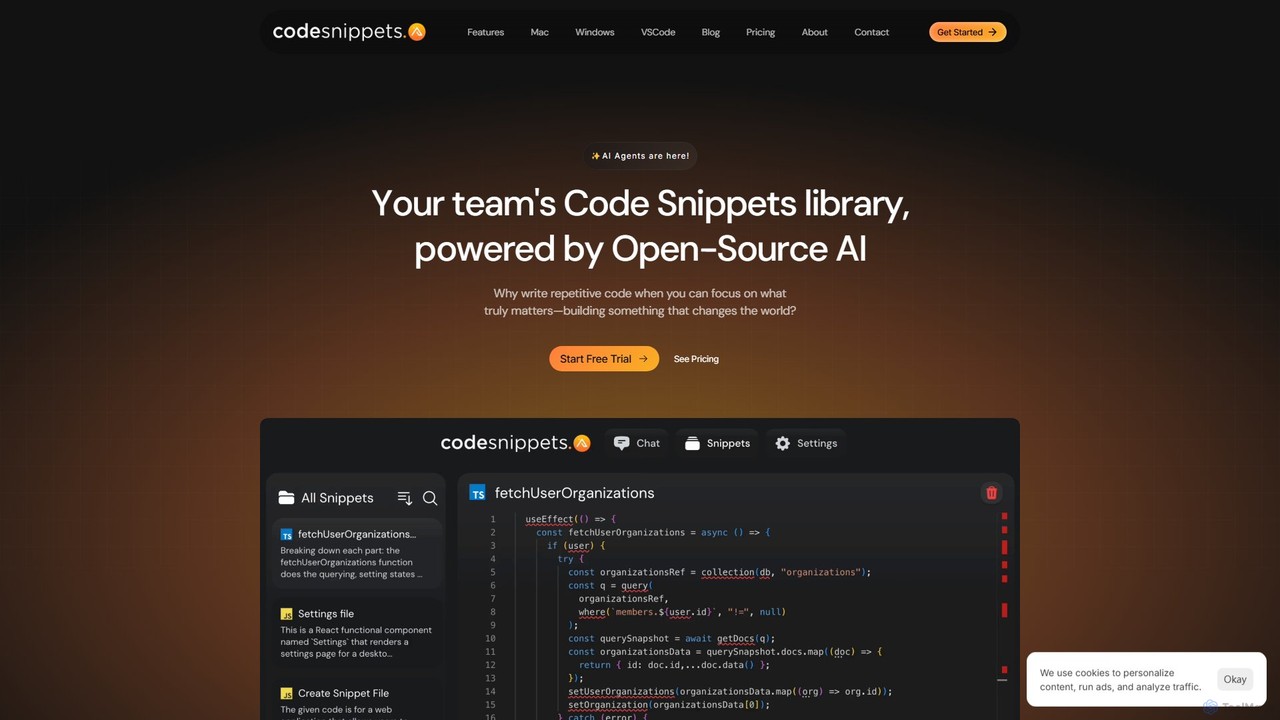
Code Snippets AI
Code Snippets AI is an AI-powered code snippet library for development teams. It centralizes code management, allowing users to save, share, and collaborate on snippets. Leveraging both open and closed-source LLMs, it helps generate, refactor, debug, and document code with full codebase context, streamlining workflows and boosting productivity.
Chatbot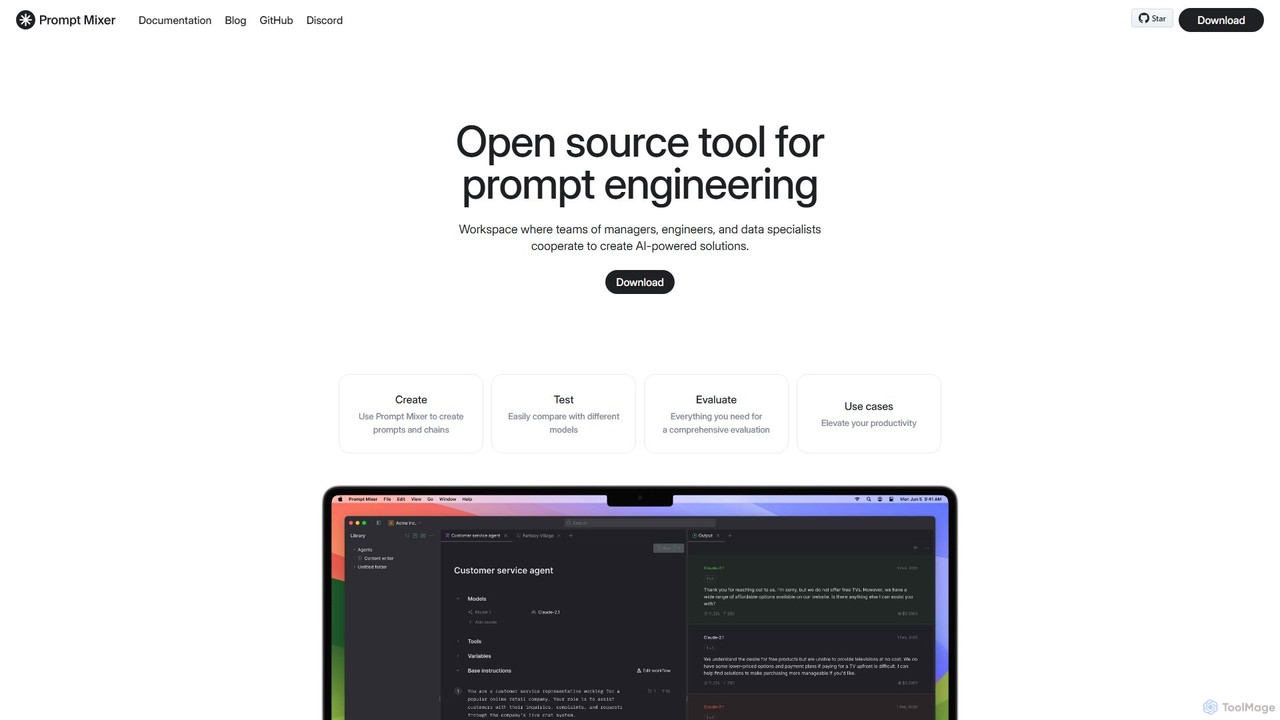
Prompt Mixer
Prompt Mixer is a powerful open-source tool for prompt engineering, providing a collaborative workspace for teams. It enables users to create, test, evaluate, and deploy AI-powered solutions by managing prompt chains, comparing different LLMs, and utilizing advanced evaluation metrics.
Prompt Engineering
Continue Comments (0)
Sign in to comment.
Sign inNo comments yet.