
Code Snippets AI Overview
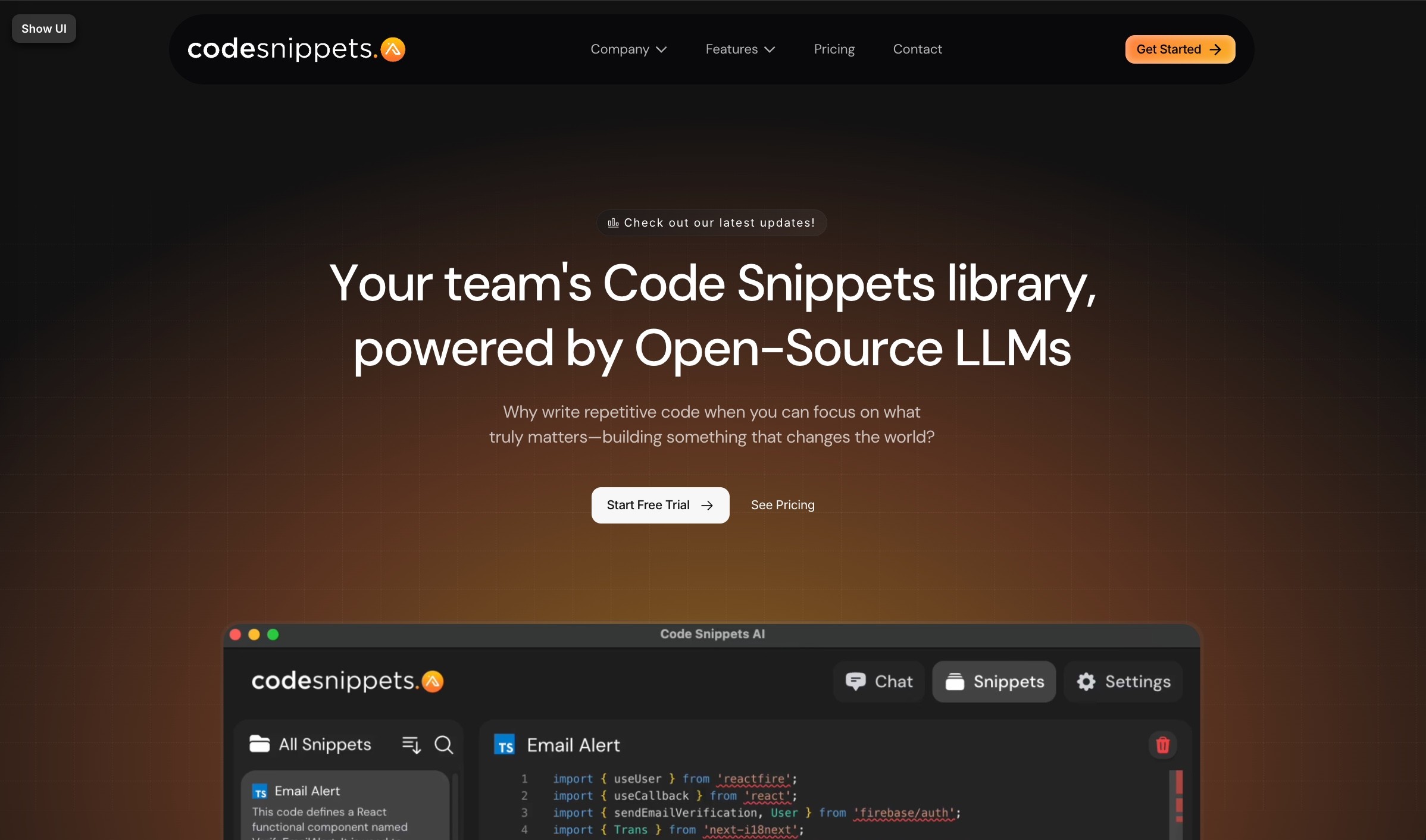
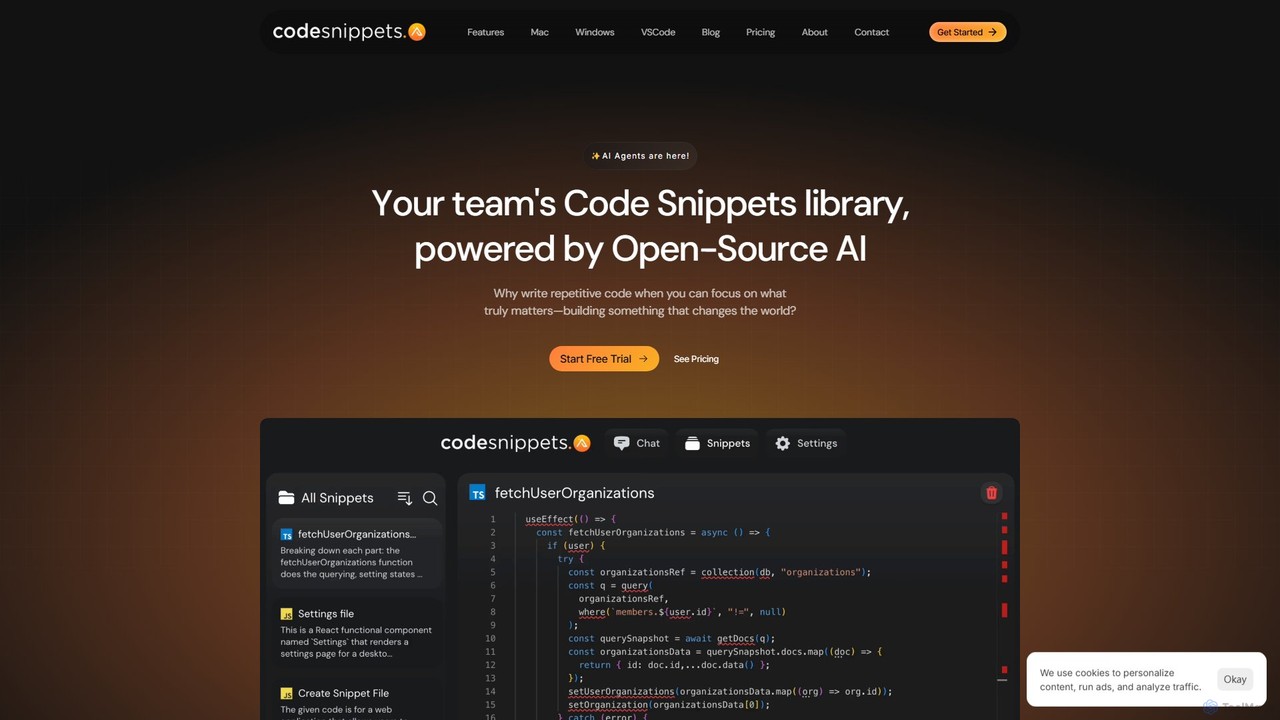
Code Snippets AI is a sophisticated developer tool designed to enhance coding efficiency and team collaboration by minimizing repetitive tasks. At its core, it's a centralized, secure code snippet library for your entire team, supercharged with the capabilities of cutting-edge AI. The platform's mission is to empower developers to focus on innovation and building impactful products rather than getting bogged down by writing boilerplate or repetitive code.
The tool seamlessly integrates into a developer's workflow through a suite of applications, including desktop apps for Mac & Windows, a VSCode extension, and a Chrome extension. This multi-platform support ensures that developers can access their shared knowledge base and AI assistant from anywhere. It stands out by allowing teams to connect with a vast array of both open-source Large Language Models (LLMs) via Ollama and closed-source models like GPT-4 and Claude 2 via OpenRouter. This flexibility enables developers to choose the best model for their specific task, all within a single, unified chat interface.
How to use Code Snippets AI
Getting started with Code Snippets AI is a straightforward process designed for immediate productivity gains:
- Sign Up & Install: Create an account and download the appropriate tool for your environment (Desktop app, VSCode extension, or Chrome extension).
- Connect Your AI: In the settings, add your own API key from services like OpenRouter or OpenAI. Alternatively, connect to your local AI models running through Ollama for offline and private use.
- Index Your Codebase: For deep contextual understanding, point Code Snippets AI to your local project repository. The tool will index the codebase, creating vector embeddings that allow the AI to understand your project's structure, dependencies, and coding patterns.
- Chat with Your Code: Open the chat interface and start a conversation. You can ask the AI to explain code, generate new features, write unit tests, fix bugs, or add documentation. The AI uses the indexed codebase as context for highly relevant and accurate responses.
- Save & Share Snippets: When you or the AI generate a useful piece of code, save it to your team's shared library with a single click. Add descriptions and tags to make it easily discoverable for your teammates.
- Collaborate: Your entire team can access, search, and use the shared snippets, ensuring consistency and saving time across the board. Real-time updates keep everyone in sync.
Core Features of Code Snippets AI
- Team-Based Snippet Library: A centralized and secure repository for your team to save, organize, and share reusable code snippets.
- Multi-LLM Support: Seamlessly switch between and use hundreds of open-source (via Ollama) and closed-source (via OpenRouter) LLMs like GPT-4, Claude 2, and Mixtral in the same conversation.
- Codebase Context Awareness: Index your entire local codebase to provide the AI with deep context, resulting in more accurate and relevant code generation, analysis, and debugging.
- AI-Powered Actions: Go beyond simple snippet storage. Use AI to generate, refactor, debug, and document code, or simply have a conversation to understand complex parts of your project.
- Cross-Platform Integration: Available as desktop apps for Mac and Windows, a VSCode extension, and a Chrome extension to fit into any workflow.
- Efficient User Management: Organize and manage team members and their access permissions within your organization.
- Secure Collaboration: Features like edit tracking and a secure library ensure your team's intellectual property is safe and well-managed.
- AI Context Generation: Automatically generate context and documentation for your code snippets, making them easier for the whole team to understand and use.
Use Cases for Code Snippets AI
Code Snippets AI is versatile and can be applied in various scenarios:
- Accelerating Feature Development: Quickly generate boilerplate code, functions, or entire components based on a simple prompt and the context of your existing codebase.
- Onboarding New Developers: New team members can quickly get up to speed by using the AI to understand the codebase and by accessing a library of established code patterns and snippets.
- Debugging and Troubleshooting: Paste an error message or a problematic function into the chat and ask the AI to identify the issue and suggest a fix, using its knowledge of your project.
- Code Refactoring and Optimization: Select a piece of code and ask the AI to refactor it for better performance, readability, or to adhere to modern best practices.
- Maintaining Code Consistency: By using a shared snippet library, teams can ensure that everyone is using the same standardized, approved code for common tasks.
- Automated Documentation: Generate comments, docstrings, and even full markdown documentation for your functions and classes to improve code maintainability.
Advantages of Code Snippets AI
The primary advantage of Code Snippets AI is its holistic approach to developer productivity. It's not just a snippet manager or an AI chatbot; it's an integrated coding companion. Key advantages include a significant reduction in context switching, the ability to leverage the best AI models (both open and closed source) for the job, and providing AI with the one thing it needs most for high-quality output: deep, specific context from your actual codebase. This leads to faster development cycles, fewer bugs, and better collaboration.
Pricing and Plans
Code Snippets AI offers a freemium model with plans tailored to different needs. Users can save 20% by opting for an annual subscription.
- Basic (Free): Ideal for individuals starting out. Includes the ability to bring your own AI key (OpenRouter/Ollama), use of free desktop apps, and saving up to 5 snippets to your personal library.
- Pro ($7.50/user/month, billed annually): Designed for professionals and small teams. Includes all Basic features plus the AI Chrome Extension, the ability to add team members, a full-featured snippets library with AI, local codebase indexing, and email support.
- Enterprise ($12.50/user/month, billed annually): The complete solution for large teams and organizations. Includes all Pro features plus advanced security, unlimited user accounts, 24/7 priority support, and the ability to save unlimited snippets.
Monthly billing options are also available at a slightly higher rate.
Traffic
Latest traffic
Status
Monthly traffic trend
- 2025-9: 5.8K
- 2026-1: 15.6K
- 2026-2: 8.7K
- 2026-3: 5.1K
- 2026-4: 4.3K
- 2026-5: 5.3K
Geography
Top 5 countries / regions
- 🇮🇳India54.8%
- 🇺🇸United States19.8%
- 🇳🇬Nigeria10.9%
- 🇻🇳Vietnam9.9%
- 🇨🇦Canada4.7%
Top keywords
| Keyword | Cost per click |
|---|---|
| code snippet | $2.36 |
| code snippets | $1.48 |
| codesnippets | $0.00 |
| code snippets as product images for ai brands | $0.00 |
| snippet code extractor free | $0.00 |
Code Snippets AI Alternatives
Grov
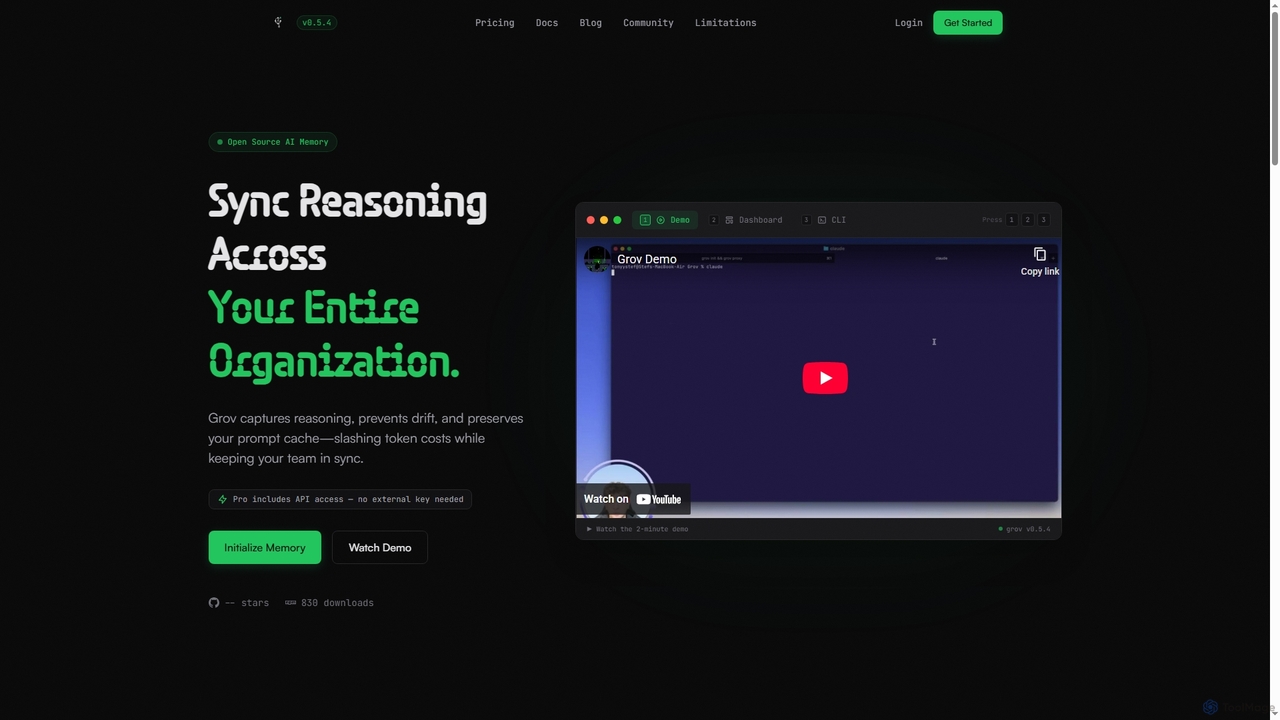
Grov is an open-source collective AI memory for engineering teams, designed to optimize Claude Code sessions. It captures reasoning, prevents AI drift, and preserves prompt caches, significantly reducing token costs and enhancing team synchronization.
Code Assistant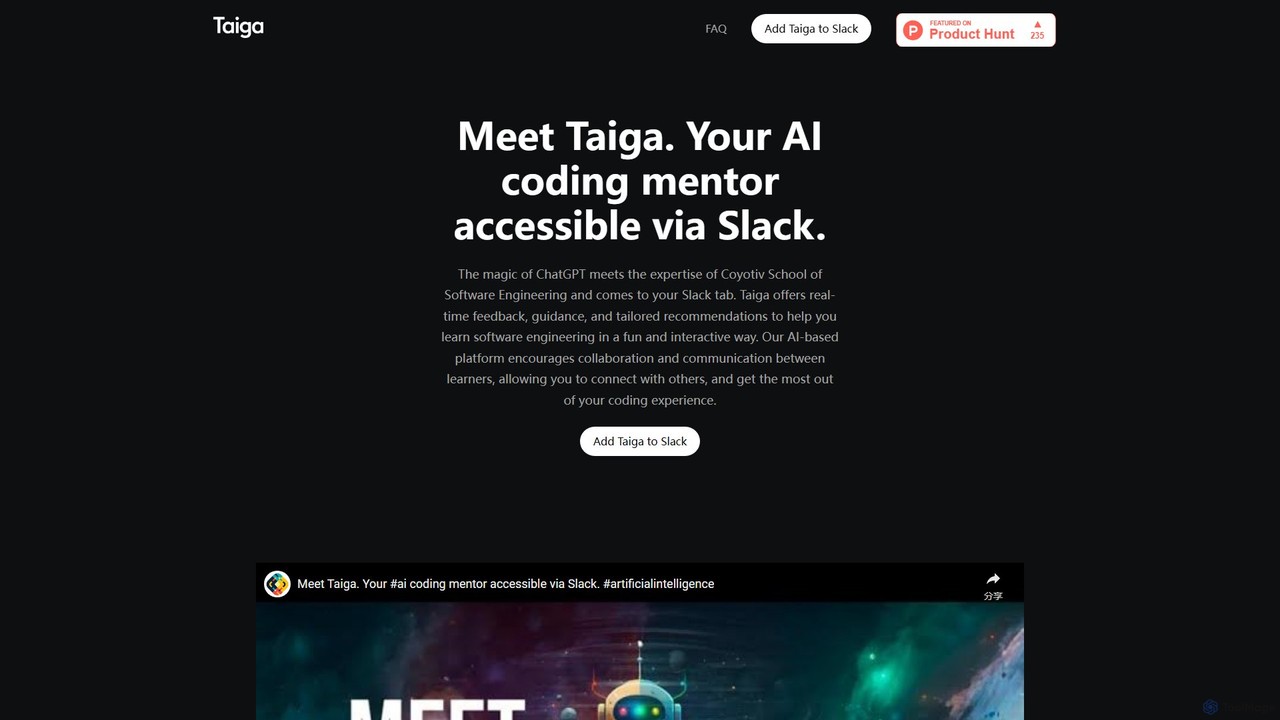
Taiga
Taiga is an AI-powered coding mentor integrated directly into Slack. It provides real-time programming assistance, code reviews, and personalized guidance to help developers learn and code more efficiently. Powered by ChatGPT and the expertise of Coyotiv School of Software Engineering, Taiga supports a wide range of languages and frameworks, making it an ideal collaborator for individual developers and teams.
Code Assistant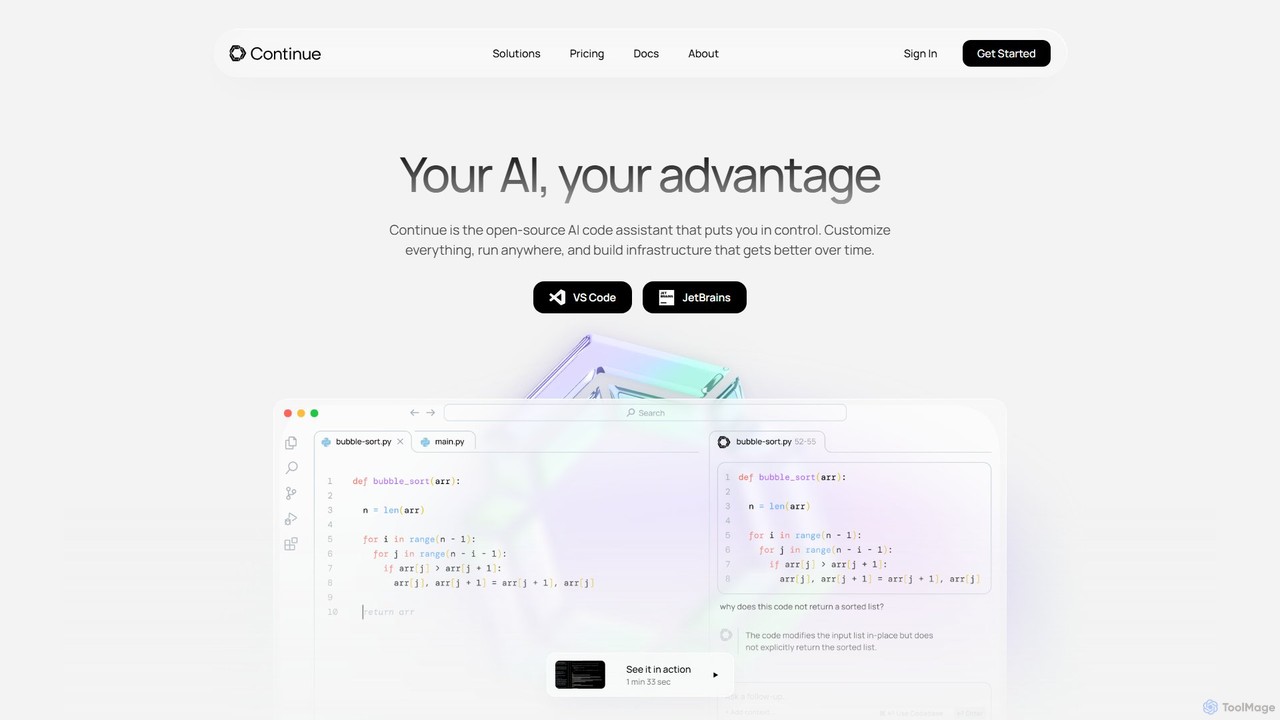
Continue
Continue is an open-source, customizable AI code assistant for VS Code and JetBrains. It enhances developer productivity with intelligent autocompletion, context-aware chat, and in-line refactoring, supporting any LLM, including local and on-premise models for maximum privacy and control.
Code Assistant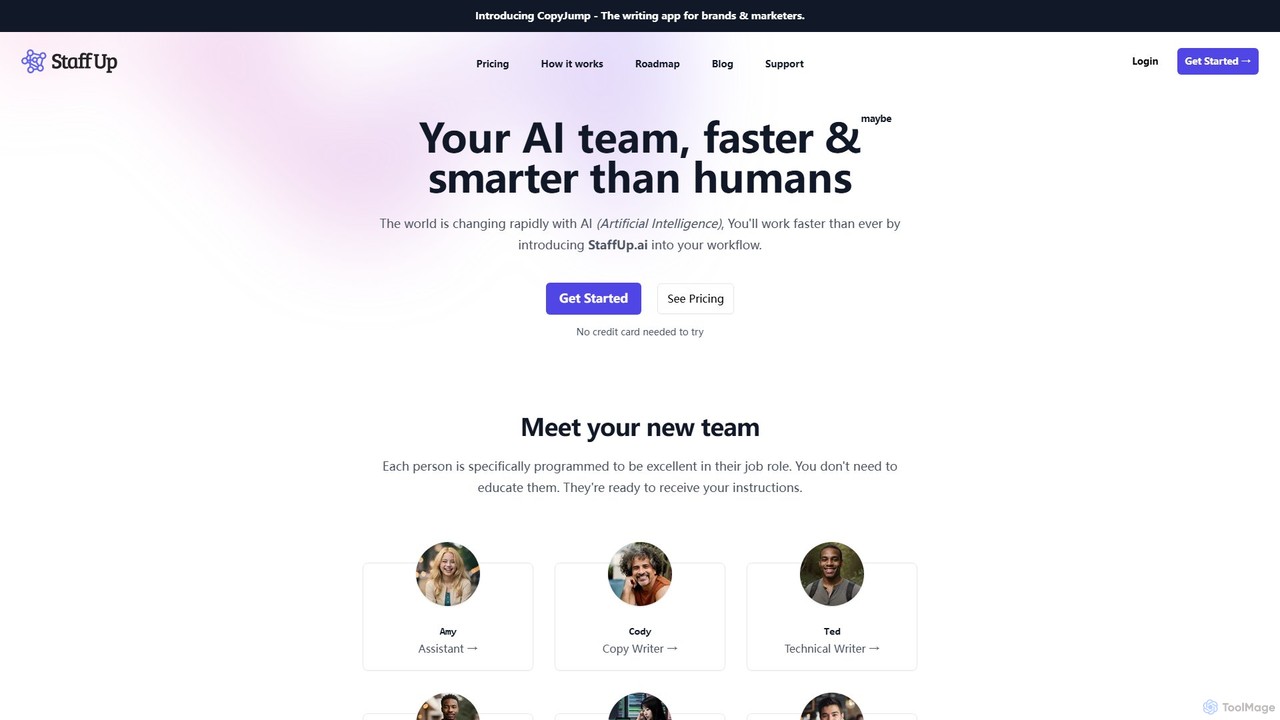
StaffUp.ai
StaffUp.ai provides a virtual team of specialized AI assistants designed to accelerate business workflows. From copywriting and coding to SEO and customer support, these pre-programmed AI staff members are ready to handle tasks with minimal prompting, operating within a collaborative workspace to boost productivity and efficiency.
Code Assistant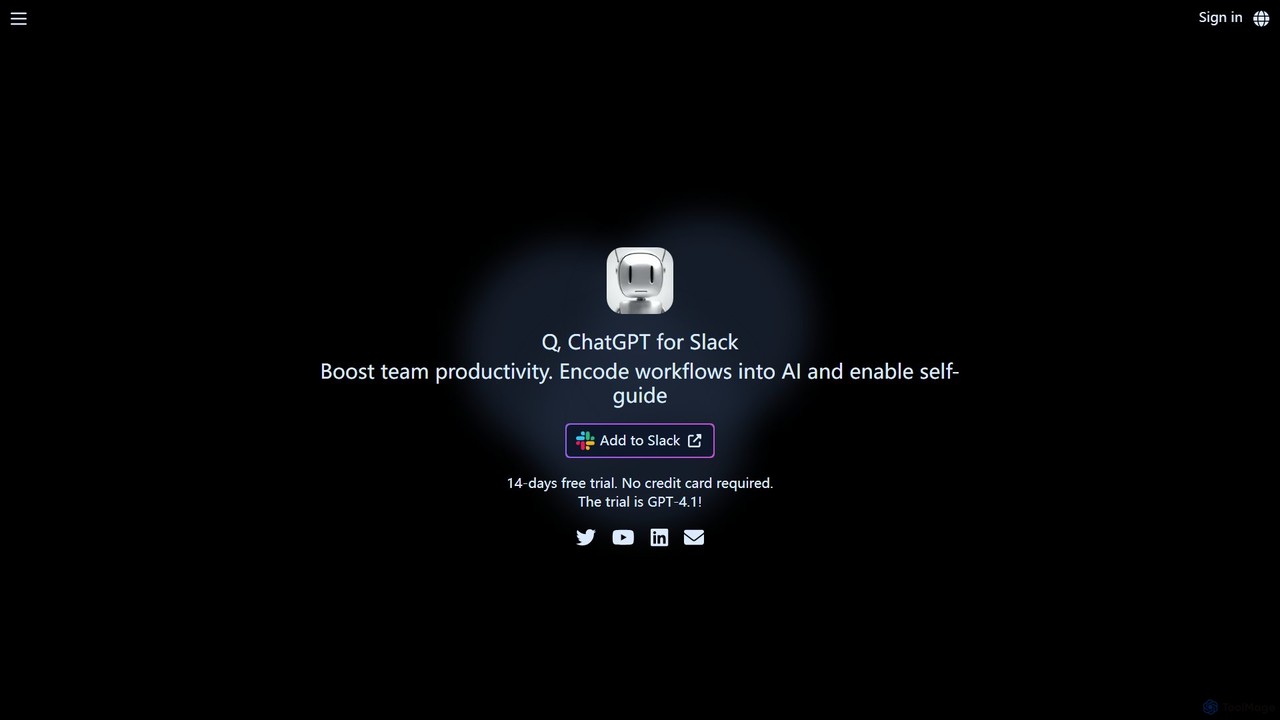
q_bot
q_bot is a powerful ChatGPT-like AI assistant for Slack, designed to boost team productivity. It securely integrates into your workspace, reads files and URLs on-demand, understands custom instructions, and automates workflows, all without leaving Slack.
ChatbotCode Snippets AI Categories
Code Snippets AI Embed Widget
Copy this embed code to place the badge on your blog, article, or product site and send readers directly to this ToolMage detail page.

Related AI tools
Grov
Grov is an open-source collective AI memory for engineering teams, designed to optimize Claude Code sessions. It captures reasoning, prevents AI drift, and preserves prompt caches, significantly reducing token costs and enhancing team synchronization.
Code AssistantContinue
Continue is an open-source, customizable AI code assistant for VS Code and JetBrains. It enhances developer productivity with intelligent autocompletion, context-aware chat, and in-line refactoring, supporting any LLM, including local and on-premise models for maximum privacy and control.
Code Assistant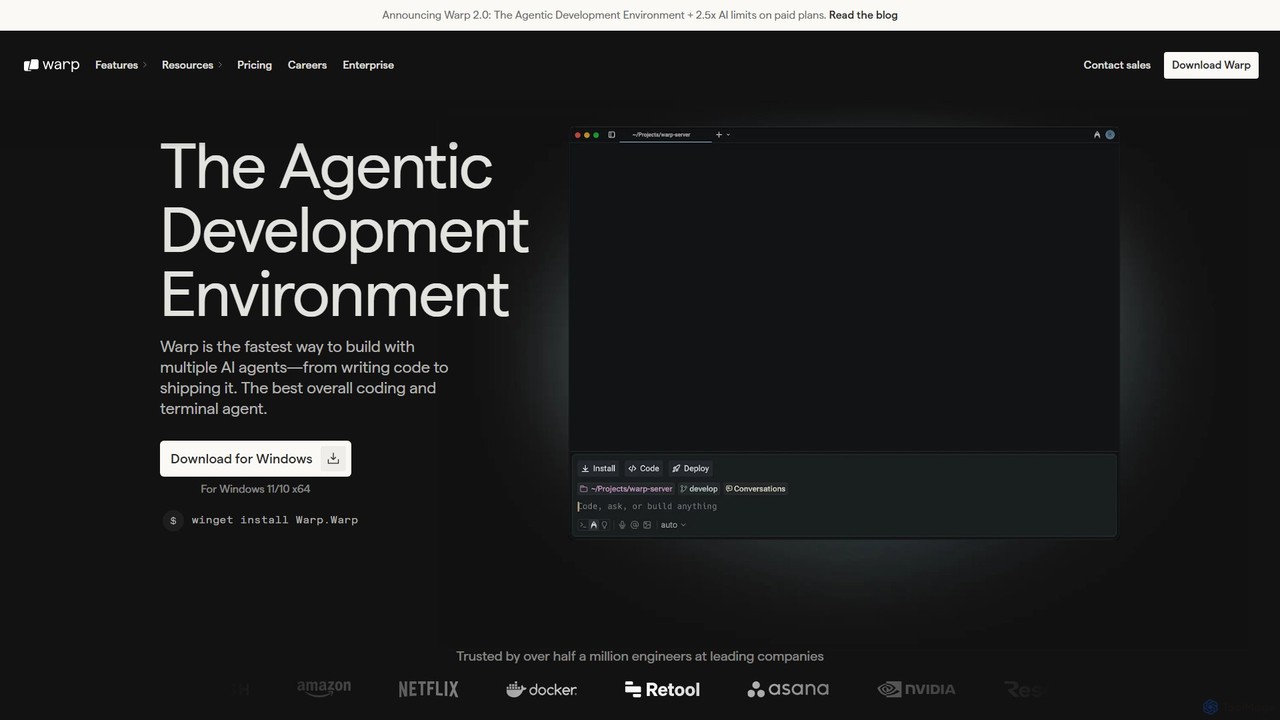
Warp
Warp is an AI-powered, Rust-based terminal reimagined as an Agentic Development Environment (ADE). It enables developers to use natural language to command AI agents for coding, debugging, and deployment. Warp combines a blazingly fast terminal with multi-threaded agent management, allowing you to build, test, and ship software faster by running multiple development tasks in parallel.
Development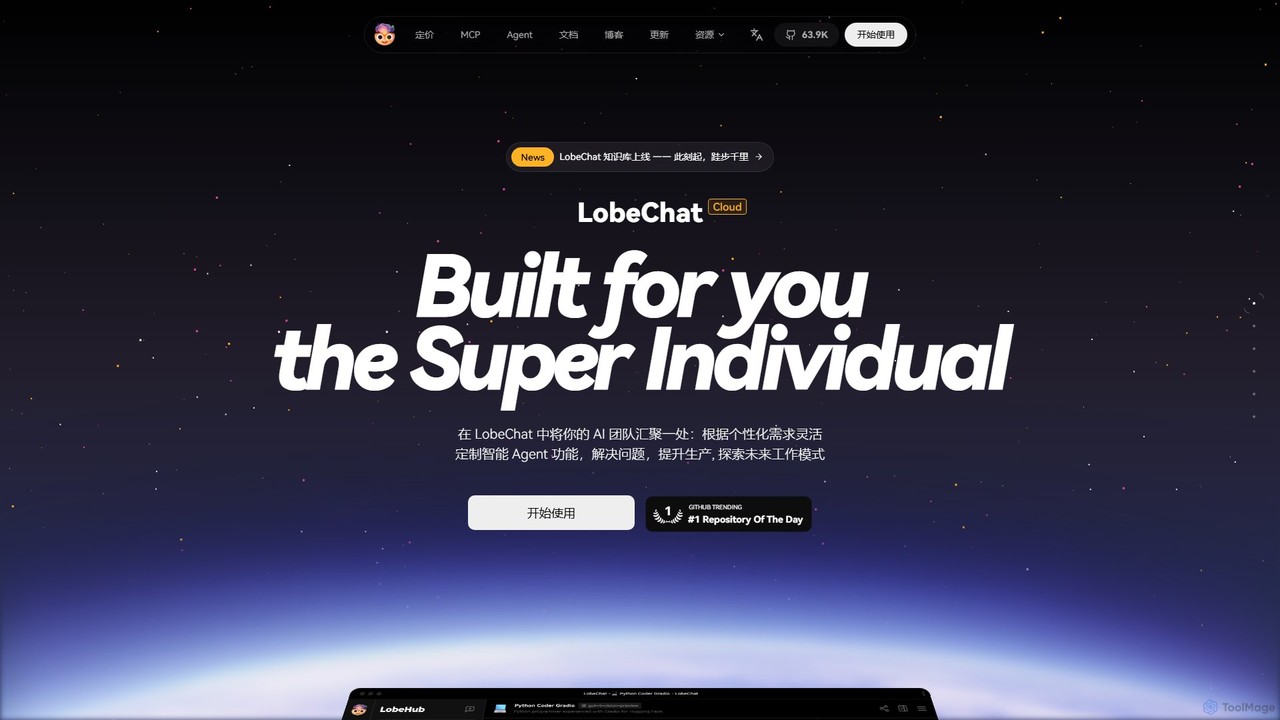
LobeHub
LobeHub is an all-in-one AI platform that allows you to build and manage a personalized team of AI Agents. It offers a superior user experience to standard LLM interfaces like ChatGPT, with support for numerous models, plugins, and multi-modal interactions. Create, share, and use specialized agents for tasks ranging from coding and writing to academic research and daily life, all within a single, intuitive chat interface.
Chatbot Platform
Aider
Aider is an AI-powered pair programmer that operates directly in your terminal. It intelligently maps your entire codebase, providing full project context for complex tasks. Seamlessly integrated with Git, it automates commits and allows you to manage AI-driven changes with familiar tools. Aider supports over 100 programming languages, connects to leading cloud and local LLMs, and even accepts voice and image inputs, making it a versatile and powerful assistant for any developer seeking to accelerate their workflow and improve code quality.
Programming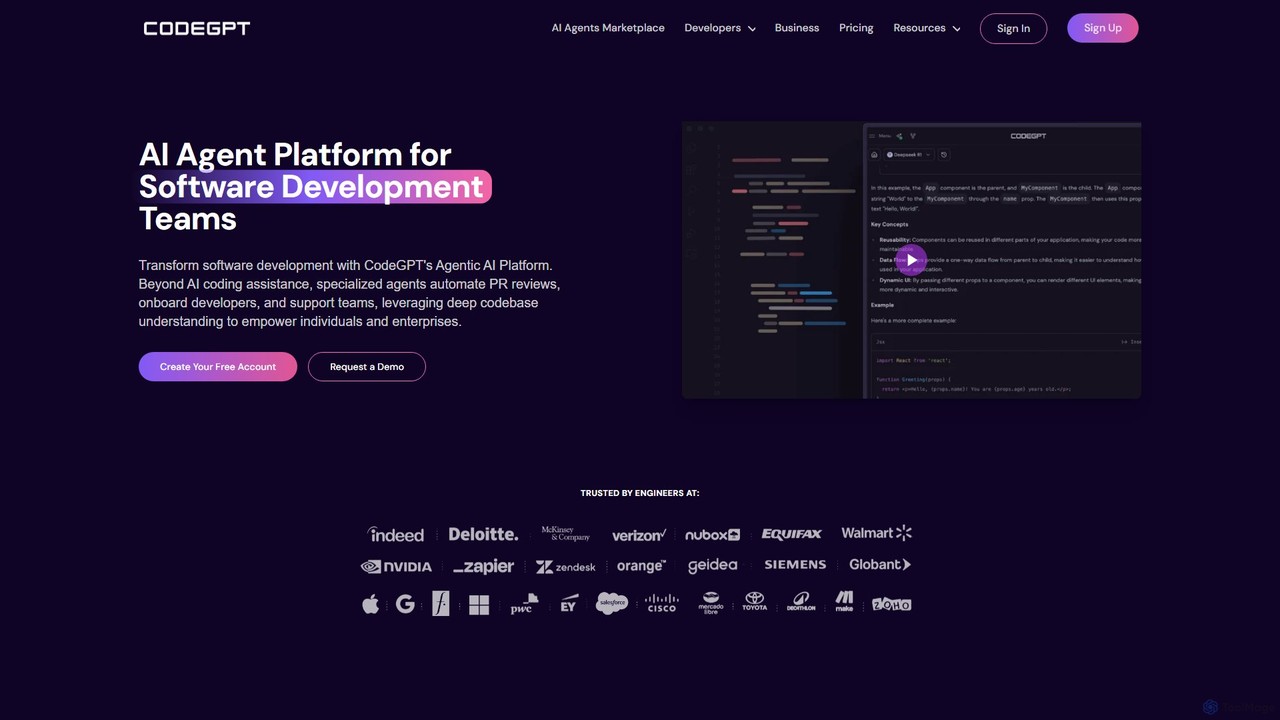
CodeGPT
CodeGPT is an agentic AI platform for software development teams, moving beyond simple code assistance. It offers specialized AI agents that automate PR reviews, onboard developers, and support teams by deeply understanding your entire codebase. It integrates with popular IDEs and supports leading AI models, with a strong focus on enterprise-grade security and flexible deployment options.
Software Development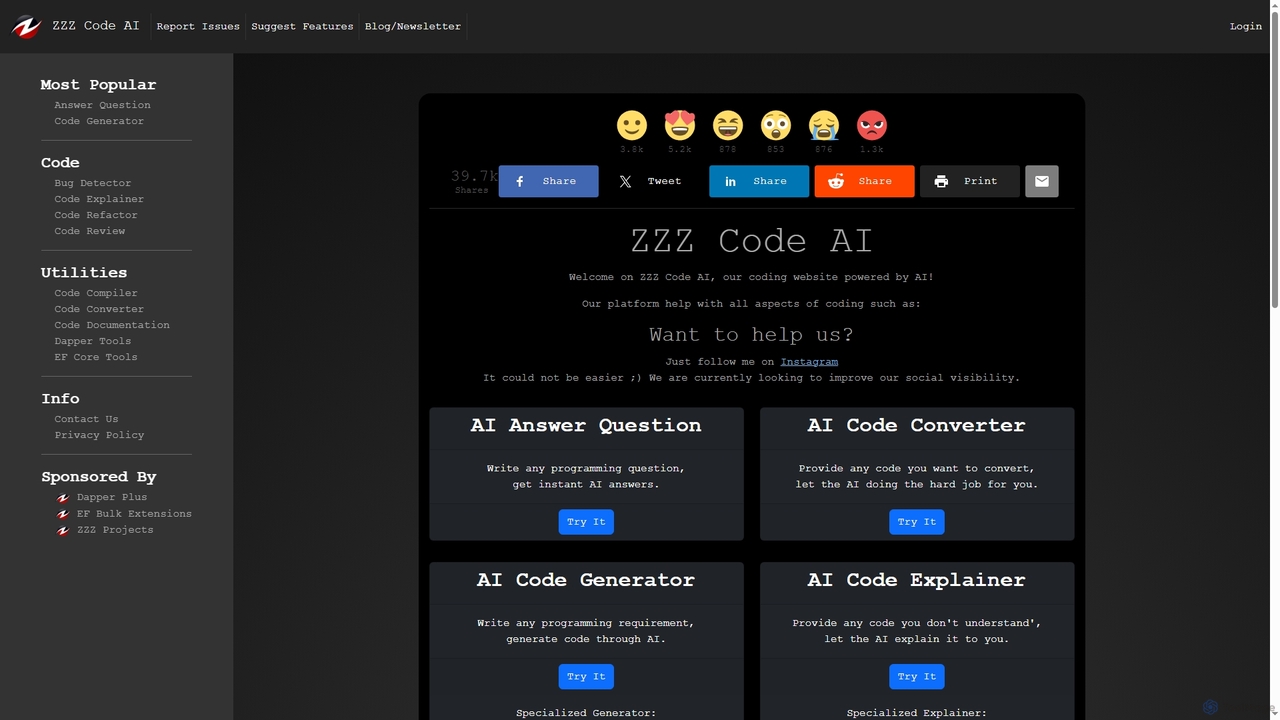
Zzzcode
Zzzcode is a free, AI-powered online platform offering a comprehensive suite of coding tools for developers. It can generate, explain, debug, refactor, review, document, and convert code across numerous programming languages, and provide instant answers to programming questions.
Code Assistant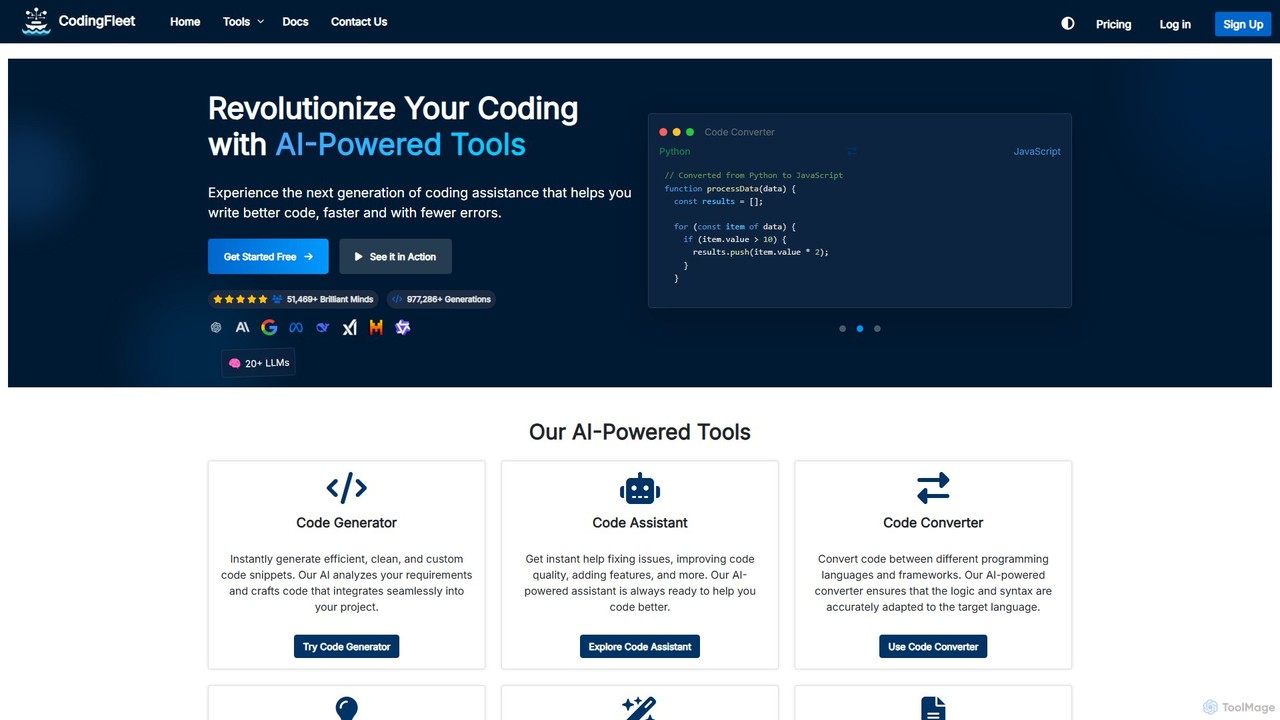
CodingFleet
CodingFleet is a comprehensive AI-powered platform designed to revolutionize the coding workflow for developers. It offers a suite of tools including a code generator, assistant, converter, and explainer, supporting over 90 programming languages. By leveraging advanced AI models, it helps programmers write better, cleaner code faster, automate tedious tasks, and reduce errors, ultimately boosting productivity and fostering innovation.
Code Assistant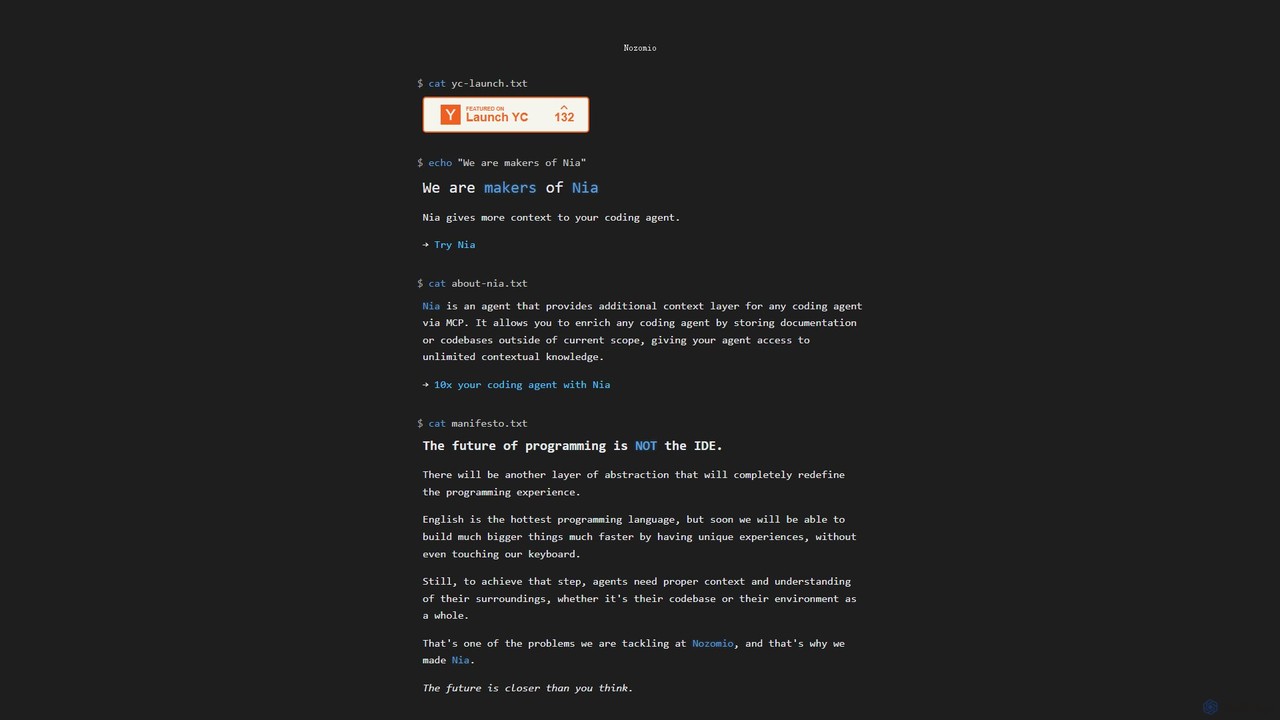
Nia
Nia is an advanced AI context layer for coding agents, developed by Nozomio Labs. It enhances AI assistants like Cursor by providing them with unlimited contextual knowledge from your documentation and codebases. This allows the AI to generate more accurate, relevant, and powerful code, effectively breaking the limits of traditional context windows and supercharging developer productivity.
Code Assistant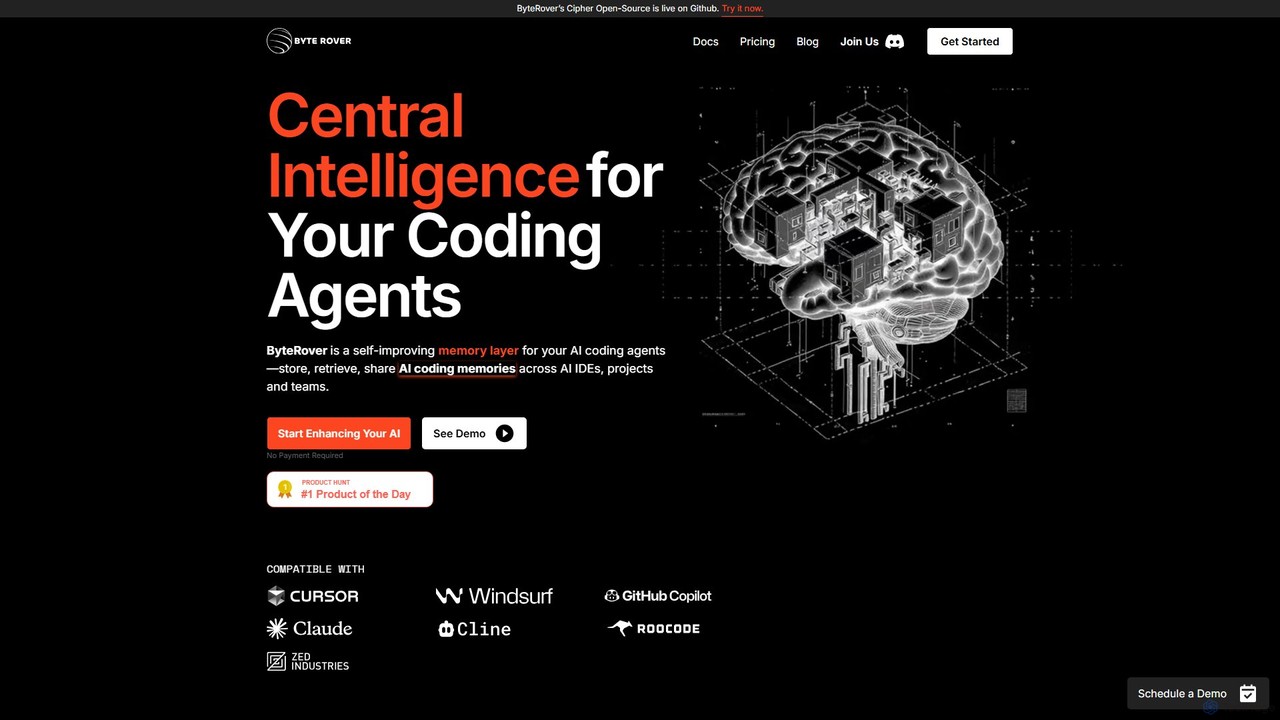
ByteRover
ByteRover is a central intelligence layer for AI coding agents, designed to enhance developer productivity. It integrates into your IDE to provide your AI assistant with a persistent memory, allowing it to save, recall, and share crucial context like code patterns, bug fixes, and project architecture. This makes your AI agent smarter, more personalized, and more effective for both individual developers and teams.
Code Assistant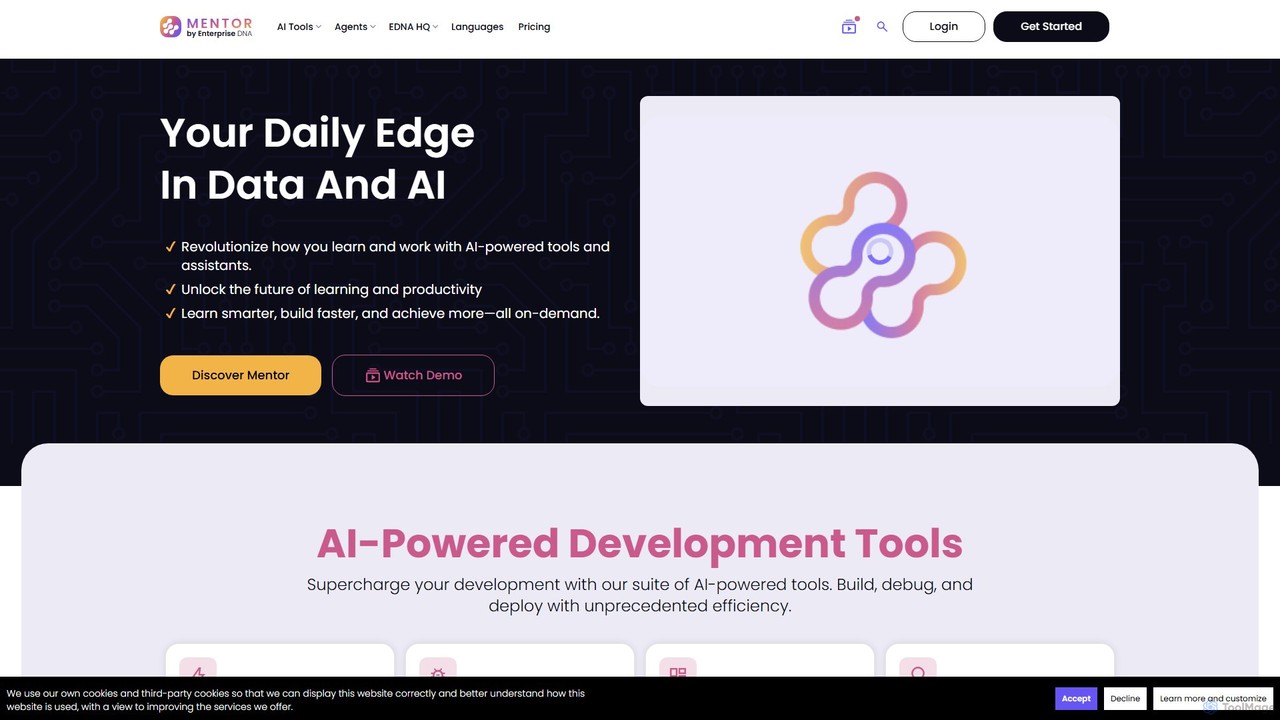
Mentor
Mentor by Enterprise DNA is an all-in-one AI-powered platform designed to enhance data and development skills. It offers a suite of tools for coding, debugging, research, and learning, supporting languages like Python, SQL, and DAX. Users can build custom knowledge bases, automate tasks with AI agents, and generate reports, revolutionizing productivity and learning.
Code Assistant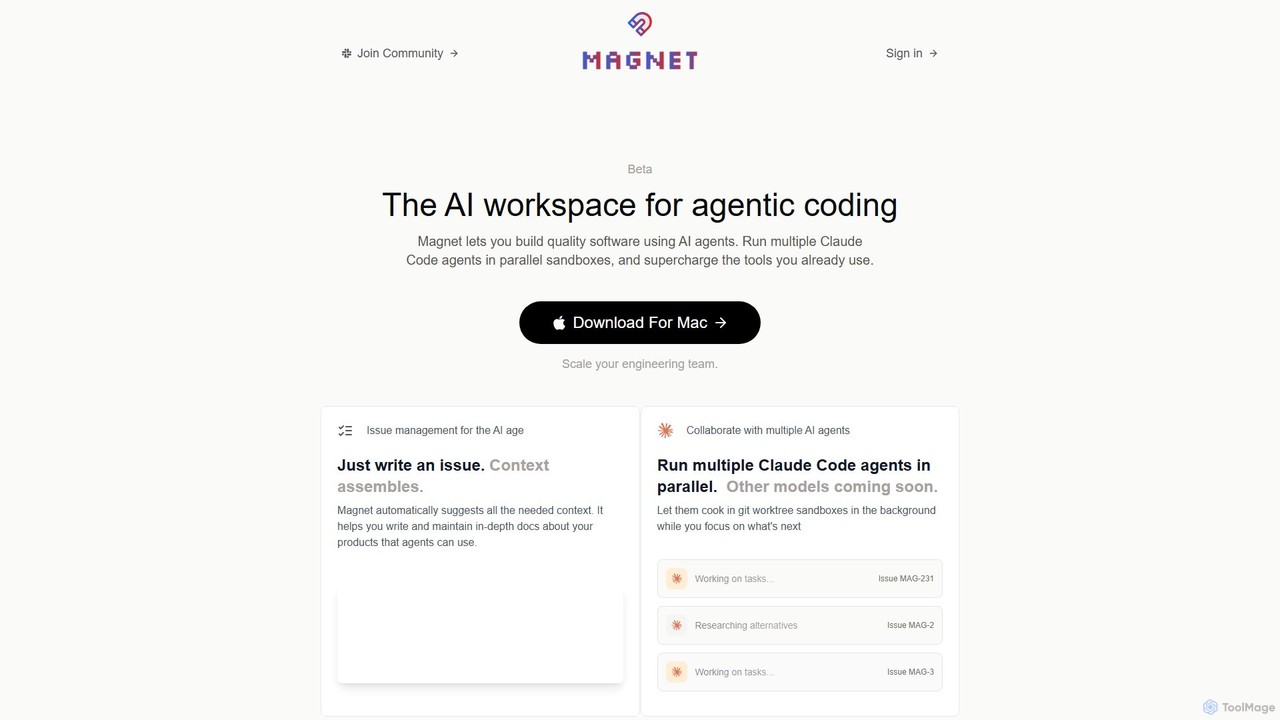
Magnet
Magnet is an AI-powered workspace for agentic coding, enabling developers to build software by orchestrating multiple AI agents. It allows you to run Claude Code agents in parallel sandboxes, acting as a context engine to make development faster, cheaper, and more reliable. It's a native macOS application designed to supercharge your existing engineering workflows.
Agent Orchestration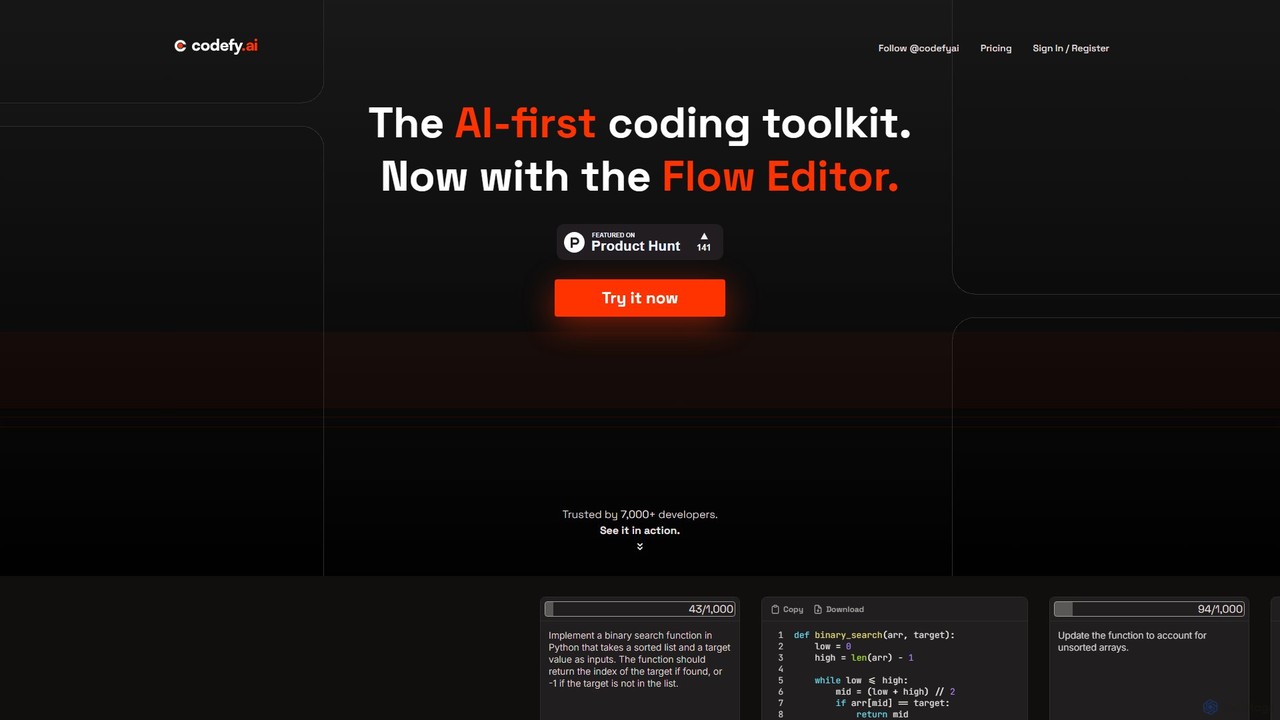
codefy.ai
codefy.ai is an AI-first coding toolkit designed for developers. It features over 20 specialized tools, including the innovative Flow Editor, to streamline tasks like code generation, debugging, translation, and optimization. By handling prompt engineering, it allows developers to get accurate results quickly through intuitive, pre-programmed interfaces, significantly boosting productivity and simplifying the development workflow.
Code Assistant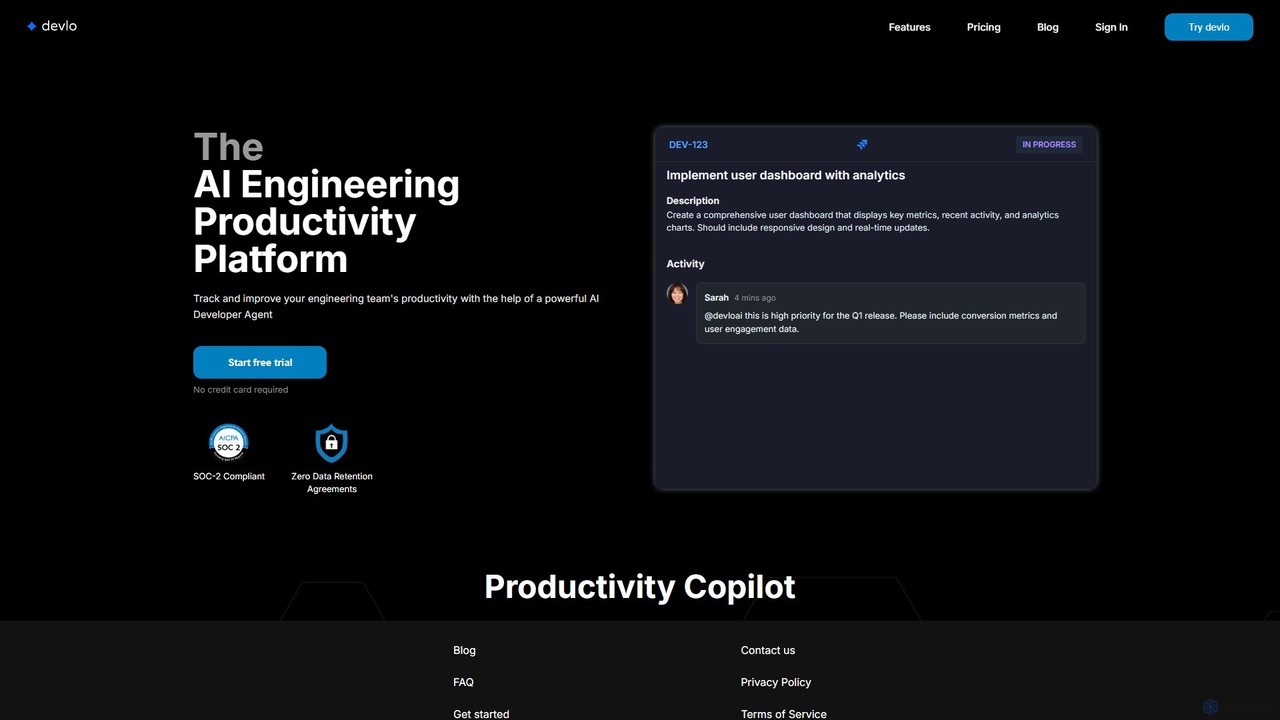
devlo
devlo is an AI Engineering Productivity Platform designed to supercharge software development teams. It features an advanced AI Developer Agent that automates coding tasks, performs intelligent code reviews, and provides deep, actionable insights into team performance, helping to accelerate delivery and improve code quality.
Code Assistant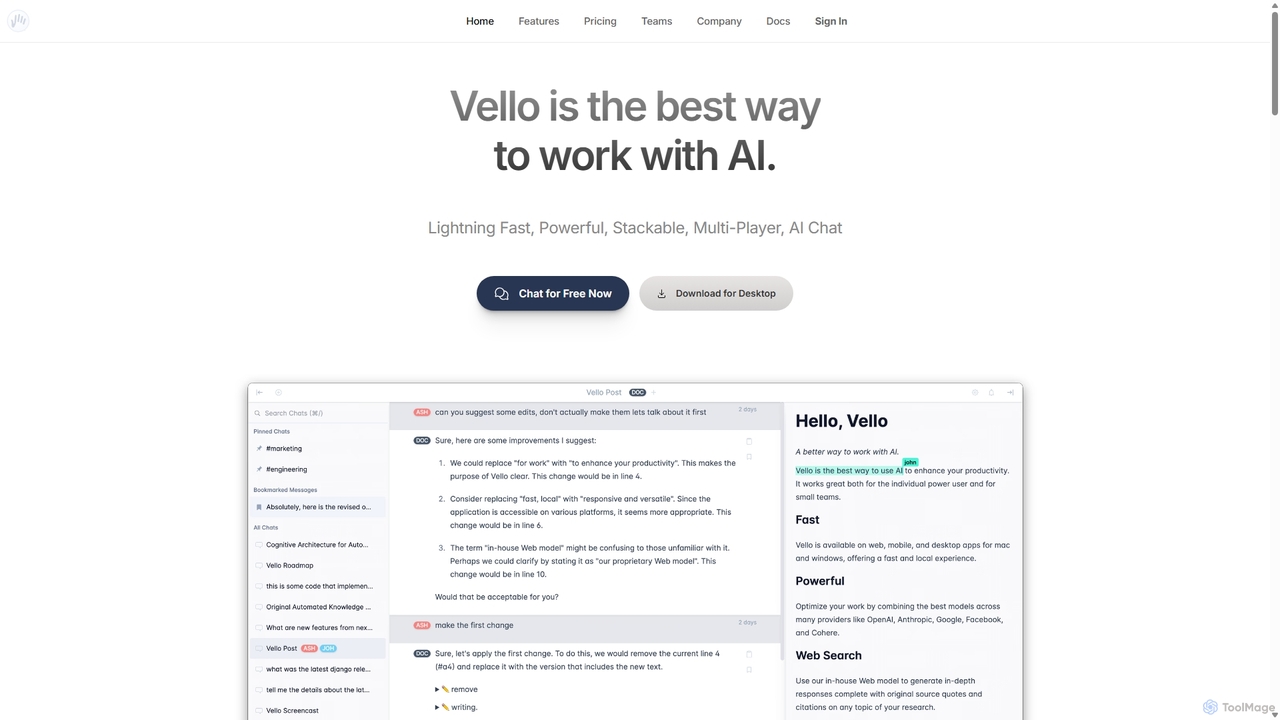
Vello
Vello is a powerful, collaborative AI platform that centralizes top models from OpenAI, Anthropic, and Google. It enables teams to work together with AI in real-time, create custom AI personas, conduct cited research, and edit documents seamlessly across web, desktop, and mobile apps.
Teamwork
Code Snippets AI Comments (0)
Sign in to comment.
Sign inNo comments yet.