
q_bot Overview
q_bot brings the power of advanced AI models like GPT-4 and Claude directly into your Slack workspace, transforming it into a hub of collaborative intelligence. Unlike the standard ChatGPT, q_bot is designed for team environments, prioritizing security, customizability, and seamless integration. It acts as a central assistant that can understand your team's unique context, rules, and data sources, making it an indispensable tool for enhancing productivity and streamlining communication. Your data is not used for training, ensuring your conversations and proprietary information remain private and secure.
How to use q_bot
Getting started with q_bot is straightforward and designed for quick adoption within any team:
- Add to Slack: Simply add the q_bot app to your Slack workspace. The process is quick and requires no credit card for the initial 14-day free trial.
- Invite to Channels: Invite q_bot to any public or private channel, or start a direct message with it. This allows the bot to access the context of conversations where it's needed.
- Start Chatting: Mention @Q in a channel thread or simply send a message in your direct message chat to start interacting. You can ask questions, provide documents for summary, or request content creation.
Core Features of q_bot
- On-Demand Data Reading: q_bot can read and analyze a wide variety of content you provide. This includes web URLs (even those requiring authentication like Google Workspace), YouTube videos, and files such as PDF, Word, Excel, PowerPoint, audio, video, and images.
- Advanced Custom Instructions: Tailor q_bot's responses by setting up custom instructions at the user, channel, or entire workspace level. This allows you to embed team-specific rules, guidelines, templates, and knowledge, ensuring consistent and relevant outputs.
- Powerful Plugins and Functions: Extend q_bot's capabilities with built-in plugins for calculations, web browsing, and Google Search. It also features unique functions to perform vector searches on pre-uploaded PDFs, HTML files, and even entire GitHub repositories.
- Comprehensive Workflow Integration: Automate tasks using various triggers. q_bot can be invoked via mentions, direct messages, Slack's Workflow Builder, scheduled triggers (e.g., daily channel summaries), and even by third-party apps like Zapier or Make.
- Enhanced Chat Experience: q_bot offers features not found in standard ChatGPT, including a 'Continue' button to elaborate on answers, a 'Delete' button to clean up threads, and the ability to handle multiple requests simultaneously without usage caps on higher-tier plans.
- Multi-Model Support: Automatically switches between optimal AI models, including GPT-3.5 16K, GPT-4.1, and Anthropic's Claude 200K, to handle long contexts and complex requests efficiently.
Use Cases for q_bot
q_bot is versatile and can be applied across various team functions:
- Content Creation: Draft emails, blog posts, social media content, and marketing copy based on your custom guidelines and templates.
- Data Analysis & Summarization: Quickly summarize long documents, reports, PDFs, Google Docs, or meeting transcripts from audio files to extract key insights.
- Software Development: Assist developers by answering coding questions, reviewing code, and searching through internal documentation or GitHub repositories for relevant information.
- Customer Support: Create a knowledge base by uploading manuals and FAQs, allowing q_bot to provide instant, accurate answers to team members.
- Project Management: Generate daily summaries of project channels, provide feedback on proposals in Google Slides, or brainstorm ideas for new features.
Advantages of q_bot
Integrating q_bot into your Slack workspace offers significant advantages:
- Enhanced Security and Privacy: Conversations are not saved by q_bot, and data sent to the API is not used for training by OpenAI, protecting your sensitive information.
- Increased Team Productivity: Keep your team focused by eliminating the need to switch between applications. All AI-powered tasks can be handled directly within Slack.
- Collaborative AI Usage: Conversations with q_bot in channels are visible to the team, fostering shared learning and encouraging wider adoption of AI tools.
- Centralized Management: Manage billing and user access for the entire workspace from a single point, simplifying administrative overhead.
- Unlimited & Searchable History: All interactions are stored within your Slack history, making them easily searchable so you can pick up conversations where you left off.
Pricing and Plans
q_bot operates on a freemium model. You can start with a 14-day free trial that provides full access to its features, including the powerful GPT-4.1 model, without requiring a credit card. After the trial period, you will need to upgrade to a paid plan to continue using the service. Paid plans are billed per workspace and offer features like unlimited requests. The billing is flexible, with prorated charges for any changes to your plan, and supports various payment methods including credit cards and digital wallets like Apple Pay and Google Pay.
q_bot Alternatives
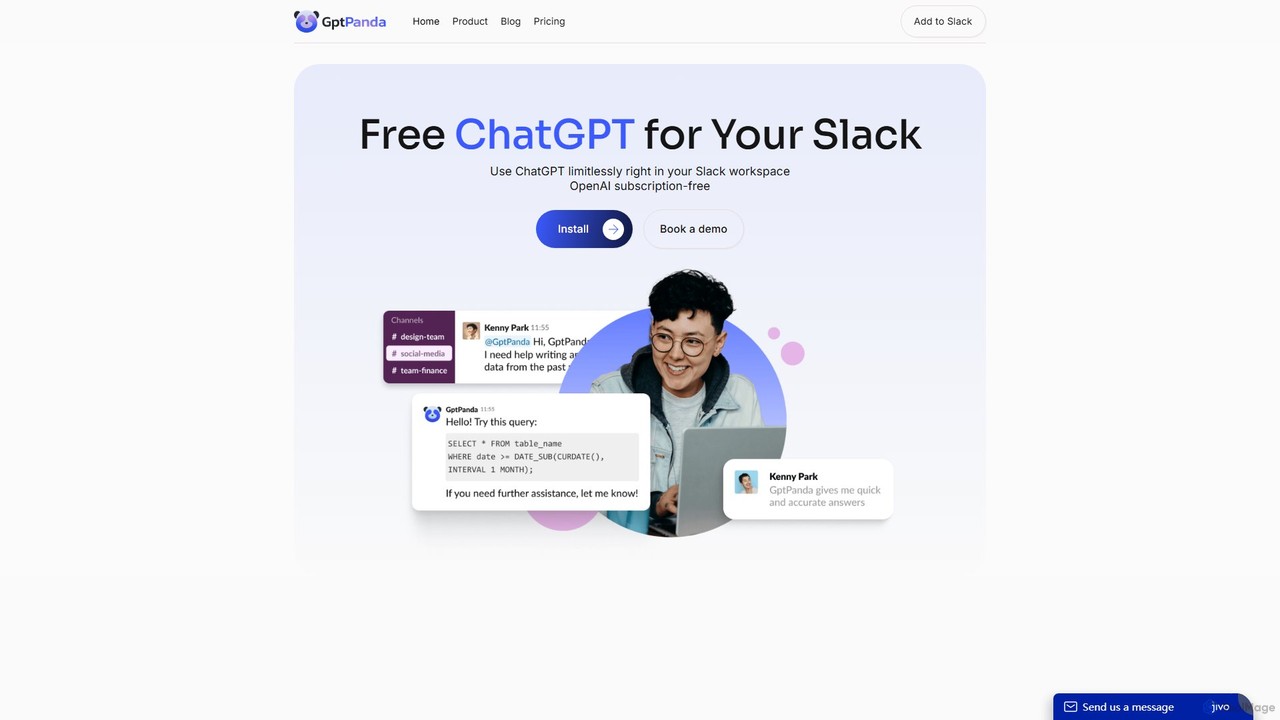
gptpanda
gptpanda integrates the latest ChatGPT models, like GPT-4o, directly into your Slack workspace. It allows teams to make unlimited requests in channels and private messages without leaving Slack. This tool boosts productivity by providing instant answers, facilitating brainstorming, and assisting with tasks, all while ensuring data privacy. It's designed for startups and small businesses, offering a powerful free tier to make AI accessible to everyone.
Chatbot
GPTChat for Slack
GPTChat for Slack integrates the power of OpenAI's GPT models directly into your Slack workspace. Boost team productivity by generating content, writing code, brainstorming ideas, and getting instant answers to complex questions, all without leaving your communication hub.
Chatbot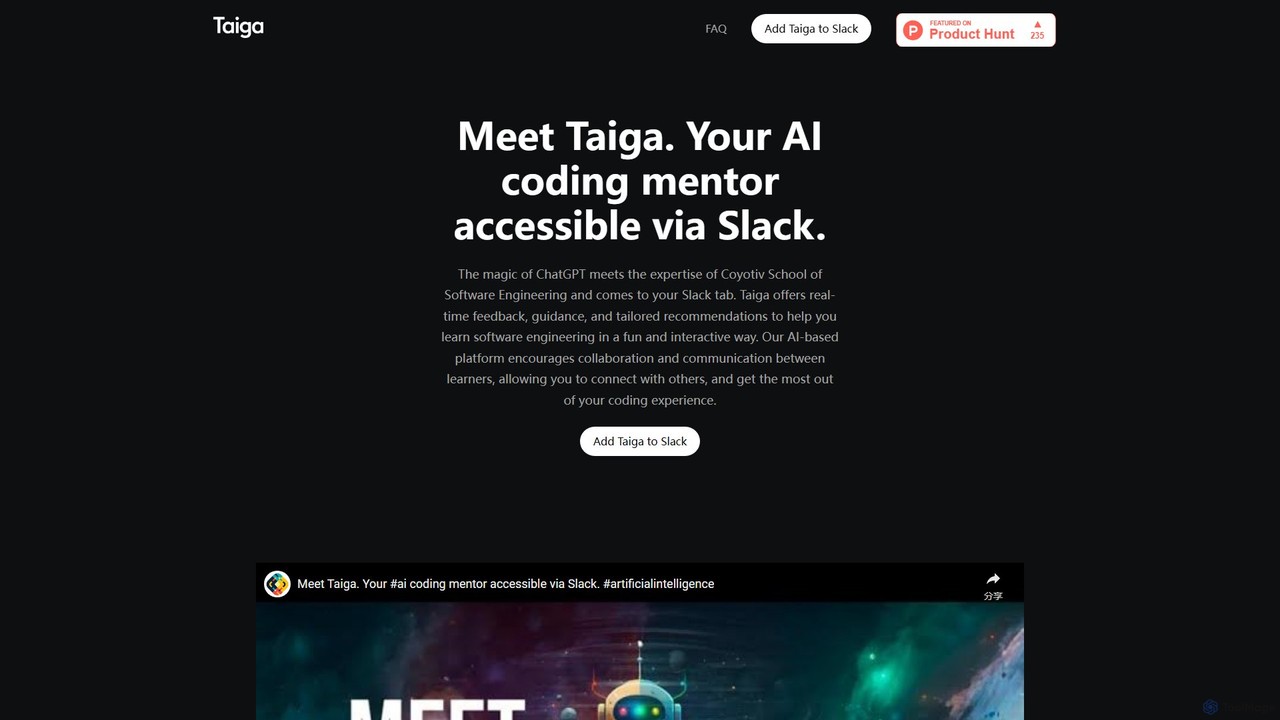
Taiga
Taiga is an AI-powered coding mentor integrated directly into Slack. It provides real-time programming assistance, code reviews, and personalized guidance to help developers learn and code more efficiently. Powered by ChatGPT and the expertise of Coyotiv School of Software Engineering, Taiga supports a wide range of languages and frameworks, making it an ideal collaborator for individual developers and teams.
Code Assistant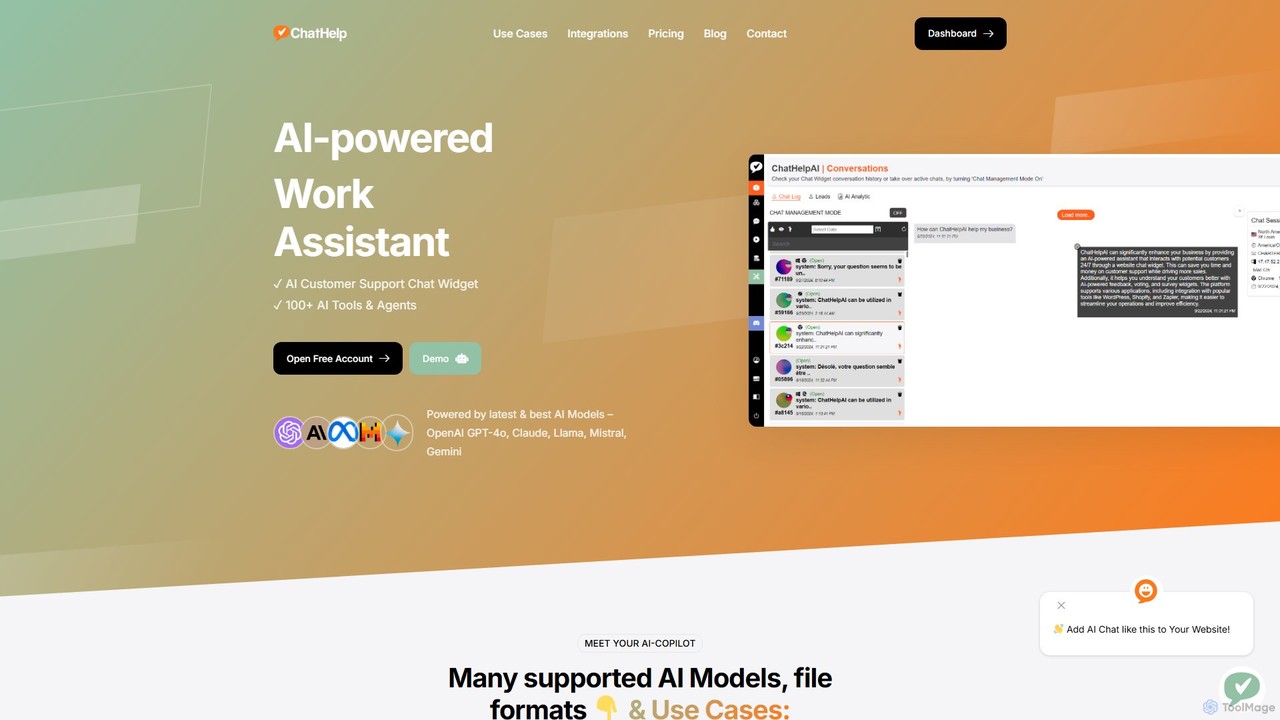
ChatHelp.ai
ChatHelp.ai is an all-in-one AI platform featuring a customizable website chatbot, a versatile AI assistant for business, work, and study, and a toolbox with over 100 AI agents. Powered by leading models like GPT-4o and Claude, it supports various file formats and allows users to bring their own API keys for cost-effective access. It's designed to streamline workflows, enhance productivity, and improve customer engagement.
Chatbot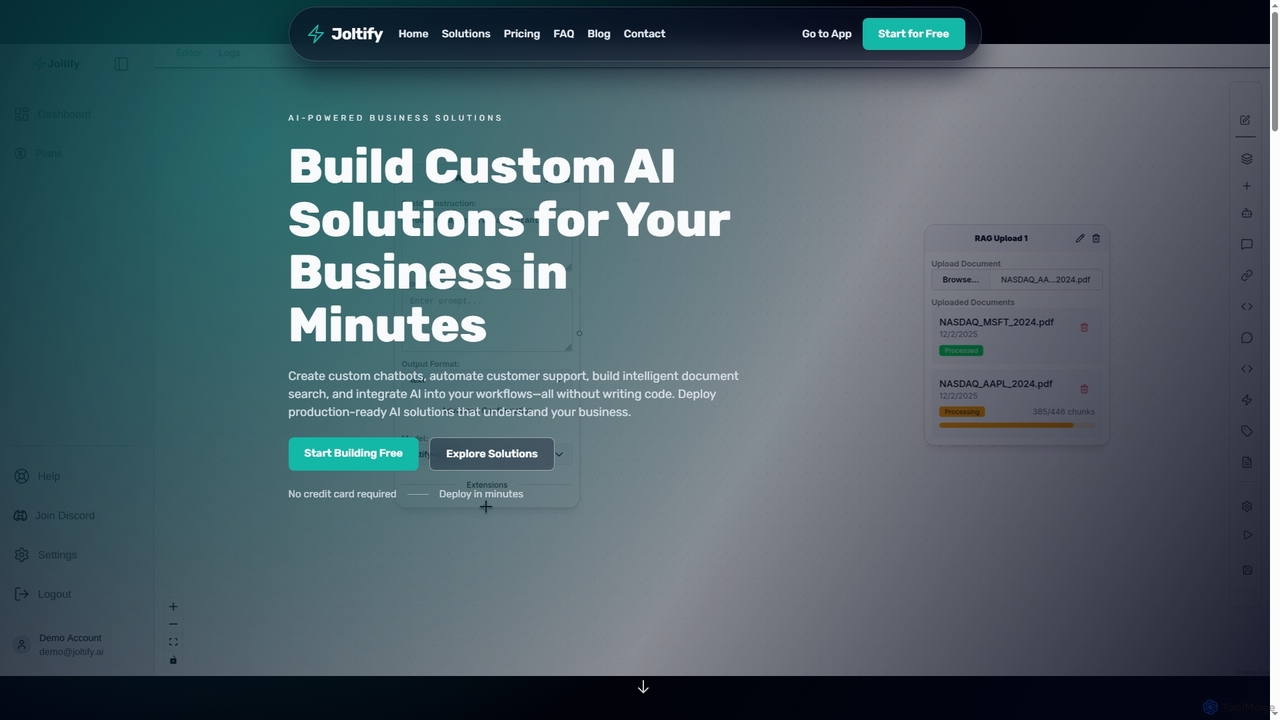
Joltify
Joltify is an AI workflow automation platform that empowers businesses to create custom chatbots, intelligent document search, and automate tasks like support ticket routing and data processing using AI. It's a no-code solution designed to enhance customer experience and streamline internal operations efficiently.
3Dq_bot Categories
q_bot Embed Widget
Copy this embed code to place the badge on your blog, article, or product site and send readers directly to this ToolMage detail page.

Related AI tools
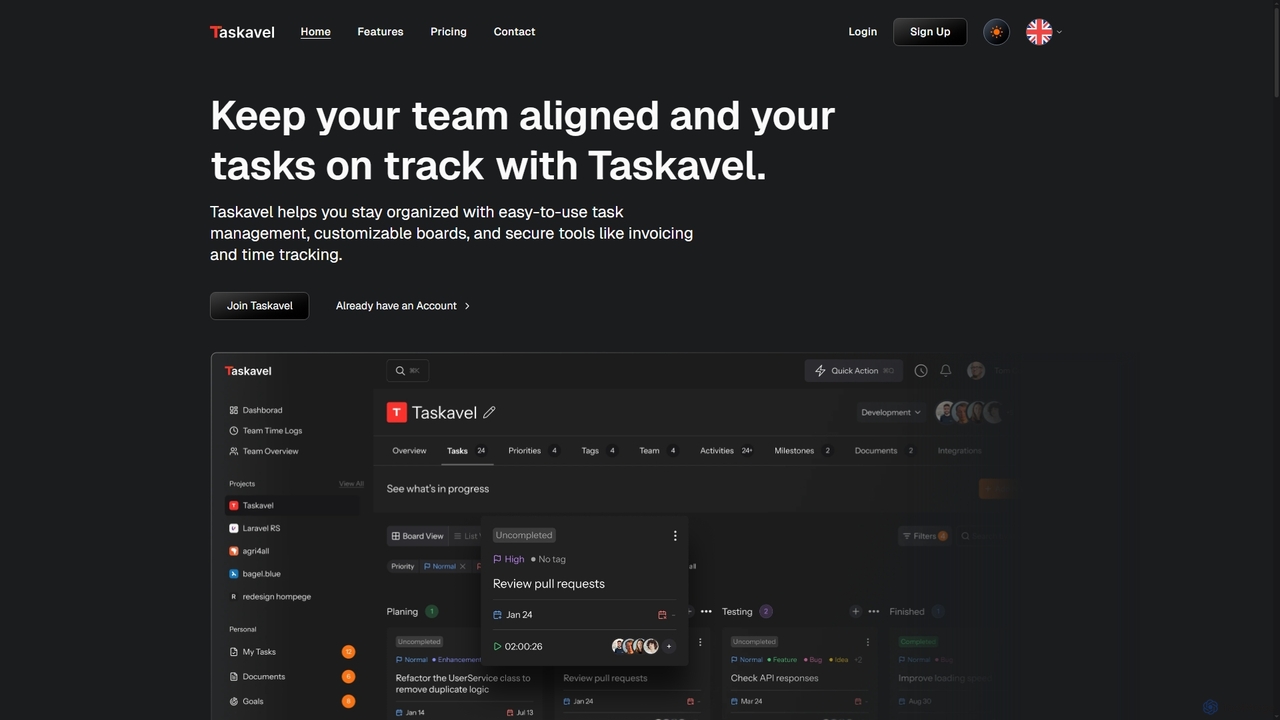
Taskavel
Taskavel is a comprehensive task and project management platform designed to keep teams aligned and tasks on track. It offers intuitive tools like customizable Kanban boards, integrated time tracking, invoicing, and robust collaboration features, especially tailored for developers and agile teams.
Workflow Automation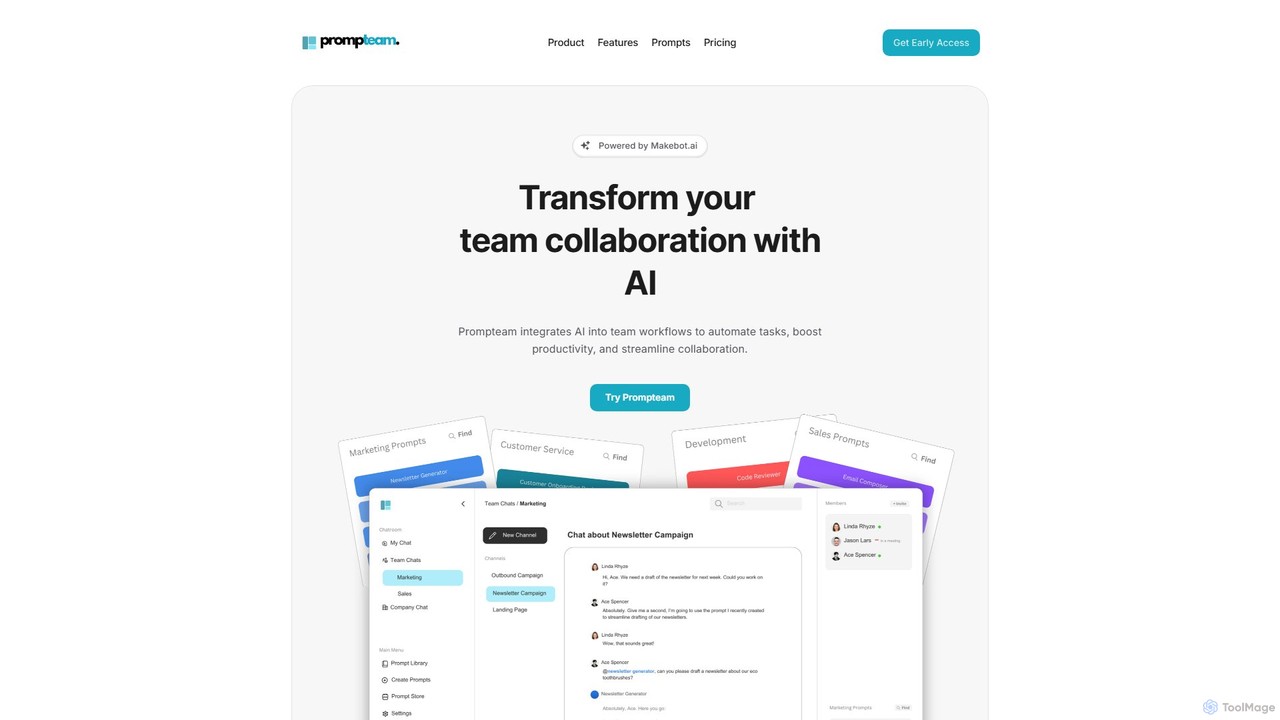
Prompteam
Prompteam is a collaborative AI platform that integrates generative AI into team workflows. It helps automate tasks, boost productivity, and streamline communication by allowing teams to create, manage, and reuse effective prompts in a centralized workspace. It acts as an AI-powered coworker for various business functions, from marketing to development.
Documentationgptpanda
gptpanda integrates the latest ChatGPT models, like GPT-4o, directly into your Slack workspace. It allows teams to make unlimited requests in channels and private messages without leaving Slack. This tool boosts productivity by providing instant answers, facilitating brainstorming, and assisting with tasks, all while ensuring data privacy. It's designed for startups and small businesses, offering a powerful free tier to make AI accessible to everyone.
Chatbot
Zigi.ai
Zigi.ai is an intelligent AI assistant designed to automate workflows, manage tasks, and enhance team collaboration. By integrating with your existing tools, Zigi proactively streamlines processes, summarizes meetings, and provides data-driven insights to boost productivity for individuals and businesses.
Intelligent Assistants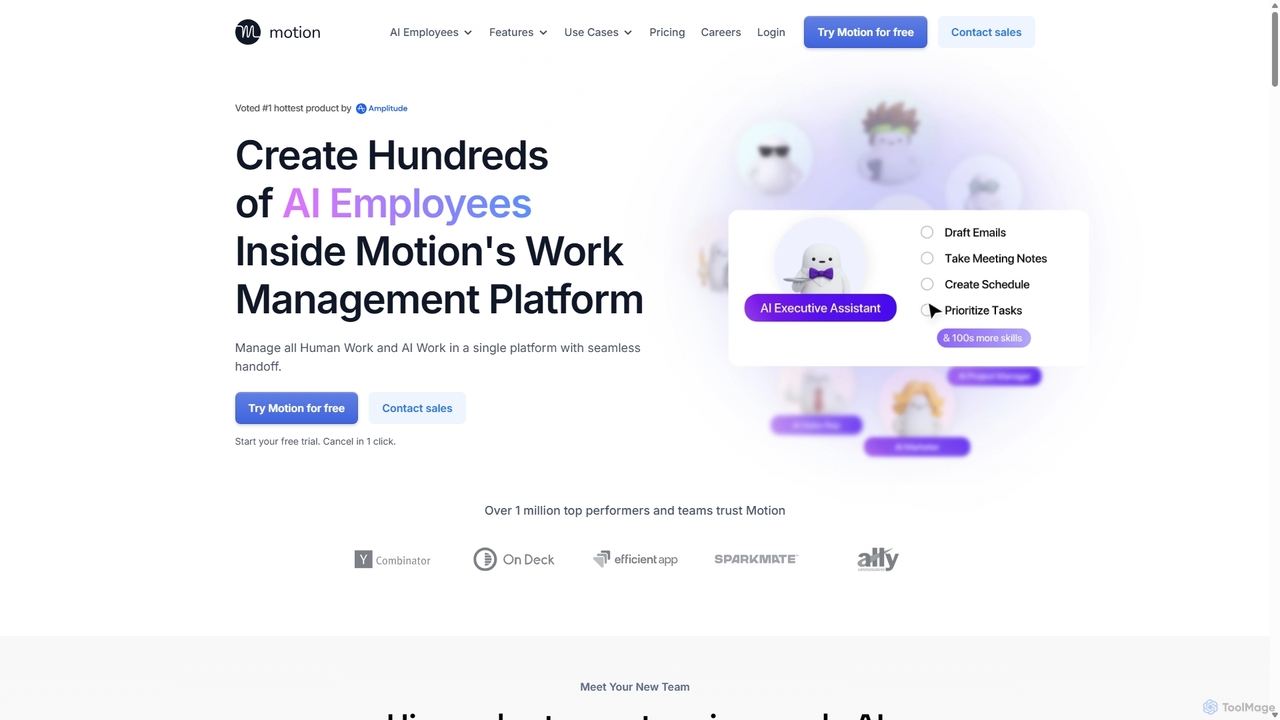
Motion
Motion is an AI-powered platform that provides a suite of AI Employees and productivity tools to automate tasks, manage projects, and organize schedules. It's designed to 10x your team's output by handling everything from calendar management and email replies to sales outreach and customer support, all within a single integrated workspace.
Virtual Assistant
workstreams.ai
workstreams.ai is an intuitive task and workflow management app that enhances team productivity with powerful AI features. It seamlessly integrates with Slack and Microsoft Teams, allowing you to create, manage, and automate tasks using Kanban boards, AI-powered task generation, and detailed time tracking.
Team Management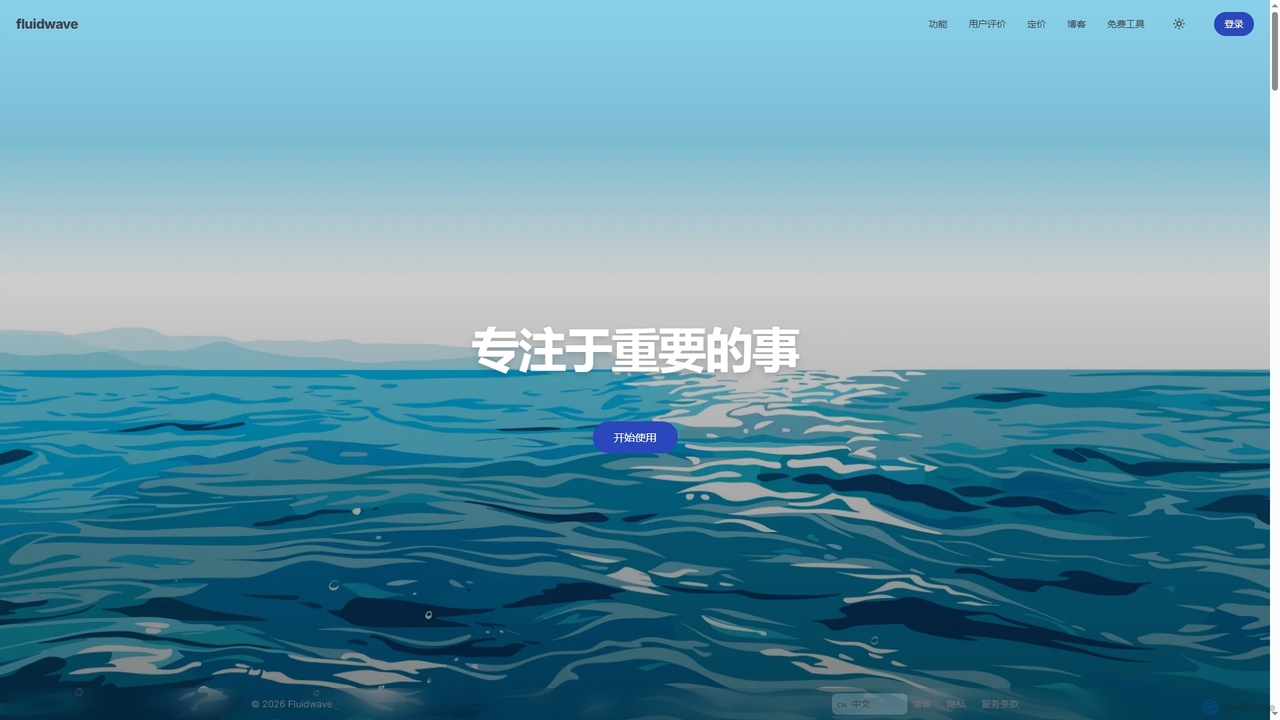
Fluidwave
Fluidwave is an AI-powered task management platform designed to boost productivity by intelligently organizing tasks, auto-prioritizing them, and connecting users with human virtual assistants for delegation. It helps individuals and teams stay focused and efficient.
Virtual Assistant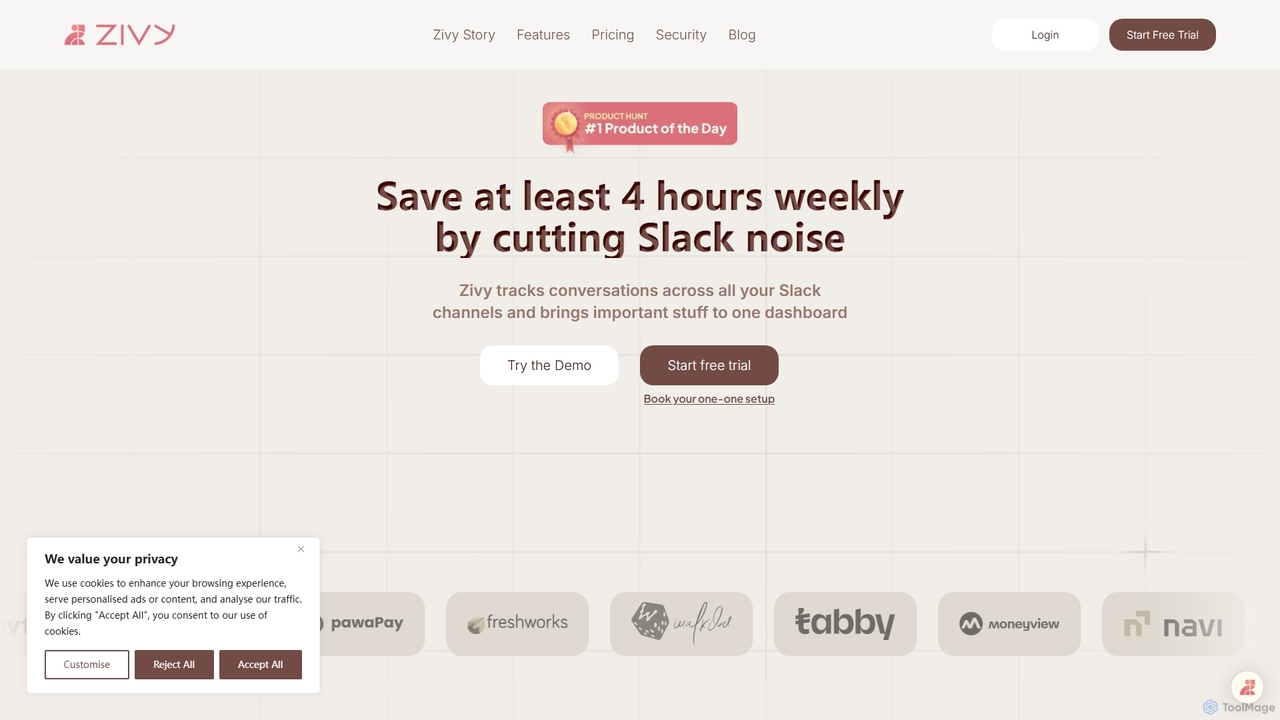
Zivy
Zivy is an AI copilot for Slack designed to help managers and teams reduce noise, prioritize conversations, and automate tasks. It intelligently filters messages, summarizes long threads, automates follow-ups, and drafts replies, saving users over 4 hours per week and transforming Slack from a source of distraction into a focused productivity hub.
Task Management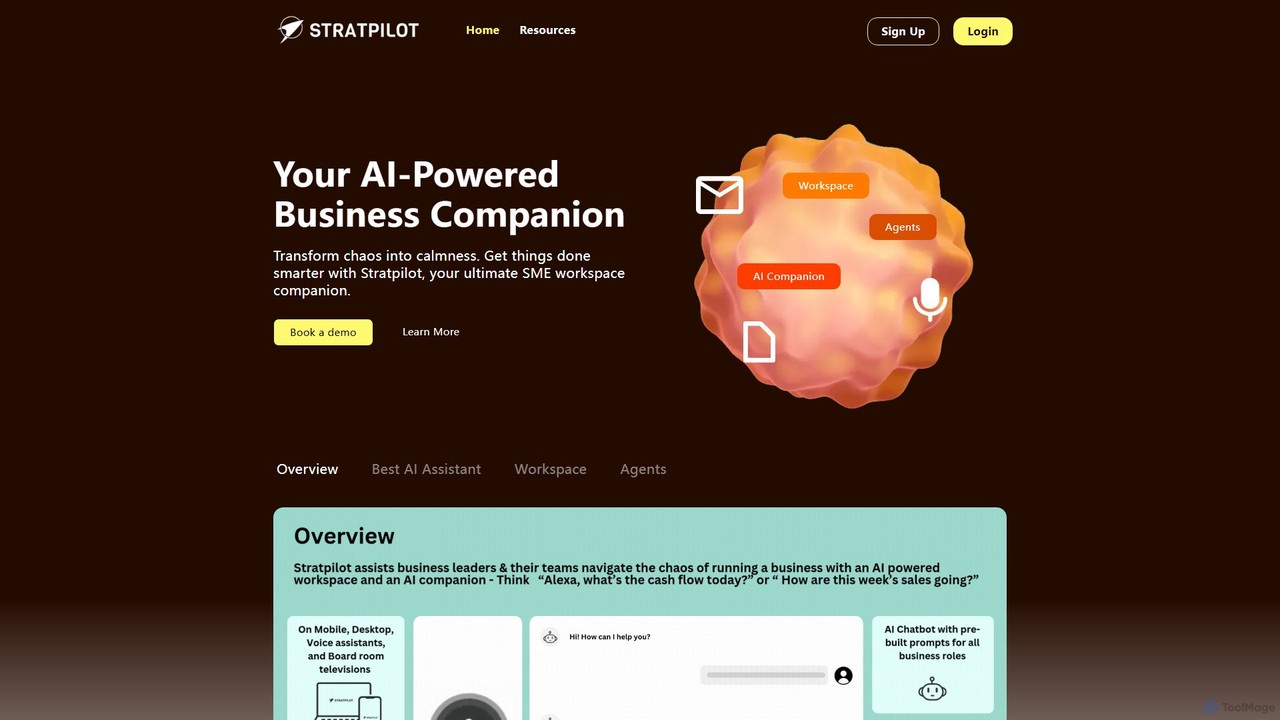
Stratpilot
Stratpilot is an AI-powered business workspace designed for SMEs and individuals to streamline operations and boost productivity. It acts as a central hub, integrating tasks, notes, and business systems to transform chaos into clarity. By automating routine tasks, providing strategic insights, and enhancing team collaboration, Stratpilot helps business leaders manage their workflow efficiently, reduce burnout, and achieve a better work-life balance.
Operations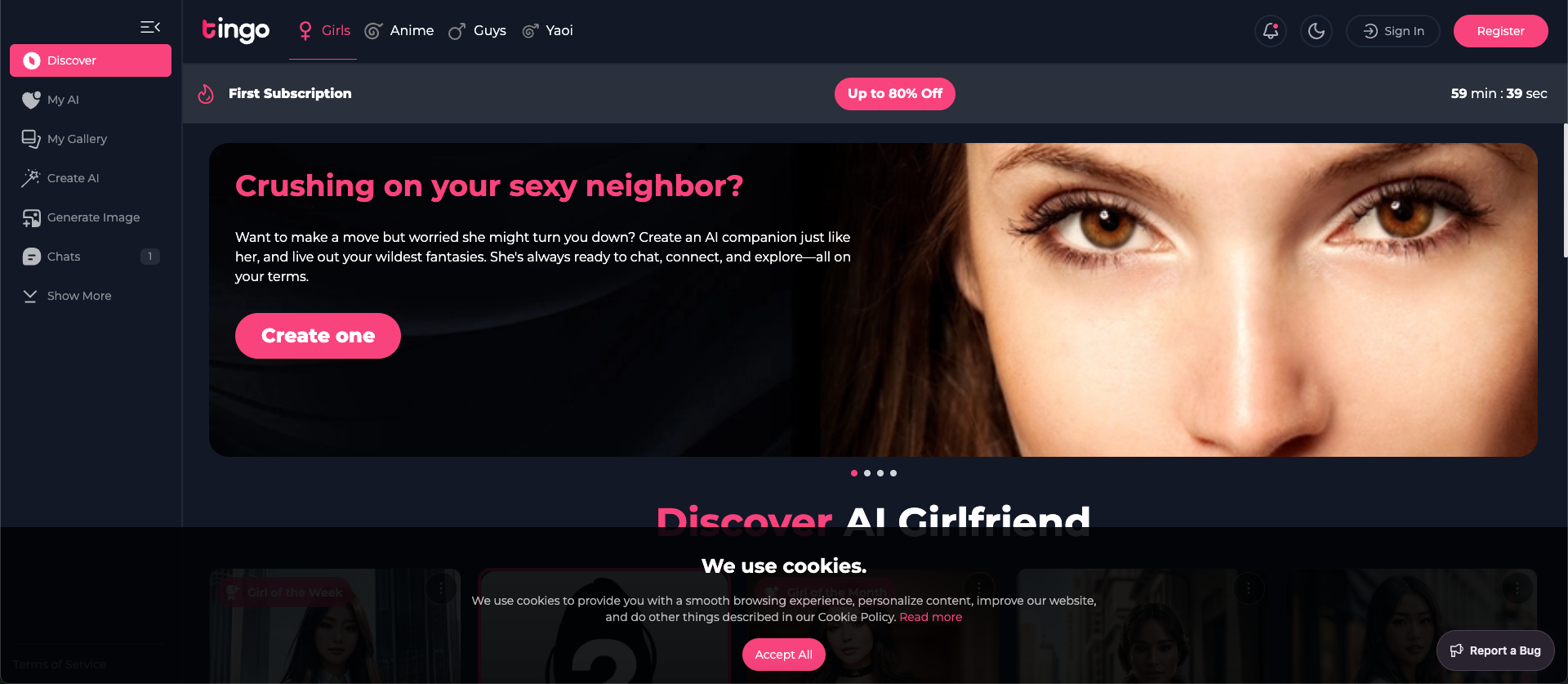
Tingo.ai
Tingo.ai is an AI-powered productivity and workflow automation platform designed for modern teams. It integrates with your existing tools like Slack and Jira to automate meeting summaries, task management, and knowledge base creation, helping your team stay aligned and focus on what matters most.
Project Management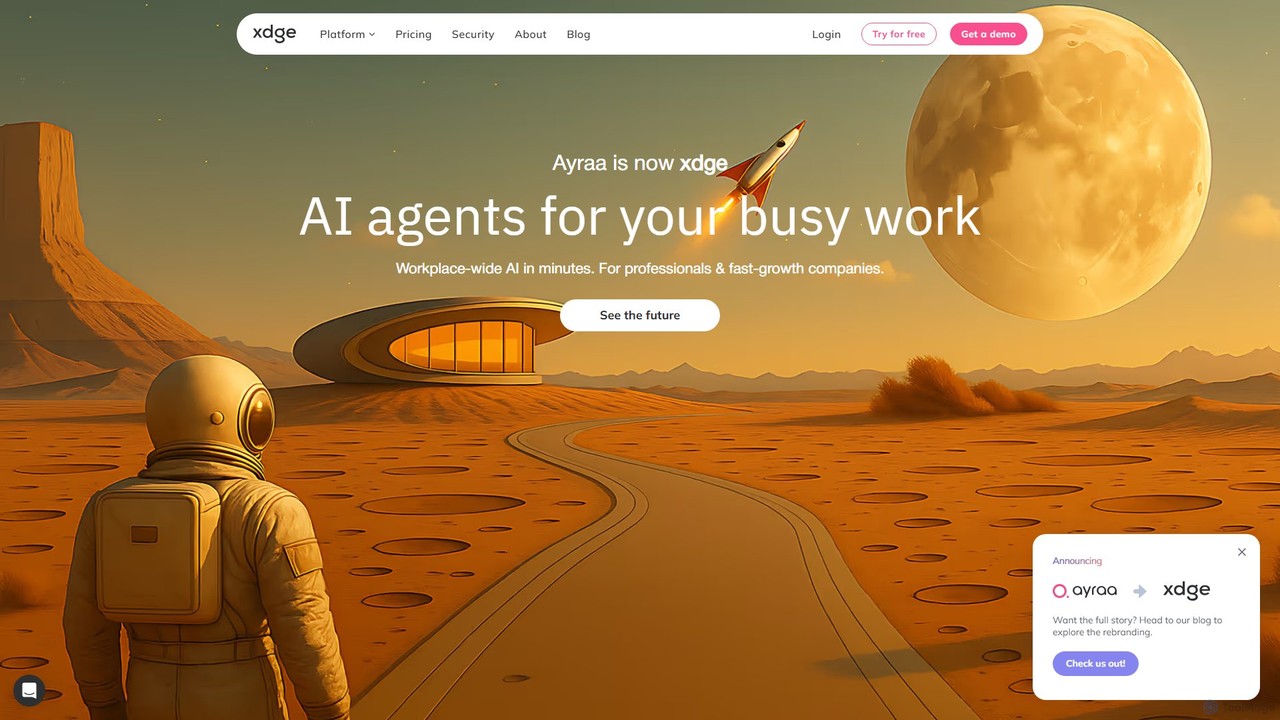
Ayraa
Ayraa is an AI-powered knowledge assistant for workspaces. It integrates with tools like Slack and your browser to centralize information, providing instant answers, summaries, and insights. It acts as a unified search engine for all your company's knowledge, boosting team productivity and collaboration.
Collaboration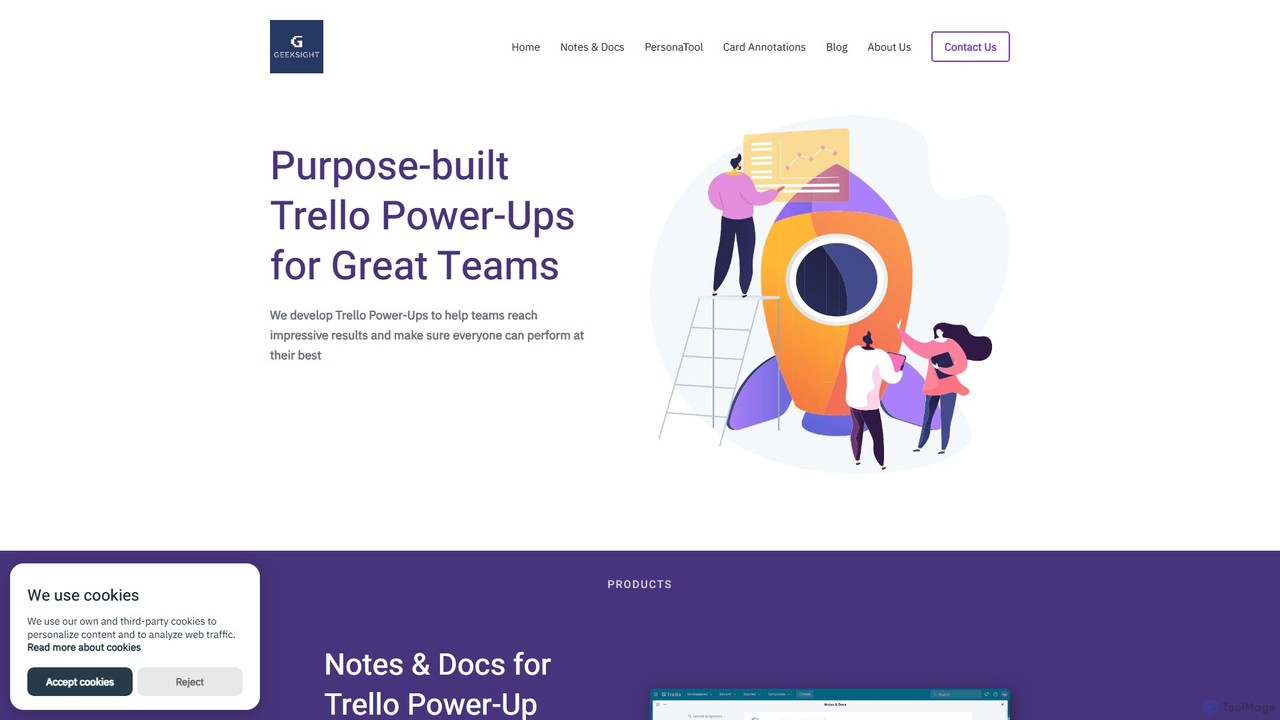
GeekSight
GeekSight develops specialized, AI-powered Trello Power-Ups designed to enhance team productivity and workflow management. Its products, including Notes & Docs and Persona Tool, integrate seamlessly into Trello to provide advanced note-taking with a ChatGPT assistant, instant user persona generation, and improved card annotations. These tools help teams centralize information, streamline content creation, and foster a shared understanding of project goals and customer needs directly within their Trello boards.
Customer Relationship Management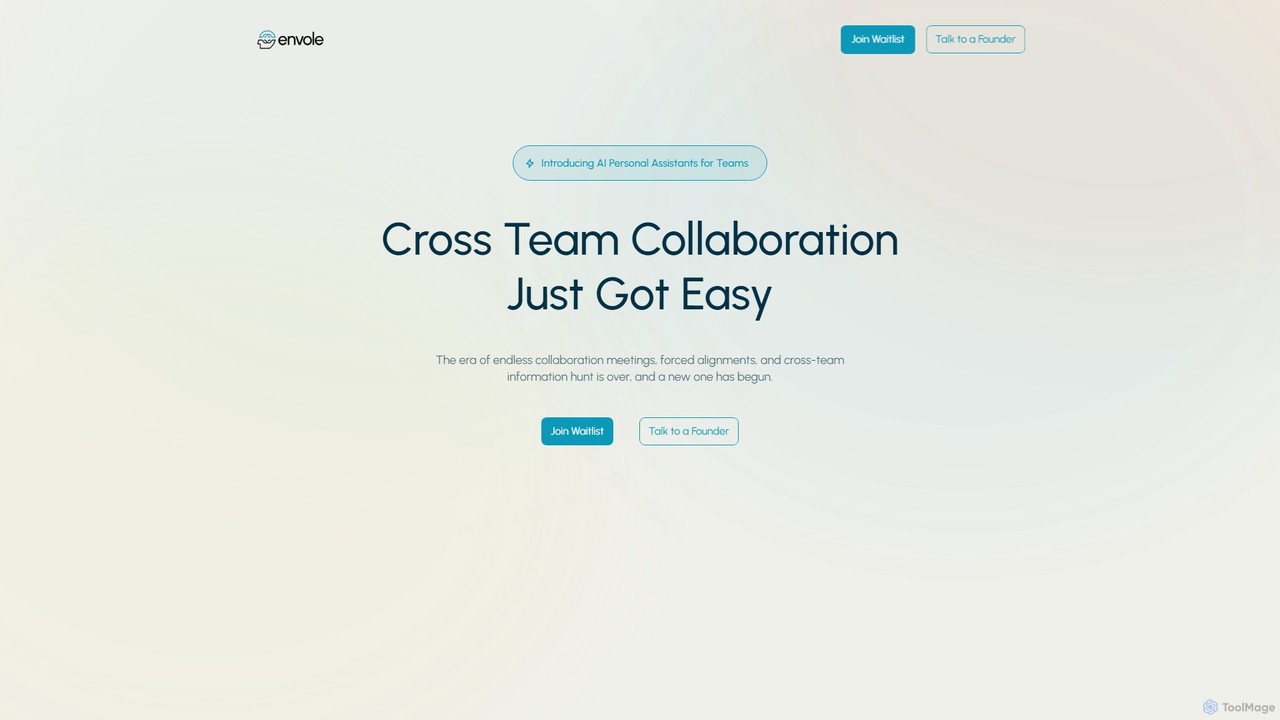
Envole
Envole provides dedicated AI Personal Assistants for teams, designed to streamline cross-team collaboration. It automates workflows, syncs tools and knowledge bases, and organizes meetings and communications, eliminating information silos and enhancing productivity. Each team gets a customizable assistant connected to their specific apps like Jira, Slack, and Notion.
Workflow Automation
Lula
Lula is an AI-powered workflow automation platform designed to enhance team productivity. It integrates seamlessly with your existing tools to automate repetitive tasks, summarize meetings and communications, generate content, and provide actionable insights, acting as a central intelligence hub for your team.
Team Collaboration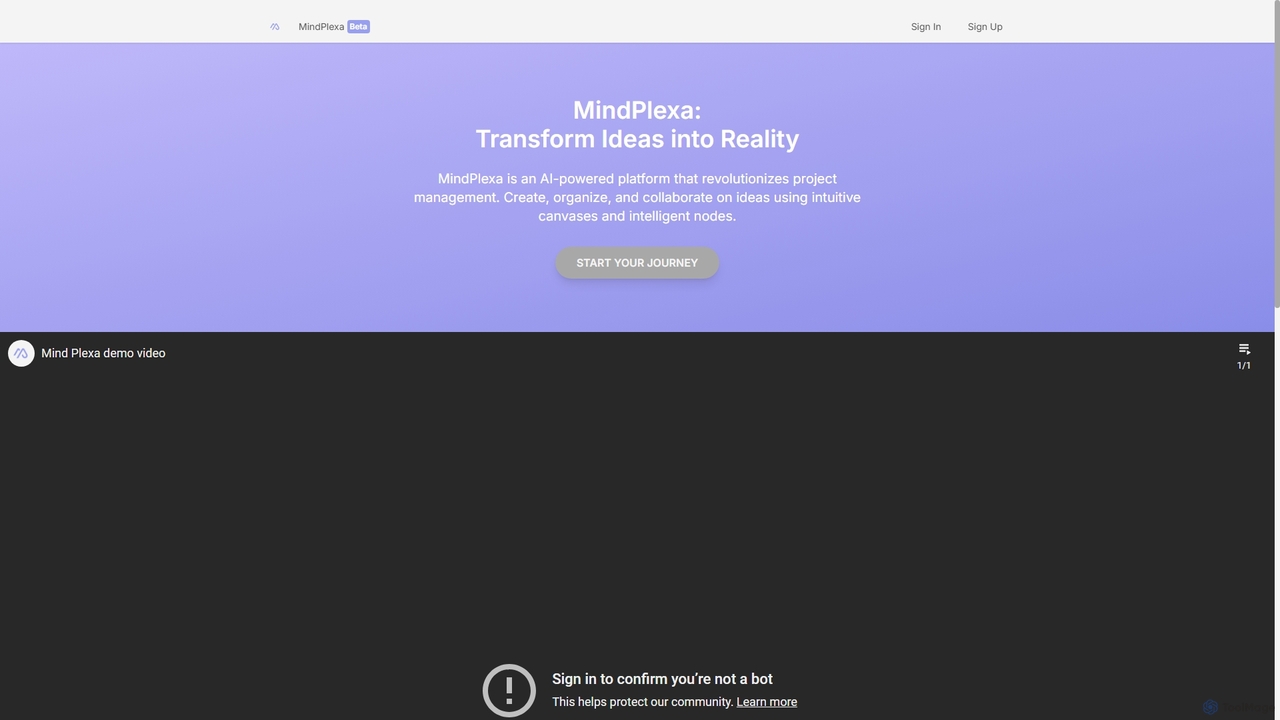
MindPlexa
MindPlexa is an AI-powered productivity platform that transforms ideas into actionable projects. It combines visual mind mapping with intelligent project management, allowing users to create, organize, and collaborate on ideas using intuitive canvases and smart nodes. The AI assistant helps generate project layouts, suggest tasks, and streamline workflows, making it an ideal tool for teams and individuals looking to boost creativity and efficiency.
Teamwork
q_bot Comments (0)
Sign in to comment.
Sign inNo comments yet.