

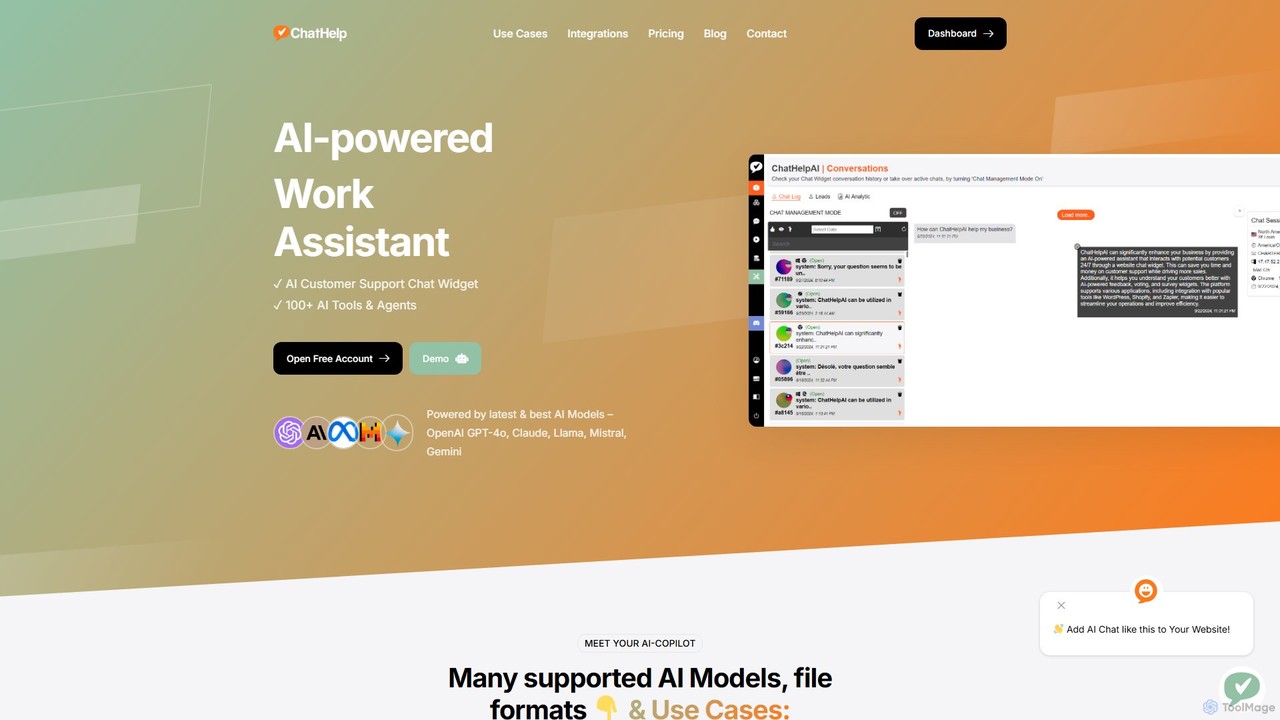
ChatHelp.ai Overview
ChatHelp.ai is a comprehensive, multi-functional AI platform designed to serve as an all-in-one AI copilot for businesses, professionals, and students. It integrates a powerful suite of tools to streamline workflows, enhance productivity, and automate tasks. At its core, ChatHelp.ai offers three main services: a customizable AI chat widget for websites, a versatile AI assistant for daily tasks, and an extensive toolbox with over 100 specialized AI agents. The platform stands out by providing access to a wide range of cutting-edge AI models, including OpenAI's GPT-4o, Anthropic's Claude, Google's Gemini, and open-source alternatives like Llama and Mistral. This multi-model approach ensures users can select the best AI for their specific needs. A key feature is the "Bring Your Own Key" (BYOK) model, which offers flexibility and cost control by allowing users to connect their personal API keys from various providers.
How to use ChatHelp.ai
Getting started with ChatHelp.ai is a straightforward process designed for all user levels:
1. Sign Up: Visit the ChatHelp.ai website and create a free account to get initial access to the platform's features.
2. Explore the AI Toolbox: Once logged in, navigate the user-friendly dashboard to discover the vast library of over 100 AI tools. These are categorized for easy access, covering areas like writing, marketing, programming, and data analysis.
3. Engage with the AI Assistant: Start a new chat session to use the AI copilot. You can select your preferred AI model from the available options. Type your queries, ask for assistance with tasks, or upload files (such as PDFs, DOCX, or TXT) to summarize, analyze, or ask questions about their content.
4. Integrate the Website Chat Widget: For business users, go to the 'Chat Widget' section. Here, you can customize the chatbot's appearance, greeting messages, and behavior. Train it on your specific data by uploading company documents or website content. After customization, copy the generated code snippet and paste it into your website's HTML to deploy the AI chatbot.
5. Connect Your API Key (Optional): For greater control and potentially lower costs, navigate to the account settings and add your own API keys from providers like OpenAI or Anthropic. This links your usage directly to your own account with the model provider.
Core Features of ChatHelp.ai
- AI Website Chat Widget: An easily embeddable and customizable AI chatbot that provides 24/7 customer support, captures leads, and answers user queries. It can be trained on custom data for brand-aligned responses.
- Multi-Model Support: Freedom to choose from a variety of top-tier AI models, including GPT-4o, Claude, Gemini, Llama, and Mistral, ensuring the best performance for any task.
- Comprehensive AI Toolbox: A collection of over 100 specialized AI agents and tools designed for content creation, data analysis, code generation, marketing strategy, academic research, and more.
- Bring Your Own Key (BYOK): A flexible feature that allows users to connect their own API keys, providing transparency and direct control over their AI usage costs.
- File and Data Analysis: The ability to upload and interact with various file formats (PDF, DOCX, TXT). Users can chat with their documents, extract key information, and generate summaries effortlessly.
- All-in-One AI Copilot: A unified interface that centralizes all AI-driven tasks, eliminating the need to subscribe to and switch between multiple disparate AI applications.
Use Cases for ChatHelp.ai
For Businesses: Automate customer service and lead generation with the website chatbot. Generate high-quality marketing content, including blog posts, social media updates, and ad copy. Analyze customer feedback and generate internal business reports.
For Professionals: Draft professional emails, create presentations, and write reports. Summarize long documents, meeting transcripts, and research papers. Generate and debug code snippets to accelerate development workflows.
For Students: Conduct research by asking complex questions. Summarize textbooks and academic articles to speed up study. Get assistance with writing essays, checking grammar, and preparing for exams by quizzing the AI on study materials.
Advantages of ChatHelp.ai
Cost-Effectiveness: The BYOK model and a generous free plan make advanced AI accessible and affordable. Users can avoid bundled, high-cost subscriptions and pay only for what they use.
Versatility: A single platform that caters to a wide range of needs, from customer support to creative writing, simplifying the user's digital toolbox and reducing subscription fatigue.
Flexibility and Power: The ability to switch between the world's best AI models on-the-fly allows users to leverage the unique strengths of each model for optimal results.
Enhanced Productivity: By automating routine tasks and providing instant, intelligent assistance, ChatHelp.ai significantly speeds up workflows and allows users to focus on high-value, strategic activities.
Pricing and Plans
ChatHelp.ai operates on a freemium model, providing several tiers to suit different needs:
Free Plan: Ideal for individuals and casual users, offering basic access to a selection of AI tools and models with certain usage limits. The website widget may be included with ChatHelp.ai branding.
Pro Plan: Designed for professionals and small businesses, this plan unlocks access to premium AI models (like GPT-4o and Claude 3 Opus), offers higher usage limits, provides the full suite of 100+ tools, and allows for the removal of branding from the chat widget.
Business Plan: Tailored for larger teams and enterprises, this plan includes all Pro features plus team collaboration capabilities, advanced chatbot customization options, priority support, and potential for custom integrations.
The Bring Your Own Key (BYOK) option is available across plans, allowing users to pay a platform fee to ChatHelp.ai while their AI model usage is billed directly by the API provider (e.g., OpenAI), ensuring full cost transparency.
Traffic
Latest traffic
Status
Monthly traffic trend
- 2025-9: 386
- 2026-1: 1.1K
- 2026-2: 2.1K
- 2026-3: 546
- 2026-4: 120
- 2026-5: 849
Geography
Top 5 countries / regions
- 🇺🇸United States100.0%
Top keywords
| Keyword | Cost per click |
|---|---|
| ai chatbot/help | $0.00 |
| chat helper | $0.00 |
| help ai | $2.29 |
ChatHelp.ai Alternatives
getmagicmate
getmagicmate is an all-in-one AI-powered assistant designed to boost productivity and creativity. It helps users with content creation, code generation, brainstorming, and task automation, acting as a versatile digital partner for professionals, developers, and creators.
Code Assistant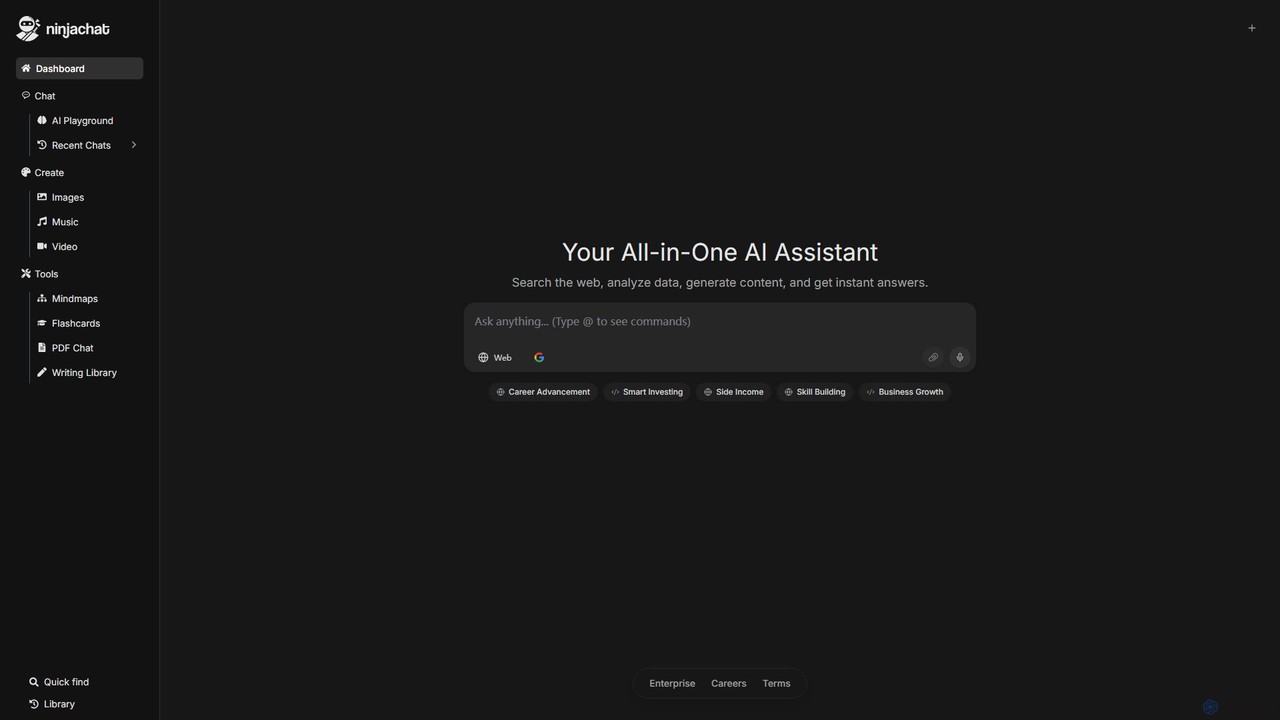
Ninjachat
Ninjachat is an all-in-one AI assistant that provides access to a wide range of leading large language models (LLMs) through a single, unified interface. Compare outputs from models like GPT-4o, Gemini 1.5 Pro, Claude 3.7 Sonnet, and Llama 4 to find the best results for any task, from content creation and coding to complex research.
Code Assistant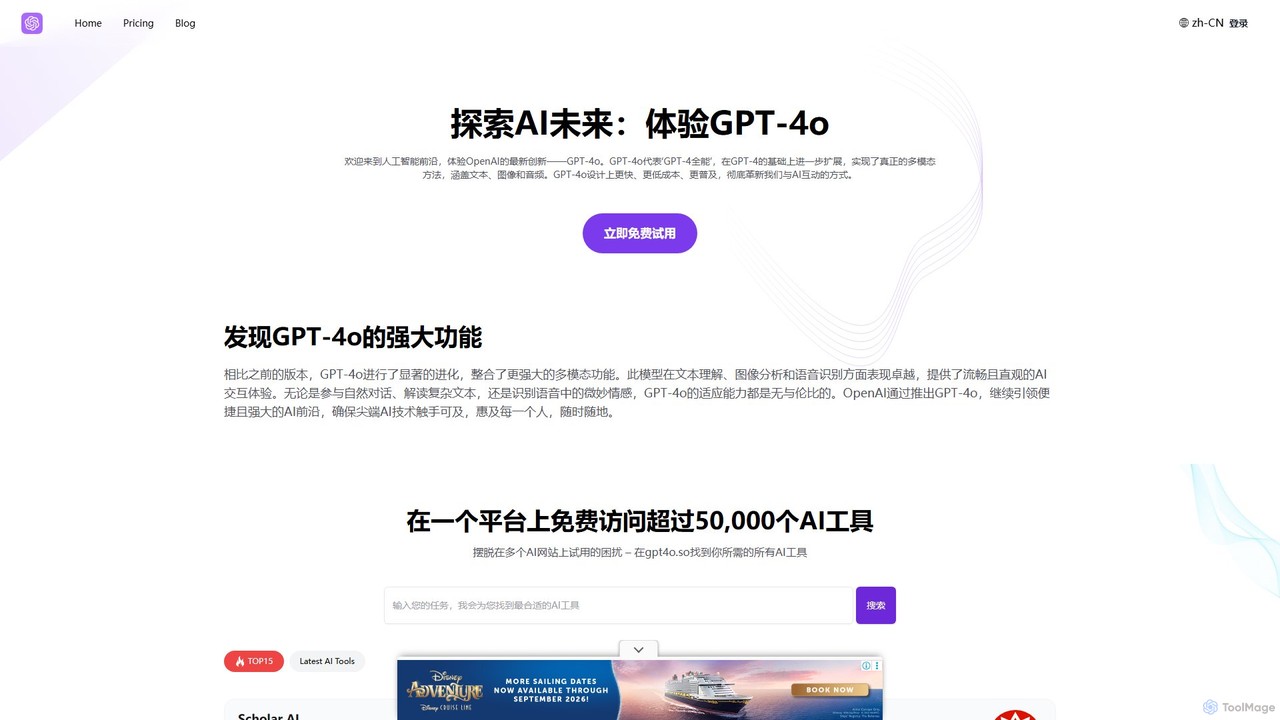
GPT-4o.so
GPT-4o.so is a comprehensive AI platform offering free access to OpenAI's advanced multimodal model, GPT-4o. It allows users to interact with AI through text, image, and audio. Beyond a simple chat interface, the platform aggregates over 50,000 other AI tools and provides specialized utilities like citation generators. It operates on a freemium model, providing a gateway for both casual users and professionals to leverage cutting-edge AI.
Multimodal Chat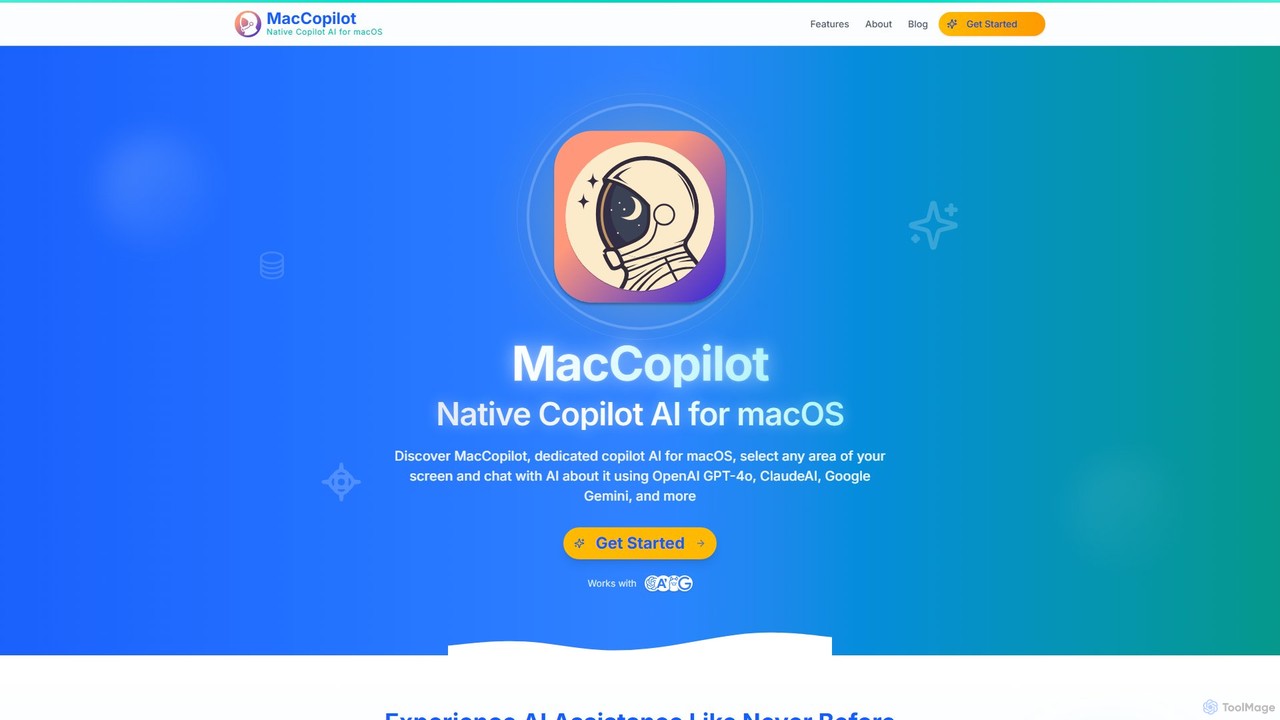
MacCopilot
MacCopilot is a native AI assistant for macOS that revolutionizes productivity. It allows you to select any area of your screen and instantly start a conversation with advanced AI models like GPT-4o, Claude 3.5, and Gemini. Get immediate insights, code explanations, email drafts, and more, without ever leaving your current window. It's a seamless bridge between your screen's content and powerful AI.
Code Assistant
HelperAI
HelperAI is a versatile AI-powered assistant designed to boost productivity and streamline workflows. It helps users with content creation, data analysis, code generation, and task management through an intuitive chat interface and a rich library of templates.
Code AssistantChatHelp.ai Categories
ChatHelp.ai Embed Widget
Copy this embed code to place the badge on your blog, article, or product site and send readers directly to this ToolMage detail page.

Related AI tools
Ninjachat
Ninjachat is an all-in-one AI assistant that provides access to a wide range of leading large language models (LLMs) through a single, unified interface. Compare outputs from models like GPT-4o, Gemini 1.5 Pro, Claude 3.7 Sonnet, and Llama 4 to find the best results for any task, from content creation and coding to complex research.
Code Assistant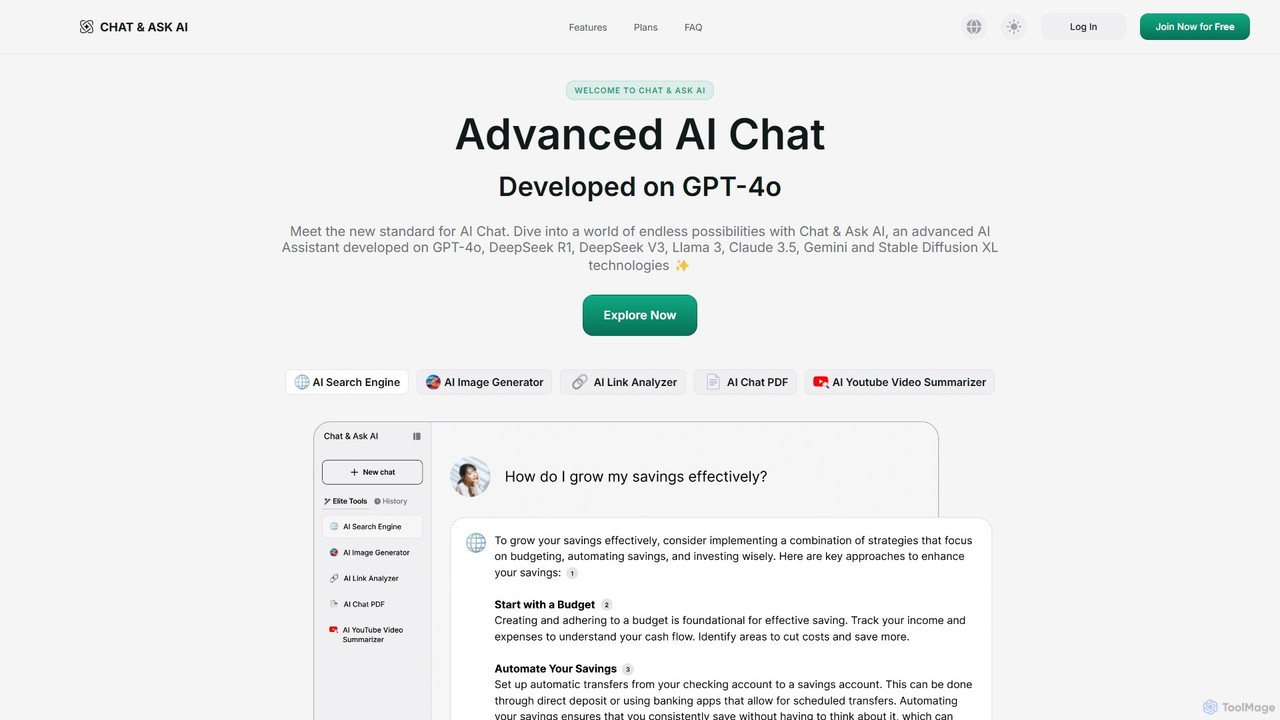
askaichat
askaichat is an all-in-one AI assistant powered by leading models like GPT-4o, Claude 3.5, and Llama 3. It integrates advanced AI chat with powerful tools for image generation, PDF and video summarization, web link analysis, and real-time search. It's designed to boost productivity and creativity for writers, researchers, and professionals by providing a single, versatile platform for diverse tasks.
Image Generator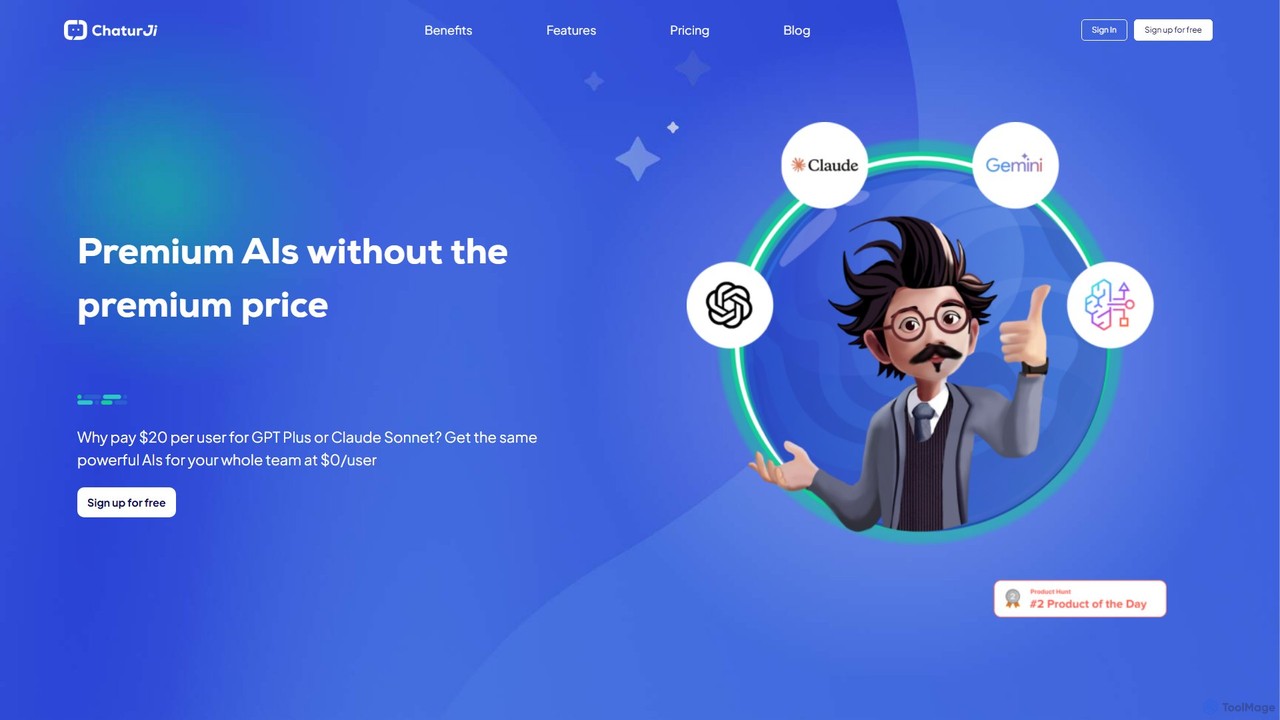
Chaturji
Chaturji is a powerful, multi-modal AI workspace designed to help you work smarter. Interact with advanced AI models using text, documents, spreadsheets, and images to streamline data analysis, content creation, and complex problem-solving. Its transparent credit-based system ensures you only pay for what you use.
Business Intelligence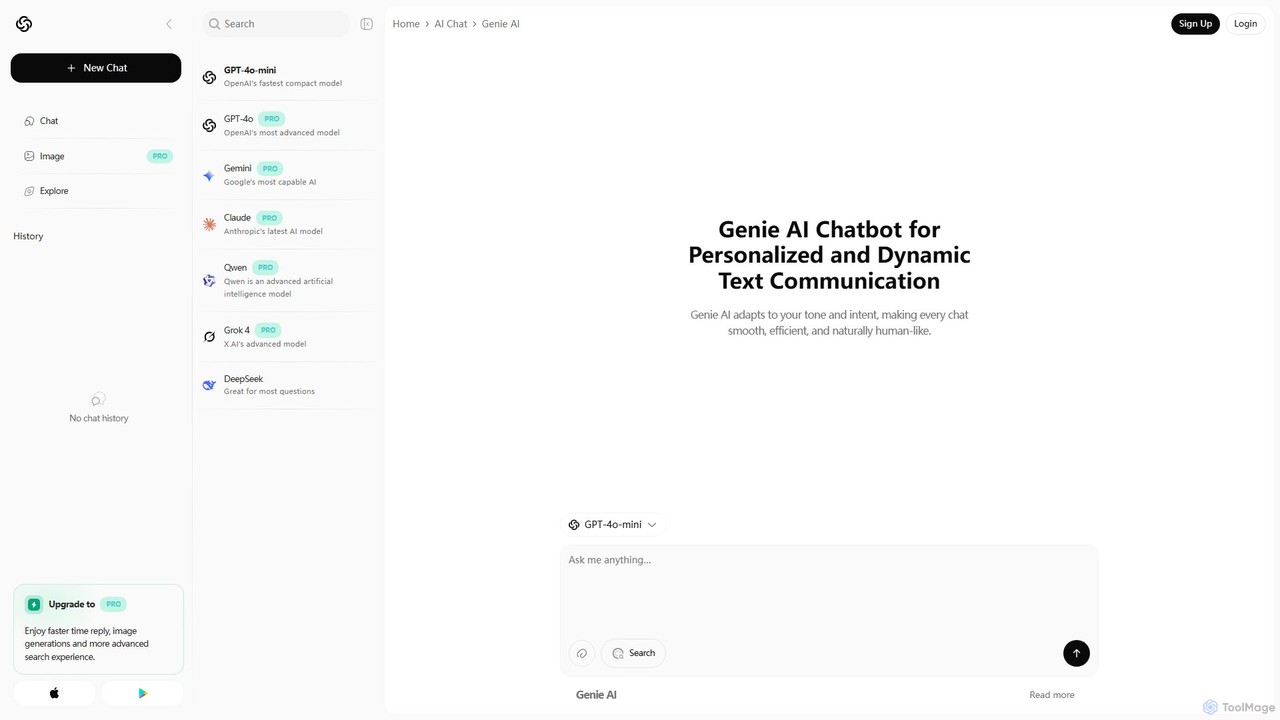
Genie AI
Genie AI is a versatile, multimodal AI assistant powered by GPT-4o. It integrates conversational AI, content creation, 3D model generation (via Luma), and business intelligence analytics (via Databricks) into a single, cross-platform interface. Designed for teams, creators, and knowledge workers to boost productivity.
Writing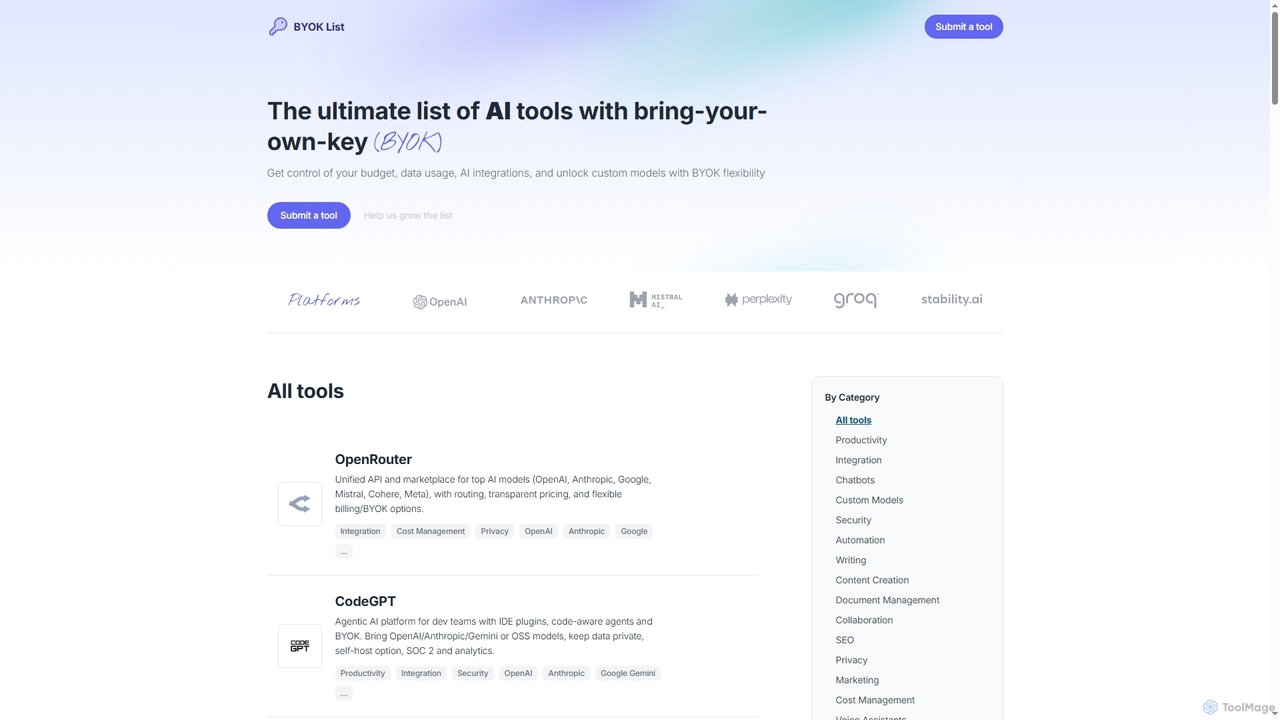
BYOKList
BYOKList is the ultimate directory for discovering AI tools that support Bring-Your-Own-Key (BYOK) functionality. It empowers users to manage their budget, data usage, and AI integrations, while also enabling access to custom models with enhanced flexibility.
Ai ResourceGPT-4o.so
GPT-4o.so is a comprehensive AI platform offering free access to OpenAI's advanced multimodal model, GPT-4o. It allows users to interact with AI through text, image, and audio. Beyond a simple chat interface, the platform aggregates over 50,000 other AI tools and provides specialized utilities like citation generators. It operates on a freemium model, providing a gateway for both casual users and professionals to leverage cutting-edge AI.
Multimodal ChatMacCopilot
MacCopilot is a native AI assistant for macOS that revolutionizes productivity. It allows you to select any area of your screen and instantly start a conversation with advanced AI models like GPT-4o, Claude 3.5, and Gemini. Get immediate insights, code explanations, email drafts, and more, without ever leaving your current window. It's a seamless bridge between your screen's content and powerful AI.
Code AssistantHelperAI
HelperAI is a versatile AI-powered assistant designed to boost productivity and streamline workflows. It helps users with content creation, data analysis, code generation, and task management through an intuitive chat interface and a rich library of templates.
Code Assistant
Cosmicup
Cosmicup is an all-in-one AI platform offering unlimited access to a wide array of advanced AI models like ChatGPT 5, Claude 4.5, Gemini 2.5, and Grok 4 through a single subscription. It streamlines workflows with features including multi-model interaction, code assistance, document analysis, real-time web search, deep research, and AI image generation, eliminating the need for multiple subscriptions.
Multimodal Ai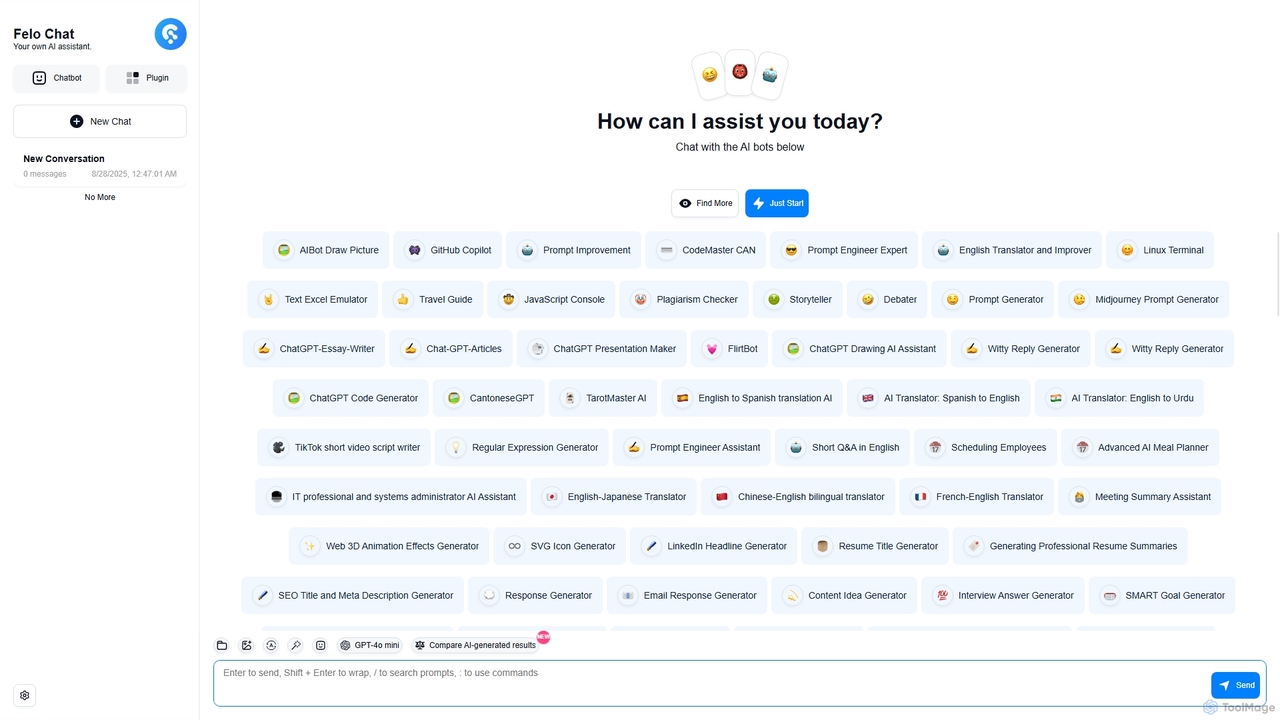
Felo Chat
Felo Chat is a versatile AI assistant platform providing free access to leading AI models like GPT-4o, Claude, and Gemini. It features an extensive library of specialized AI bots for various tasks, from coding and content creation to translation and data analysis. With support for text, file, and image uploads, Felo Chat serves as a comprehensive, all-in-one solution for professionals, students, and creatives.
Code Assistant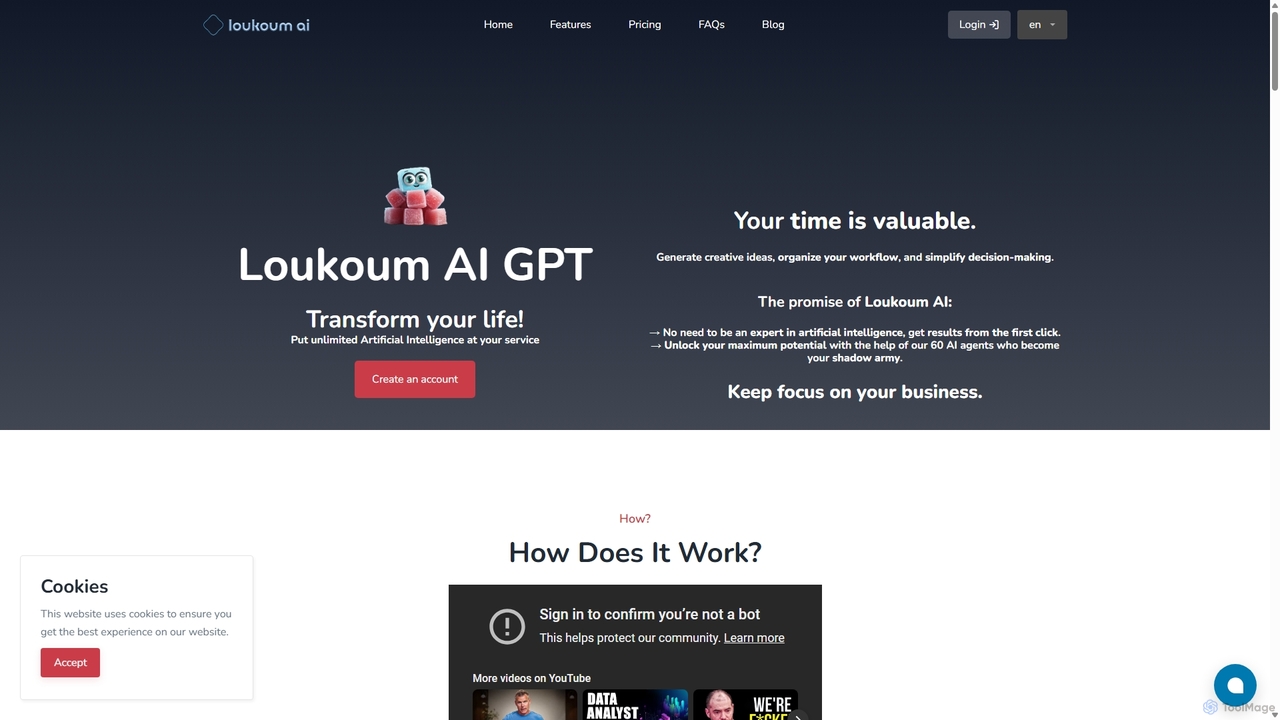
Loukoum AI
Loukoum AI is a versatile AI-powered personal assistant designed to enhance productivity. It offers a dual approach: engage with over 60 specialized AI agents for expert advice in various fields, or use a vast library of 60+ content creation templates for specific tasks. Powered by the latest GPT models, it simplifies content generation, workflow organization, and decision-making for marketers, writers, and entrepreneurs without requiring prompt engineering expertise.
Writing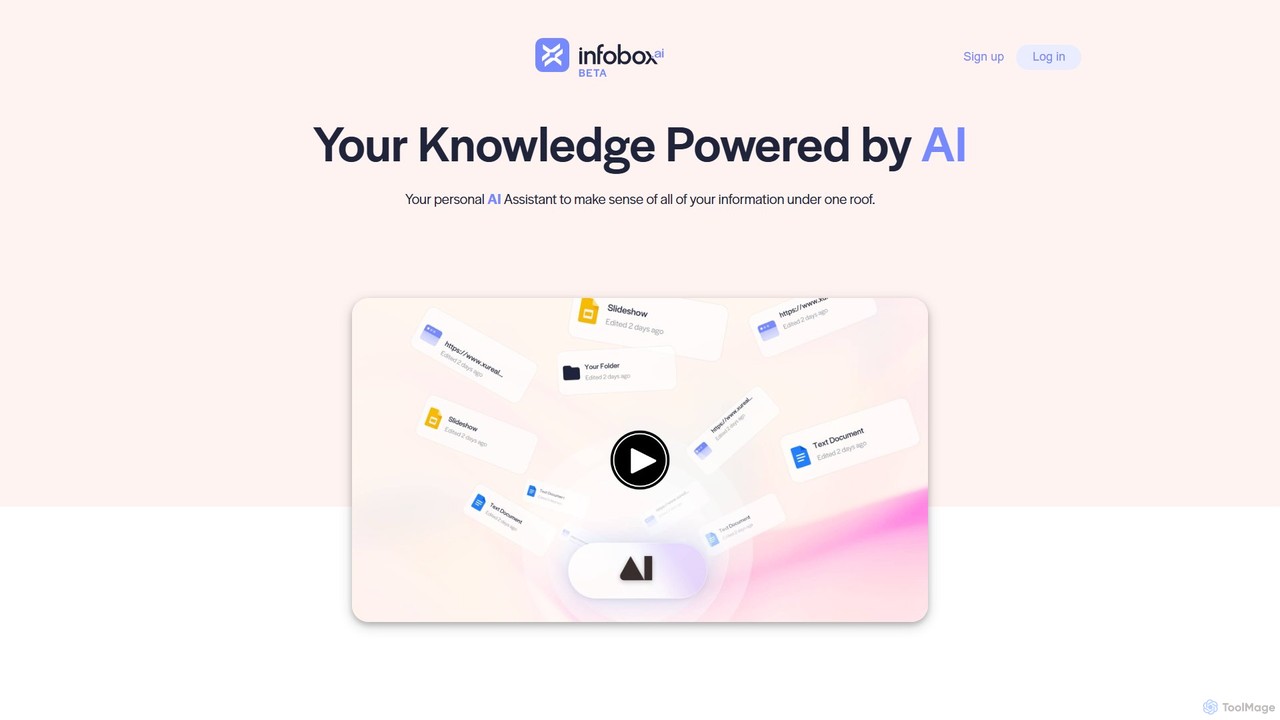
infoboxAI
infoboxAI allows you to create a personalized AI assistant trained on your own data. Easily import content from websites, documents, or Google Drive to build a secure knowledge base. Deploy it as a website chatbot for customer support, an internal tool for team knowledge sharing, or for analyzing large volumes of data, all while maintaining full control and confidentiality over your information.
Chatbot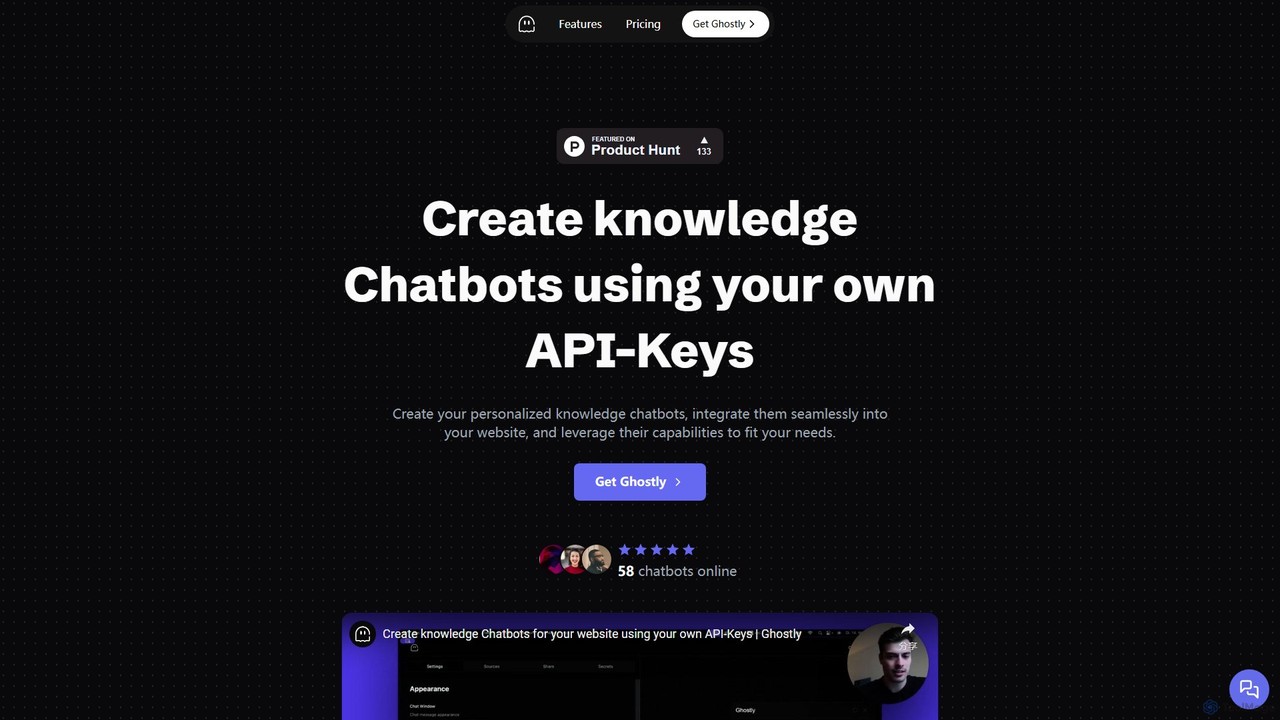
Ghostly
Ghostly is a platform for creating custom AI chatbots trained on your own data. It features a unique 'Bring Your Own API Key' model, allowing you to control AI usage costs directly. Easily build, customize, and embed a chatbot on your website in minutes by uploading files or adding URLs. It supports GPT-3.5, GPT-4, and GPT-4o, offering deep customization of behavior and appearance to match your brand.
Chatbot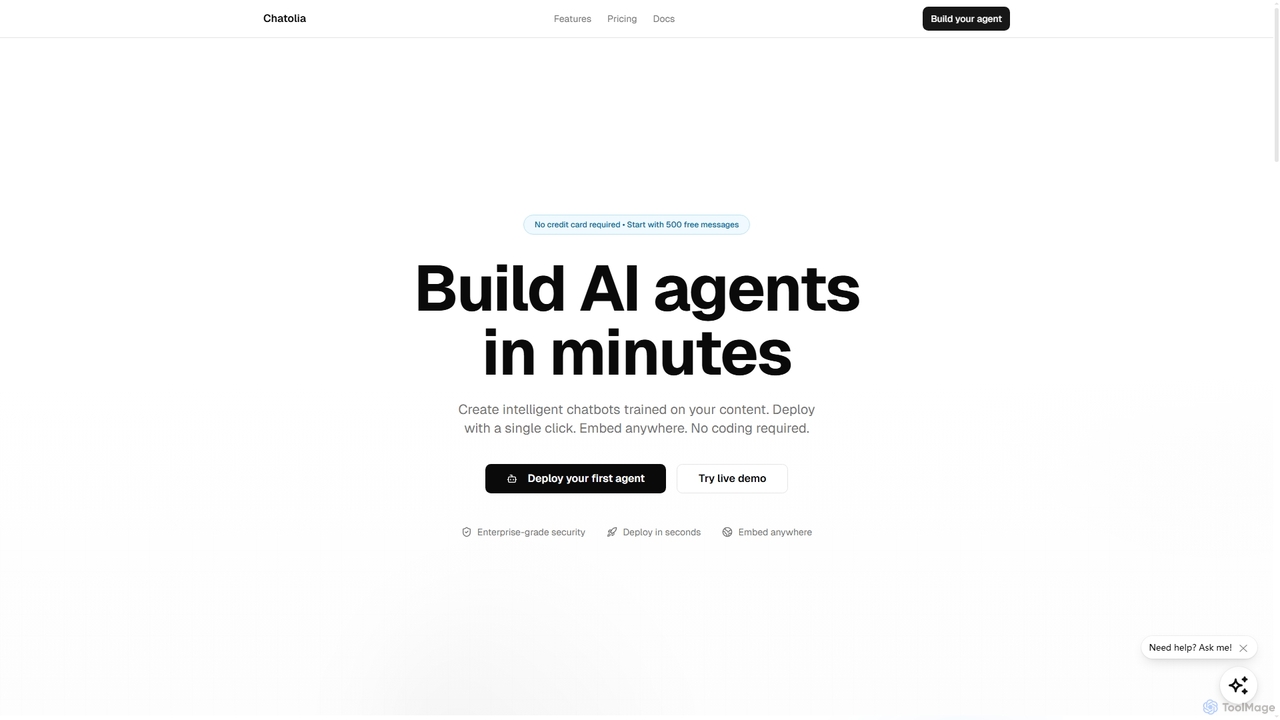
Chatolia
Chatolia is a no-code platform for building and deploying intelligent AI chatbots. Train agents on your own content, such as documents and URLs, and embed them on any website in minutes. It offers access to various AI models like GPT-4, Claude, and Gemini, with features for multi-agent workspaces and team collaboration. Ideal for creating AI-powered customer support agents.
Chatbot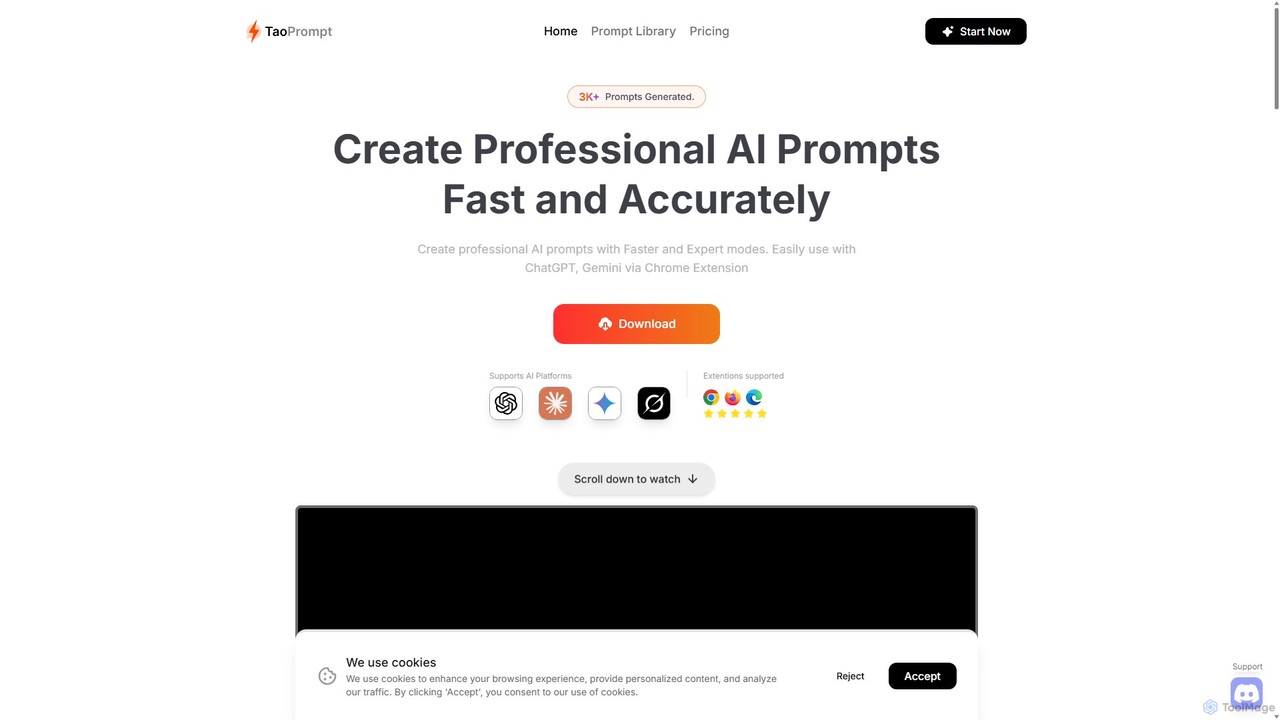
TaoPrompt
An AI-powered tool that helps users create professional, high-quality prompts for major AI chatbots. It simplifies prompt engineering, allowing anyone to generate optimized requests to turn AI into a domain expert, saving time and improving accuracy.
Code Assistant
ChatHelp.ai Comments (0)
Sign in to comment.
Sign inNo comments yet.